Kamera Schreibtisch
Content

Advantages of visualisers in various applications

Visualisers offer a range of benefits depending on their area of application. Whether in schools or offices, they make it easier to present documents, objects and content, ensuring a clear and efficient display.
Benefits of a visualiser for schoolsBenefits of a visualiser for the office
More engaging lessons
Worksheets, books and learning materials can be displayed for the whole class to see.
Efficient presentations
Documents and files can be displayed quickly and easily for meetings and presentations.
Collaborative work
Tasks, drawings or notes can be shown live and discussed together.
Delivering training
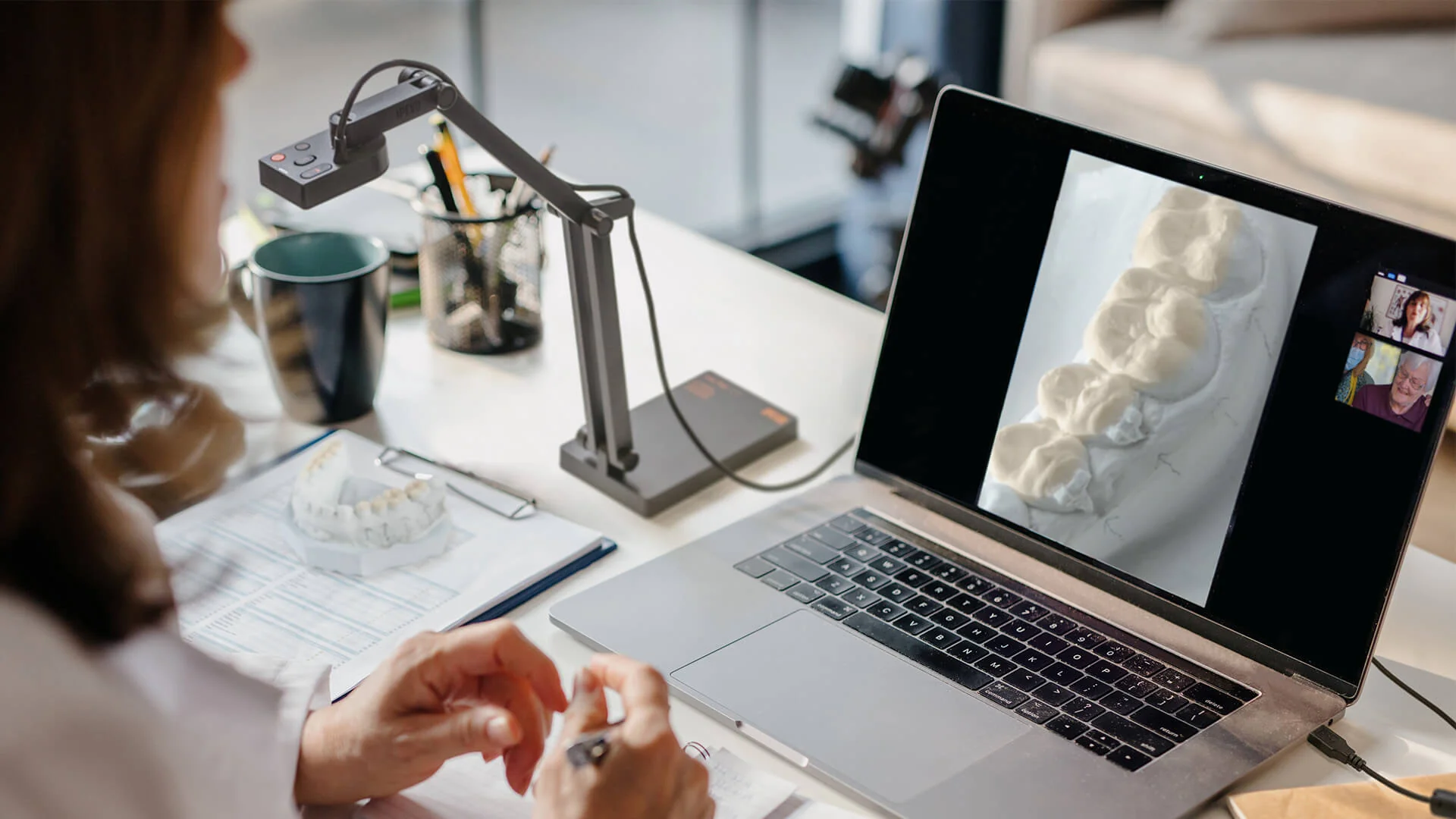
Content such as user manuals can be easily displayed on screens or shared during video conferencing.
Demonstrating experiments
Even small objects and experiments can be presented in detail and viewed by all.
Versatile
Ideal for meetings, presentations and collaborative document editing.
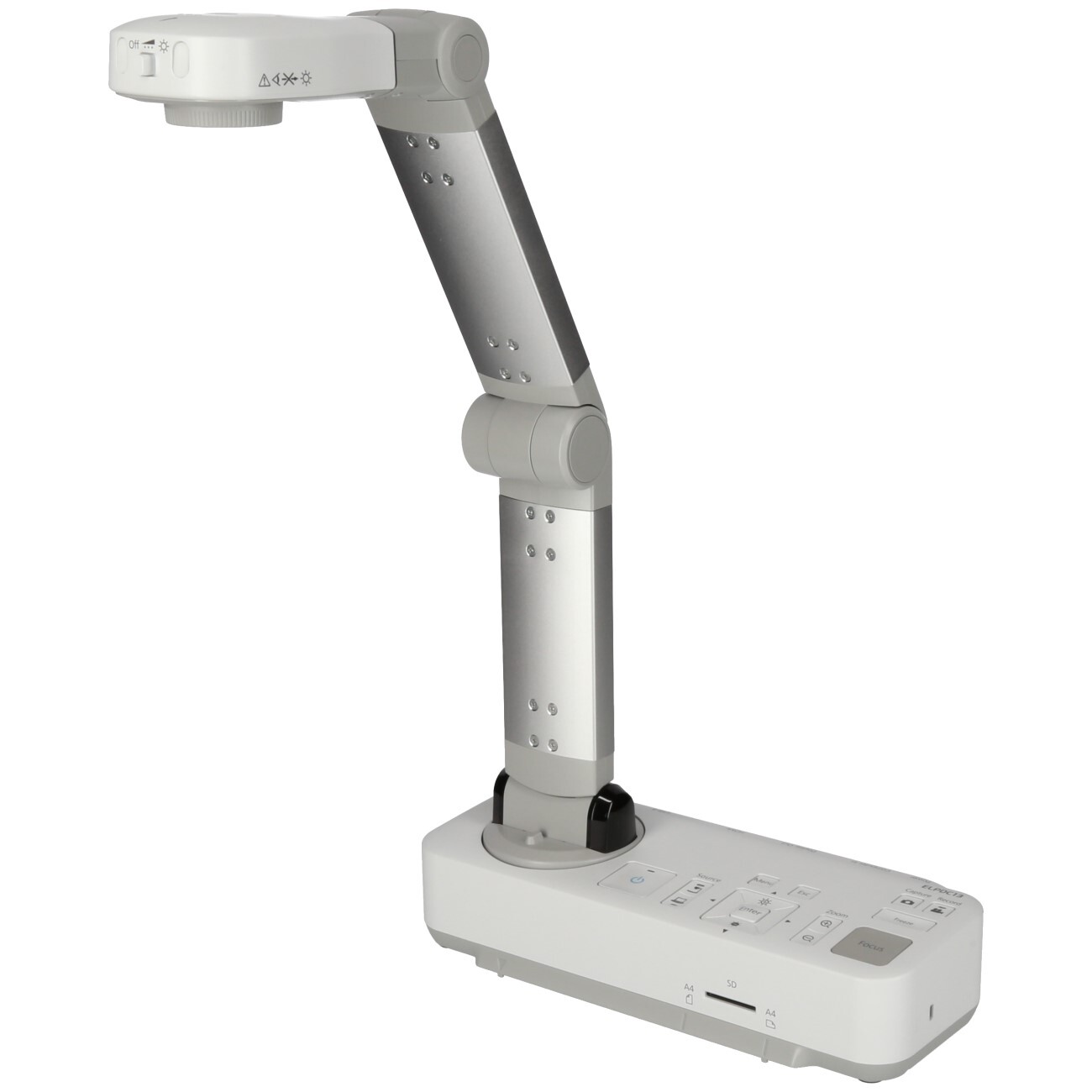
dokumentenkamera_belkin

What is a visualiser?

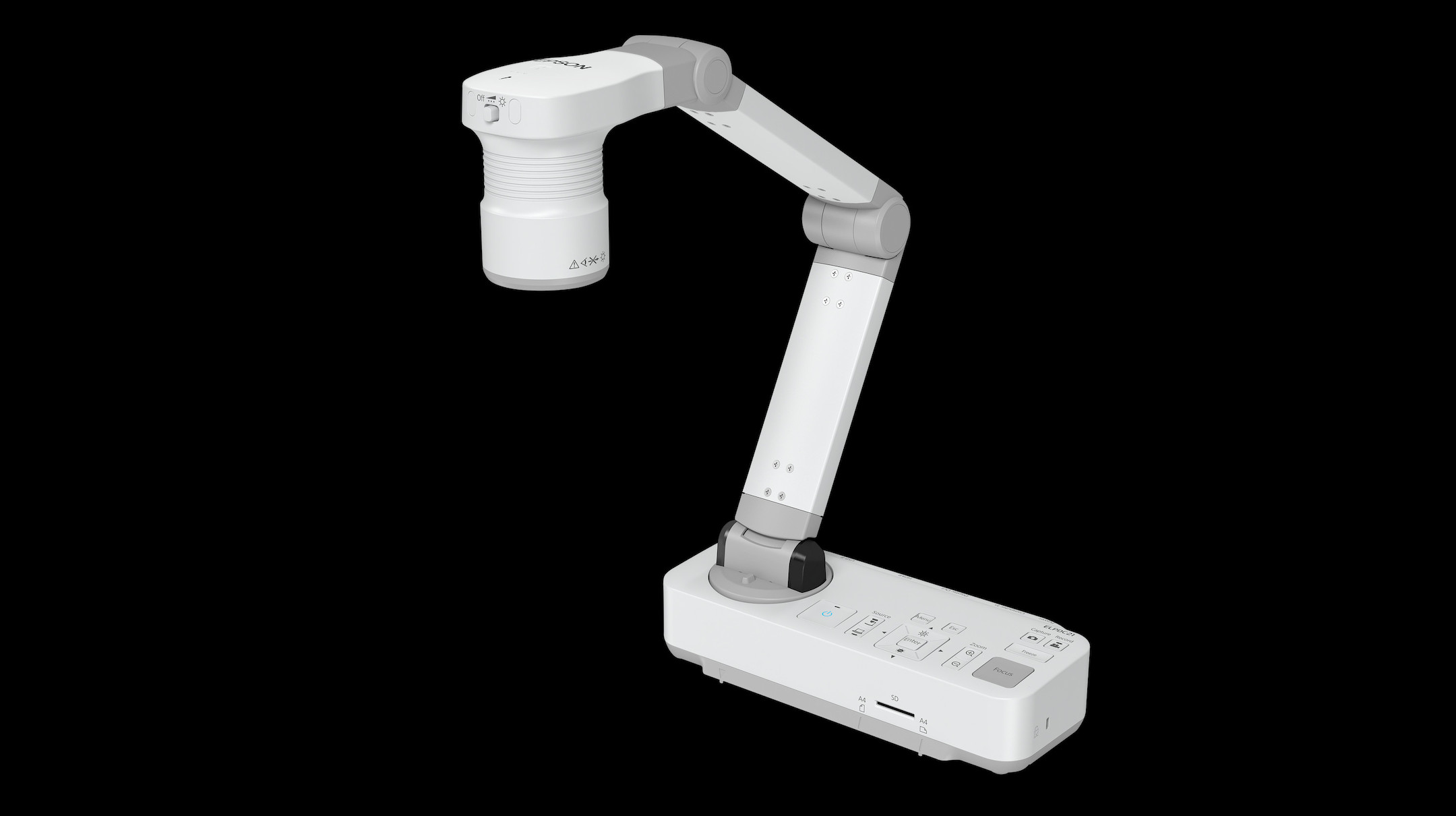
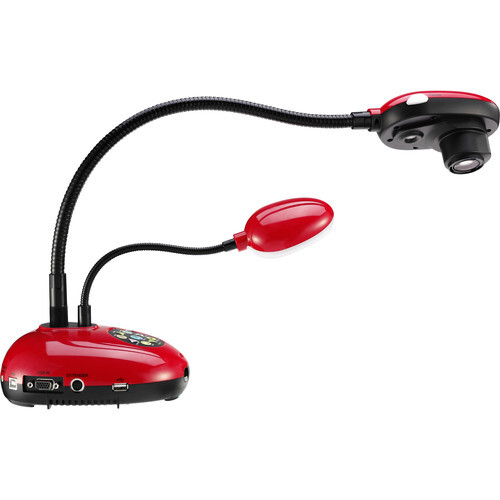
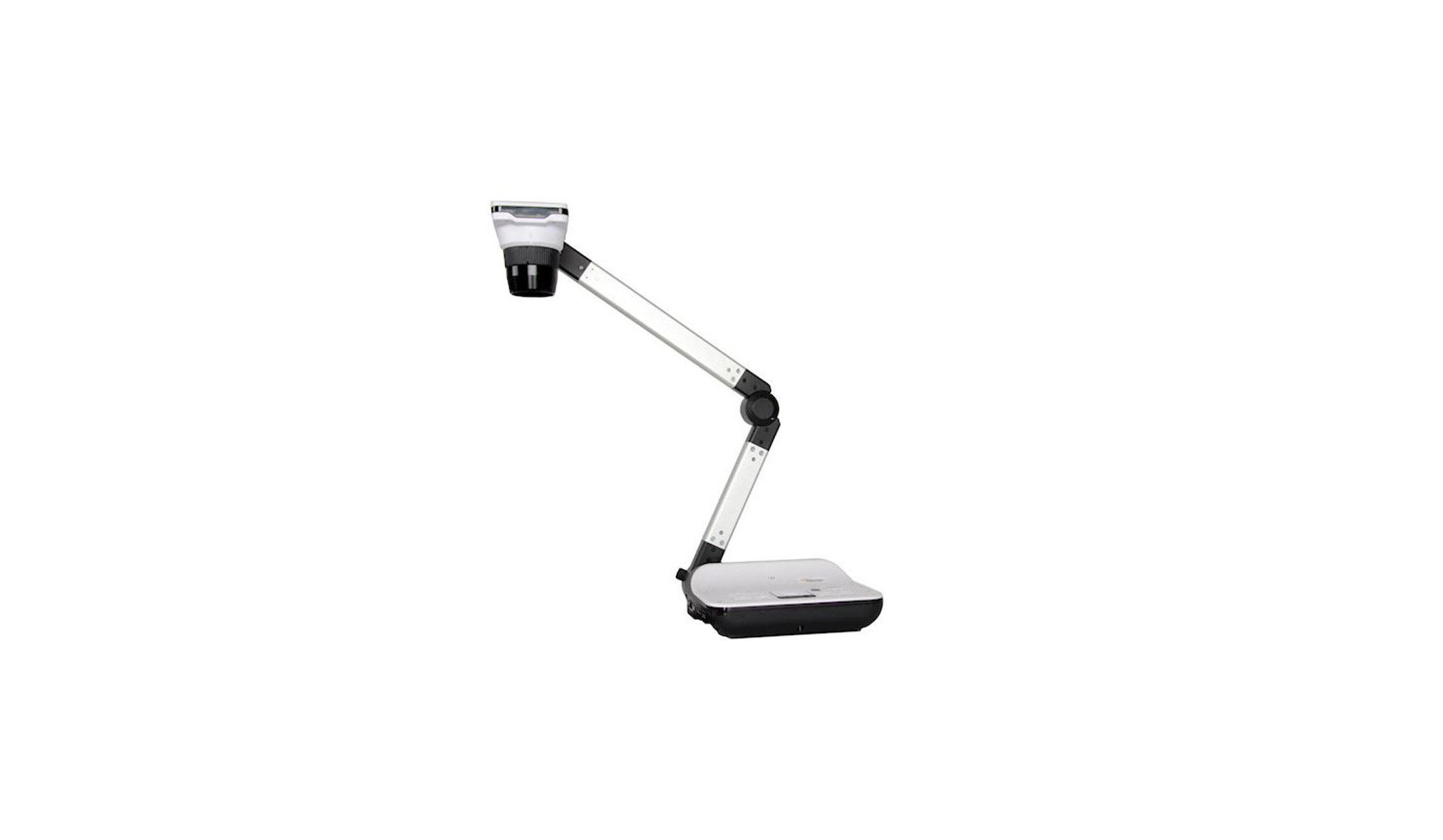
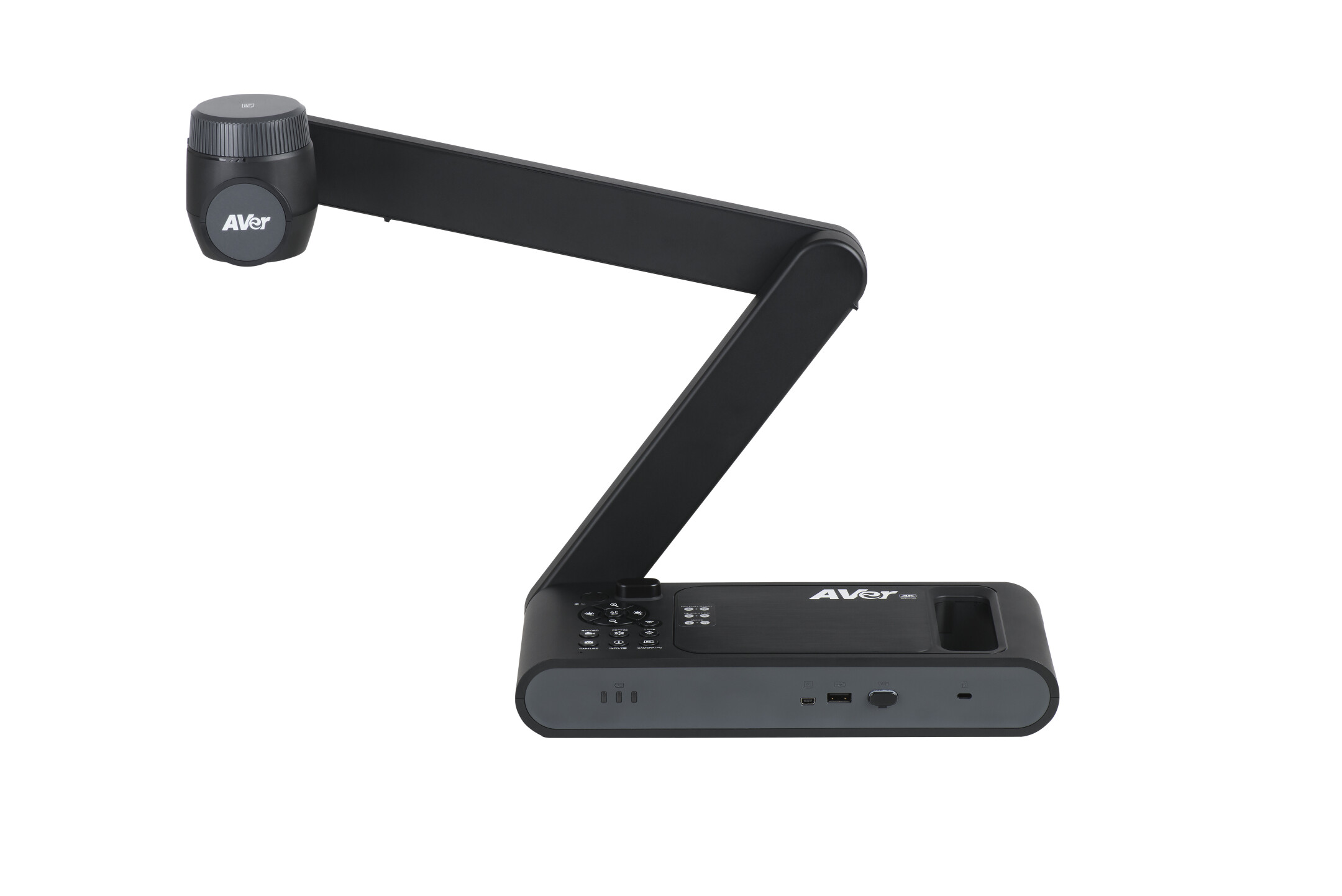
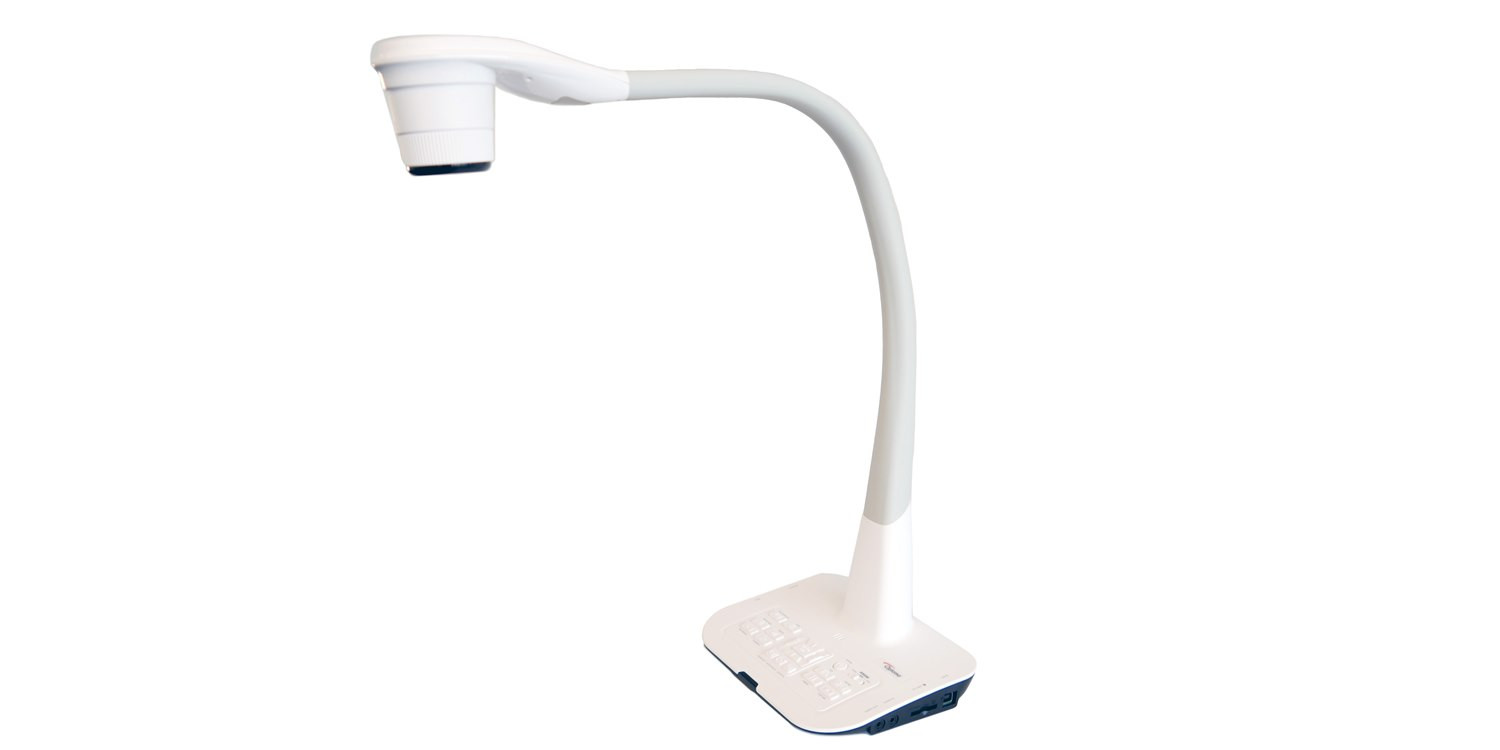
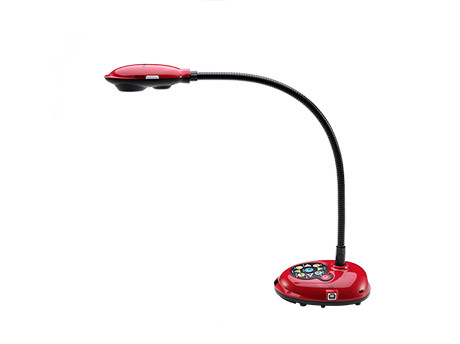
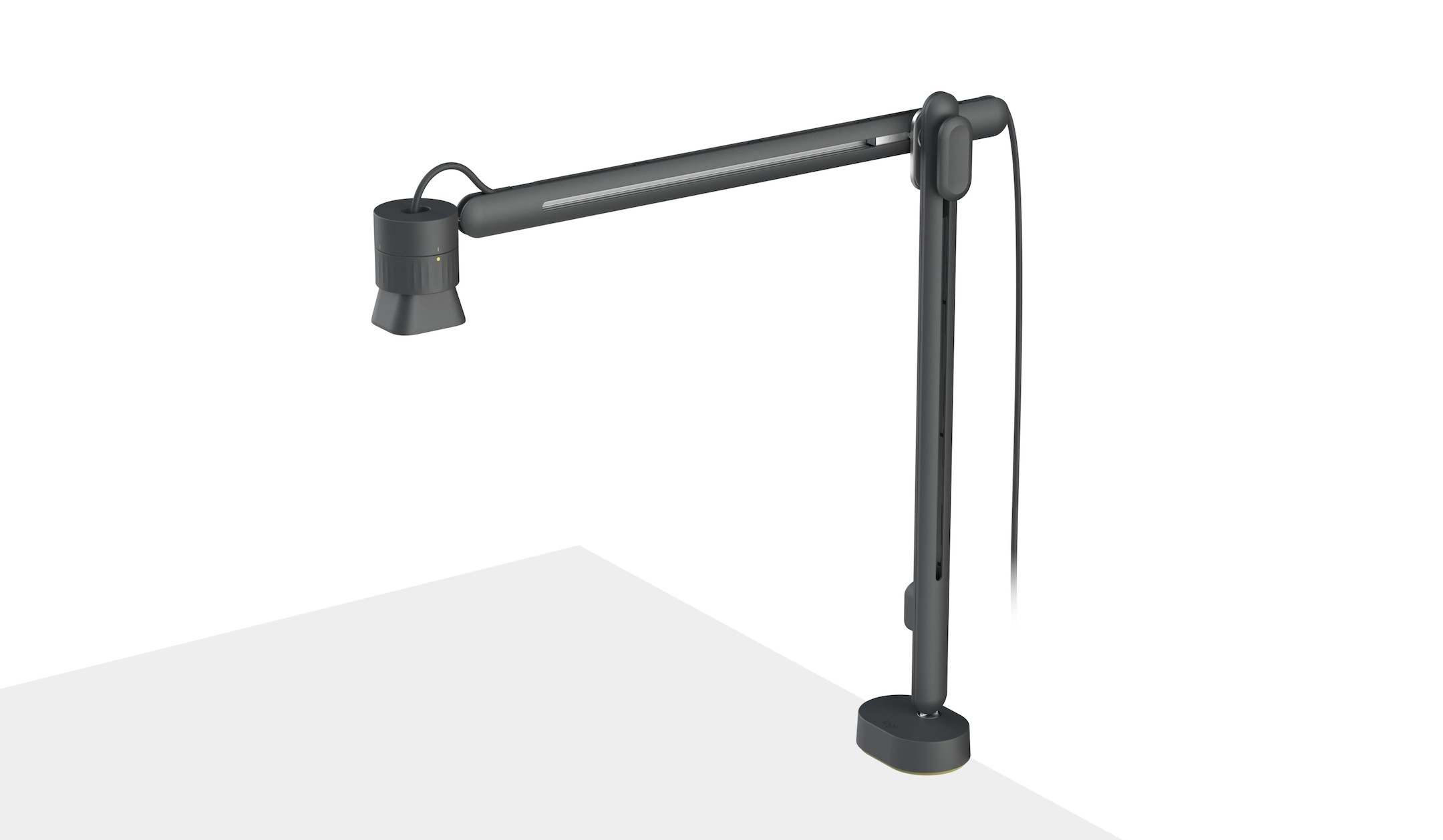
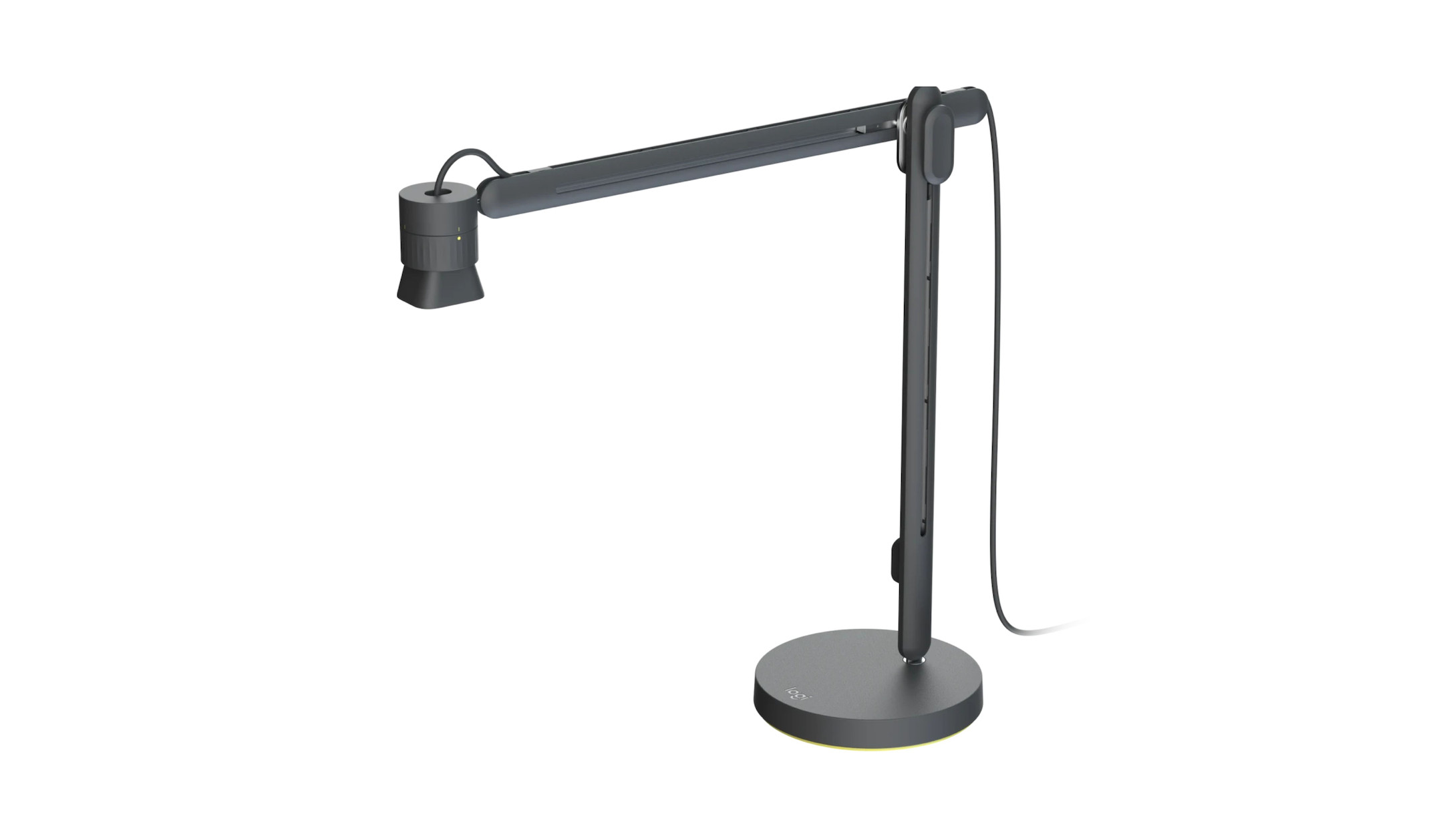
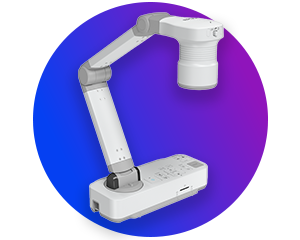
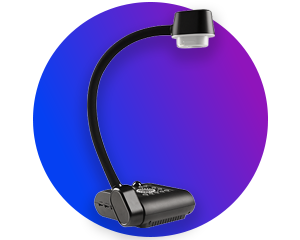
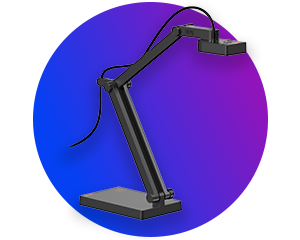
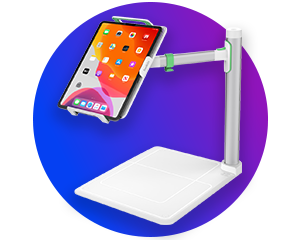
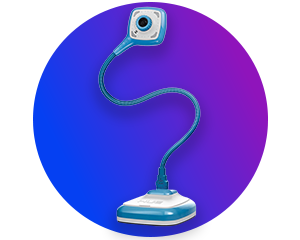
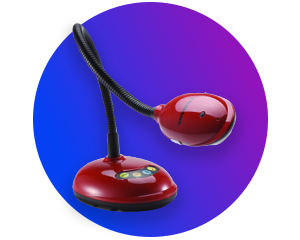
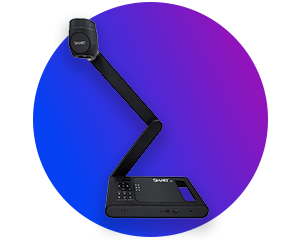
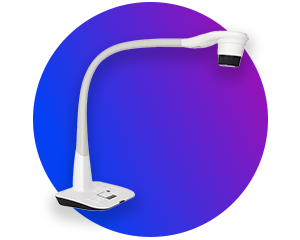
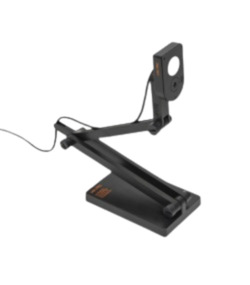
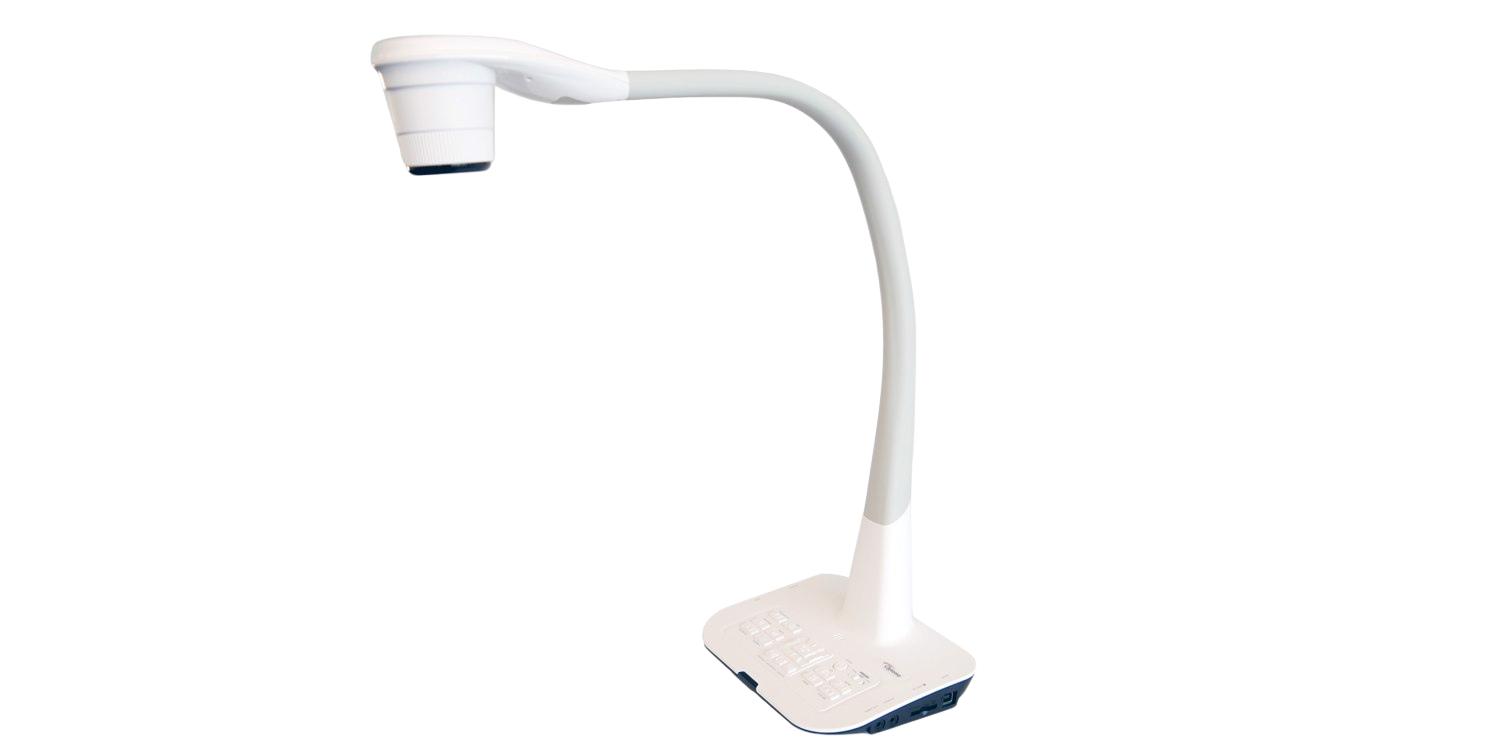
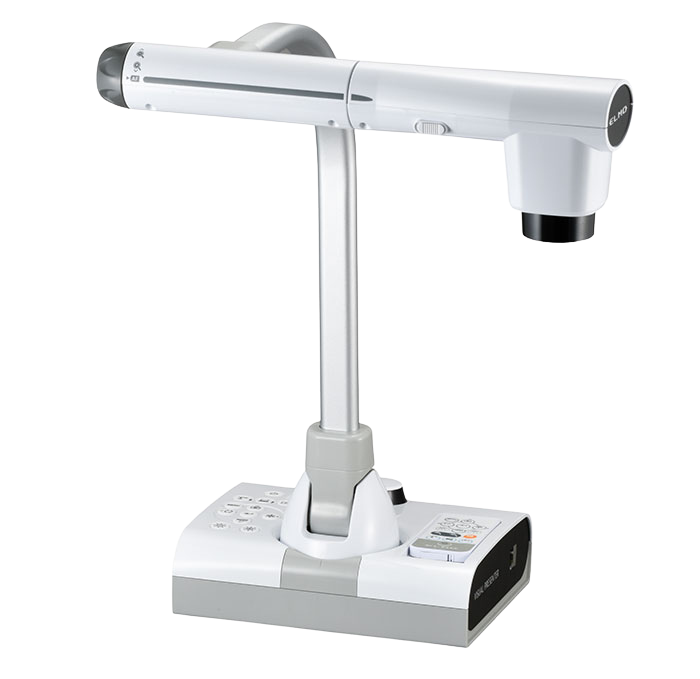
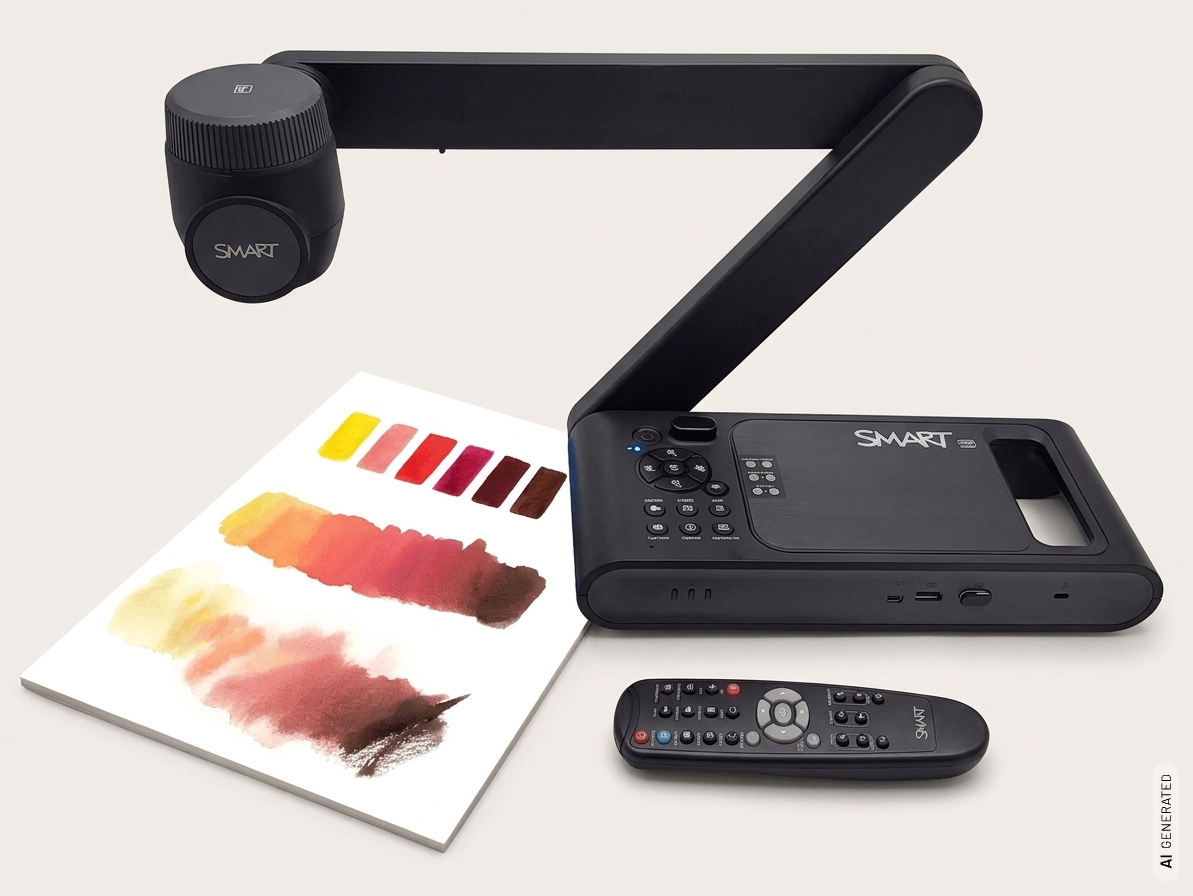
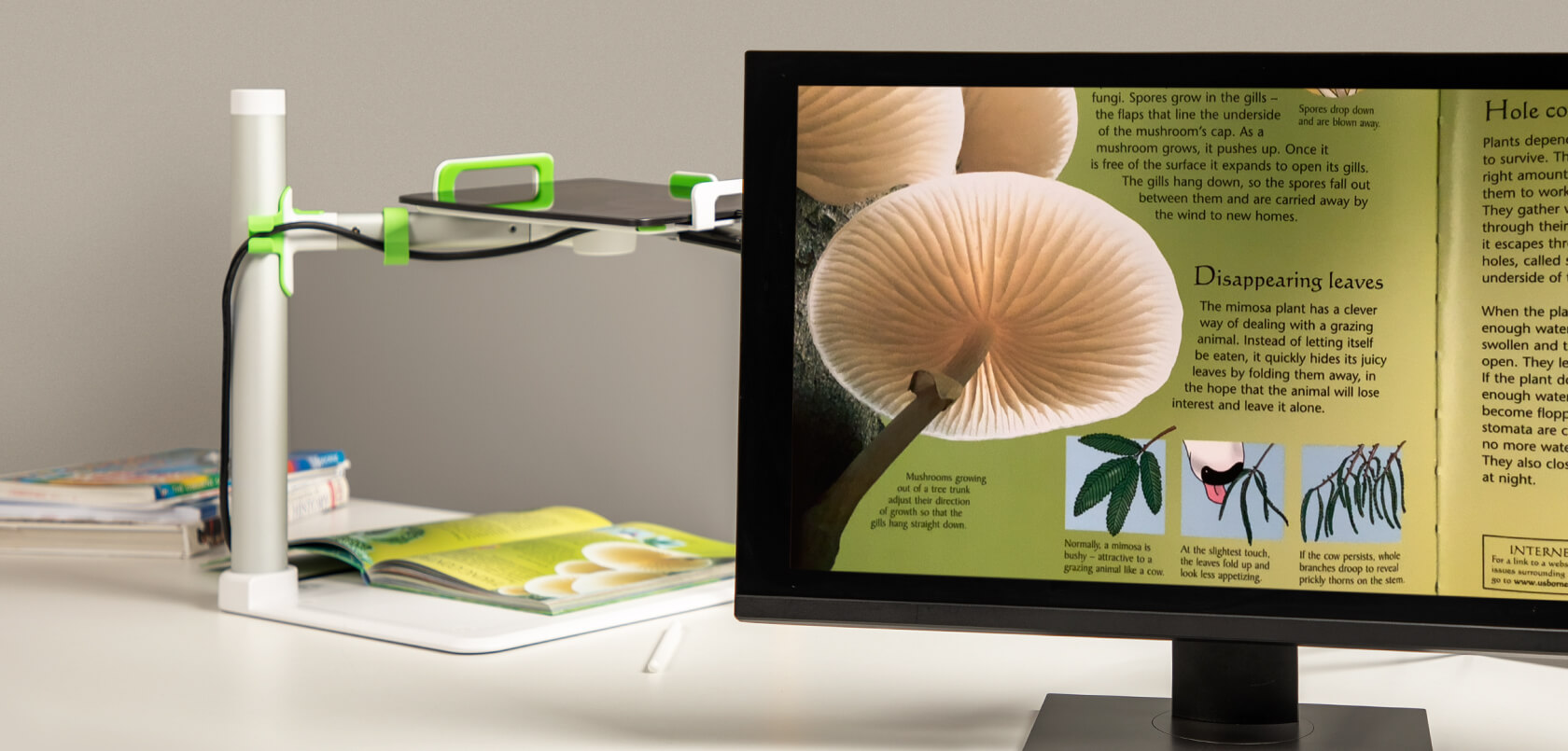
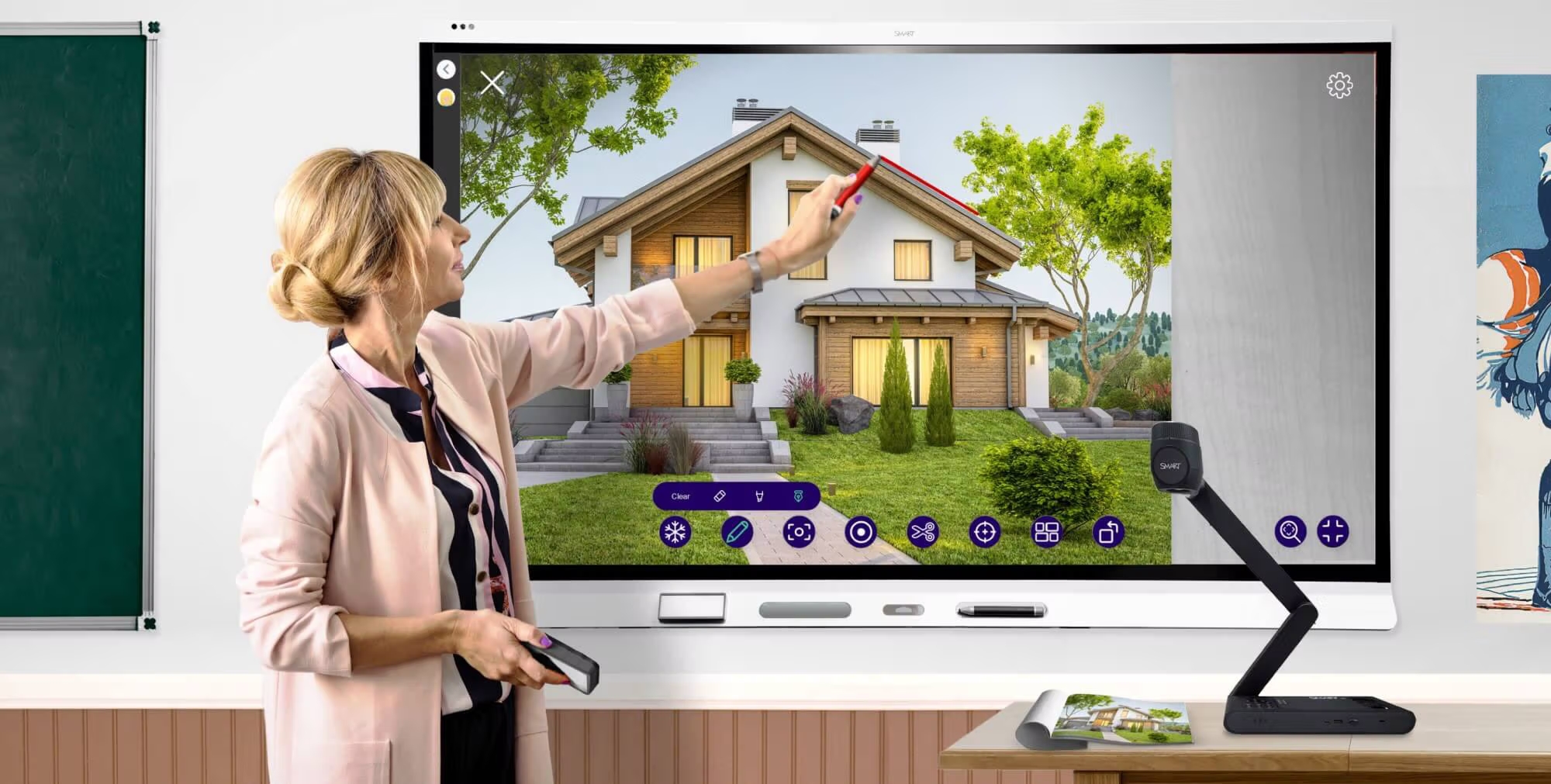
A visualiser is a handy device that allows documents, worksheets, objects and other materials to be captured in real time and displayed on a screen, projector or interactive touch display. This makes it possible to share content with an entire group without everyone needing to have the same material in front of them.

Visualisers are primarily used in the classroom, for presentations, in meetings and in digital learning. Whether you need to explain a page from a book, work through a handwritten exercise together, demonstrate an experiment or present an object in detail – visualisers make content visible quickly and easily, ensuring a clear and vivid presentation.
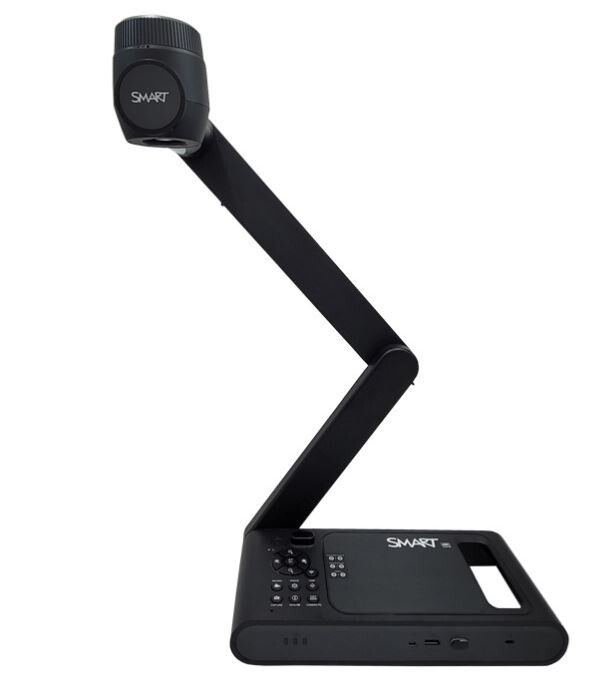
dokumentenkamera-smart-3

How do you connect a visualiser?

How do you connect a visualiser? Depending on the model, each visualiser has different connections and connection options. The most common options are USB and HDMI, which allow the visualiser to be connected to a laptop, monitor, projector or display.

How much does a good document camera cost? Price ranges at a glance

The question “How much does a good document camera cost?” is one of the most common questions when buying a document camera. The price depends on what you plan to use the camera for and what your requirements are in terms of image quality, features, and ease of use. While basic models are already suitable for fundamental applications, higher-priced document cameras offer additional features such as higher resolution, flexible camera systems, or expanded connectivity options. A look at the various price ranges and features will help you find the right document camera for your needs and budget.
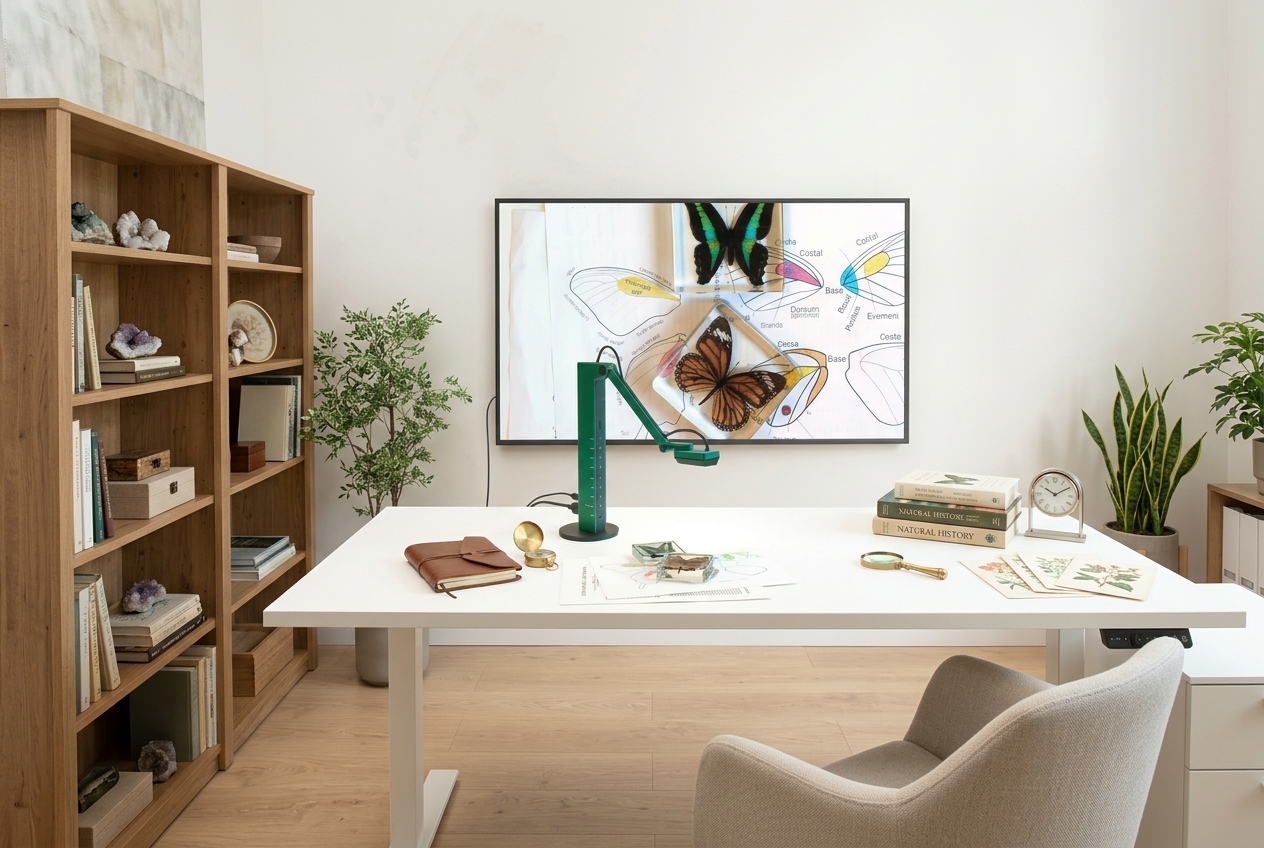
dokumenten_kamera_beige

Visualisers put to the test: our recommendations

Our experts have thoroughly tested popular visualisers and compiled a clear overview of the top models. In doing so, we’ve taken into account factors such as image quality, ease of use, connectivity options and features. We’ve also compared the prices of the various models so that you can quickly find a visualiser that suits your needs and budget.

Whether for school, the office, presentations or digital lessons – in our selection you’ll find a range of models and features to suit different applications and budgets.

What is a visualiser used for?

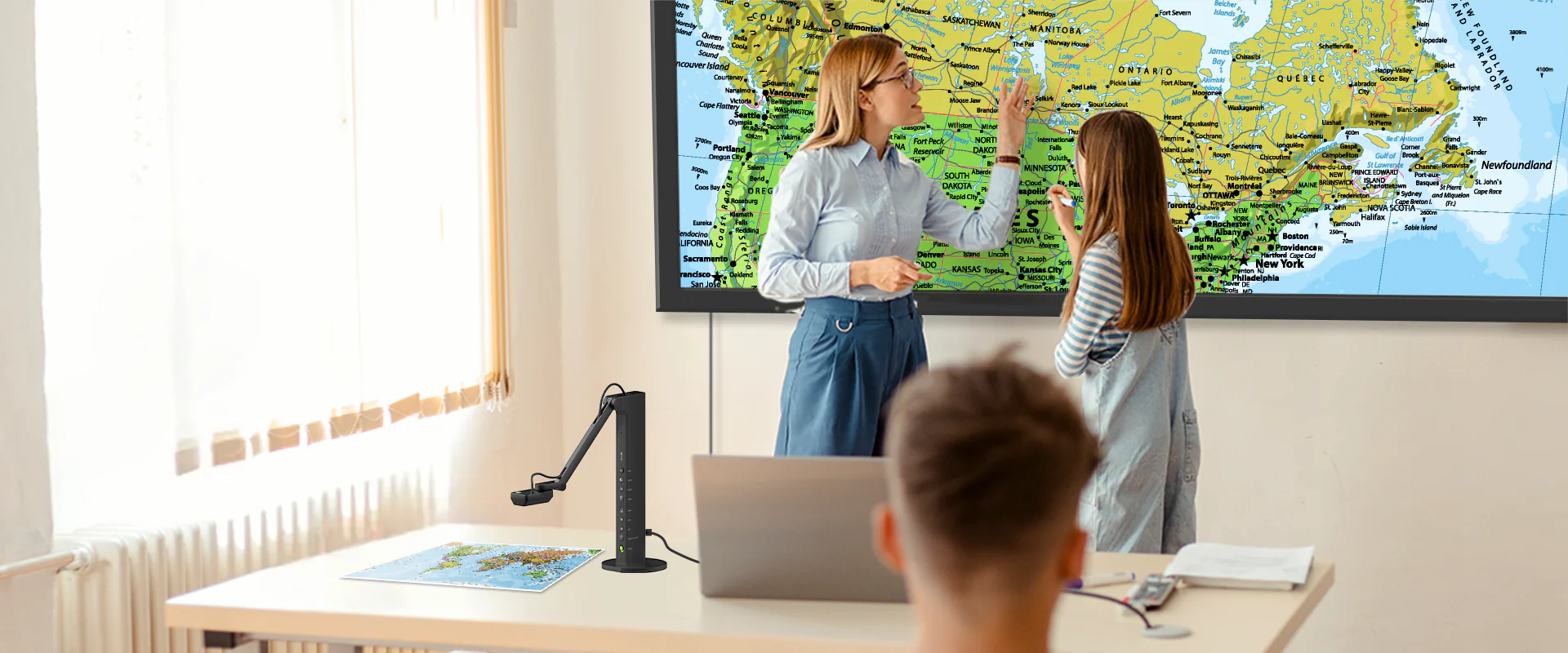
Visualisers are suitable for a wide range of applications where documents, objects or other materials need to be displayed live and visible to several people. They are particularly common in schools and other educational institutions, for example to clearly demonstrate worksheets, pages from books, drawings or experiments during lessons.

Visualisers also offer practical solutions in meeting rooms, businesses and during presentations. Documents can be viewed collectively, small objects or products can be presented in detail, and work processes can be demonstrated in real time. Thanks to their ease of use, content can be transferred quickly and easily to a projector, a display or a computer.
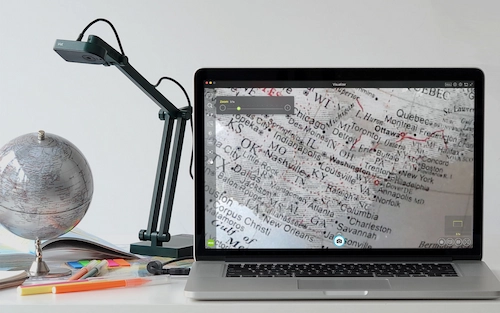
ipevo-v4k-dokumentenkamera-geografie-unterricht-globus
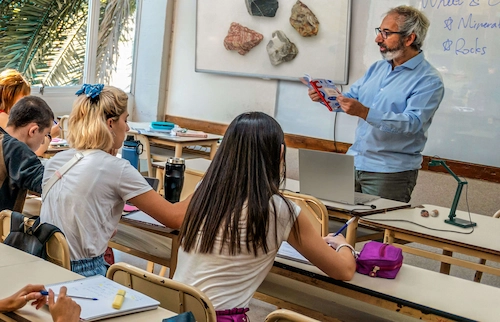
ipevo-v4k-dokumentenkamera-biologie-unterricht
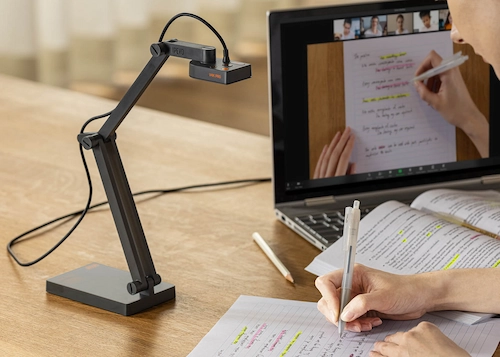
ipevo-v4k-pro-dokuemtenkamera-hybrider-englisch-unterricht

Our tips before you buy a visualiser

To help you find the right visualiser for your needs, there are a few key criteria you should bear in mind.

Pay attention to image quality

Text, images, and objects should be displayed sharply and in high detail—even when projected onto large displays or screens.

Take advantage of flexibility

A movable camera head, zoom, and a flexible camera arm make it easier to display a wide variety of documents, objects, and experiments.

Choose the Right Resolution

Full HD or 4K? A high resolution ensures a particularly sharp and detailed display and makes even small details clearly visible.

Check the Connectors

HDMI, USB, and other interfaces allow for easy connection to displays, projectors, and other media devices.

The right equipment for your visualiser

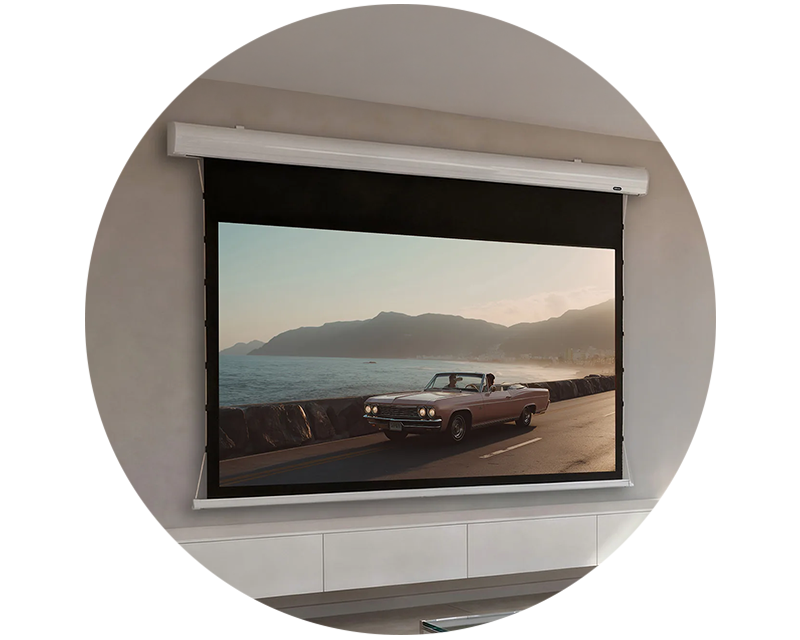
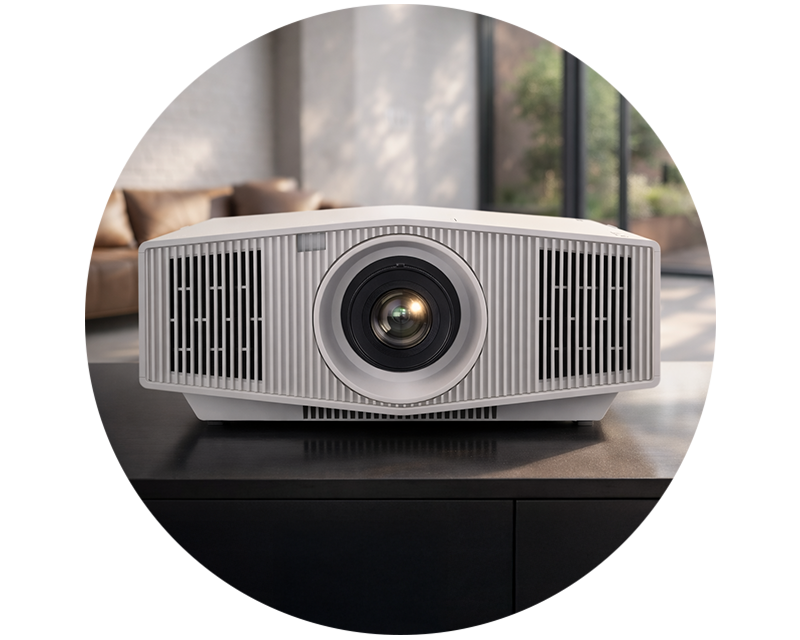
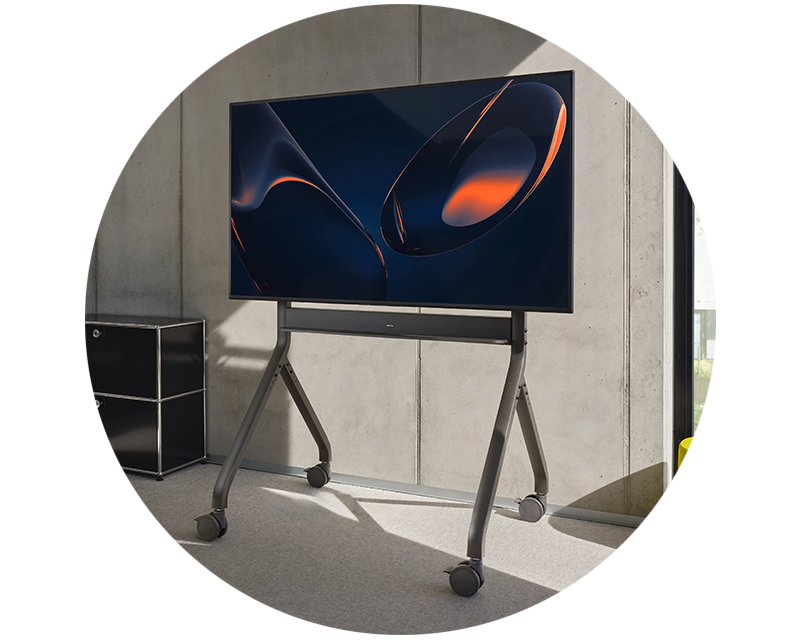
With the right equipment, you can get even more out of your visualiser. Put together your complete presentation package and discover suitable projectors, projection screens, displays and monitors – for optimal presentation in the classroom, office or at presentations.

ipevo_kameraa

Delivering hybrid lessons

  • Using a visualiser as a webcam
  • Presenting pupils’ and group work
  • Discussing homework
  • Illustrating feedback on pupils’ work
  • Showing content from specialist books that not every pupil has
  • Photograph results, save them and make them available to the class
ipevo_kamera_bio

Projecting and enlarging documents

  • Present models from biology lessons from all angles, e.g. the heart, eyes, brain, skull
  • Demonstrate small table-top experiments to the whole class
  • Show enlarged views of plant parts (Tip: With additional microscope adapters, you can examine the inside of a flower in greater detail, for example.)
  • Demonstrate how to use tools, e.g. how to handle a soldering iron
  • Create photos and videos for presentations

Visualisers in practical use

The following video demonstrates how a modern visualiser works in practice, using the ELMO L-12G as an example. Discover how documents, objects and other content can be captured and presented clearly.

Answers to the most frequently asked questions about visualisers

Which visualiser is best suited to you depends on your specific needs. On our ‘Top Picks’ page, you’ll find an overview of various models and can easily work out which visualiser best meets your requirements.
Visualisers are mainly used in the classroom, for presentations, training sessions and meetings. Depending on the model, they can be used to display not only documents but also books, worksheets, three-dimensional objects or small-scale experiments.
Depending on the model, the visualiser can be connected directly to a projector or display via HDMI or VGA. A USB connection is often used when connecting to a computer. The connections required depend on the specific model.
That depends on what you’re using it for. Full HD is often sufficient for viewing standard documents. If you want to view particularly small text, fine details, drawings or objects, you may benefit from a higher resolution such as 4K. As well as resolution, the sensor, lens and image processing also play an important role.
Visualisers are particularly common in the education sector, for example in schools, universities and on training courses. They are also used in meeting rooms, during presentations and at hybrid events
As well as resolution, factors such as the field of view, zoom, autofocus, refresh rate and available connections play an important role. The intended use – for example, in the classroom, for presentations or for video conferencing – should also be taken into account when making a choice.
Many modern visualisers allow you to capture images and videos as well as display them in real time. This means, for example, that lesson content, demonstrations or explanations can be recorded and reused later. The recording and storage functions available depend on the specific model.

visunext Contact persons

Do you have any further questions about buying a visualiser?

We’d be happy to consult with you personally by phone or email! If you’d prefer us to call you back free of charge, simply leave your contact details.

Loading...
Upload in progress, please be patient ...