How do I find the right TV?

To help you find the perfect TV at visunext, we’ve set out below all the key features you need to know about televisions

surround-anlage

How do I find the right TV?

To help you find the perfect TV at visunext, we’ve set out below all the key features you need to know about televisions

Whether you’re a film buff looking for the ultimate cinema experience, a gamer who needs a fast response time, or someone who wants to make the most of their evenings: choosing the right TV can be tricky. We’ll guide you through the maze of TV terminology and explain the differences between LCD, OLED, QLED and Mini-LED, what HDR, HDR10+ and Dolby Vision actually mean, and how to work out the perfect viewing distance for your living room.

Content

What Smart TV features should I look out for when buying a TV?

Modern Smart TVs offer far more than just traditional television: they combine entertainment, connectivity and personalisation in one device.

samsung-the-frame-lifestyle
When the Samsung The Frame is not in use, it can display digital artworks. Perfect for stylish living rooms!

How can I improve the sound on my TV?

To ensure your TV has good sound quality, it’s a good idea to invest in an external audio system. The sound from built-in TV speakers often leaves a lot to be desired, particularly with models that are becoming increasingly slim.

Improving TV sound with soundbars

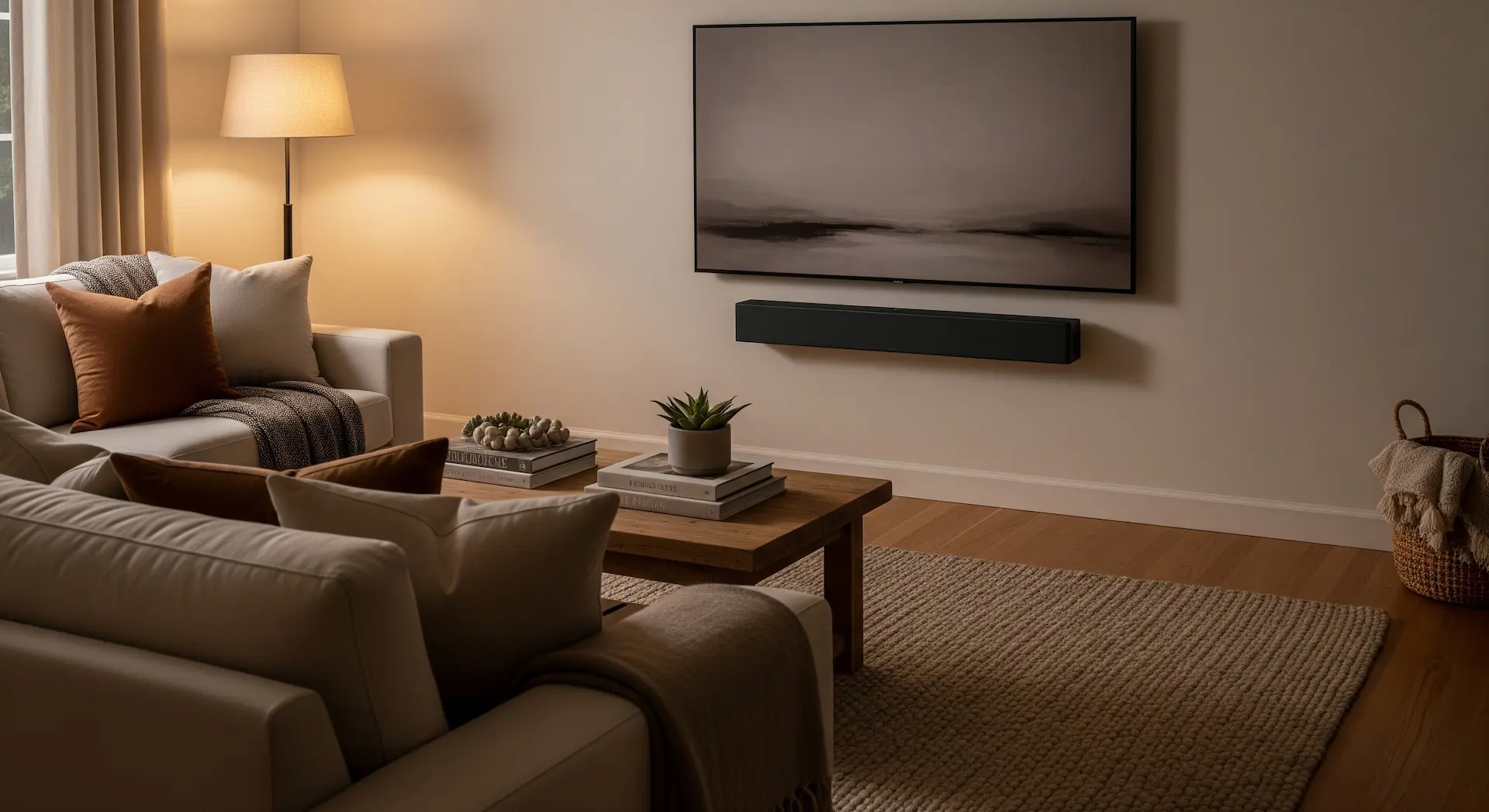
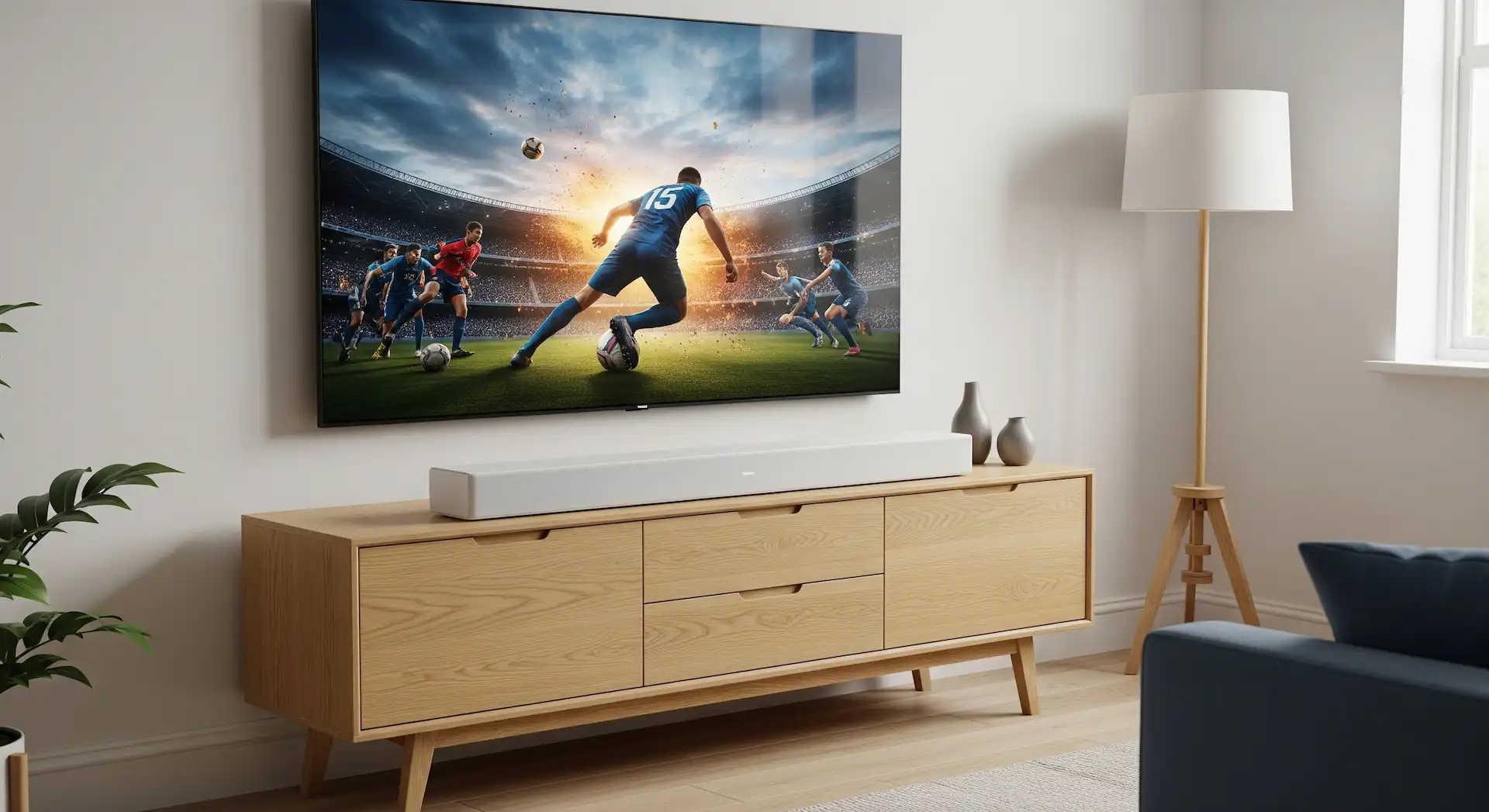
Soundbars are slim, bar-shaped speakers that are usually placed in front of or beneath the television. Compared to the built-in TV speakers, soundbars deliver significantly higher sound quality and improved speech intelligibility.

Virtual surround technology creates a sound that fills the room. For even more power, many soundbars can also be combined with additional speakers and subwoofers in the room to create a genuine surround sound setup. This allows soundbars to achieve a surprisingly spacious soundstage, particularly in small and medium-sized rooms.

Smart soundbars also offer a wide range of additional features, such as wireless music streaming or the option to connect to other speakers in your home to create a multi-room setup. This allows you to enjoy your favourite music in every room. The soundbar can usually be connected directly to the TV via HDMI (with ARC) or an optical cable.

soundbar-wohnzimmer
soundbar-unter-tv

A real cinema experience with a surround sound system

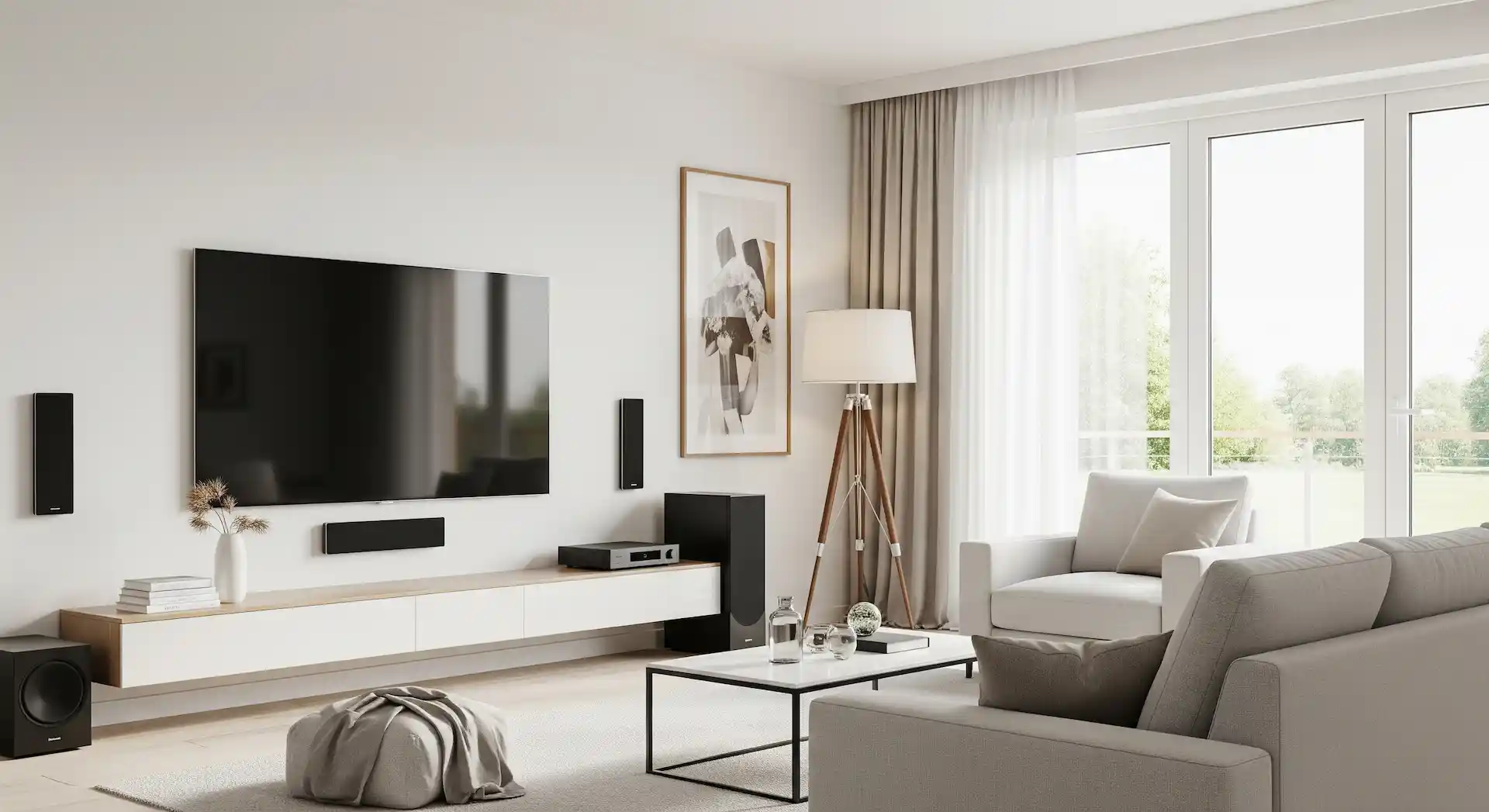
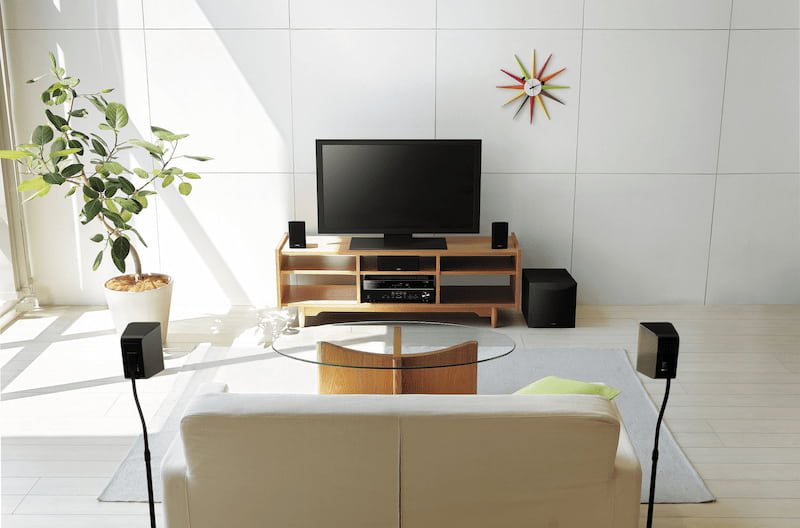
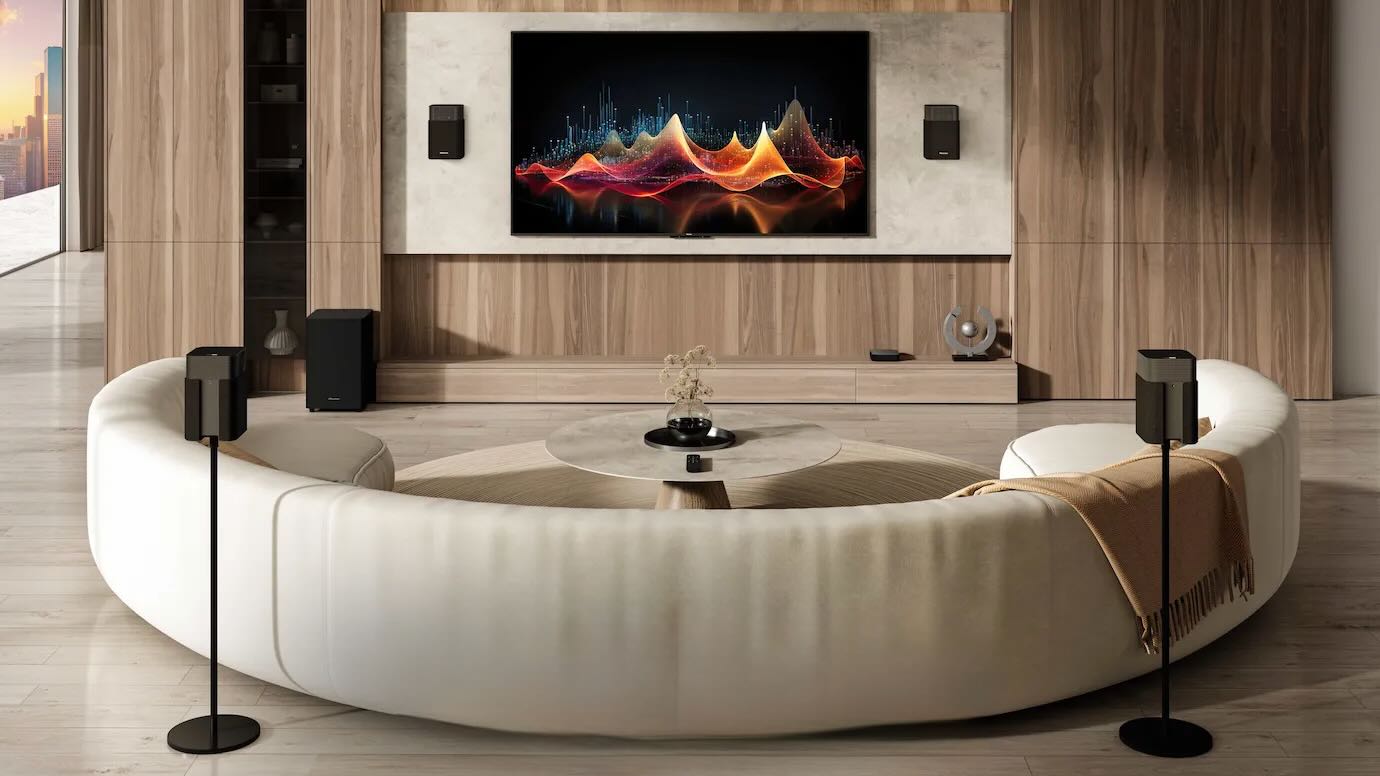
If you’re looking for a truly immersive home cinema experience, a full surround sound system is highly recommended. This is because the sound doesn’t just come from the front, but from all around you. The most common surround sound systems are described using numbers such as 5.1 or 7.1. The first number indicates how many speakers are positioned around the room, and the second indicates whether a subwoofer is included to deliver deep bass.

A 5.1 system is the standard and consists of three front speakers (left, right and centre), two rear speakers and a subwoofer. A 7.1 systemadds two more speakers, enhancing the experience. For the ultimate home cinema experience, a full 5.1 or 7.1 surround sound system is a good choice.

If you want to get all the benefits of your home cinema, we recommend an upgraded system with Dolby Atmos or DTS:X, which also reproduces sound from above. With a surround sound system, you can truly immerse yourself in your favourite films and TV series and experience them in a whole new way.

Home cinema living room with TV and surround system
surround-system

What panel technologies are used in televisions?

Picture quality plays a crucial role in our viewing experience. But what exactly do terms such as LCD, OLED, QLED and Mini-LED actually mean? We explain these technologies and their respective strengths and weaknesses, which have a significant impact on colour, contrast and brightness.

What do the terms HDR, HDR10, HDR10+ and Dolby Vision mean?

If you’re thinking about buying a modern television, you’ll inevitably come across terms such as HDR, HDR10, HDR10+ and Dolby Vision. These technologies promise significantly better picture quality than conventional televisions and are key to an immersive viewing experience. But what exactly do these abbreviations stand for, and how do they differ?

What connections does my TV need?

When buying a new TV, having the right connections is also crucial. They determine how easily you can connect your TV to other devices such as games consoles, soundbars or streaming boxes.

  • HDMI connections: We recommend at least 3 HDMI connections so that you can connect games consoles, Blu-ray players and other devices via HDMI cables. Modern TVs often feature HDMI 2.1 for high refresh rates (e.g. 4K @ 144Hz) and VRR (Variable Refresh Rate) for gaming.
  • USB connection: USB connections are useful for viewing photos or videos from your mobile phone on the TV, or for powering streaming sticks via a USB cable.
  • Optical audio output: This port is essential for connecting a soundbar or other audio devices to your TV via an audio cable to enjoy multi-channel sound.
  • Ethernet (LAN) connection: The LAN connection is important for establishing an even more reliable and faster internet connection via a CAT cable than with a Wi-Fi connection – for example, for streaming services or other Smart TV functions.
  • Antenna connection (DVB-T2/C/S2): If you receive traditional television via an aerial, cable or satellite, you will need this connection. Most modern televisions have a built-in tuner that can receive these signals directly.
  • CI+ slot: The CI+ slot is essential if you wish to receive encrypted channels (e.g. pay-TV via cable or satellite). This is where you insert a CI+ module and the corresponding smart card from your provider.

How do I work out the ideal viewing distance from the TV?

The optimal viewing distance depends on the size of the television and its resolution. Depending on the TV’s resolution, a different rule of thumb may be used to calculate the optimal viewing distance.

When determining the viewing distance, it is important to bear in mind that, with a small screen size, the human eye may not be able to fully process the higher resolution of a 4K television even from a viewing distance of approximately 2 to 3 metres. This means that it no longer makes any difference whether you are sitting in front of a 4K or a Full HD television, as your eyes can no longer distinguish the higher pixel count. You should therefore opt for a larger model when choosing a 4K TV, so that you can benefit from the higher resolution and fully immerse yourself in the action.


  • Rule of thumb for the optimal viewing distance for 4K TVs: screen diagonal (in cm) × 1.5
  • Rule of thumb for the optimal viewing distance for Full HD TVs: screen diagonal (in cm) × 2

Using these rules of thumb and the table below, you can determine the optimal viewing distance for your new TV. Of course, you can also work out the most suitable screen diagonal for your living room by measuring the distance from the sofa to where the new TV will be placed. That way, you can buy the right TV straight away!

Diagonal in inches
Diagonal in cm
Minimum viewing distance for 4K in cm
Minimum viewing distance for Full HD in cm
3281122162
40102153204
43109164218
50127191254
55140210280
65165248330
75191287382
85216324432
98249374498
visunext Contact persons

Do you have any further questions?

We’d also be happy to consult with you in person – we look forward to your call or an email! If you’d prefer us to call you back free of charge, simply leave us your contact details now.
Loading...
Upload in progress, please be patient ...