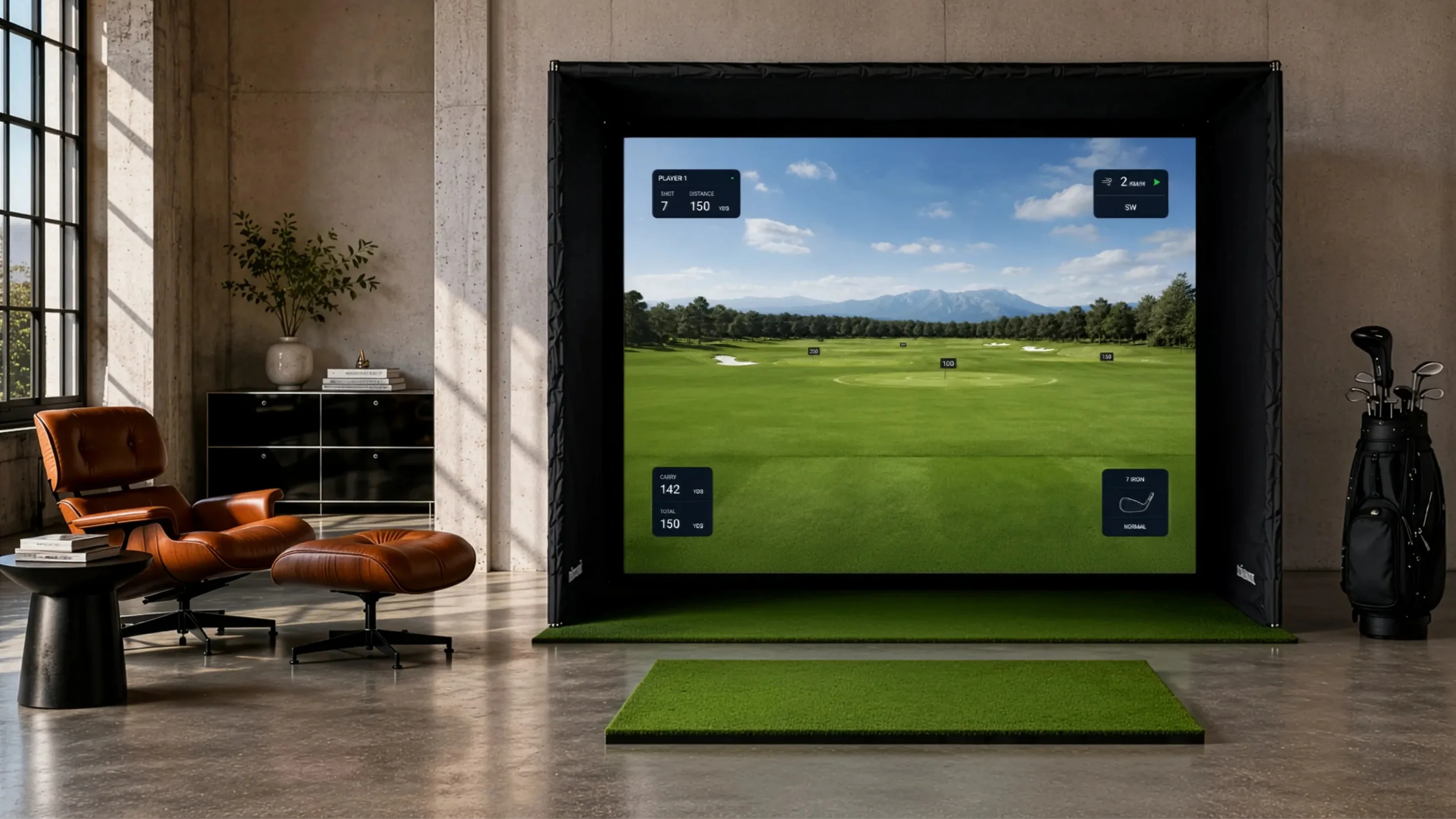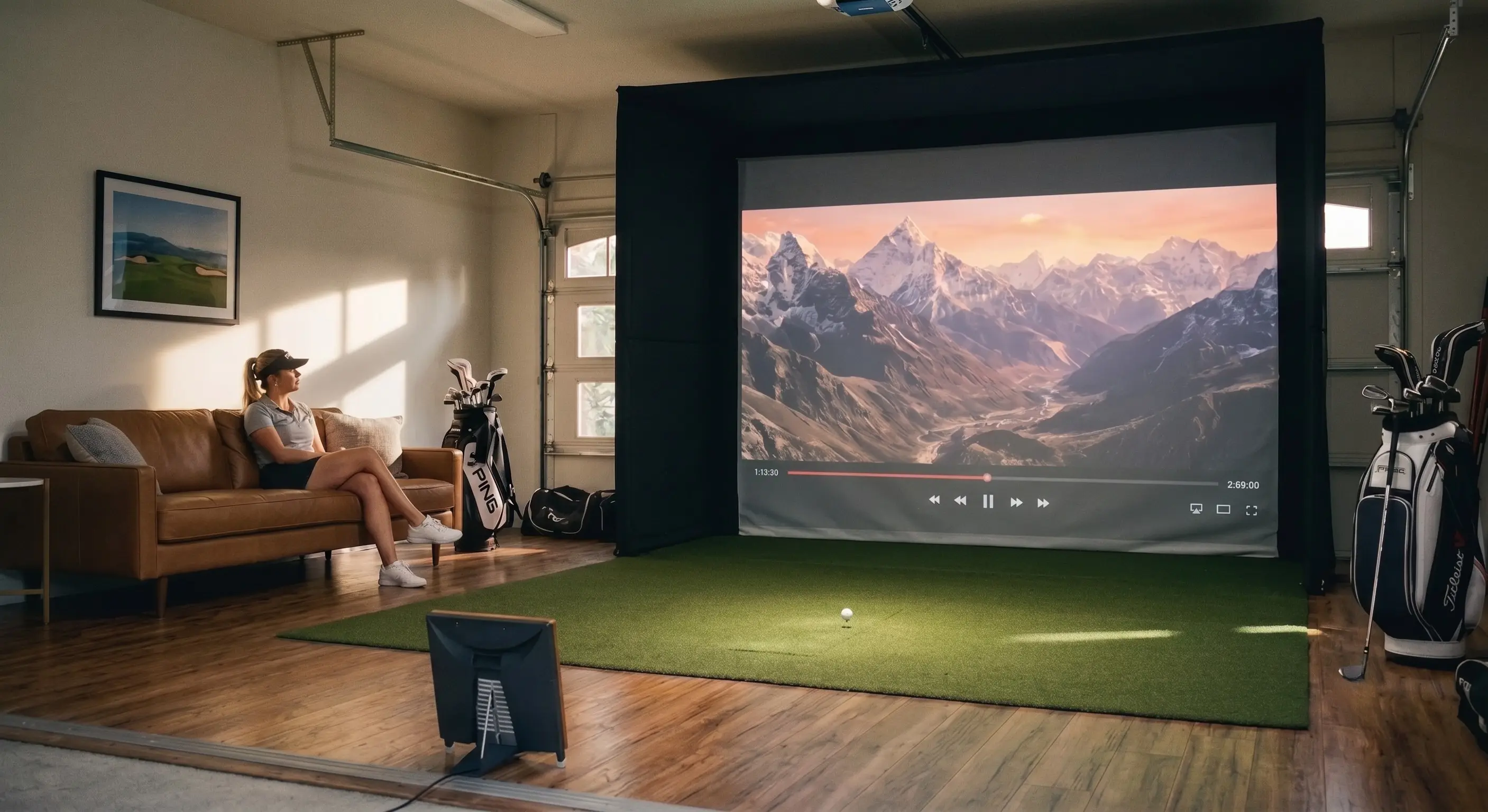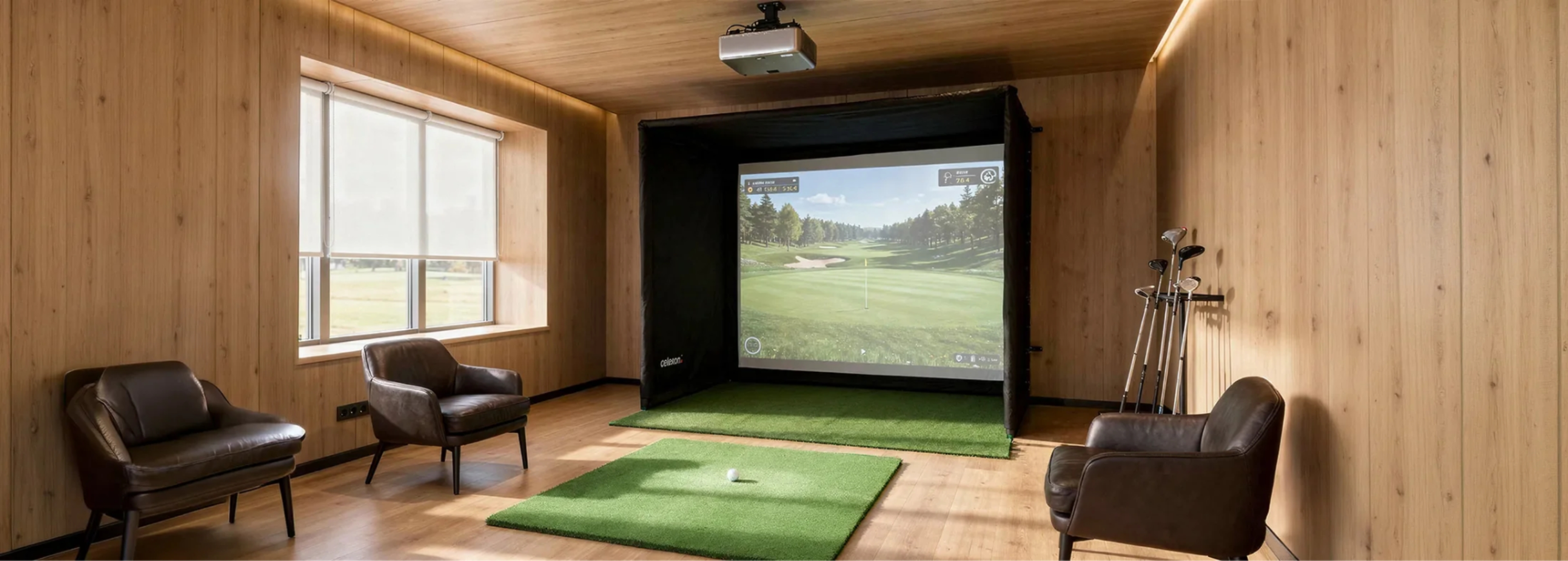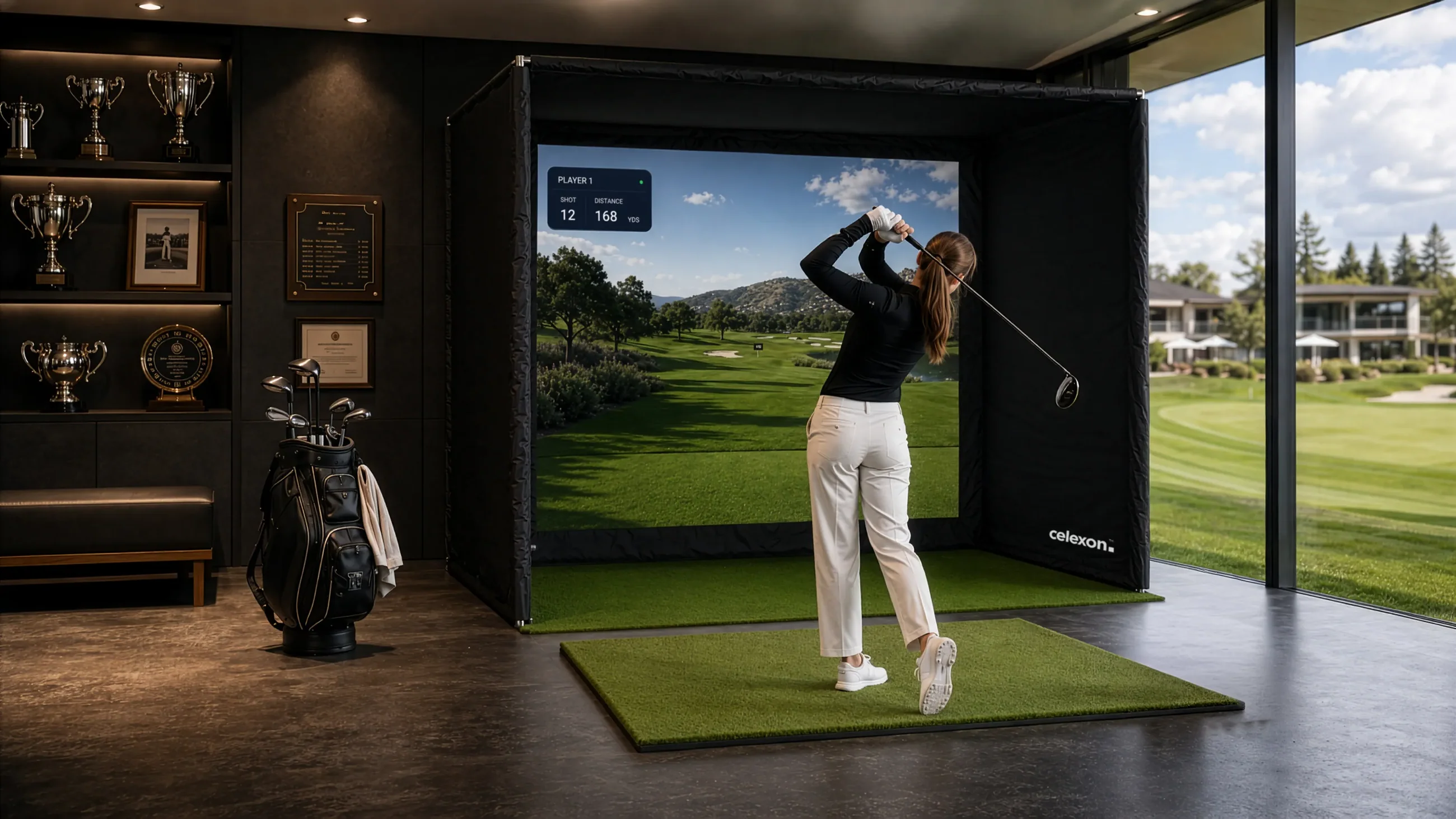


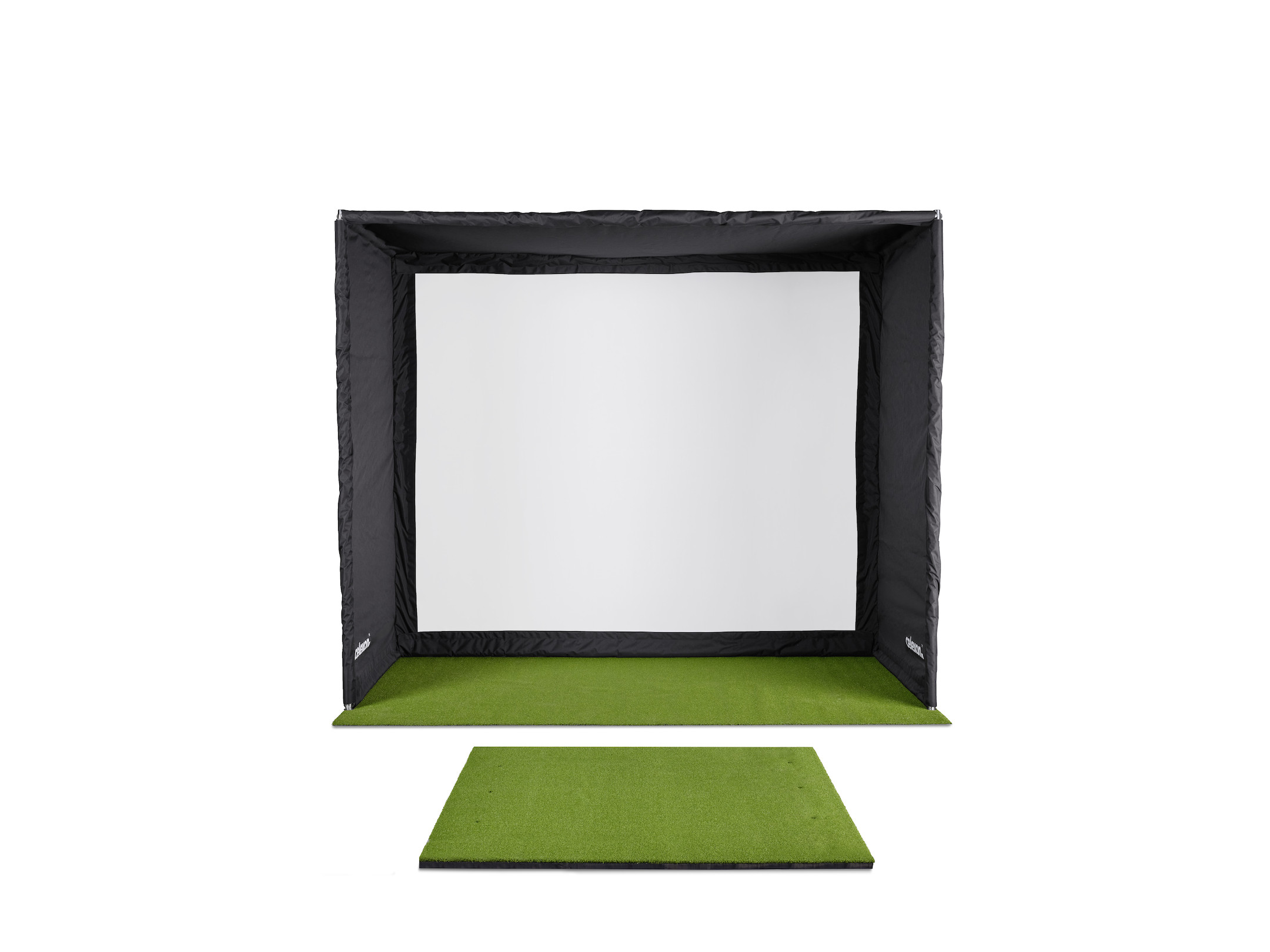
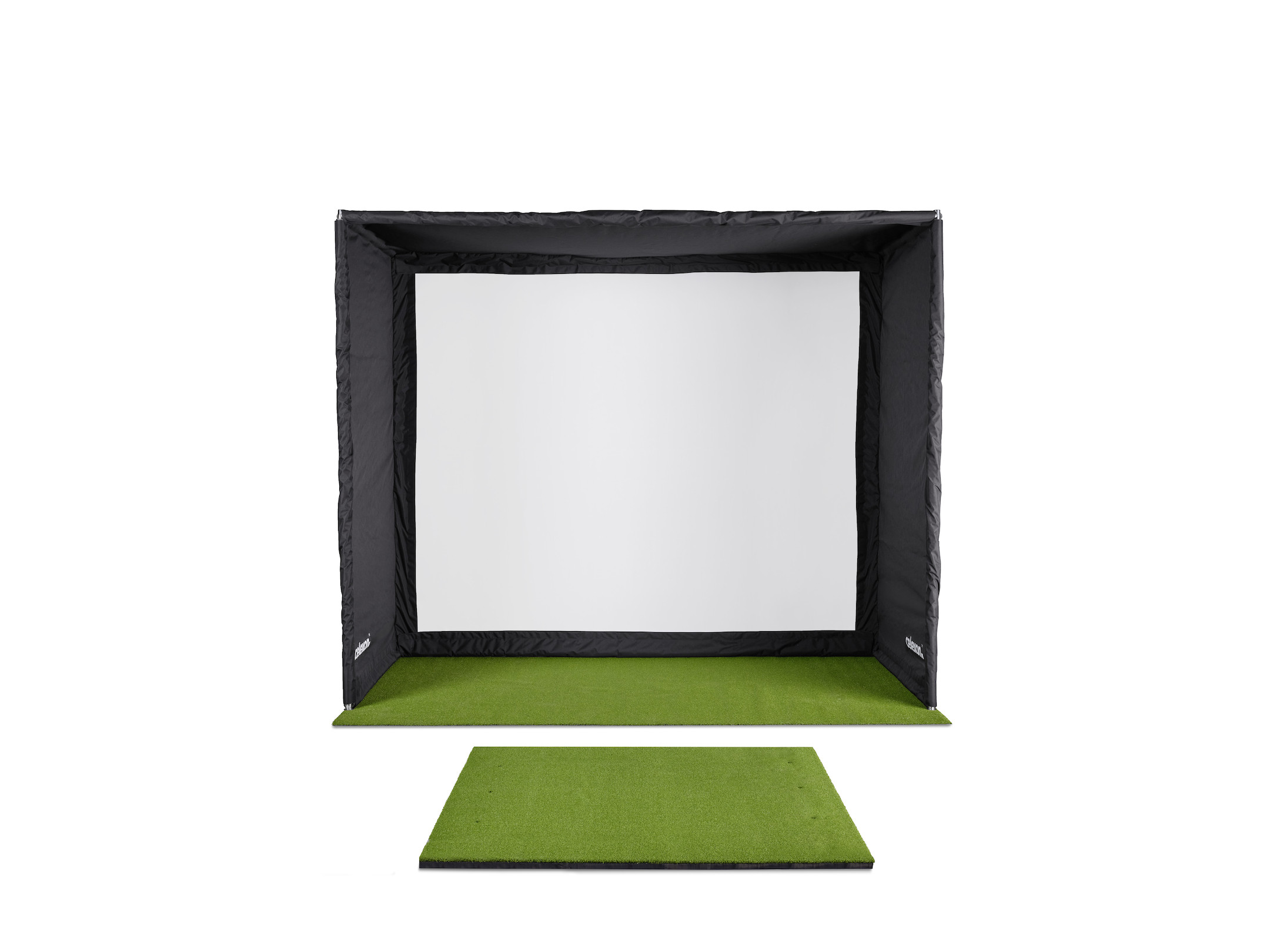
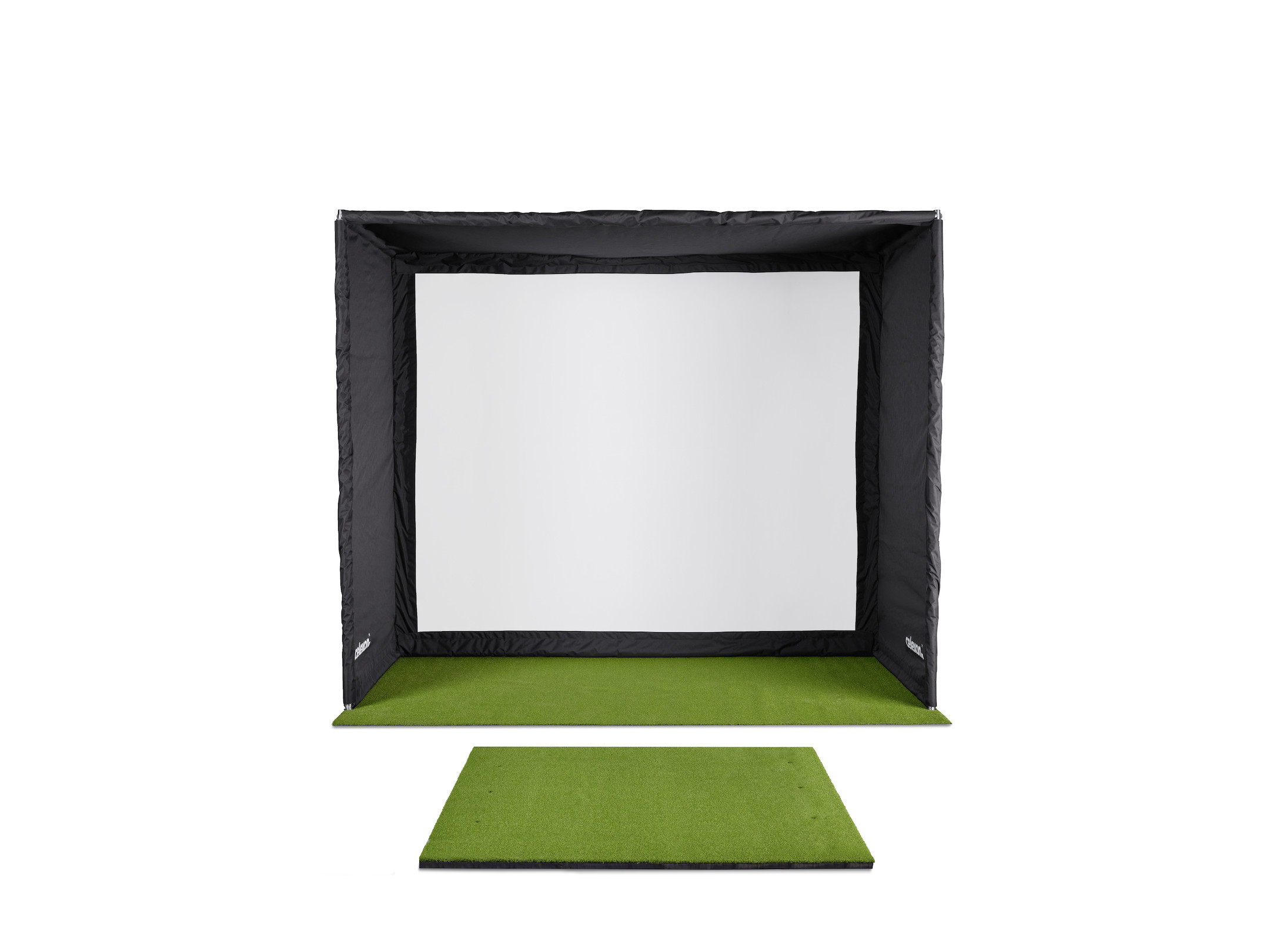
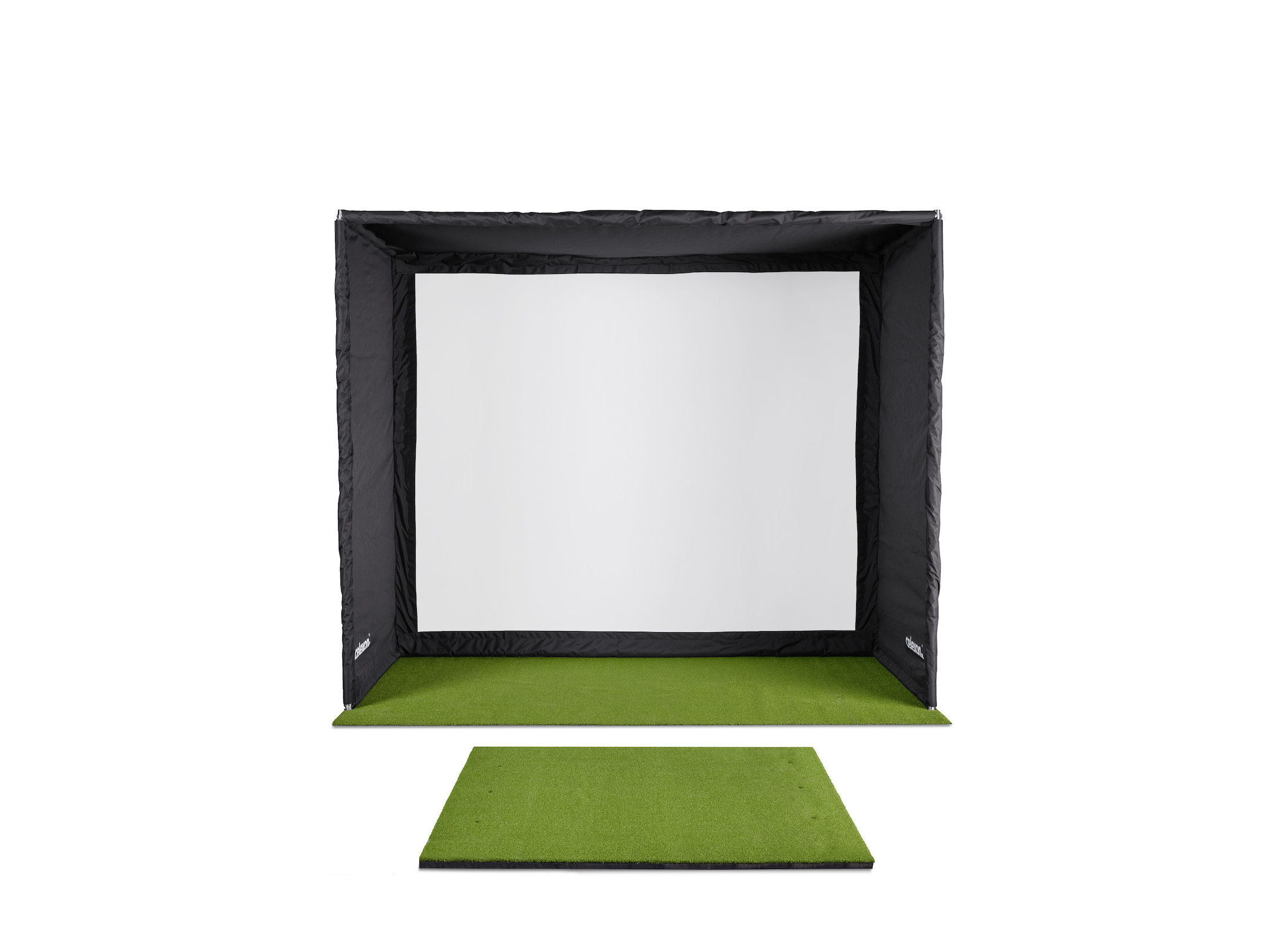
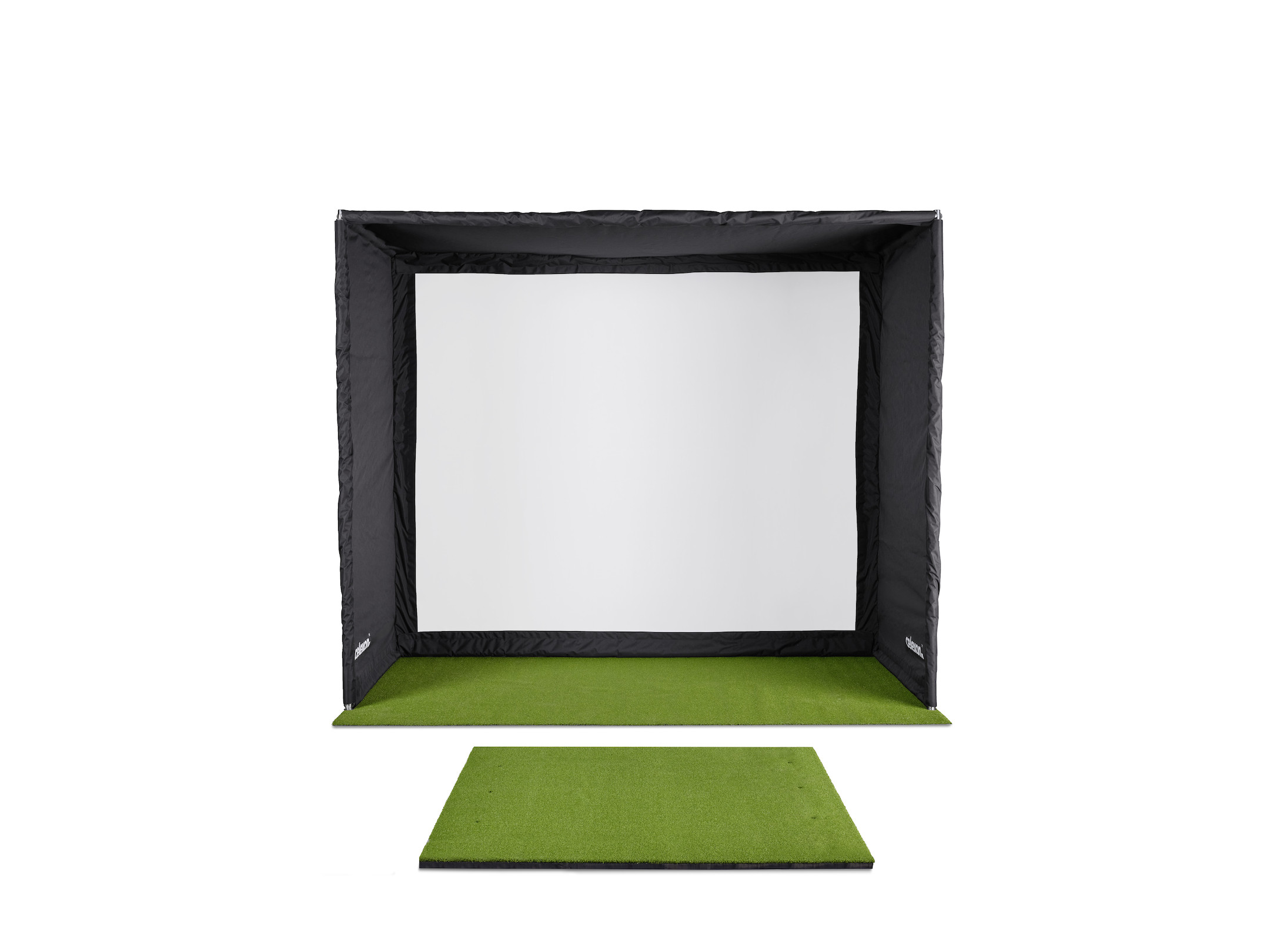
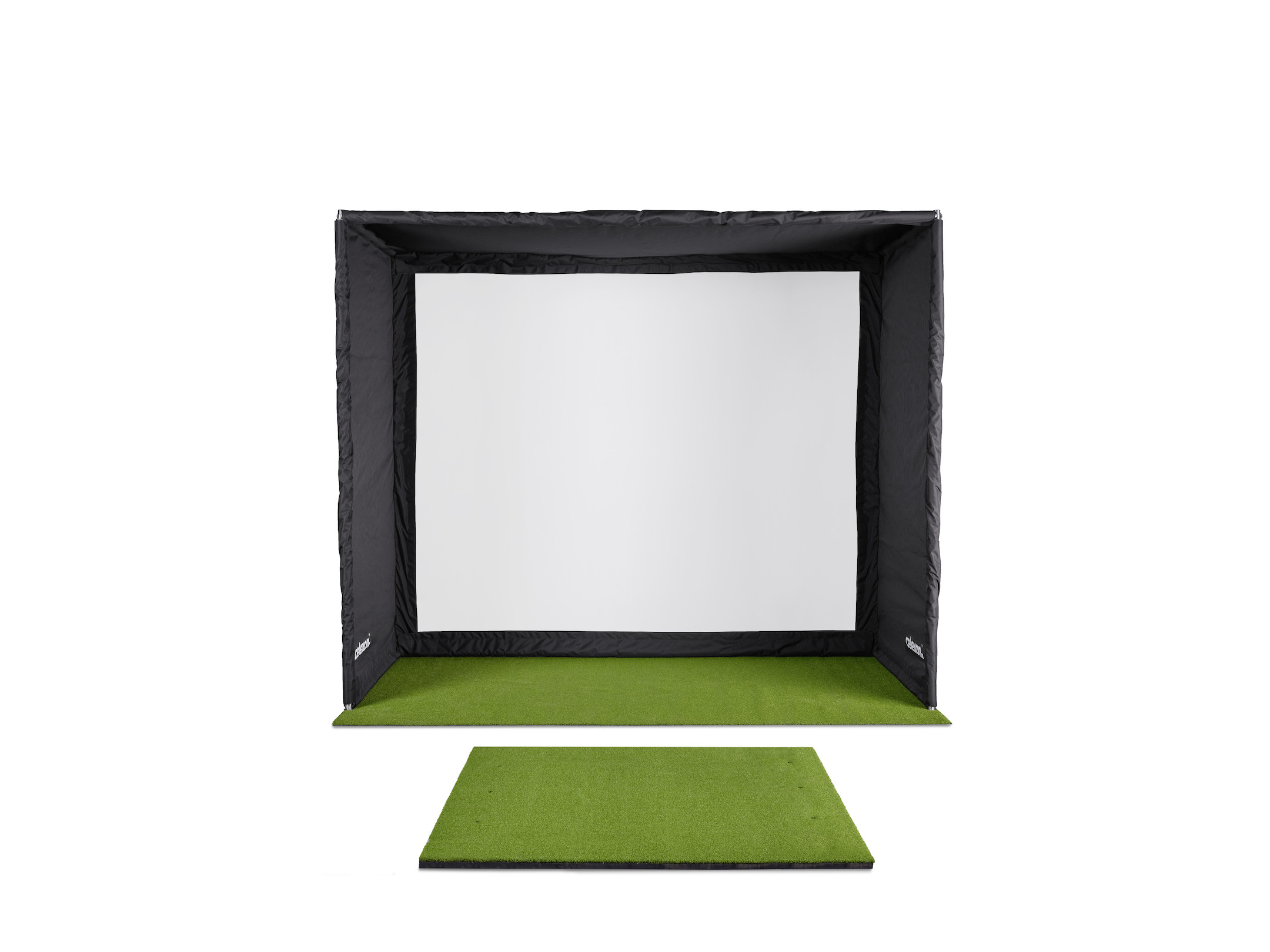
Buy golf simulators and create a year-round training setup for the perfect indoor golf simulation! High-quality enclosure boxes in various sizes combine a solid stainless steel frame with a robust impact screen that withstands even your hardest drives and safely catches the ball. With realistic turf-look hitting mats, you ensure a feeling just like being on the golf course. Improve your handicap at any time of the day from home - completely independent of the weather and season! Contact our visunext experts now for personal advice and find out more about building a home golf simulator!
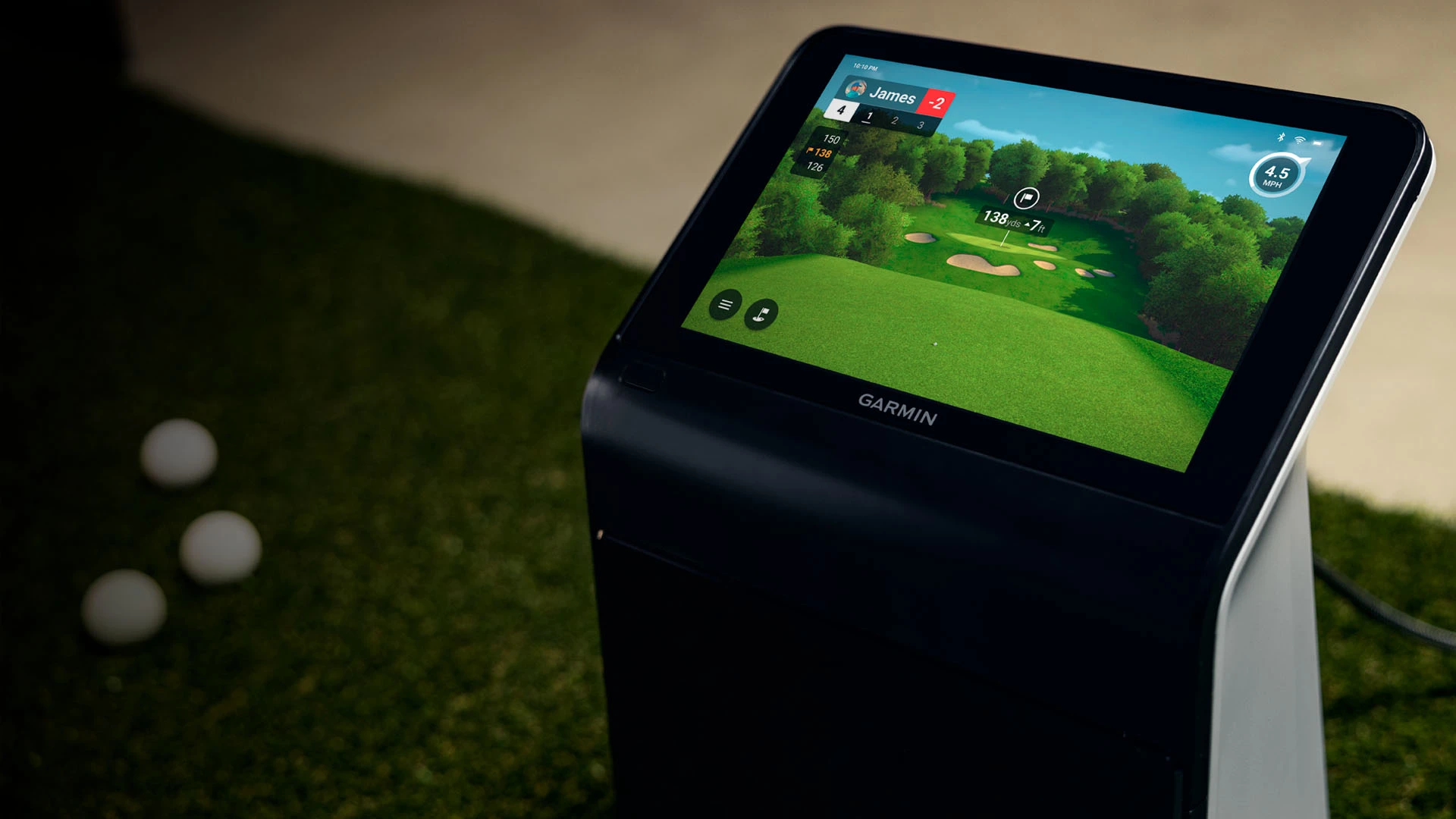
launch-monitor-garmin-approach-r50

Bring the fairway home: How to build your Ideal golf simulator setup

From impact screens to projector technology – everything you need to know about the components of an indoor golf simulator!
launch-monitor-garmin-approach-r50

Golf Simulator Guide: All you need to know about space, costs and equipment!

Build your own custom golf simulator for your home – find out all the information you need to know about the space required, the budget involved and the technology used.
Content

What is a golf simulator and why is it worth buying one?

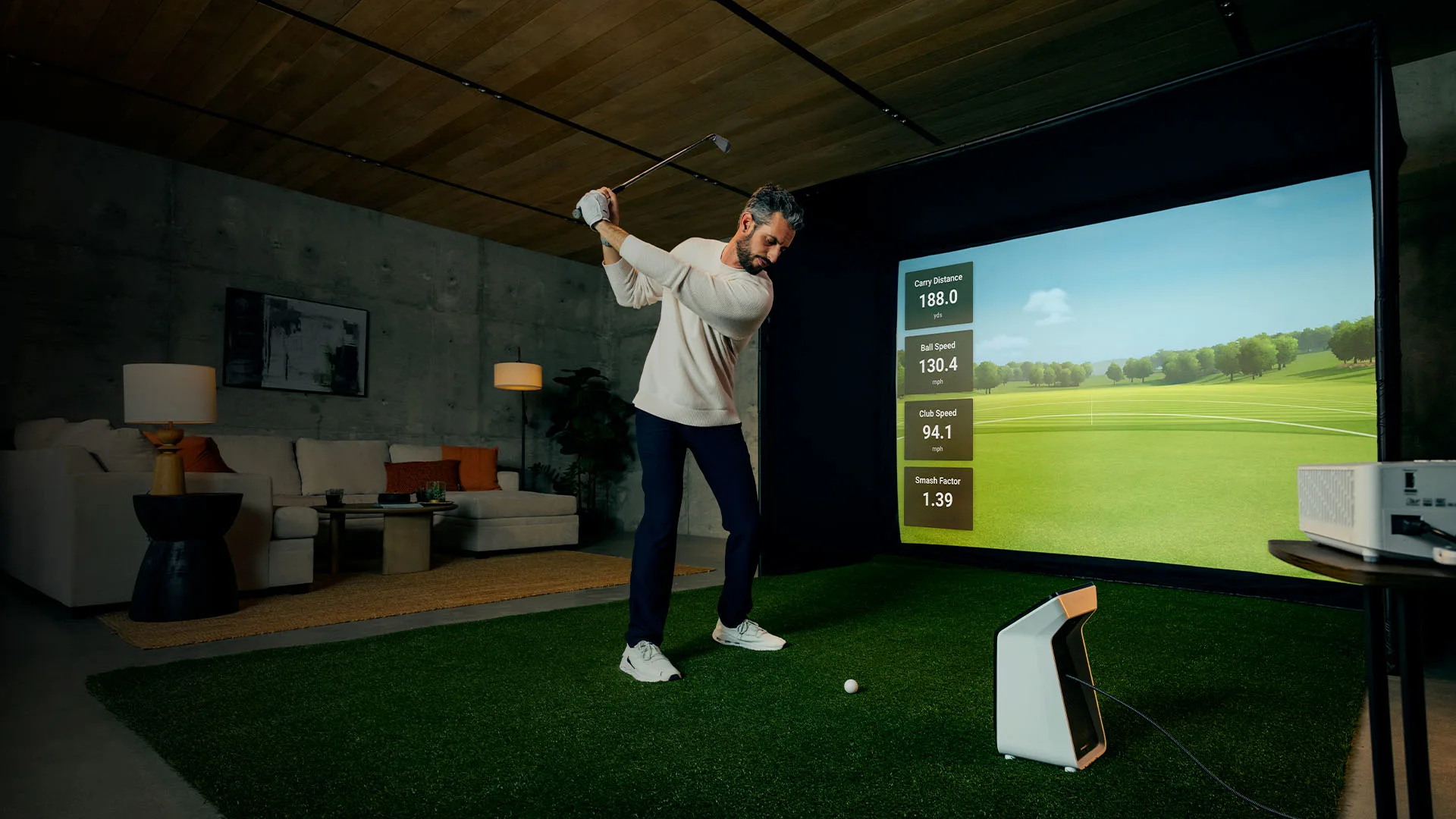
With an indoor golf simulator, you can practise and play on digitally recreated golf courses using your own clubs and balls, bringing the golf course right into your home. High-tech sensors and software detect the angle of the swing and calculate the ball’s trajectory, whilst a projector displays a virtual version of each shot on the projection screen. Home golf simulators are becoming increasingly popular as many golfers benefit from the advantages:

Play regardless oftheweather: Regardless of the weather or time of day, you can play a full 18-hole round or practise flexibly and conveniently from the comfort of your own home.

Instant feedback: Real-time analysis of data such as ball speed and launch angle helps you improve your swing immediately and track your progress effectively.

Access to famous golf courses: Playon digital versions of famous golf courses around the world, such as St Andrews or Augusta, for more variety in your golf game.

Fun for family and friends: Mini-games, multiplayer and online games offer you a wide range of options for playing together!

The ideal all-in-one package

The celexon FAIRWAY professional golf simulator

Put together your perfect golf simulator setup now! For a feel just like being on the golf course!

Discover the celexon FAIRWAY Professional!

What components do you need for a golf simulator?

There are several factors to consider when setting up an indoor golf simulator. Here is an overview of the key components:

Projectors – How do you find the ideal model for your golf simulator?

When looking for the best projector for your golf simulator, there are a few features you should bear in mind.

golf-simulator-bild

Projectors – How do you find the ideal model for your golf simulator?

When looking for the best projector for your golf simulator, there are a few features you should bear in mind.

Lamp or laser – is it worth buying a laser projector?

Absolutely! Lamp-based projectors will soon be a thing of the past. A laser projector offers a whole host of improvements, including a much longer lifespan, faster start-up times and consistent brightness throughout the projector’s entire lifespan.

Throw ratio – How far away from the projection screen should the projector be in a golf simulator?

The throw ratio determines the positioning and distance of the projector from the projection screen. The projector must be positioned so that it is protected from golf balls and your club, and does not cast any shadows on the projection. There are three possible types of projector: long-throw, short-throw and ultra-short-throw:

Brightness – How many lumens does a golf projector need?

The more lumens your projector has, the brighter the image will be. The projection is enhanced by the dark mesh screen, which blocks out distracting ambient light and ensures clear contrast.
In rooms that you can darken, you should aim for a projector with at least 3,000 lumens. Higher brightness is advantageous for golf simulators if your room is subject to a high level of ambient light. If you are using a long-throw projector or wish to achieve a particularly large projection, a brightness of 4,000 to 5,000 lumens can significantly improve your image.

Resolution – Do you need a 4K projector for a golf simulator?

The optimal resolution depends on your simulator software and the performance of your PC. If the software supports true 4K and your graphics card is powerful enough, a 4K projector is the best choice! The result is an incredibly realistic simulation of your favourite golf course! A Full HD projector (1080p) is considered a solid standard in the golf sector. This option is significantly more affordable and delivers an excellent image on projection screens up to 300 cm wide.

golf-simulator-entertainment-setup

Our tip:

More than just training: your golf simulator as a comprehensive entertainment hub

Use your golf simulator outside of training hours as a central entertainment hub for home cinema evenings or gaming sessions!To enjoy rich sound for a TV series marathon, an HDMI ARC or eARC connection is recommended for connecting an external soundbar or AV receiver

Turn your training setup into a versatile entertainment allrounder in no time !

See the audio components! 

Other important features to consider when choosing a golf simulator:

  • Screen Fit: The Screen Fit functionallows youto quickly and easily adjust the projected image to the size of your screen, whether in a 1:1, 4:3, 16:9 or 16:10 aspect ratio.
  • Horizontal keystone correction: This allows you to adjust your projector to the left or right to avoid any shadows.
  • Input lag: Low input lag prevents any noticeable delay between your actual swing and the ball’s virtual trajectory. Look for a fast response time of 16 ms to a maximum of 30 ms to ensure a smooth, real-time simulation.
  • Digital zoom: With the digital zoom, the image can be digitally reduced or enlarged so that the projection fills your projection screen – without having to reposition the projector.
  • Golf Mode: Golf Mode optimises the colours and contrasts of the fairway, giving you the most realistic representation possible.

Projection screens and enclosure – How do you
find the right size for your golf simulator?

The projection screen serves as the projection surface for the virtual
golf course and is covered with a sturdy enclosure to catch golf balls.
The correct size and construction are crucial not only for the playing experience,
but also for space requirements, safety and technical integration.

celexon_fairway_professional_golf_simulator

Projection screens and golf net – How do you find the right size for your golf simulator?

The projection screen serves as the projection surface for the virtual golf course and is covered with a sturdy enclosure to catch golf balls. The correct size and construction are crucial not only for the playing experience, but also for space requirements, safety and technical integration.

What factors should be taken into account when choosing a golf simulator projection screen?

fairway_golf_simulator_lifestyle_3

Our tip for beginners and keen golfers

The celexon FAIRWAY Professional golf simulator complete package!

Perfectly coordinated for realistic projection and reliable ball containment.

✓ Multi-layered 4K impact projection screen fabric for brilliant projection & impact
✓ Sturdy stainless steel frame and durable enclosure for maximum safety
✓ Includes a tee mat with a realistic grass finish and various tees
✓ Available in various sizes – to suit your space

Launch monitors – Which launch monitor is best for home use?

A high-quality launch monitor is at the heart of the simulator and is crucial for a realistic simulation.
It uses advanced radar or camera technology to track the ball after it has been struck. Data such as
ball speed, launch angle and backspin are recorded to predict where your ball would land on a real golf course.

garmin_approach_r50

Launch monitors – Which launch monitor is best for home use?

A high-quality launch monitor is at the heart of the simulator and is crucial for a realistic simulation. It uses advanced radar or camera technology to track the ball after it has been struck. Data such as ball speed, launch angle and backspin are recorded to predict where your ball would land on a real golf course.

Which launch monitor technology is right for your space?

What is the best position for a launch monitor?

The amount of space available in your room will determine the best place to set up your launch monitor. Below, we’ll look at how much space is required to set up the launch monitor:

  • Positioning behind the ball: This is usually the most common position for a launch monitor, particularly for portable or budget options. This setup is typical for radar systems. The device is usually placed 180 to 300 cm behind the ball and aligned directly with the target. A clear space of around 250 to 400 cm is also required in front of the ball to ensure the launch monitor has sufficient time for precise ball tracking and analysis.
  • Setup next to the ball: Camera-based systems are often used for this setup, which are placed on the ground at a distance of around 12 to 24 cmfrom the ball. They require very little space, as they onlyprocessdata from the moment of impact.
  • Installation above the ball: The ideal option for professional systems, as they are permanently mounted above the tee area. They are usually mounted 90–120 cm in front of the teeand 300 cm aboveit. A stable and sufficiently high ceiling without vibrations is required for secure installation.

The differences in the Launch Monitor’s setup at a glance:

Feature
Behind the ball (Radar)
Next to the ball (camera)
Above the ball (camera)
Entire depth of field16–22'10–12'12–15'
Lighting requirementsWorks in the darkNeeds good lightInstall LED flash
Can it be played with the right or left hand?Easy (if the launch monitor is positioned centrally)Difficult (launch monitor must be moved)Seamless
PortabilityHighMediumNot possible (fixed)

What sort of computer do you need to run a golf simulator?

The computer you need depends both on the software you want to use and on the resolution you want to
display via your projector (1080p vs. 4K). As a golf simulator essentially works like a high-end video game,
you’ll need a gaming PC rather than a typical office computer.

golf-simulator-launch-monitor

What sort of computer do you need to run a golf simulator?

The computer you need depends both on the software you want to use and on the resolution you want to display via your projector (1080p vs. 4K). As a golf simulator essentially works like a high-end video game, you’ll need a gaming PC rather than a typical office computer.

Here are typical PC specifications for a 1080p and a 4K setup

1080p
4K
GPUNVIDIA RTX 3060 / 4060 or betterNVIDIA RTX 4080 / 4080 Super
CPUIntel Core i5 (13th Gen+) or AMD Ryzen 5 (7000 series+)Intel Core i7 (14th Gen / Ultra 7) or AMD Ryzen 7 (7800X3D)
RAM16 GB32 GB
Storage512 GB – 1 TB SSD
(Required for fast course loading)
1TB+ NVMe SSD

(All product and brand names are the property of their respective owners; we are not an authorised dealer for PC components)

A powerful PC at the heart of the system ensures a smooth, lag-free experience. The better the PC is equipped, the greater the chance of a crystal-clear image. Please also note that some golf simulator software packages only work with Intel processors.

How do you choose the right golf simulator software?

When choosing your golf simulator software, there are a few things to bear in mind:

Frequently asked questions about home golf simulators

A golf simulator combines advanced sensor technology with powerful software to recreate the experience of a real golf course indoors. The process begins with a launch monitor that tracks the impact of the club and the flight of the ball. These sensors capture data such as ball speed, launch angle and spin rate with great accuracy. The captured data is then immediately processed by software that predicts the ball’s trajectory and projects the resulting flight onto the projection screen via a projector. This creates an impressive real-time simulation.
Investing in a golf simulator offers the key advantage of being able to practise and play at home all year round, whatever the weather. You’ll secure a long-term setup designed to help you improve your handicap through precise, real-time analysis of every single shot. Find out more here!
If you’re building a DIY golf simulator at home, you can expect to spend at least around £ 4,500 to cover all the necessary parts:

Entry-level model (£ 4,000 – £ 10,000):
Includes the essential components such as a launch monitor, a projection screen with a enclosure, a projector, a tee mat, a computer and software.

High-end (£ 12,000 – £25,000):
Includes high-quality components such as a 4K projector, a projection screen with a sturdy enclosure, a high-performance PC, a professional launch monitor and high-quality software.

In short: a space measuring approximately 270 x 300 x 480 cm (H x W x D) in the room is the absolute minimum

  • Height: Height is the most important factor when installing a golf simulator. You need at least 270 cm in height to be able to swing your driver without hitting the ceiling. Check the height with a few very slow test swings to ensure you have a few centimetres of clearance.
  • Width: For a golf simulator designed for single-handed play, you need a minimum width of 300 cm. The tee mat is positioned accordingly on the right or left of the simulator. If you want to allow for two-handed play ( left- and right-handed players) in your golf simulator, you need a width of at least 430 cm. The tee mat is then placed in the centre.
  • Depth: The depth consists of three parts. You need a depth of 250 to 360 cm for your ball tracker to work, 210 cm of space behind you to allow room for your swing, and a further 60 cm behind the projection screen to cushion the impact.
Without a launch monitor, you’re basically just hitting the ball at large projection screens with no results.

Launch monitors capture the moment of impactand provide precise data such as ball speed, launch angle, backspin and more. These values are displayed via the projector as a virtual flight path, enabling a realistic simulation. They offer continuous analysis of your game and make progress visible through measurable data. Find out more here!
An overhead system isundoubtedly the best option. Thanks to its large ‘swing zone’, it allows for a seamless switch between left- and right-handed players without the need for recalibration.

rear-mounted radar system is certainly much more budget-friendly, but it places greater demands on your room dimensions. For a ‘centre strike’ setup, you should allow for a width of at least 420 cm. It is also advisable to have a continuous striking surface rather than a narrow striking strip at the side – this allows every golfer to position themselves exactly where it suits their swing best.
Yes! Running your golf simulator on an iPad is a budget-friendly solution, as you don’t need an expensive gaming PC. However, you will have to compromise on image quality and the range of software available. You’ll also need to check in advance whether the launch monitor is compatible with an iPad.

Have you finished setting up your golf simulator?

We’d love to hear from you and showcase your setup on this page! Perhaps your golf simulator could inspire another golfer to set up their own home setup.
If you’re interested, please send us the following:
visunext Contact persons

Do you have any questions about setting up a golf simulator?

We’d also be happy to provide you with personalised consulting – we look forward to your call or email! Simply leave us your contact details now for a free callback.

Loading...
Upload in progress, please be patient ...