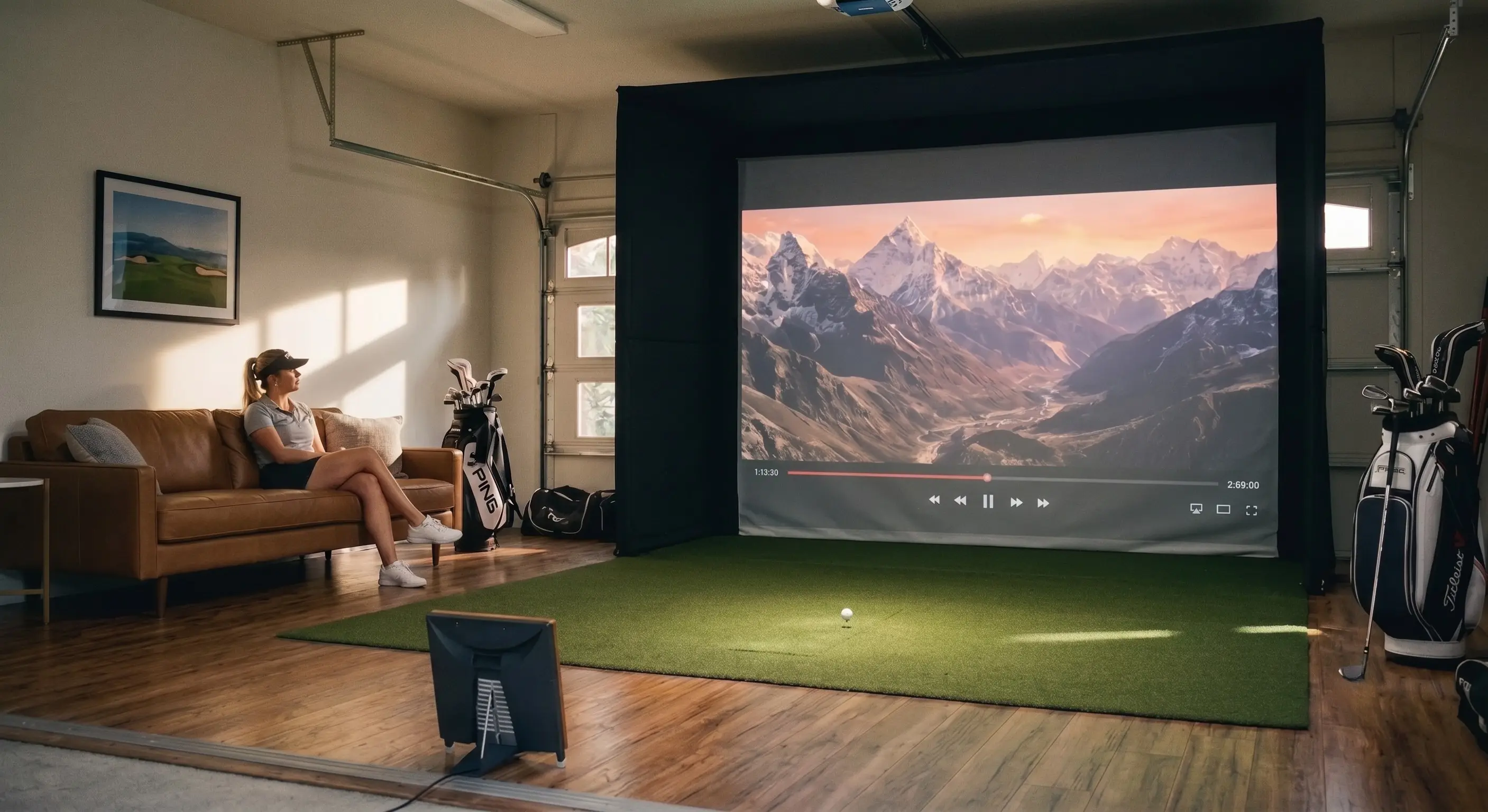

visunext golf simulator bundle
Article no: 1800000346

The benefits of the celexon FAIWAY Professional Golf Simulator:
- Comprehensive all-in-one package: Consisting of a durable stainless steel frame with a surrounding golf net, an Impact projection screen, a tee mat with a realistic grass finish and matching tees.
- Perfect for any training room: Available in six different sizes, so the setup can be flexibly adapted to your individual space requirements.
- Ideal foundation: The setup can be combined with both modern short throw and classic long-throw projectors.
- Flexible training times: Play regardless of the weather, time of year or time of day, annoying course bookings or a long journey to the nearest golf club.
- Technical highlights: Equipped with a 4K Impact projection screen, a gain factor of 0.9 for high contrast and a 140° viewing angle for the best view from any position.
All the highlights at a glance: a summary of the technical highlights of the projector models
| BenQ LH835ST | BenQ Aurora BR9708 | Acer H6518STi | Epson EB-L690SU | |
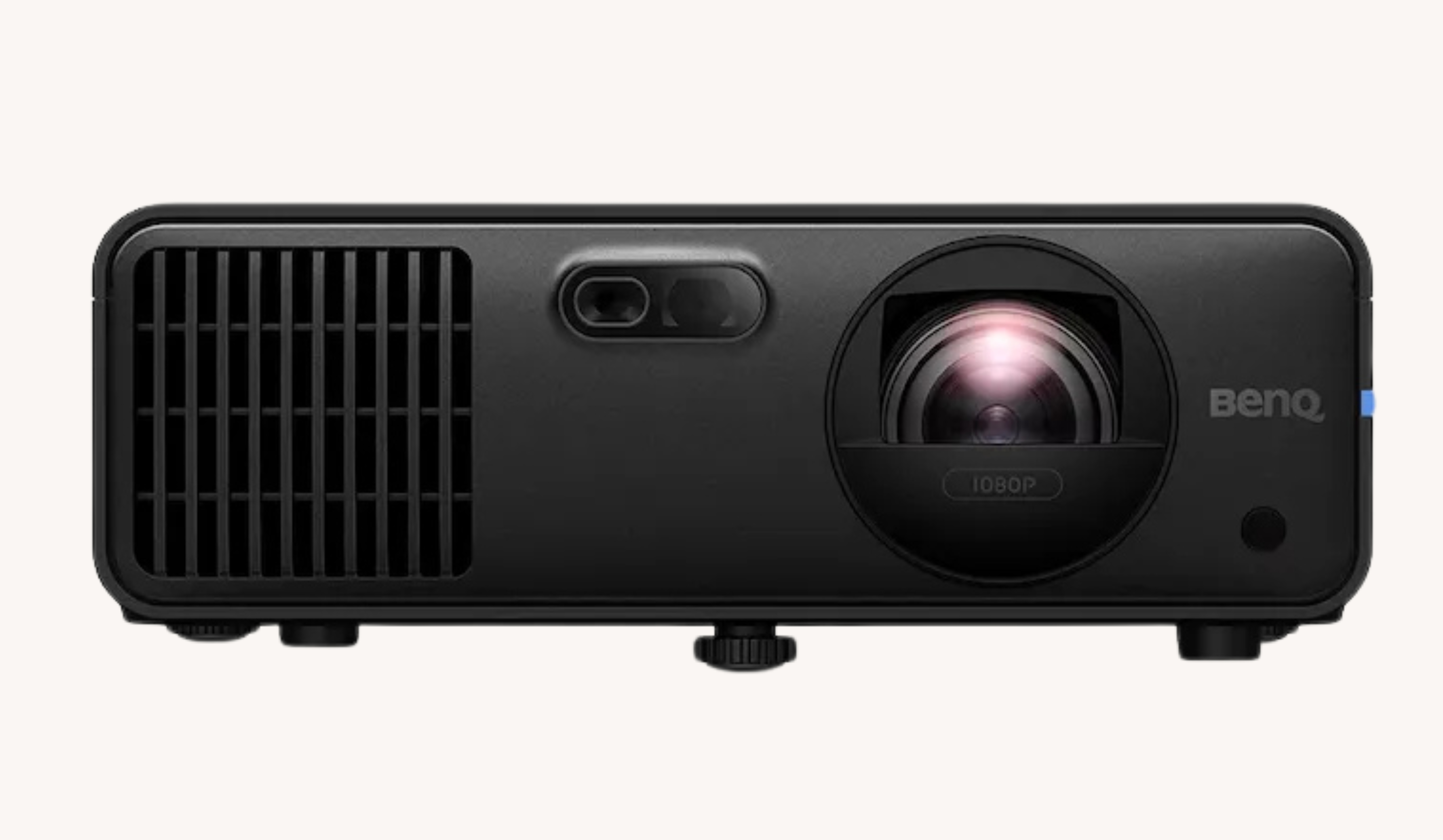 | 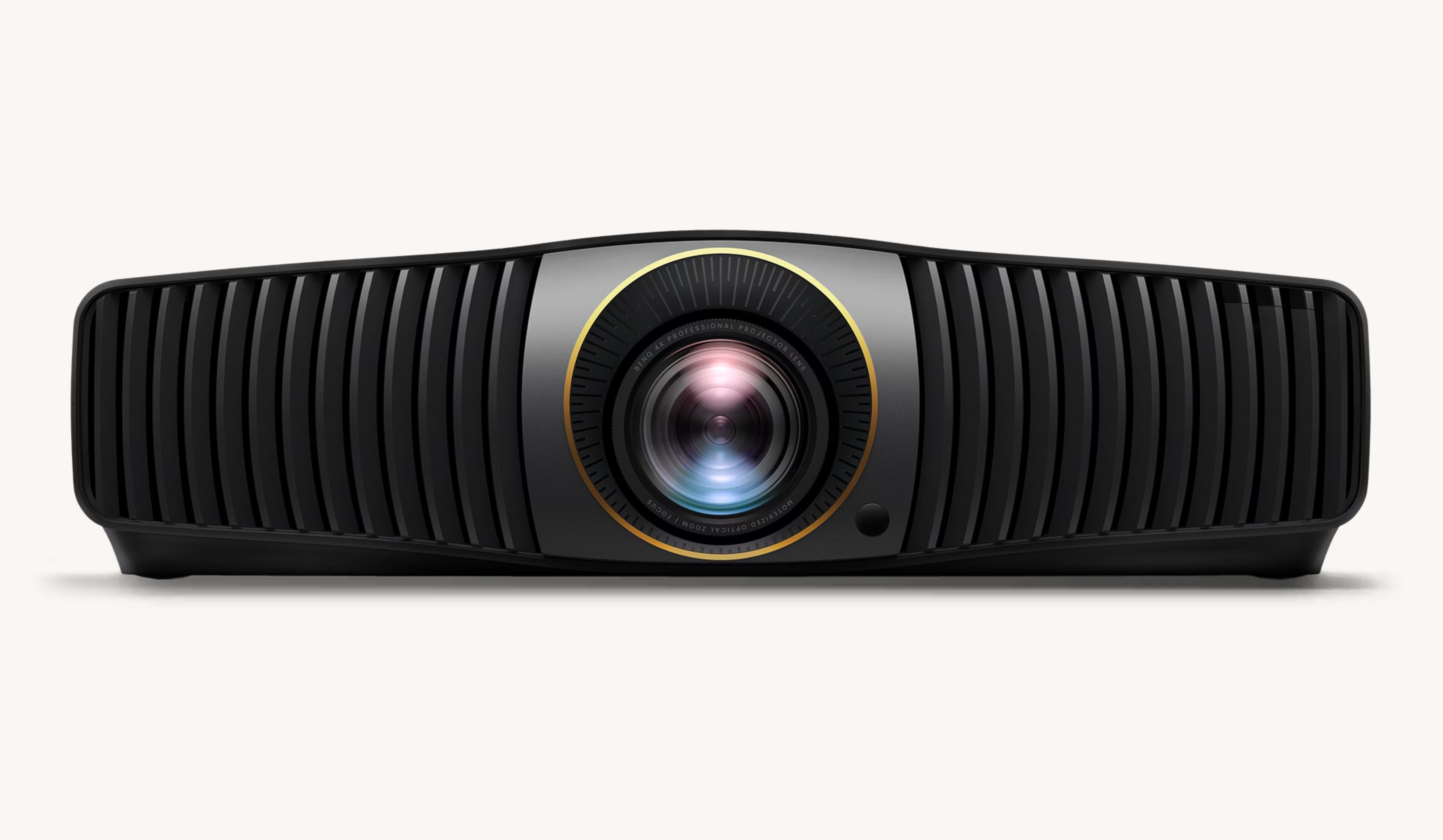 | 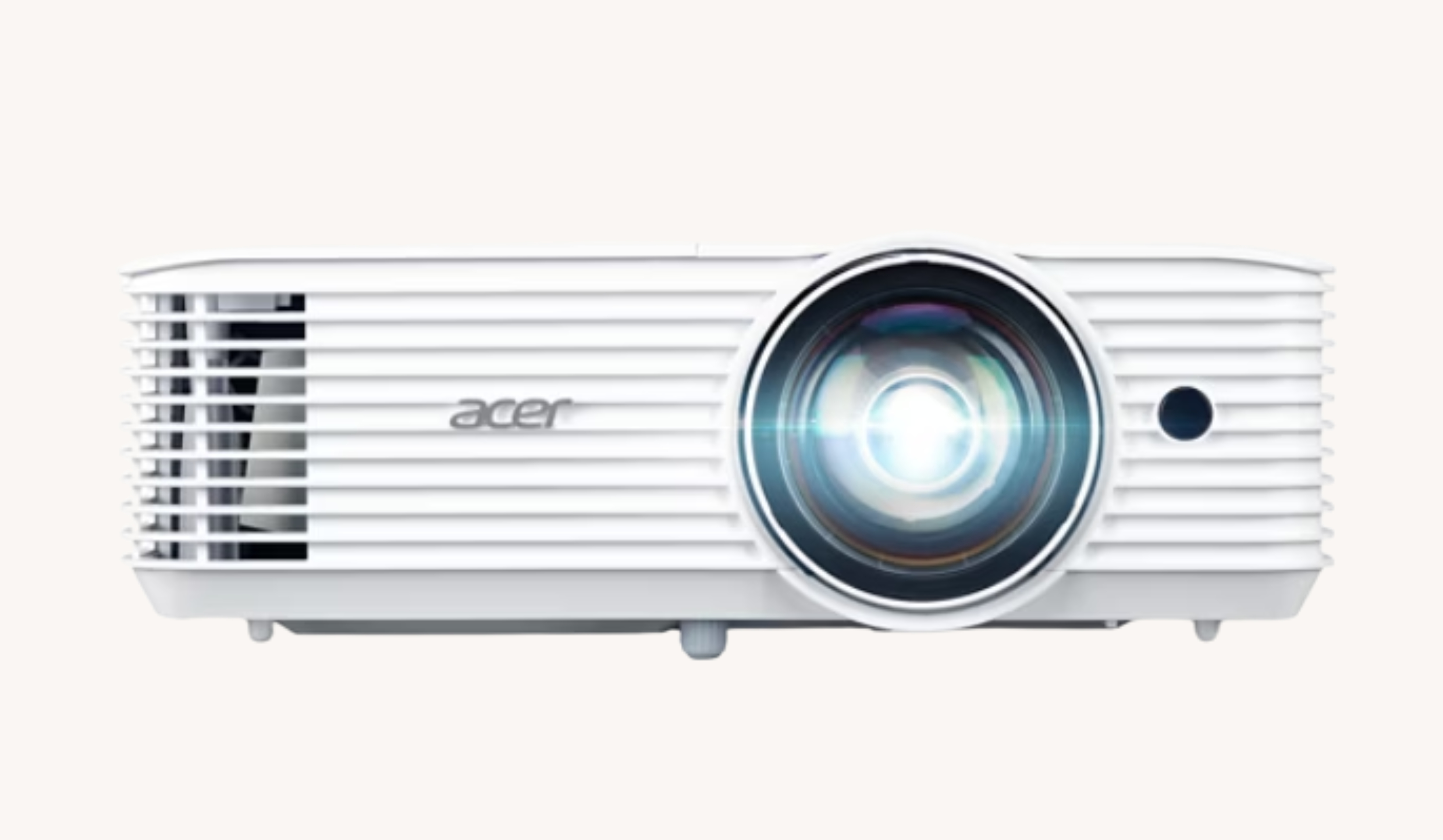 | 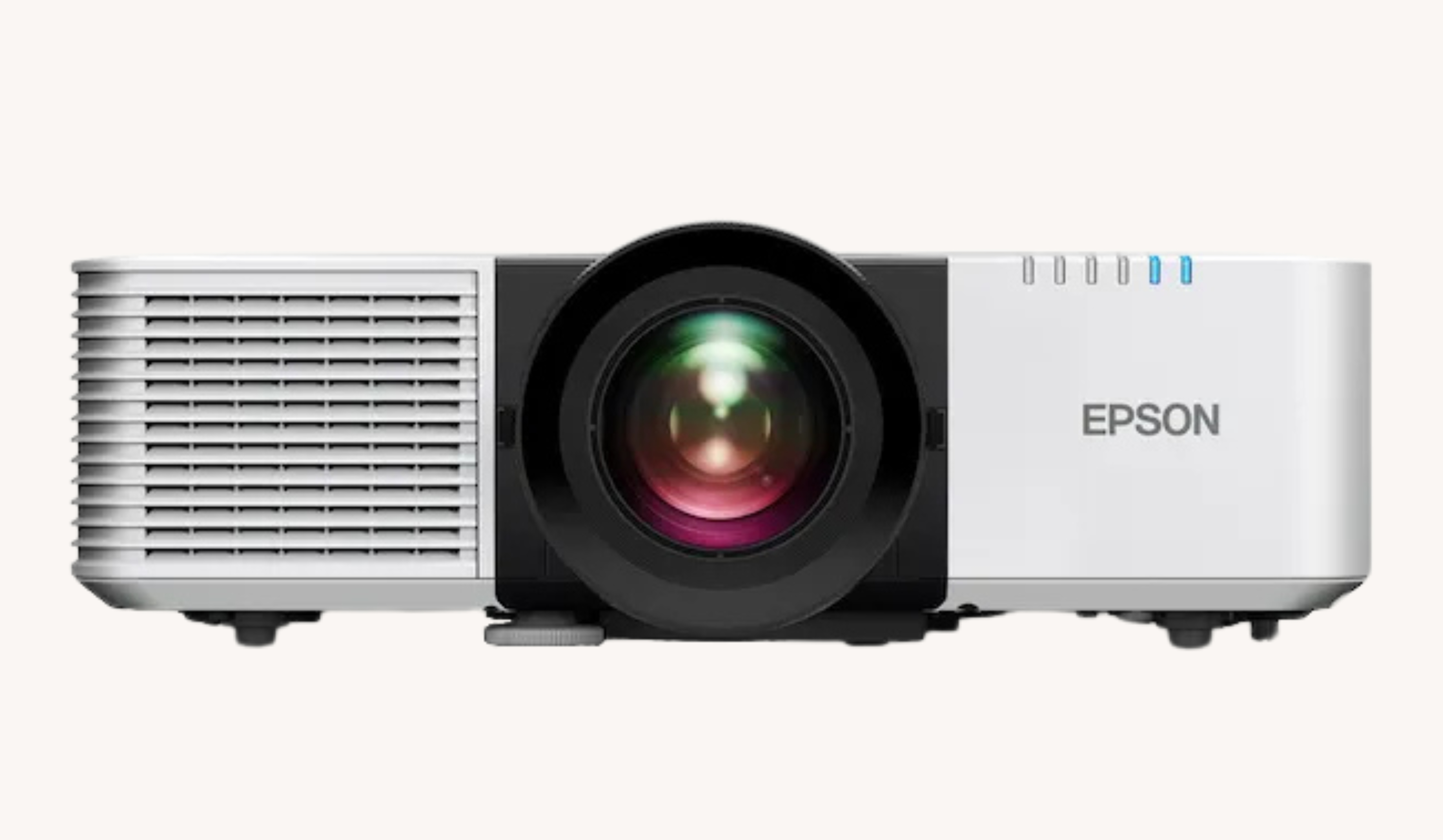 | |
| Compatible with celexon FAIRWAY Professional | 2.6 × 2.5 × 1.5 m | 3 × 2.5 × 1.5 m 3 × 3 × 3 m | 3.6 × 2.5 × 1.5 m | 4 × 2.5 × 1.5 m 4 × 3 × 3 m |
| Brightness | 4,000 ANSI lumens (ECO mode available) | 2,600 ANSI lumens (ECO mode available) | 3,500 ANSI lumens 2,800 ANSI lumens (ECO) | 6,200 ANSI lumens 4,340 ANSI lumens (ECO) |
| Resolution (native) | Full HD | 4K UHD | Full HD | WUXGA |
| Lens type | short throw | Long-throw | short throw | short throw |
| Light source | Laser | Laser | Lamp | Laser |
| Contrast | 3,000,000:1 | 1,200:1 | 10,000:1 | 5,000,000:1 |
| Aspect ratio | 16:9 | 16:9 | 16:9 | 16:10 |
| Features | Golf Mode, Auto Screen Fit, 1.2x motorised zoom, 2D keystone correction, built-in speaker | Fast Mode, 360° projection, compatible with three interchangeable lenses | Wireless projection, automatic keystone correction, football mode for sports broadcasts, built-in speaker | Geometric correction, 25 dB noise level (Eco), AirPlay 2 built-in, built-in speaker |