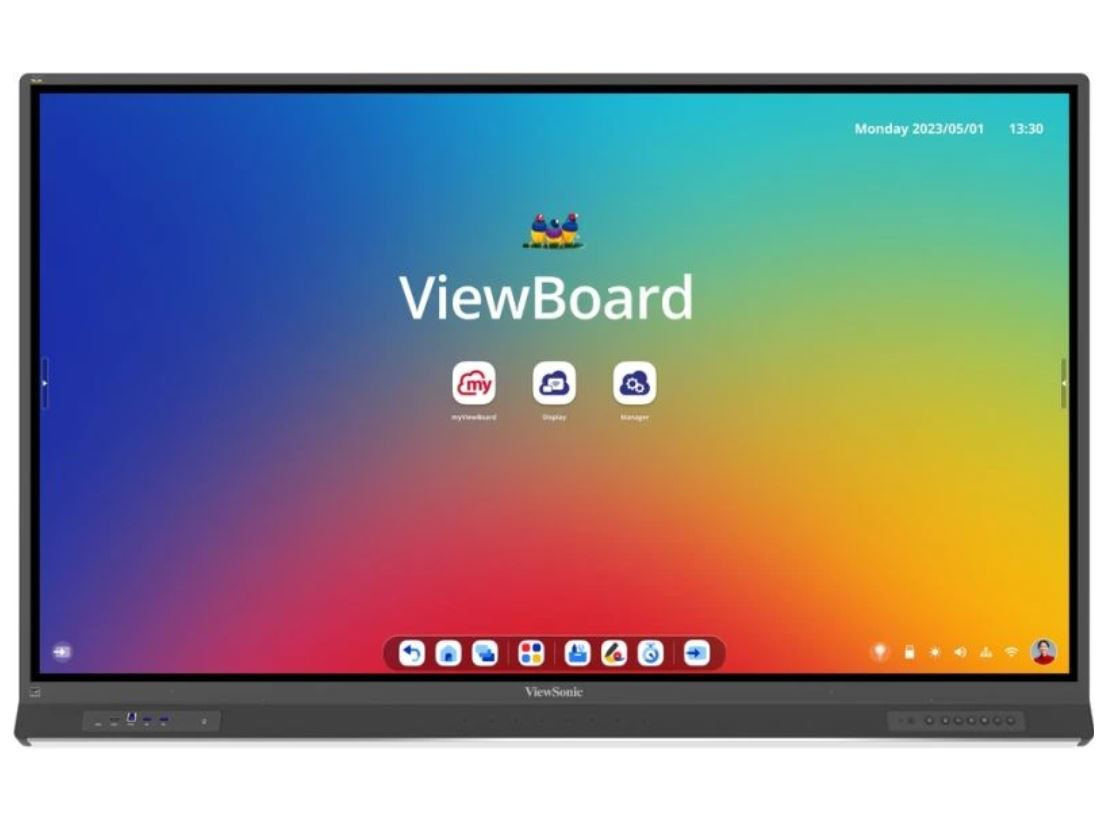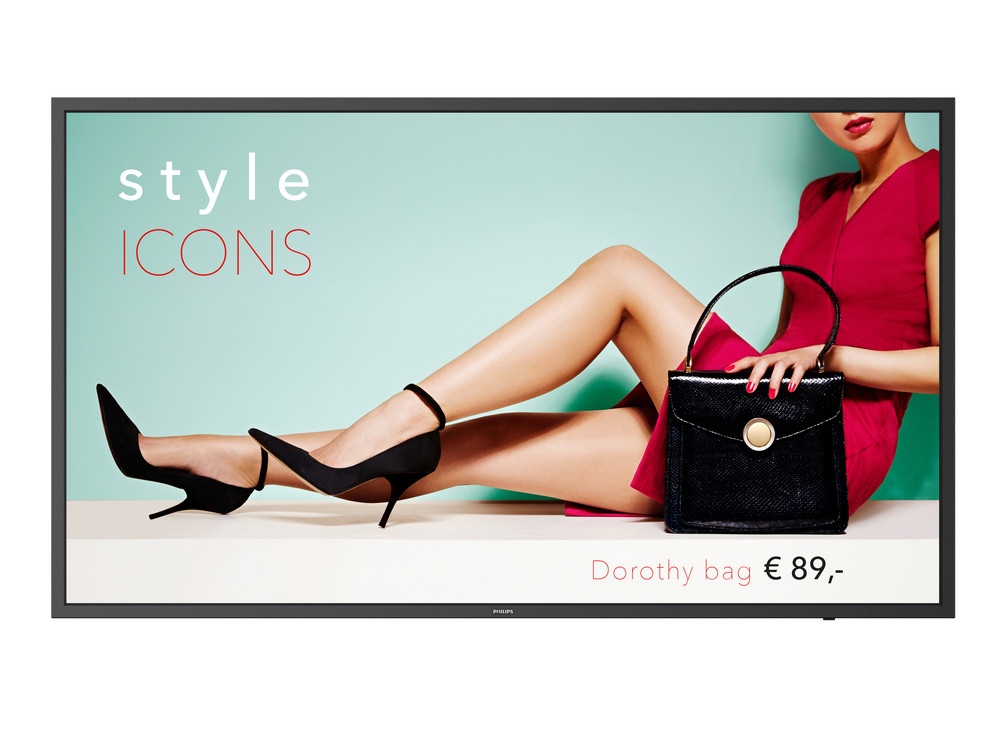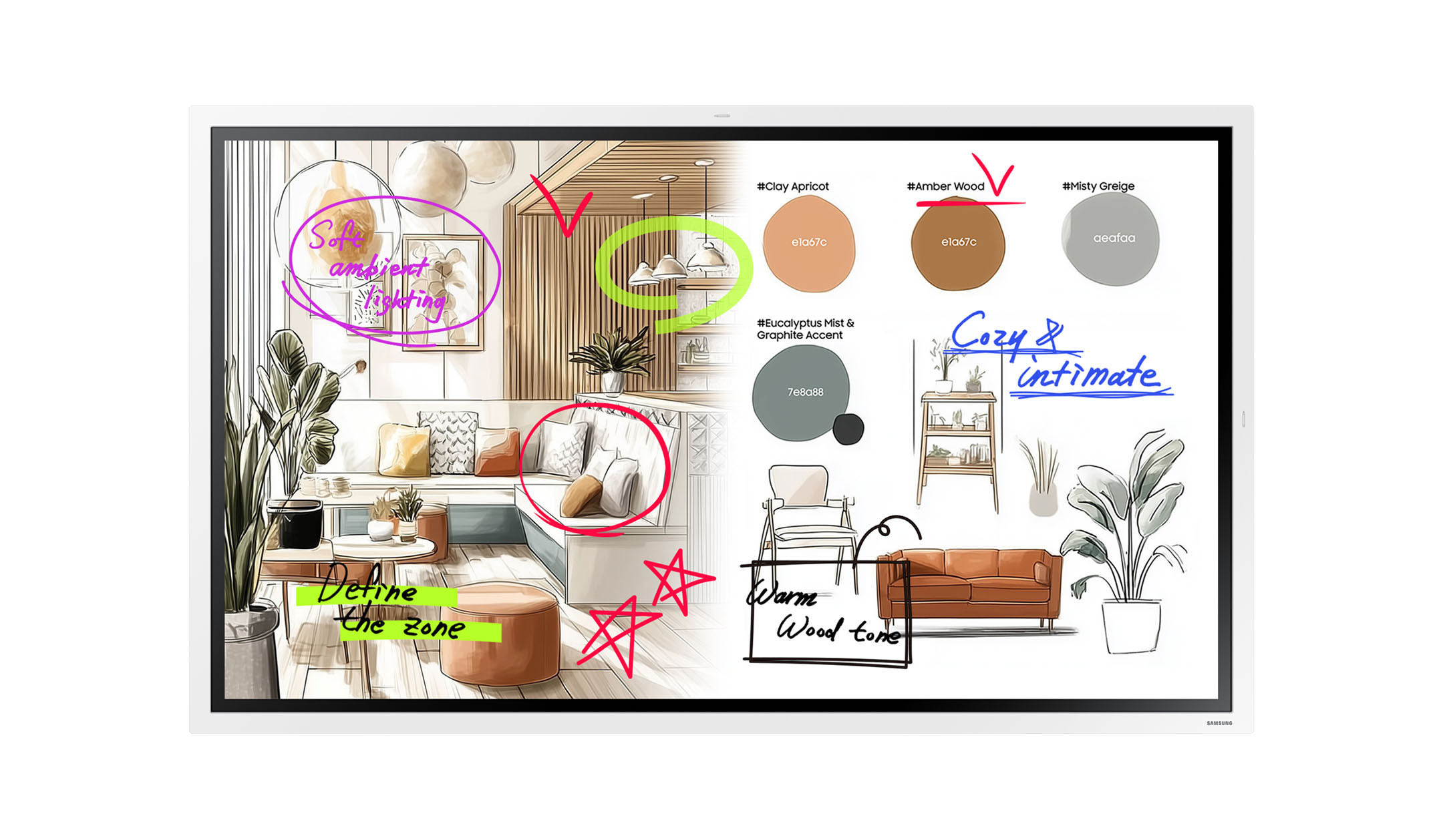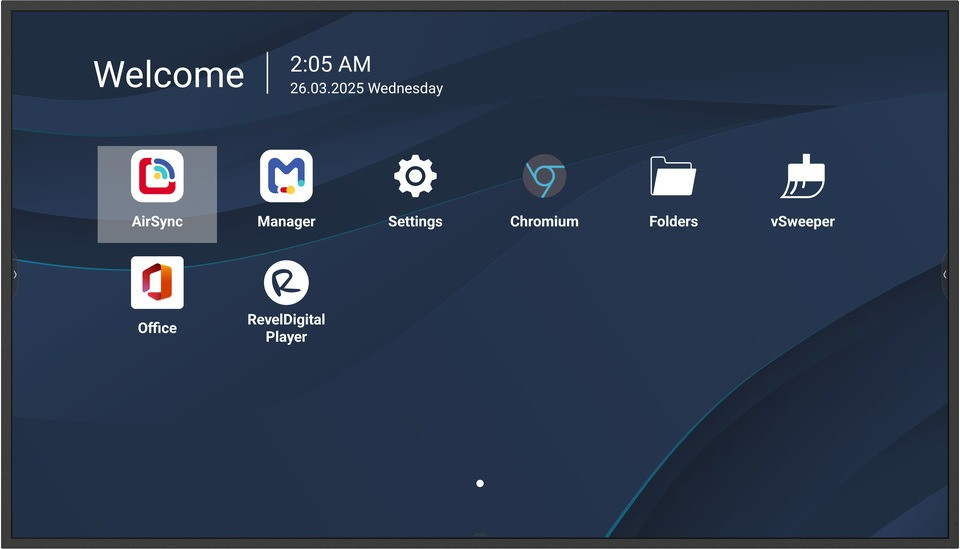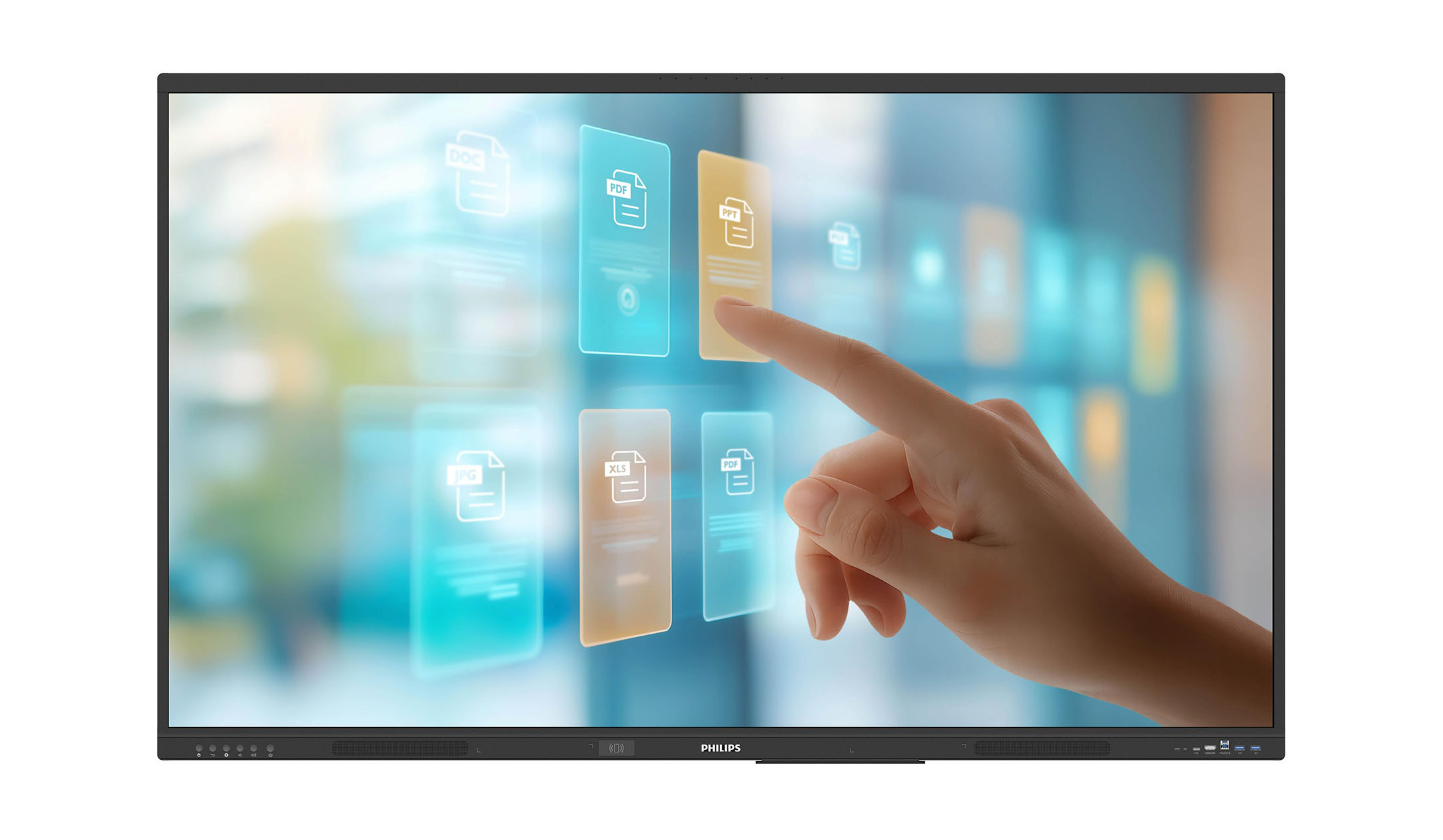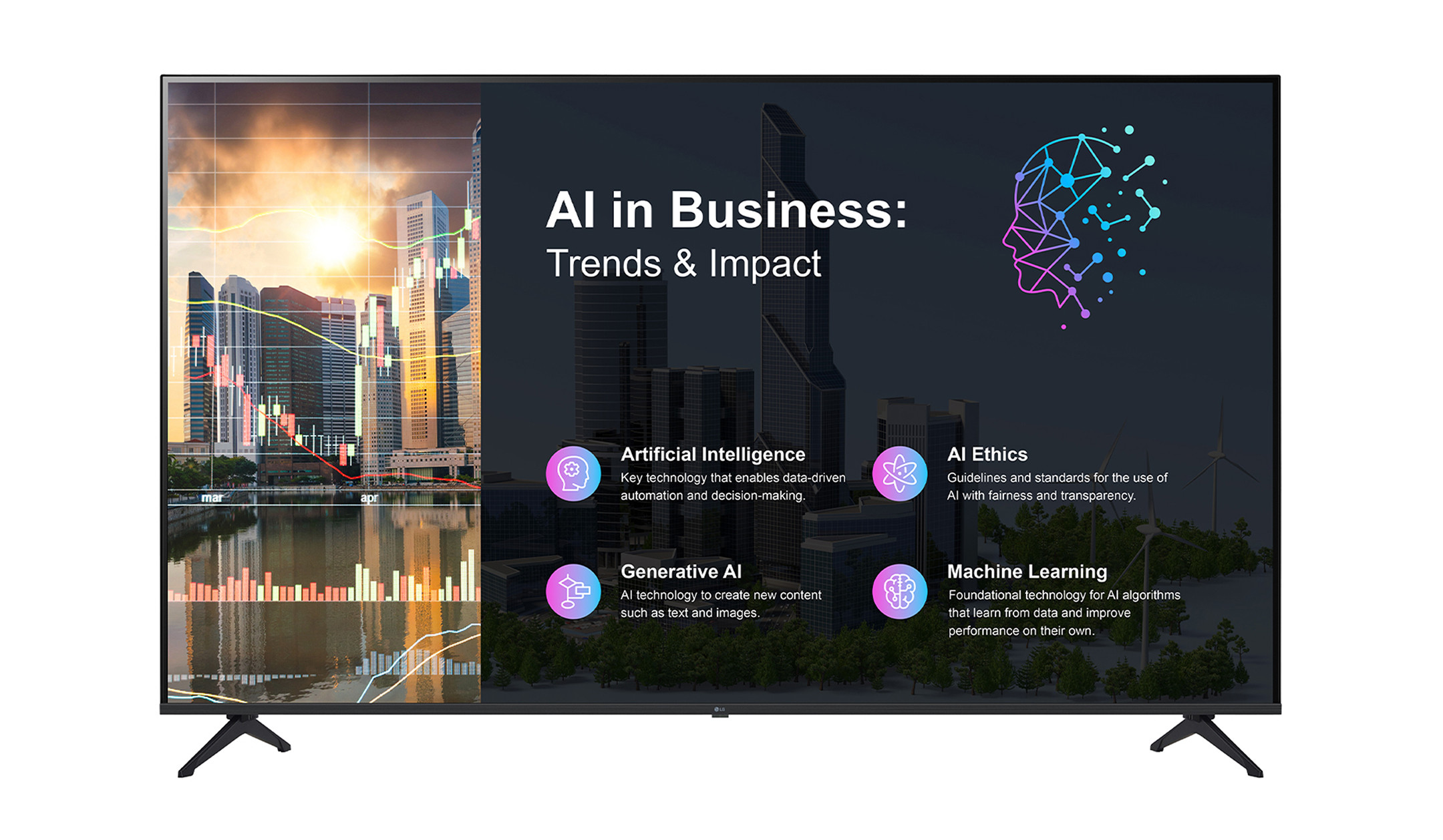


What makes a professional display?

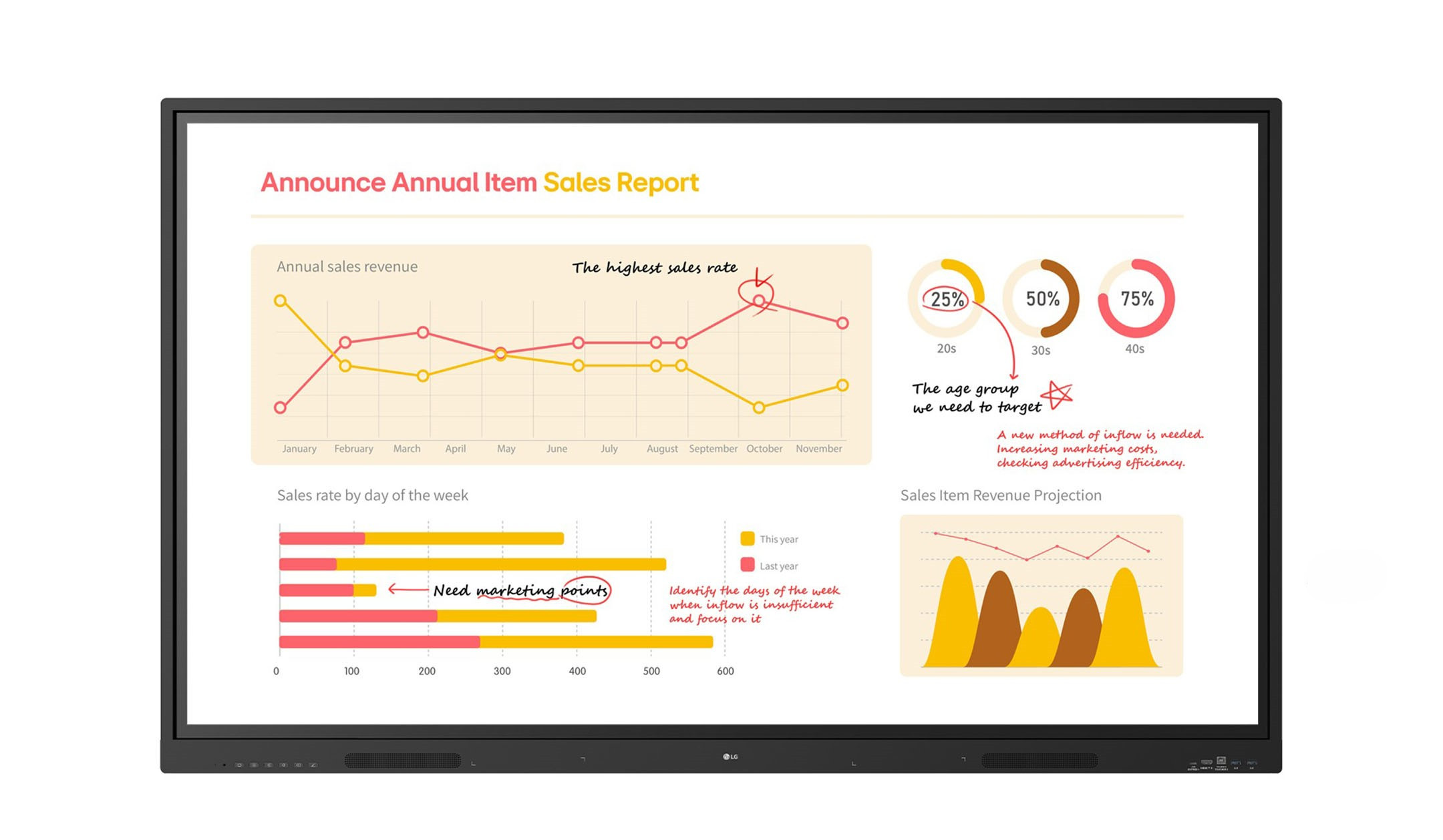
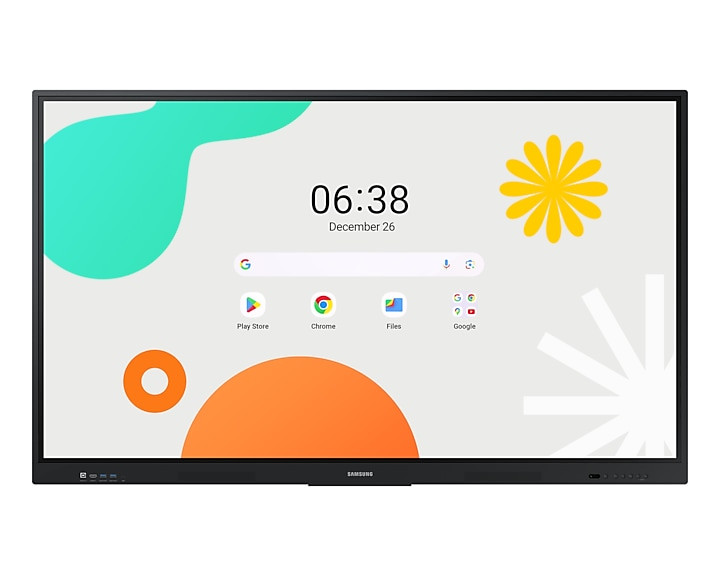
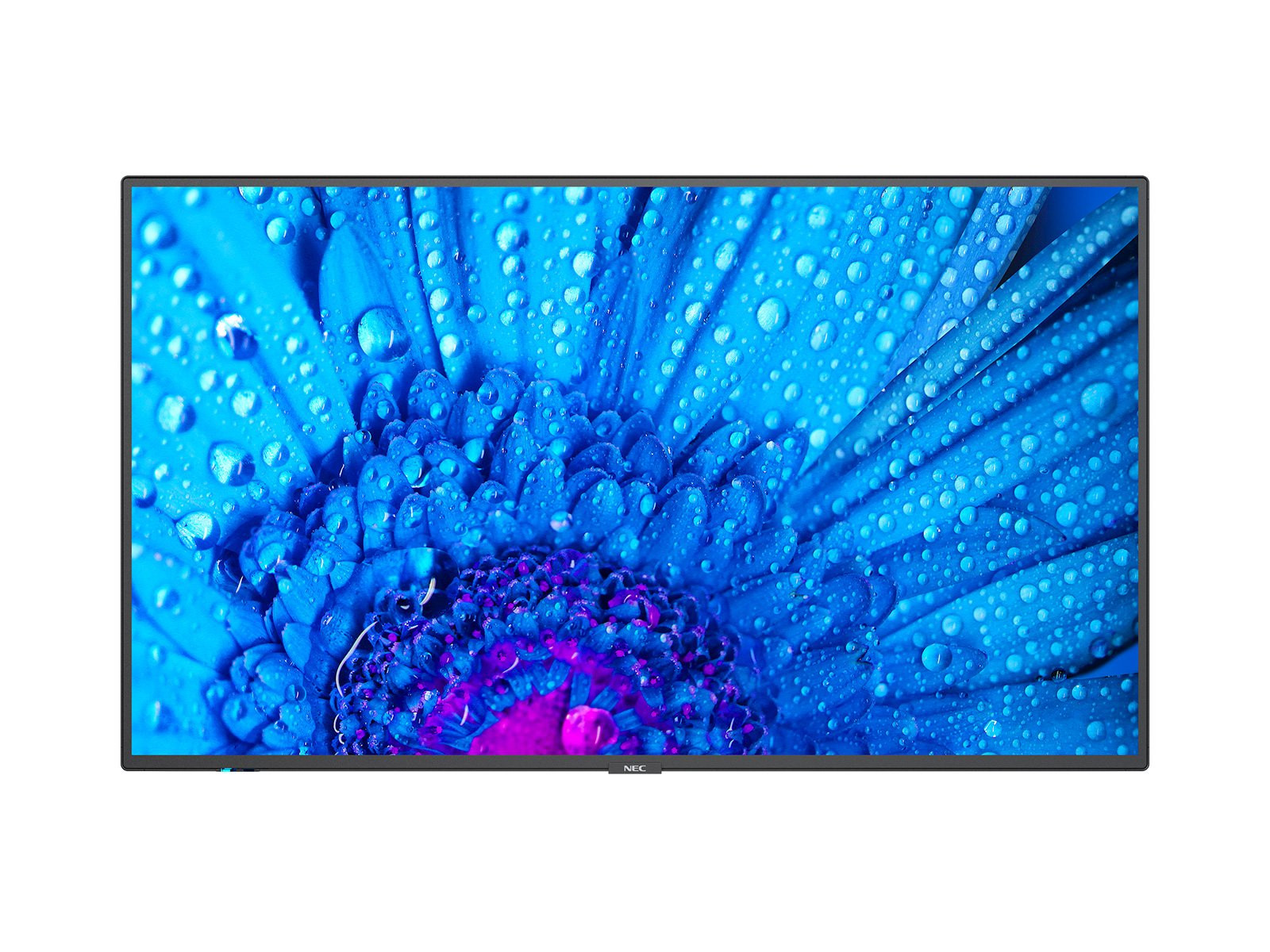
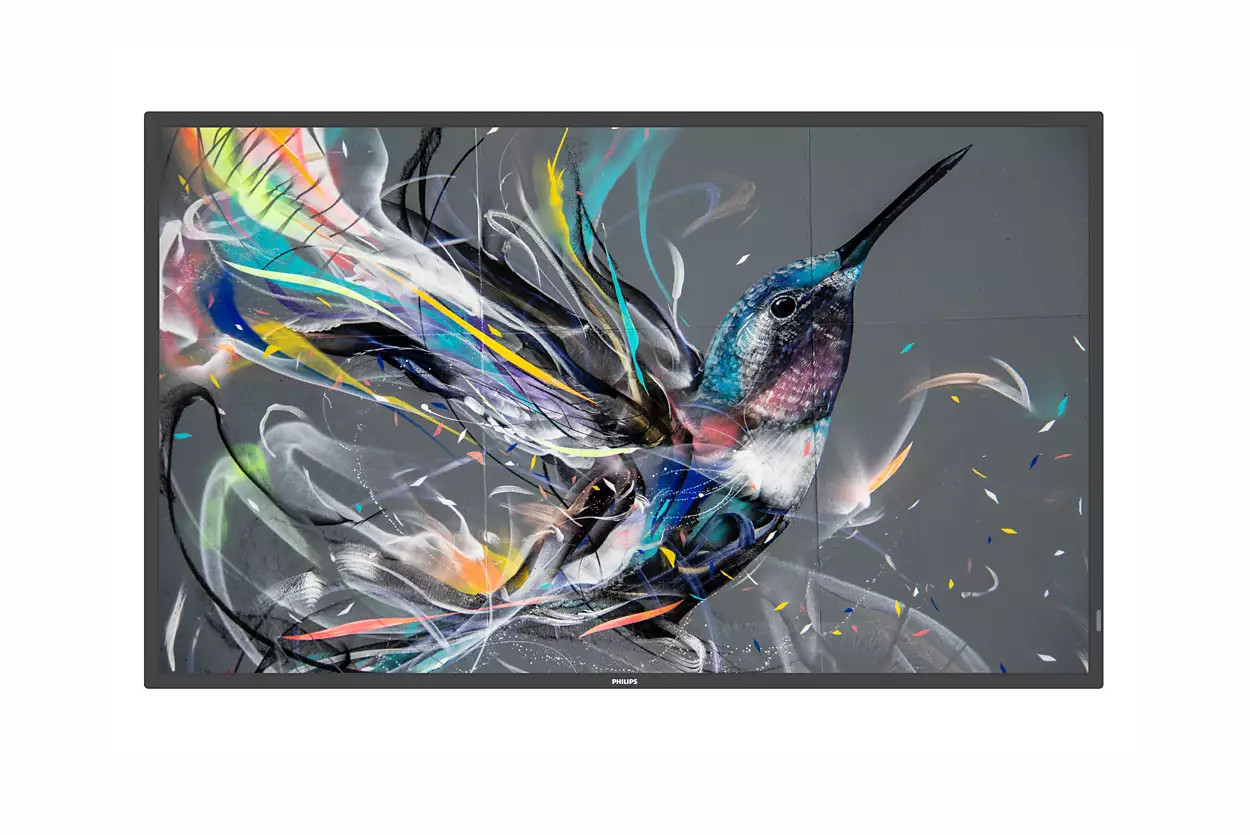
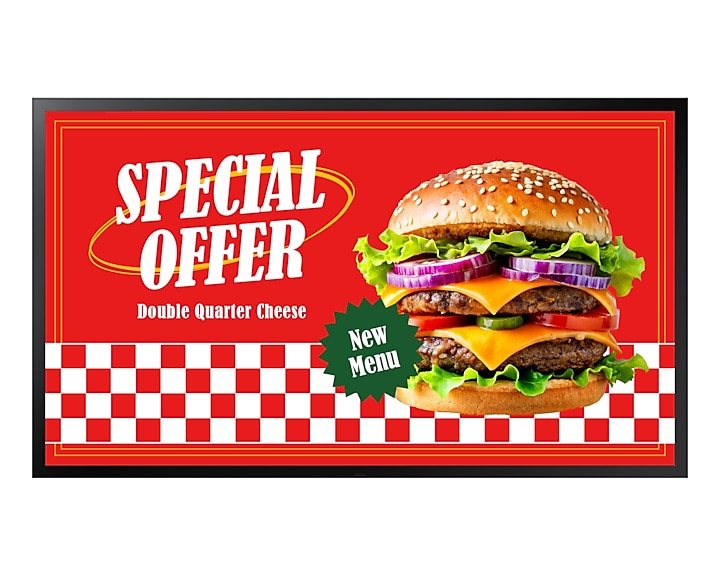
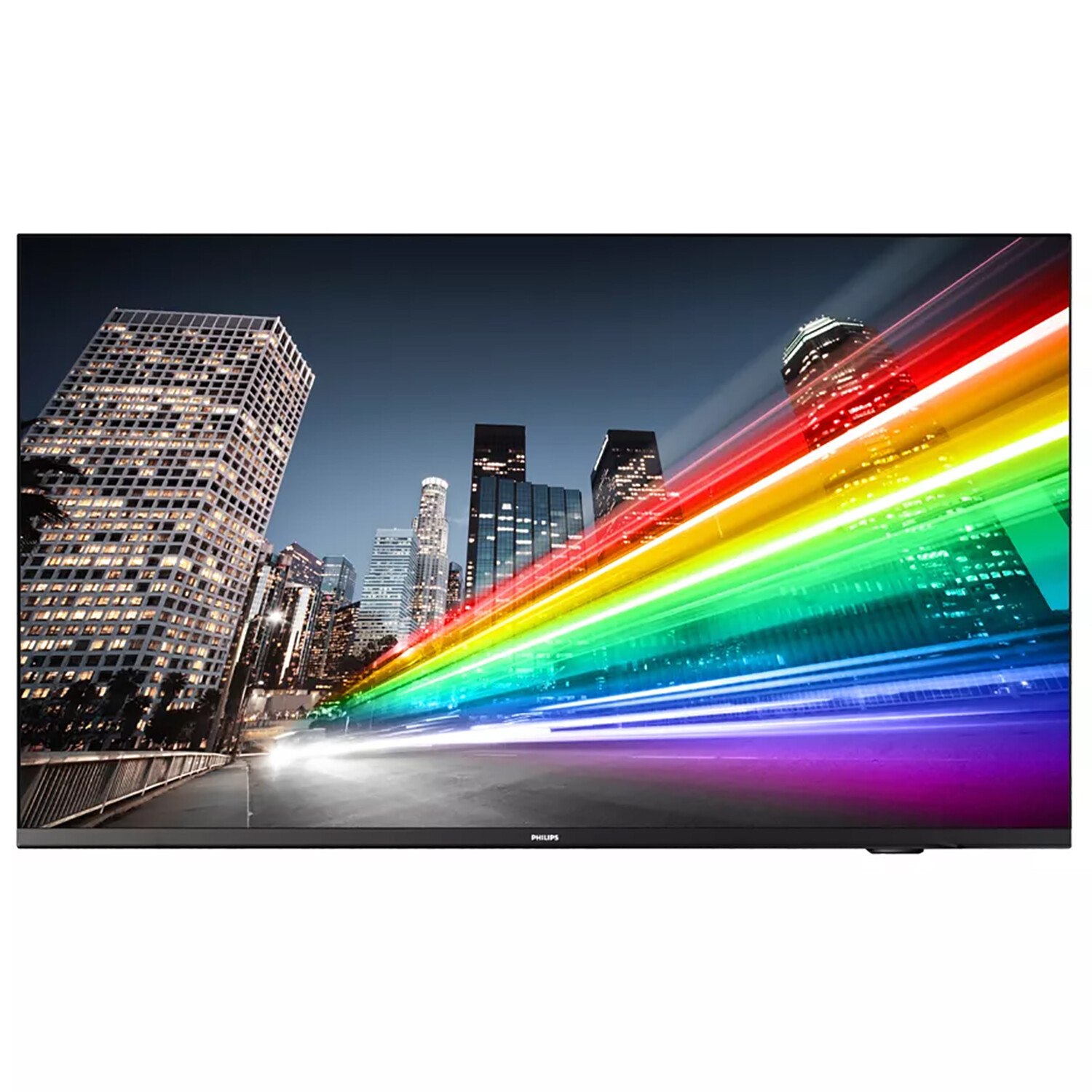
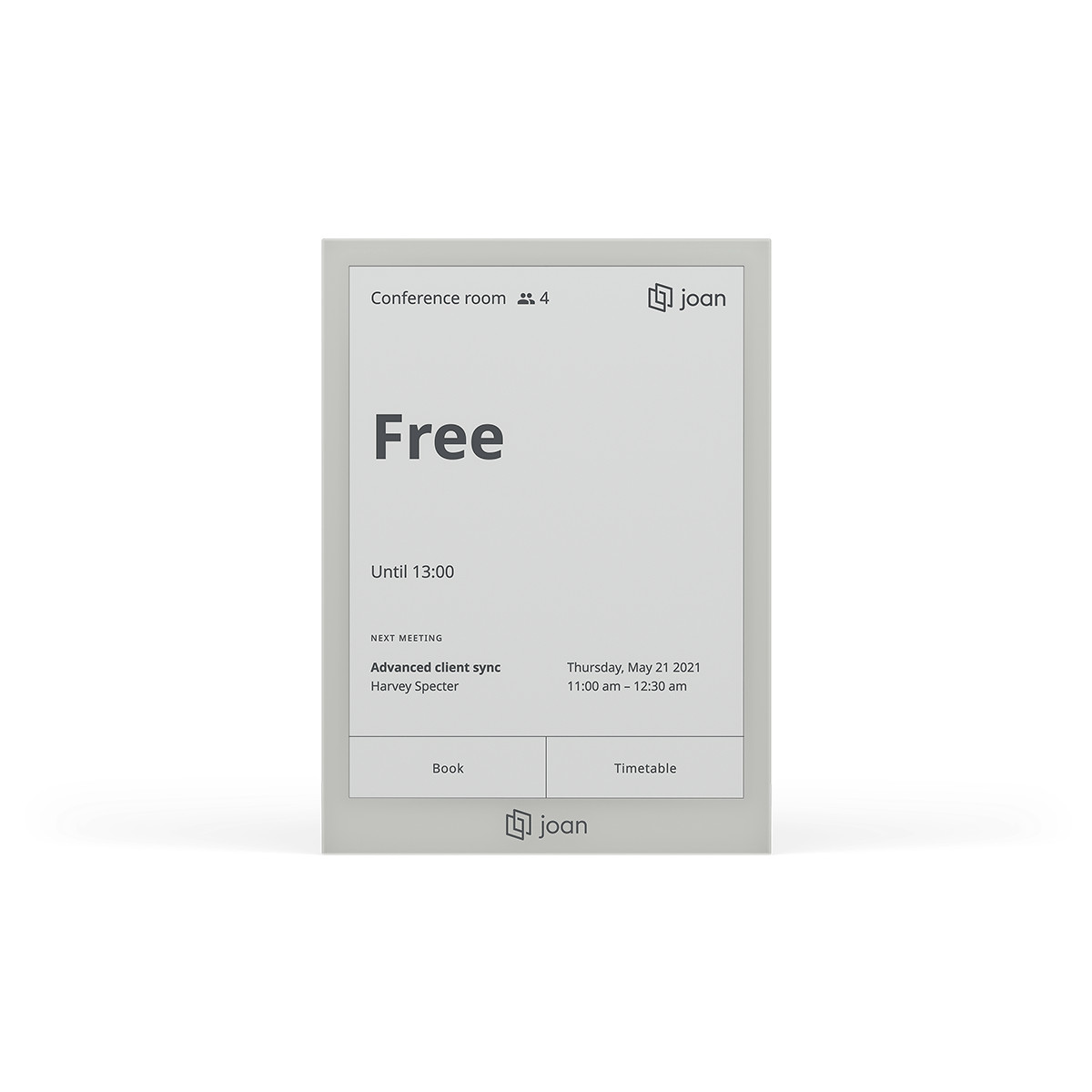
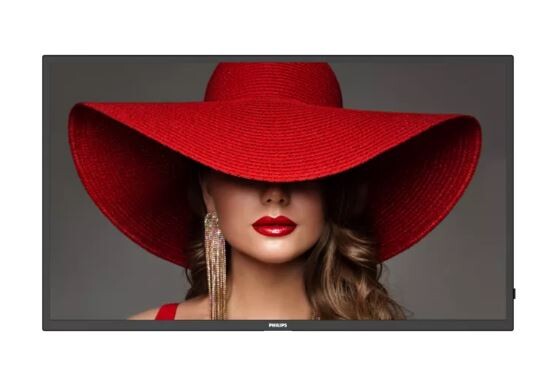
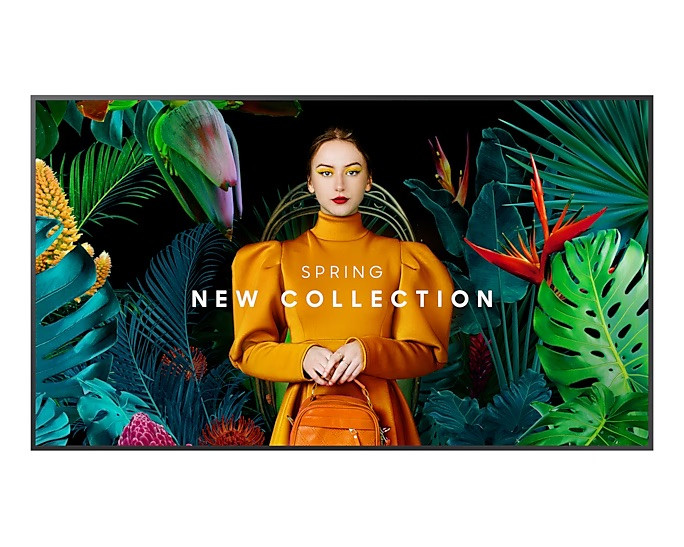
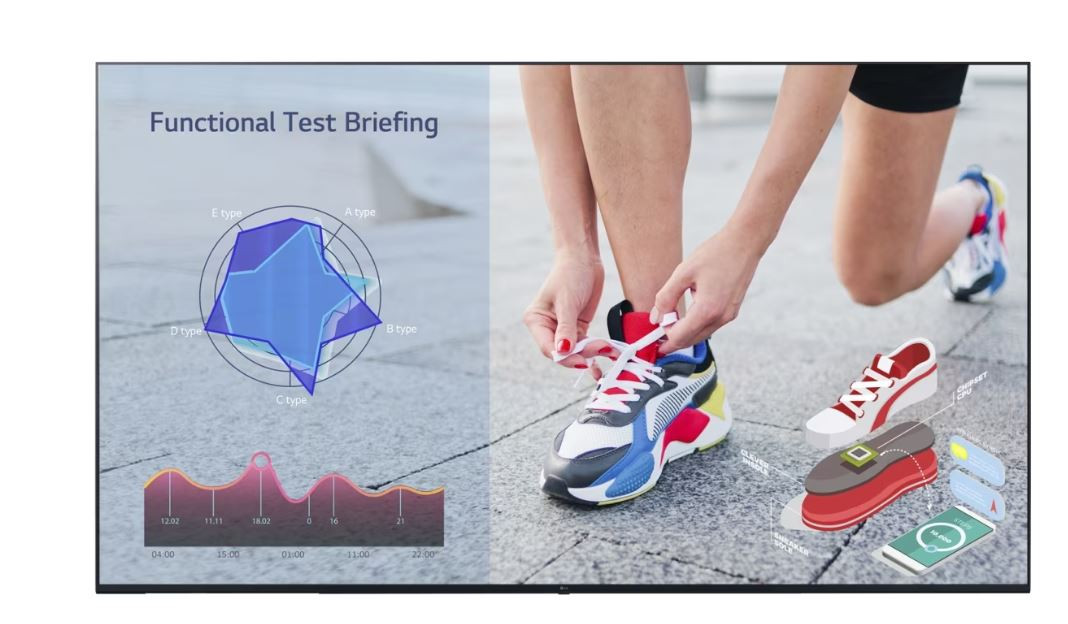
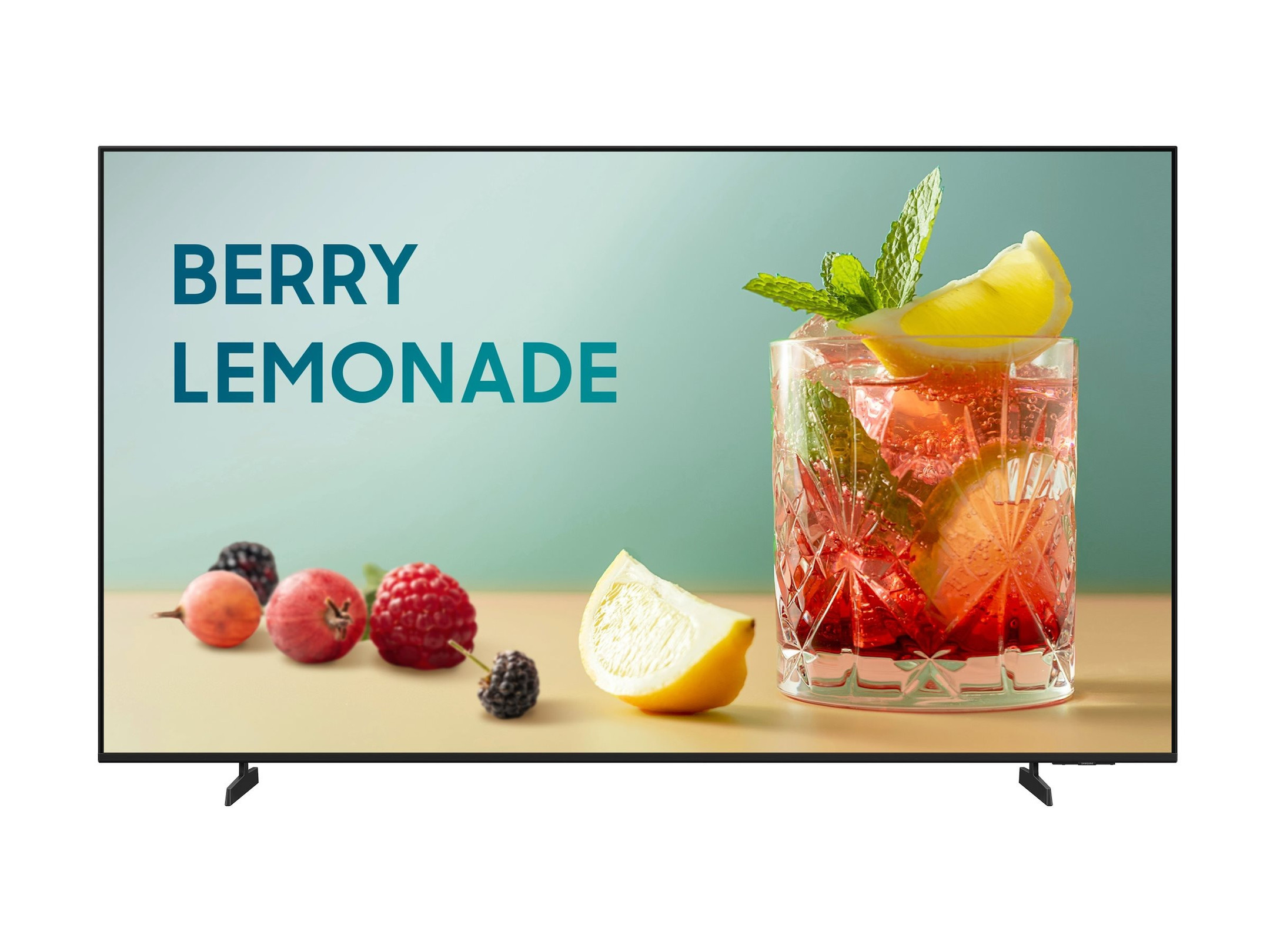
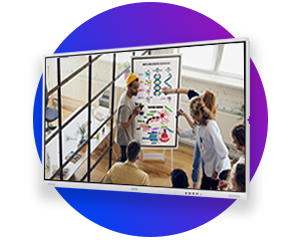
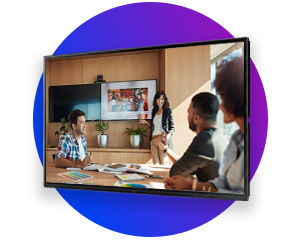
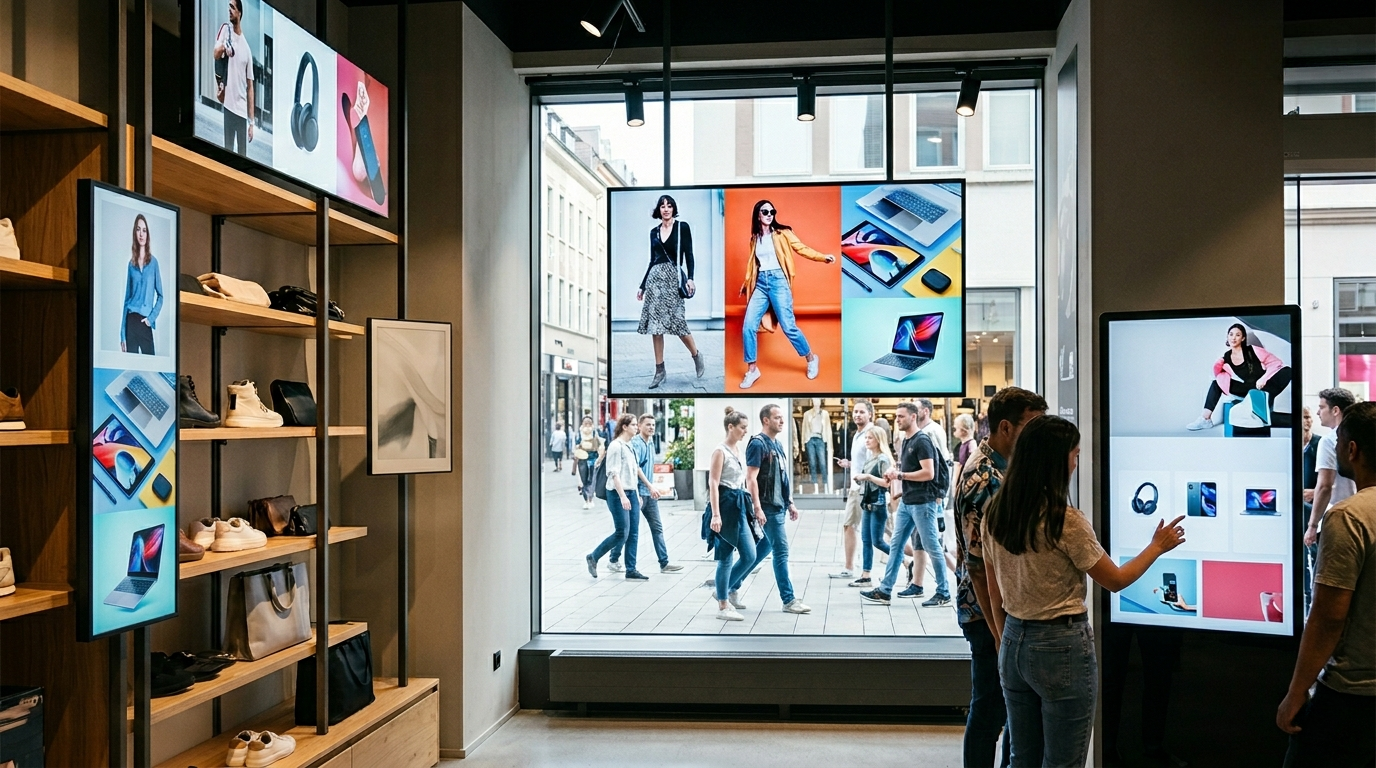
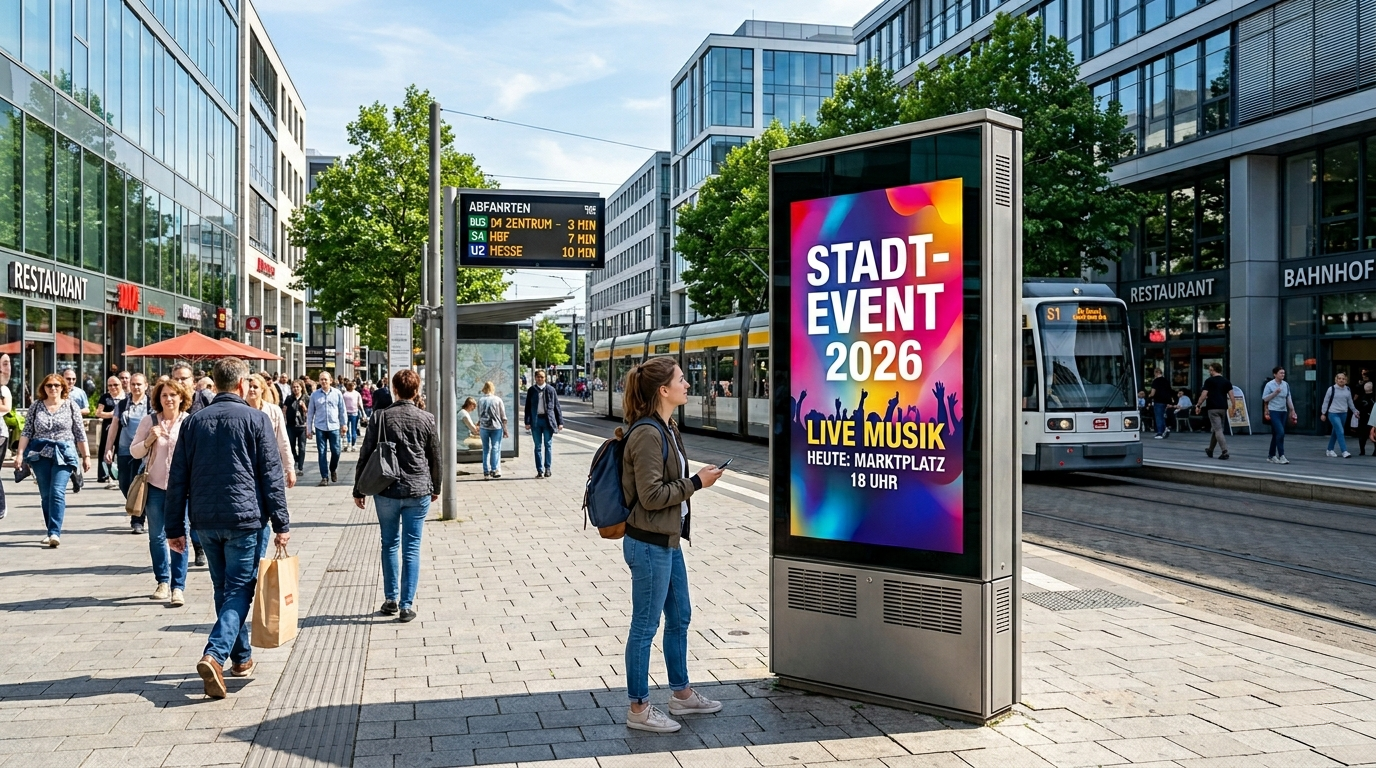
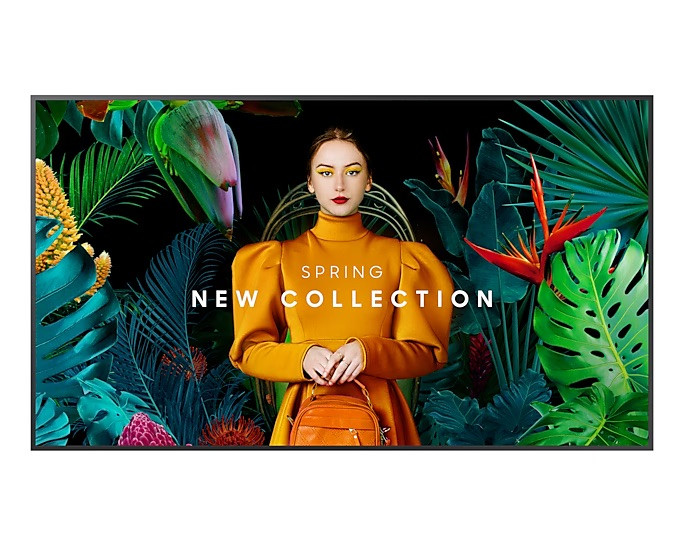
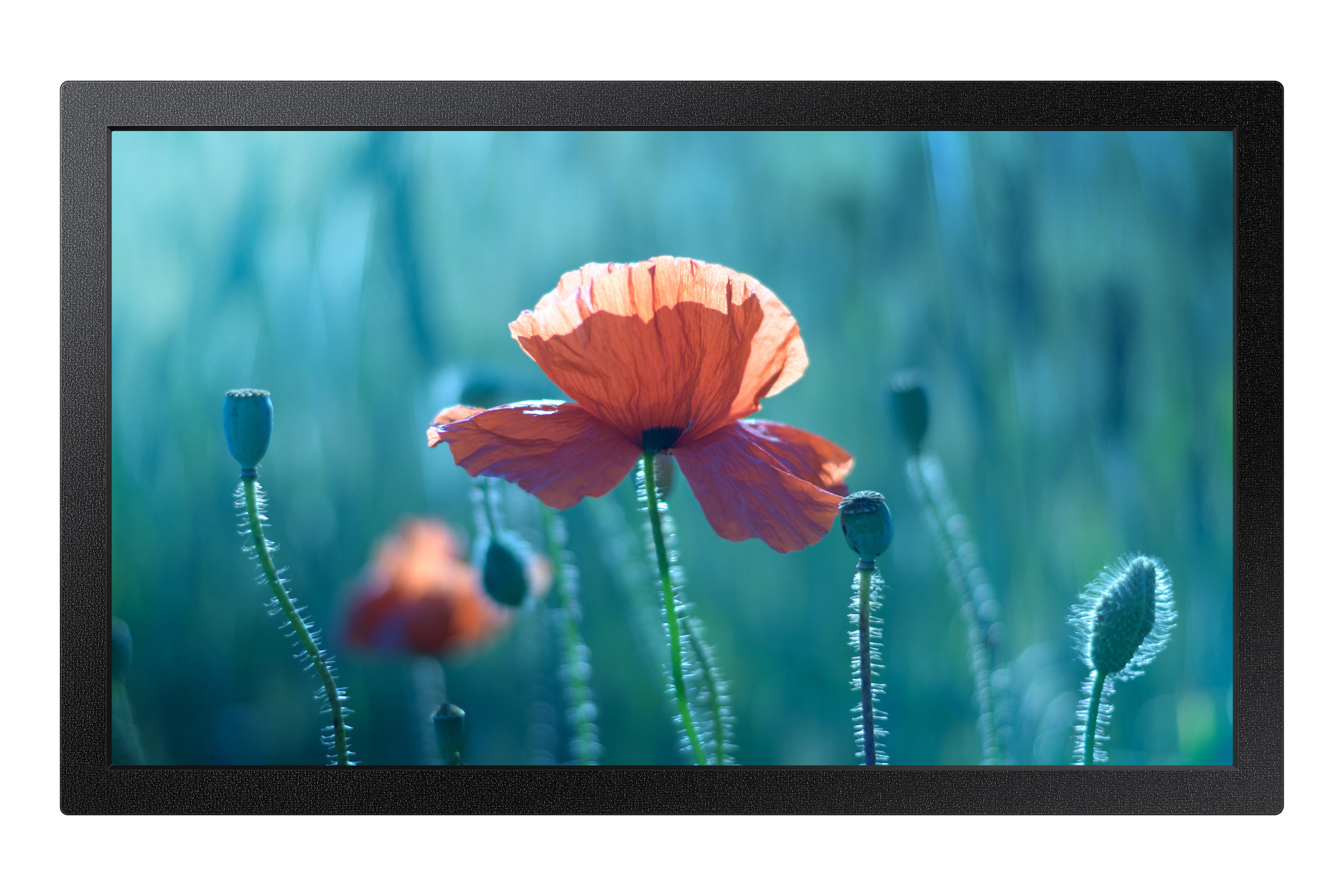
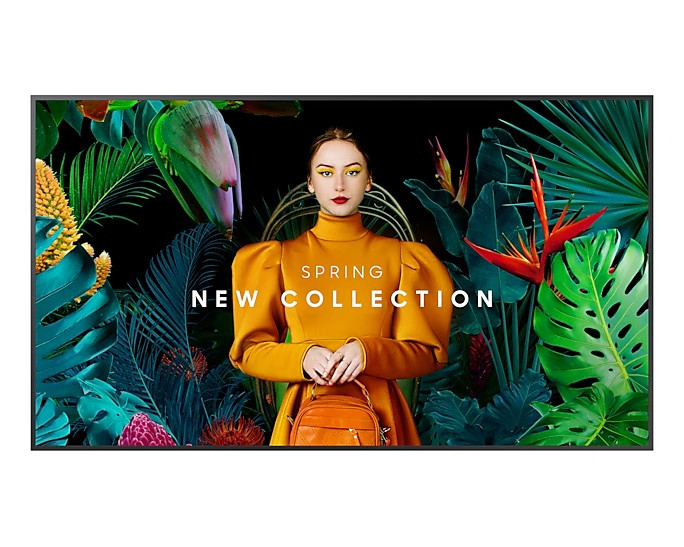
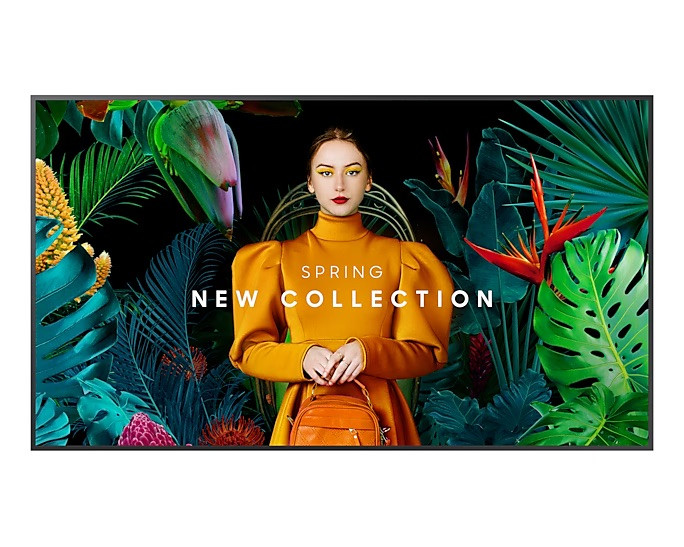
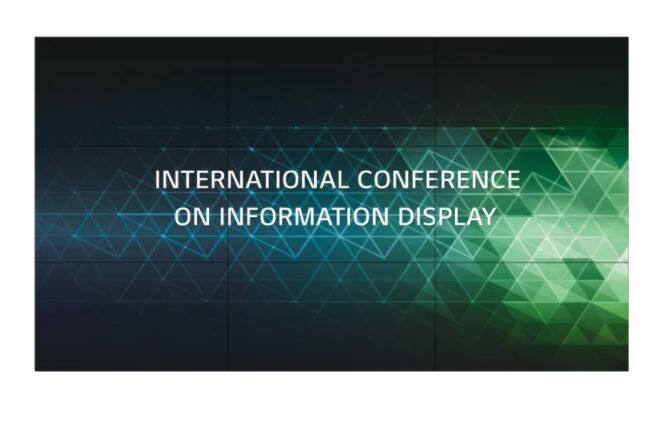
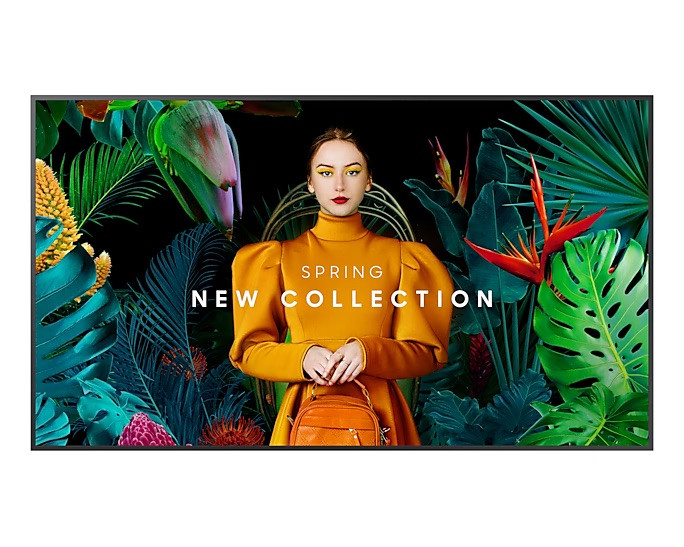
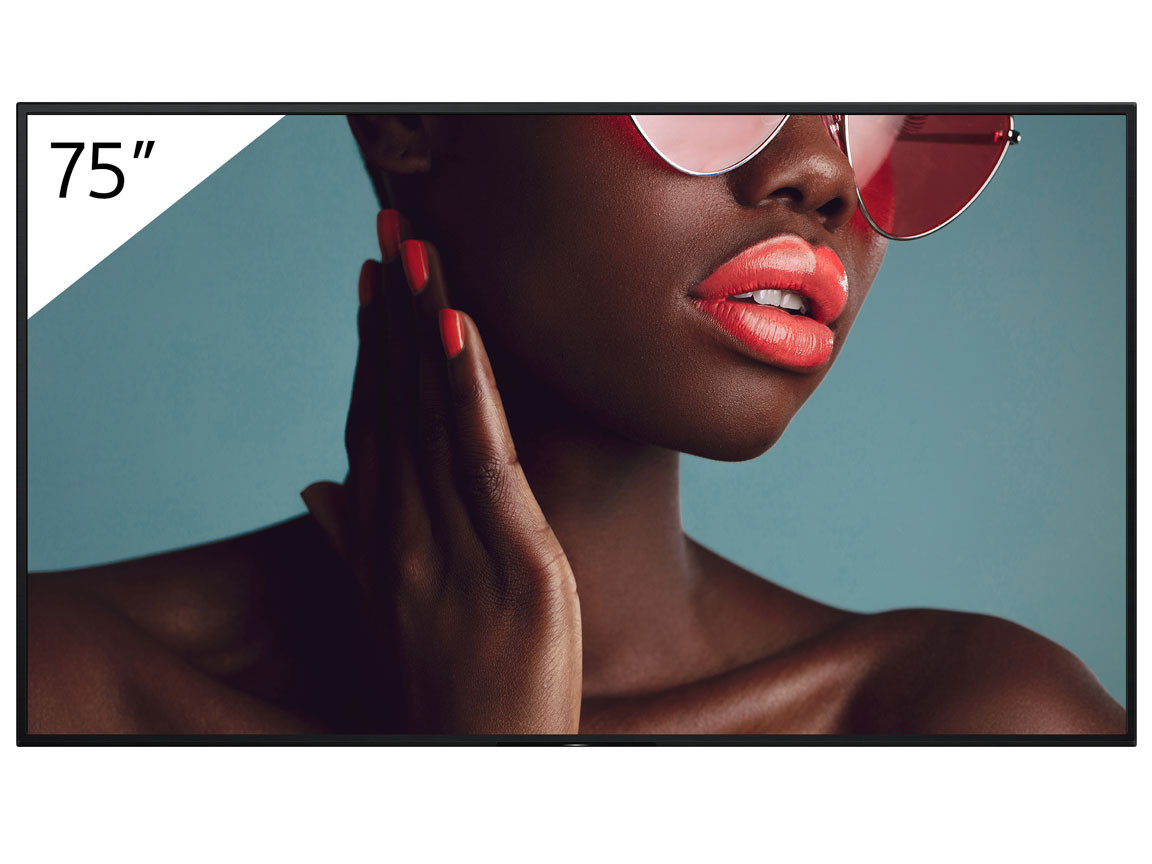
As specialised display media, displays make information visible wherever people come together: at Point-of-Sales, at transport hubs and in interactive conference rooms. They are the central element for modern communication and collaboration in companies.

Content

Important properties for displays

Resolution, size and formats

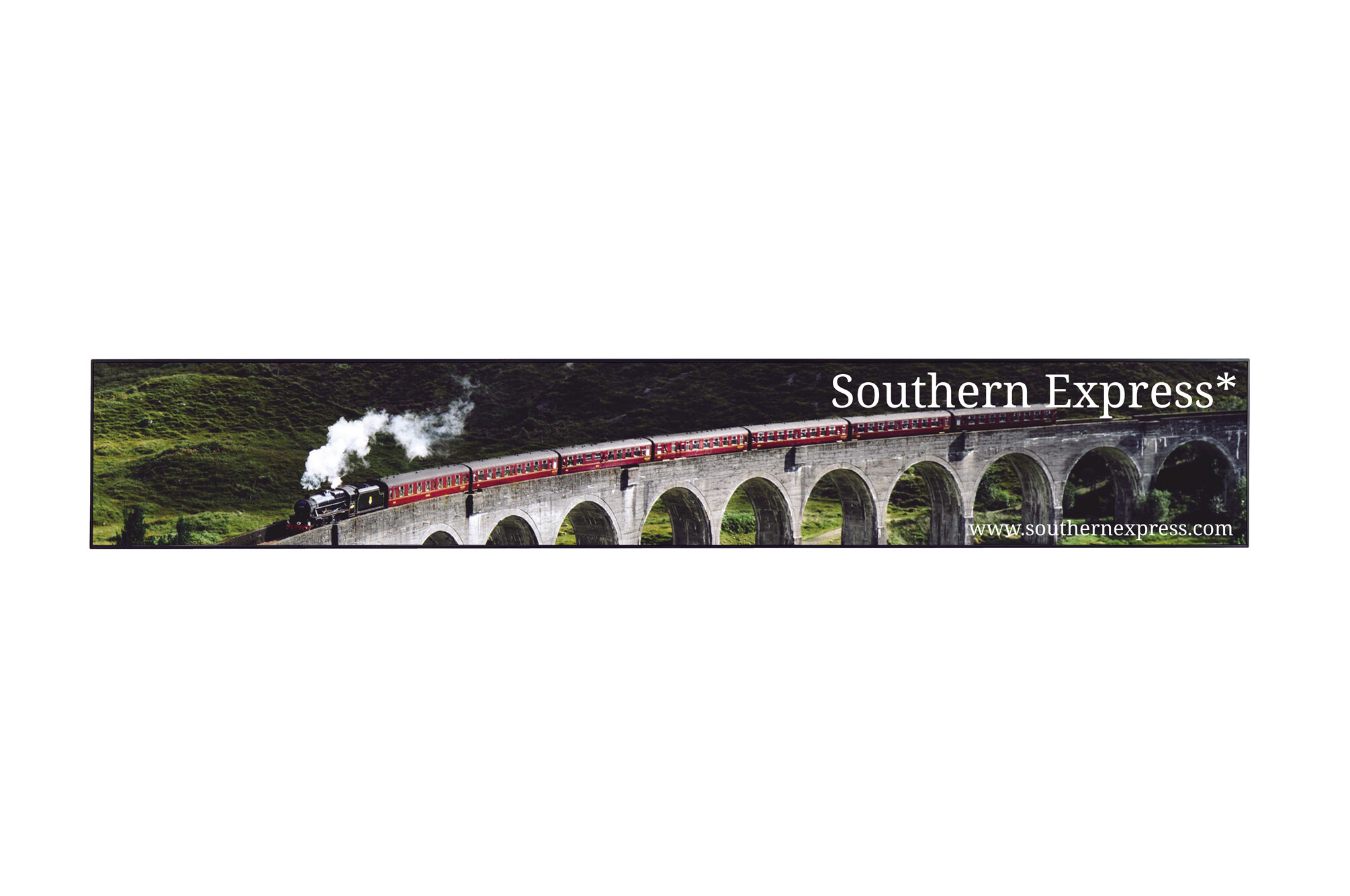
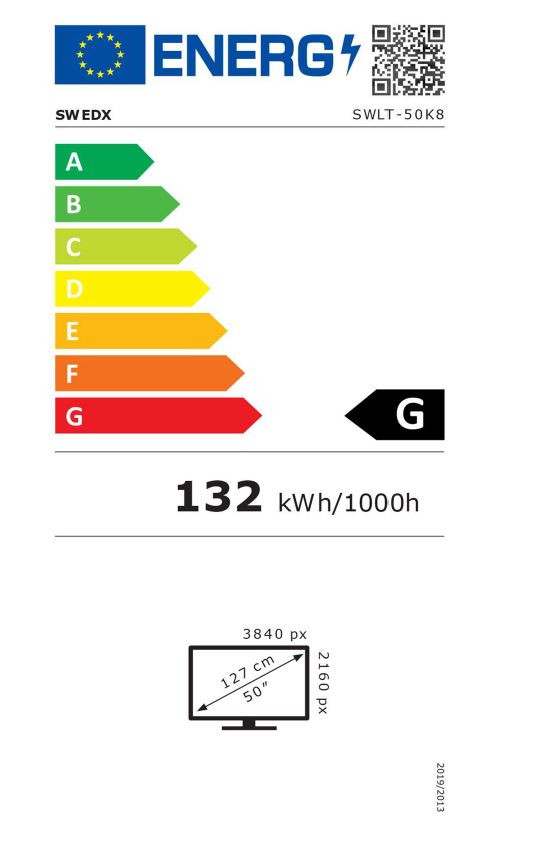
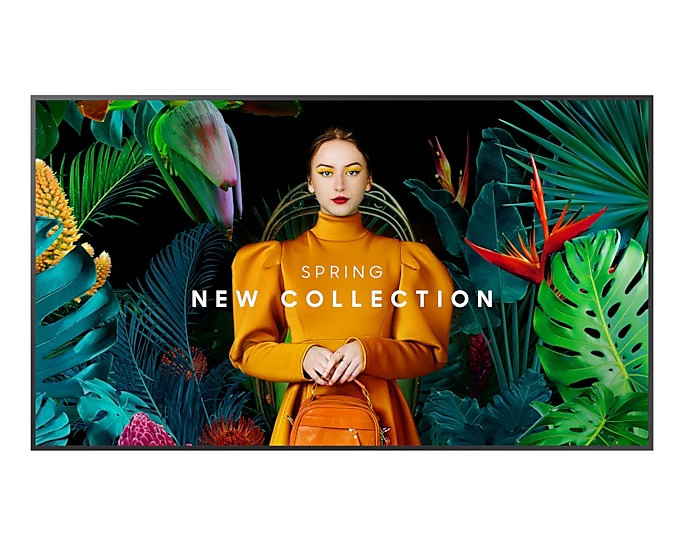
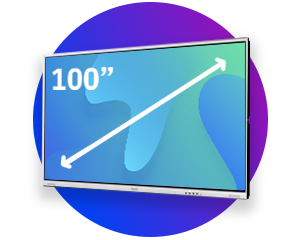
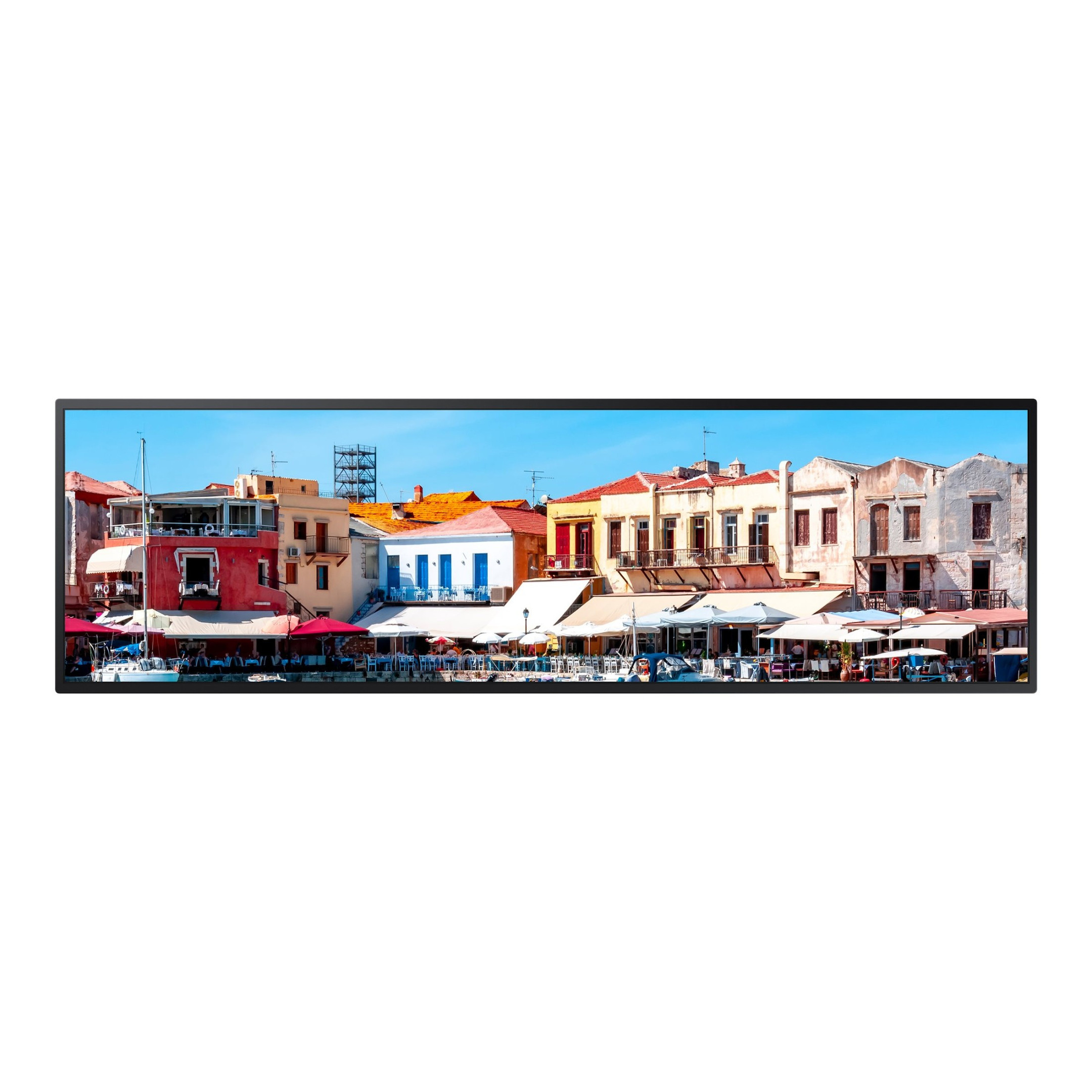
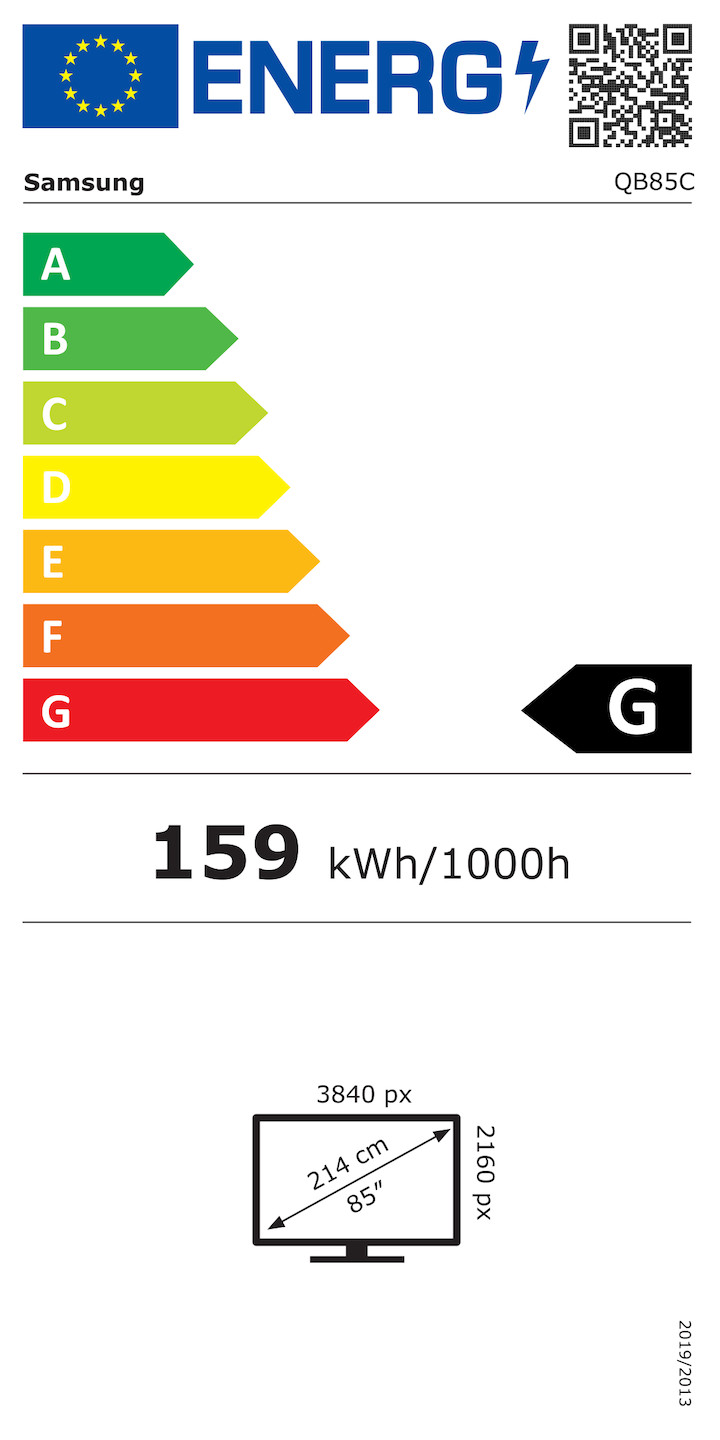
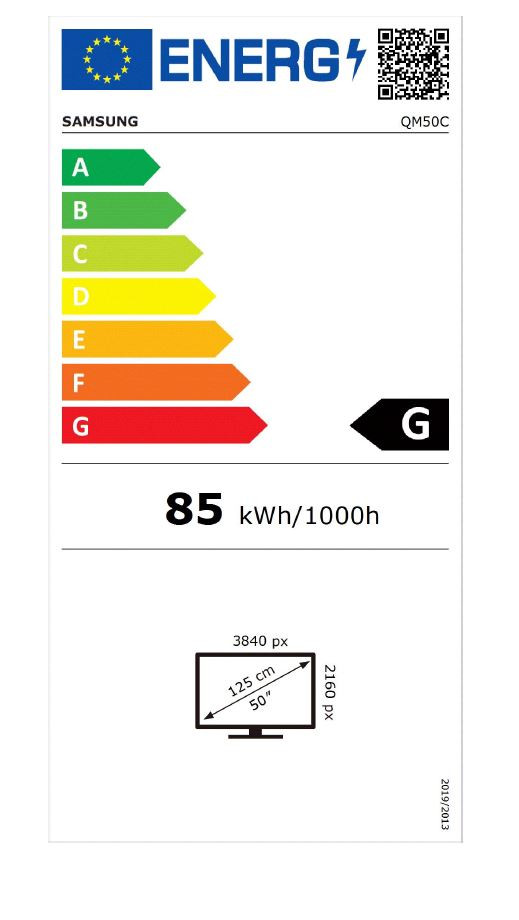
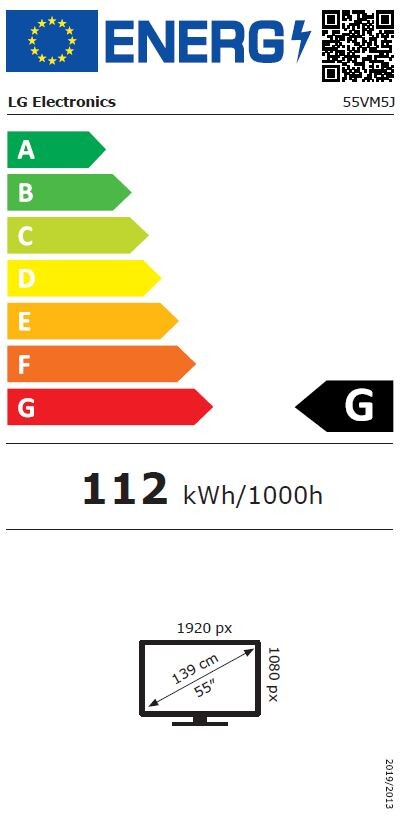
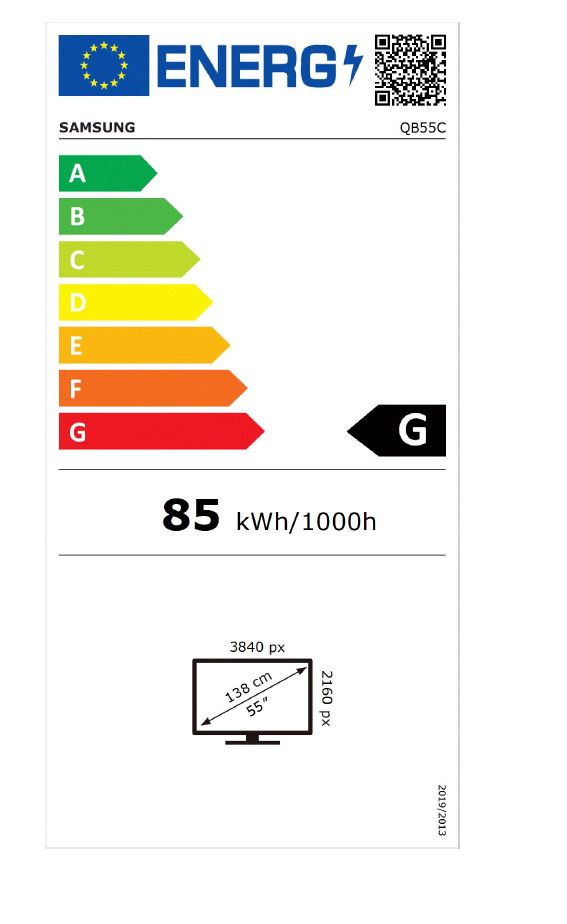
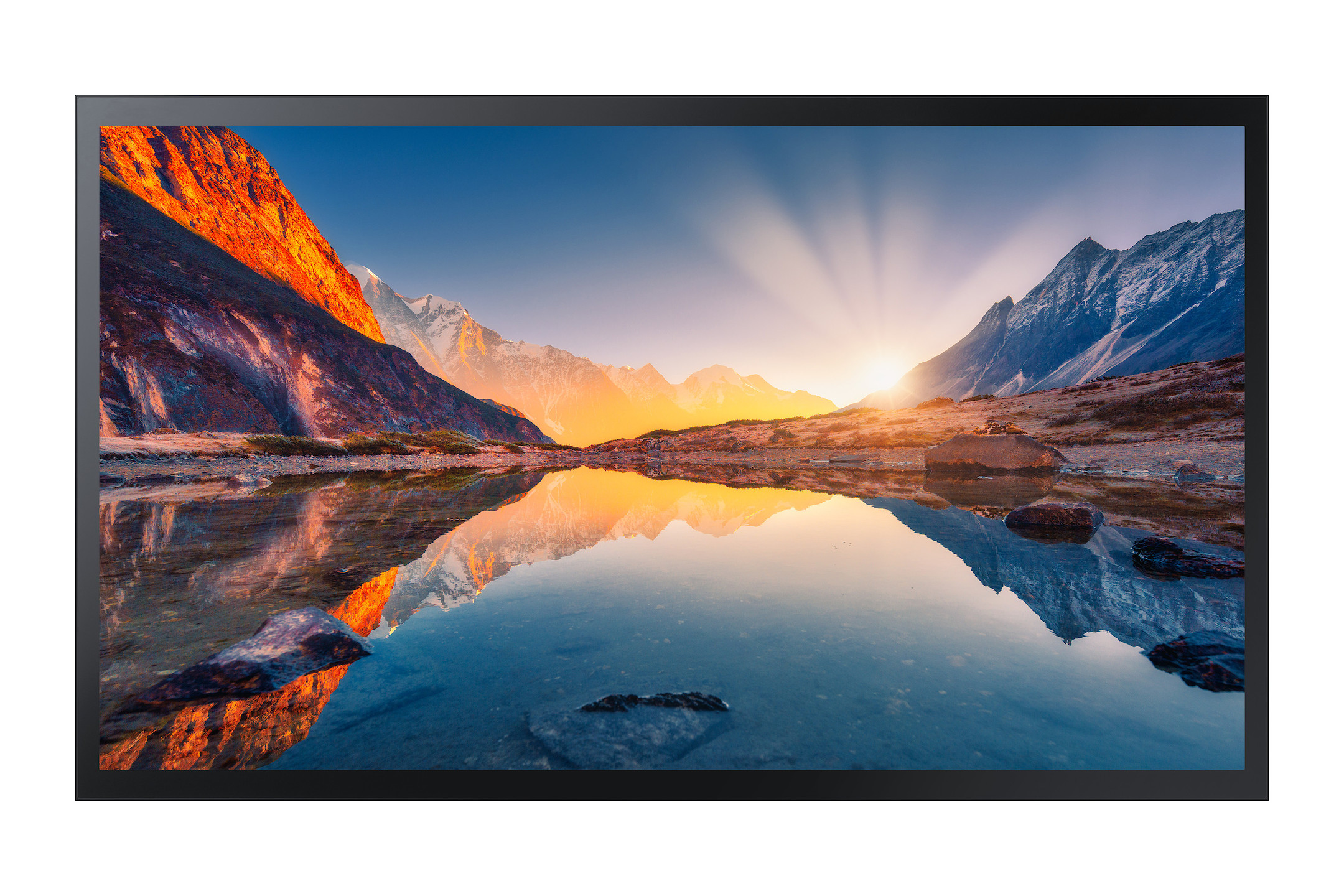
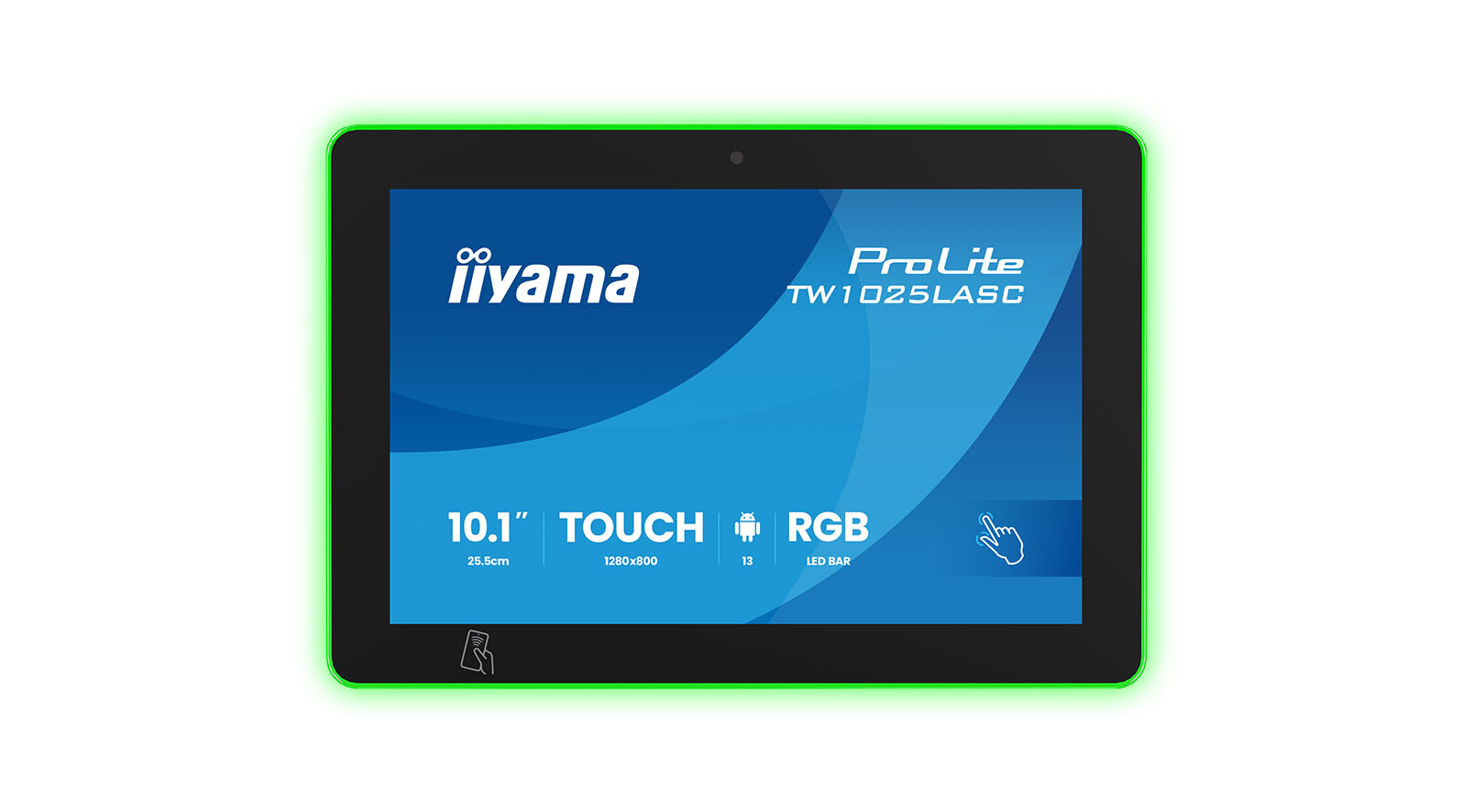
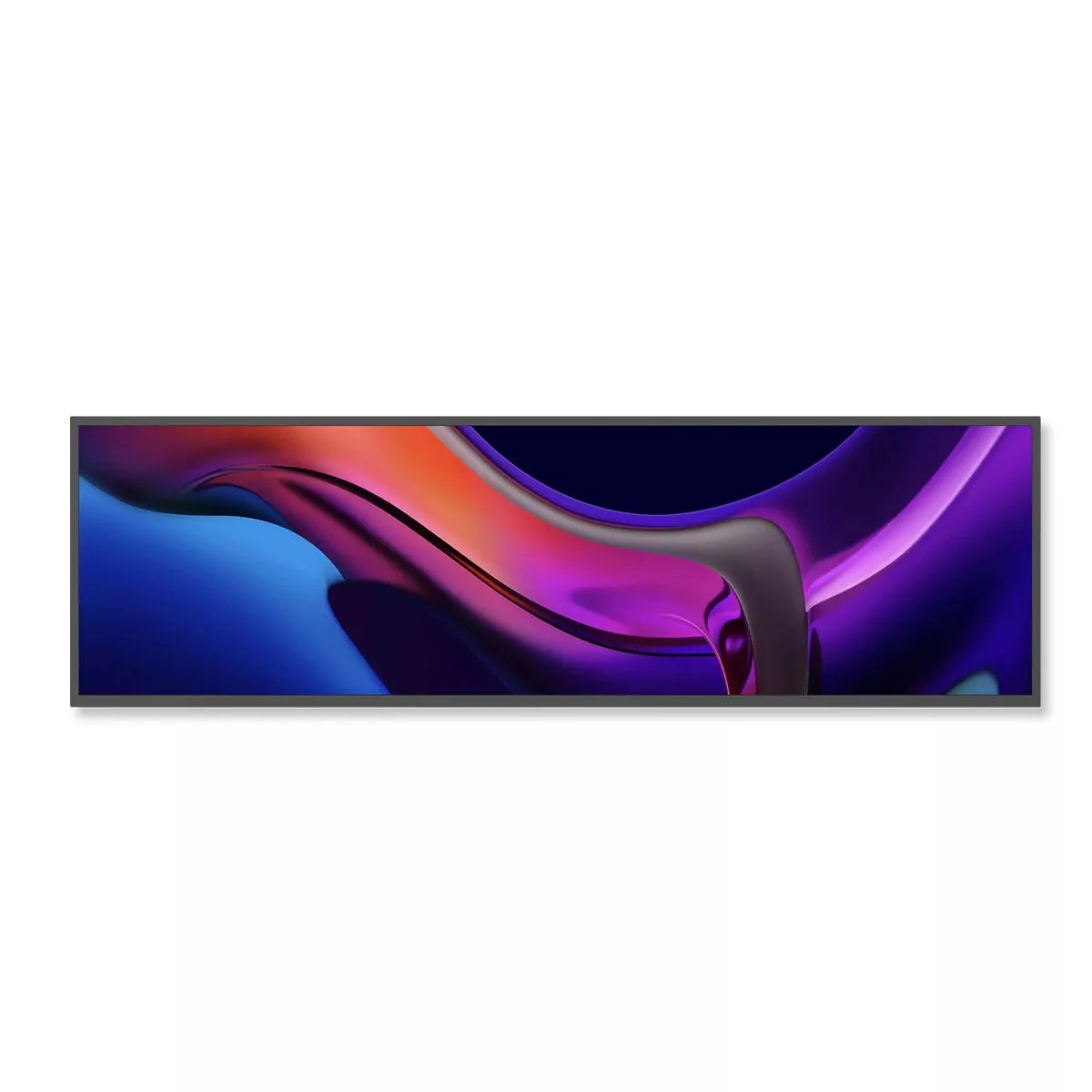
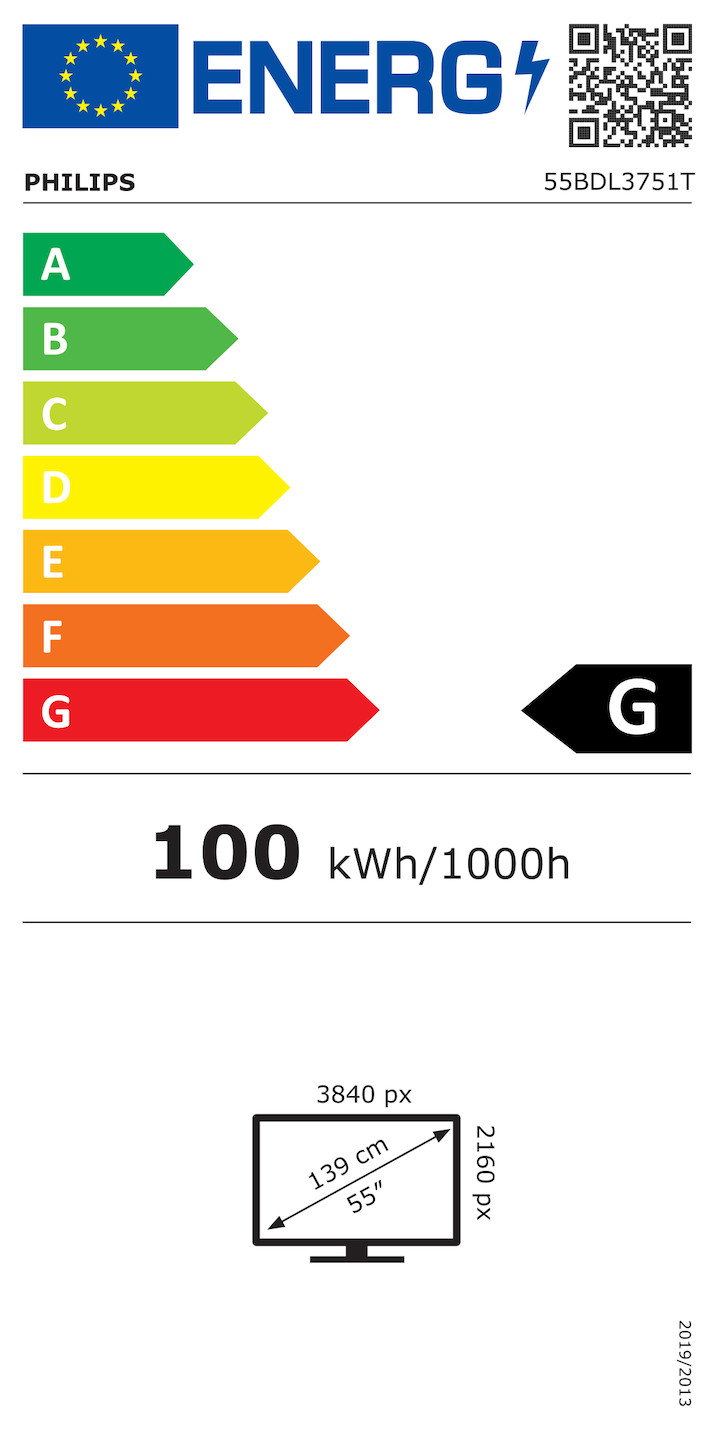
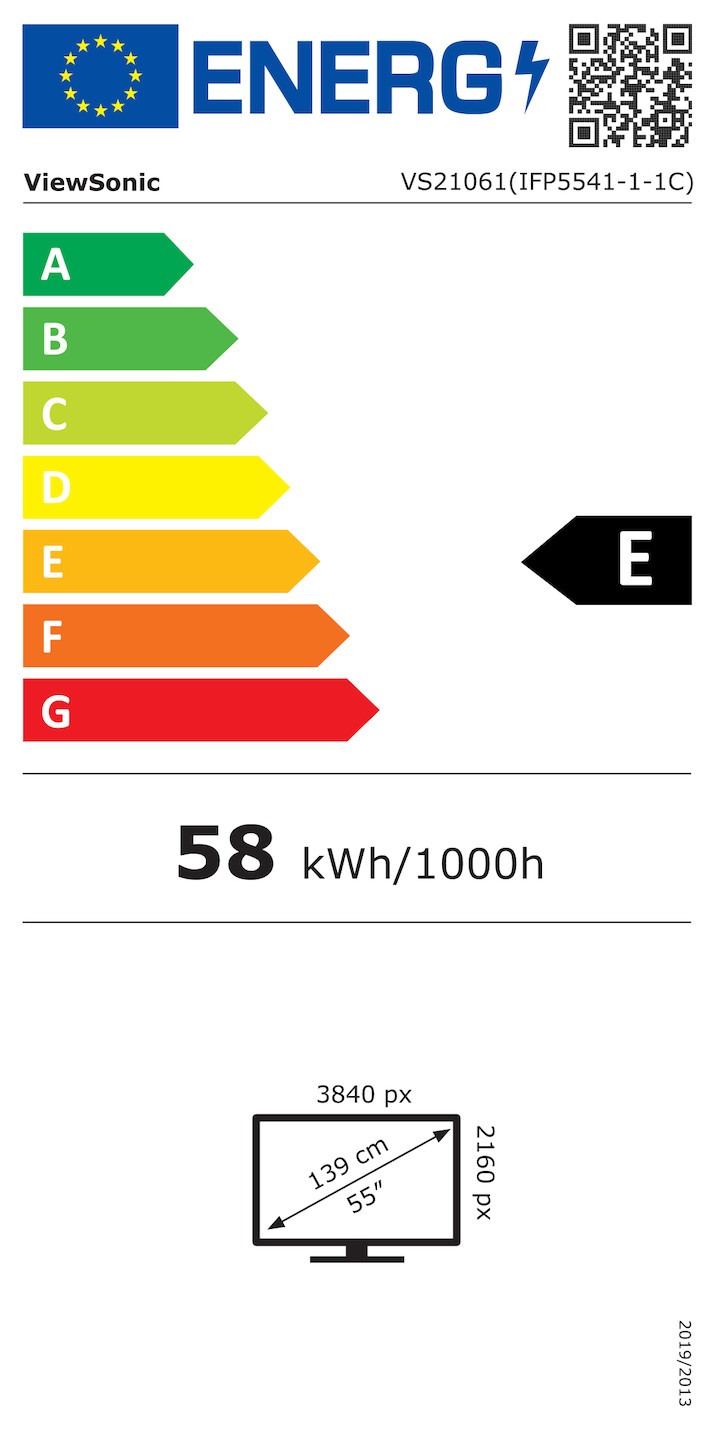
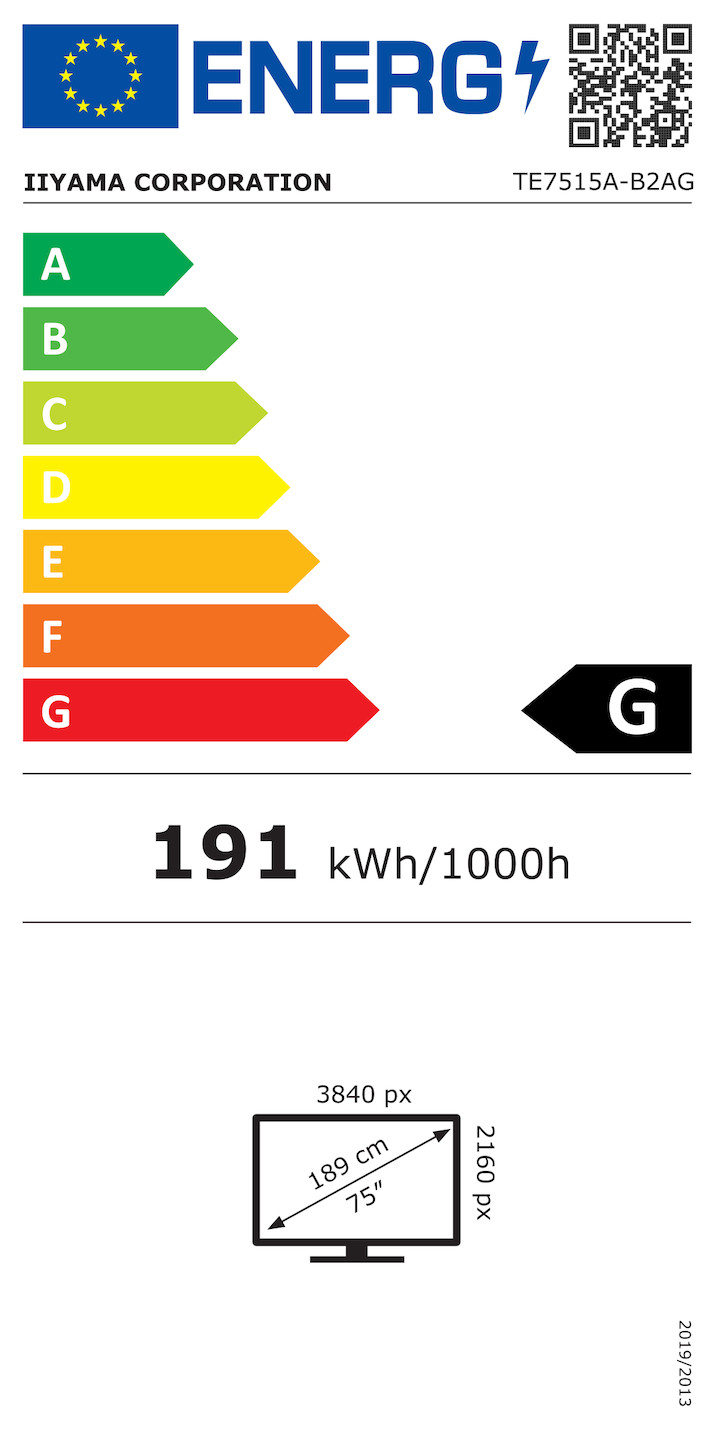
The image resolution is decisive for the quality of the display. The choice of the right resolution always depends on the format and display size. The 16:9 format is the standard and is used for all display sizes from 10 inches to 100 inches and more. Today, 4K resolution (3480 x 2160 pixels) is the standard for professional displays in order to show details in tables or presentations in razor-sharp detail, even at close range. Full HD (1920 x 1080 pixels), on the other hand, is mainly used in small displays or for videowalls. Special resolutions are often required for special applications: a 5K resolution in 21:9 format (5120 x 2160 pixels), for example, provides the necessary space for Microsoft Teams Front Row. An 8K resolution is also used in some applications, while stretched resolutions are used for narrow stretch displays, for example for shelves.
Typical screen diagonals for displays
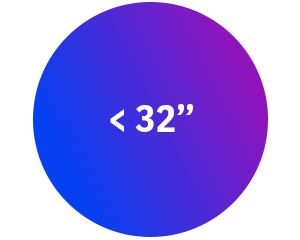
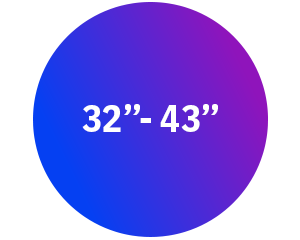
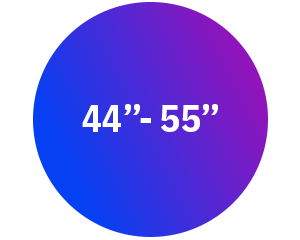
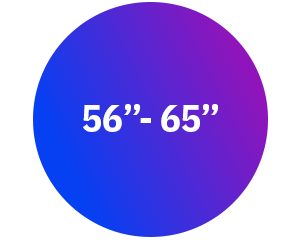
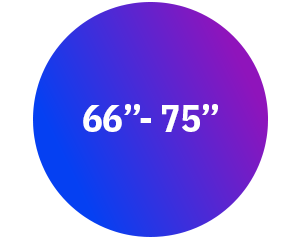
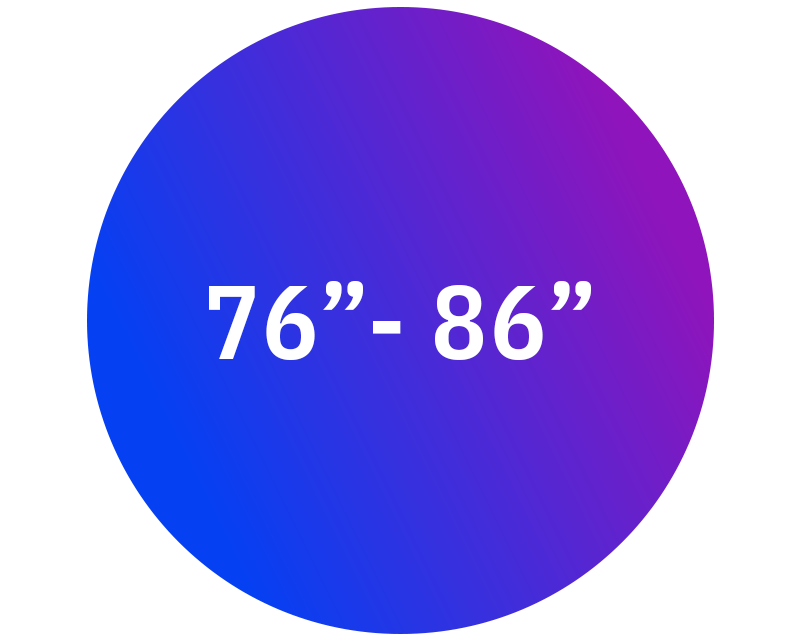
Screen diagonal in inches
Screen diagonal in centimetres
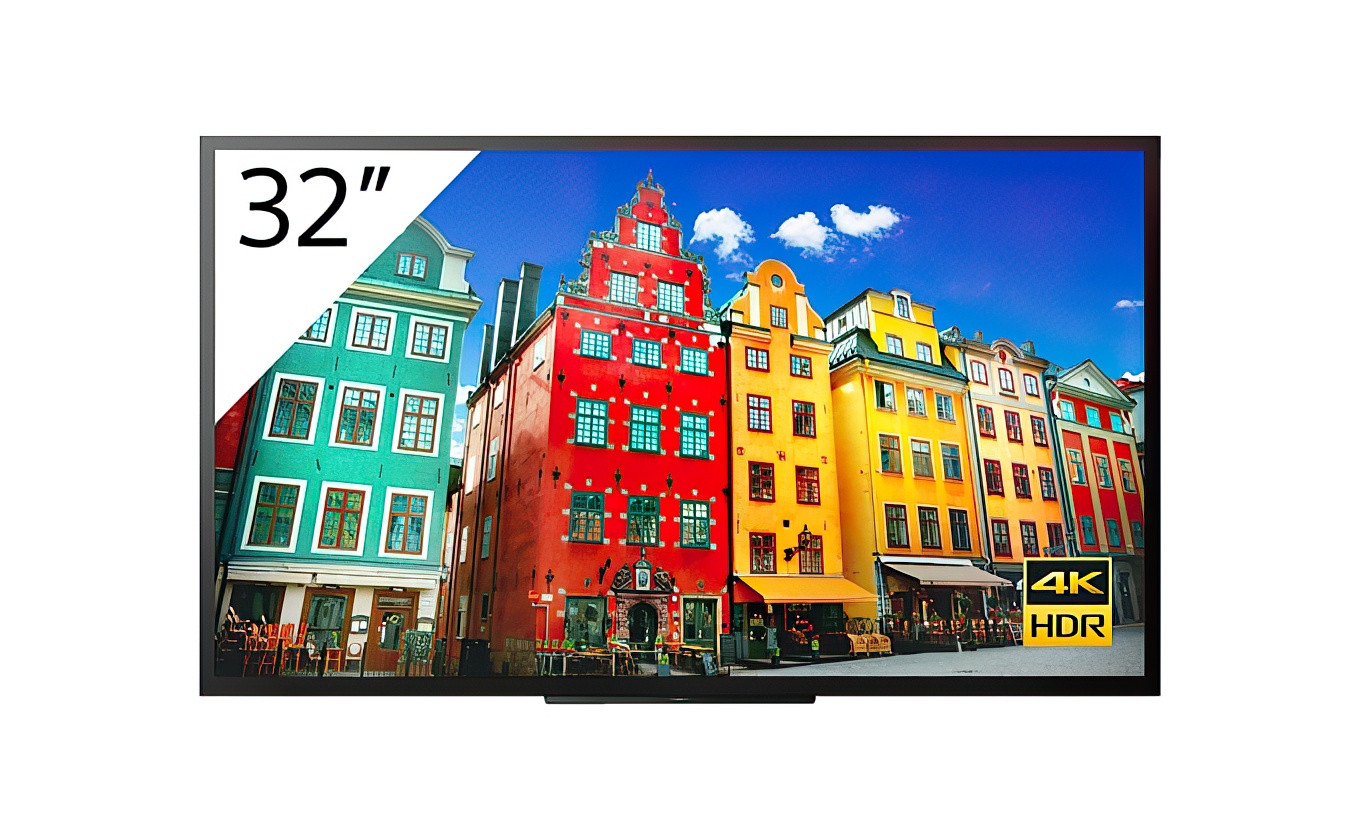
32"81 cm
42"107 cm
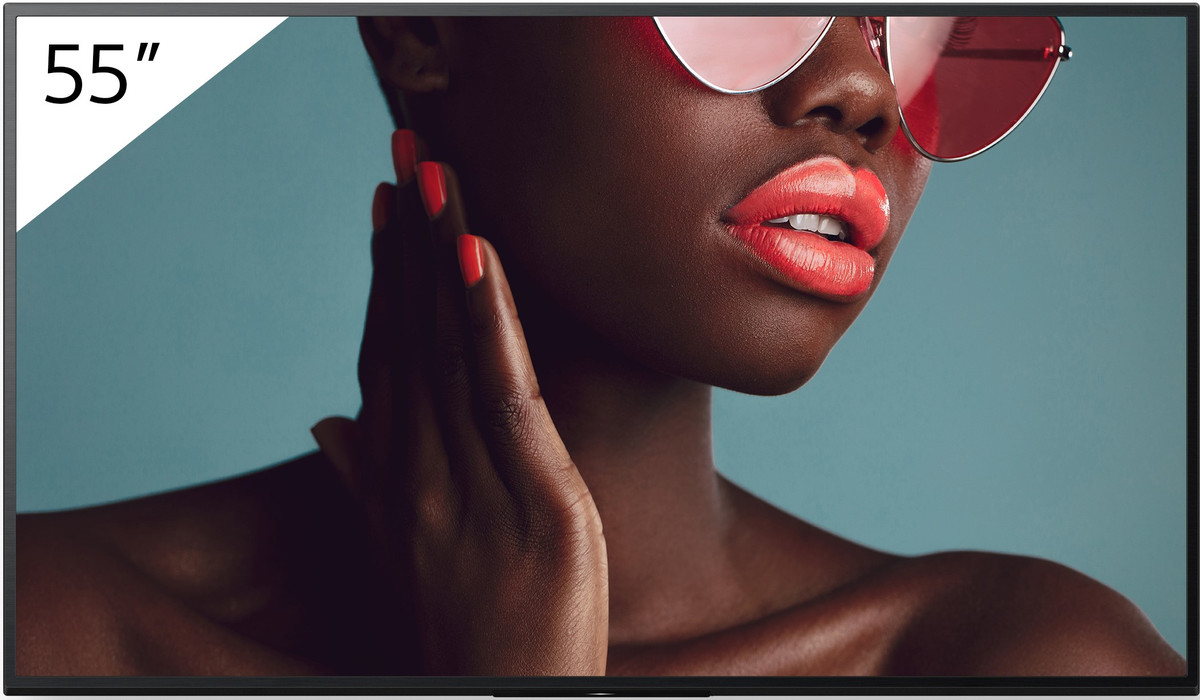
55"140 cm
65"165 cm
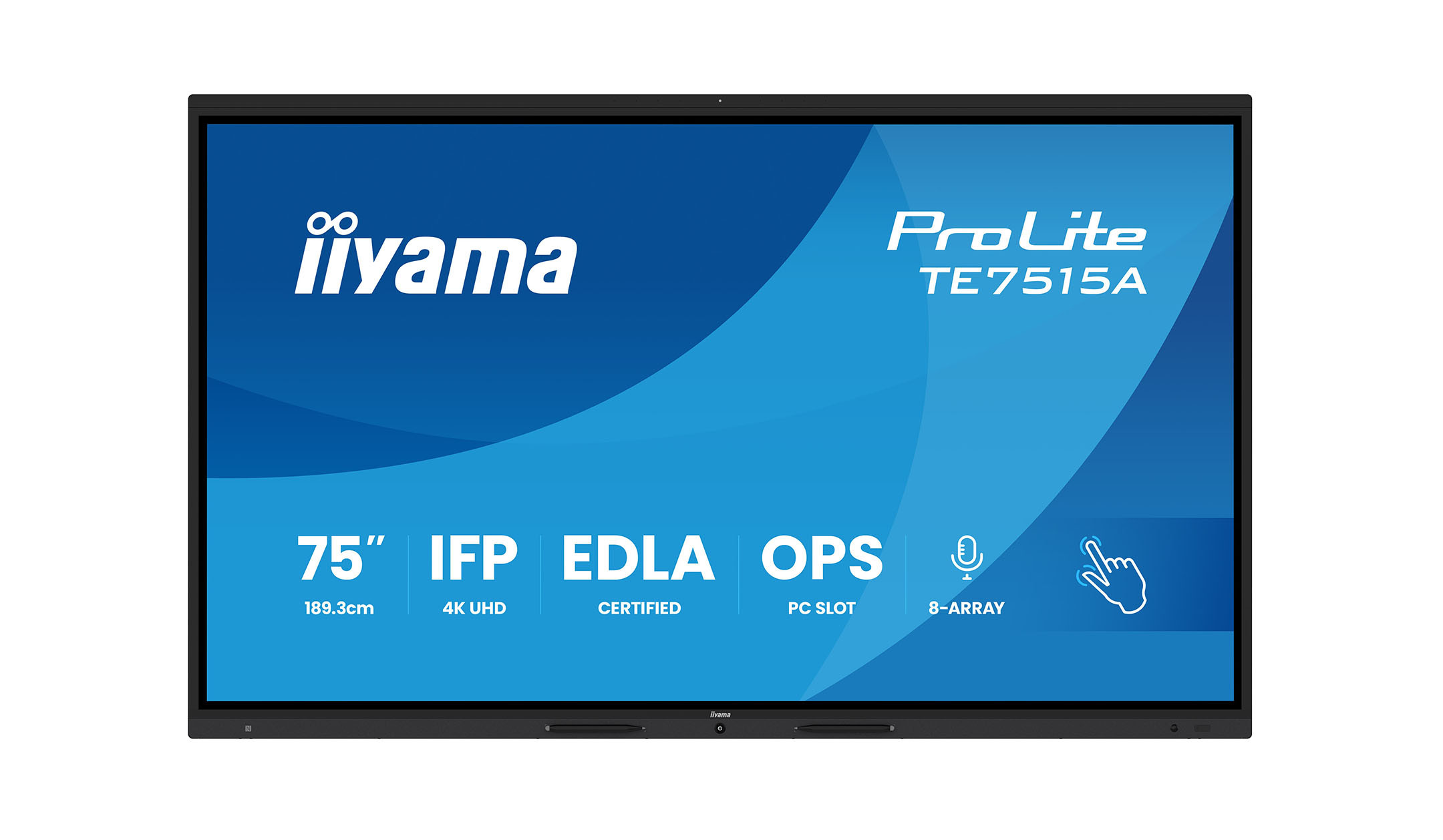
75"191 cm
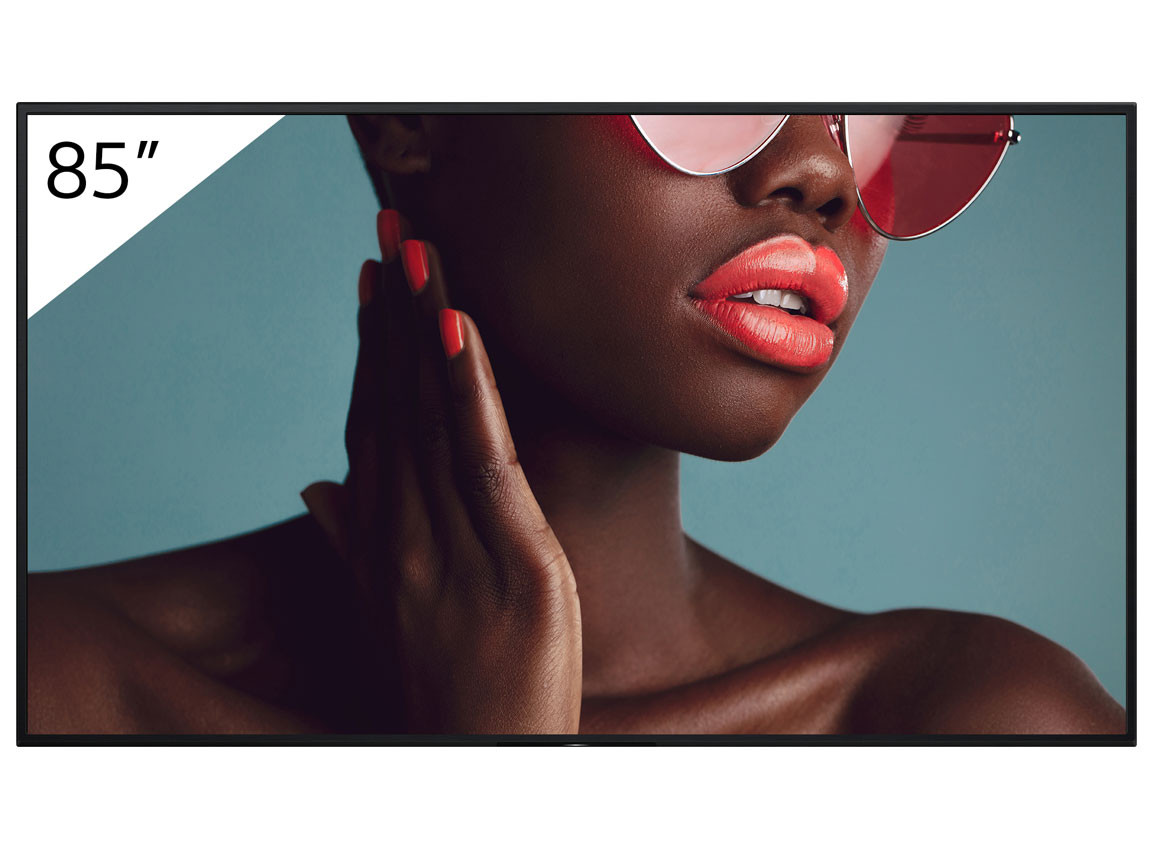
85"216 cm
98"249 cm

All displays by size

Contrast

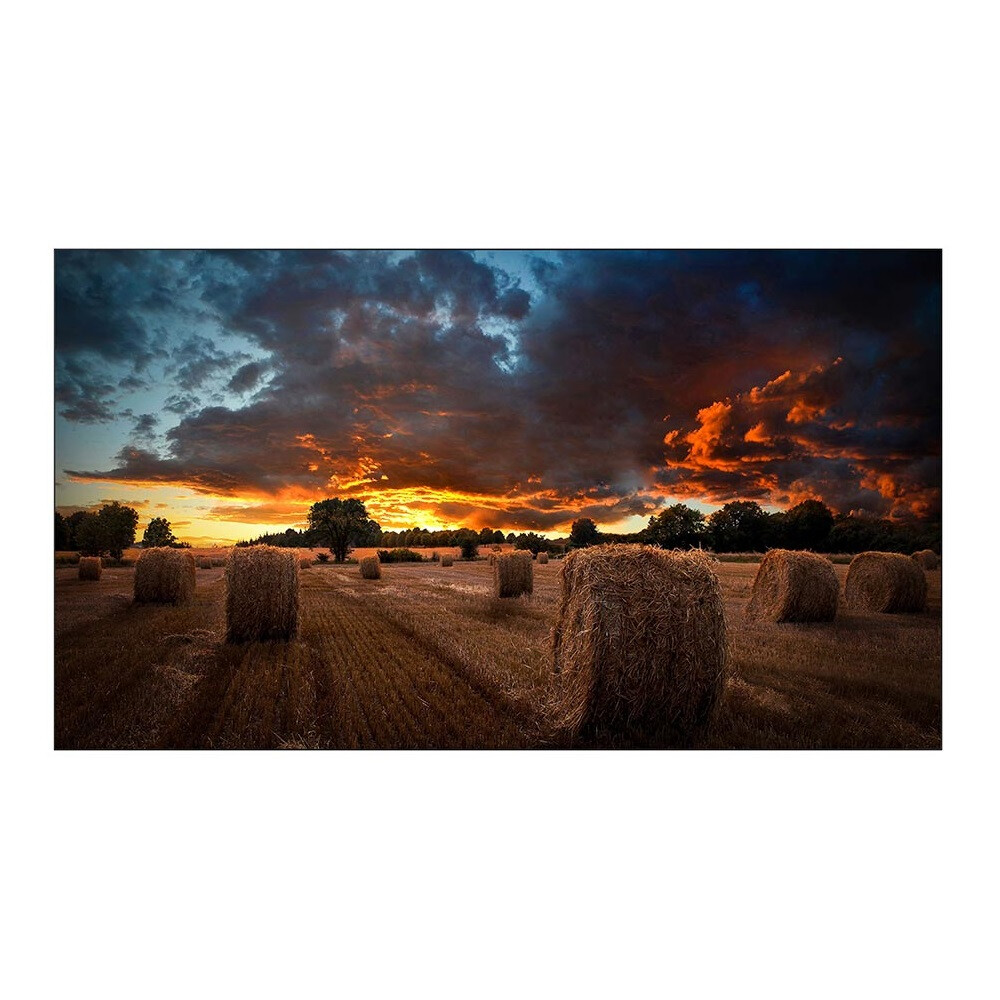
The contrast ratio indicates the ratio between the darkest and lightest points of an image. A high contrast ensures vivid and sharp images. Most displays have a contrast ratio in the four-digit range. Common values are 3,000:1 and 5,000:1, for example.
In general, many displays are comparably good in terms of contrast. Both displays with a contrast of 3,000:1 and displays with a contrast of 5,000:1 show a very similar, solid image
Brightness

Brightness, also known as luminance, is measured in nits or cd/m². It determines how well the content on the display can be seen even in strong ambient light. While televisions often only offer up to 250 nits, professional indoor solutions offer 350 to 700 nits to ensure clear legibility in offices or lobbies. High-brightness displays with 1,500 to 3,500 nits are required in bright daylight, in shop windows or outdoors in order to be able to show legible content even in direct sunlight. High brightness also improves the colour depth and brilliance of HDR content. Intelligent sensors automatically adjust the brightness to the ambient light.

Screen diagonal in inches
Screen diagonal in centimetres
approx. 350-450 cd/m²Rooms with controllable lighting conditions
from 500 cd/m²
Normal ambient light conditions indoors
from 700 cd/m²Strong ambient light, but no direct sunlight
from 1,500 cd/m²
Environments with direct sunlight

Runtime

The runtime release defines the daily load capacity of a display and is specified in hours per day (for example 16/7 or 24/7). In contrast to consumer TVs, professional displays are optimised for continuous operation thanks to industrial components and active cooling. While 16/7 models are the standard for offices, schools and retail, 24/7 systems are mandatory for control centres, railway stations or DOOH. In order to avoid loss of warranty, burn-in effects or hardware failures and to be able to use the displays in the long term, it is important not to exceed the manufacturer's runtime specification

Connections

The variety of connections is one of the most important features that sets professional displays apart from consumer devices. A wide range of connections not only enables the connection of various playback devices, but also integration into company networks and the remote management of large display fleets. The most important interfaces and their functions are explained below.
  • HDMI: The proven standard for transmitting high-resolution video and audio from laptops, media players or PCs.
  • DisplayPort: A powerful alternative to HDMI that allows multiple monitors to be connected in series for videowalls via daisy-chaining.
  • USB-C: The modern all-in-one solution that transmits image, sound and data via a single cable, can charge the laptop at the same time and serves as a return channel for touch signals.
  • LAN (RJ45): Connects the display directly to the network for centralised content management and remote control for IT administrators.
  • RS-232C: A serial interface for precise control of the display via media controllers to automatically switch devices on and off or retrieve status reports.
  • USB-A & USB-B: While USB-A is used for playing media from USB sticks, USB-B transmits the touch signals to the connected computer for interactive displays.
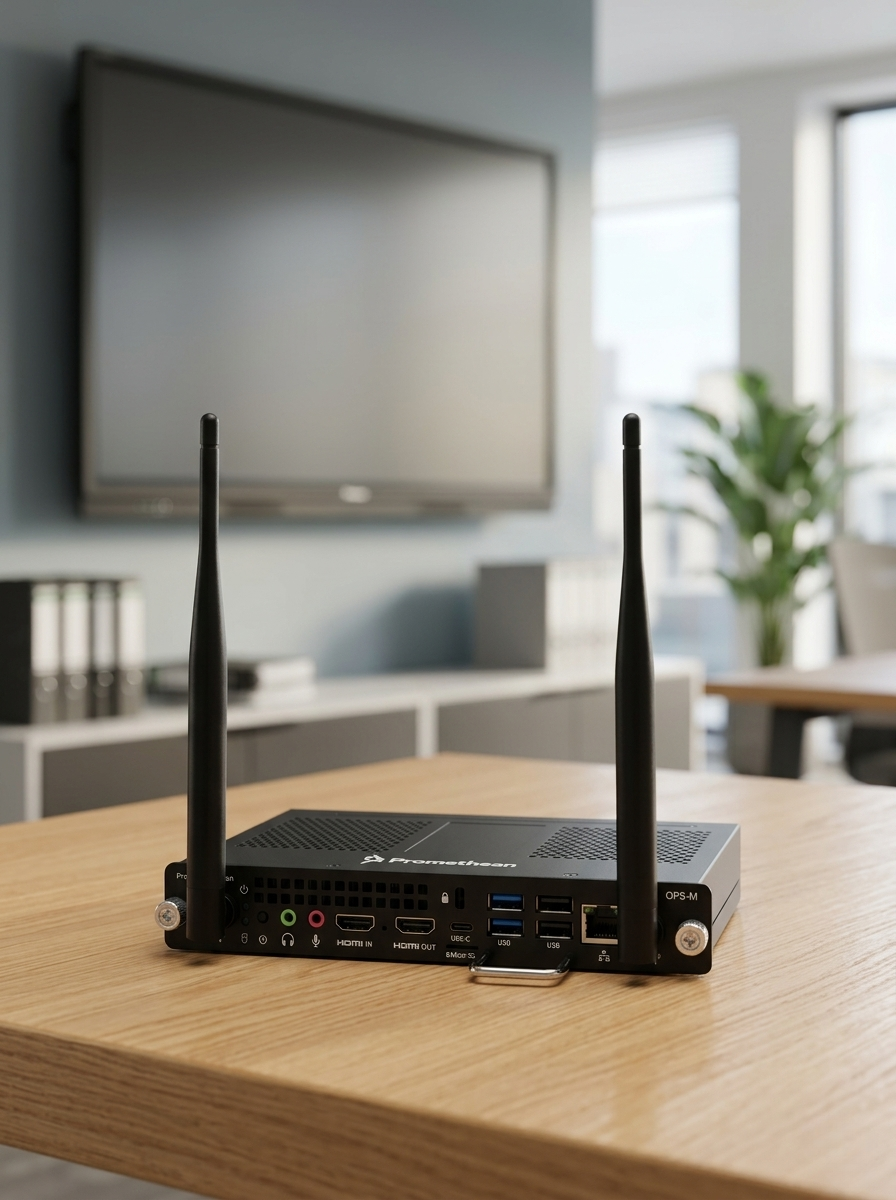
  • OPS Slot: A standardised slot for compact PCs that transforms the display into a self-sufficient all-in-one computer without the need for external cables.
  • Wireless interfaces: Enable wireless mirroring of screen content directly from a smartphone or tablet. Examples are AirPlay and Miracast.
These connections make the display as a whole a flexible tool that goes far beyond pure image reproduction. It can be perfectly integrated into modern working and communication environments.

Haze

The haze level describes the scattering behaviour of light on the display surface. The higher the haze value, the more reflections are minimised. However, a high haze level can also lead to a loss of contrast, sharpness and colour reproduction. For this reason, additional coatings on the display should ensure that contrast and black levels are maintained despite matting.
The anti-glare level of a display is specified as a percentage. At 0% haze, the display is completely glossy and reflects light sources like a mirror. Displays with 1 to 15 % haze are slightly anti-reflective, but are often not easy to read in direct light. An ideal compromise is usually 25 to 28%, as reflections are minimised here without noticeably impairing the sharpness of the image. Currently, the maximum value is a haze level of 44 %.

Touch

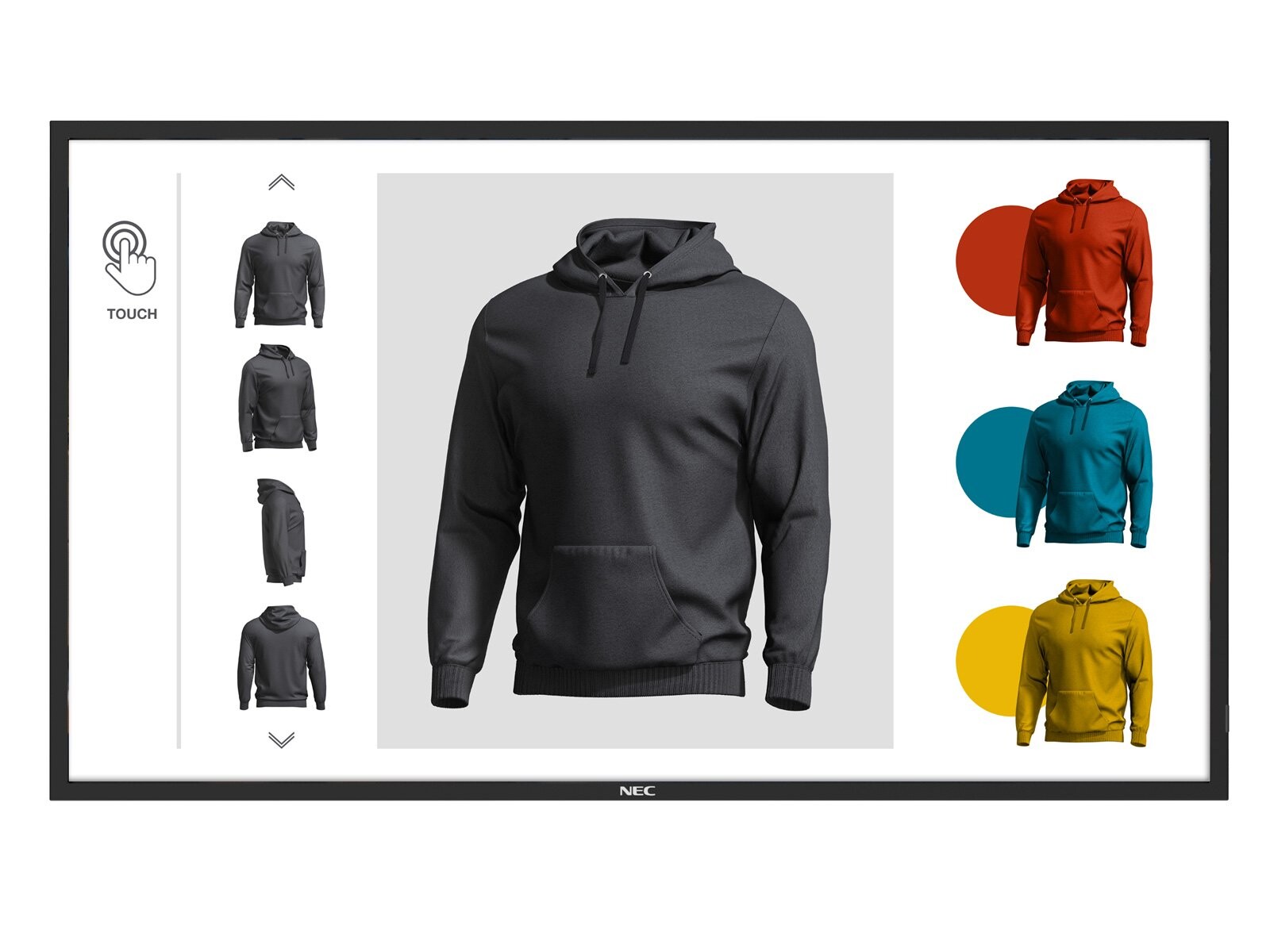
The touch displays' touch function enables programmes to be operated directly , just like on a large tablet. This enables collaborative working in companies, dynamic teaching in schools and interactive self-service applications at the Point of Sale. Modern touch technologies are constantly being optimised to improve the touch experience on displays. One of two technologies is often used: infrared touch (IR) is the fast standard for interactive collaboration, while capacitive touch (PCAP) offers a smartphone-like experience but is usually more expensive

Panel type

There are various types of panels that are used in displays. However, LCD (liquid crystal display) panels with IPS technology have become the most popular. Compared to TN panels, which are more commonly used in monitors, IPS panels are characterised by high contrast, colour fidelity and, above all, very good viewing angle stability. There are also technologies that are not yet widely used in professional displays. One example is OLED technology: self-illuminating pixels, which can be switched off completely, achieve a strong contrast ratio

Assembly

Professional mounting solutions offer flexibility for the use of displays. The VESA standard in particular must be taken into account. The VESA standard describes the horizontal and vertical spacing of the drill holes in millimetres. One example is the VESA standard 200 x 100 or 600 x 400. To ensure optimum mounting, the standard of the display and the mount must match
display-wandhalterung-flexibel-nobubble

Wall mounts

When it comes to display wall mounts, you have the choice between fixed and movable mounting systems. The latter are particularly practical for rooms with limited space. The display can be brought into the right position as required and then moved back into the discreet starting position.
display-decke-nobubble

Ceiling brackets

Ceiling brackets allow easy installation on the ceiling. Thanks to their stable construction, they also provide sufficient support for heavy displays. This type of installation is particularly favoured in public areas. On the one hand, the displays are hung in a central location that is visible to all and, on the other hand, are much better protected against vandalism thanks to their high position.
mobiler-rollwagen-nobubble

Feet and trolley

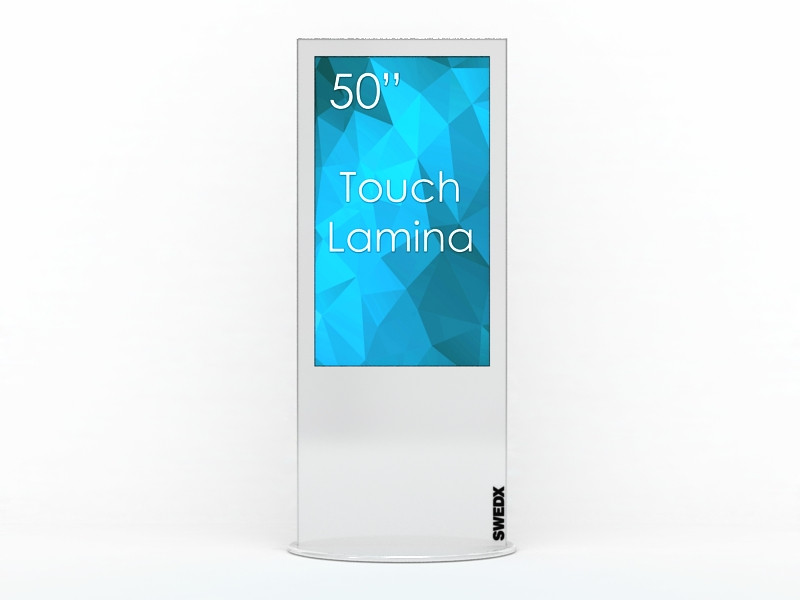
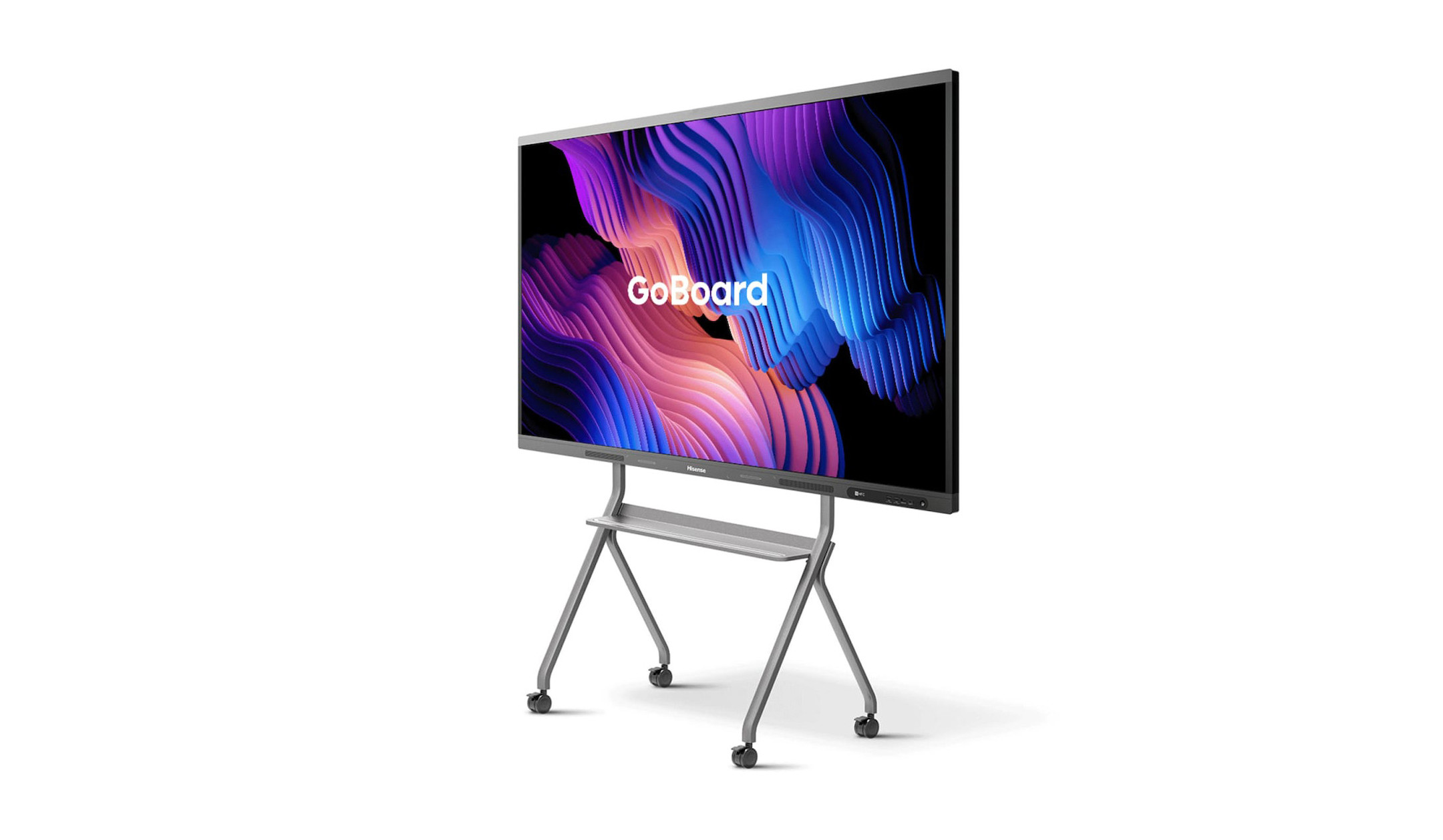
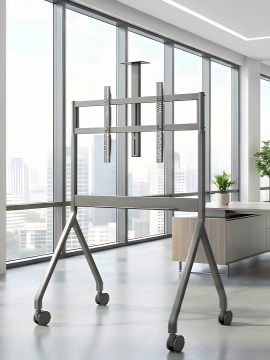
A distinction is made here between mobile trolleys and stationary display stands. Both types of mounting can be height-adjustable. This makes it very easy to adjust the height of the displays to suit your height, for example for standing or sitting meetings. Mobile display trolleys can be moved within a room or flexibly between several rooms. Stationary display stands, on the other hand, are intended for use in a fixed location
hoehenverstellbare-displayhalterung-nobubble

Pylon systems

Pylon systems are a suitable solution for flexible height adjustment, especially in educational institutions. The displays can be raised and lowered manually or electrically, just like a classic blackboard. Optionally, pylon systems can be combined with whiteboard wings to provide both digital and analogue writing surfaces

Categories of displays

Basically, displays can be divided into three superordinate categories. Displays can also be subdivided more granularly according to the fields of application for which they are optimised. The three main categories are
touch-display-nobubble

Interactive touch displays

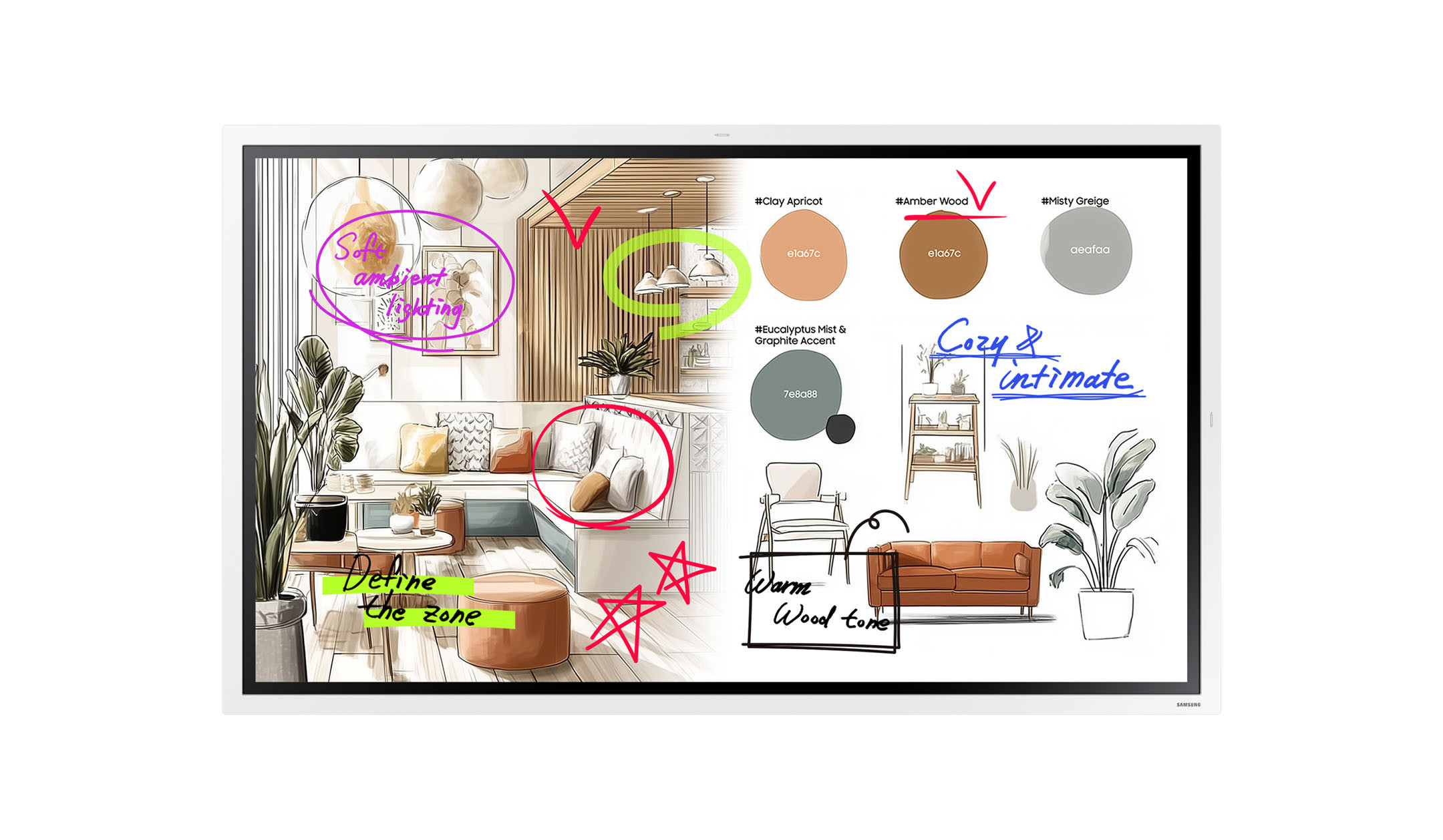
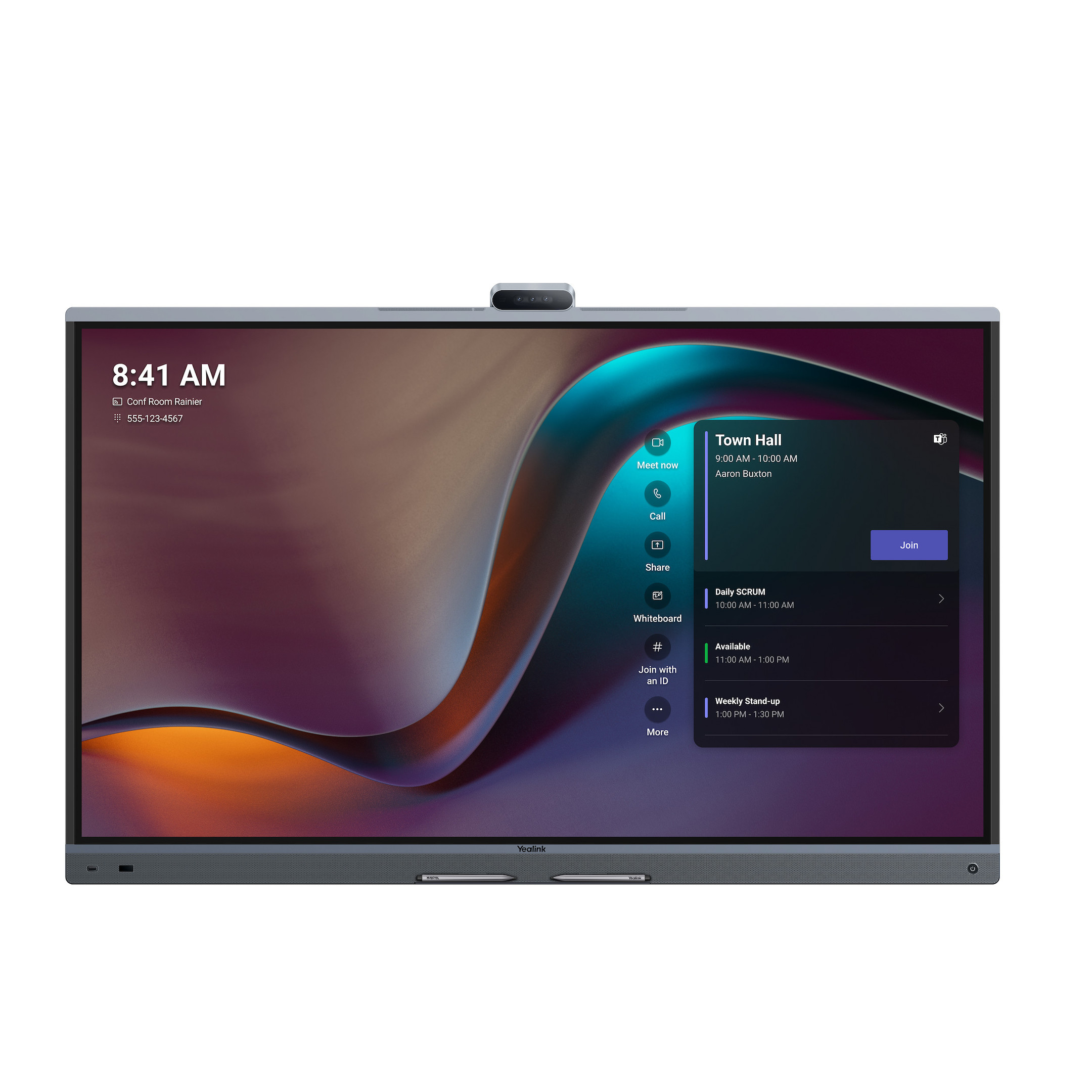
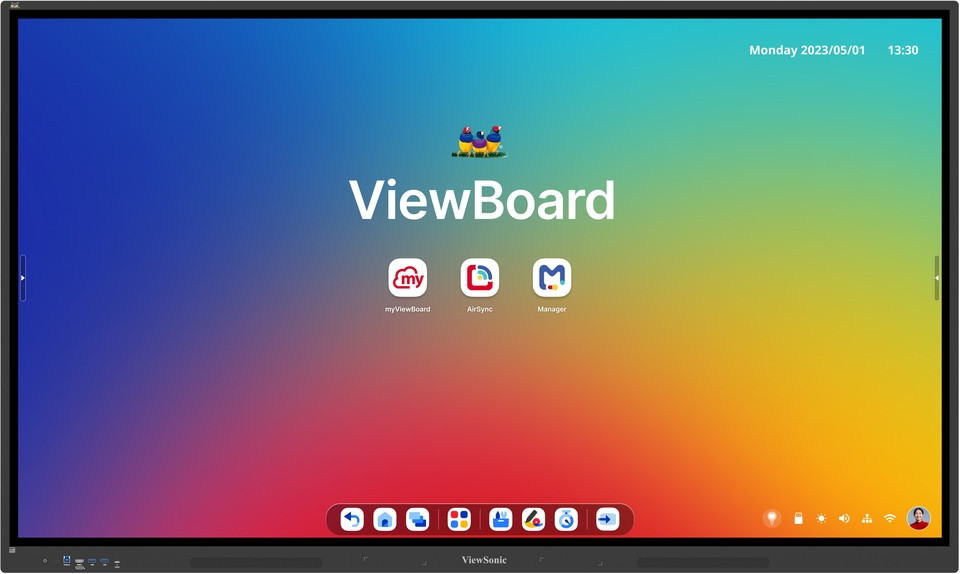
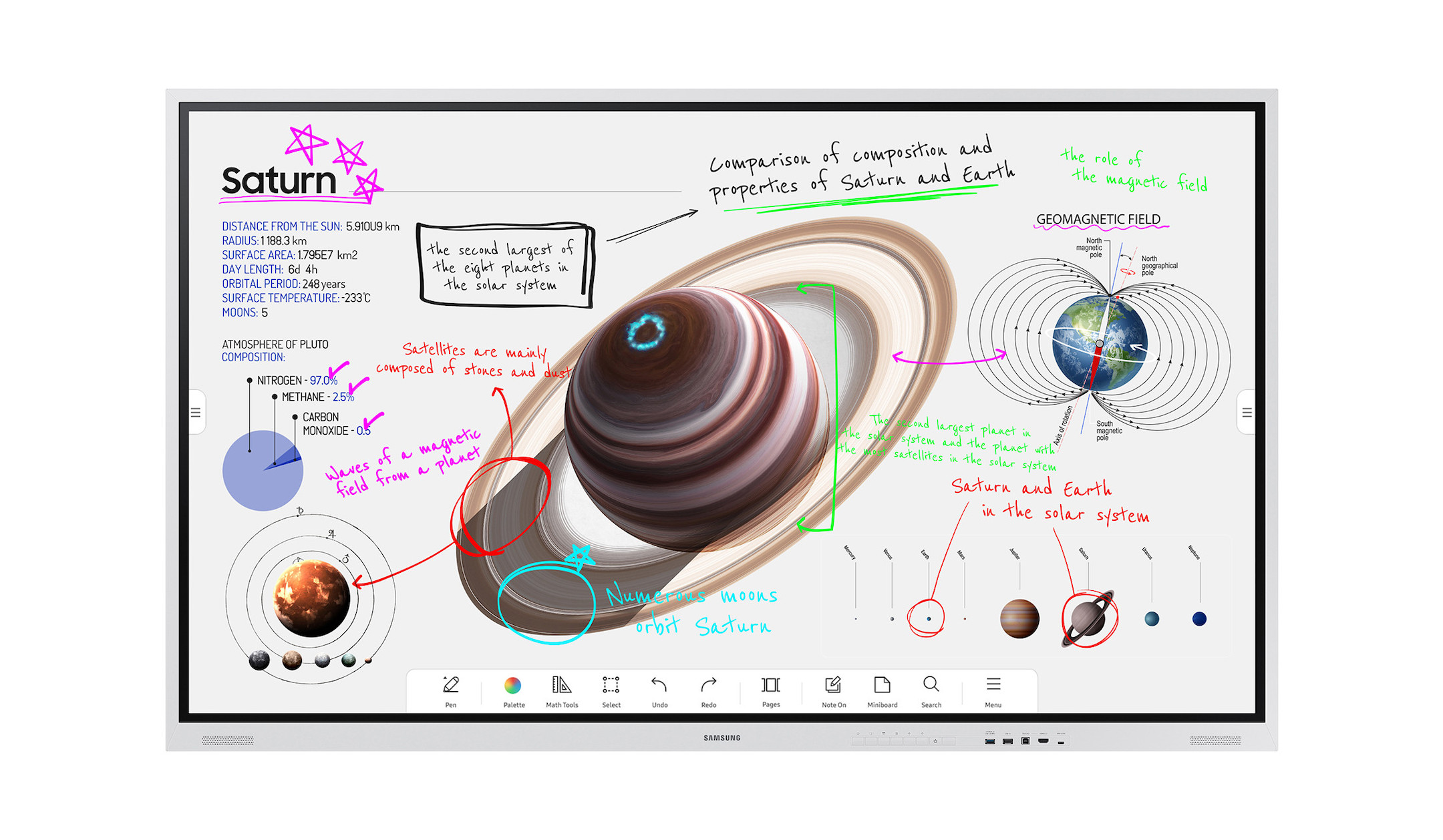
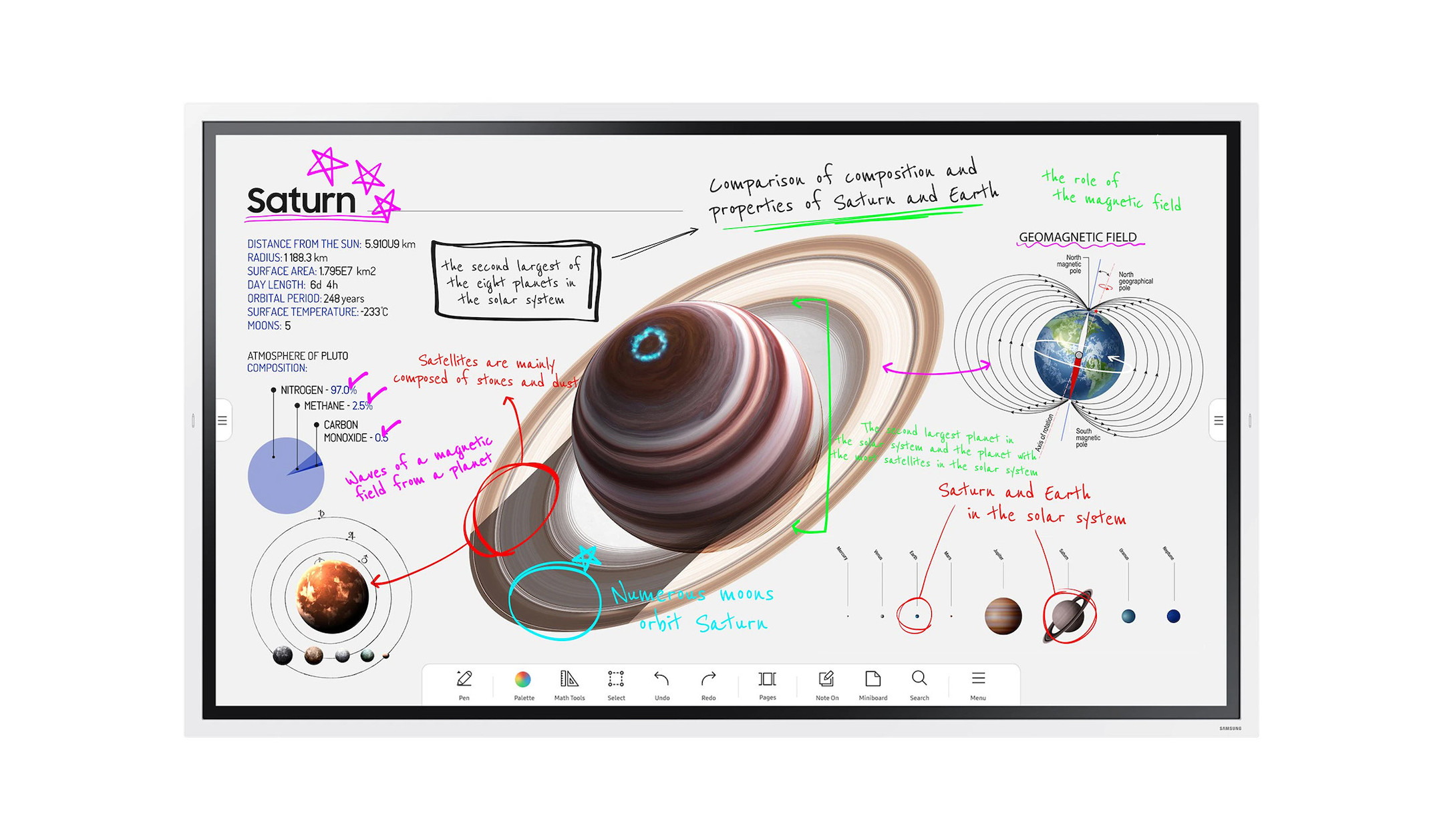
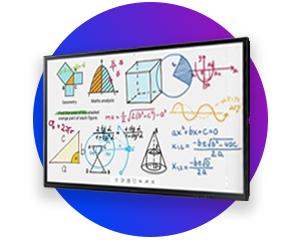
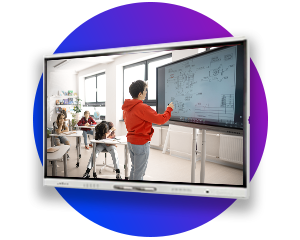
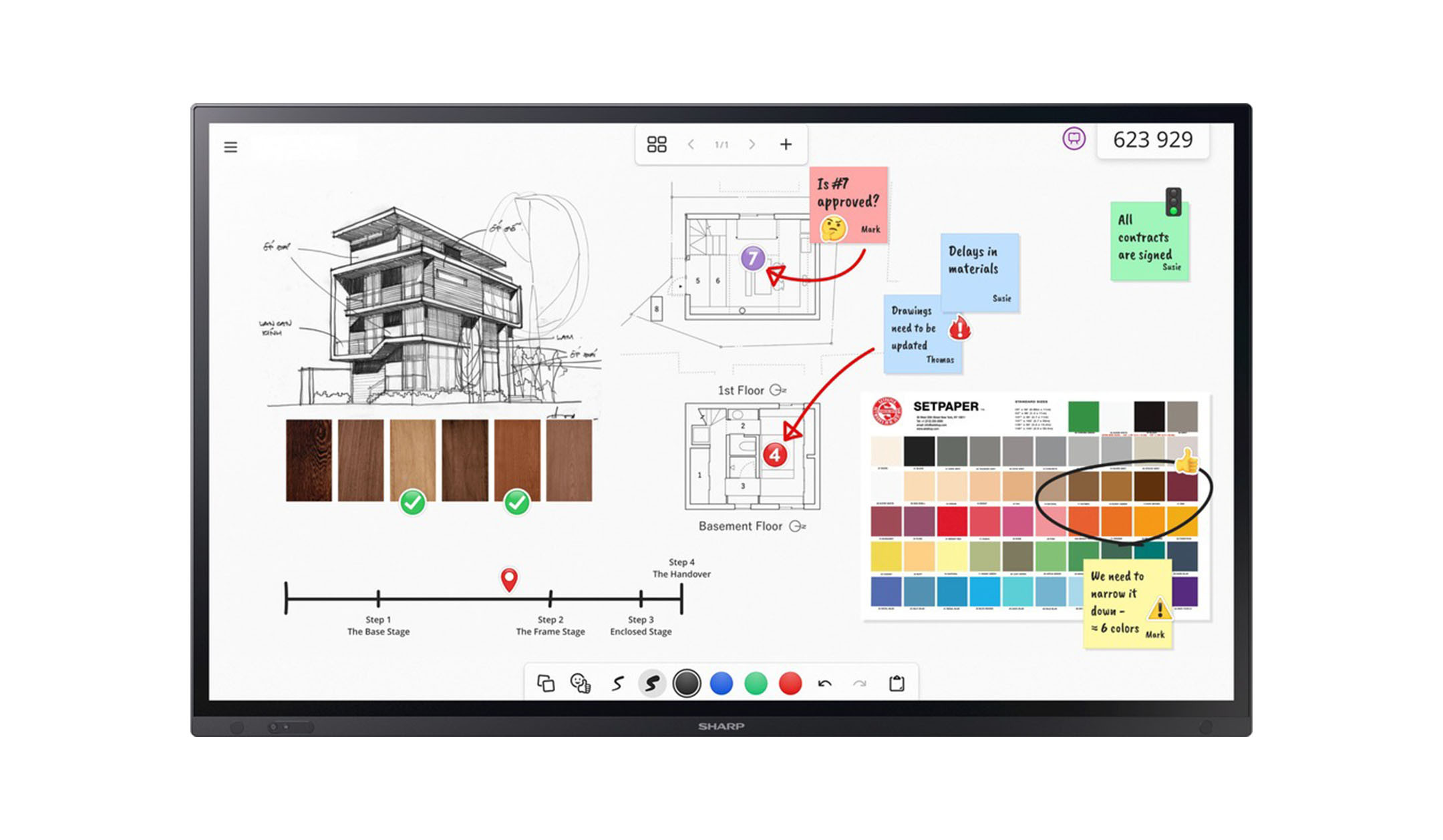
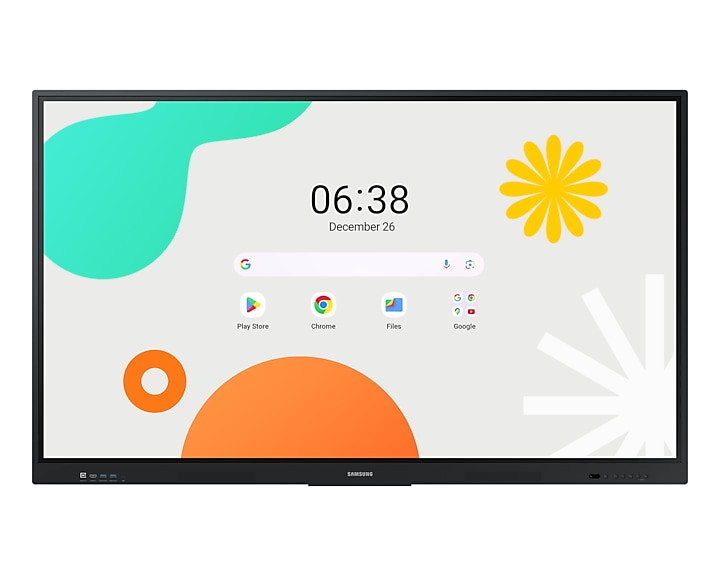
Interactive touch displays are a central collaboration solution for modern meeting and training rooms. They have a touch-sensitive surface that supports several simultaneous touch points. This allows several people to write or navigate at the same time. To create a natural feel, these displays are often equipped with anti-reflective glass with a matt finish. Many models offer integrated whiteboard applications for brainstorming sessions or digital lessons. Wireless mirroring of content from external devices such as laptops or tablets is also possible with many touch displays. Thanks to special slots for OPS PCs, the displays can also be expanded to include a fully-fledged operating system interface.
Icon lock

Non-touch displays

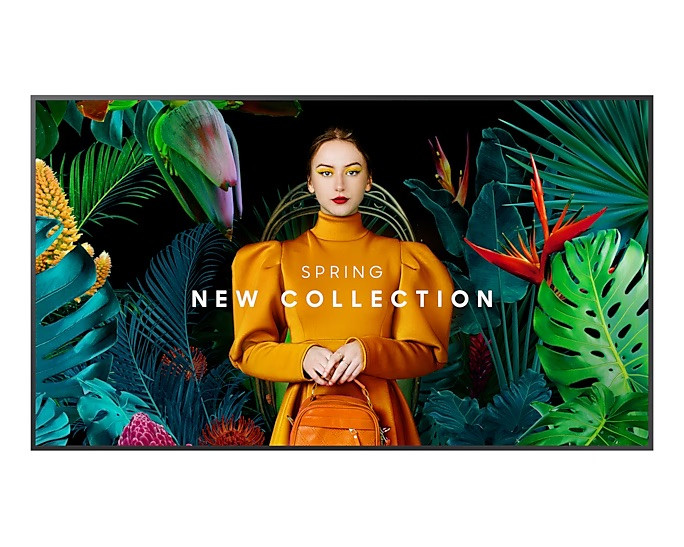
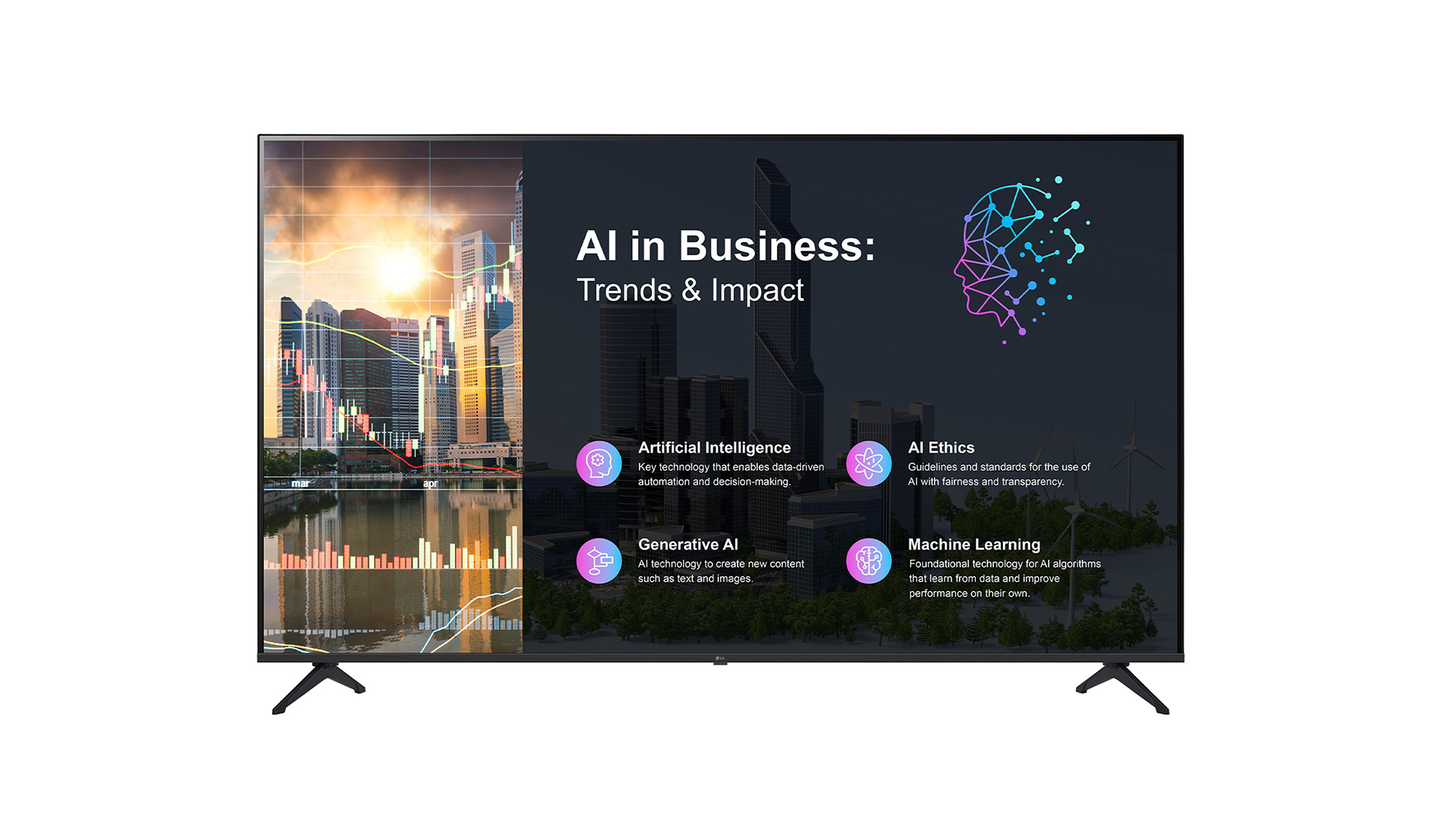
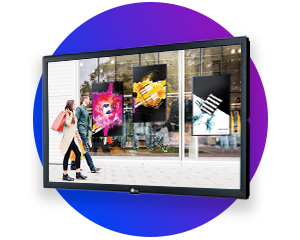
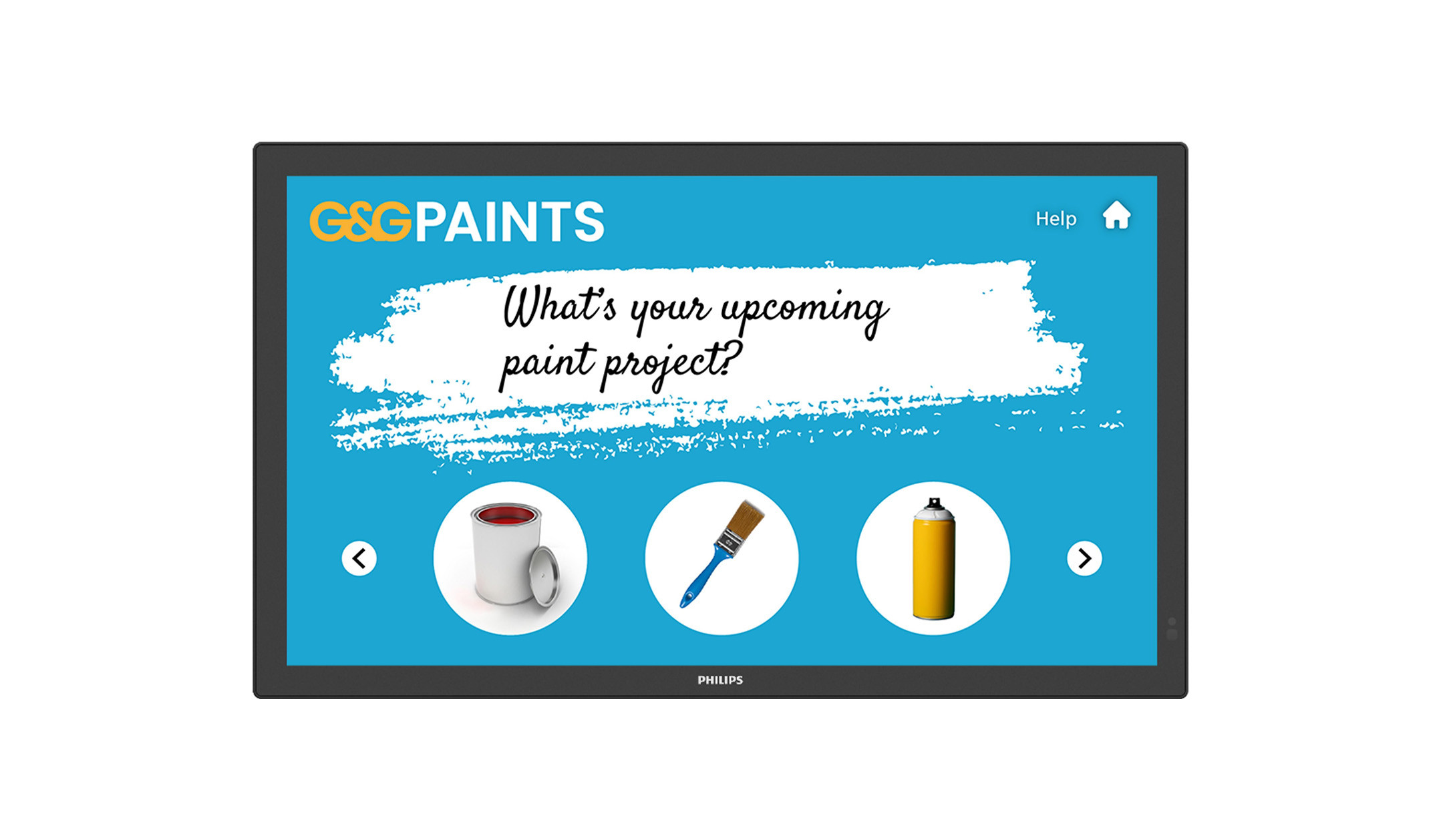
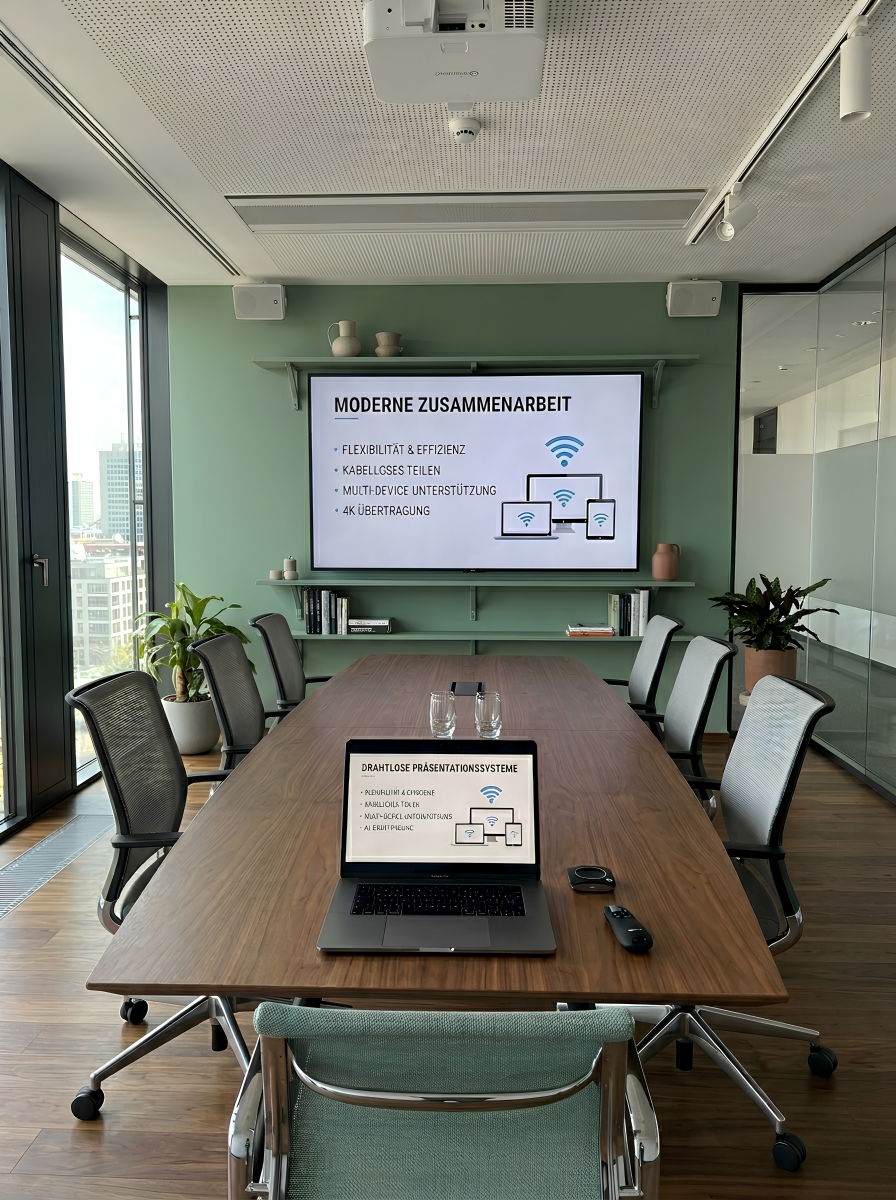
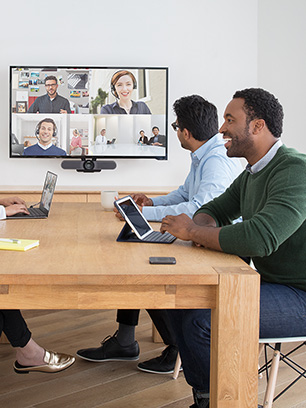
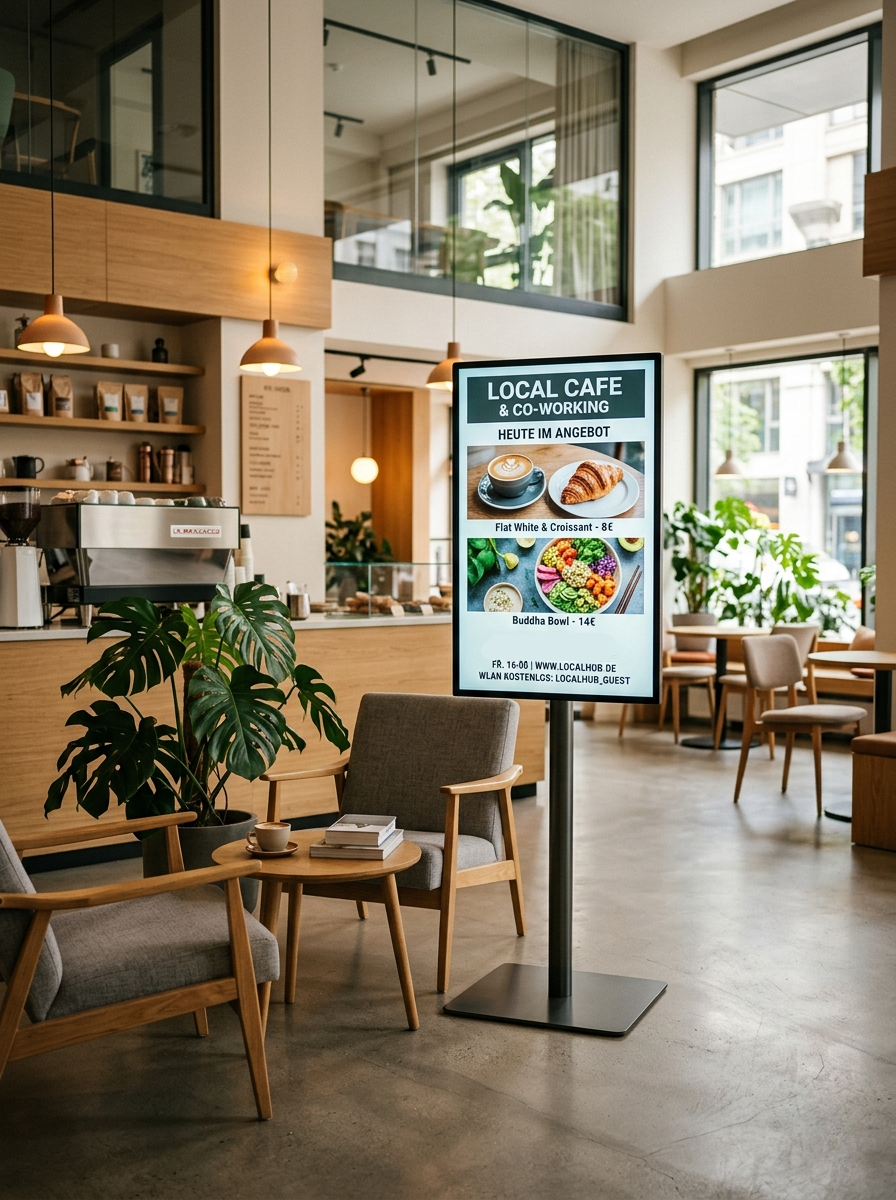
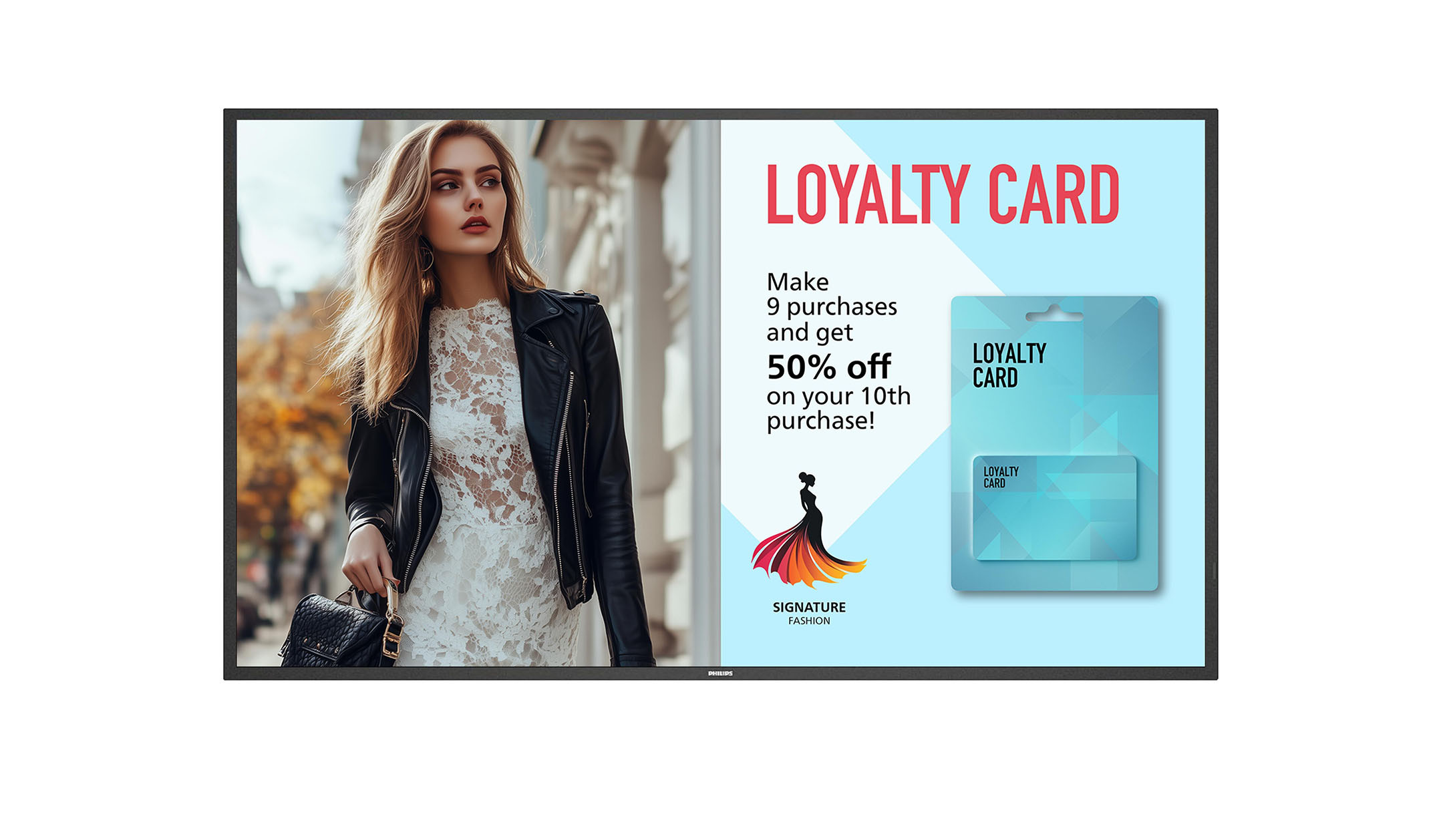
Non-touch displays, also known as professional signage displays, are specially designed for the continuous display of information, presentations and advertising. In contrast to conventional TV sets, they are designed for long running times of up to 24 hours a day. High luminance ensures that the content is easy to read even in light-flooded environments such as bright meeting rooms, foyers or shop windows. Many devices utilise system-on-chip technology. This enables media content to be played via an integrated media player without the need for external hardware. In combination with wireless presentation or video conferencing systems, the displays can be used for hybrid meetings.
Icon image

Videowall displays

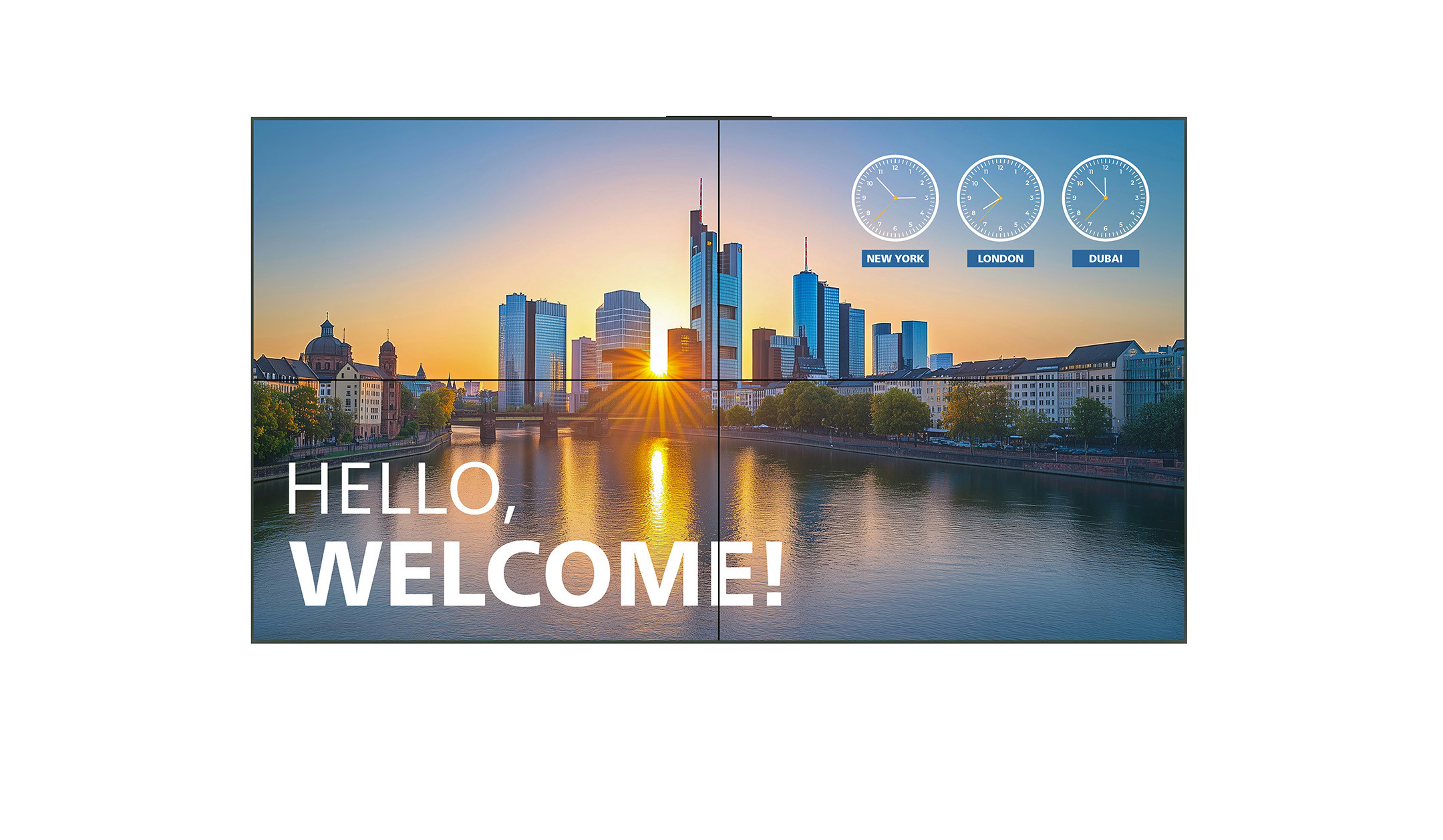
Videowall displays are designed in such a way that several devices can be combined to form an overall display. For example, a 2x2 arrangement of four 55-inch displays results in a 110-inch screen area. To minimise the gaps between the individual parts of the picture, videowall displays have very narrow frames compared to other displays. To minimise cabling, videowalls use daisy chain technology. This means that the image signal is only sent to one of the displays via cable. As the displays are connected to each other, the image signal is passed from device to device. Integrated control logic ensures that each display automatically displays the correct image section for its position in the grid. The displays are often rounded using professional calibration tools to ensure uniform colour and brightness reproduction across the entire wall. Modular mounting systems are also available to simplify both installation and subsequent maintenance work.

Alternatives for displays

Depending on the individual application and desired image size, innovative alternatives offer more flexible or more powerful solutions. Whether for impressive presentations in a business environment, creative large-scale projects or the perfect home cinema experience in your own four walls - we will show you the most important differences and advantages of LED walls, projectors and televisions.

LED walls

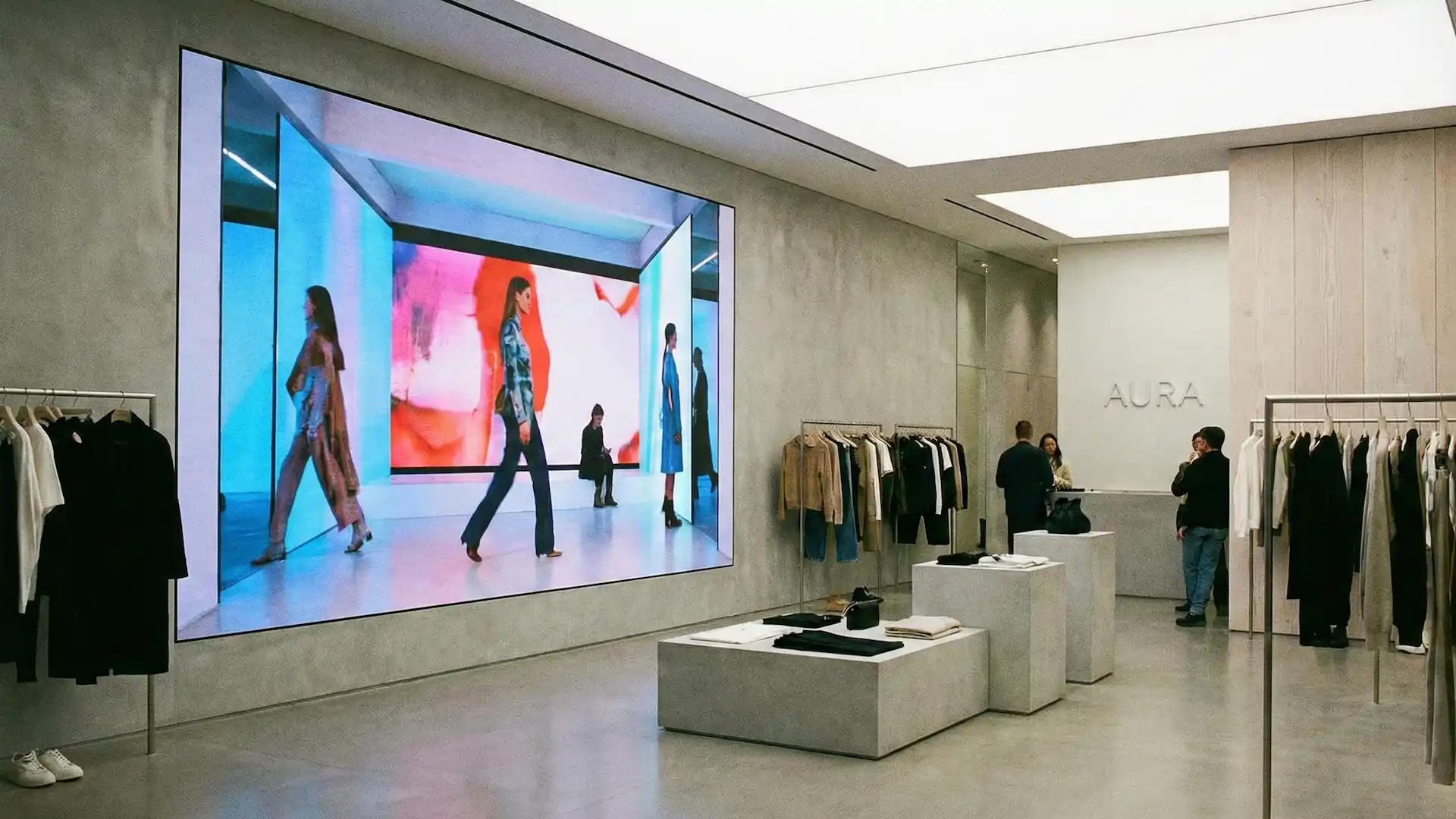
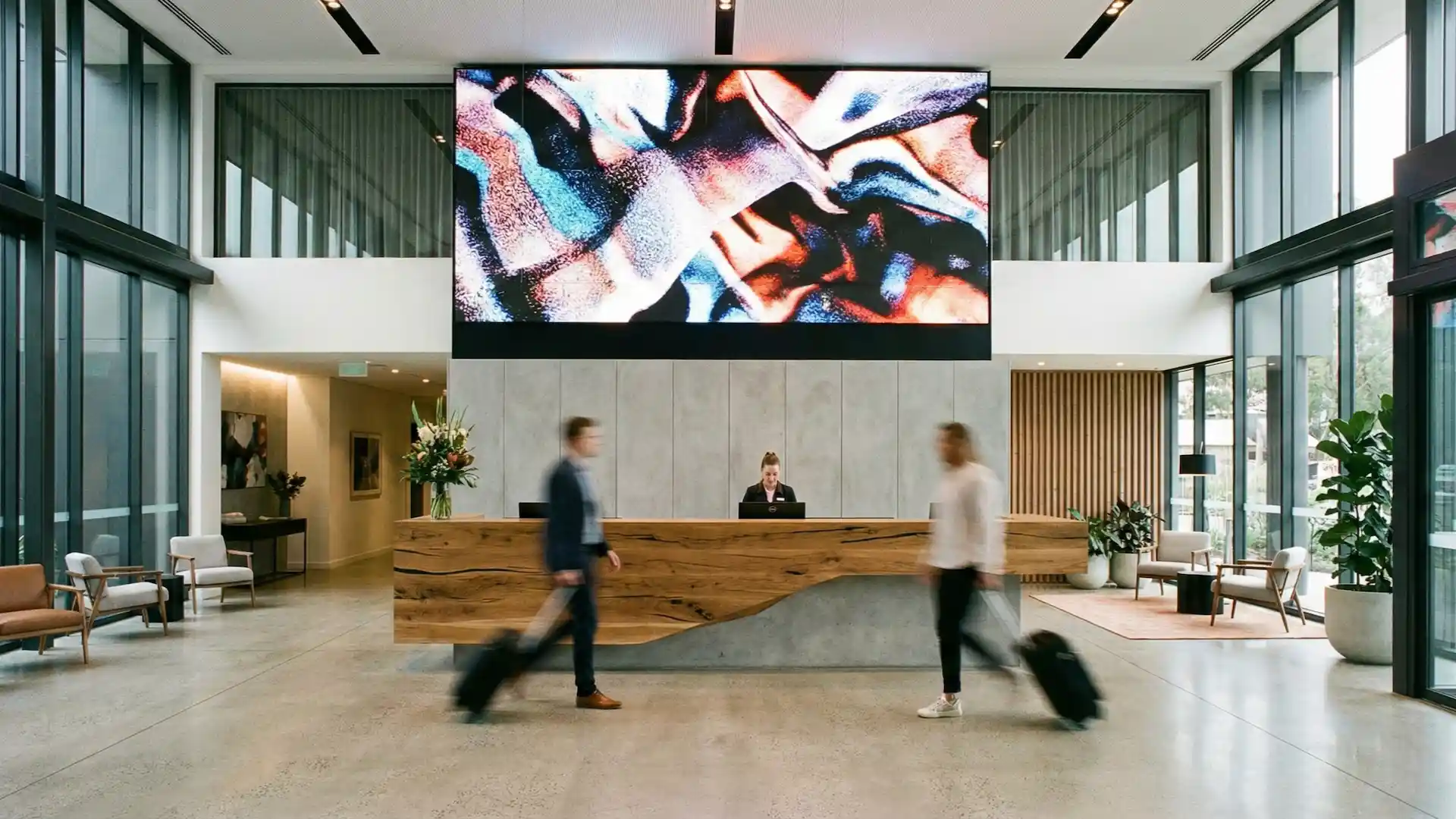
LED walls are the first choice for large-format picture surfaces, as they allow picture diagonals of well over 100 inches to be realised. They impress with homogeneous image surfaces without visible interruptions and at the same time very high brightness, brilliant colours and a long service life. The modular design of LED walls enables individual configuration and thus the realisation of creative shapes that differ from classic formats.
led-wall-retail
led-hotel-lobby

Projector

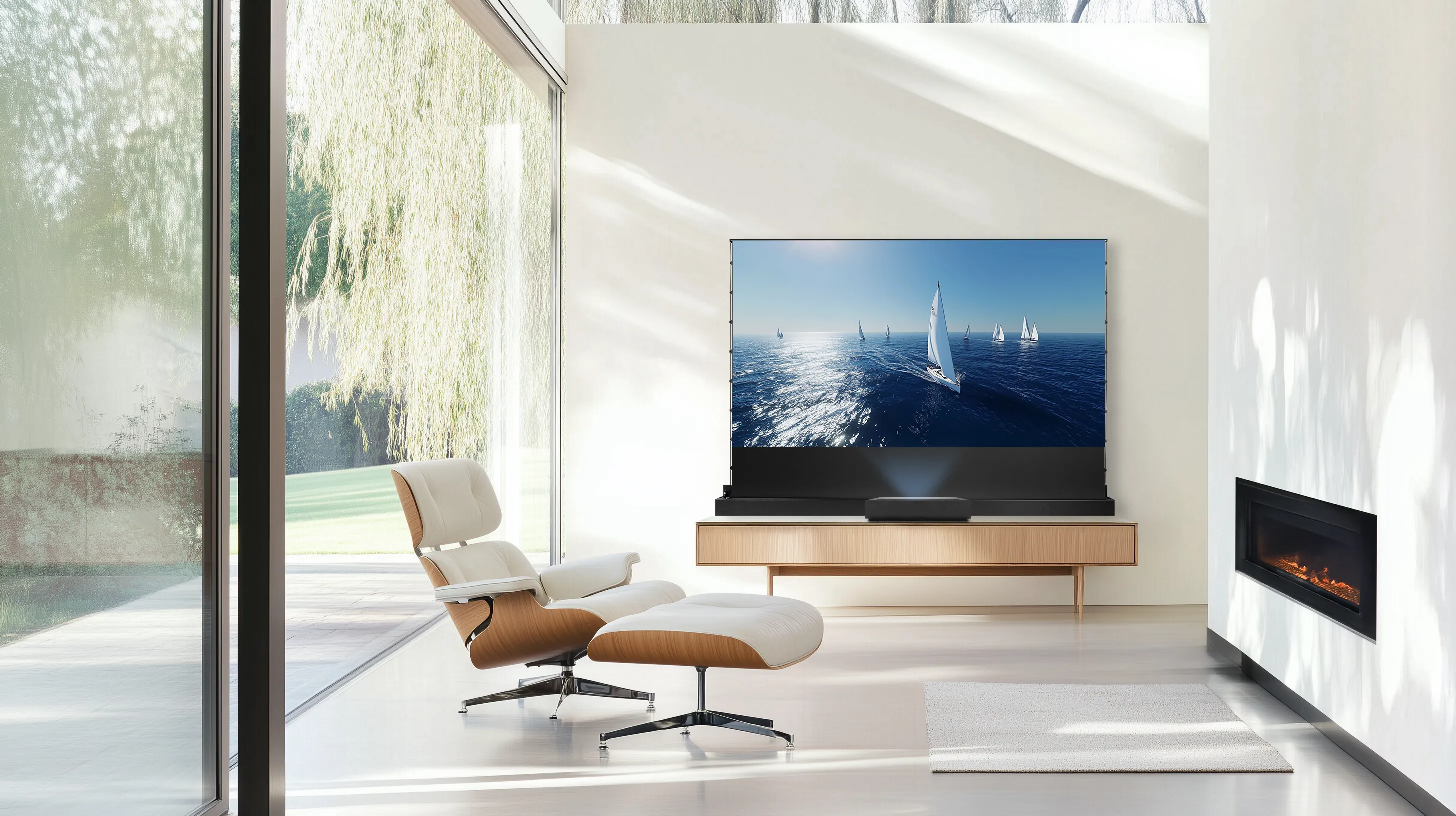
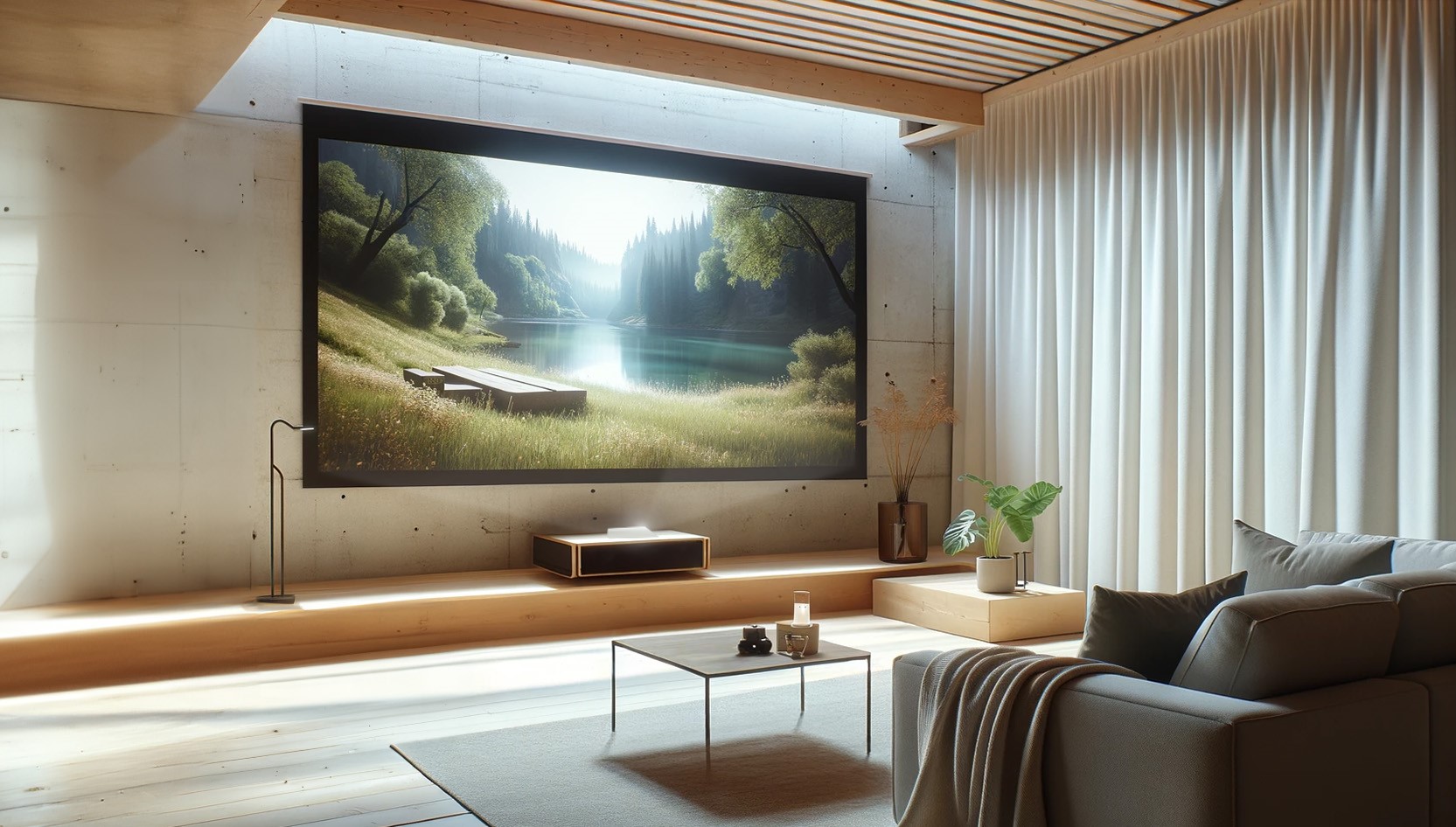
The classic projectors are suitable for many flexible applications. They not only enable large image diagonals, but also creative projections such as mapping on spheres or in domes. In conference rooms or educational institutions, the projection size can be flexibly adapted to the available space. In the private sector, projectors are used for home cinemas or for large-format projections in the living room
celexon_bodenscheren_leinwand_hc_plus_lifestyle1
heimkino-kurzdistanz-beamer

Television

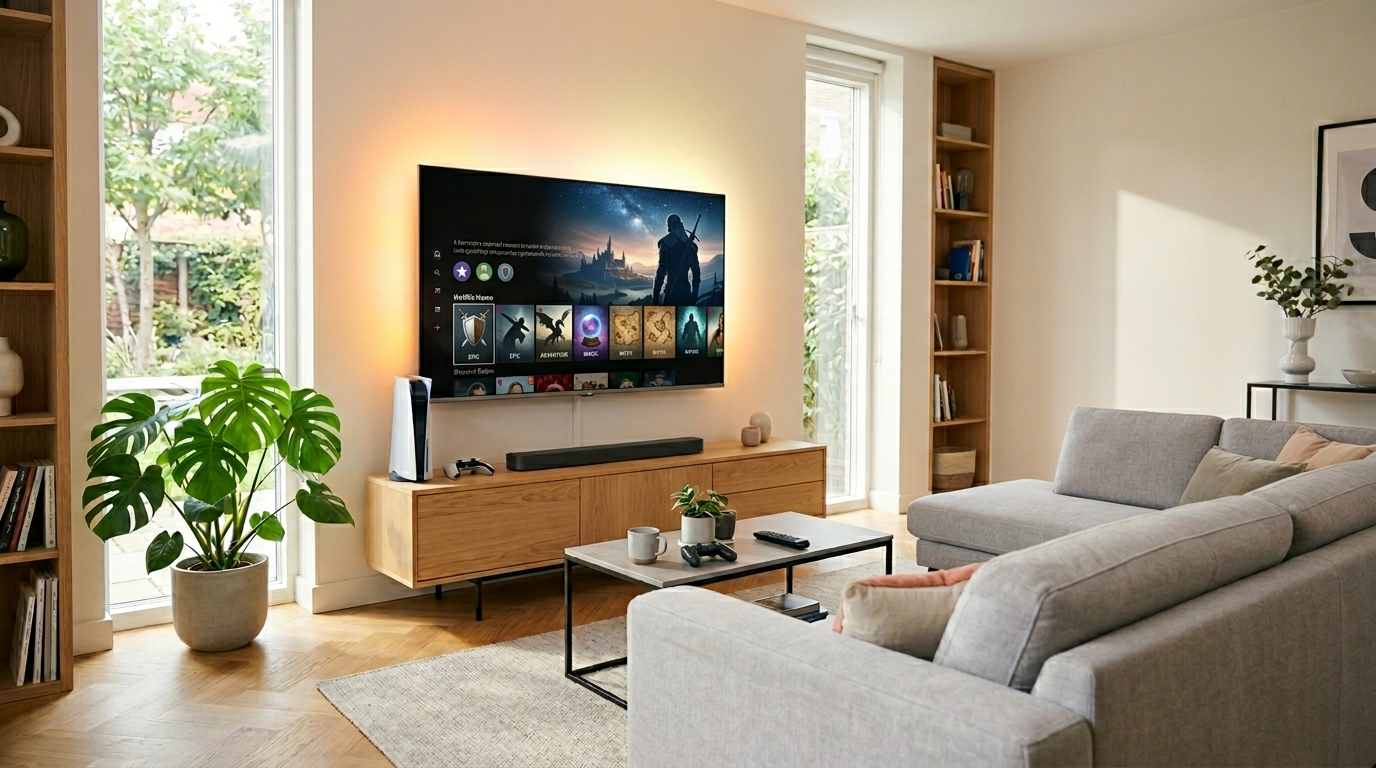
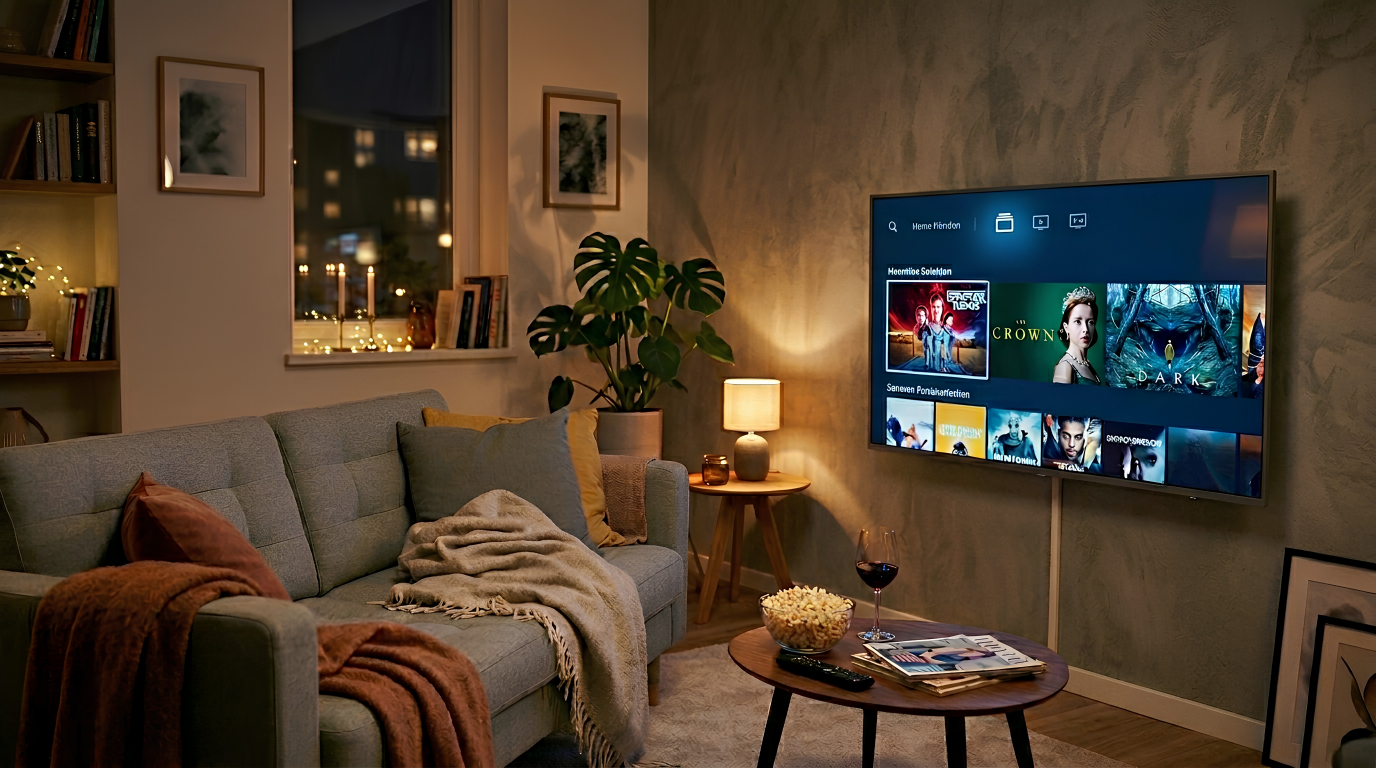
For private use at home, classic televisions are used instead of professional displays. The devices are optimised for use in the living room with features such as HDR, Dolby Vision, a gaming mode and ambient light. Thanks to the integrated streaming services Netflix and Amazon Prime, you can watch all your favourite films and series directly.
fernseher_wohnzimmer_lifestyle_2
fernseher-wohnzimmer-lifestyle

Find the right accessories for your display

Complement your display with high-performance media technology and functional furniture to create a holistic room solution.
visunext Contact persons

Do you still have questions about the display selection?

Whether it's the right size, daily running time or the right connectivity, our visunext experts will be happy to consult with you without obligation to ensure you get the right display solution.
Loading...
Upload in progress, please be patient ...