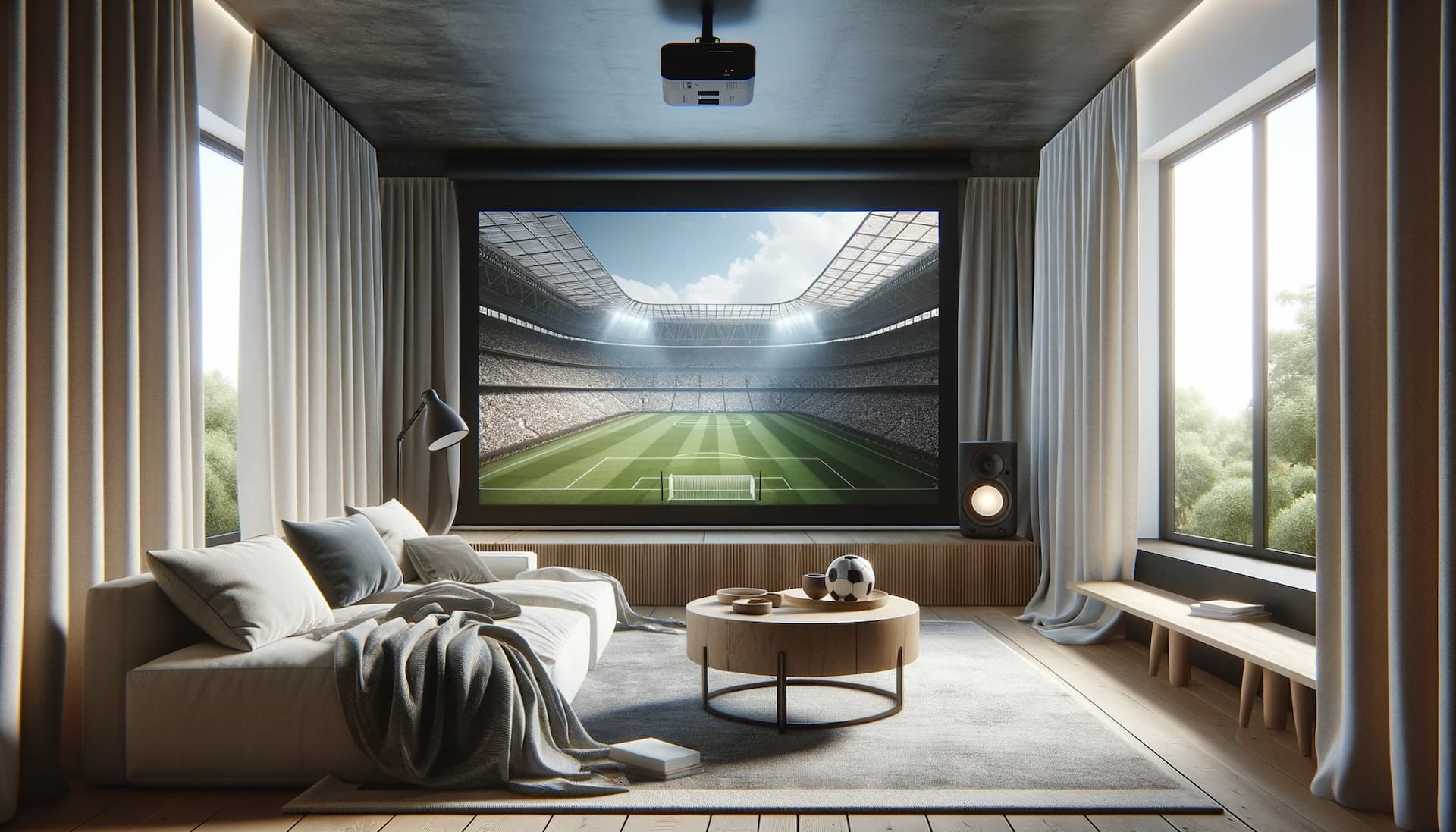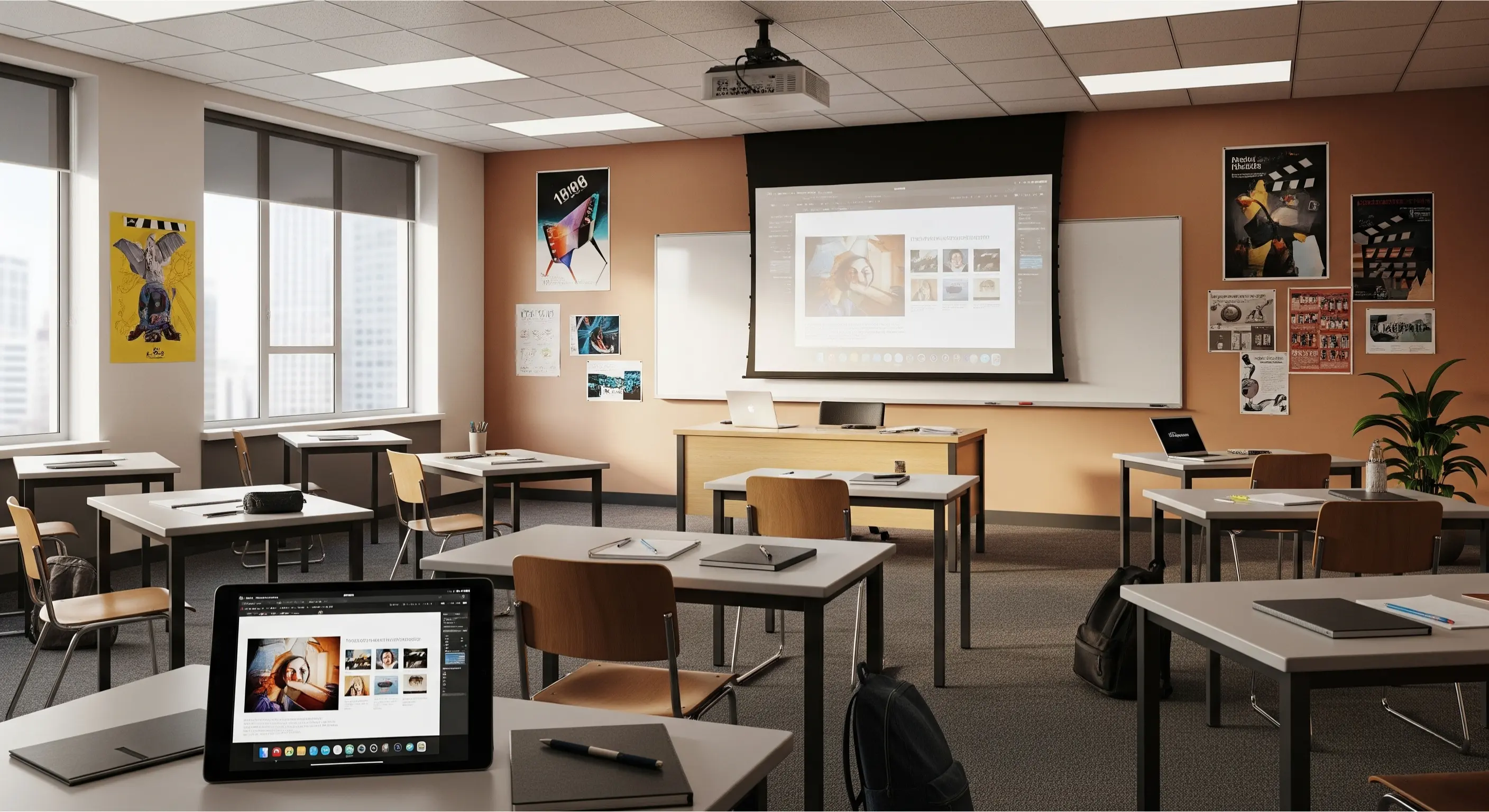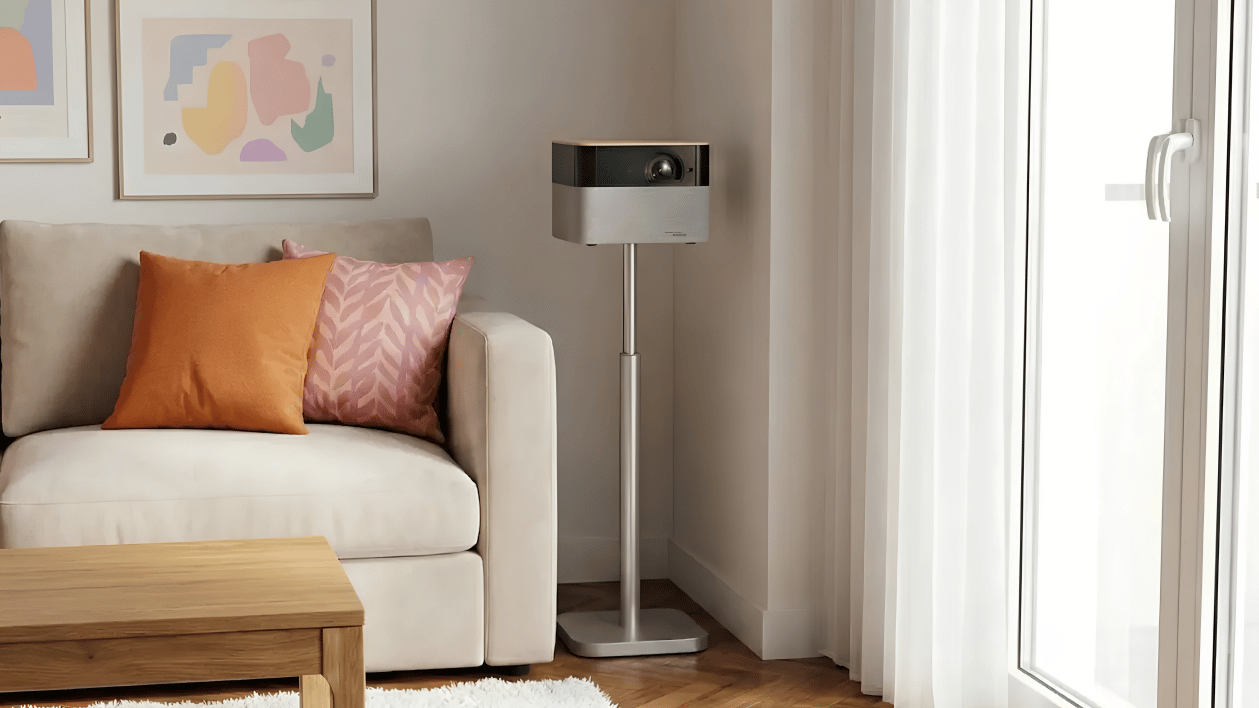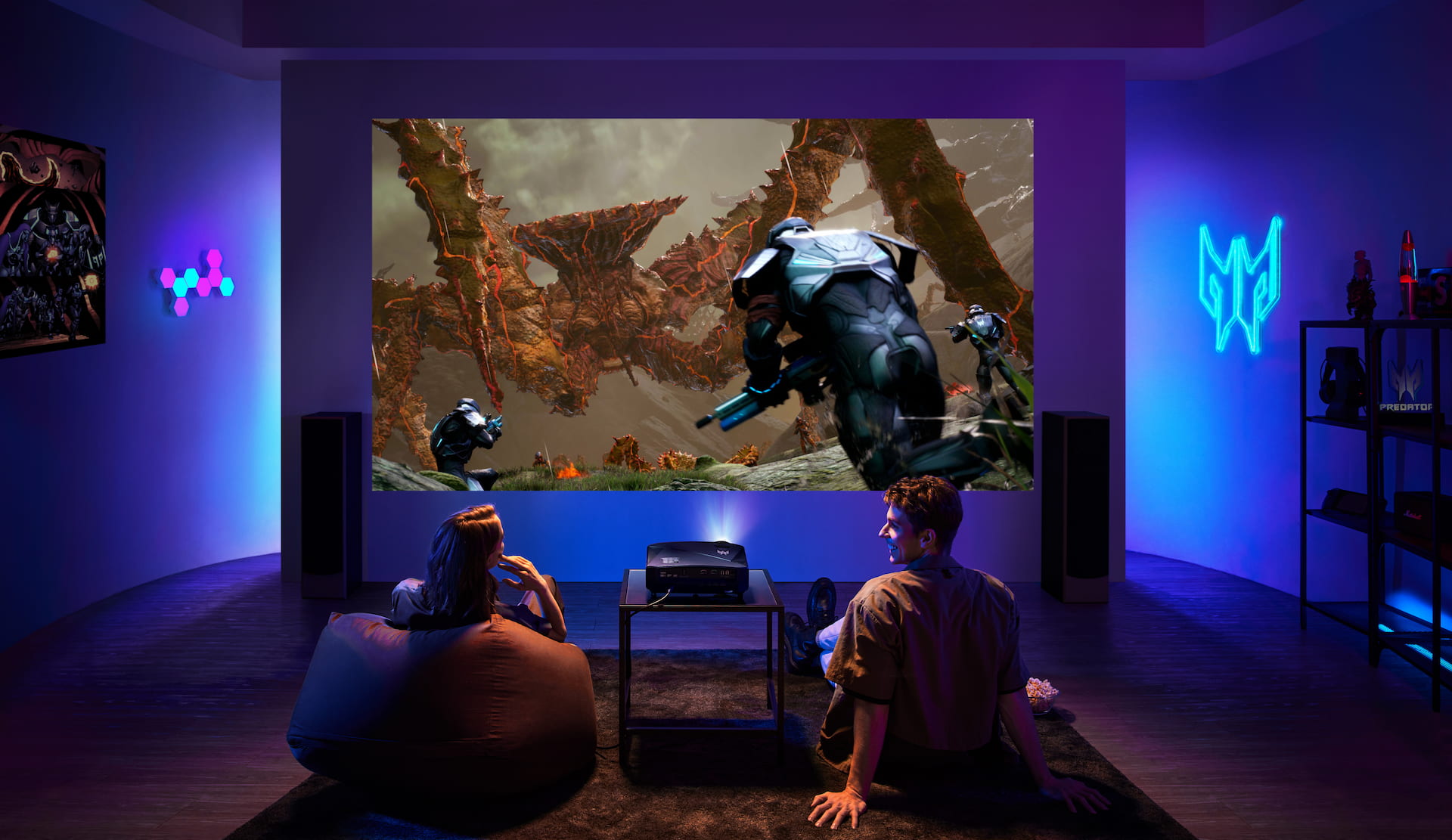

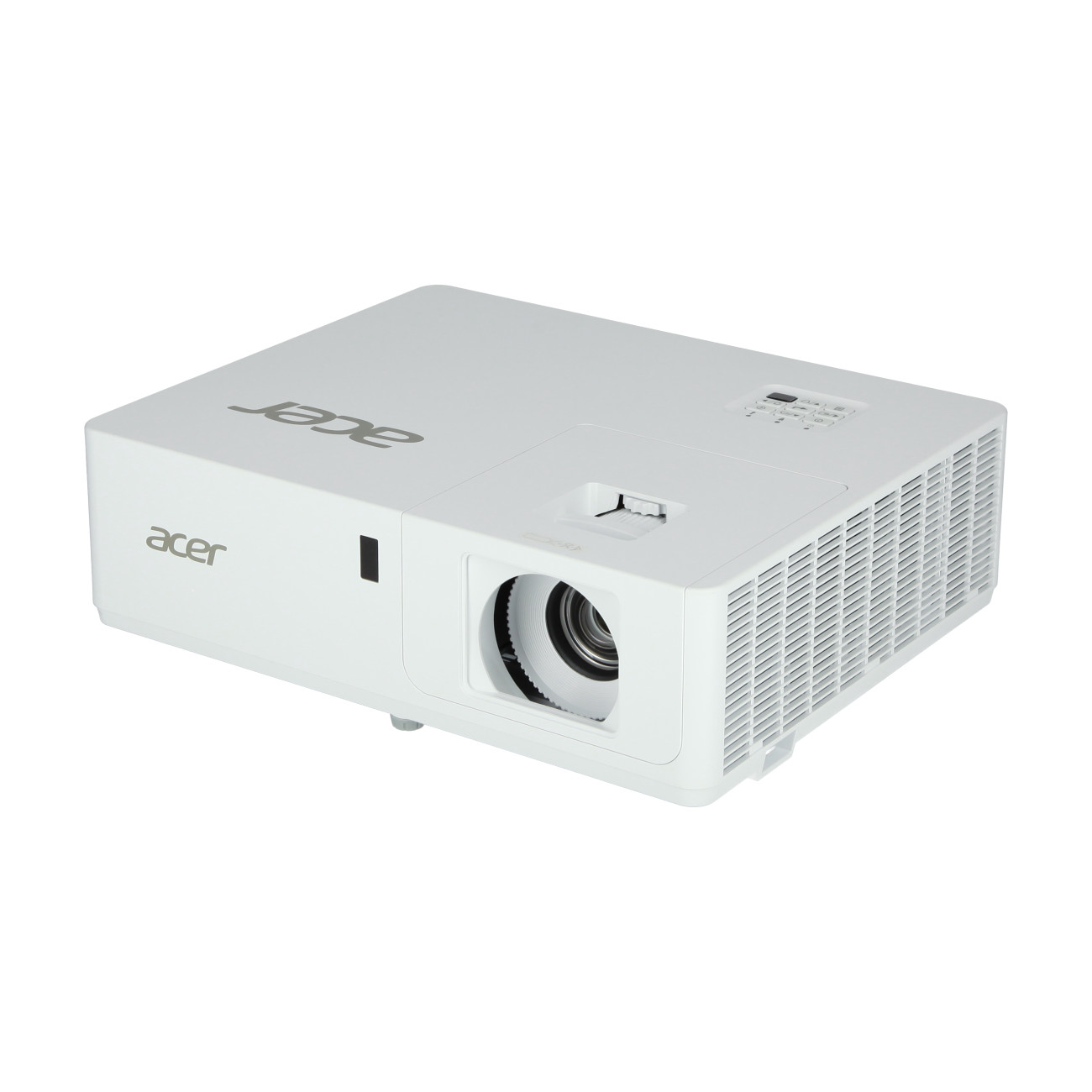
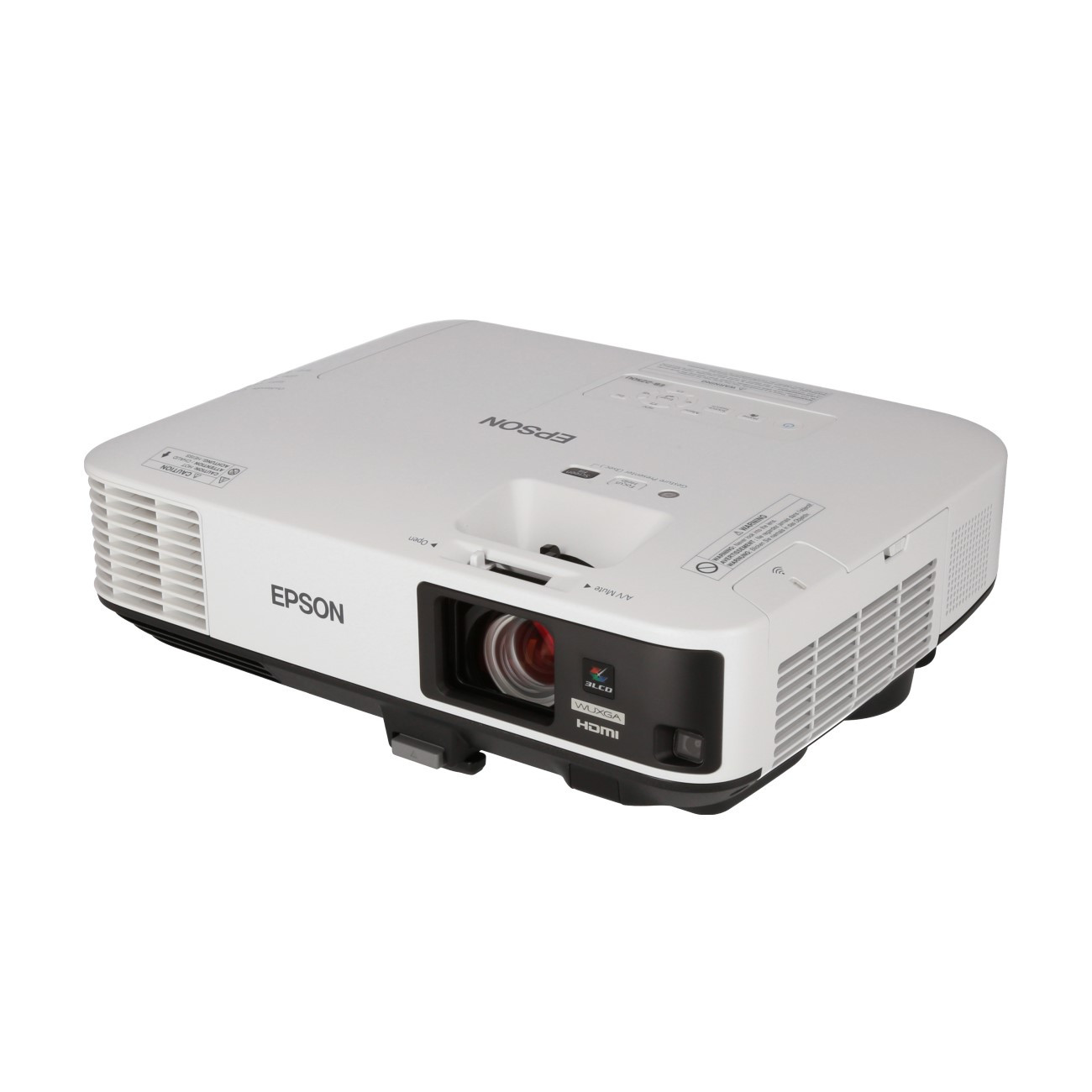
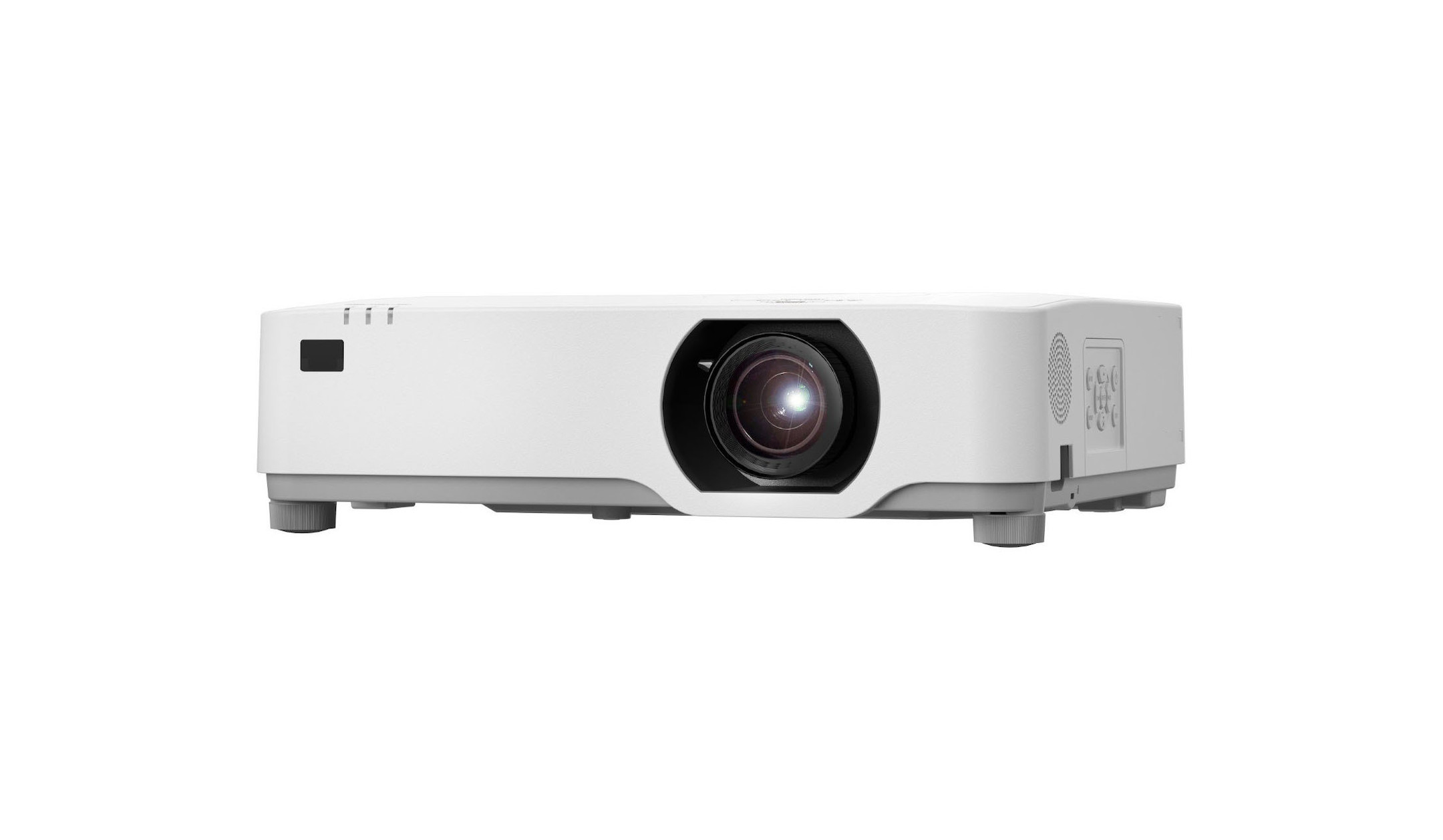
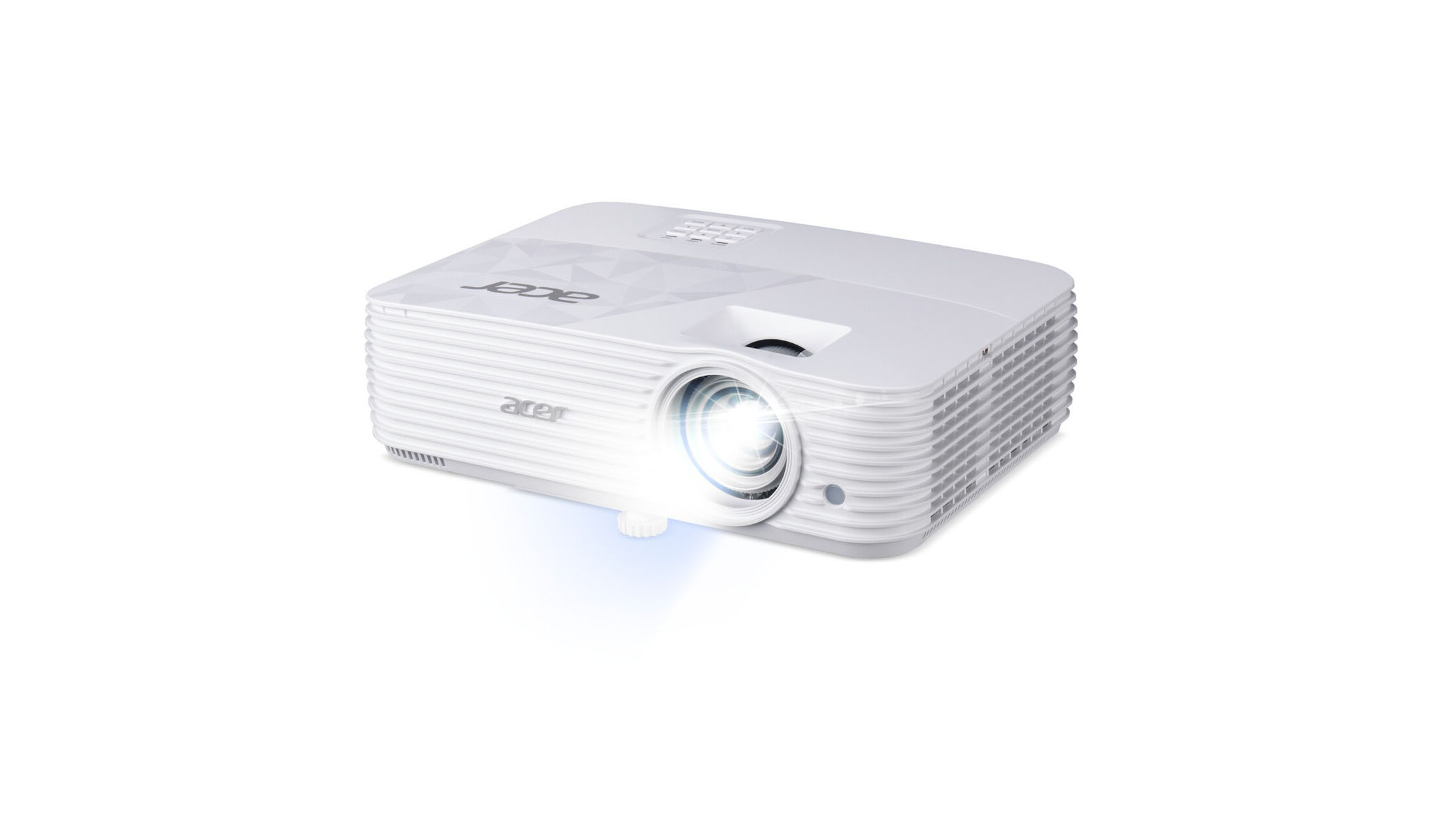
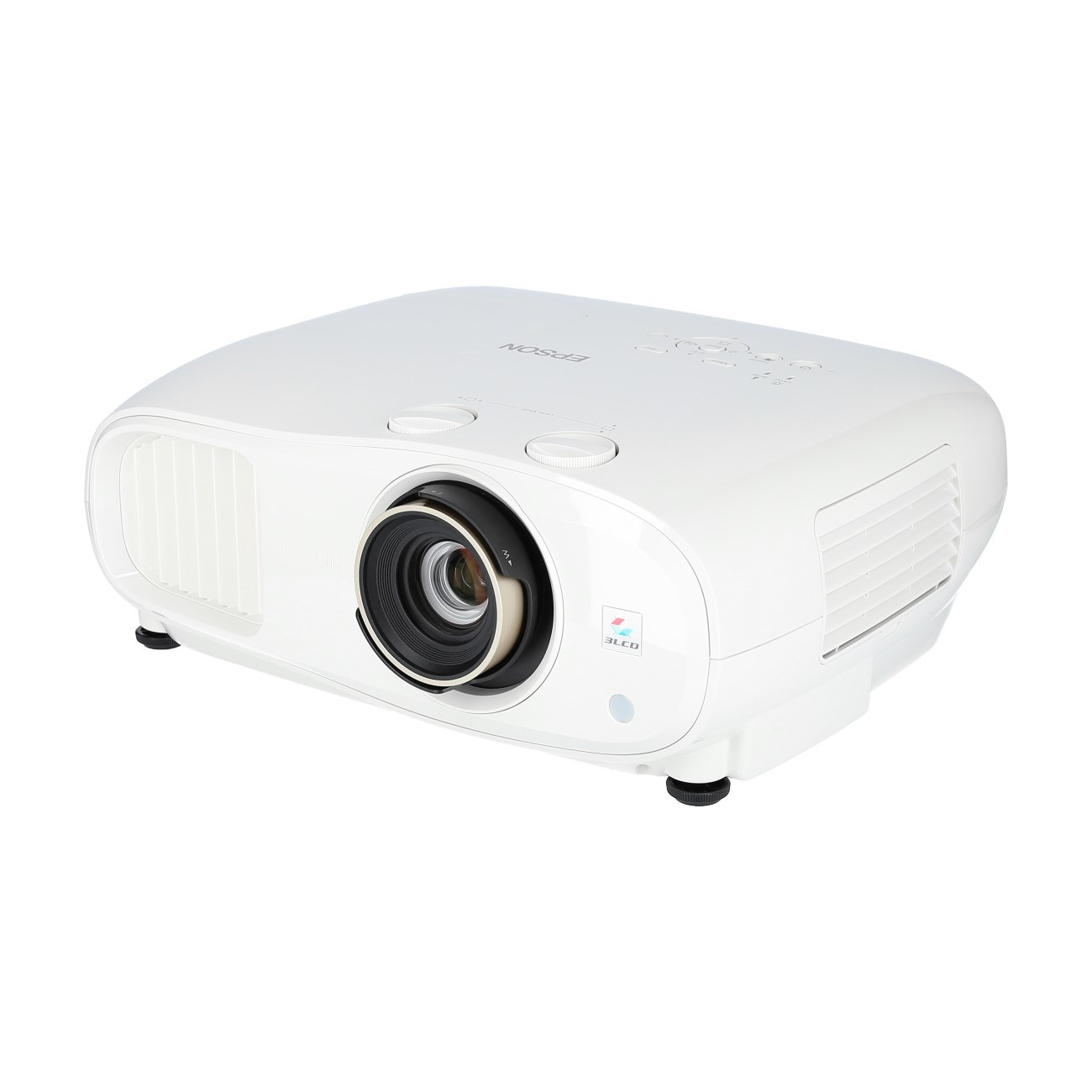
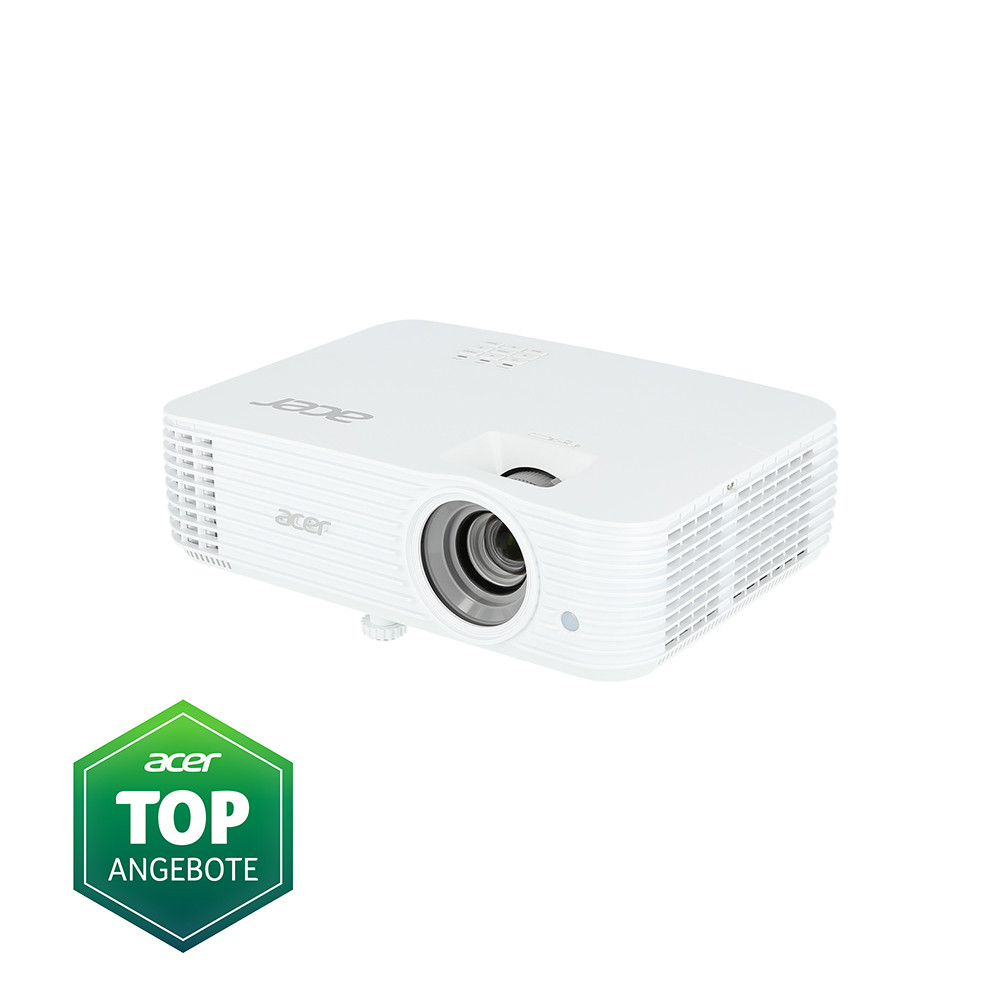
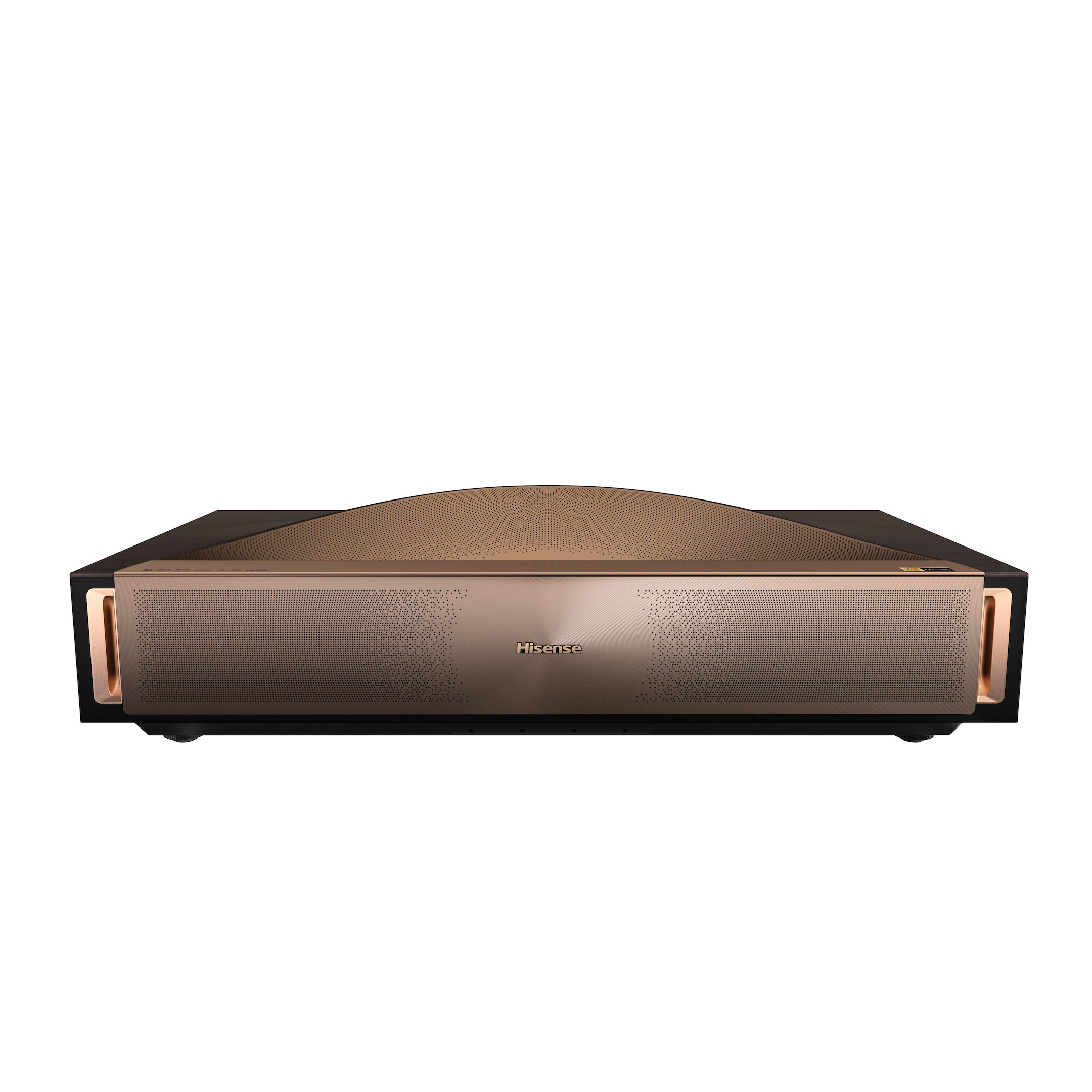
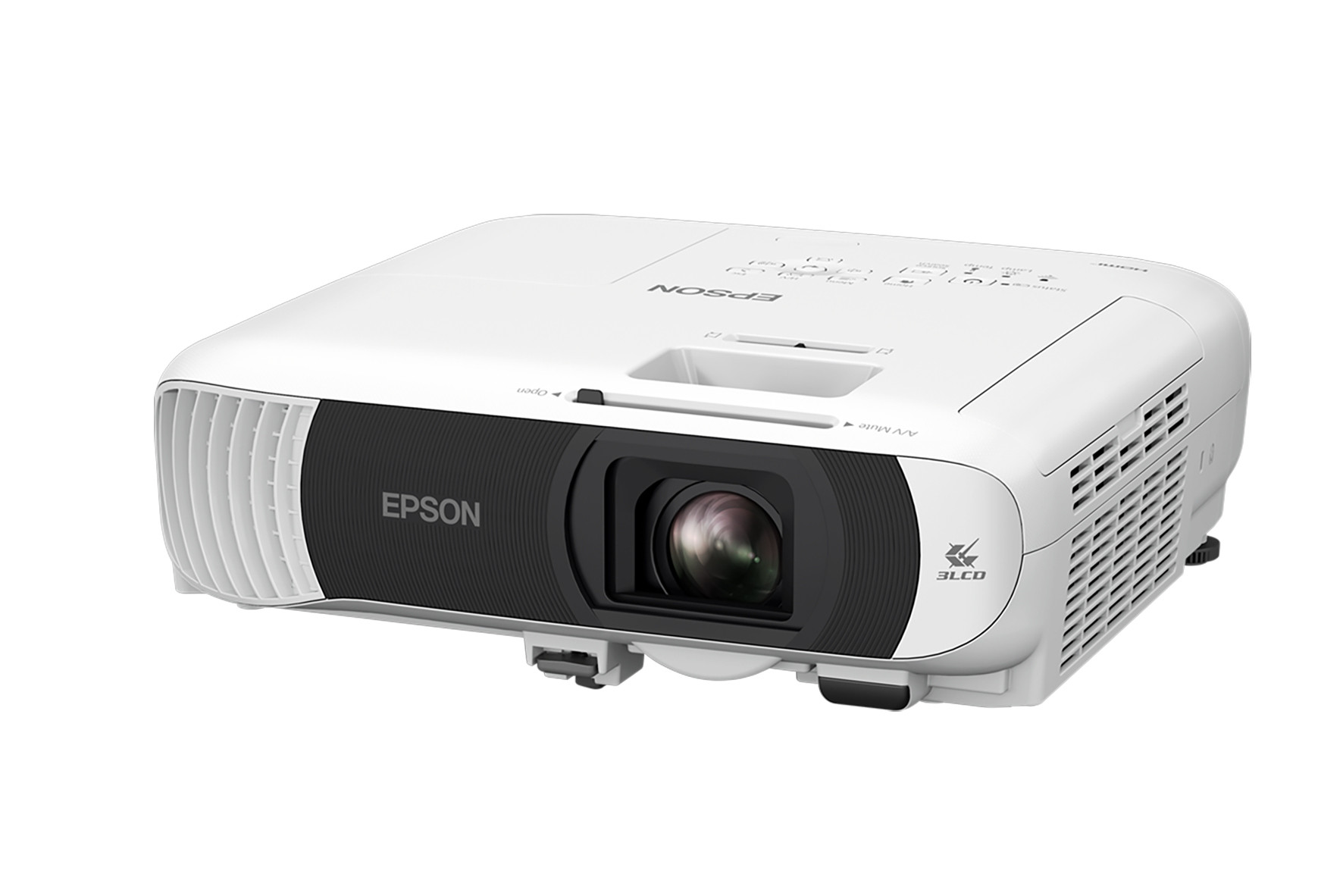
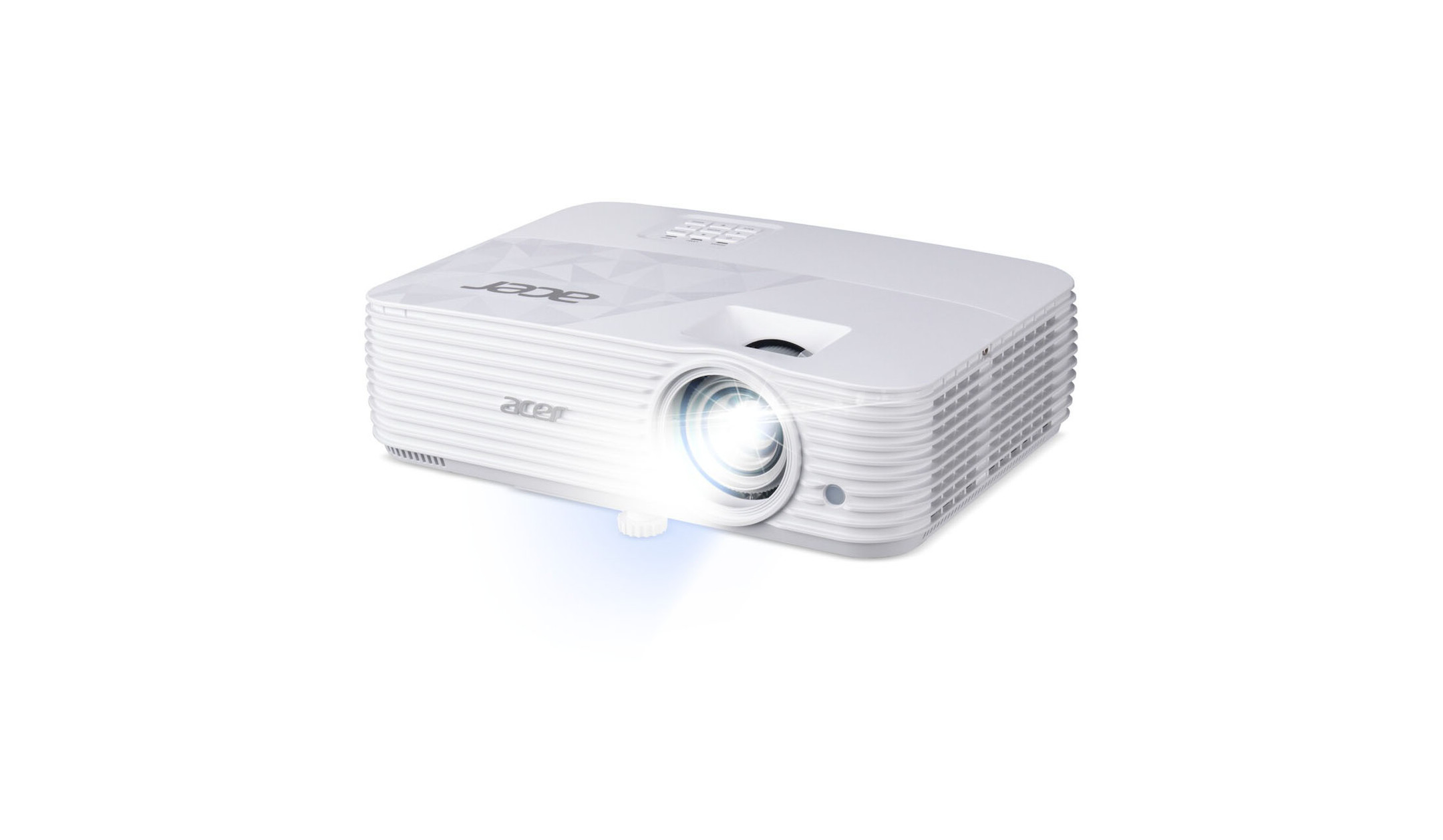
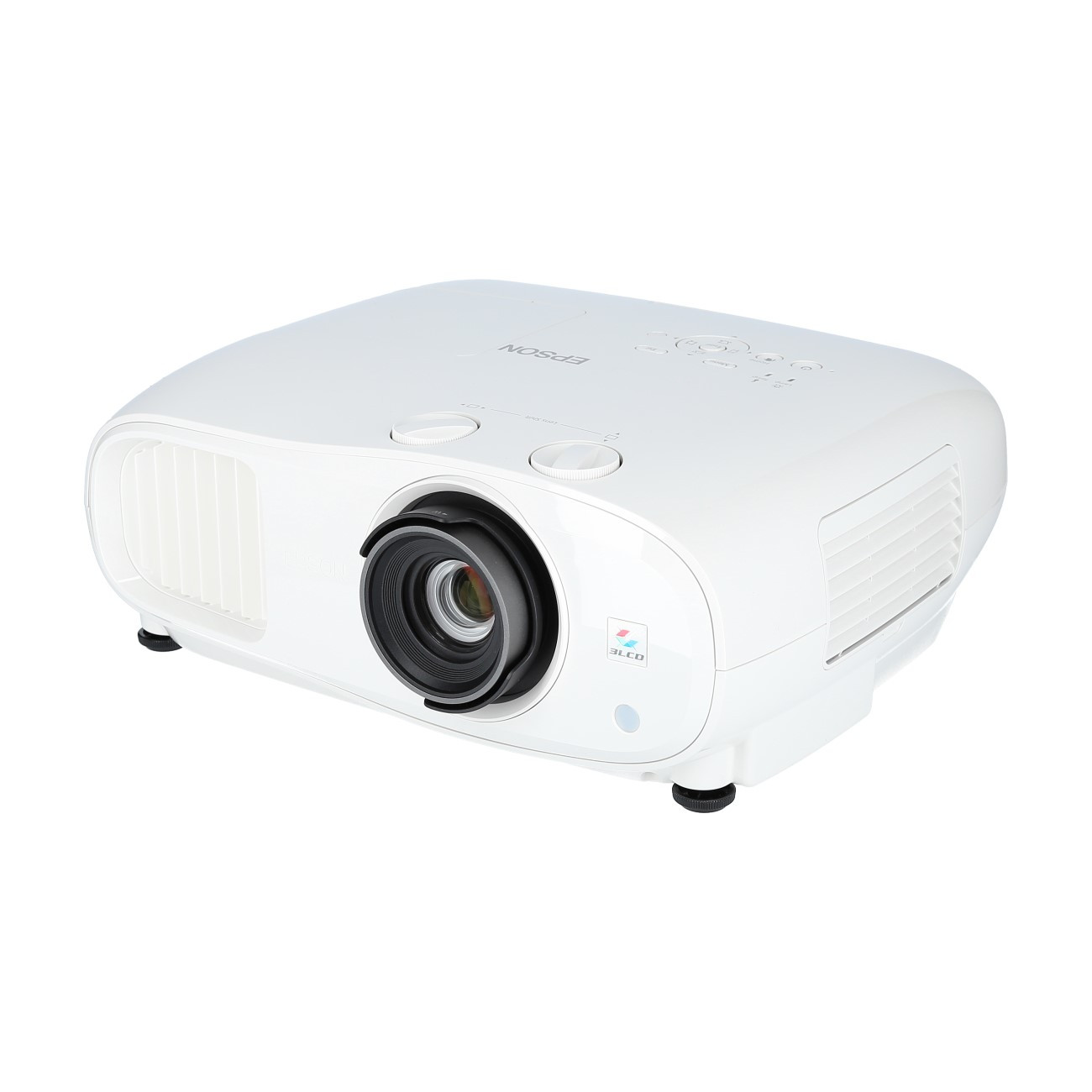
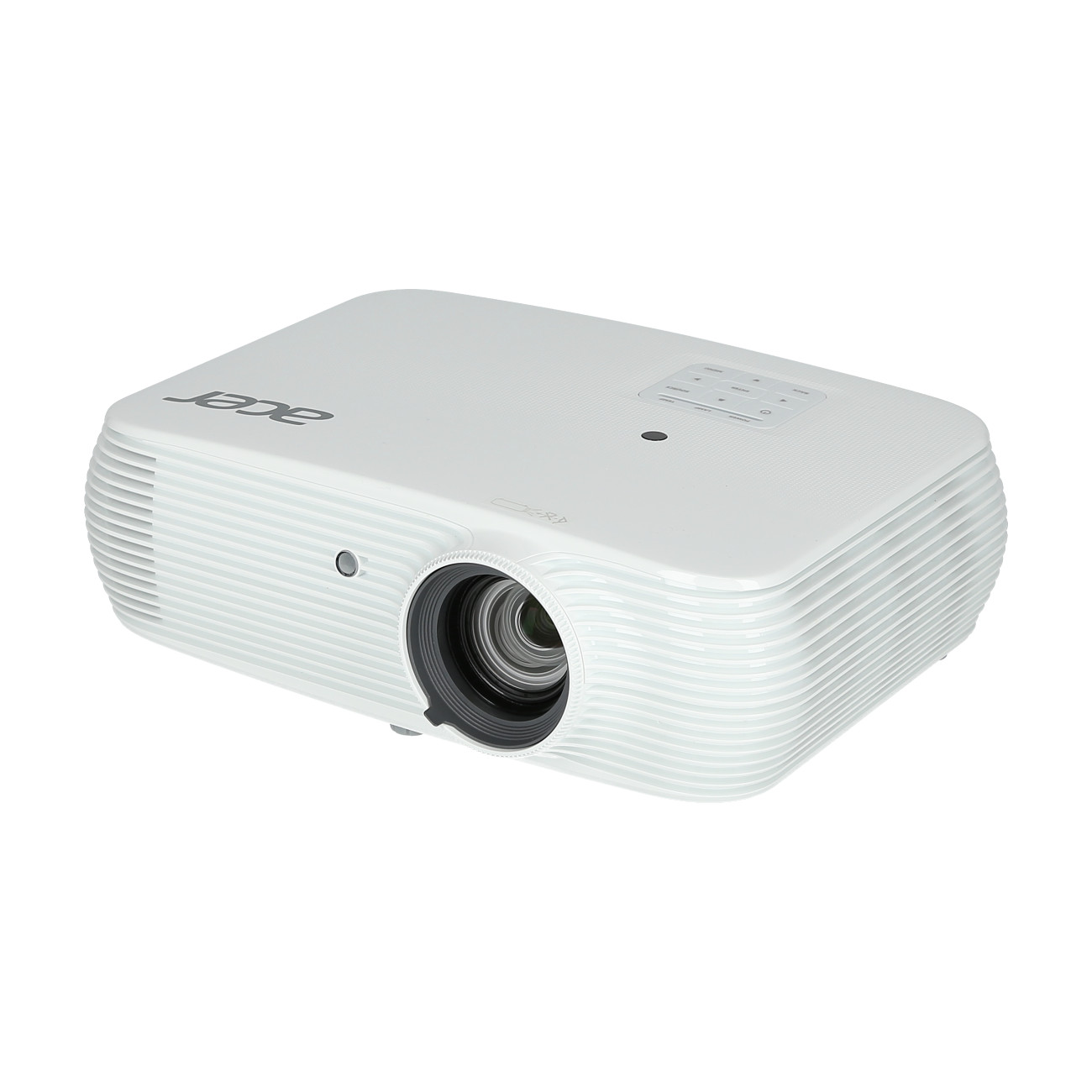
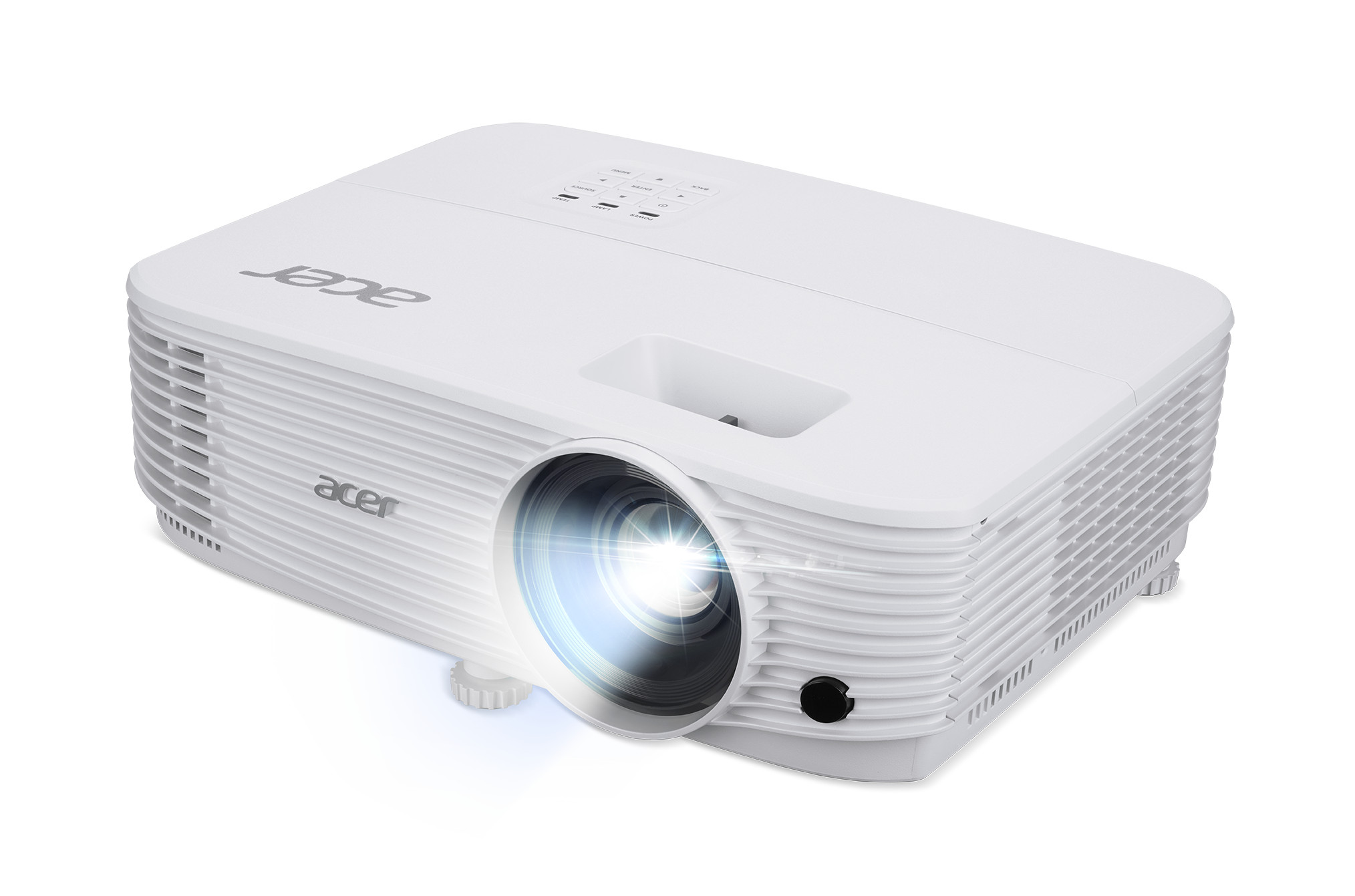
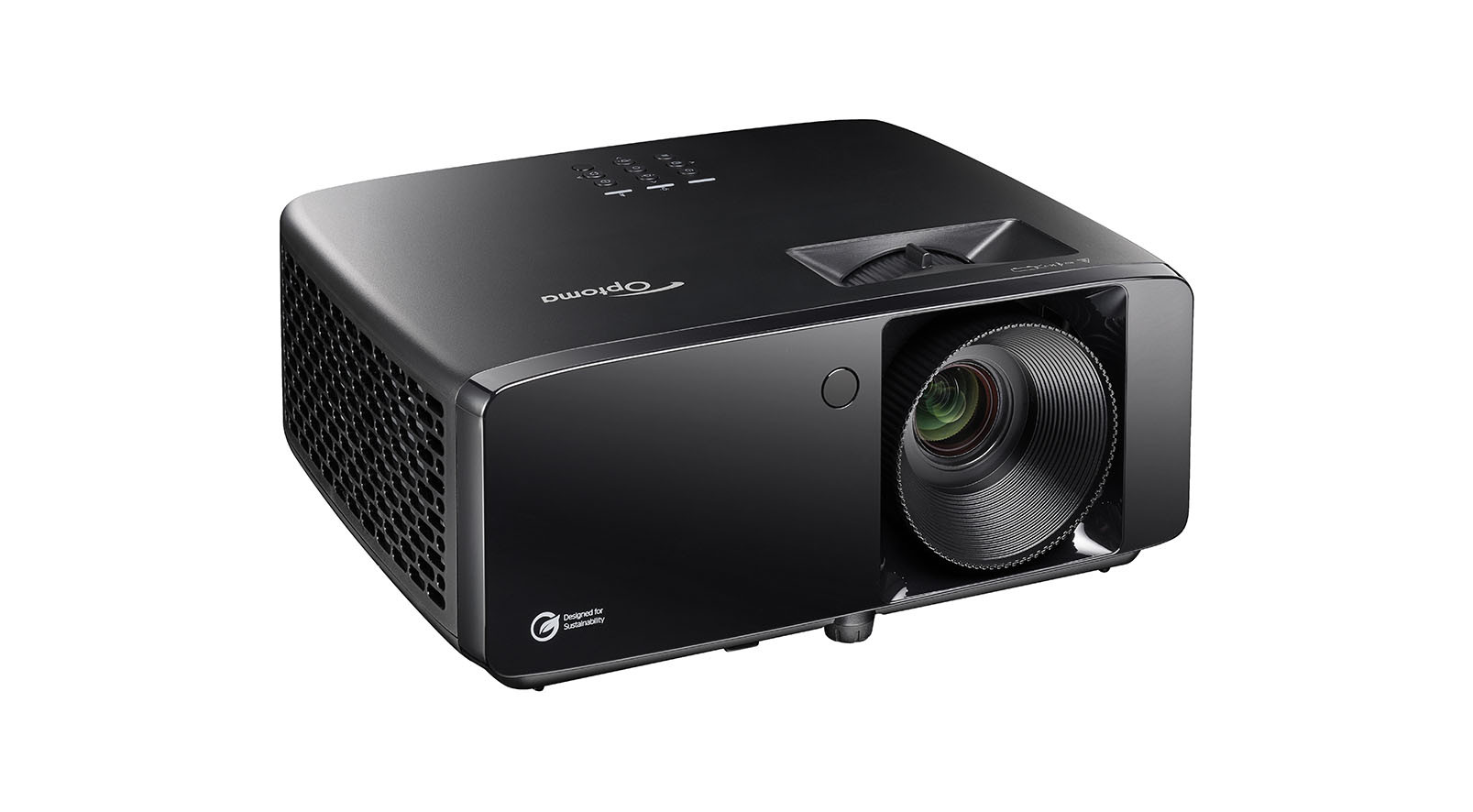
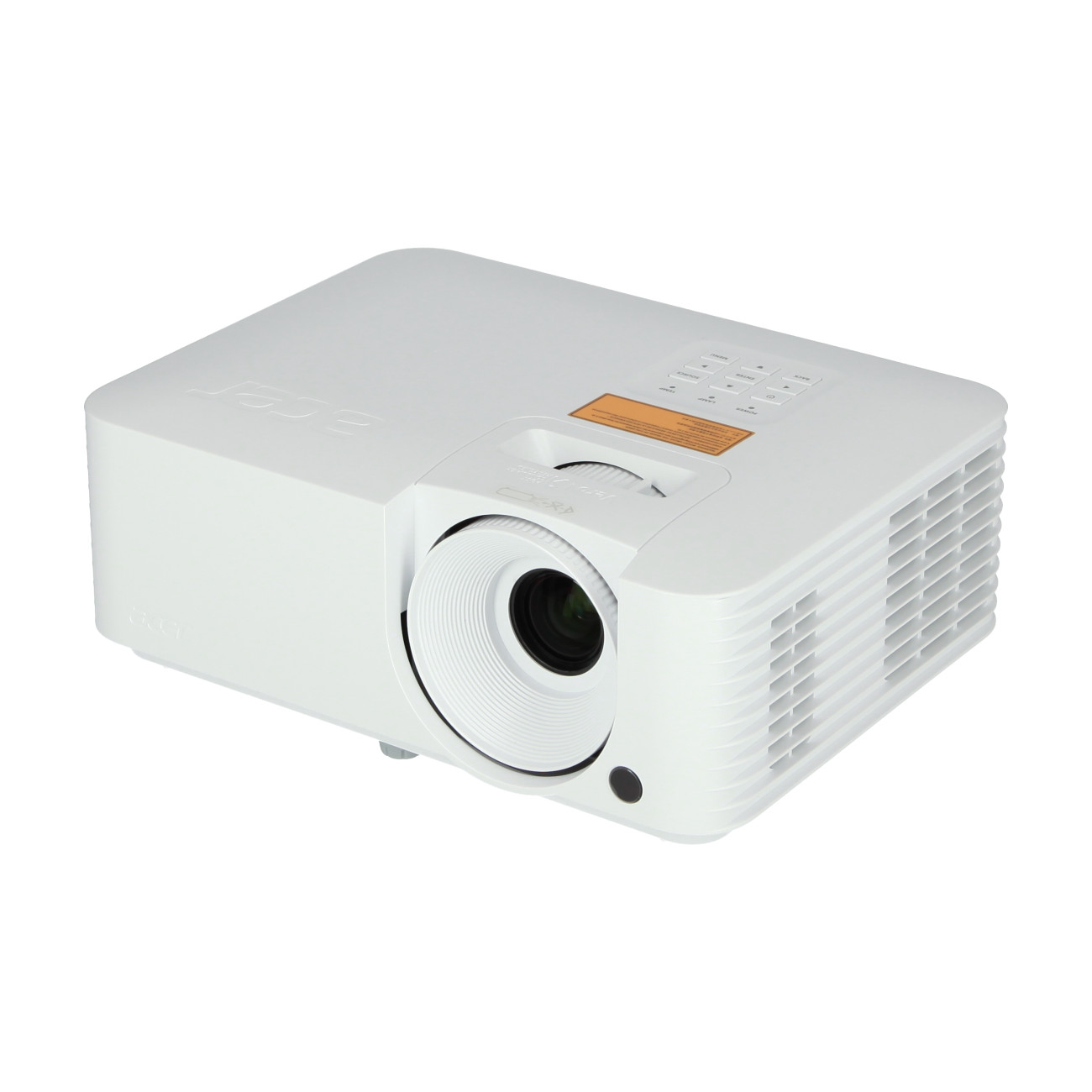
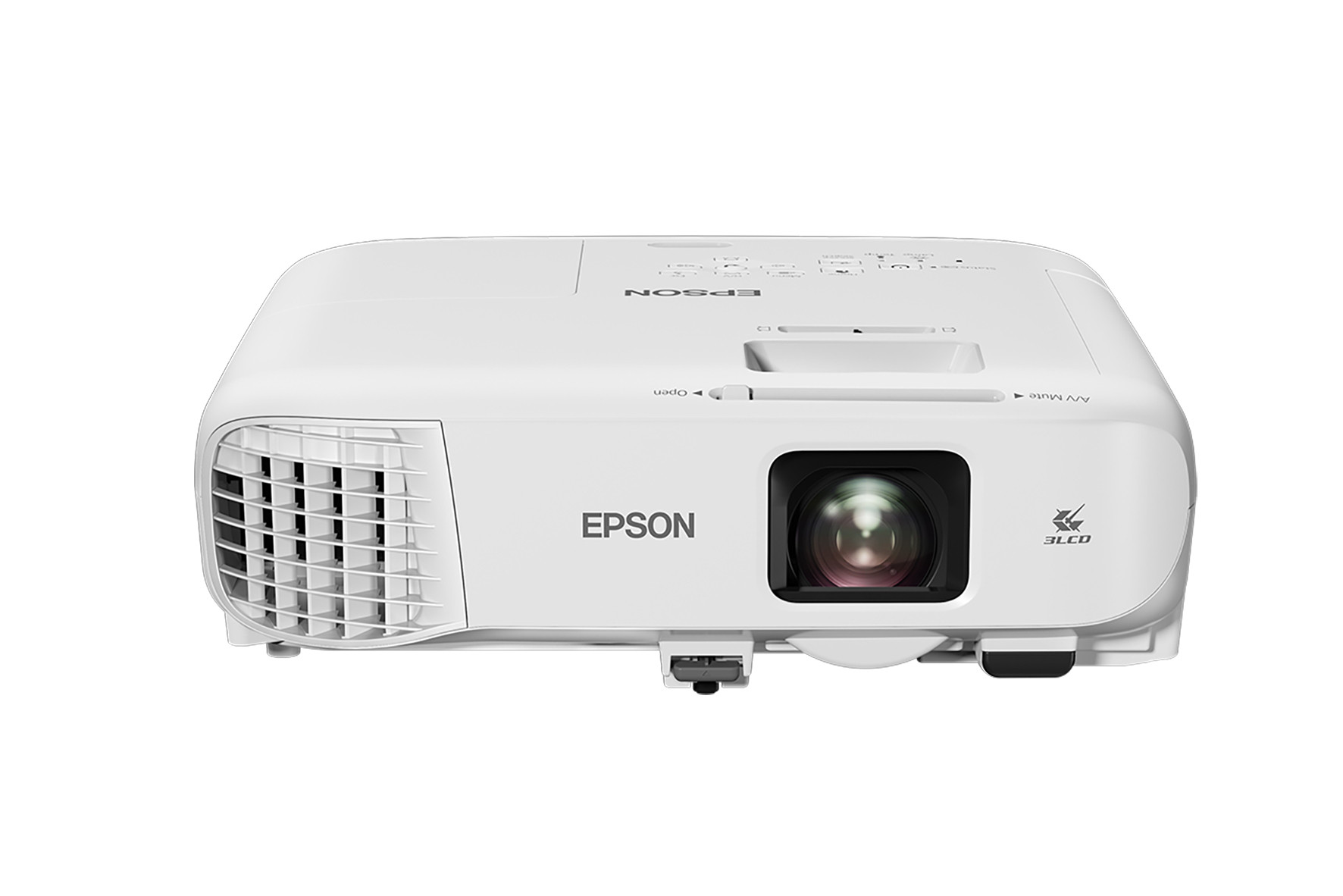
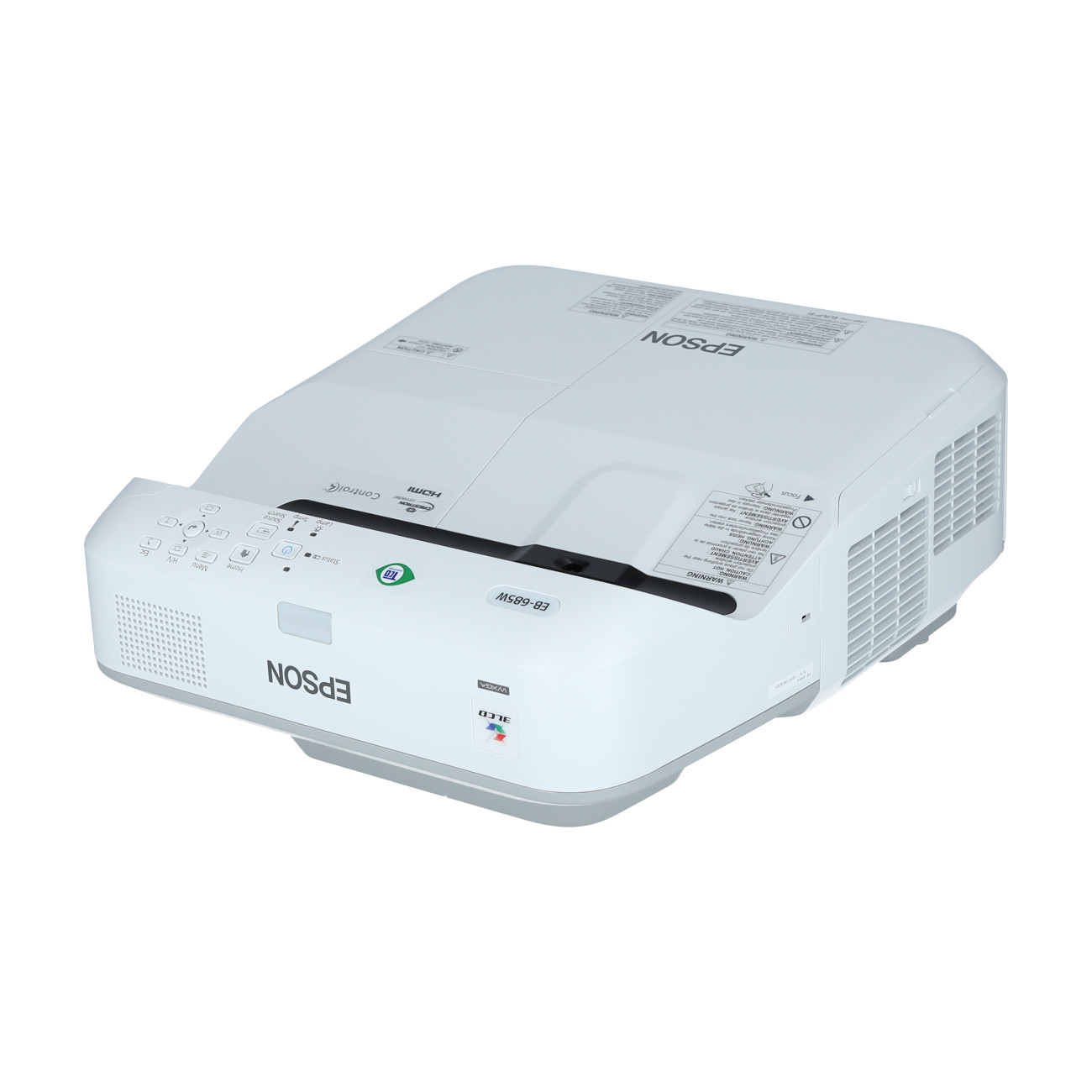
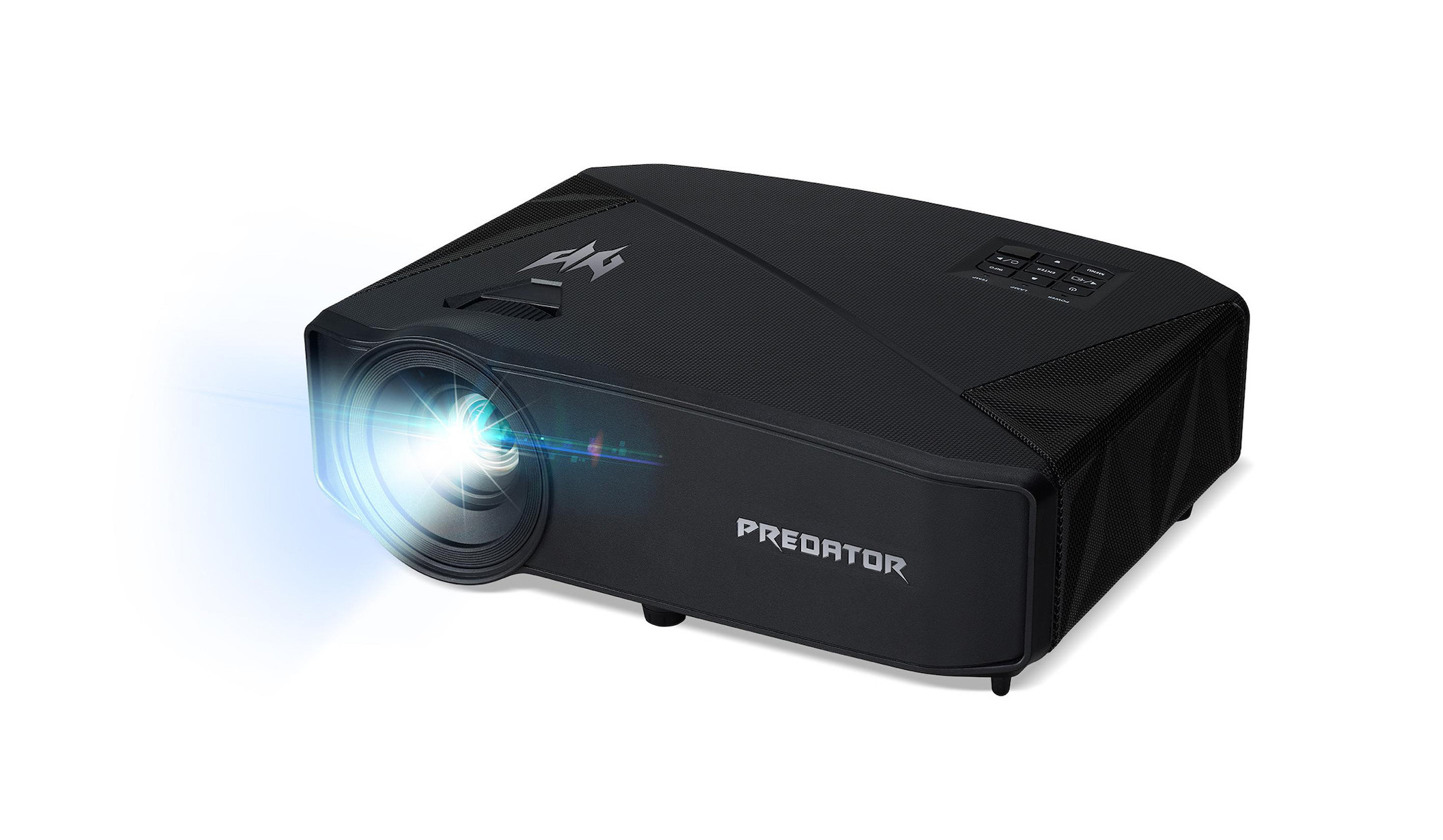
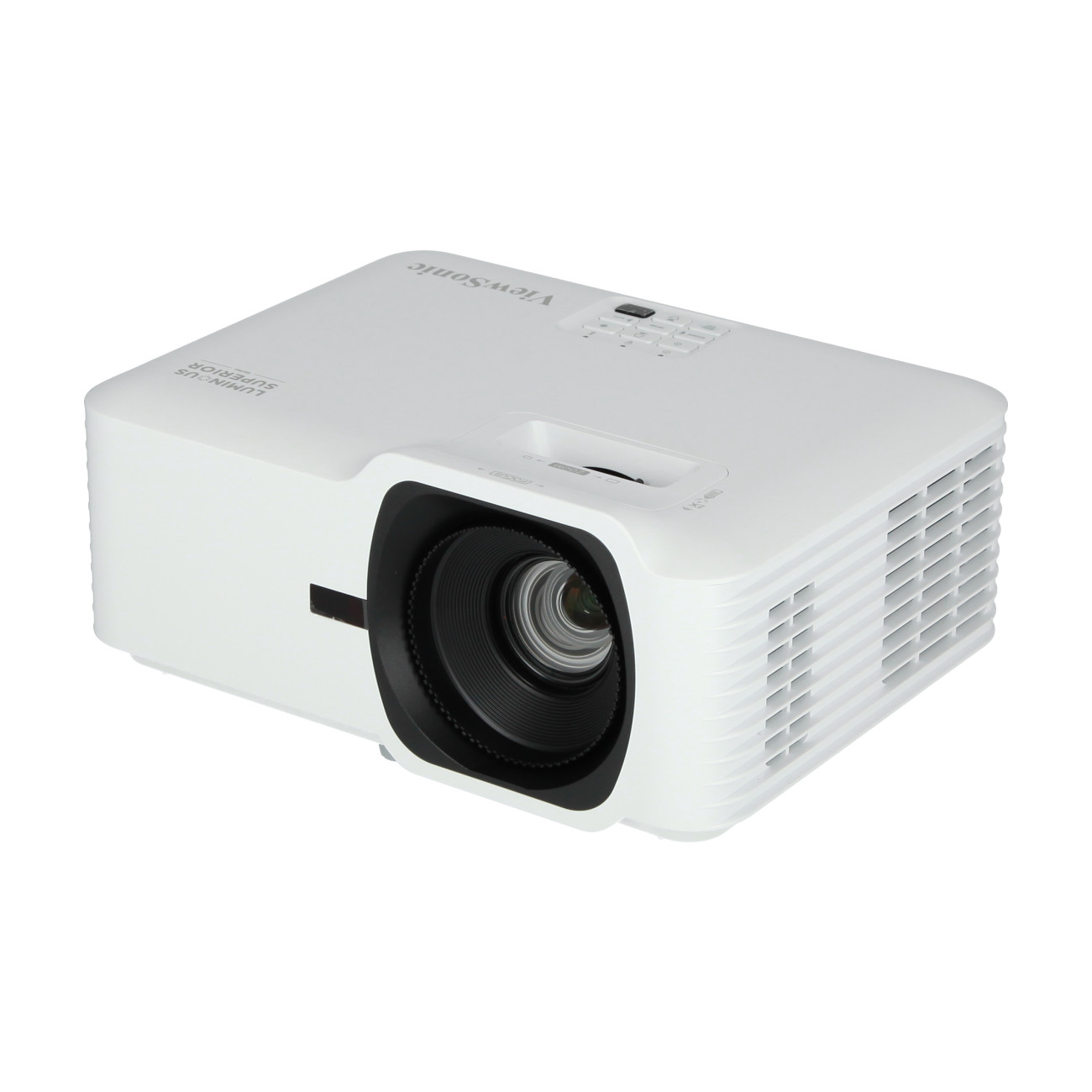
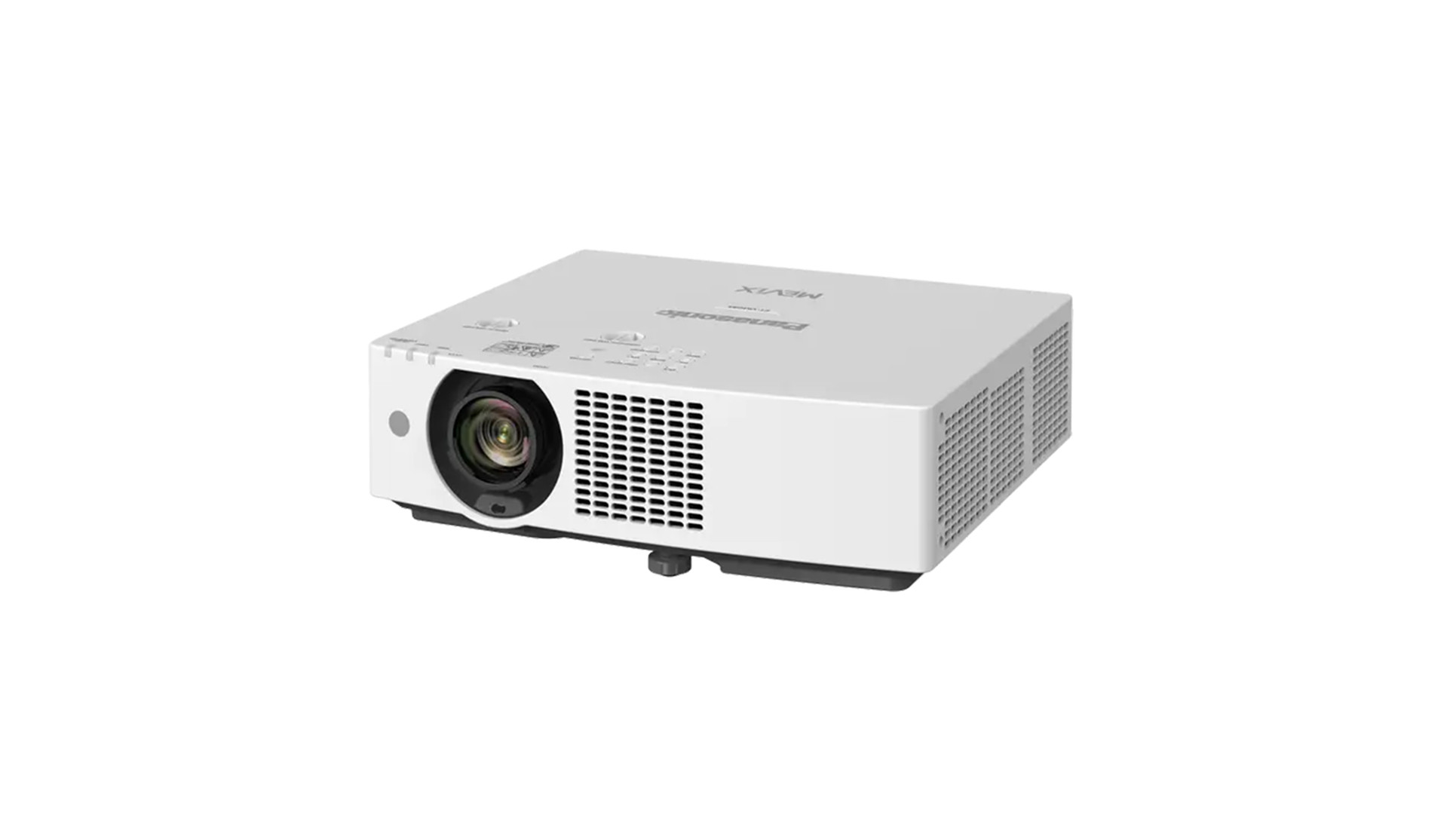
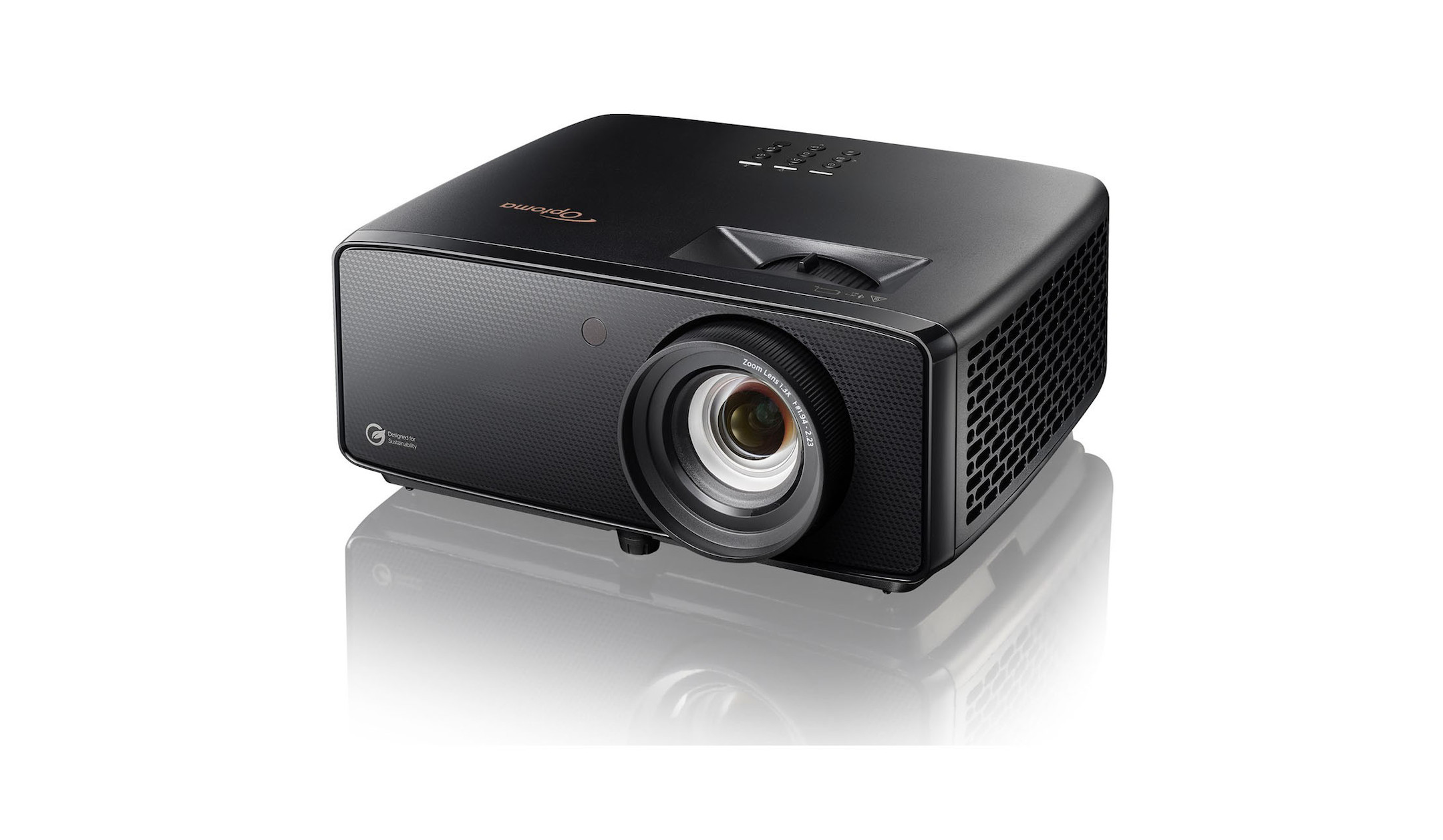
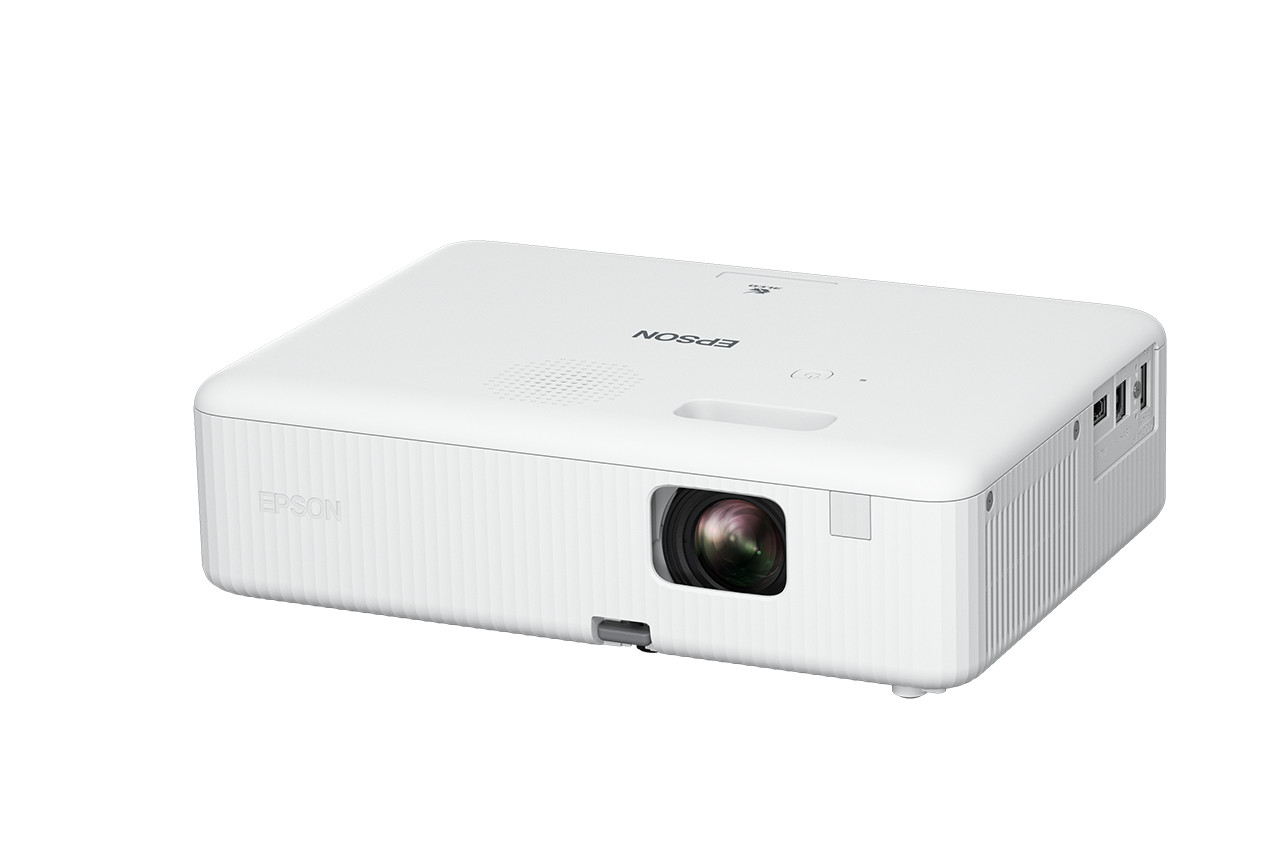
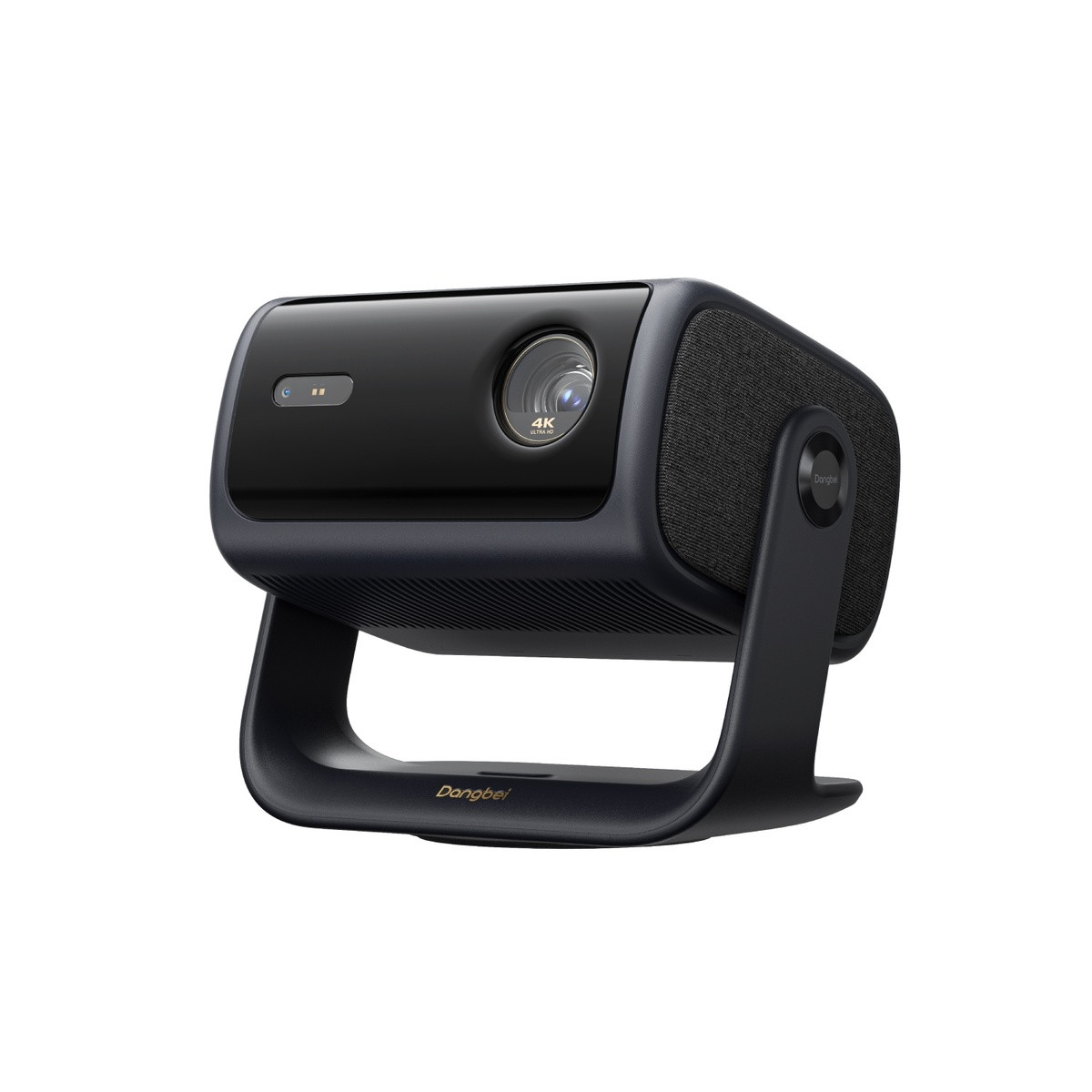
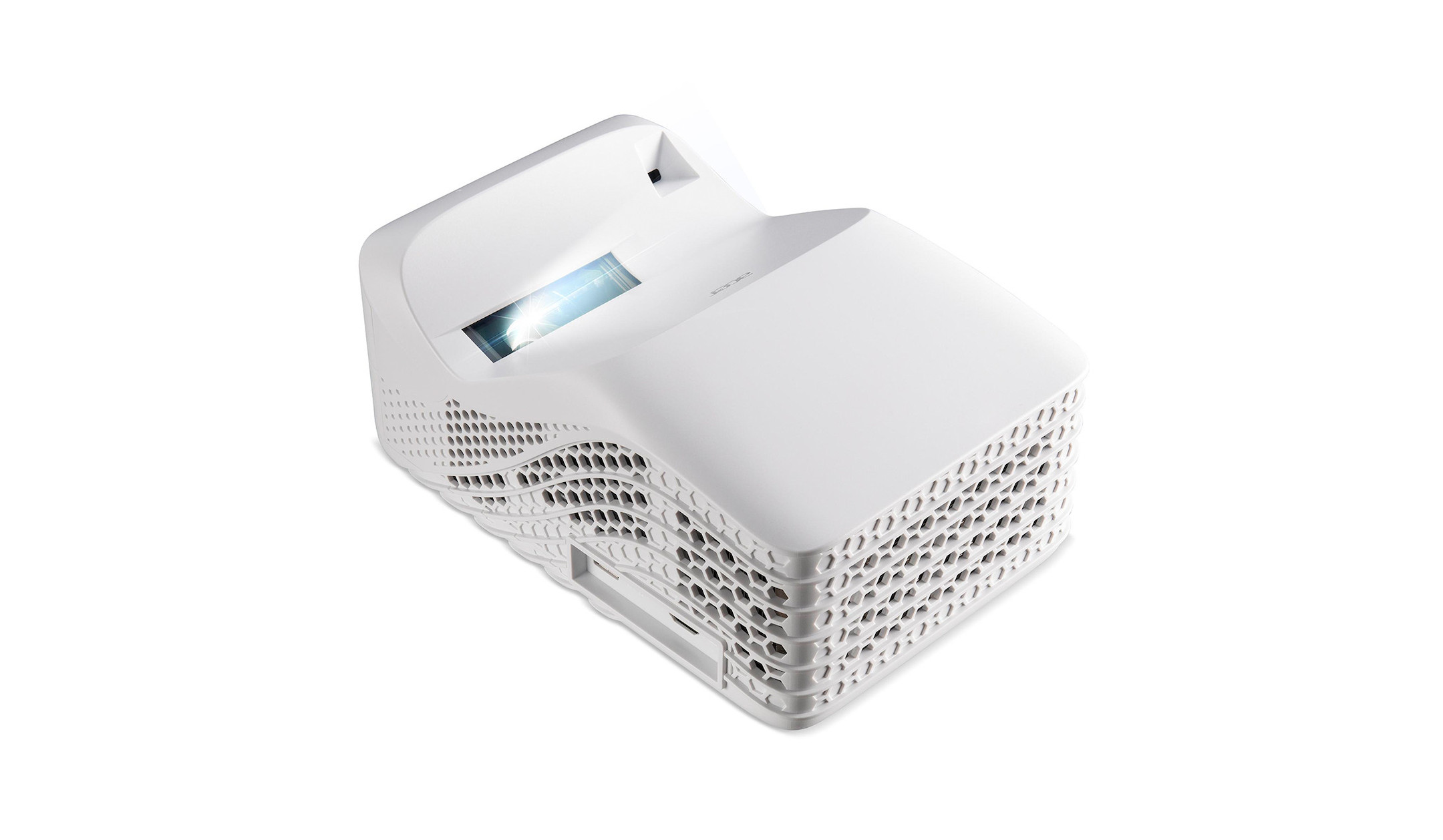
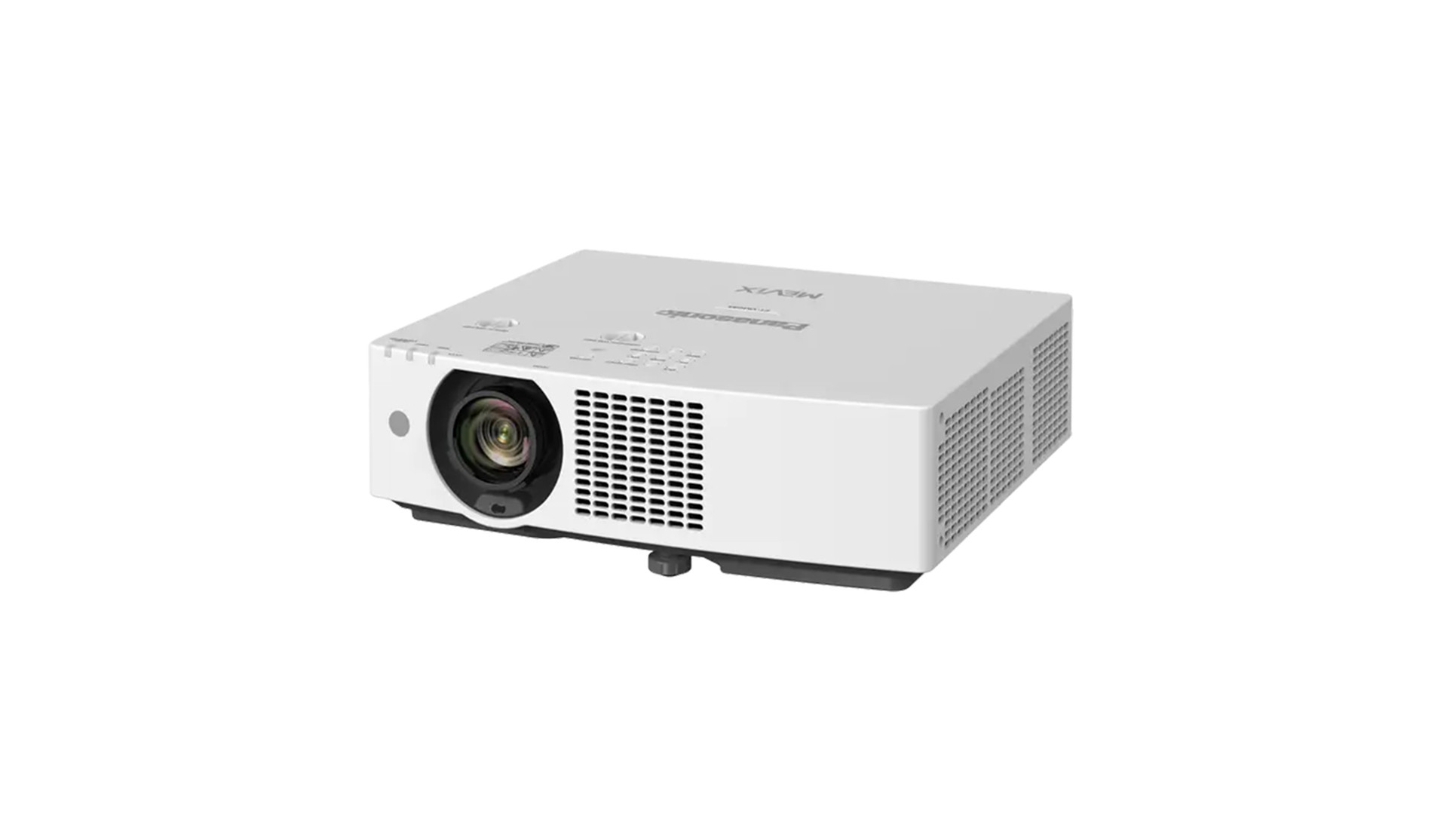
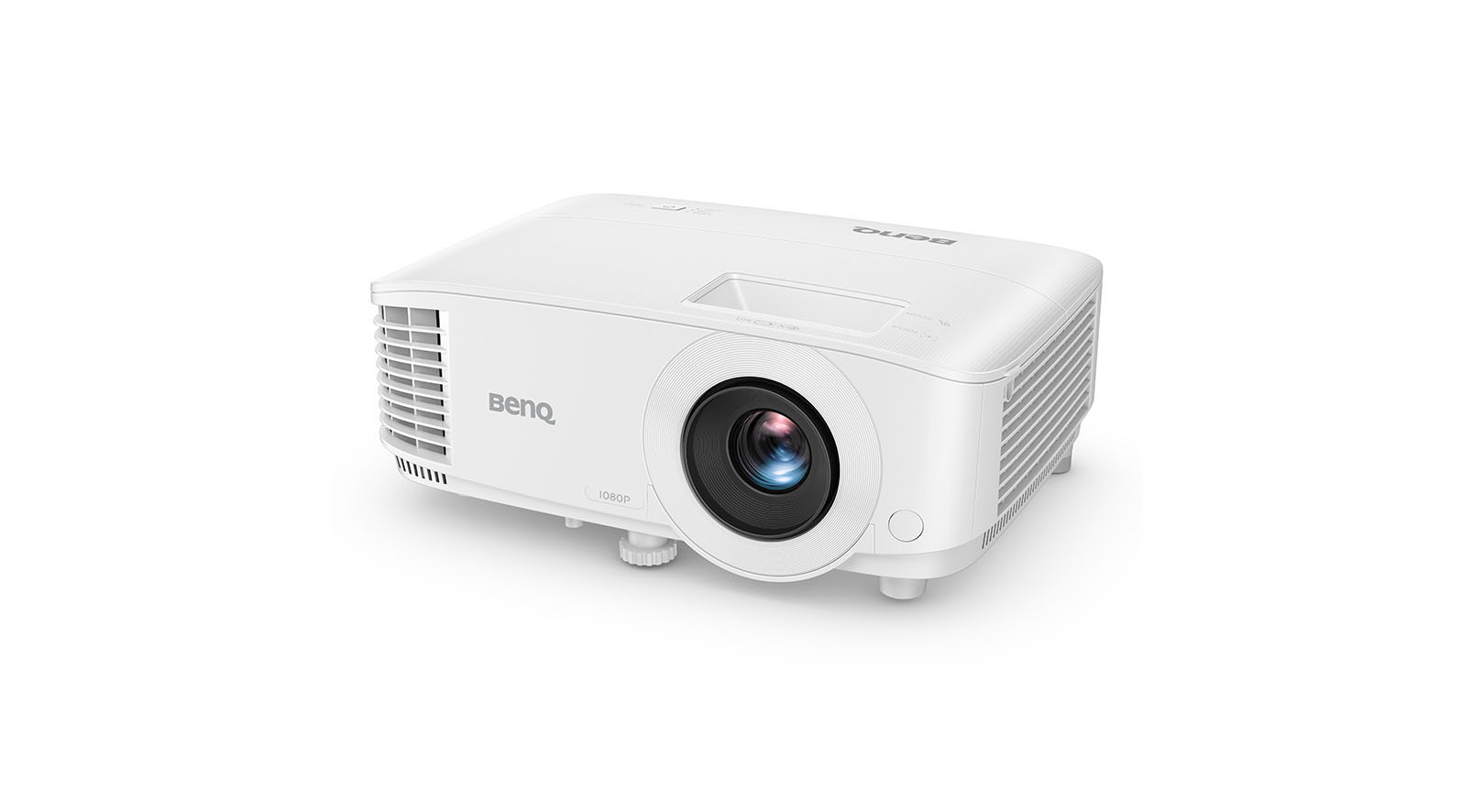
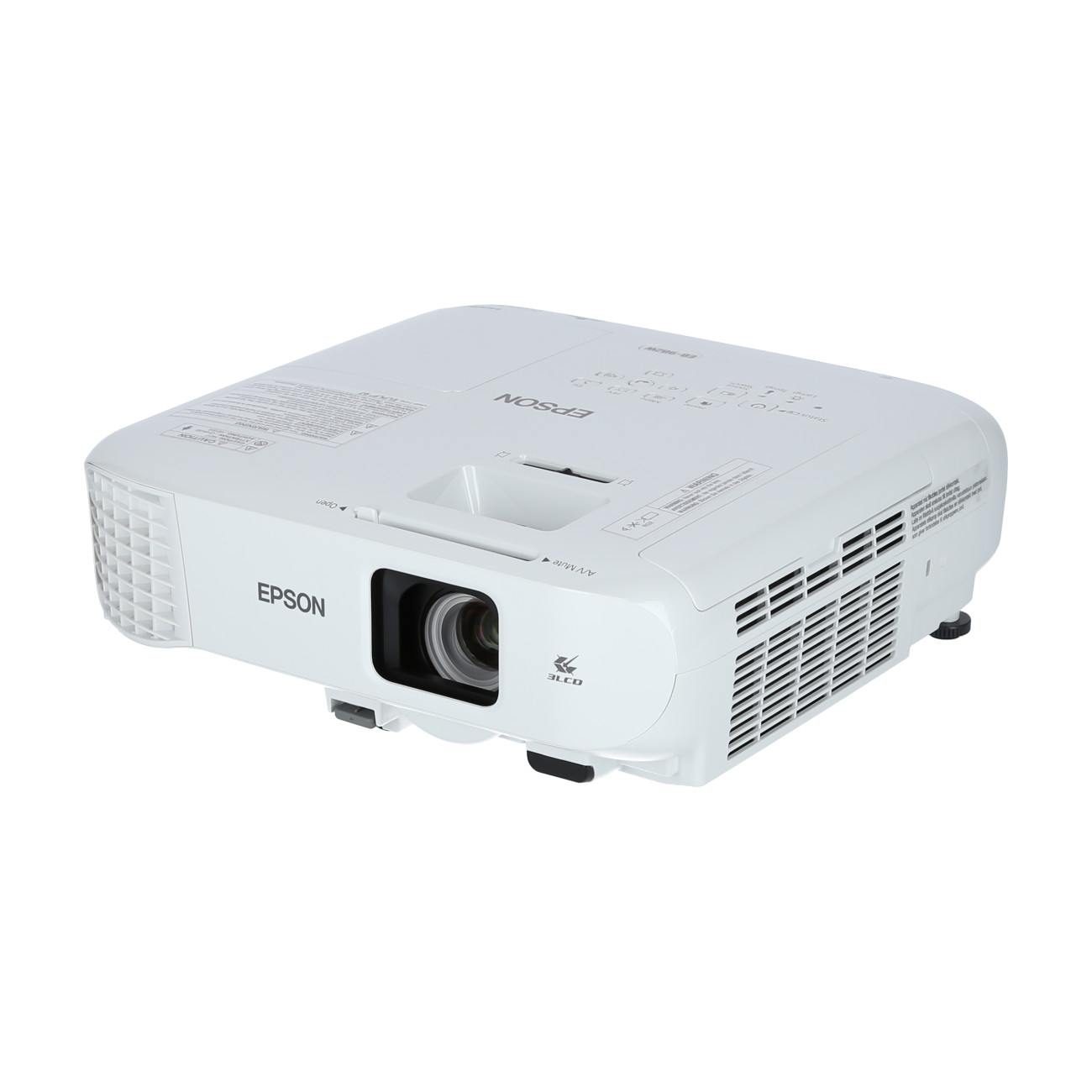
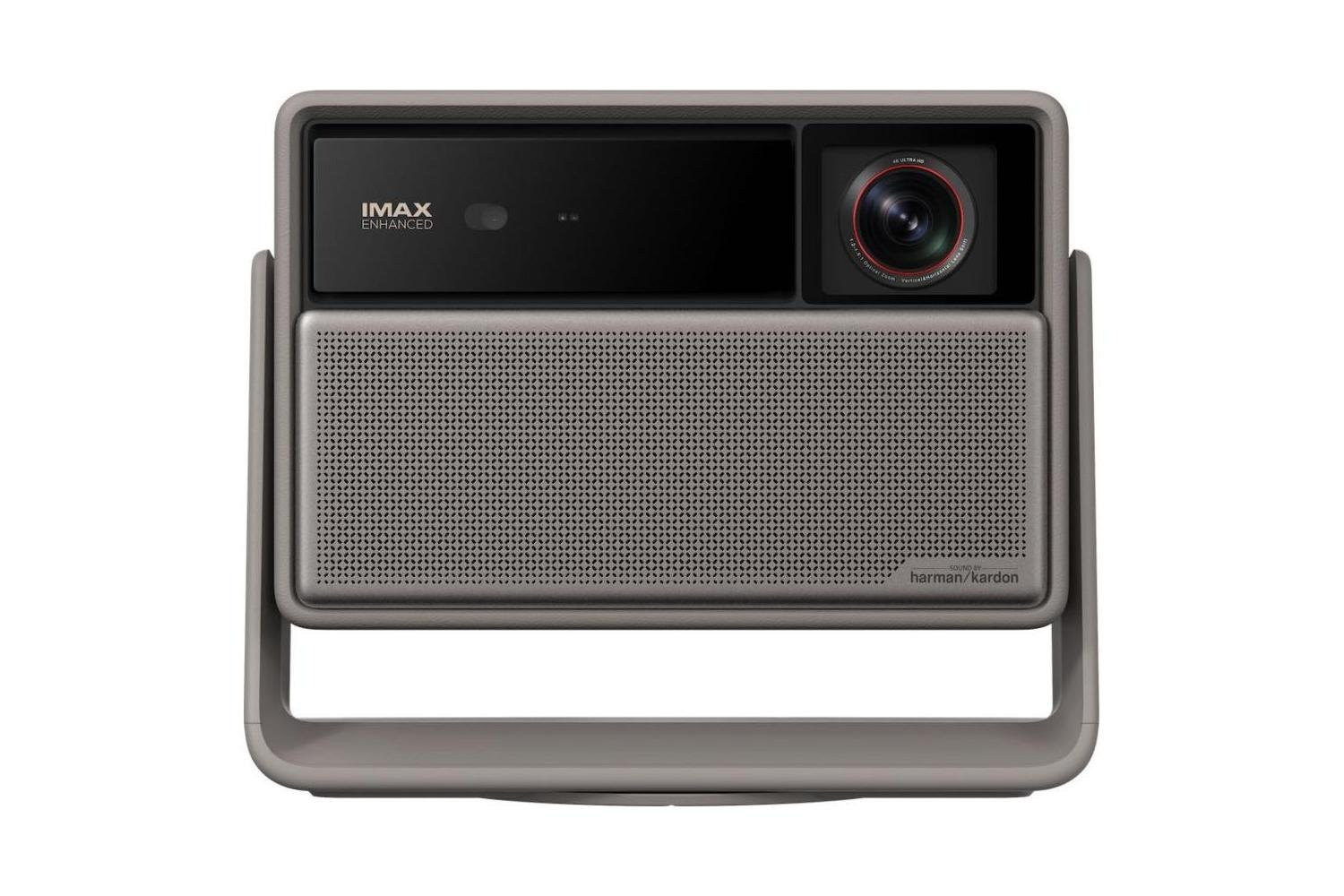
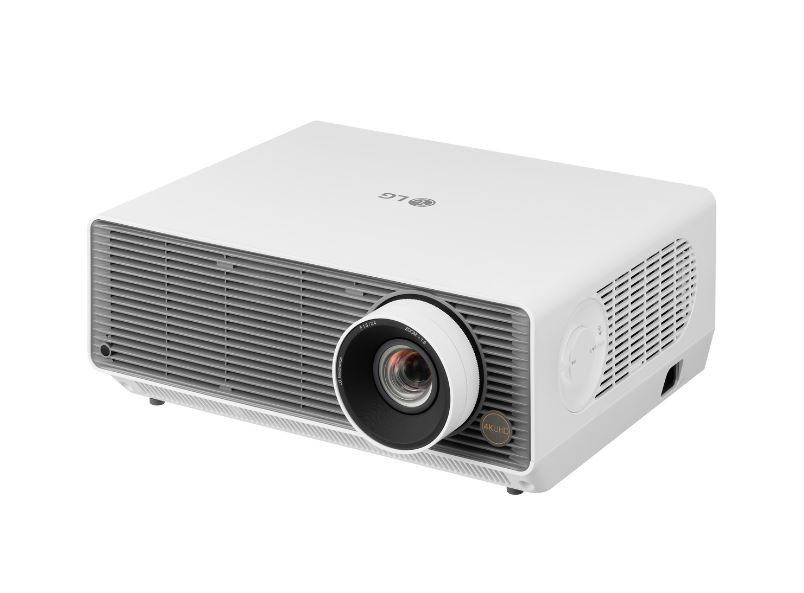
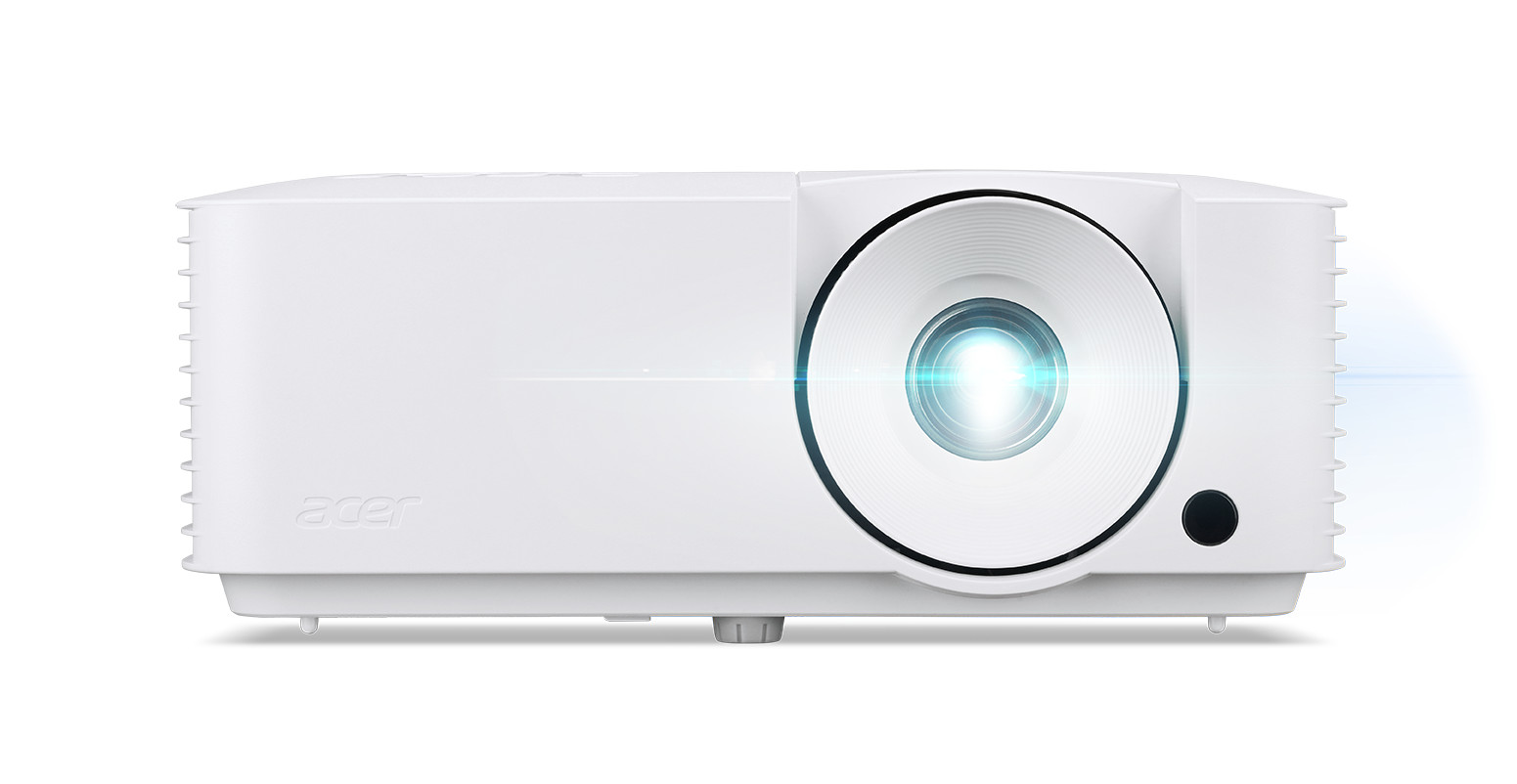
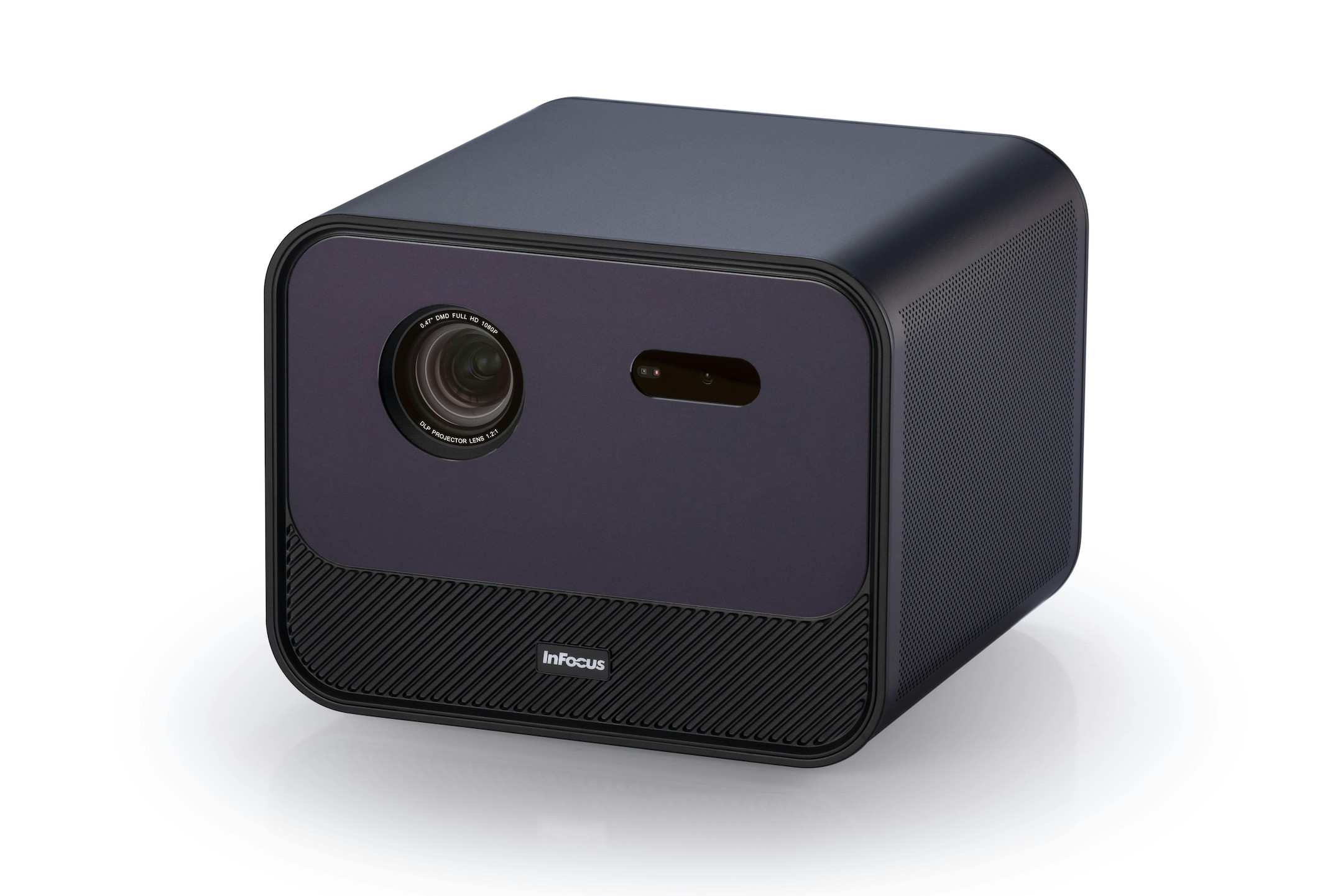
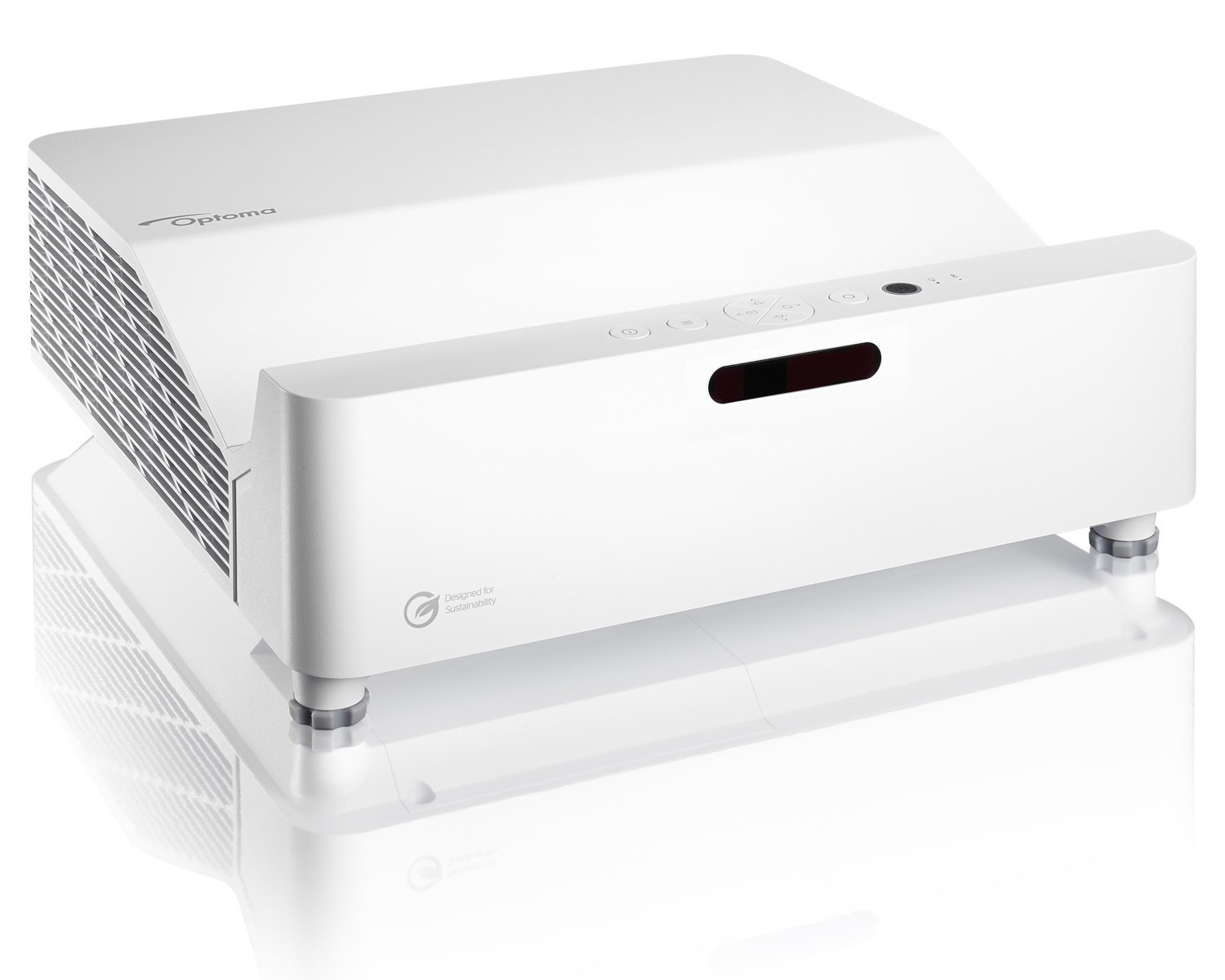
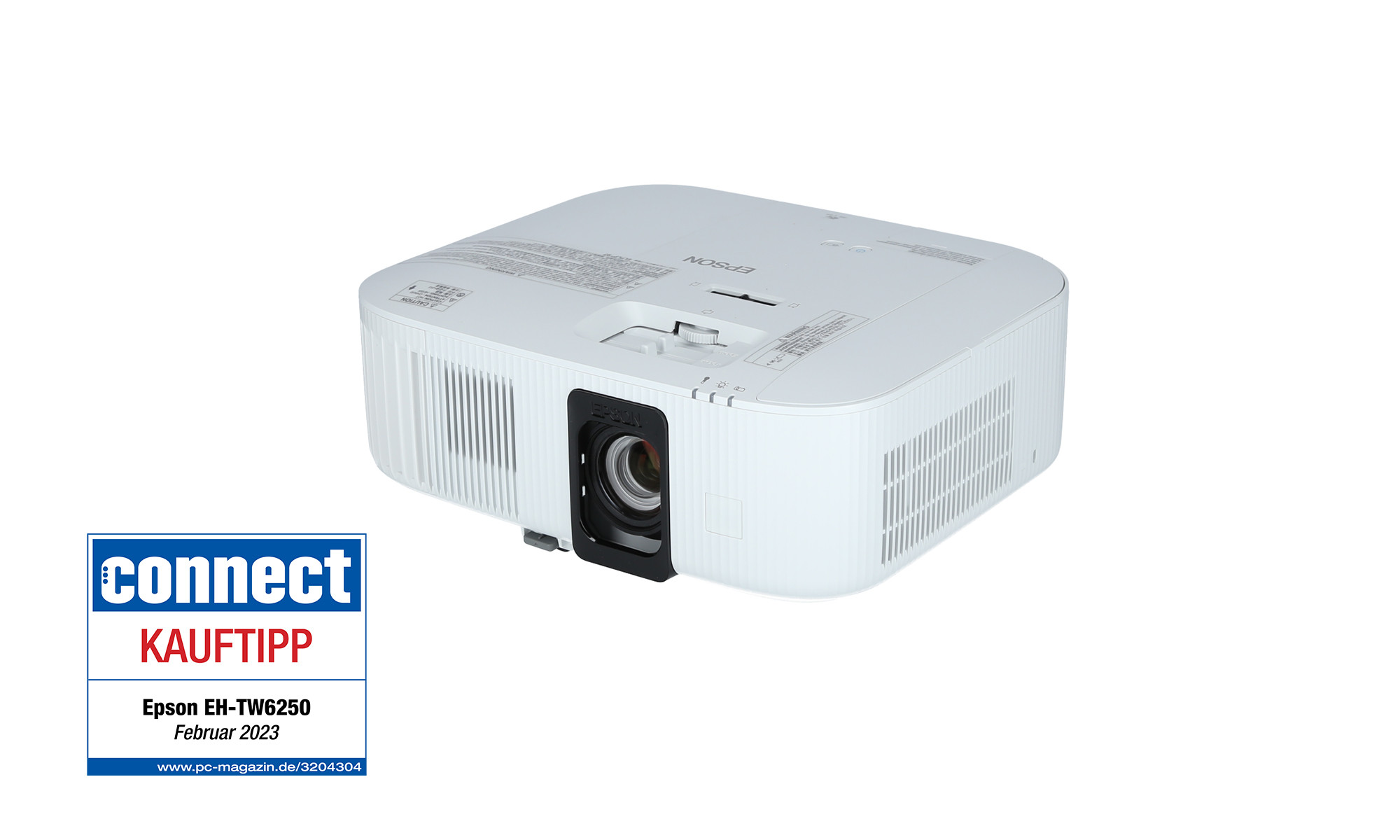
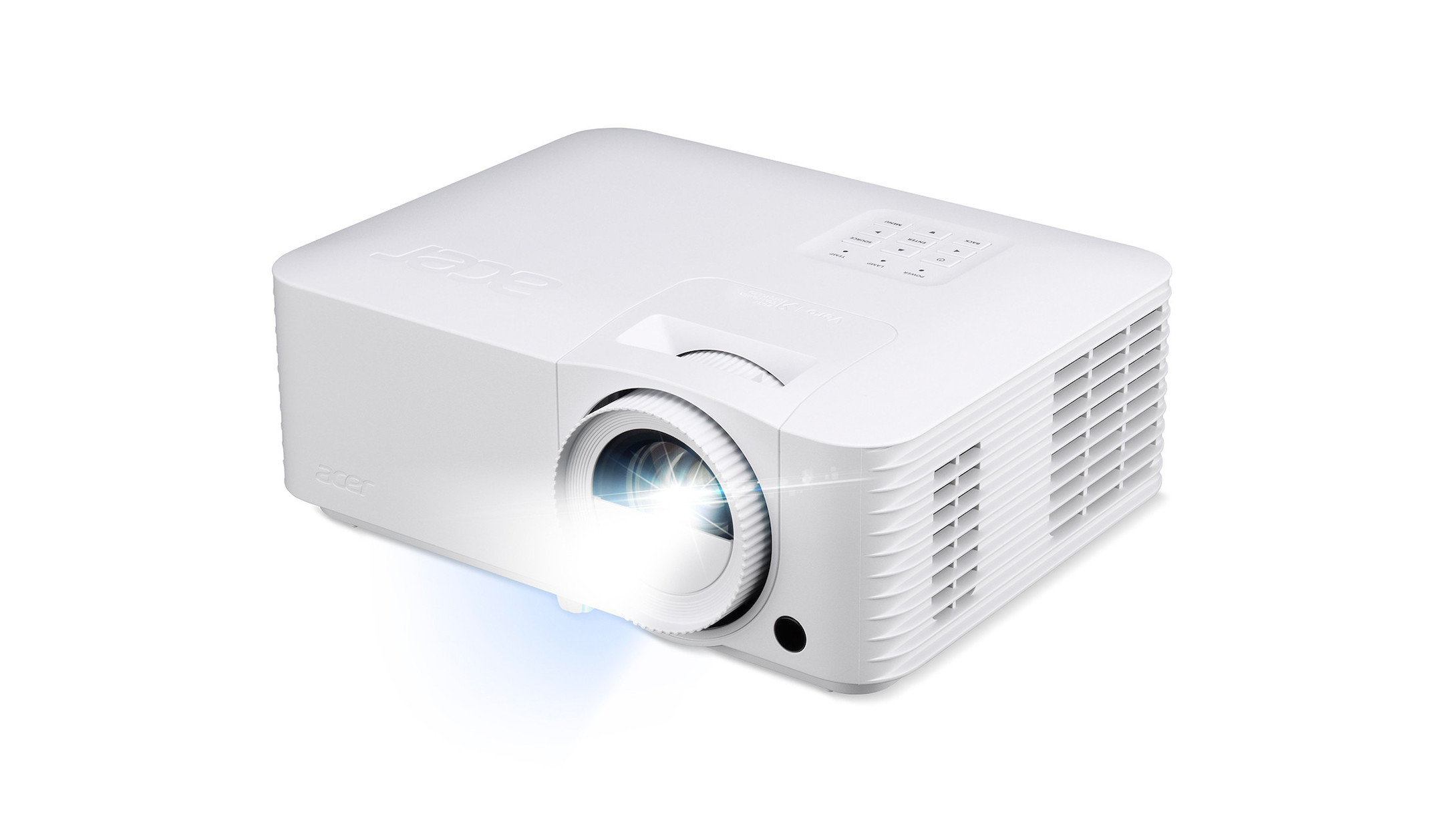
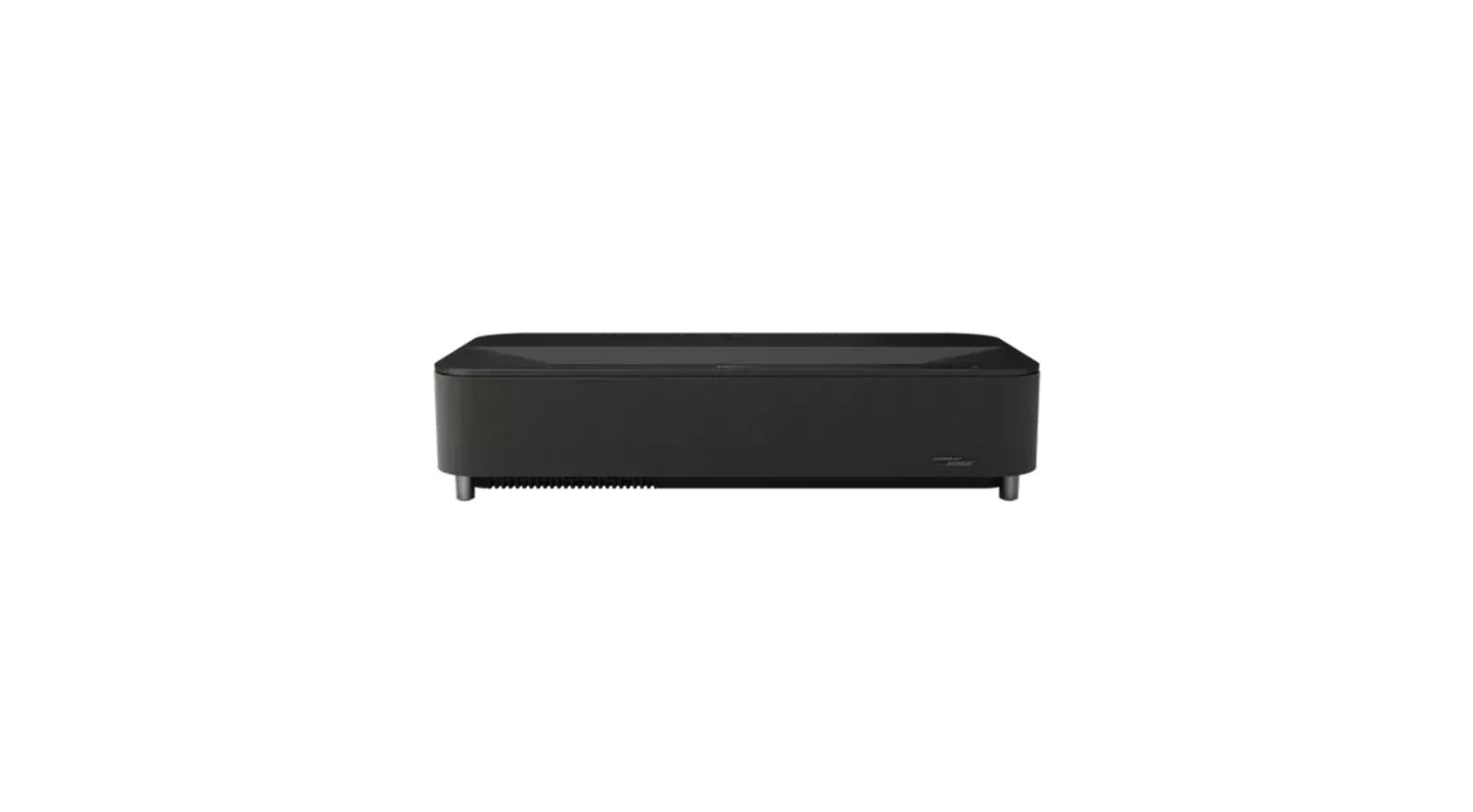
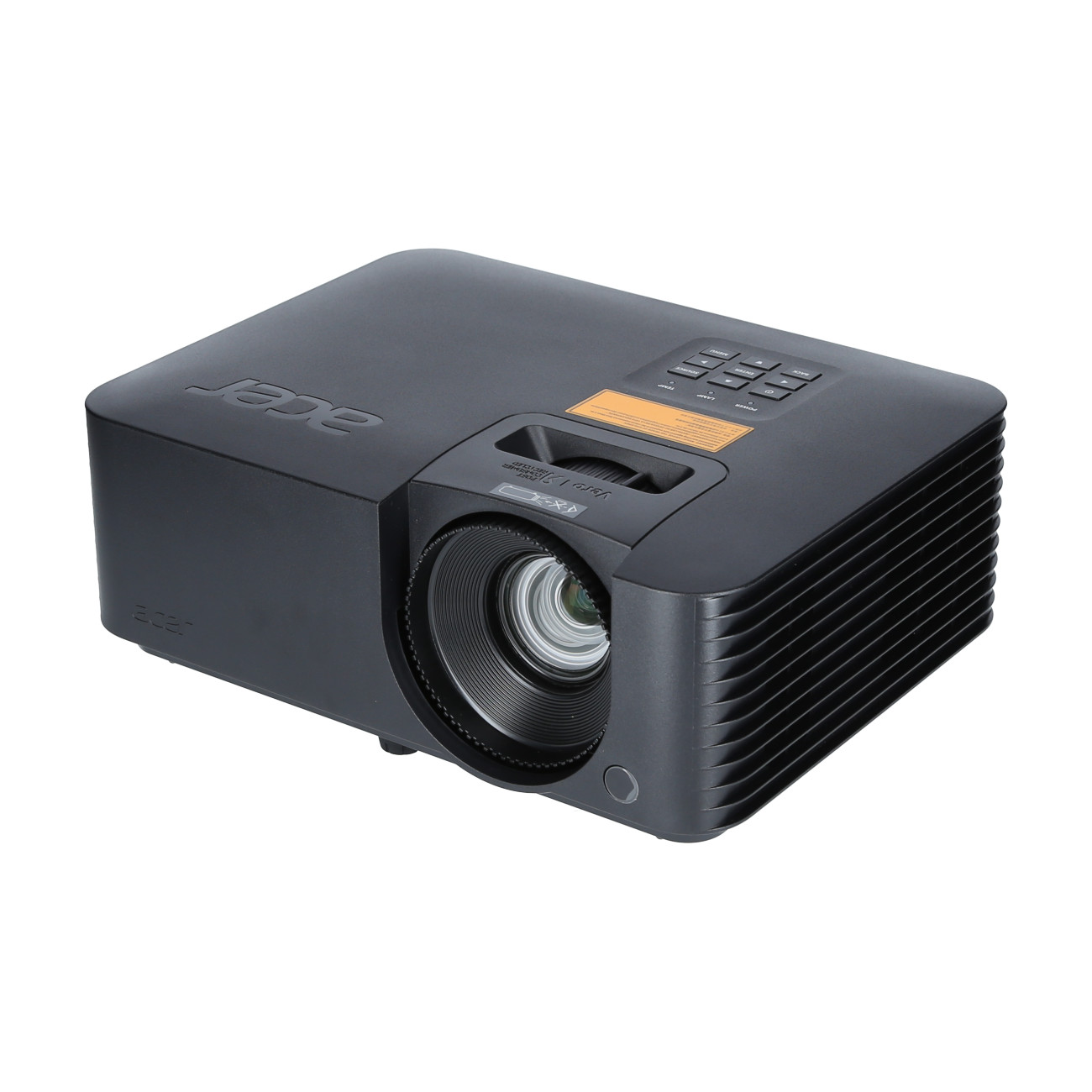
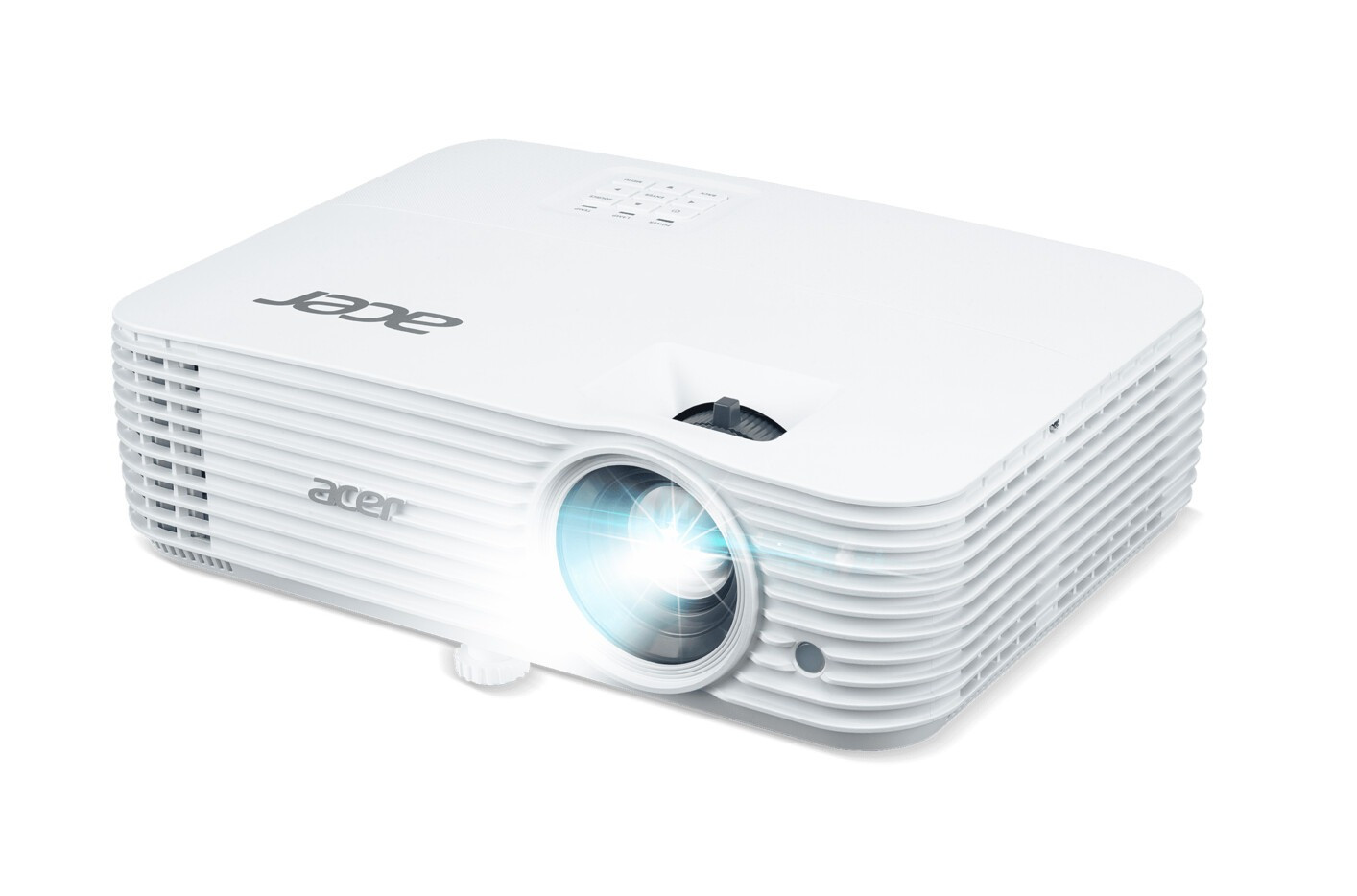
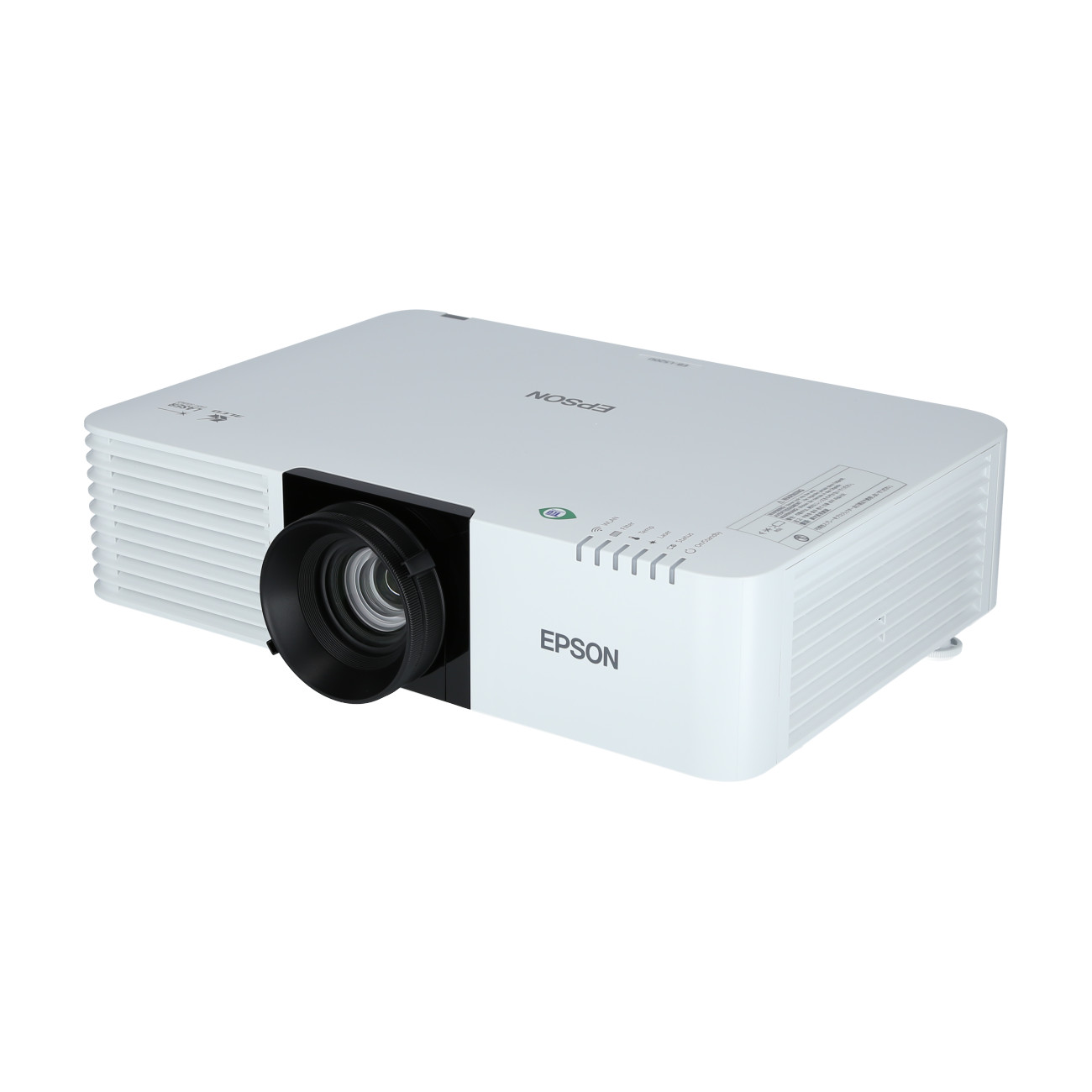
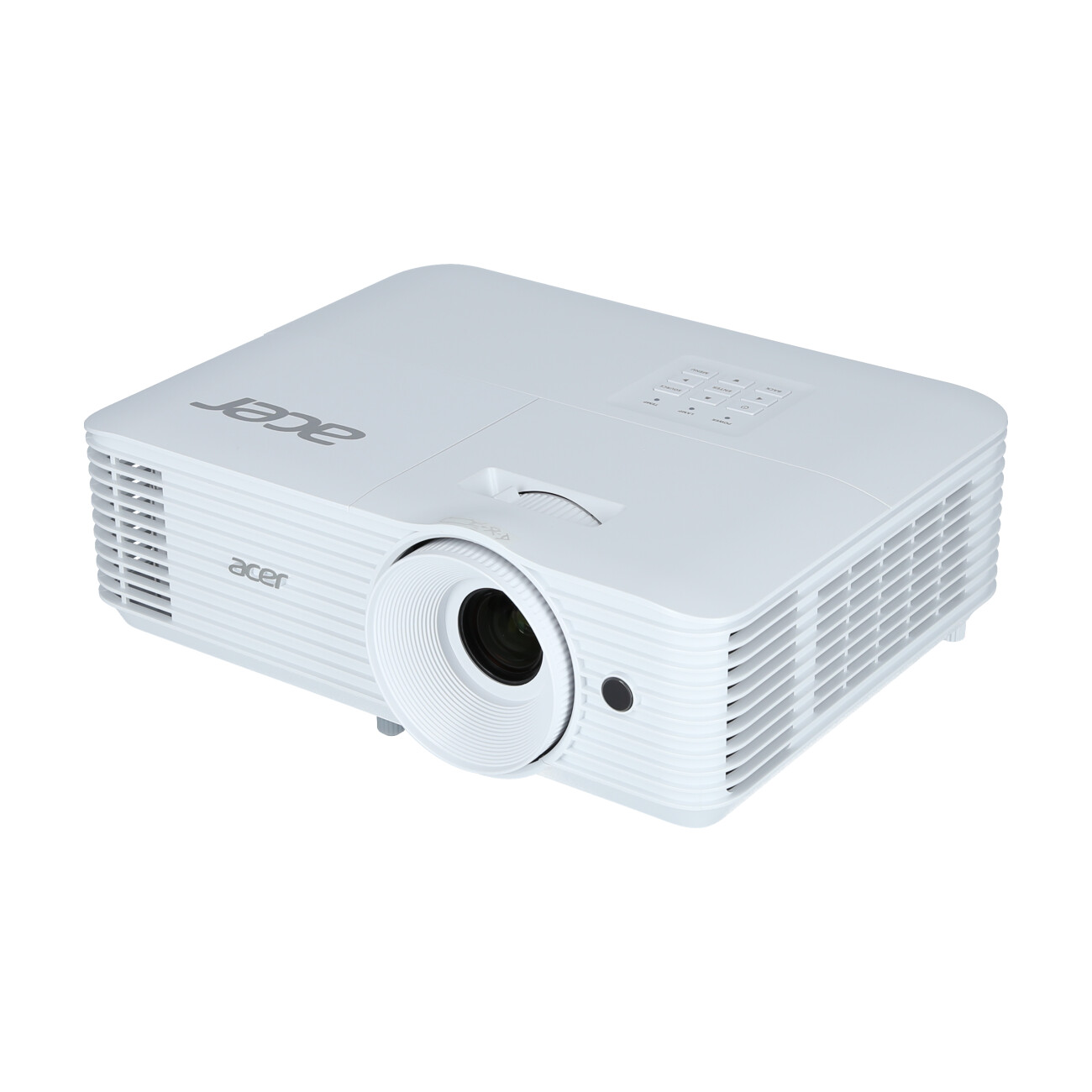
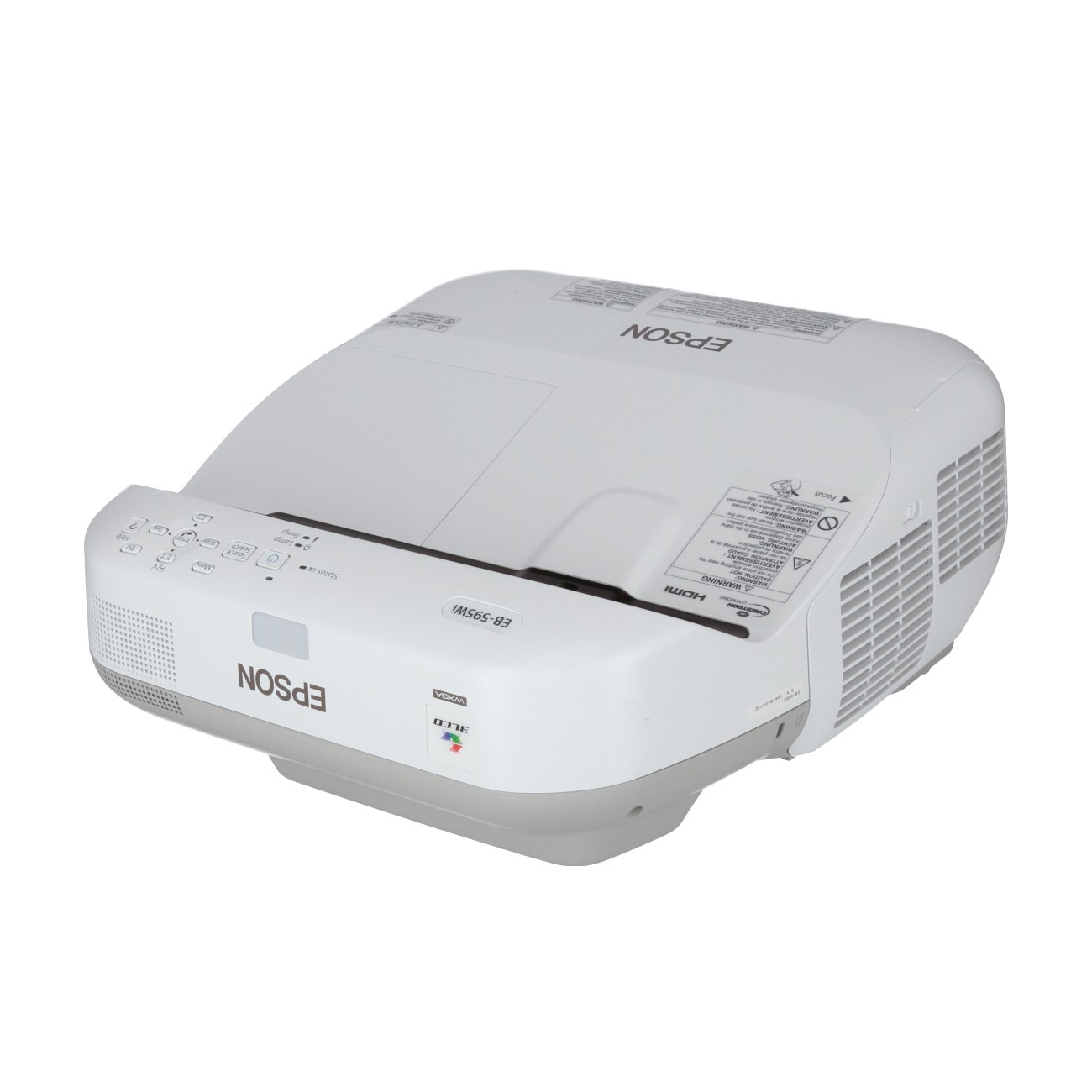
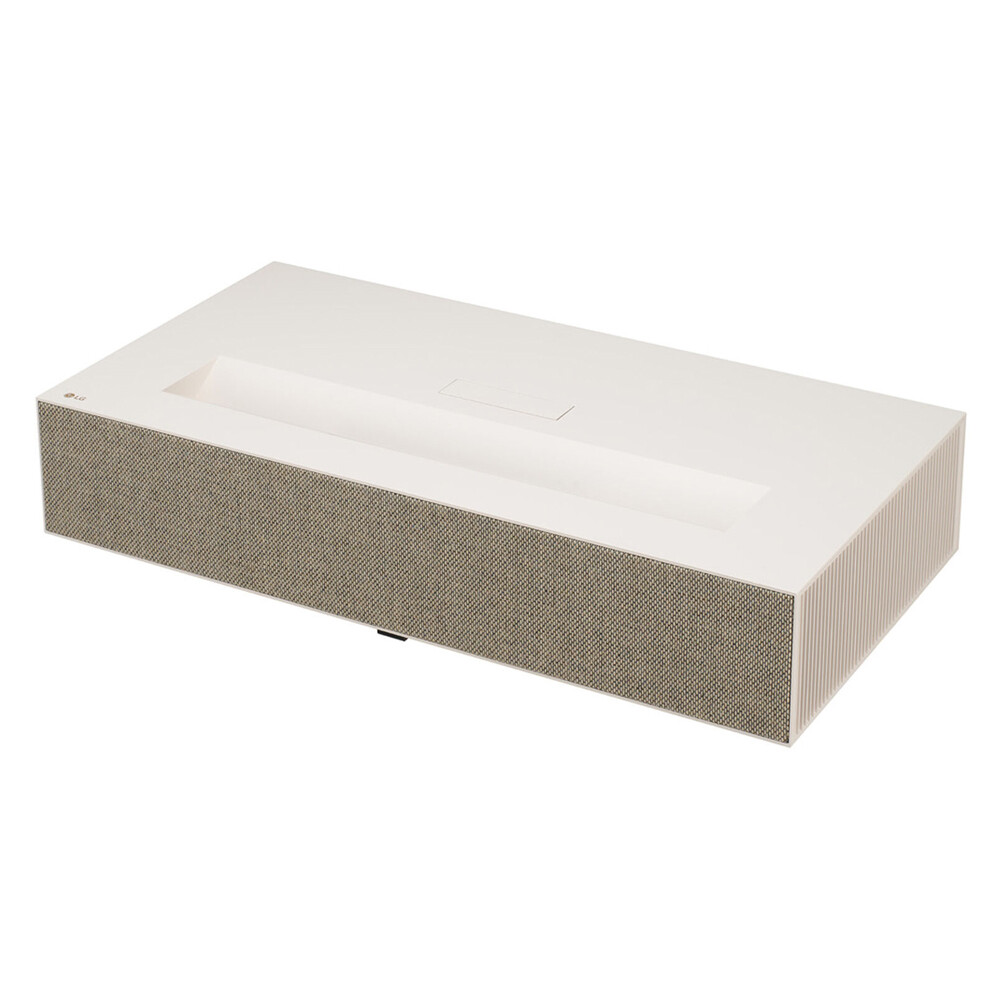
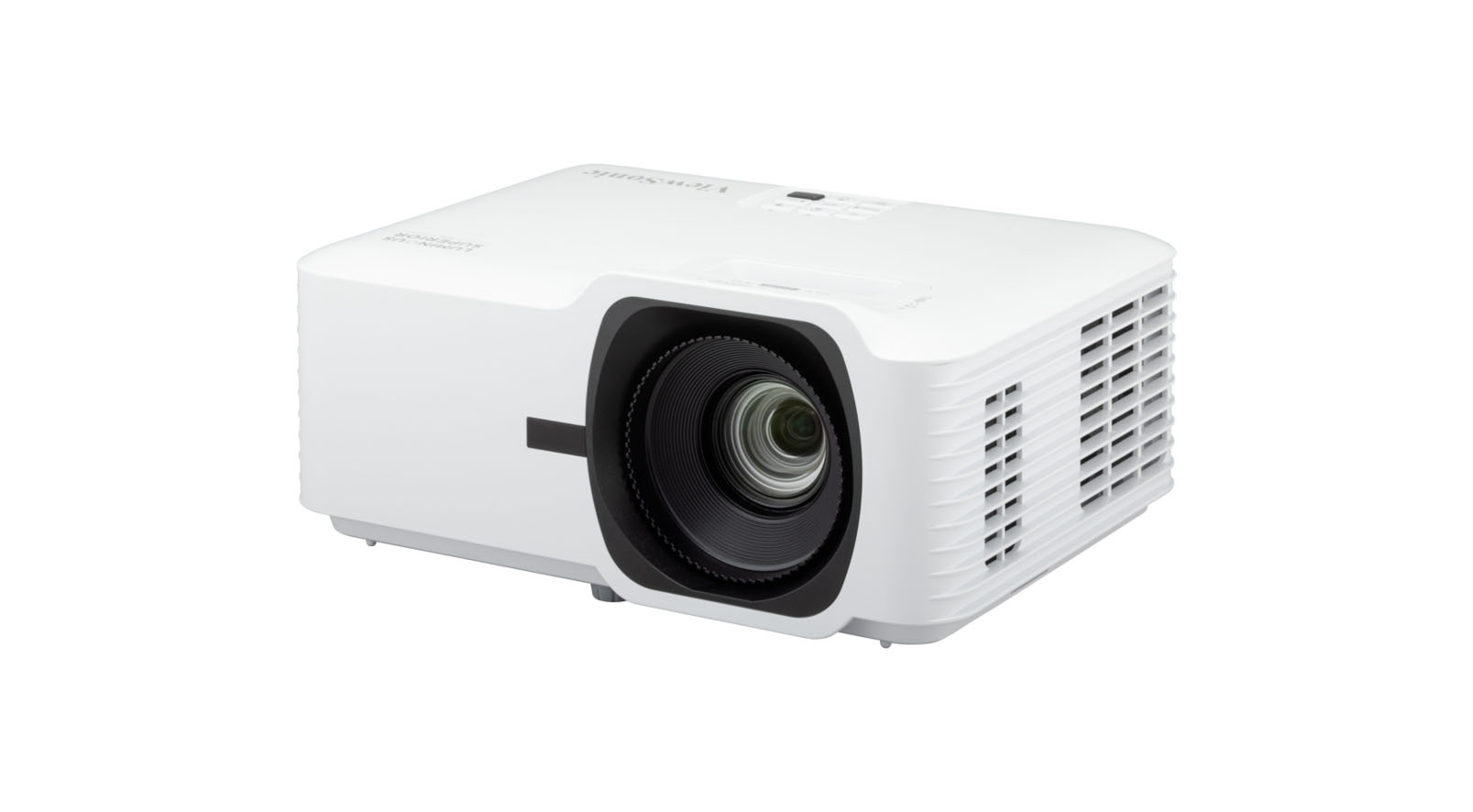
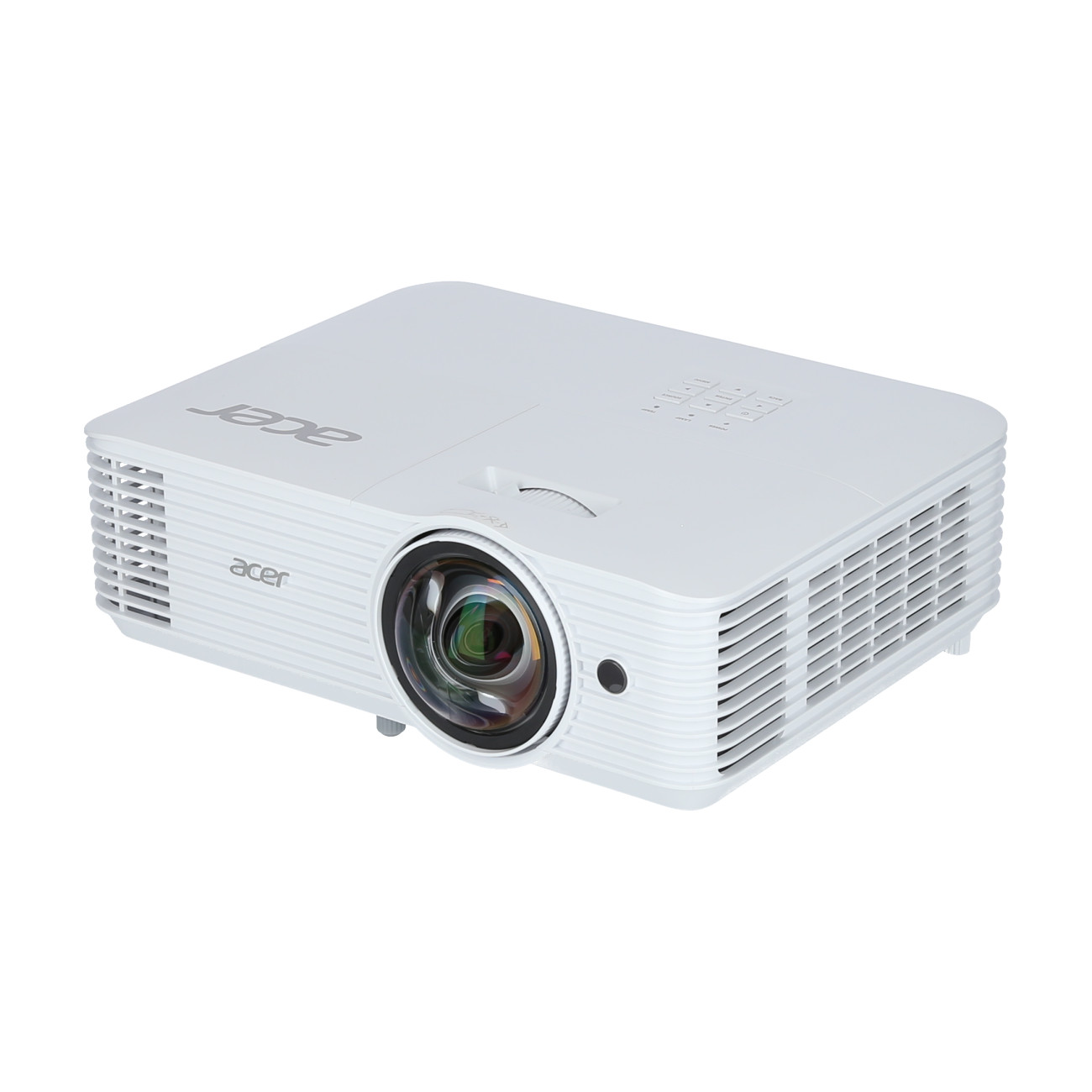
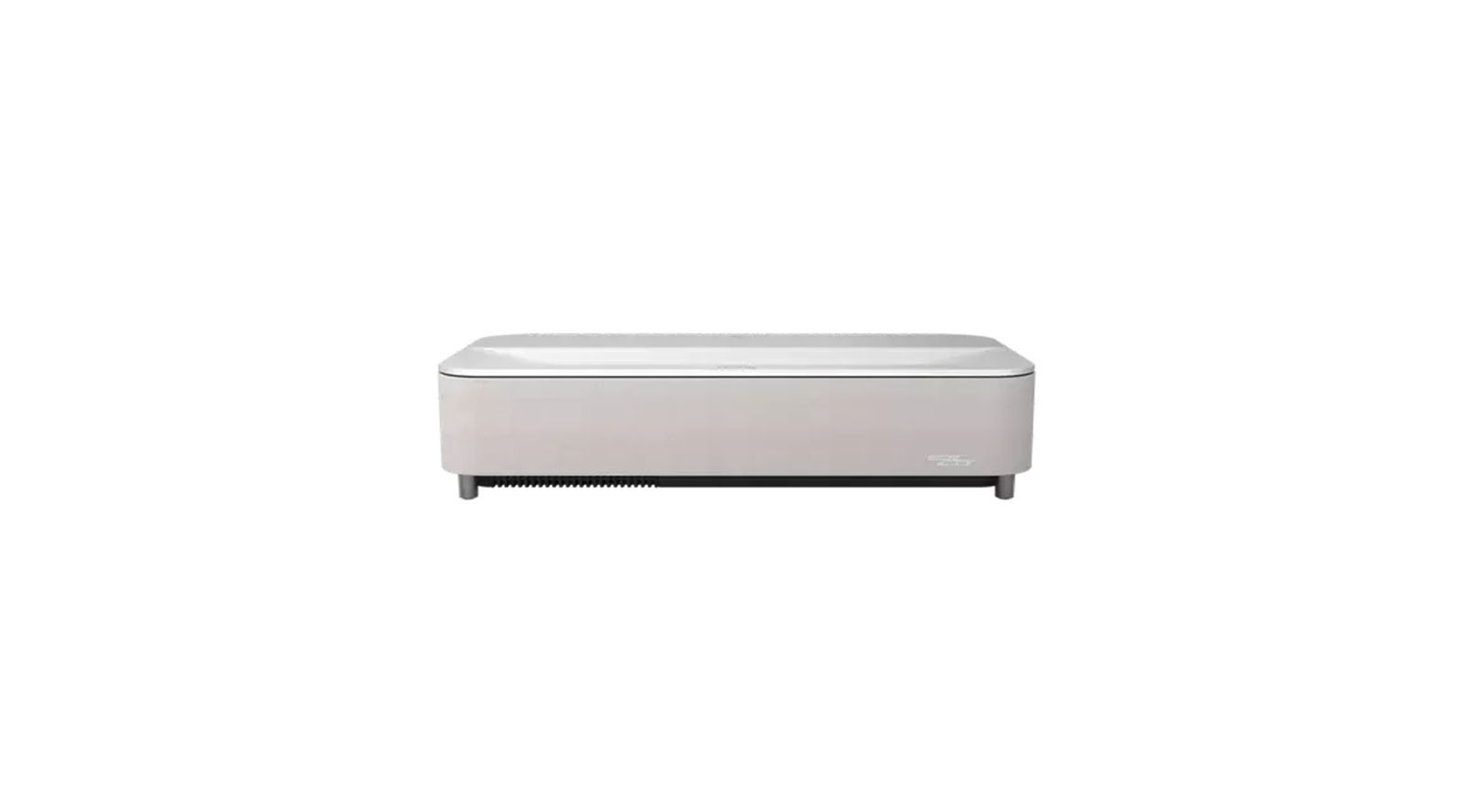
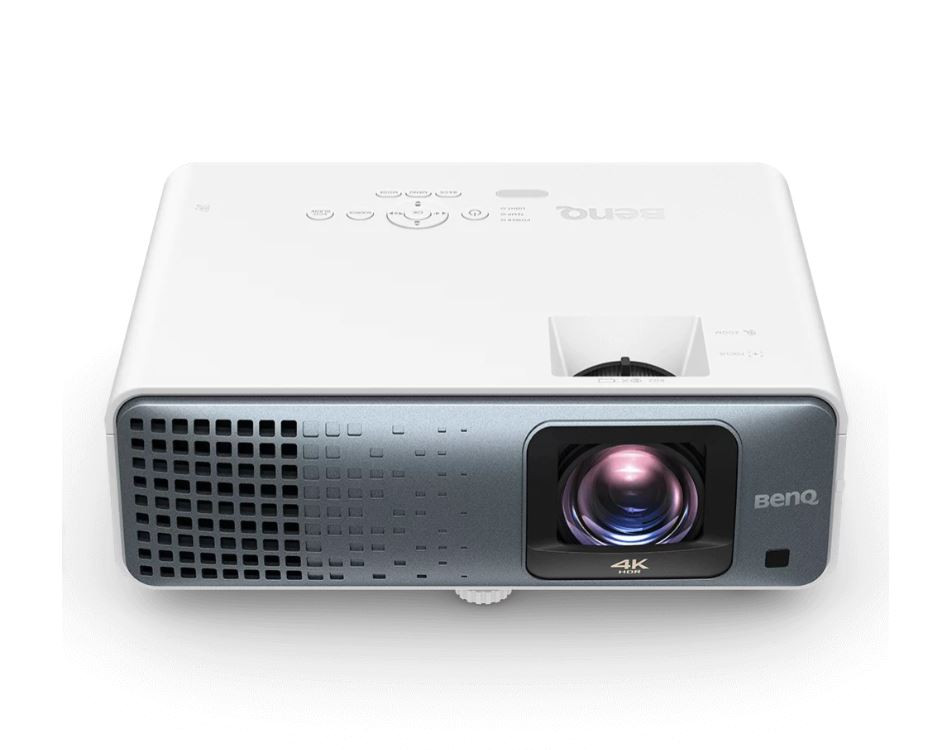
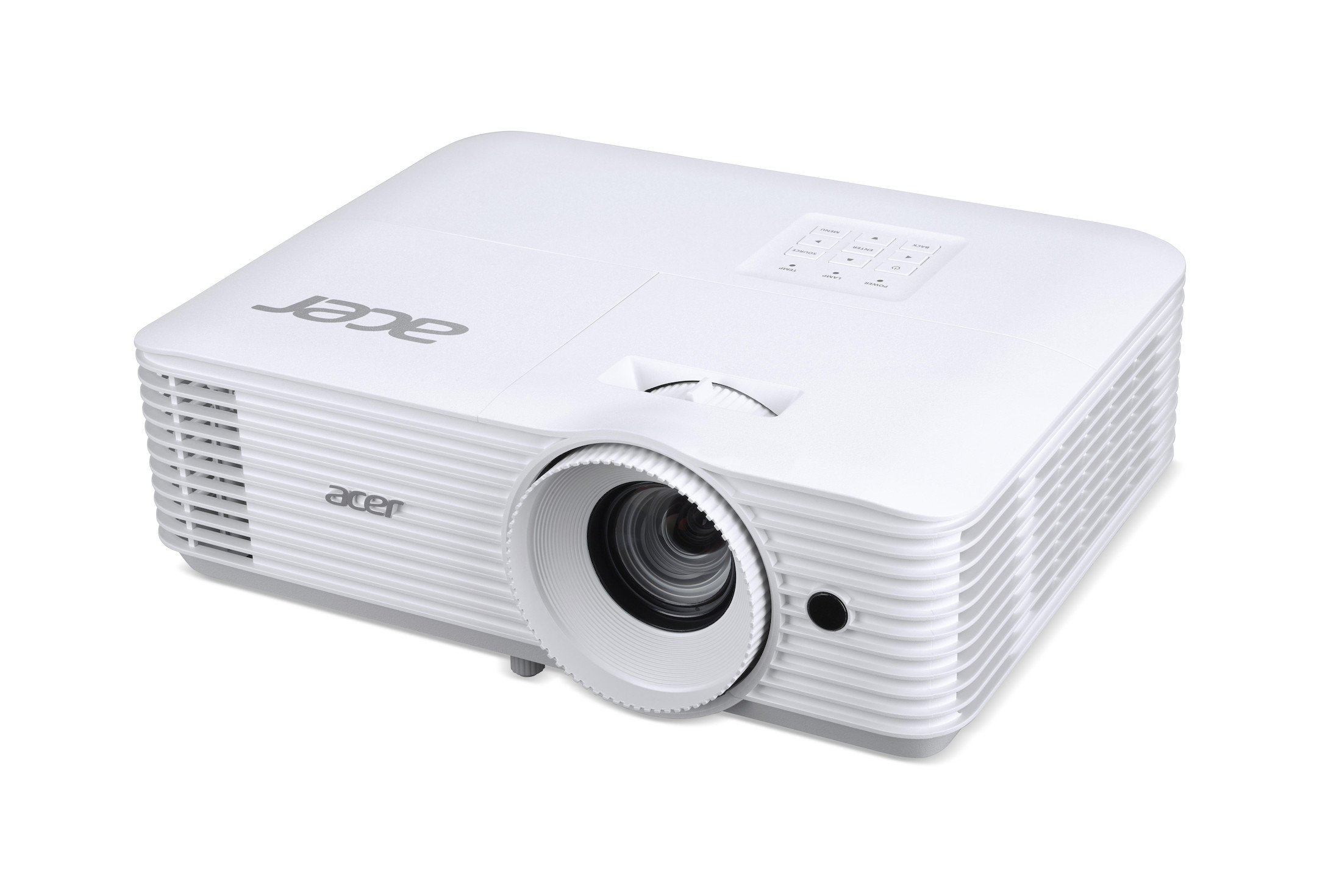
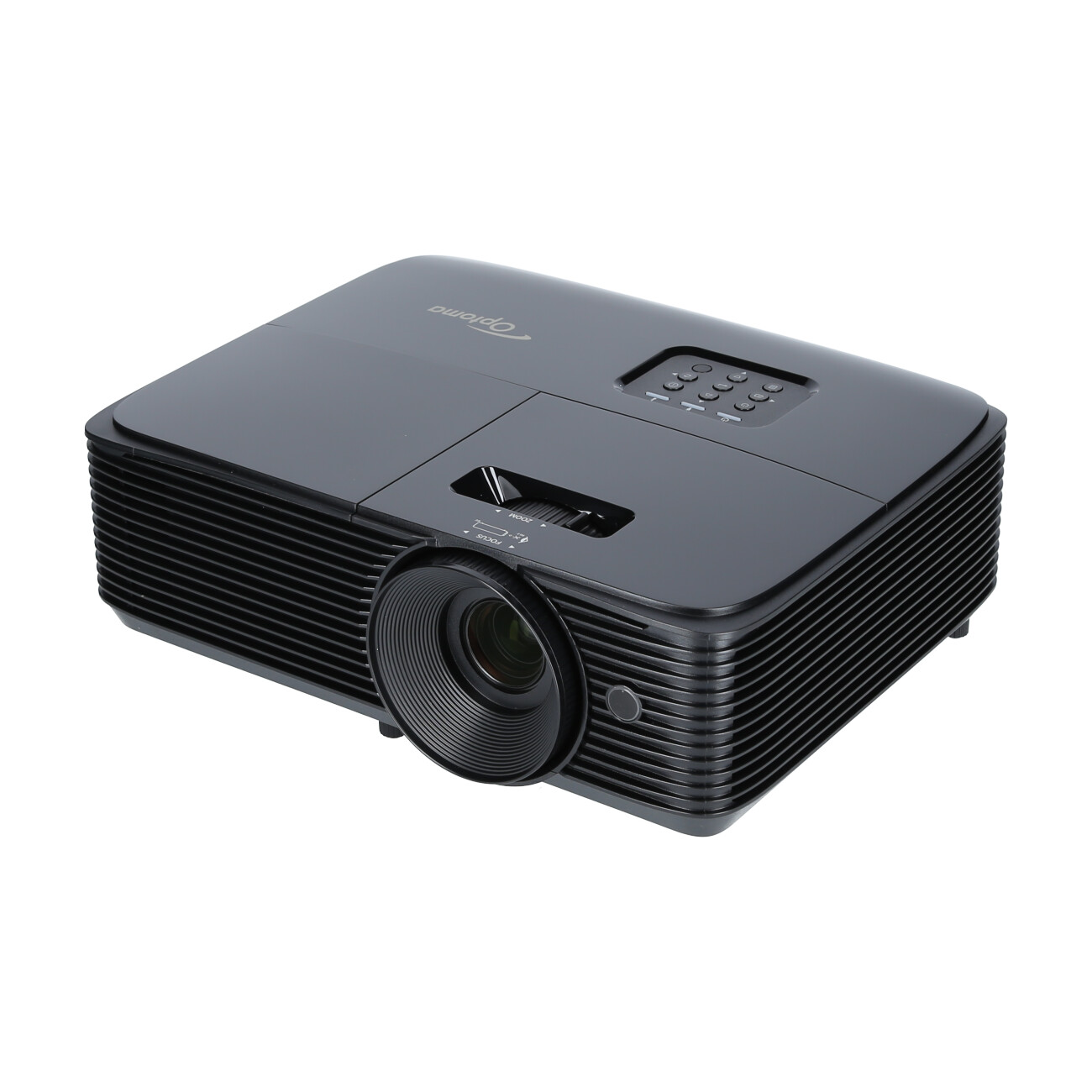
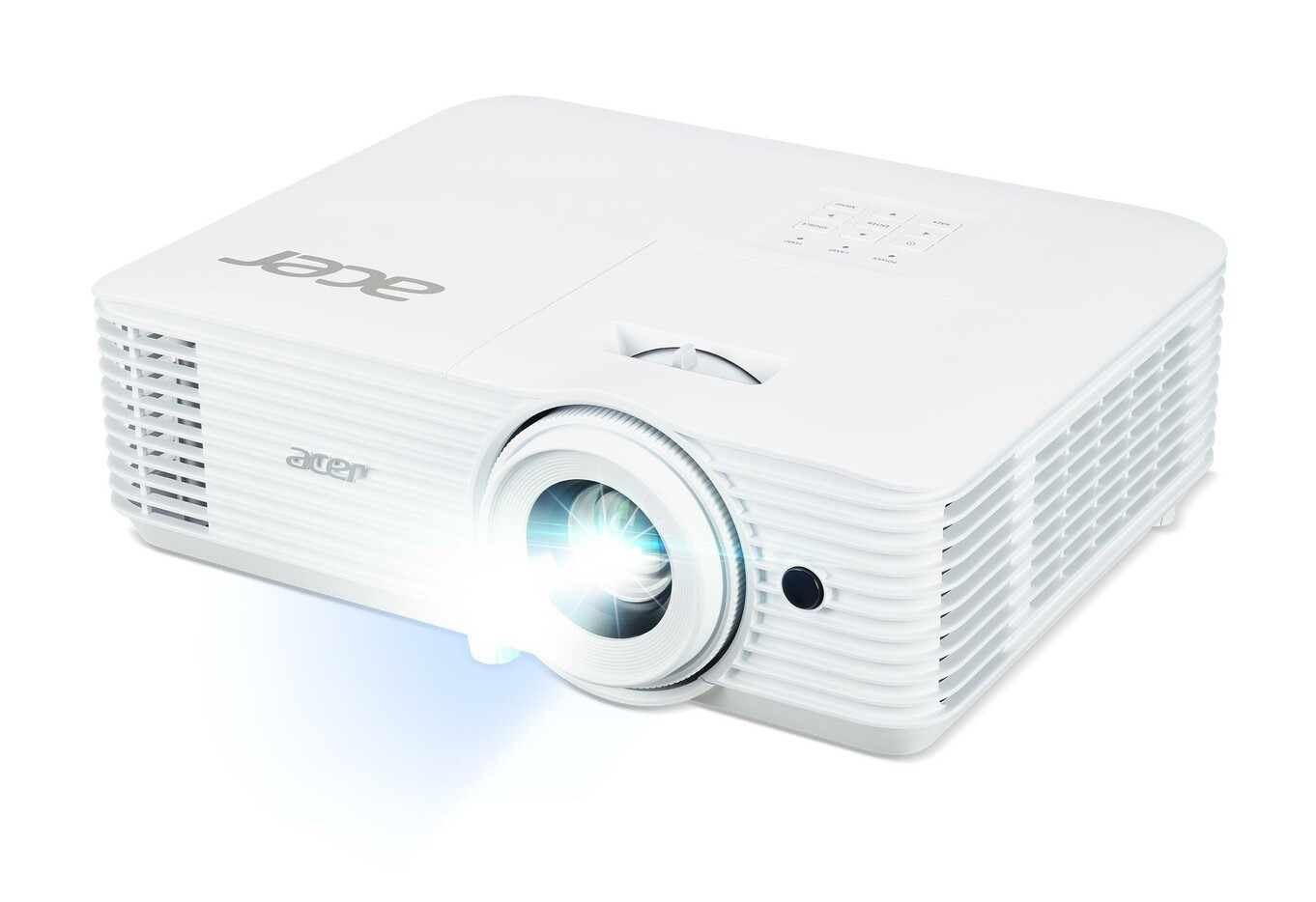
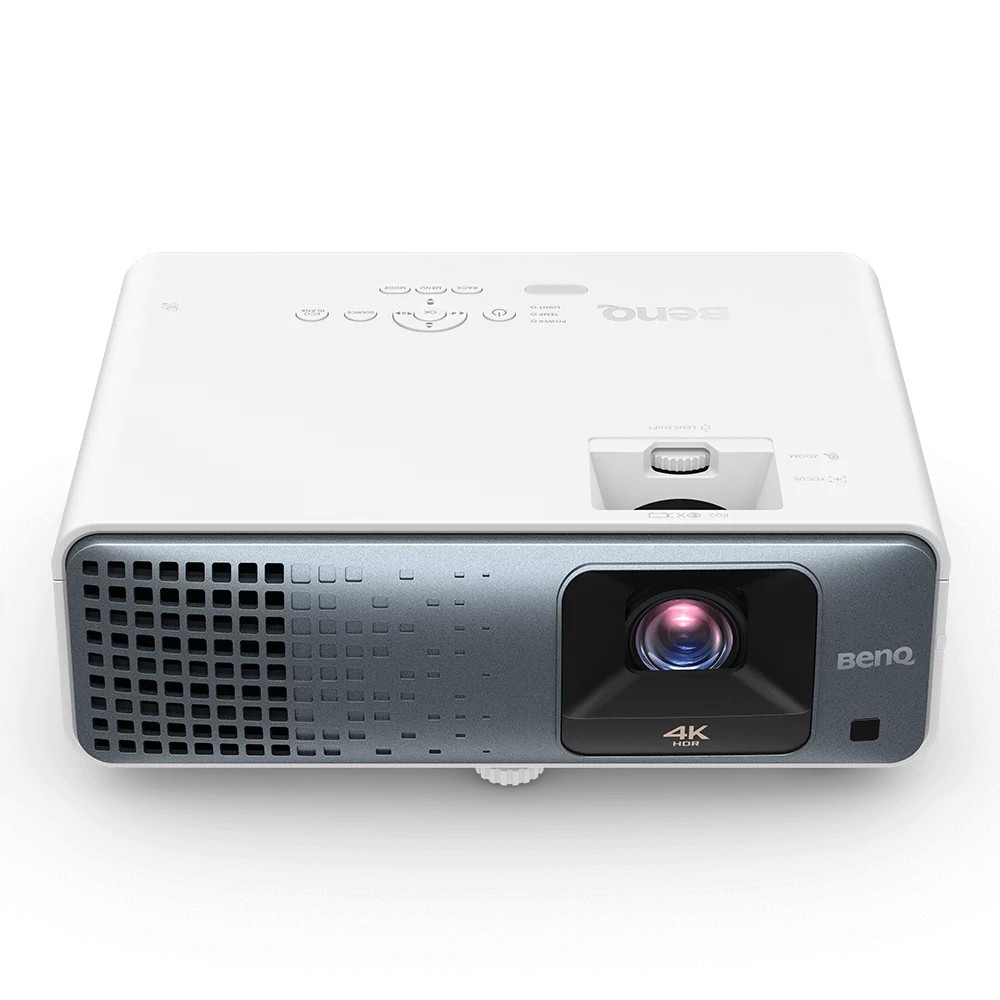
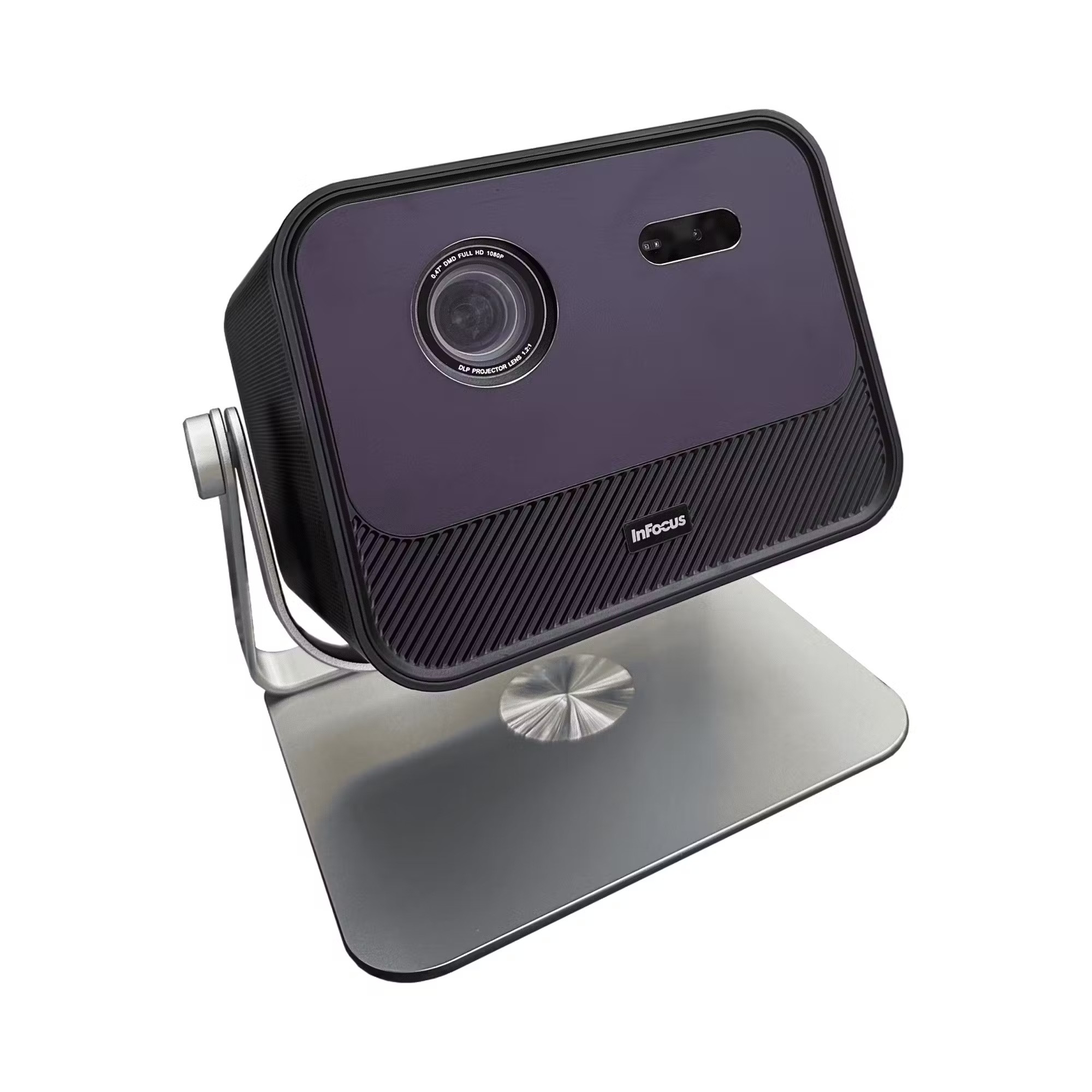
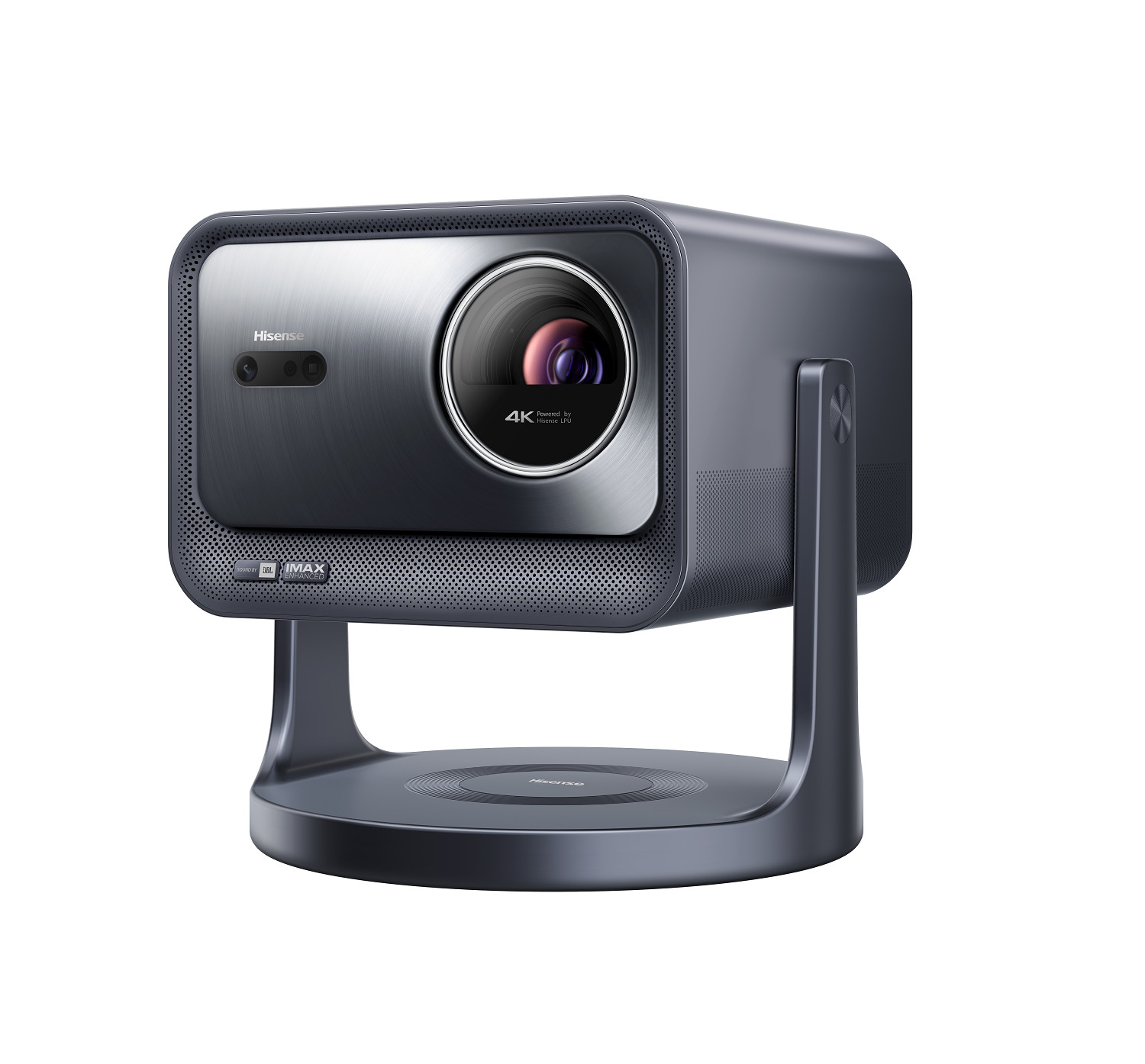
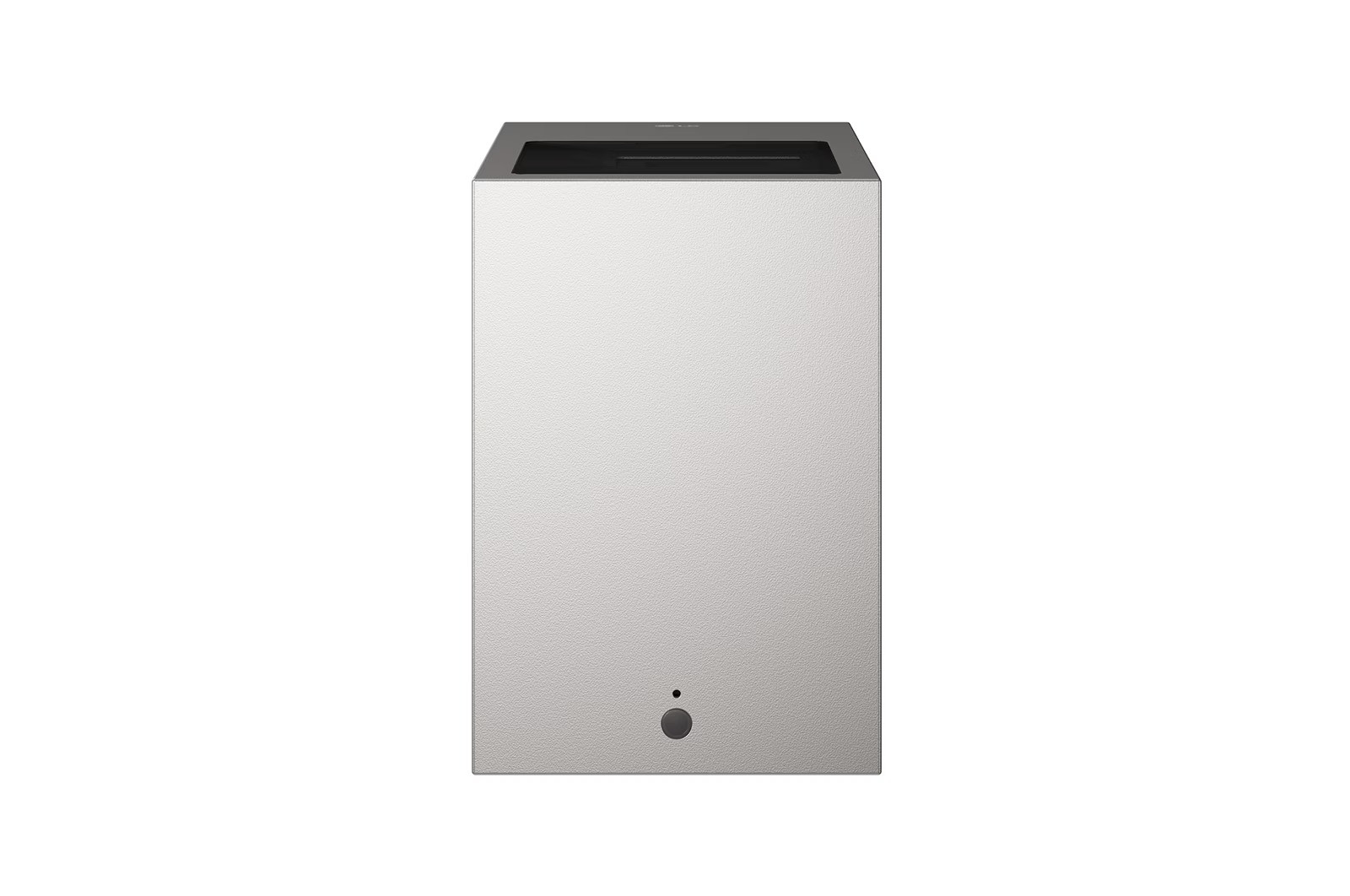
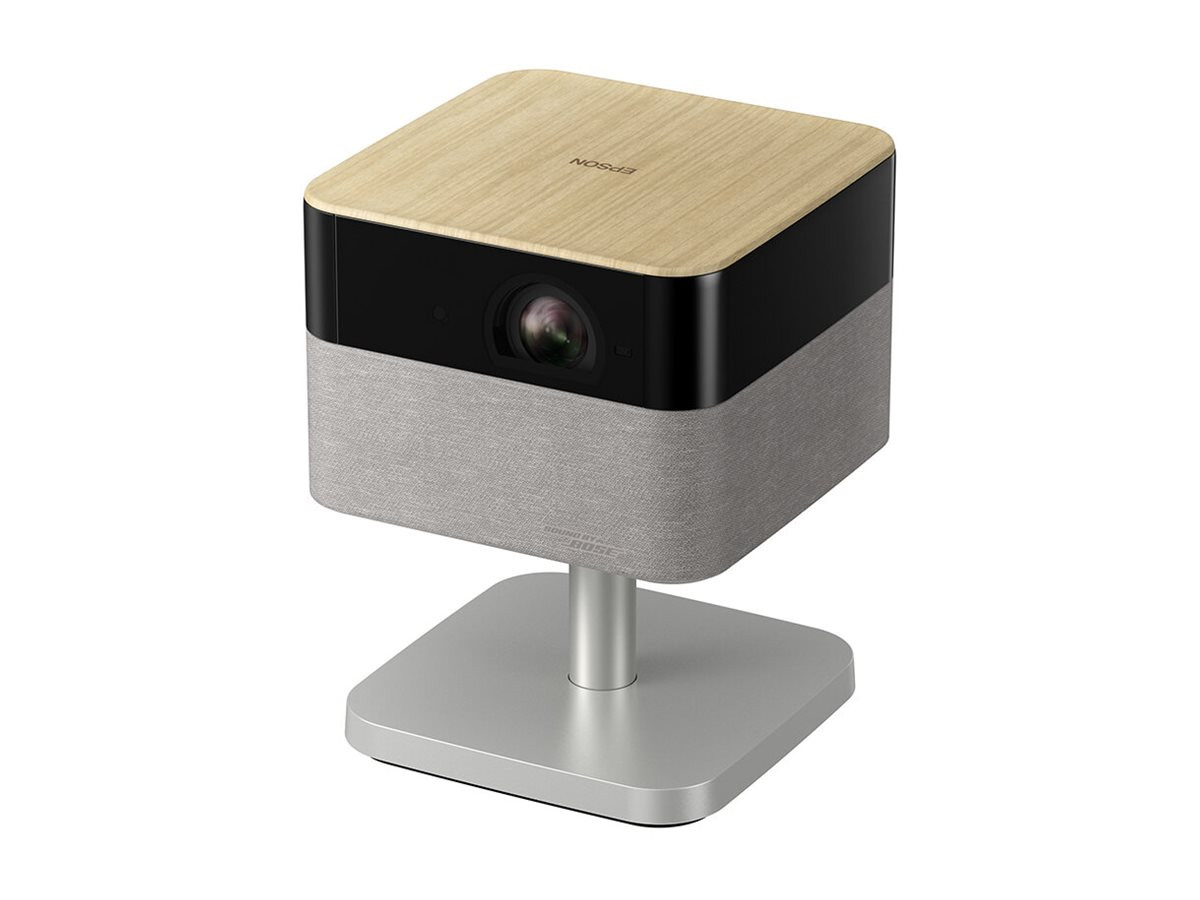
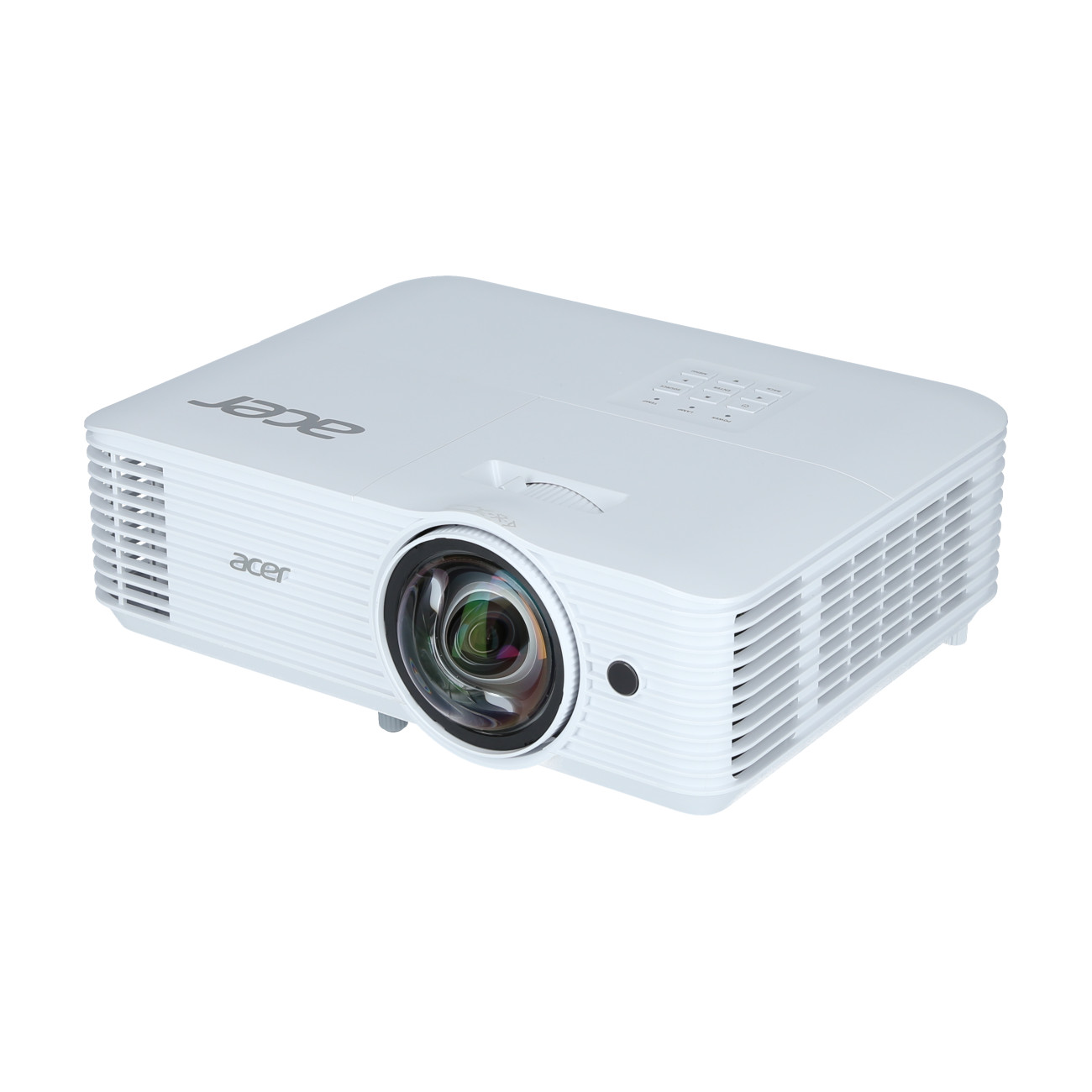
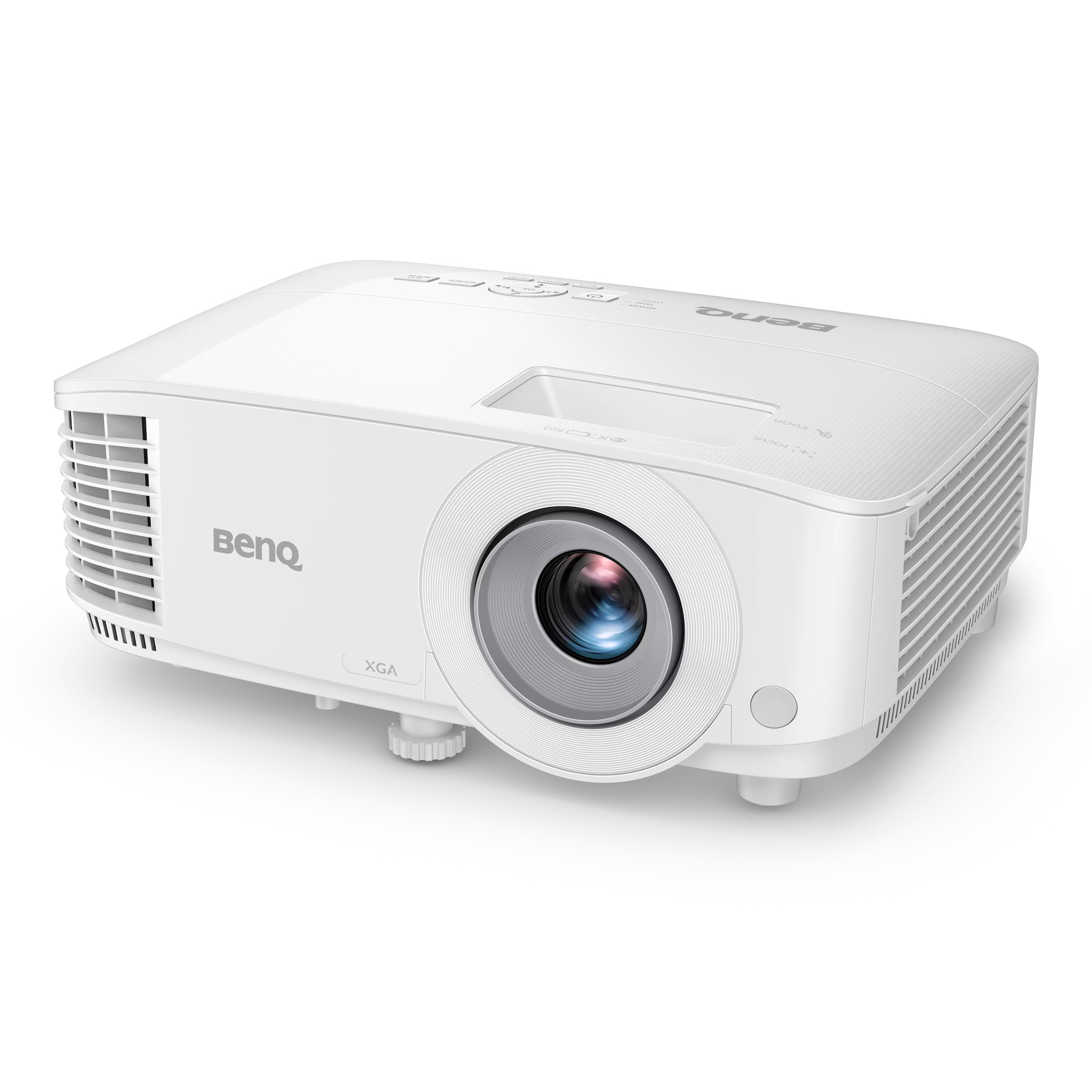
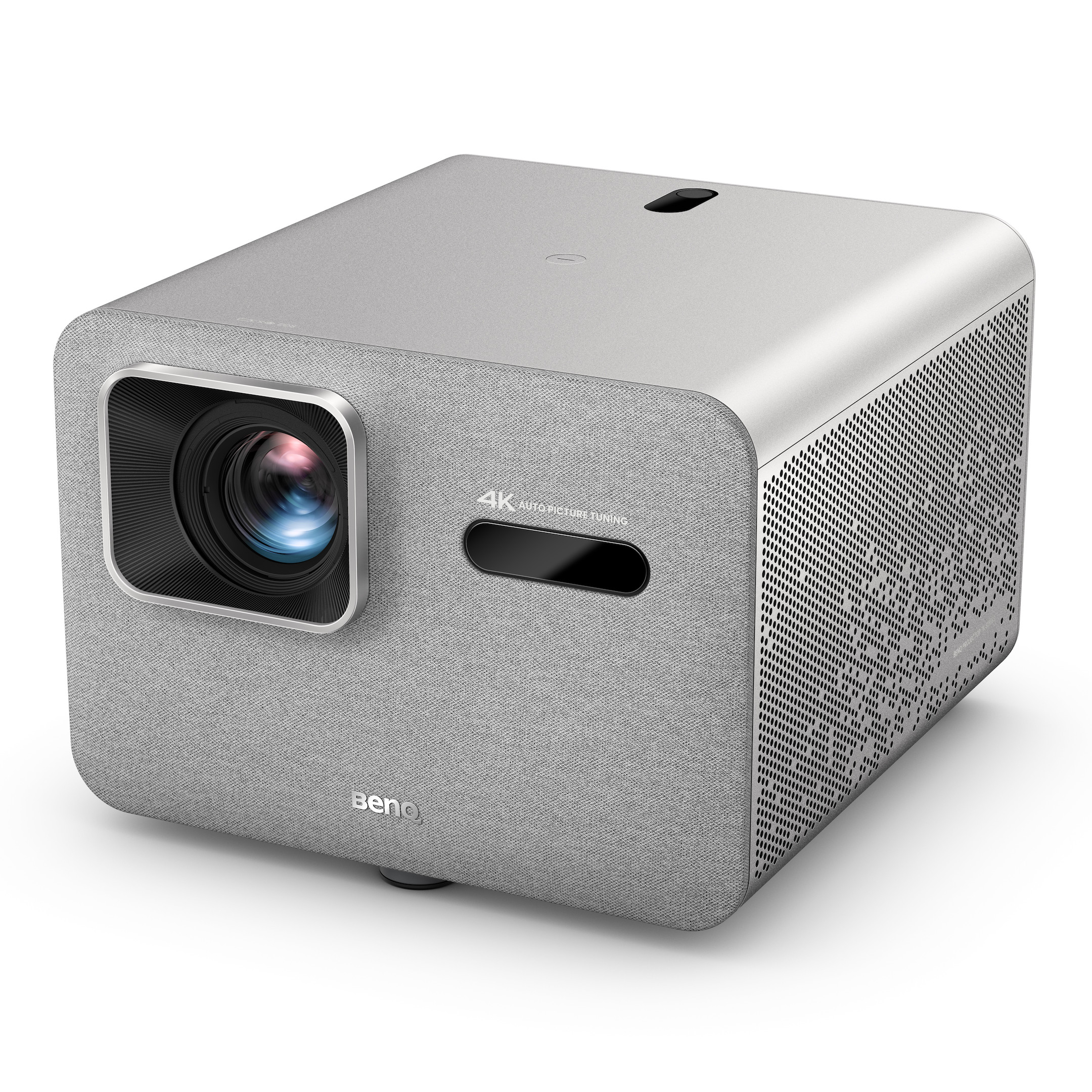
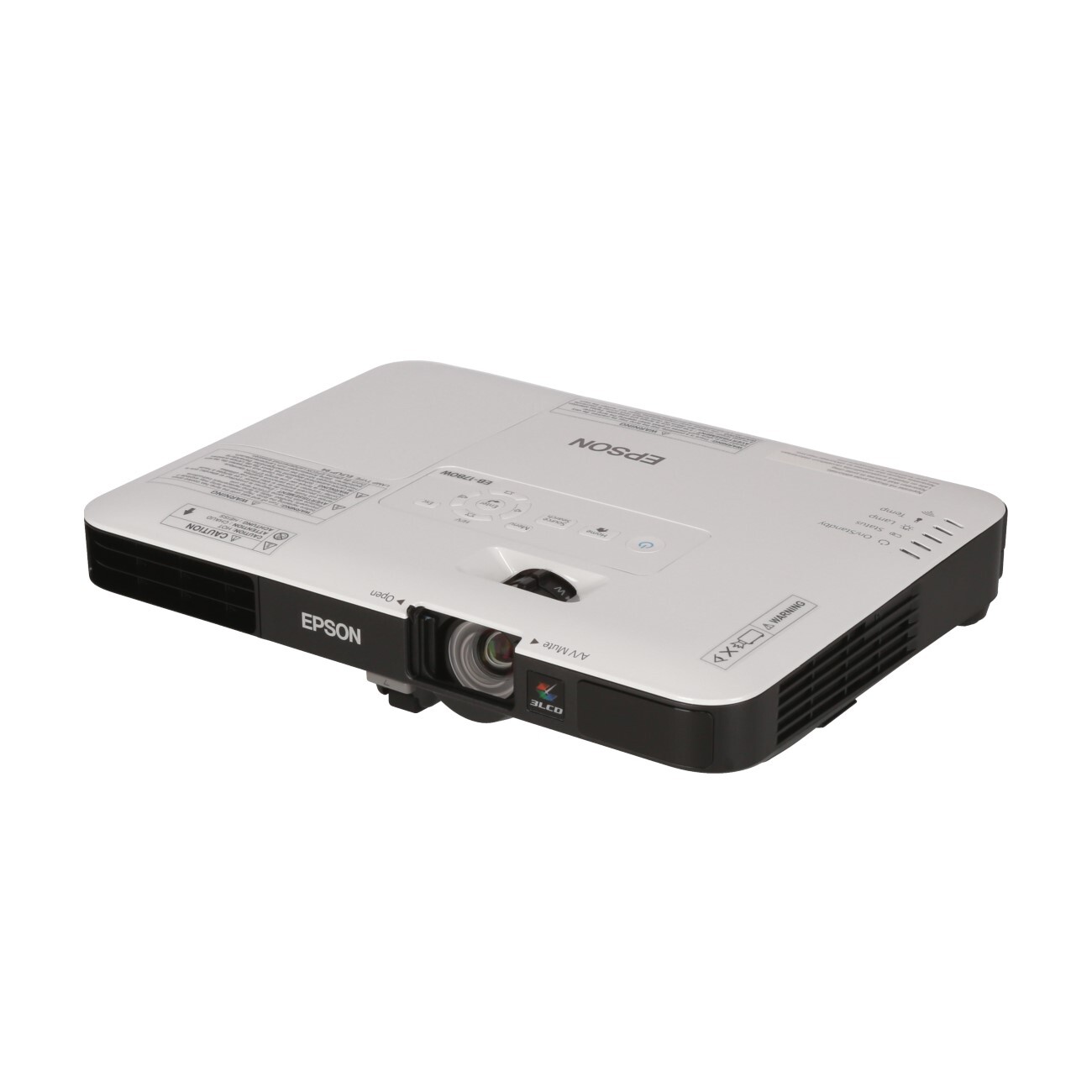
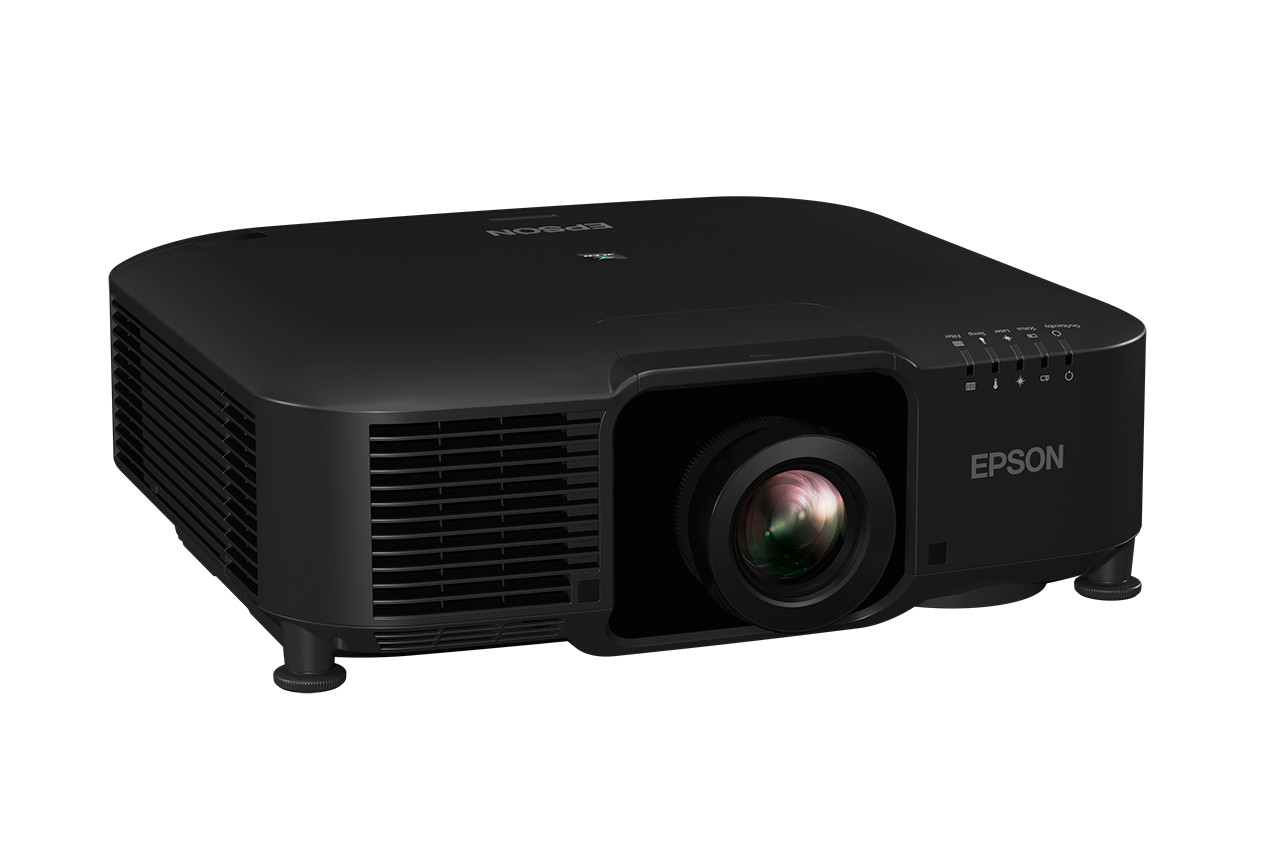
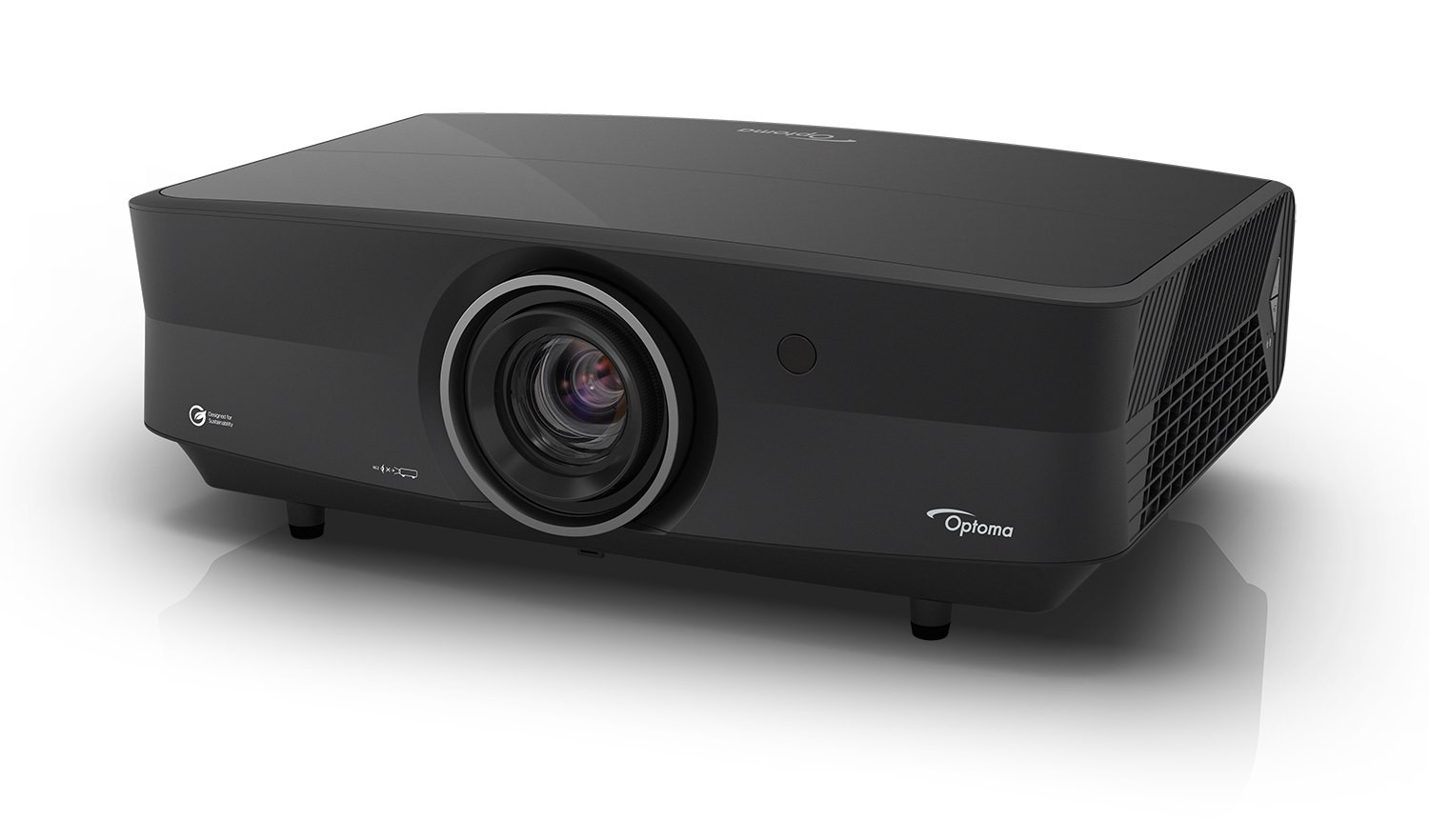
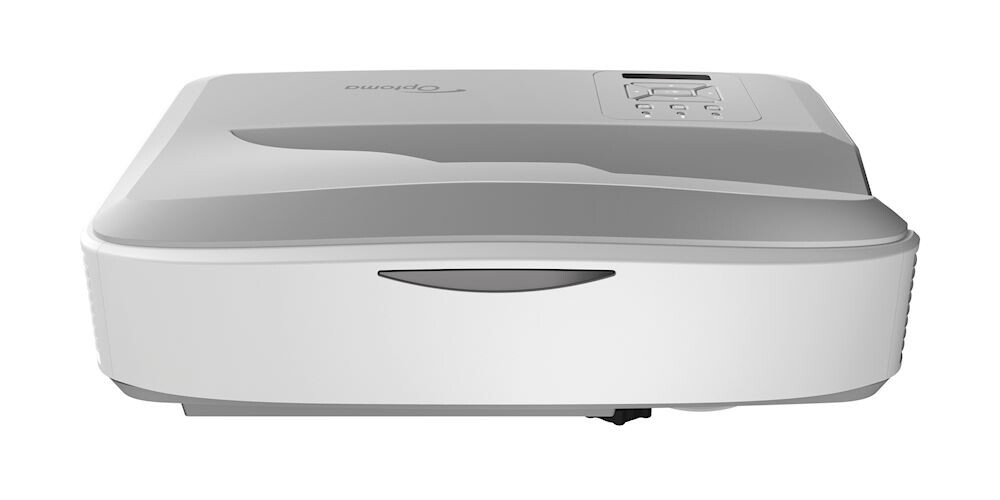
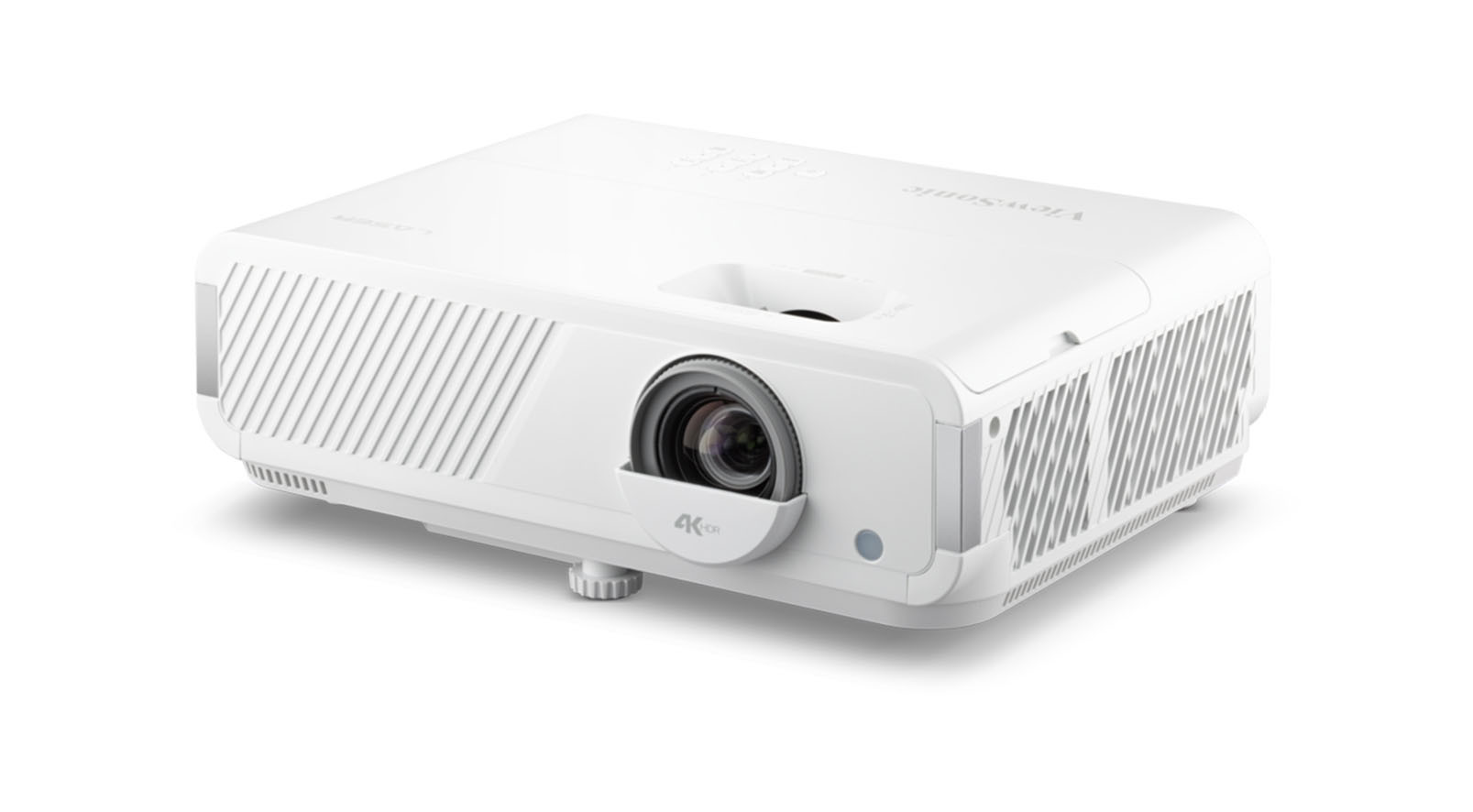
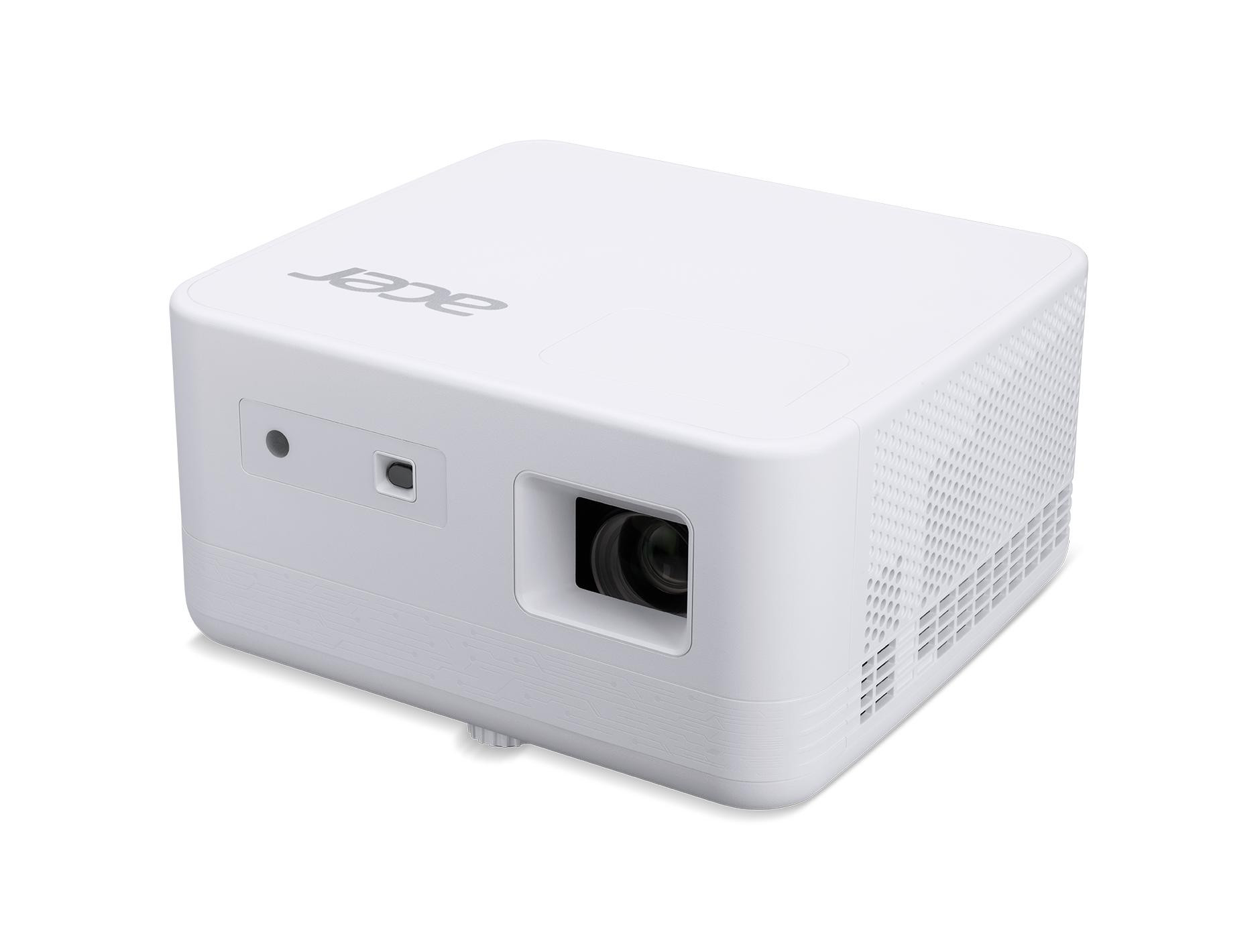
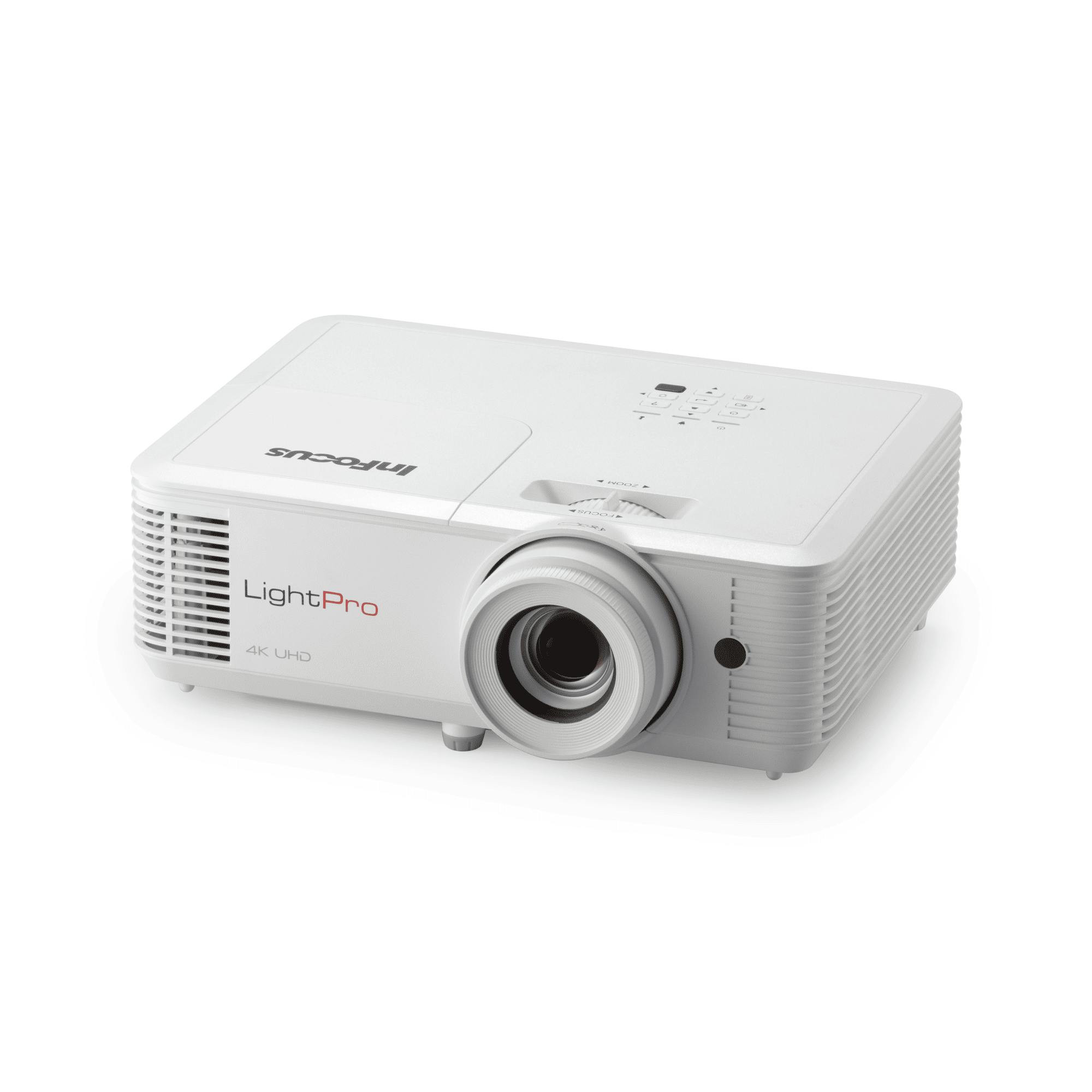
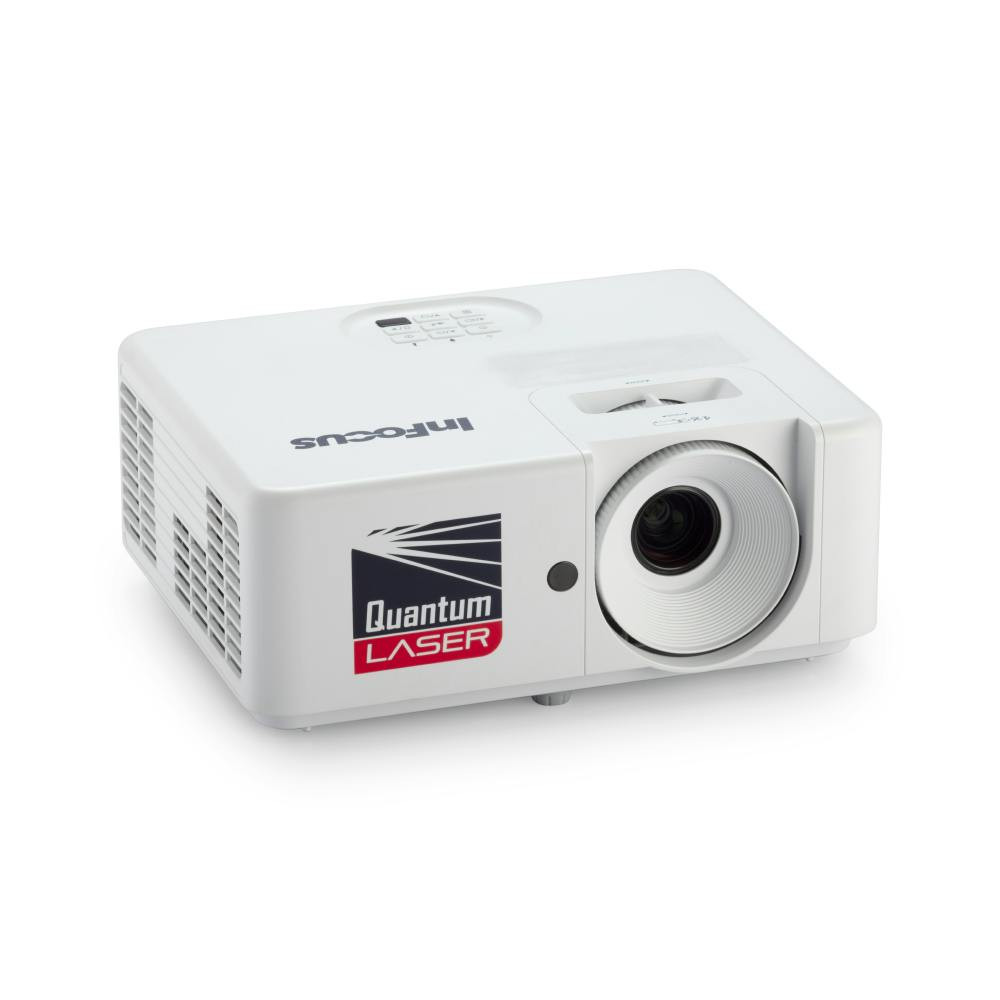
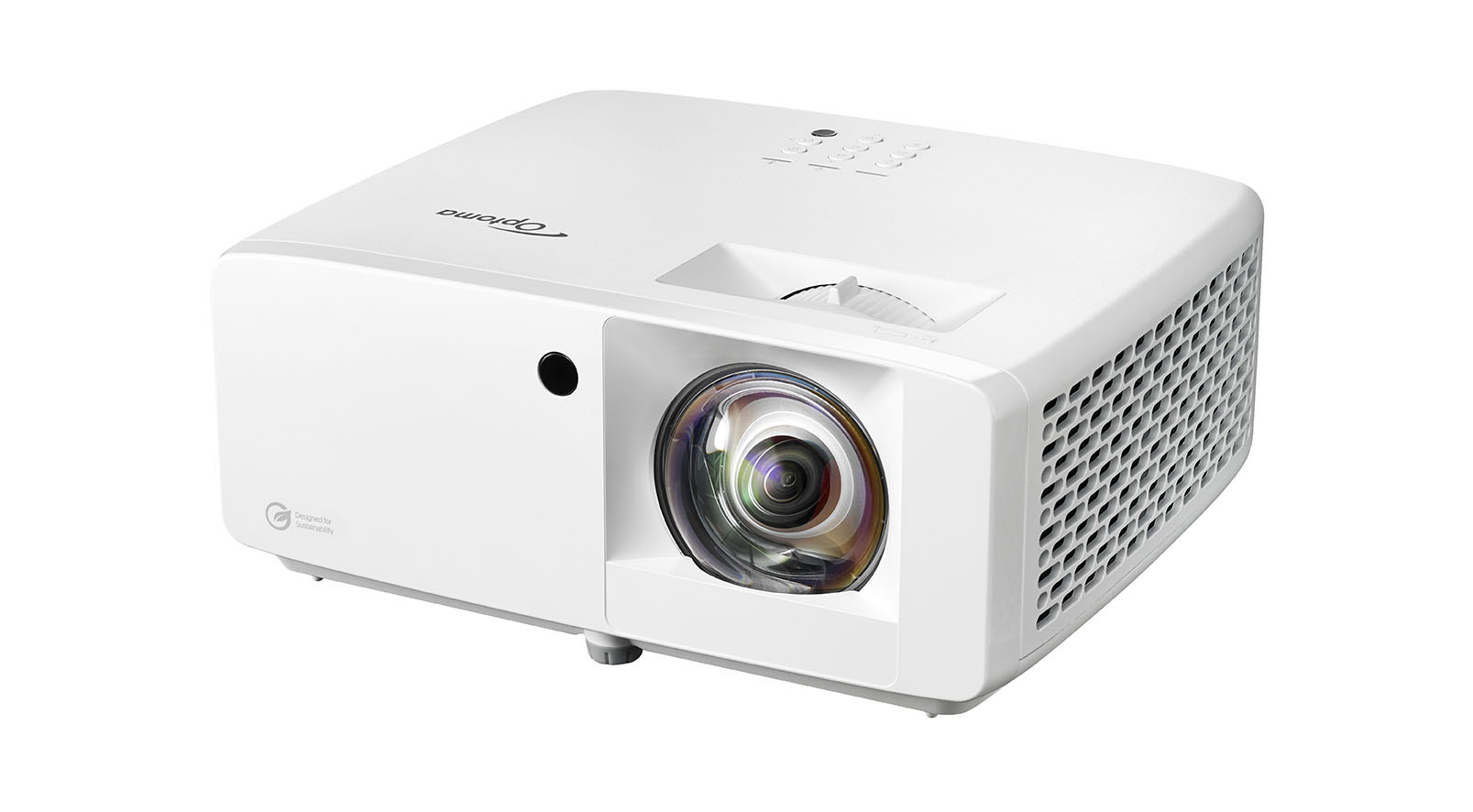
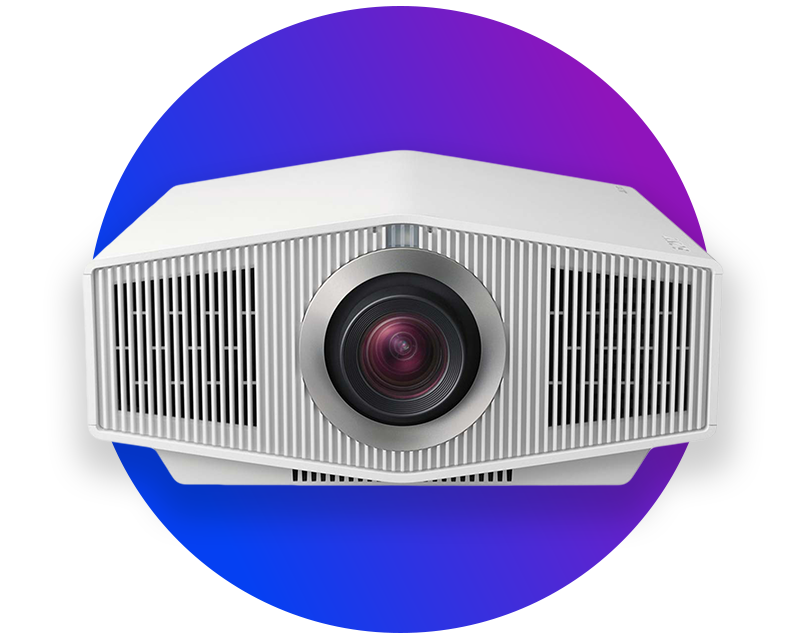
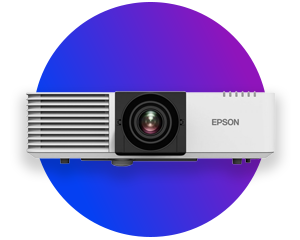
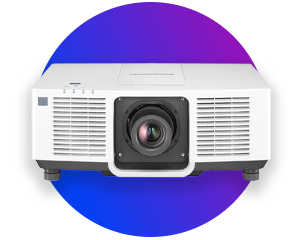
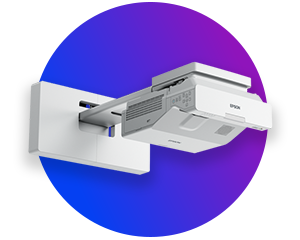
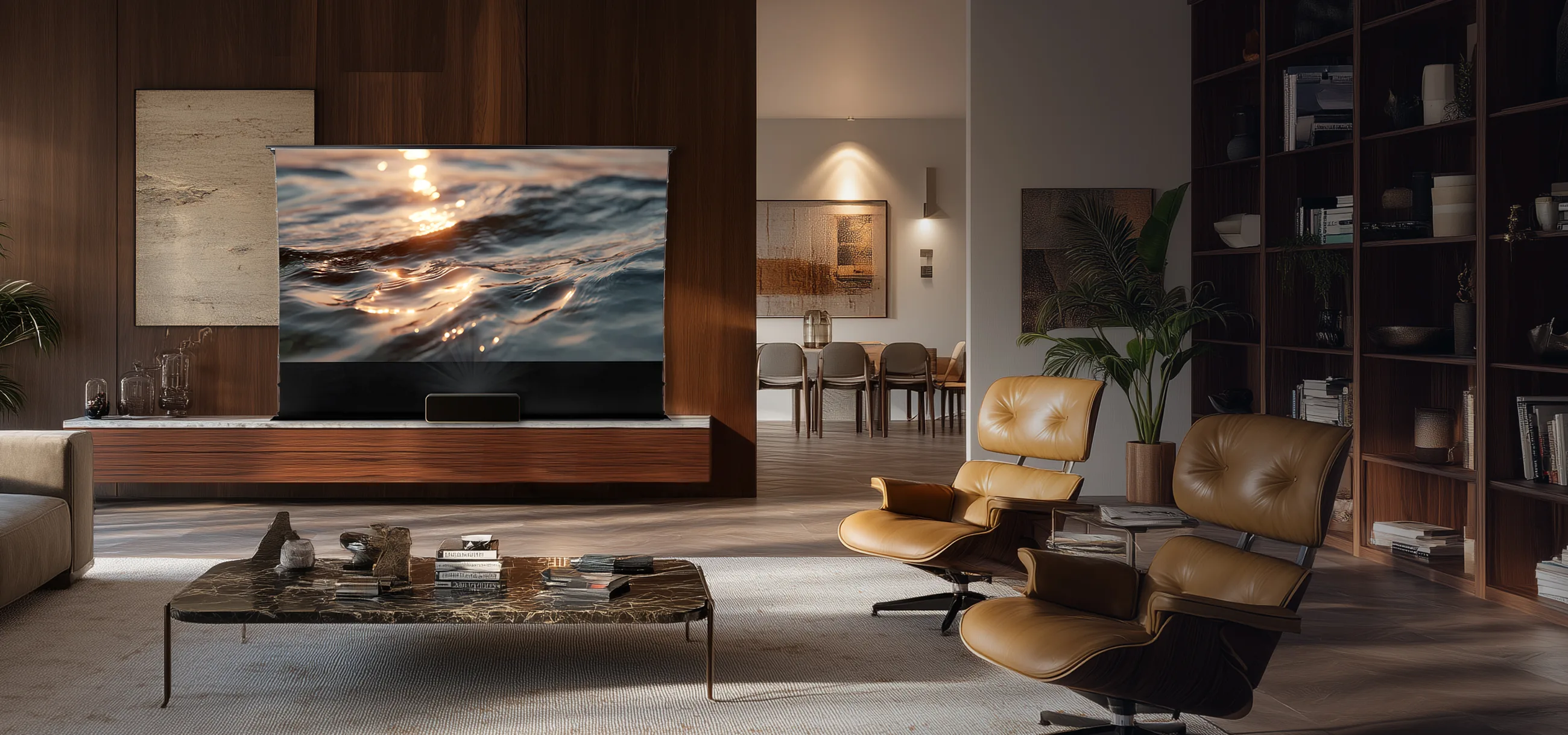
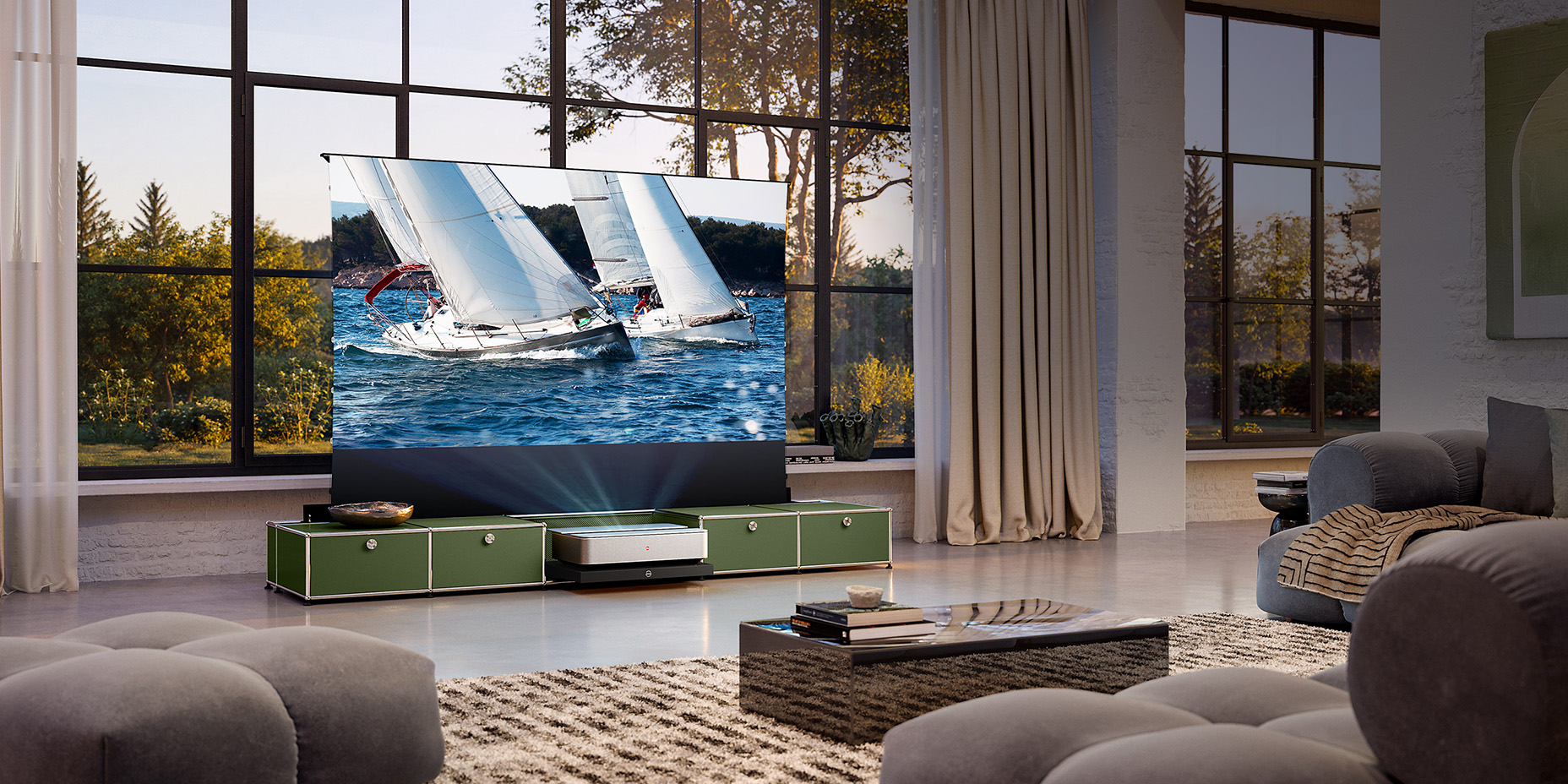
Buy projectors and experience impressive projections everywhere. Technology that inspires and a selection that impresses - at visunext. Whether it's a home cinema evening, business meeting or class: a projector transforms any room into a visual experience. 4K resolution, rich colours and high light intensity ensure razor-sharp projections - day and night. Choose from compact models, ultra-short throw projectors or powerful professional projectors and find the perfect solution for every setup. We will provide you with personalised advice and support your project right from the start. Find out more about choosing the perfect projector!
clr_hc_ust_rahmen_leinwand_v20_lifestyle_home_desc_image_desktop

High-performance projectors for home cinema, business and schools

Modern projectors offer impressive picture quality, flexible usage options and a genuine cinema experience at home. But which projector is best suited to your needs? And which features really matter?

This guide will give you clear guidance to help you find the right projector!

clr_hc_ust_rahmen_leinwand_v20_lifestyle_home_desc_image_desktop

High-performance projectors for home cinema, business and schools

Modern projectors offer impressive picture quality, flexible usage options and a genuine cinema experience at home. But which projector is best suited to your needs? And which features really matter? This guide will give you clear guidance to help you find the right projector!

Content

An overview of the different types of projectors: technologies, applications and benefits

Projectors differ not only in terms of their technology, but above all in their intended area of use. Depending on whether you intend to use the projector for a home cinema, office presentations, teaching in schools or flexible mobile applications, requirements such as brightness, resolution, volume, connectivity and projection distance vary significantly. Factors such as room size, lighting conditions and the desired screen size also play a crucial role in your choice:

Projector type

Features

Ideal for

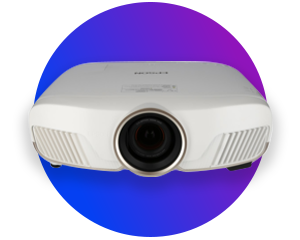
Home cinema projectors

Full HD or 4K for high image sharpness
• High contrast for deep blacks
• Best results in darkened rooms

Living room, home cinema, gaming room

Short throw projectors

• Large image from a very short distance (0.5–1.5 m)
• Significantly less shadow cast
• Versatile for smaller rooms or portable use

Small living rooms, meeting rooms, classrooms

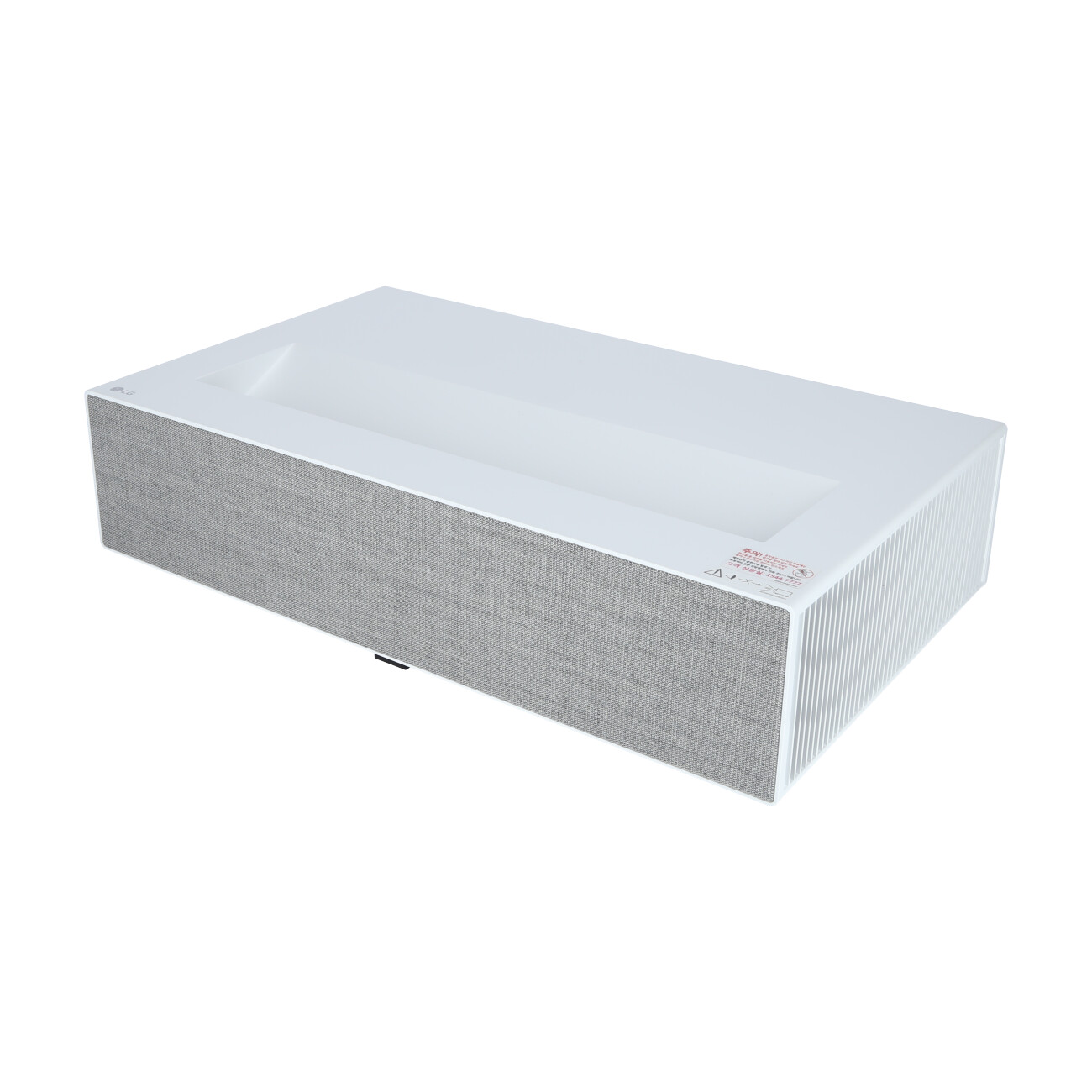
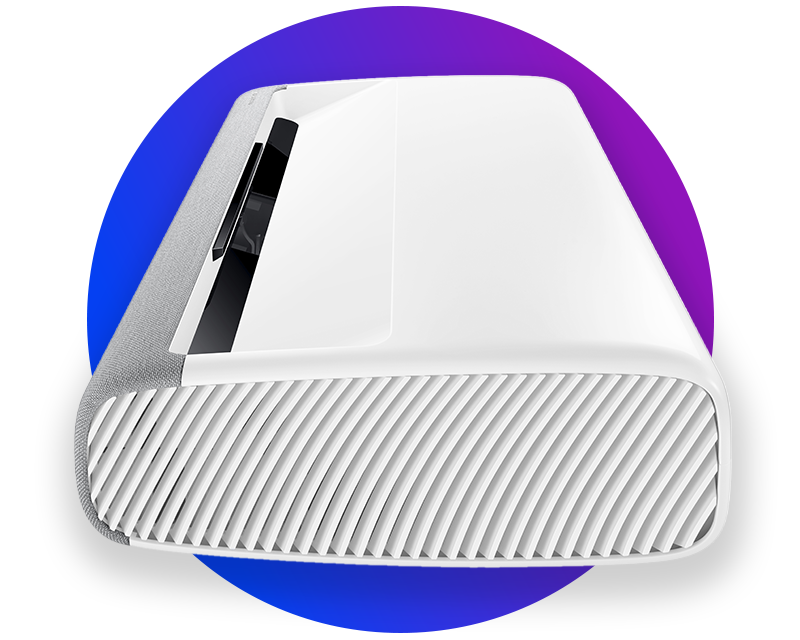
laser TV projector
(ultra-short throw)

• Very large image from just a few centimetres away
• Laser light source for high brightness and a long service life
• A replacement for the TV: works even in daylight

Living rooms, modern home cinema set-ups, TV replacement

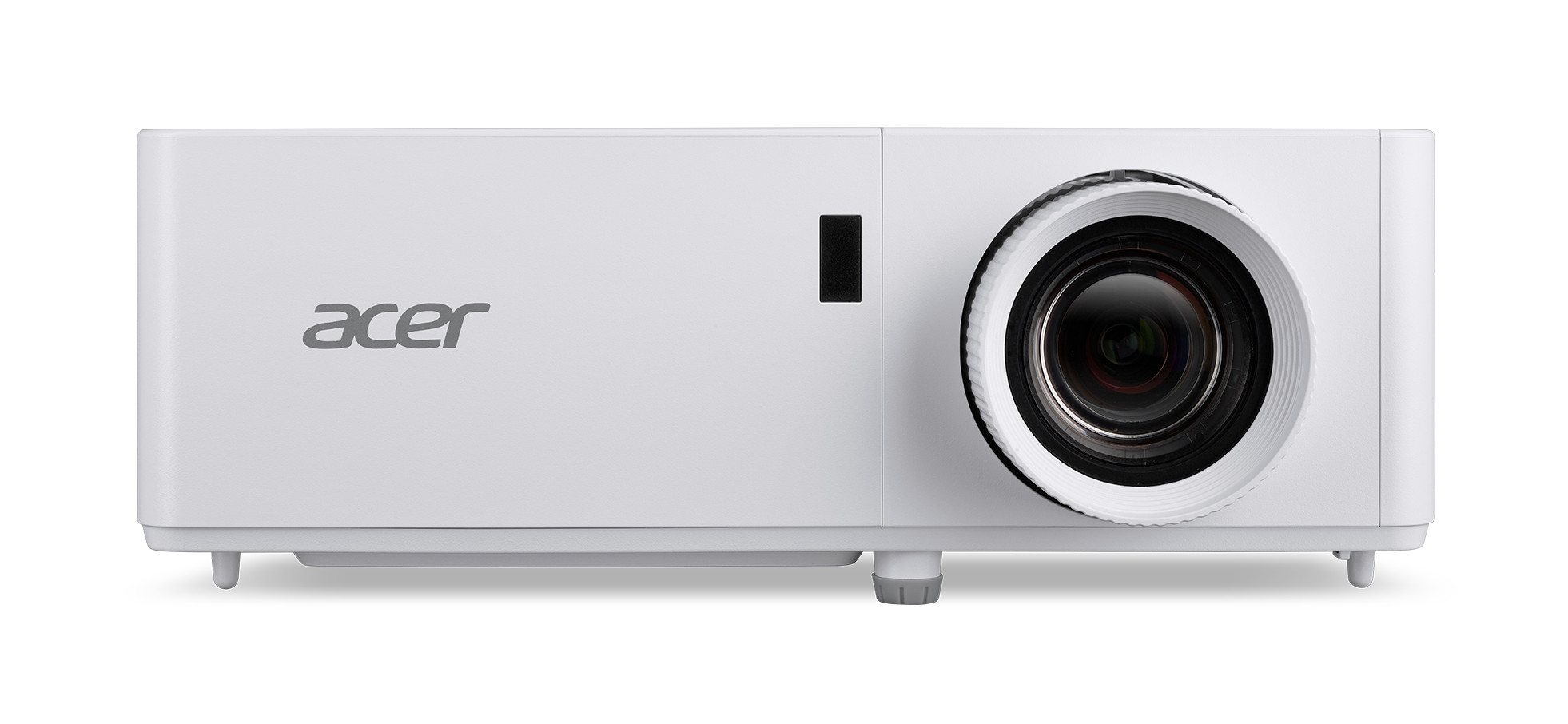
Business projector

• Very high brightness (3,500+ lumens)
• Clear display of text and presentations
• Robust technology for professional use

Conference rooms, meeting rooms, workshops

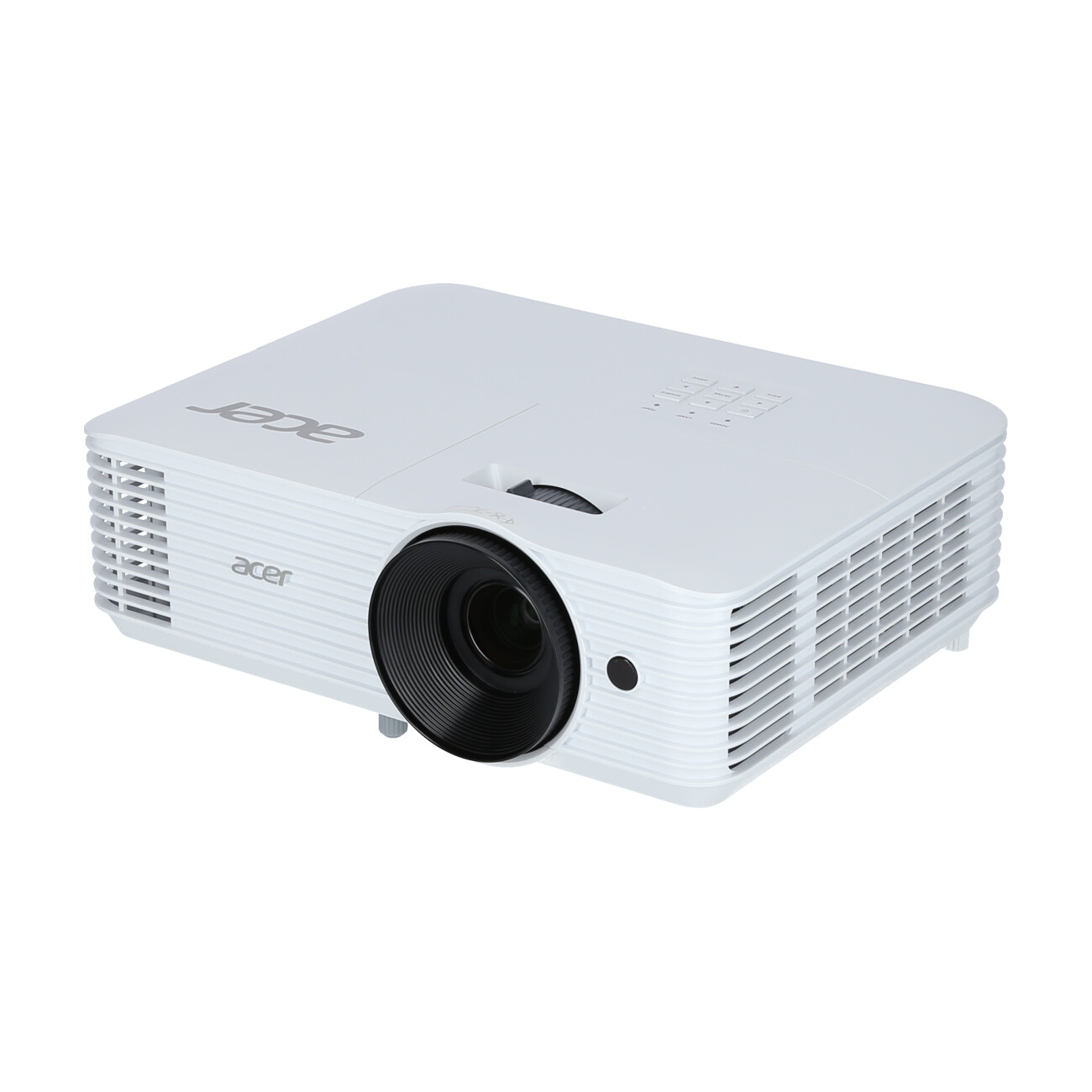
School projectors

• Long light source life
• Simple and intuitive operation
• High reliability in day-to-day use

Classrooms, training rooms

Buying a projector for your home: these are the key factors to consider

To help you find the ideal video projector for your home, you should be aware of the key technical specifications – and know which specifications are best suited to your intended use.

Medientechnischer Planungs-Service

Which projector resolution is right for me?

The resolution determines how detailed the image appears.

  • HD (720p): Suitable for everyday use as a TV replacement or for presentations
  • Full HD (1080p): The standard for home cinema, offering very good value for money.
  • 4K UHD: maximum sharpness for large projection screens and a genuine cinema experience. For projection screens of 100 inches or more, a 4K projector is always worth it.
Professioneller Montage-Service

What brightness should a projector have?

The brightness determines how clearly you can see the image, even in daylight.

  • 2,000–3,500 lumens: ideal for dark home cinema rooms
  • 3,500–5,000 lumens: for bright rooms or presentations
  • 5,000 lumens and above: ideal for business, schools or bright rooms
Laufende Wartung & IT-Support

What connections do I need?

  • An HDMI port is essential for modern media sources
  • USB connections for direct media access and, where applicable, VGA connections to connect older devices
  • A separate audio output is useful for audio

Find out more in our detailed guide: ‘Connecting a projector’ .

Medientechnischer Planungs-Service

What is a good contrast ratio for a projector?

High contrast ensures deeper blacks and more vibrant colours.

  • 10,000:1 – 20,000:1: Solid for a wide range of applications
  • 20,000:1 – 50,000:1: Better image depth for home cinema
  • 50,000 and above: Top-tier performance for 4K home cinema
Professioneller Montage-Service

Projector volume: What should you look for when buying one?

For the living room, the fan should be as quiet as possible:

  • Under 30 dB: barely audible
  • Above 30 dB: noticeable with quiet film sound
  • Laser and LED projectors often have a pleasant operating noise, as they generate less heat.

Discover here: quiet projectors for your home cinema.

Laufende Wartung & IT-Support

Calculate the optimal projection surface

The correct image size and the optimal distance between the projector and the projection screen depend on the projector model. Use our projection screen calculator to work out the perfect distance for your projector. It will help you to optimally match the screen size to the depth of the room.

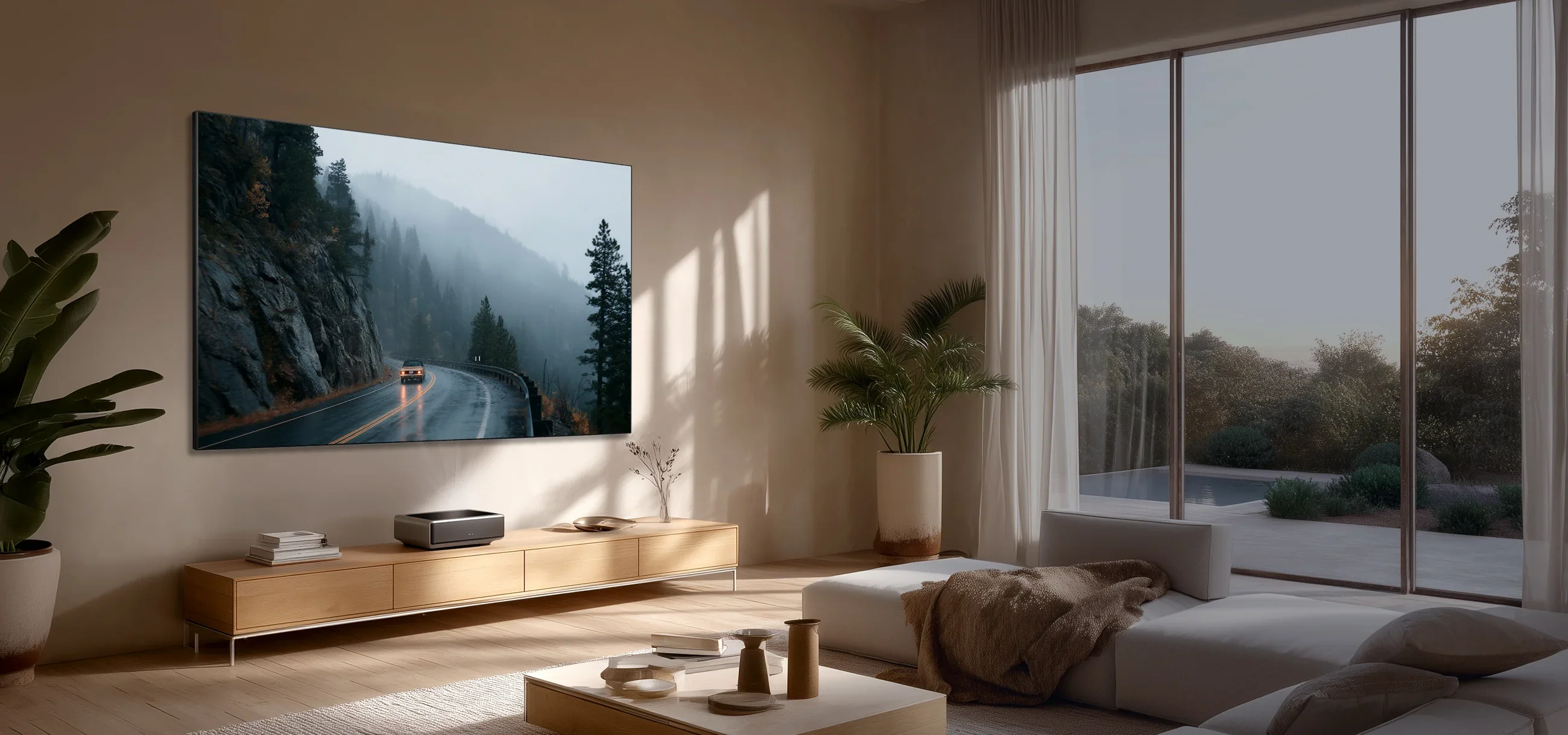
Laser TV projectors are ideal for home cinemas where space is particularly limited. These models can deliver a remarkable home cinema experience even from a distance of just a few centimetres.

Our tip: How to find the
right projector with ease

You can tell which application a projector is best suited for by
the symbol for the relevant application and the suitability rating in per cent.

Heimkino IconBildung IconBusiness Icon
bodenscheren_v20_lifestyle_home_b1_b2_promo_descr_desktop

Our tip: How to find the right projector with ease

You can tell which application a projector is best suited for by the symbol for the relevant application and the suitability rating in per cent.

Heimkino IconBildung IconBusiness Icon

Find the right projector for your needs

The requirements for a projector vary significantly depending on its intended use. Whilst home cinema set-ups focus primarily on picture quality and contrast, high brightness and flexible connectivity options are crucial for business or school projectors:

Schulungsraum im Workshop- und GruppensettingSchulungsraum in U-FormKlassisches Schulungsraum-SettingViertes Feld BeschreibungFünftes Feld Industrie und Logistik
01

Home cinema projectors

For an impressive home cinema experience, we recommend modern 4K projectors with a laser light source. They deliver razor-sharp images, vibrant colours and an exceptionally long service life. It’s also important to have a high contrast ratio of at least 10,000:1, so that dark scenes in films are rendered in rich detail and with vibrancy. If the room cannot be completely darkened, the projector should offer at least 2,500 ANSI lumens.

02

Business and school projectors

In conference rooms, meeting areas and classrooms, light output plays a particularly important role. Business and school projectors should deliver at least 4,000 to 5,000 ANSI lumens to ensure that presentations, spreadsheets or videos remain clearly visible even in daylight and with the lights on. For professional use, features such as wireless screen mirroring, Wi-Fi, split-screen display and flexible connectivity options are also particularly useful. In the education sector, many models also offer support for visualisers or interactive applications.

03

Portable projectors & projectors for on the go

Portable LED projectors and compact mini-projectors are perfect for use on the go. Thanks to their light weight – often less than one kilogram – and built-in rechargeable batteries, they can be used flexibly – for example, for impromptu presentations, outdoor film nights, travelling or camping. Despite their compact design , many modern portable projectors already offer Full HD resolution, built-in speakers and smart TV functions for streaming services such as Netflix or YouTube. Battery life of several hours enables completely wireless operation.

04

Gaming projectors

Specialised gaming projectors are becoming increasingly popular and, with their huge screen sizes, provide a particularly immersive gaming experience. Low input lag and high refresh rates are particularly important for smooth gameplay. Many modern gaming projectors support 120 Hz or even 240 Hz, making them ideal for fast-paced games on consoles or PCs. Combined with Full HD or 4K resolution, this creates an impressive large-screen experience that can significantly outperform traditional televisions.

05

Ultra-short throw projectors & laser TVs

Ultra-short throw projectors are among the most advanced projector solutions and are ideal for living rooms, meeting rooms or digital signage applications. They produce large images from just a few centimetres away from the projection screen, thereby saving a lot of space. Known as laser TVs, these devices offer an attractive alternative to traditional televisions – with screen sizes of over 100 inches, brilliant laser technology and modern Smart TV features.

How much does a good projector cost? An overview of price ranges

The question “How much does a good projector cost?” is one of the most common when buying a projector. The answer depends mainly on what you intend to use the projector for and what your requirements are in terms of picture quality, features and convenience. To help you find the right projector for your budget, it’s worth taking a look at the typical price ranges and how they differ:

visunext Buying Guide

Tested by us:
the best projectors under £900

Our projector experts have thoroughly tested the most popular models and compiled the top 5 in clear categories – for home cinema, business and schools. This way, you can quickly find the right projector for you without having to spend ages comparing them.

Einsatzbereich

Wofür möchten Sie den Beamer hauptsächlich nutzen?

Wählen Sie Ihren Hauptanwendungsbereich, um die besten Modelle für Ihre Bedürfnisse zu filtern.

Raumumgebung

Wie sieht die typische Einsatzumgebung aus?

Die Umgebungshelligkeit und Raumart bestimmen, wie leuchtstark oder speziell der Beamer sein muss.

Ausstattung

Welche Funktionen sind Ihnen wichtig?

Wählen Sie optionale Features aus, die Ihr neues Gerät unbedingt mitbringen sollte.

Ihre Top 5 Empfehlungen

Fast geschafft! Wohin dürfen wir Ihre Auswahl senden?

Geben Sie Ihre Kontaktdaten ein, um Ihre individuell gefilterten Top 5 Beamer-Empfehlungen direkt per Mail zu erhalten.

DLP, LCD, laser & SXRD – which technology is right for you?

Projector technology determines not only what you see, but also how you see it:

  • DLP projectors create the image by reflecting light off a chip containing millions of tiny mirrors. They deliver high contrast, sharp detail and very smooth motion – ideal for films and gaming. These models are usually slightly less bright, but impress in dark rooms with a particularly intense visual impact.

  • LCD projectors (Liquid Crystal Display) project the image by directing light through liquid crystal panels. They offer vibrant colours and high brightness, making them particularly well-suited to presentations and brightly lit rooms. Even in challenging ambient lighting conditions, they produce clear and easily visible images.

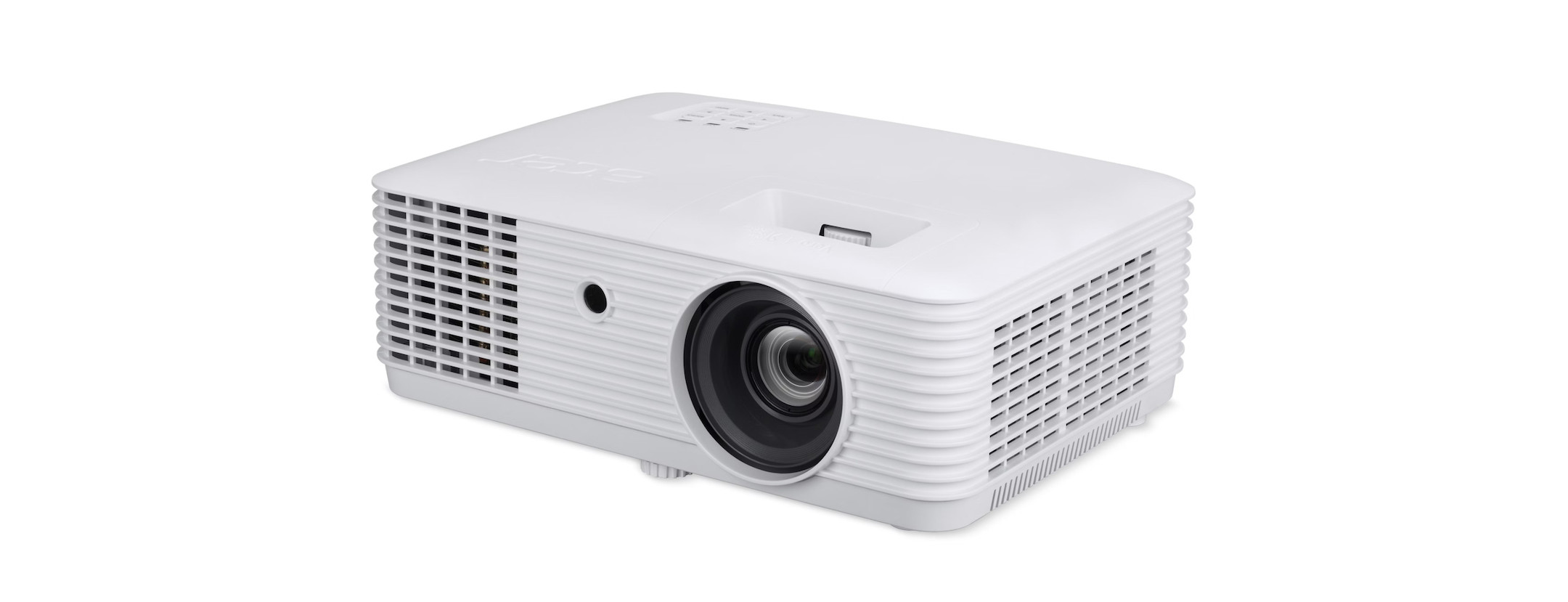
  • Laser projectors use a laser diode as their light source instead of a lamp. This offers three key advantages: immediate full brightness upon switching on, a lifespan of up to 30,000 hours without the need for lamp replacement, and consistent colour accuracy throughout their entire service life. Laser projectors are now available across all price ranges – from compact 4K home cinema projectors to installation projectors for large venues.

  • LCoS, D-ILA and SXRD technologies combine the advantages of LCD and DLP by directing the light through a liquid crystal layer and then reflecting it off a mirror situated behind it. This enables them to deliver extremely smooth, detailed images with outstanding black levels. Perfect for high-end home cinema and demanding film playback.

Laser projectors & laser TVs: the future-proof light source

Laser projectors have virtually replaced lamp-based projectors in recent years – and for good reason: a laser light source lasts up to 30,000 hours, requires no warm-up time and delivers consistent brightness throughout its entire lifespan. Flickering, colour shifts and costly lamp replacements are now a thing of the past.

A special category of laser projector is the laser TV projector (also known as a UST projector or ultra-short throw projector): These devices project a 100–150-inch image directly onto the wall from a distance of just 20–30 cm, thus elegantly replacing the traditional flat screen in the living room. Buying a laser TV means: cinema-quality picture, laser performance and Smart TV functions all in one device.

Laser projectors at a glance:

  • Lifespan: Up to 30.000 hours (lamp: 3.000–5.000 hours)

  • Warm-up time: None — full brightness immediately

  • Laser TV (UST): Projection distance just 20–30 cm, image up to 150" 4K

  • Laser projector: Sharpest image quality for home cinema & gaming

  • Short throw / ultra-short-throw: Ideal for small rooms and walls

Which projector light source is the best?

The choice of light source has a major impact on a projector’s brightness, image quality, maintenance requirements and lifespan. Modern projectors now use three main lighting technologies, each of which offers its own advantages.

Tips for buying a projector – straight from our experts

Want to get the most out of your home cinema? Our experts reveal the key quick wins that will instantly improve your projector’s performance:

sonne-nobubble
  • Darken the room:

    Even just a few fewer light sources result in significantly greater contrast and real depth of image.

  • Icon canvases
  • Projection screens instead of walls:

    The ultimate upgrade – a good projection screen delivers better quality than many technical features.

  • projektionsabstand-distance-nobubble
  • Keep an eye on the throw ratio:

    This determines how large your picture can actually be in your room. Be sure to check this beforehand!

  • laser-nobubble
  • Laser technology pays off:

    Higher brightness, long service life, less maintenance – perfect for consistently high image quality.

  • header-usm-blau

    Get the most out of your projector

    Shane Riches

    A projector is only as good as its surroundings – put together your home cinema package with us so that you can enjoy a perfect result in the end.

    Shane Riches, Account Manager

    header-usm-blau

    Get the most out of your projector

    "A projector is only as good as its surroundings – choose your projector as part of a bundle with the right accessories so that you can enjoy perfect results in the end."

    Shane Riches, Account Manager

    Projectors and projection screens put to the test: Find the perfect combination

    Projectors & Projection Screens: A Comparison

    Finding the right combination of projector and projection screen is crucial for an optimal viewing experience. In our in-depth projection screen review, we compare various projection screens to present you with the best options for your individual needs.

    Calculate the projection distance

    Particular attention should also be paid to the projection distance: the distance between the projector and the projection screen has a significant impact on the image size and quality. With our projection screen size calculator, you can quickly and easily determine the ideal distance for your projector and projection screen combination.
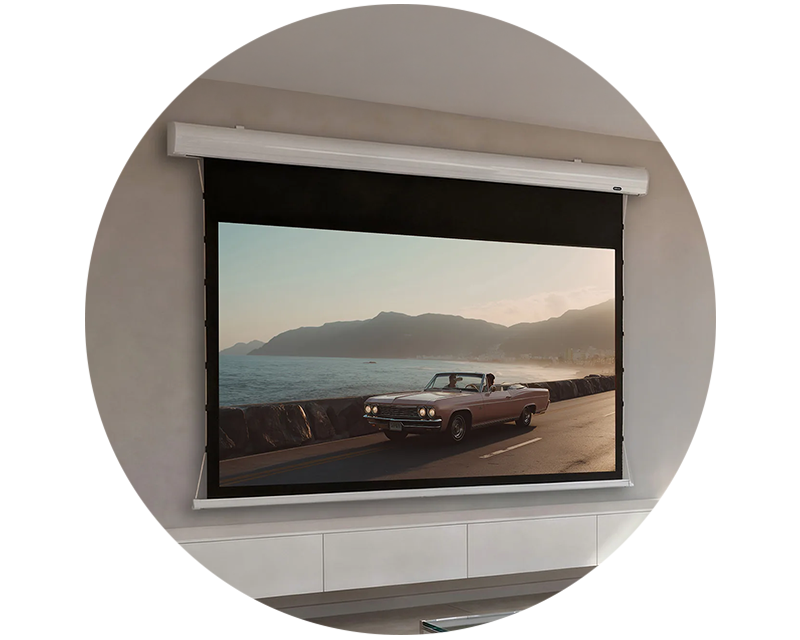
    Complete your projector with the right accessories

    A good projector is great fun – but it’s the right accessories that really bring that full home cinema experience into your home. These recommendations will take your setup to the next level:

    Frequently Asked Questions about Projectors

    Whether it’s for a home cinema, an office or a classroom: there are many questions that arise when buying a projector. Here you’ll find the most important answers regarding selection, features, installation and operation.

    Projectors vary widely in price – a good projector isn’t necessarily expensive. It all depends on how you intend to use it:

    Category
    Price
    Suitable for
    Beginnersfrom approx. £300Occasional use, schools, small rooms, HD-ready to Full HD
    Mid-range£500 – £1.500Full HD/4K home cinema, business presentations, smart projectors with Wi-Fi
    High-endfrom £1.5004K laser projectors, laser TV projectors/UST, installation projectors, bright daylight projectors

    You can find out more about our top-rated projectors in various price ranges here.

    Depending on the model, you can connect your iPhone to the projector either via a cable or wirelessly.

    • Via cable:Use an Apple Lightning-to-HDMI adapter (or USB-C-to-HDMI for newer iPhones). This allows you to transmit a stable picture and sound in Full HD.
    • Wirelessly: Many modern projectors support AirPlay or Screen Mirroring – ideal for photos, presentations or streaming.
    You can find out more in our guide ‘Connecting a projector to an iPhone’.

    MacBooks can be easily connected to almost any projector.

    • USB-C/Thunderbolt → HDMI: You can connect directly using an adapter or a USB-C to HDMI cable.
    • AirPlay: If the projector supports AirPlay or a compatible app, you can also connect wirelessly.
    • Important: Set the correct resolution and display extension on your MacBook to achieve the best results.
    You can find detailed instructions in the guide ‘Connecting a projector to a Mac’.

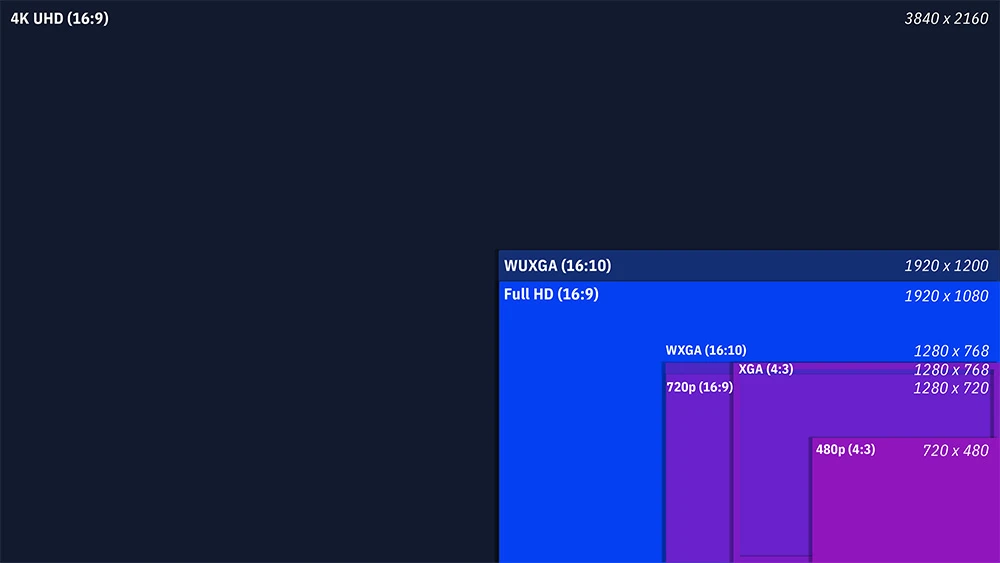
    A projector’s resolution is very important, as it determines how sharp and detailed the image is. A higher resolution means more pixels, which results in better image quality. If you’re using the projector for home cinema or gaming, choose at least Full HD (1920x1080) or even 4K (3840x2160) to ensure a clear and detailed picture. For presentations in an office, a lower resolution may be sufficient, whilst a higher resolution is recommended for films and games.

    Beamer Auflösungen

    Yes, you can also use a projector during the day or in brightly lit rooms, provided the projector has a certain level of brightness. In darker rooms, a lower brightness level is sufficient to produce a clear image.

    For a clearly visible image in daylight, we recommend:

    • at least 3,500–4,000 lumens in bright rooms
    • 5,000+ lumens if direct daylight enters the room
    • Optional: ALR (Ambient Light Rejecting) projection screen for significantly better contrast
    Business projectors and laser projectors are idealfor brightly lit meeting rooms or classrooms .

    View our daylight projectors

    The distance between the projector and the projection screen depends on several factors, in particular the size of the projection screen and the projector model. Every projector has what is known as a ‘projection distance’, which specifies how far the projector must be from the projection screen in order to project a particular image size. As a rule of thumb: the larger the projection screen, the further away the projector should be. Many projectors also have a zoom function that allows you to adjust the image size without having to move the projector.

    Go to the projection screen size calculator

    Connecting a projector is relatively straightforward. Most projectors have a range of connection options that allow you to connect various devices:

    • HDMI: This is the most common connection for modern devices such as Blu-ray players, games consoles, laptops and streaming sticks.
    • VGA: Often used for older computers to display the screen on the projector.
    • USB: Some projectors have USB connections that allow you to play images or videos directly from a USB stick.
    • Audio connections: These allow you to connect external speakers if the projector does not have built-in speakers or if these are not sufficient.

    You’ll need to connect the appropriate cable to the output device (e.g. laptop or Blu-ray player) and to the projector. Then select the correct input source on the projector, and the image will be projected straight away.

    Projector installation

    visunext Contact persons

    Do you have any further questions about the projector purchase?

    We’d be happy to consult with you personally by phone or email! If you’d prefer us to call you back free of charge, simply leave your contact details.

    Loading...
    Upload in progress, please be patient ...