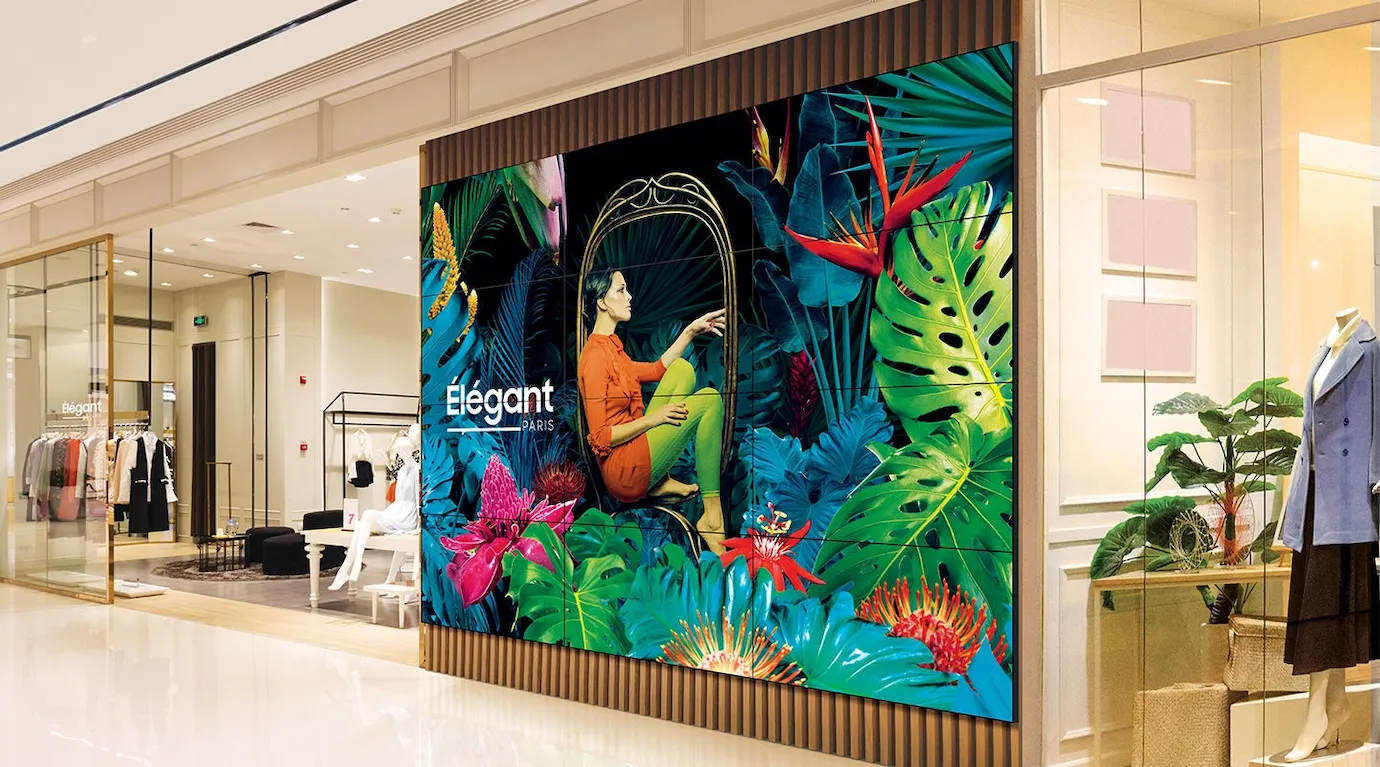
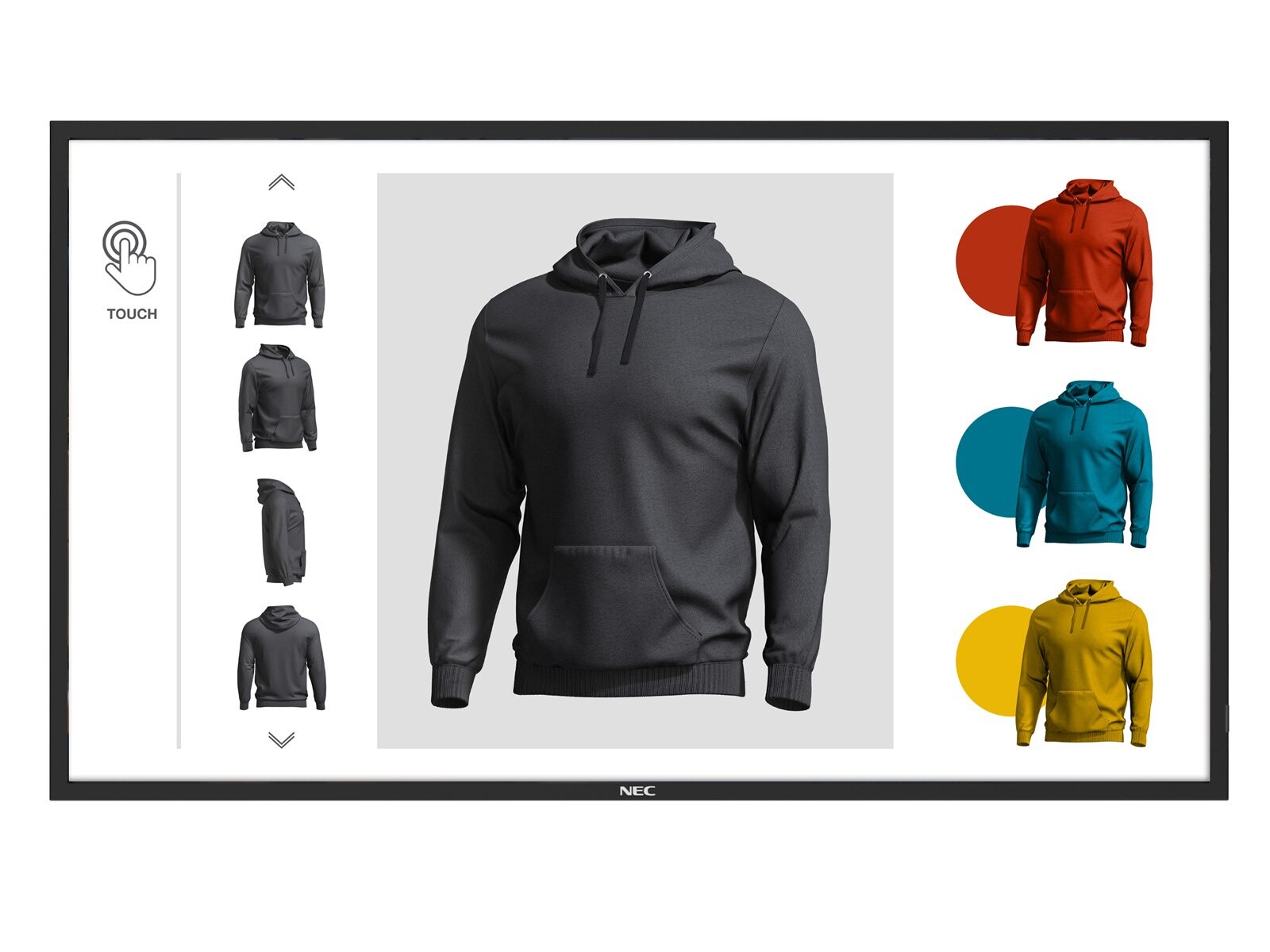
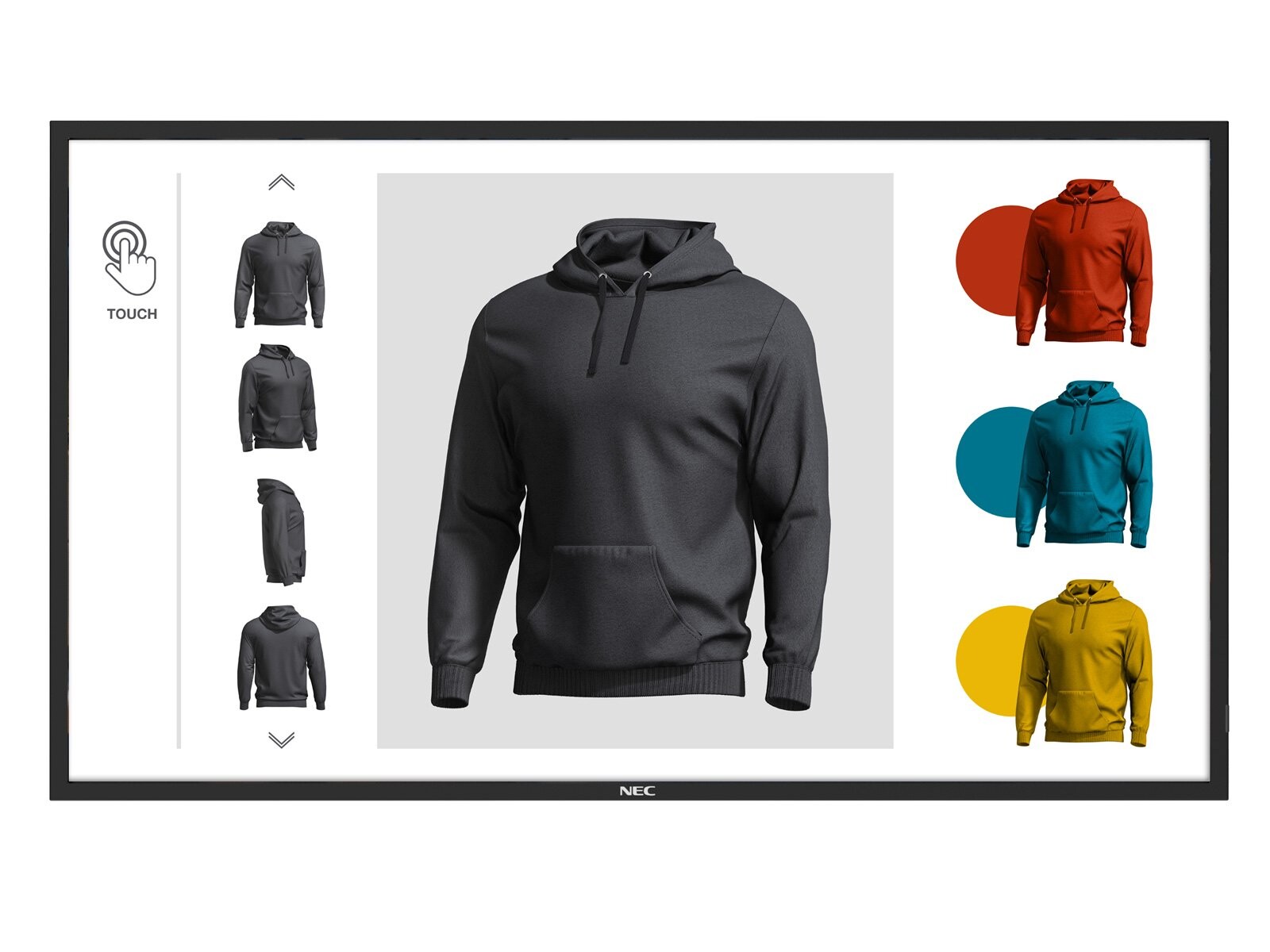
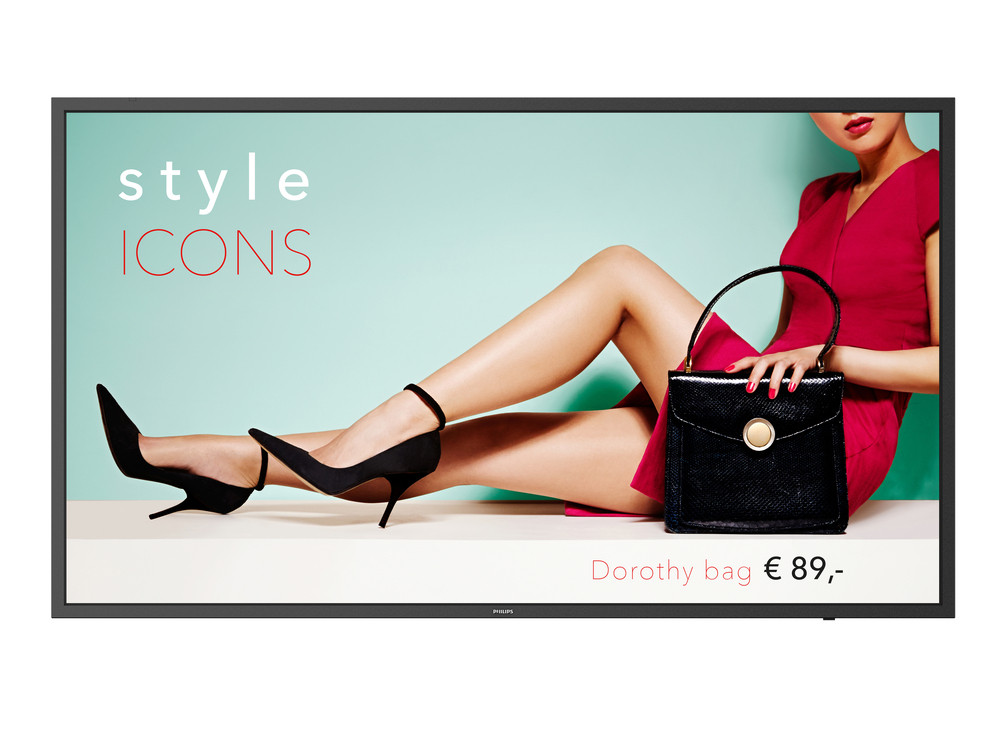
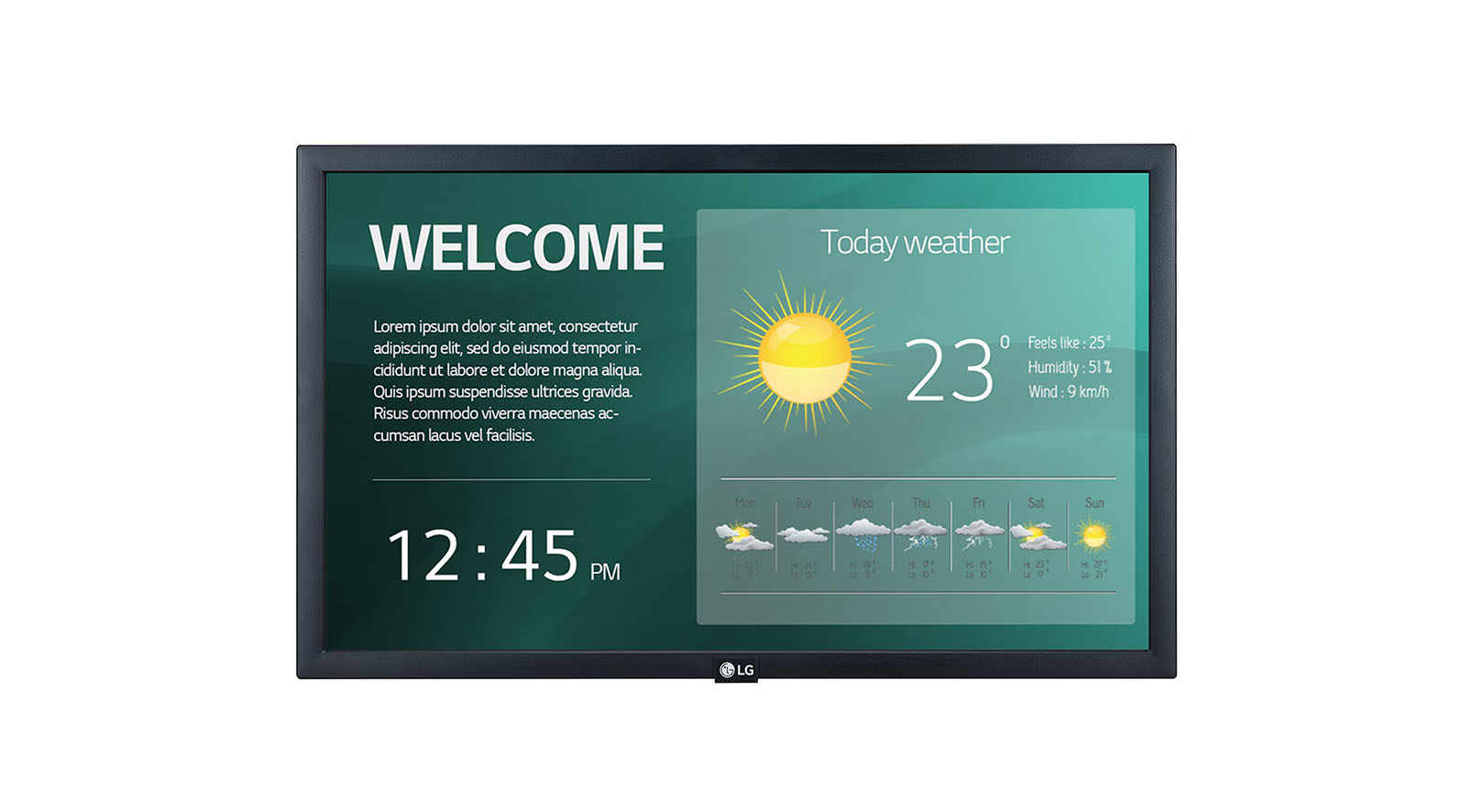
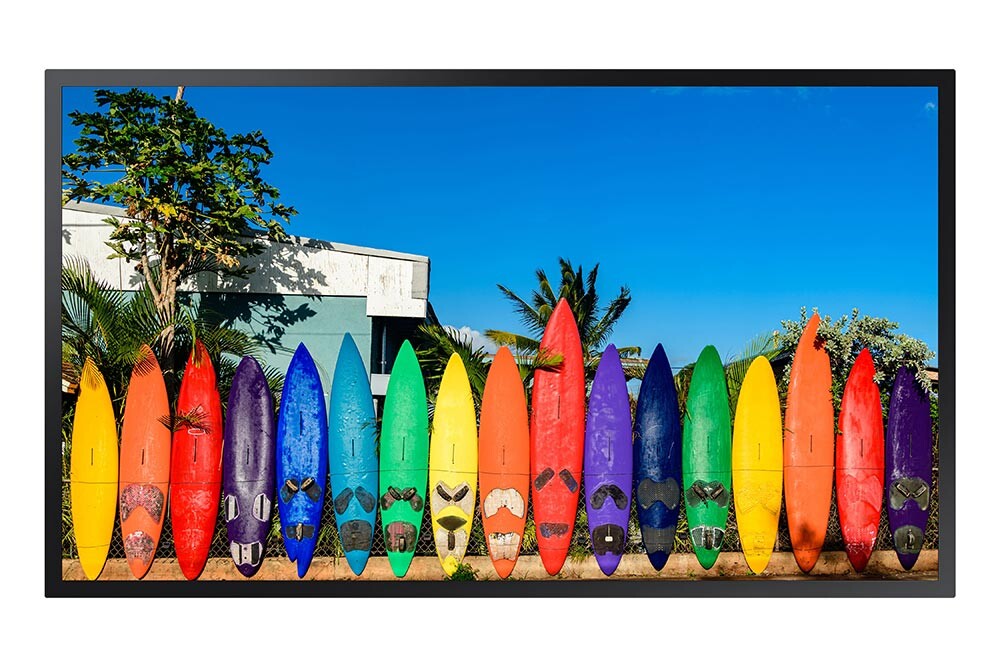
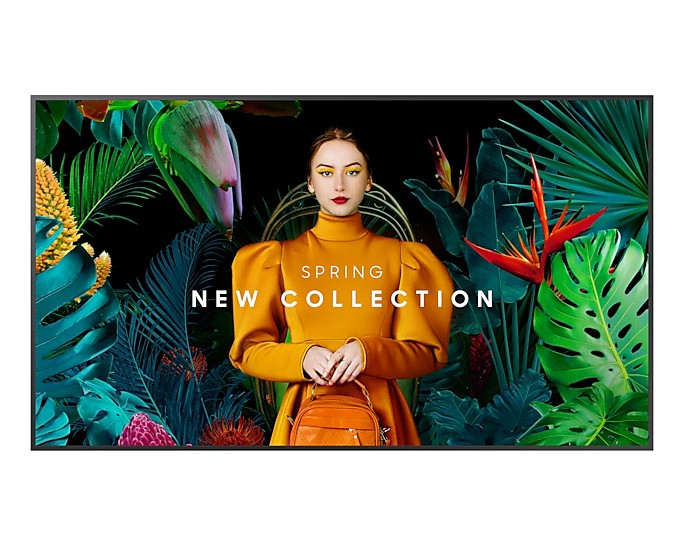
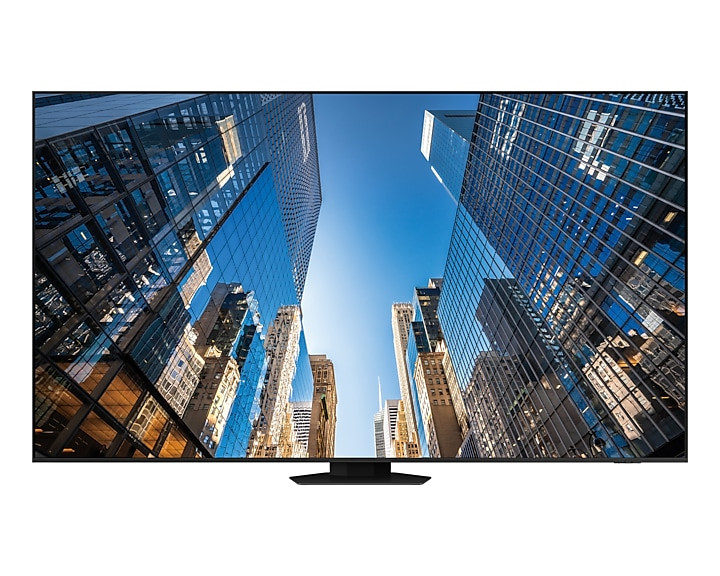



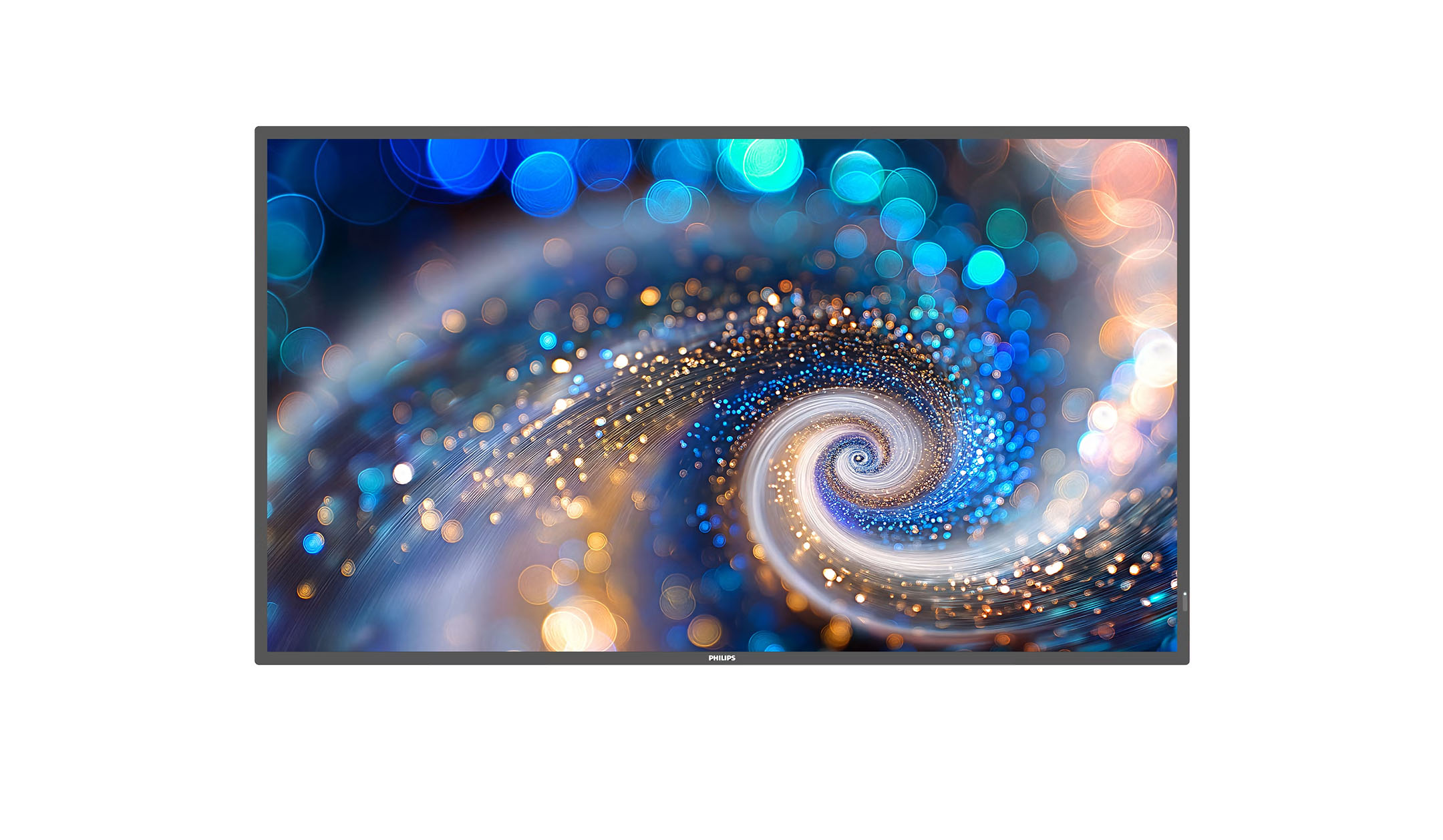

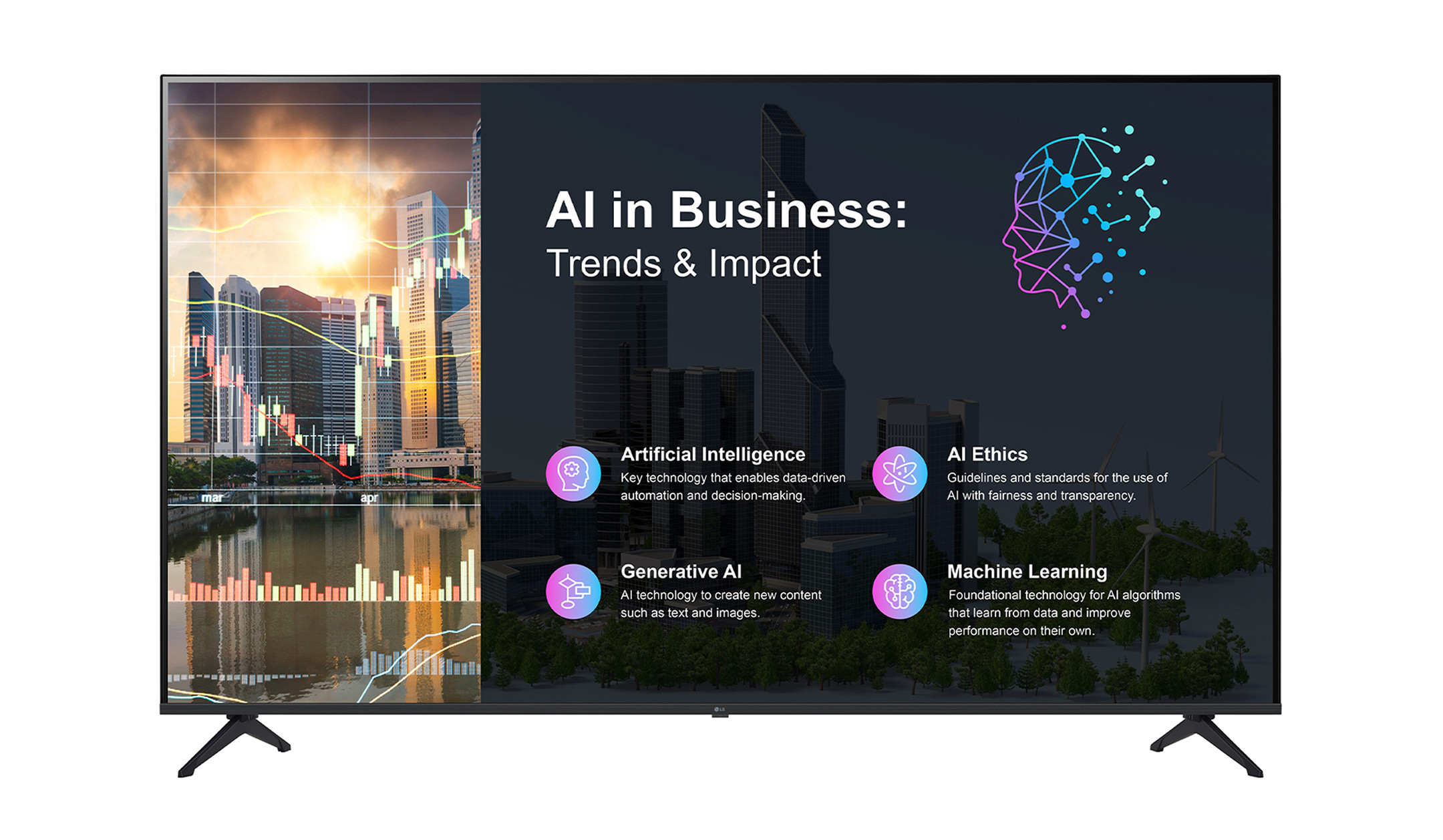
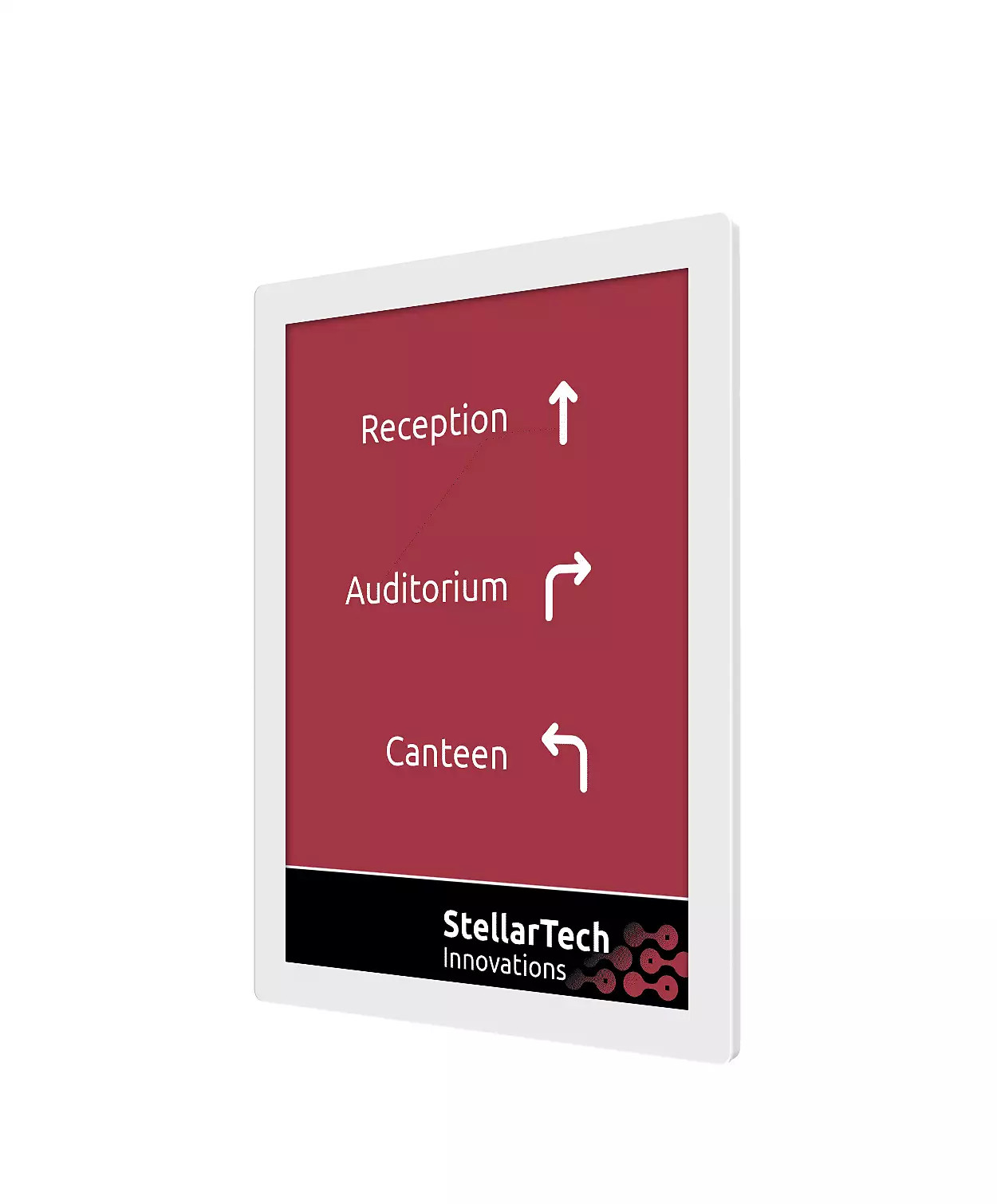
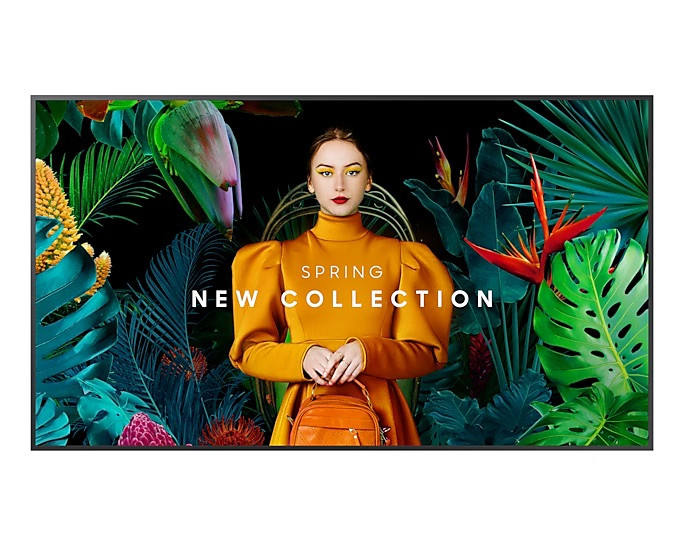
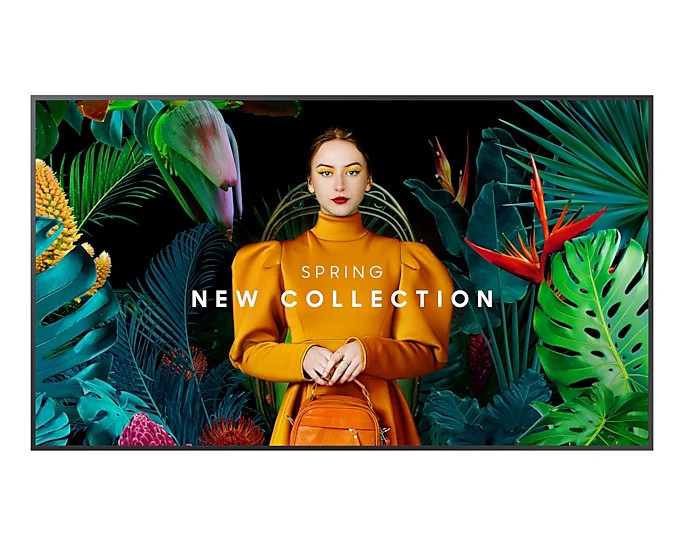
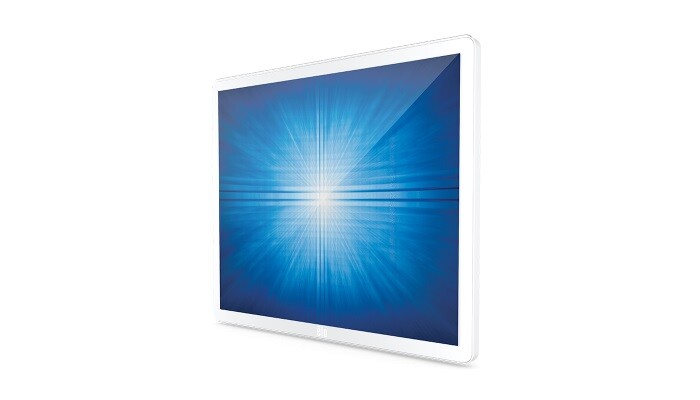
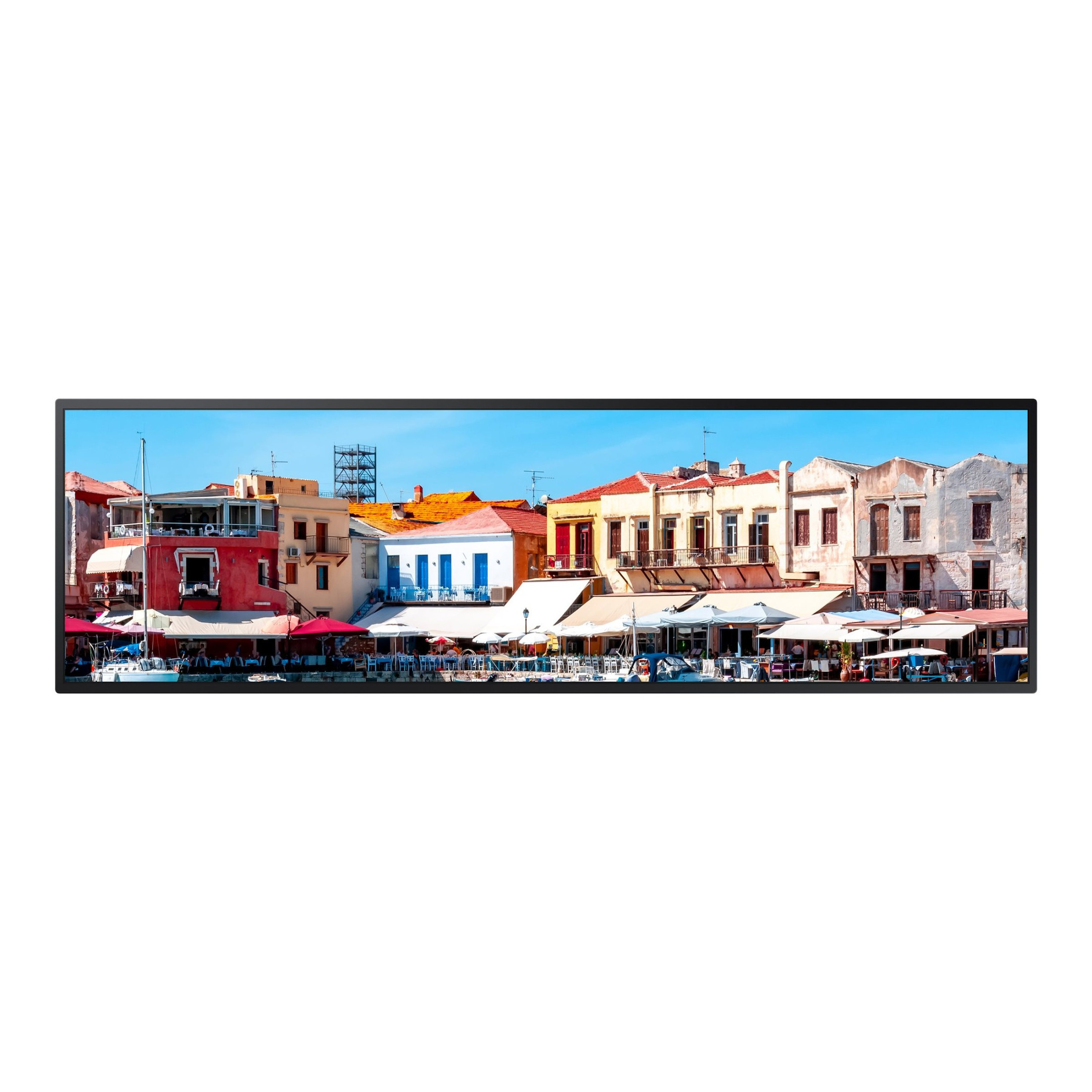

Digital signage in a shop window

What is digital signage?

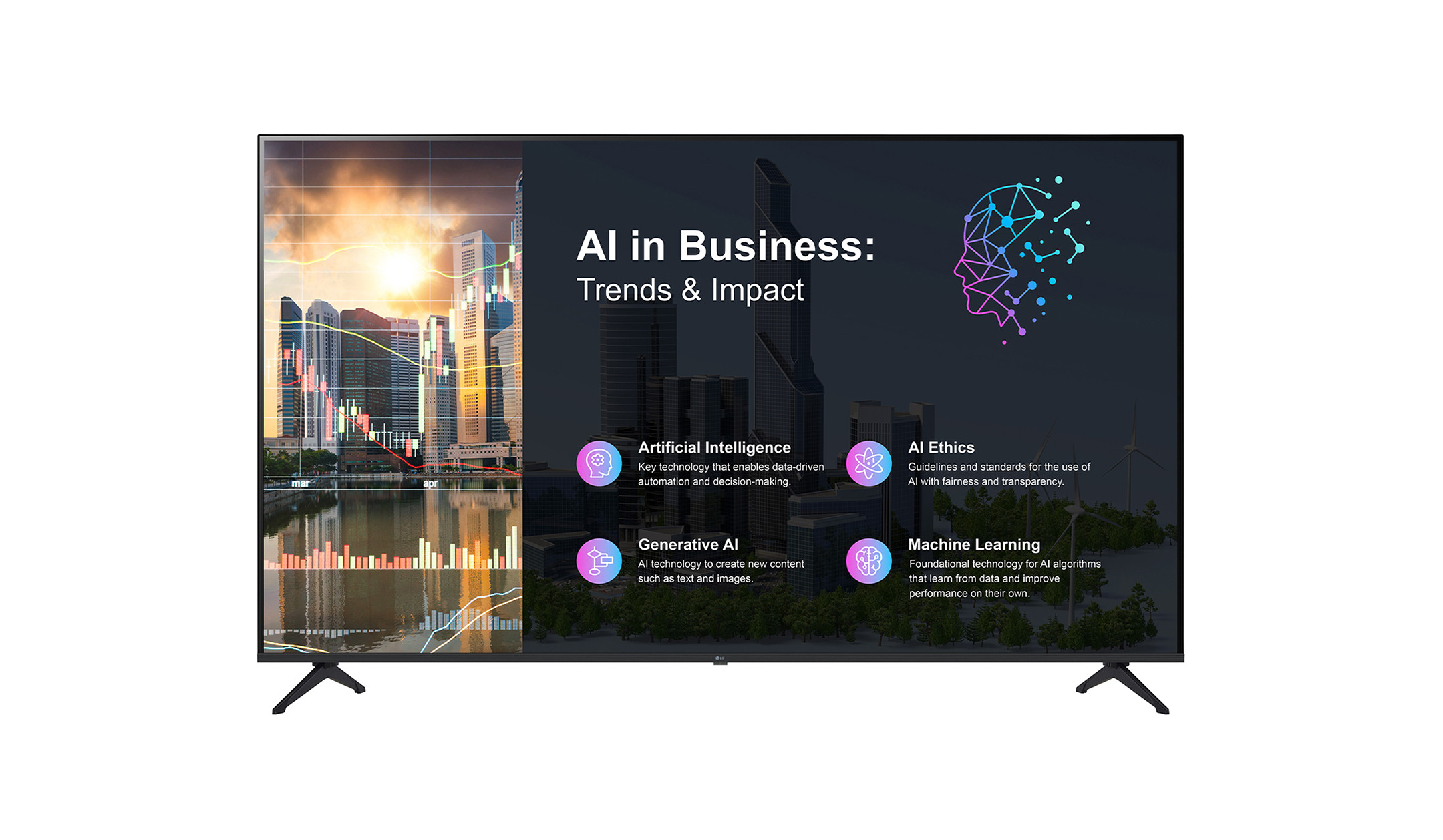
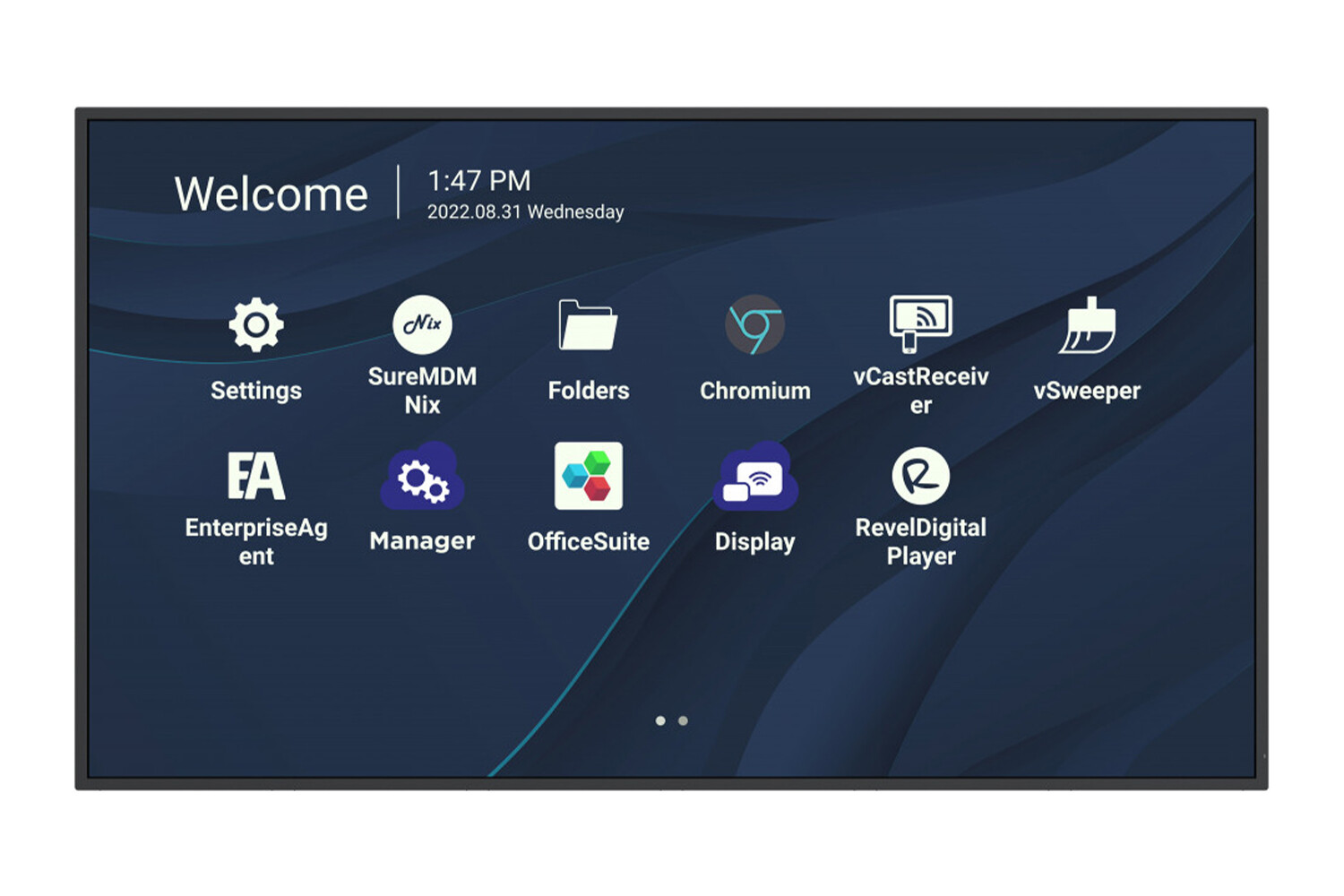
Digital signage refers to the digital playback of content on displays in public or semi-public places. Three components work together: Display: shows the content. Player: delivers the content to the display and can be integrated into the display or connected externally. Software (CMS): lets you create layouts, schedule playlists and define what runs on which screen and when.

Content

Applications: What a digital signage display is ideal for

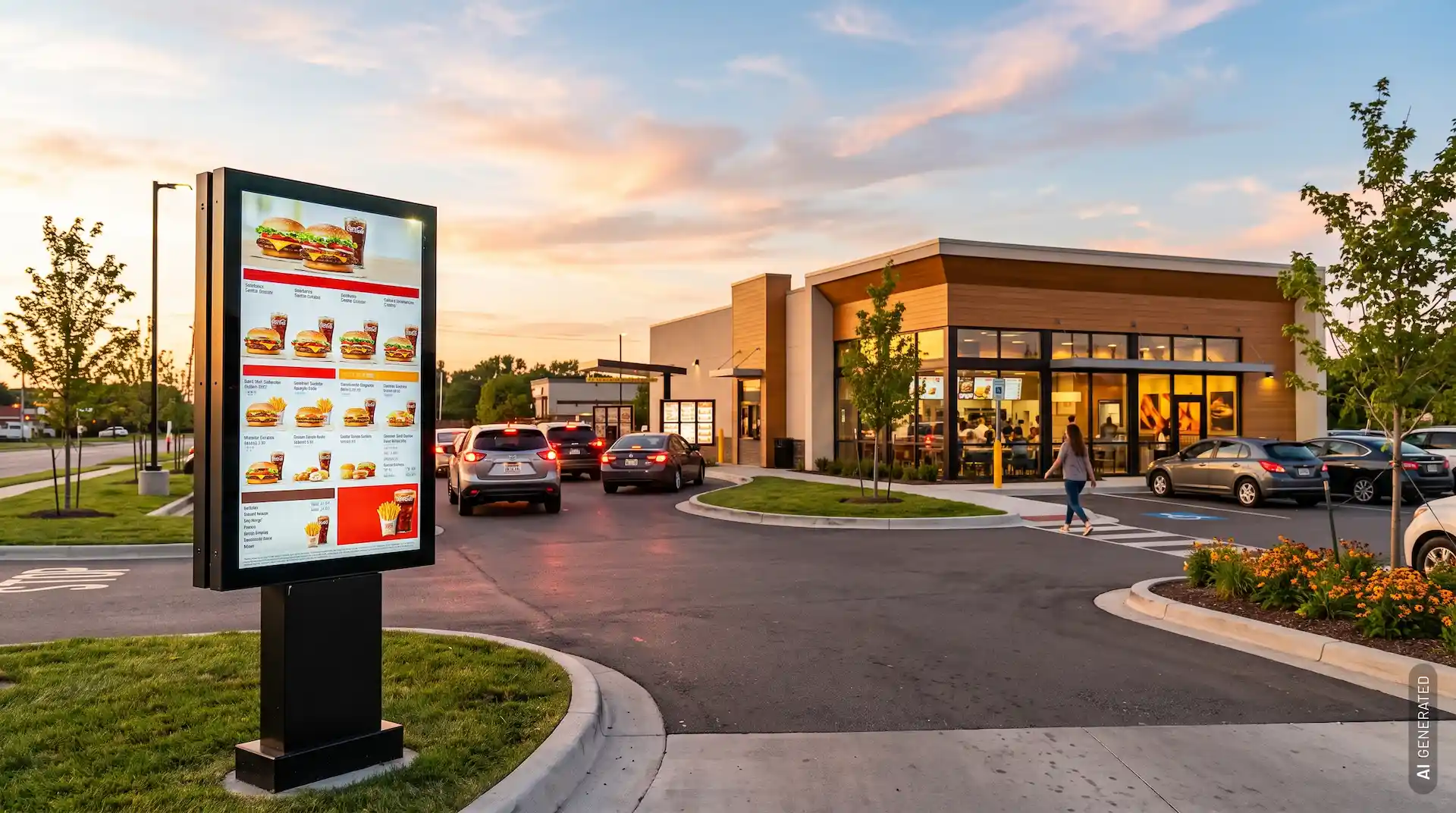
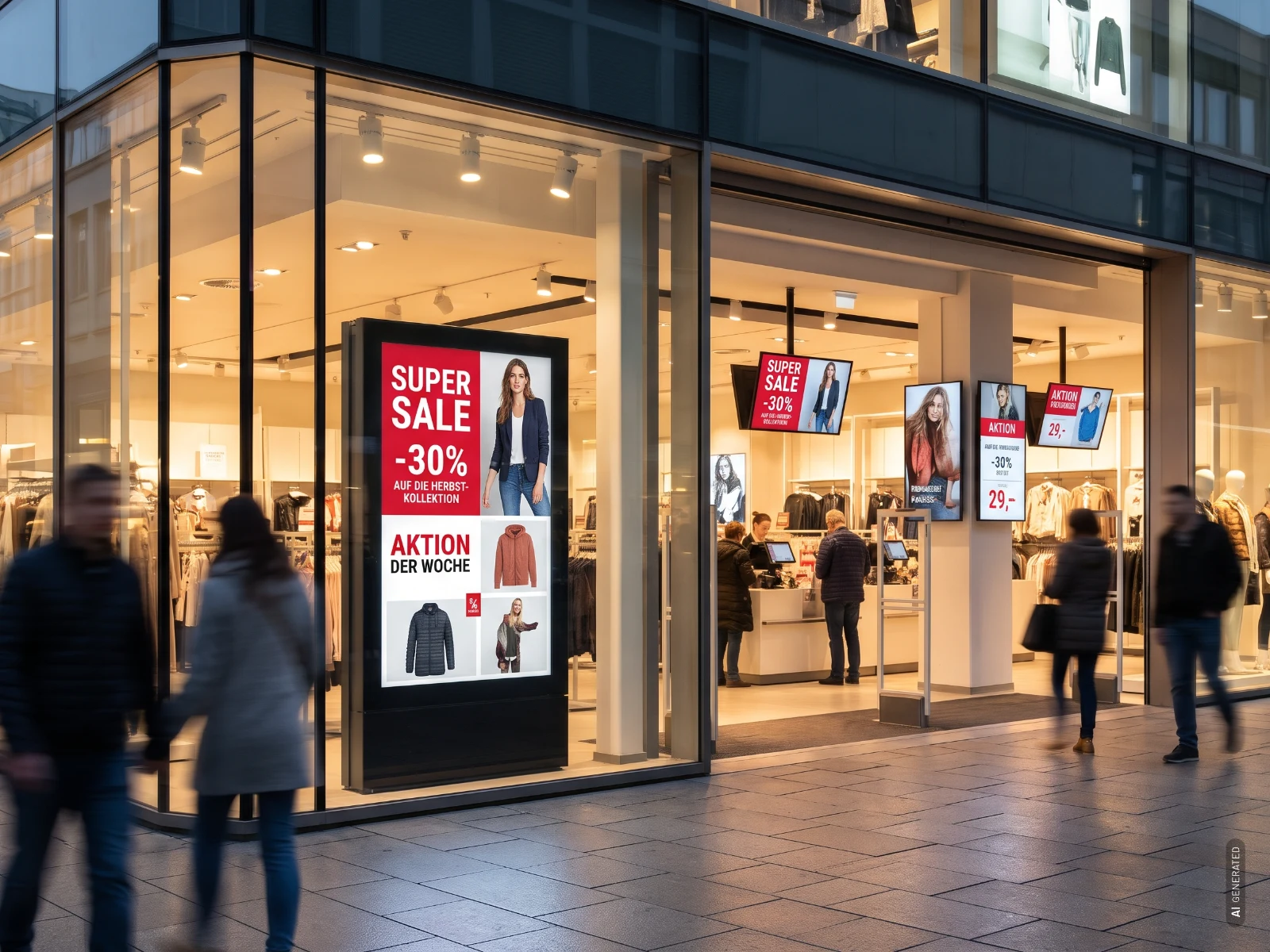
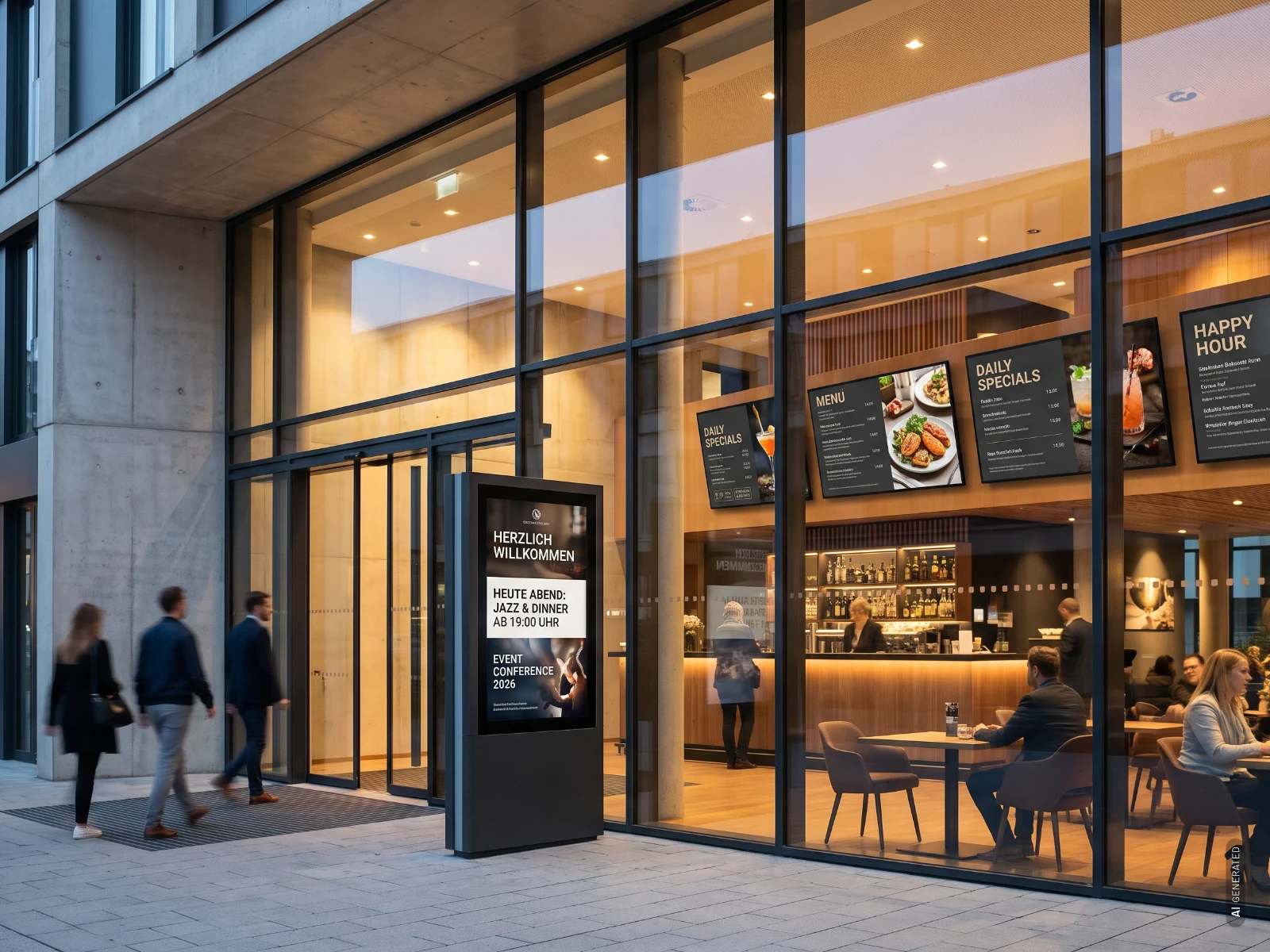
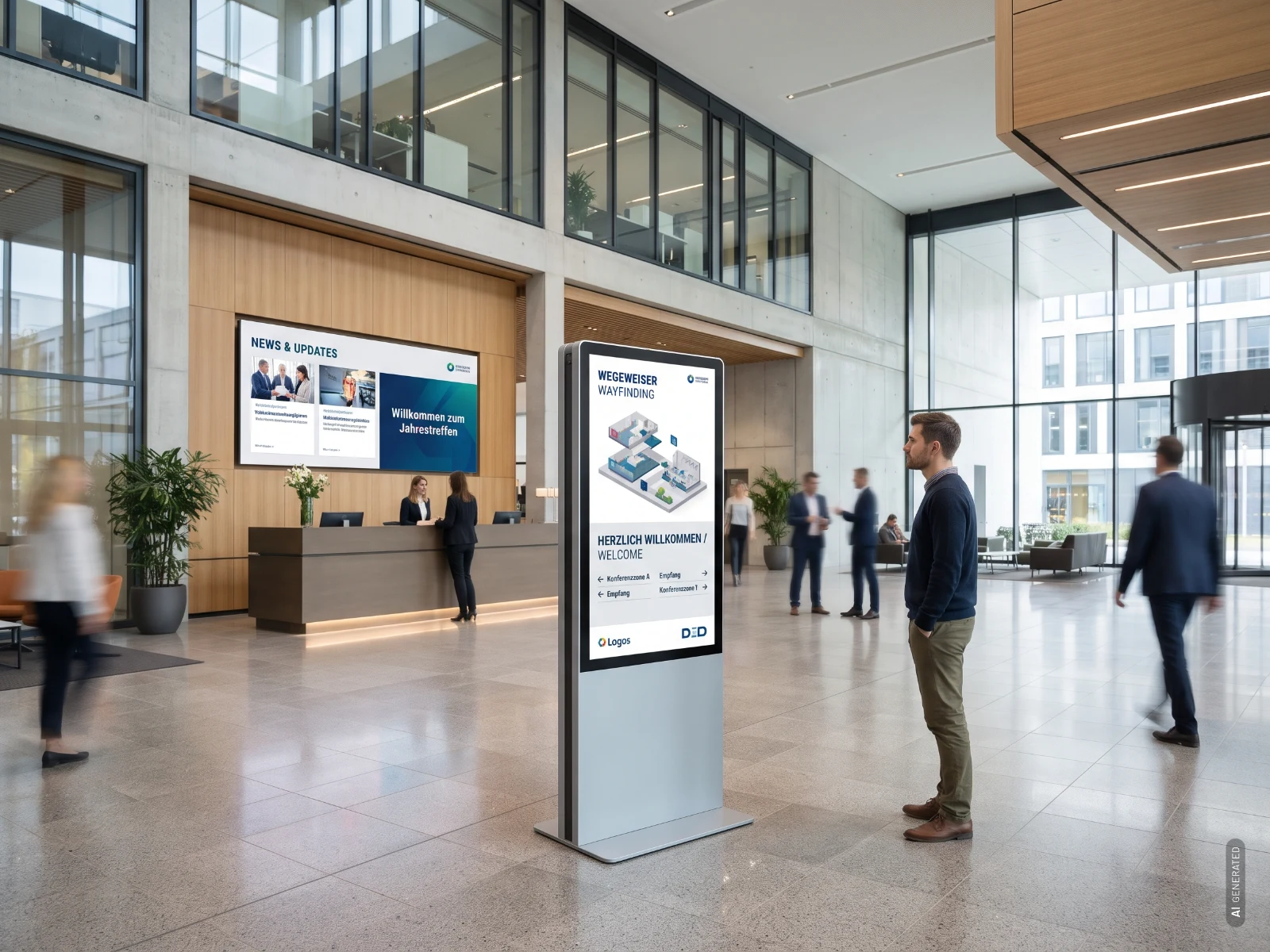
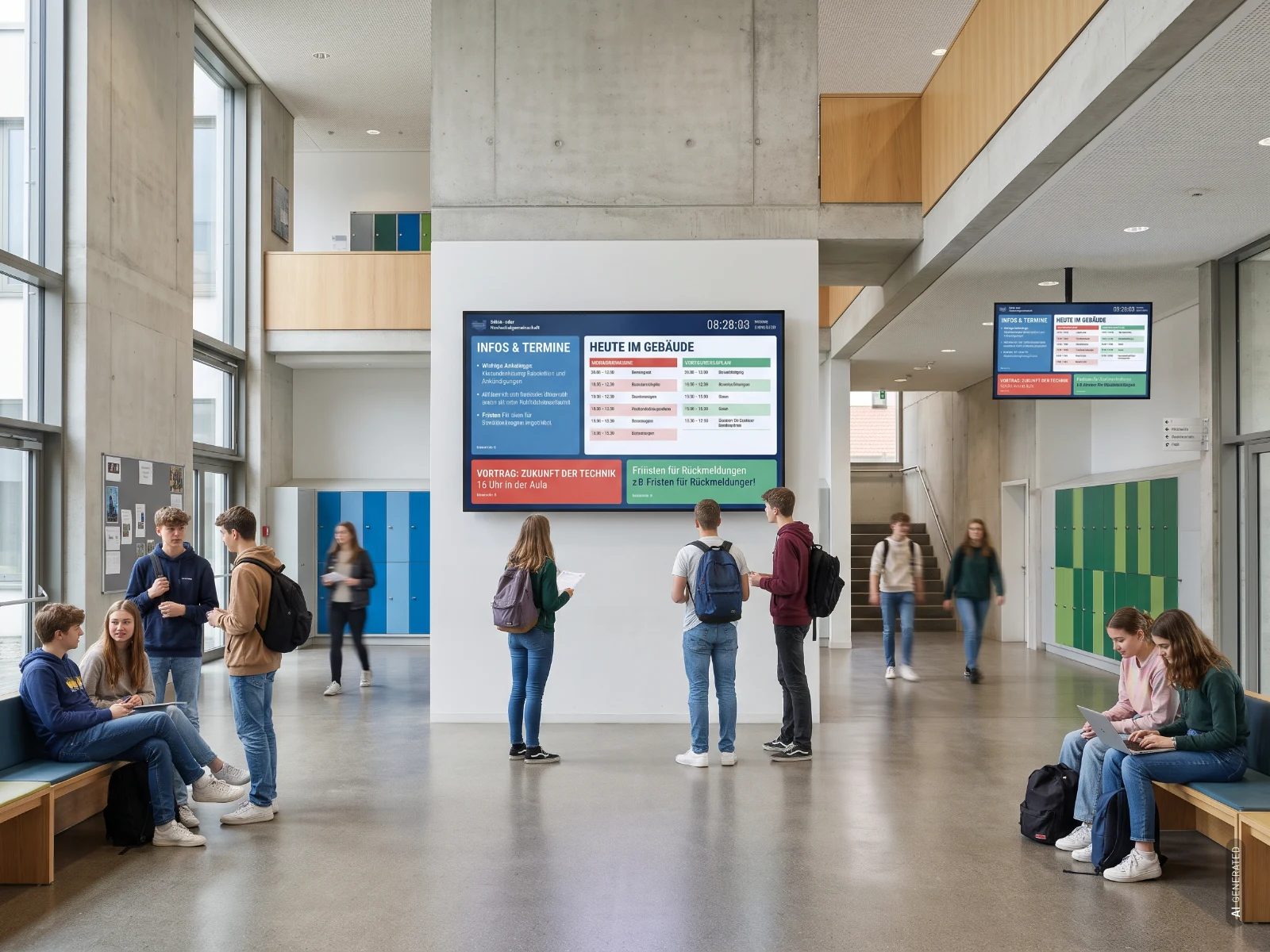
Digital signage display in a shopDigital signage displays in a restaurantDigital signage display in a hotel lobbyDigital signage display in a schoolDigital signage display in an industrial hall
01

Retail

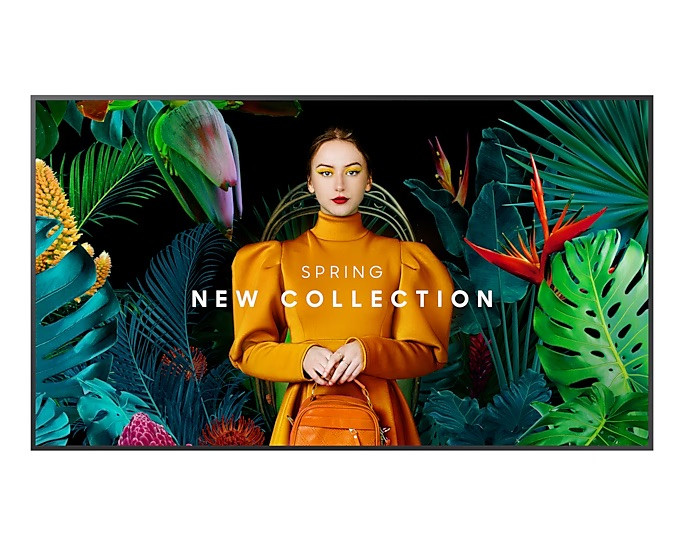
Play out offers, prices and campaigns across all branches, including in shop windows on outdoor displays.

02

Restaurants and hotels

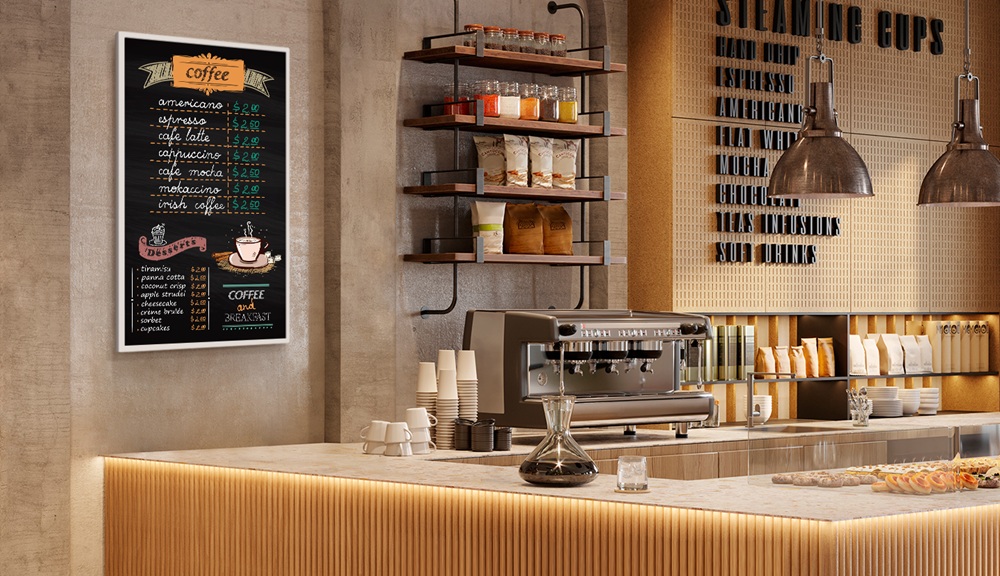
Digital menu boards and event notices can be updated in no time.

03

Reception and lobby

Welcome visitors, share news and show the way, for example on infoterminal displays.

04

Schools and universities

Distribute dates and notices centrally to every screen in the building.

05

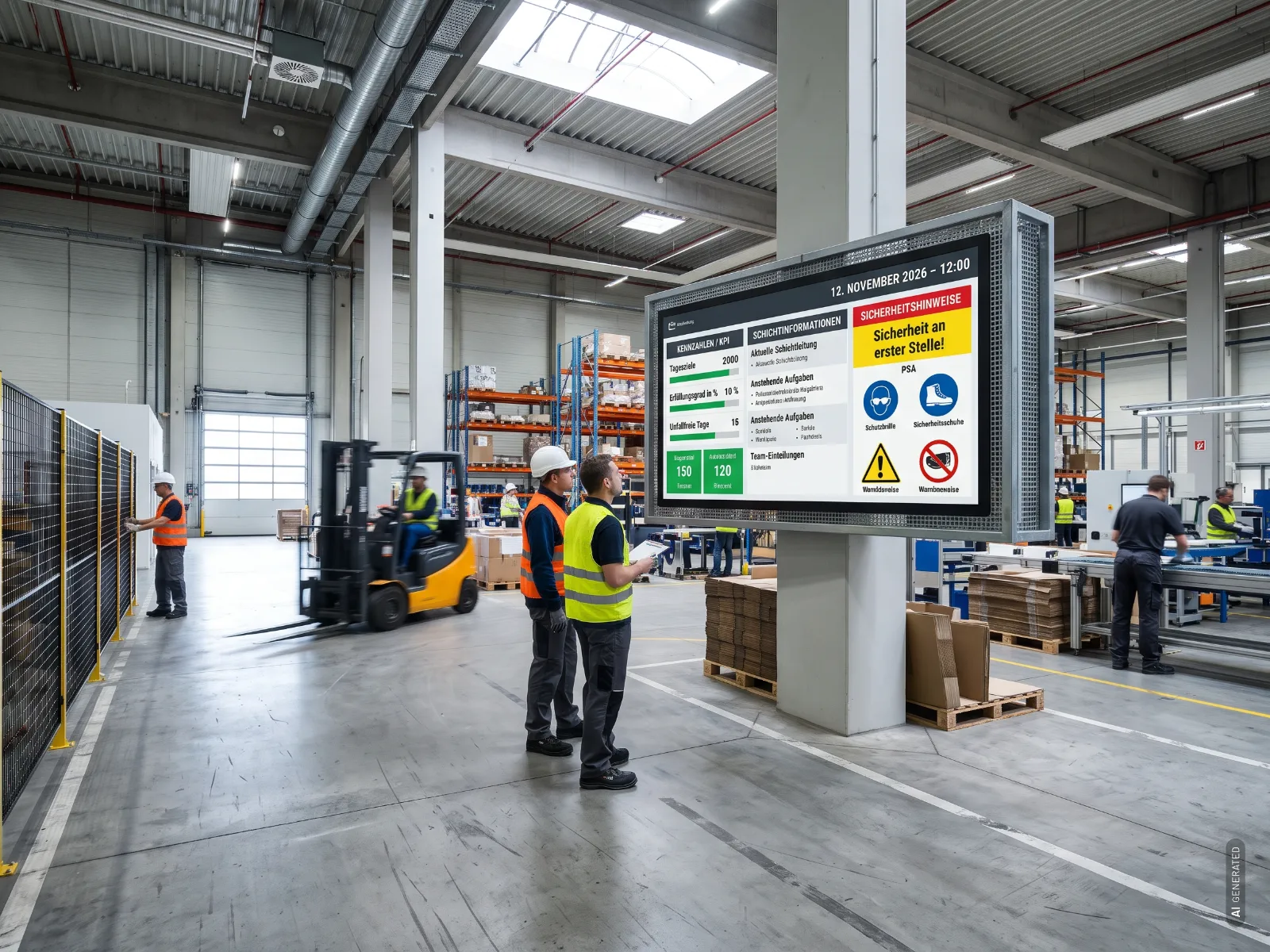
Industry and logistics

Show key figures, shift information and safety notices on a digital noticeboard.

Choosing digital signage displays: What really matters

Brightness

The brighter the installation location, the higher the luminance (specified in cd/m²) should be. A shop window exposed to daylight has different requirements from an indoor corridor.

BrightnessEnvironment
approx. 350-450 cd/m²Rooms with controllable lighting conditions
from 500 cd/m²Normal indoor ambient lighting conditions
from 700 cd/m²Strong ambient light, but no direct sunlight
from 1,500 cd/m²Environments with direct sunlight

24/7 continuous operation

Digital signage displays often run around the clock in shop windows, foyers or restaurants. Professional models are designed for this continuous use, whereas consumer devices such as TVs usually are not. The maximum daily operating time approved by the manufacturer is stated in the data sheet.

Player and SoC

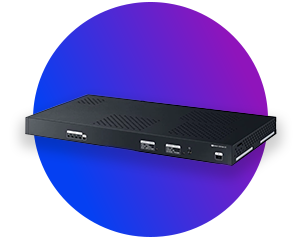
Many displays have an integrated media player (SoC), so you do not need any additional hardware. For more demanding content or certain software, however, it may make more sense to use an external signage player or an OPS Slot-In PC that plugs directly into compatible displays.

Software and CMS

Before buying a license, check which hardware the software runs on. Samsung VXT, for example, supports Samsung displays with Tizen as well as Android devices. BrightSign BSN.cloud requires a BrightSign player. Find out more on our digital signage software page.

Special solutions for special requirements

Not every task can be solved with a standard display:

Buy digital signage displays online at visunext

When you buy digital signage displays online, the software, player, display and mount should all work together. At visunext you will find displays from numerous brands, including Samsung, LG and Philips, plus accessories such as mounts, enclosures, players and OPS PCs. Personalised advice from our experts will help you make the right choice.

Frequently asked questions about digital signage displays

No, because many displays have a built-in media player. This usually allows you to run simple digital signage applications. An external player or an OPS PC is useful if you want to use more complex applications or control several displays centrally.
Technically, this is possible, but it is not recommended for continuous commercial use. This is because televisions are too dim for professional use and are not designed to cope with such long operating hours.
Via a CMS. With cloud-based solutions such as Samsung VXT, BrightSign BSN.cloud or connectSignage, you can control the system from any workstation via a web browser. The connectSignage cloud is hosted in Germany.
Digital signage displays are individual screens available in standard screen sizes. LED walls are made up of modules and can be customised for retail and outdoor signage.
Loading...
Upload in progress, please be patient ...