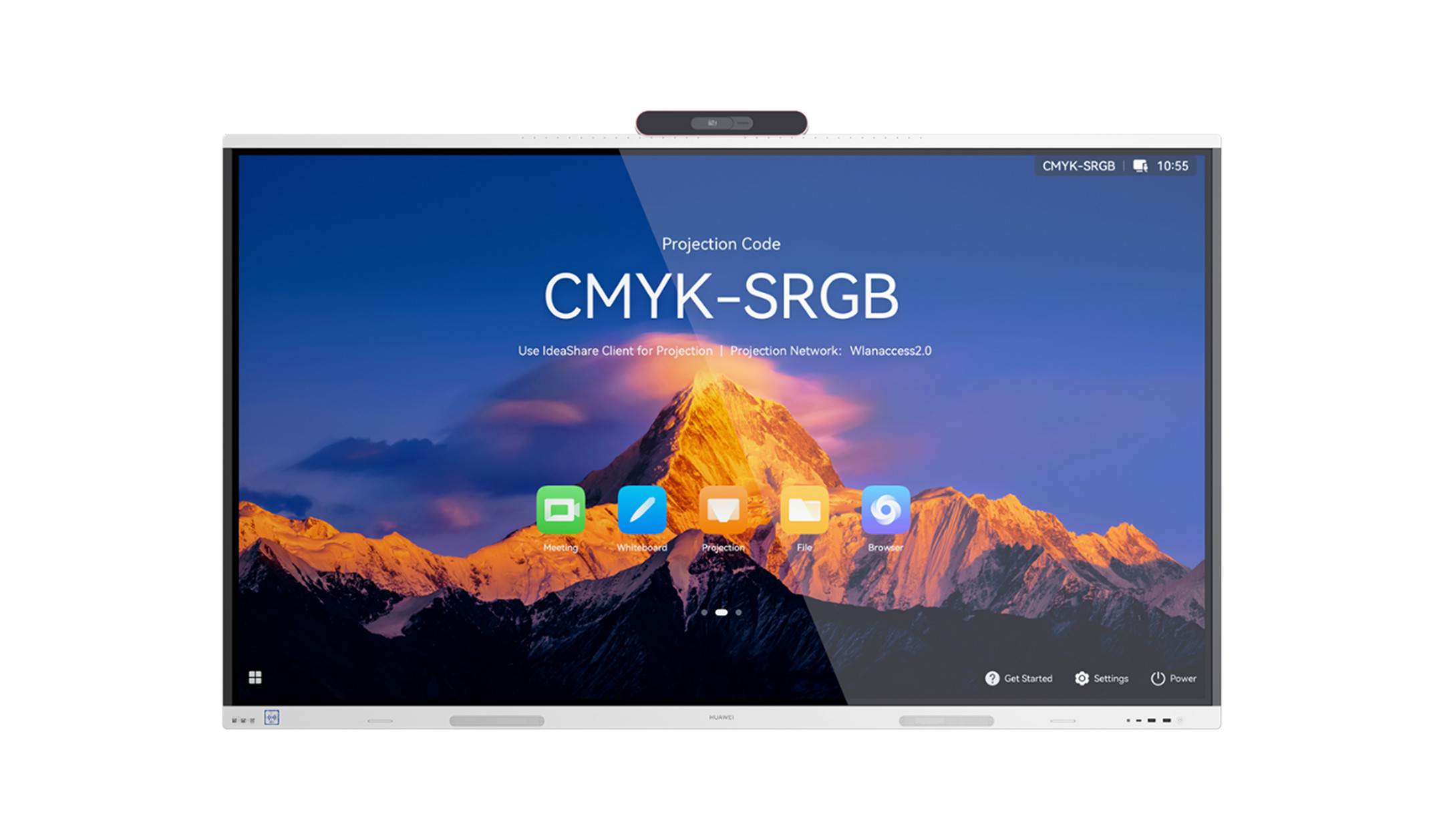
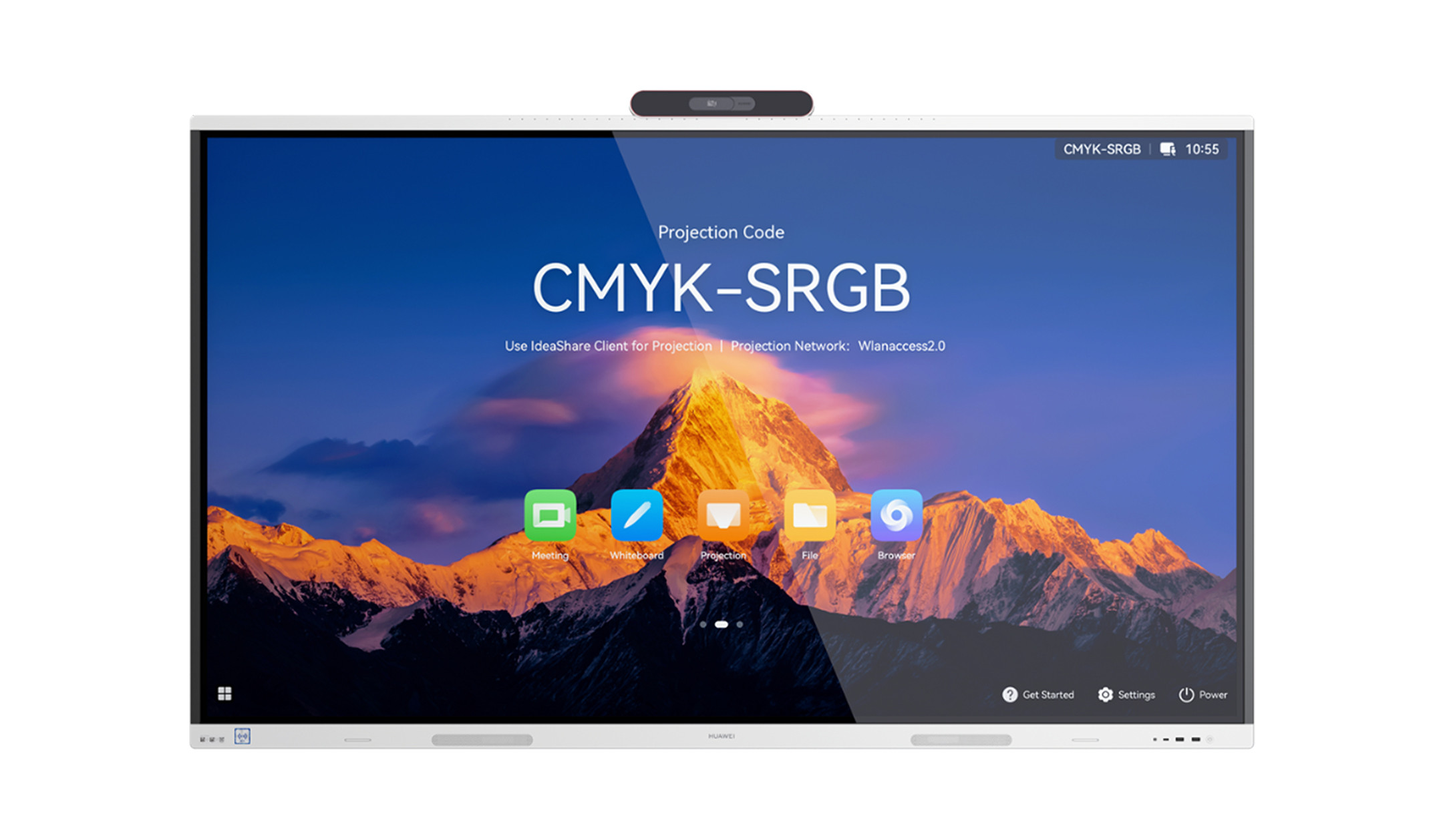
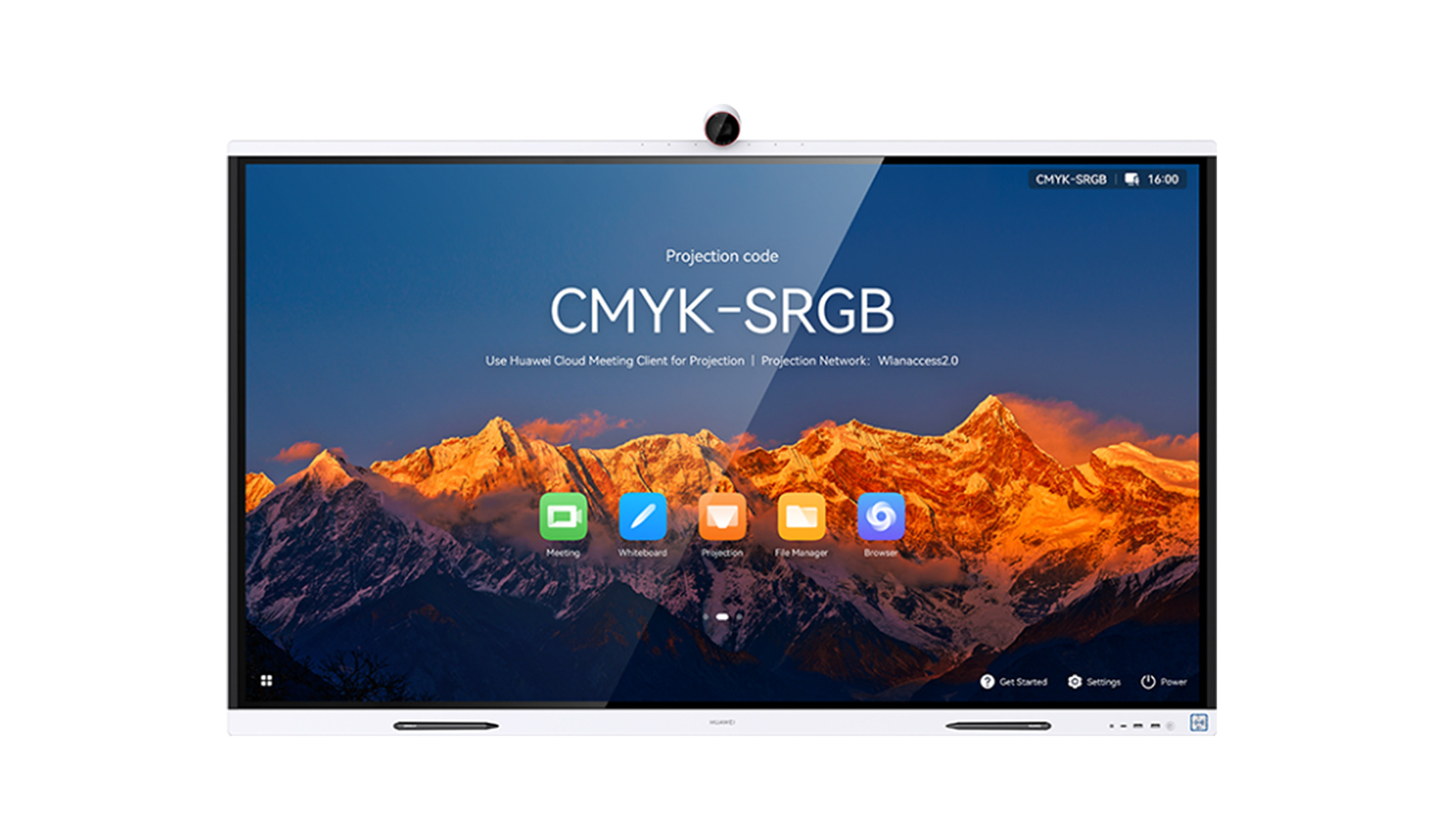
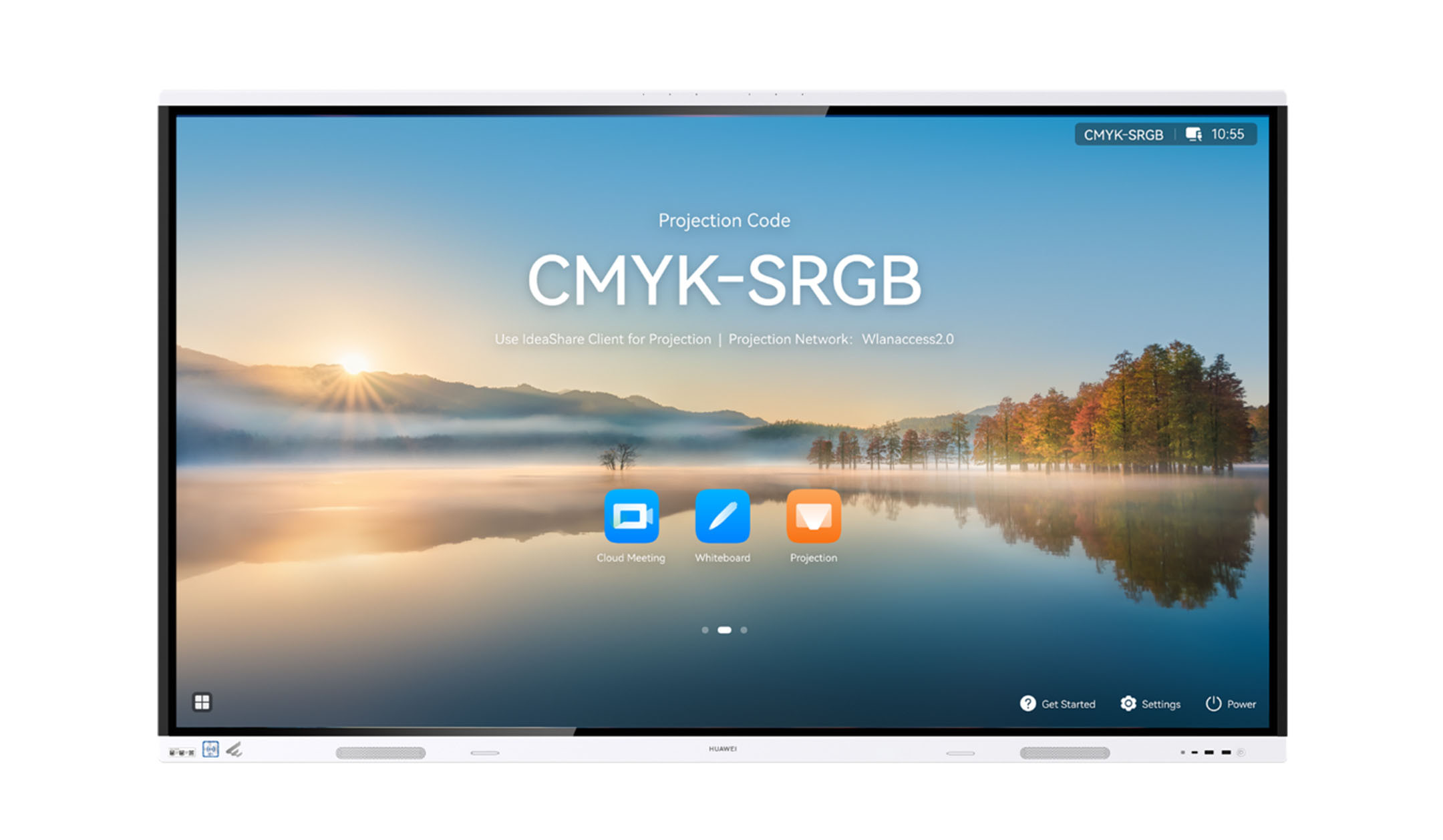
Collaboration Boards
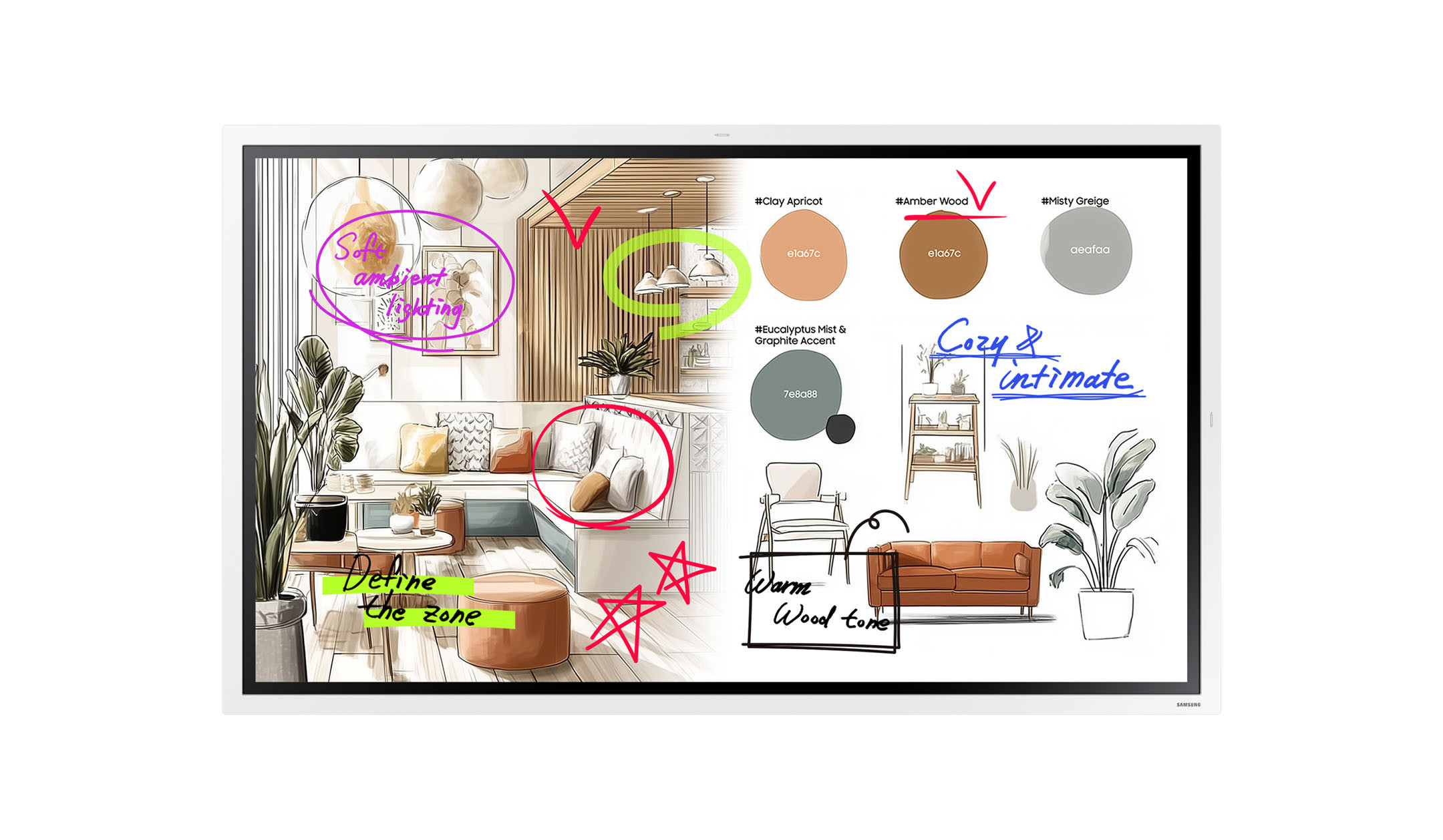
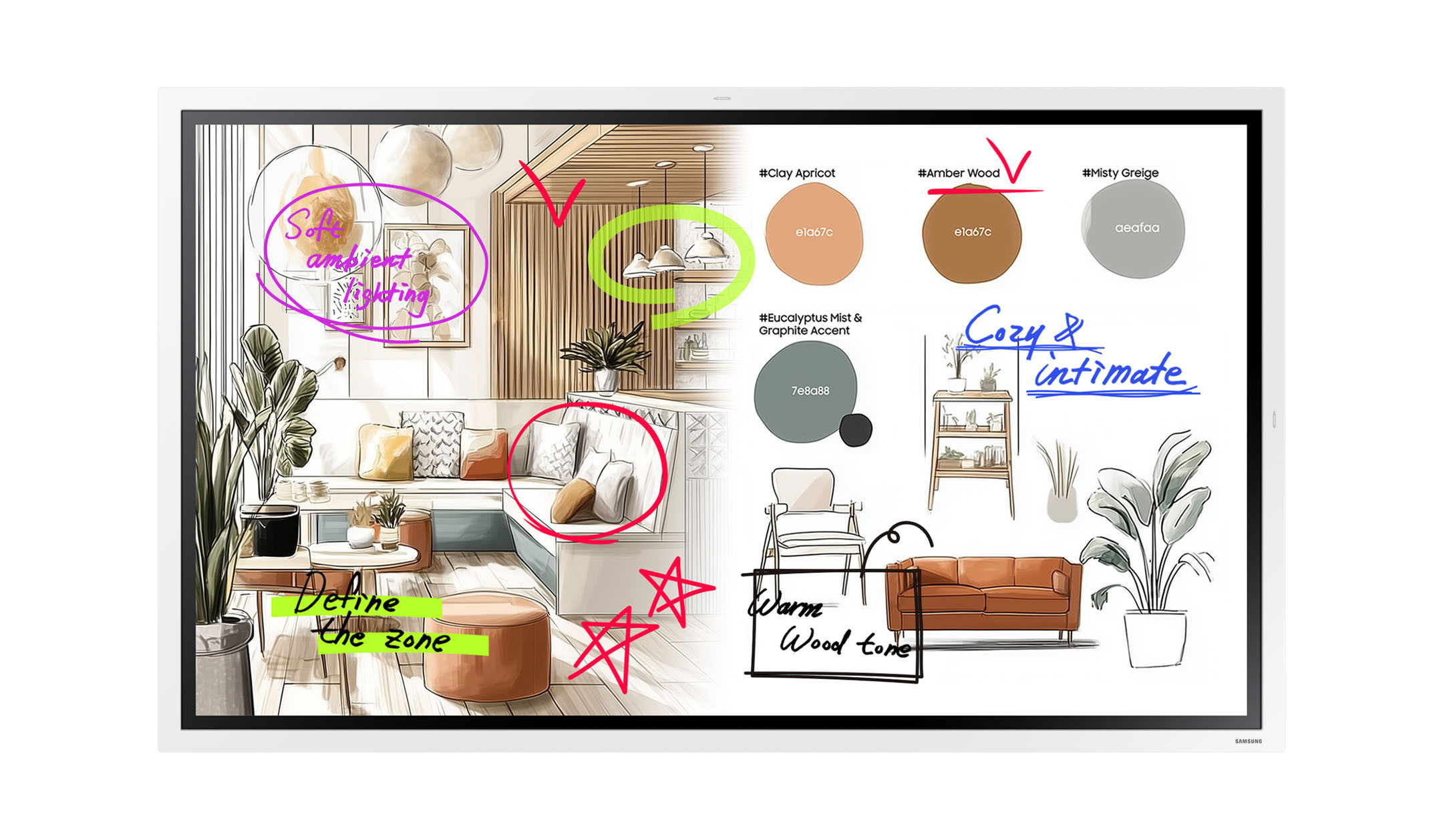
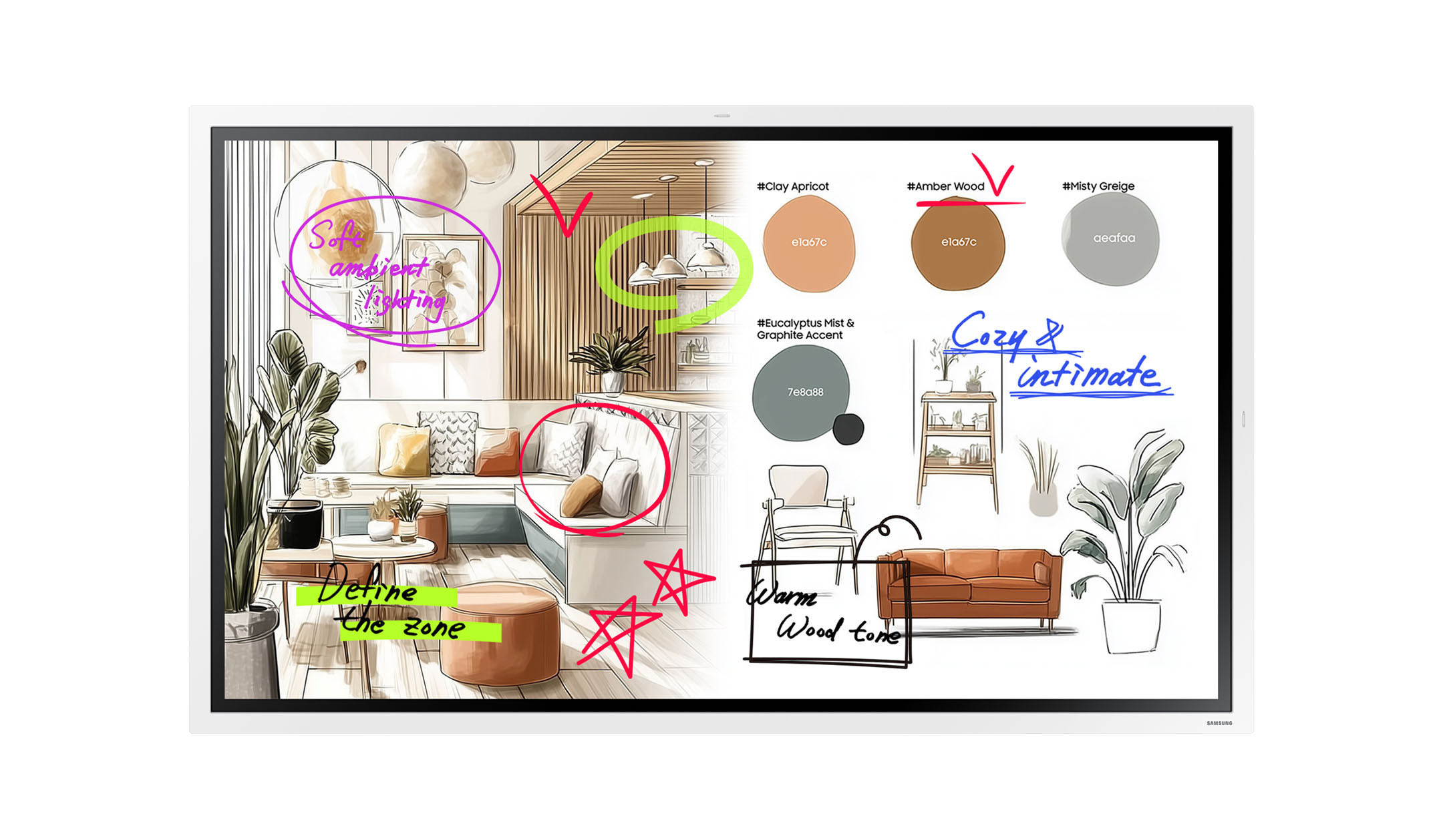
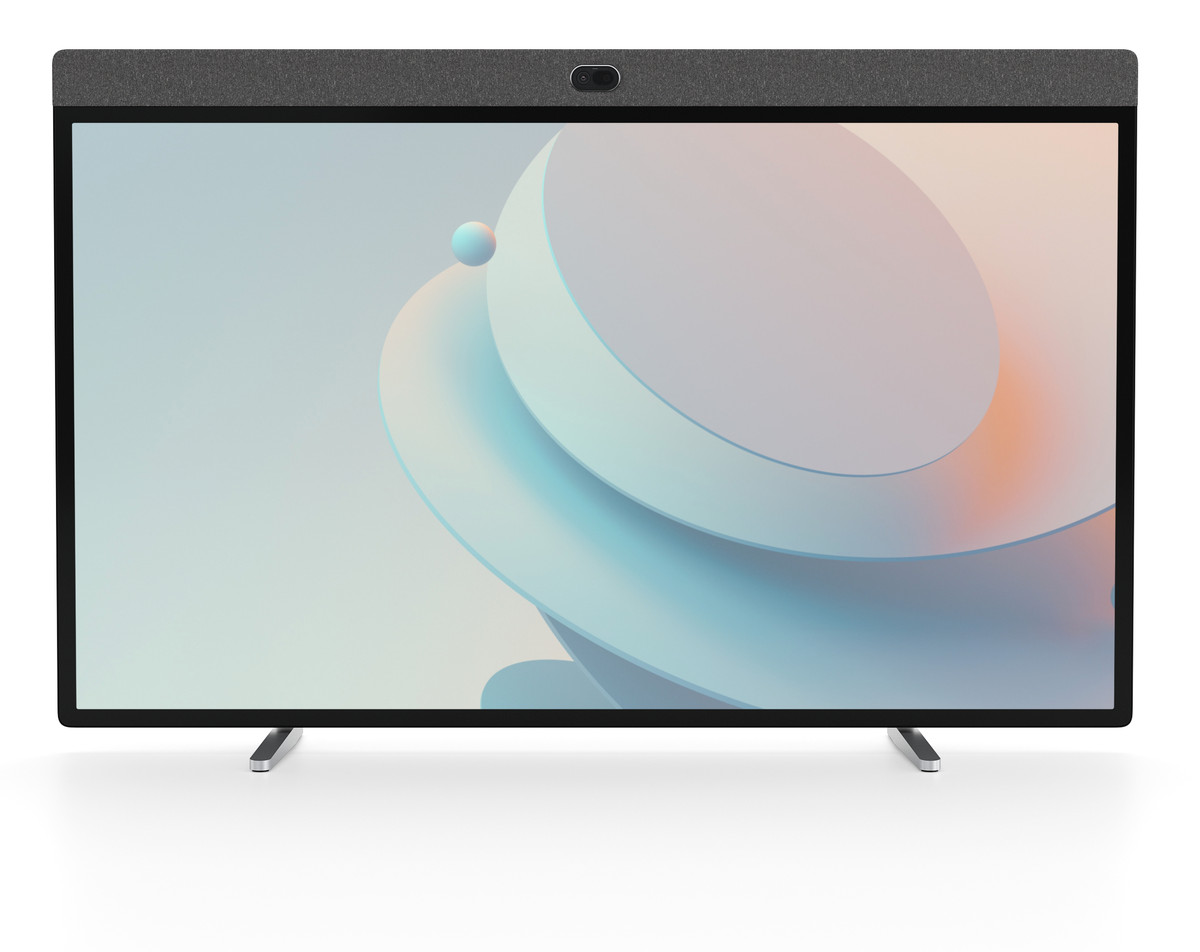
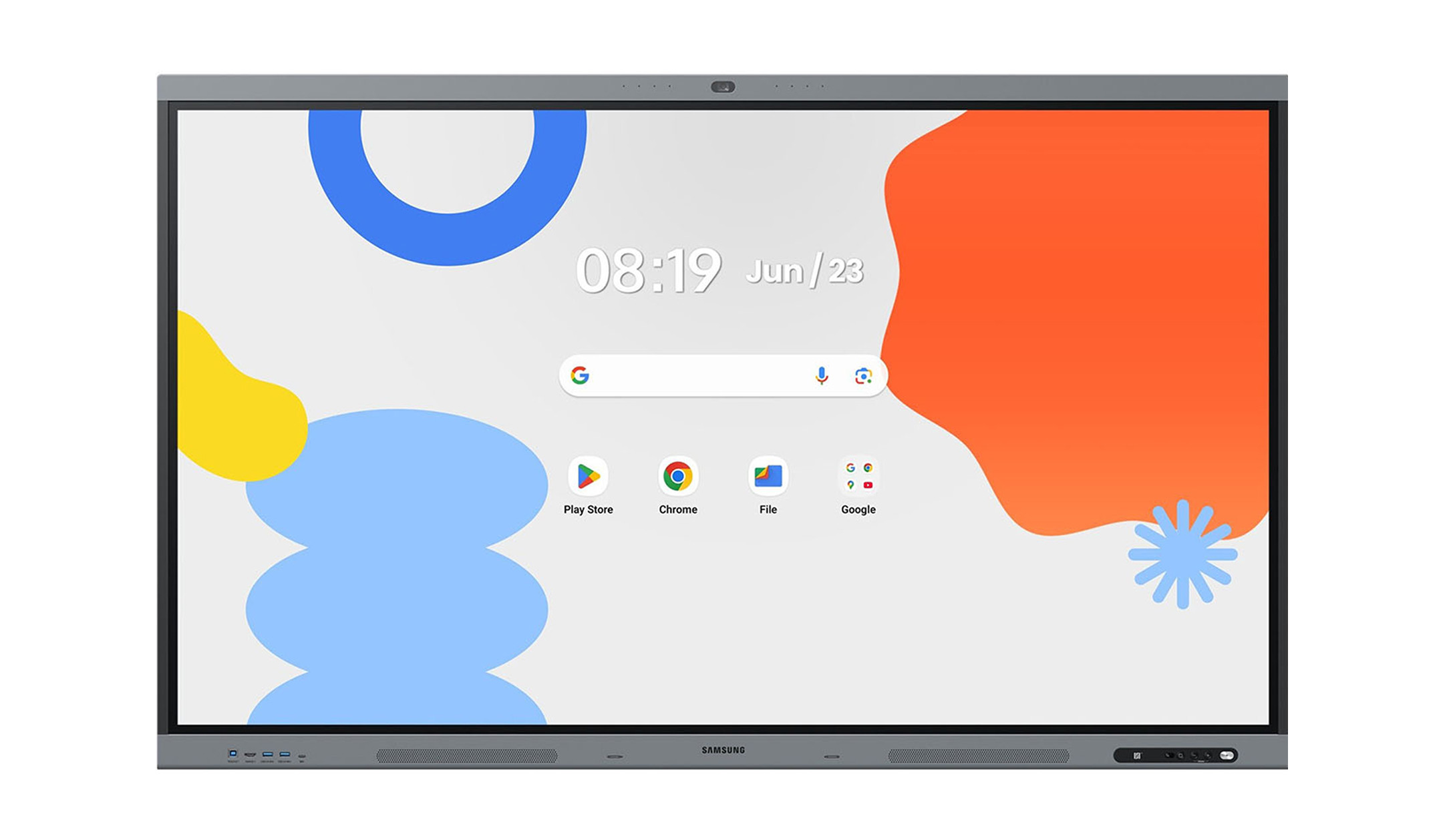
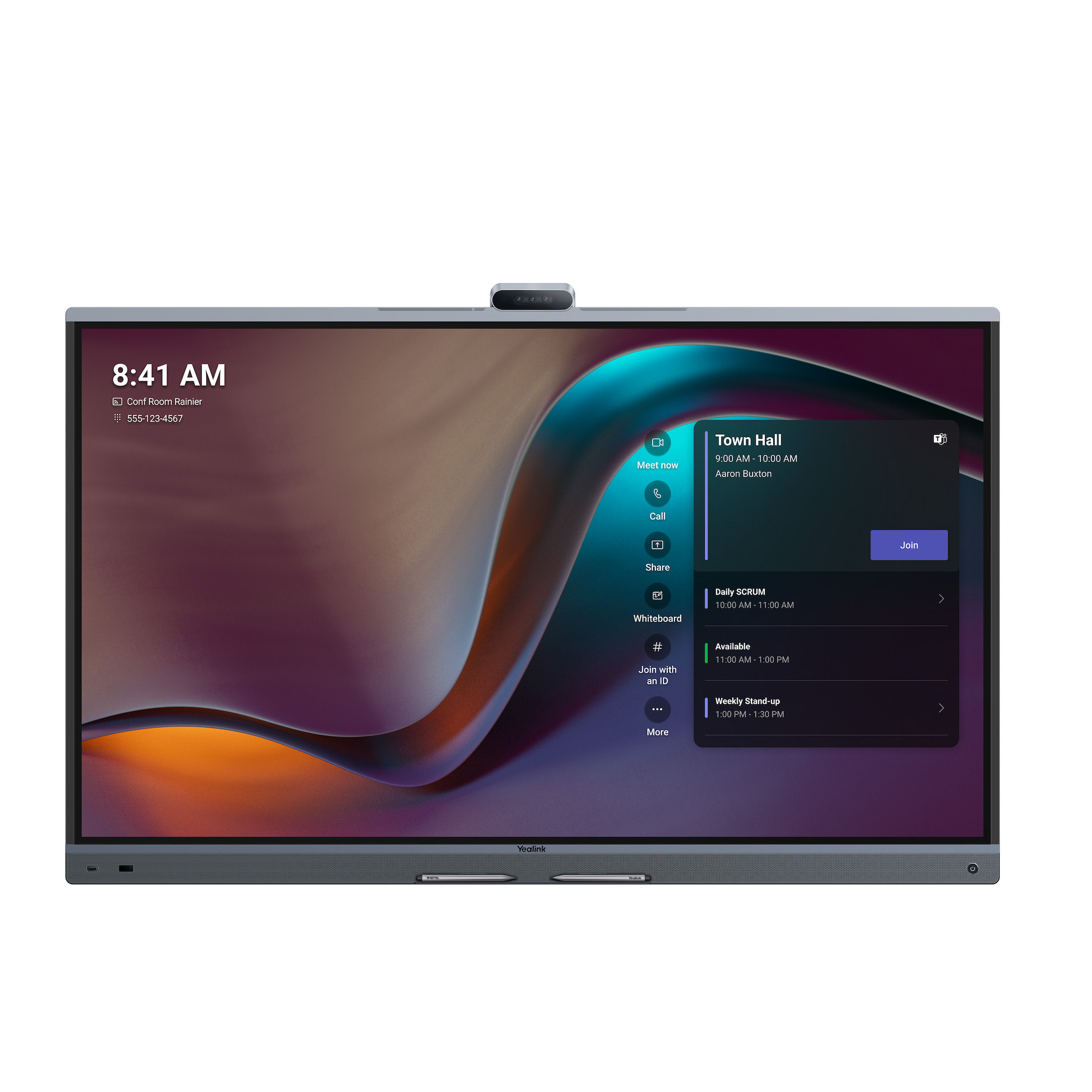
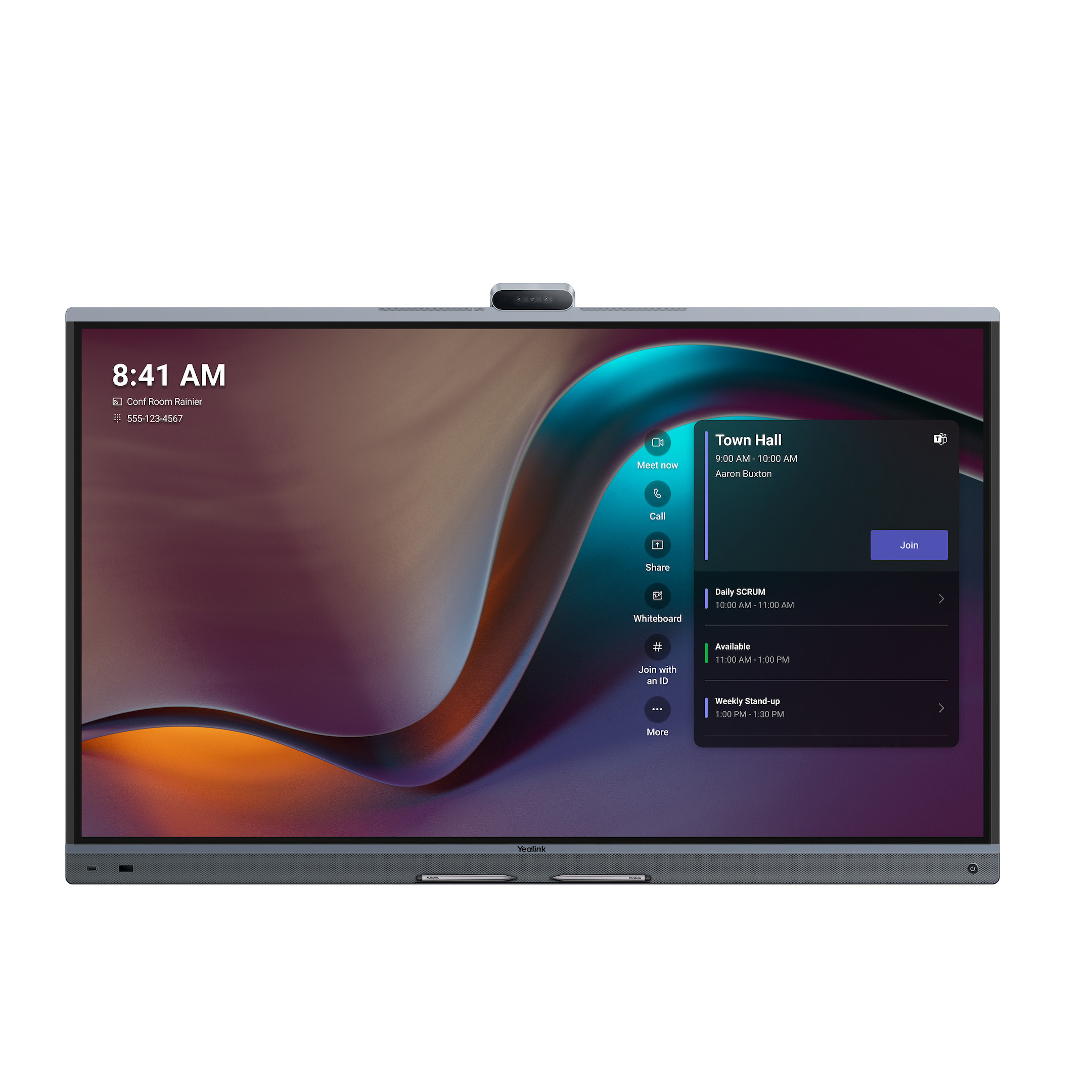
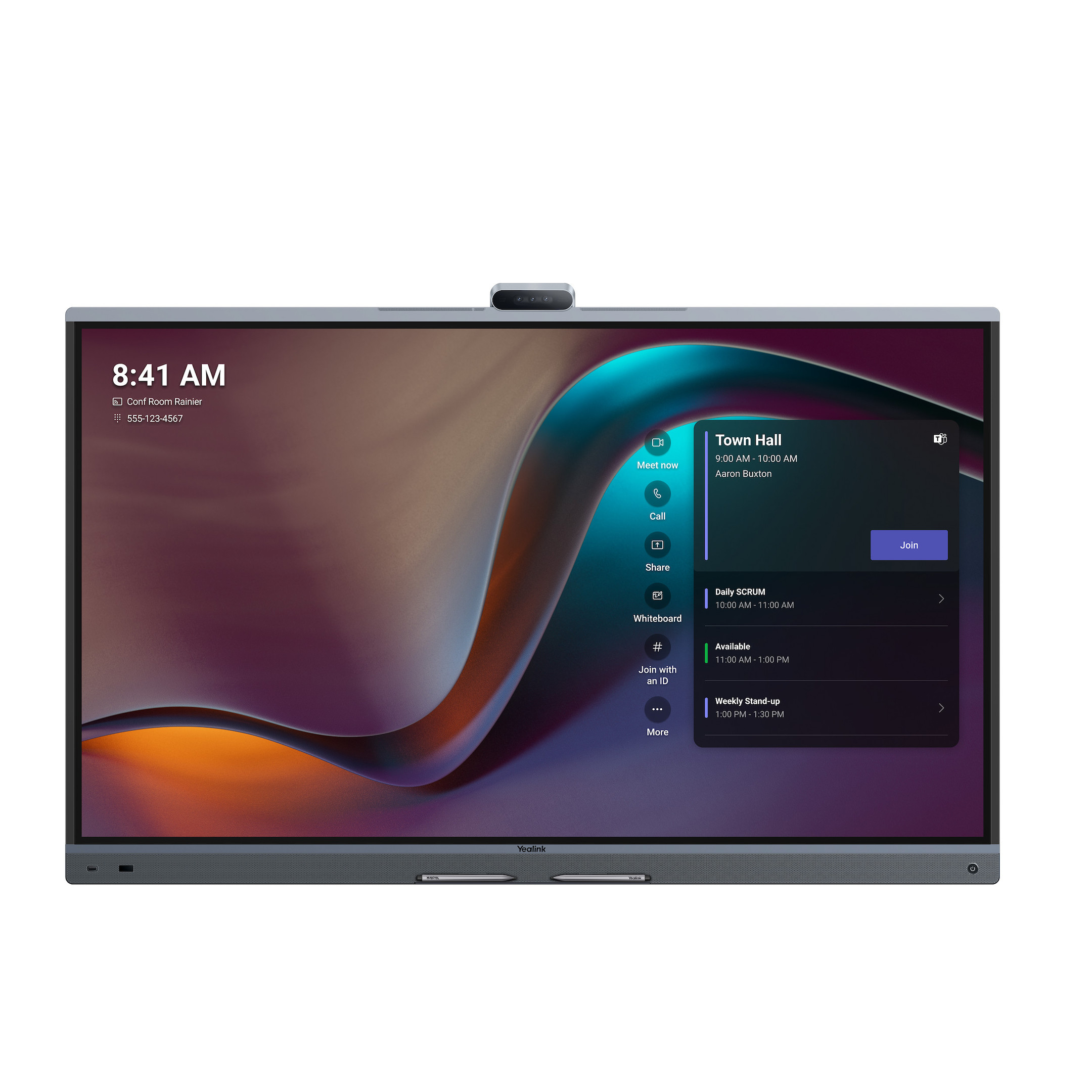
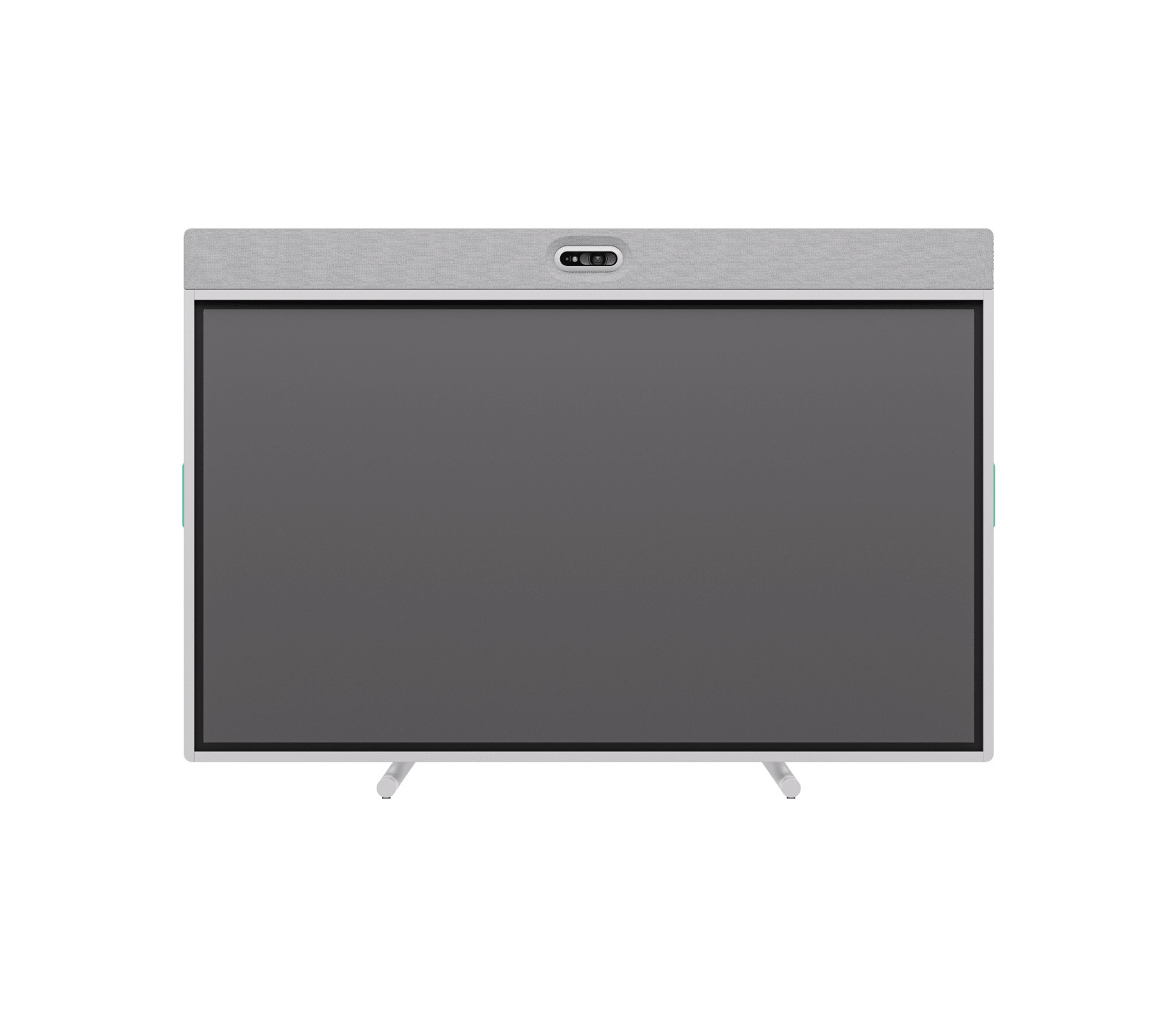
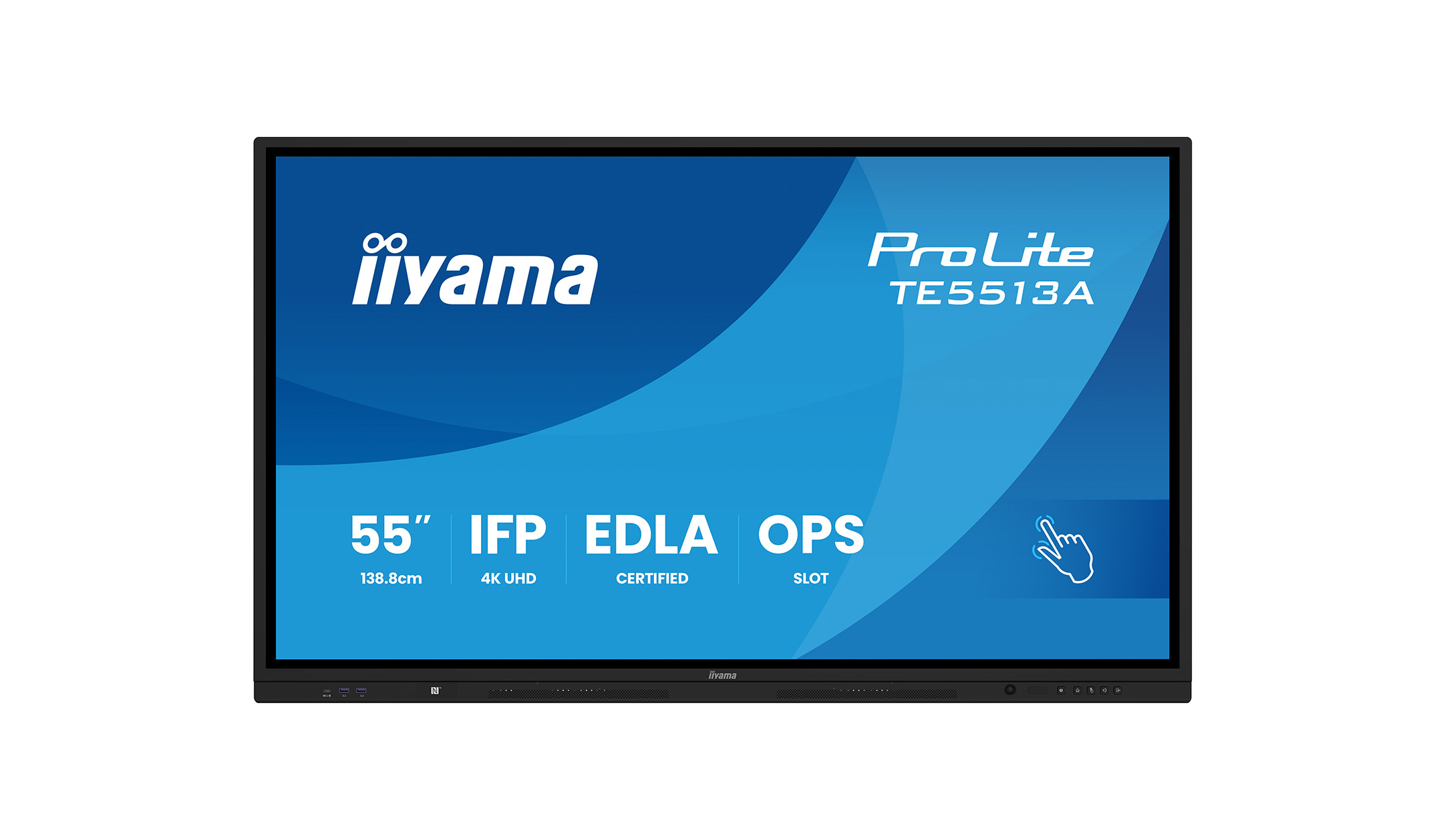
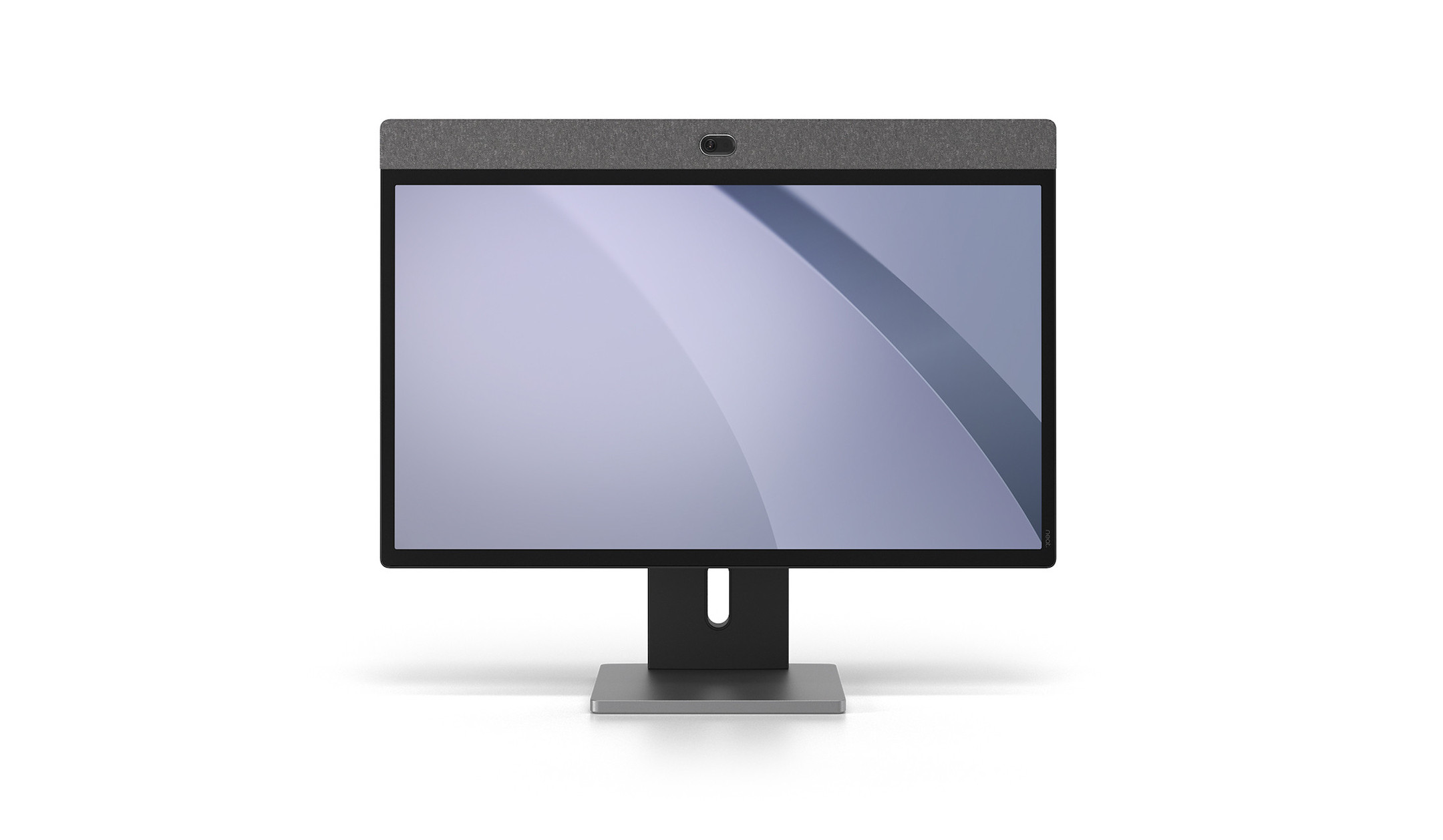
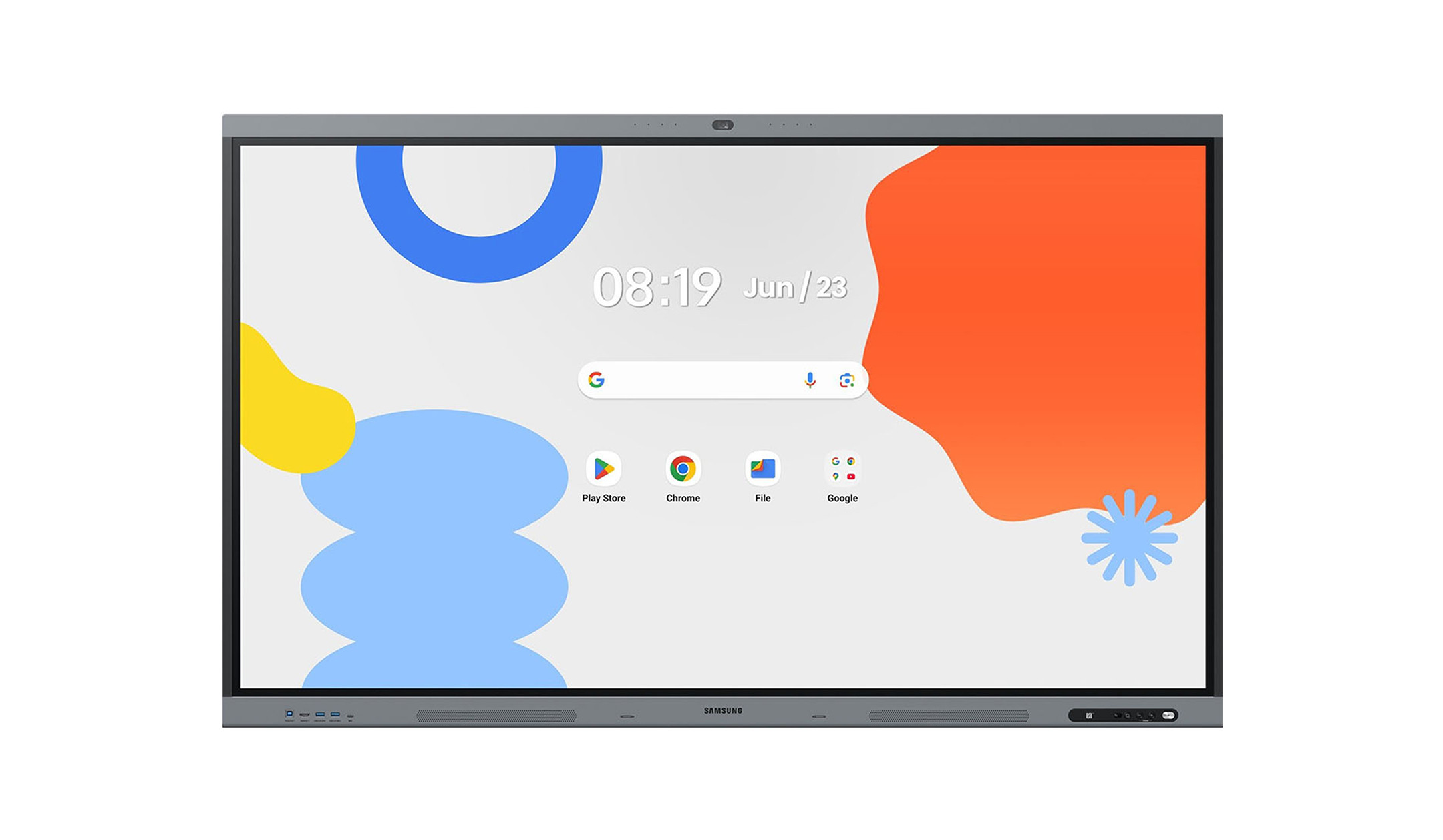
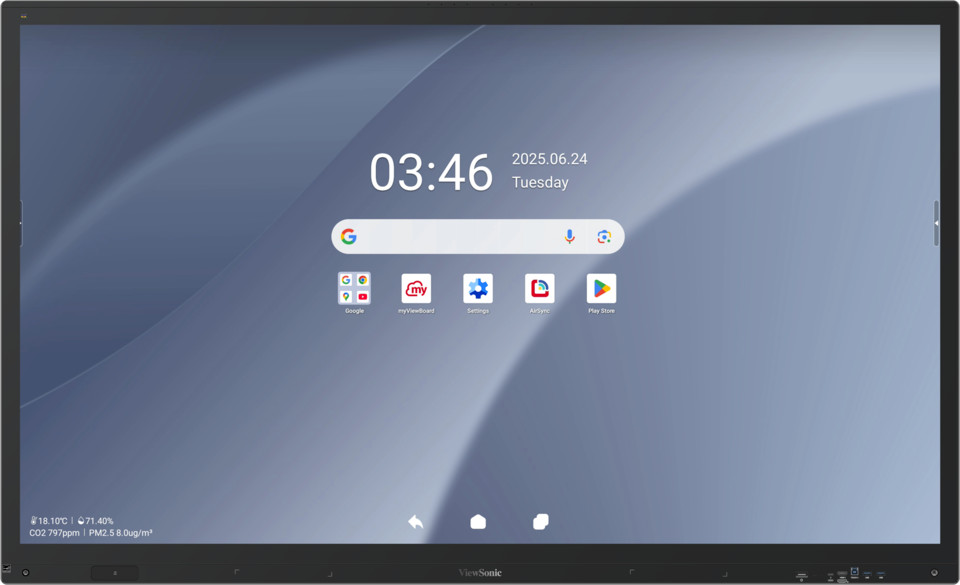
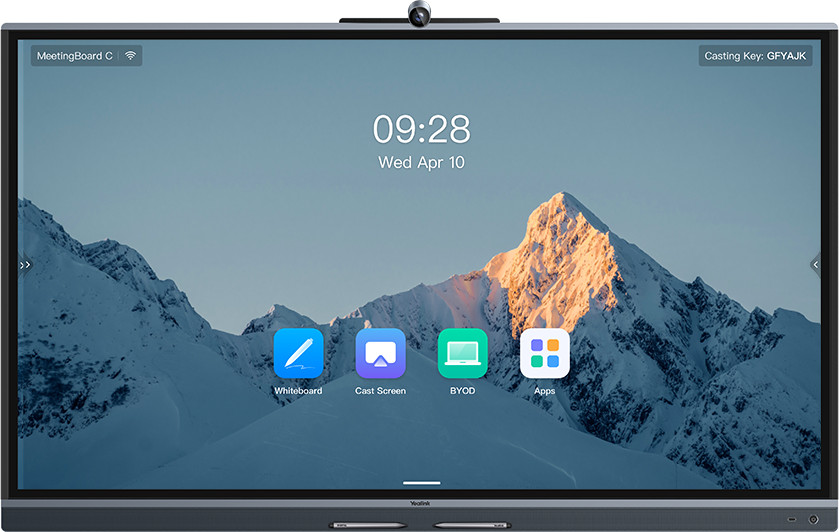
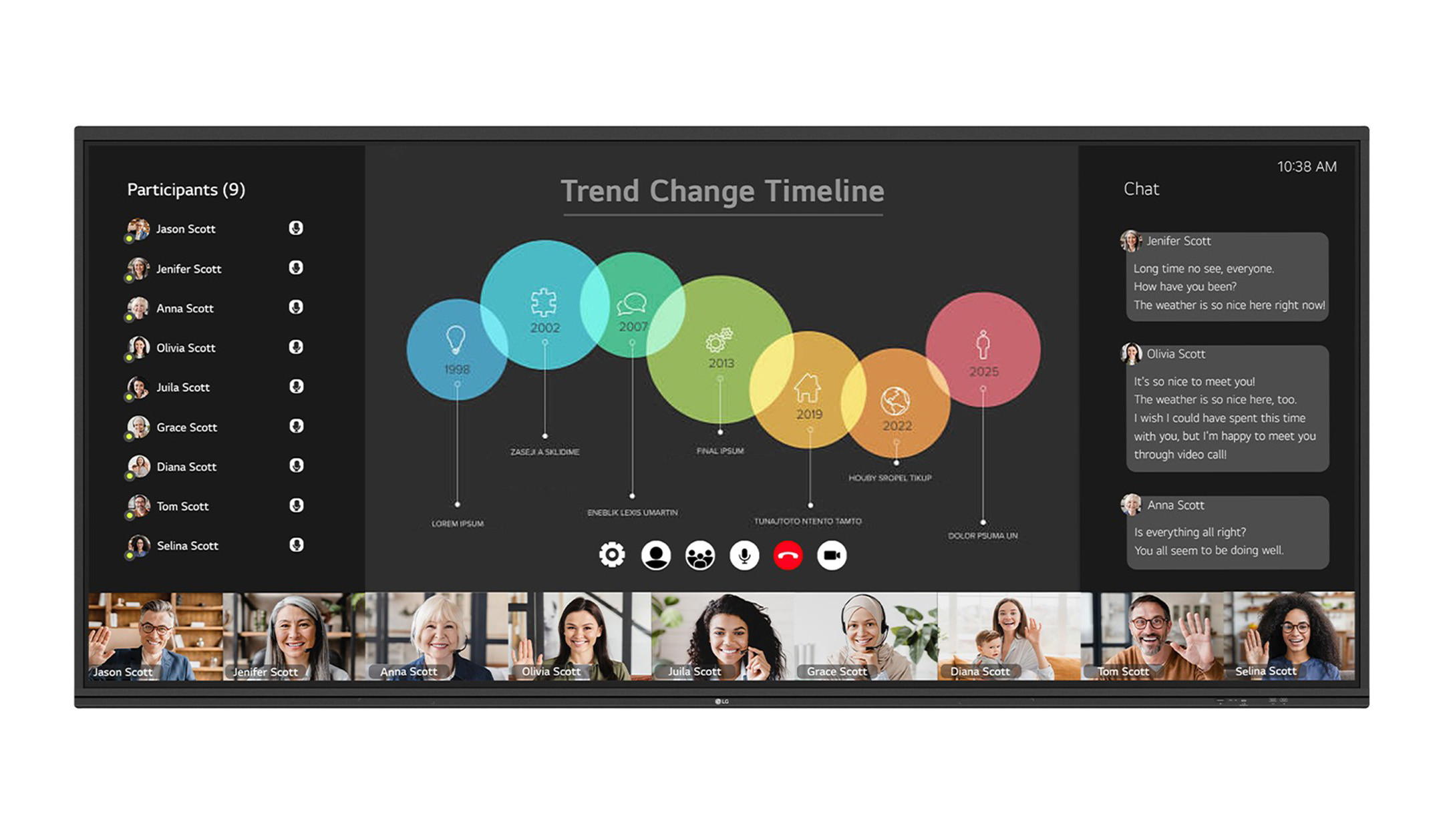
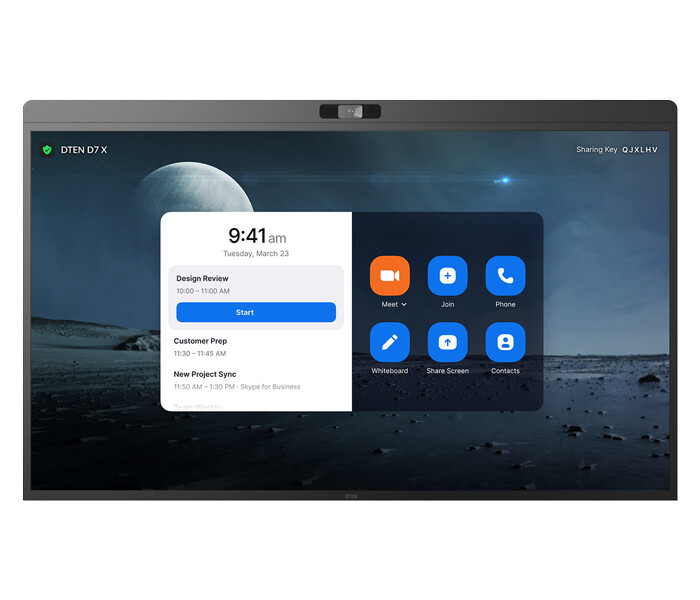
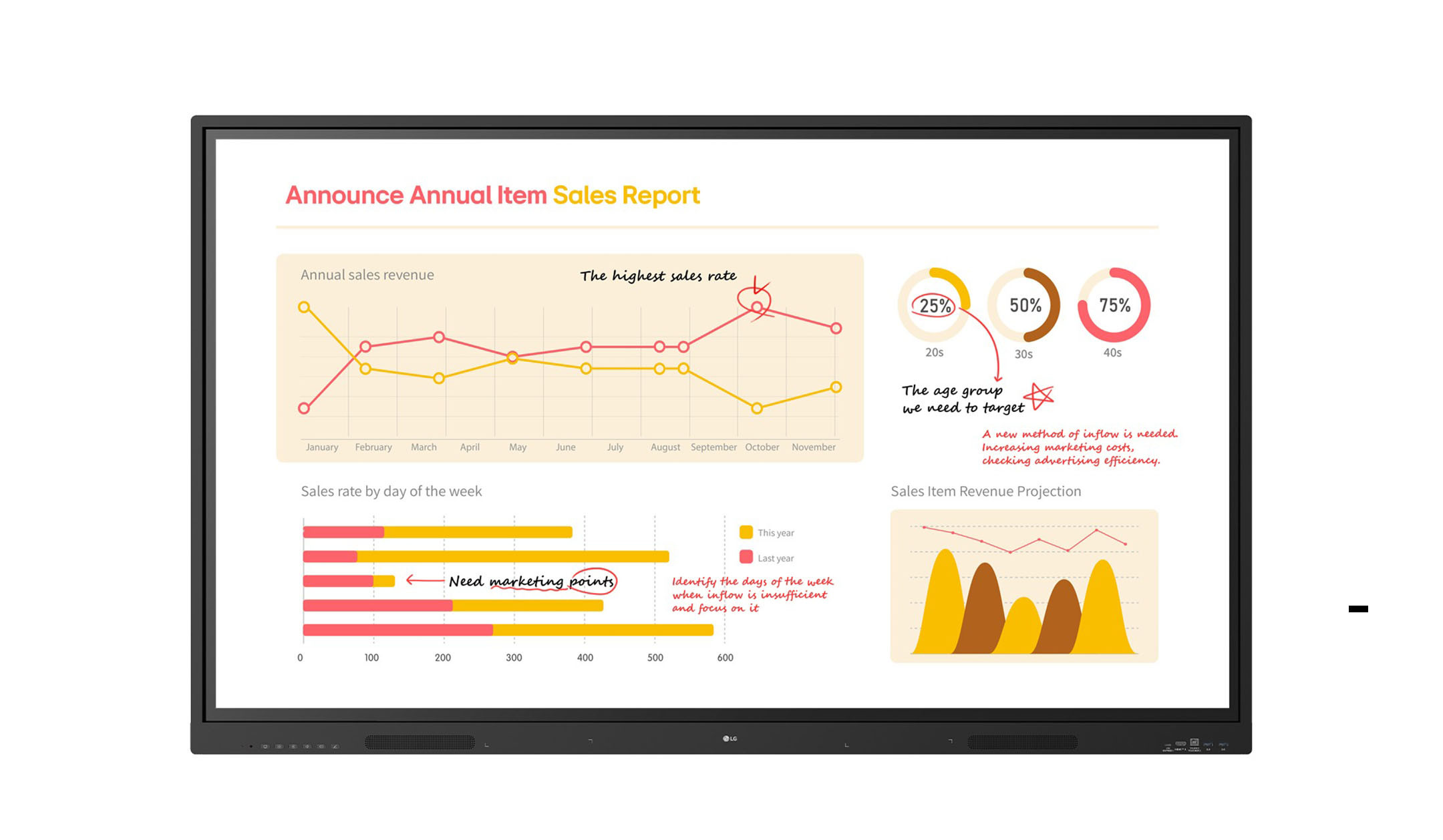
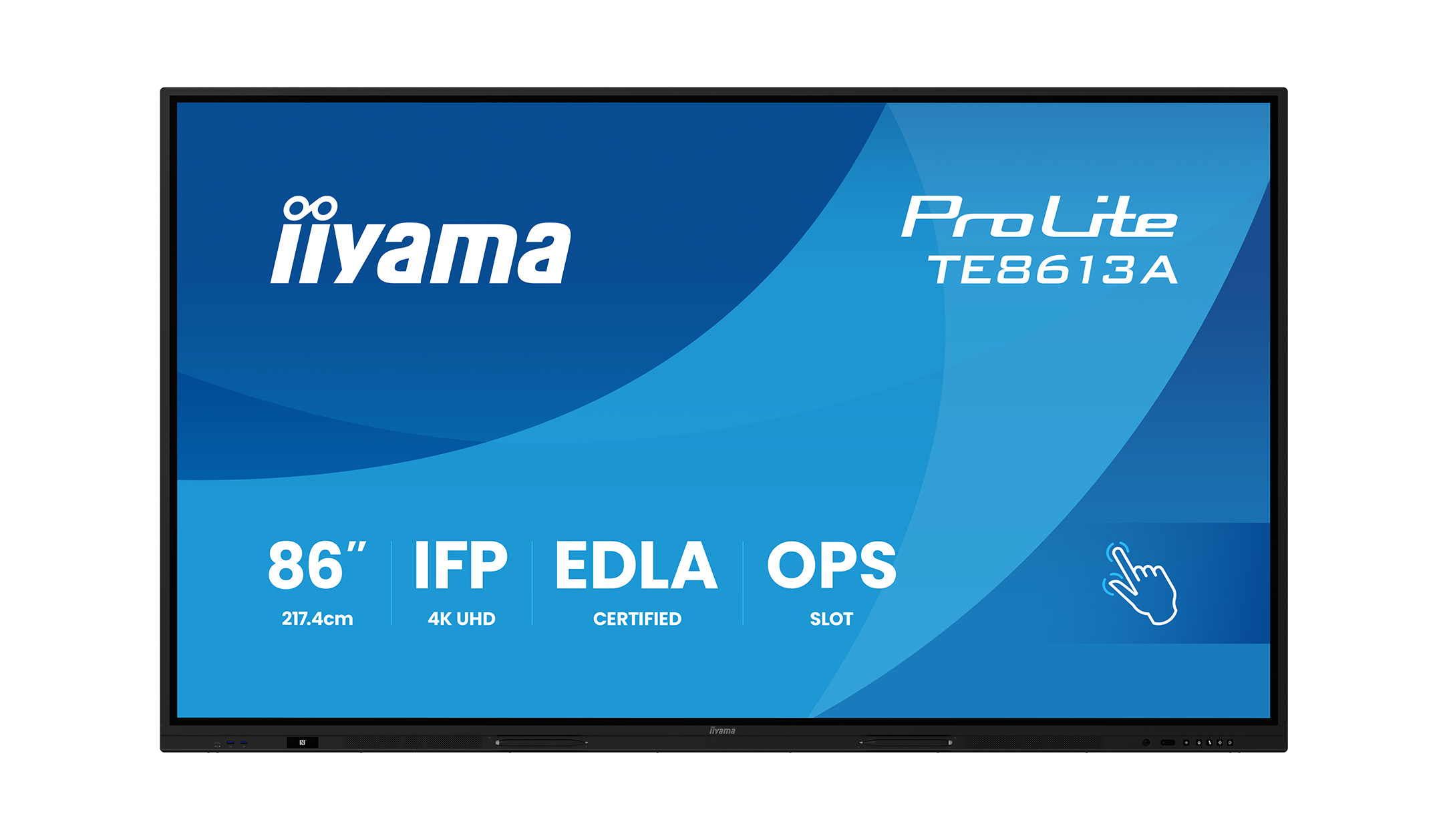
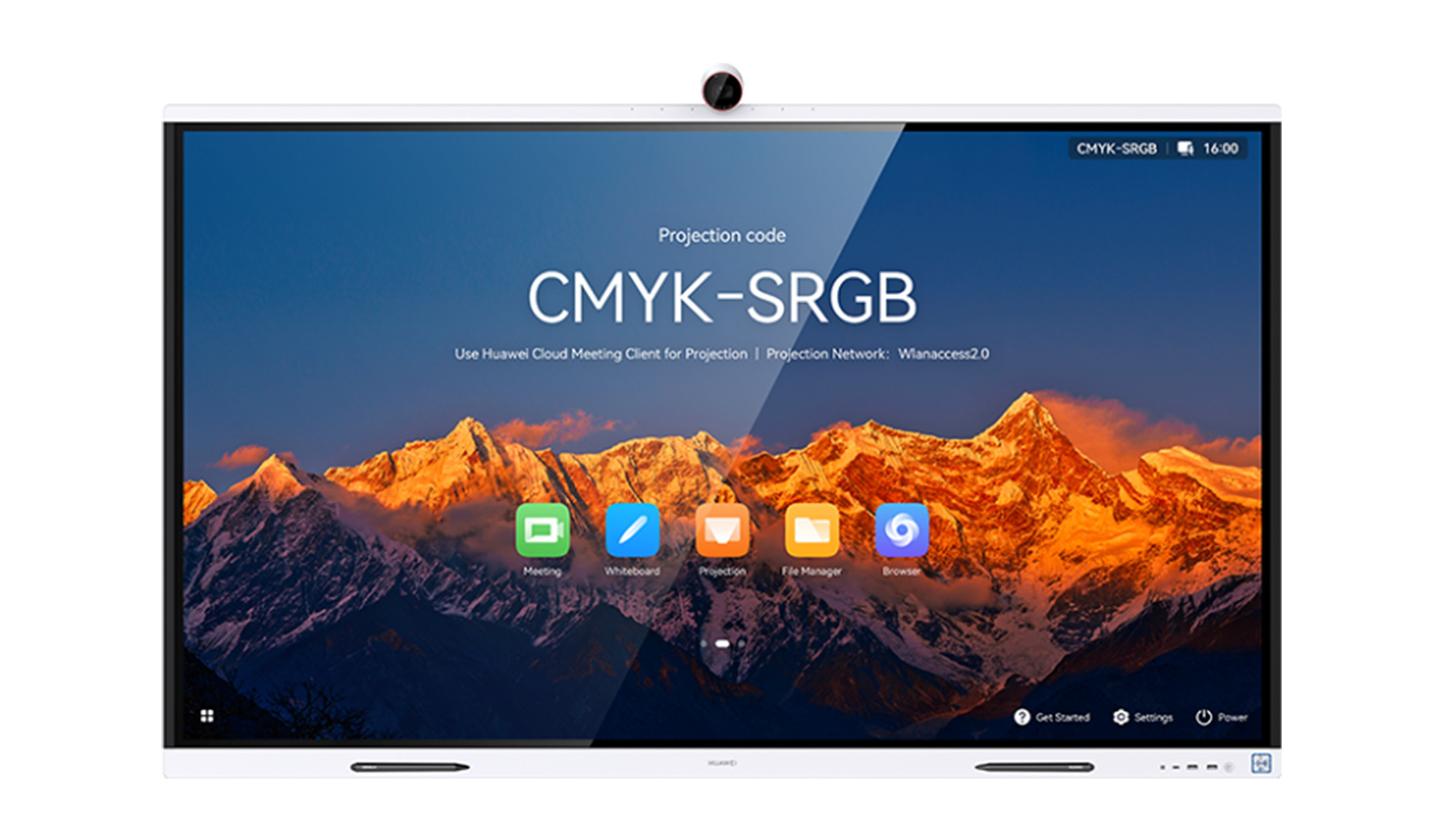
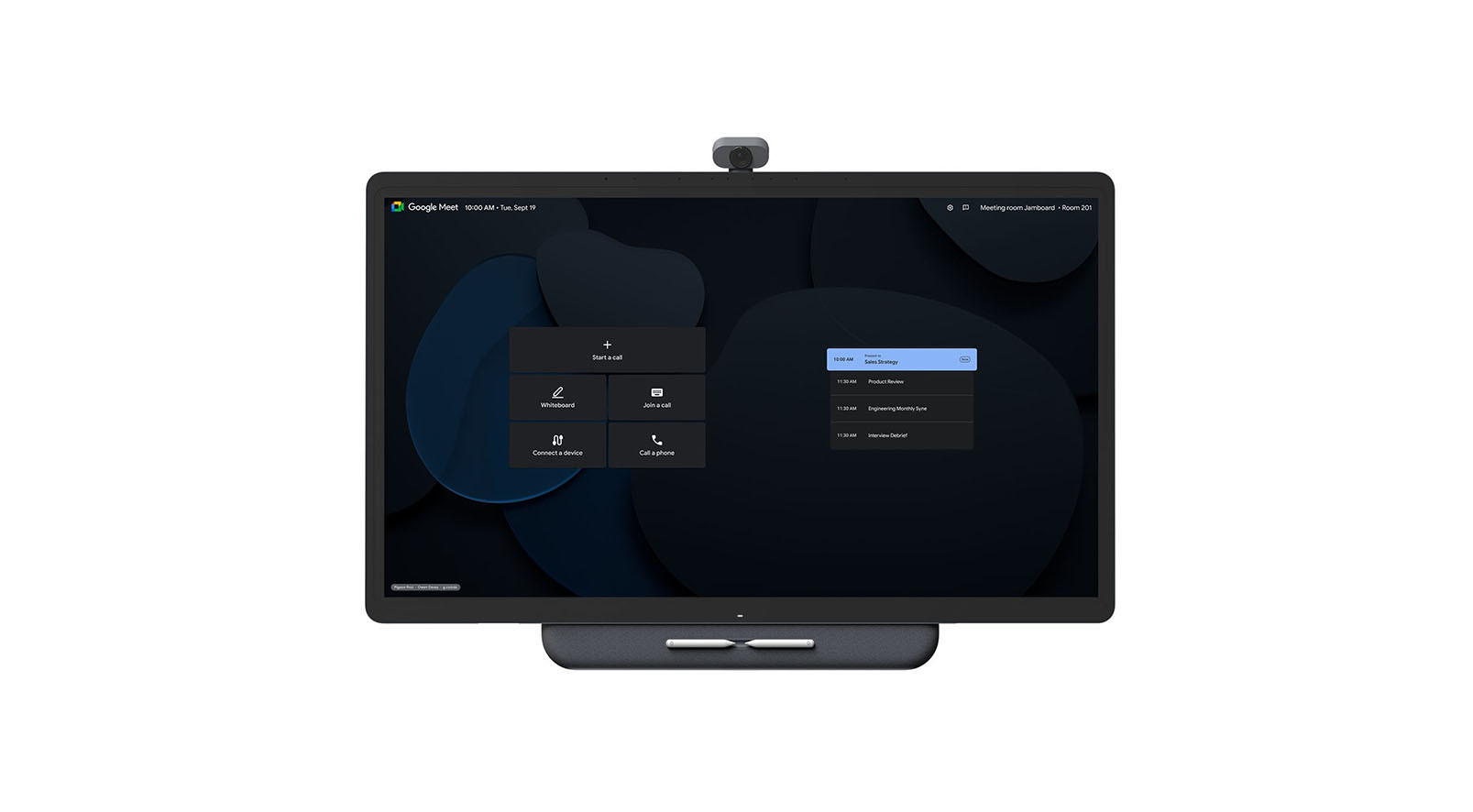
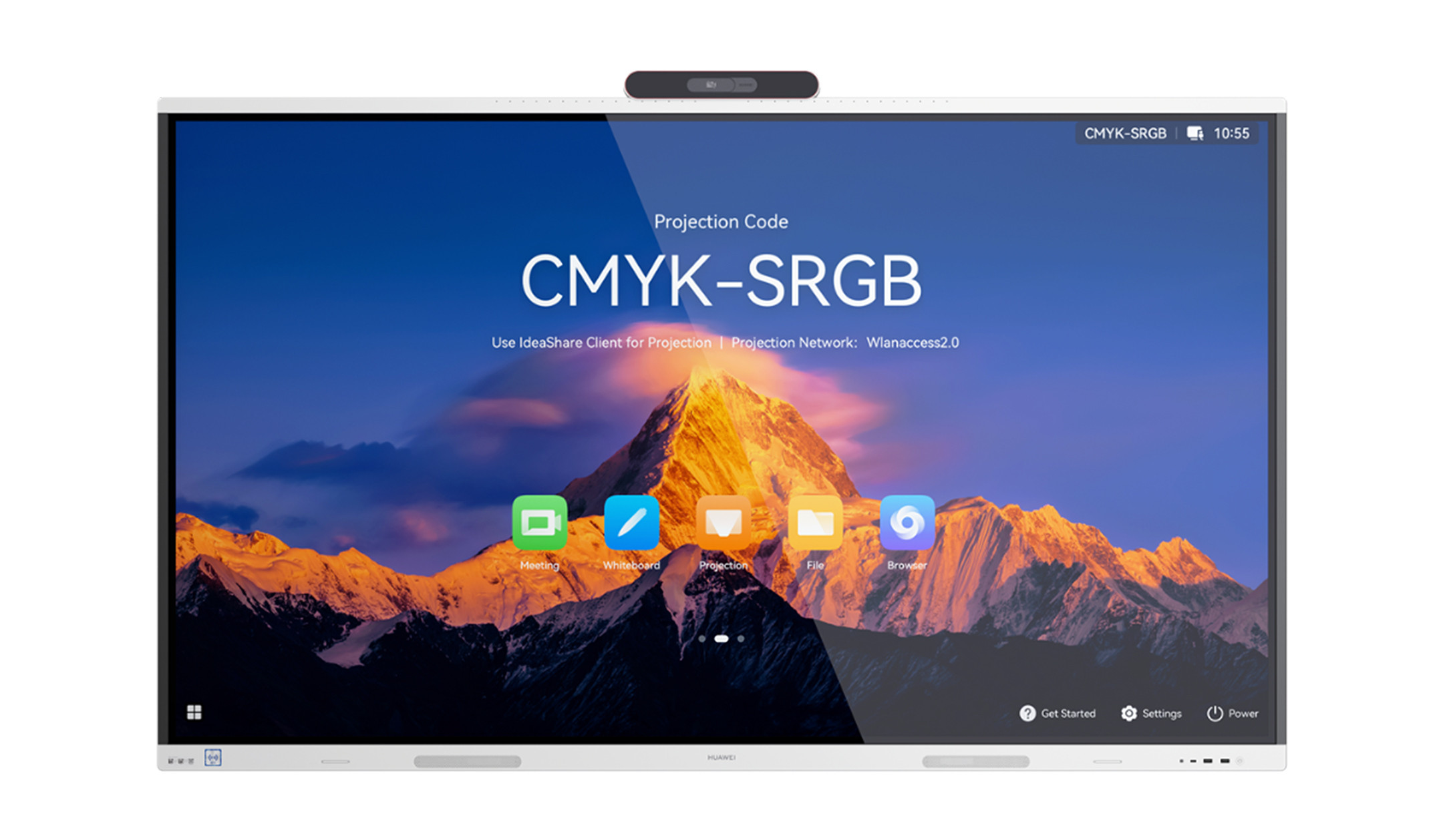
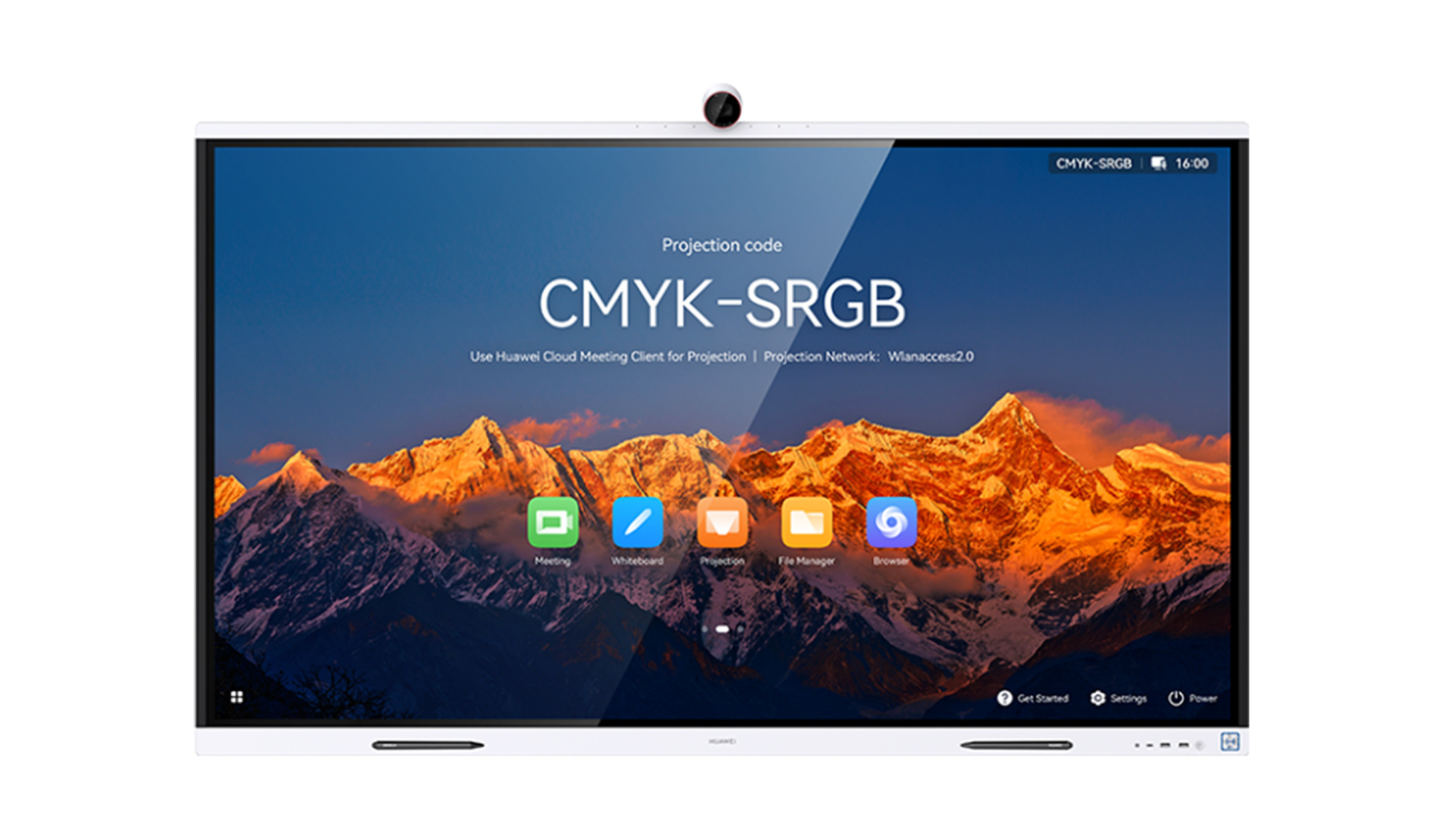
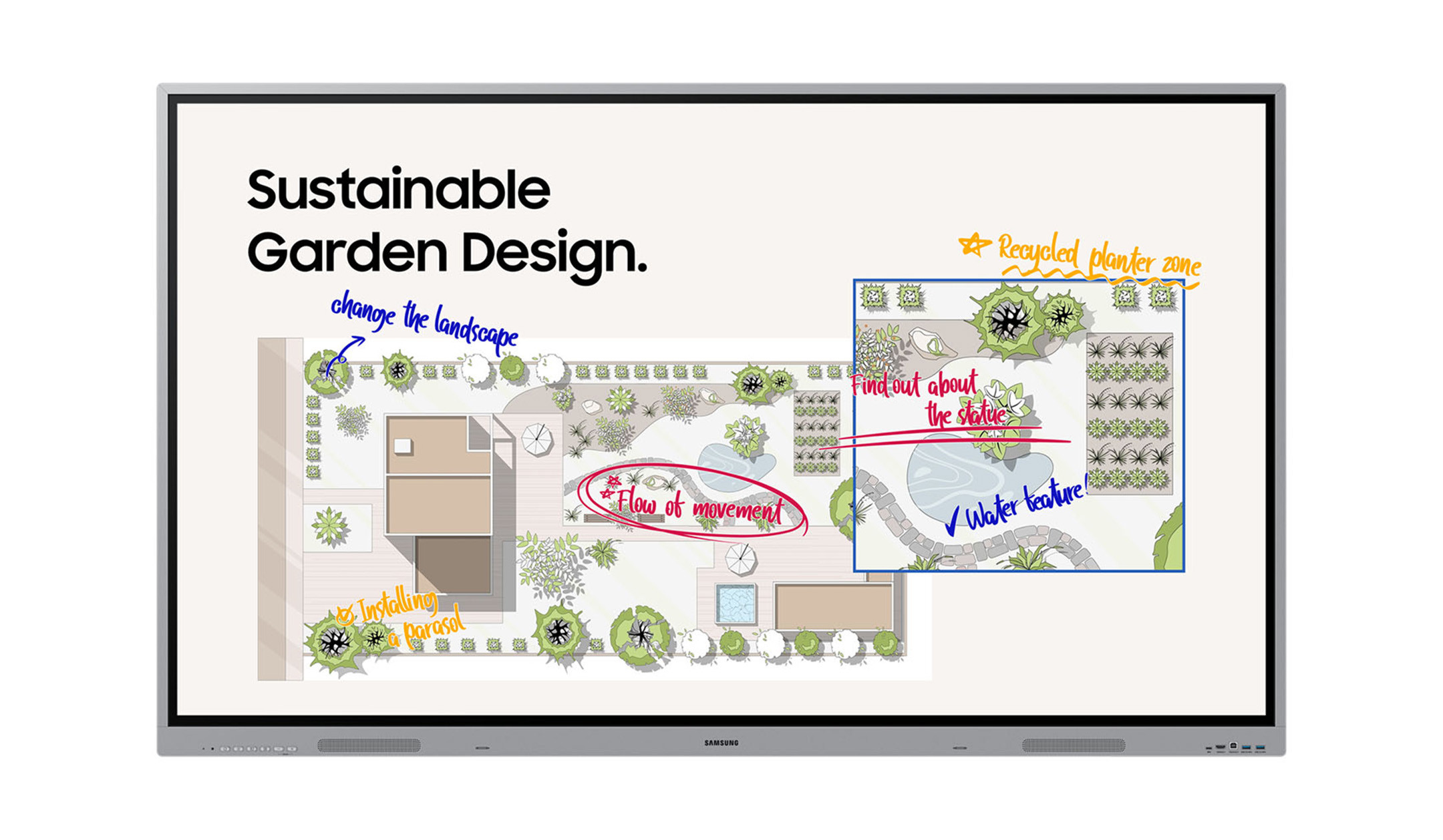
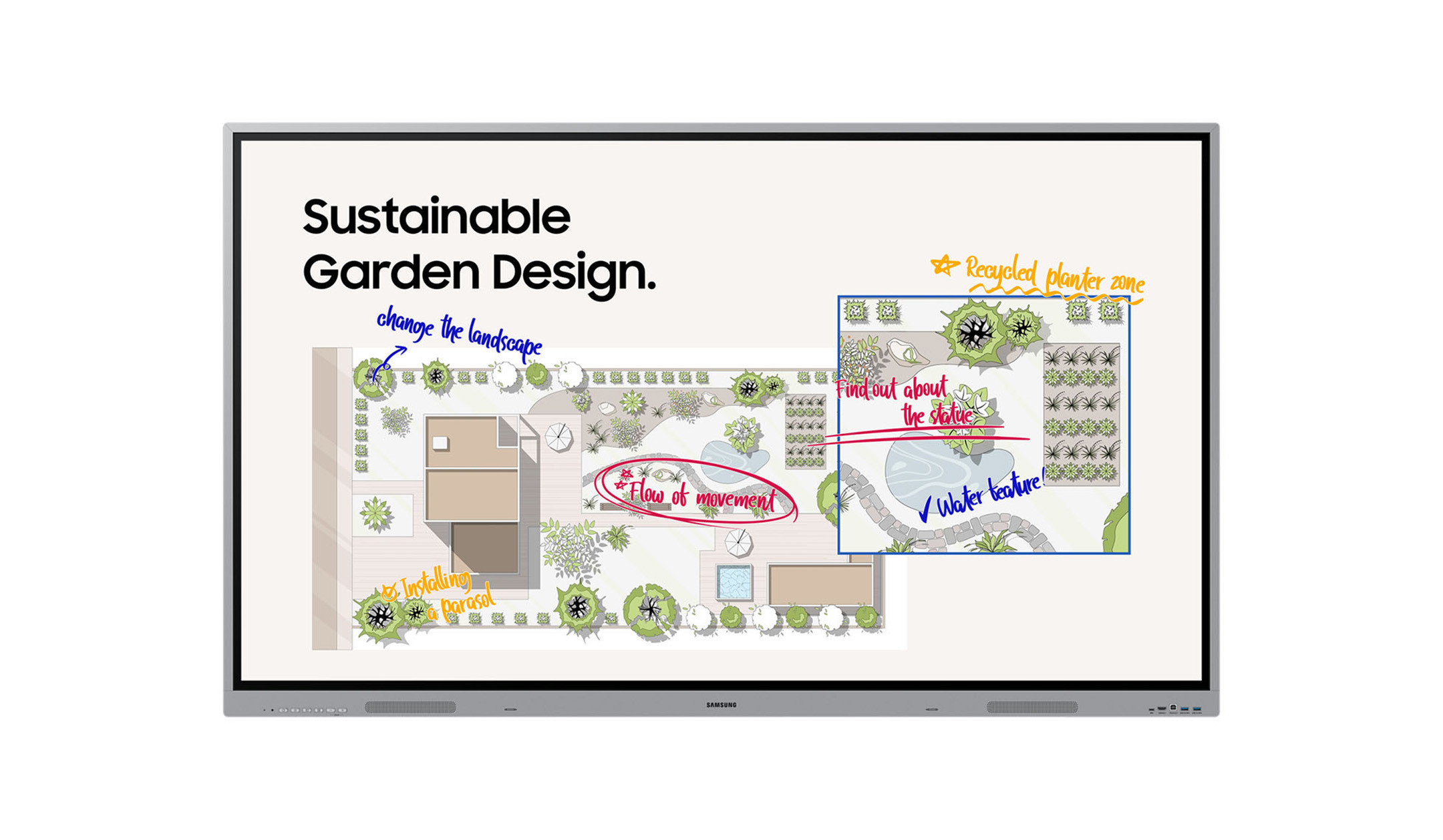
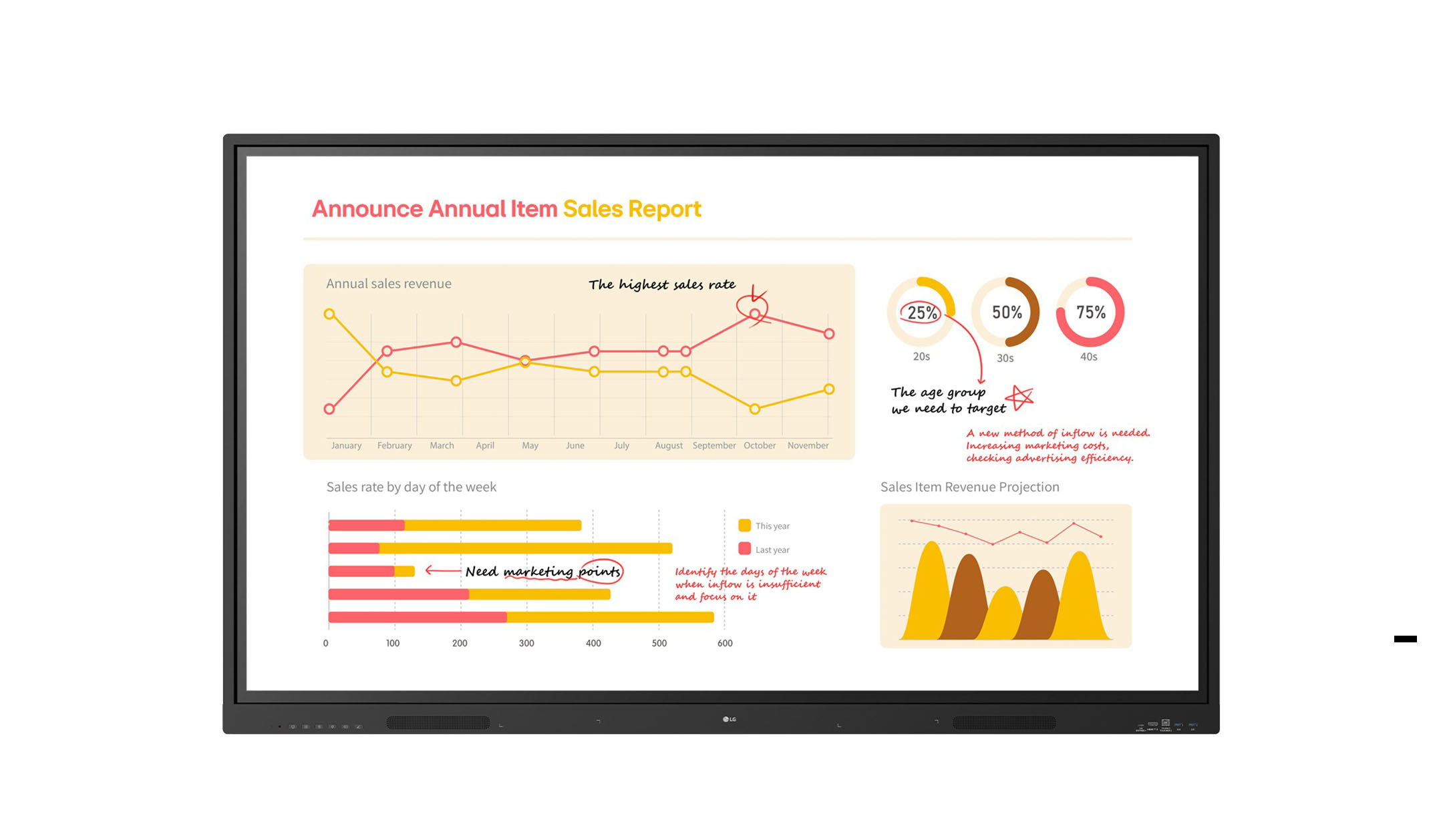
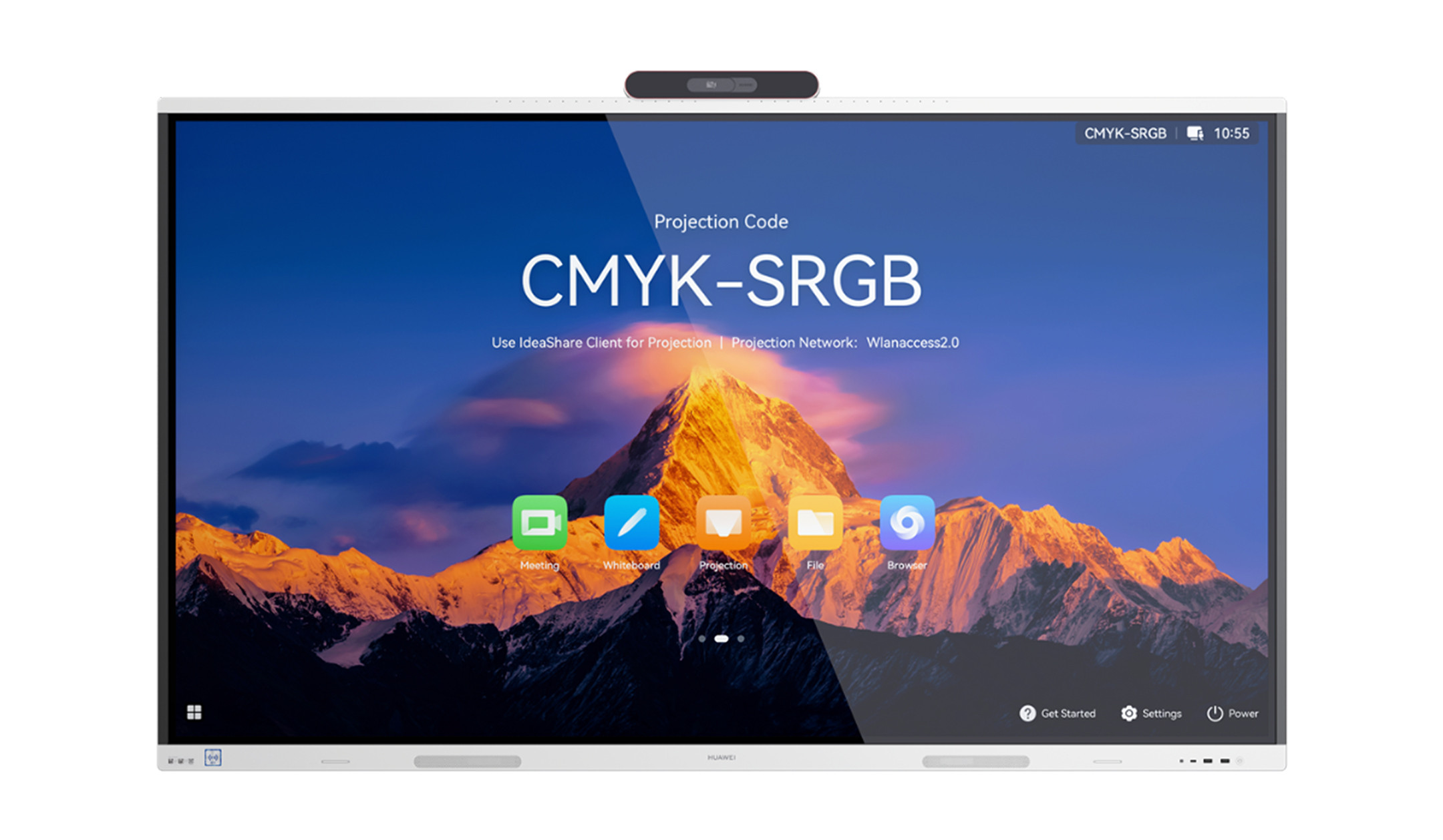
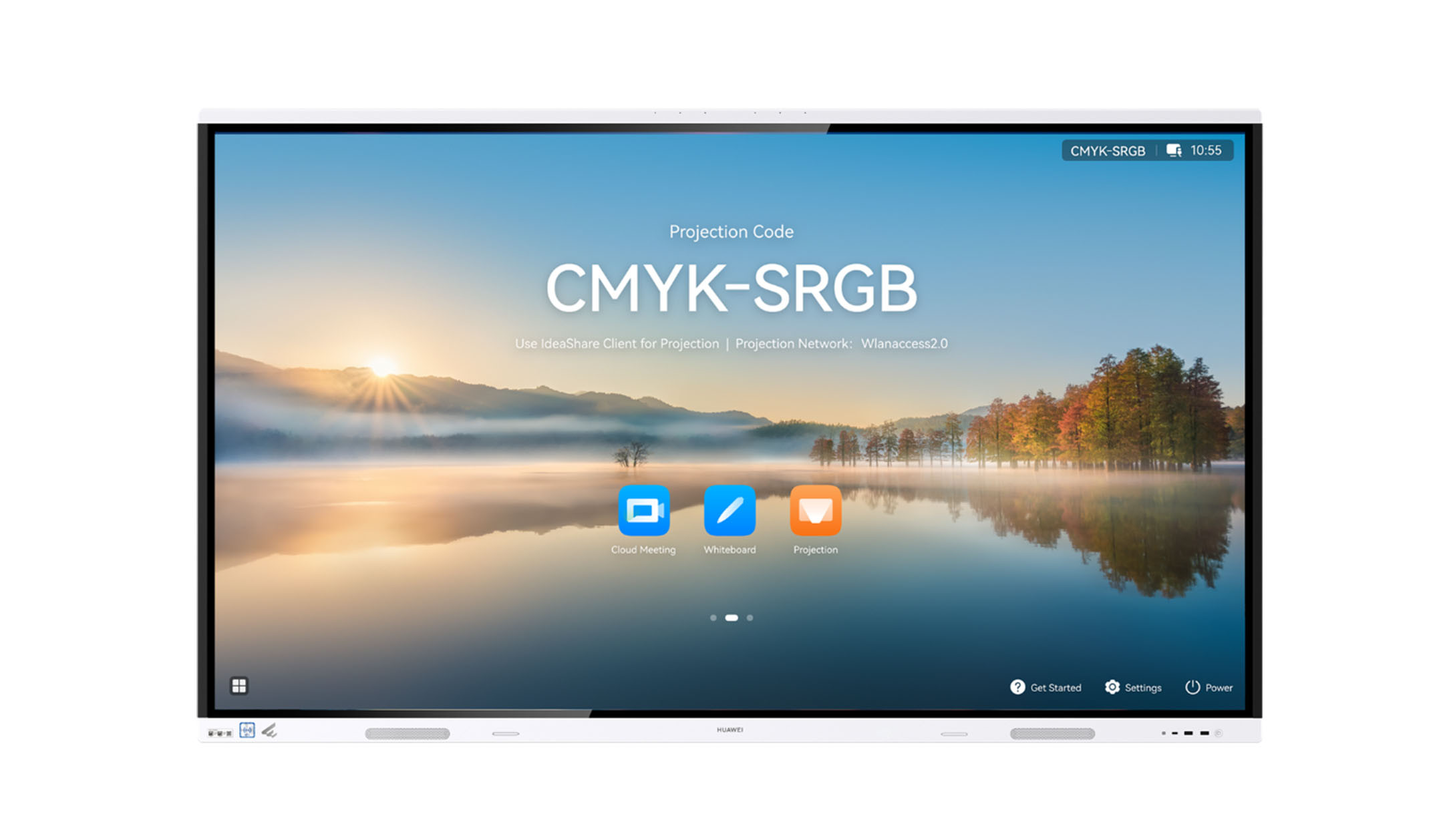
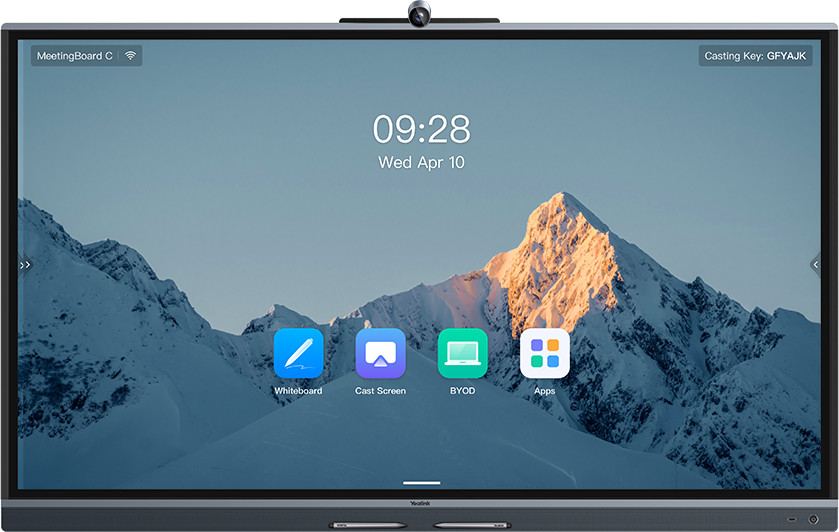
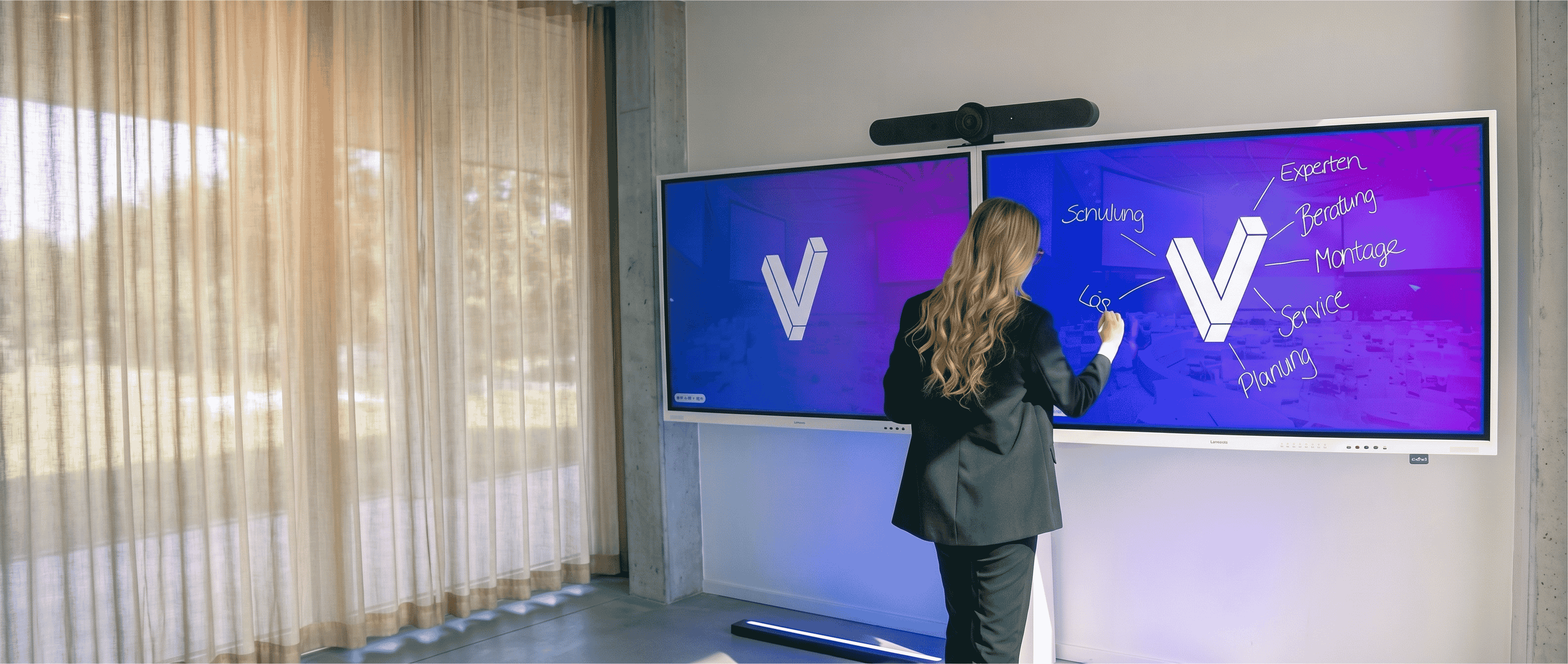
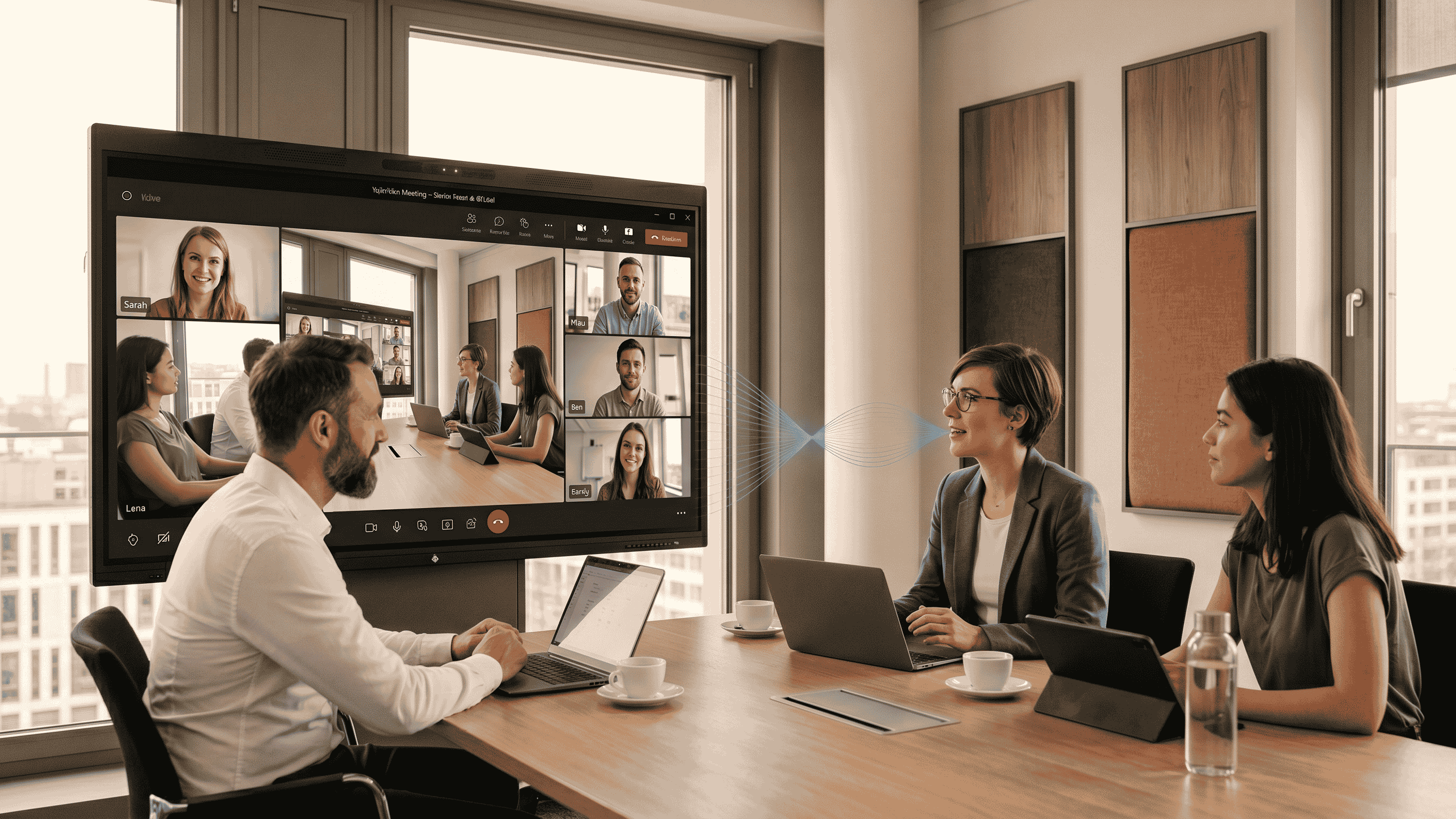
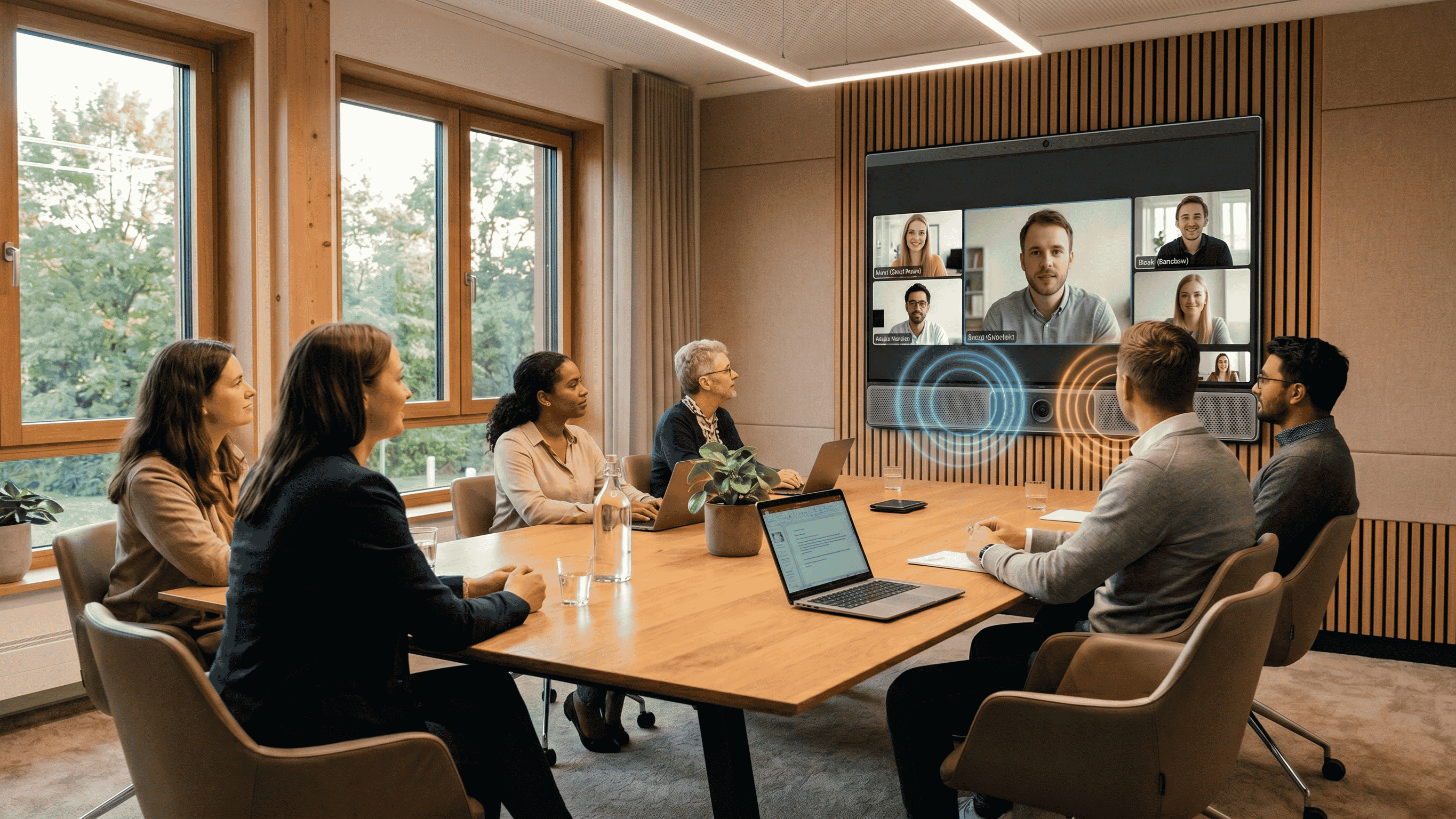
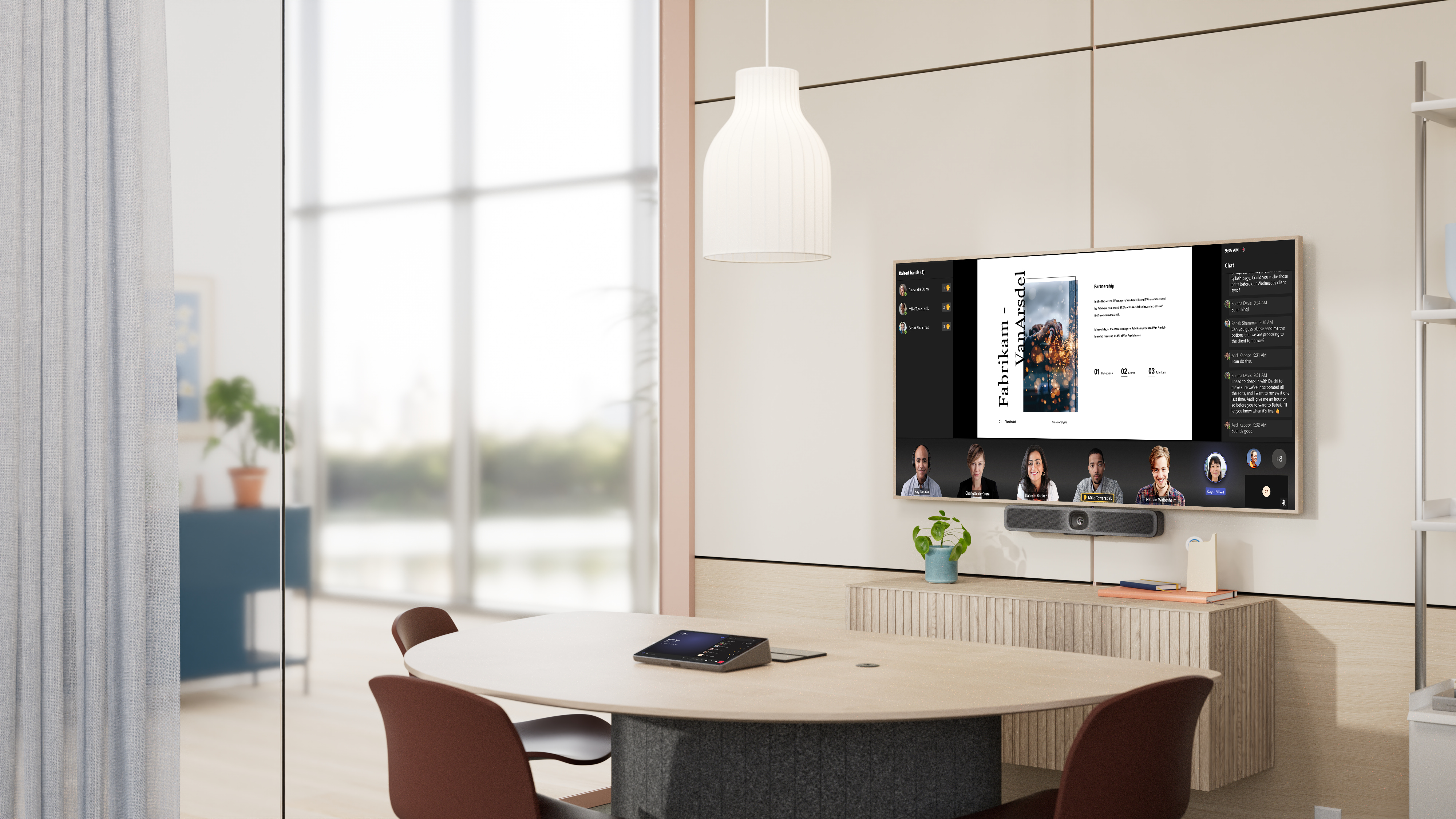
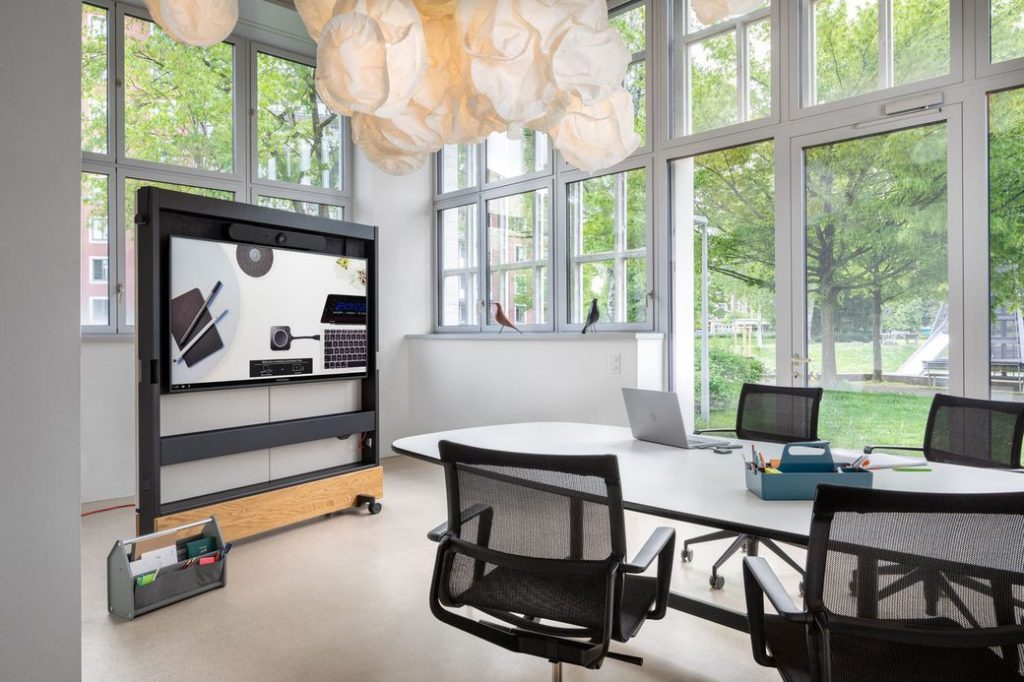
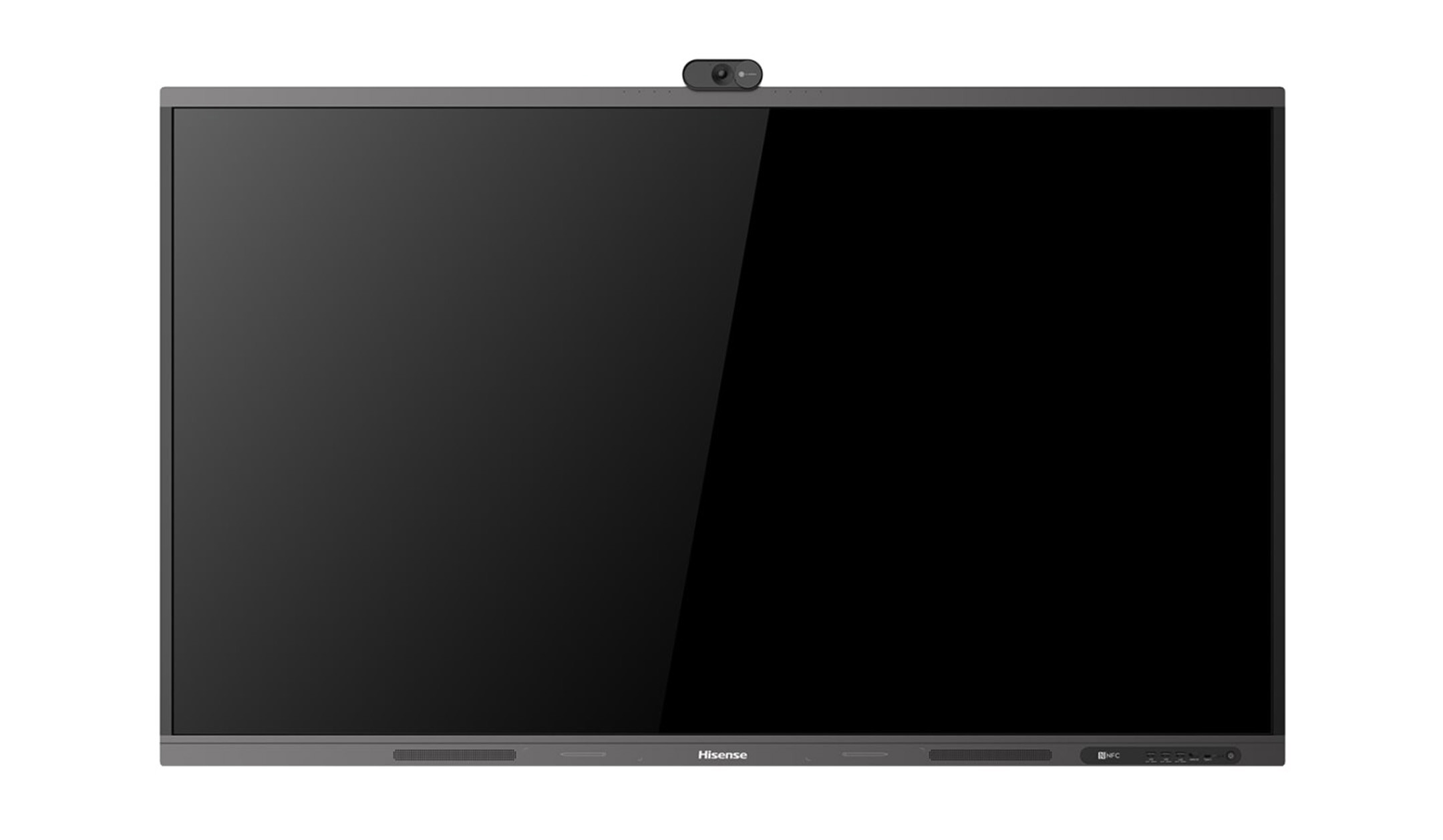
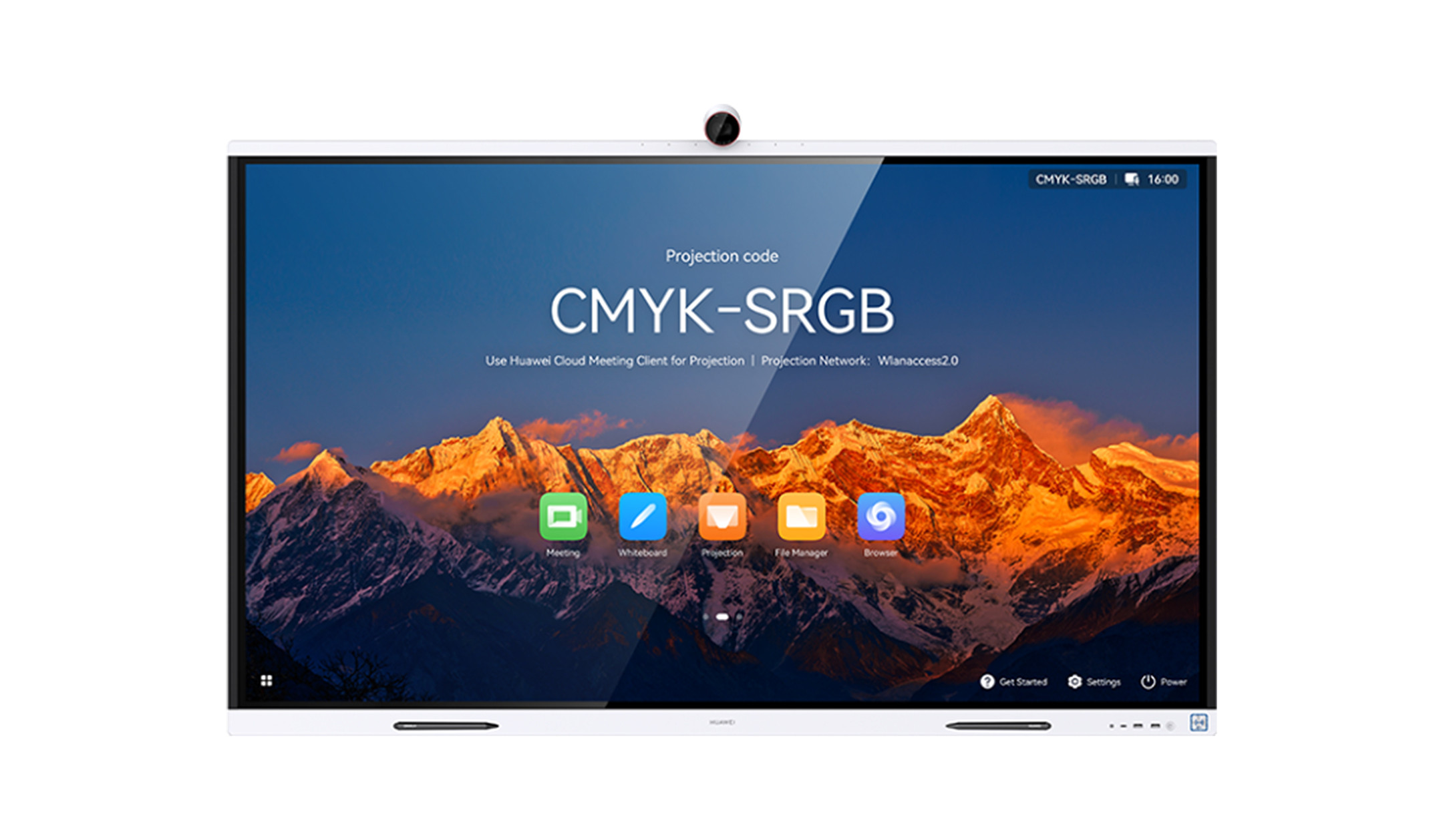
Collaboration boards are the complete solution for video conferencing and interactive collaboration. All in one device: touch display, camera, microphoneand speakers. Simply switch on and get started in the meeting room. This allows you to brainstorm together, edit documents and take part in video conferencing - all intuitively and without the hassle of setting up. The boards connect seamlessly with platforms such as Teams or Zoom, so you can conduct video conferencing directly on the device. The brilliant displays, clear voice transmission and powerful speakers ensure a real sense of presence, even at a distance.
We would be happy to consult you with our experience to help you buy the right collaboration board. Find out more about collaboration boards.
47 Products
Sort by:
Interactive collaboration boards for schools & businesses
Modern collaboration boards offer intuitive touch controls, integrated video conferencing tools and flexibility for hybrid collaboration. But which board is best suited to your needs? And which features really matter?
This guide provides clear guidance to help you find the right collaboration board.
Content
The benefits of collaboration boards at a glance
- Efficient hybrid working: Engaging team members both in the office and working from home thanks to integrated video conferencing tools.
- Intuitive interaction: Write, draw and add comments directly on the screen.
- Future-proof Bring Your Own Device: Wireless screen sharing from laptops, tablets and smartphones.
- Centralised system: Reduces cable clutter in the meeting room, as the PC, camera, microphone and display are combined in one system.
What makes a collaboration board special? An overview of its components
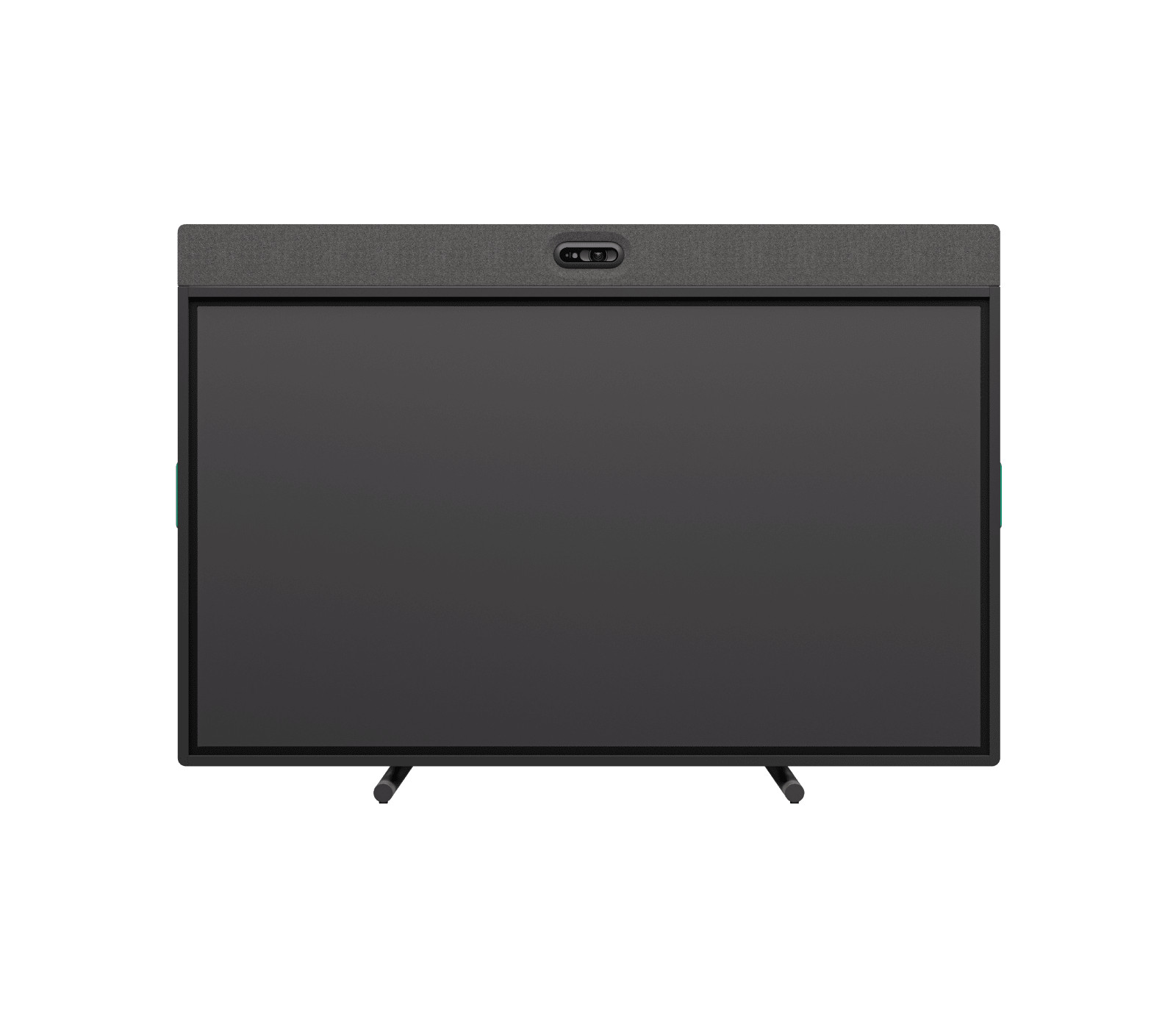
Collaboration boards are the all-in-one solution for video conferencing and interactive collaboration. All the key components – such as the display, camera, microphone and speakers – are integrated into a single device. Simply switch it on and start brainstorming together, editing documents or joining meetings straight away. To make installation even easier, many models come with a suitable stand or wall mount included.
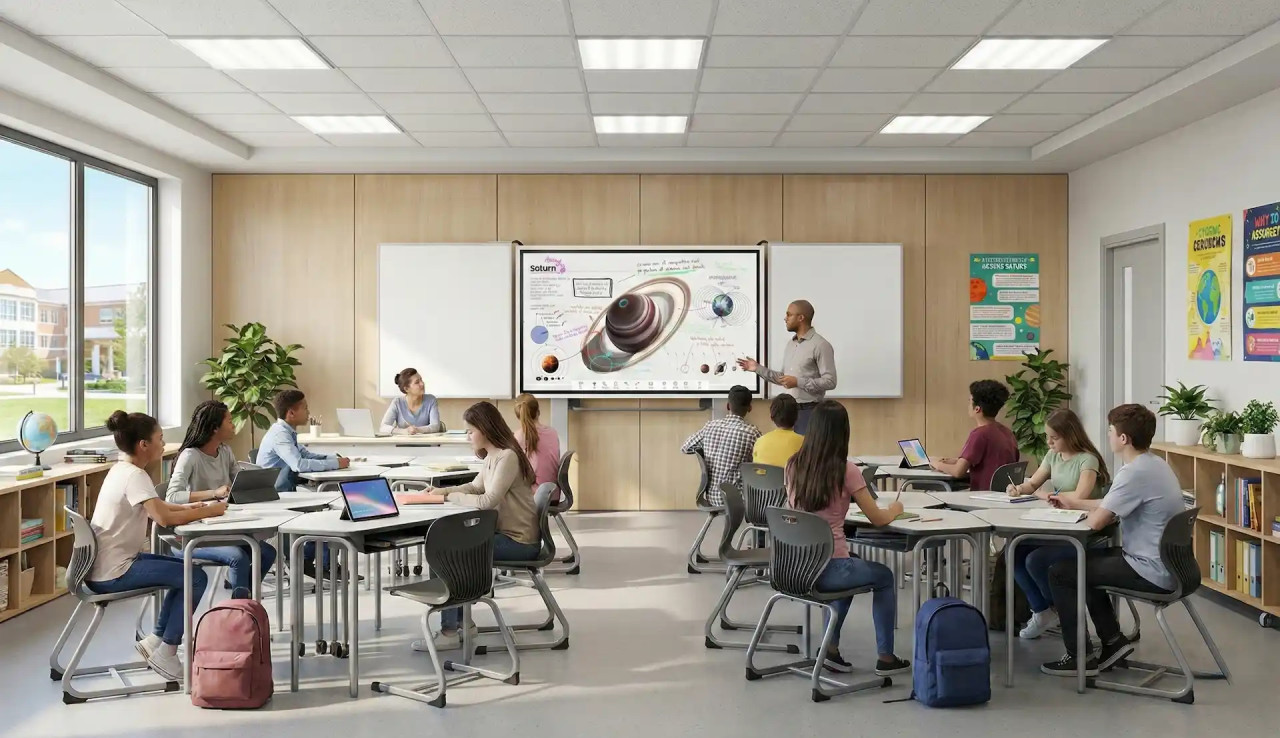
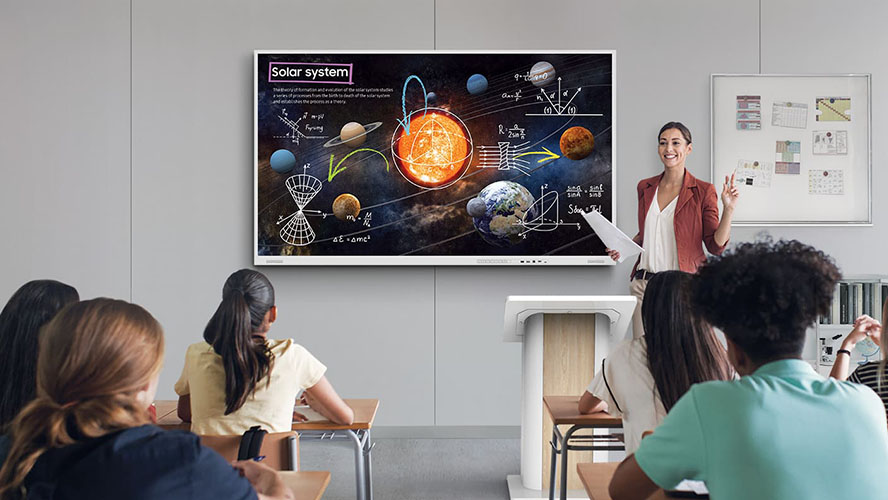
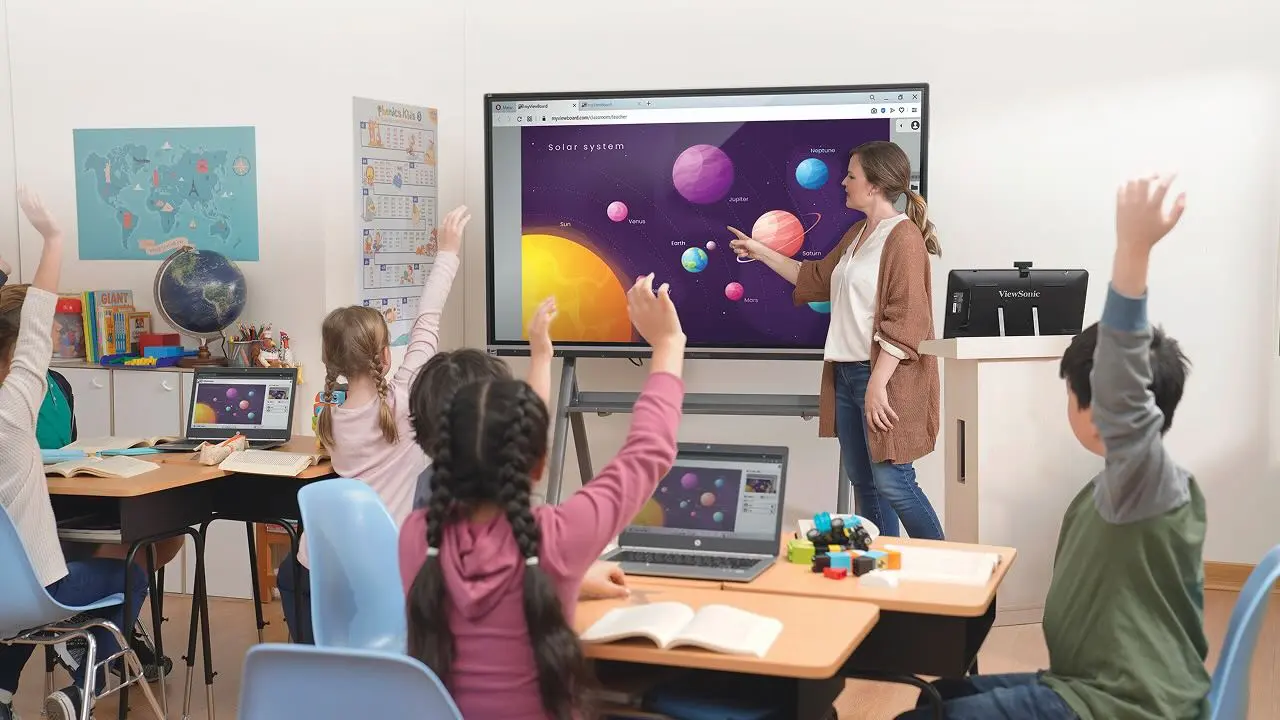
From conference rooms to classrooms: typical areas of application
What screen size is right for your room?
Choosing the right screen size is crucial to ensure that all participants in the room can view presentations, Excel spreadsheets or text documents clearly. To help you get your bearings, we have compiled a list of the most common display sizes and their typical applications. Our visunext experts will be happy to assist you with bespoke room planning and consulting.
| Room size / Number of people | Recommended display size | Typical application |
| Small rooms / 1–4 people | 55 inches to 65 inches | Huddle spaces, think tanks, individual offices and executive offices |
| Medium-sized rooms / 5–10 people | 75 inches to 86 inches | Standard conference rooms and meeting rooms |
| Large rooms / 10 people or more | 98 inches or dual systems (2 x 75 inches / 86 inches) | Large conference rooms, boardrooms, lecture theatres and auditoriums |
Seamless connections: Image transfer is as simple as that
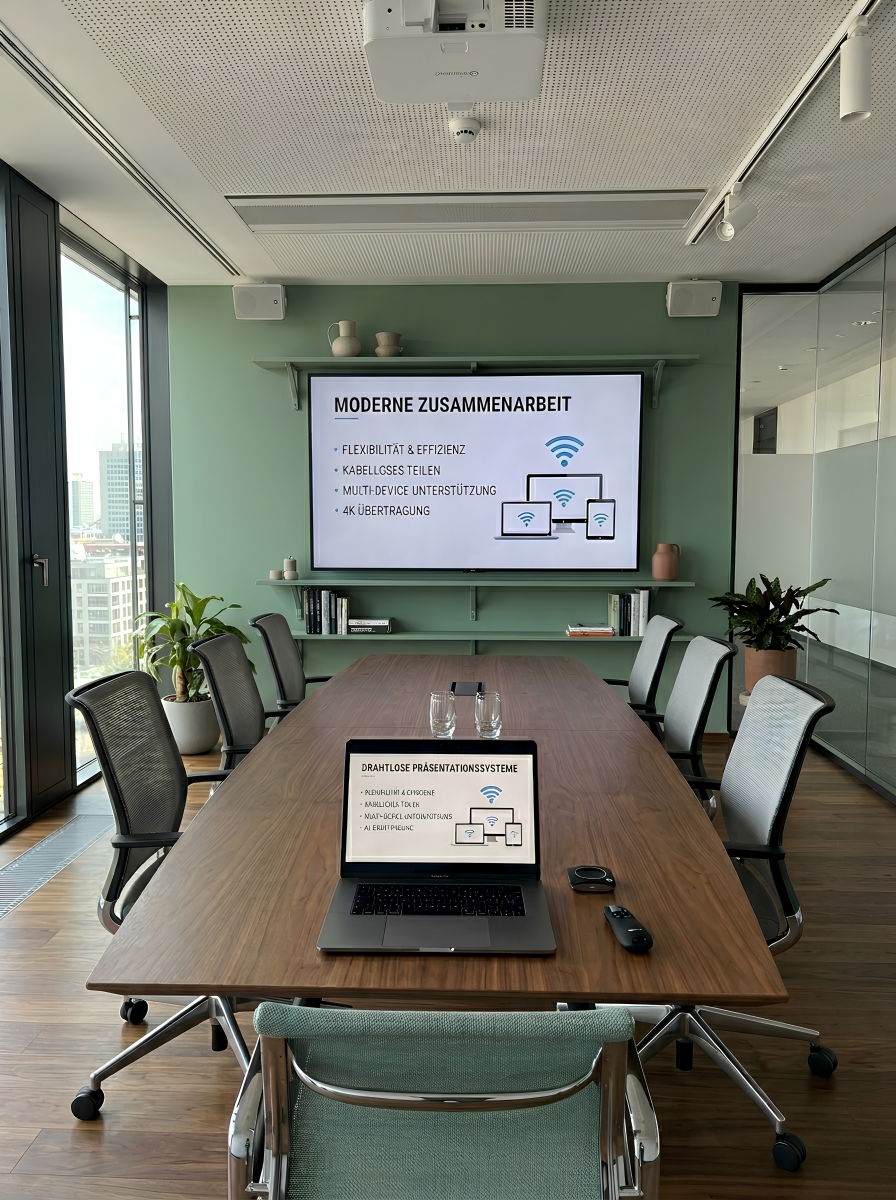
A modern meeting thrives on the ability to transfer content to the board without delay and, above all, without the hassle of searching for cables. Modern collaboration boards offer various options for wireless image transmission, ranging from pre-installed programmes to professional wireless presentation systems.
The right mounting solution for your display
Depending on the application for which you are using the collaboration board, different mounting methods may be suitable.


Wall mounting
The classic, space-saving option. The board is securely mounted on the wall. Cables can be neatly concealed within the wall or in cable ducts. Ideal for long-term use in conference rooms and classrooms.
Note: Be sure to check the wall’s load-bearing capacity beforehand!


Base
If wall mounting is not an option, a floor-mounted stand offers maximum stability. The display is securely anchored in the room without putting any strain on the wall.


Trolley
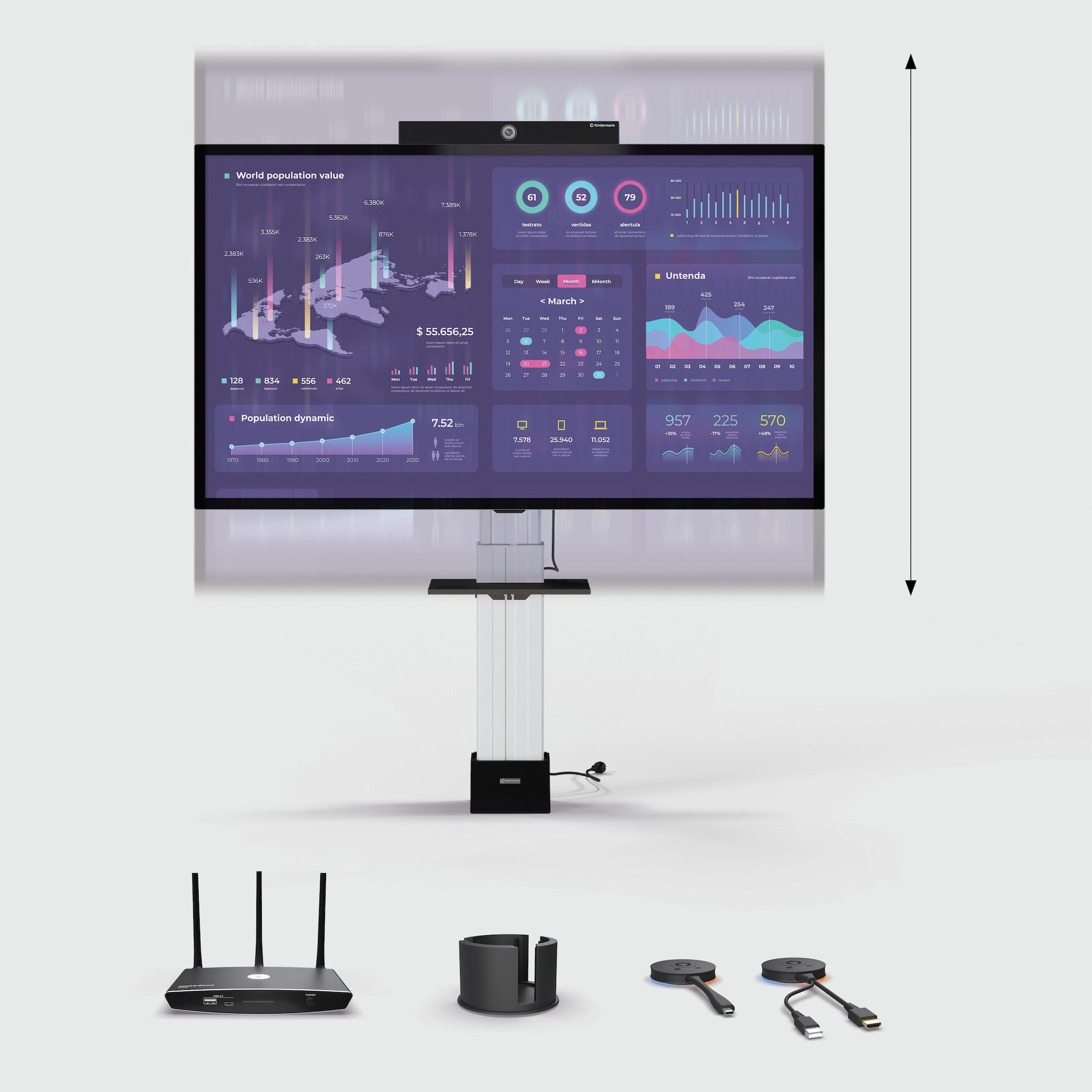
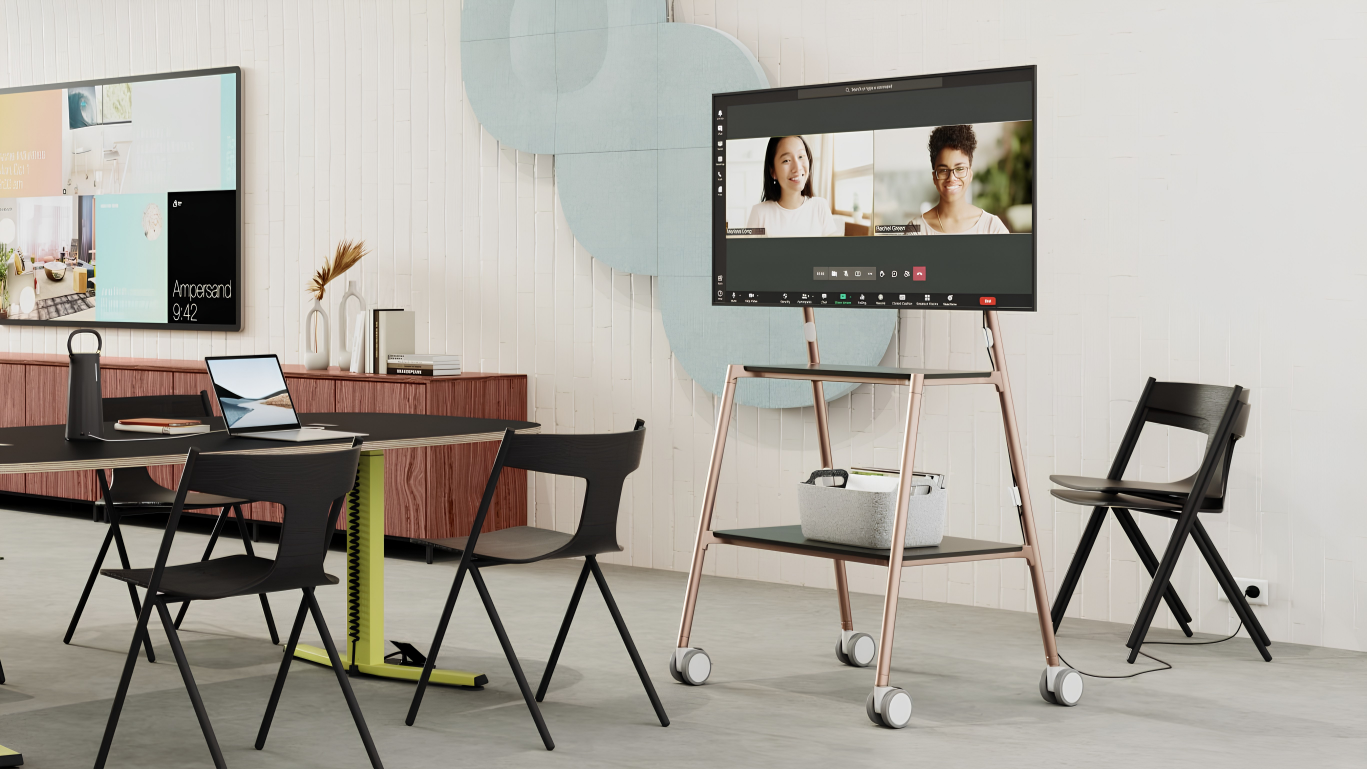
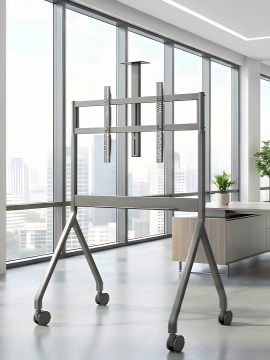
The most flexible solution for agile businesses and schools. Mounted on a sturdy trolley, the collaboration board can be wheeled from room to room. This allows you to use the collaboration board flexibly across multiple teams or classes. Many trolleys also offer convenient electric height adjustment at the touch of a button.
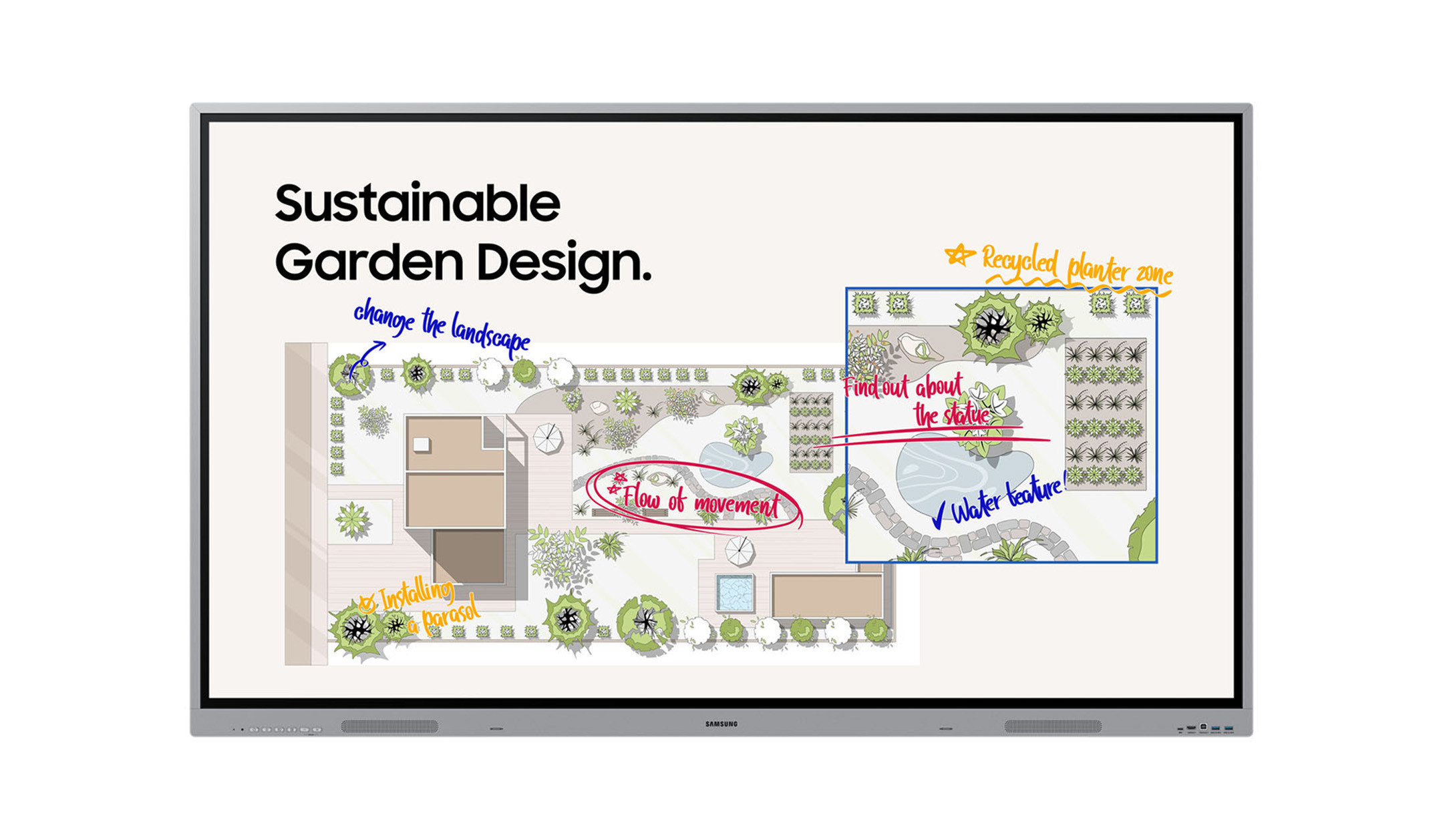
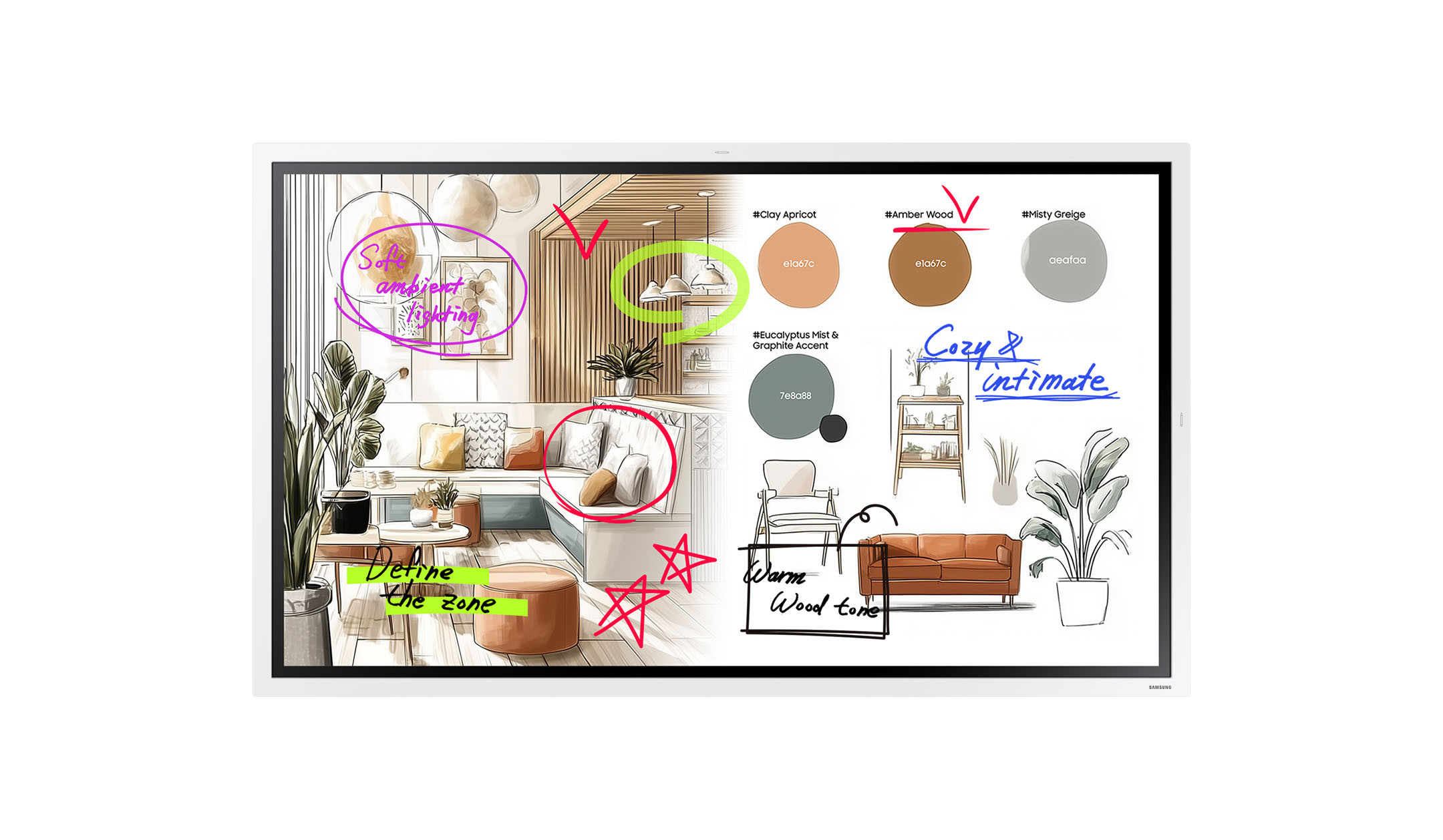
The Samsung Flip Pro put to the test: all the features explained in the video
The Samsung Flip Pro is one of the most popular systems on the market and demonstrates the wide range of possibilities offered by modern interactive displays. In our in-depth review video, we explain all the new features and demonstrate the device’s intuitive operation in detail.
The perfect setup: the right accessories for your collaboration board
To help you realise the full potential of your interactive display and complete your conference room, we at visunext offer a carefully curated range of accessories.