




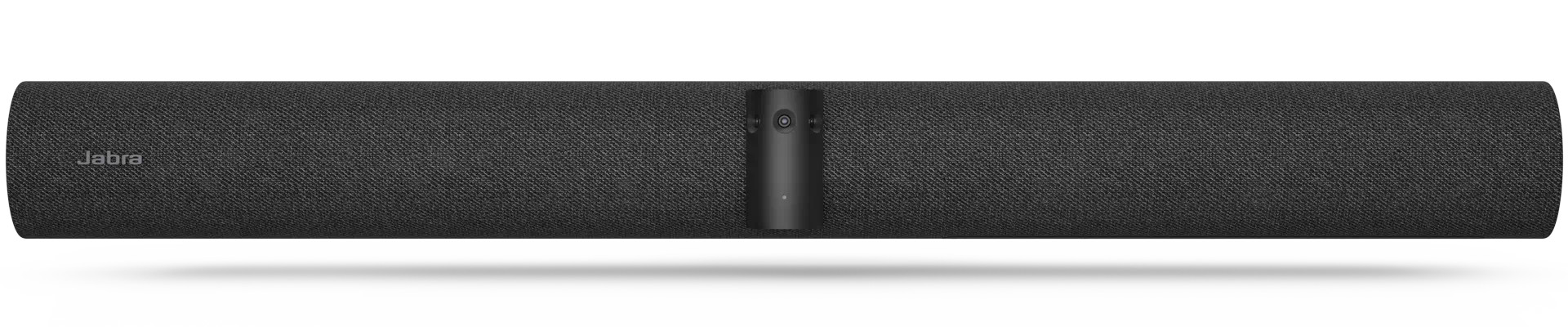
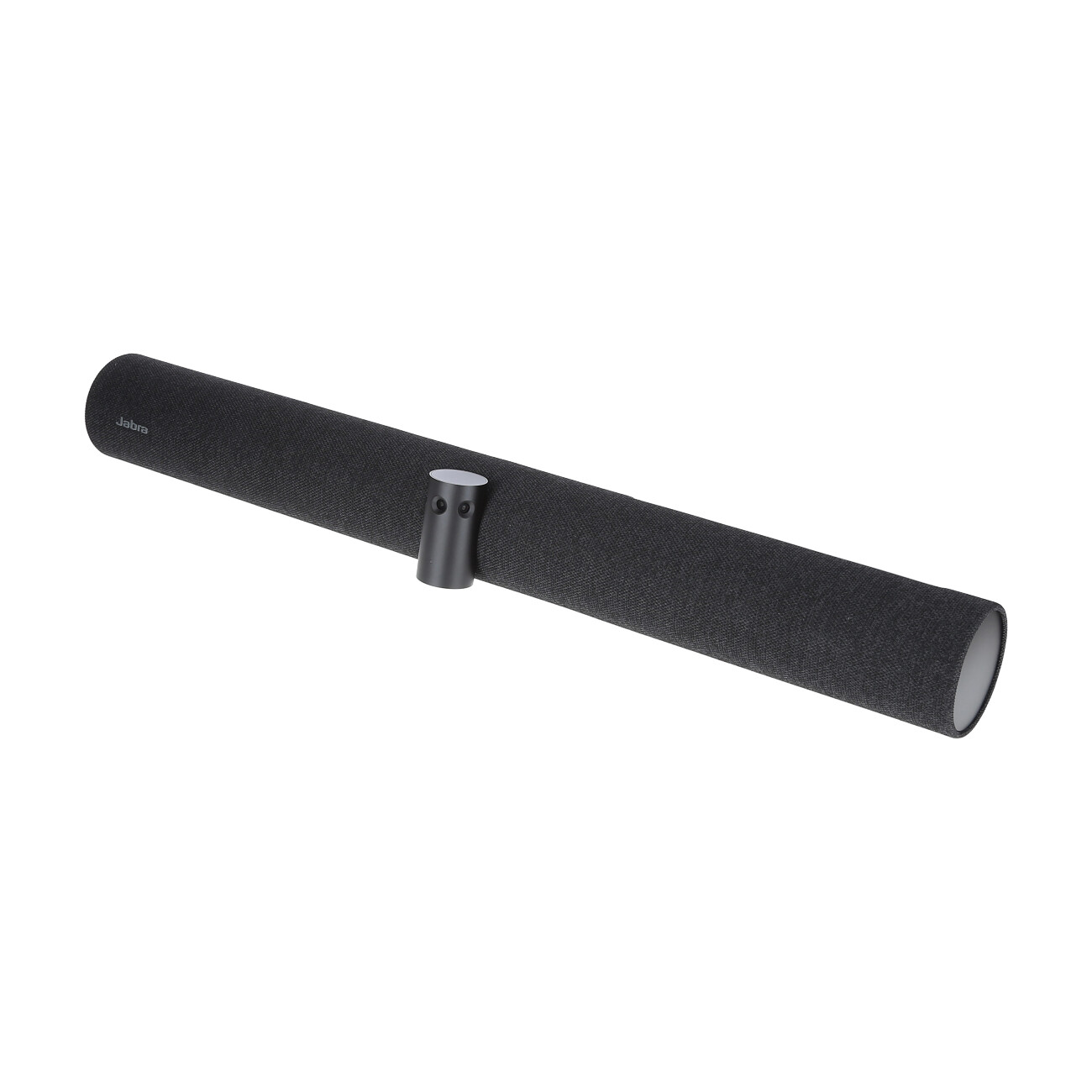
Jabra VSM040 Conference Camera, 3840 x 2160 4K UHD, 13 MP, 30 fps, 180°
Article no: 1000033384



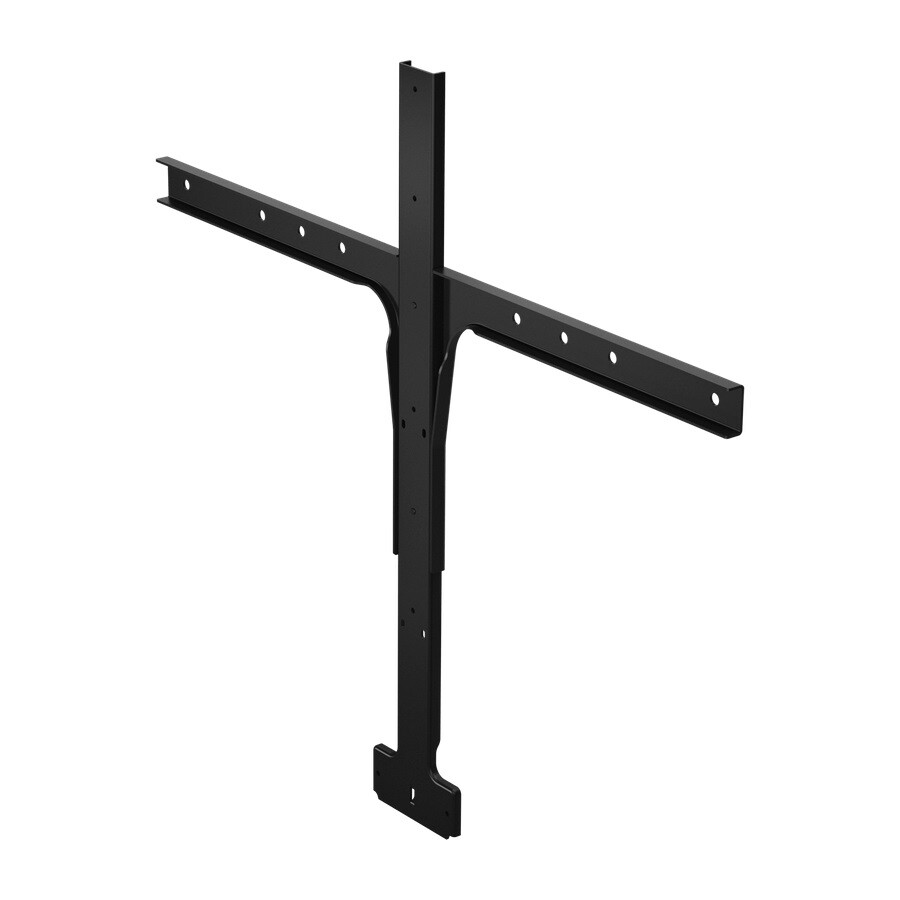
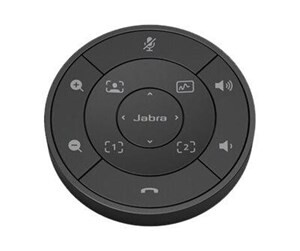
Frequently purchased together
Product information
The video bar that fits seamlessly into your setup
With this outstanding video bar, you can create a customised video conferencing setup with touchscreens and trolleys without the need for a touch controller.
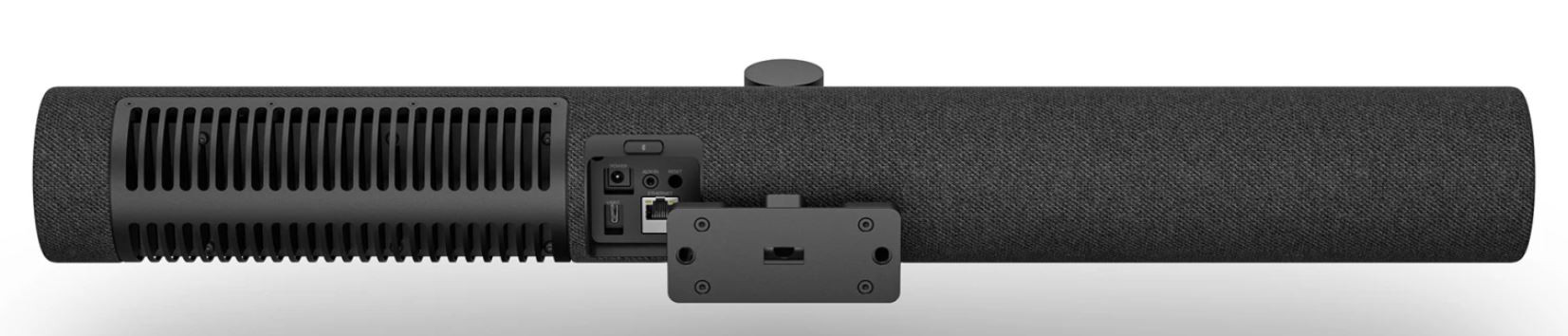
The new PanaCast 50 VBS (without touch controller) offers the same high-quality video conferencing experience you expect from the PanaCast 50 VBS, without the need for the PanaCast Control Tablet. With its integrated 180° panoramic 4K video and room-filling audio, the PanaCast 50 VBS (without touch controller) is designed to integrate seamlessly with existing conference room equipment, third-party touchscreens or mobile carts.
Whether you're equipping small meeting rooms, irregular spaces or mobile facilities, this versatile solution offers a flexible, powerful video conferencing experience at a lower cost.
Highlights:
- Uses the same Video Bar App UI as the PanaCast 50 VBS
- Uses the same web UI for easy setup and management
- Only available as a UC variant. Choose from "Microsoft Teams Rooms" or "Zoom Rooms" during installation
The video bar with flexible set-up options
Are you looking for a compact video conferencing solution with a trolley and touchscreen? Do you want a simpler installation for an open workspace with a touchscreen
Whatever you need: The PanaCast 50 VBS video bar (without touch controller) offers a flexible and cost-effective solution that will enhance your video conferencing experience.

180-degree field of view and 4K panoramic images
Three 13-megapixel cameras create a unique 180-degree field of view and 4K panoramic images that make every person in the room clearly visible.

Technical data
Downloads
Product safety
| Person responsible for the EU |
|---|
| GN Audio A/S |
| Lautrupbjerg 7 |
| 2750 Ballerup |
| Denmark |
| support@jabra.com |