


visunext guide

Buy the best monitors 2026: Top devices in comparison!

Best lists compiled by the visunext experts.

arbeitsplatz-externe-monitore

visunext guide

Buy the best monitors 2026: Top devices in comparison!

Best lists compiled by the visunext experts

Our team of experts has identified the best monitors for you. You'll be sure to find the ideal monitor for gaming, for the office, with the best 4K resolution or for your ergonomic workplace. Can't find the right monitor for you? Our experts will be happy to provide you with personalised consulting!

Content

The most important 2026 monitor test results in brief

Find the right monitor? It's easy! Our test shows you the clear winners and insider recommendations you need to make the best purchase decision.

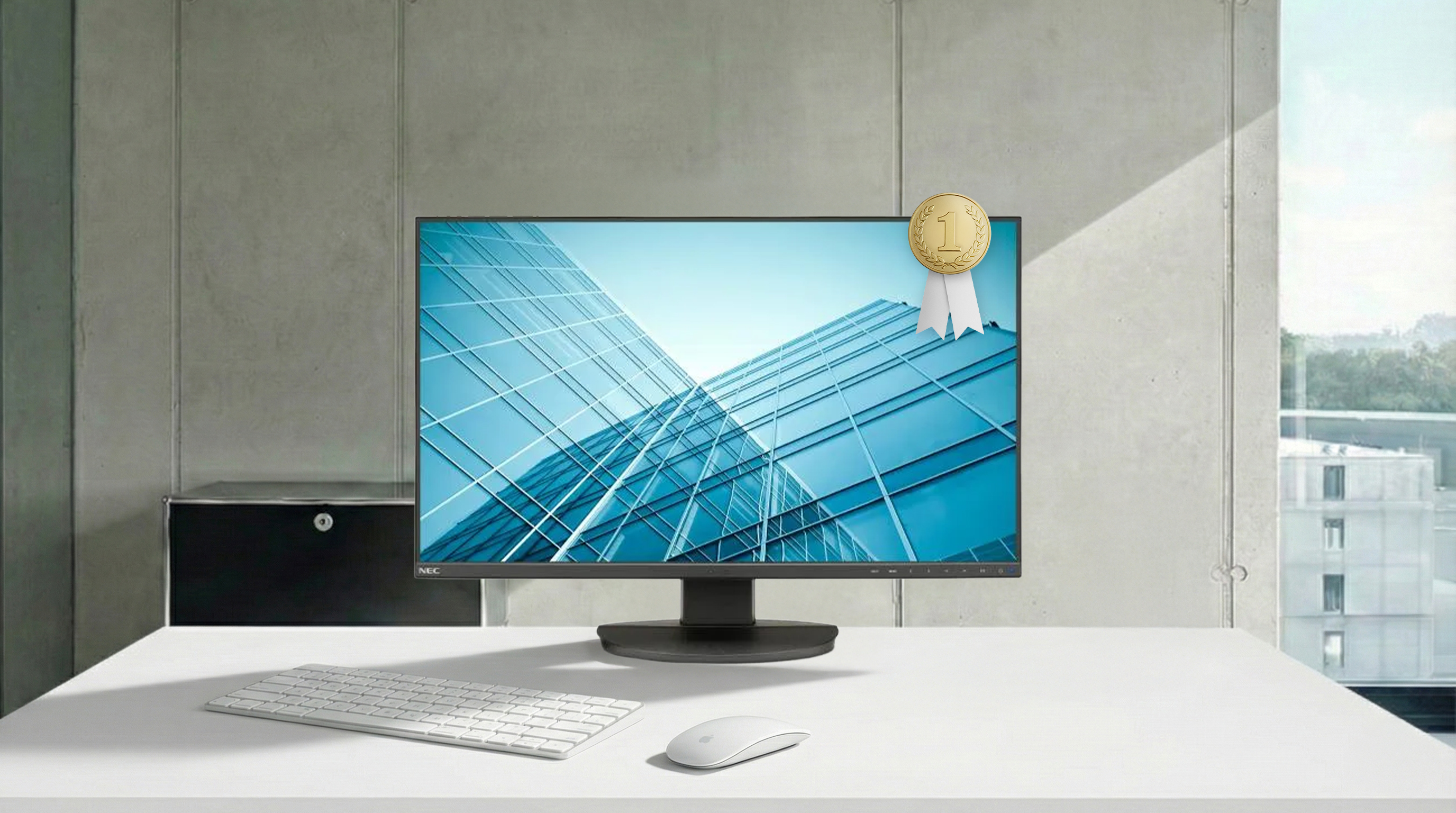
  • For ergonomic working, we recommend the flexible NEC MultiSync EA271F.
  • The Dell P2425H cuts the best figure in the office.
  • If you need more space, we recommend our 21:9 monitor test winner, the LG 35WN75CP-B.
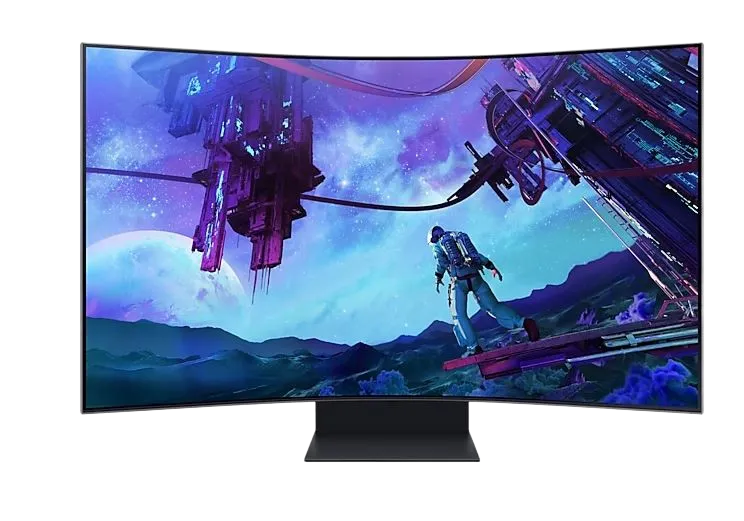
  • Are you looking for an uncompromising gaming experience? Then the Samsung G95NC, which replaces two full 4K monitors, is just right for you.
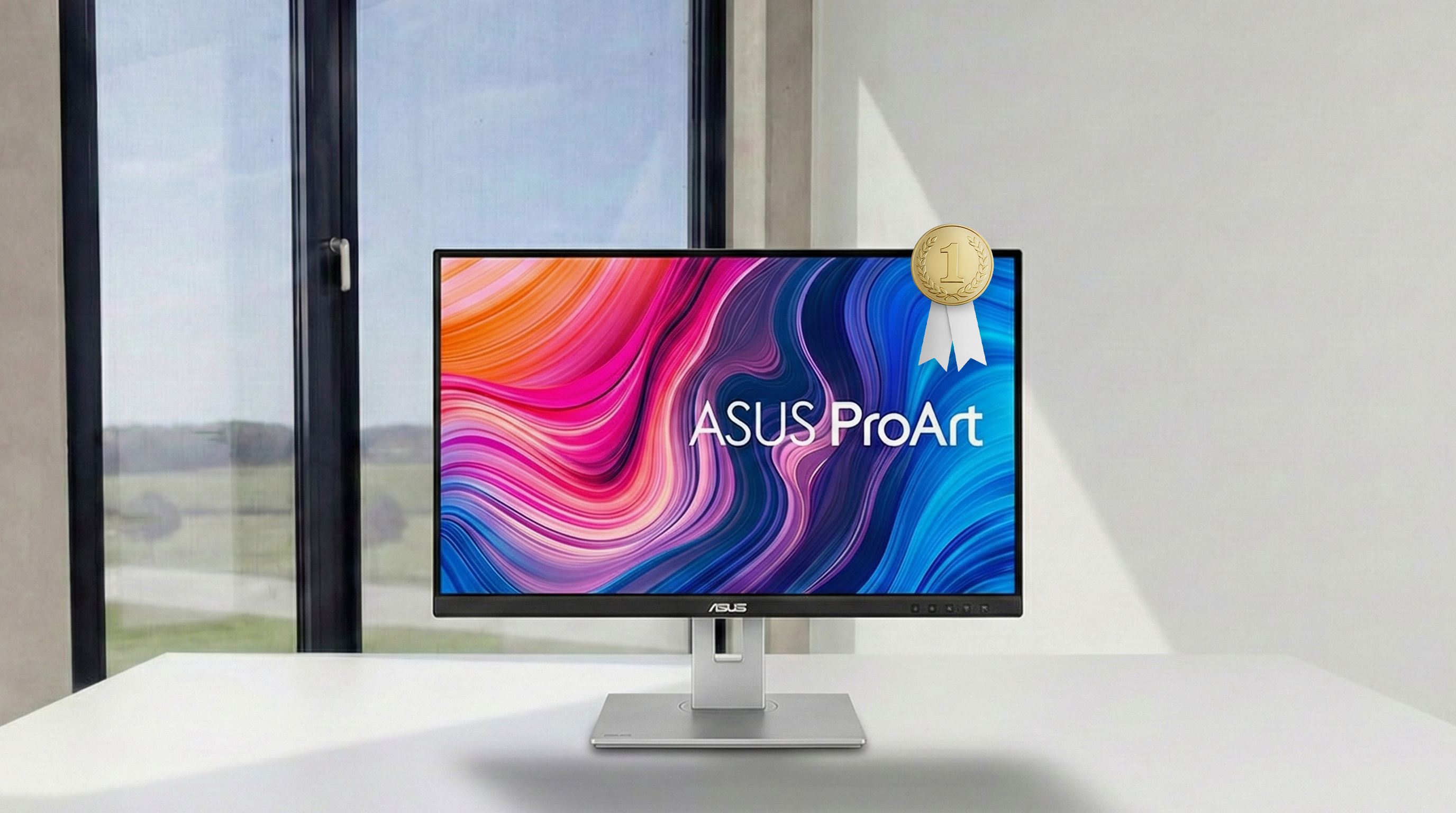
  • For razor-sharp images in the highest resolution, the Asus ProArt Display PA279CV is our number one 4K monitor.

Our tip: monitors with USB-C with Power Delivery. These allow you to transfer image, data and power via a single cable

The best ergonomic monitors 2026 for more ergonomics at the desk

An ergonomic monitor adapts to you, not the other way round, to actively prevent neck and back pain. Our experts recommend the most important criteria for your selection:

  • Fully adjustable stand: height adjustability, tilt and swivel function are essential for a healthy posture and glare-free viewing.
  • Pivot function: Turn the screen into portrait format - perfect for documents and programming.
  • Eye-friendly technology: Features such as Flicker-Free and a blue light filter noticeably reduce eye strain and promote focussed work.
ergonomie_int-platz-1

1st place | Ergonomics monitors

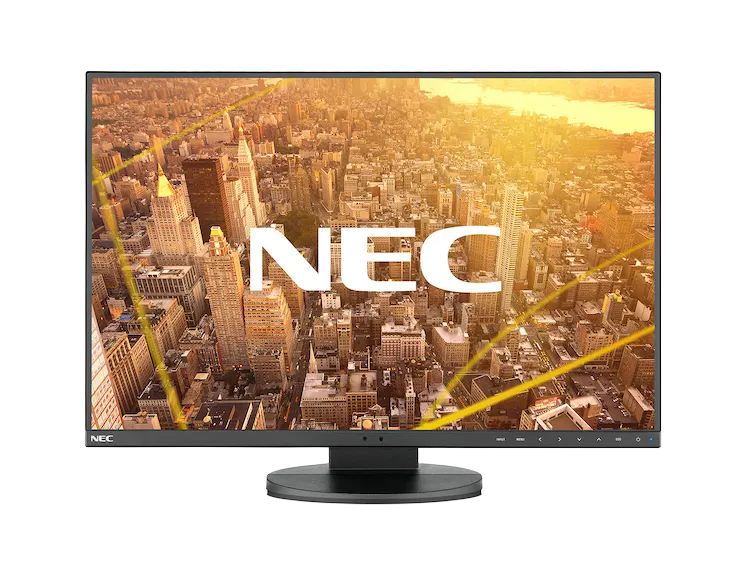
NEC MultiSync EA271F monitor

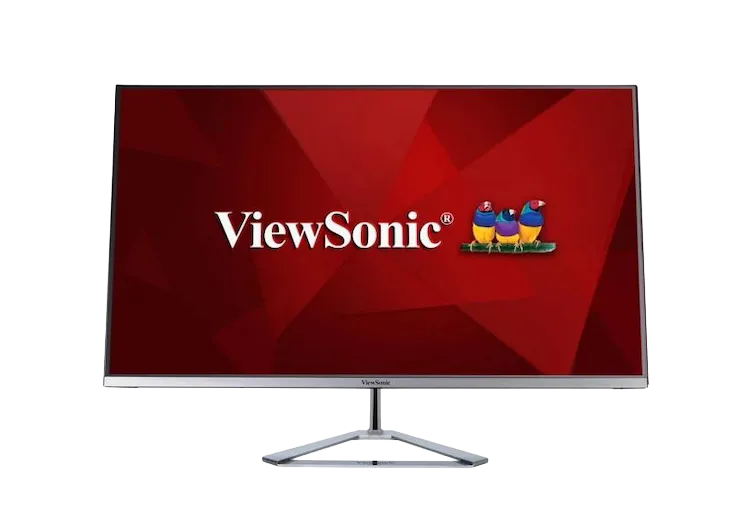
The NEC MultiSync EA271F monitor secures first place with its excellent and intelligent ergonomic features. Similar to the test winner, the NEC MultiSync EA271F offers good mechanical adjustability, including a height adjustment of 150 mm as well as full swivel, tilt and pivot functions.

The monitor stands out ergonomically thanks to its sensors: The integrated Human Sensor recognises whether someone is sitting at the desk and automatically adjusts the brightness or switches the screen off. Together with the ambient light sensor, this not only saves energy, but is also easy on the eyes. The panel is also flicker-free and reduces blue light. The NEC monitor uses the 16:9 format and offers a larger work surface at 27 inches.

The best office monitors 2026 for your office

A professional office monitor ensures that you can work productively and ergonomically. The decisive criteria for selection are:

  • Comprehensive ergonomics: A fully adjustable stand is the basis for a healthy posture.
  • Picture quality: A resolution of Full HD or higher enables clear legibility and attention to detail.
  • Eye-friendly technologies: Flicker-Free technology and integrated blue light filters reduce eye strain and enable concentrated work.
  • USB-C connectivity: USB-C with Power Delivery clears the desk by transferring image, data and power to the laptop via a single cable.
office_dell_p2425

1st place | Office monitors

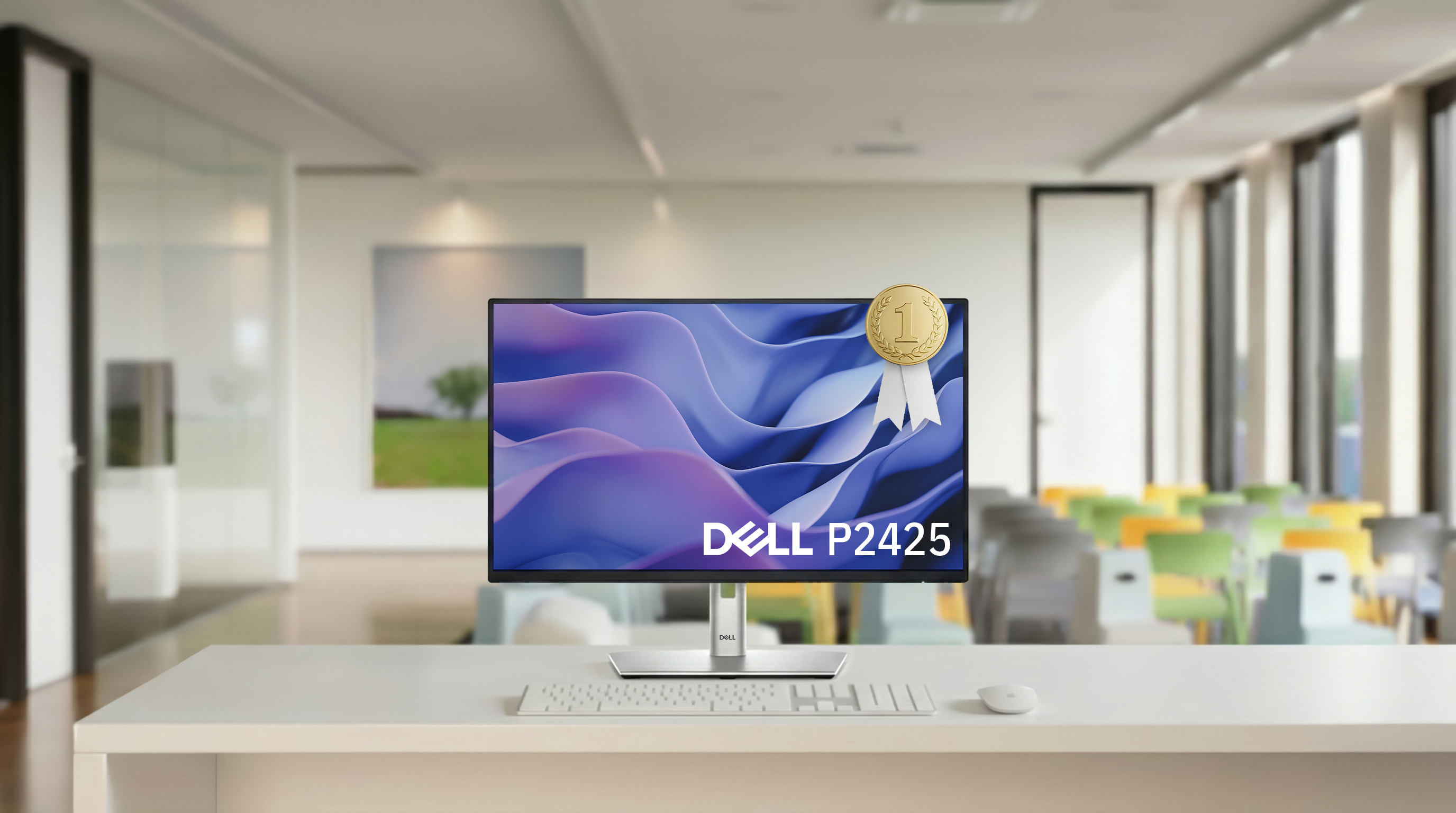
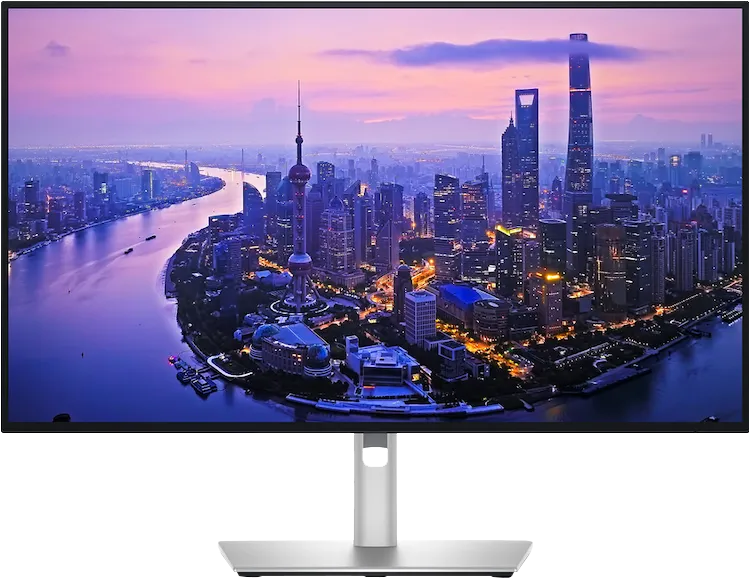
Dell P2425H monitor

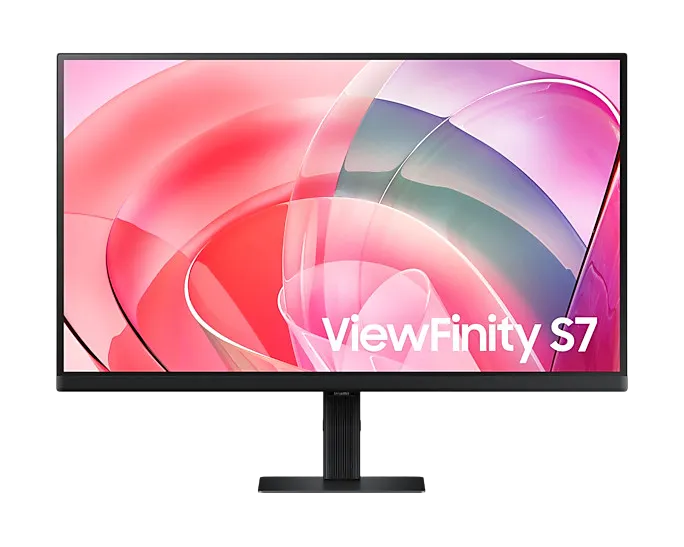
The Dell P2425H monitor wins the test as the best overall package for modern office life. The monitor combines outstanding ergonomics with eye protection that sets new standards. The 23.8-inch FHD panel with IPS technology delivers clear, sharp images thanks to a high contrast ratio of 1500:1.

The decisive advantage is the 4-star "Eye Comfort" certification from TÜV Rheinland. The ComfortView Plus function effectively reduces blue light emissions without compromising the excellent 99% sRGB colour fidelity. The refresh rate of 100 Hz is also immediately noticeable in practical tests. Scrolling through documents or websites is visibly smoother and quieter than with standard 60 Hz devices.

The Dell P2425H monitor offers full ergonomic freedom: the monitor is height-adjustable by 150 mm, inclinable, swivelling and can be rotated into portrait format thanks to the pivot function. Thanks to connections ranging from DisplayPort and HDMI to the older VGA standard, the Dell P2425H fits into any IT environment and also offers modern USB ports. The monitor is therefore the ideal monitor for companies that value health and productivity.

The best gaming monitors 2026 for the ultimate gaming experience

For the ultimate gaming experience, the choice of monitor is a strategic decision that depends on the interplay of the right core technologies.

  • Response time: The foundation for competitive gaming is a high refresh rate of at least 144 Hz and a response time of 1 ms (GTG) or less.
  • Synchronisation technology: G-Sync or FreeSync support is essential to dynamically adjust the frame rate to the graphics card and avoid stuttering.
  • Resolution: The choice of resolution must match the performance of the graphics card and determines the maximum visual depth of detail and highest frame rates.
gaming_odyssey_neo_g9.jpg

1st place | Gaming monitors

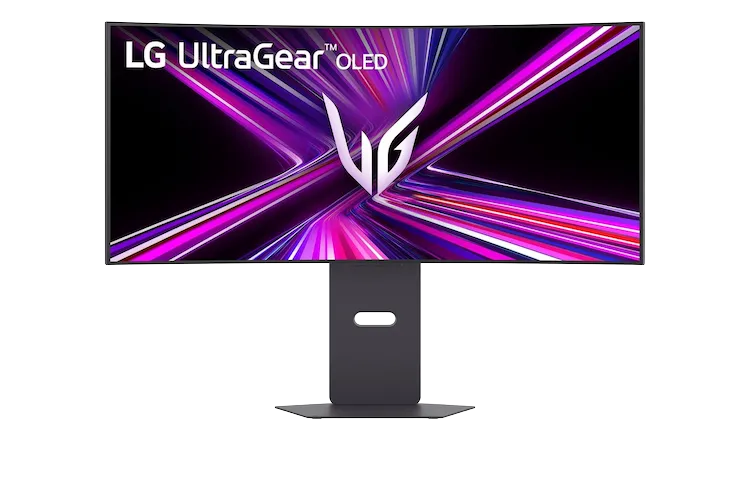
Samsung Odyssey Neo G95NC monitor

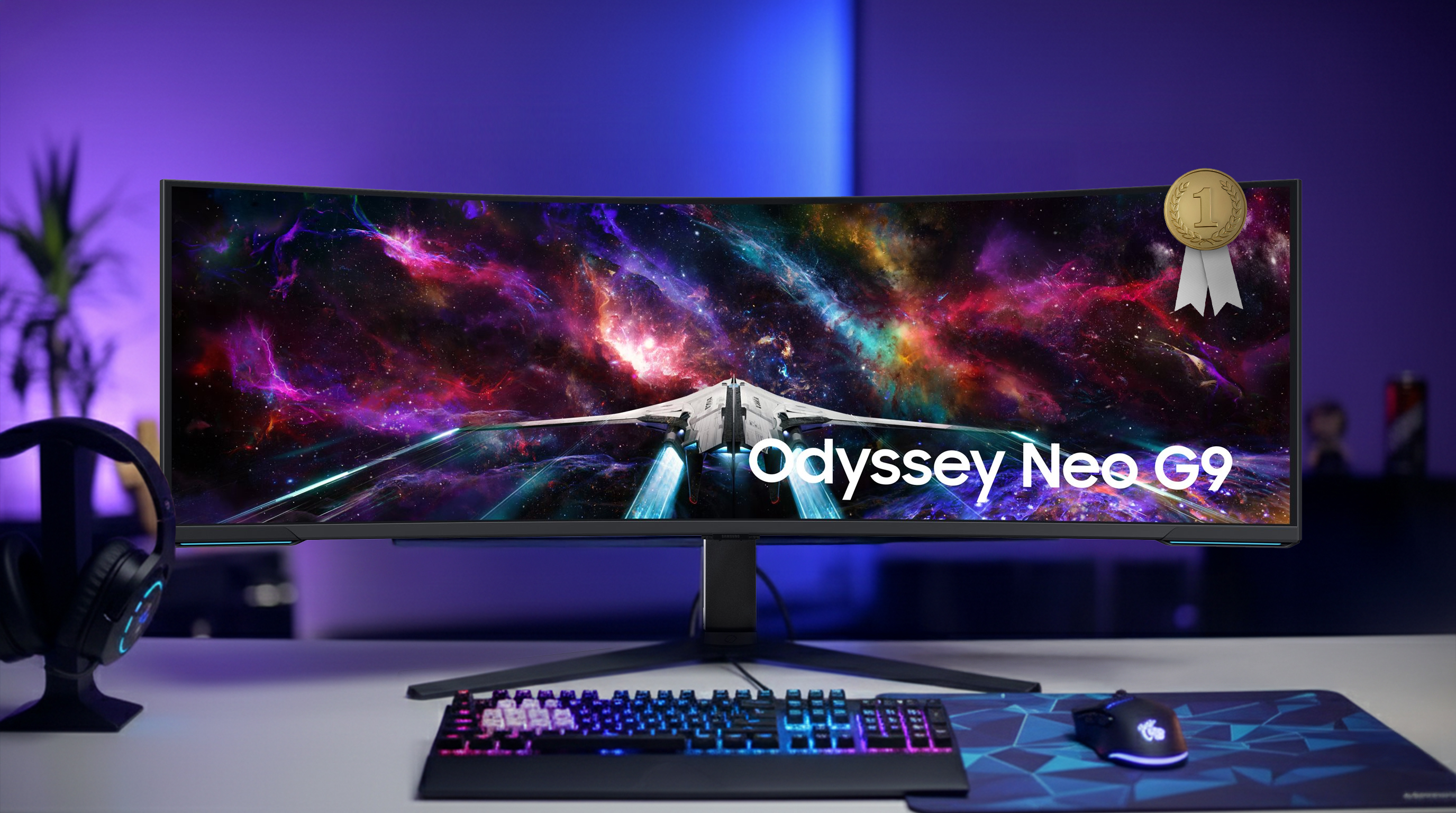
The Samsung Odyssey Neo G95NC redefines the ultimate gaming experience. The centrepiece of the monitor is the 57-inch screen diagonal. Thanks to the strong 1000R curvature , it fills the entire peripheral field of view. The dual UHD resolution of 7,680 x 2,160 pixels corresponds to the area of two 32-inch UHD monitors, but without the annoying frame in between. Quantum Matrix technology ensures outstanding picture quality. Quantum Mini LEDs control 2392 local dimming zones and, together with HDR 1000, deliver impressive contrasts and deep black levels.

The performance makes the Samsung Odyssey Neo G95NC the number one for ultimate gaming. The monitor delivers this gigantic resolution with a refresh rate of 240 Hz and a response time of 1 ms (G/G). AMD FreeSync Premium Pro ensures stable and smooth action. The modern DisplayPort 2.1 connection is integrated to handle this amount of data. Extras such as the built-in KVM switch and CoreSync lighting round off the high-end package.

The best 4K monitors 2026 for a grandiose resolution

The brilliant sharpness of a 4K resolution is only the starting point; the true quality of a monitor is revealed in the features that are precisely matched to the intended use.

  • Colour and speed: Colour accuracy and viewing angles are crucial for creative work. For high-end gaming, on the other hand, high refresh rates are essential.
  • Connectivity is a must: A modern workplace benefits from USB-C with Power Delivery for a single-cable solution with the notebook.
  • The right size: The pixel density of 4K is best utilised on larger screen sizes from 27 inches.
grafik-asus-proart_platz-1

1st place | 4K monitors

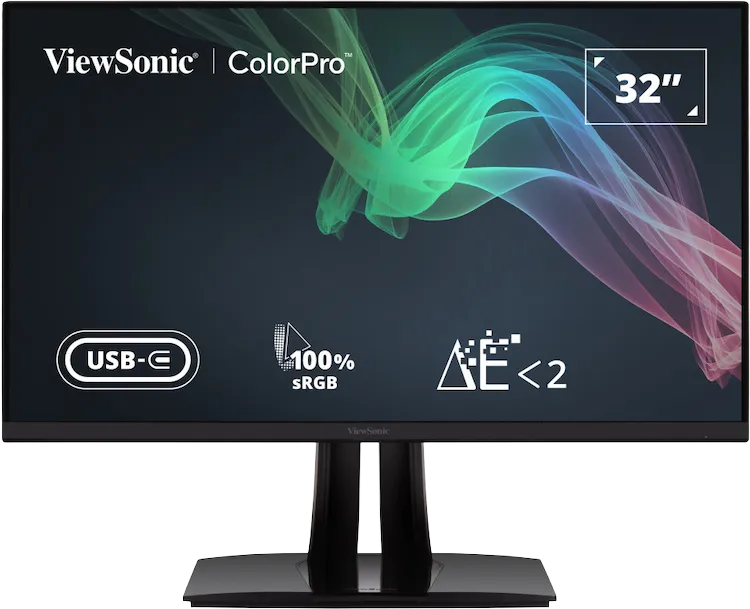
ASUS ProArt Display PA279CV monitor

The ASUS ProArt PA279CV monitor fulfils the decisive criterion for professional image editing: reliable colour accuracy. The ASUS ProArt Display PA279CV is not only a sharp 27" 4K monitor, but also a certified work tool. Thanks to Calman verification and a colour accuracy of Delta E < 2, you can rest assured that your work will be displayed exactly as it was intended. This is supported by the full coverage of 100% sRGB and 100% Rec. 709

The ASUS ProArt Display PA279CV monitor replaces the docking station and creates more space on your desk. A single USB-C cable is used to transmit the 4K signal and charge the notebook with 65 watts; the monitor also serves as a USB hub. The fully ergonomic stand with pivot function is ideal for designers who require special layouts. While other monitors in the test serve specific niches, the ASUS ProArt delivers the best overall package of verified colour precision, essential connectivity and perfect 27-inch sharpness for creatives.

The best 21:9 ultrawide-monitors 2026 for multitasking applications

Thanks to its aspect ratio, a 21:9 monitor offers more space for an immersive experience when gaming and watching films, as well as more productivity in the office. Smart features also ensure even more organisation:

  • Resolution: 3440 x 1440 pixels offer a good balance of sharpness and performance. For larger monitors, 3840 x 1600 and 5120 x 2160 are common.
  • Multitasking: Thanks to picture-by-picture, signals from two computers can be displayed side by side. Often combined with a KVM switch to control both devices with just one mouse and keyboard.
  • Connectivity: A USB-C port with Power Delivery transforms the monitor into a hub that charges a laptop and receives the image signal with just one cable.
ultrawide-lg_platz-1

1st place | 21:9 monitor

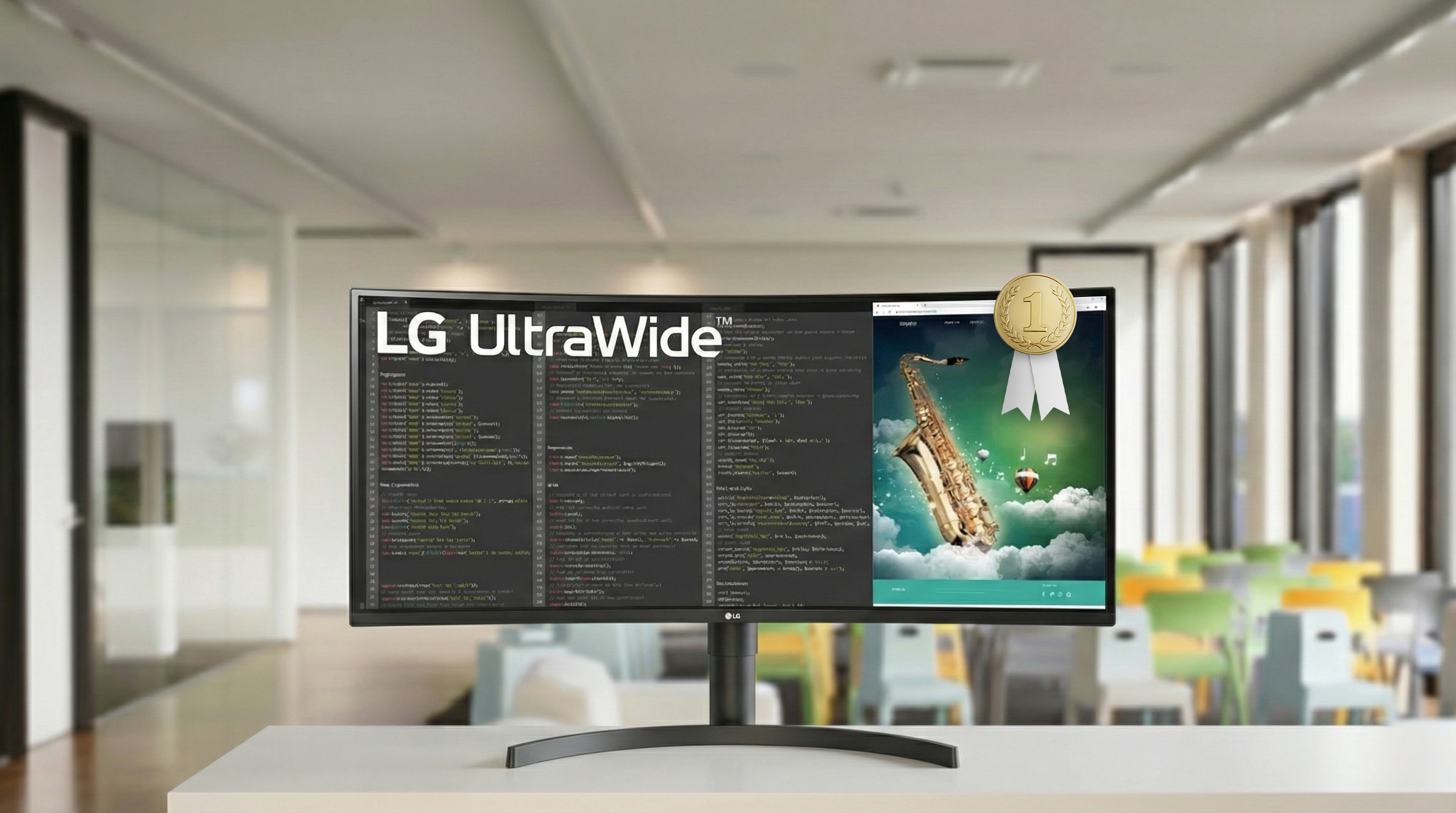
LG 35WN75CP-B monitor

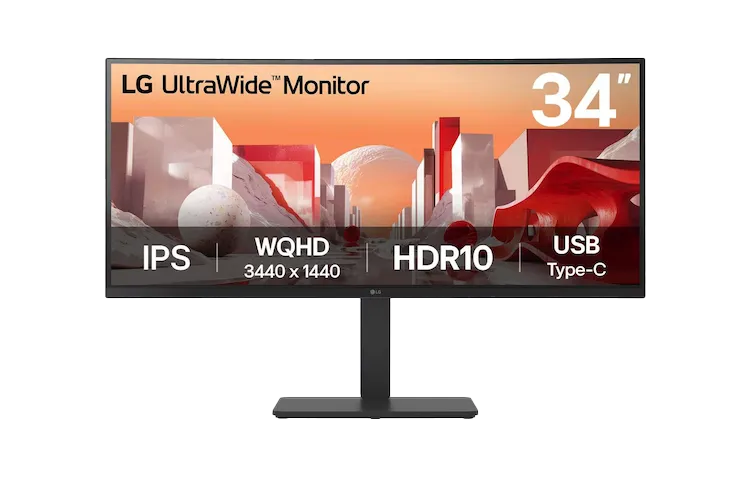
The LG 35WN75CP-B emerges as the test winner in the best 21:9 monitors category. The monitor offers a versatile overall package for the modern home office and entertainment. The 35-inch diagonal and sharp UltraWide QHD resolution (3440 x 1440) provide an ideal workspace for managing multiple documents or timelines side by side. The monitor covers 99% of the sRGB colour space and supports HDR10.

While many office monitors are limited to 60 Hz, the LG 35WN75CP-B delivers a 100 Hz refresh rate and AMD FreeSync. The result is a visibly smoother display when working and gaming. Input lag is minimised by Dynamic Action Sync. The USB-C port is ideal for business use. This not only transmits the image signal, but also charges connected laptops with a powerful 94 watts. Integrated 7-watt speakers with MaxxAudio round off the package.

All from a single source: accessories for monitors

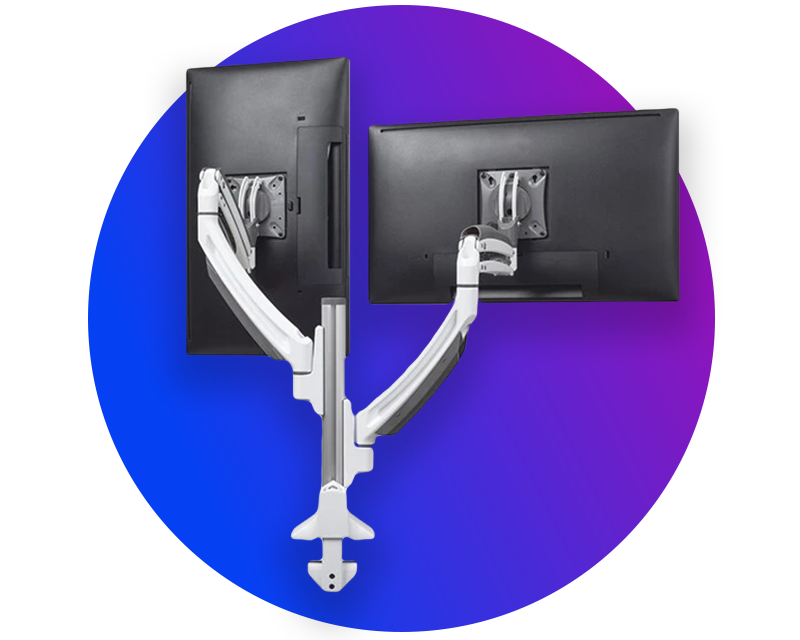
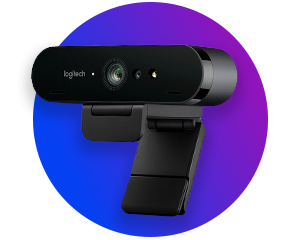
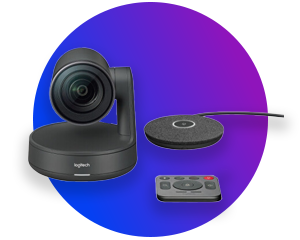
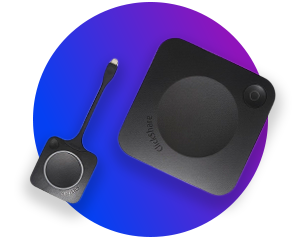
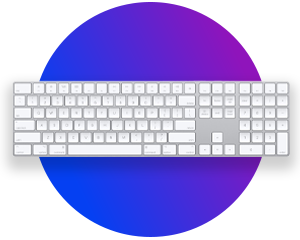
In addition to the right monitors, you will also find the right products to perfectly equip your workplace or office: from monitor mounts, webcams and video conferencing systems to modern room equipment.

Answers to the most frequently asked monitor questions

Monitors are part of the standard equipment in every office, gaming room and private study. Due to the many features and functions of the various screens, questions often arise.

When connecting a monitor to a modern PC or laptop, three connections are of particular importance today: HDMI, DisplayPort and USB-C.
  • USB-C is the best all-in-one solution and the most convenient option for laptops. A single cable can transmit image, sound and data for the monitor's integrated USB hub as well as charge your laptop via Power Delivery (PD). This means you only need one cable on your desk. However, make sure that both the laptop and the cable support "DisplayPort Alternate Mode".
  • DisplayPort (version 1.4 or higher) is often the best choice for desktops, especially when high refresh rates (e.g. 144 Hz) and high resolutions (4K or more) are required. It usually offers the highest bandwidth and stability for demanding applications.
  • HDMI (version 2.0 or 2.1) is a widely used standard and is also suitable for transmitting high-resolution images and sound. It is a very good and uncomplicated choice for most standard office applications.
The old VGA connection is technically obsolete and should no longer be used for digital and high-quality image transmission.
A monitor with an integrated USB hub can act as a docking station for your peripheral devices such as a mouse, keyboard, webcams or external hard drives. These devices are connected directly to the USB inputs of the monitor. As the monitor is then only connected to your laptop with one or two cables, you significantly reduce cable clutter.
  • With USB-C: connect your laptop to the monitor using a single USB-C cable. The cable transmits the image signal, connects all USB devices connected to the monitor to the laptop and charges it at the same time. However, make sure that both the laptop and the cable support "DisplayPort Alternate Mode".
  • Without USB-C: If your monitor does not have a USB-C port, you will need two cables to connect it to the PC: a video cable (HDMI or DisplayPort) to transmit the image and a separate USB cable (usually USB-A to USB-B) to activate the hub.
An ergonomic monitor is easy on the eyes and prevents postural problems. Pay particular attention to these three key features:
  • Flexible mechanics: Height adjustment to bring the top edge of the screen to eye level is essential, as are functions for tilting, swivelling and rotating (pivot) to optimally align the screen.
  • Eye-friendly technologies: Flicker-free technology (Flicker-Free) and an integrated blue light filter (Low Blue Light Mode) are now standard. They reduce eye strain during long periods of work.
  • Matt surface: To avoid annoying reflections from light sources, an anti-glare display is essential in the office.
One feature of monitors is the panel technology used. IPS panels, which offer a wide viewing angle and good colour reproduction, are most commonly used. They are not recommended for gamers as they take longer to switch the monitor panel. The VA panel offers comparable properties to the IPS panel. If you look at both panels in direct comparison, the colour brilliance of a VA panel is less pronounced. TN panels are also still used, but offer a lower contrast value and a narrower viewing angle. A TN panel switches very quickly, which is why they are used in gaming monitors.

visunext Contact persons

Do you have any further questions about buying a monitor?

We will be happy to advise you personally by phone or email! If you would prefer to be called back free of charge, simply leave your contact details.

Loading...
Upload in progress, please be patient ...