




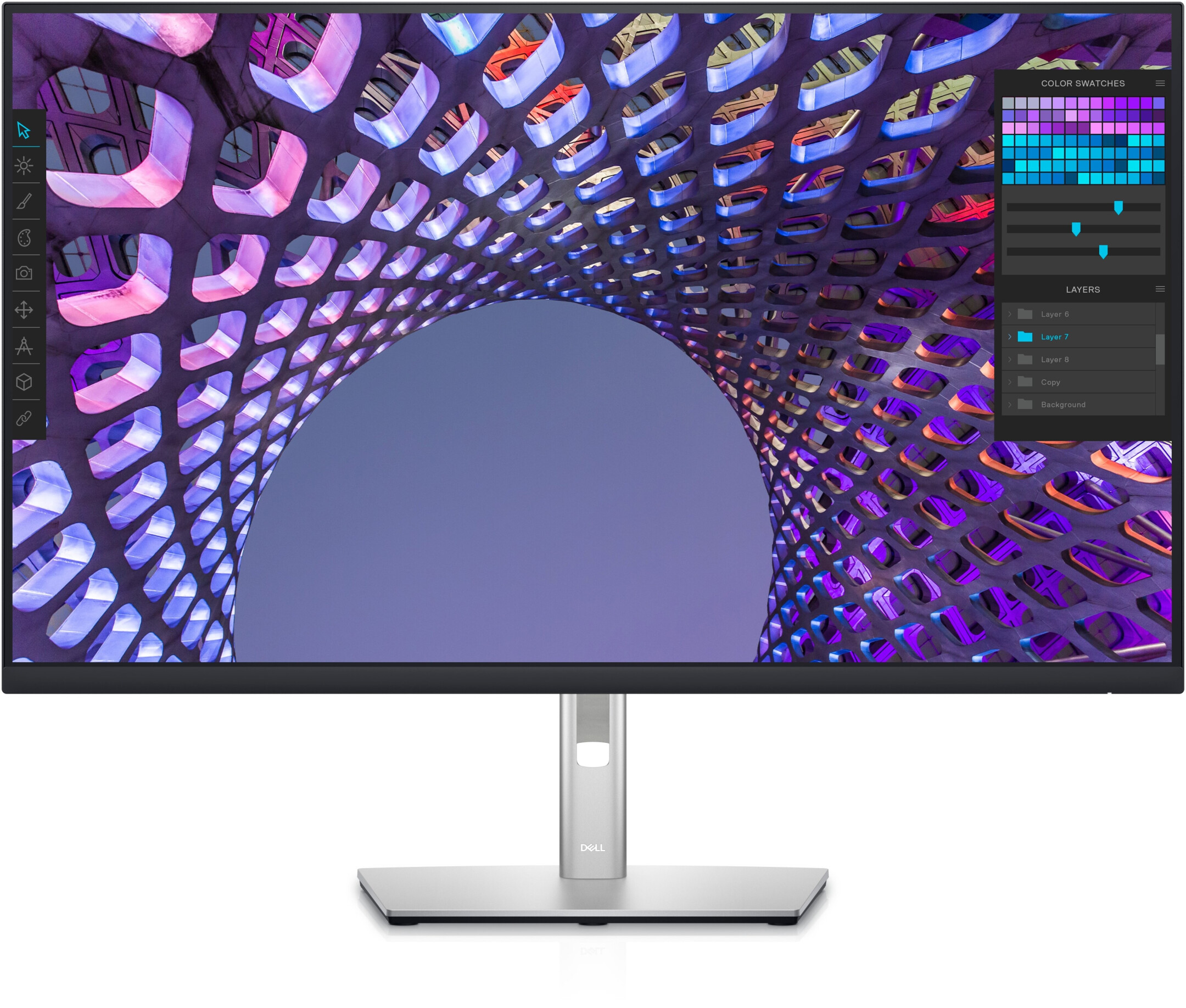
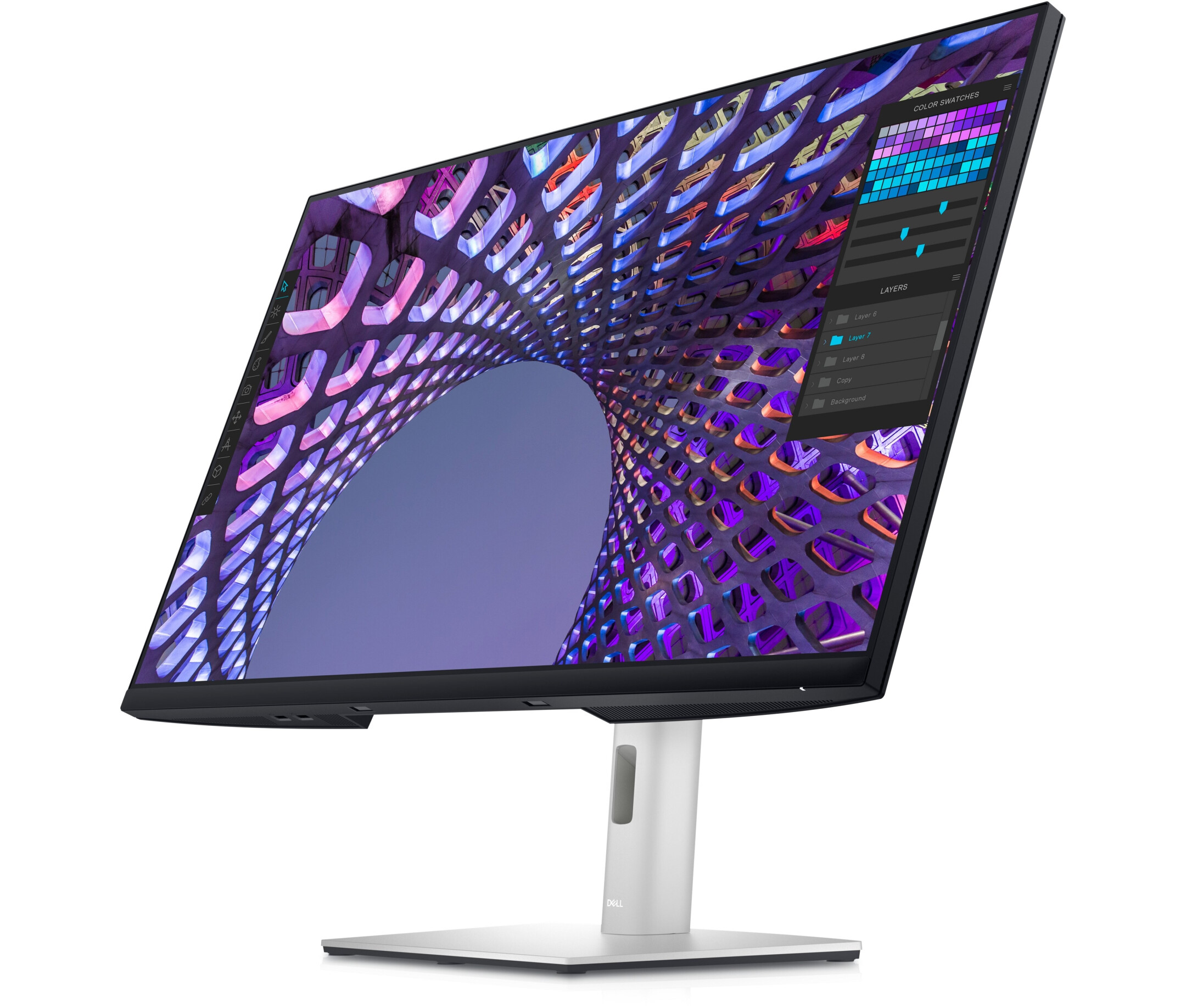
Dell P3223QE 32" IPS Monitor, 3840 x 2160 4K UHD, 60Hz, 8ms
Article no: 1000029154
£398.35*
£9.99



Frequently purchased together
Product information
Maximum attention to detail with a 4K screen
Detailed:
Experience outstanding performance, clarity and detail on a brilliant 80.01cm (31.5") 4K hub monitor.
Comprehensive connectivity:
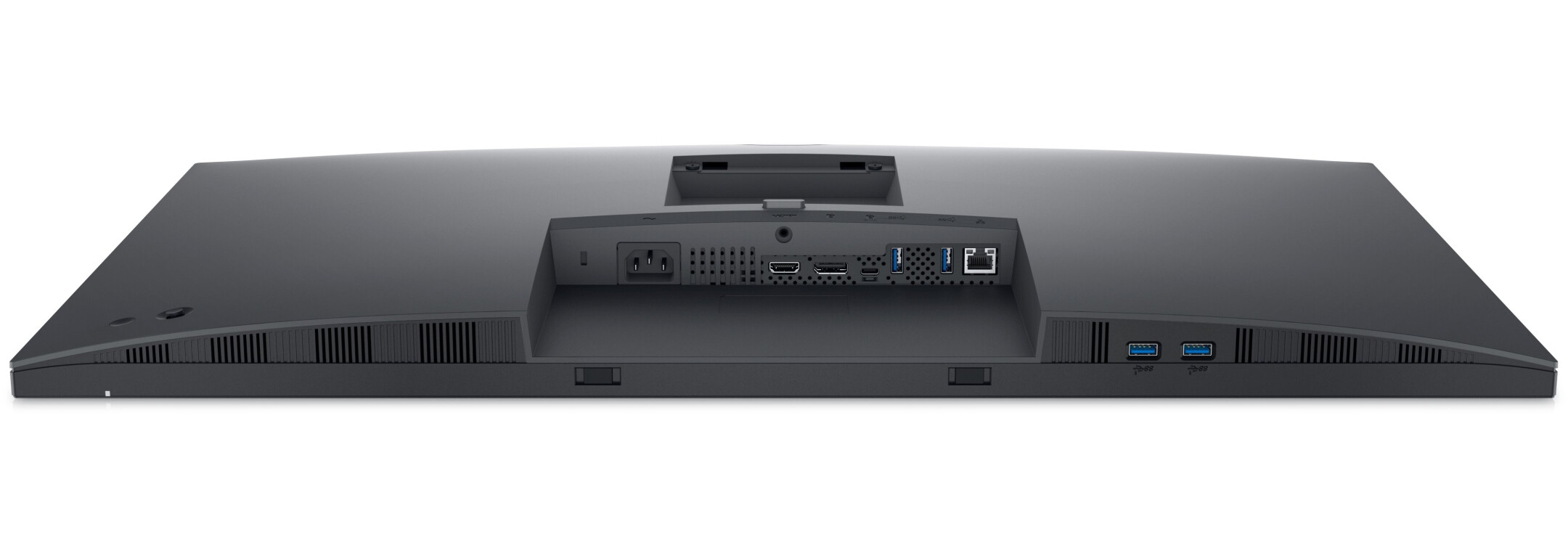
You can connect a wide range of devices thanks to comprehensive connectivity options, including HDMI, DisplayPort, USB-C, RJ45 and four super-fast 5Gbps USB ports. MAC address pass-through, PXE boot and Wake-on-LAN are already built in.
Individual setup for maximum efficiency
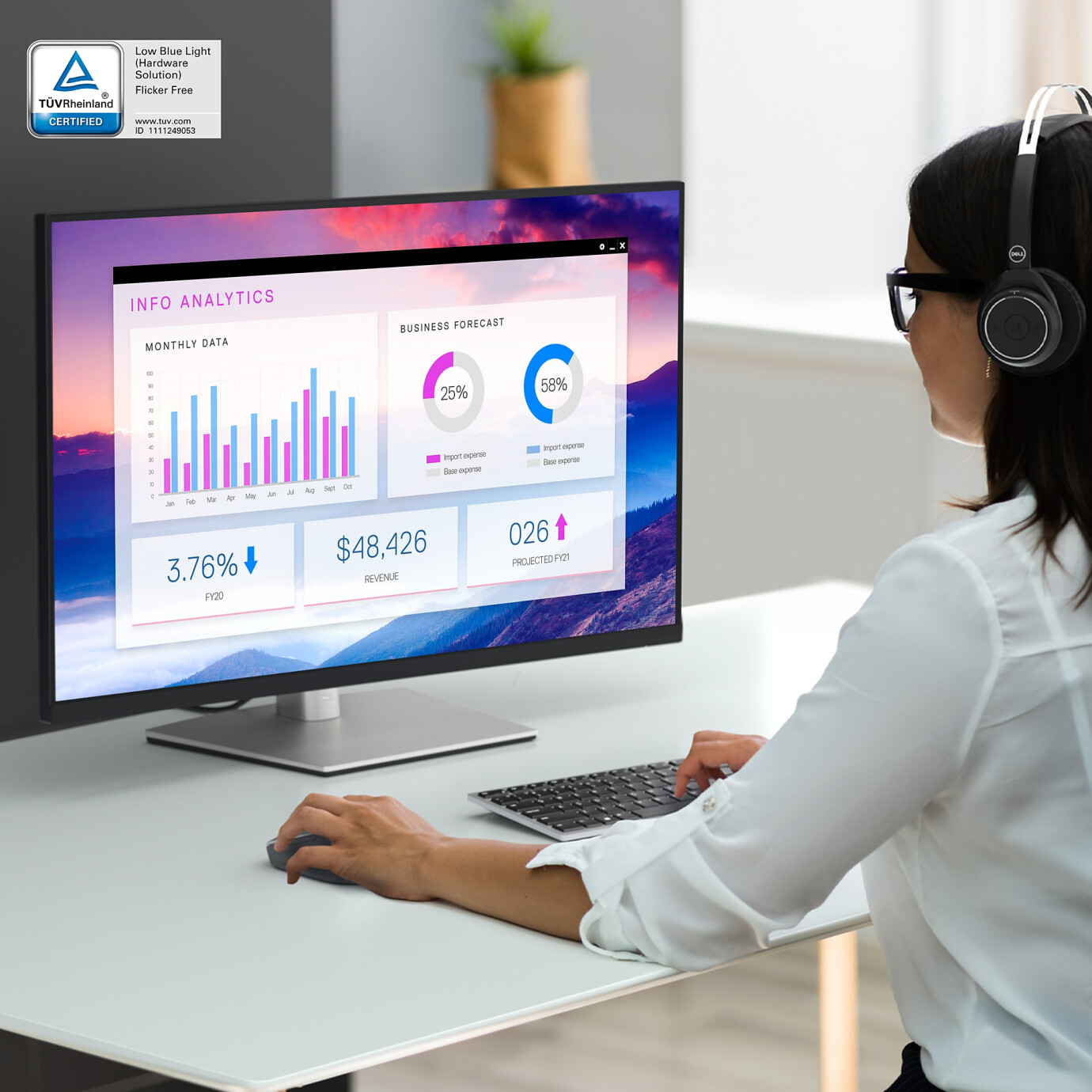
Designed for your comfort:
ComfortView Plus - an integrated, always-on blue light filter - reduces potentially harmful blue light emissions without compromising colour reproduction.
Elegant and functional:
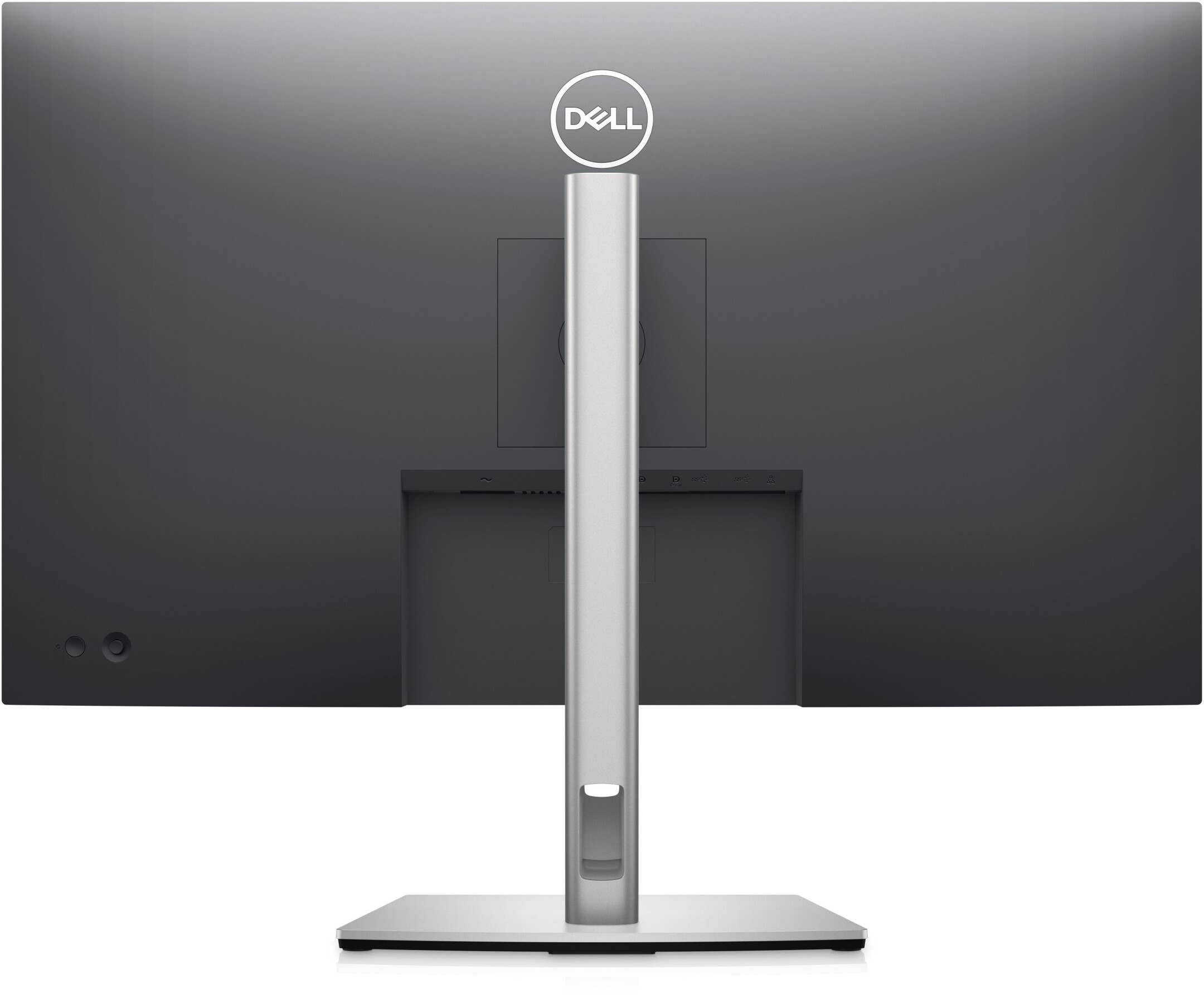
The stunning black coating and small bottom complement an improved cable management system that stows cables in the monitor stand.
Easily adjustable:
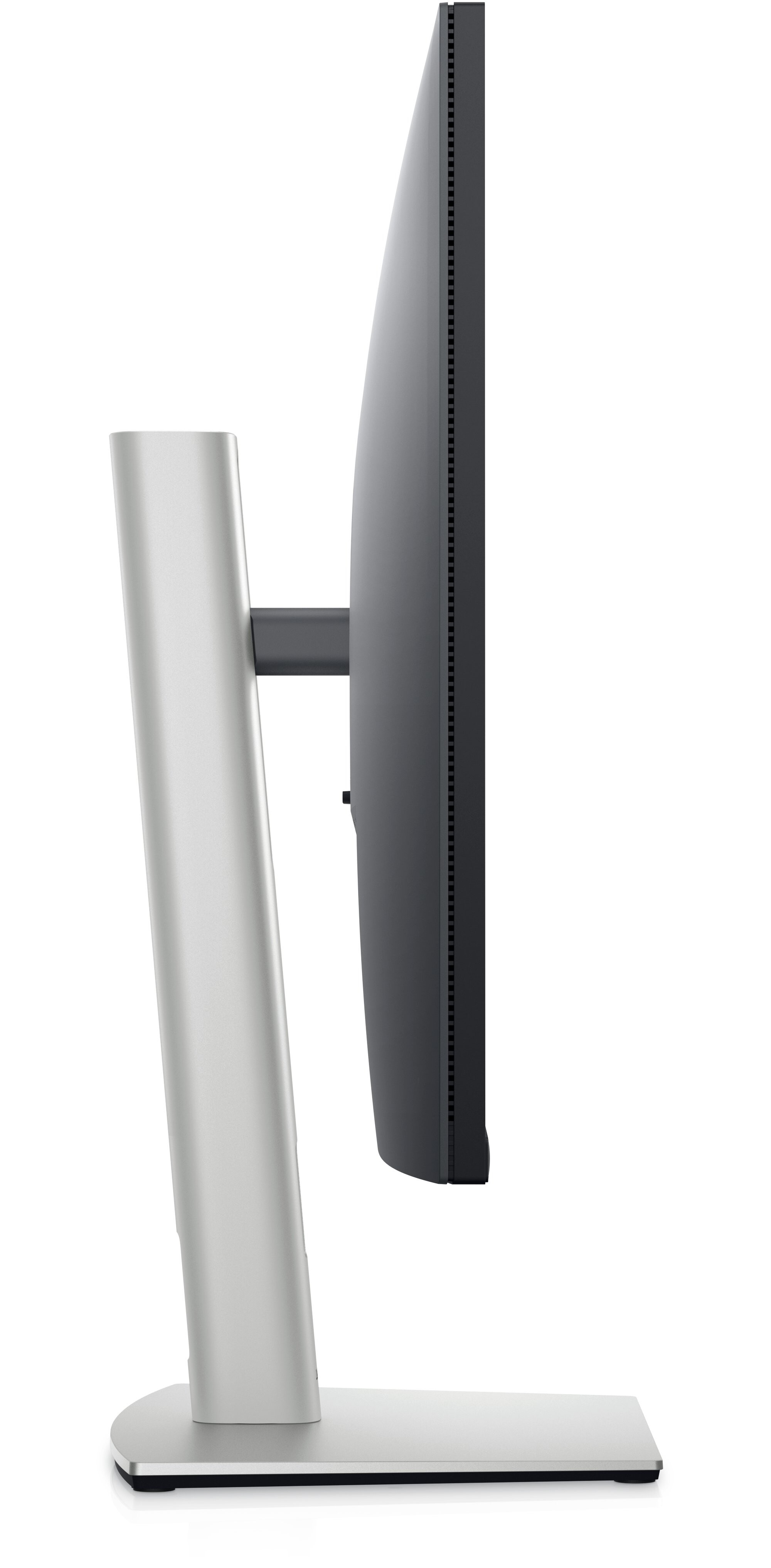
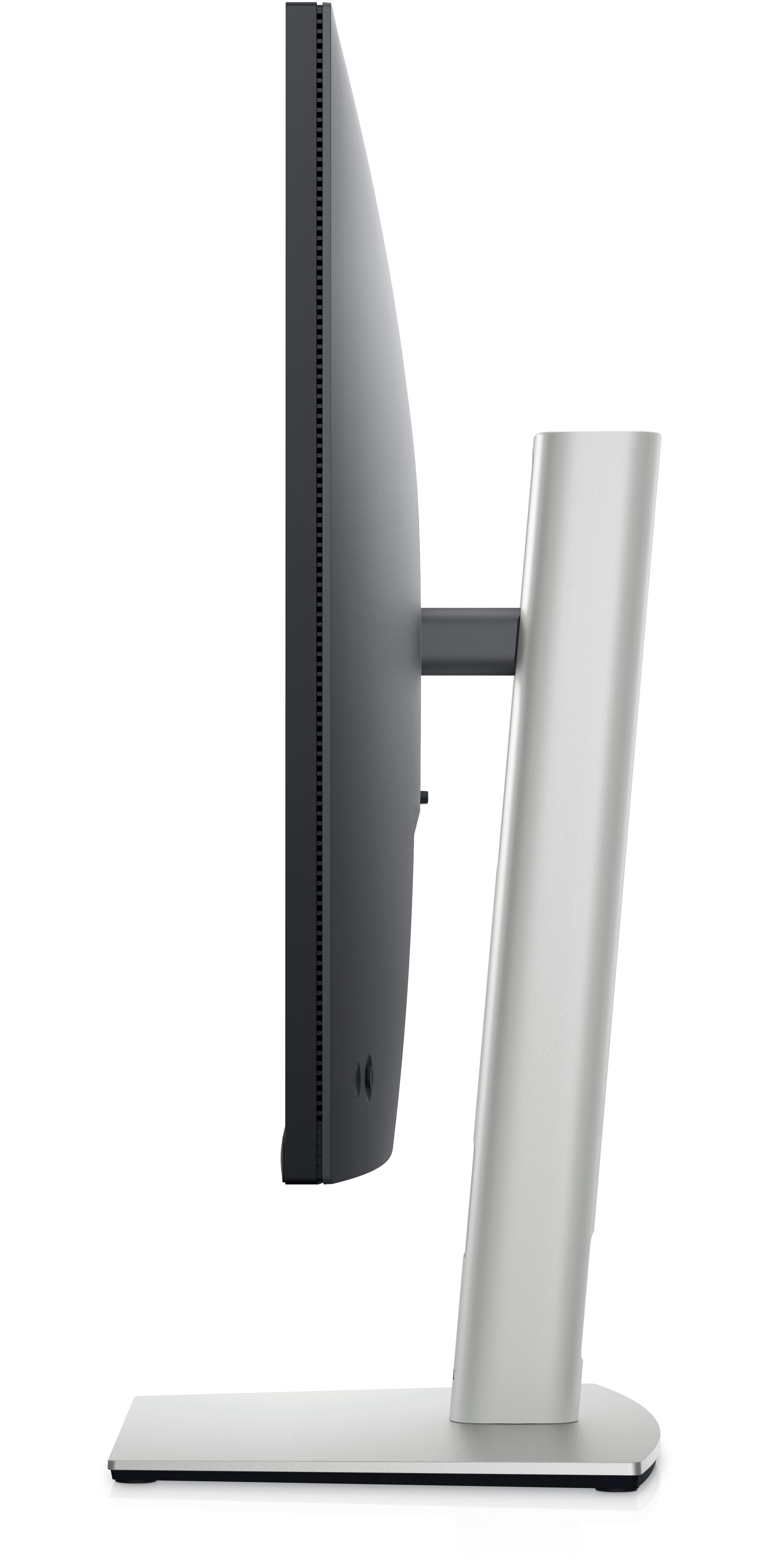
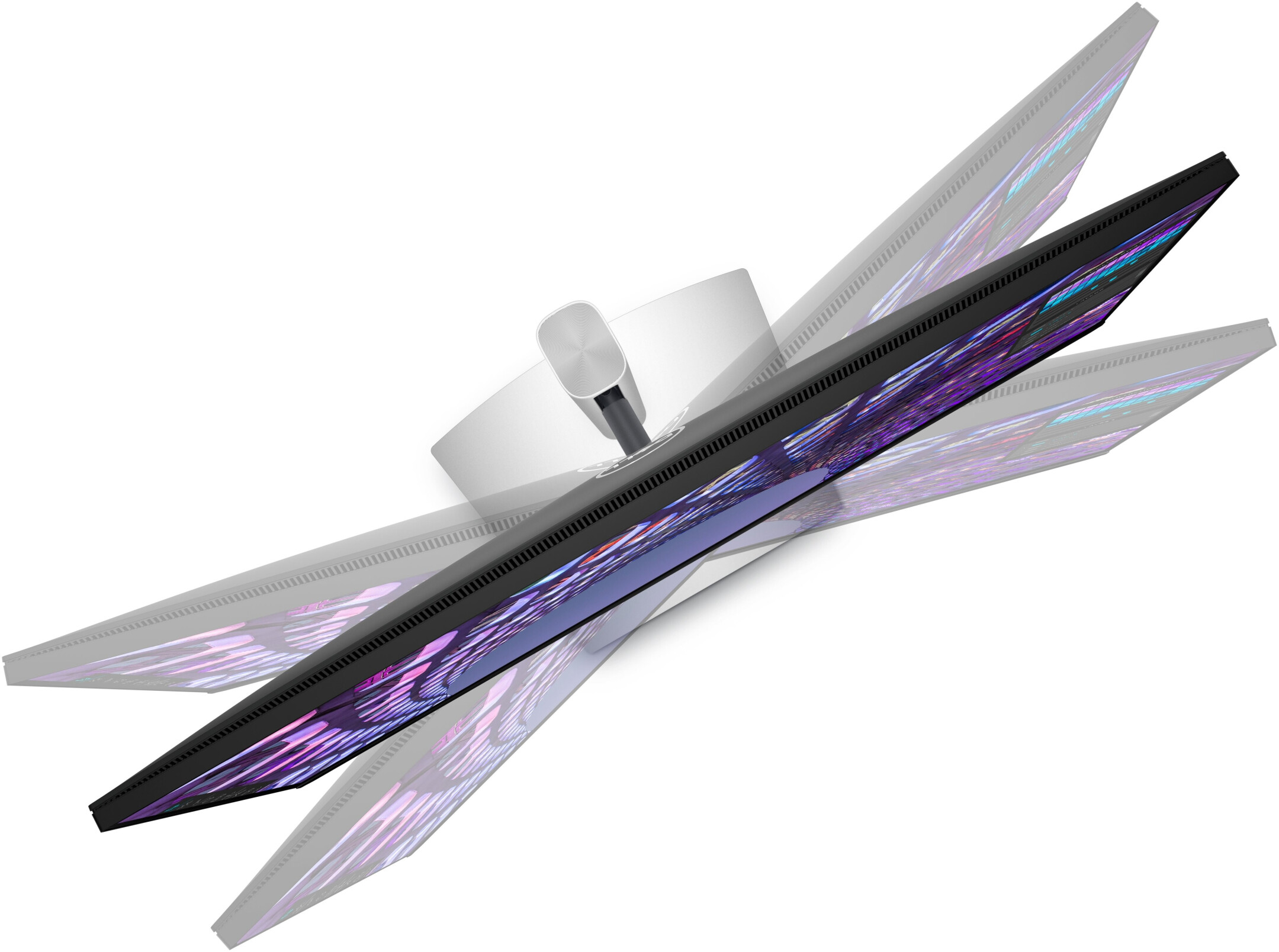
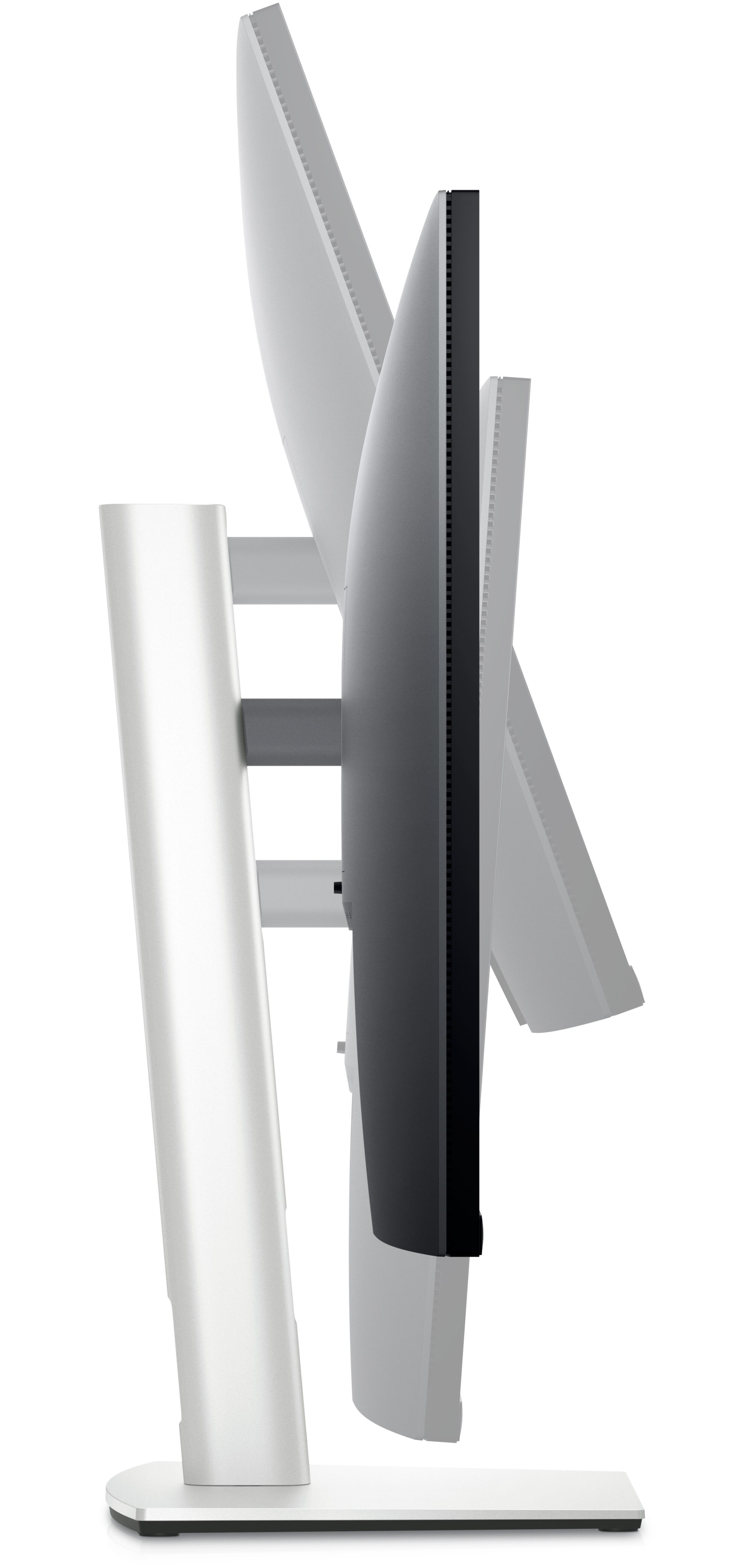
Experience optimal viewing comfort by tilting, swivelling, rotating and adjusting the height of your monitor (max. 150 mm).
Transform your workplace into an organised productivity hub!

Quick productivity:
Simply press the power button on the monitor. The Power Sync feature starts up the monitor and the connected Dell PC even when the laptop cover is closed. Compatible with select Dell PCs.
Overwhelming setup:
Turn your monitor into a productivity hub with RJ45 for wired Ethernet connectivity and USB-C with up to 90W of power delivery - all in one neat setup.
Advanced multitasking with Dell Display Manager

All-round productivity:
With EasyArrange, you can easily arrange multiple applications side-by-side on one or more screens with 38 preset window partitions and customise up to five windows. Multitasking doesn't get any better than this.
Seamless transitions:
The auto-restore feature remembers where you left off so you can resume your work at that exact point - even after you've disconnected.
The key to convenience:
Save even more time with keyboard shortcuts that make it easy to configure display management settings and get started faster.
More management options:
In asset management reports, IT managers can quickly capture and track all monitor data and configure multiple monitors in a single setup step.
Technical data
Downloads
Product safety
| Person responsible for the EU |
|---|
| Dell GmbH |
| Main Airport Center Unterschweinstiege 10 |
| 60549 Frankfurt am Main |
| Germany |
| DE.CustomerSupport@dell.com |