


Dell Pro E2226H 22" monitor with fixed stand
Article no: 1000041785
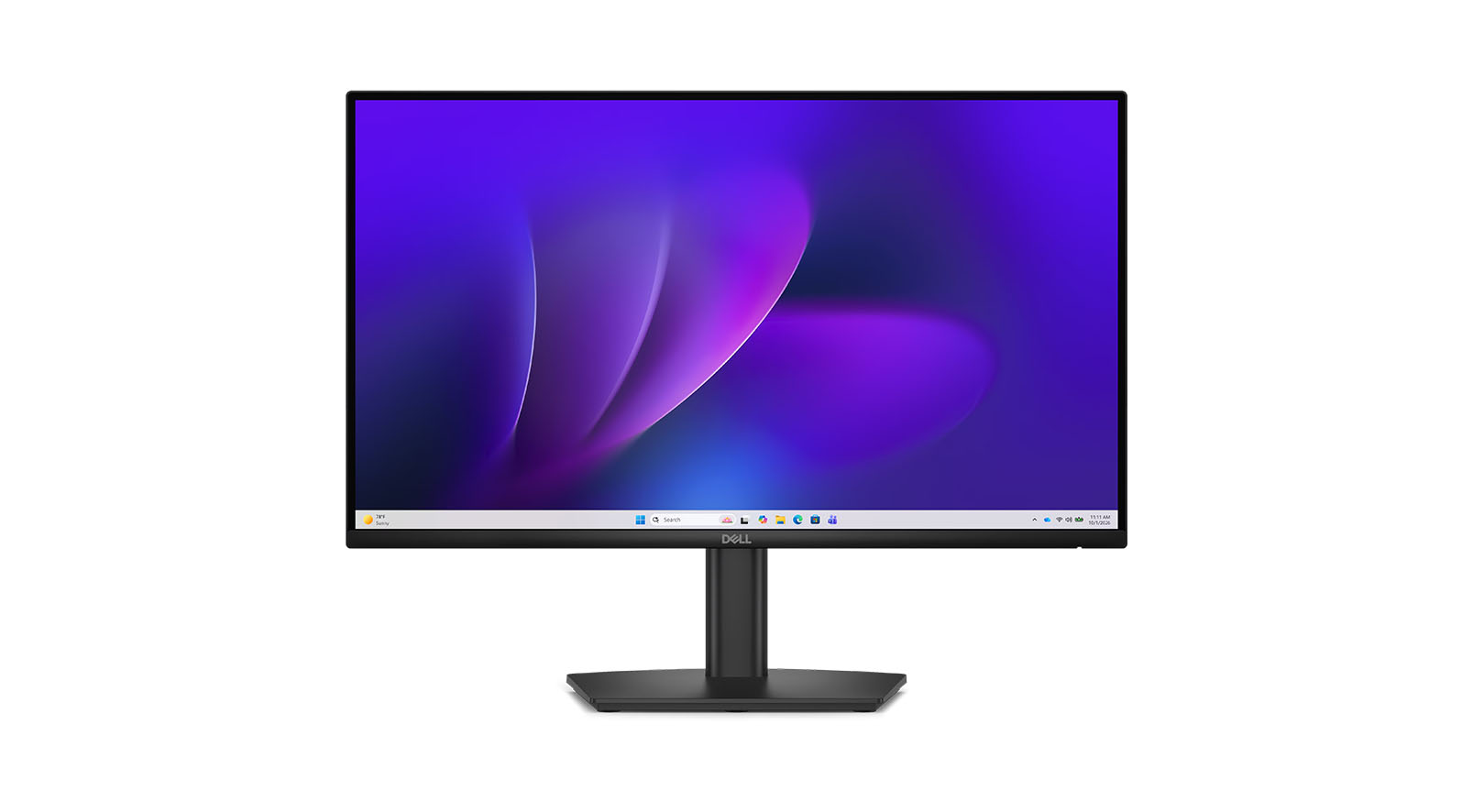
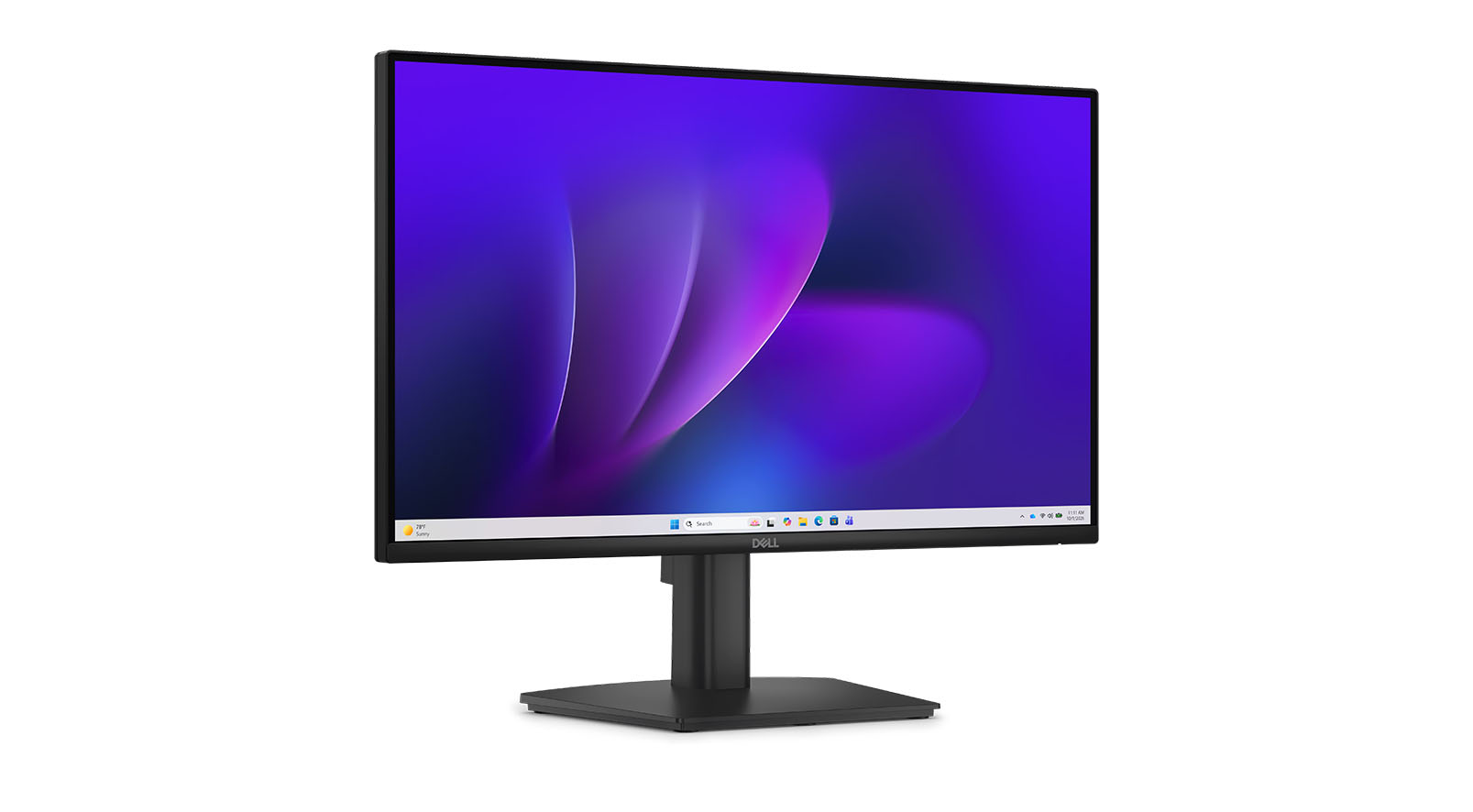
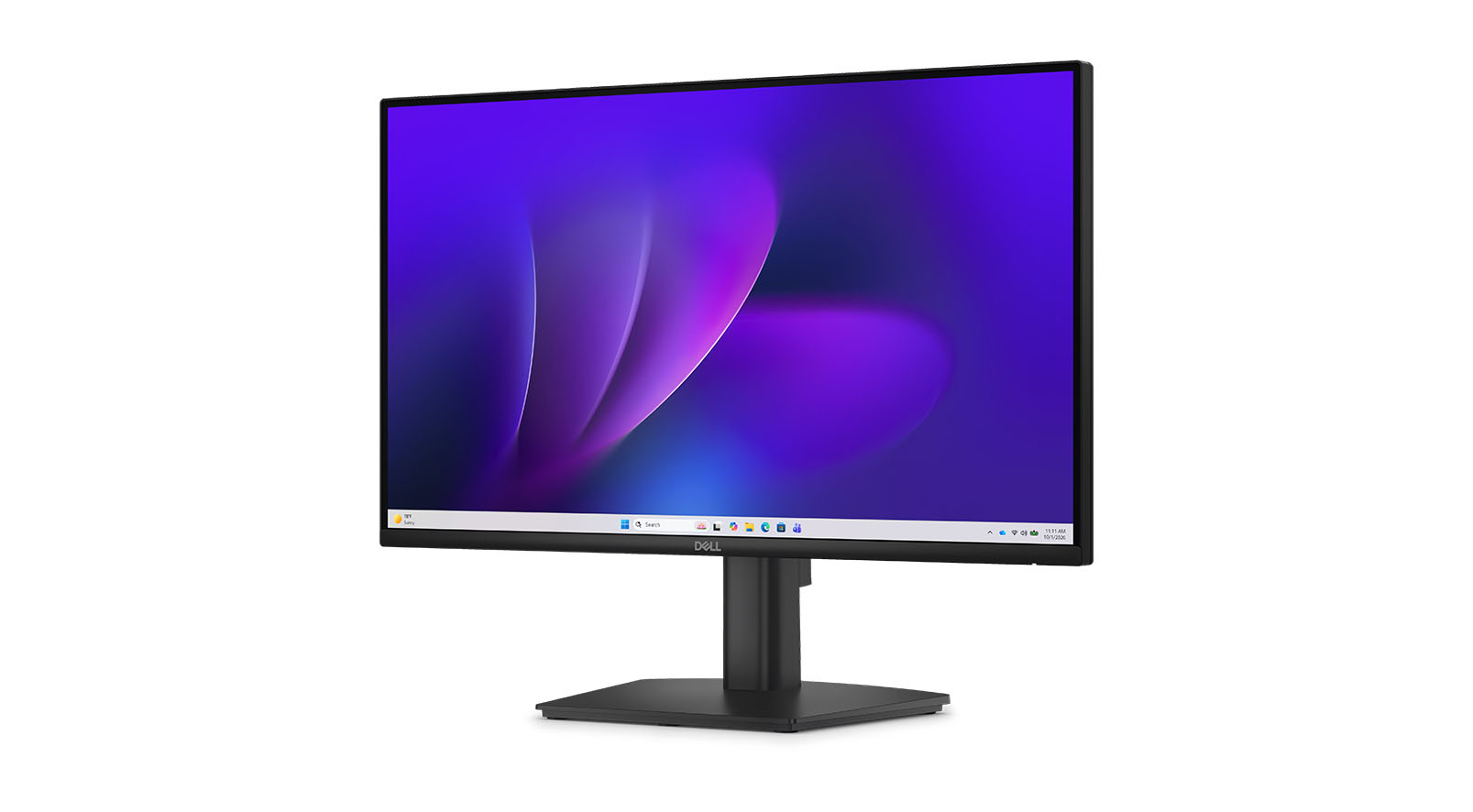
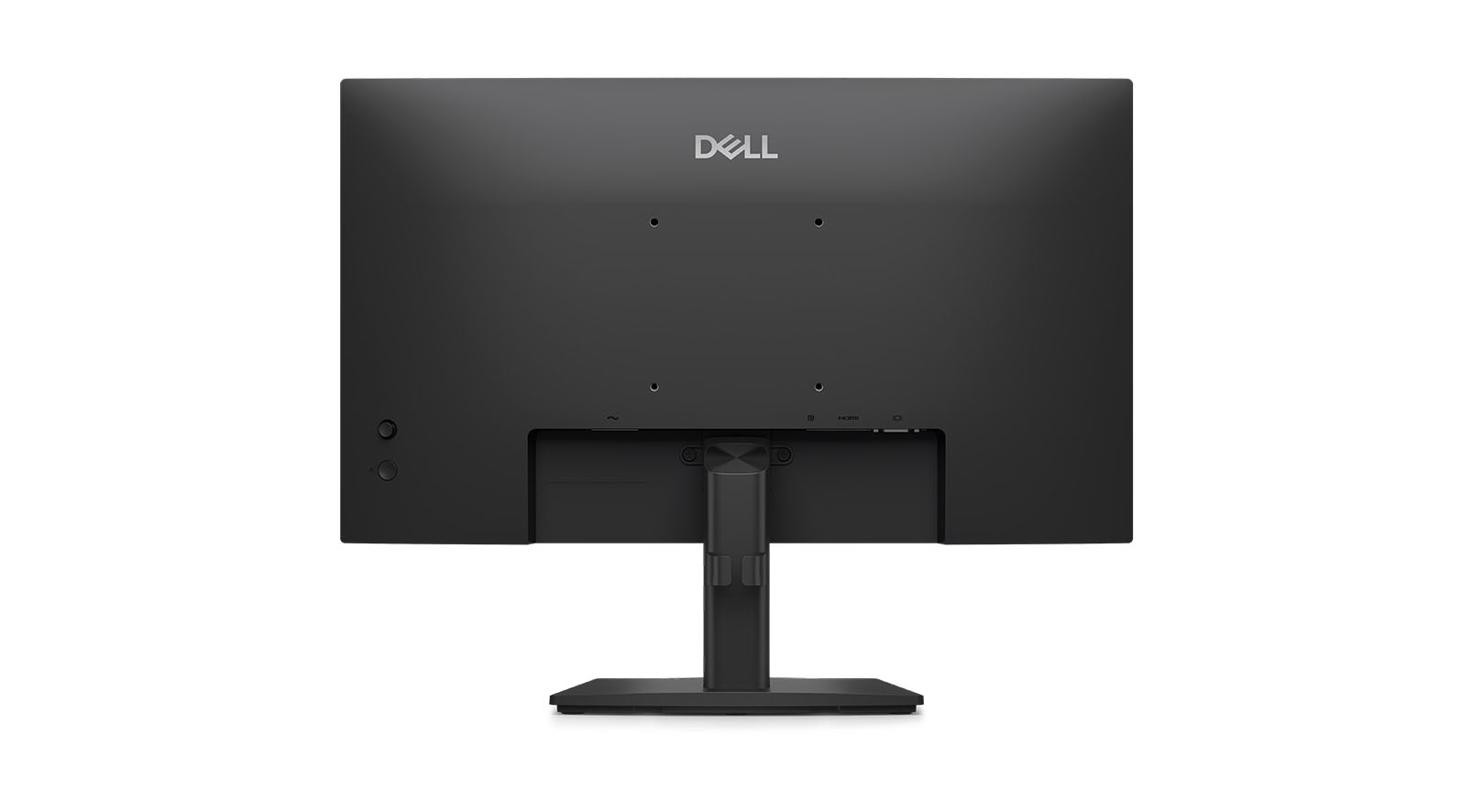
£110.12*
£9.99



Product information
Dell Pro E2226H: Your ideal monitor for greater productivity and superior viewing comfort
For an efficient working day, the Dell Pro E2226H is the perfect choice to help you tackle your daily tasks with focus and comfort. This 21.5-inch monitor is designed for professional users who spend long hours at their desks and place great importance on eye-friendly display quality. With its certified hardware technology for reducing blue light, this display tackles the problem of eye strain and provides optimal support during long periods of screen use. Boost your efficiency with a clear picture and well-thought-out ergonomics.
The benefits of the Dell Pro E2226H at a glance:
- Eye-comfort technology: Reduced blue light emissions for comfortable working without any loss of colour.
- Smooth 100 Hz refresh rate: Minimised flicker for consistent motion when scrolling through documents.
- Consistent colours thanks to the IPS panel: Vivid and clear image reproduction from a wide range of viewing angles.
- Efficient multitasking with Dell Display Manager: Intelligent software for easily arranging and saving your window layouts.
Certified visual comfort for long working days
Experience a workspace where your eyes remain relaxed even after many hours of focused work. The monitor features special hardware technology that reduces blue light by more than 50 per cent without compromising colour accuracy in the slightest. This feature works seamlessly with the high refresh rate of 100 Hz. Together, these features reduce distracting flicker and enable noticeably smoother scrolling through long text documents or complex web pages. For staff working in offices or from home, this translates into immediate relief and greater well-being in their day-to-day work. The TÜV Rheinland 3-star certification for Eye Comfort confirms this targeted relief for the eyes. Protect your eyes and work throughout the day with a comfortable viewing experience.
Impressive picture quality for professional results
You can rely on a display that presents your projects, graphics and documents in the best possible colours. Equipped with In-Plane Switching technology, the screen delivers consistent and vibrant colours across wide viewing angles. Combined with a high contrast ratio of 1,000:1 and a brightness of 300 cd/m², you’ll benefit from excellent picture quality in almost any office environment. Presentations, spreadsheets and reports are displayed with razor-sharp clarity. The extremely narrow bezel design also minimises visual distractions, allowing you to focus entirely on your content. This optimal interplay of display parameters also facilitates collaboration with colleagues at the same desk. Enjoy a clear and precise view of all the details of your work at all times.
Intelligent management for maximum efficiency
Optimise your daily workflows with intelligent software solutions right at your PC workstation. The Dell Display and Peripheral Manager offers you a comprehensive range of tools to boost your productivity. The EasyArrange feature arranges your active applications in pre-set layouts and organises up to five windows clearly on the screen. Thanks to EasyArrange Memory, the system remembers your preferred layouts and restores them immediately on start-up. IT administrators also benefit from this model, as the devices can be efficiently managed via the cloud-based Dell Device Management Console. You can also automate your brightness and contrast settings to suit your individual working hours. Simplify your processes with an intelligent and easily customisable software environment.
Why the Dell Pro E2226H is the ideal choice for your modern office
This monitor combines excellent image quality with well-designed features to support your daily workflow. The combination of colour-accurate IPS technology, a smooth 100 Hz refresh rate and the hardware-based blue light filter offers you lasting benefits for all your office tasks. You’ll benefit from significantly reduced eye strain and can optimally organise your digital workspaces using the appropriate Dell software. Do you have any further questions about this model, or do you need assistance with the comprehensive kitting out of your workstations? We’d be happy to support you on your way to your new setup with our personalised advice via email or telephone. Contact us today for your bespoke solution.
Technical data
Downloads
Product safety
| Person responsible for the EU |
|---|
| Dell GmbH |
| Main Airport Center Unterschweinstiege 10 |
| 60549 Frankfurt am Main |
| Germany |
| DE.CustomerSupport@dell.com |