




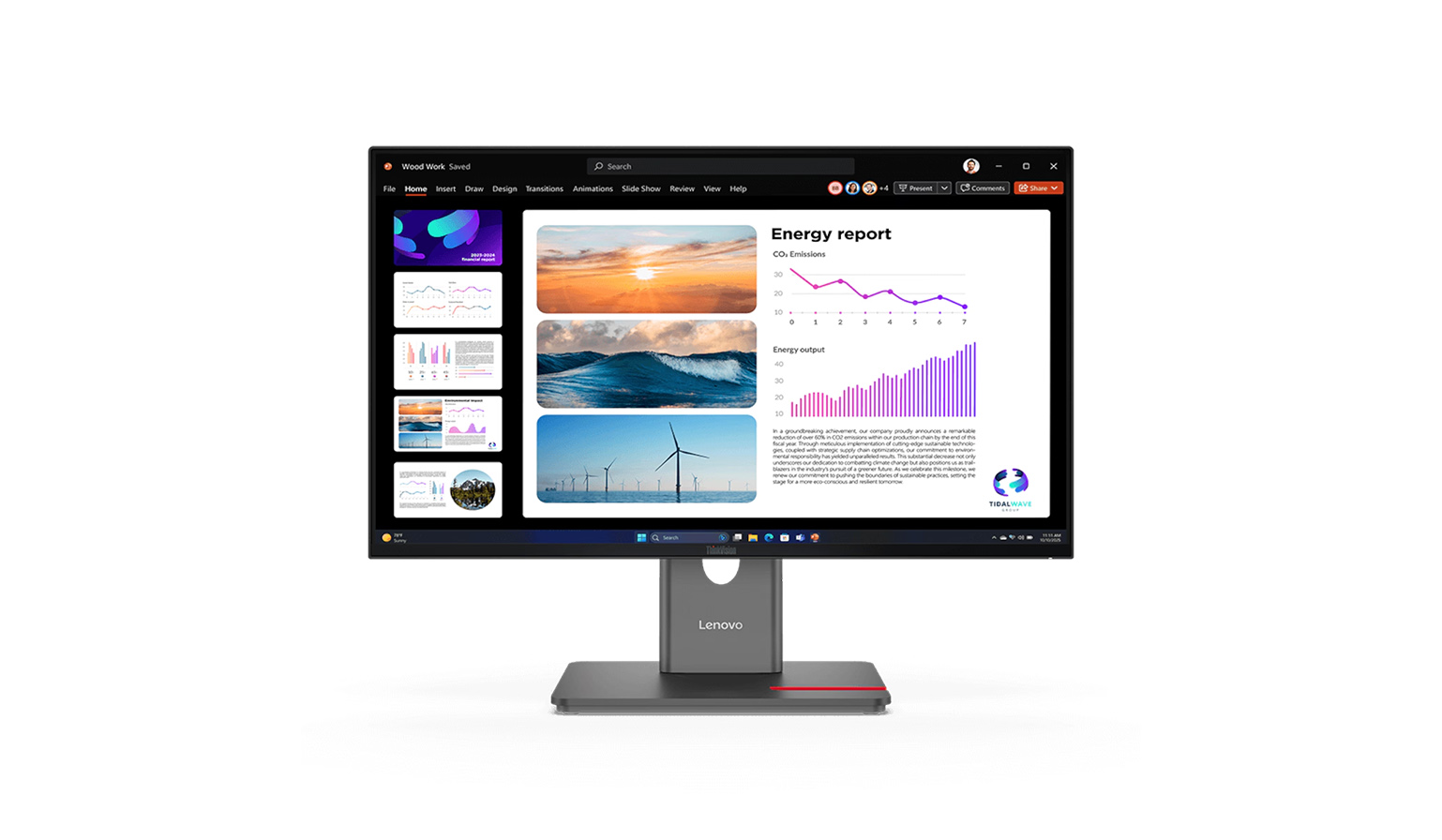
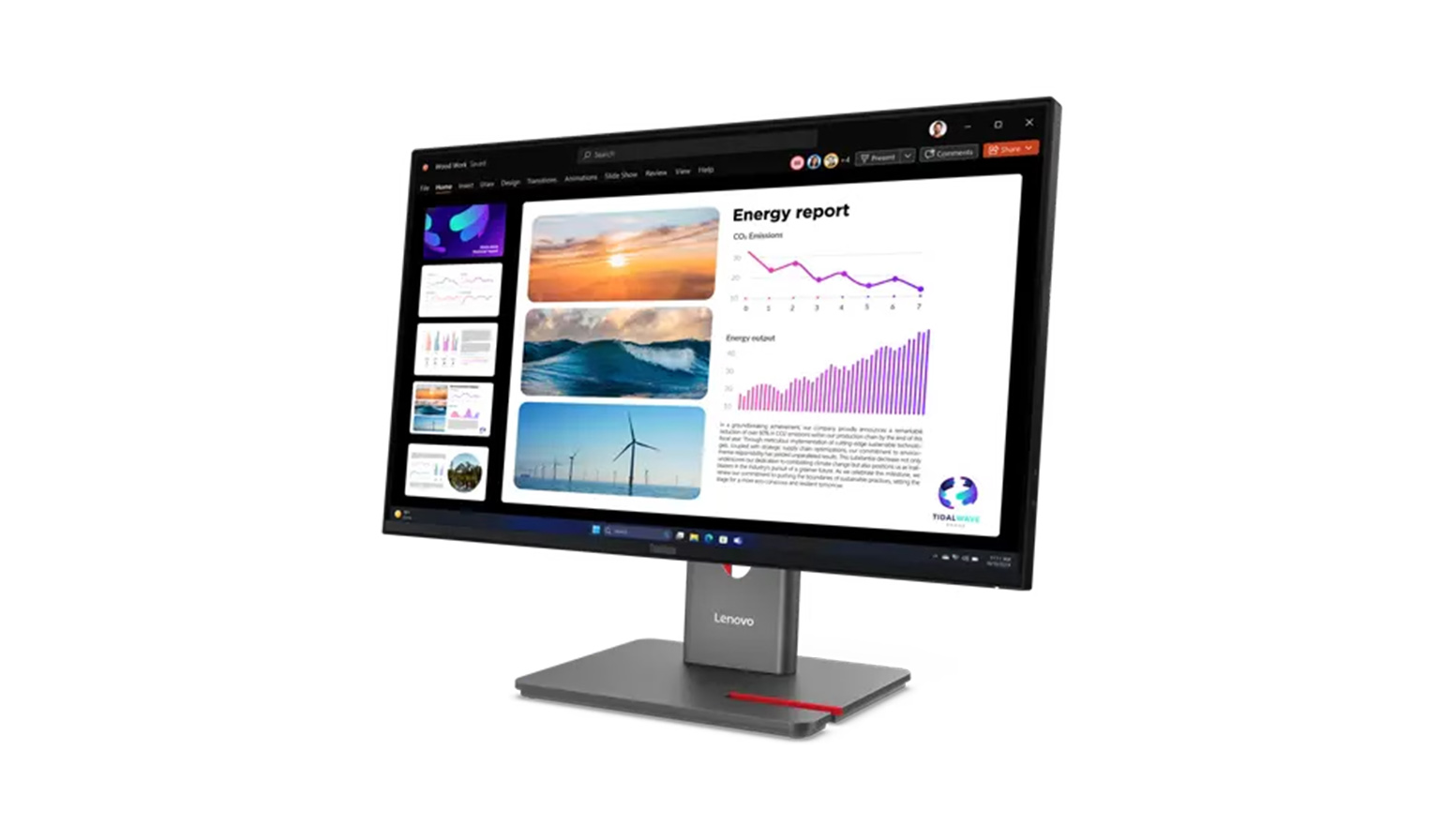
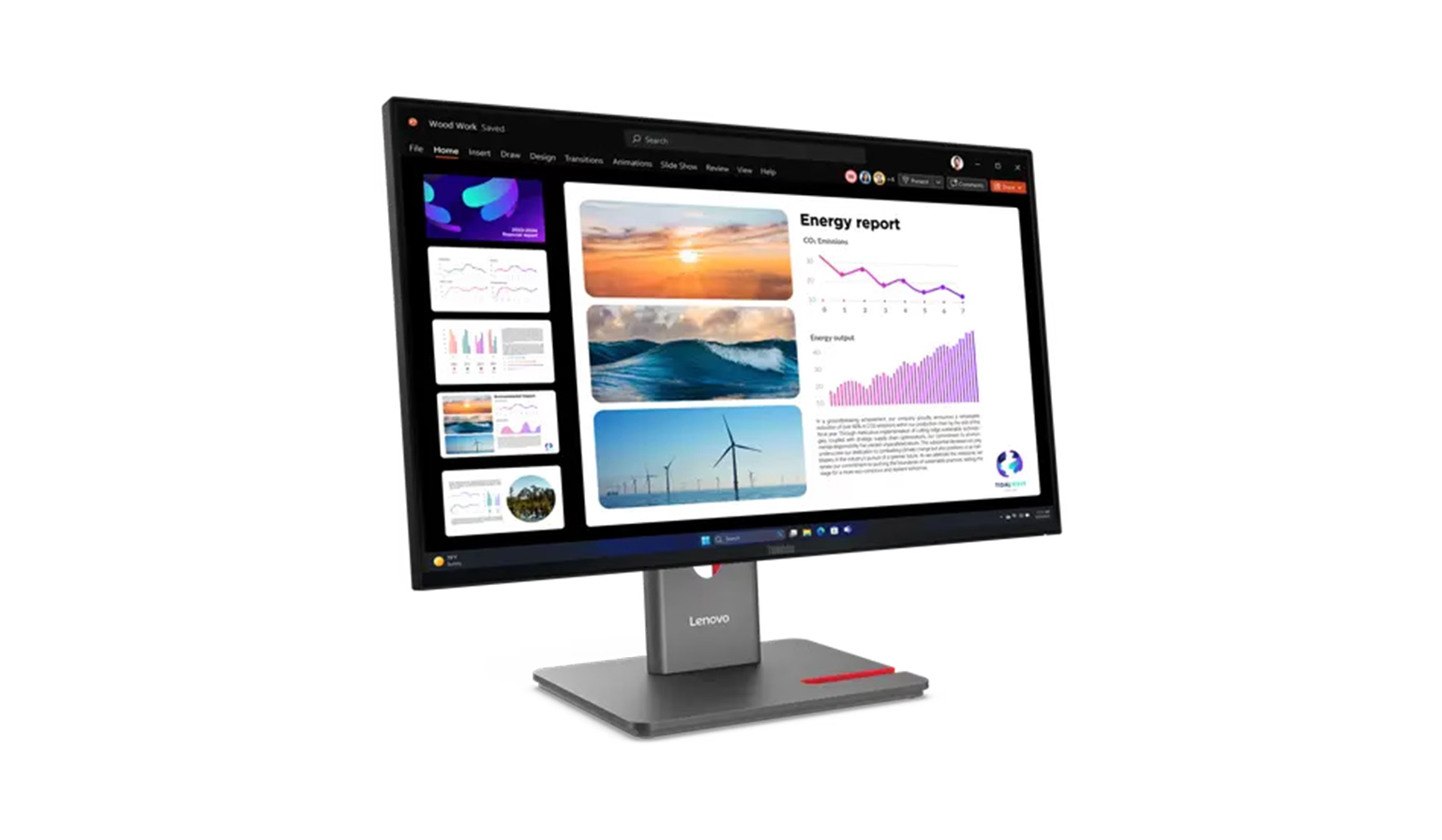
Lenovo ThinkVision P24Q-40 23,8" QHD Monitor with Daisy Chain for Multi-Monitor Setups
Article no: 1000041083
£184.49*
Prices incl. VAT.
Expected in 4-7 working days
Shipping from £9.99
Product number: 1000041083



Product information
A perfect overview for everyday office life: your new QHD monitor for maximum productivity
With the Lenovo ThinkVision P24Q-40 23.8-inch QHD office monitor, you’re choosing a true high-performer, designed specifically for modern workplaces and efficient multi-monitor set-ups. Thanks to the razor-sharp QHD resolution and the IPS panel with consistent viewing angles, you’ll benefit from outstanding image quality that makes your daily tasks noticeably easier. The device is specifically aimed at discerning users in home offices and professional office environments who place the highest value on ergonomics and smart connectivity. When you purchase this reliable office monitor, you’re investing in a future-proof solution for eye-friendly working and a well-organised desk. Once you’ve made your decision, we’ll be happy to assist you with specific product advice to help you find the ideal setup for your needs.Key technical specifications at a glance
- Panel technology & image quality: The brilliant In-Plane Switching (IPS) panel, combined with 99 per cent sRGB coverage, guarantees outstanding colour accuracy and stable viewing angles for every application.
- Resolution & screen size: The 23.8-inch display with sharp QHD resolution (2560 x 1440 pixels) provides a generous workspace for editing multiple documents simultaneously.
- Refresh Rate & Response Time: Thanks to the variable refresh rate of 48 to 120 Hz and a fast response time of 4 milliseconds (Extreme Mode), you’ll experience consistently smooth visuals when scrolling and during web conferences.
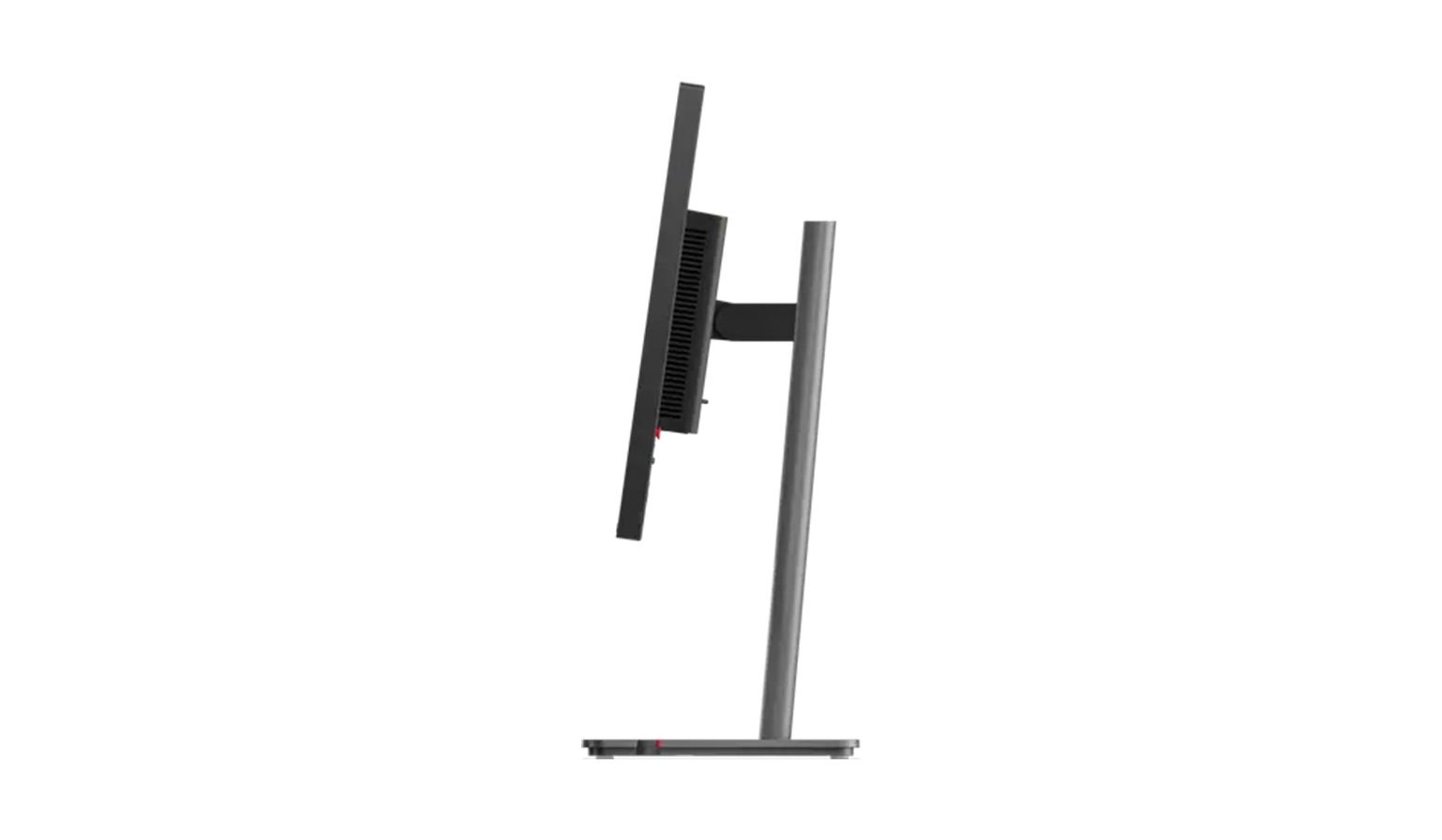
- Ergonomics & Eye Care: The flexible LTPS stand offers height adjustment as well as tilt, swivel and pivot functions, whilst the integrated ‘Natural Low Blue Light’ hardware solution reliably protects your eyes.
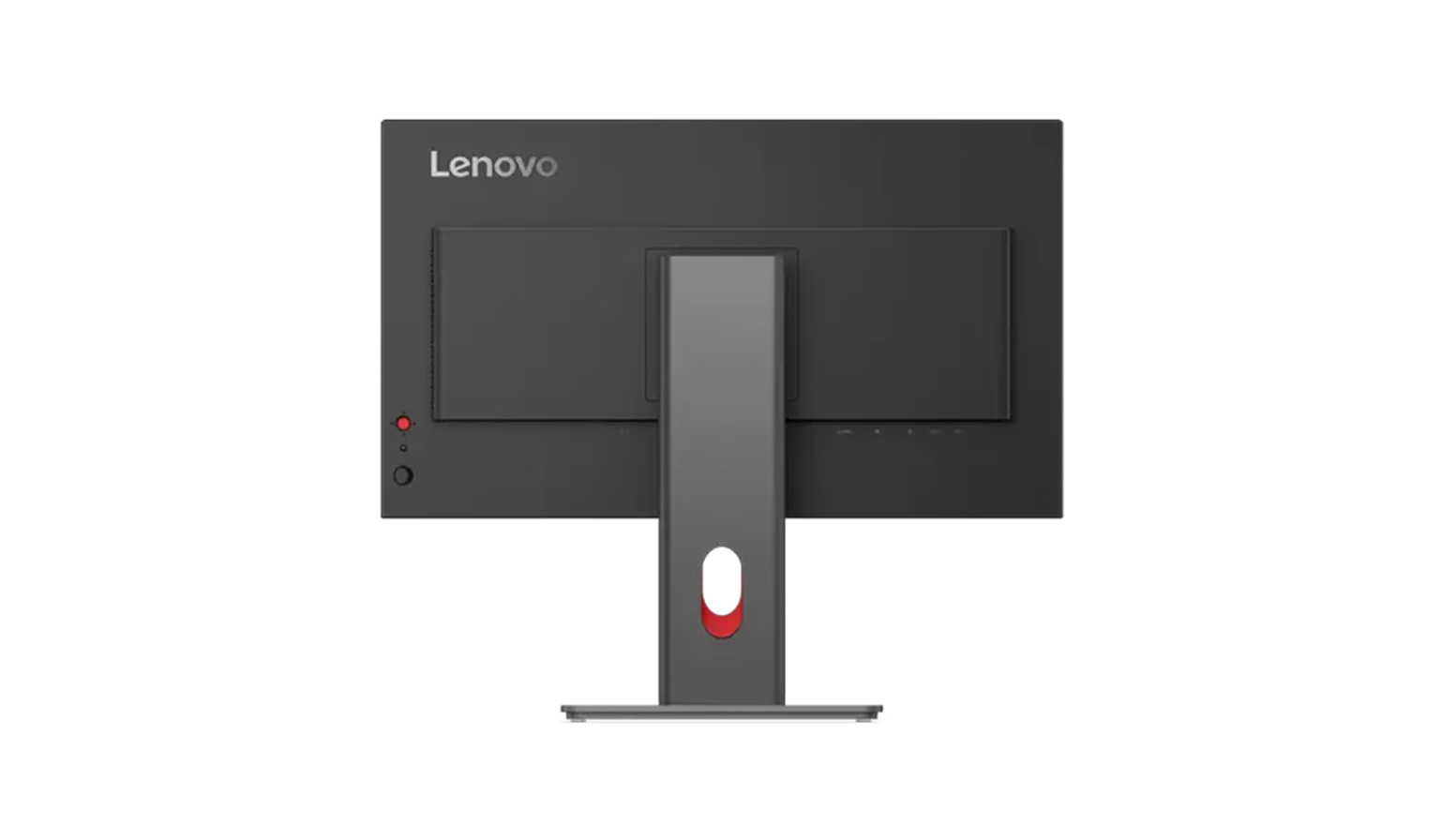
- Connectivity & Connections: Via the integrated USB hub with various USB-A and USB-C ports, as well as the modern DisplayPort and HDMI interfaces, you can seamlessly integrate all your peripherals into your workspace.
- Special features: The integrated daisy chain support via the DisplayPort output allows you to easily connect multiple monitors in series for a tidy and highly productive setup.
Brilliant visuals and smooth performance for your projects
The Lenovo ThinkVision P24Q-40 23.8-inch monitor takes your visual work experience to a whole new level thanks to its high-quality IPS panel and extremely detailed QHD resolution. Thanks to factory colour calibration (Delta E < 2) and 98 per cent coverage of the DCI-P3 colour space, you can rely on extremely precise and true-to-life colours for every presentation. Furthermore, the variable refresh rate of up to 120 hertz ensures that fast mouse movements, scrolling through long text documents and the playback of video content are absolutely smooth and free from visual lag. Complemented by built-in HDR10 support, this display delivers outstanding contrast ratios that make even the finest nuances in your graphical analyses clearly visible. This turns every daily task into a visually appealing experience.Seamless connectivity and tidy desks thanks to daisy chain
A standout feature of theLenovo ThinkVision P24Q-40 business monitor is its excellent range of connectivity options, specifically designed to meet the demands of modern office environments. Using the dedicated DisplayPort output, you can utilise advanced daisy chain technology to connect multiple monitors in series, drastically reducing the amount of cabling on your desk. Instead of connecting each individual monitor directly to your computer, you only need a single cable to the computer, whilst the signal is elegantly passed from monitor to monitor. In addition, the comprehensive integrated USB hub transforms your monitor into a practical, central docking station for all your essential work equipment, such as a keyboard and mouse. This intelligent and well-thought-out connectivity saves you a great deal of time during set-up and guarantees a permanently tidy, productivity-boosting working environment.Maximum comfort and certified eye protection during long working days
To support your health and ability to concentrate in the long term, the Lenovo ThinkVision P24Q-40 QHD monitor offers particularly extensive ergonomic adjustment options. The highly functional LTPS stand can be effortlessly adjusted in height, precisely tilted, conveniently swivelled and, thanks to the clever pivot function, even rotated completely to portrait orientation, so you can find the right posture for every task. At the same time, the recognised TÜV Rheinland Eye Comfort 5 Stars certification, in close combination with the hardware-based ‘Natural Low Blue Light’ technology, effectively protects your eyes from strain. Harmful blue light is filtered out at the hardware level without the image taking on any distracting yellow tinge or suffering from colour distortion. This consistent focus on ergonomic working allows you to remain focused, relaxed and completely free from discomfort, even during long project phases.The ideal choice for productive and ergonomic workstations
The Lenovo ThinkVision P24Q-40 multi-monitor display combines razor-sharp image quality with industry-leading ergonomics and innovative daisy chain functionality to create the perfect all-round package for professional use. Not only does it deliver colour-accurate, smooth display at up to 120 Hz at all times, but it also actively helps you to establish a healthy and well-organised workspace. Secure this efficient tool for your office and noticeably boost your daily workflow. Please do not hesitate to contact us to discuss your plans further, as we are always happy to offer you expert, personalised support and consulting via email or telephone.Technical data
Downloads
Product safety
| Person responsible for the EU |
|---|
| Lenovo (Deutschland) GmbH |
| Meitnerstr. 9 |
| 70563 Stuttgart |
| Germany |
| Fragen_DE@lenovo.com |