



In the meeting room: collaboration without a tangle of cables
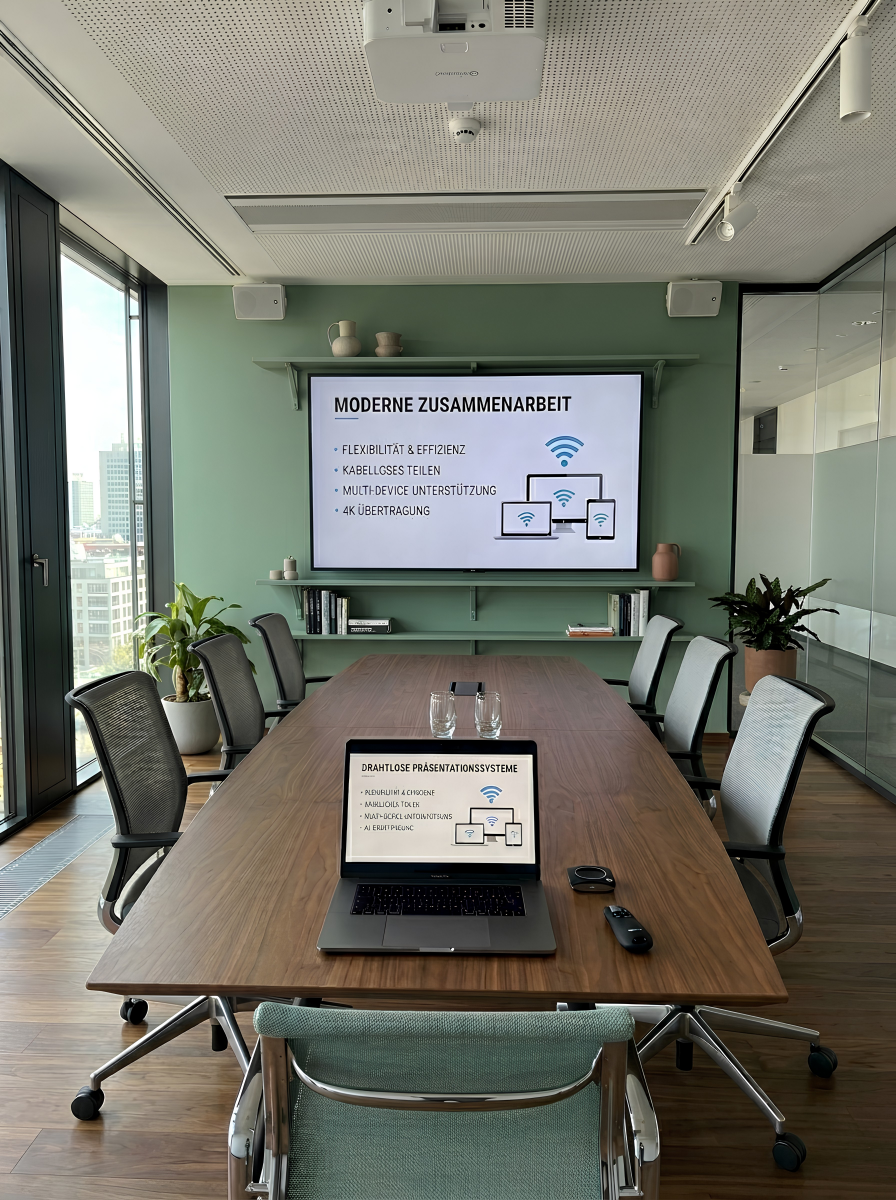
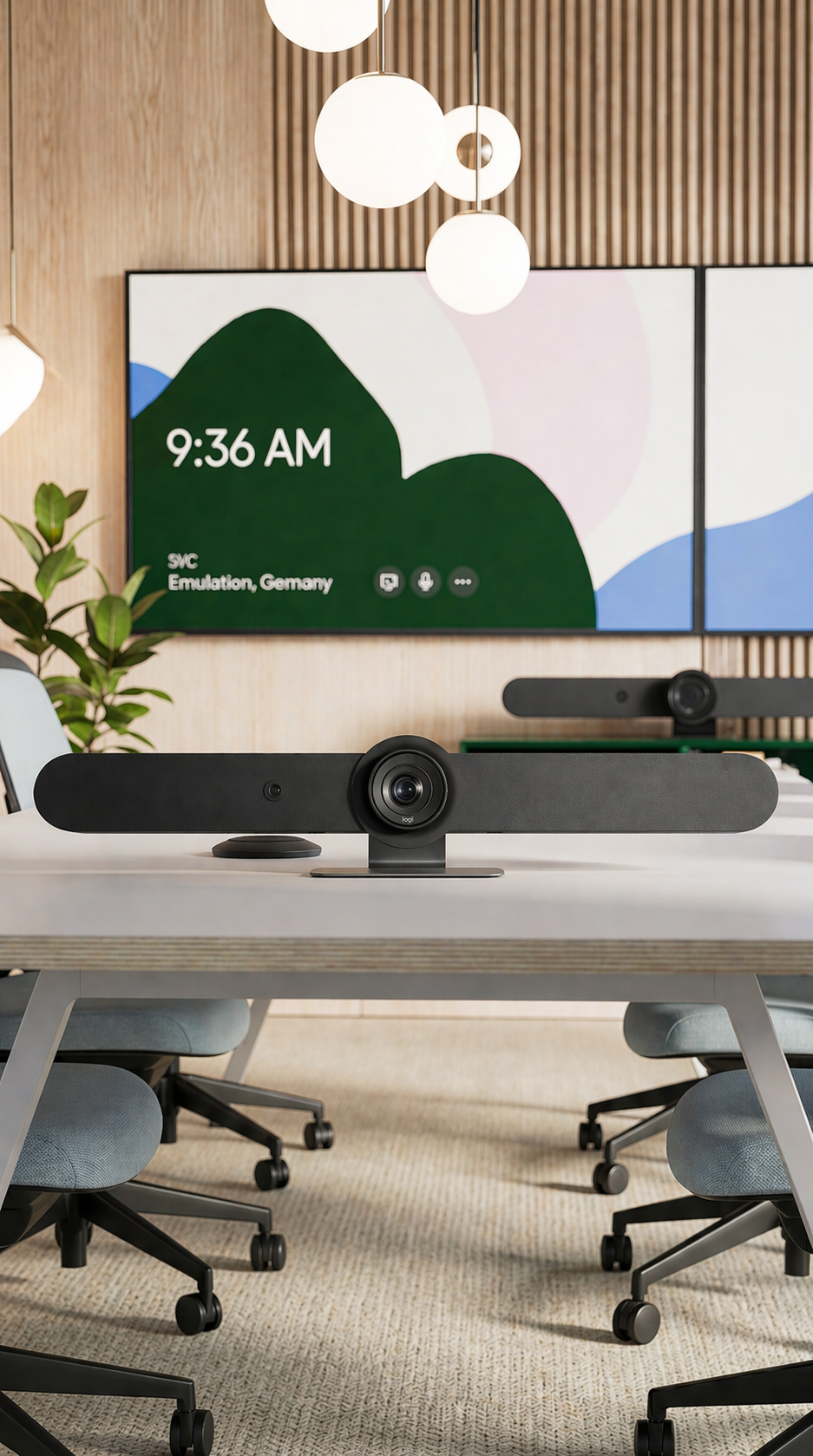
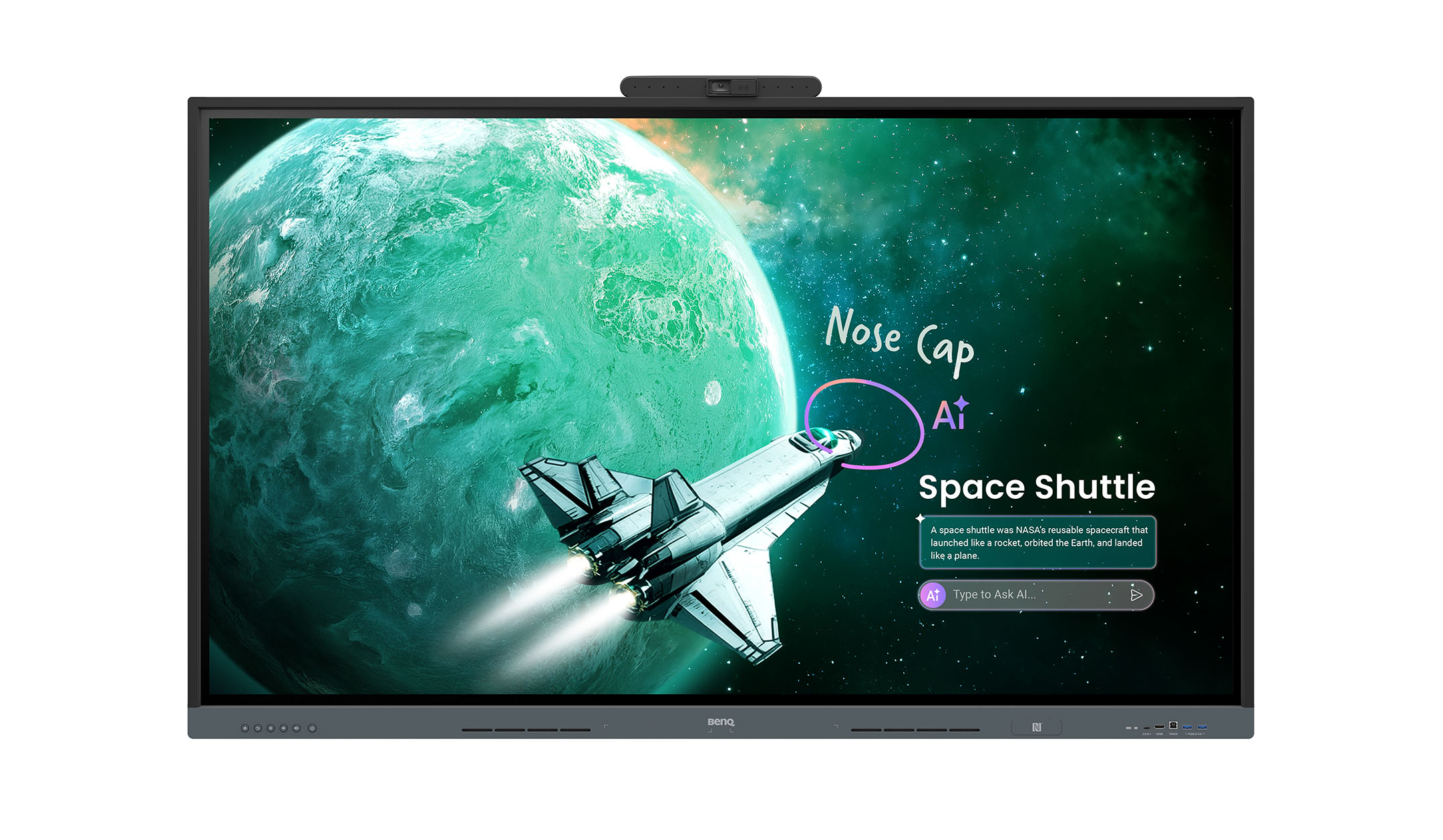
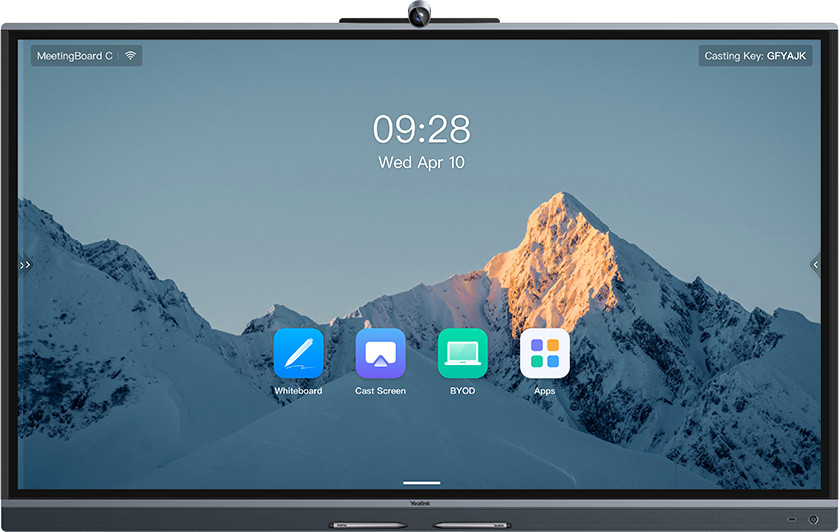
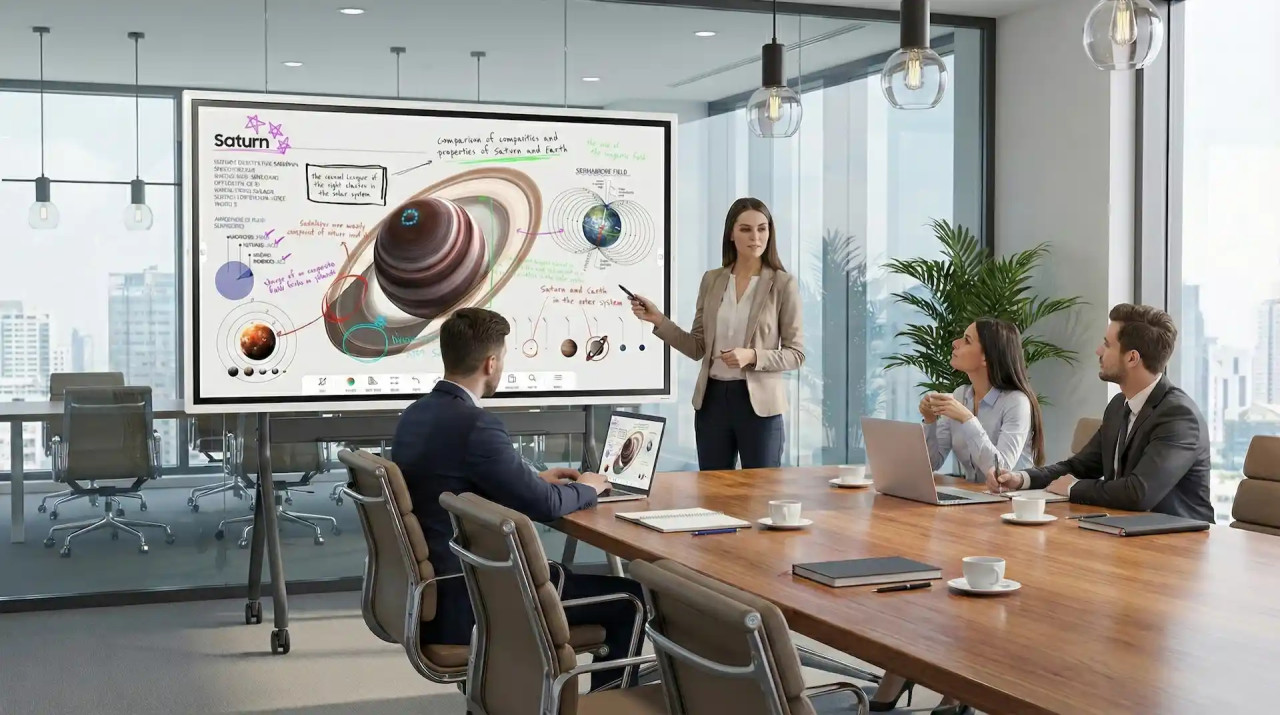
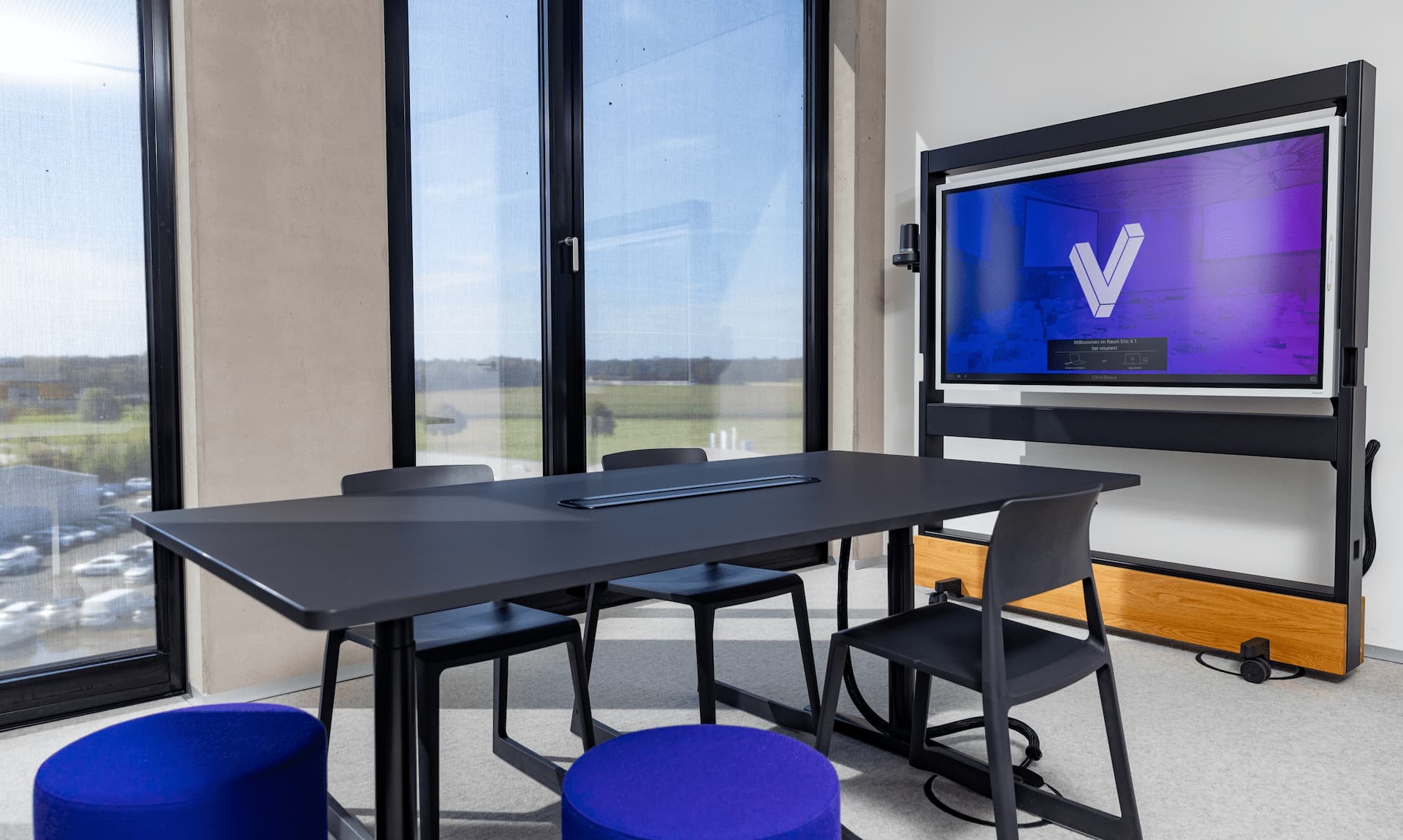
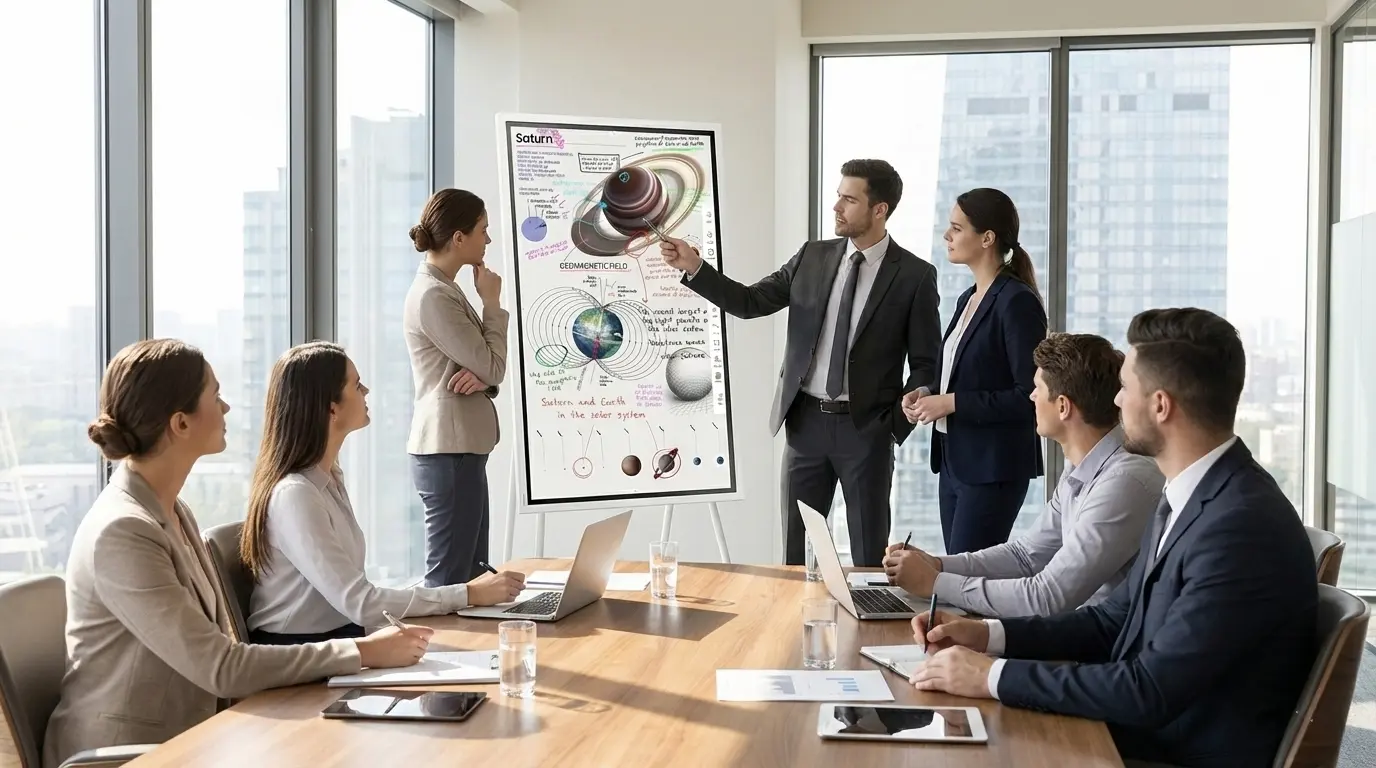
In meeting rooms, touchscreen displays really come into their own during hybrid meetings. Participants can mirror their laptop screen at the touch of a button or via an app, annotate presentations directly on the display and record the results digitally. With a built-in camera and microphones, or when used in conjunction with a video conferencing system the display becomes the central hub for Microsoft Teams, Zoom or Google Meet. You’ll find all-in-one solutions developed specifically for this purpose under Collaboration Boards, and traditional presentation displays under Meeting Room Displays.
In schools and higher education: the digital whiteboard for modern teaching
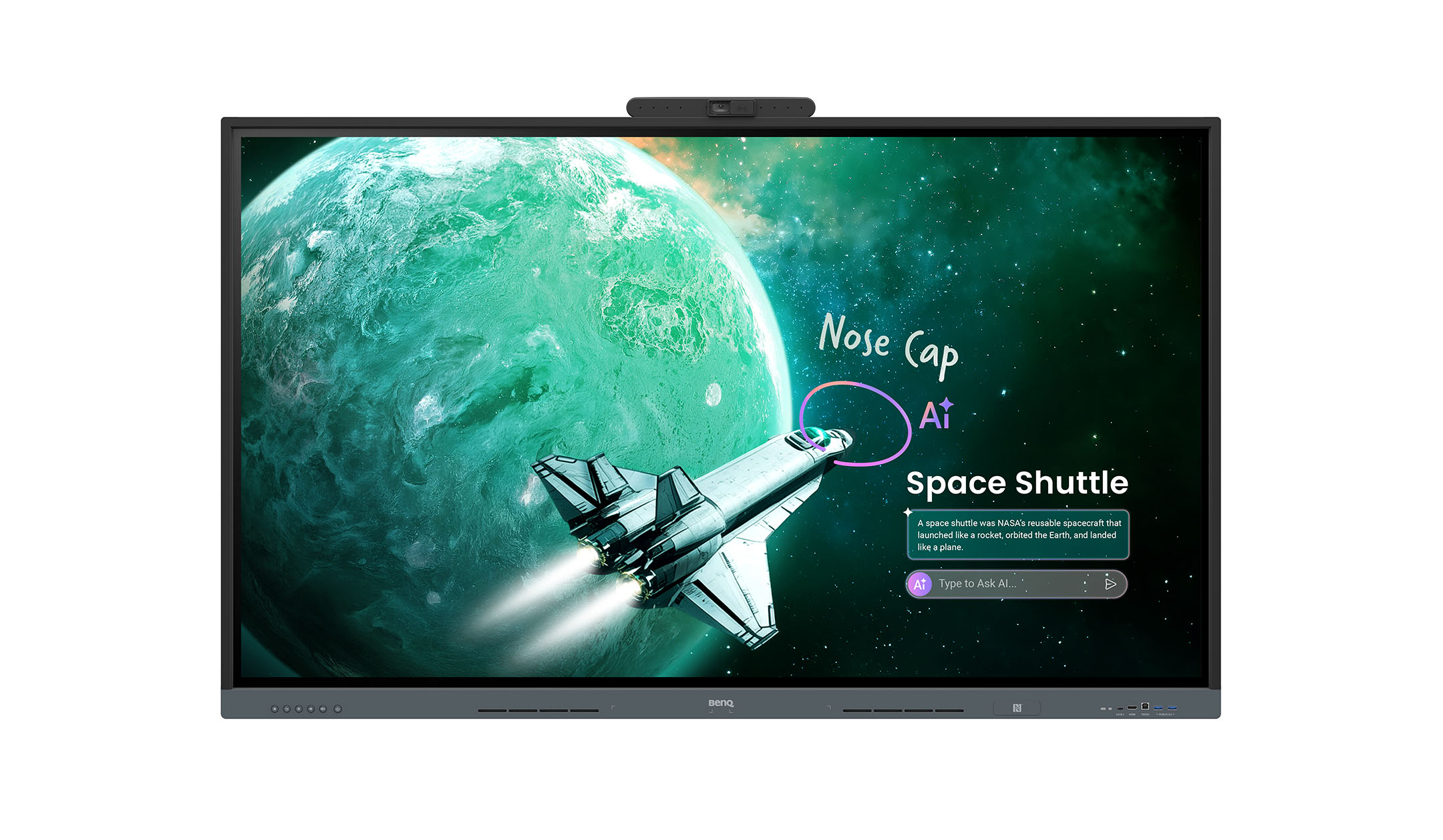
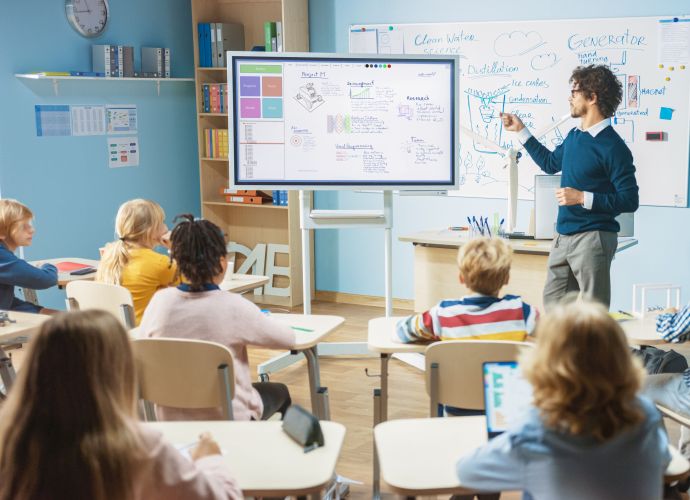
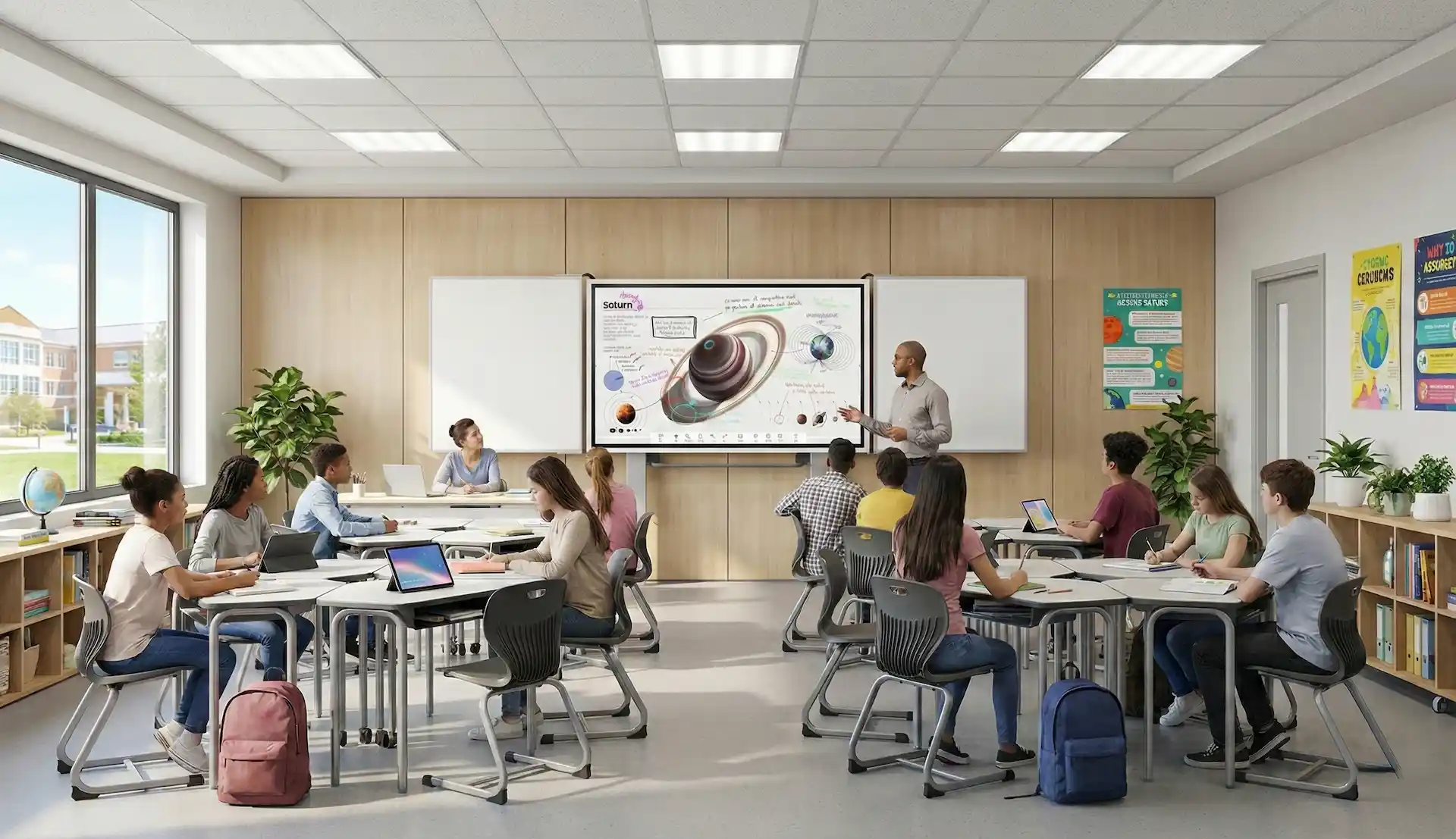
The interactive display replaces the chalkboard in the classroom without changing the usual routines. Teachers write on it using the pen, whilst pupils work on it simultaneously in pairs or groups of three. Integrated learning software, access to educational apps and the use of tablets ensure varied lessons. A document camera enlarges worksheets and experiments on the screen. We have compiled models specifically designed for teaching – including those without touch functionality – in the Classroom Displays category.
An interactive whiteboard combines a projector with a projection screen. Either the projector has a touch module that recognises gestures on the whiteboard, or the whiteboard itself has a touch-sensitive surface. An interactive display, on the other hand, is a self-illuminating screen, similar to a television, with integrated touch recognition. It delivers a brighter and sharper image, casts no shadows and does not require any lamp changes.
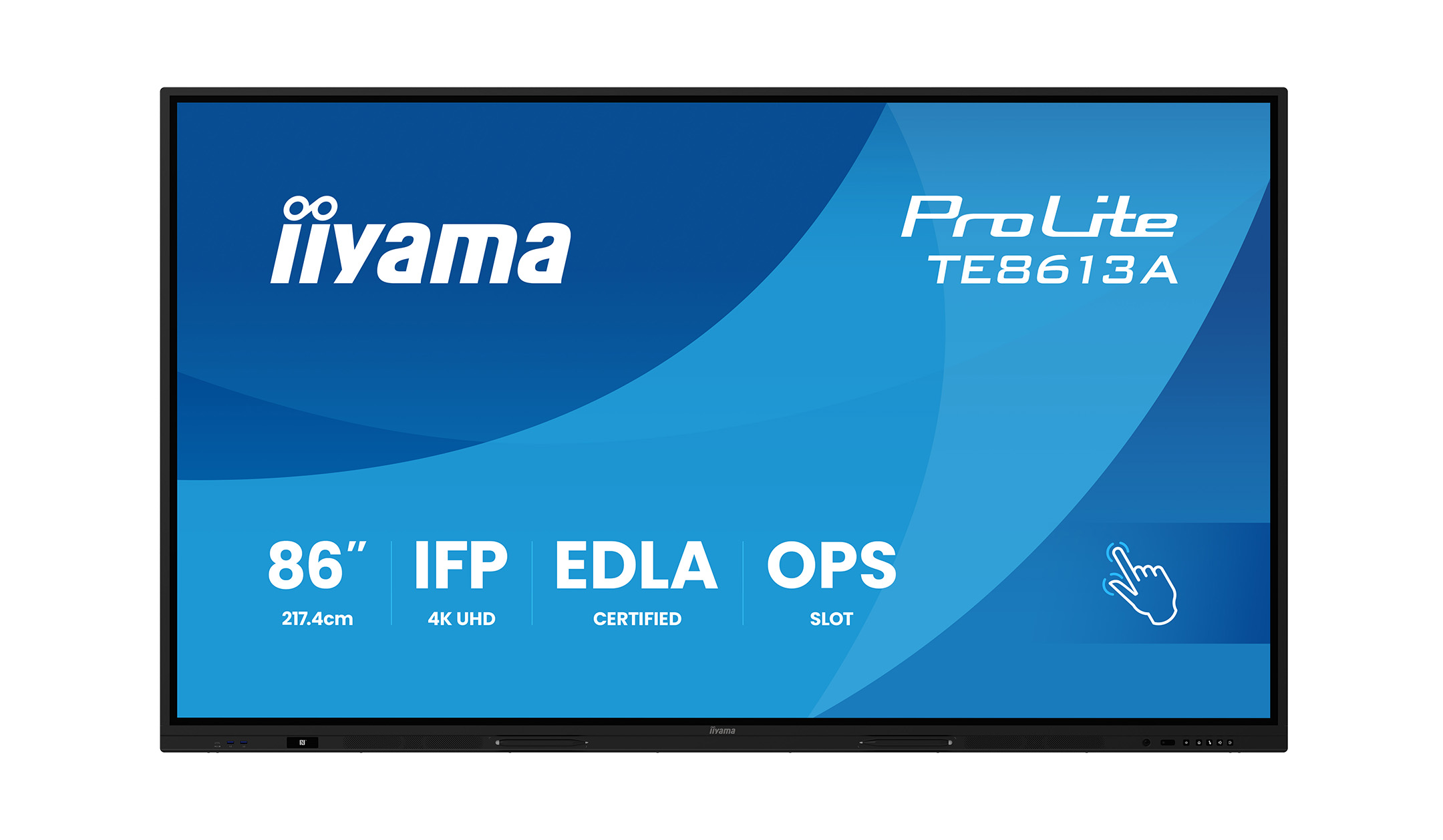
In most classrooms, an 86-inch screen has proved its worth. In large rooms or lecture theatres, larger screen sizes or additional displays are also used in the back rows.
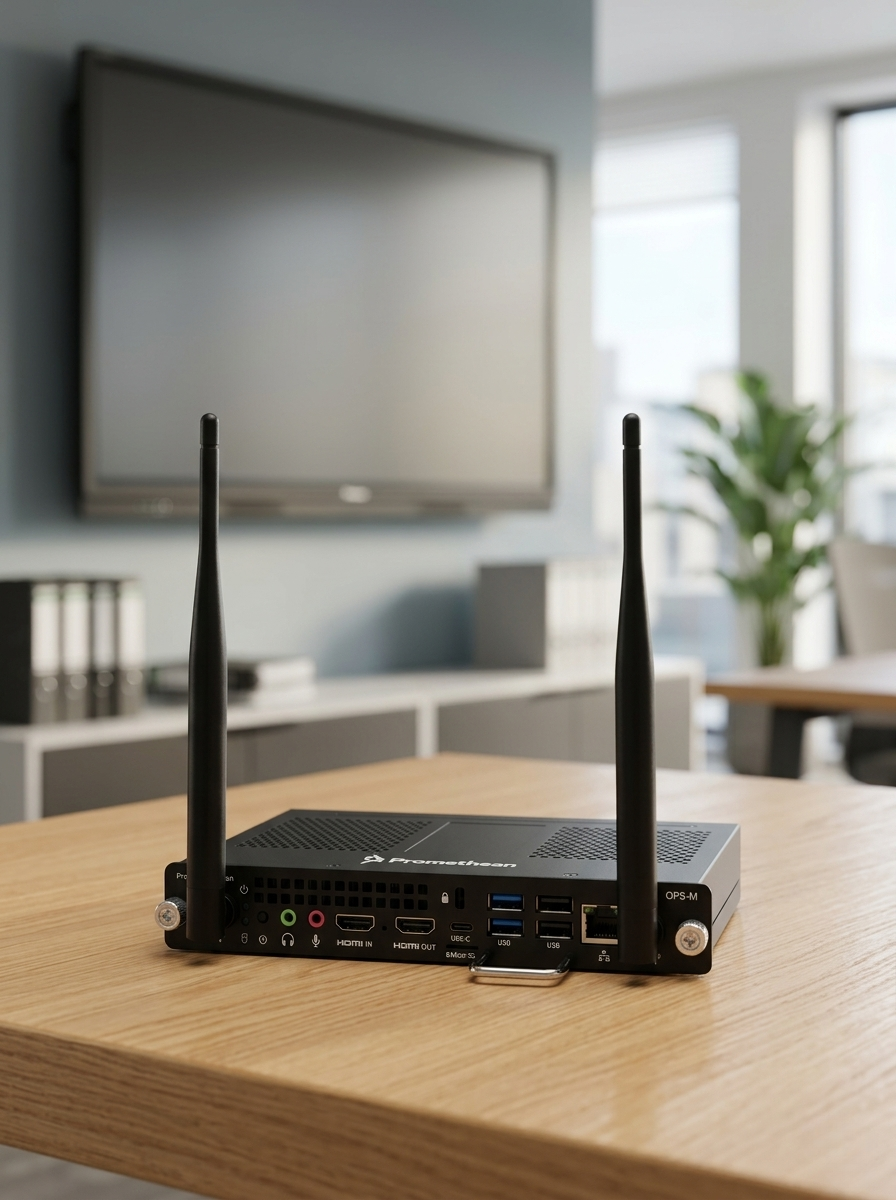
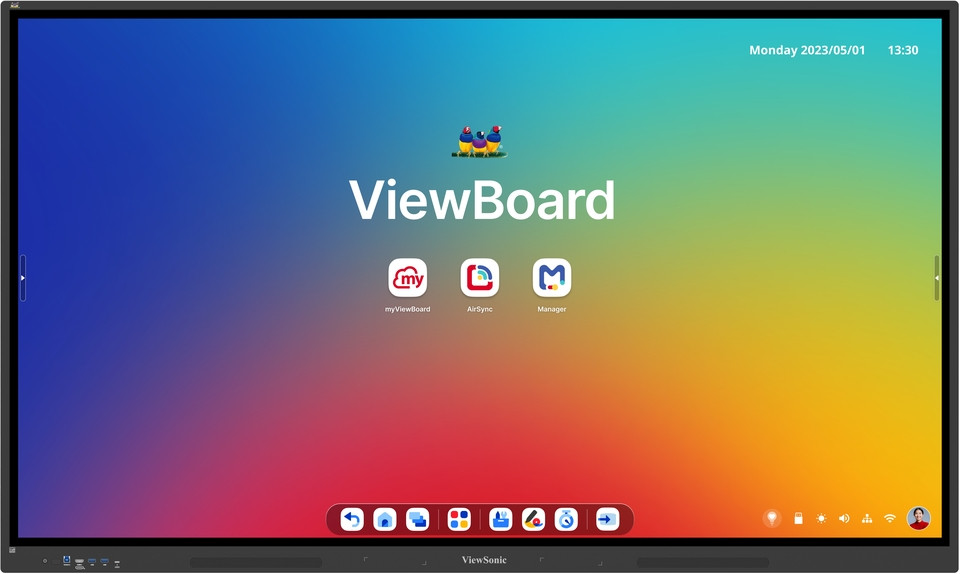
Not necessarily. Most models come with their own operating system, including whiteboard software, a browser and screen-sharing functionality. For Windows applications, we recommend an OPS Slot-In PC or a connected laptop.
EDLA stands for ‘Enterprise Devices Licensing Agreement’ and is an official licensing and certification programme from Google for professional Android devices. EDLA-certified displays offer full access to the Google Play Store and all Google services. This means you can download your favourite educational apps and use them directly on the interactive touchscreen. The certification therefore ensures greater app variety, simple IT management and high security standards through regular updates and Google Play Protect.
Yes, thanks to multi-touch recognition, several people can write and draw at the same time. What’s more, many models can distinguish between a stylus, a finger and the palm of your hand. This means you can erase with your hand whilst others carry on writing.