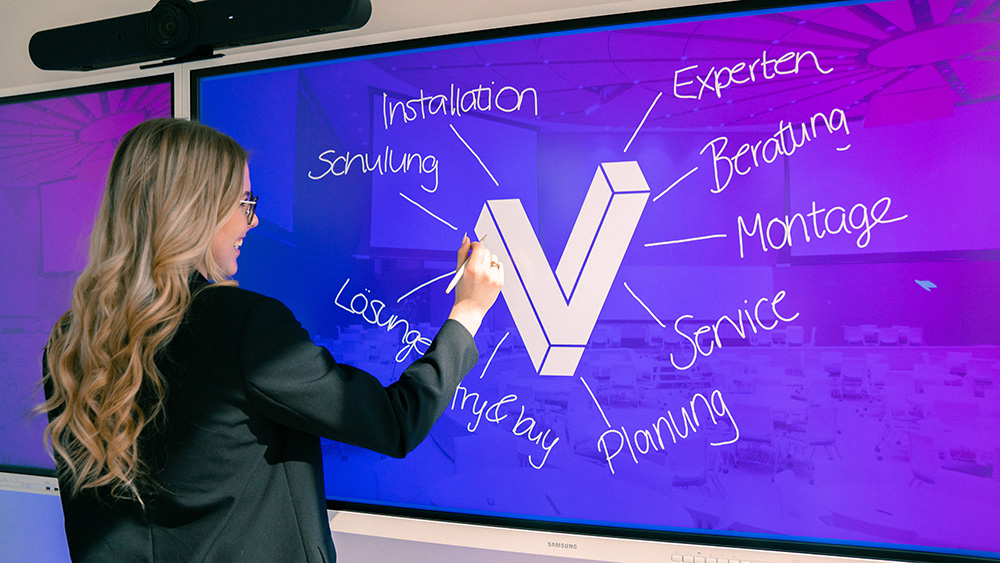
flip-kombi-meetingraum-klassenraum

First-class working with the Samsung Flip

Turn any room into a flexible workspace with the Samsung digital flipchart for business and education

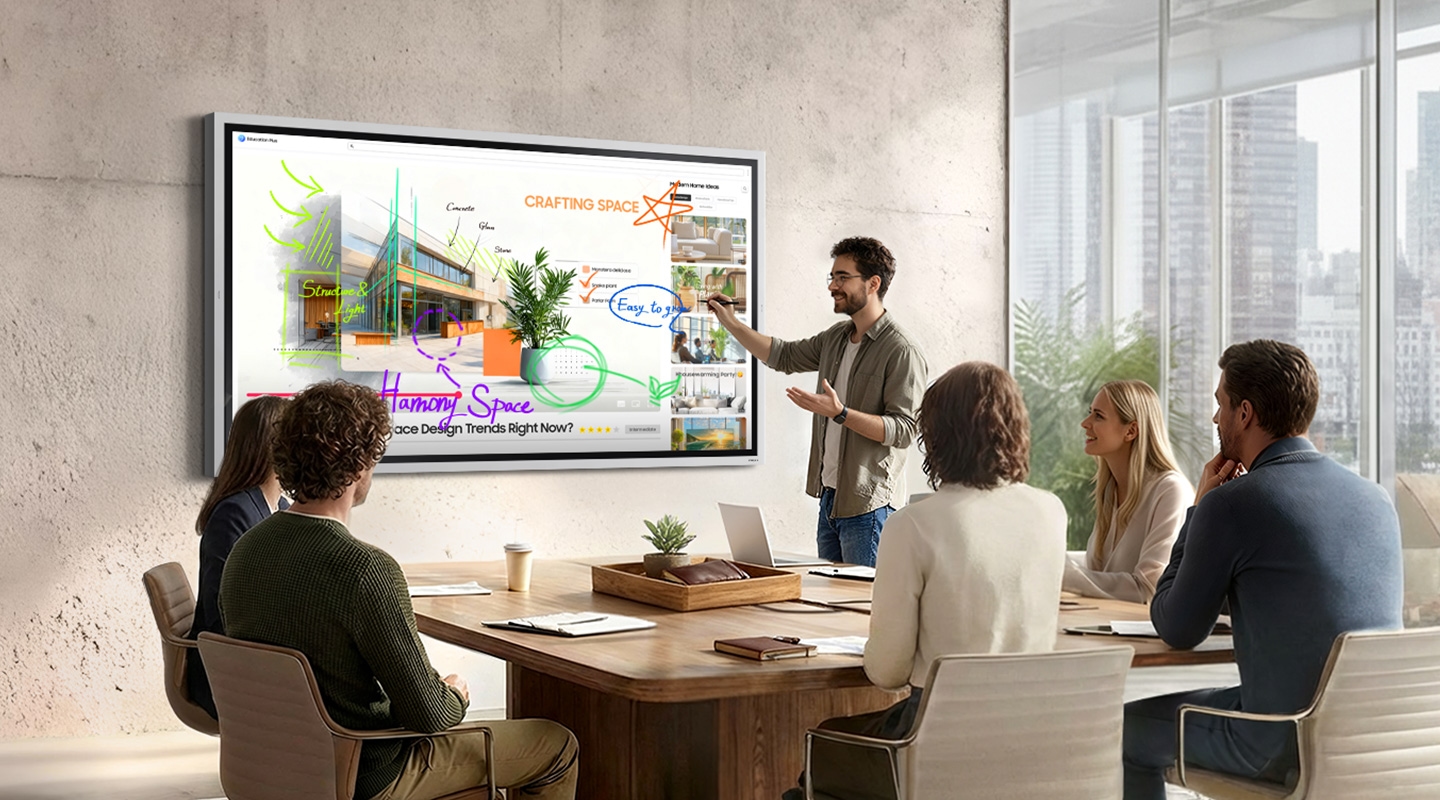
Samsung Flip: As simple as an analogue flipchart, but with digital power!

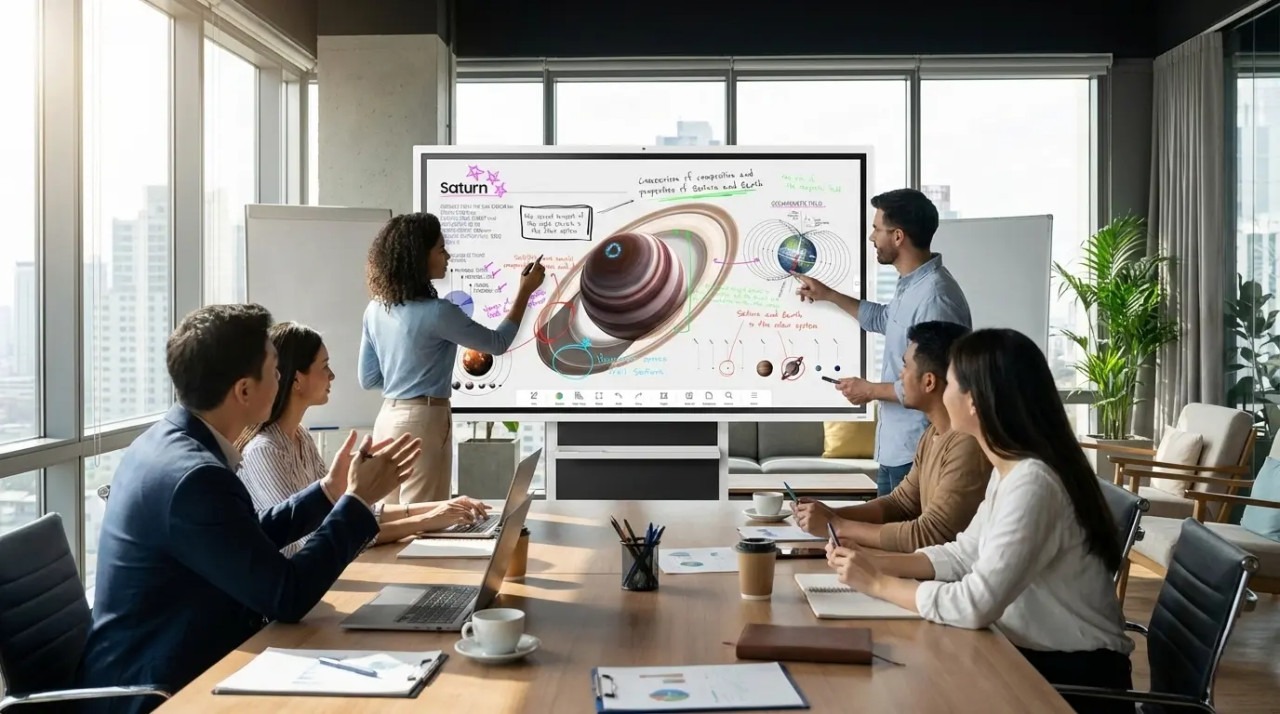
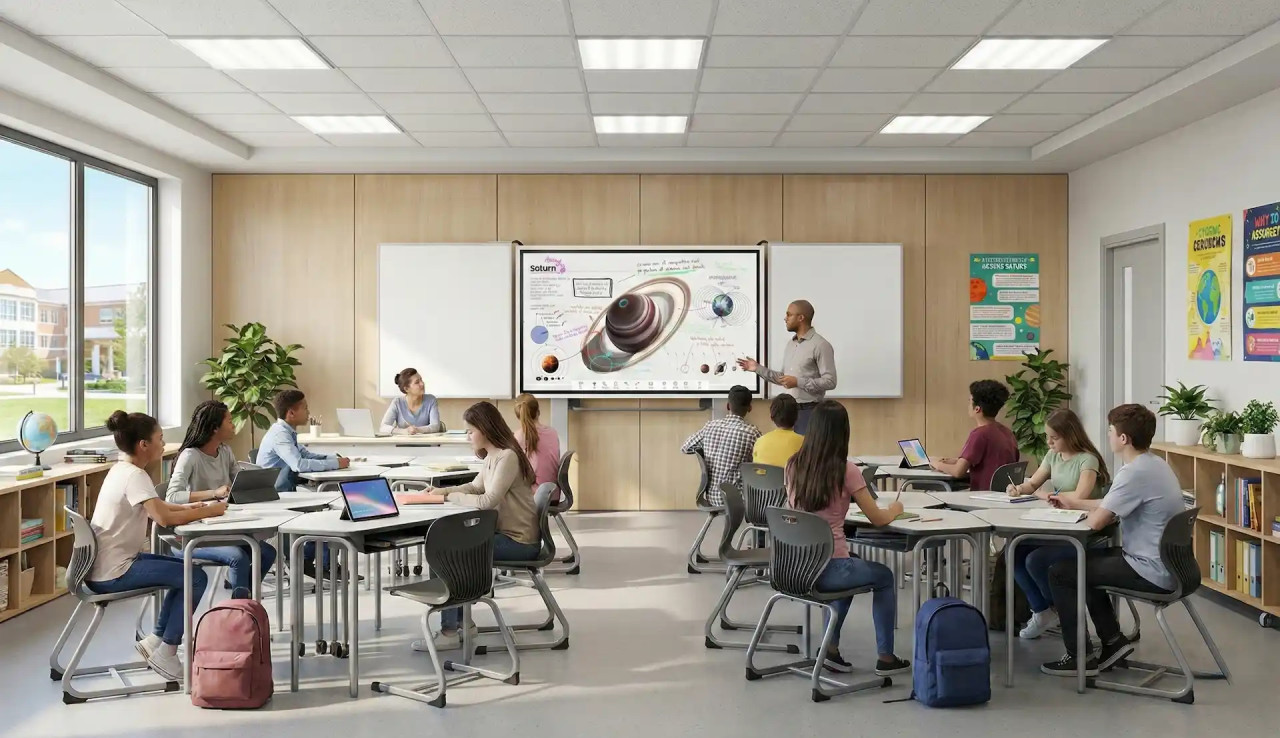
Analogue flipcharts and traditional chalkboards have had their day. At the centre of a modern meeting, lecture or lesson is now a Samsung Flip!

The Samsung Flip Pro explained!

In this video, we show you the most exciting features of the Samsung Flip Pro series

Content

What makes the Samsung Flip so special?

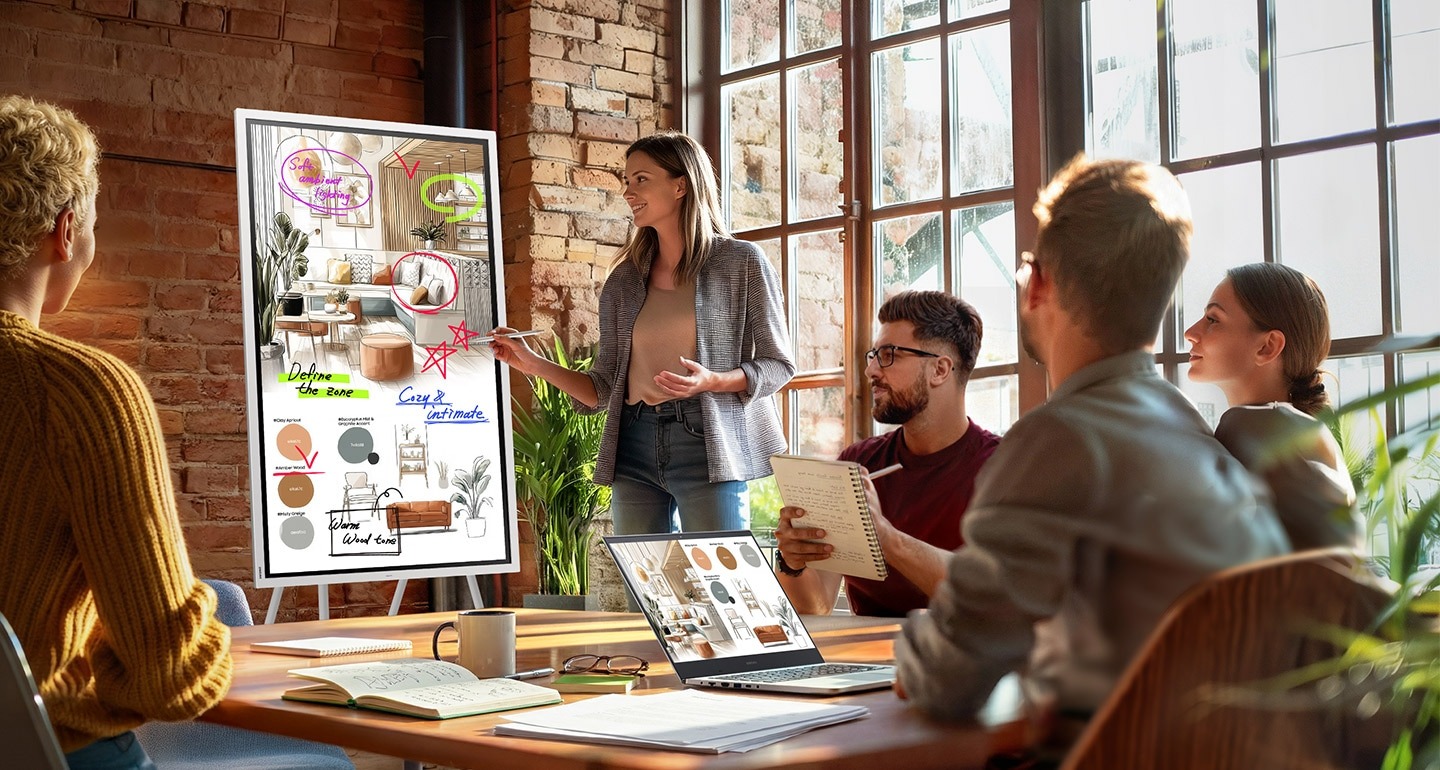
The Samsung Flip Pro is immediately ready for spontaneous brainstorming sessions and direct note-taking on the digital flipchart. Powerful Pro functions are also available for presentations or digital lessons.

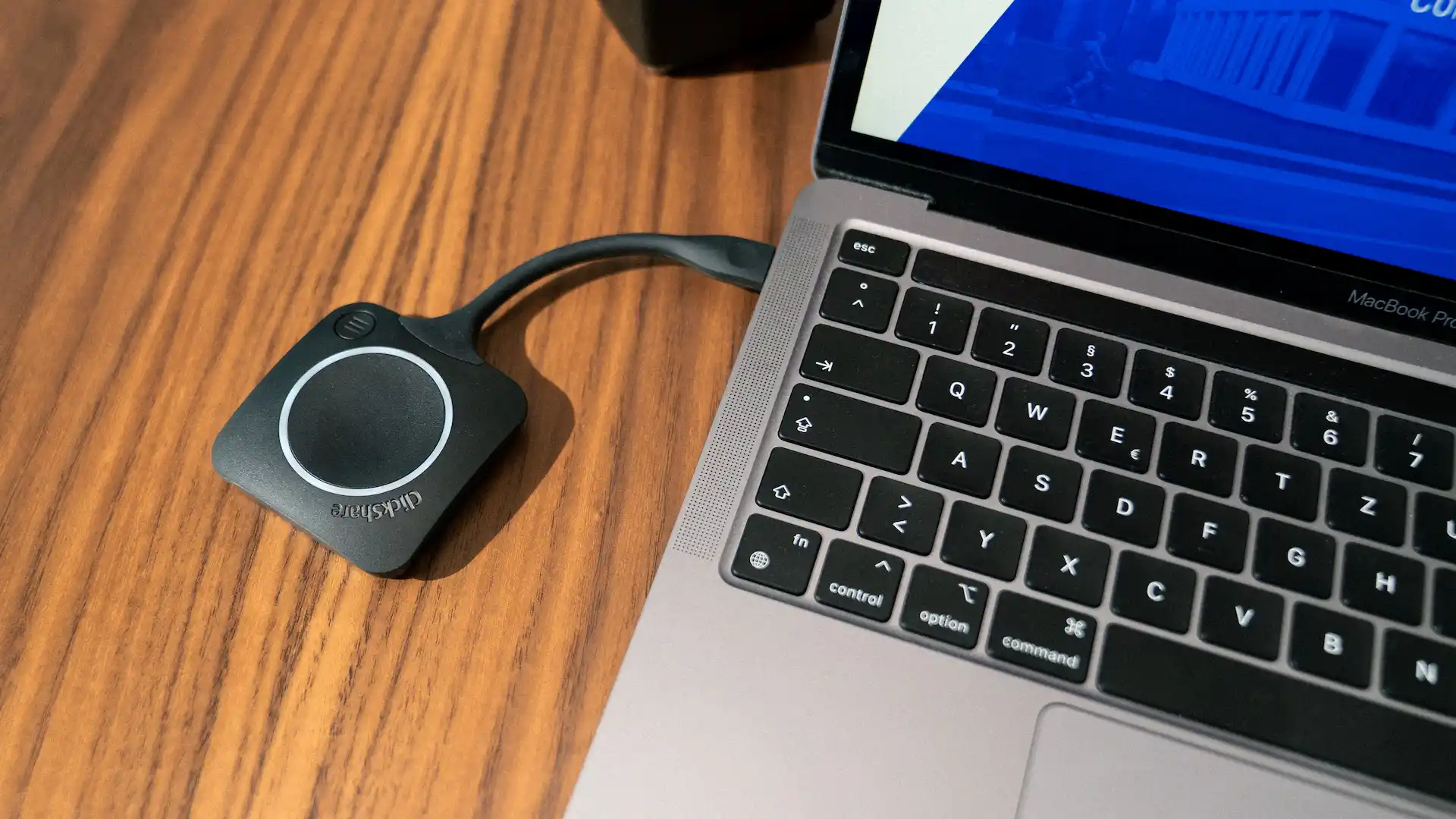
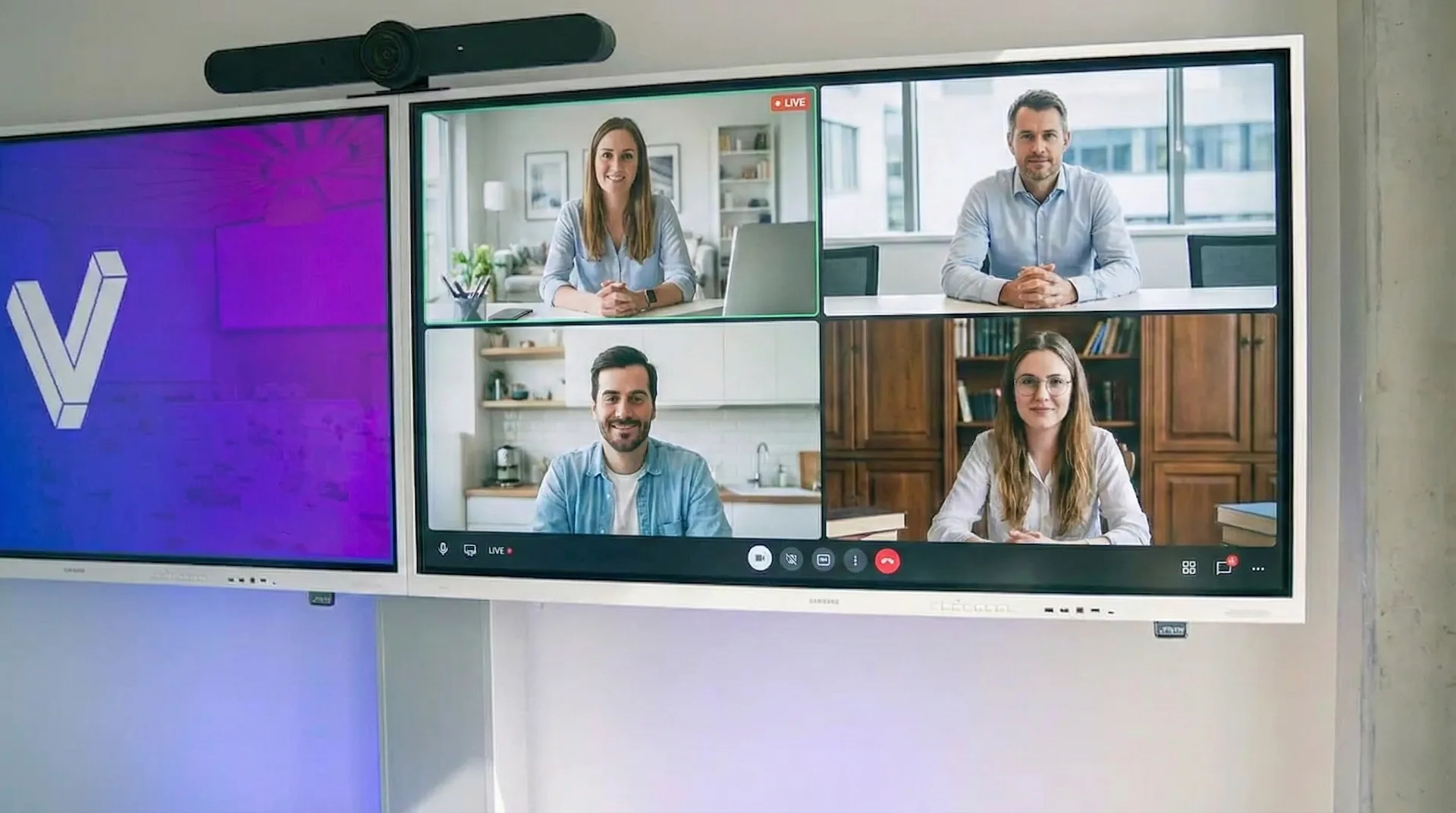
  • Conveniently connect your laptop to the Samsung Flip via USB-C and transfer images, sound and touch signals. At the same time, you can charge your laptop with 65 W. All this is possible with just a single cable, without any adapter chaos.
  • Enjoy complete wireless freedom: SmartView+ and AirPlay 2 allow you to share content from up to 50 mobile devices. So it doesn't matter whether you use iPads, Android tablets, Macs or Windows laptops.
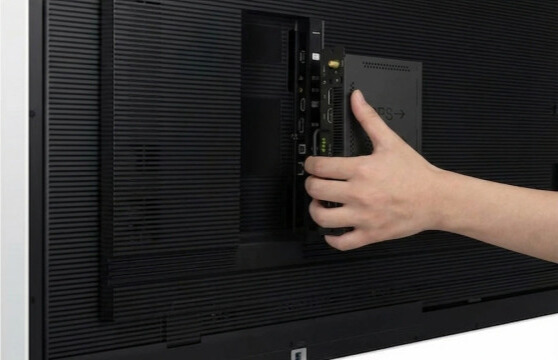
  • The integrated OPS slot of the 75" and 85" devices ensures unlimited flexibility, as you can insert a fully-fledged Windows PC if required.

This keeps operation simple and the possibilities endless.

The perfect Samsung Flip setup - mounts, slide-in PCs and more!

The Samsung Flip devices impress with their simplicity and versatility. With the right accessories, you can unleash the full potential of the interactive displays! We explain which accessories are the perfect addition to your Samsung Flip.

Our pro tip: Configure Samsung Flip

From display to complete solution in just a few clicks: add mounts, presentation technology and much more directly to your Samsung Flip. Your personalised setup is waiting for you.

If you have any questions about the optimum Samsung Flip configuration, our experts will be happy to advise you!


The top functions of the Samsung Flip briefly explained!

The many functions make the Samsung Flip a real jack-of-all-trades in the meeting room or classroom. See the best features for yourself!

Please note that individual functions may differ depending on the model. On our product pages, you will find all information about the respective model.

notizen-flexibel-nobubble

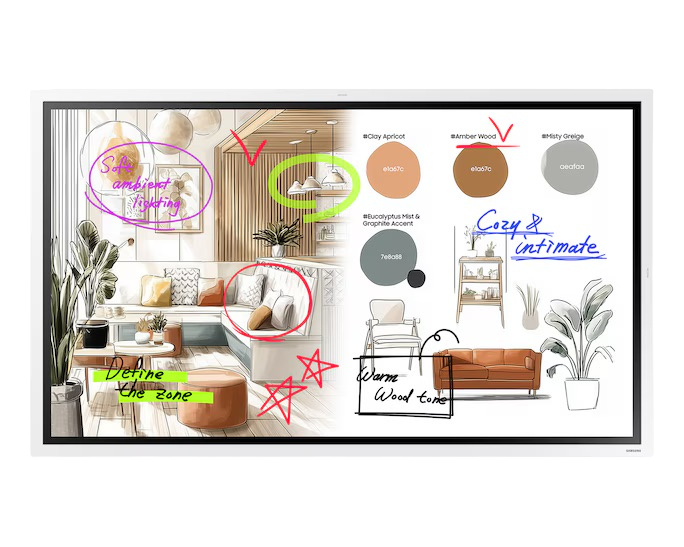
Note layer function: labelling and commenting on content in real time

Using the Note Layer function, you can comment directly on all displayed content, save it for later use or share it directly. This allows you to visualise your thoughts even better!
Icon Brush

Brush mode: Painting like on paper

Brush mode transforms the surface of the Samsung Flip into a projection screen. Digitally mix oil or watercolours together and create digital works of art with a real paintbrush.
screen-mirror-nobubble

Screen Mirroring, AirPlay and Miracast: Share content from your smartphone, tablet or laptop

Show your content on the Samsung Flip. Screen Mirroring and Miracast are supported by compatible Android and Windows devices. You can easily transfer content from iPhones, iPads and other devices to the screen of the Samsung Flip using AirPlay.
pfeile-nobubble

Import and export: upload documents and share results

Import PDF or image files to present or annotate them on the Samsung Flip. You can of course export your compiled notes, save them on a USB stick or send them directly from the Flip to students or colleagues by email.
Icon image

Screen sharing: Share content from the Samsung Flip to displays or projectors

The content displayed on the Samsung Flip can be easily transferred to another display or projector via HDMI cable or Wi-Fi. This function is practical for lecture theatres so that all students can see the lecturer's notes.
Icon Form

Form templates: Templates for every task

Samsung Flip comes with many practical form templates for recurring tasks, such as calendars and checklists. You can also create your own templates to better organise your agenda and notes.
web-nobubble

Integrated web browser: Research together or use cloud services

A web browser is installed on the Samsung Flip. This allows you to search the internet on the fly or open documents in cloud services such as Google Drive.
Bluetooth icon

Bluetooth: Expand your Samsung Flip with practical accessories

You can also operate the Samsung Flip with a mouse and keyboard via Bluetooth. With additional Bluetooth loudspeakers, the sound of videos can be heard clearly right up to the last row of tables.
slots-nobubble

OPS slot: All important programmes in one place

Thanks to the OPS slot on the back, you can easily connect a small additional computer. This means you always have a fully-fledged PC ready to go and can install the programmes you use in the classroom or office, such as Microsoft Office 365.

Which flip is right for me?

The basic functions are identical on all Flip devices. However, the screen area and some additional features, such as the OPS slot, differ depending on the model. We will show you which model is right for you.

wm55b-flip-meeting

WM55B - The agility booster

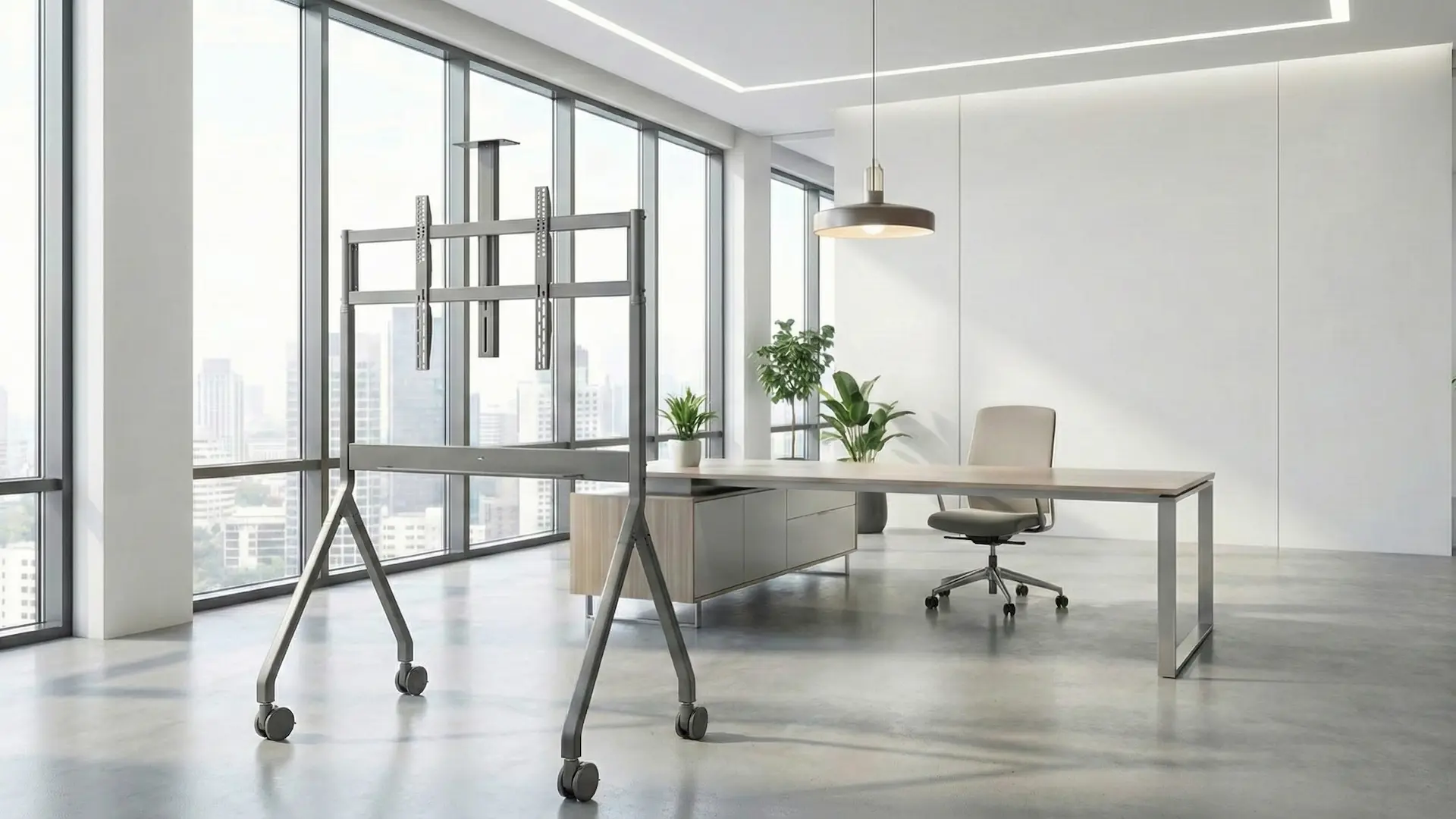
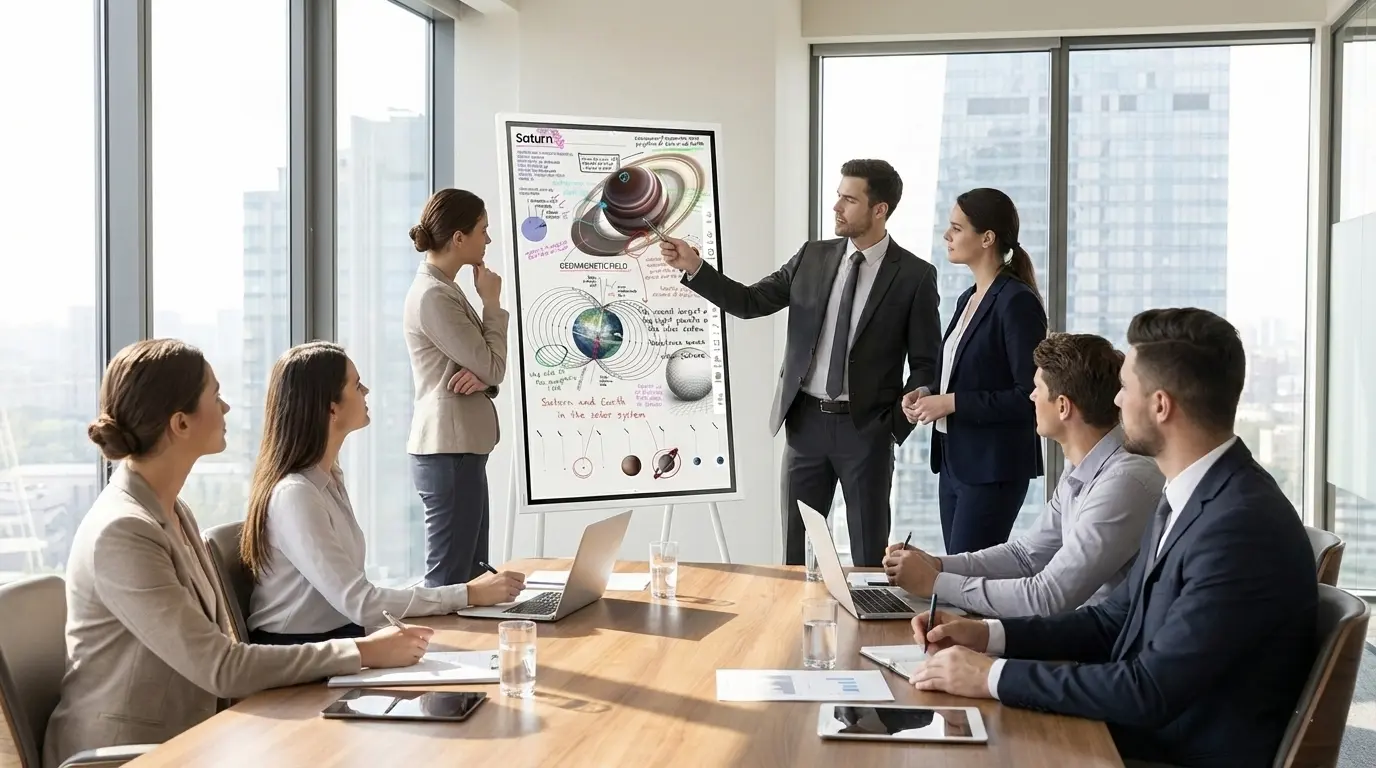
The WM55B is the smallest flip in the group and can be used in both portrait and landscape format. It can also be used on a trolley for mobile use. Ideal for huddle rooms and open spaces where ideas arise spontaneously or as a supplement to projectors or meeting room displays without a touch function.

wm65b-flip-meetingraum

WM65B - The meeting standard

The WM65B is the perfect all-rounder for small to medium-sized meeting rooms. It offers a larger writing surface, yet is so compact that it doesn't take up much space and can be easily moved around on a trolley if required. It can be used in portrait and landscape format.

wm75b-flip-meetingraum

WM75B - Space for big ideas

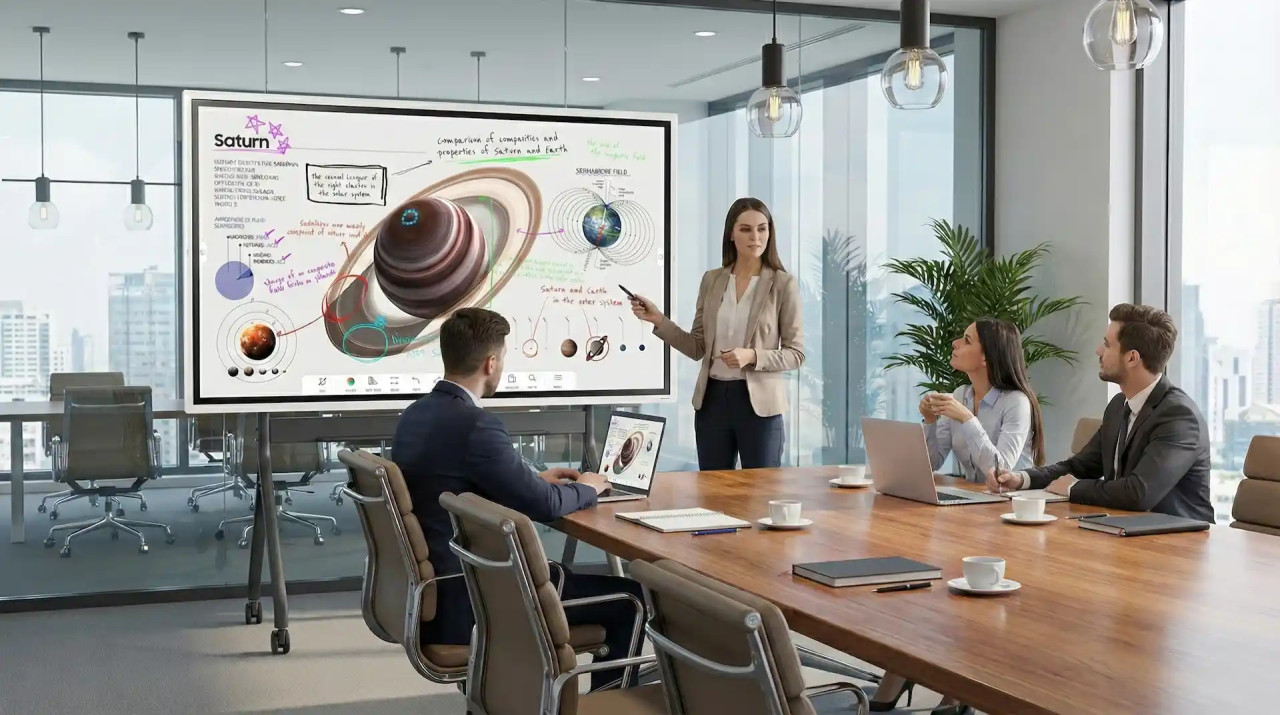
The WM75B is suitable for classrooms and meeting rooms, as the generous surface area invites several students or participants to work on the flip at the same time.

wm85b-flip-klassenraum

WM85B - The classroom star

The WM85B is the largest Flip model and is ideal for large classrooms and conference rooms. Thanks to its large screen area, it is perfect for complex displays and impressive presentations to large groups. In classrooms, it can be optimally combined with pylon systems and whiteboard wings.

This might also interest you

Are you looking for the perfect equipment for your meeting room? Would you like to make your educational institution digitally fit? Take a look at our information pages!

kachel_digitale_schule

Digital school: equipment guide

kachel_logitech_videokonferenzsysteme

Smart video conferencing systems

kachel_wireless

The best wireless presentation systems

kachel_montageservice

visunext Service: We consult, plan and realise for you!

samsungflipdualscreen

Do you still have questions?

We are also happy to advise you personally - we look forward to your call or email! If you would prefer us to call you back free of charge, simply leave us your contact details now.
Loading...
Upload in progress, please be patient ...