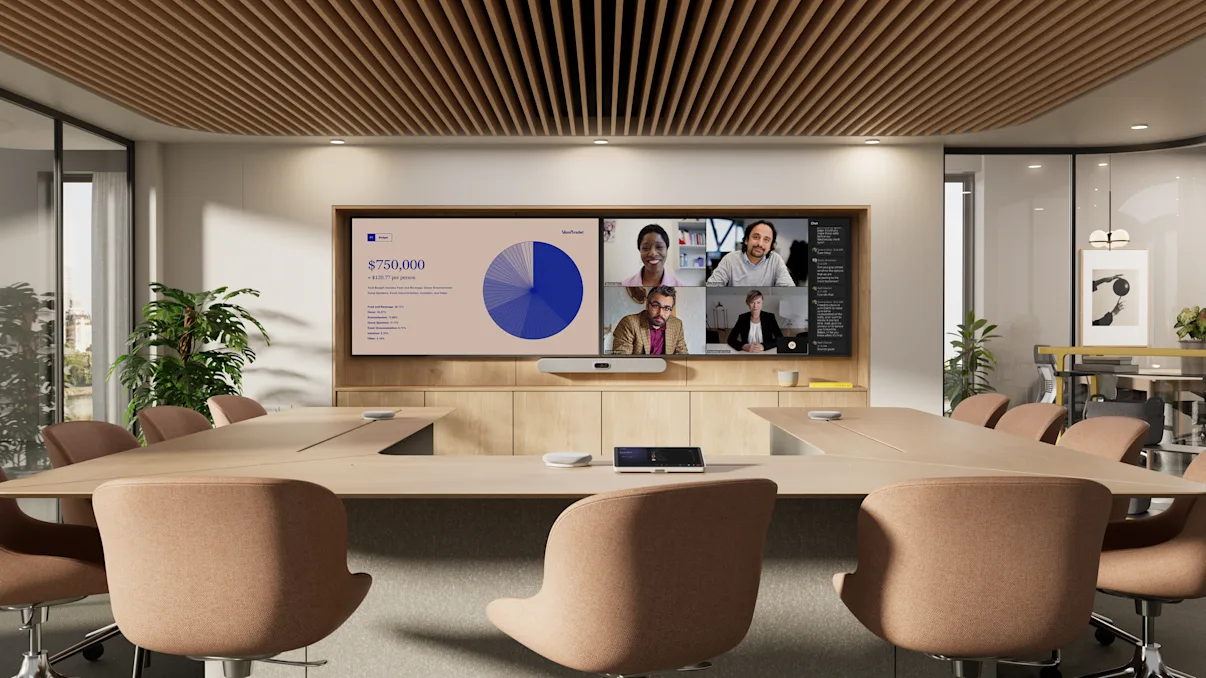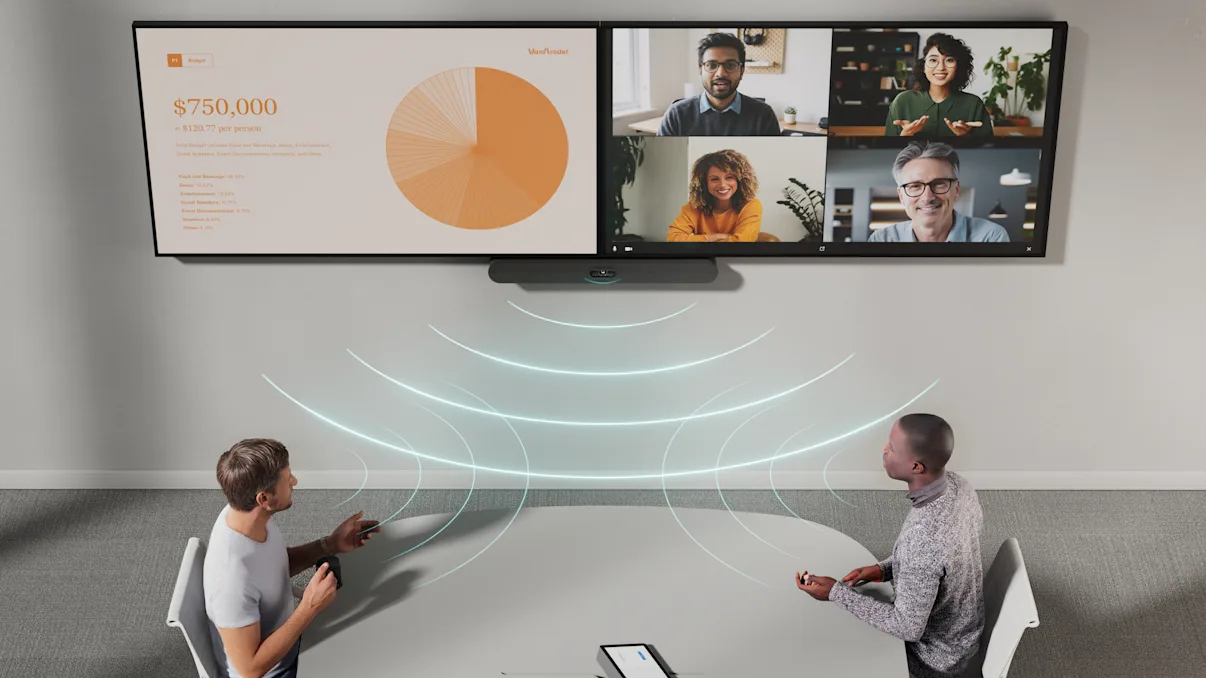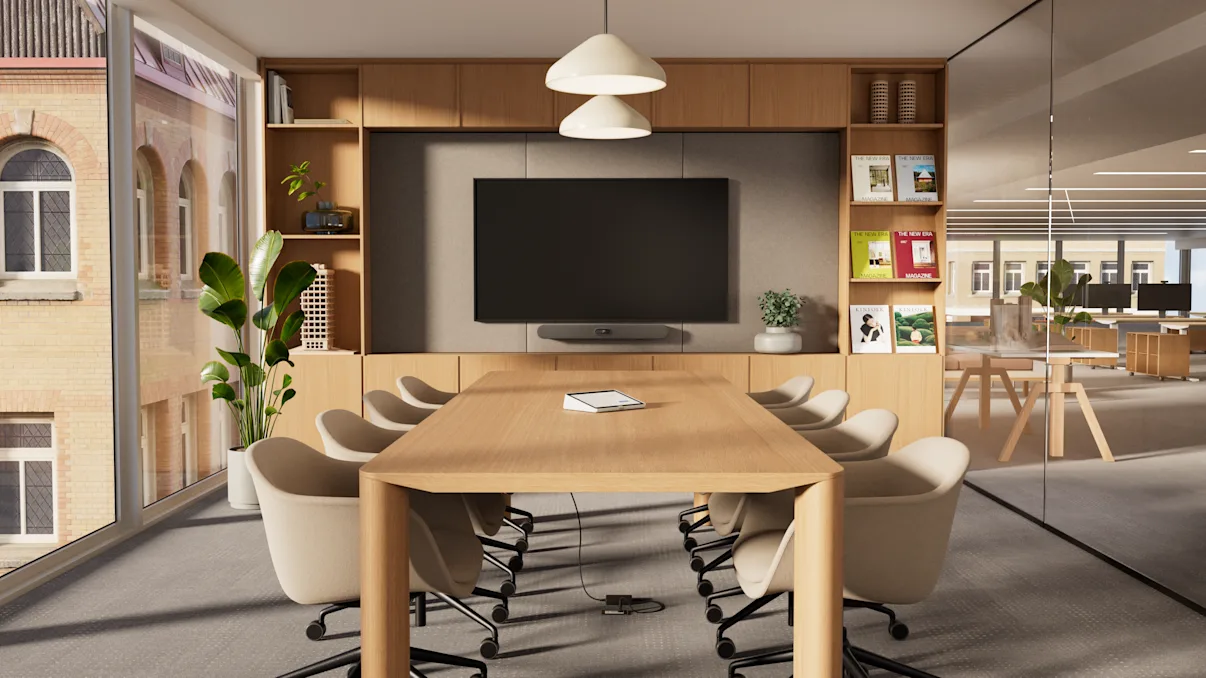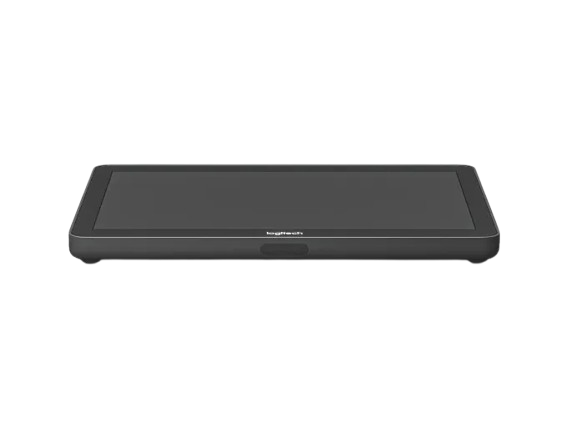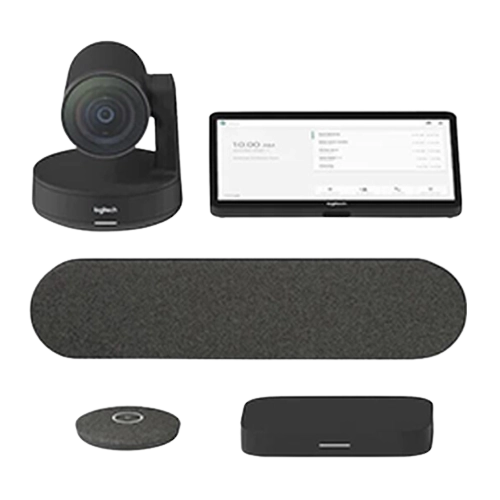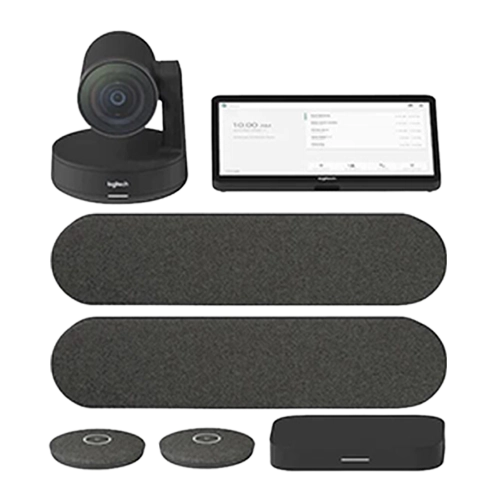


logitech-rally-board-kategoriebanner

Logitech video conferencing systems - solutions for small to large meeting rooms

Experience limitless collaboration with Logitech video conferencing solutions! From all-in-one solutions to complementary cameras and microphones, Logitech has the right system for your space. Find the right setup for your meeting environment now!

Content

All models at a glance: Which video conferencing system is right for my meeting room?

Huddle RoomHuddle Room
Kleiner KonferenzraumSmall conference room
Mittelgroßer KonferenzraumMedium conference room
Großer KonferenzraumLarge conference room
All-in-one solutions
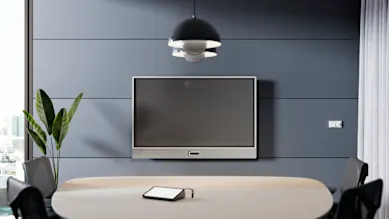
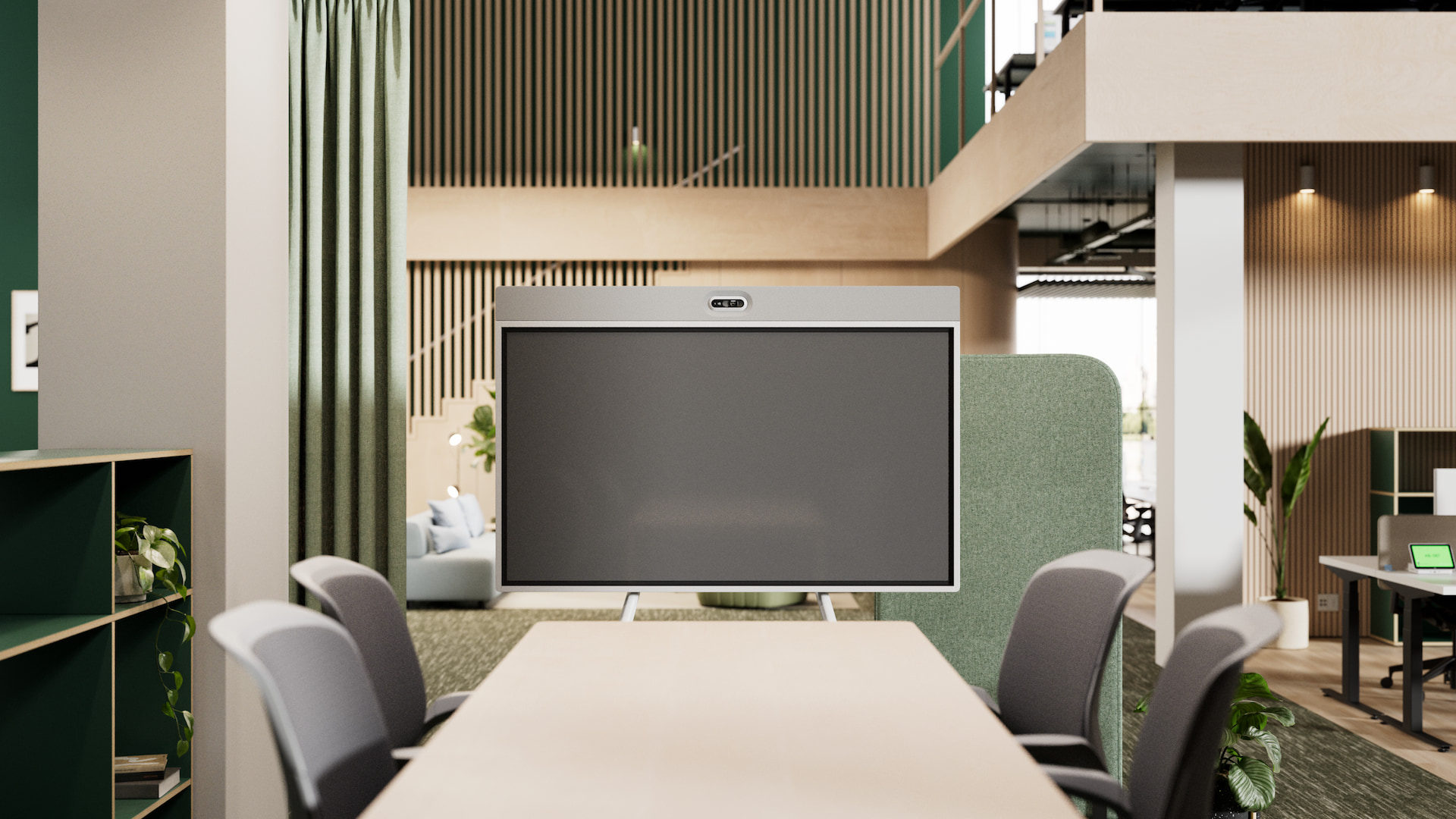
Logitech Rally Board
Logitech MeetUp
Logitech MeetUp 2


Logitech Rally Bar Huddle
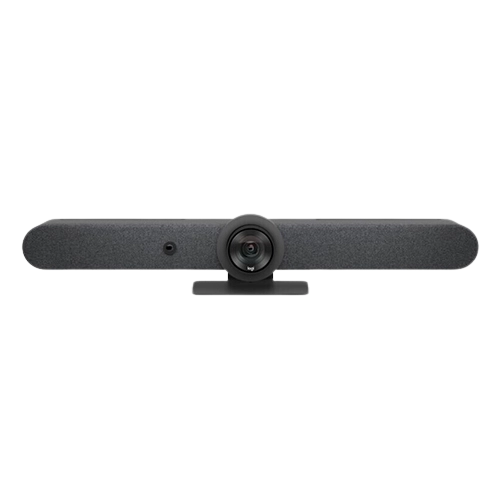
Logitech Rally Bar Mini
Logitech Rally Bar
Modular systems
Logitech Group
Logitech Rally

Logitech Rally Plus
Cameras

Logitech Sight
Logitech PTZ Pro 2
Logitech Rally AI Camera
Logitech Rally AI Camera Pro
Logitech Rally PTZ
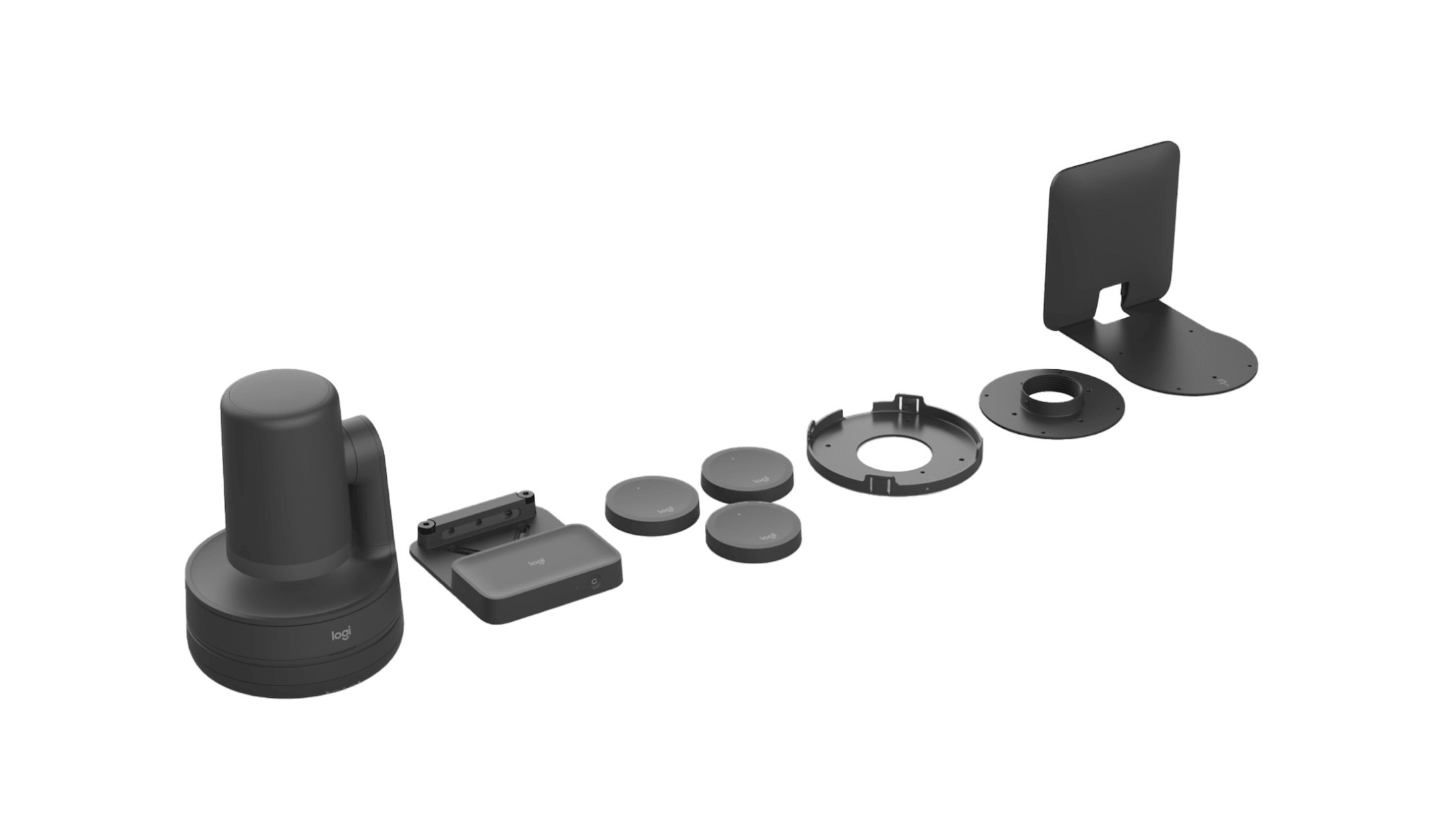
Logitech Rally Camera Streamline Kit
Service Plans
Logitech Essential
Logitech Select

All models at a glance: Which video conferencing system is right for my meeting room?

Logitech MeetUp & MeetUp 2: Compact conferencing systems for small meeting rooms

The Logitech MeetUp and MeetUp 2 are all-in-one video conferencing bars that combine a camera, microphones and speakers in one housing. They can be installed at the front of the room and capture the meeting room and participants thanks to the 4K cameras with a 120° field of view

Logitech-MeetUp

For huddle rooms and small conference rooms

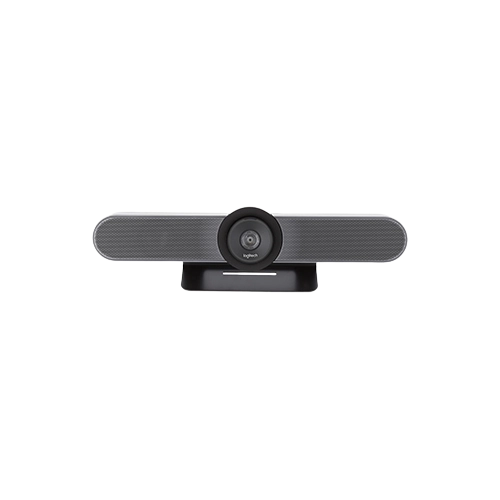
Logitech MeetUp

Proven all-in-one solution that reliably captures small rooms from a wide angle

  • Budget-friendly entry into hybrid video conferencing
  • Flexible alignment thanks to motorised camera (pan and tilt function)
  • Simple plug-and-play solution for immediate operational readiness
  • Compatible with Google Meet, Microsoft Teams and Zoom
logitech-meetup-2-freisteller

For huddle rooms and small conference rooms

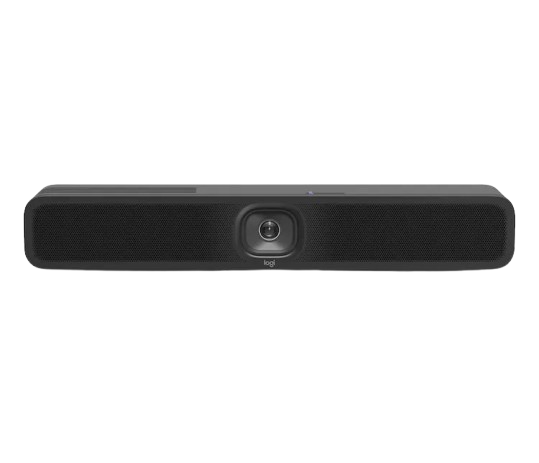
Logitech MeetUp 2

Smart video bar that actively focusses on the speaker and fades out background noise

  • Integrated AI for noise suppression and image optimisation
  • Digital PTZ camera (pan-tilt-zoom) for automatic speaker focussing
  • Flexible use in USB or BYOD mode
  • Remote maintenance and device monitoring thanks to CollabOS and LogitechSync
  • Compatible with Google Meet, Microsoft Teams and Zoom

Logitech MeetUp and MeetUp 2 in direct comparison: higher performance and new functions


Logitech MeetUp
Logitech MeetUp 2
Total room coverage120° diagonal field of view
113° Horizontal
80.7° Vertical
120° diagonal field of view
113° horizontal
80° vertical
Camera resolution4K resolution4K resolution
Digital zoom5x HD digital zoom4x HD digital zoom
SpeakerAnti-vibration housingBass reflex housing
Microphone3 DMIC microphones6 DMIC microphones
Microphone pickup range4M7M
RightSense technologyRightSight with camera control technology for autoframing

RightSound with noise cancellation
RightSight 2 with AI framing solution of grid/speaker/group views and camera zone

RightSound 2 with AI-based algorithms for speech equalisation, noise reduction and reverberation reduction
Single cable BYOD𐄂
Built-in privacy shutter𐄂
Connection optionsUSB 2.0USB 3.1 type C
Sustainability N/APlastic and FSC packaging
Ideally suited for
  • A simple introduction to video conferencing
  • Plug-and-play solutions
  • Regular hybrid meetings
  • Positioning all participants in the best viewing angle

The Logitech Rally Board: The all-in-one solution for hybrid collaboration

If you're looking for a comprehensive video conferencing system with minimal installation effort, then the Rally Board from Logitech is your answer. The Rally Board 65 combines crystal-clear audio, crisp video and a 65-inch touch display in one video conferencing device for seamless, productive collaboration - no matter where your team is located.

The highlights of the Rally Board 65 at a glance:

RightSight 2 and RightSound2: See clearly, hear clearly

RightSight 2 - Intelligent image control: Automatically recognises people in the room and dynamically adjusts the image section. Whether an individual, group or active speaker - the camera always selects the optimal section for a professional, natural meeting experience.

RightSound 2 - Clear sound without distractions: Uses AI to automatically compensate for voices, filter out distracting background noise such as keyboards or air conditioning systems and minimise echoes - for crystal-clear communication in any room.

Flexible installation options for perfect room integration

The Rally Board offers three mounting options for perfect integration into your meeting environment:

NEW

Concentrated AI power with the Rally AI Camera and the Rally AI Camera Pro

With the Rally AI Camera and Rally AI Camera Pro, Logitech brings intelligent cameras into your meeting room. The AI-supported cameras process image data directly and adapt the image section to the speakers in real time.

The new Rally AI Cameras at a glance:

rally-ai-camera

For medium-sized and large conference rooms

Logitech Rally AI Camera

Smart 4K camera that automatically adjusts the image section perfectly for medium-sized rooms.


  • Powerful optics with a camera resolution of up to 4K and a 115° field of view
  • Discreet installation in the meeting room thanks to unobtrusive mounting bracket
  • Camera cover to maintain privacy
  • Free choice of audio system integration (with Logitech, Biamp, Shure, Q-SYS)
rally-ai-camera-pro

For large and very large conference rooms

Logitech Rally AI Camera Pro

Professional camera for large rooms with real zoom for razor-sharp images at long distances

  • Dual camera system with additional PTZ lens and 15× hybrid zoom
  • Powerful optics with a camera resolution of up to 4K and a 115° field of view
  • Free choice of audio system integration (with Logitech, Biamp, Shure, Q-SYS)
  • Speaker view for presenters moving around the room
rally-ai-camera-pro-horizontal-tab-large-room-new
rally-ai-camera-pro-horizontal-tab-multi-cam

Which Rally AI conference camera is right for your meeting room?
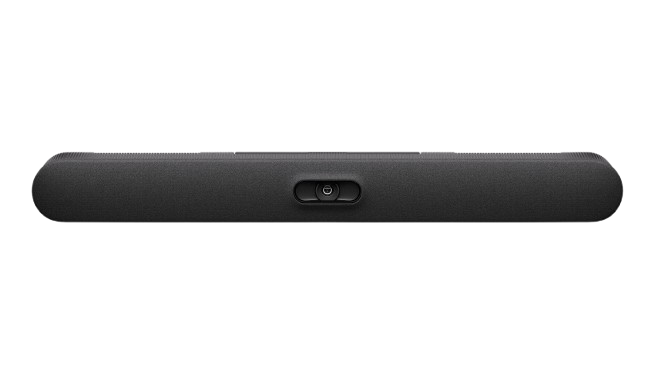
If you are looking for a camera for a medium-sized room that selects the perfect image section in every situation thanks to integrated AI, the Logitech Rally AI Camera is the right choice for you.

If you're looking for a camera for large rooms that brings participants in the last row into sharp focus and automatically tracks active speakers, then the Logitech Rally AI Camera Pro is the best choice!

The Logitech Rally Bar family: All-in-One Bars for all room sizes

The devices in the Rally Bar family are powerful All-in-One Bars that are suitable for various meeting room sizes thanks to small differences.

logitech_rally_bar_huddle-

For small huddle rooms

Logitech Rally Bar Huddle

Compact all-in-one solution to optimally equip small meeting rooms with clear picture and sound quality.


  • Integrated 4K camera with wide 120° viewing angle

  • Automatic speaker focussing and noise suppression

  • Plug-and-play for easy setup

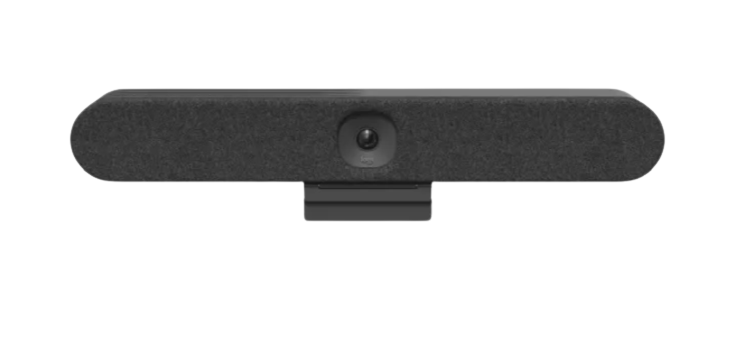
Logitech-Rally-Bar-mini-grafit

For small to medium-sized rooms

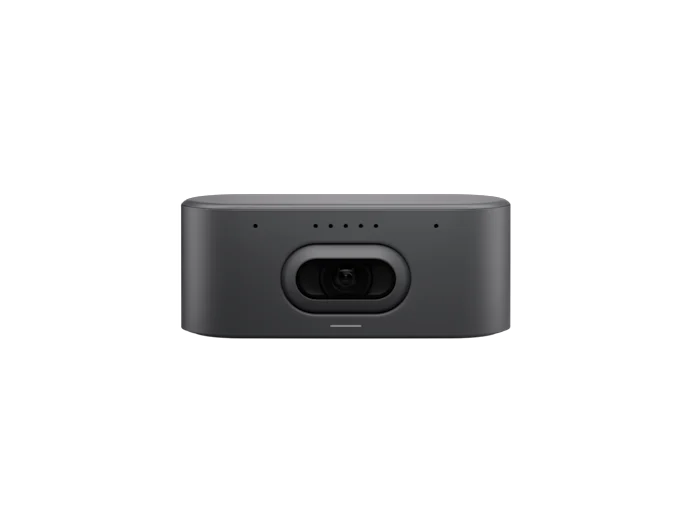
Logitech Rally Bar Mini

Small all-in-one solution that adapts the image to the number of participants.

  • Wide 120° field of view and 4K resolution
  • Motorised camera with pan and tilt function
  • Automatic framing and speaker tracking for smooth meetings
  • Integrated beamforming microphones for clear voices
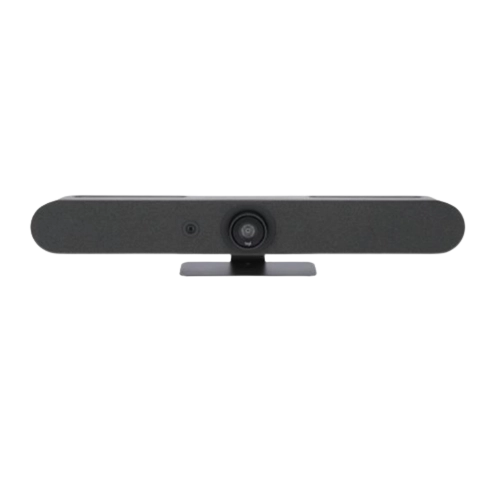
Logitech-Rally-Bar-grafit

For medium-sized to large rooms

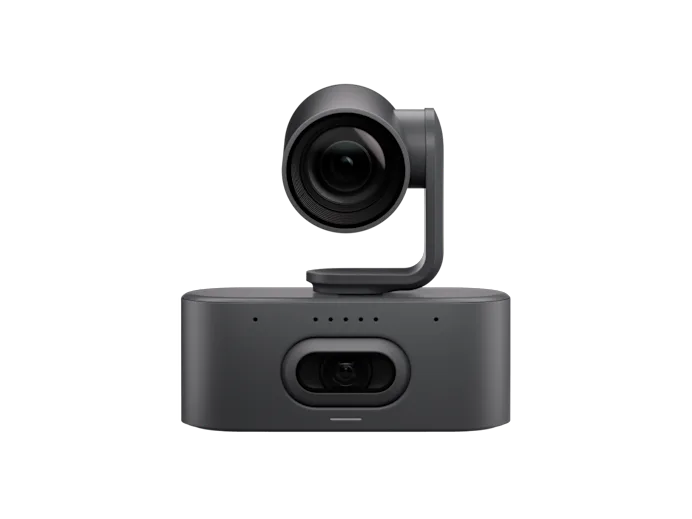
Logitech Rally Bar

Powerful all-in-one video bar that provides professional video and audio quality at long tables.

  • PTZ camera (pan-tilt-zoom) with optical and digital zoom
  • Expandable with additional microphones and companion cameras 
  • AI-supported functions for automatic framing and voice optimisation
  • BYOD and appliance mode for maximum flexibility

Similarities and differences at a glance: A direct comparison of the Rally Bar family

Total room coverage
113° horizontal
80° vertical
163° horizontal
110° vertical
132° horizontal
82° vertical
Zoom4x digital zoom4x digital zoom
Up to 15x zoom
(5x optical and 3x digital)
Noise-cancelling microphones6 microphones6 microphones6 microphones
USB mode
Appliance mode
RightLight
RightSound
RightSight Autoframing
Companion camera (e.g. Logitech Sight)NoYesYes
Compatible with Tap IP
Compatible with Google Meet, Microsoft Teams
and Zoom
Ideally suited for
  • Huddle rooms & small spaces
  • A compact solution that captures all the people
  • Medium conference rooms
  • Automatic speaker focussing for multiple participants
  • Large conference rooms
  • Clear audio and video quality at long tables with many people

Logitech Rally Bar or Logitech MeetUp: which video conferencing system is right for you?

In our blog post, we compared the two most popular video conferencing solutions from Logitech.

Logitech Group, Rally and Rally Plus: the modular video conferencing systems for large meeting rooms

A modular video conferencing system consists of a single camera, speakers and microphones, which can be flexibly positioned to best suit your meeting room.

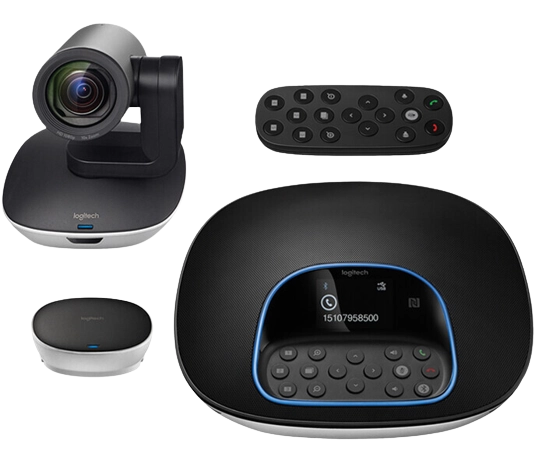
Logitech-Group-Videokonferenzsystem-Full-HD

For medium-sized conference rooms

Logitech Group

Budget-friendly video conferencing solution with manual camera control

  • Full HD video output with 10x zoom
  • Group speakerphone via Bluetooth with your own mobile device for optimum sound quality
  • Quick installation and immediate operational readiness thanks to plug-and-play
  • RightSound and RightLight technology for optimum image and sound capture
  • Compatible with Google Meet, Microsoft Teams and Zoom
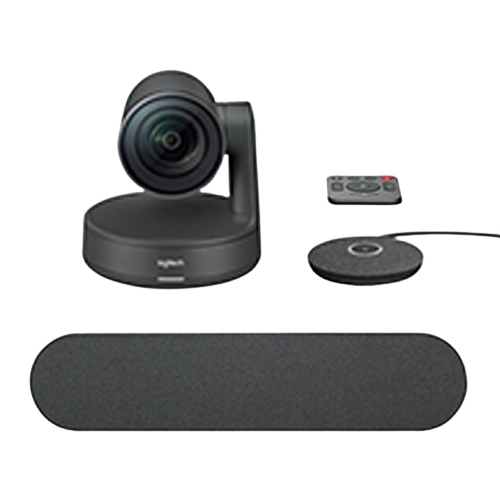
Logitech-Rally-Videokonferenzsystem

For medium-sized and large conference rooms

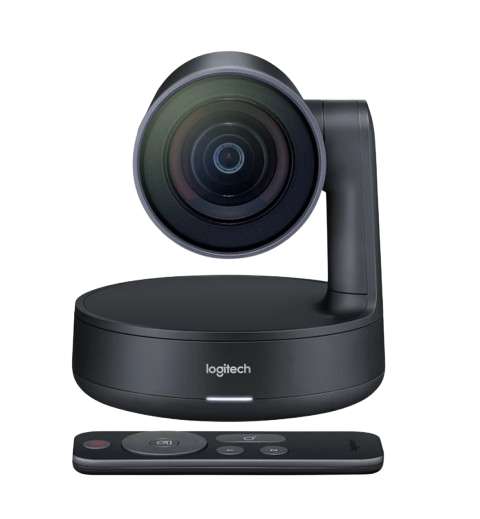
Logitech Rally

Powerful 4K video conferencing solution with automatic camera control

  • Consists of Rally Camera, Rally Mic Pod and Rally Speaker as well as a remote control
  • 4K UHD motorised PTZ camera (pan-tilt-zoom)
  • RightSight and SightLight technology for outstanding image quality
  • Expandable with up to 7 mic pods
  • Compatible with Google Meet, Microsoft Teams and Zoom
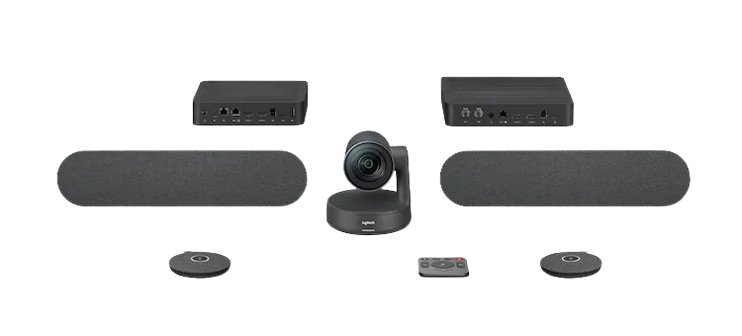
logitech-rally-plus-videokonferenzsystem

For large and very large conference rooms

Logitech Rally Plus

4K video conferencing system with automatic camera guidance for meetings of 20 people or more

  • Consists of a Rally Camera, two Rally Mic Pods and two Rally Speakers as well as a remote control
  • 4K UHD motorised PTZ camera (pan-tilt-zoom)
  • RightSight and SightLight technology for outstanding image quality
  • Expandable with up to 7 mic pods
  • Compatible with Google Meet, Microsoft Teams and Zoom

Which modular video conferencing system is suitable for your conference room?

If you are looking for a functional entry-level solution with simple and intuitive controls, then the Logitech Group is the best choice for you!

Buy Logitech Group!

If you hold meetings with many people and want automatic camera guidance, then the Logitech Rally system is the ideal choice for you!

Buy Logitech Rally!

If you hold meetings at large conference tables and a single microphone is not enough for all participants, then the Logitech Rally Plus is the right choice!
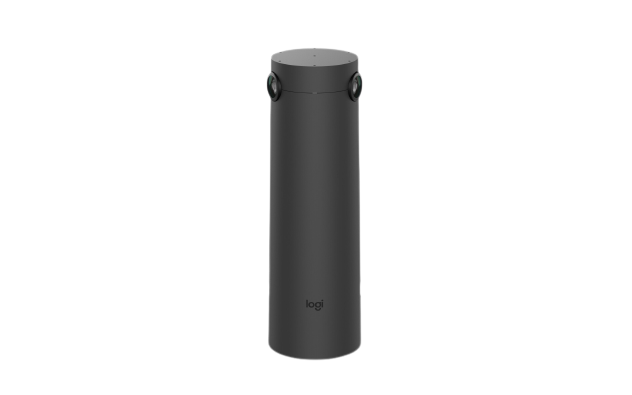
Buy Logitech Rally Plus!

Expand your conferencing systems with additional MicPods!

The Logitech Mic Pod microphones can be optimally positioned on the table to capture all voices in the room precisely - no matter where you are sitting. Optimise the audio coverage in your meeting room now!

The perfect addition for large meeting rooms

Get a new perspective with the Smart Logitech Sight and Logitech PTZ cameras

The Logitech Sight table camera was specially created for medium-sized and large conference rooms to vividly capture discussions for all participants.

logitech-sight-konferenzkamera-4k

For medium-sized and large conference rooms

Logitech Sight

Companion table camera for frontal speaker view from the centre of the room.

  • Seamless integration into your existing Logitech room system
  • Two 4K cameras with 315° field of view to capture all participants
  • Active speaker in focus, thanks to AI-powered camera
  • Seven beamforming microphones for clear voice transmission without background noise
logitech-rally-ptz-kamera

For medium-sized and large conference rooms

Logitech Rally Camera

High-quality PTZ camera with studio optics for maximum detail and image quality.


  • PTZ camera (pan-tilt-zoom) with 4K resolution and 15× HD zoom
  • Automatic camera control with RightSight
  • Light adjustment and face focus thanks to RightLight and Wide Dynamic Range (WDR)
  • Privacy screen in idle mode for privacy in the meeting room
  • Wall, ceiling and TV mounting or placement on a table

Logitech-PTZ-Pro-2-Konferenzkamera-Full-HD-3MP-30fps-90-FOV-10x-Zoom

For medium-sized and large conference rooms

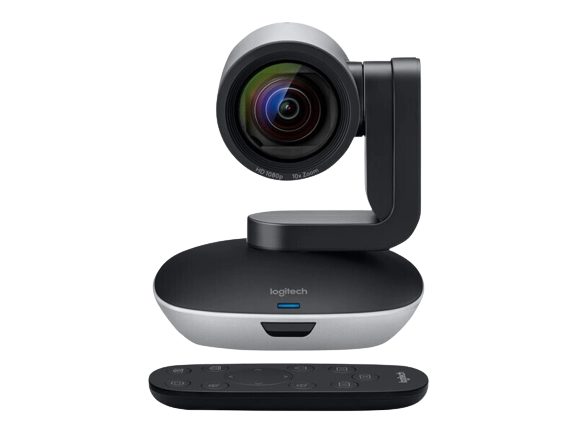
Logitech PTZ Pro 2

Proven full HD camera with 10x zoom for cost-effective equipment of large rooms.


  • PTZ camera (pan-tilt-zoom) with HD resolution and 10× HD zoom
  • Manual control of the camera via portable remote control
  • Quick installation thanks to plug-and-play connectivity
logitech-rally-camera-streamline-kit-inkl-preset-buttons

For large and very large conference rooms

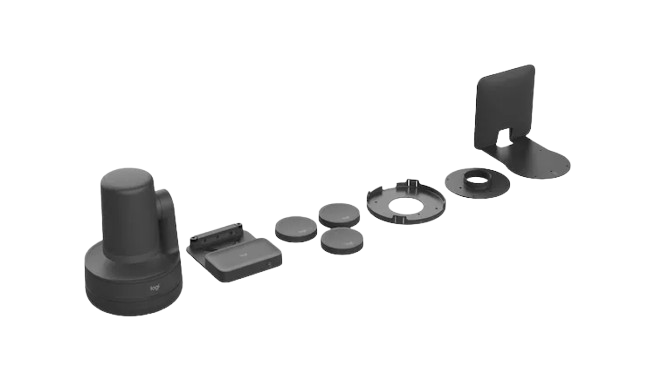
Logitech Rally Camera Streamline Kit

USB PTZ video solution for HyFlex meetings and presentations

  • Consists of a rally camera, three preset buttons and a holder
  • Change camera views easily using preset buttons
  • Easy mounting on the wall or ceiling with a single CAT cable
  • Compatible with common video conferencing systems

Our tip

Logitech Tap: Practical touch control for Logitech room solutions

With the Logitech Tap touchscreen controller, you can expand your meeting rooms with an intuitive control element. The small touch display on the conference table makes it easy to start planned meetings and spontaneous meetings.

The advantages of the Logitech Tap at a glance:

Logitech Tap and Tap IP in direct comparison - the most important differences summarised

Logitech Tap

Logitech Tap IP


Conference room controller kit with USB connection and Cat5eConference room controller with network connection
Compatibility of the room solutions
Google Meet on ChromeOS
Google Meet on Android
Microsoft Teams Rooms on Windows
Zoom Rooms Appliances
Zoom Rooms for PC
Google Meet on Android
Microsoft Teams Rooms on Android
Zoom Rooms Appliances
Zoom Rooms for PC
On OffContains inline power supply via Cat5ePower over Ethernet (PoE)
ConnectionCat5e Ethernet kit (2.97 m and 7.0 m Cat5e cable)Ethernet or WLAN

Logitech Tap room solutions: All for your video conferencing in one package

Logitech makes it easier for you to set up your meeting rooms with perfectly coordinated complete solutions. These bundles combine the intuitive Logitech Tap with the matching video conferencing system so that your conference rooms are optimally equipped. Discover the ideal bundle for your room size now!
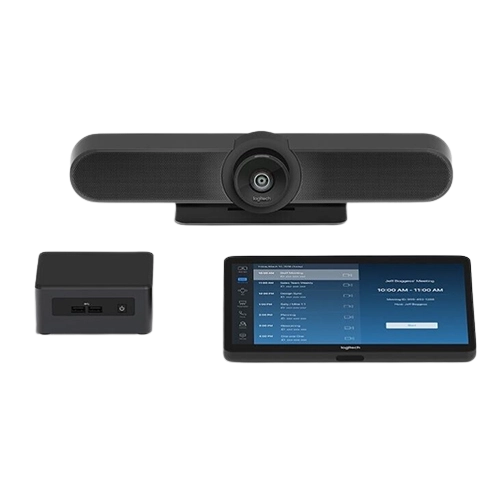
Perfectly customised bundles for your video conferencing platform

Logitech offers pre-configured Tap Bundles for Google Meet, Microsoft Teams and Zoom. These bundles integrate perfectly into your existing Teams Rooms, Zoom Rooms or Google Meet solutions.
The perfect addition

The Logitech service plans: Comprehensive support for conference rooms with Logitech

Reliable conference room technology is essential to ensure that your meetings run smoothly at all times. Logitech service plans protect your video conferencing systems so that your rooms are always ready for action!

Logitech Basic Service: Functionality right from the start

To ensure that you can rely on your Logitech devices, every conferencing system is equippedwith Logitech Basic Service right from the start. It ensures the full functionality of your devices through the standard manufacturer's warranty and access to firmware updates. To avoid high downtimes, Logitech offers two comprehensive extensions :

A comparison of the service plans: Basic, Essential and Select at a glance

Which service plan is the right one for your conference rooms? We have summarised the most important differences for you in this table:

Logitech Basic Plan IconStandard
Logitech Essential Plan IconLogitech Essential
Logitech Select Plan IconLogitech Select
PlansProduct life cycle1-5 years1-5 years
Device Management


Device management and monitoring
Device settings, configurations and software and firmware updates
Inventory of devices and storage
Storage space in Sync
Device status dashboard
CollabOS API
Sync Cloud API𐄂
Remote access to the user
user interface via Sync 1
𐄂
E-mail notifications𐄂
ServiceNow integration 2𐄂
Storage management
Logitech room booking𐄂
Calendar integration for Microsoft 365 and Google Workspace𐄂
Automatic booking and approval 3𐄂
Booking guidelines𐄂
Customised background images and branding for Tap Scheduler𐄂
Logitech View 4 and cards𐄂
Insights into room occupancy, room status and room climate𐄂
Device management and maintenance


HelpdeskSupport for Logitech products
during business hours
Support for Logitech products during business hoursRound-the-clock support by phone and email 7 days a week. Direct access to Tier II support within one hour.
Dedicated Service Manager𐄂𐄂5
Product replacement2 years standard warranty. country delivery, delivery time varies2 years standard warranty, country delivery, time variesUp to five years 6
Next business day product replacement (subject to terms and conditions) during the term of your plan 7
Spare parts on site𐄂𐄂8

1 Available in appliance mode.
2 ServiceNow licence required.
3 A Logitech Rally Bar or Logitech Rally Bar Mini required.
4Logitech RoomMate required.
5For customers with at least 50 licences or Enterprise plans. DSM will be assigned when the first incident is registered.
6 Logitech Select offers product replacements for all Logitech devices in the room for the duration of the Select term, provided that the products were still within the original warranty period at the time the Select contract was activated.
7 Delivery times may vary depending on geographic location or unforeseen circumstances such as weather conditions, transportation network disruptions or transit, and customs clearance time.
8 Varies depending on the number of licences.

Our tip for complete conference room equipment

Always keep an eye on your room planning with the Logitech Scheduler!

The Logitech Tap Scheduler perfectly rounds off your conference room setup as an elegant booking panel directly at the door . Thanks to clearly visible LED signals andintuitive touch operation, employees immediately recognise availability and can book a room spontaneously. Seamless synchronisation with your calendar system and Logitech hardware means that double bookings can be effectively avoided.

Frequently asked questions about Logitech video conferencing systems and devices

After face-to-face communication, video conferencing systems are the most popular form of communication in companies. This is because a video conferencing system allows all members of an organisation to communicate with each other regardless of their location.

And this is also the biggest advantage in favour of purchasing a video conferencing system: important decisions can be made more quickly and agreements with partners, clients or even within several internal project teams can be realised promptly.

Below we answer the most frequently asked questions about video conferencing systems.

A video conferencing system is a combination of audio and video equipment, typically used in businesses to facilitatereal-time communication with simultaneous transmission of video and audio. It enables conference participants to communicate with one another regardless of their location.
No company can do without meetings and (in-house) training sessions. Video conferencing offers many advantages for conducting these efficiently:

  • Location-independent meetings: You can bring your staff together from all over the world – whether they’re working from home, in the office or at branch offices.
  • Lower business travel costs: Your staff remain at their own locations and participate in meetings digitally. This eliminates costs such as transport, accommodation, meals and any other expenses.
  • Working time is used more productively: the time you or your staff would otherwise spend travelling to and from meetings can be spent on day-to-day business tasks.
  • Smaller meeting rooms or office spaces are required: You don’t need huge meeting rooms to accommodate several staff members for a meeting. If some of your staff work at other locations or from home, you can make do with smaller office spaces. This means you can even save on rent and utility bills for electricity, water and so on.
  • Digital minutes or recordings are possible: You can record meetings, training sessions or demonstrations on video. Staff who were not present that day or who had to leave the event early can watch the recording again.
  • Positioning yourself as an attractive employer: Through video conferencing, you can give your staff the chance to work from home whilst still attending important meetings. This promotes a healthy work-life balance and makes your staff happier – and word gets round!
The cost of a video conferencing system varies depending on the size of the room and the range of features:

  • Entry-level solutions from Logitech: €400 to €1,500
  • Comprehensive room solution from Logitech: 1 ,500 to €4,000
  • Professional meeting room equipment with Logitech: from €4 ,000
Yes, Logitech video conferencing systems are officially certified for Microsoft Teams, Zoom and Google Meet.
This guarantees seamless integration into your existing conferencing environment and enables you to use all platform-specific features. Compatibility is ensured in the following ways:

  • Appliance mode: With modern systems, Microsoft Teams Rooms or Zoom Rooms run directly on the device. No external PC is required.
  • USB mode (BYOD): You can connect your laptopvia plug-and-play and use the hardware with any video platform (including Webex, GoToMeeting, etc.).
In USB mode (BYOD – Bring Your Own Device) , the video conferencing system is connected to a laptop via USB. The video conferencing system acts as a peripheral device for the video conference.

In appliance mode, the video conferencing software runs directly on the system itself. Meetings can be started via the Logitech Tap without a laptop. This mode offers a particularly high level of user-friendliness, as anyone can start a meeting at the touch of a button.
Logitech video conferencing systems are centrally managed and maintained via the cloud-based Logitech Sync platform. This software enables you to monitor and control video conferencing rooms and devices regardless of their location. The maintenance process comprises three key functions:

  • Remote monitoring: A clear dashboard shows the real-time status of all devices (online/offline), allowing you to identify problems immediately.
  • Centralised updates: Firmware and software updates can be scheduled for individual rooms or the entire organisation and installed remotely.
  • Configuration: Device settings (such as camera presets or audio levels) can be conveniently adjusted from your desk.
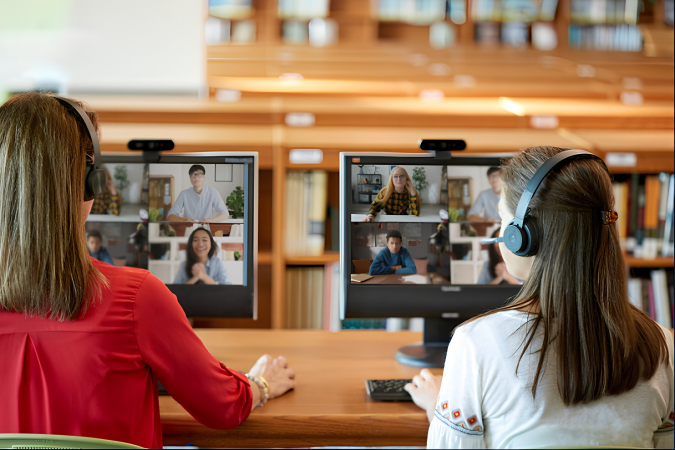
Logitech video conferencing systems are centrally managed and maintained via the cloud-based Logitech Sync platform. This software enables you to monitor and control video conferencing rooms and devices regardless of their location. The maintenance process comprises three key functions:

  • Remote monitoring: A clear dashboard shows the real-time status of all devices (online/offline), allowing you to identify problems immediately.
  • Centralised updates: Firmware and software updates can be scheduled for individual rooms or the entire organisation and installed remotely.
  • Configuration: Device settings (such as camera presets or audio levels) can be conveniently adjusted from your desk.

Logitech for Education: The Classroom of the Future

Designing learning environments that are flexible, interactive and accessible to all

logitech-vc-web

Logitech for Education: The Classroom of the Future

Designing learning environments that are flexible, interactive and accessible to all
Whether in face-to-face teaching, home schooling or hybrid learning models, the technology used must be intuitive to use, reliable and tailored to the specific needs of teachers and learners. Logitech draws on over 40 years’ experience to develop solutions in direct collaboration with teachers, pupils and ergonomics specialists. 

The result is ready-to-use, durable tools that enable teachers to deliver knowledge seamlessly. At the same time, learners benefit from well-thought-out designs that promote healthier posture, sharpen concentration, facilitate collaboration and can even boost performance in tests

Furthermore, the devices are popular with schools thanks to their ease of deployment, high compatibility and sustainable design using recycled plastic. In this way, the technology becomes a genuine tool for greater equality of opportunity, accessibility and inclusion in modern educational institutions.

Why Logitech is the right choice for schools

A major advantage of Logitech Education is its clear focus on everyday school life. The devices are not only technologically advanced, but are also exceptionally robust.
schule-nobubble
Specially designed products are slip-resistant, easy to clean and built to withstand the rigours of everyday school life.
byod-nobubble
Thanks to plug-and-play technology, there’s no need for complicated set-up. The products are ready to use straight away and integrate seamlessly with all popular learning platforms such as Microsoft Teams, Zoom and Google Workspace.
Icon loudspeaker
Ergonomic designs and outstanding audio quality with effective noise cancellation ensure that you can always stay focused on what matters most.

The right solutions for every learning environment

Meeting the diverse demands of everyday life in modern schools and universities requires flexible technical equipment. Every learning environment – whether an individual workstation, a collaborative group room or a large lecture theatre – has its own specific requirements in terms of audio and video. Logitech’s Education portfolio offers product ranges tailored to these different scenarios, which work together seamlessly.
zonelearn-students-on-table

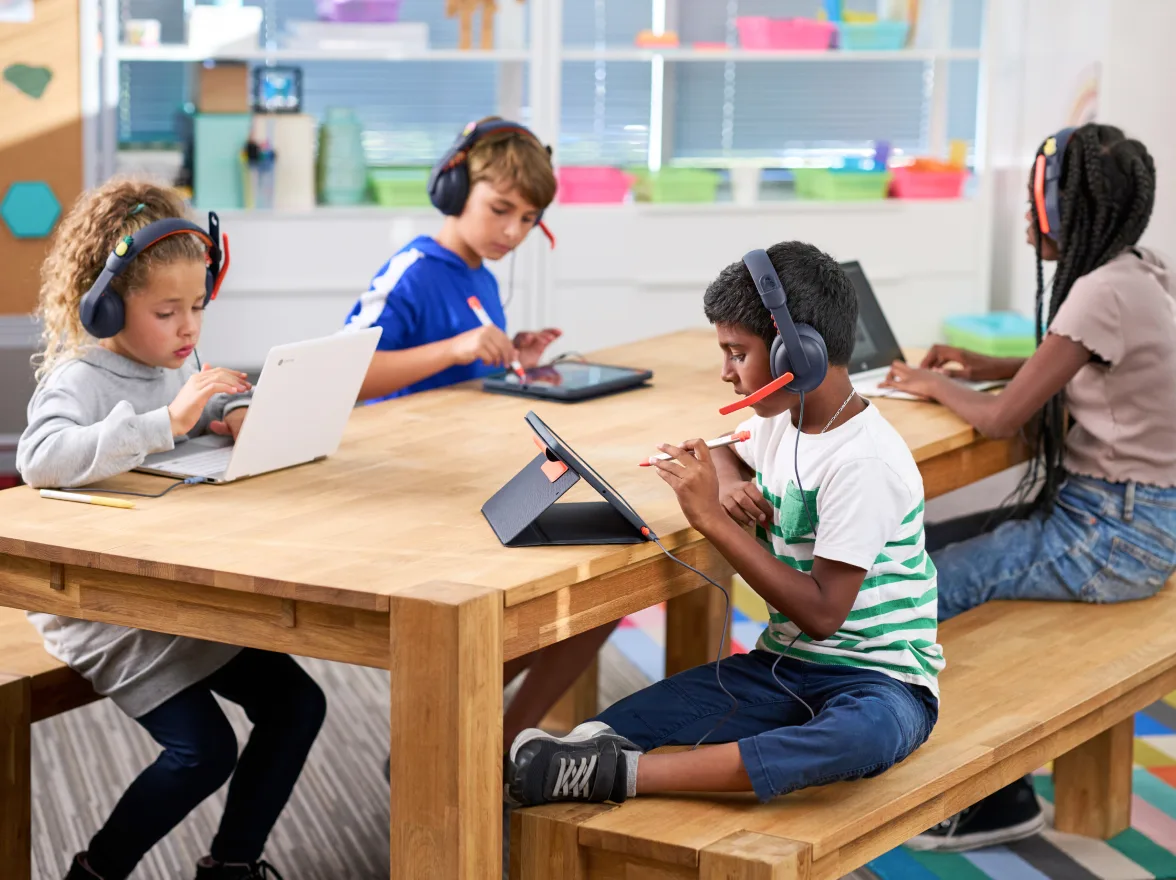
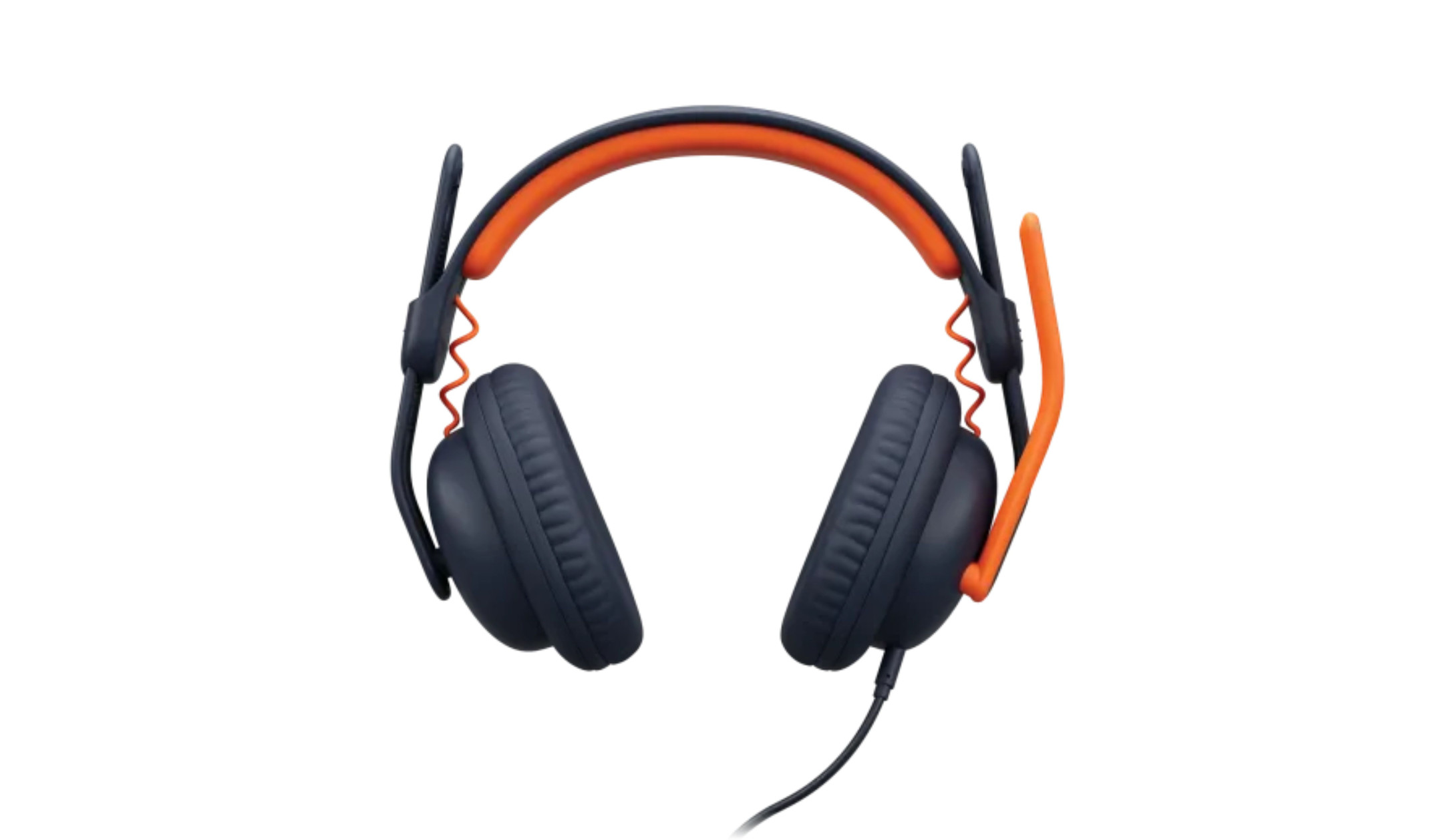
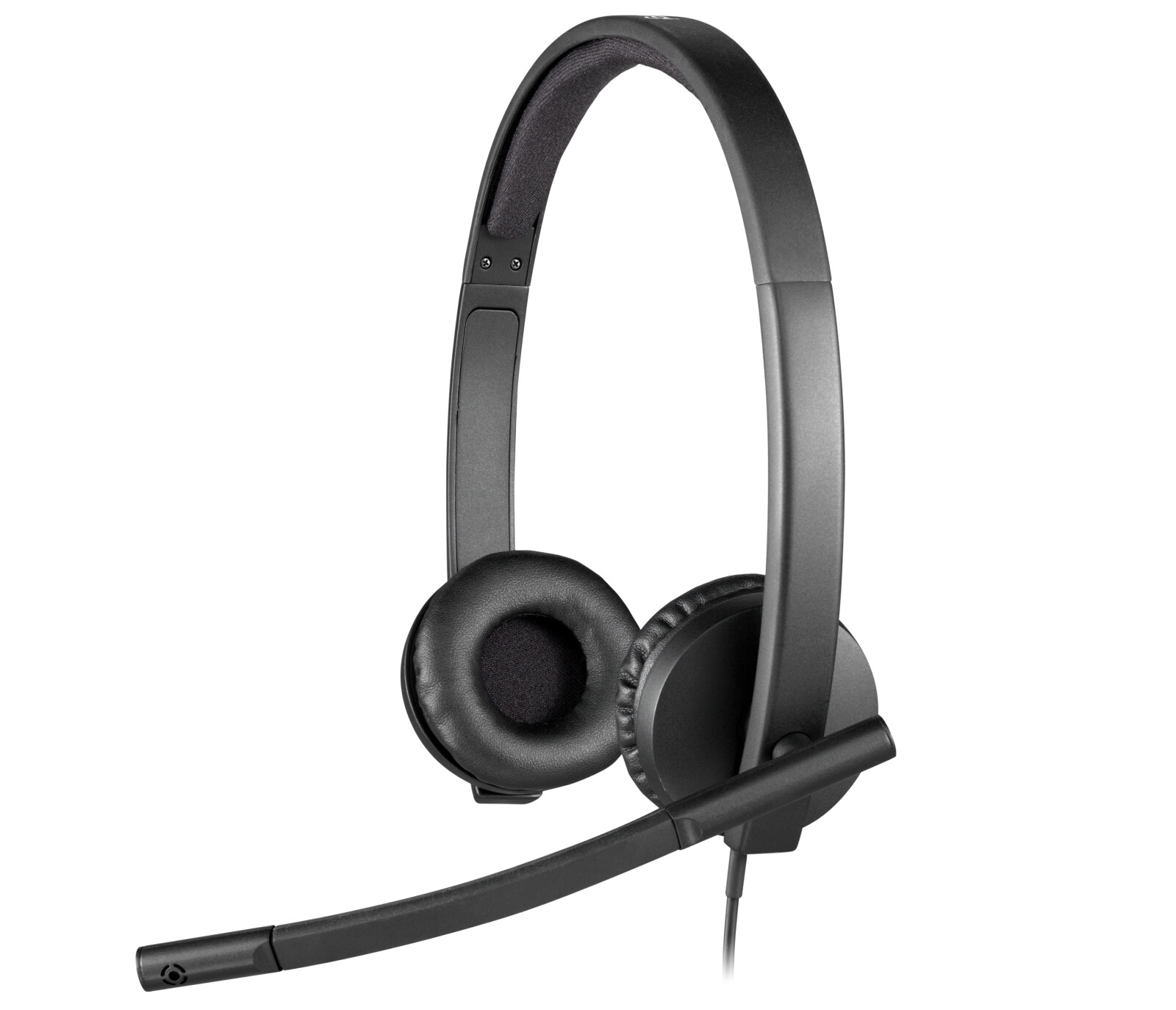
Headsets for undisturbed learning

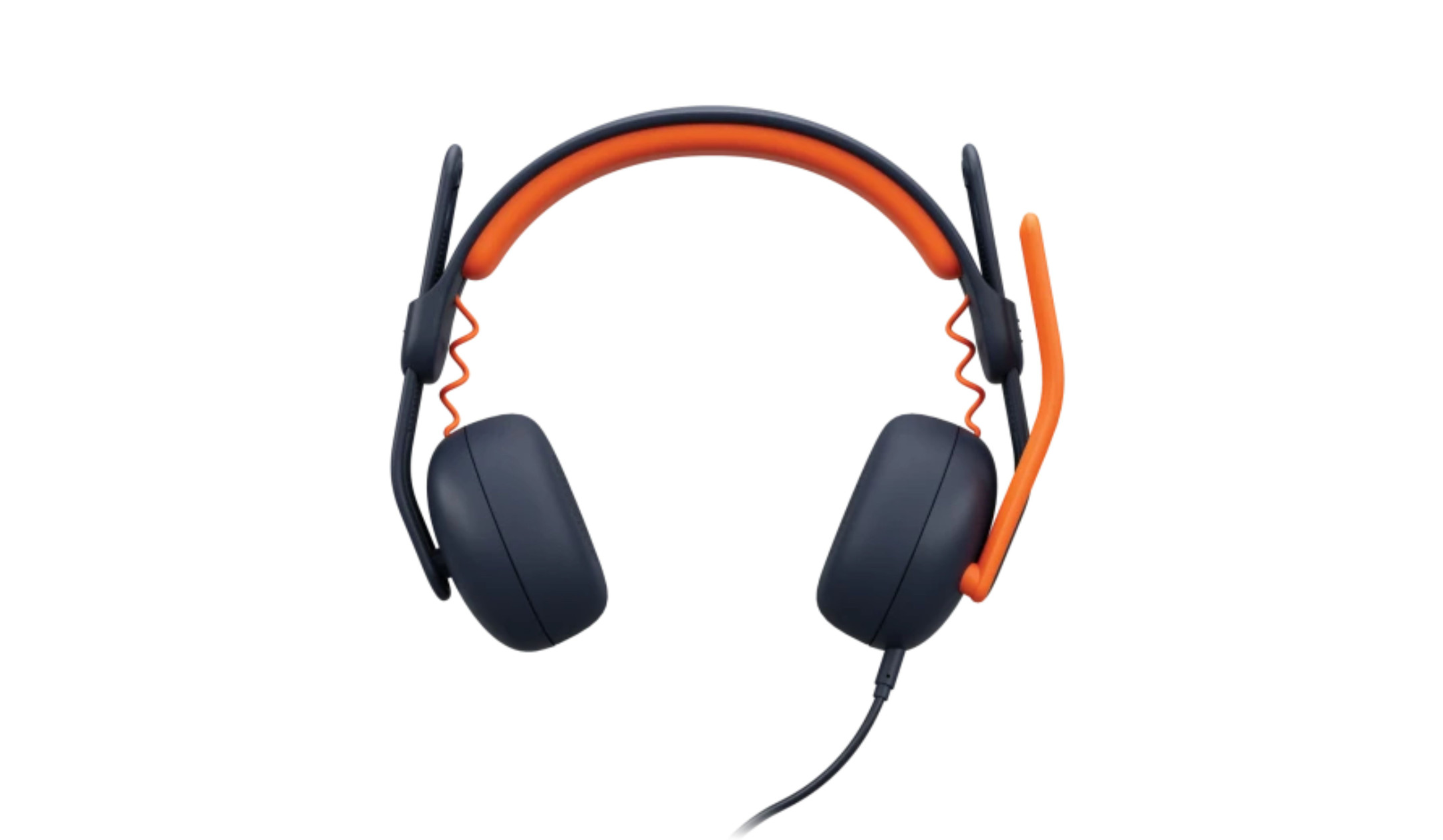
In a lively classroom or when studying at home, distractions are a daily occurrence. High-quality headsets are the key to focus and concentration in these situations. Logitech Education headsets have been specially designed to effectively block out distracting background noise whilst maximising speech intelligibility. For pupils, this means a significant increase in attention, particularly during language lessons or when working on individual tasks that require concentration. Thanks to robust materials that can withstand heavy use and regular cleaning, they are a long-lasting investment for any school.
logitech-reach-plug-and-play-feature_1233_x_591

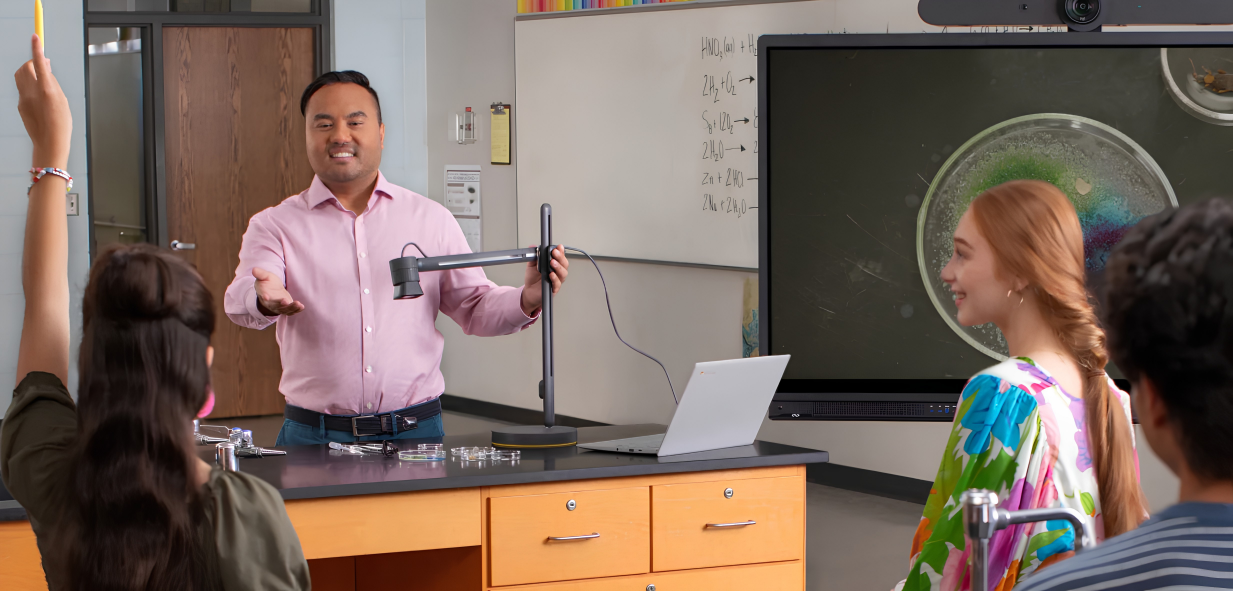
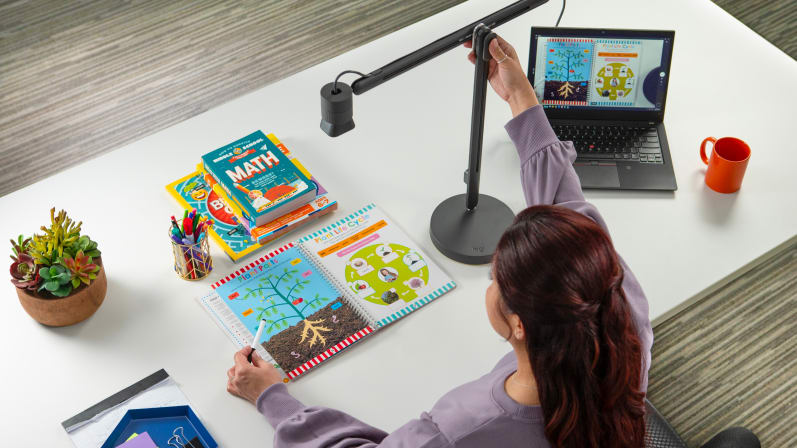
Document and content cameras: The link between the analogue and digital worlds

Not all teaching content can be digitised in advance. It is often hands-on elements, such as historical textbooks, live experiments or handwritten equations, that bring lessons to life. Visualisers bridge this gap between analogue materials and digital presentation. They capture details with razor-sharp clarity and transmit them in real time to projectors, interactive displays or directly into a live stream. This ensures that lessons remain dynamic, spontaneous and equally visible to all learners.

article-classroom-now

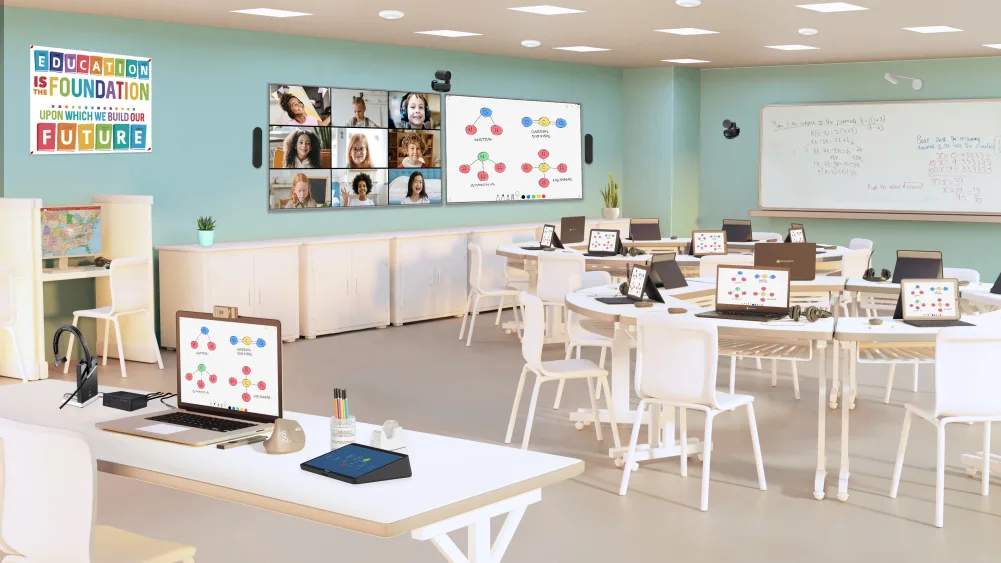
Hybrid video conferencing systems: Equal participation from anywhere

Modern teaching is no longer confined to the physical boundaries of a room. Professional video conferencing systems for hybrid learning ensure an inclusive learning environment. Thanks to intelligent camera systems that automatically keep the teacher speaking in frame or perfectly capture the whole class, online participants feel fully integrated into the lesson. Combined with room-filling audio systems that transmit every spoken word crystal-clearly from the blackboard to the back row, hybrid learning becomes a well-rounded, interactive experience, just as if all the participants were sitting in the same room.

Discover all Logitech Education products

Browse through our range of headsets, cameras and video conferencing solutions for the education sector and find exactly the right technology to meet your institution’s needs.

The Logitech Reach camera – bringing analogue content to life

The Logitech Reach is an absolute highlight for modern, interactive teaching

logitech-reach-stay-in-the-flow-feature

The Logitech Reach camera – bringing analogue content to life

The Logitech Reach is an absolute highlight for modern, interactive teaching
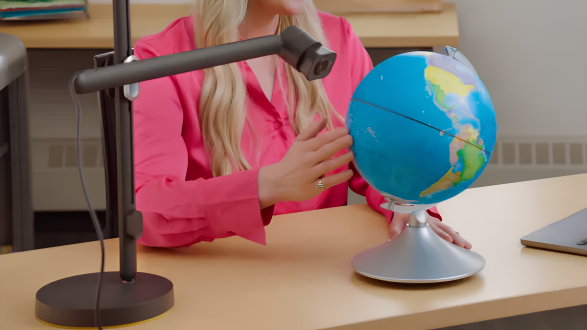
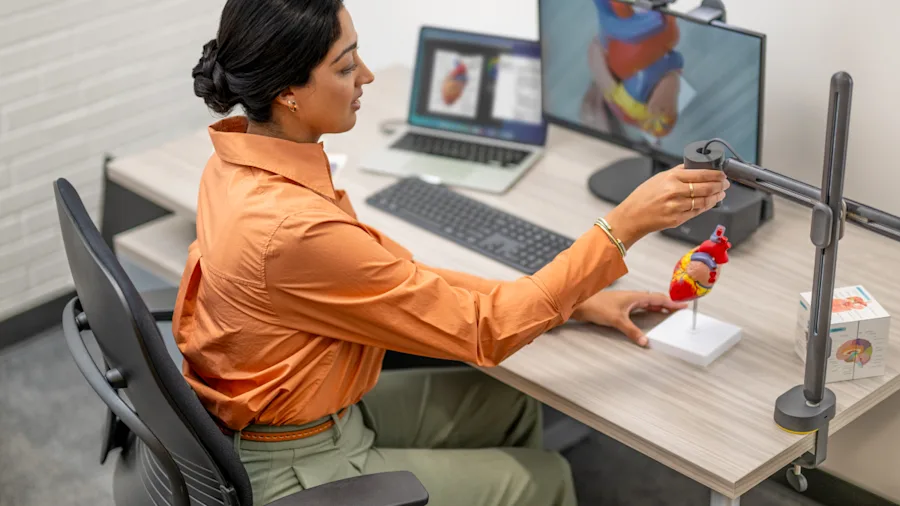
Developed in close collaboration with teachers, this innovative camera tackles one of the biggest challenges in the classroom: the seamless, dynamic presentation of non-digital content and 3D objects. Thanks to crystal-clear images in HD 1080p/60fps, delivered by a high-quality glass lens and a precise 4.3x zoom with autofocus, the class won’t miss even the smallest detail. The camera is a highly flexible tool that brings subjects such as science, engineering, art and maths to life and sparks learners’ curiosity.

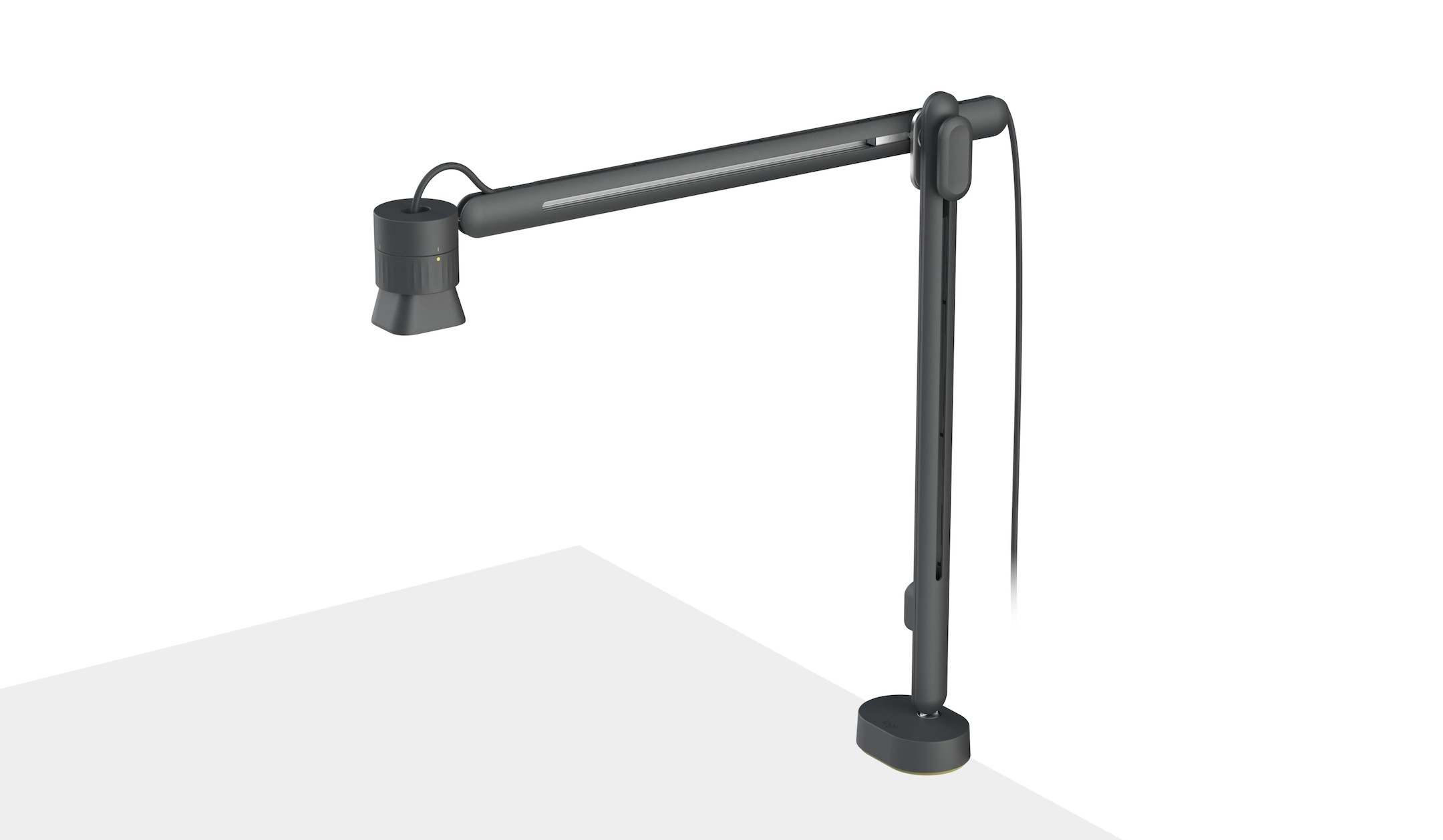
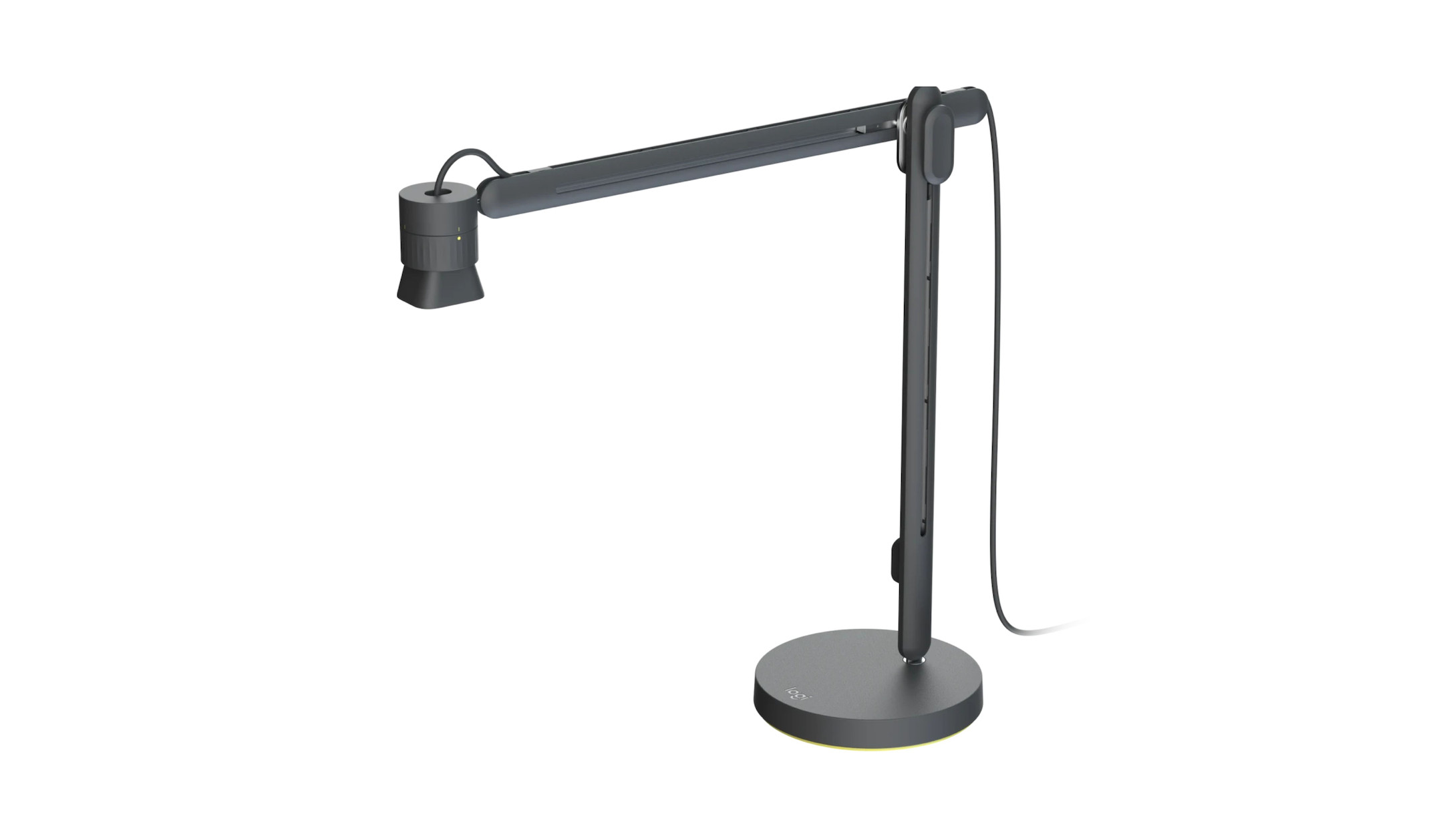
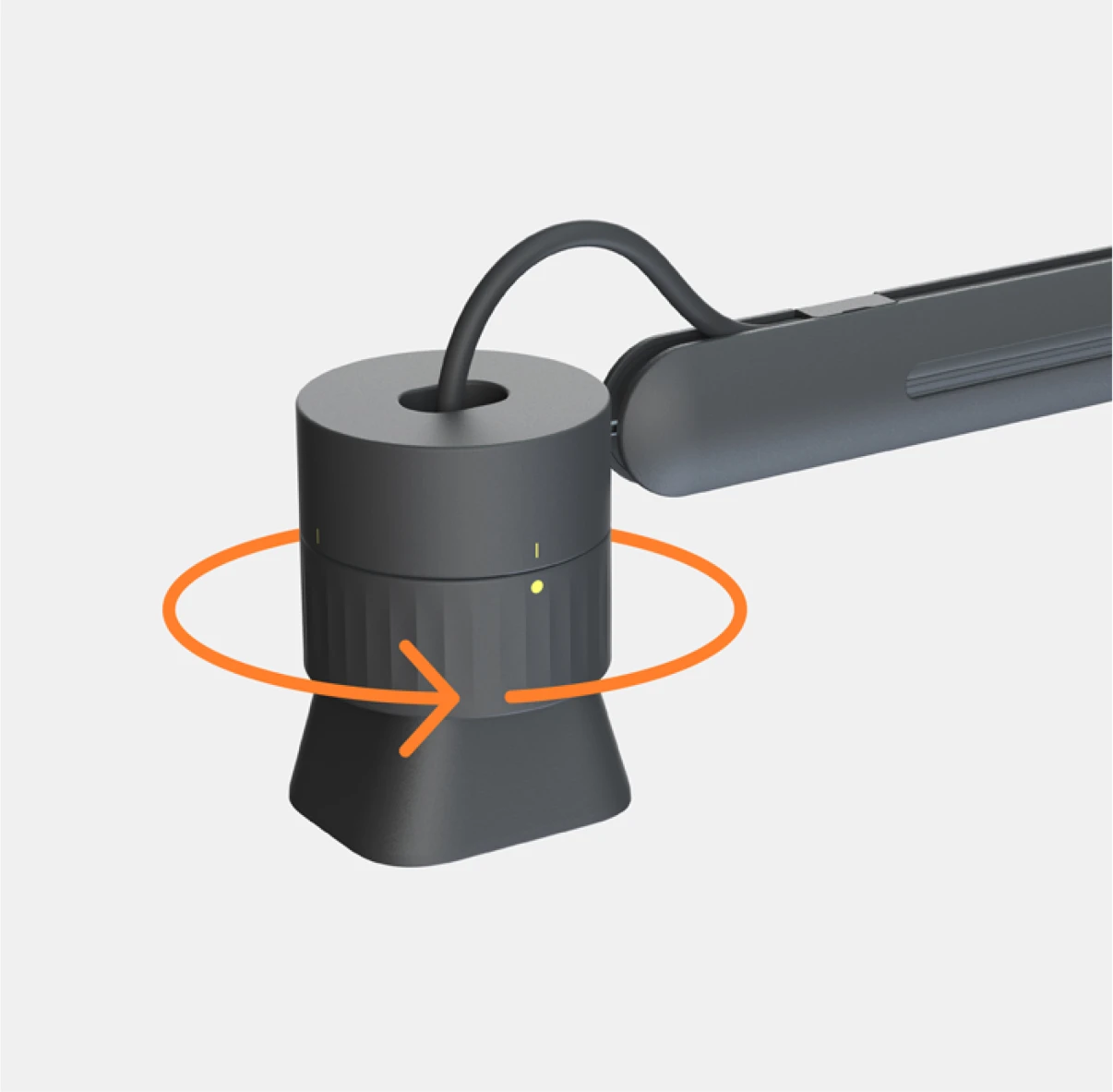
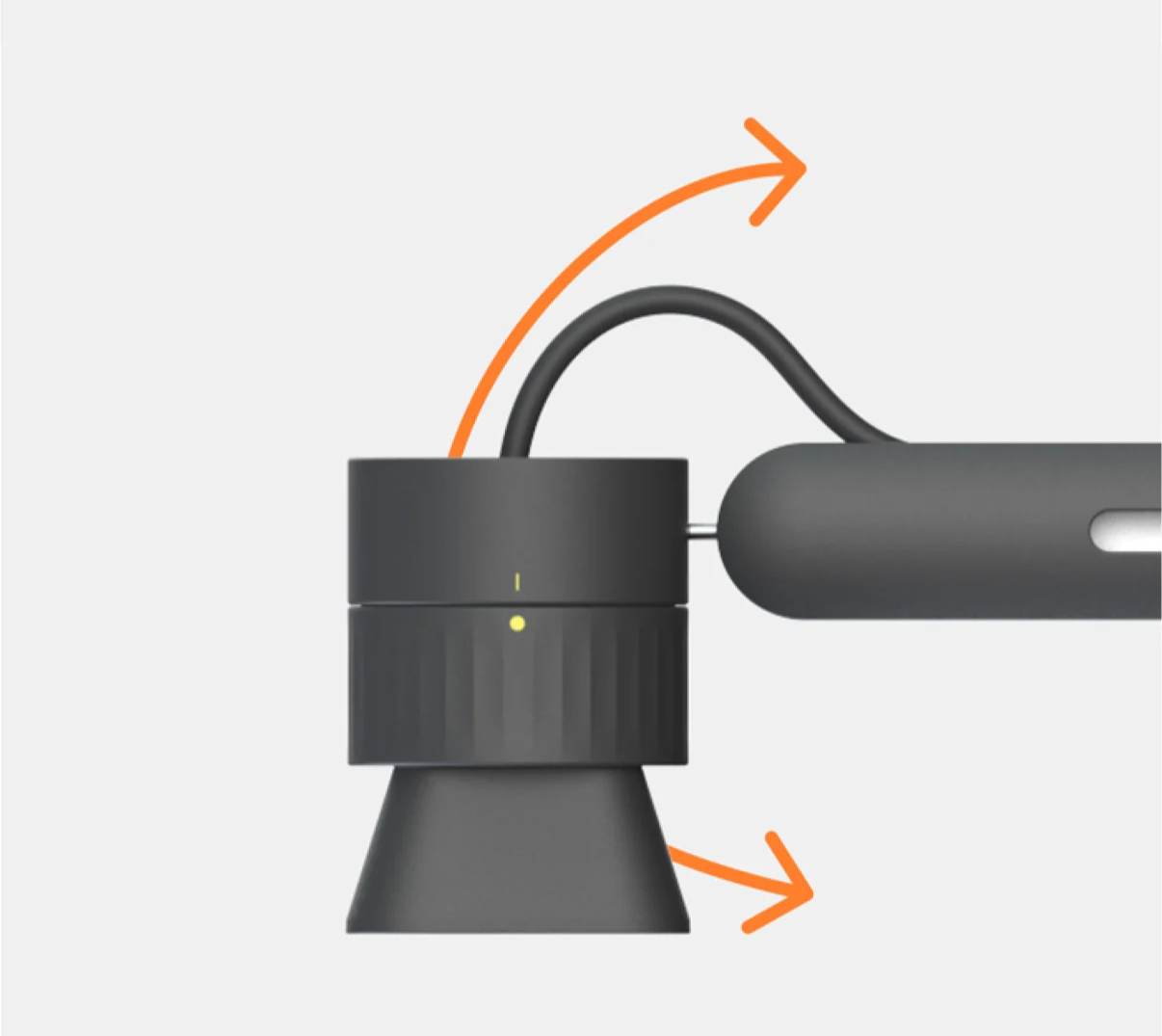
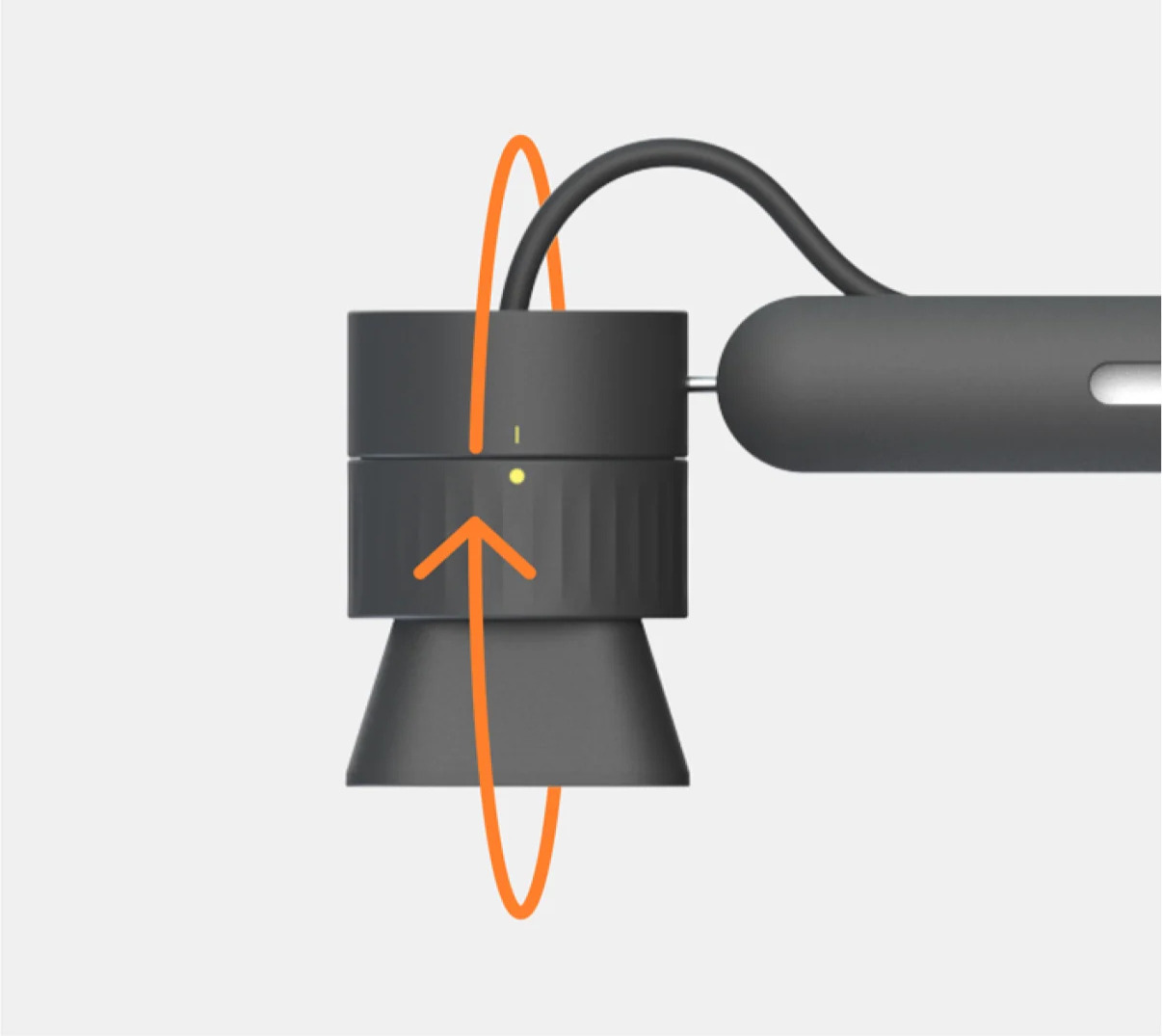
Thanks to its innovative design, the camera can be moved smoothly and intuitively. Teachers can effortlessly move the camera head horizontally with just one hand, adjust it vertically or, thanks to the ball joint, pan and tilt it through a full 360-degree rotation. The key advantage is that you move the camera around the object, rather than moving the delicate teaching materials beneath the camera. Cleverly placed yellow markings and a special grip ring ensure perfect orientation at all times. This means the image always remains upright for the pupils, no matter what angle you’re presenting from.
logitech-reach-camera-head-adjustments-1
logitech-reach-camera-head-adjustments-2_(1)
logitech-reach-camera-head-adjustments-3_(1)

Genuine plug-and-play for any learning environment

Technical hurdles and tedious set-up are a thing of the past. The Logitech Reach offers true plug-and-play functionality via USB-C. Simply plug in the camera and it works straight away with popular video conferencing and streaming platforms, as well as with most computers, iPads and Chromebooks.

Two flexible installation options

Every classroom and lecture theatre is laid out differently. That’s why the Logitech Reach can be seamlessly integrated into your room layout. You can choose between two mounting options:

  • Desk stand: Witha sturdy, non-slip desk stand, the camera can be positioned and moved freely and flexibly on the desk.
  • Clamp mount: A flat table clamp allows the camera to be secured to the edge of a table or a mobile equipment trolley in an extremely space-saving manner.
logitech-reach-for-teacher-feature_(1)
teachers-as-creators-thumbnail
visunext Contact persons

Do you still have questions?

We are also happy to advise you personally - we look forward to your call or email! If you would prefer us to call you back free of charge, simply leave us your contact details now

Loading...
Upload in progress, please be patient ...