
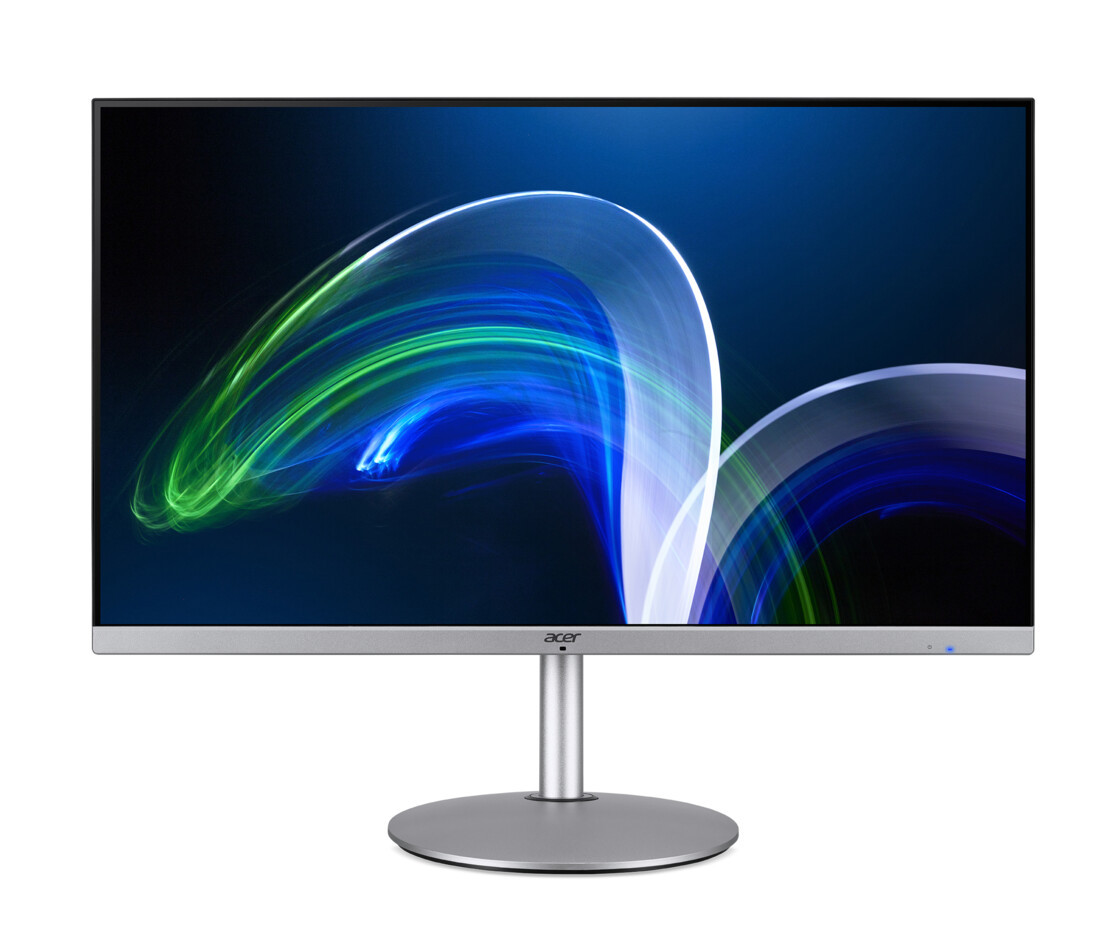
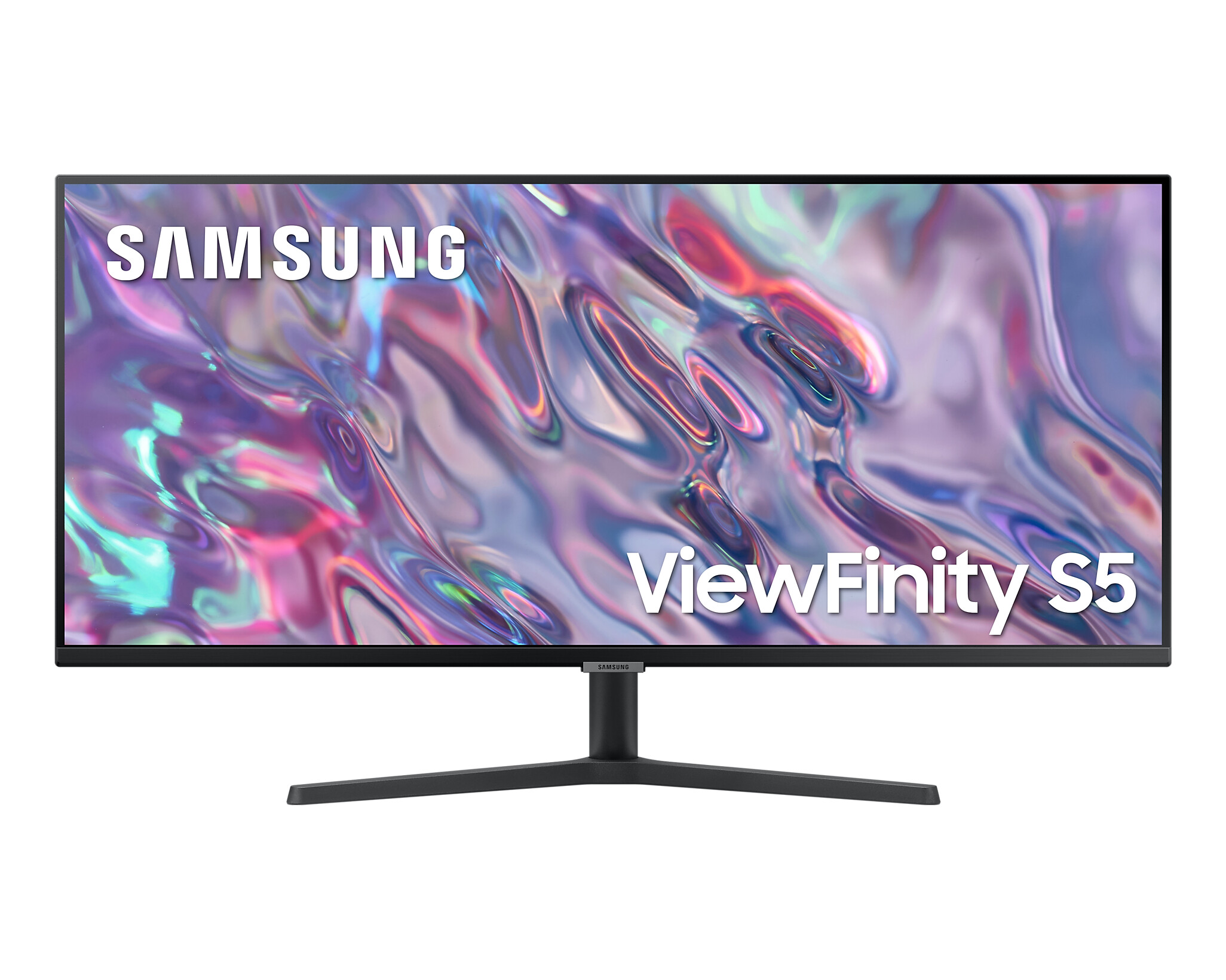
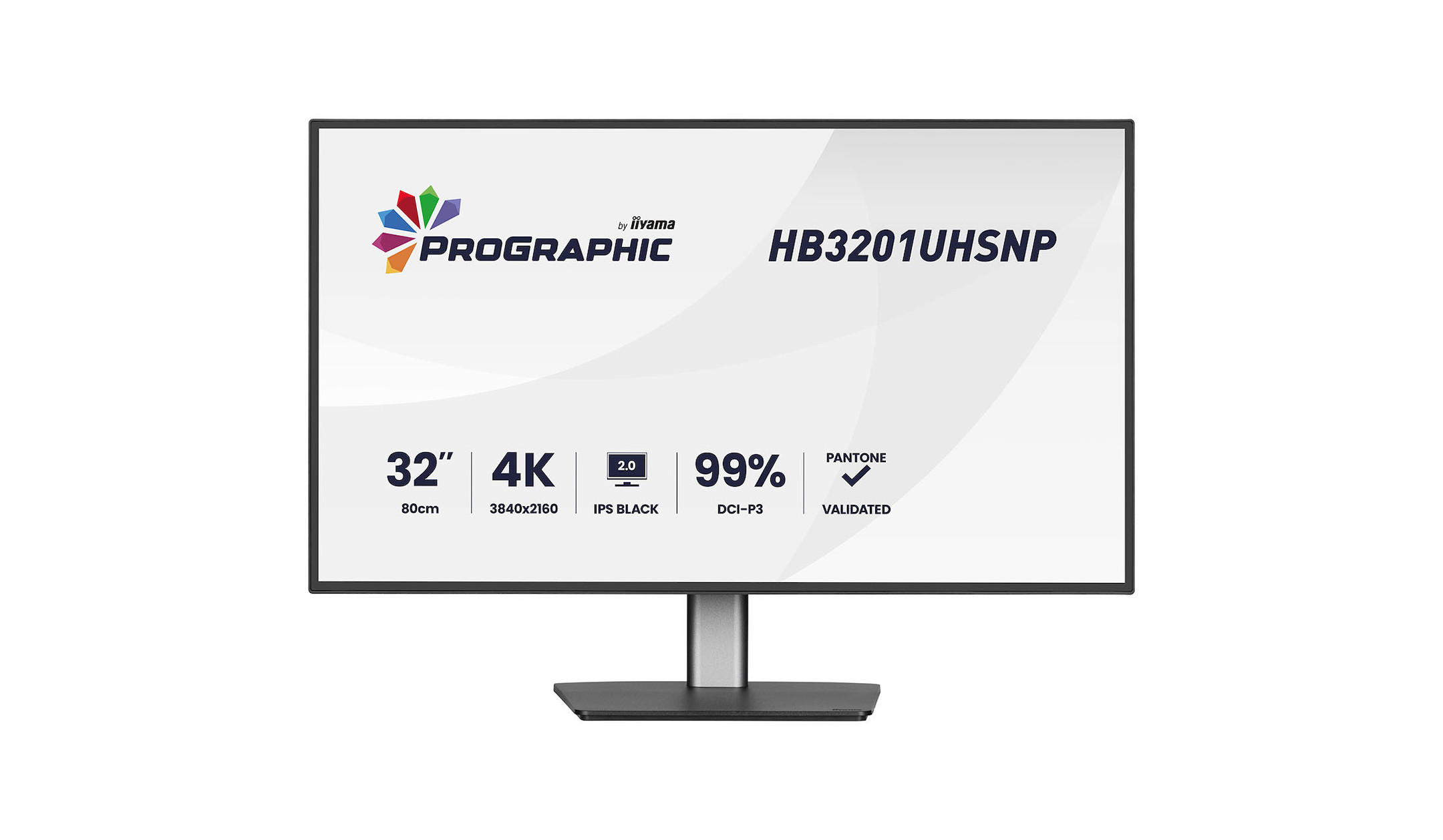
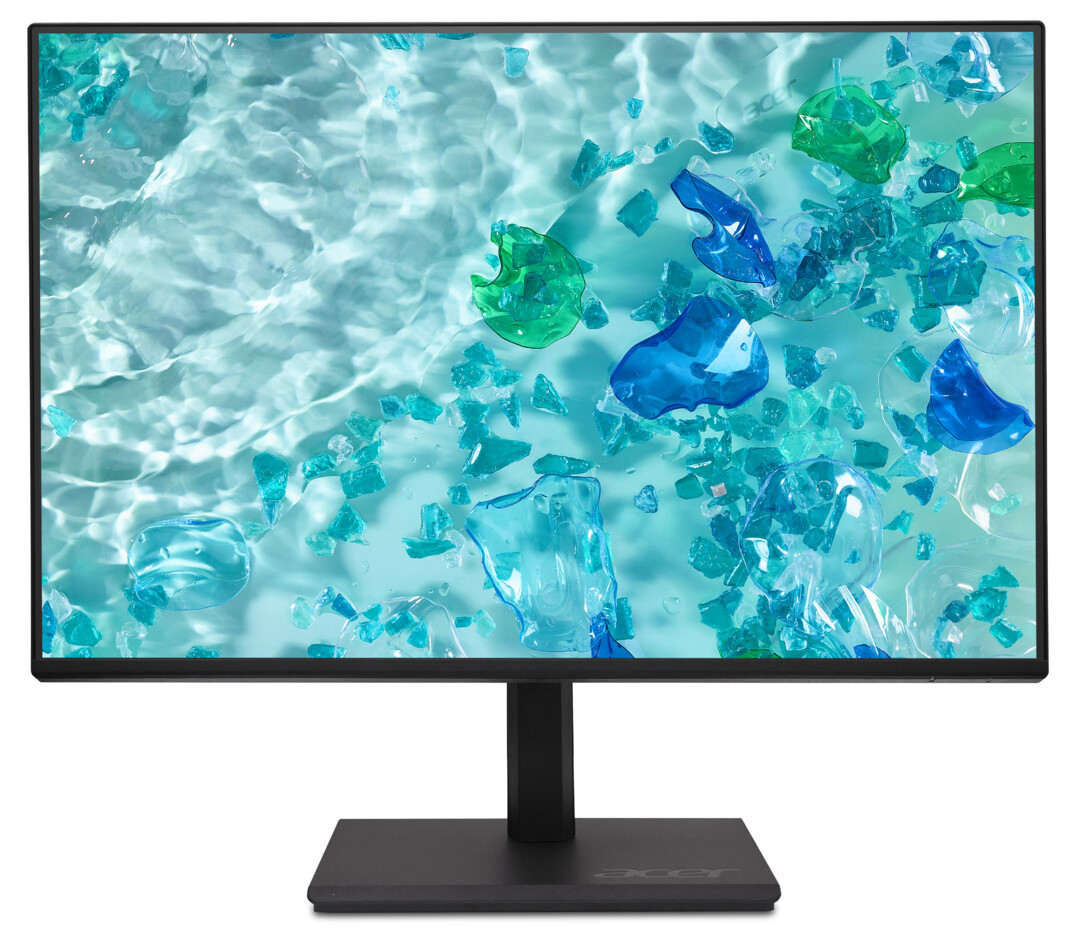
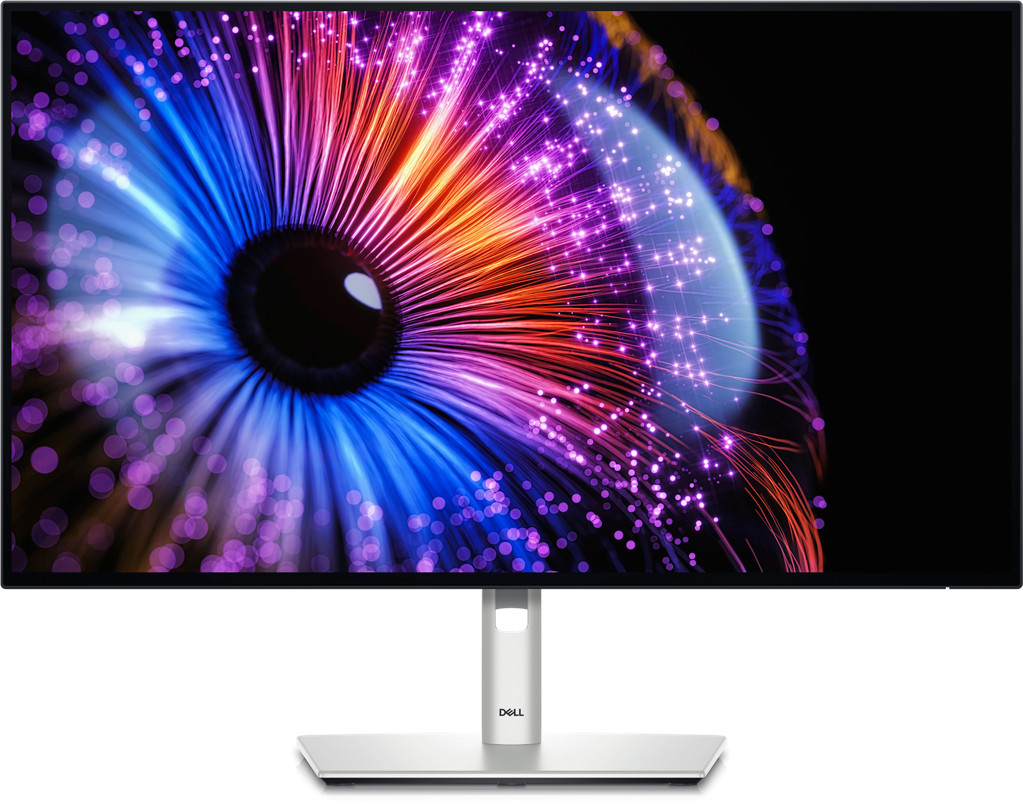
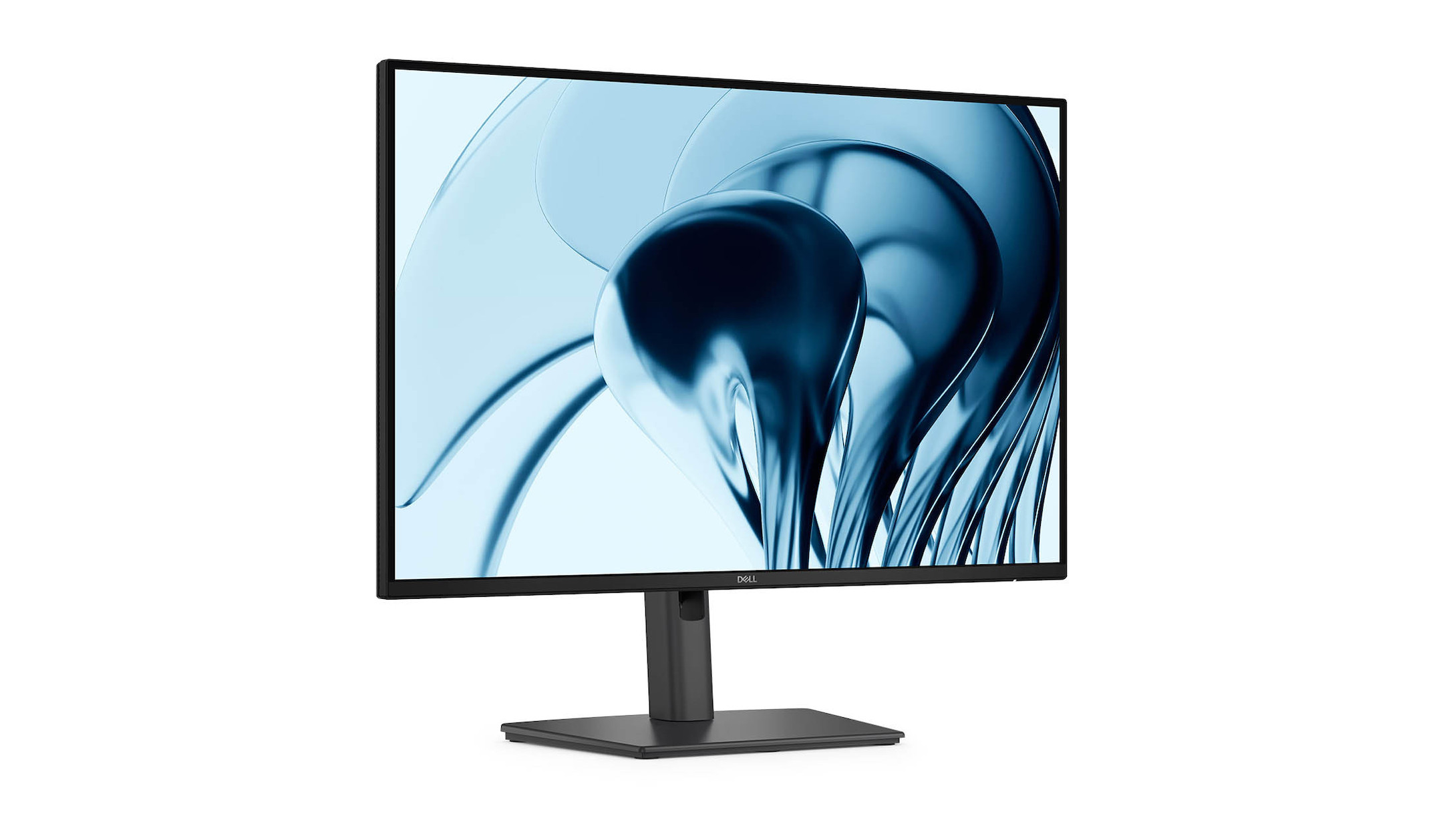
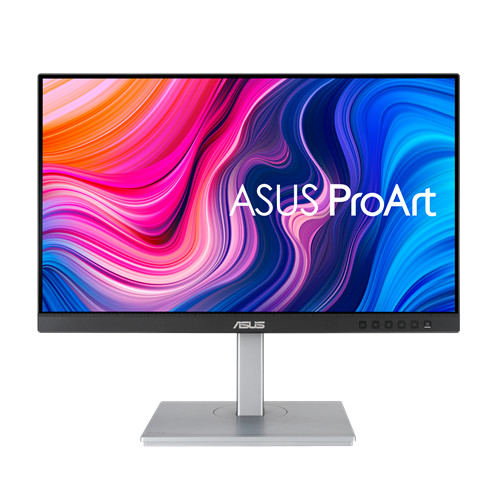
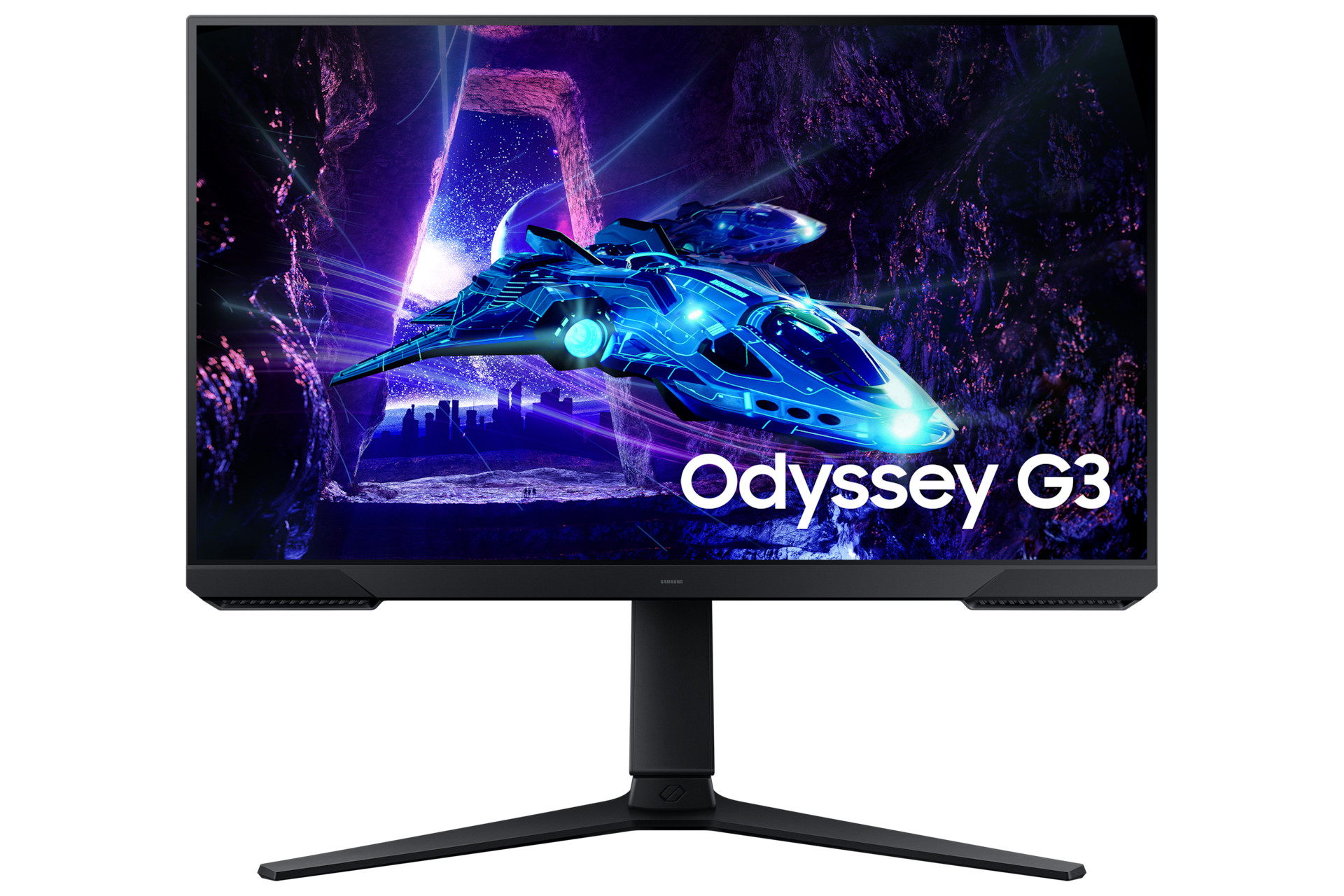
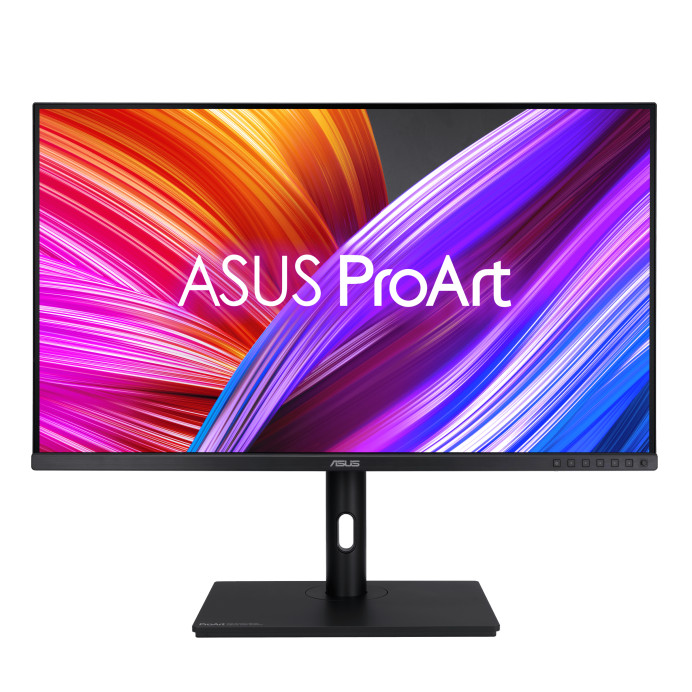
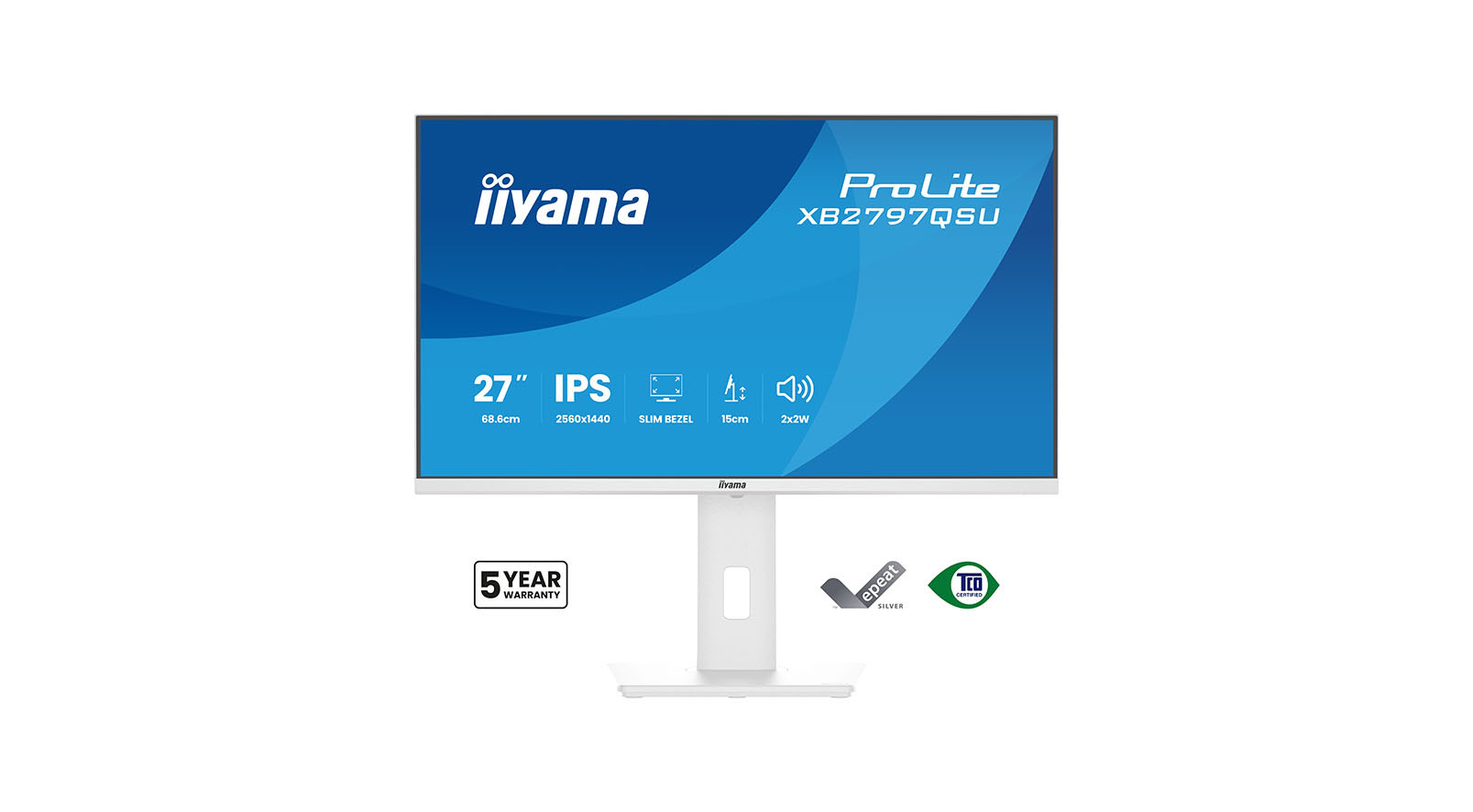
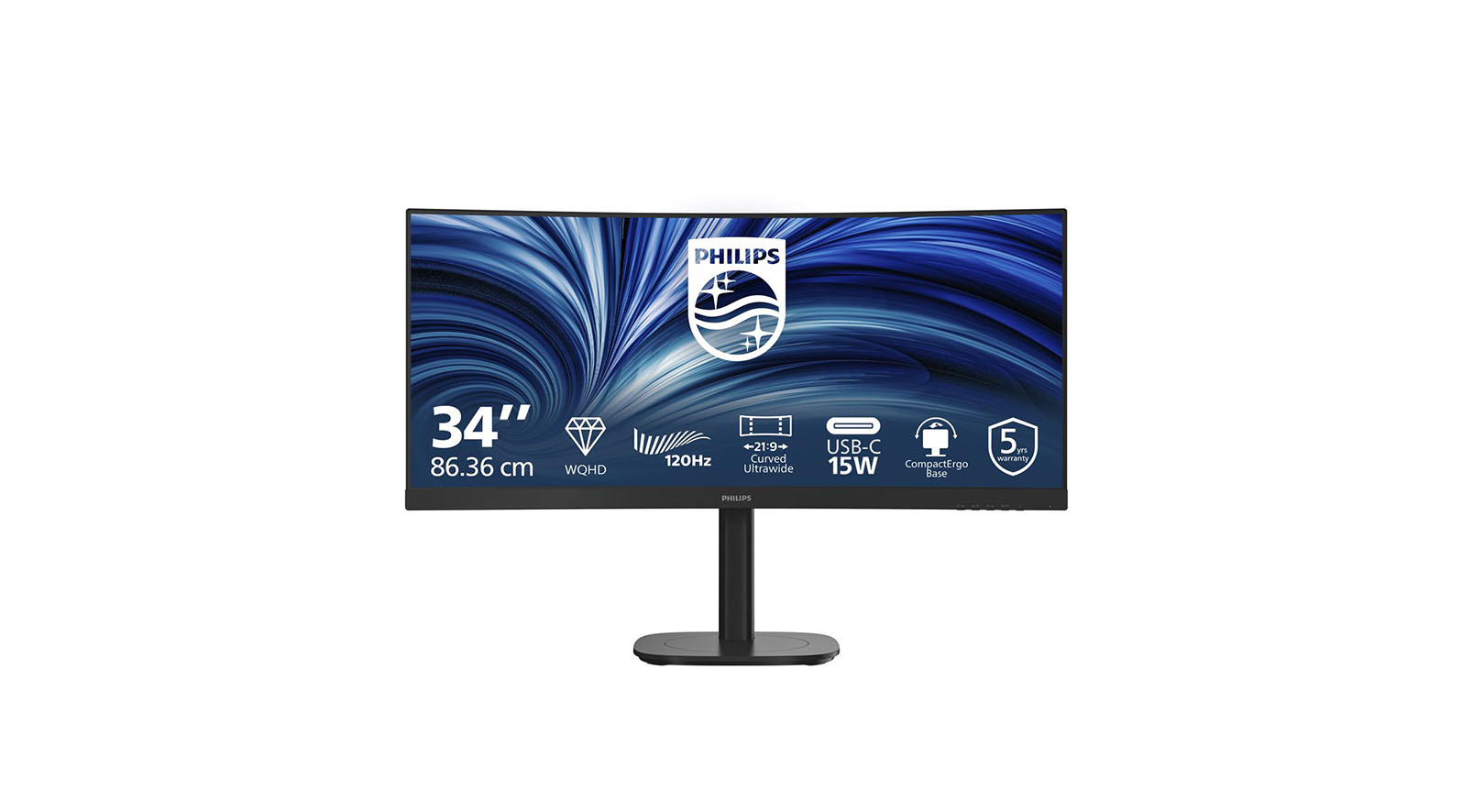
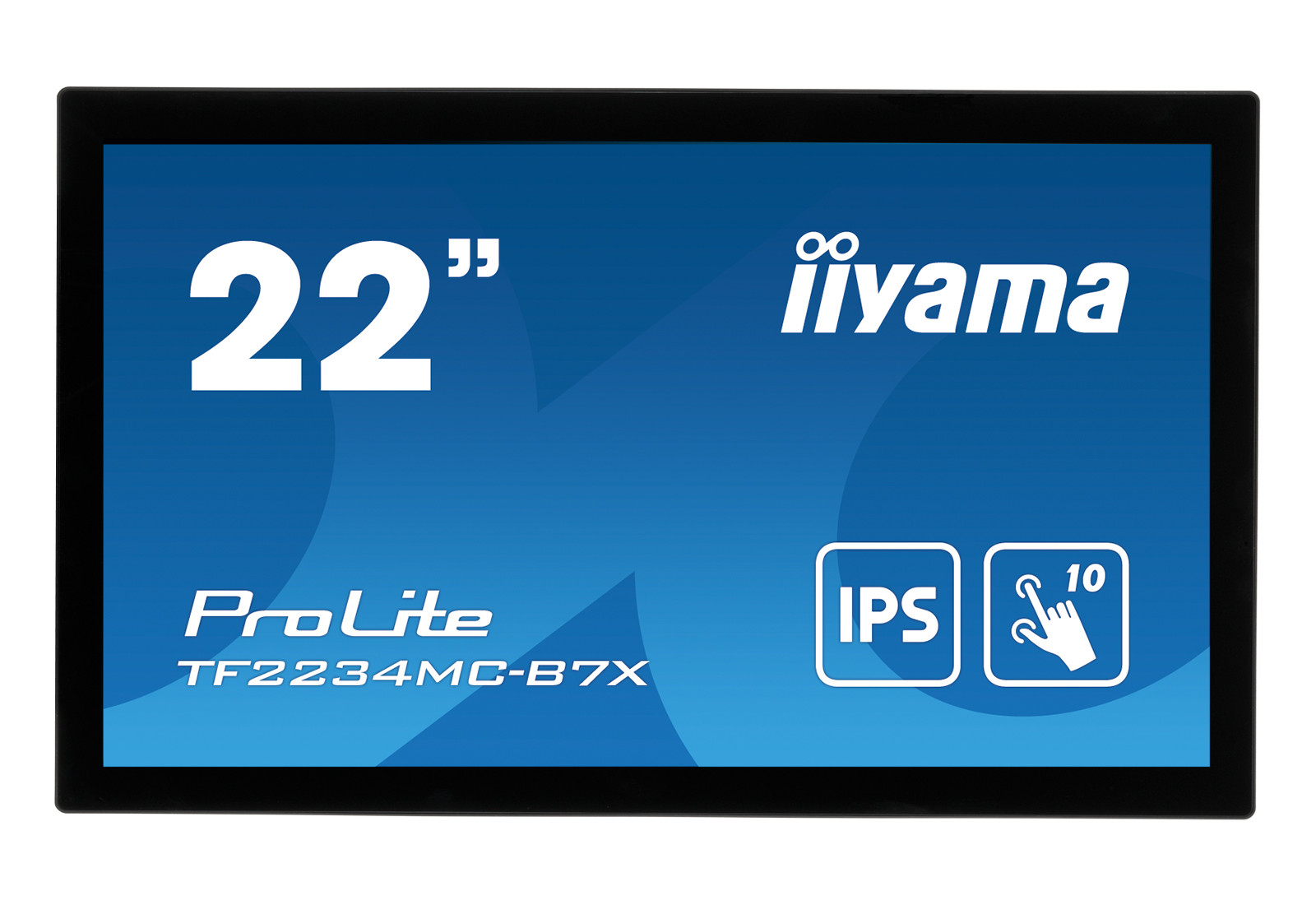
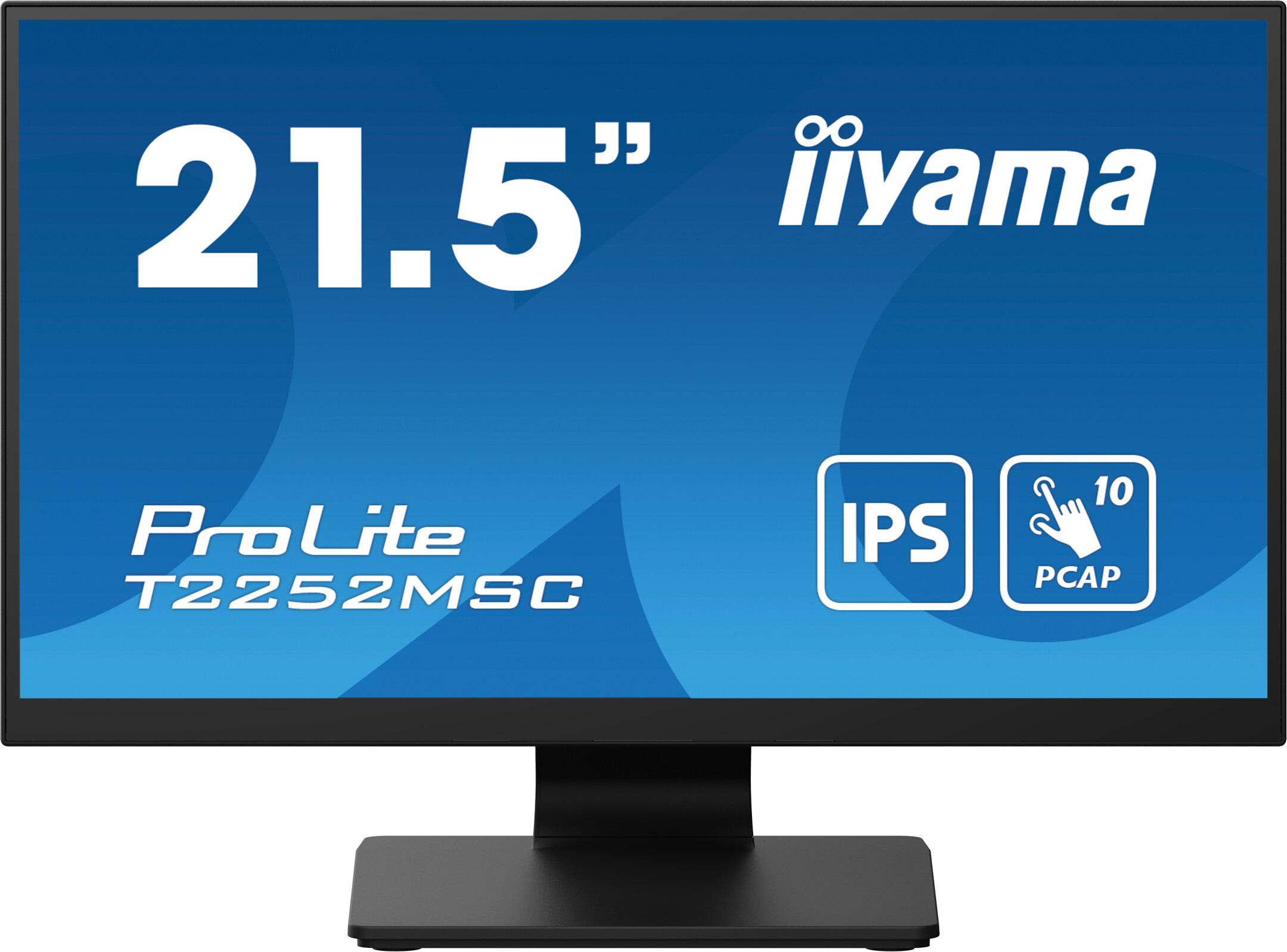
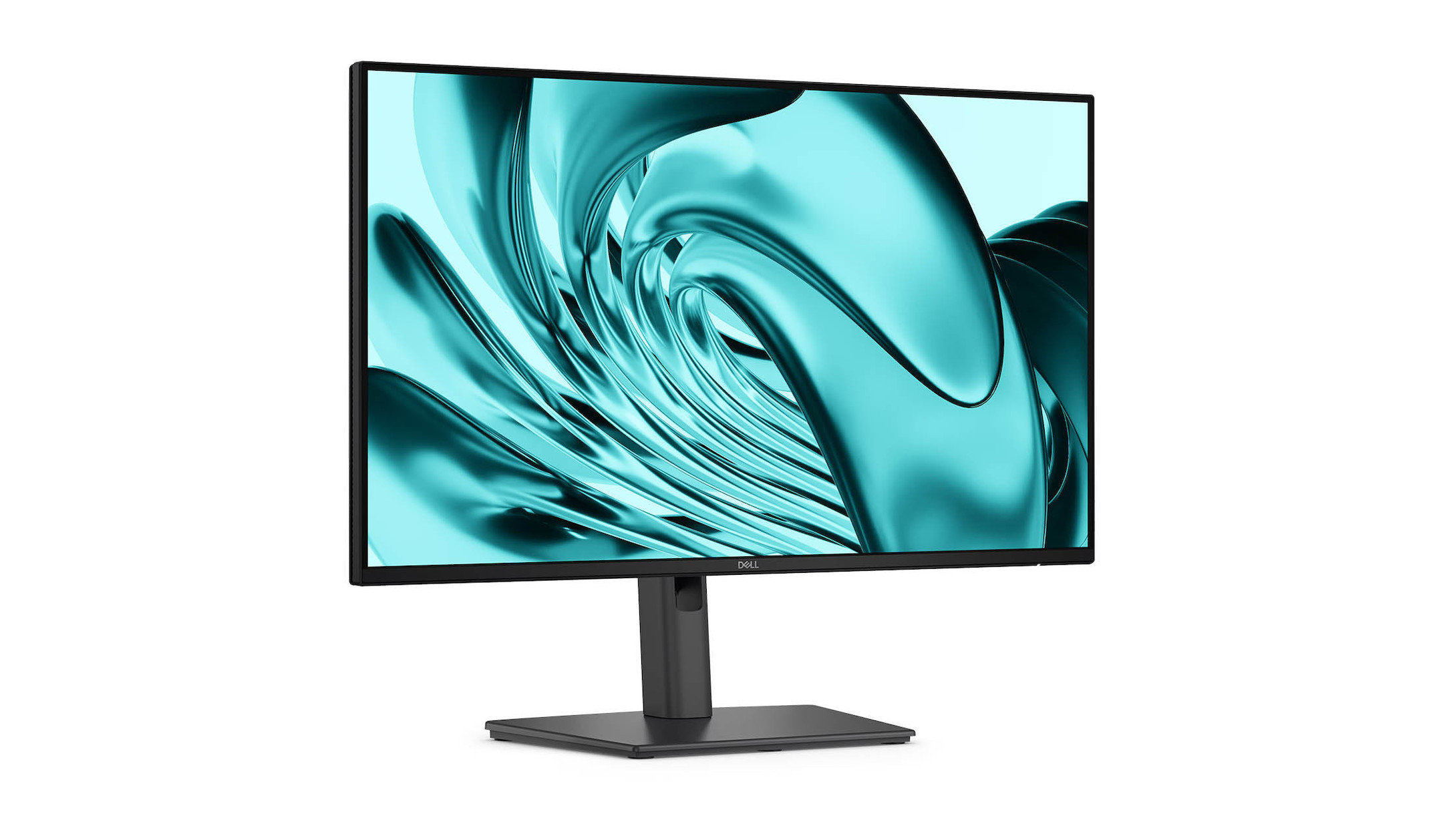
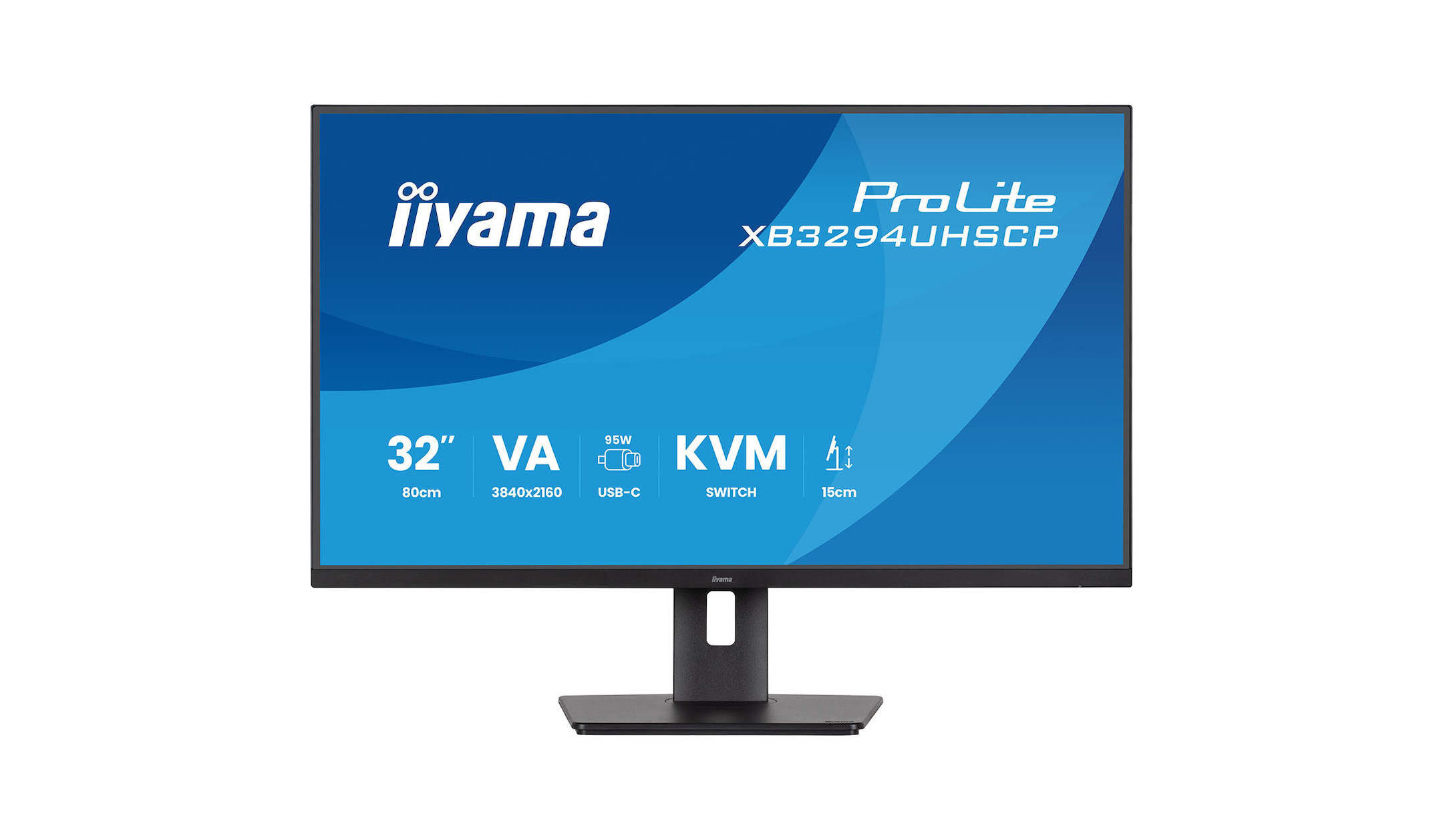
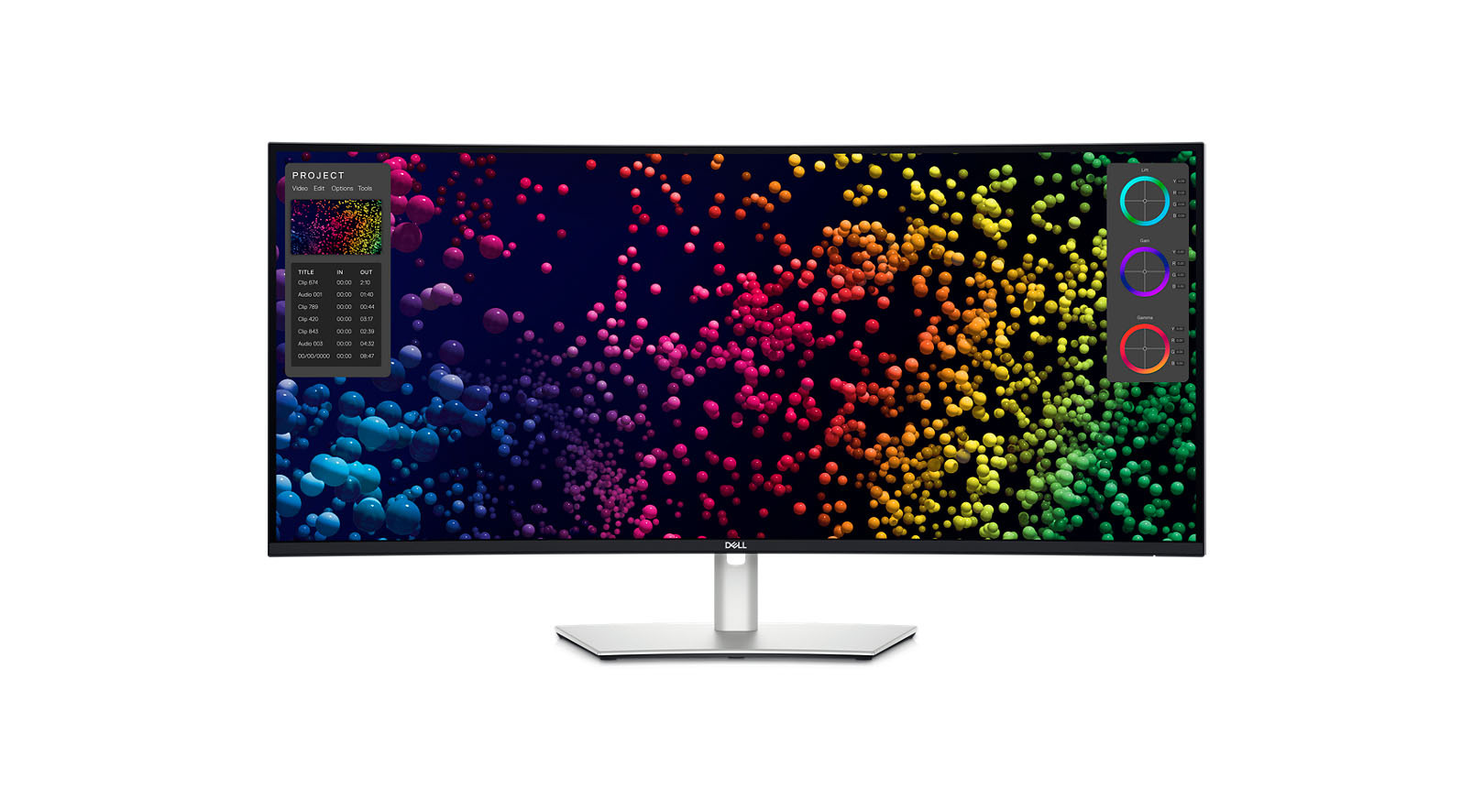
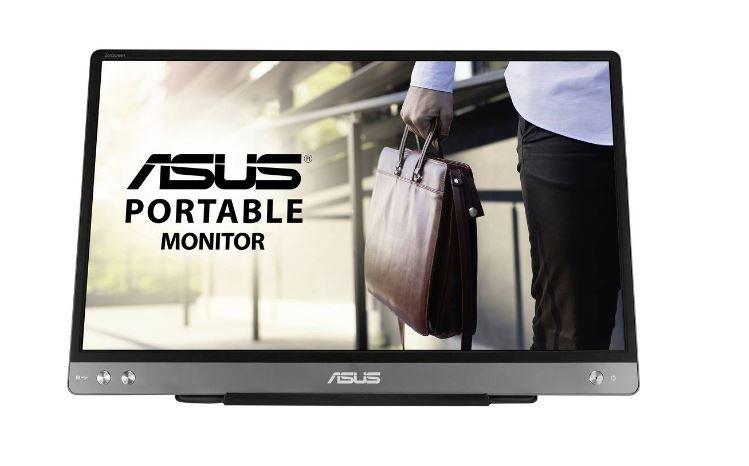
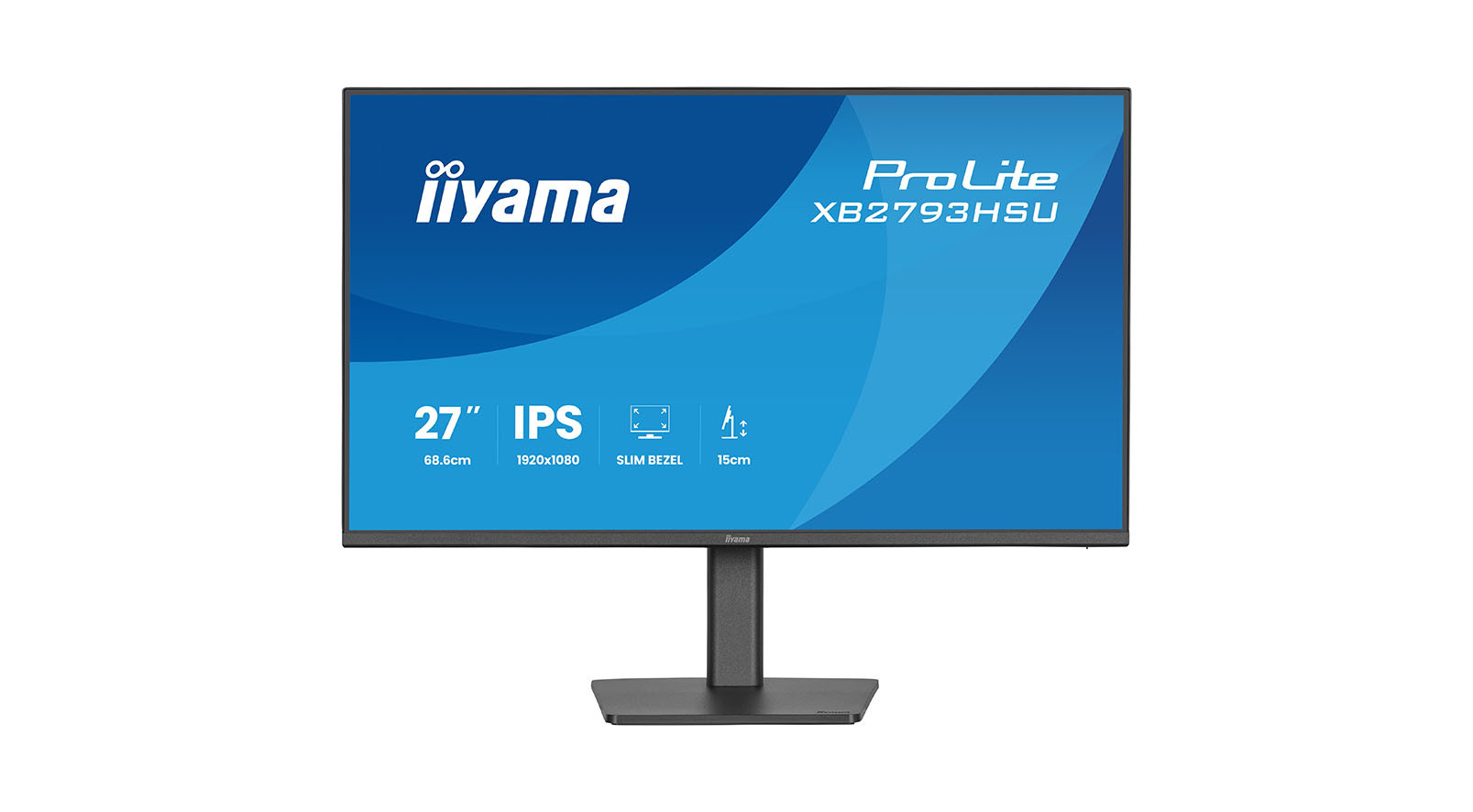
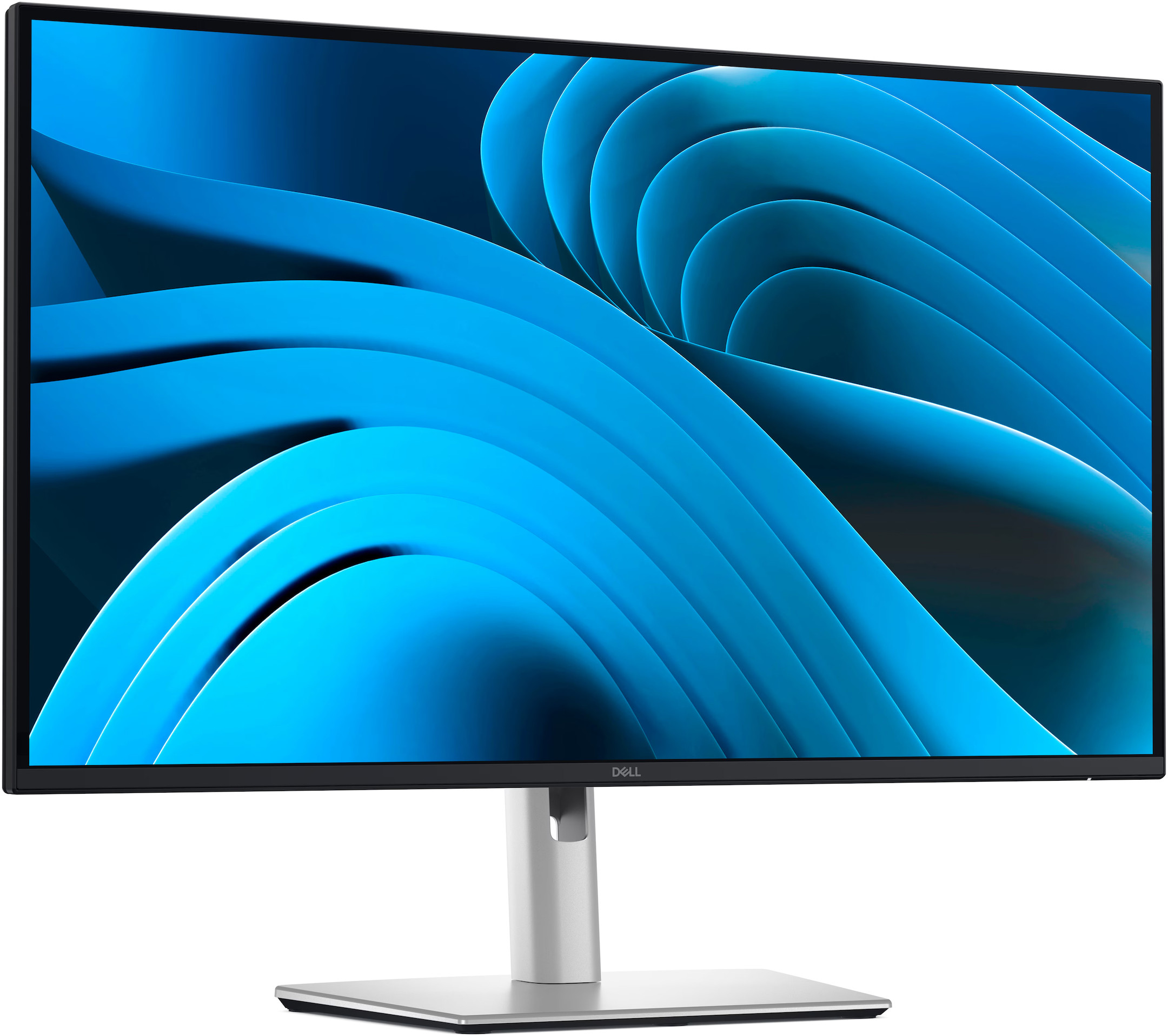
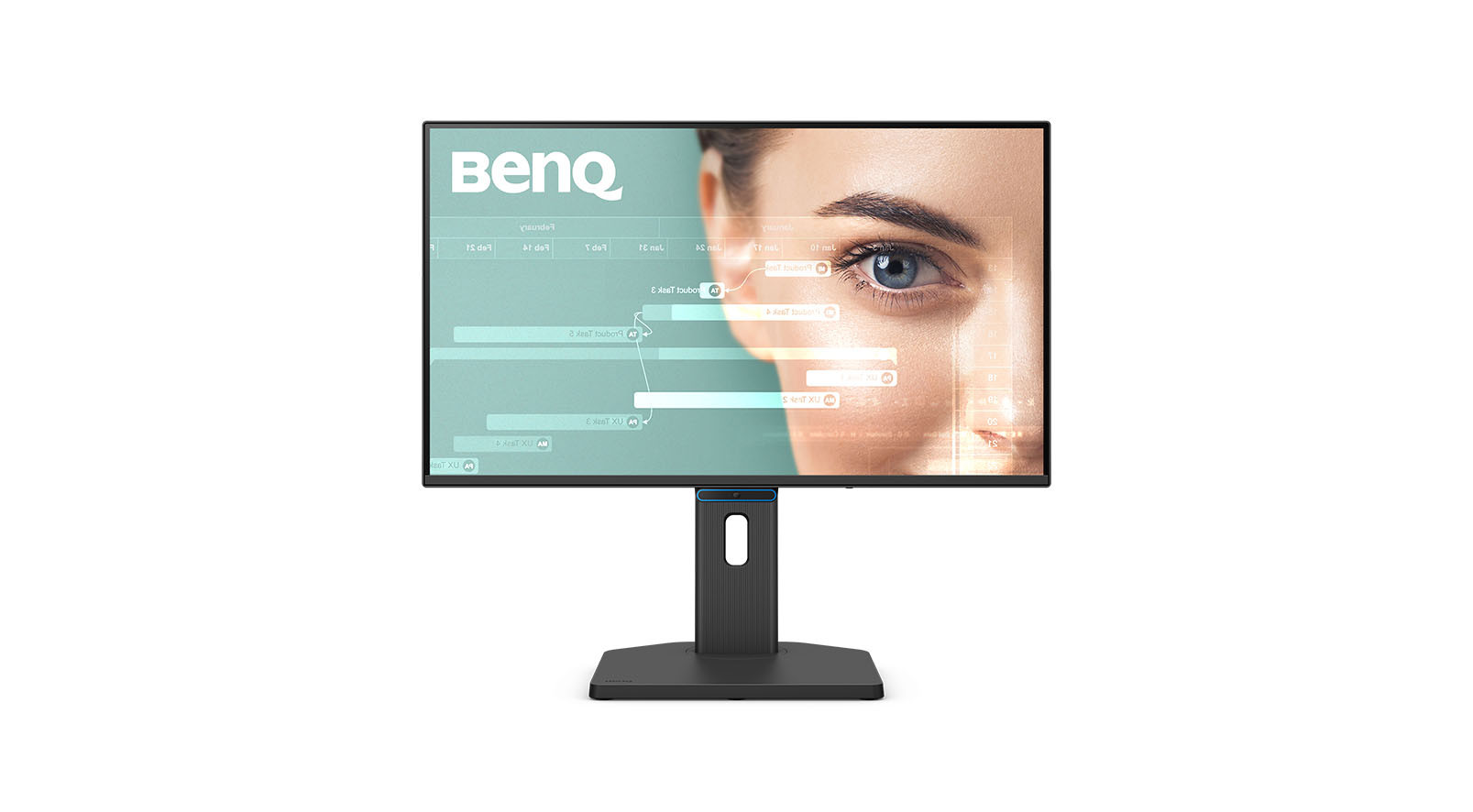
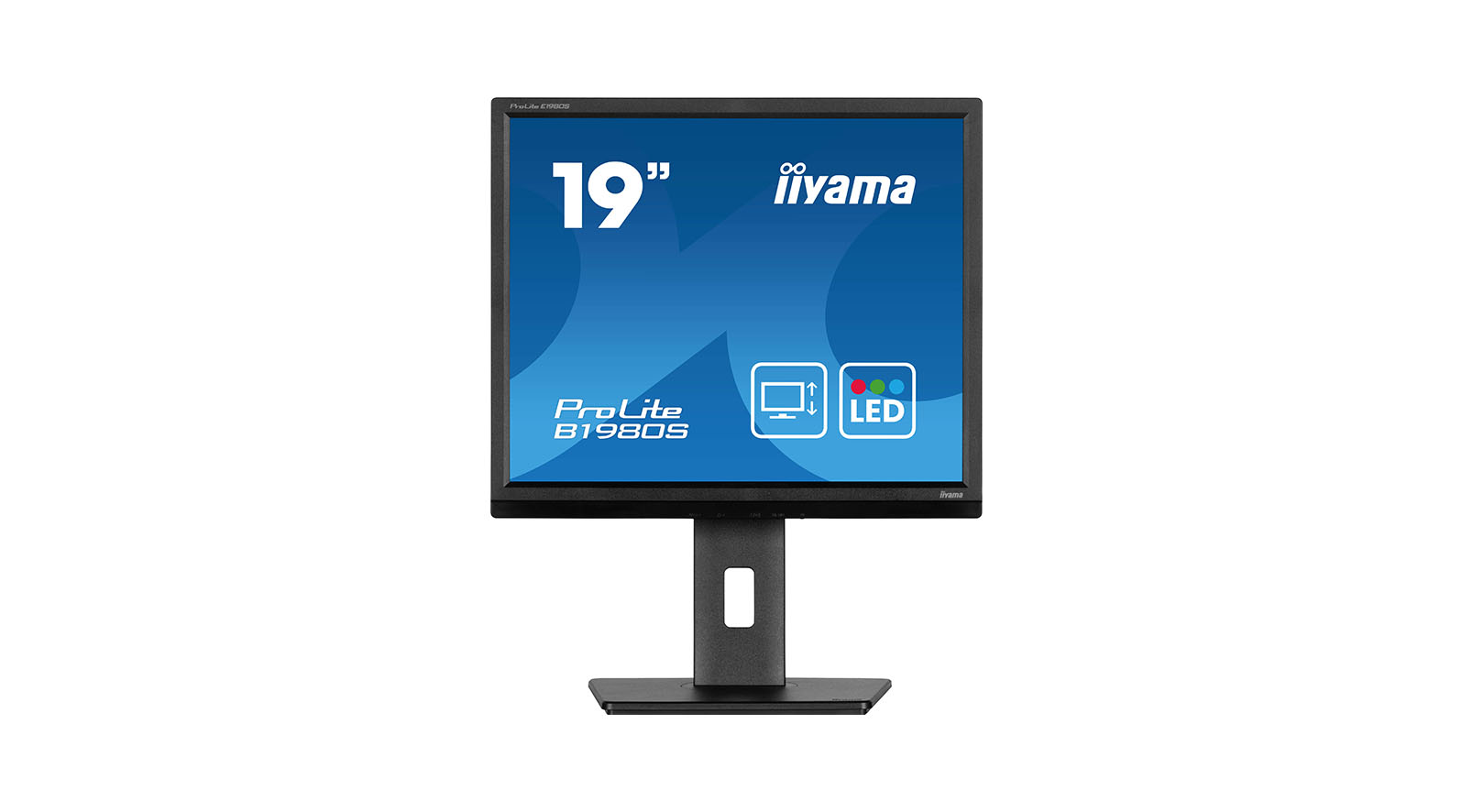
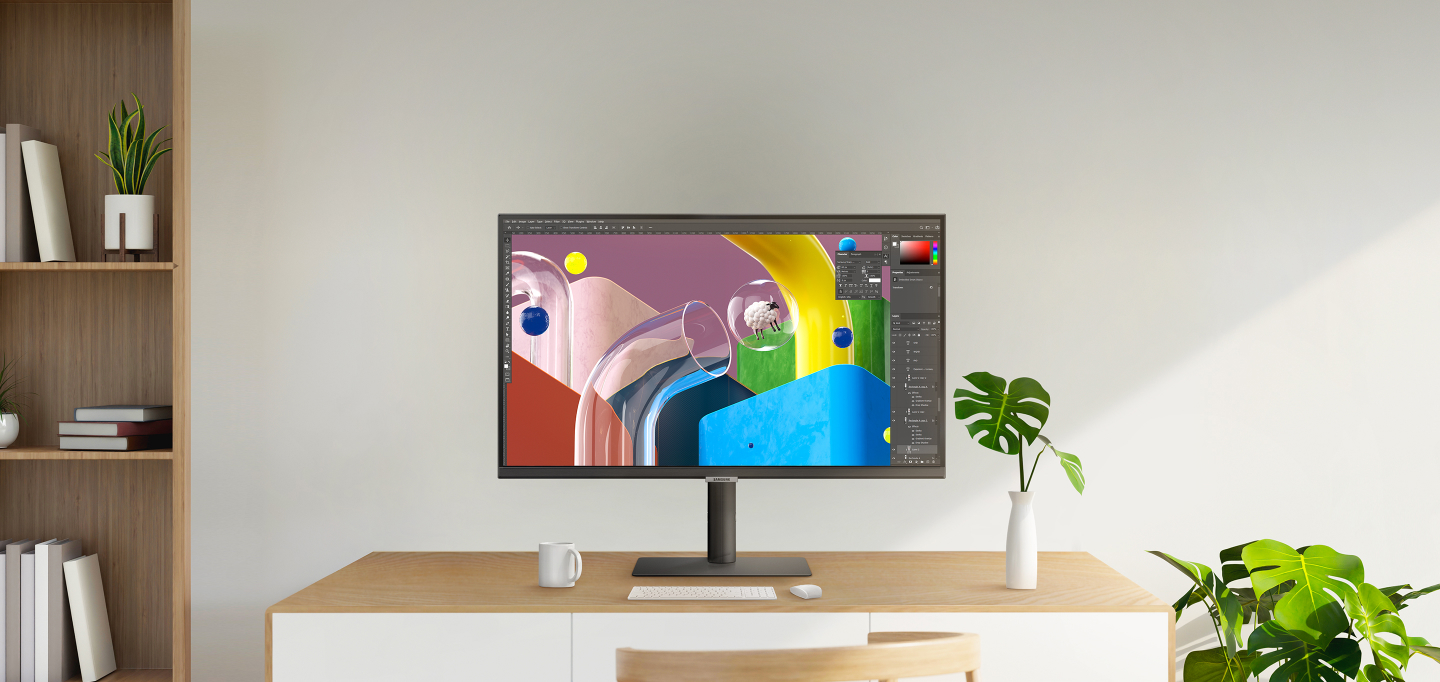







TN Panel
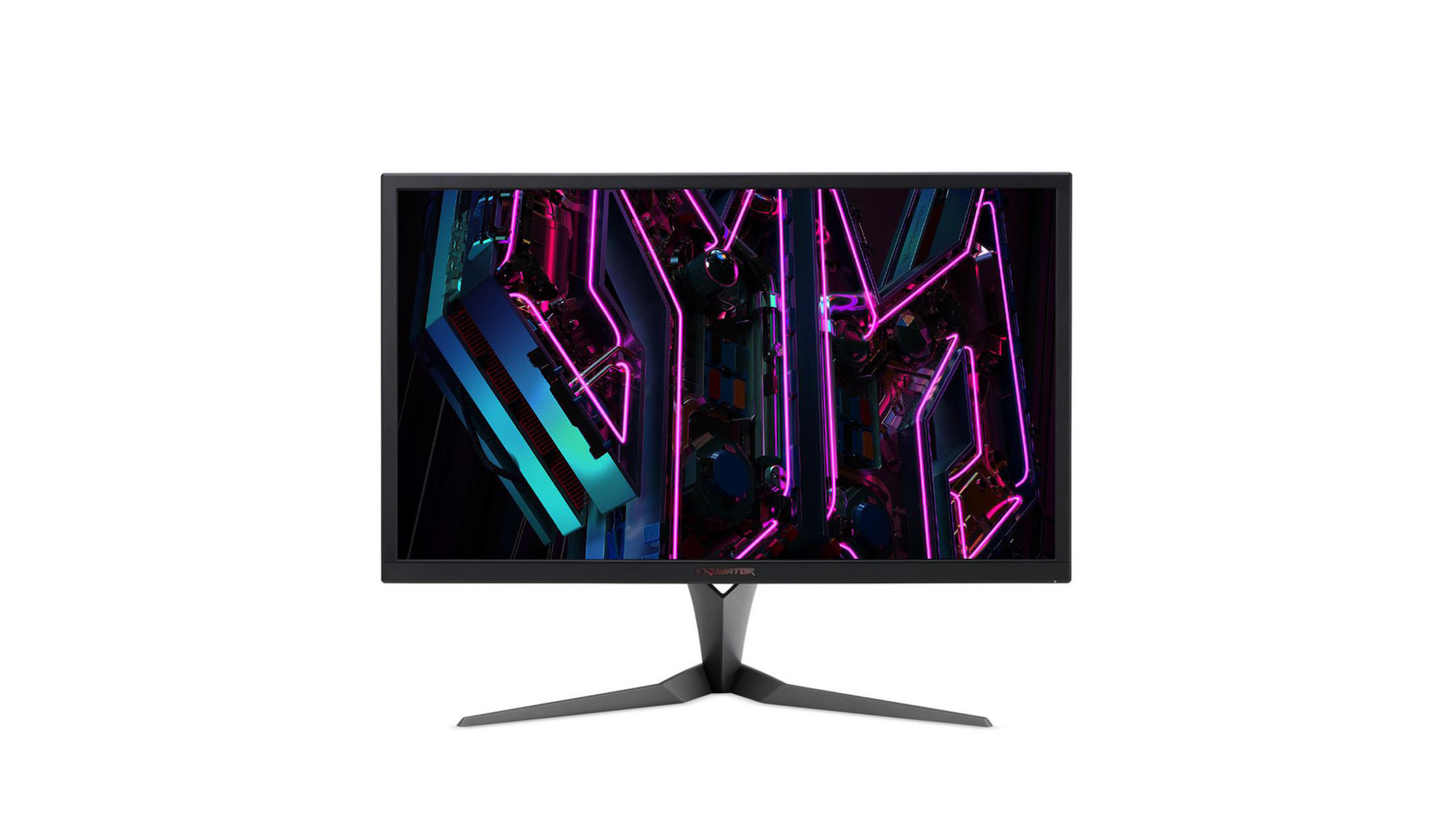
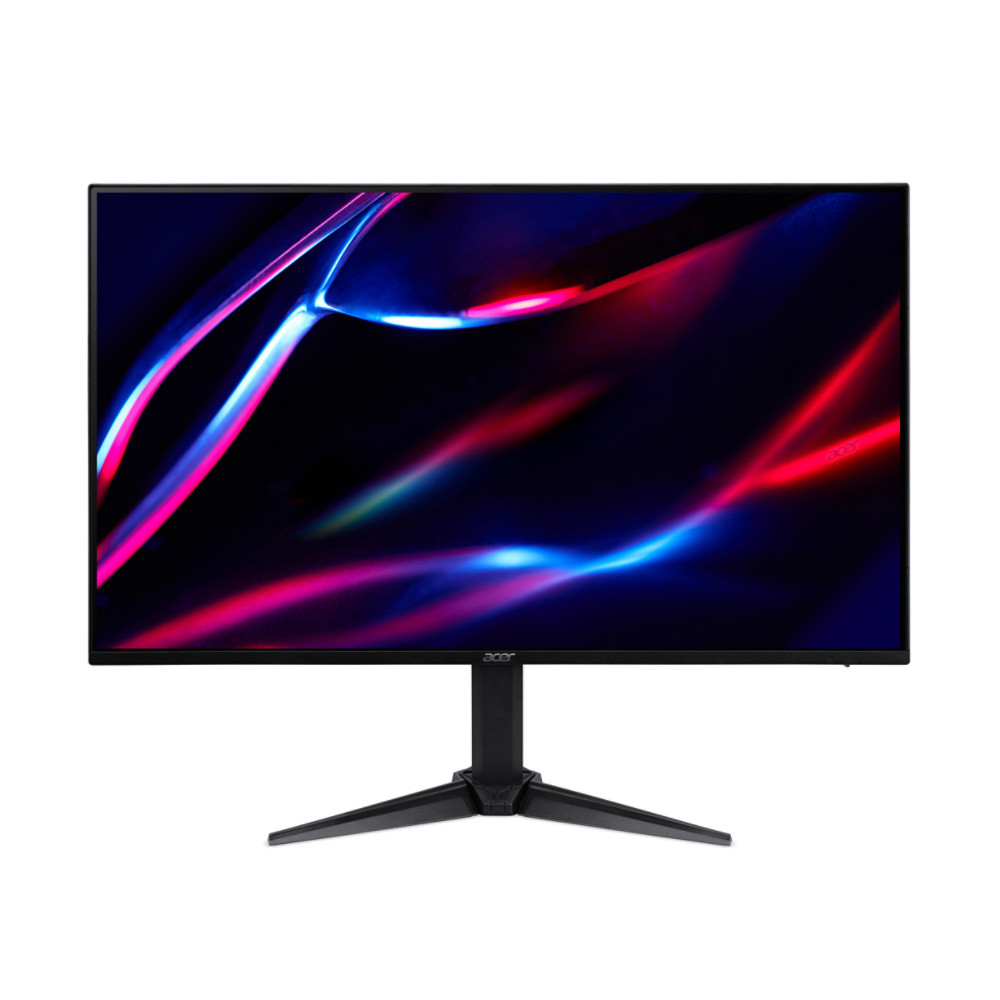
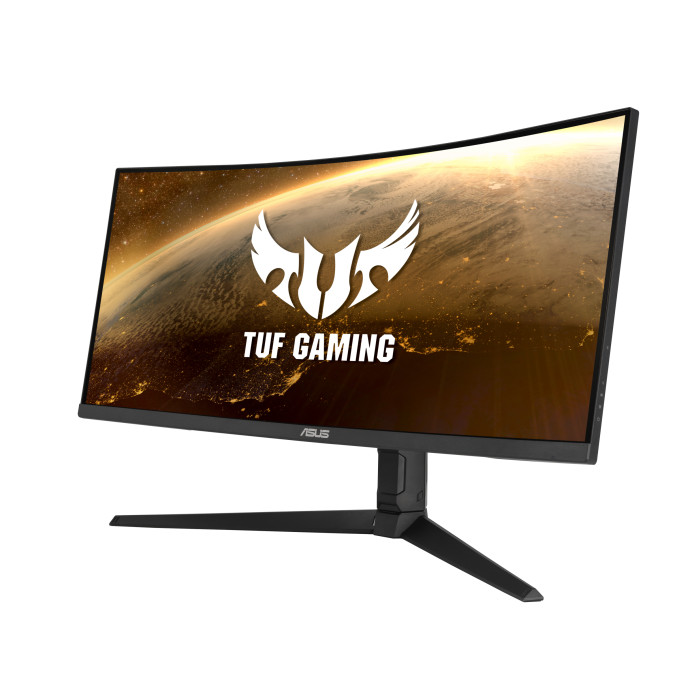
This is the top choice for gaming. It has the fastest response times of the three panel types (response time: 1–3 ms is fast, 4–6 ms is slow). A TN panel is also an affordable option for the office and home.

Which monitor is right for you depends largely on what you intend to use it for. Do you want it to run PC games smoothly with a fast response time? Do you need colour-accurate monitors for design and image editing? Or do you need multiple monitors for efficient office workstations? The most important buying criteria are the intended use, screen size, panel type, resolution, refresh rate, ergonomics and connections.
Select your main intended use. We’ll translate this into the relevant technical specifications you should look out for when making a purchase.
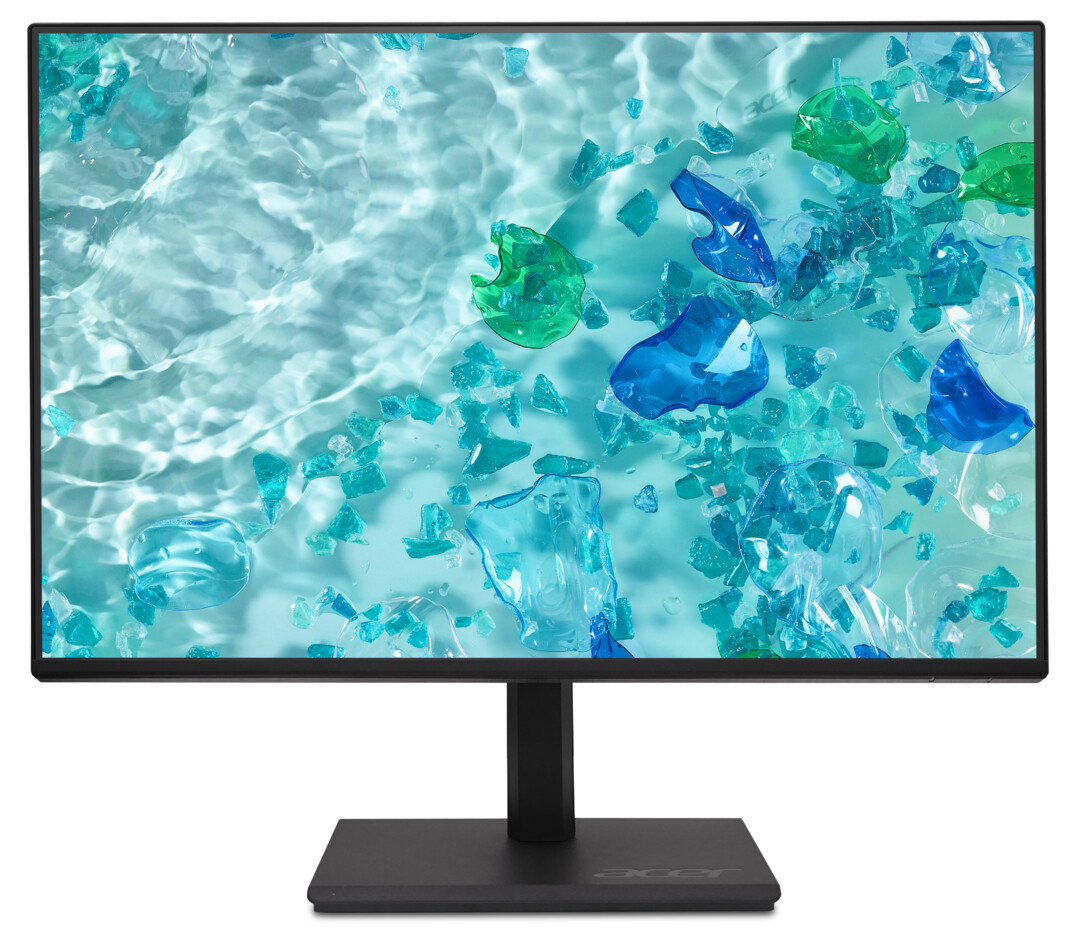
For everyday office use, a clear, sharp picture is important. You don’t need extreme performance figures; instead, ergonomics should be a priority to protect your neck and eyes.
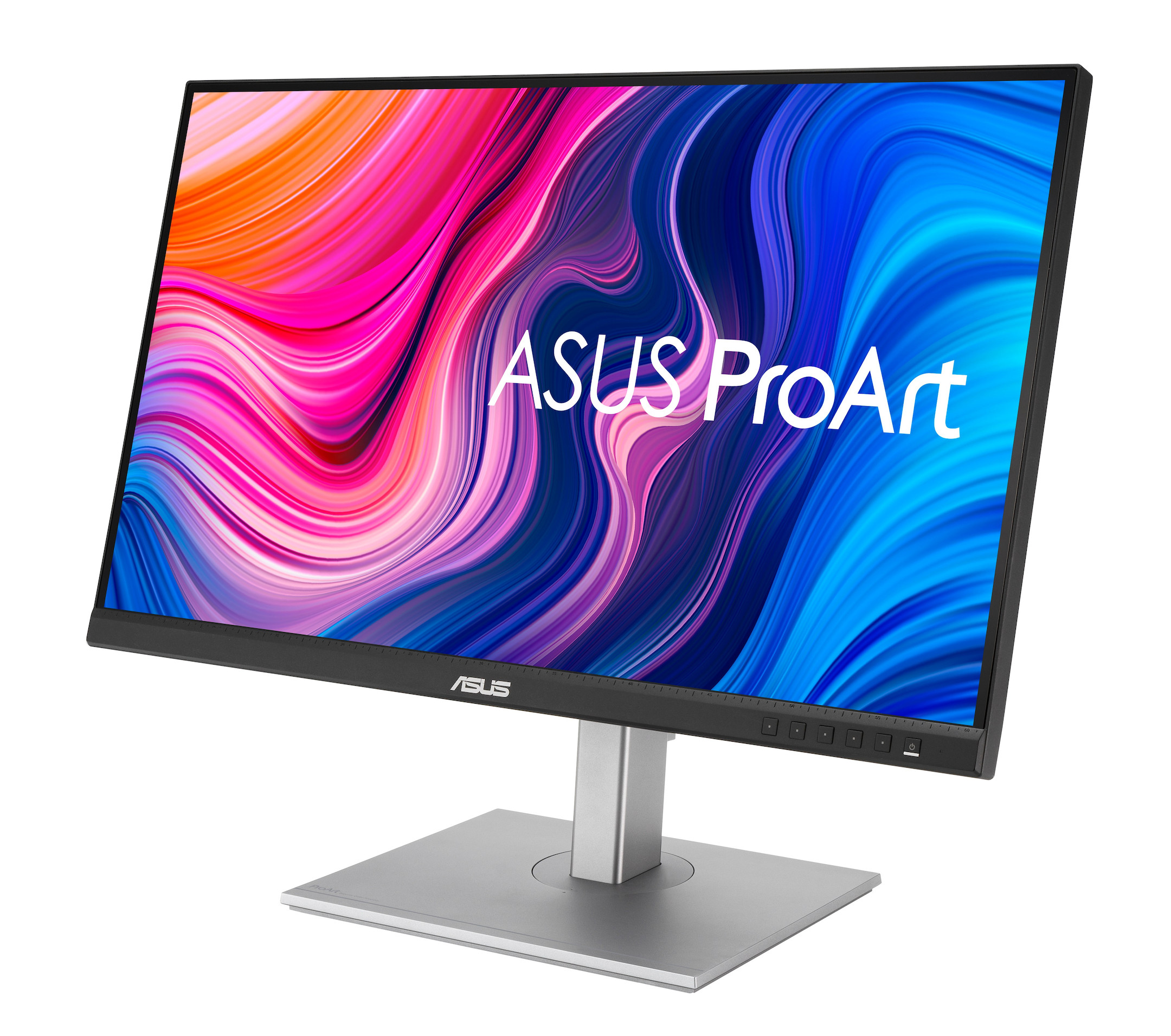
When it comes to professional image and video editing, absolute colour accuracy is essential. What you see on screen must match exactly what appears in print or in the final video.
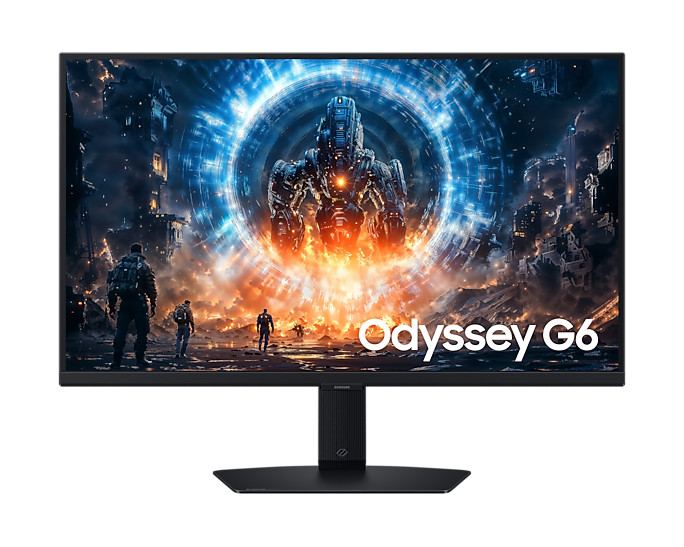
When it comes to gaming, speed is everything. A fast refresh rate prevents motion blur and gives you a decisive advantage in competitive games.
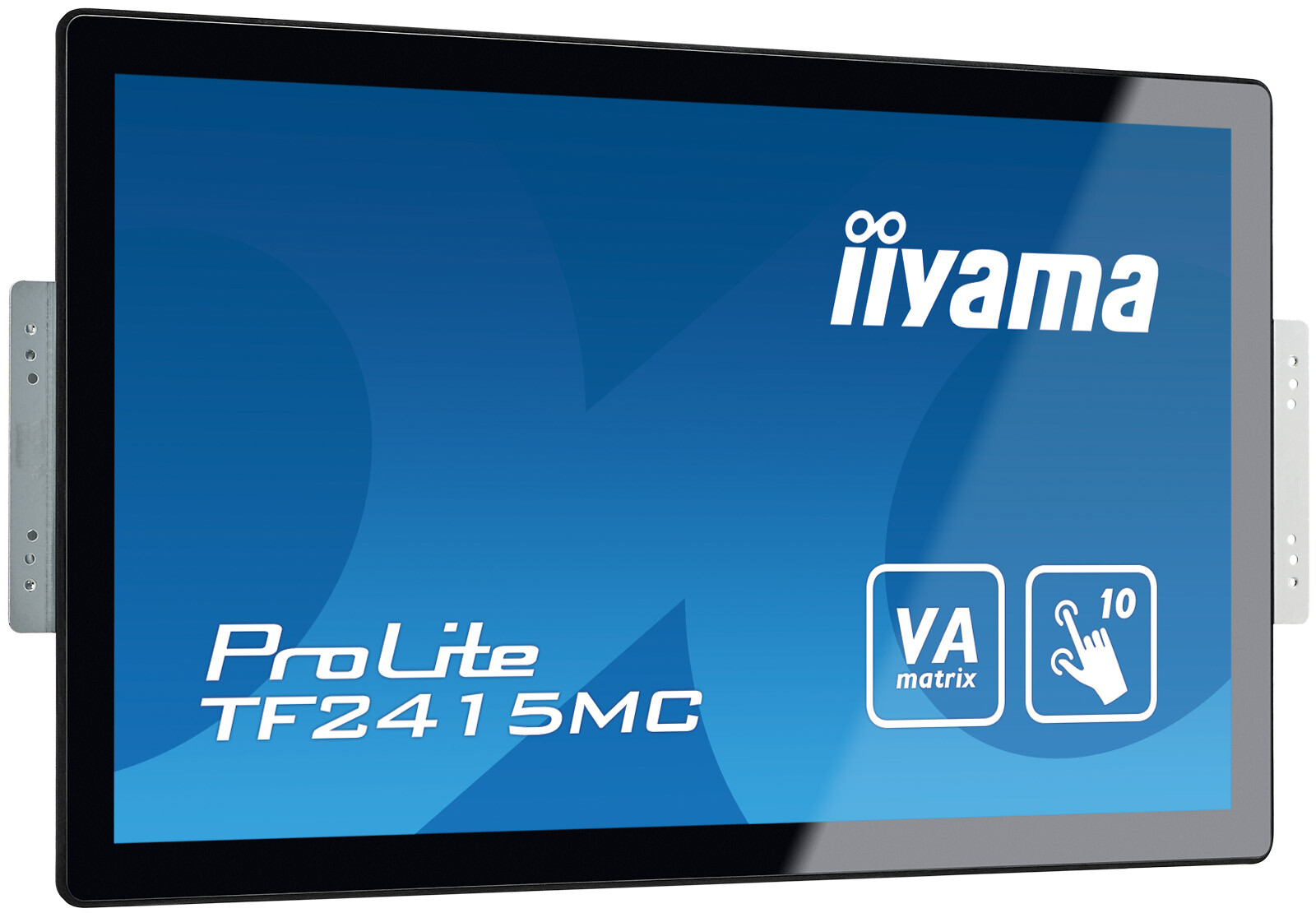
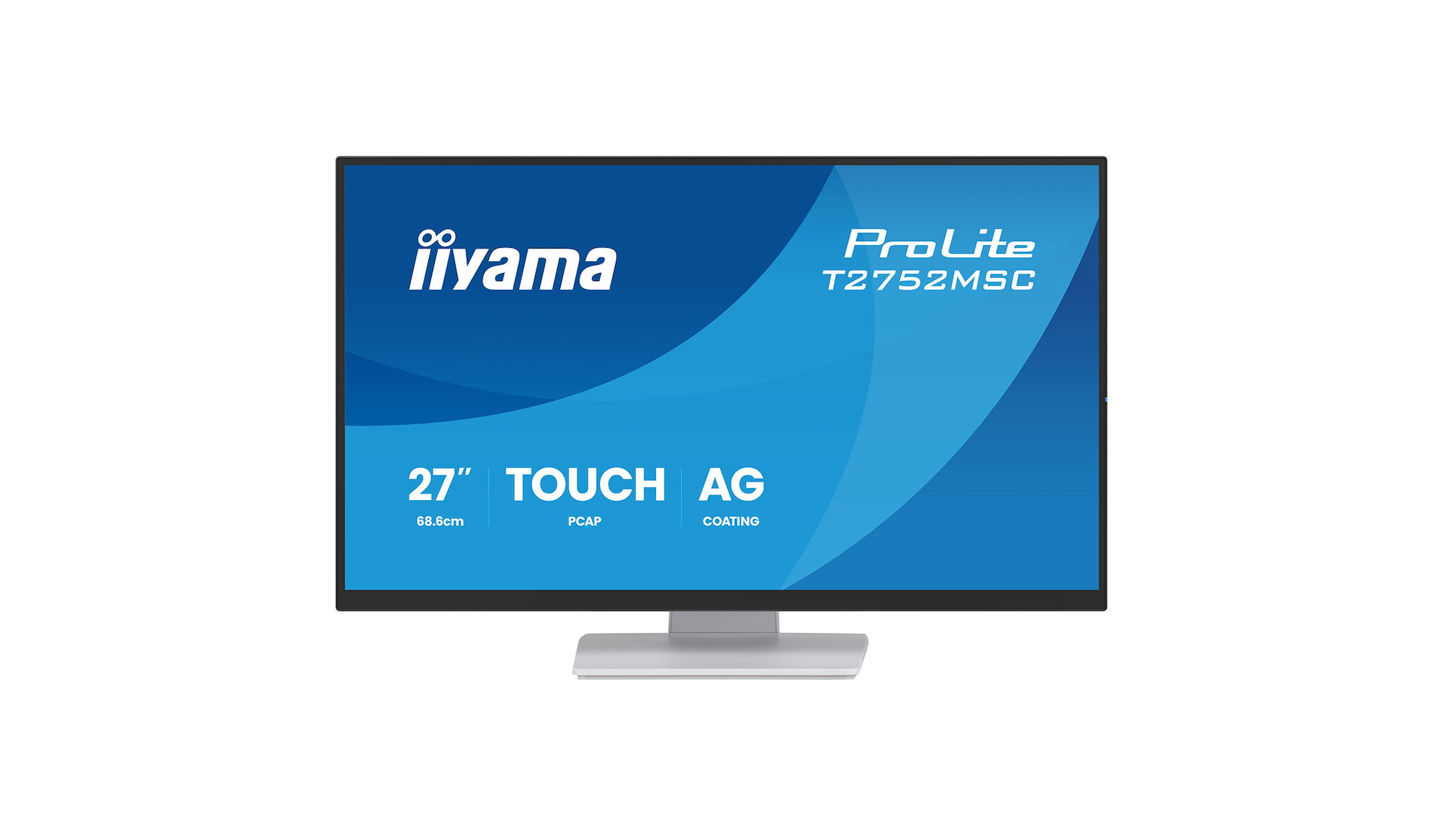
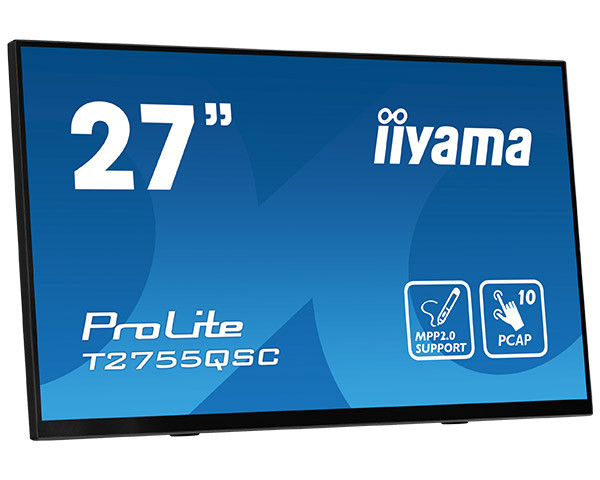
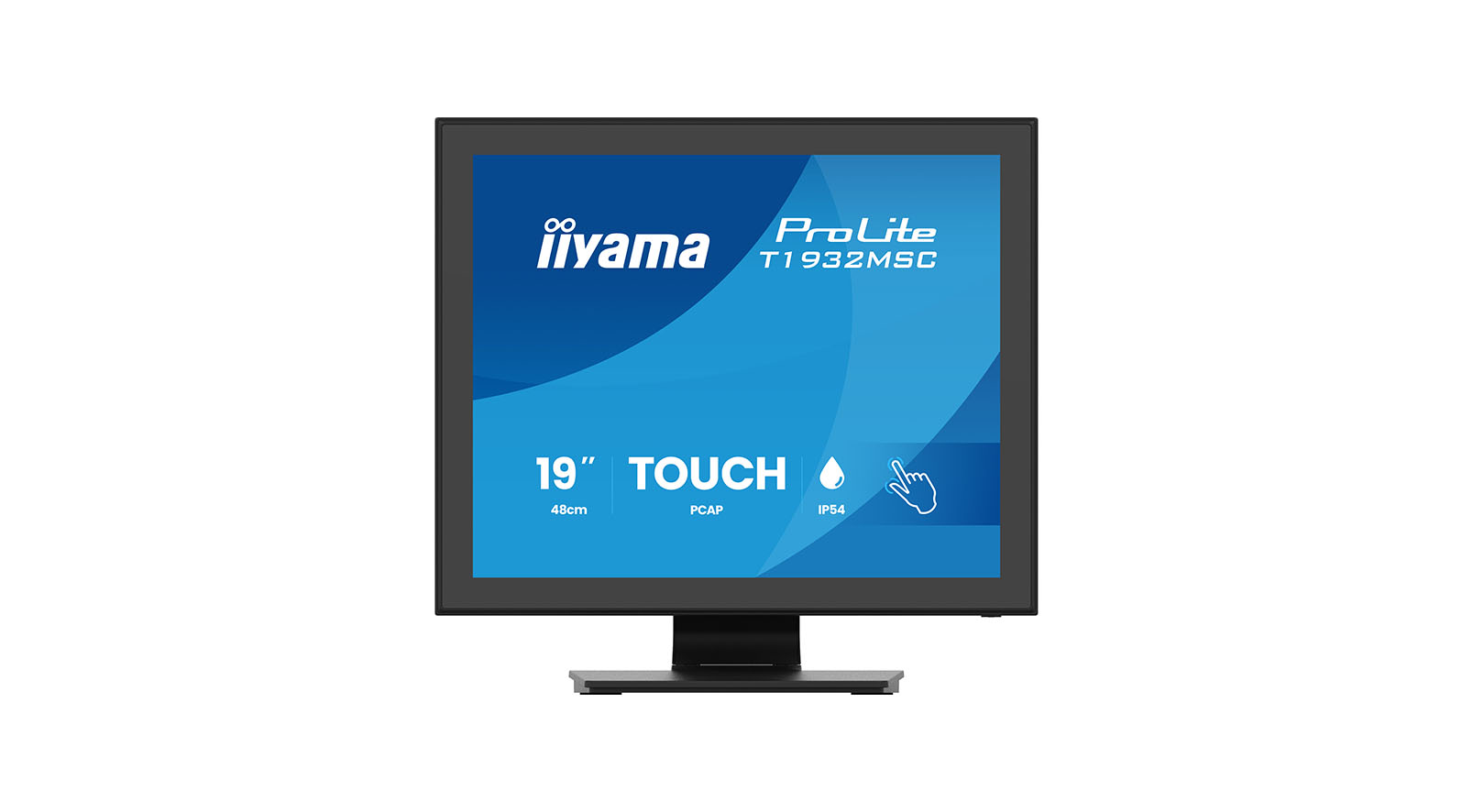
Touch monitors are ideal for meeting rooms, point-of-sale (POS) systems, interactive information terminals or controlling smart homes and machinery.
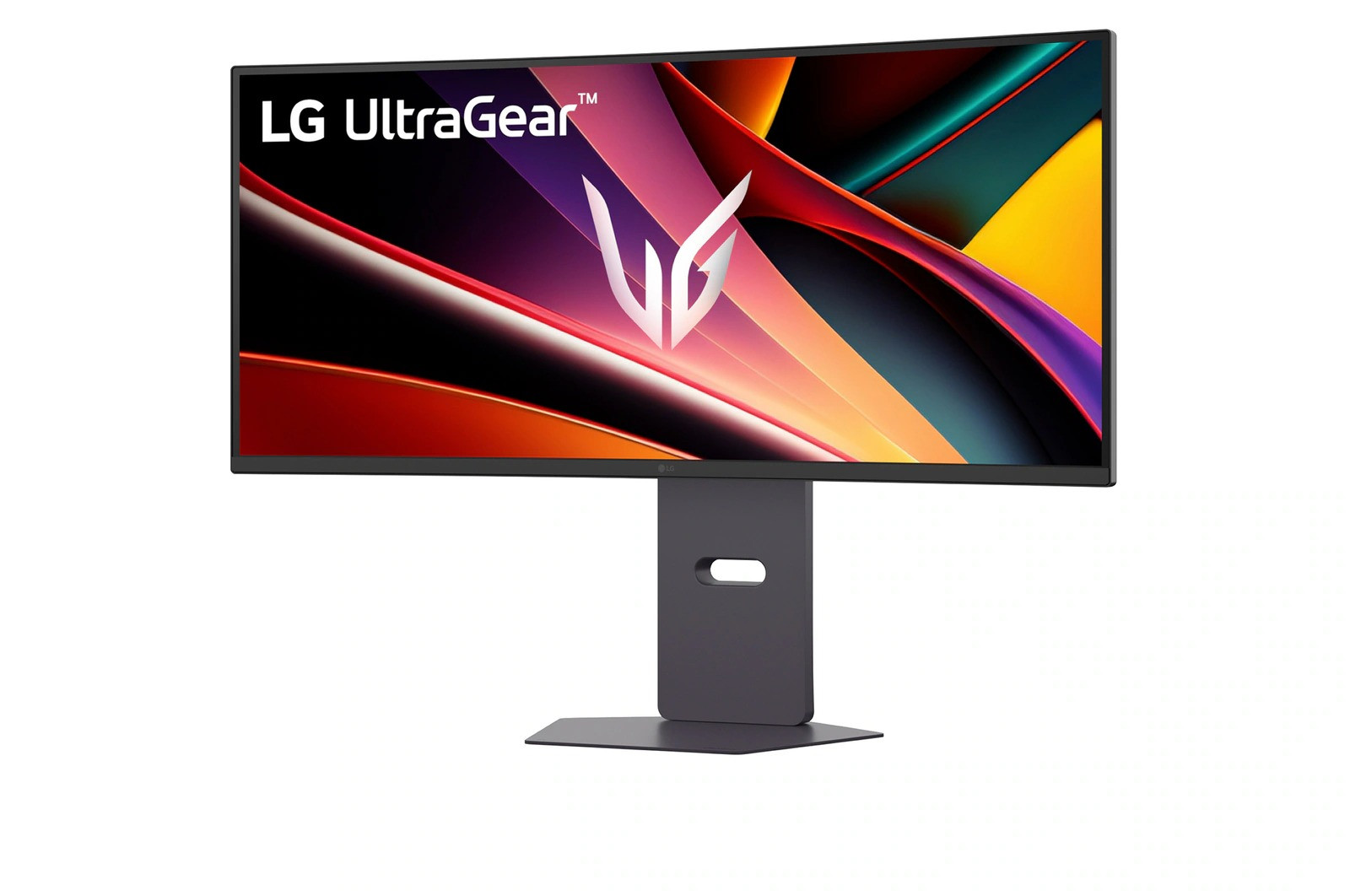
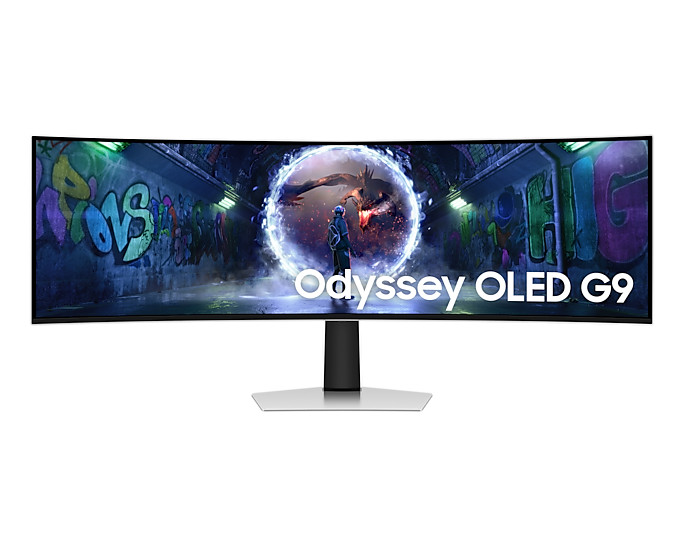
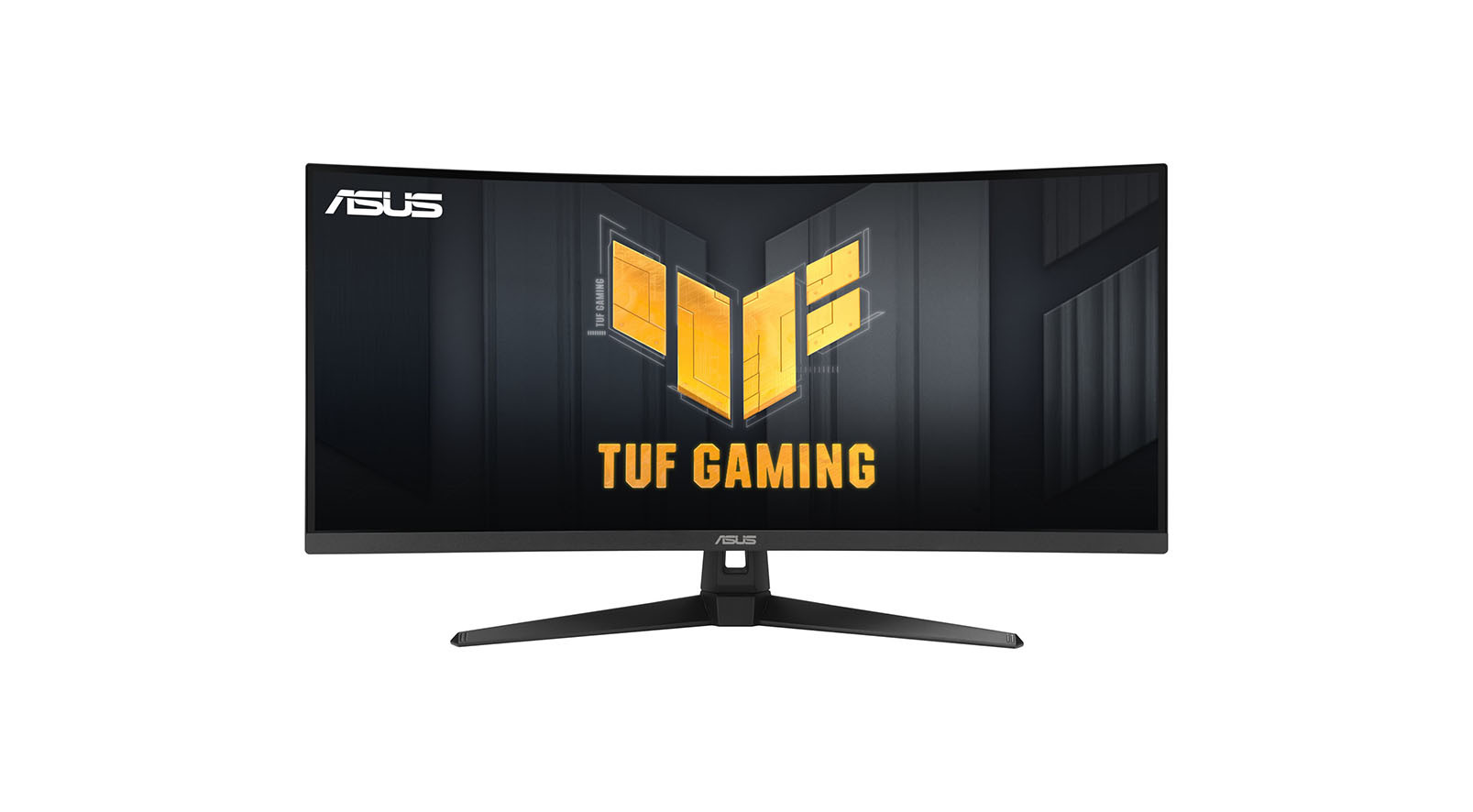
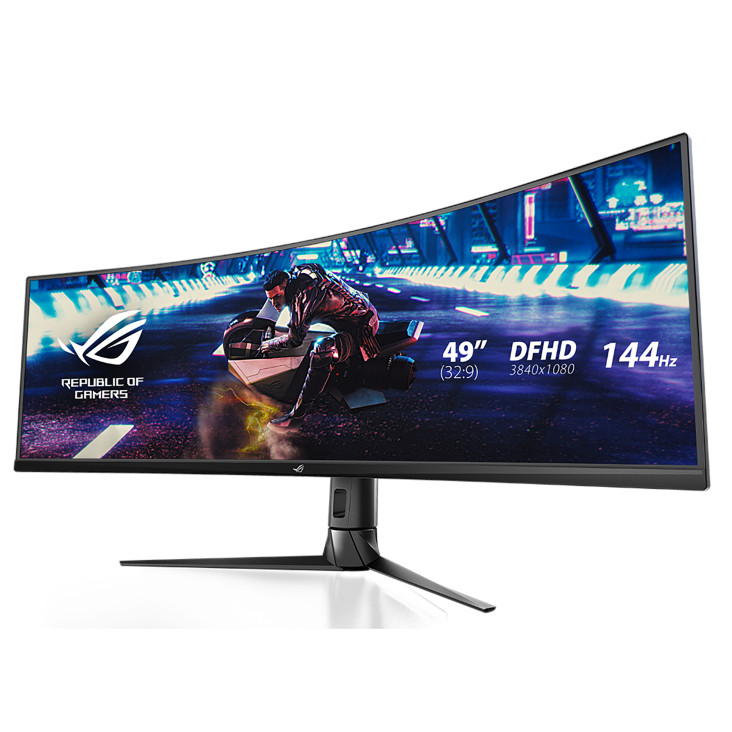
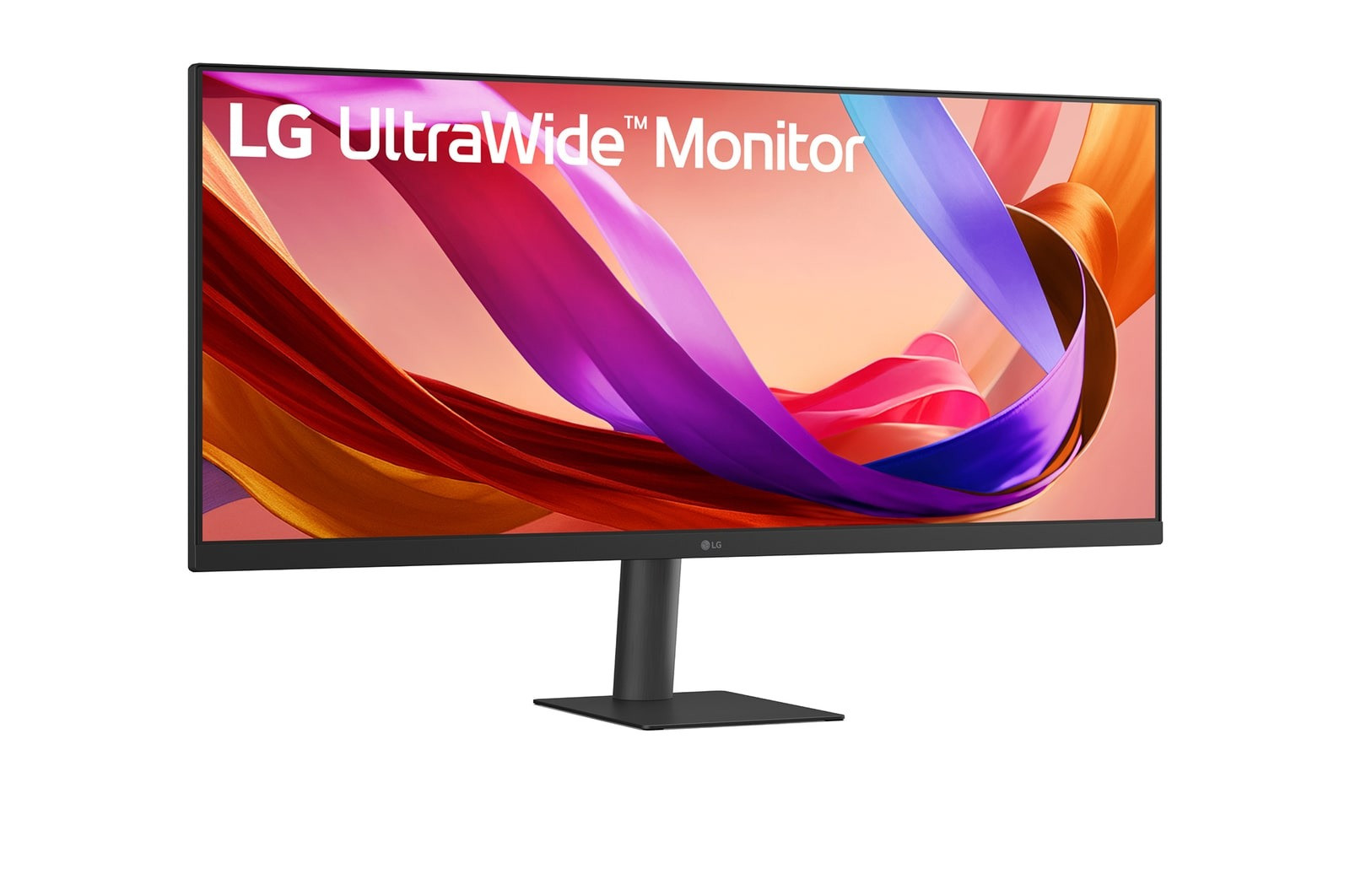
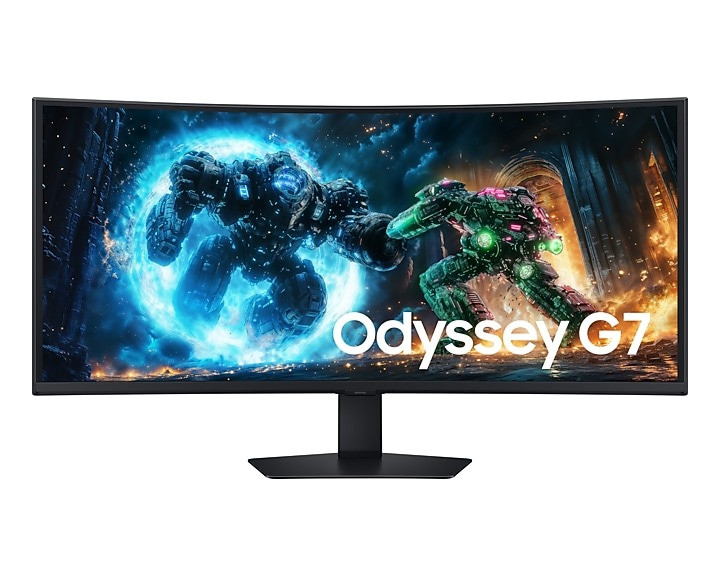
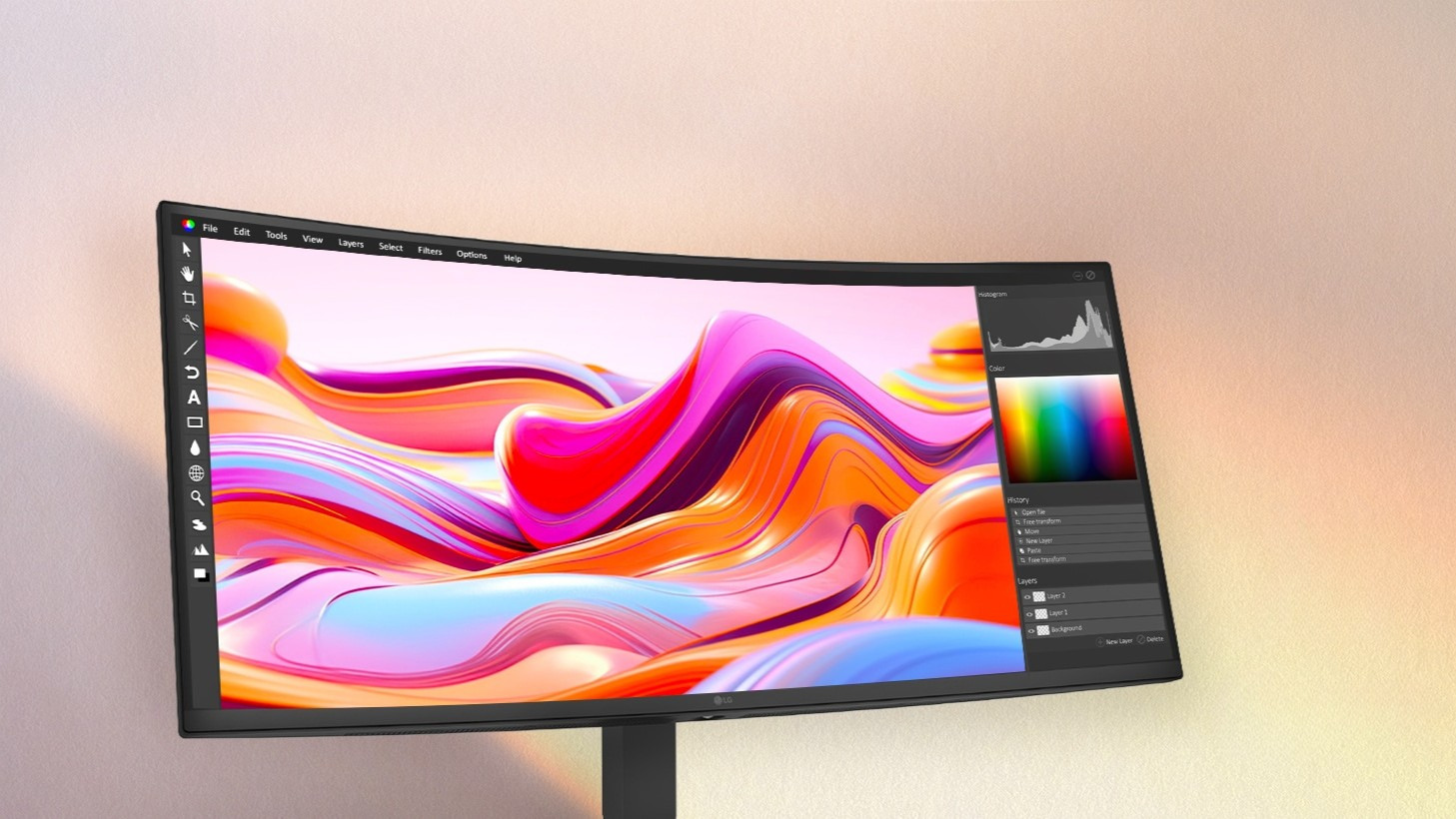
These ultra-wide monitors envelop your field of view. They are perfect for replacing two side-by-side monitors with a single, seamless screen.
For maximum image sharpness and fine details, 4K monitors are the best choice. Ideal for multitasking, professional image editing, demanding gaming and streaming high-resolution content.
Our tip: To make your choice easier, take a look at our top-rated monitors. Our visunext experts have clearly summarised the best models for every application for you.
The screen diagonal determines the size of your monitor and is measured in inches (″). As a general rule , the larger the inch value, the larger the screen area. The optimal size depends on the task at hand, your sitting distance and the available space.
Which brand is right for you depends on your intended use, as each manufacturer has its own areas of specialisation. At visunext, we exclusively stock brands that excel in their respective segments: Eizo for graphic monitors used in design and image editing, Dell for the professional office environment, Asus, BenQ and Acer in the gaming sector, as well as LG, Samsung, ViewSonic and Iiyama, each of which offers its own strengths in terms of picture quality, format and value for money. As specialists in professional monitors, we’d be happy to provide you with consulting on which model suits your workflow.
The screen resolution of a PC monitor is closely linked to its aspect ratio. For example, a Full HD screen (1920 x 1080) has a format of 16:9, as do a 4K monitor (4096 x 2160) and a WQHD monitor (2560 x 1440). A monitor with a resolution of 2560 x 1600 (WQXGA), on the other hand, has a slightly taller format of 16:10. If you’re specifically interested in ultra-high-resolution models, you’ll find all the key details in our 4K monitor buying guide.
| Screenresolution | Aspect ratio |
| 1920 × 1080 Full HD | 16:9 |
| 1920 × 1200 WUXGA | 16:10 |
| 3840 × 2160 UHD | 16:9 |
| 4096 × 2160 4K | 16:9 |
| 2560 × 1600 WQXGA | 16:10 |
Although you can set a monitor to a higher resolution than its native resolution (provided the graphics card supports this), we advise against it: text and icons may appear too small or blurry, which can strain your eyes. If you need more workspace, opt for ultrawide-monitors, for example in a 21:9 or even 32:9 format. Large spreadsheets, multiple tools and windows can be arranged clearly on a single screen: a practical alternative to a dual-monitor setup.
This is the top choice for gaming. It has the fastest response times of the three panel types (response time: 1–3 ms is fast, 4–6 ms is slow). A TN panel is also an affordable option for the office and home.
Suitable for image editing and demanding graphics applications, and increasingly used in the medical sector too.
Its outstanding picture quality makes this panel ideal for all multimedia applications. This panel is extremely popular amongst designers and within the creative industries in general.
| Panel | Strengths | Weaknesses | Ideal for |
| TN | Very fast response time, good value for money | Poorer viewing angles & colours | Gaming, basic office use |
| VA | High contrast, deep blacks | Slower than TN | Image & video editing |
| IPS | Best viewing angles & colour accuracy | Higher price | Design, multimedia, office |
Three factors determine how motion is displayed. The refresh rate (in hertz) indicates how often the image is refreshed per second. 60 Hz is sufficient for office use, whilst 120 to 240 Hz ensures noticeably smoother motion for gaming. The response time (in milliseconds) describes how quickly a pixel changes colour. The lower this value, the sharper fast movements appear, without any trailing.
HDR (High Dynamic Range) expands the contrast and colour range, so that both bright and dark areas of the image are displayed with greater detail. The DisplayHDR levels (e.g. 400, 600, True Black) provide an indication of quality and are particularly relevantfor video, photography and gaming.
When working with colour-critical content, colour space coverage is important: sRGB is the standard for the web and Office applications. AdobeRGB covers a wider range of green and cyan tones and is widely used in printing and photography. DCI-P3 originates from film and video production. For design and image editing, it is worth investing in factory-calibrated graphics monitors with high colour gamut coverage and hardware calibration, as this ensures that the colours on screen match the final result.
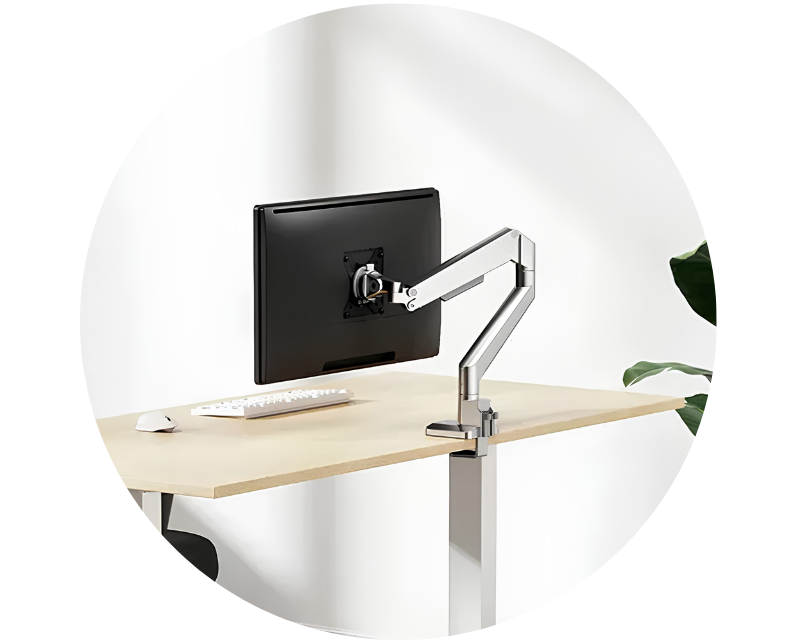
Ergonomics refers to the design of a workplace that promotes health and reduces physical strain, and it also plays a major role outside the office. A height-adjustable and inclinable monitor can be set to the ideal position at eye level. This ensures a healthy posture and helps prevent neck and back pain. A properly positioned display also helps to prevent eye strain. A height-adjustable monitor also provides an external display to complement your laptop. This allows you to set up your workspace – whether in the office or at home – in the best possible way, whilst still retaining your laptop’s portability.
Tip: If the stand isn’t sufficient, you can optimise ergonomics with special monitor mounts.
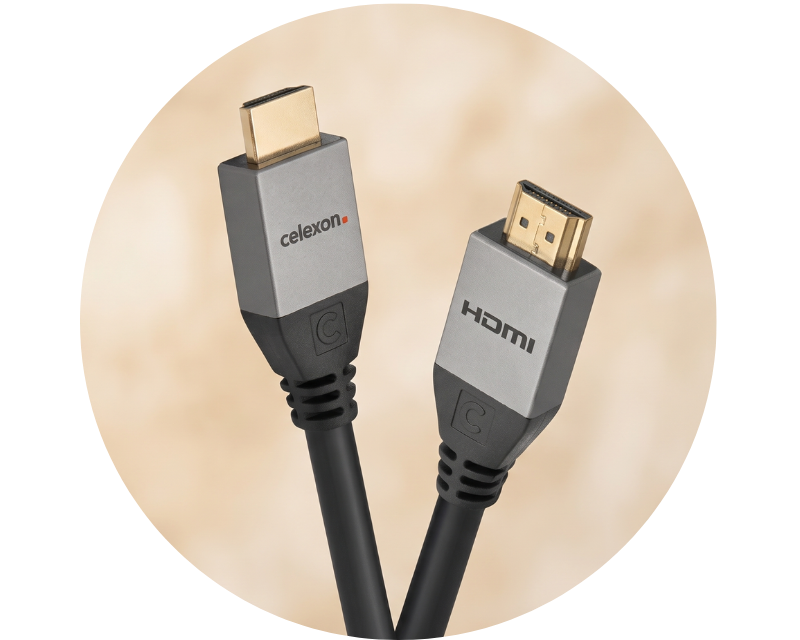
Modern monitors usually have several connections, although depending on the manufacturer, the same type may be present more than once (such as two HDMI inputs). Look out for USB-C docking and a built-in KVM switch so you can control multiple computers with a single keyboard and mouse. These features save a noticeable amount of time and reduce cable clutter in your day-to-day work.
HDMI: The most widely used digital interface, transmitting high-quality picture and sound (up to 4K).
DisplayPort: Similar to HDMI, but supports resolutions up to 8K and higher refresh rates. The top choice for gaming and multi-monitor set-ups.
USB-C: Video, audio and data via a single cable. The monitors also charge the laptops via Power Delivery.
DVI & VGA: Older standards. DVI transmits only video (up to 2560 × 1600), whilst VGA is analogue and only useful if no digital connection is available.
For gamers, monitors with G-Sync or FreeSync are the top choice: they synchronise the monitor’s refresh rate with the game’s frame rate, eliminating annoying tearing and stuttering. This ensures nothing stands in the way of smooth gaming.
Nvidia’s proprietary, hardware-based technology is only compatible with Nvidia graphics cards (from the GTX 650 Ti Boost onwards).

AMD’s open and manufacturer-independent standard (hardware/software solution). Requirements include a graphics card from the Radeon R7 260 model upwards and a DisplayPort 1.2a.
IPS displays offer the best viewing angles and natural colours (ideal for the office and creative professionals), VA displays impress with their high contrast, and TN displays with their very fast response times (ideal for gaming). Which technology is right for you depends on how you intend to use the monitor.
4K, or Ultra HD, refers to a resolution of 3,840 × 2,160 pixels – four times as many pixels as Full HD. This results in a particularly sharp image and greater attention to detail. This is particularly advantageous for design, video and large displays.
USB-C transmits video, audio, data and power via a single cable. This means the laptop is charged at the same time. This reduces the number of cables and keeps your workspace tidy.
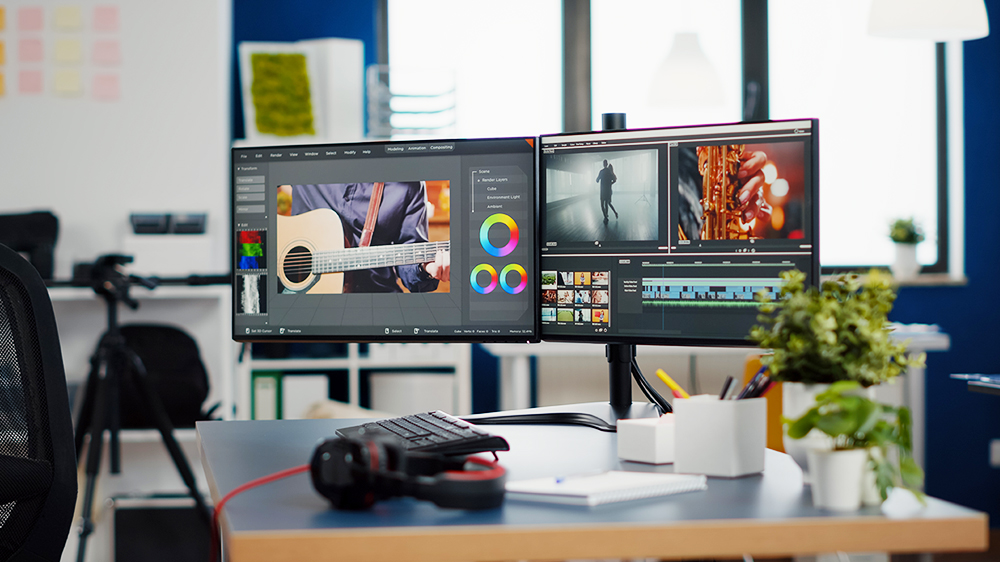
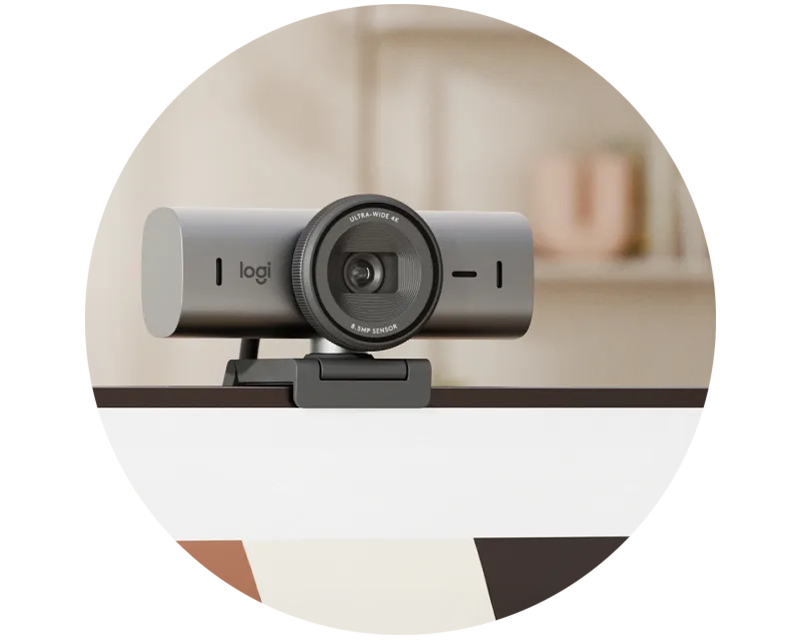
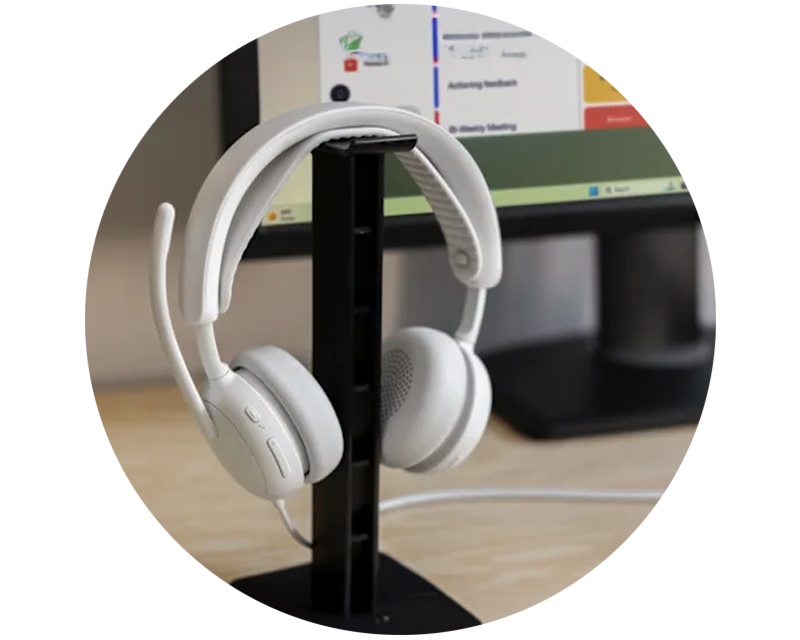
A top-class monitor only realises its full potential with the right accessories. Ergonomic monitor mounts and height-adjustable desks ensure a healthy posture whilst also creating more space on your desk. Whether for crystal-clear video conferencing with a professional headset or for smart cable management, the right equipment is the perfect finishing touch to your workspace.