




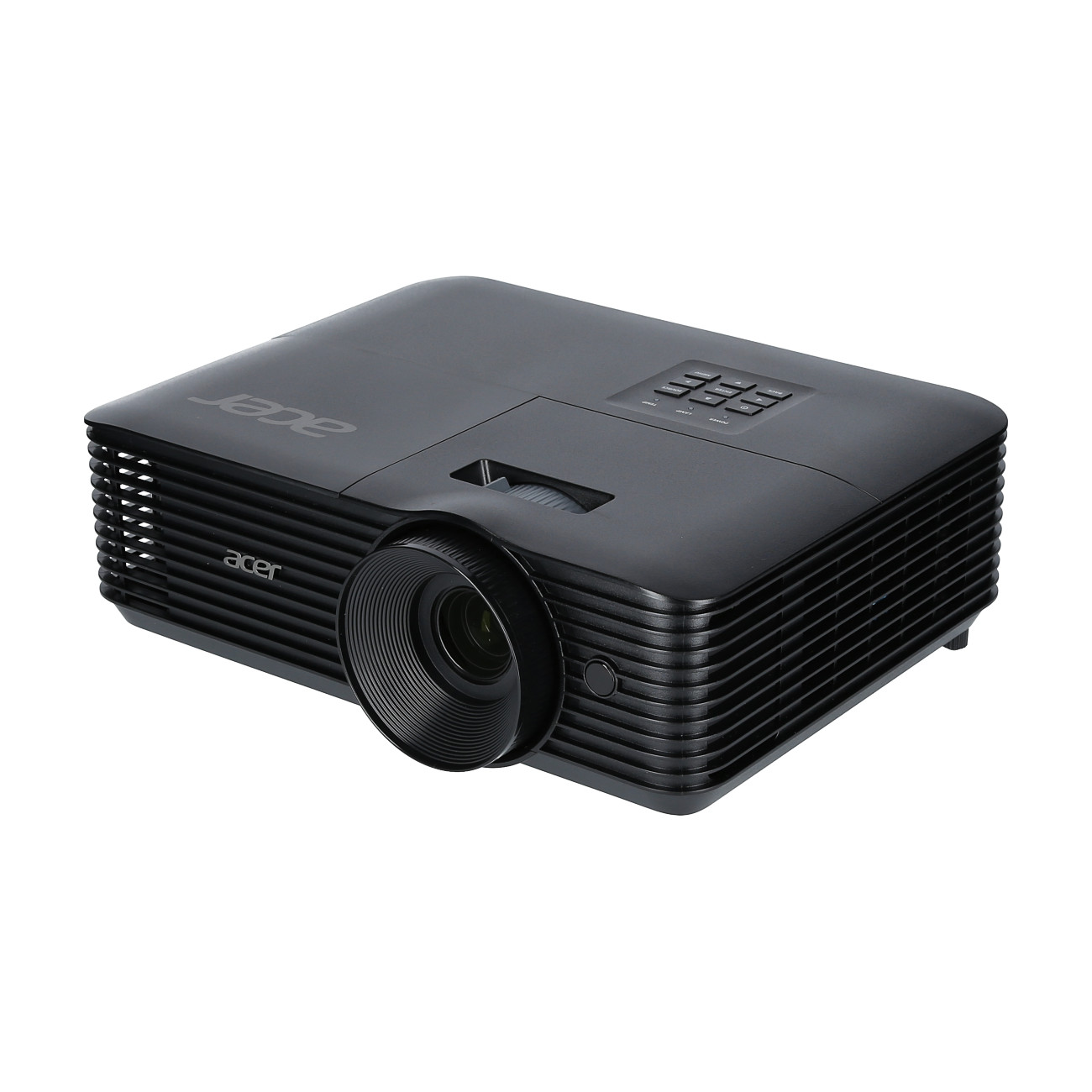
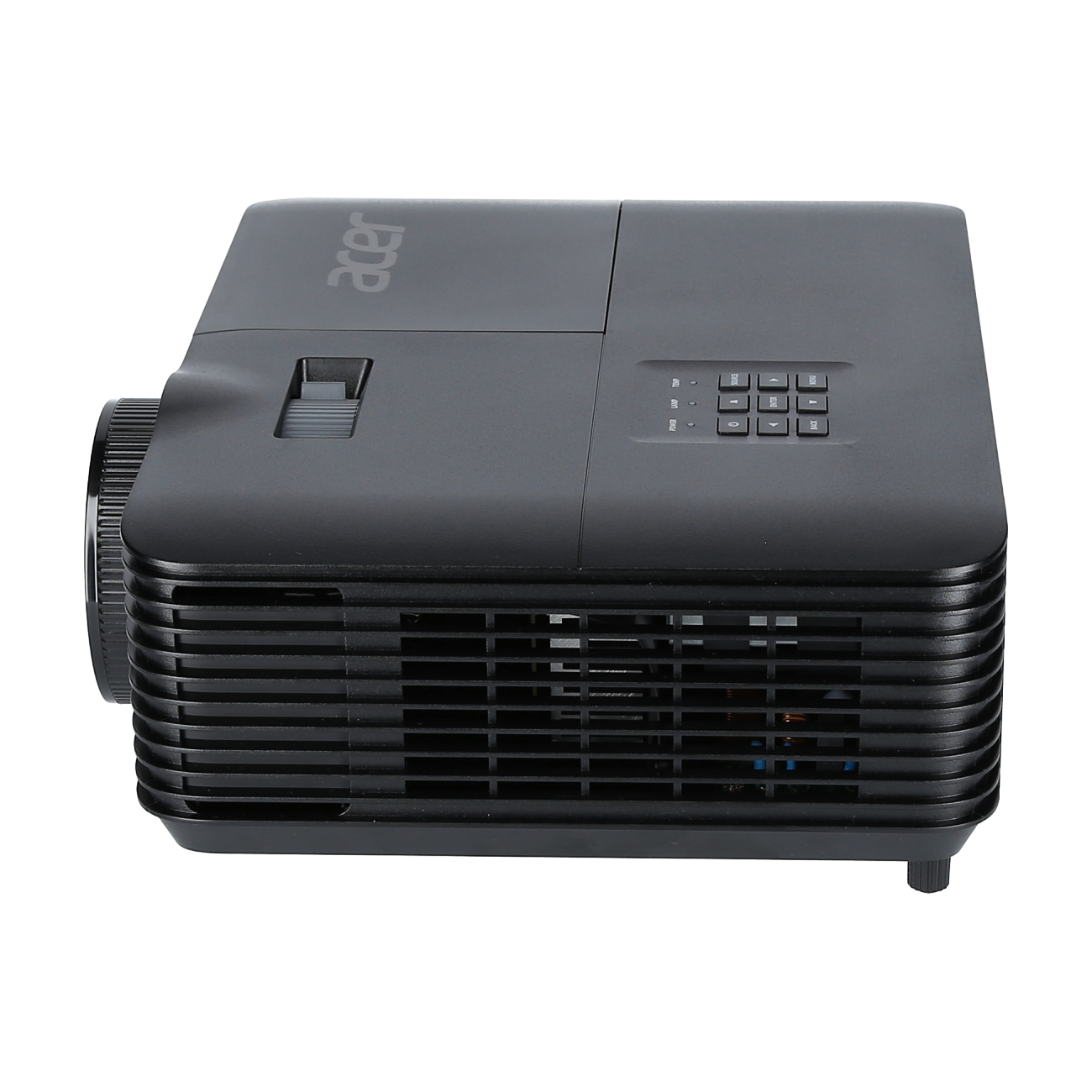
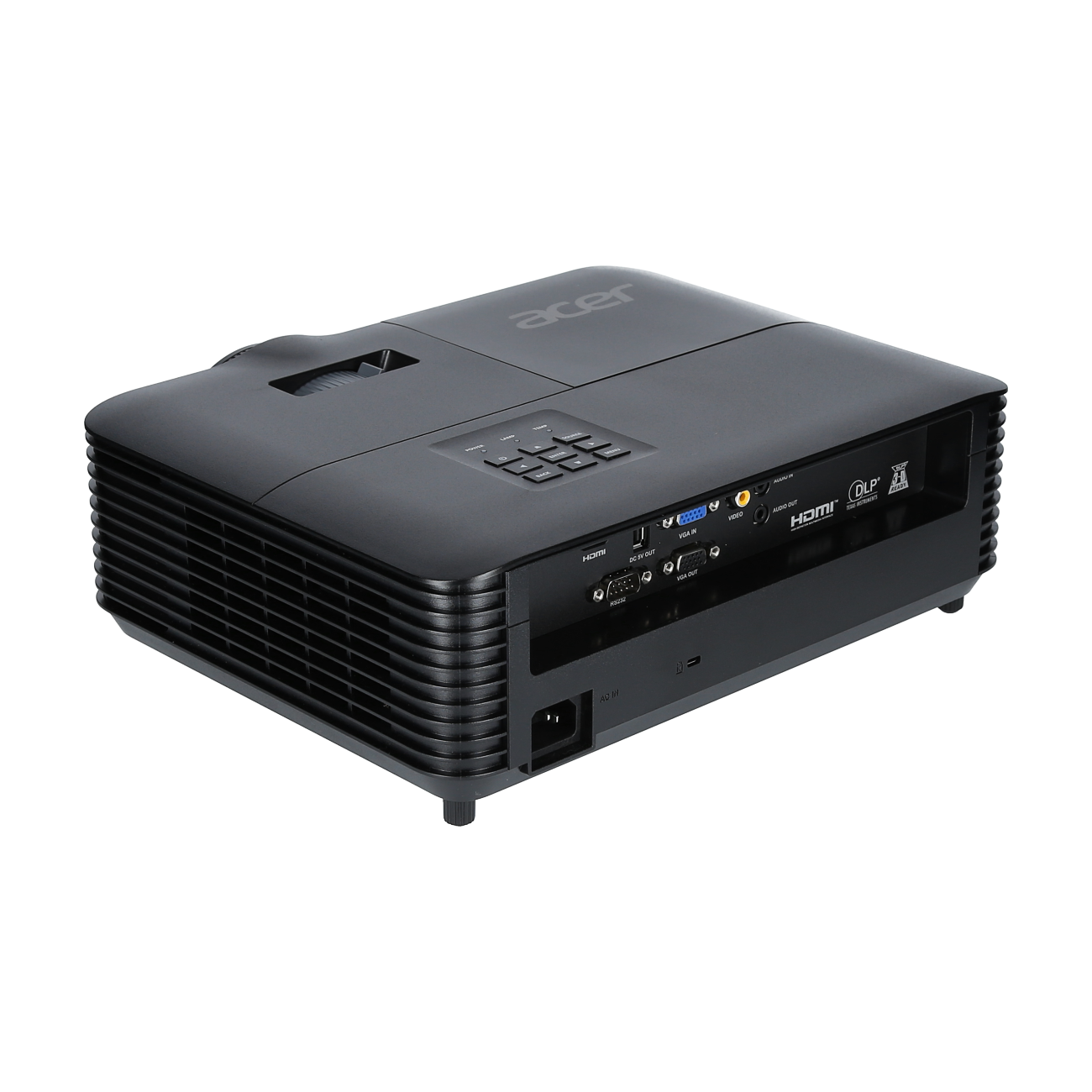
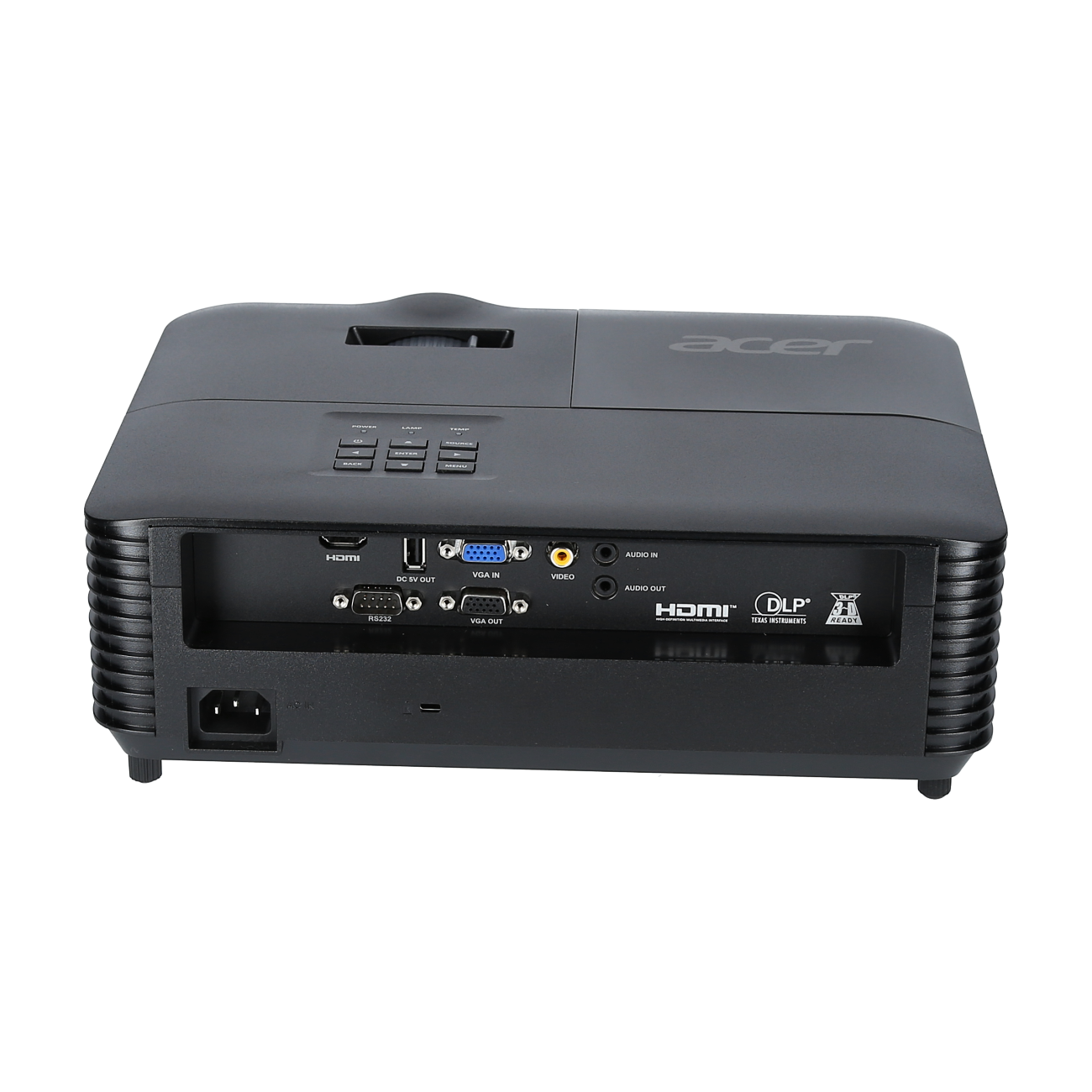
Acer X1228H XGA projector with 4800 lumens and HDMI Power On for meeting rooms
Article no: 1000015233
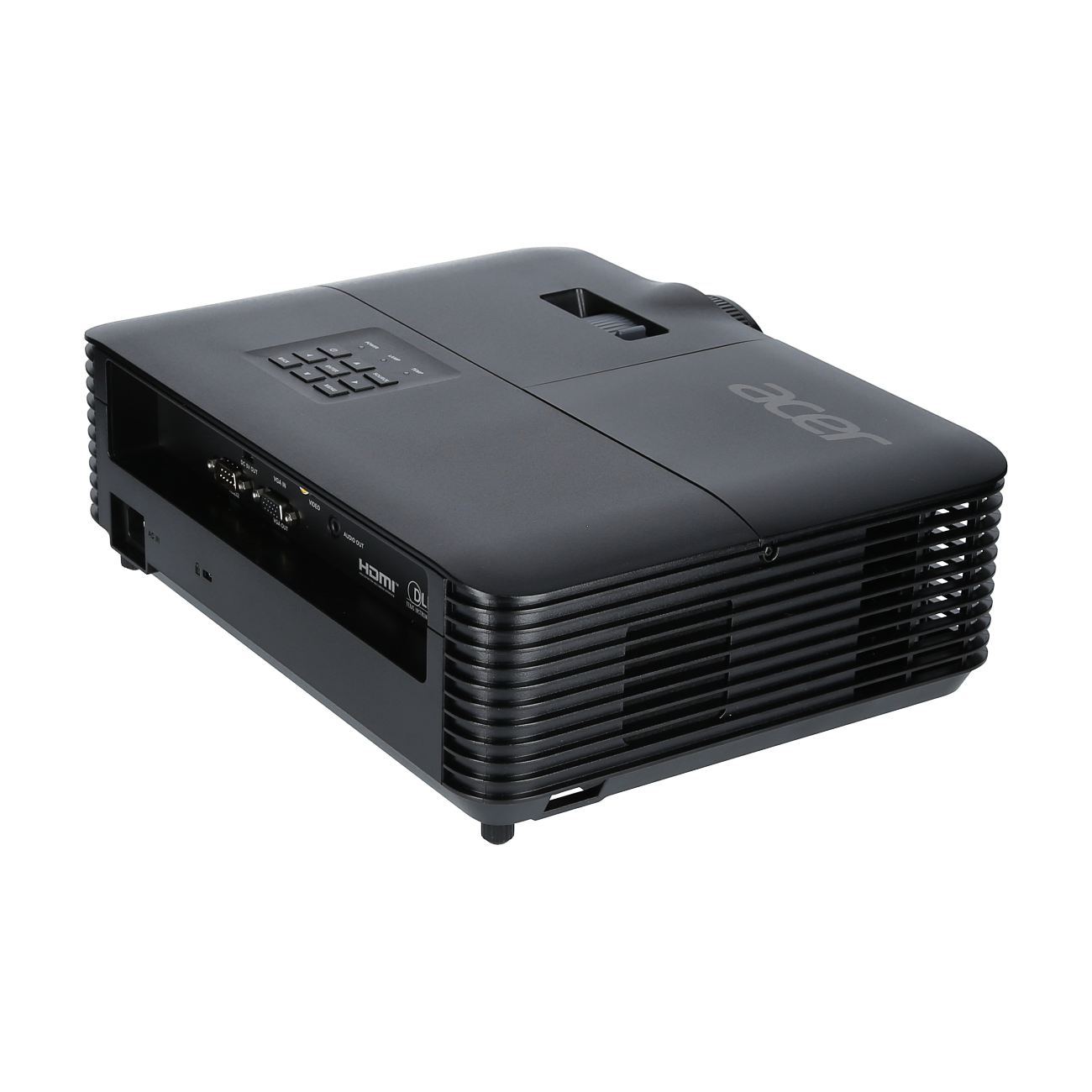
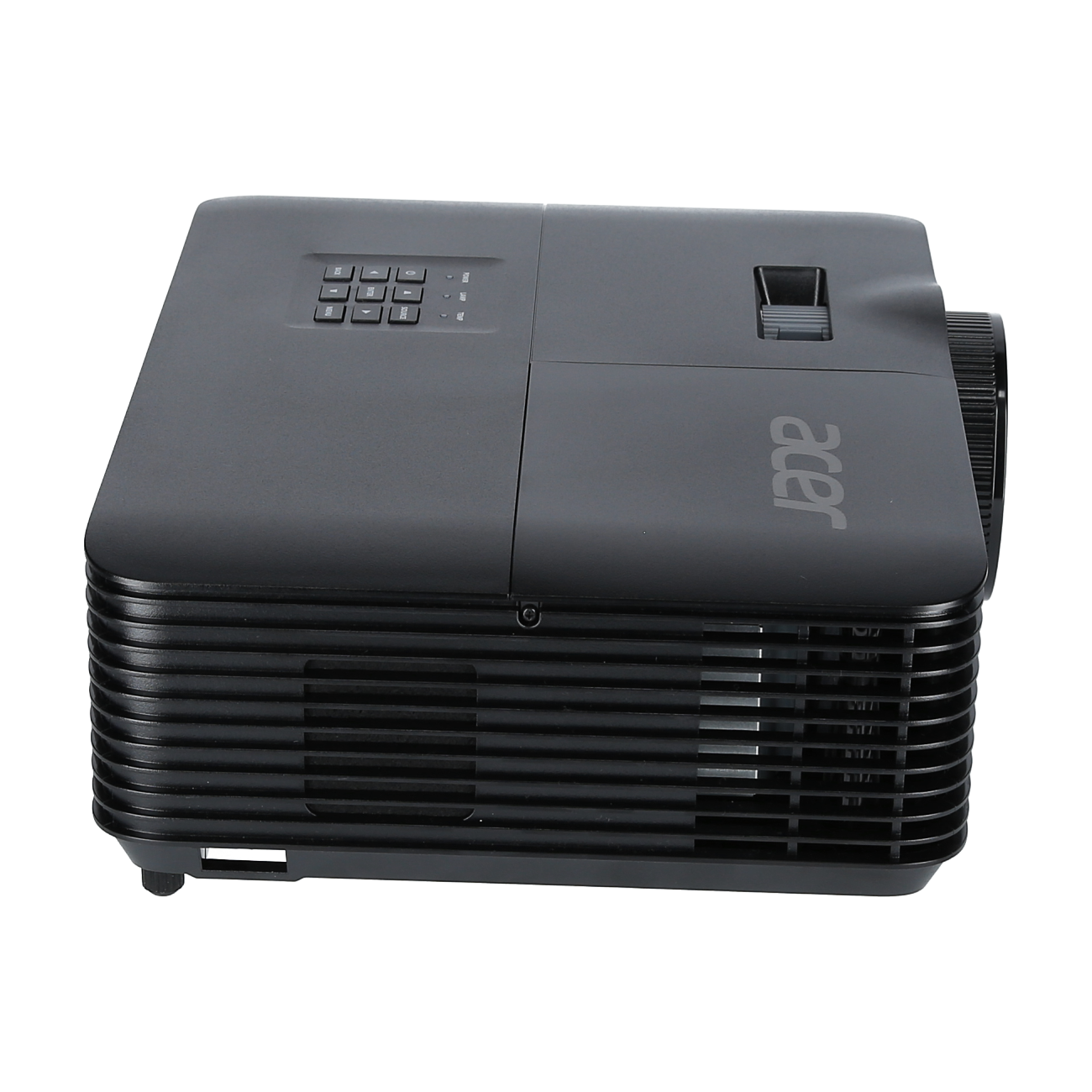
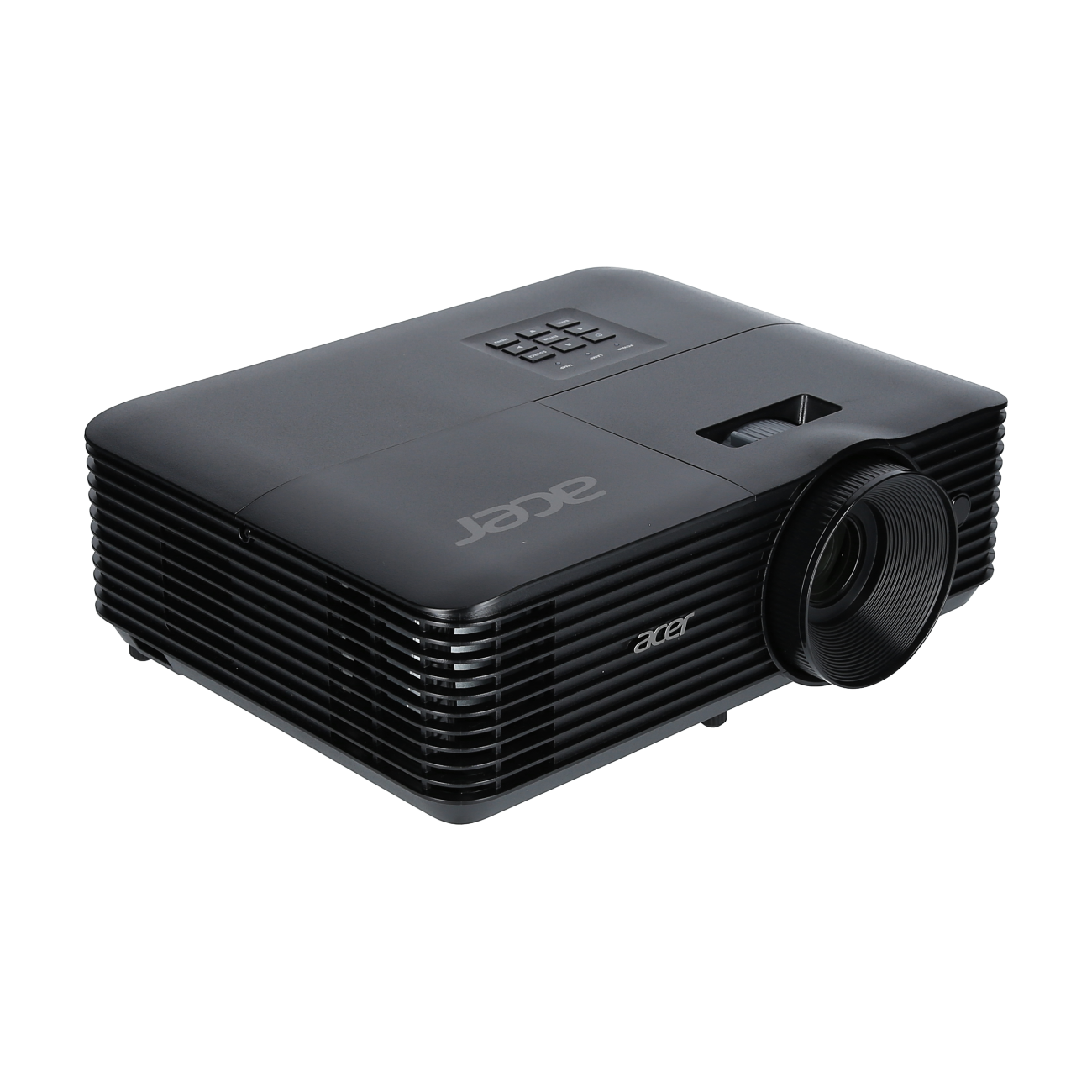
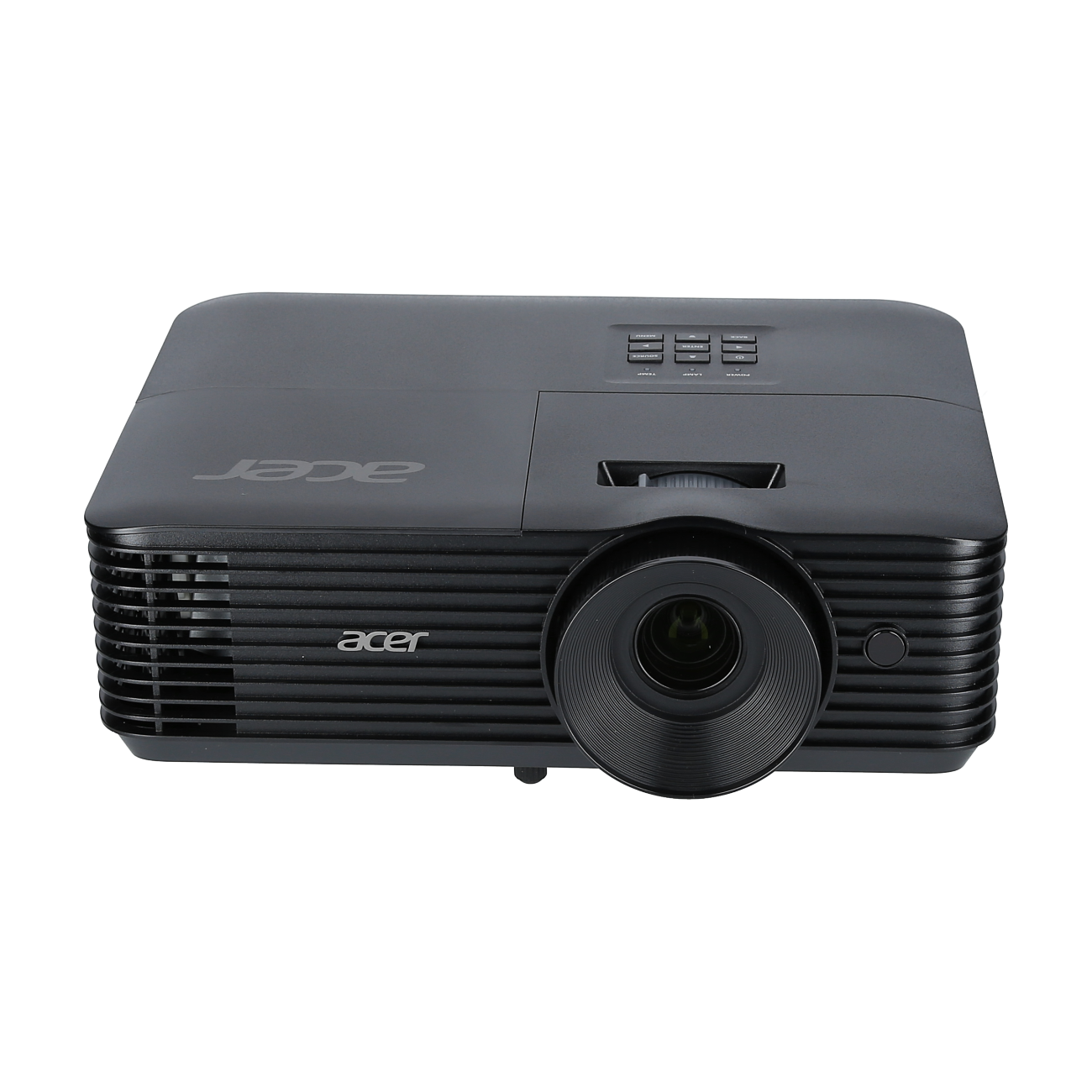



Frequently purchased together
Product information
The projector for every need
- Resolution: XGA (1,024 x 768 px)
- Brightness: 4,800
- Contrast ratio: 20,000:1
- Maximum lifespan (hours): 6,000 (Standard), 10,000 (Eco), 15,000 (Extreme Eco)
Acer ColorBoost 3D
Acer ColorBoost 3D: Acer ColorBoost 3D is an innovative combination of a continuously improved image processing algorithm, the latest DLP chipset, an optimised 6-segment colour wheel design and advanced light control technology, enabling Acer projectors to project absolutely true-to-life colours throughout their entire life cycle – in both 2D and 3D modes.
Acer ColorSafe II
Acer ColorSafe II delivers consistent, brilliant and natural colour projection throughout the projector’s entire lifespan. This is ensured by the use of DLP® technology. In projectors without DLP® technology, colour brilliance diminishes over time.
HDMI Power On
With the HDMI Power-On function, the projector powers on automatically as soon as a signal is received via HDMI or VGA. You no longer need to switch on the projector separately; simply switch on your laptop, receiver or games console and the projector will power on automatically.
Automatic Keystone Correction
With automatic vertical keystone correction, the Acer projector automatically compensates for trapezoidal distortion when not positioned exactly vertically, projecting a rectangular image.
AC Power On
With the AC Power On function, the projector switches on automatically as soon as it is connected to the mains. You no longer need to switch on the projector separately; instead, you can start it straight away, for example by switching on the mains power in the meeting room.
Automatic Ceiling Mount Correction
Auto Ceiling Mount Correction: The built-in gravity sensor in the Acer projector detects when the projector has been mounted upside down on the ceiling and automatically rotates the projection by 180°, without the need for any additional settings in the menu.
Top-loading lamp design
The top-loading lamp design allows for easy lamp replacement when the projector is ceiling-mounted from above, without having to detach the Acer projector from its mount. Replacing the lamp is similar to replacing an energy-saving bulb.
Bluelight Shield
Bluelight Shield allows the user to reduce the blue light content to minimise the negative effects of blue light exposure. The projector features three filter levels, each suited to different scenarios. Each level also includes a dynamic mechanism that optimises the blue light level depending on the content. Bluelight Shield can reduce blue light by up to 30 per cent, thereby protecting the eyes.
Acer Smart Format Technology
Acer Smart Format technology supports a wide range of input signals, eliminating the need to switch between a laptop/PC, DVD player and receiver. Signals up to 1080p can be received and compressed for playback by Acer ColorBoost projectors via HDMI using Acer Smart Format technology.
Original 24p Playback
For a genuine cinema experience at 24 frames per second, the Acer Blu-ray projector plays films in their original cinema format without any stuttering, just as they were shot on set. Watch 24p films through the director’s eyes.
Set-up menu
Using the installation menu, the Acer projector can be perfectly aligned with the projection surface in no time at all. The setup menu can be accessed by pressing the menu button, even when no source is connected to the projector.
Wall Colour Compensation
Wall Colour Compensation: Wall colour compensation ensures the best picture quality on coloured projection surfaces such as blackboards and wallpaper. Five optimised wall colours can be easily compensated for via the menu to achieve the best picture quality without the need for further adjustments.
PIN Security
Acer PIN Security allows you to protect your Acer projector against unauthorised use and theft by entering a PIN. A lost PIN can only be reset by Acer Service following verification of ownership.
Automatic Shutdown
The Auto Shutdown function automatically switches off the Acer projector if no input signal is received after a preset time. This function can be customised via the menu and helps to save electricity and reduce lamp usage.
Technical data
Projection distance calculator
Image size:
Format
Format
Product safety
| Person responsible for the EU |
|---|
| Acer Computer GmbH |
| Kornkamp 4 |
| 22926 Ahrensburg |
| Germany |
| info@acer.de |