


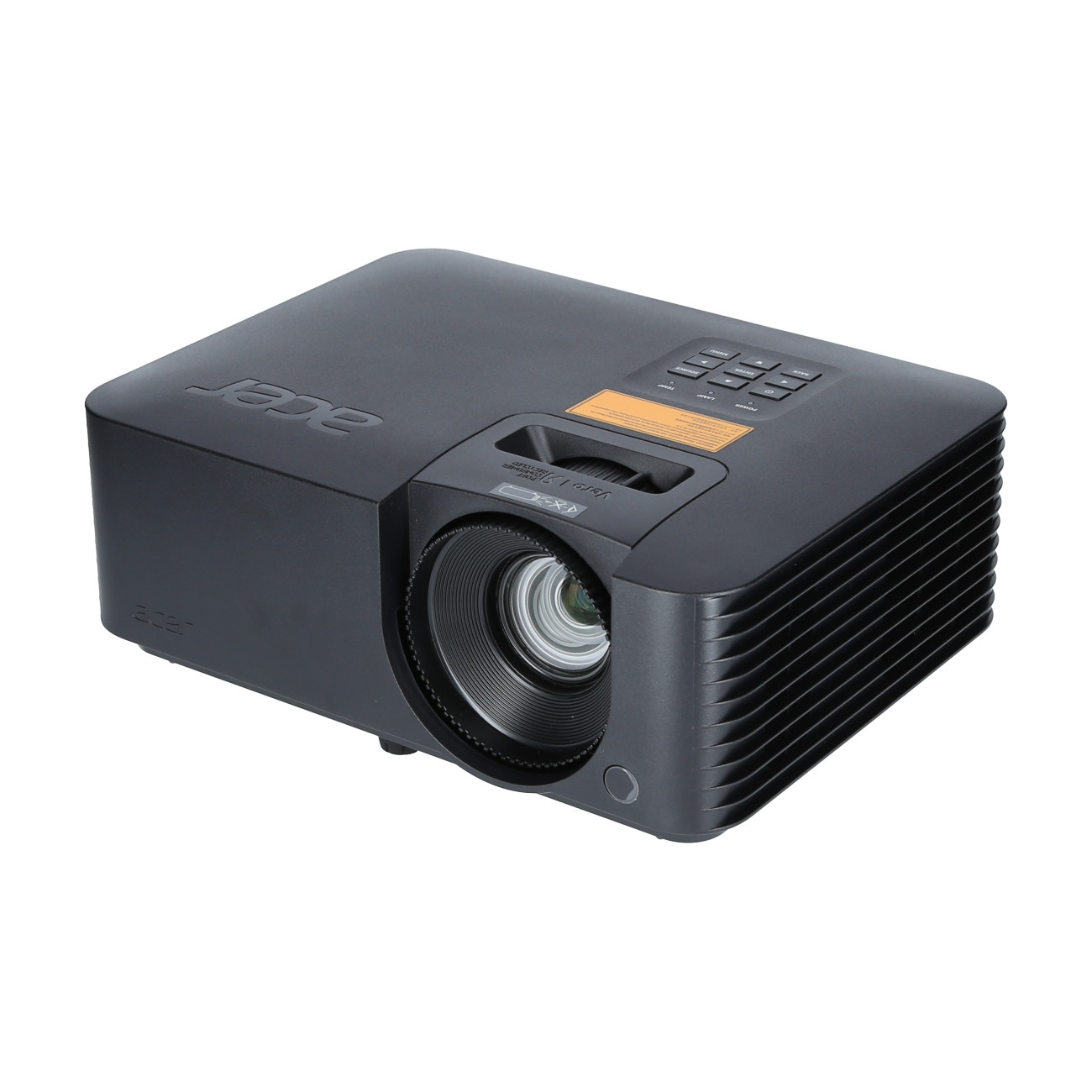
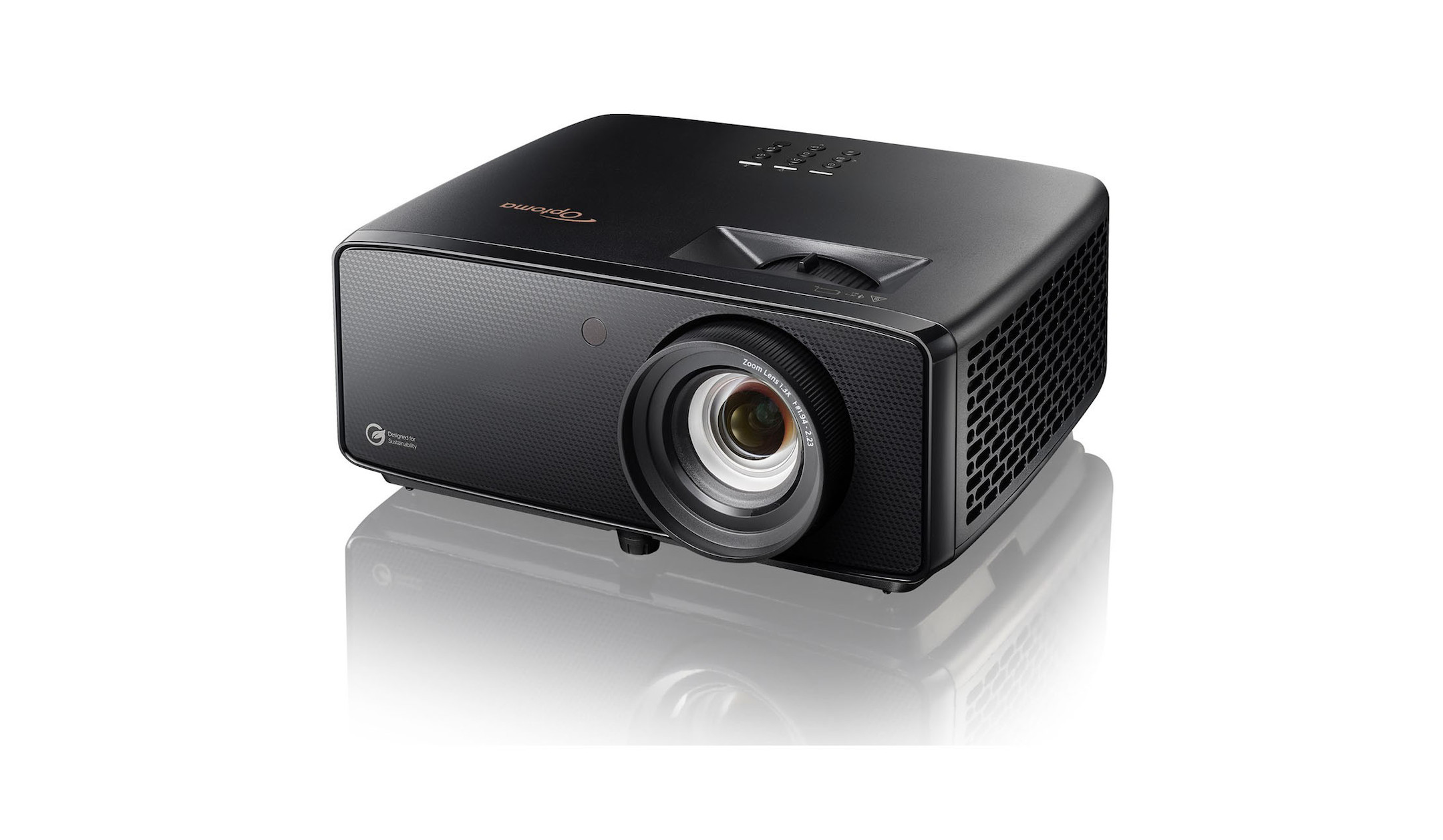
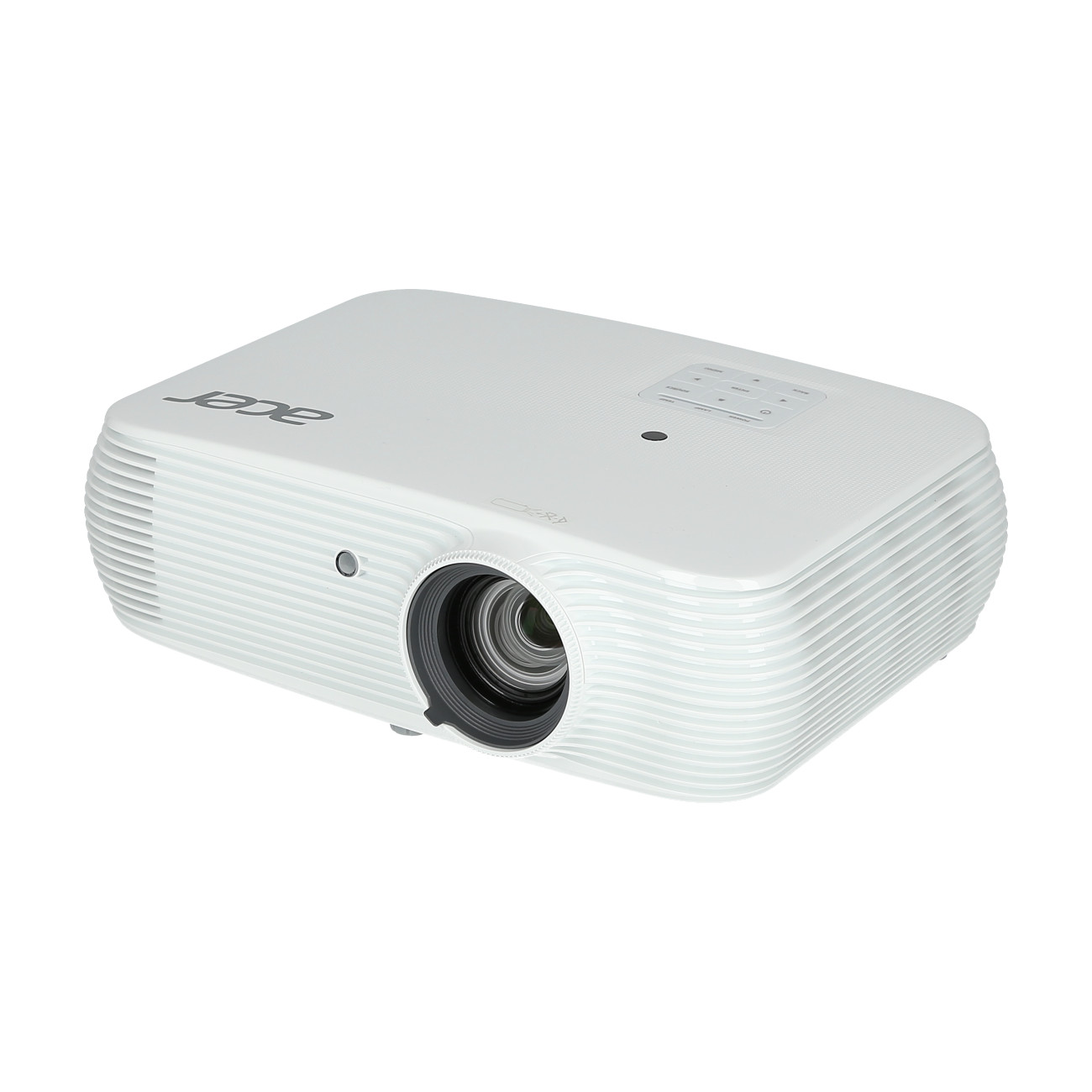
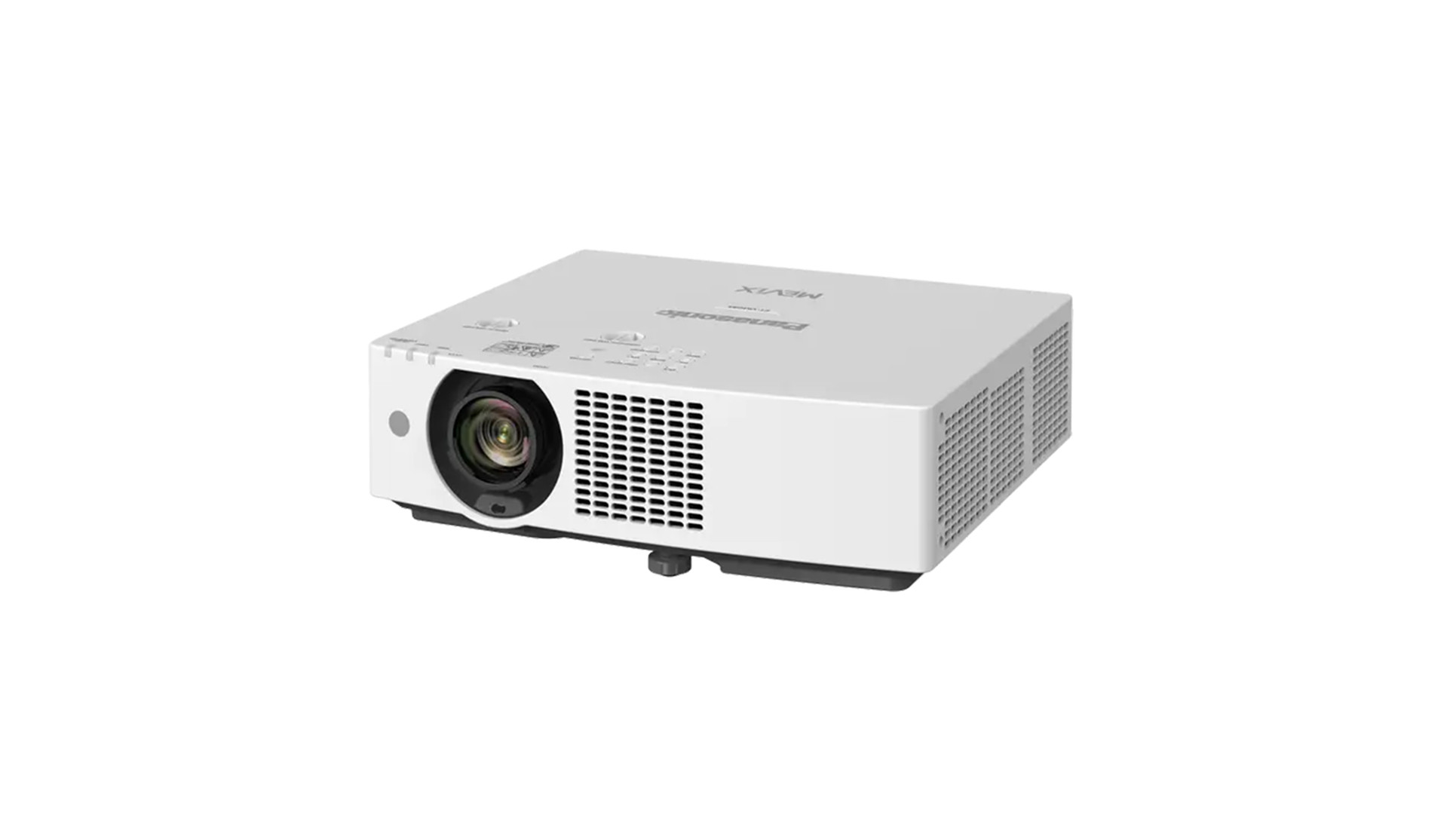
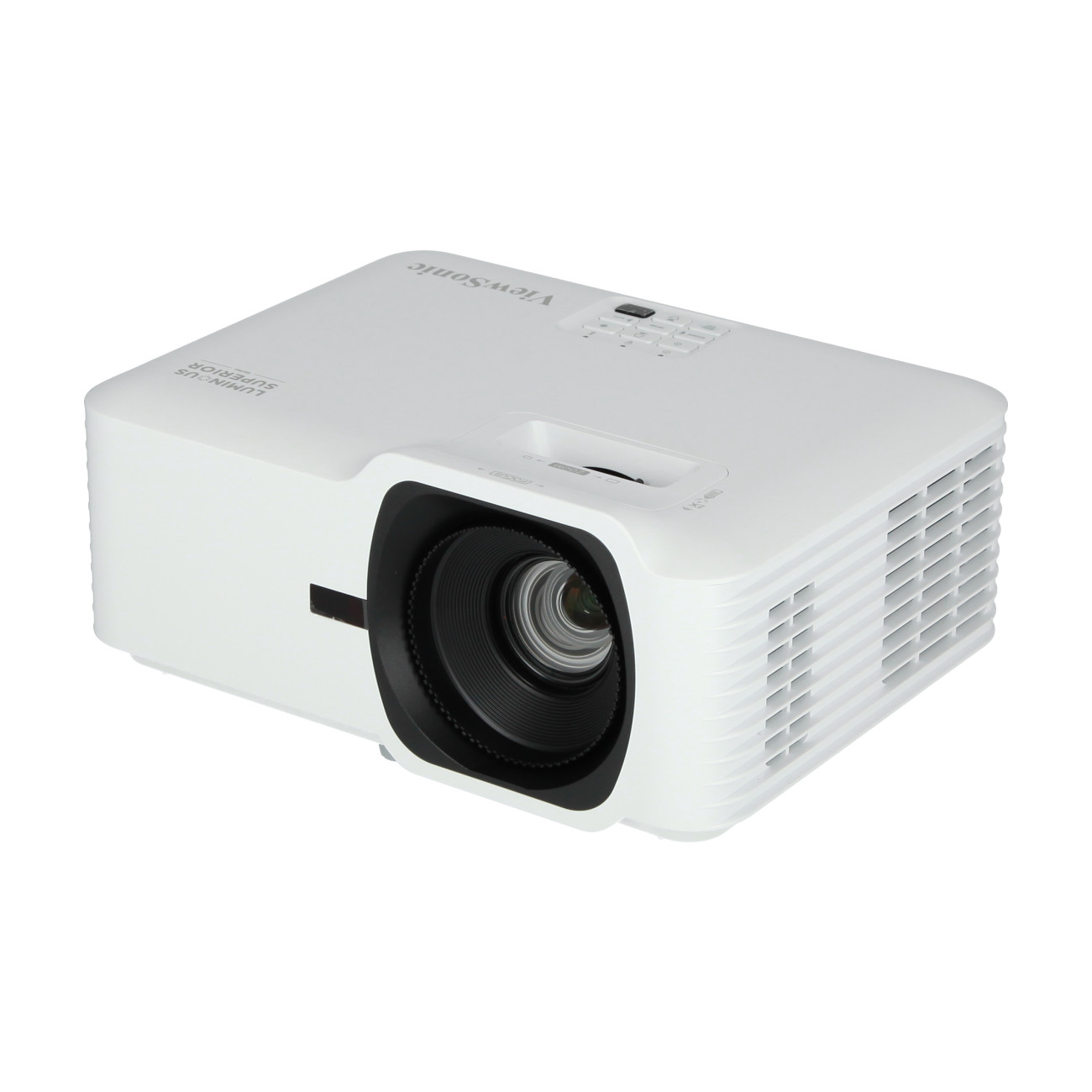
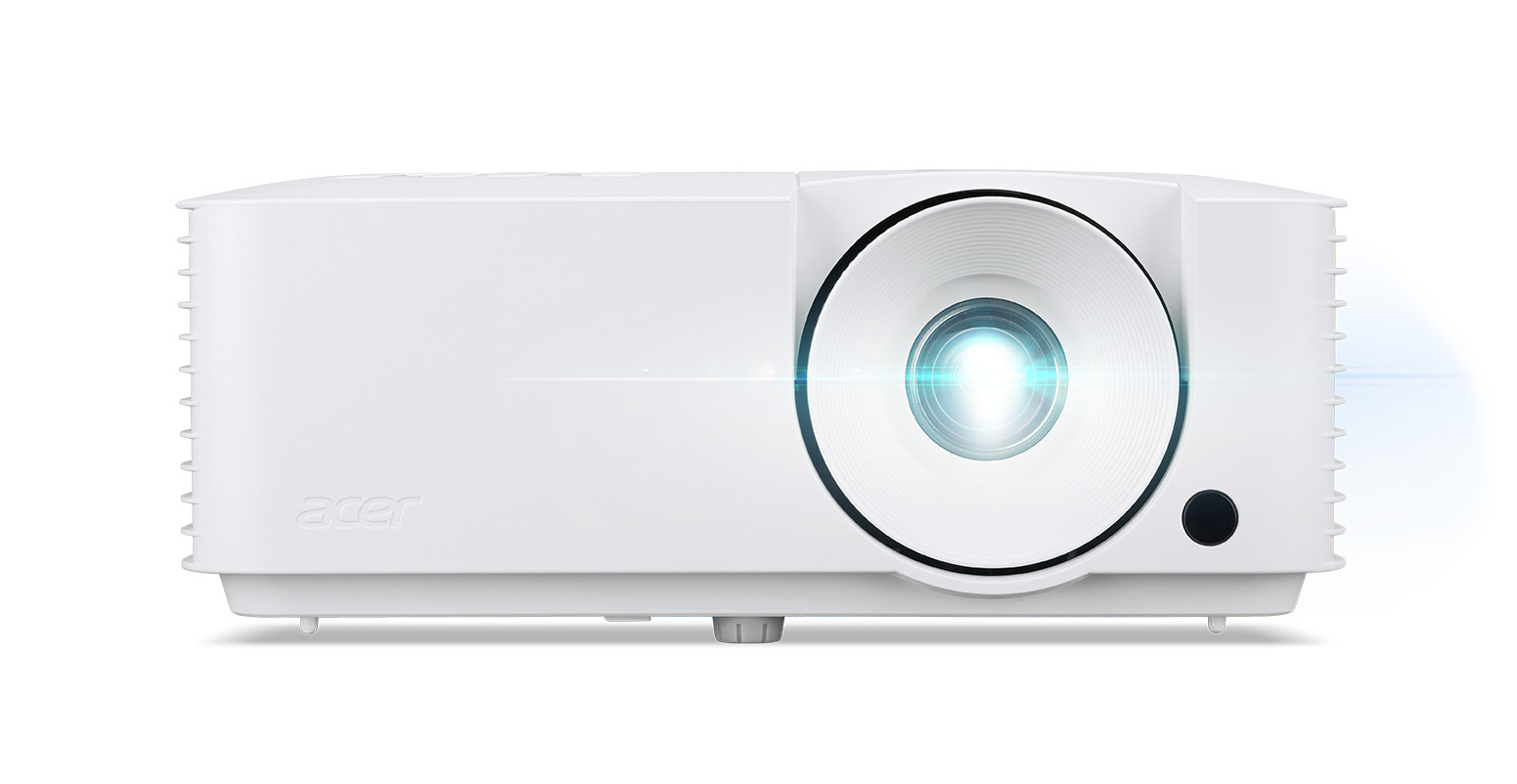
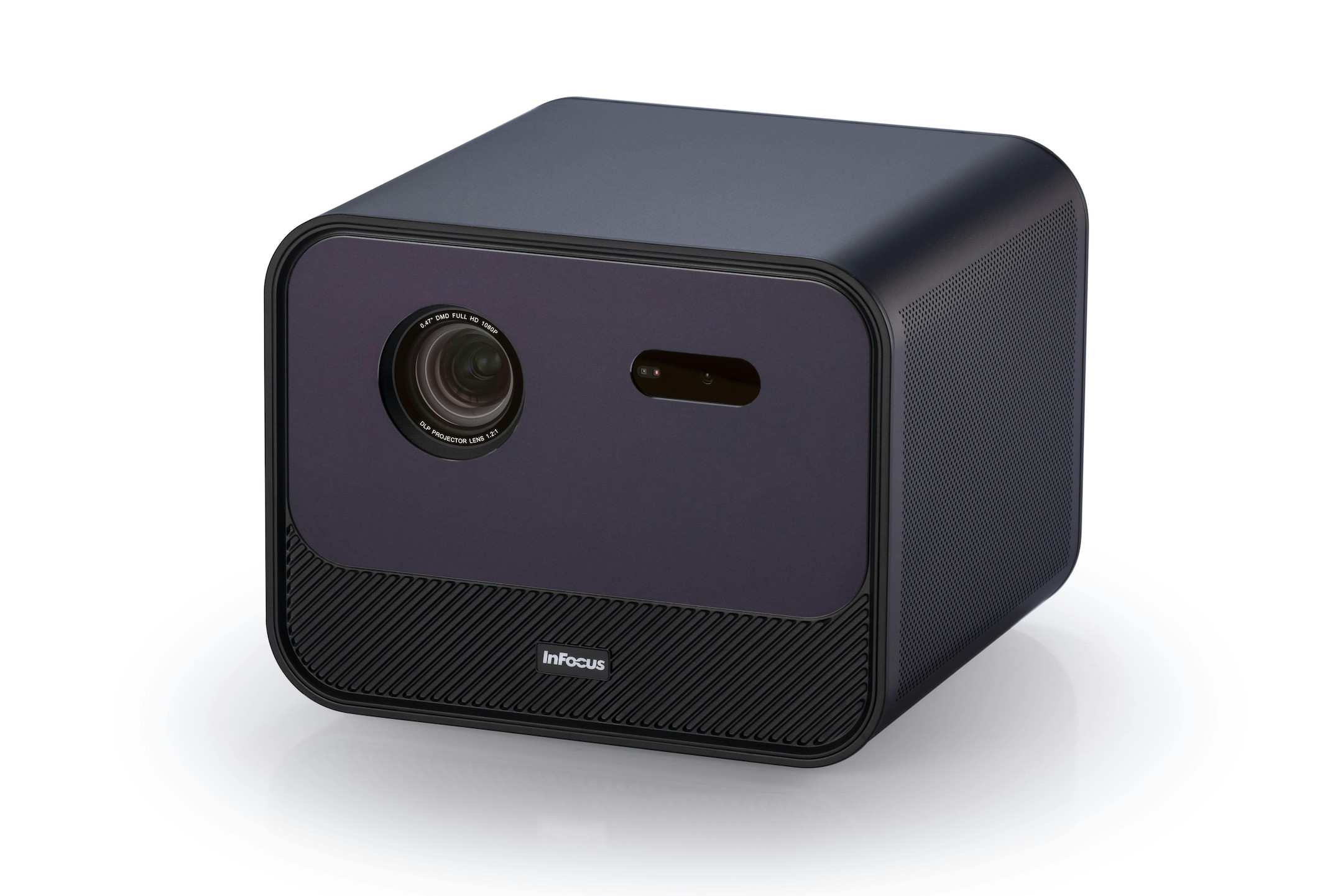
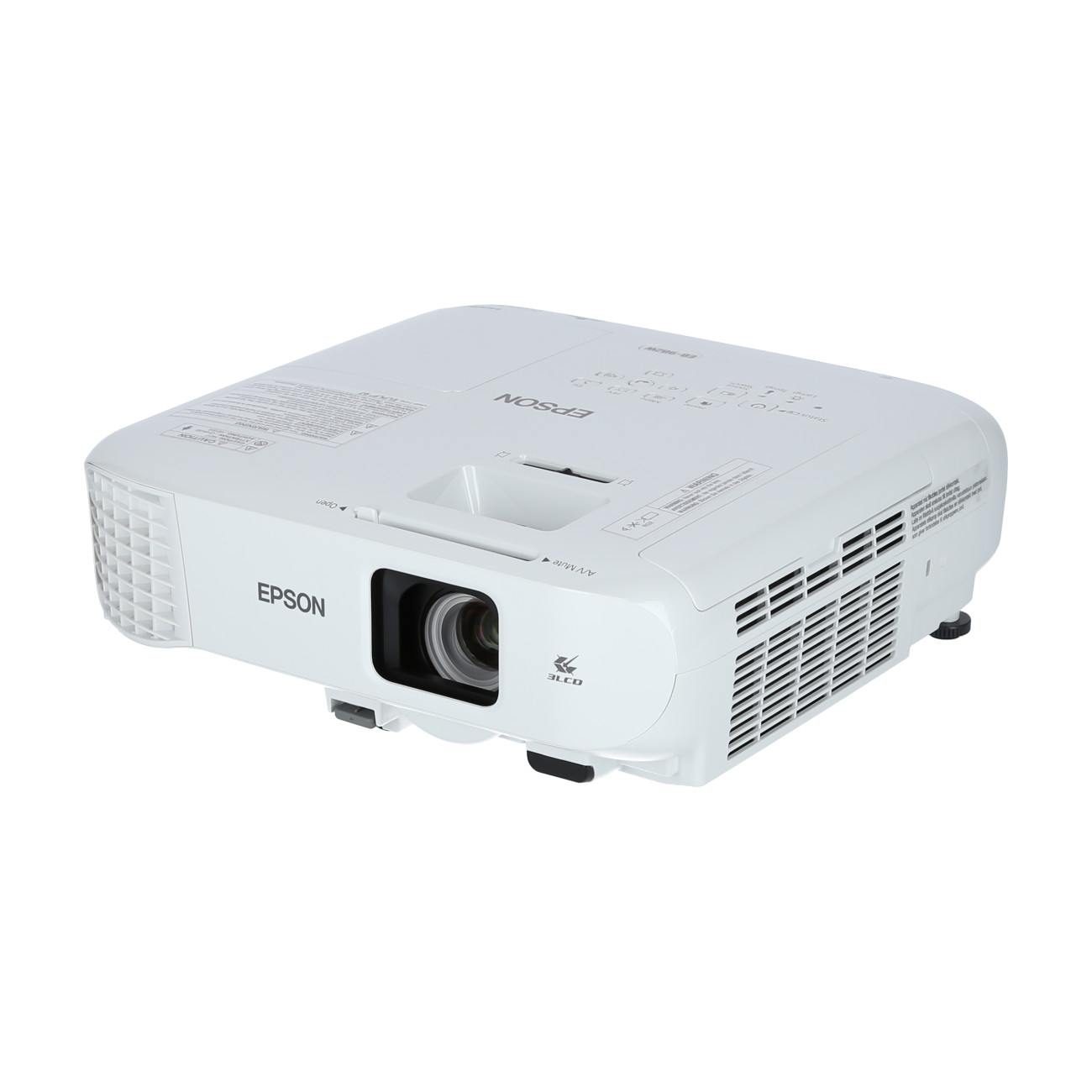
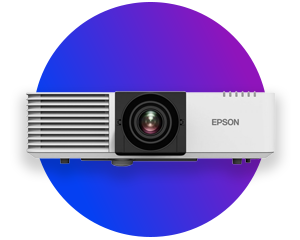
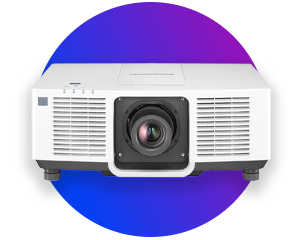




Get the most out of your projector

“ A projector is only as good as its surroundings – put together your home cinema package with us so that you can enjoy a perfect result in the end.

To help you find the ideal video projector for your home, you should be aware of the key technical specifications – and know which specifications are best suited to your intended use.

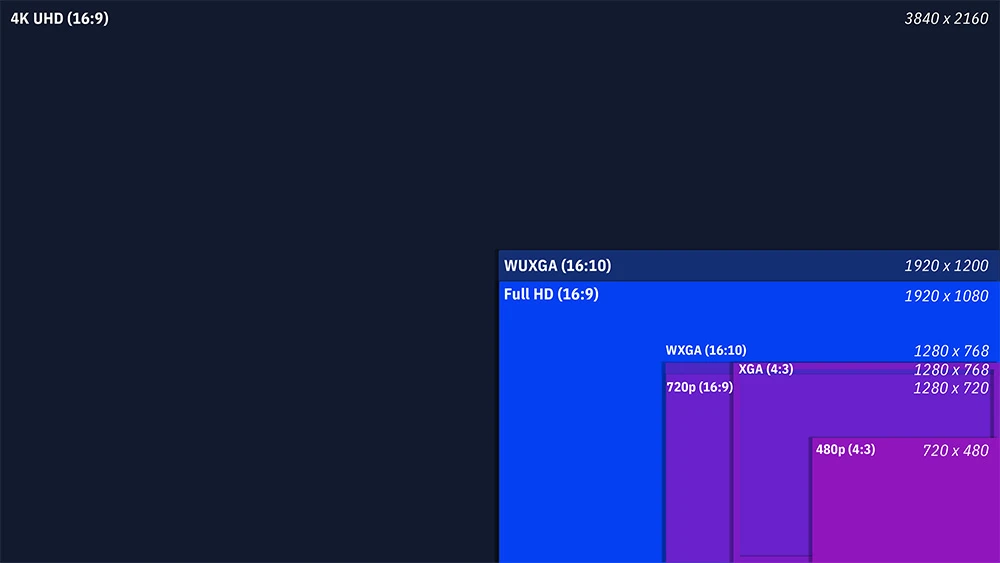
The resolution determines how detailed the image appears.

The brightness determines how clearly you can see the image, even in daylight.

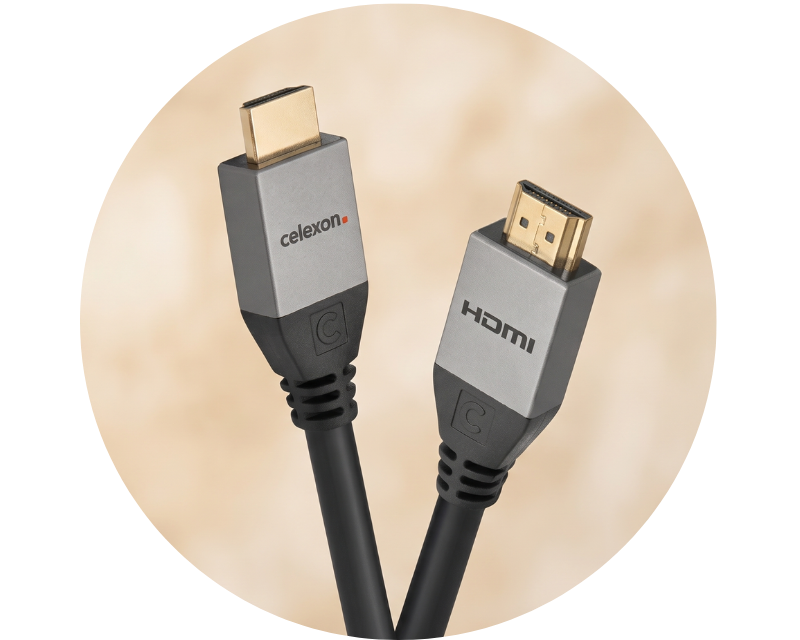
Find out more in our detailed guide: ‘Connecting a projector’ .

High contrast ensures deeper blacks and more vibrant colours.

For the living room, the fan should be as quiet as possible:
Discover here: quiet projectors for your home cinema.

The correct image size and the optimal distance between the projector and the projection screen depend on the projector model. Use our projection screen calculator to work out the perfect distance for your projector. It will help you to optimally match the screen size to the depth of the room.
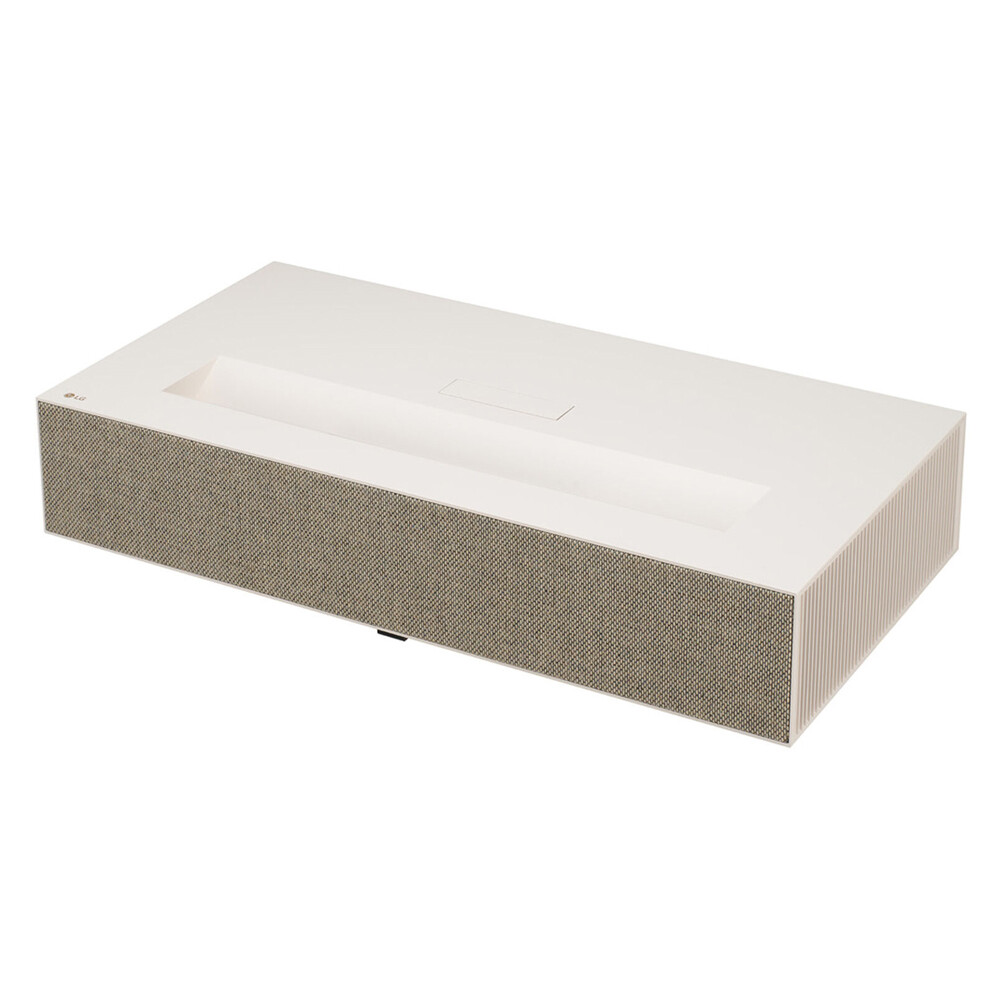
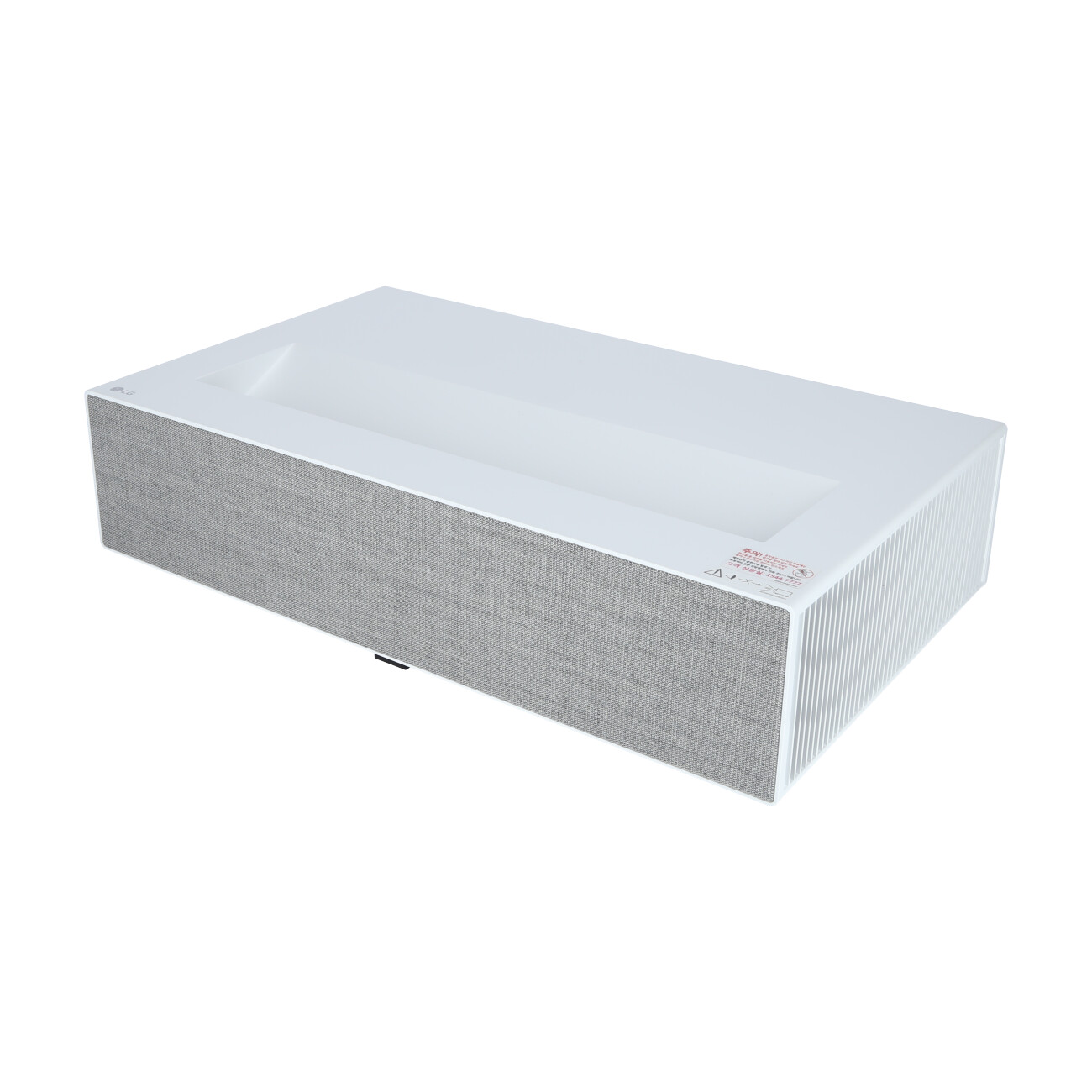
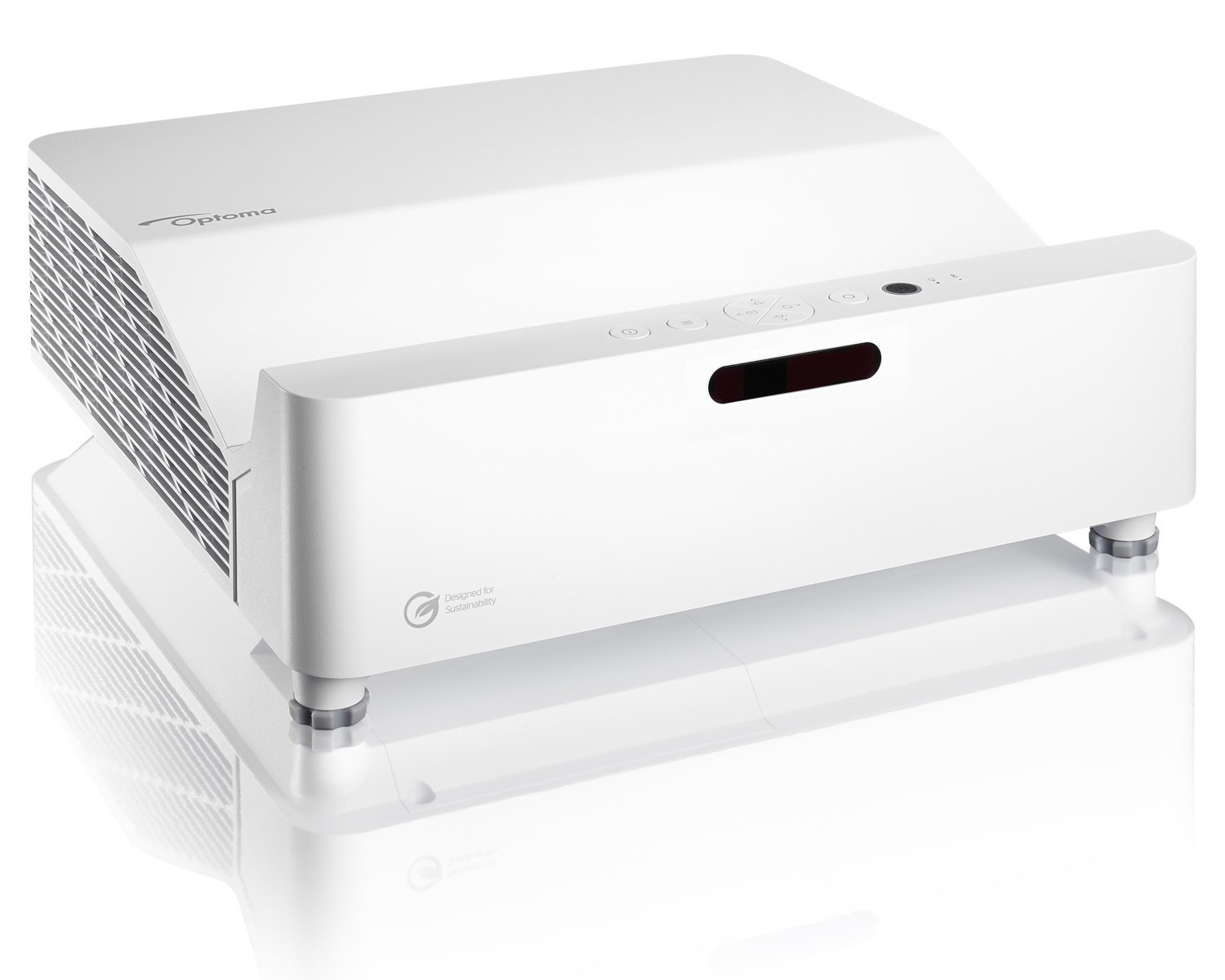
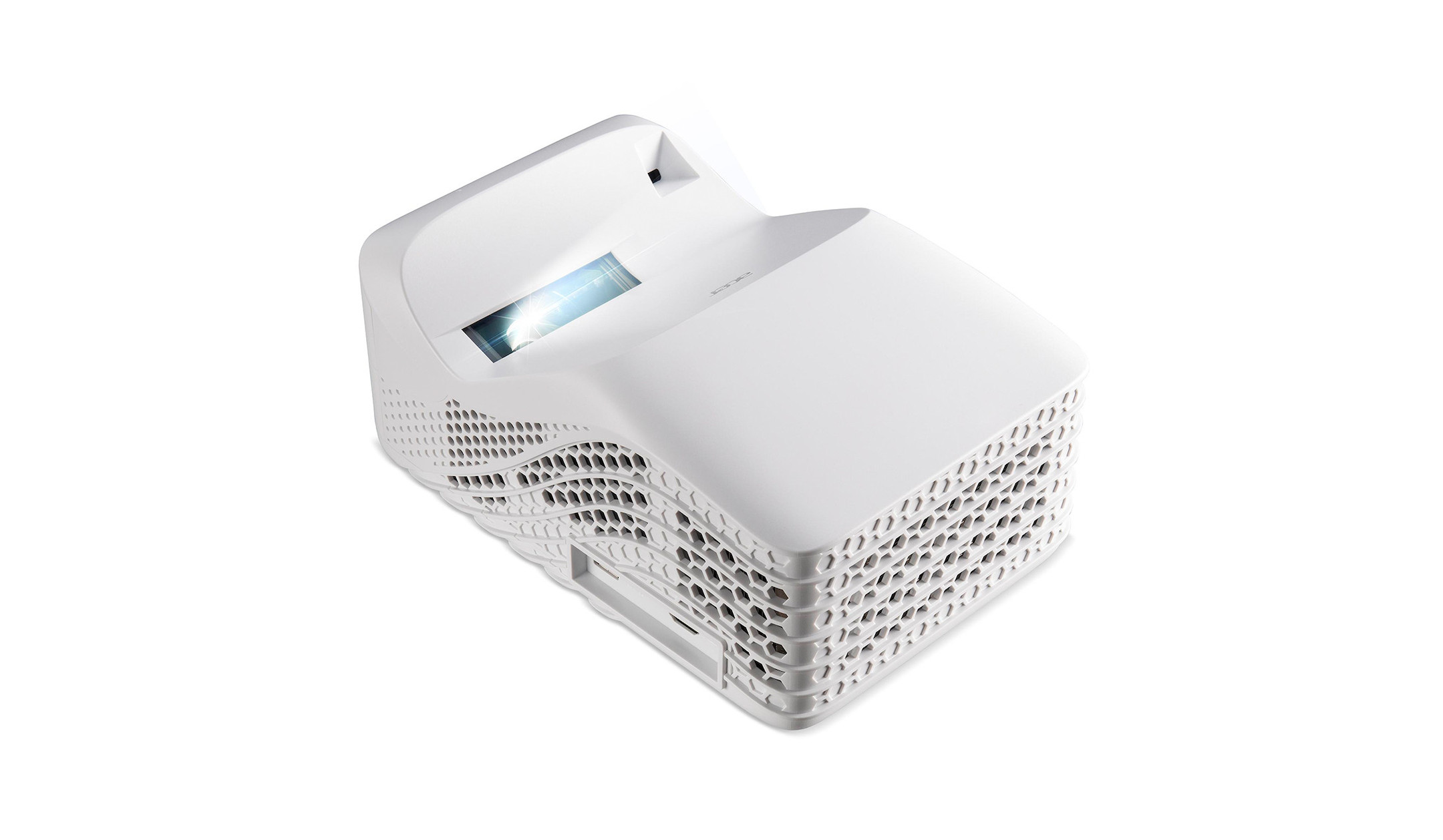
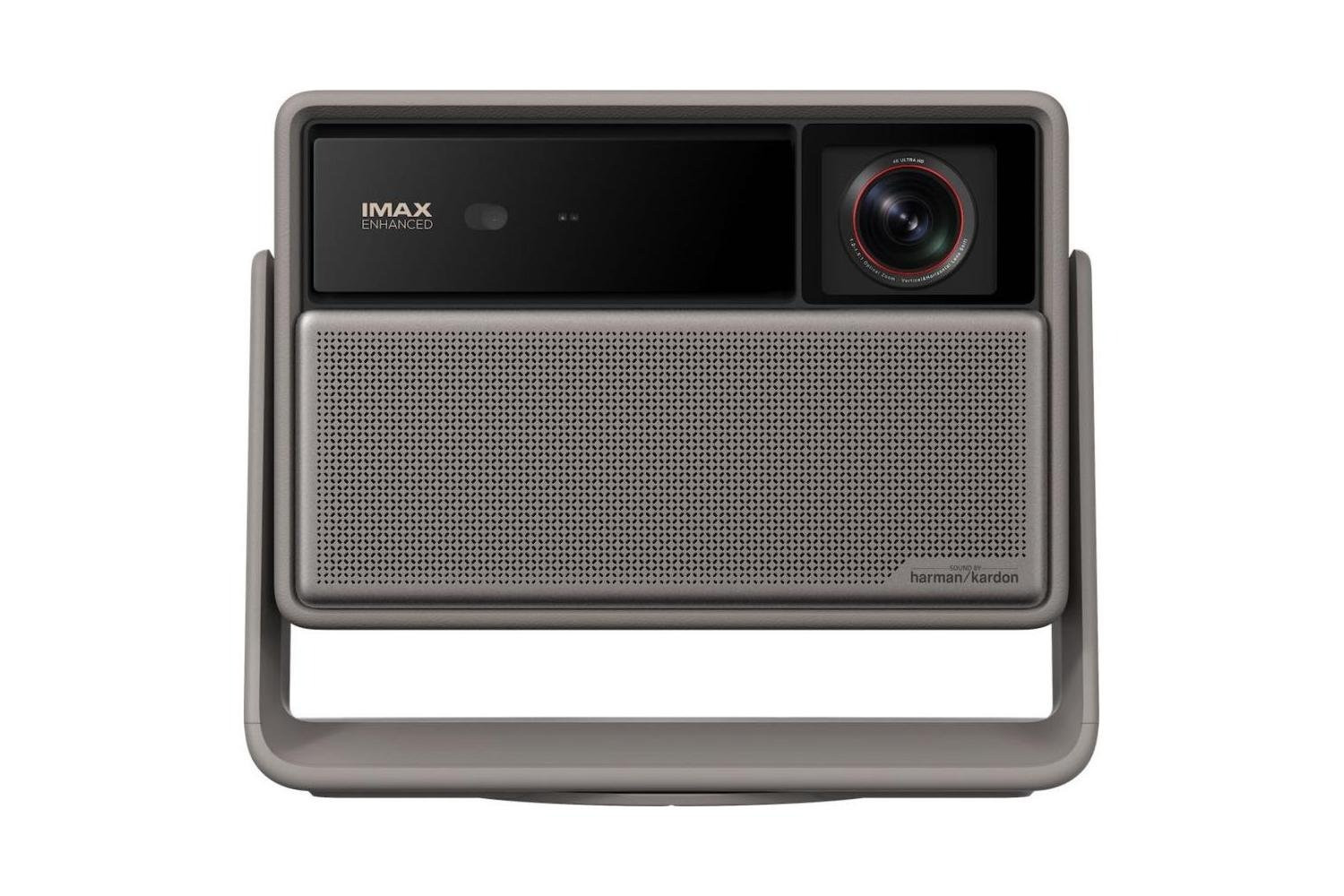
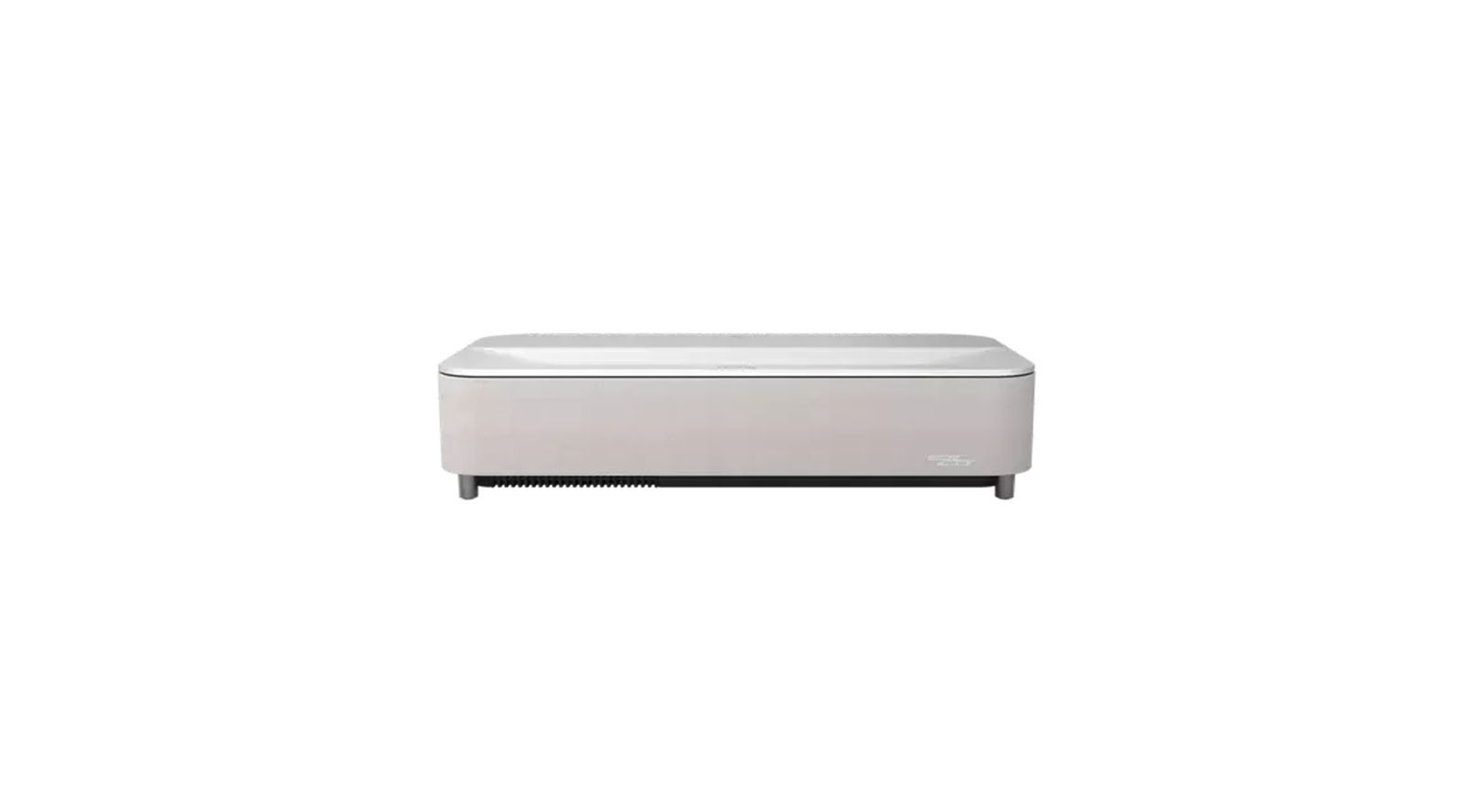
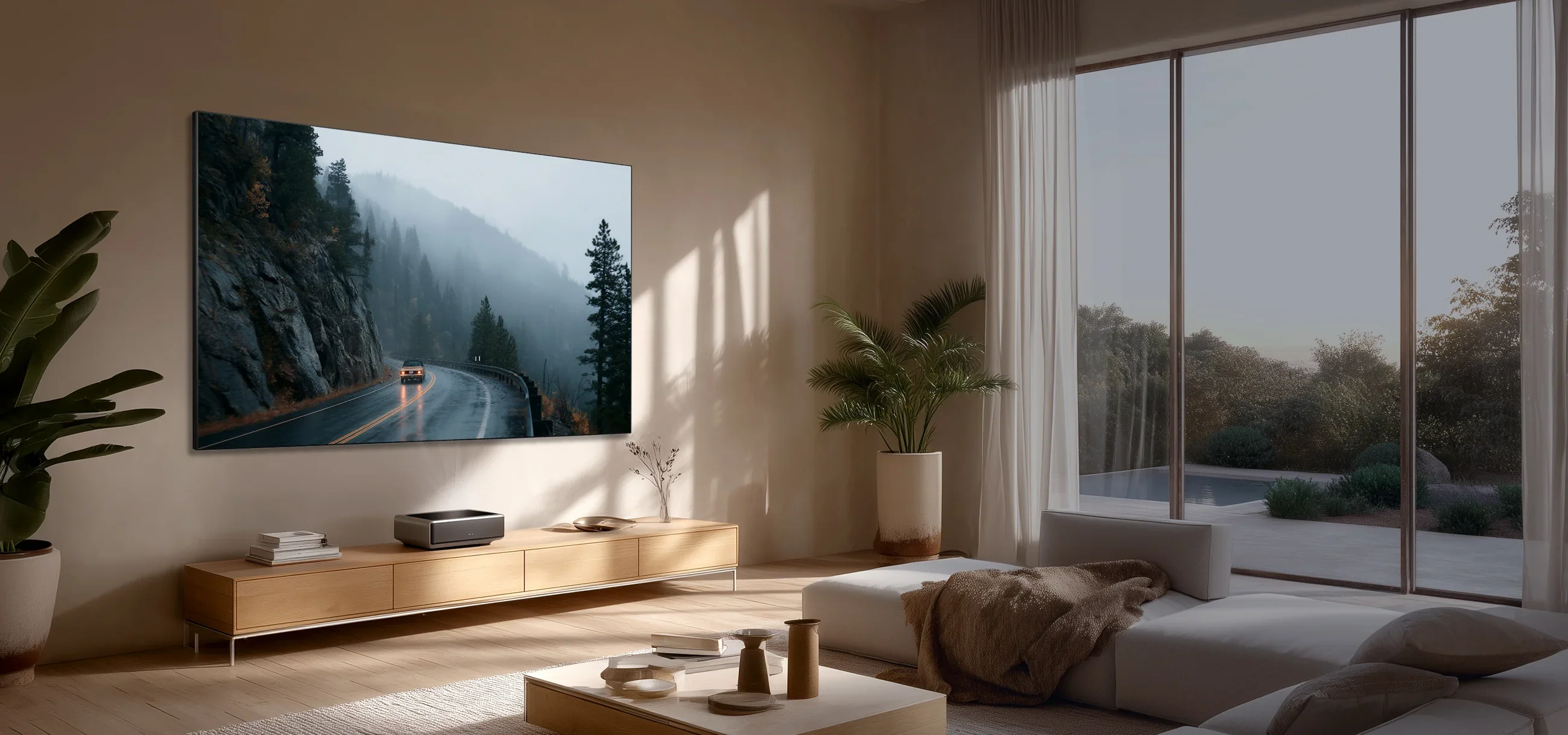
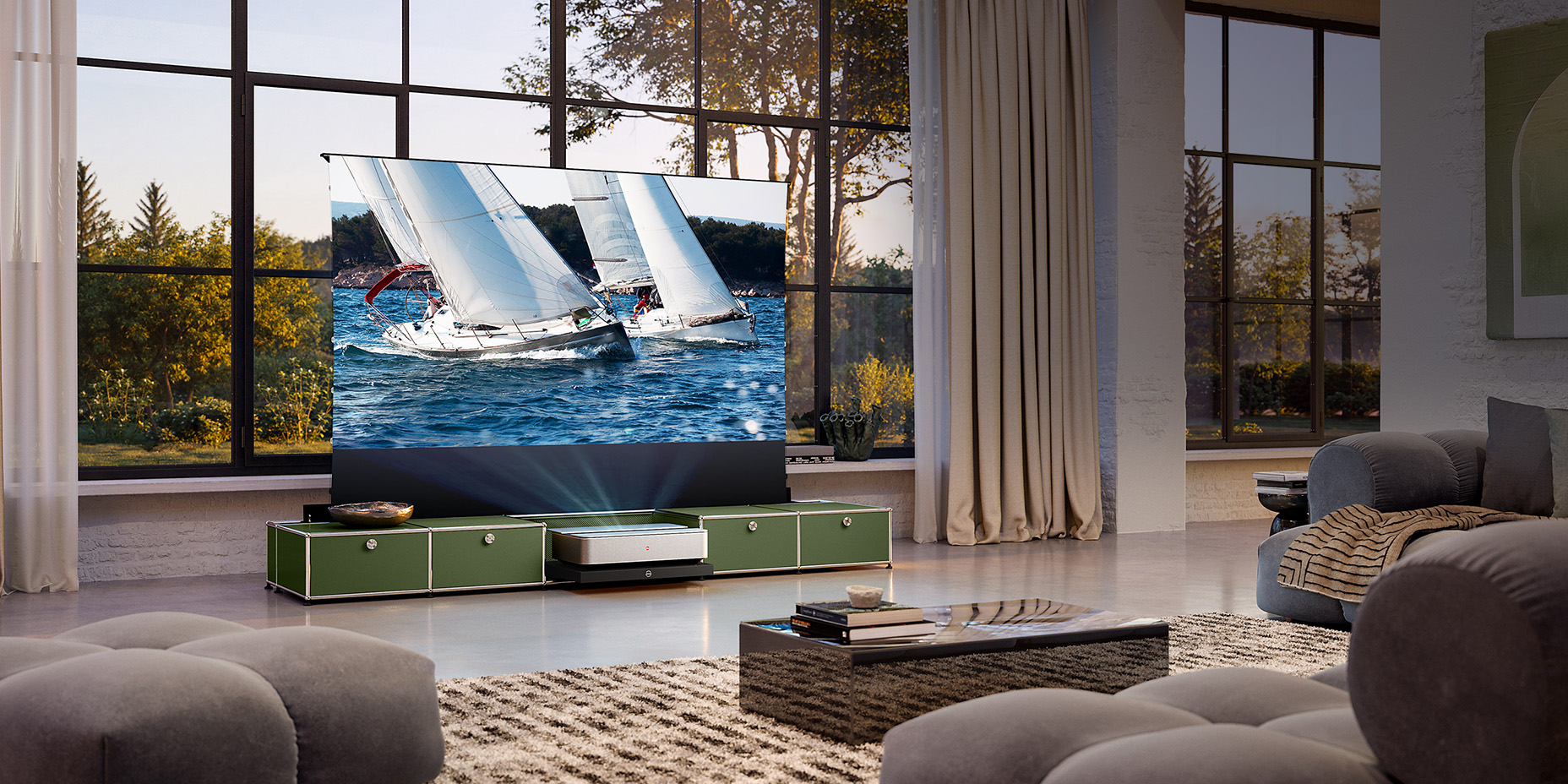
Laser TV projectors are ideal for home cinemas where space is particularly limited. These models can deliver a remarkable home cinema experience even from a distance of just a few centimetres.
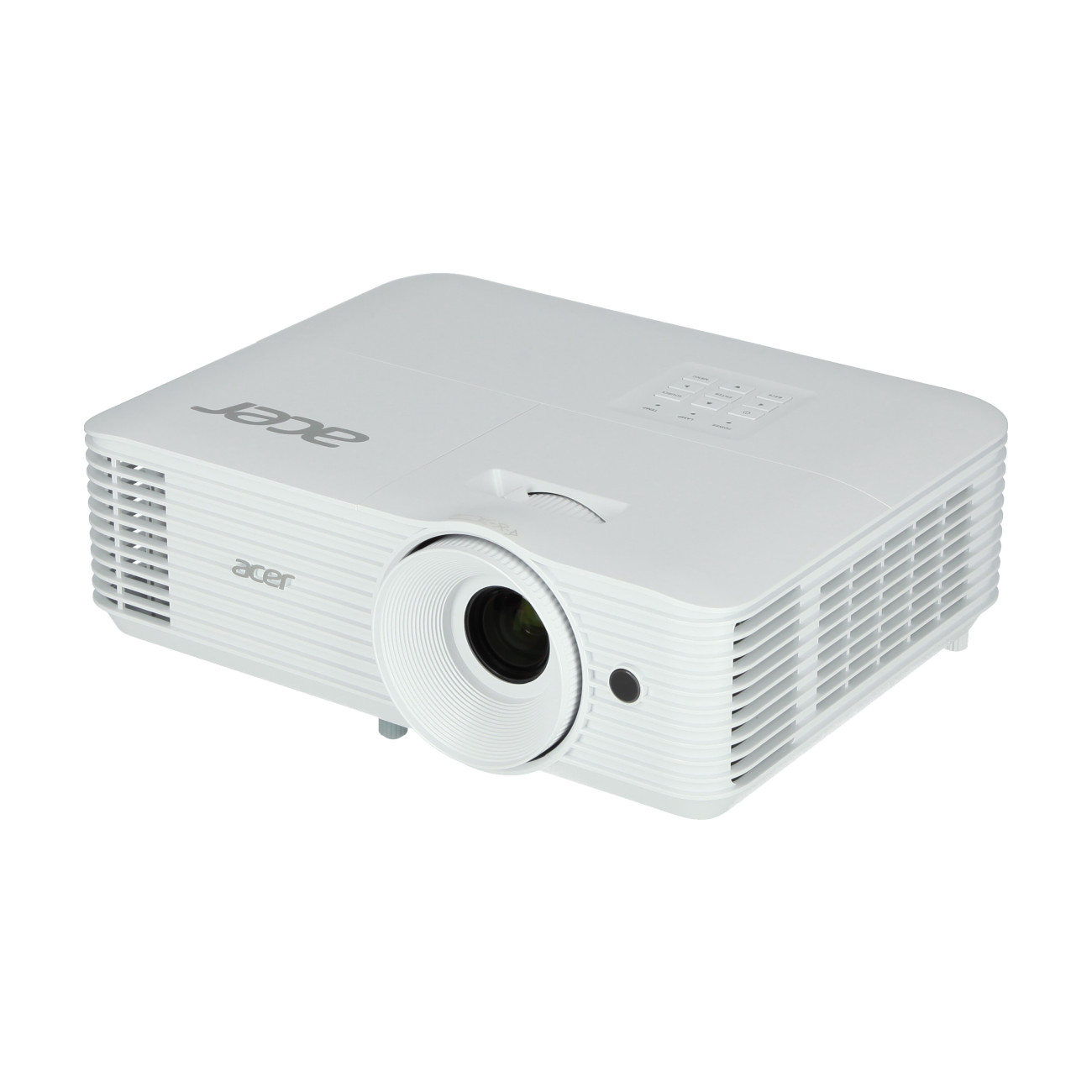
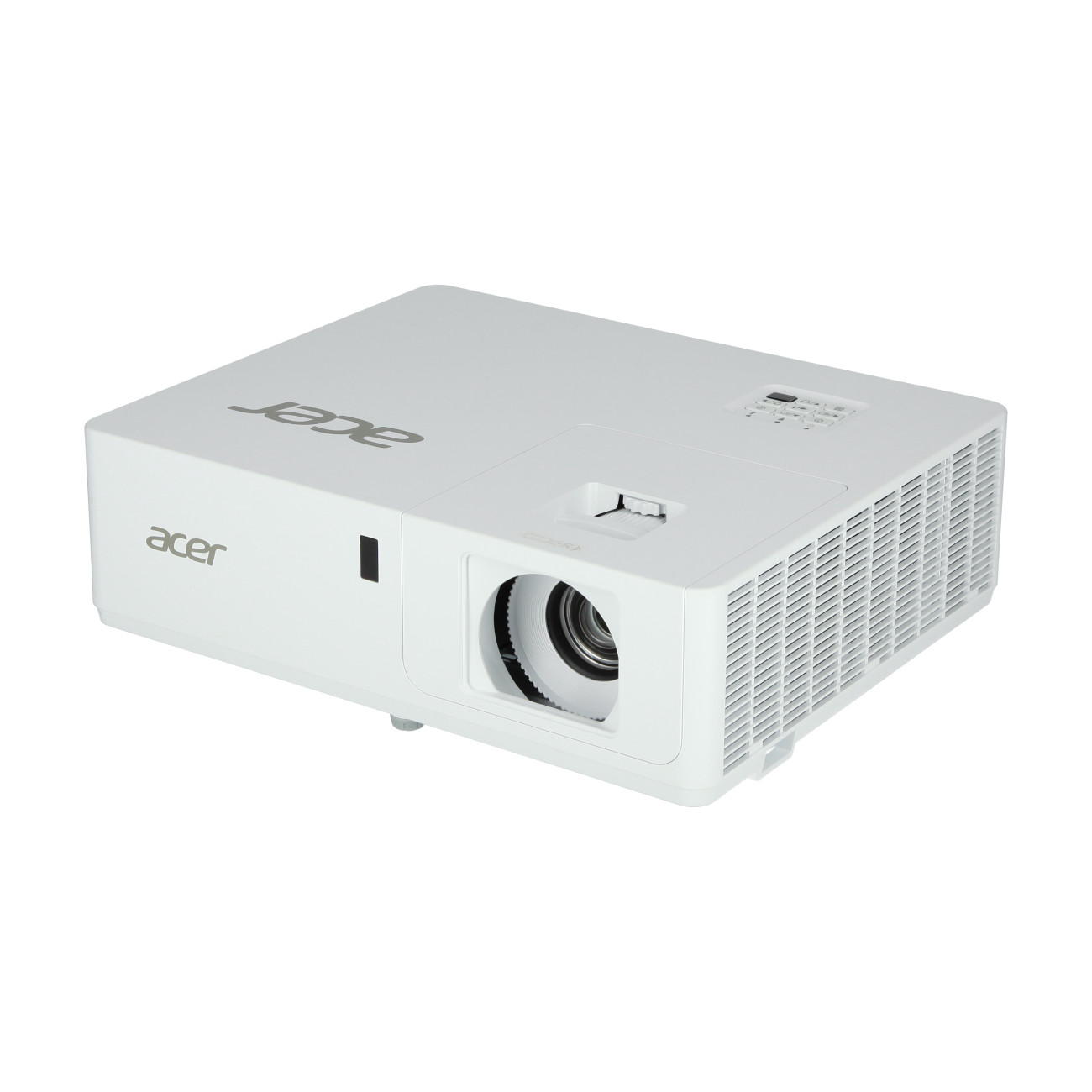
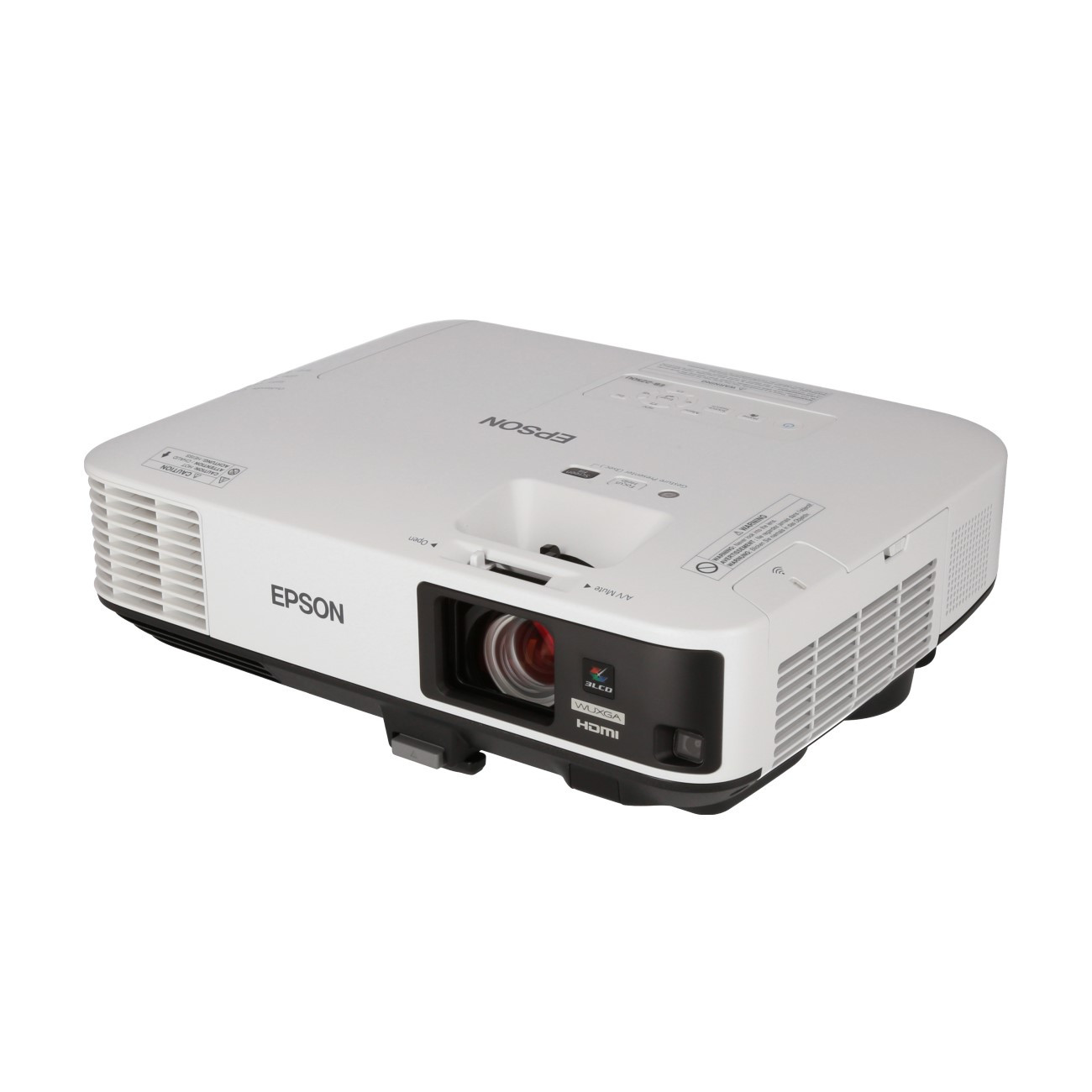
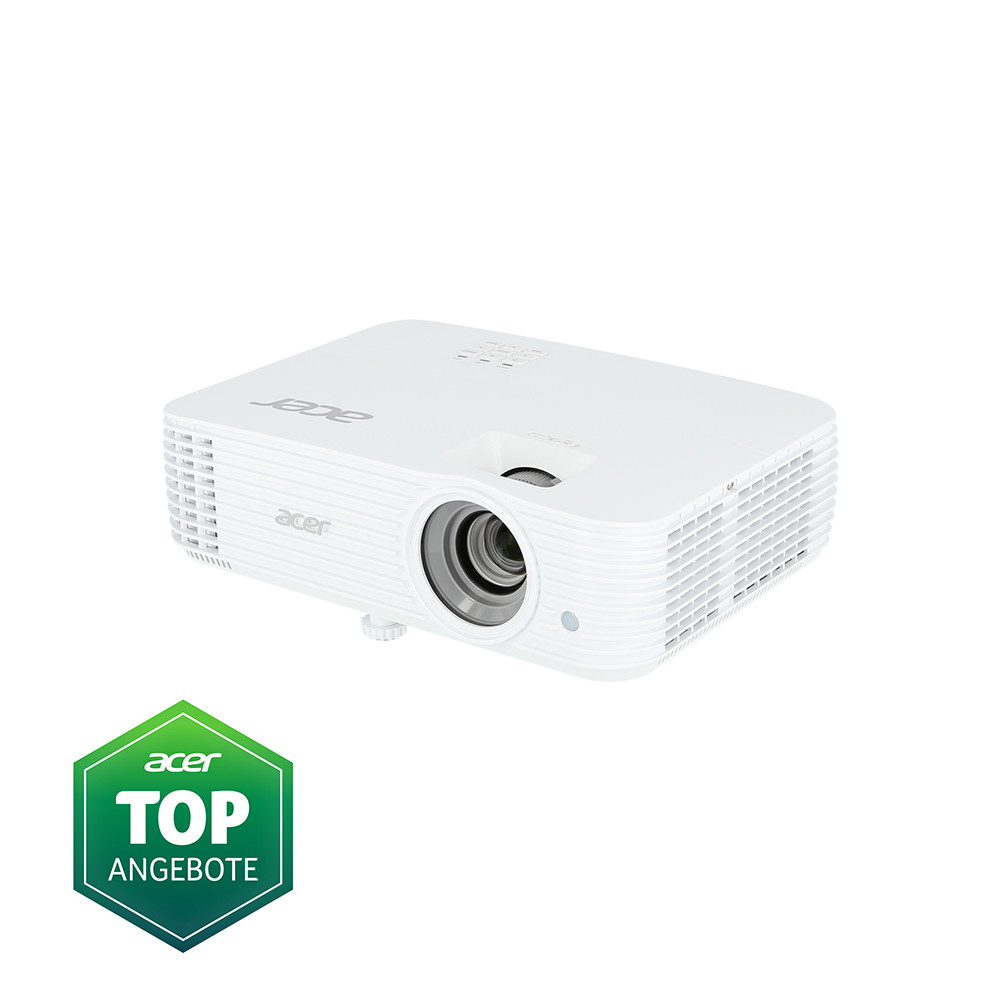
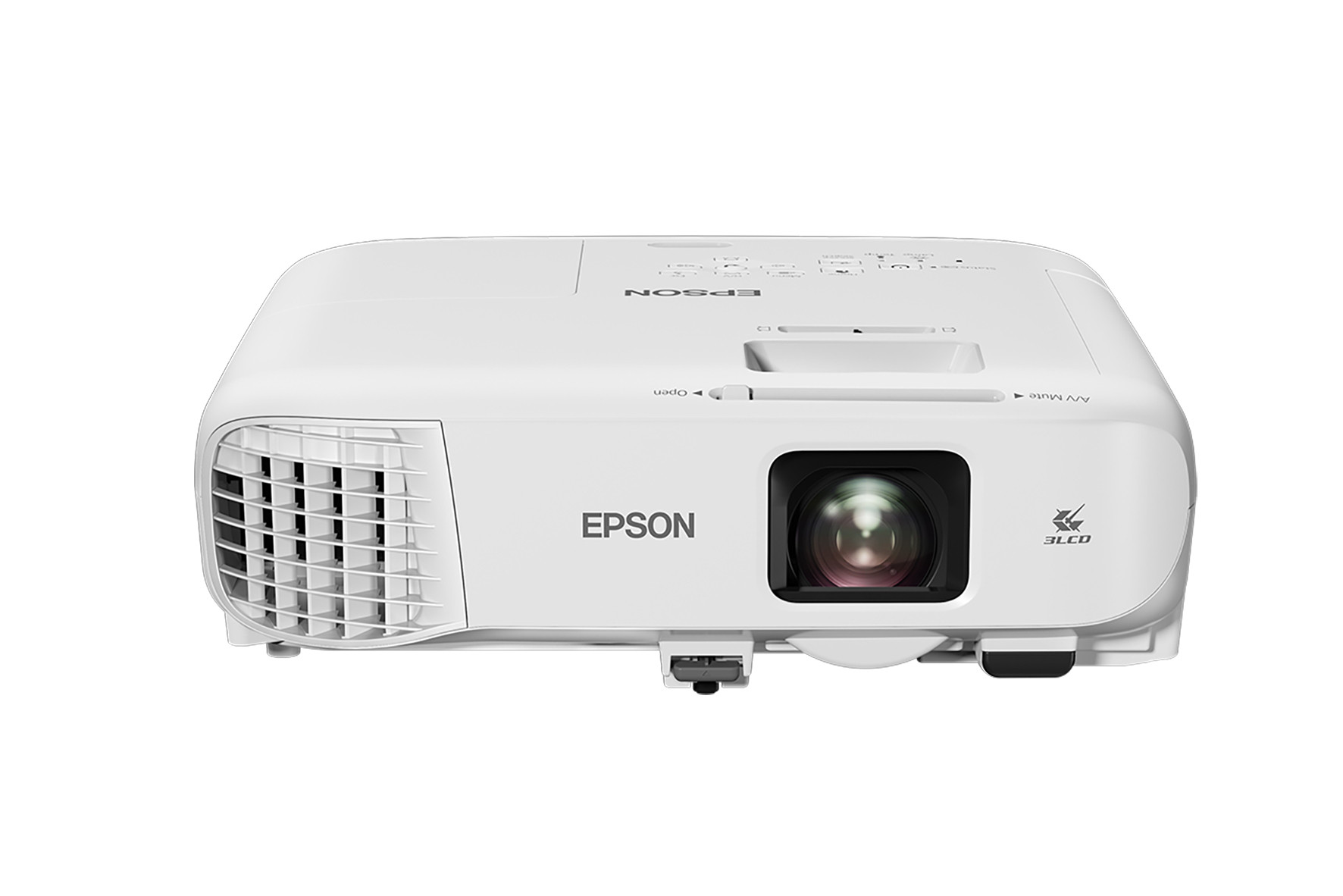
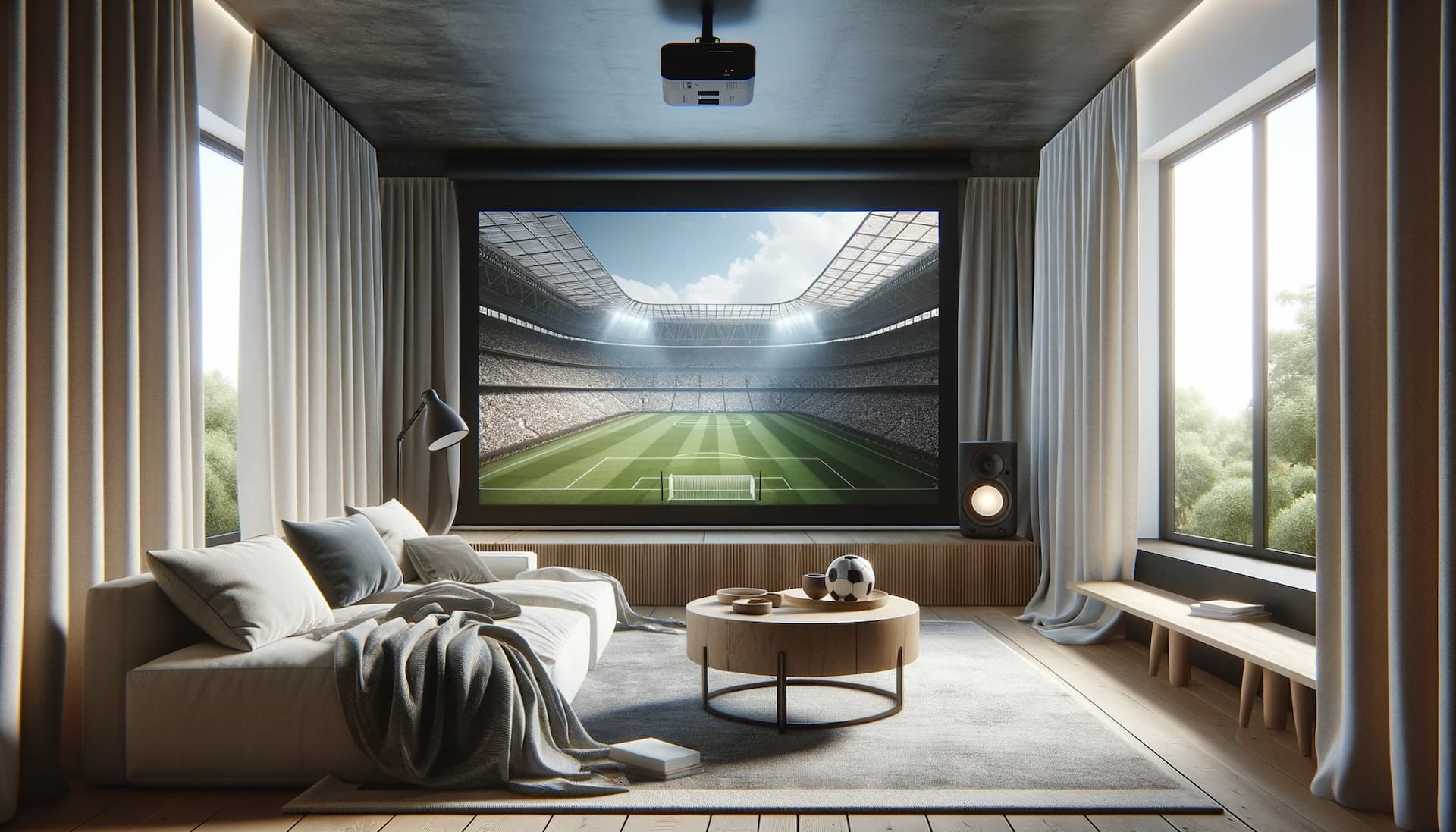
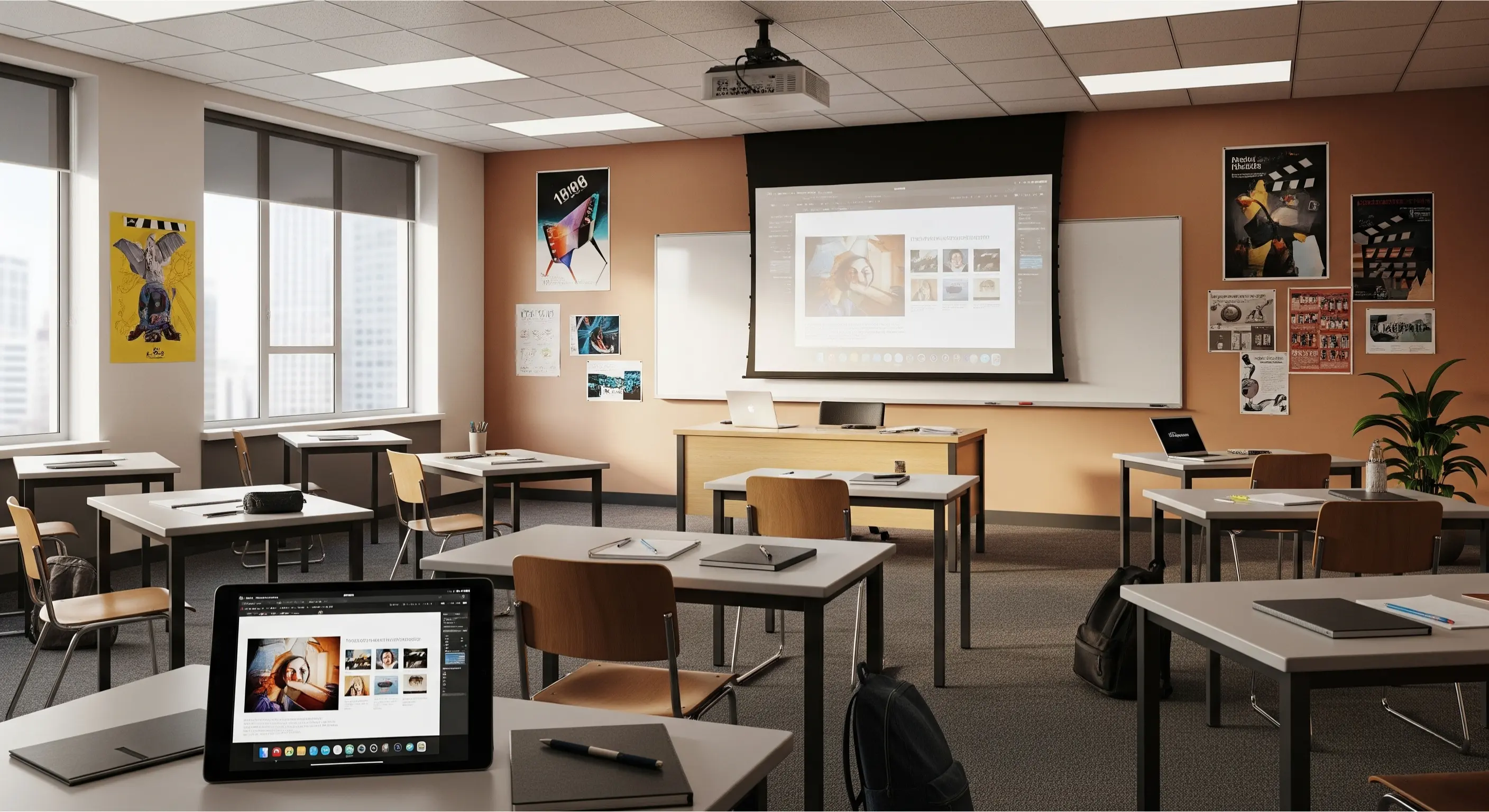
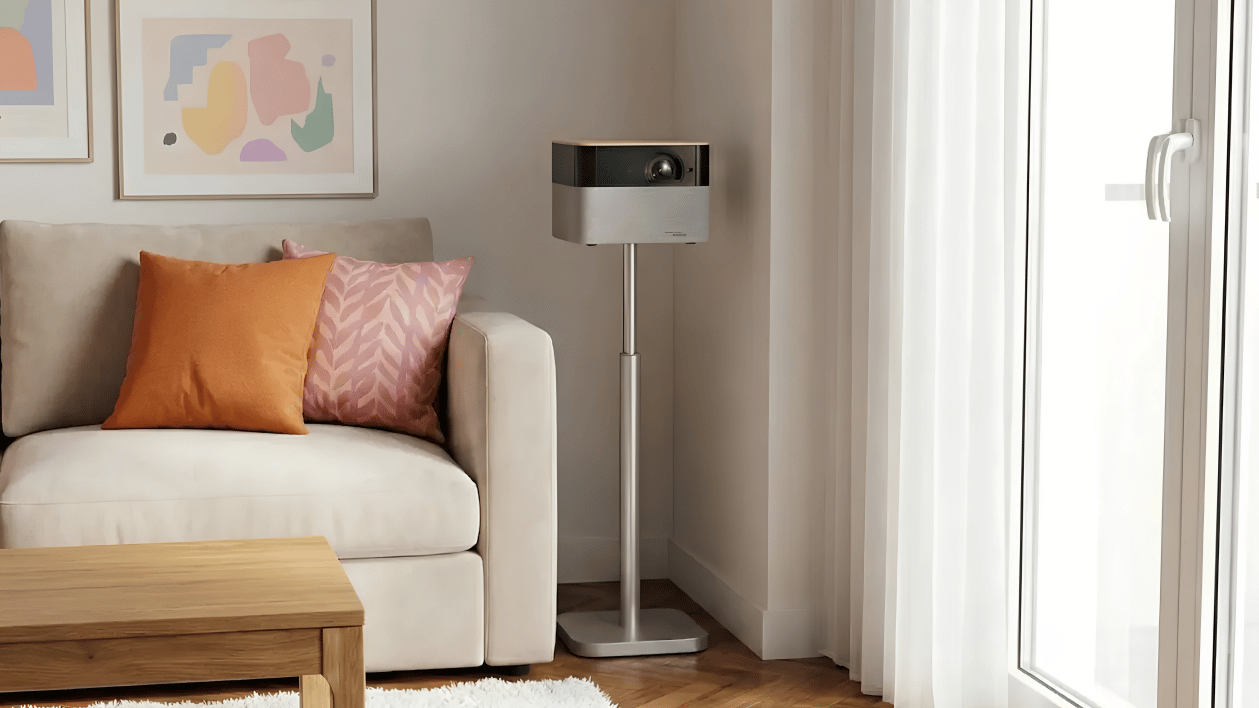
The requirements for a projector vary significantly depending on its intended use. Whilst home cinema set-ups focus primarily on picture quality and contrast, high brightness and flexible connectivity options are crucial for business or school projectors:
.jpg)
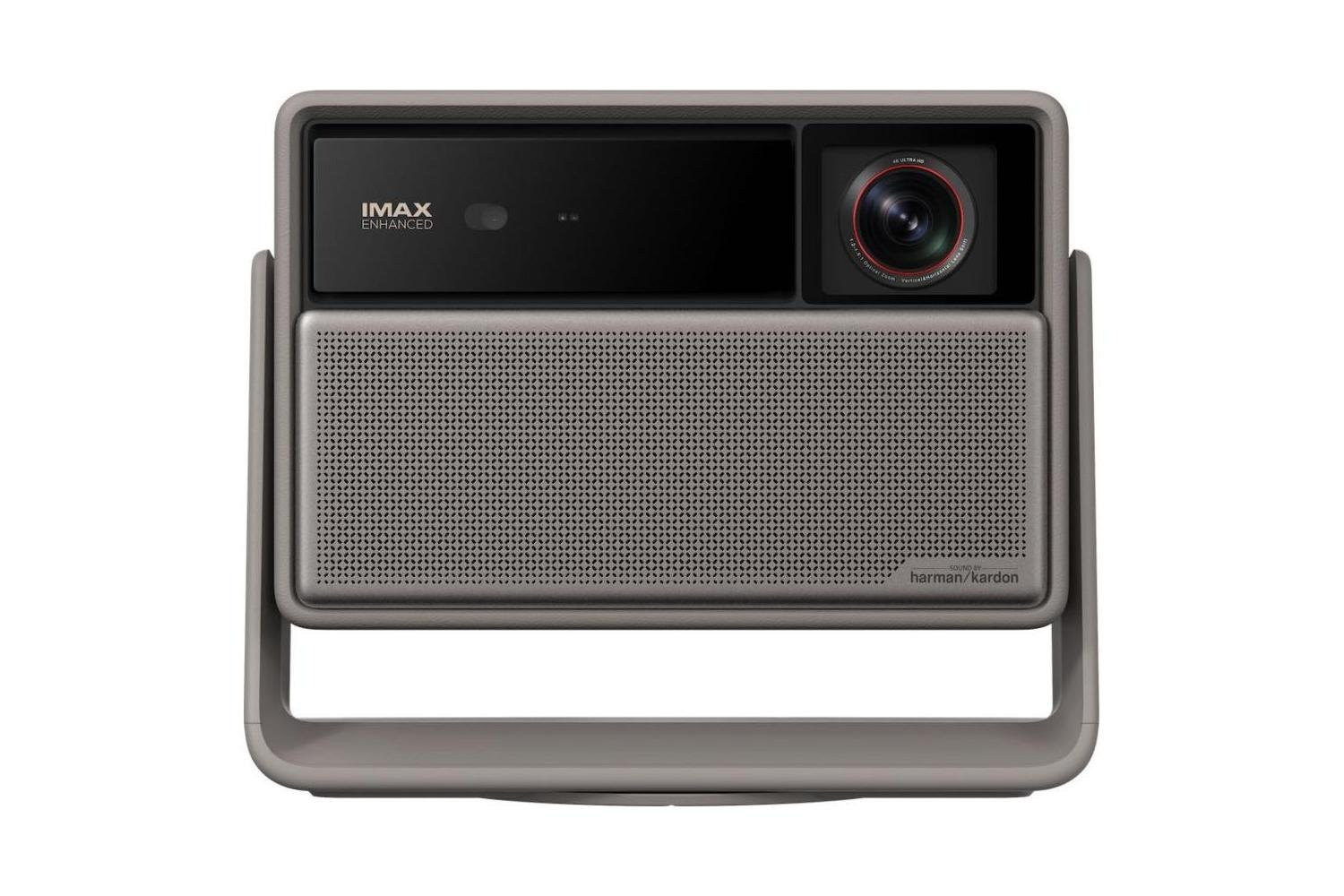
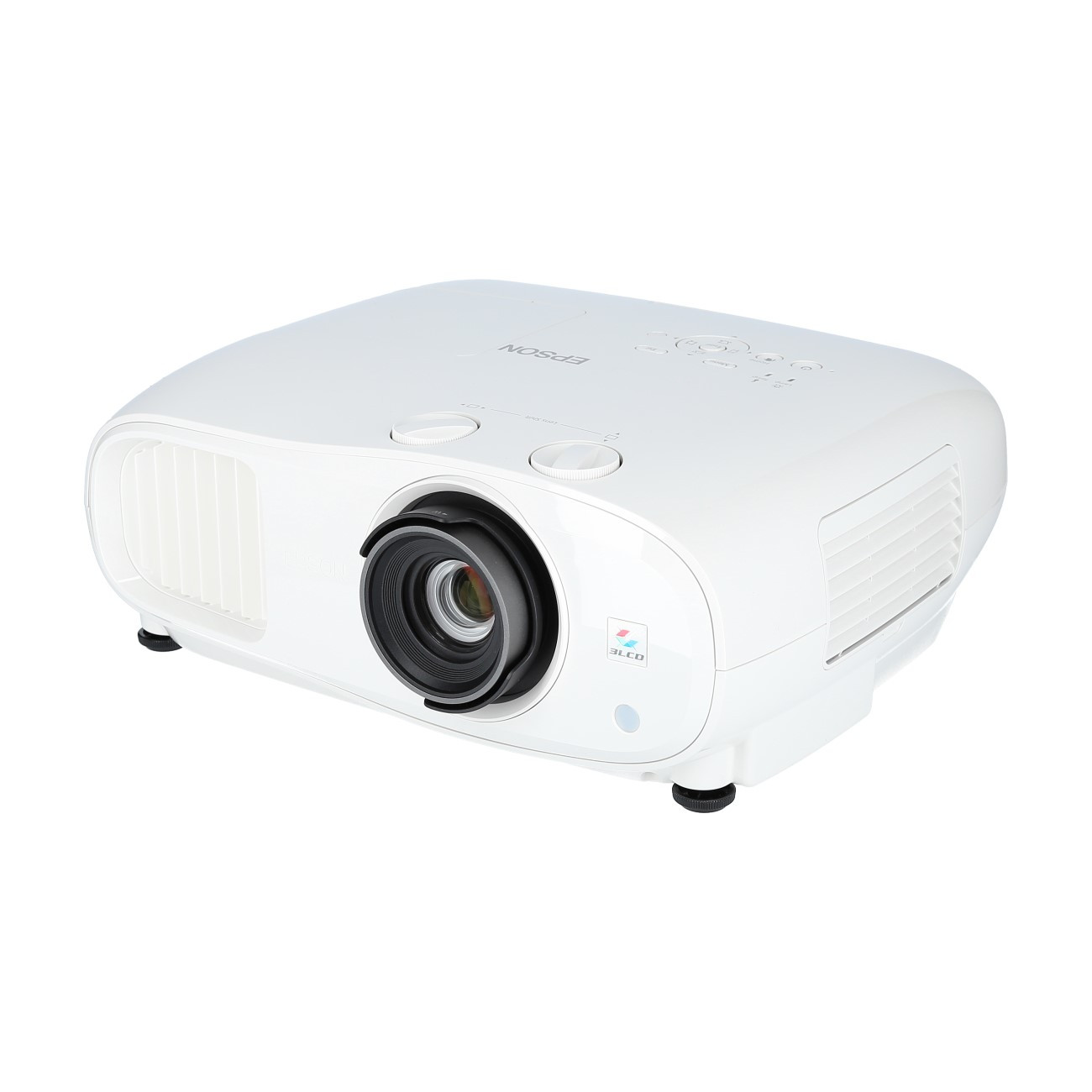
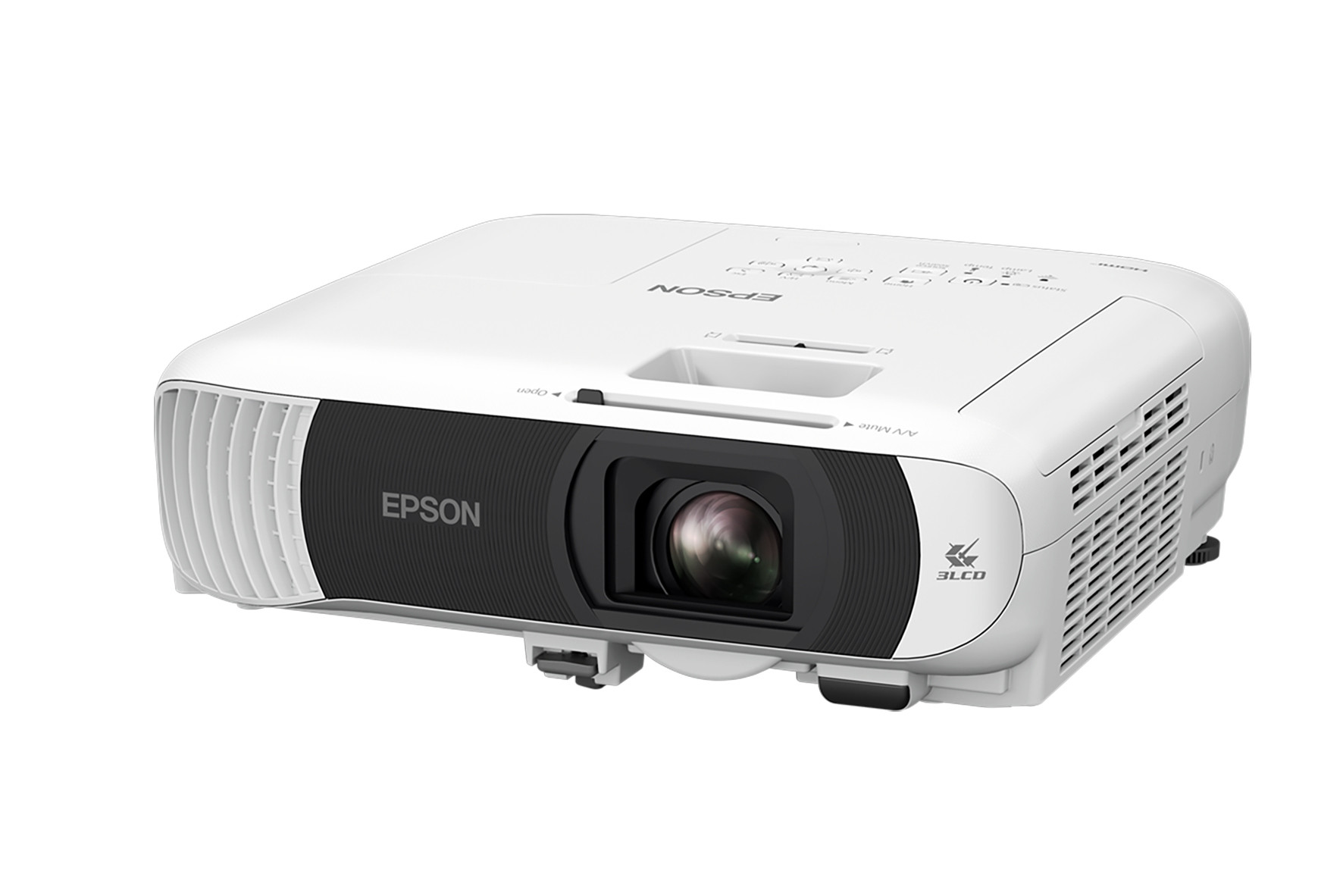
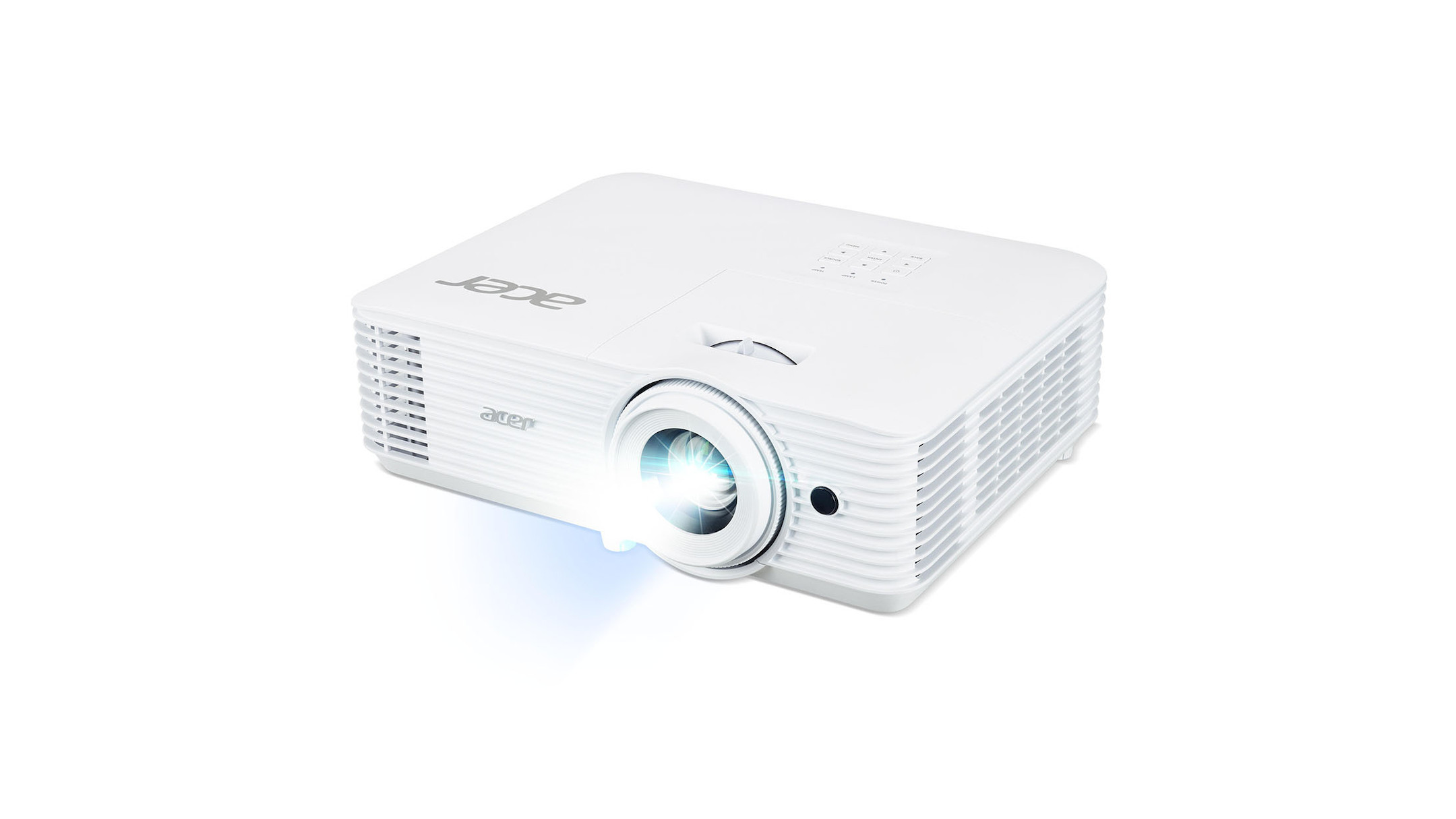
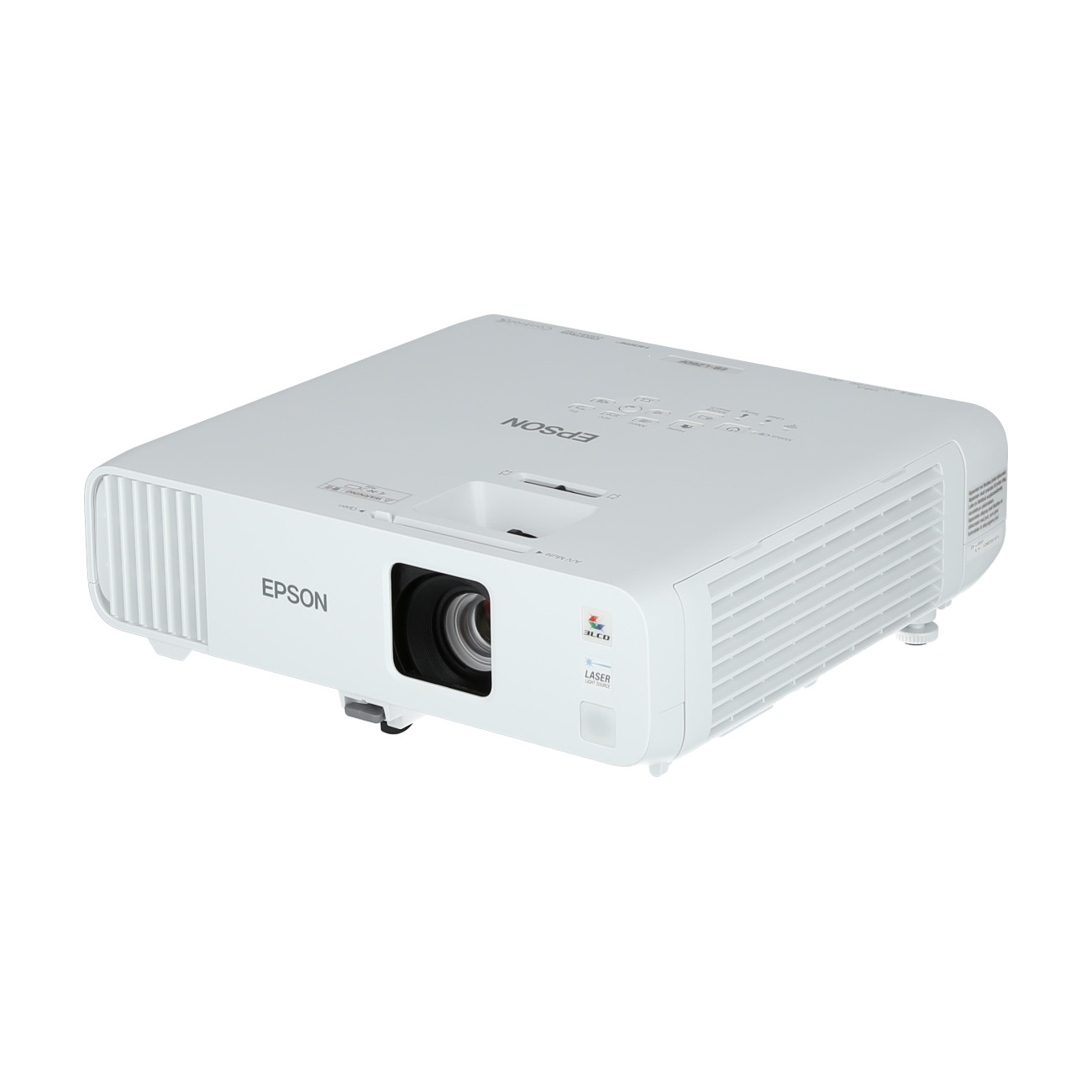
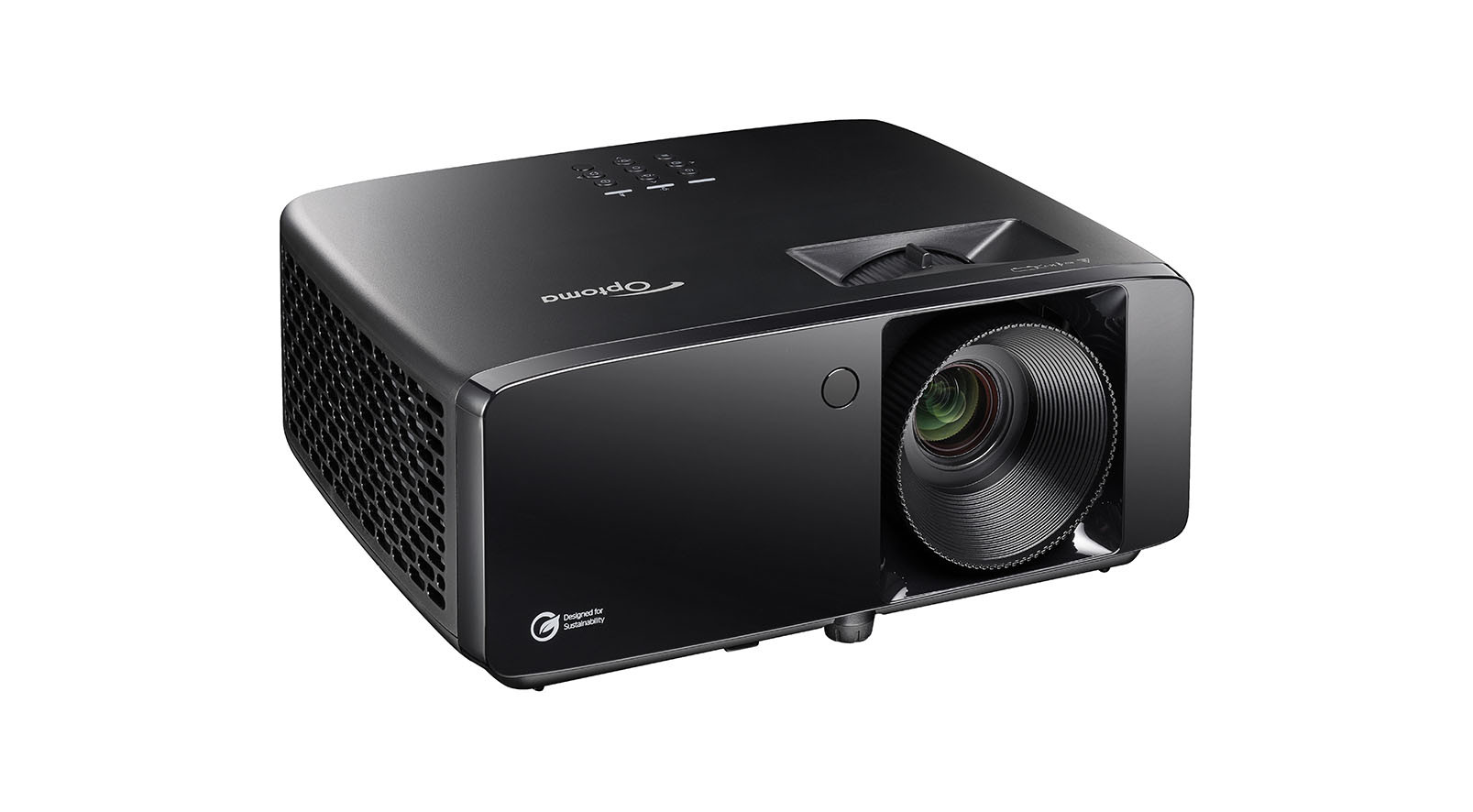
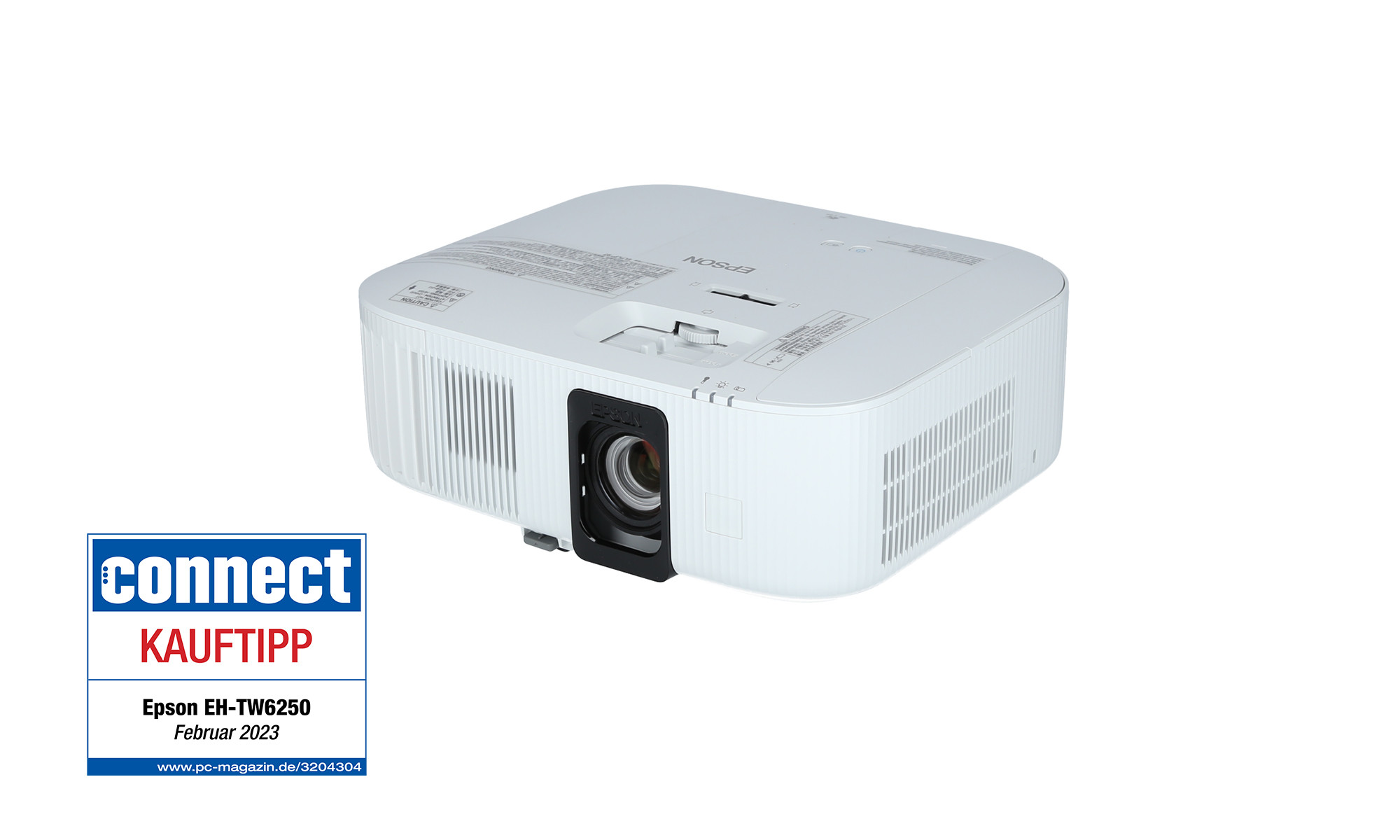
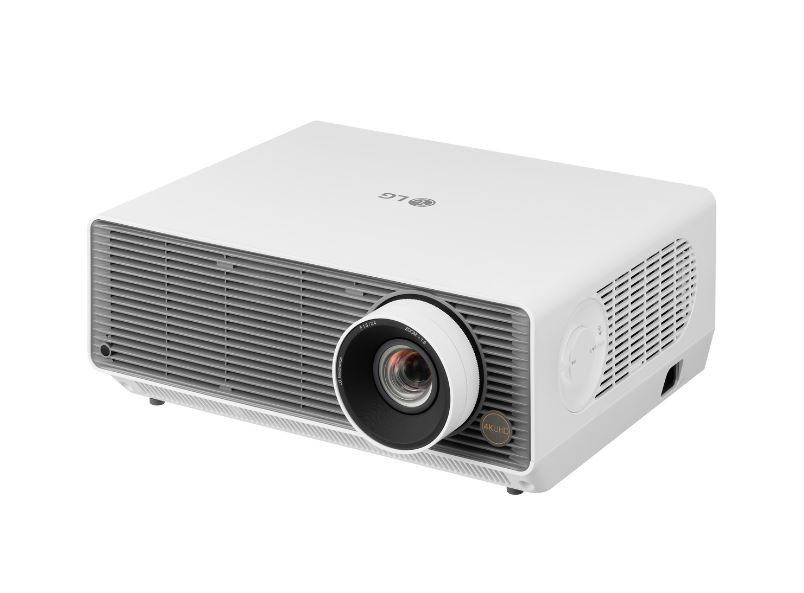
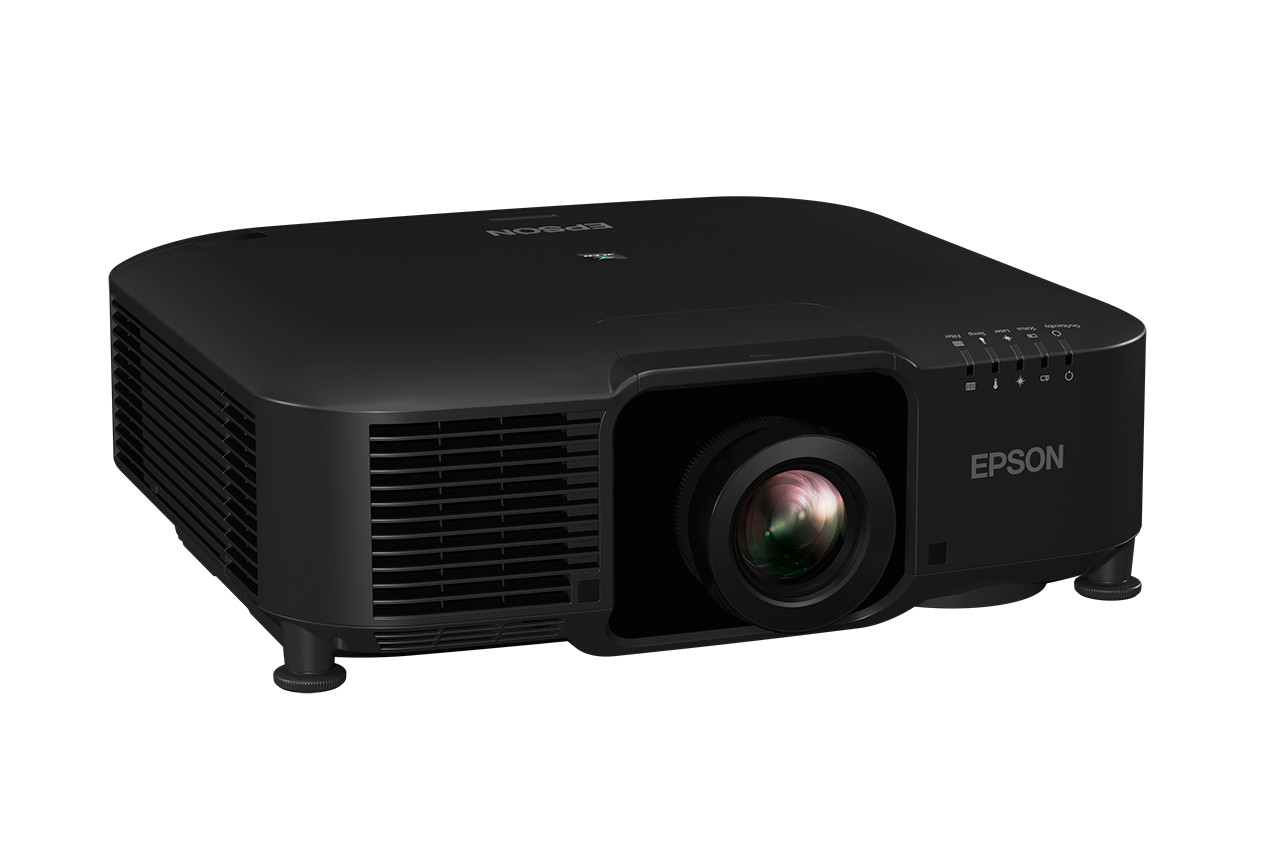
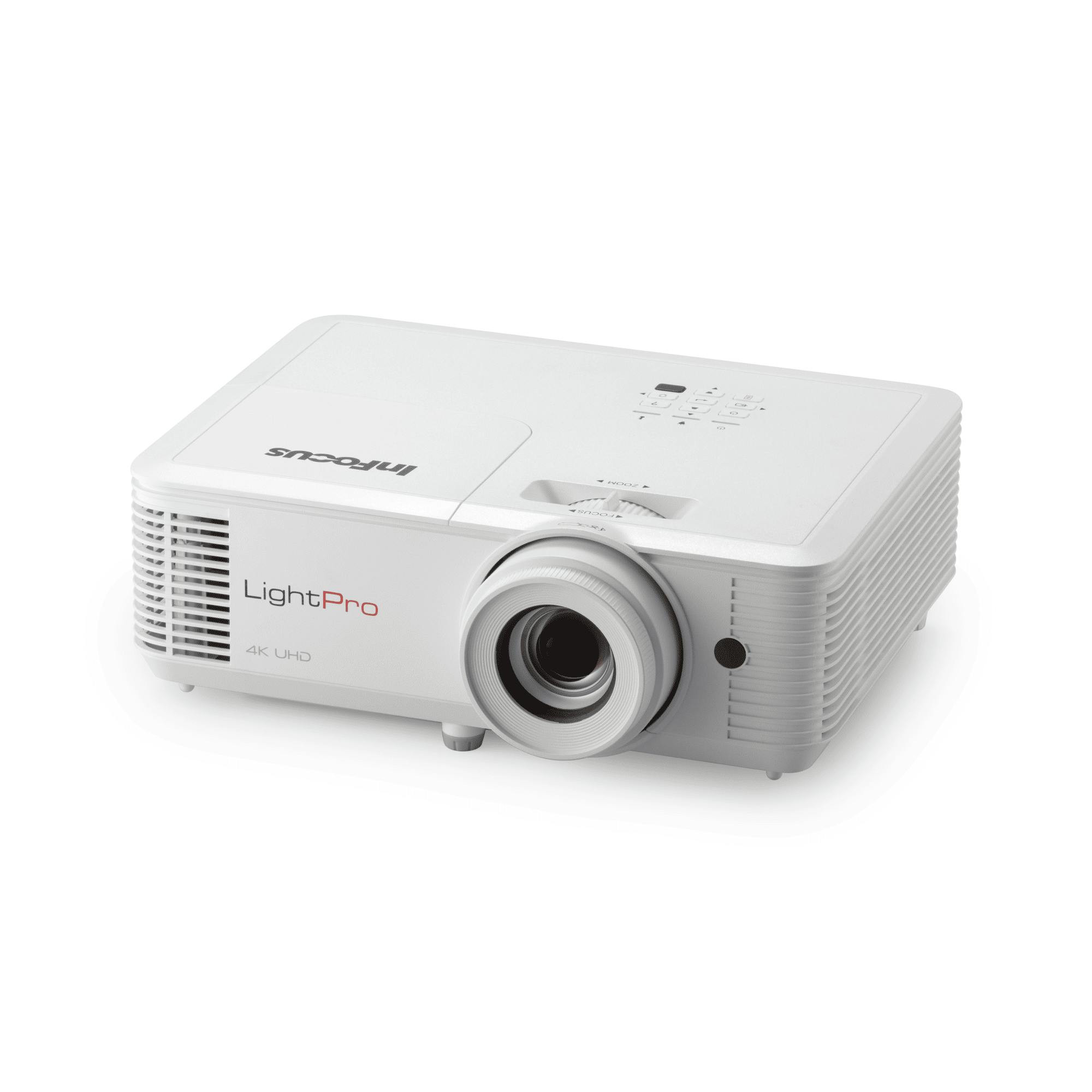
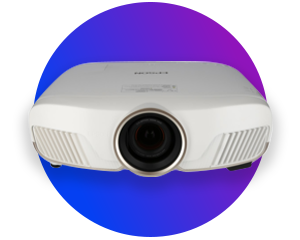
For an impressive home cinema experience, we recommend modern 4K projectors with a laser light source. They deliver razor-sharp images, vibrant colours and an exceptionally long service life. It’s also important to have a high contrast ratio of at least 10,000:1, so that dark scenes in films are rendered in rich detail and with vibrancy. If the room cannot be completely darkened, the projector should offer at least 2,500 ANSI lumens.
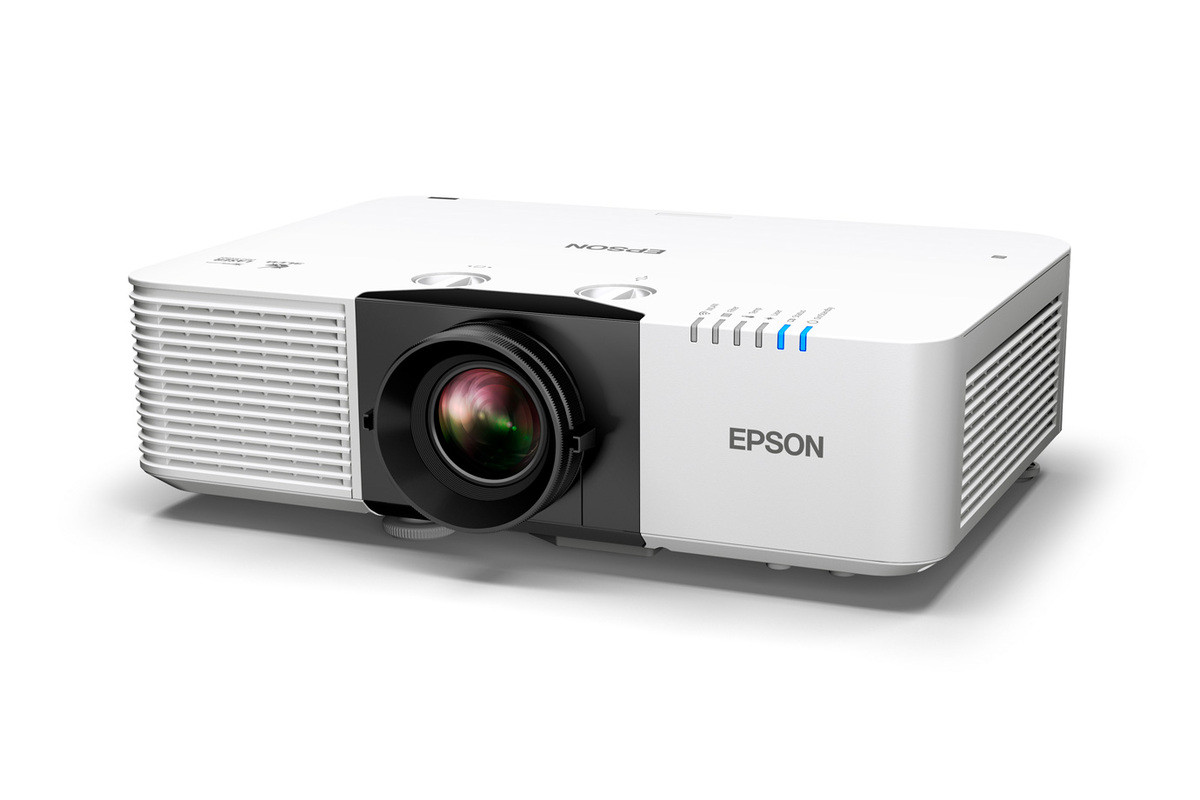
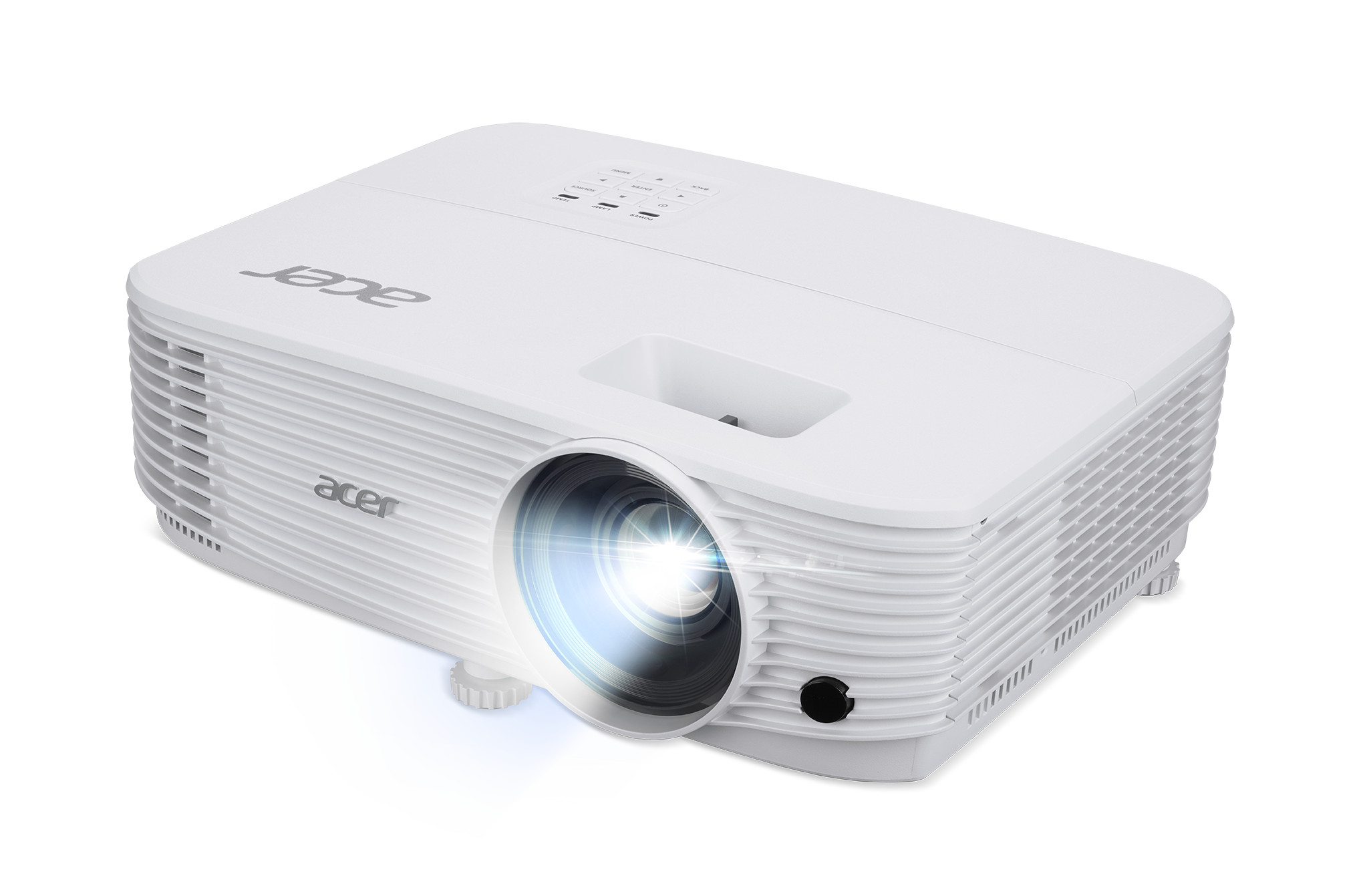
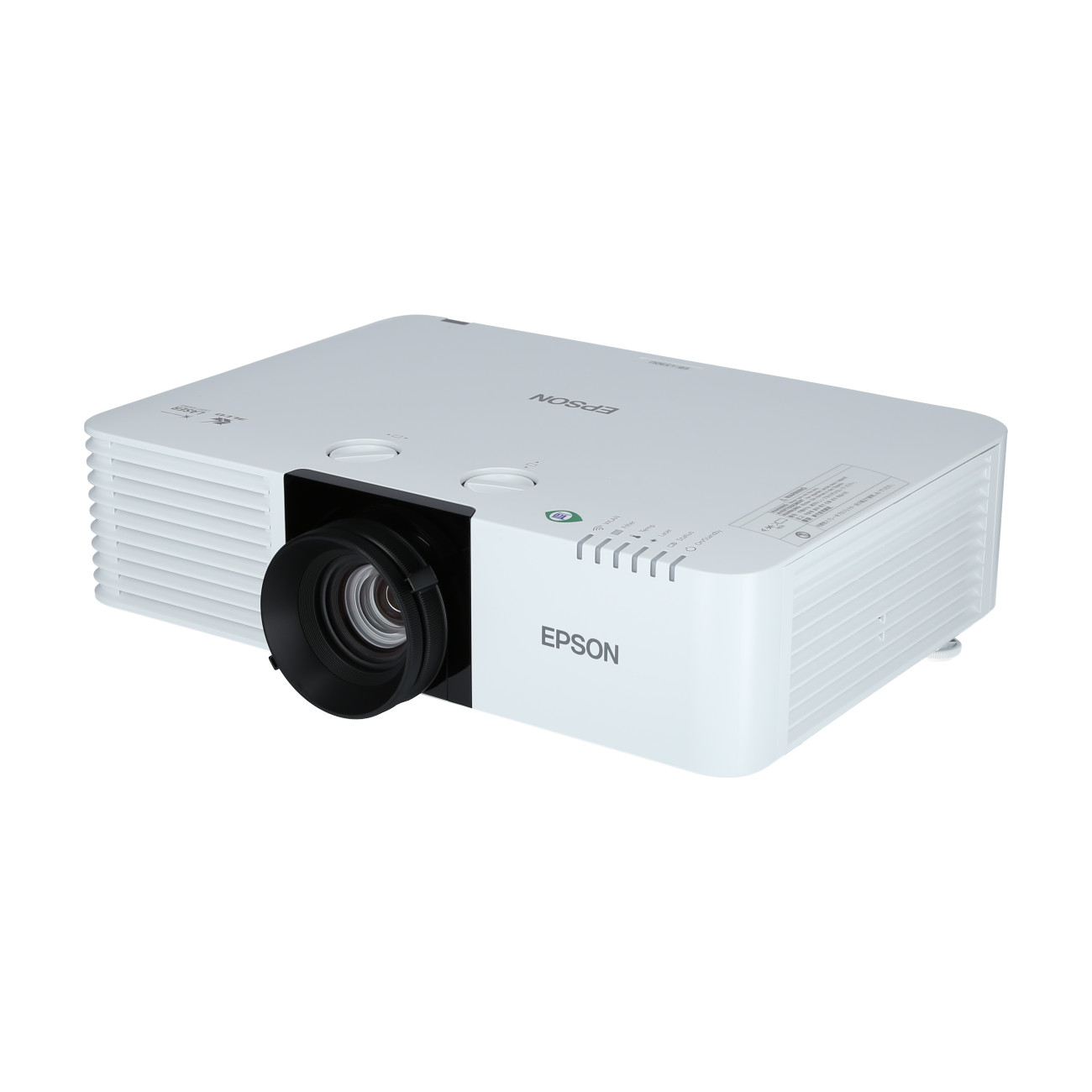
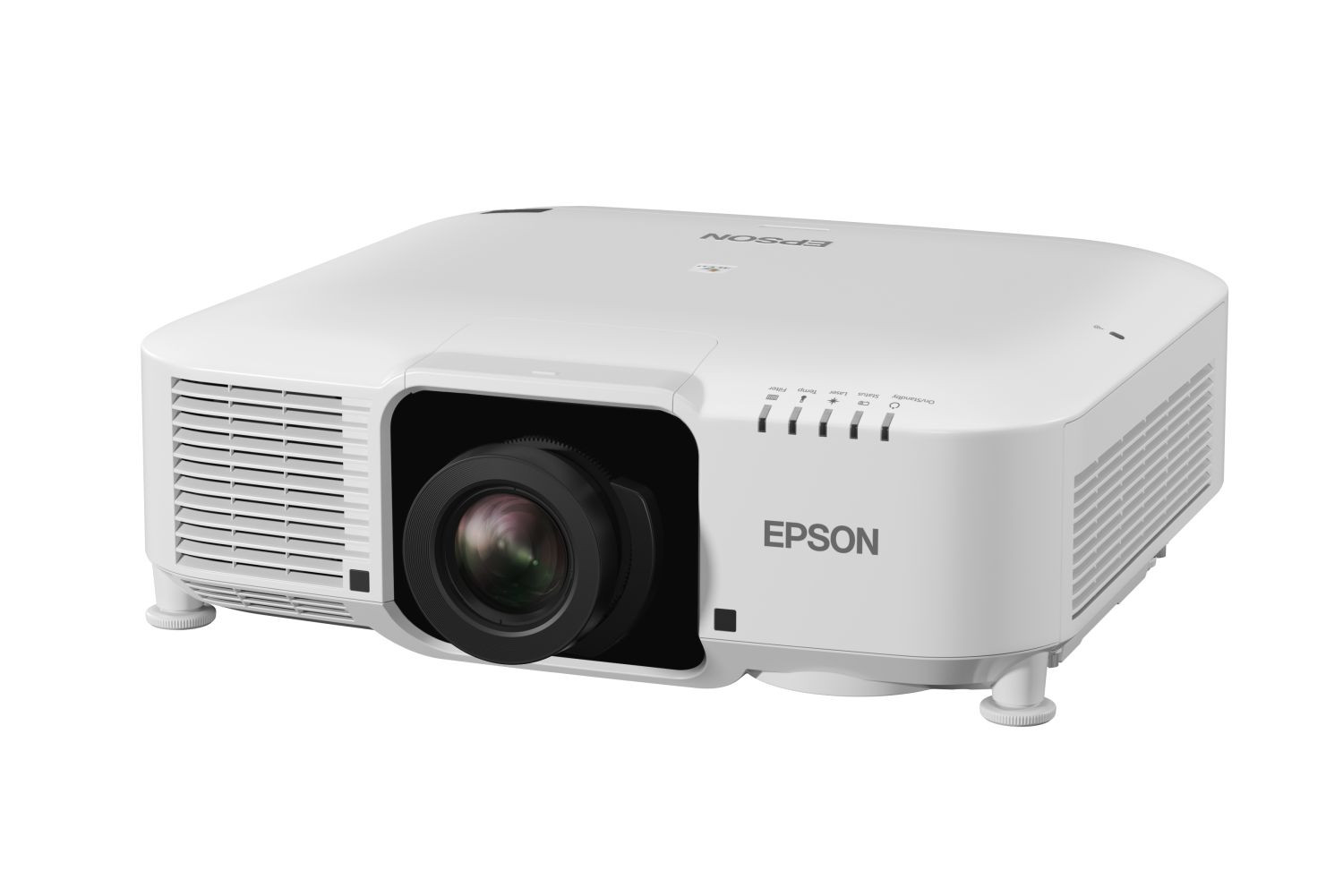
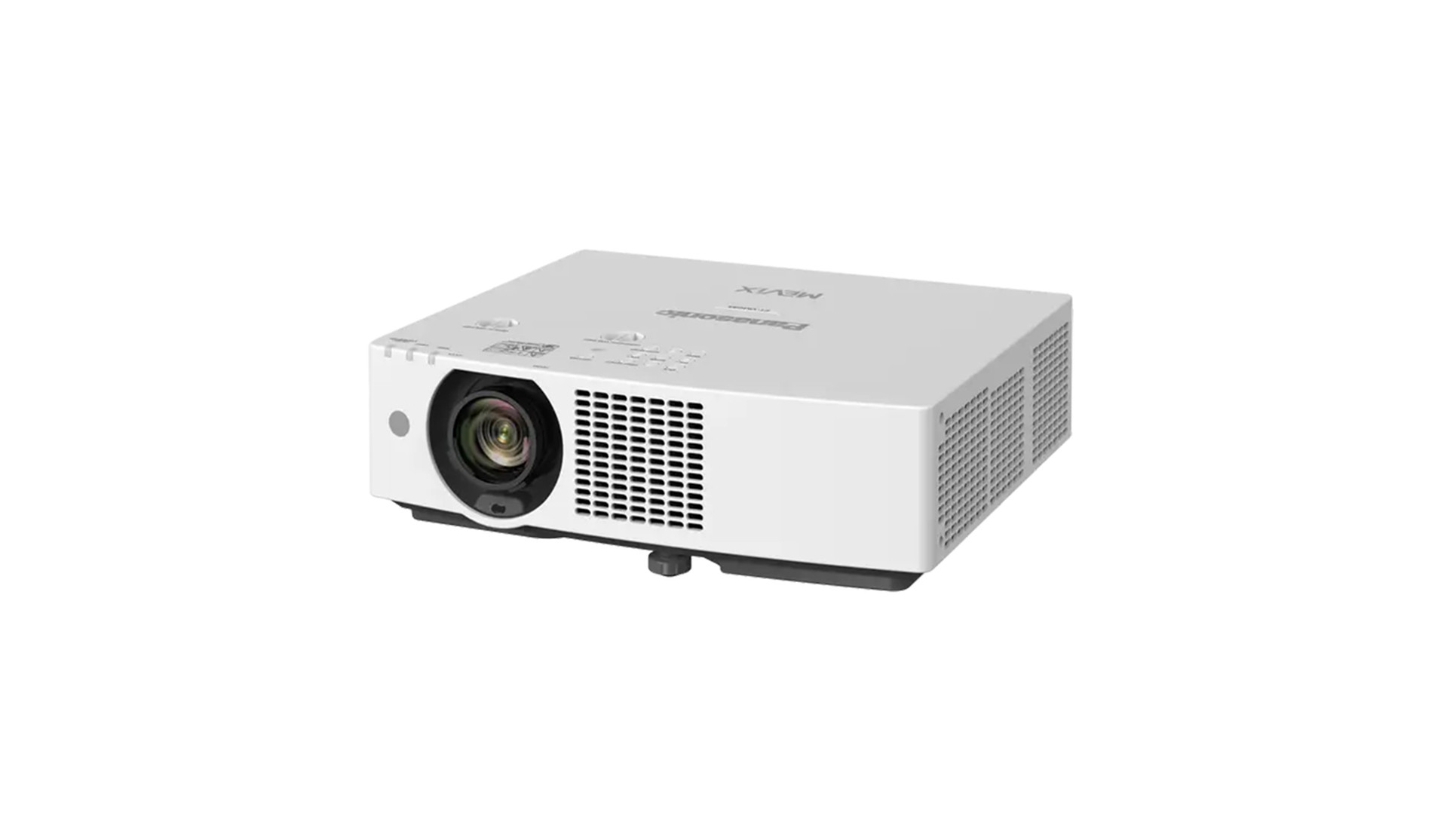
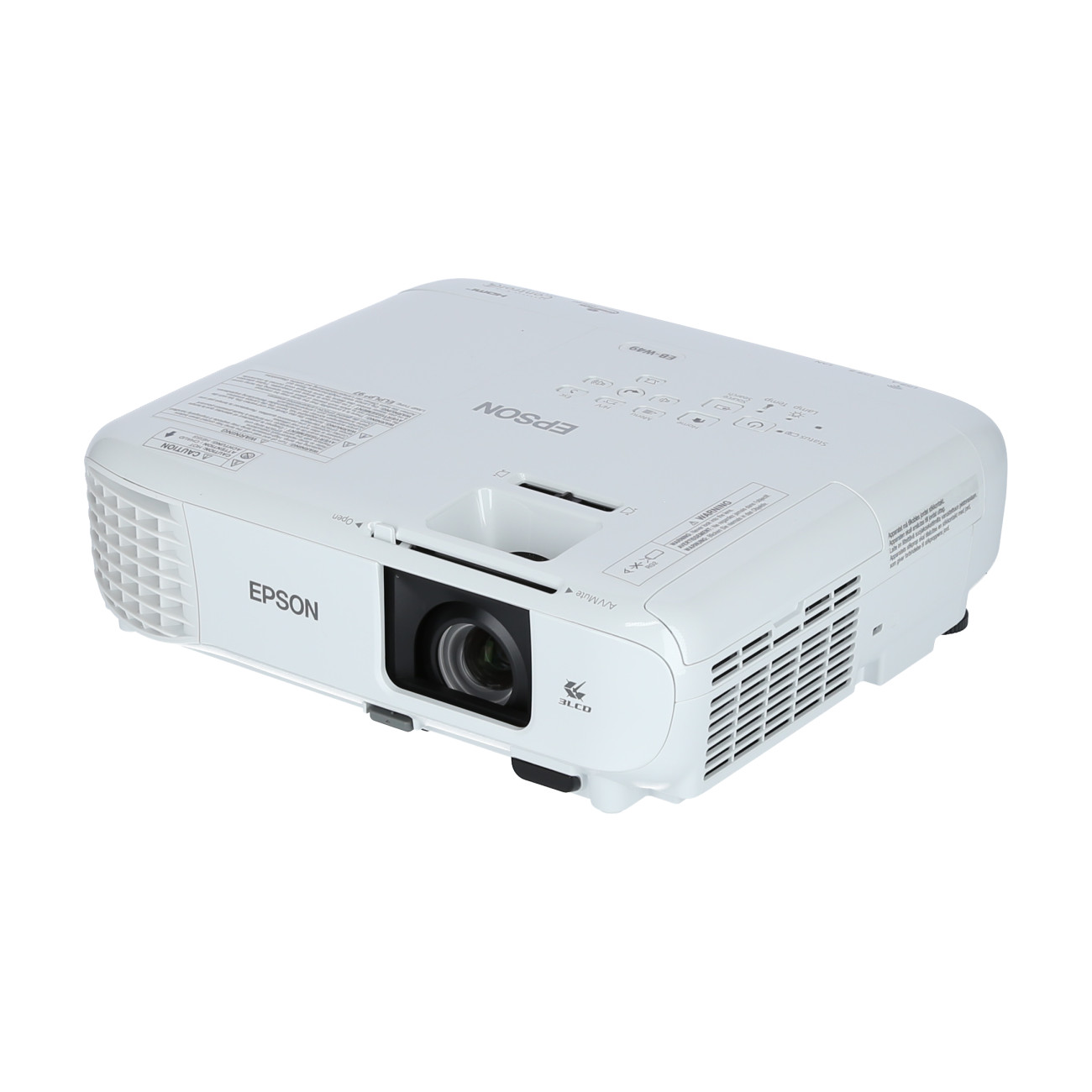
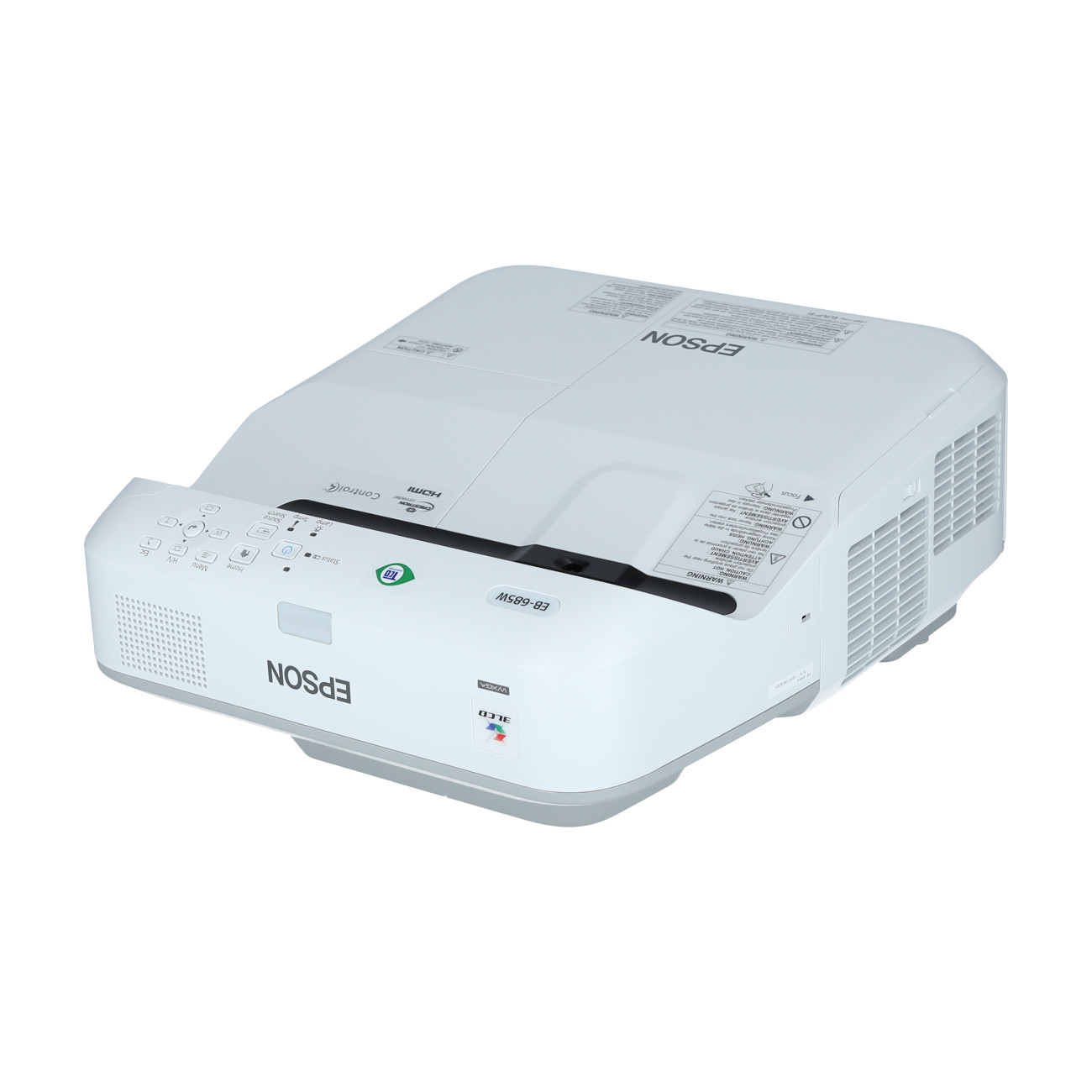
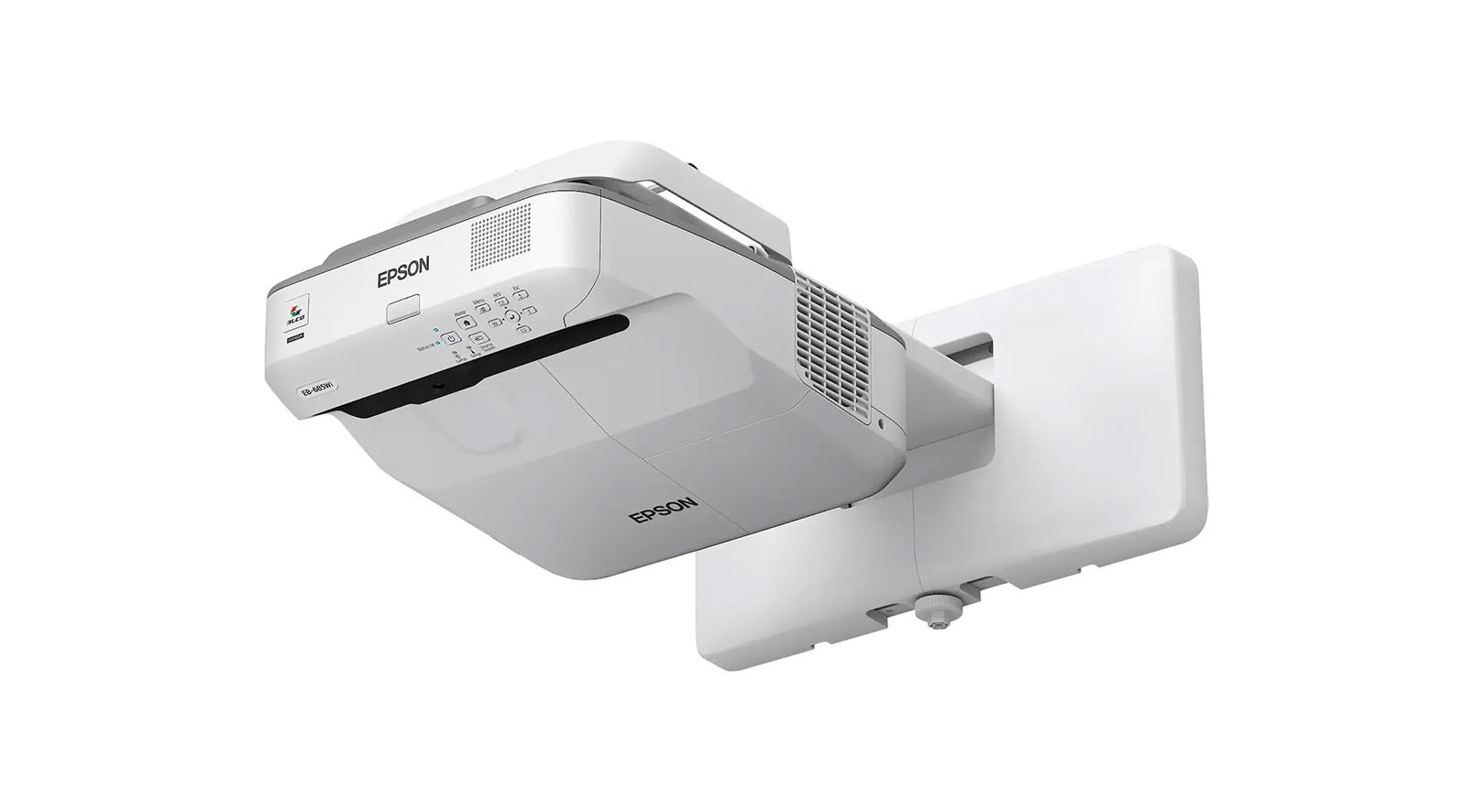
In conference rooms, meeting areas and classrooms, light output plays a particularly important role. Business and school projectors should deliver at least 4,000 to 5,000 ANSI lumens to ensure that presentations, spreadsheets or videos remain clearly visible even in daylight and with the lights on. For professional use, features such as wireless screen mirroring, Wi-Fi, split-screen display and flexible connectivity options are also particularly useful. In the education sector, many models also offer support for visualisers or interactive applications.
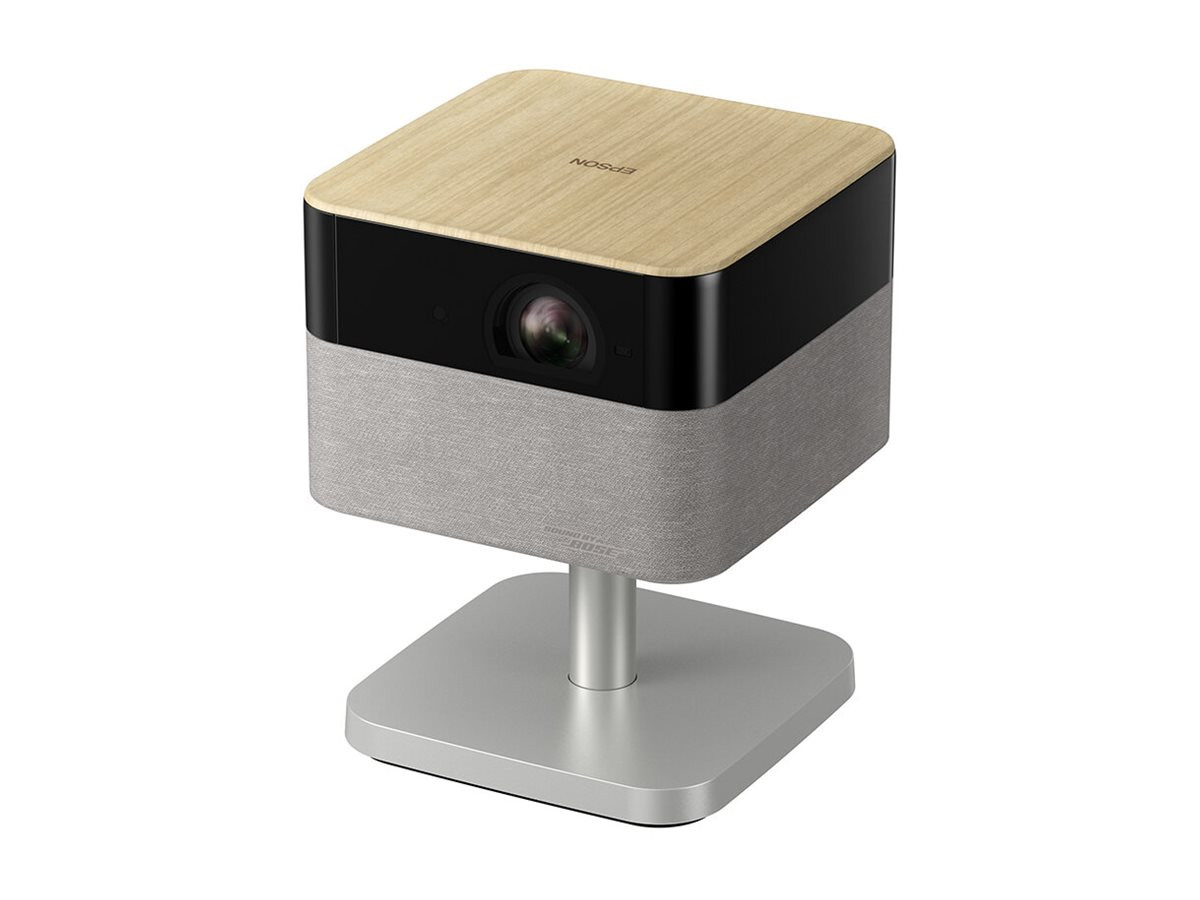
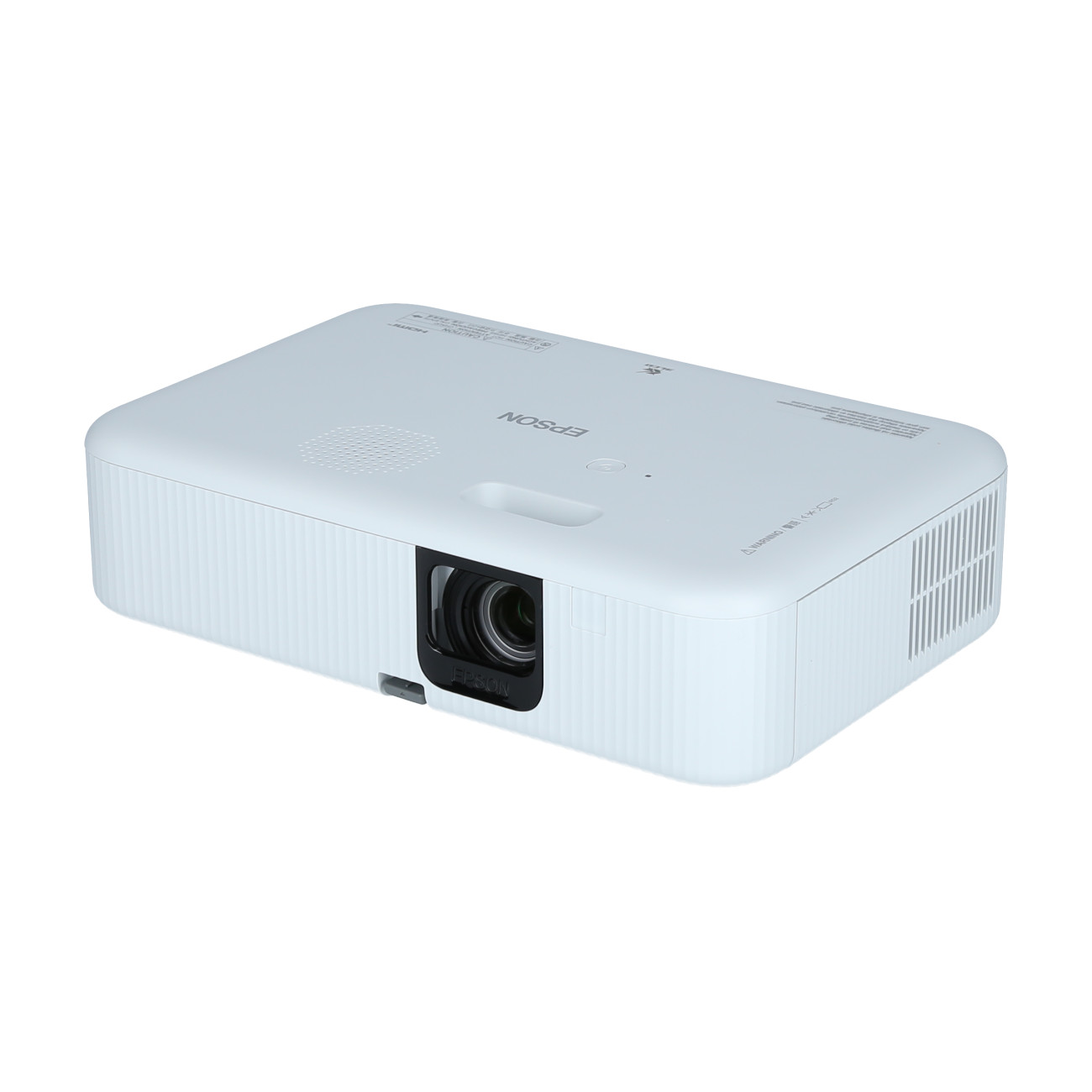
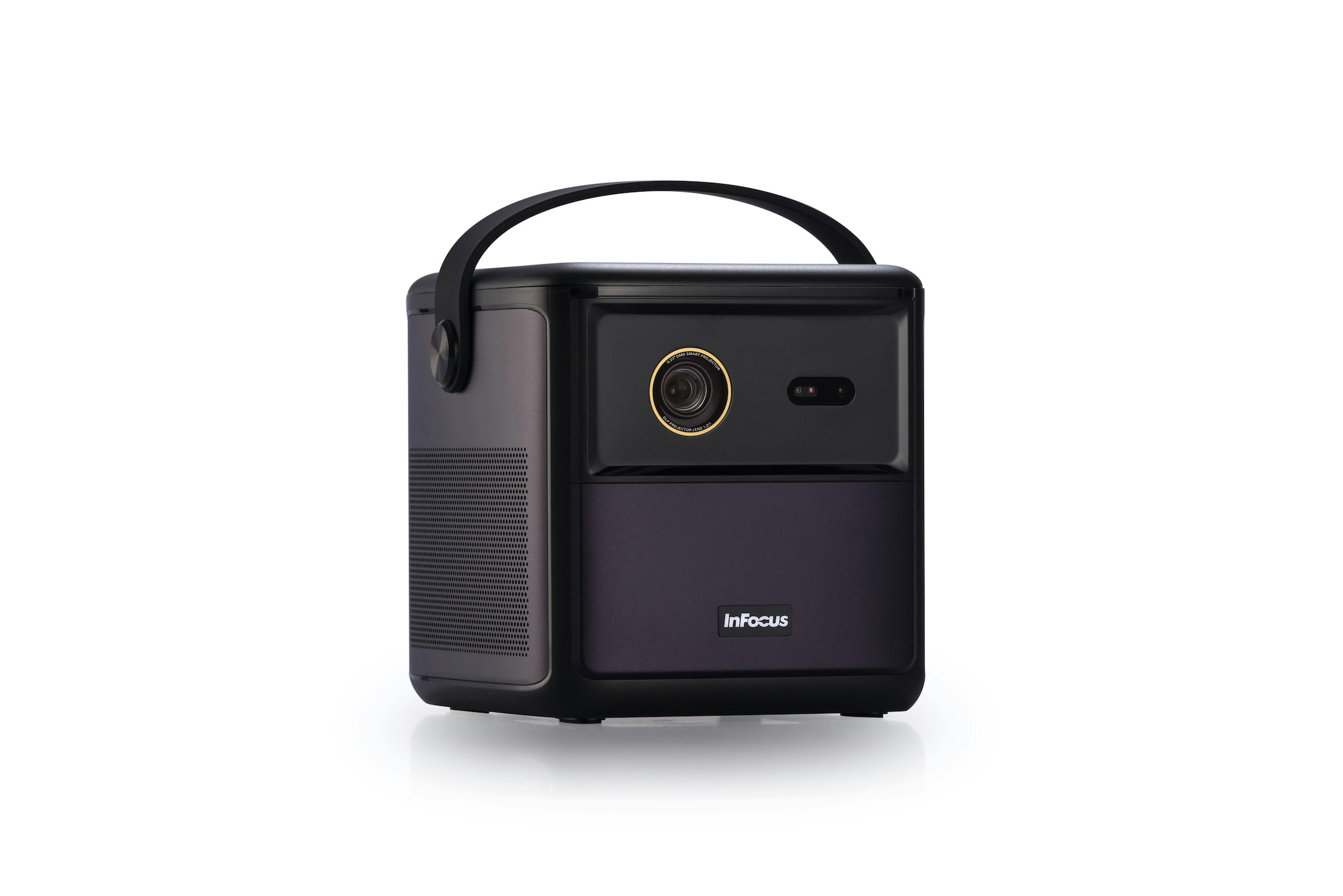
Portable LED projectors and compact mini-projectors are perfect for use on the go. Thanks to their light weight – often less than one kilogram – and built-in rechargeable batteries, they can be used flexibly – for example, for impromptu presentations, outdoor film nights, travelling or camping. Despite their compact design , many modern portable projectors already offer Full HD resolution, built-in speakers and smart TV functions for streaming services such as Netflix or YouTube. Battery life of several hours enables completely wireless operation.
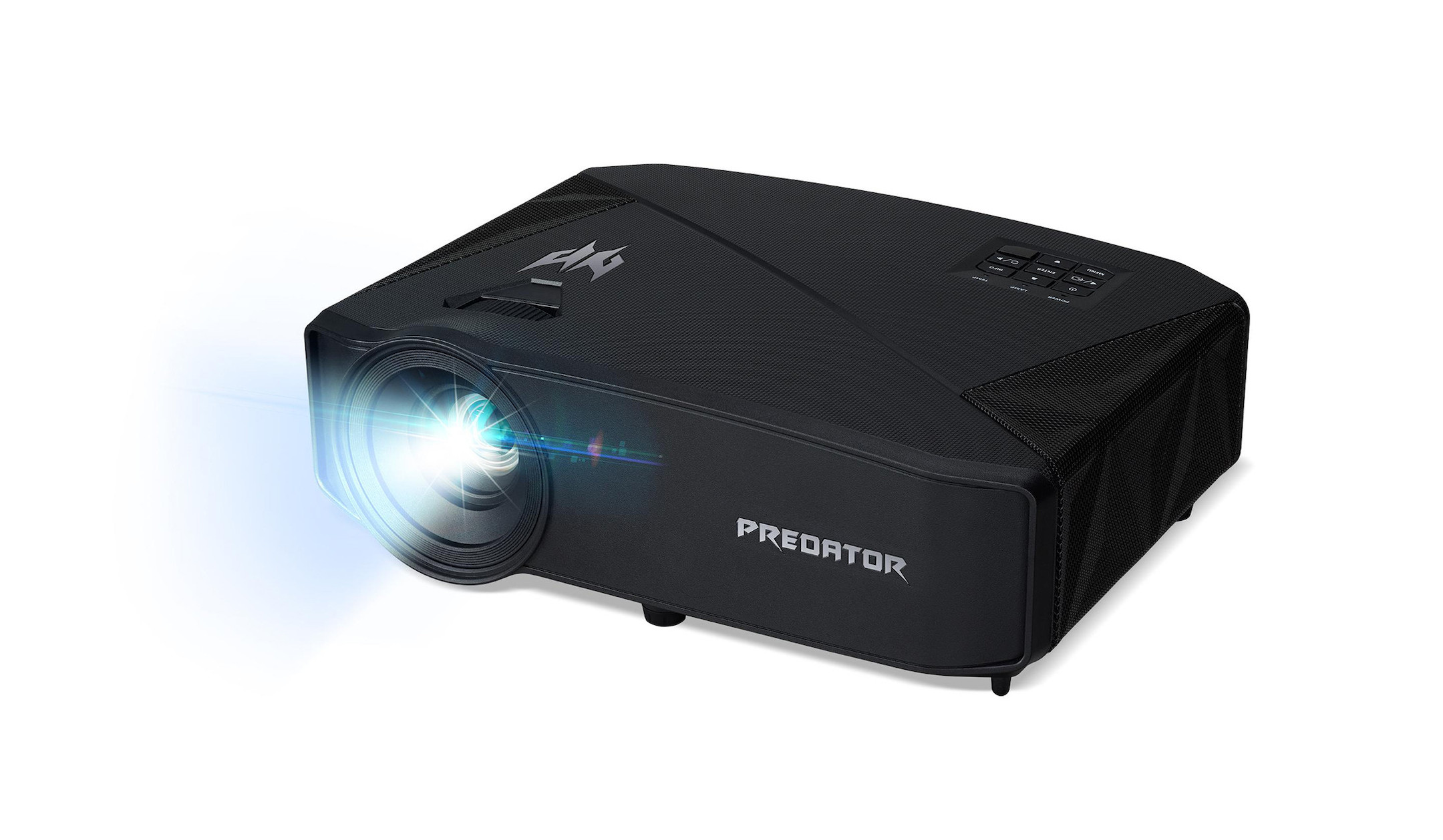
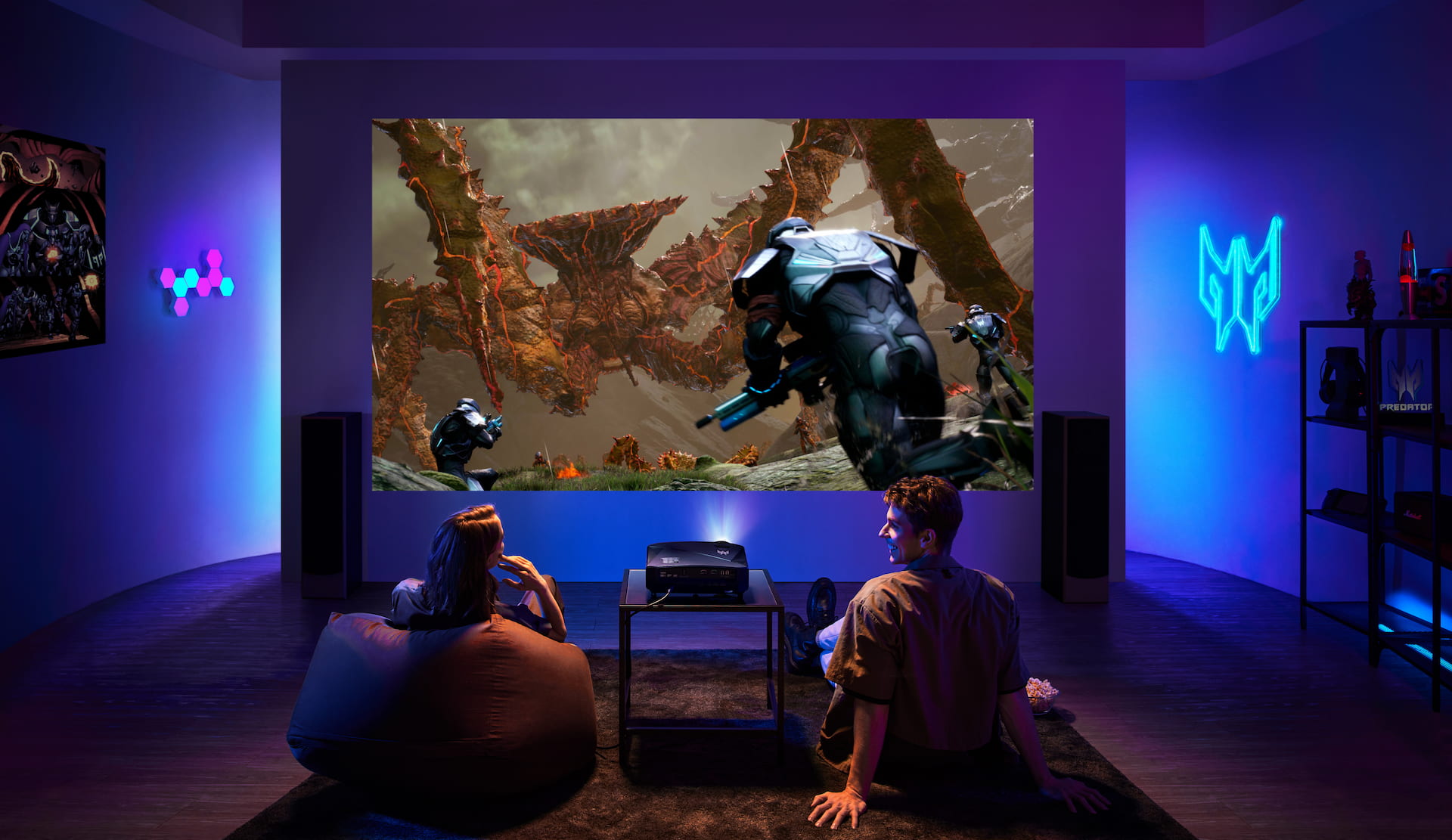
Specialised gaming projectors are becoming increasingly popular and, with their huge screen sizes, provide a particularly immersive gaming experience. Low input lag and high refresh rates are particularly important for smooth gameplay. Many modern gaming projectors support 120 Hz or even 240 Hz, making them ideal for fast-paced games on consoles or PCs. Combined with Full HD or 4K resolution, this creates an impressive large-screen experience that can significantly outperform traditional televisions.
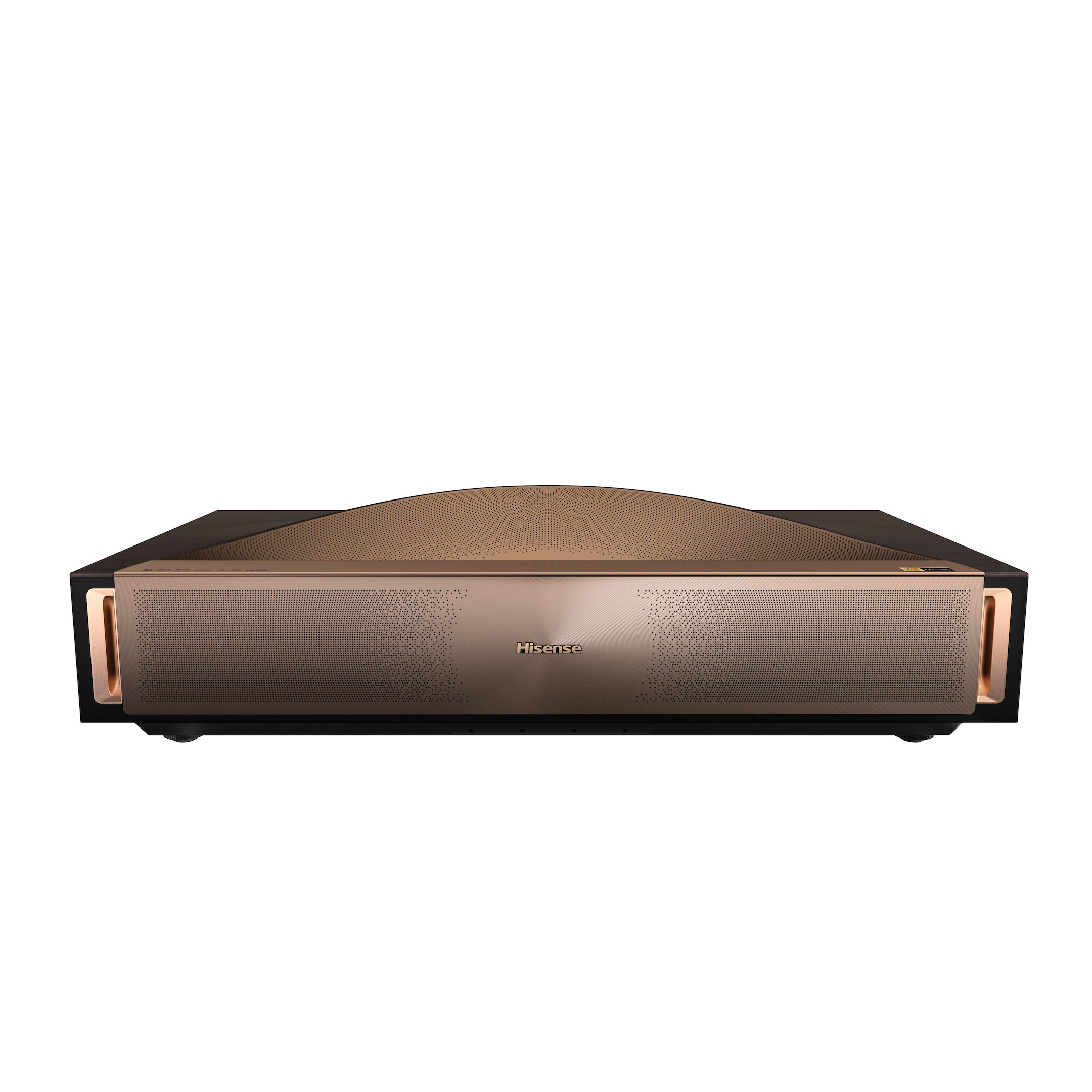
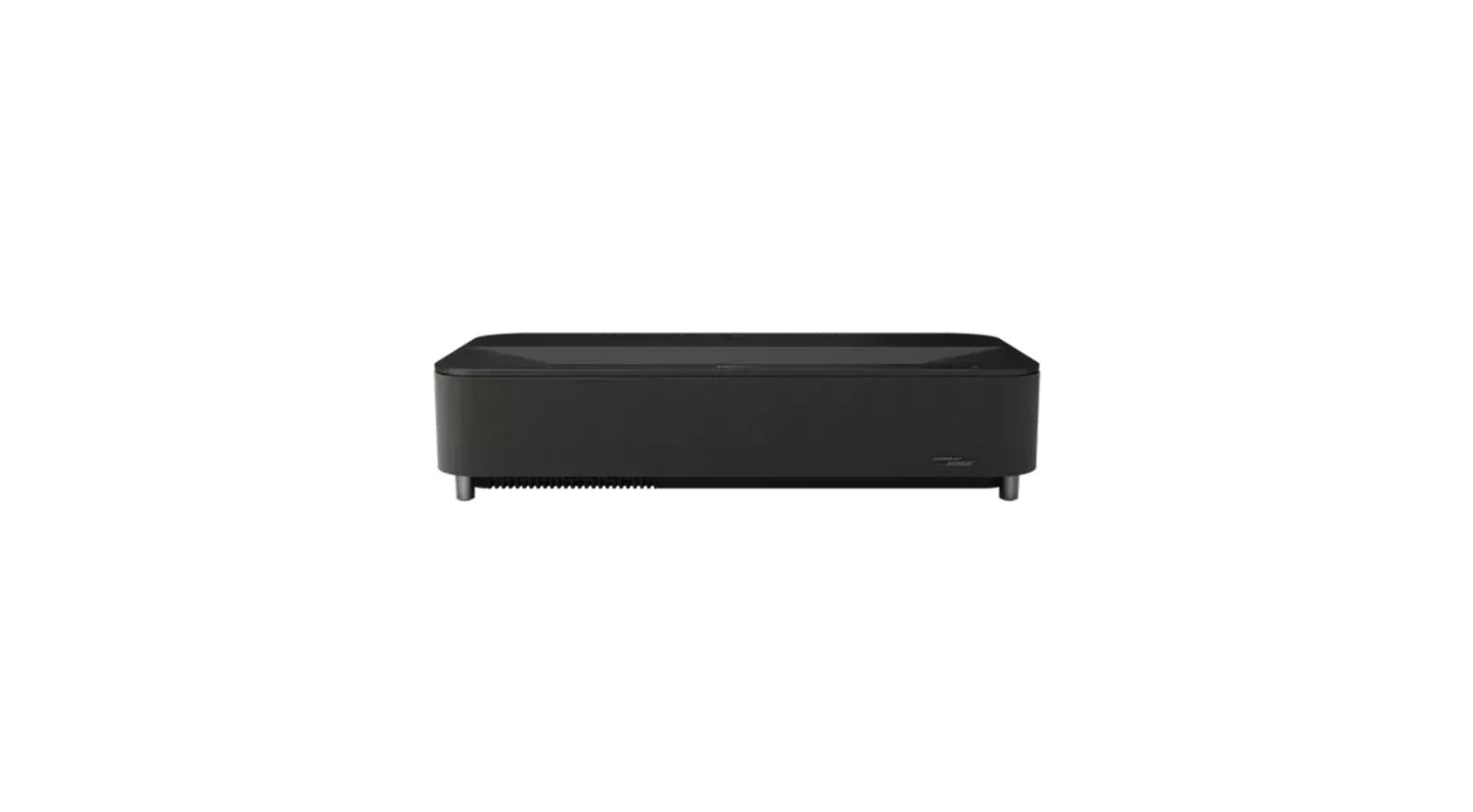
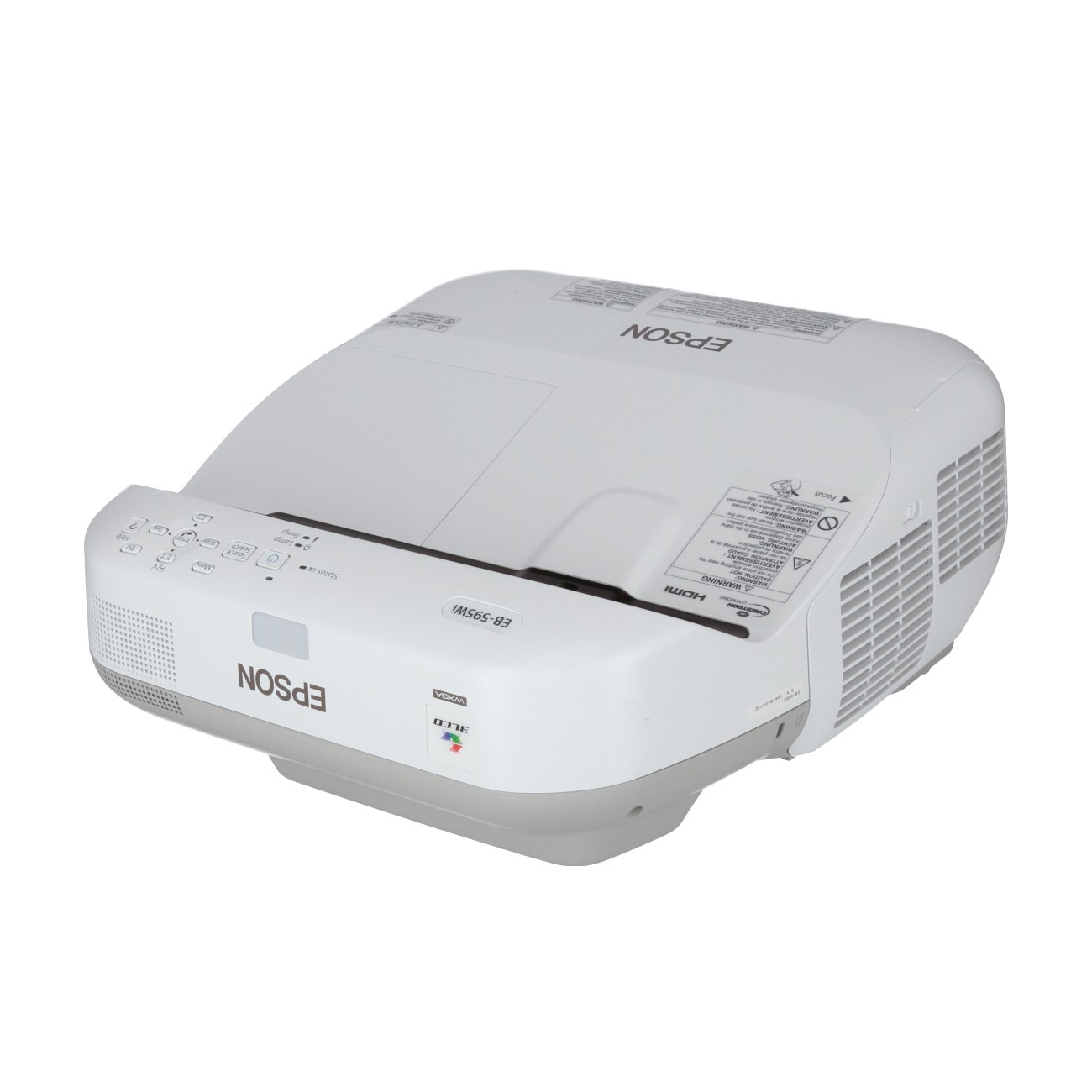
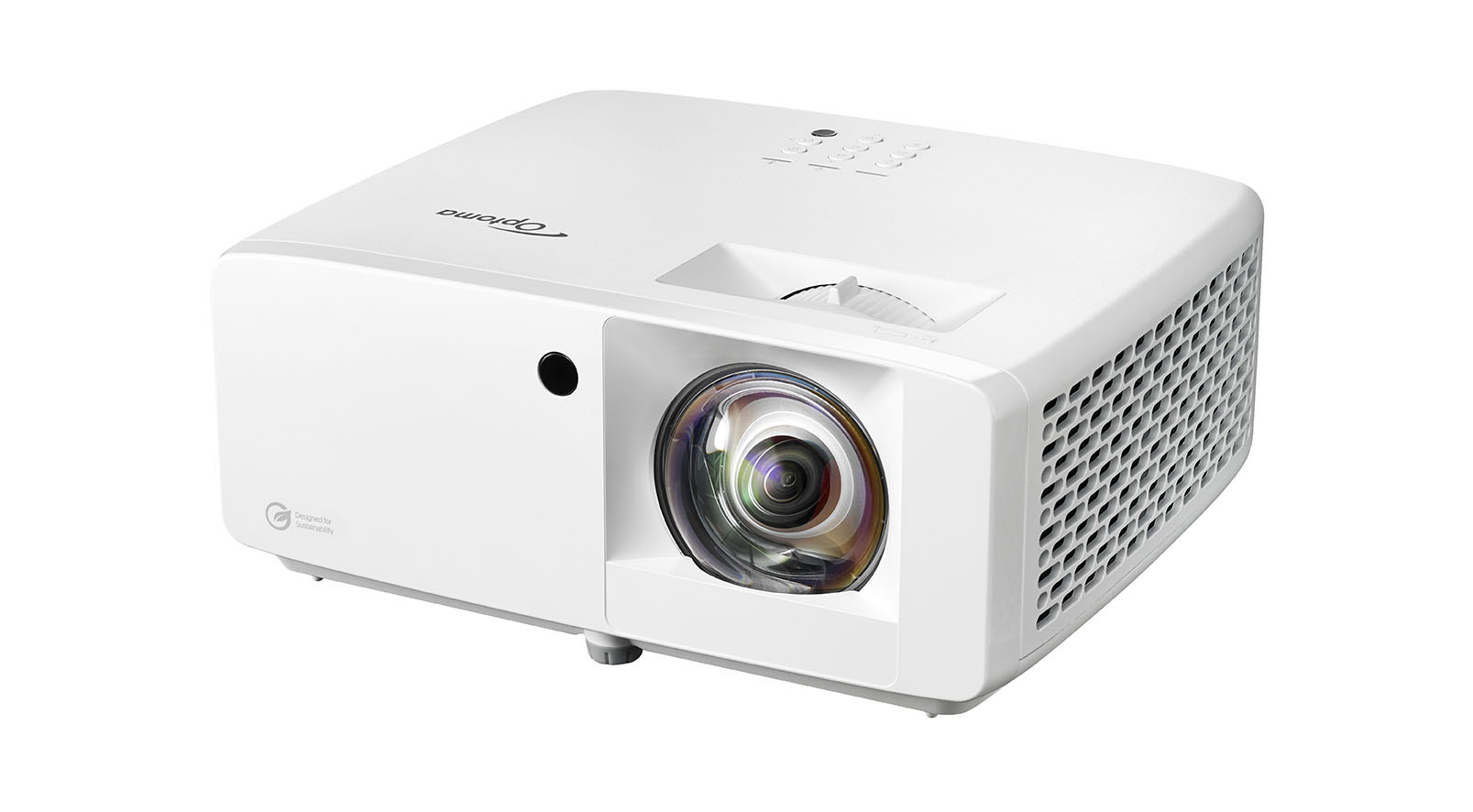
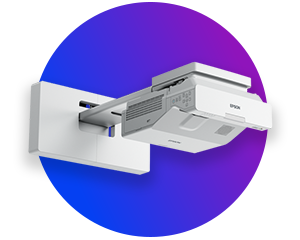
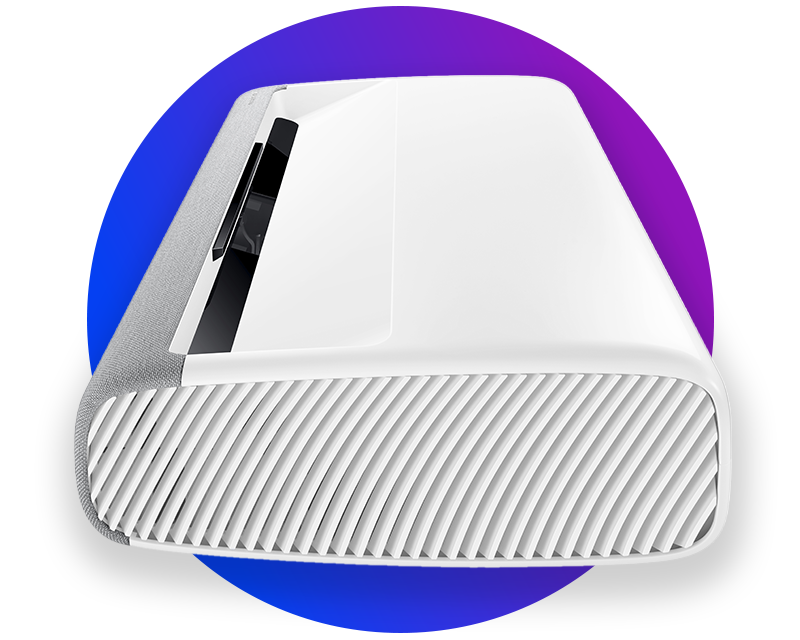
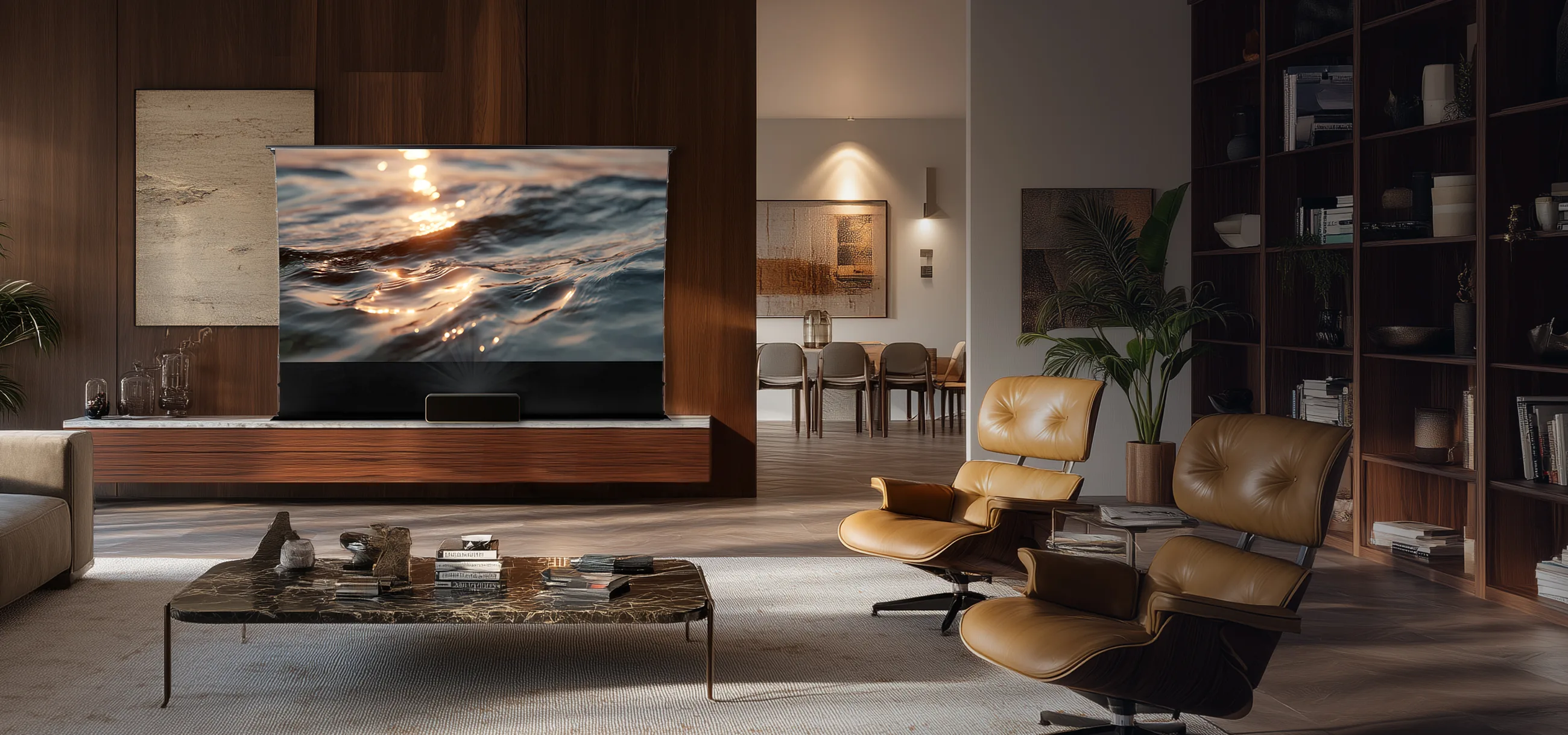
Ultra-short throw projectors are among the most advanced projector solutions and are ideal for living rooms, meeting rooms or digital signage applications. They produce large images from just a few centimetres away from the projection screen, thereby saving a lot of space. Known as laser TVs, these devices offer an attractive alternative to traditional televisions – with screen sizes of over 100 inches, brilliant laser technology and modern Smart TV features.
visunext Buying Guide
Our projector experts have thoroughly tested the most popular models and compiled the top 5 in clear categories – for home cinema, business and schools. This way, you can quickly find the right projector for you without having to spend ages comparing them.
Einsatzbereich
Wählen Sie Ihren Hauptanwendungsbereich, um die besten Modelle für Ihre Bedürfnisse zu filtern.
Raumumgebung
Die Umgebungshelligkeit und Raumart bestimmen, wie leuchtstark oder speziell der Beamer sein muss.
Ausstattung
Wählen Sie optionale Features aus, die Ihr neues Gerät unbedingt mitbringen sollte.
Ihre Top 5 Empfehlungen
Geben Sie Ihre Kontaktdaten ein, um Ihre individuell gefilterten Top 5 Beamer-Empfehlungen direkt per Mail zu erhalten.
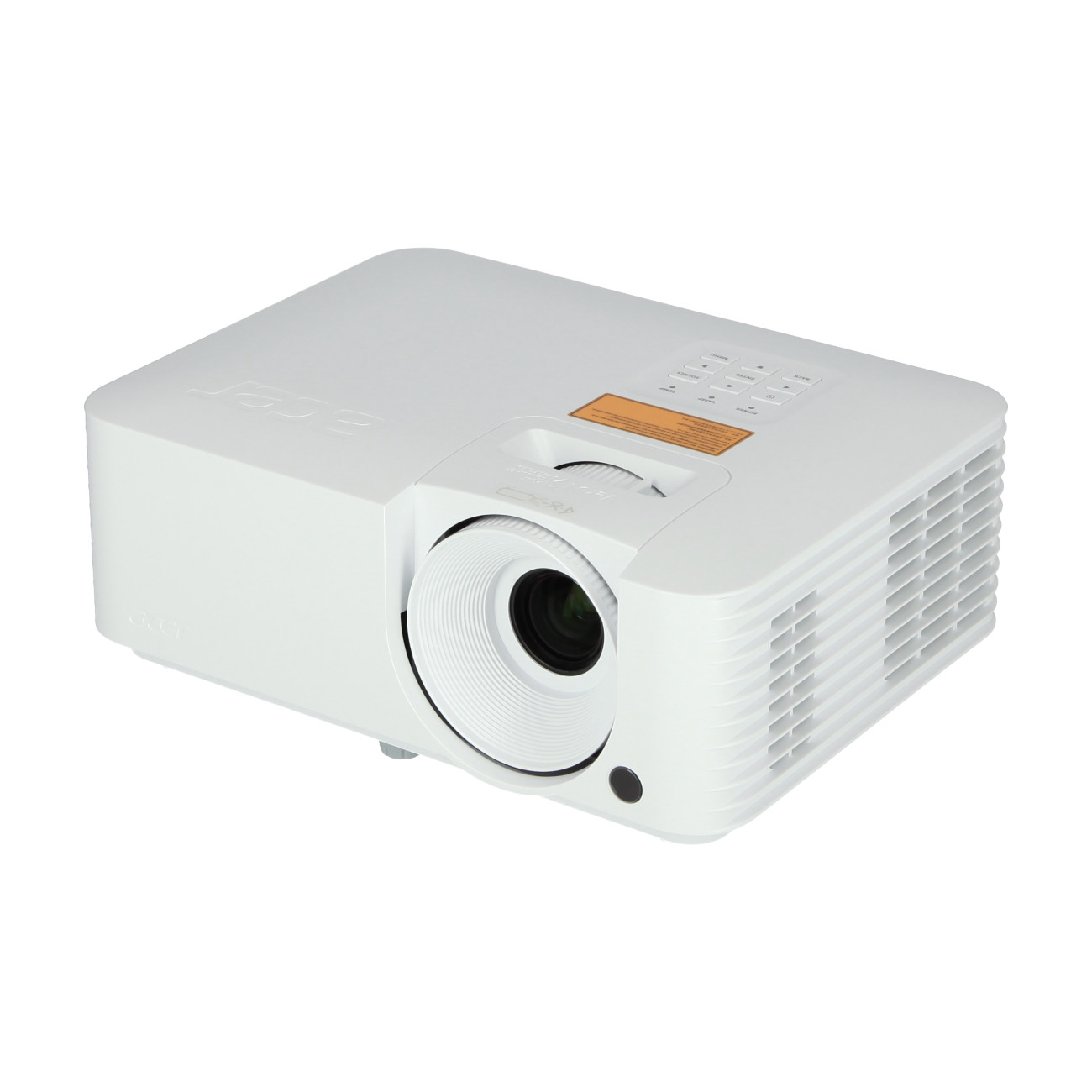
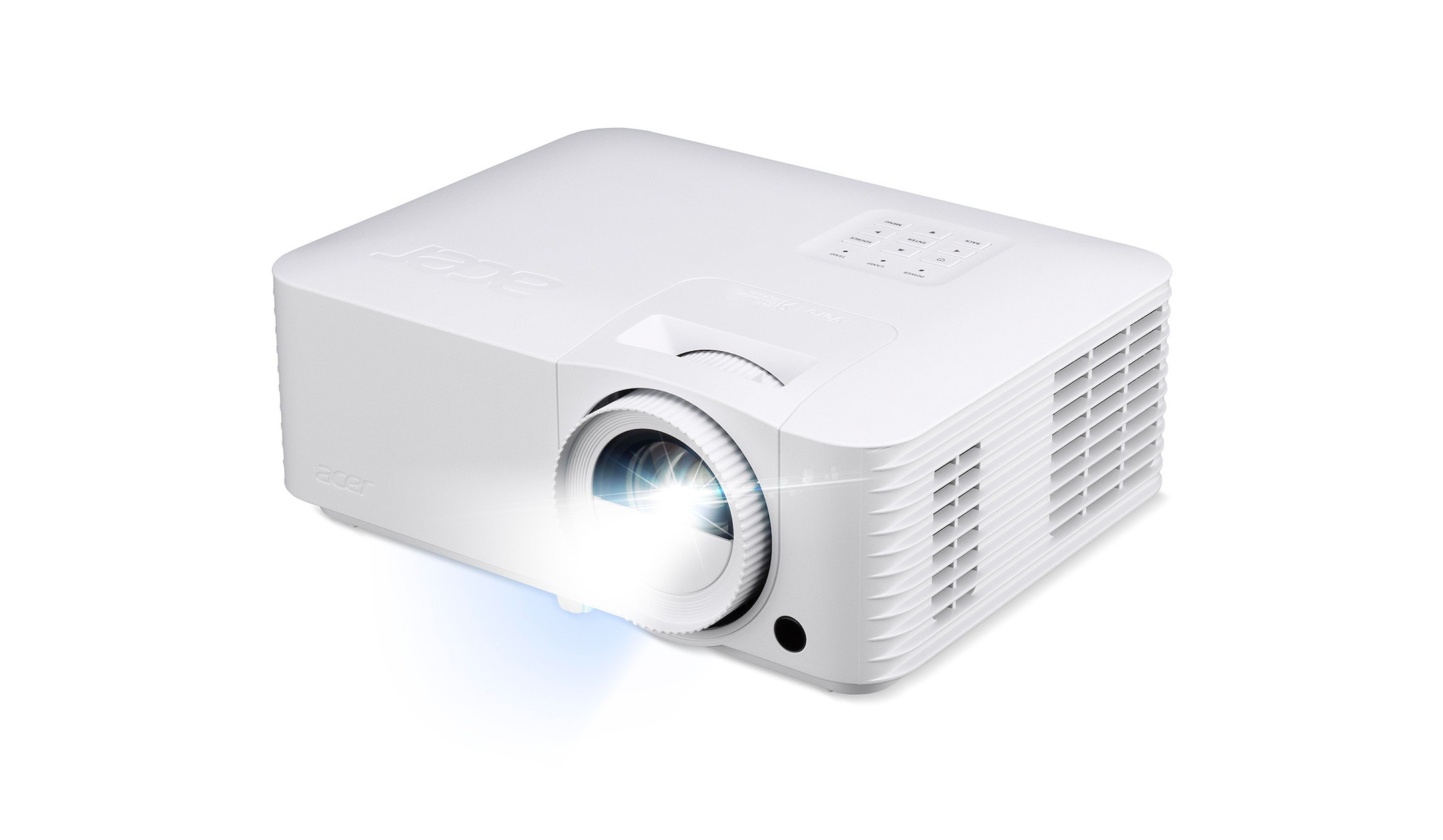
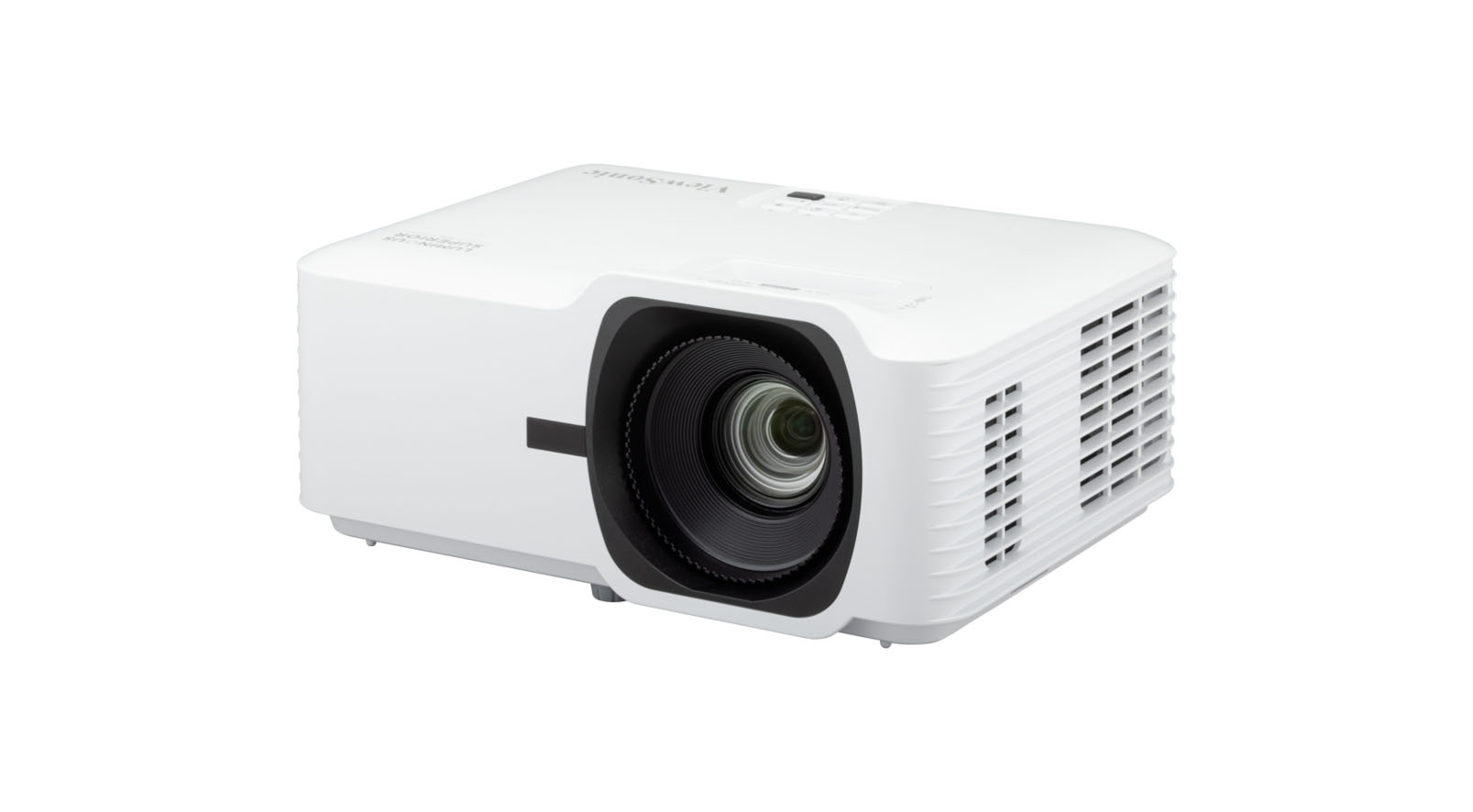
Laser projectors have virtually replaced lamp-based projectors in recent years – and for good reason: a laser light source lasts up to 30,000 hours, requires no warm-up time and delivers consistent brightness throughout its entire lifespan. Flickering, colour shifts and costly lamp replacements are now a thing of the past.
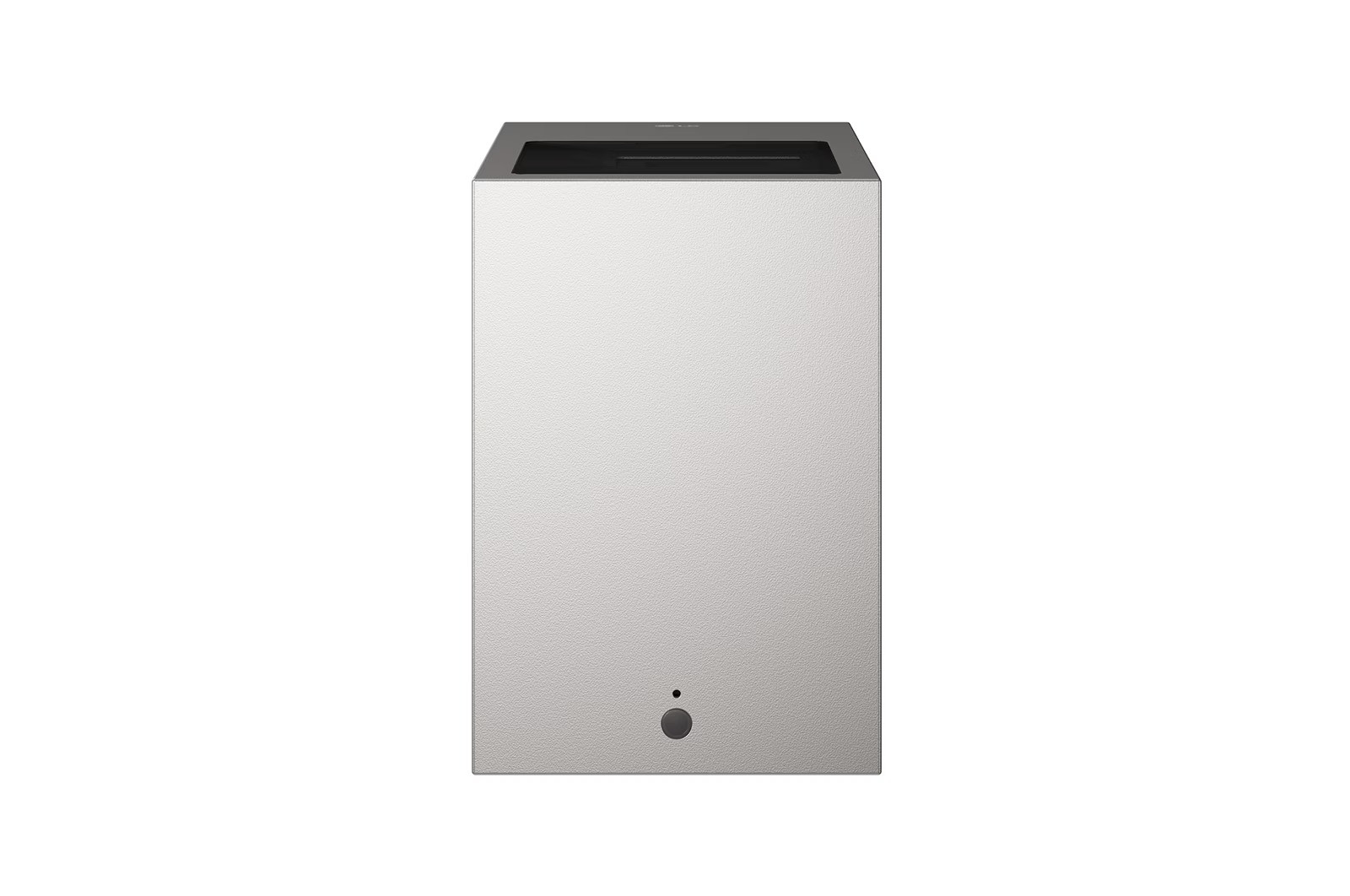
A special category of laser projector is the laser TV projector (also known as a UST projector or ultra-short throw projector): These devices project a 100–150-inch image directly onto the wall from a distance of just 20–30 cm, thus elegantly replacing the traditional flat screen in the living room. Buying a laser TV means: cinema-quality picture, laser performance and Smart TV functions all in one device.
Lifespan: Up to 30.000 hours (lamp: 3.000–5.000 hours)
Warm-up time: None — full brightness immediately
Laser TV (UST): Projection distance just 20–30 cm, image up to 150" 4K
Laser projector: Sharpest image quality for home cinema & gaming
Short throw / ultra-short-throw: Ideal for small rooms and walls
Want to get the most out of your home cinema? Our experts reveal the key quick wins that will instantly improve your projector’s performance:
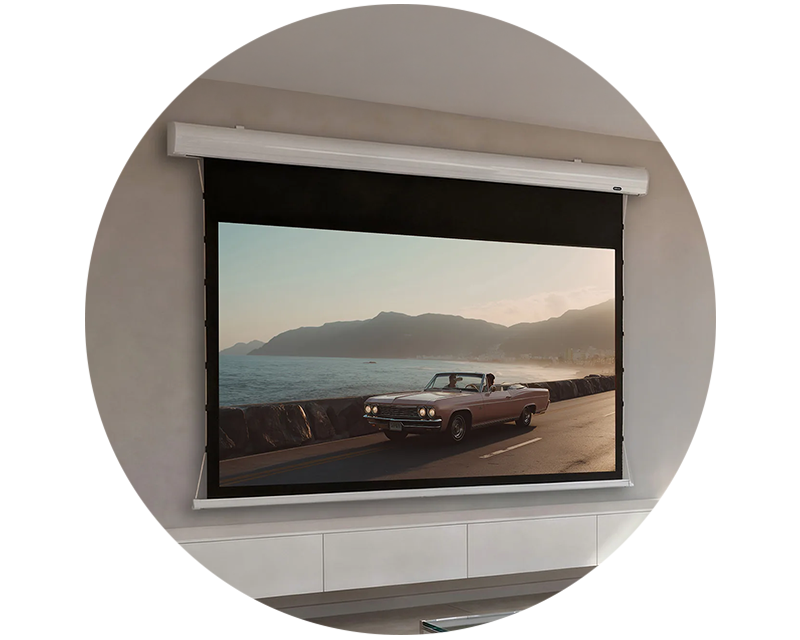
Finding the right combination of projector and projection screen is crucial for an optimal viewing experience. In our in-depth projection screen review, we compare various projection screens to present you with the best options for your individual needs.
Particular attention should also be paid to the projection distance: the distance between the projector and the projection screen has a significant impact on the image size and quality. With our projection screen size calculator, you can quickly and easily determine the ideal distance for your projector and projection screen combination.