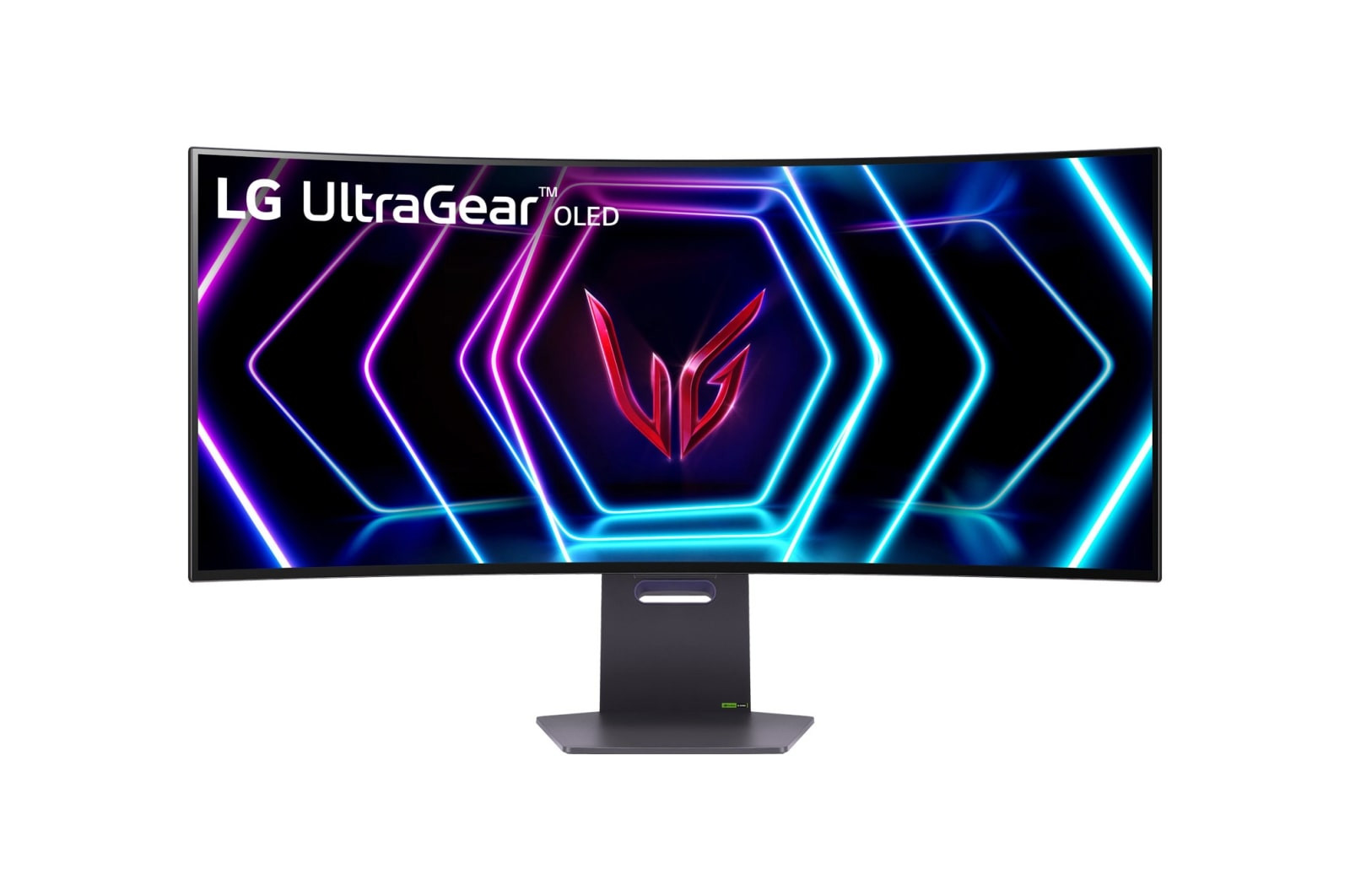
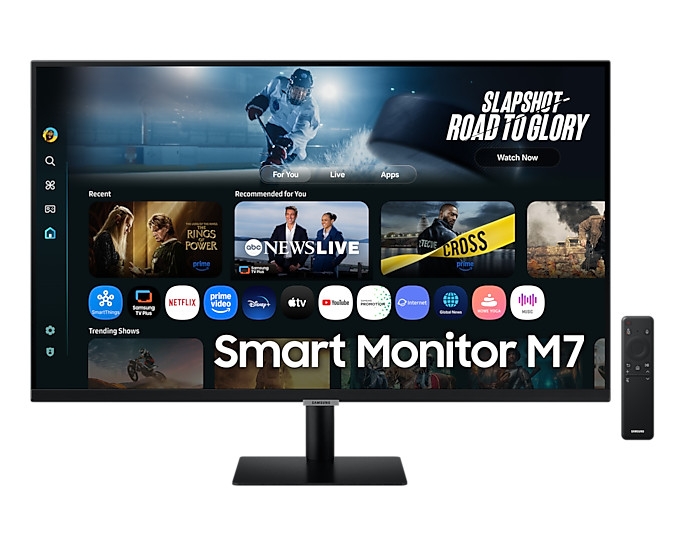
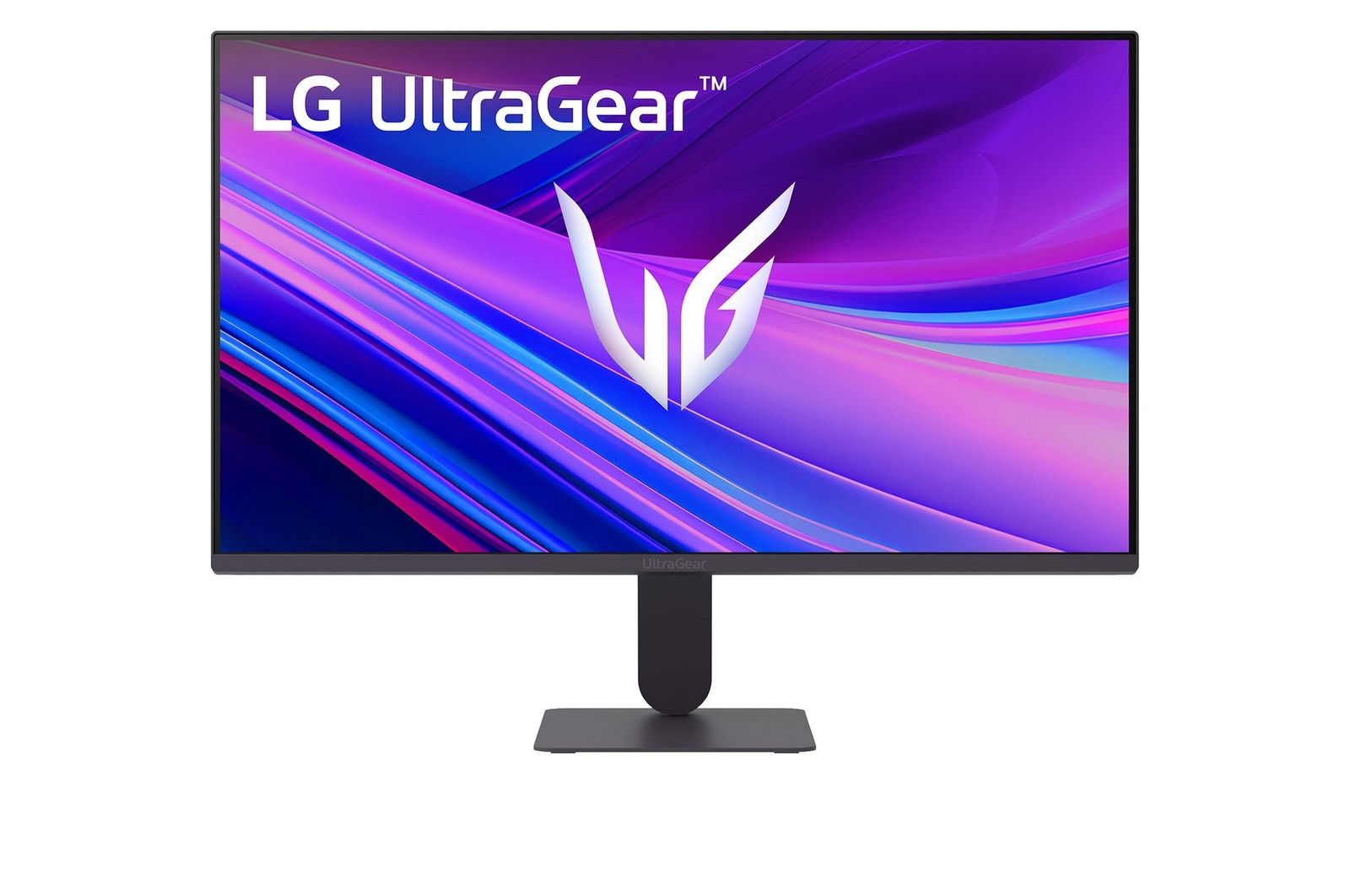
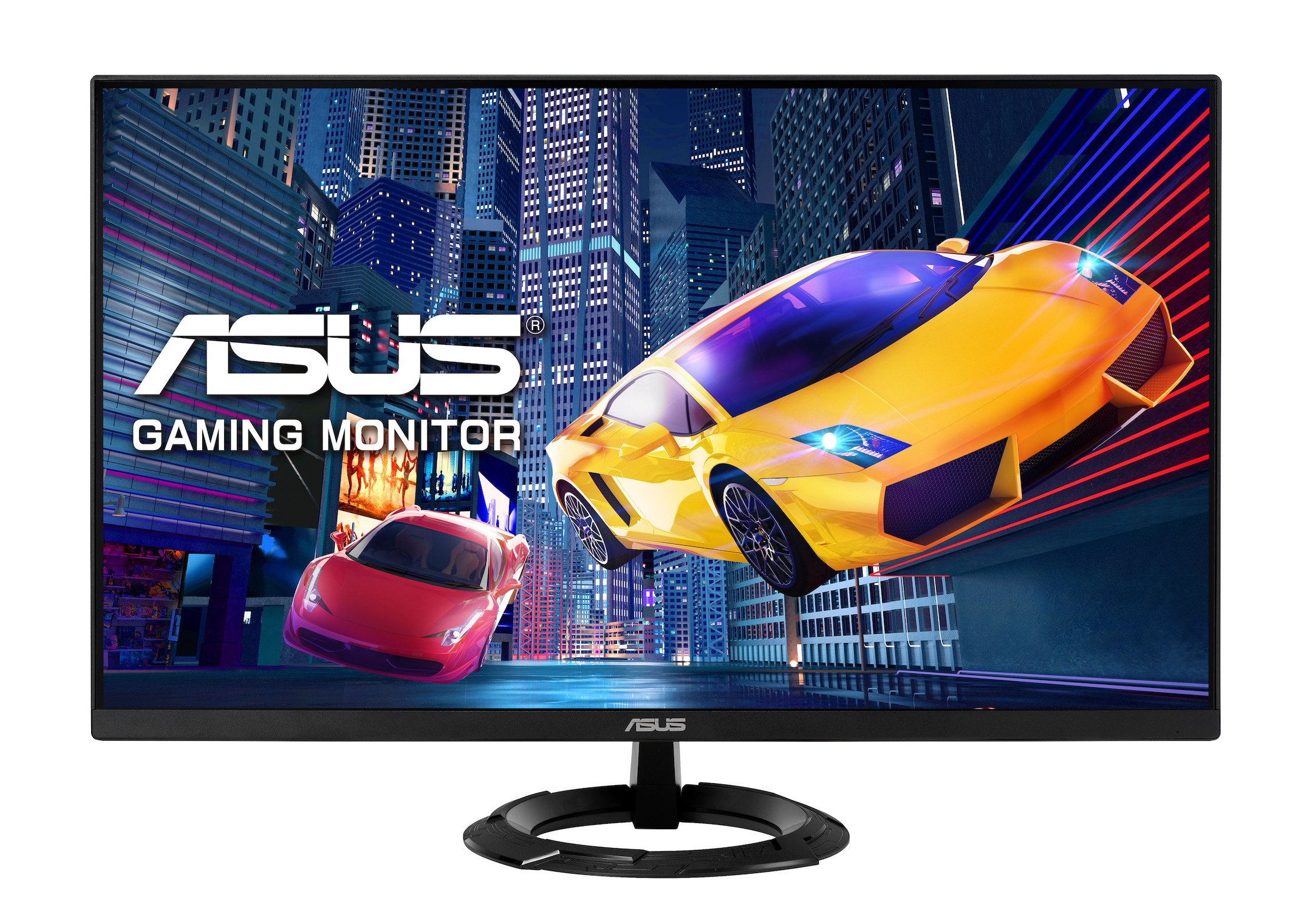
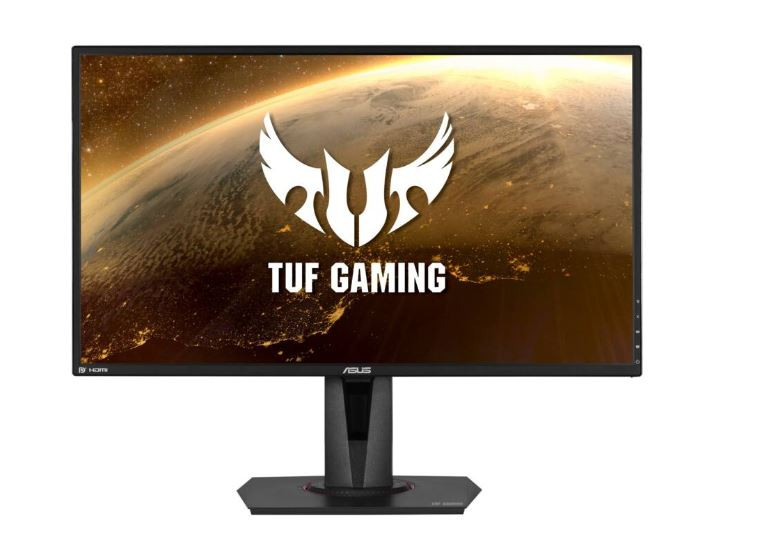
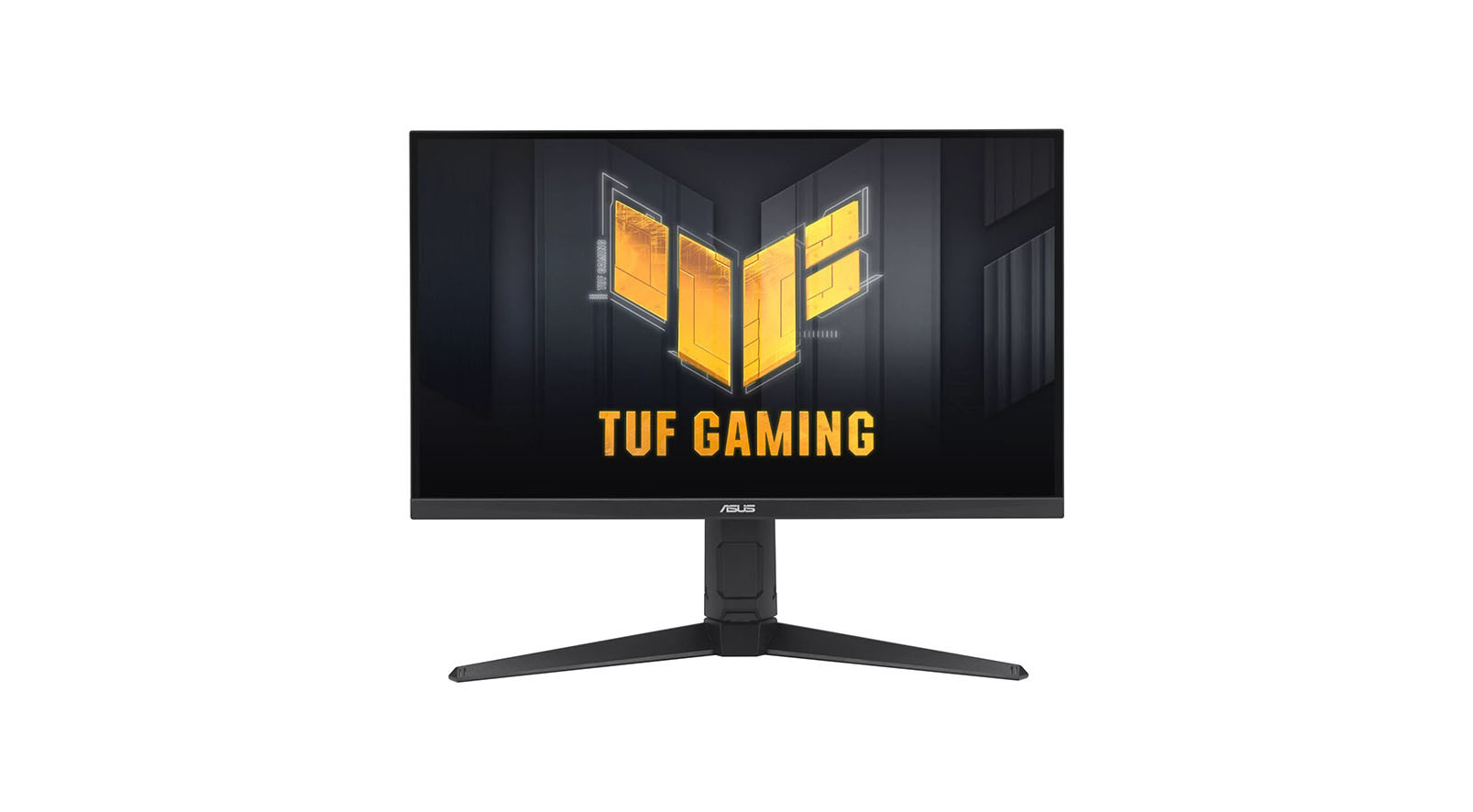
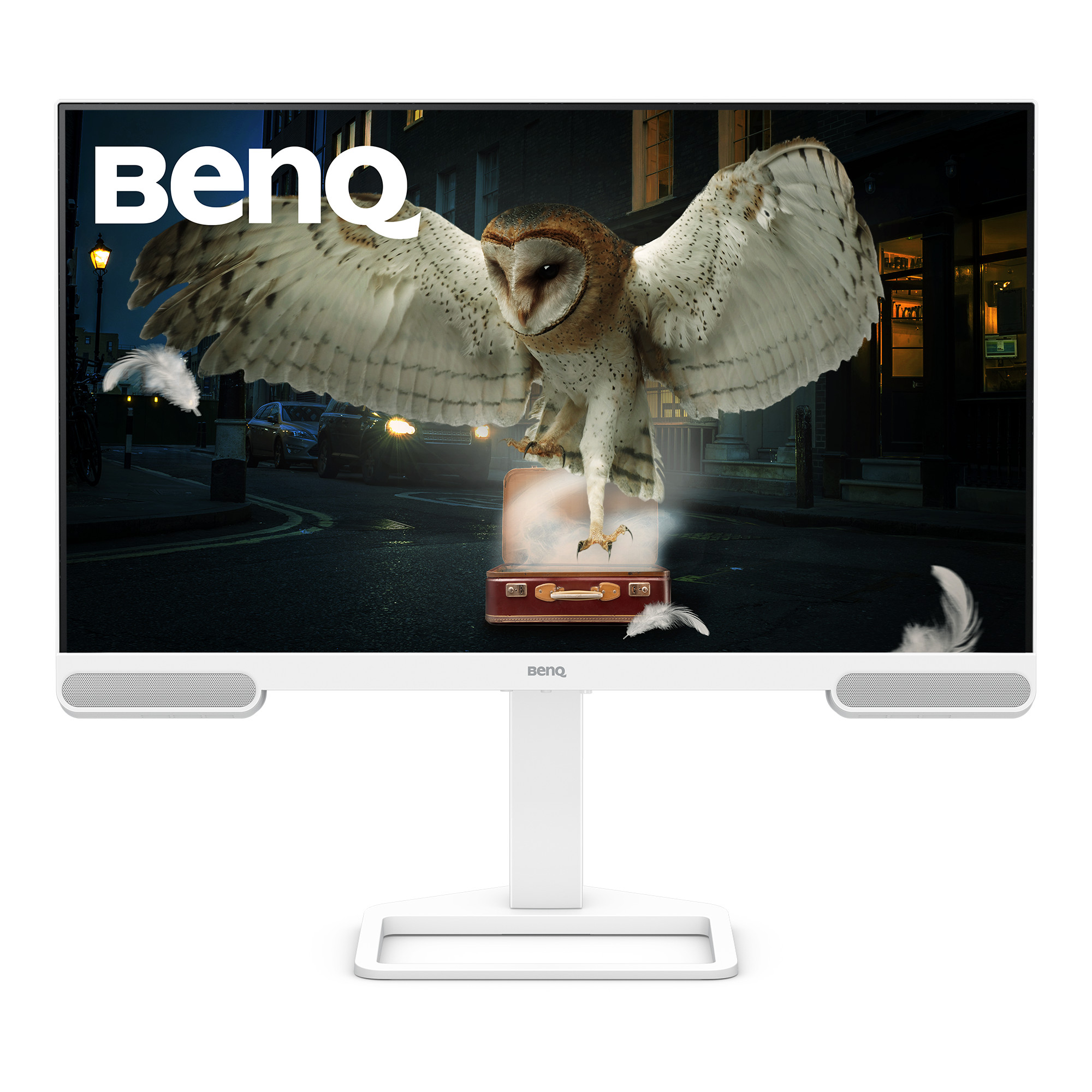
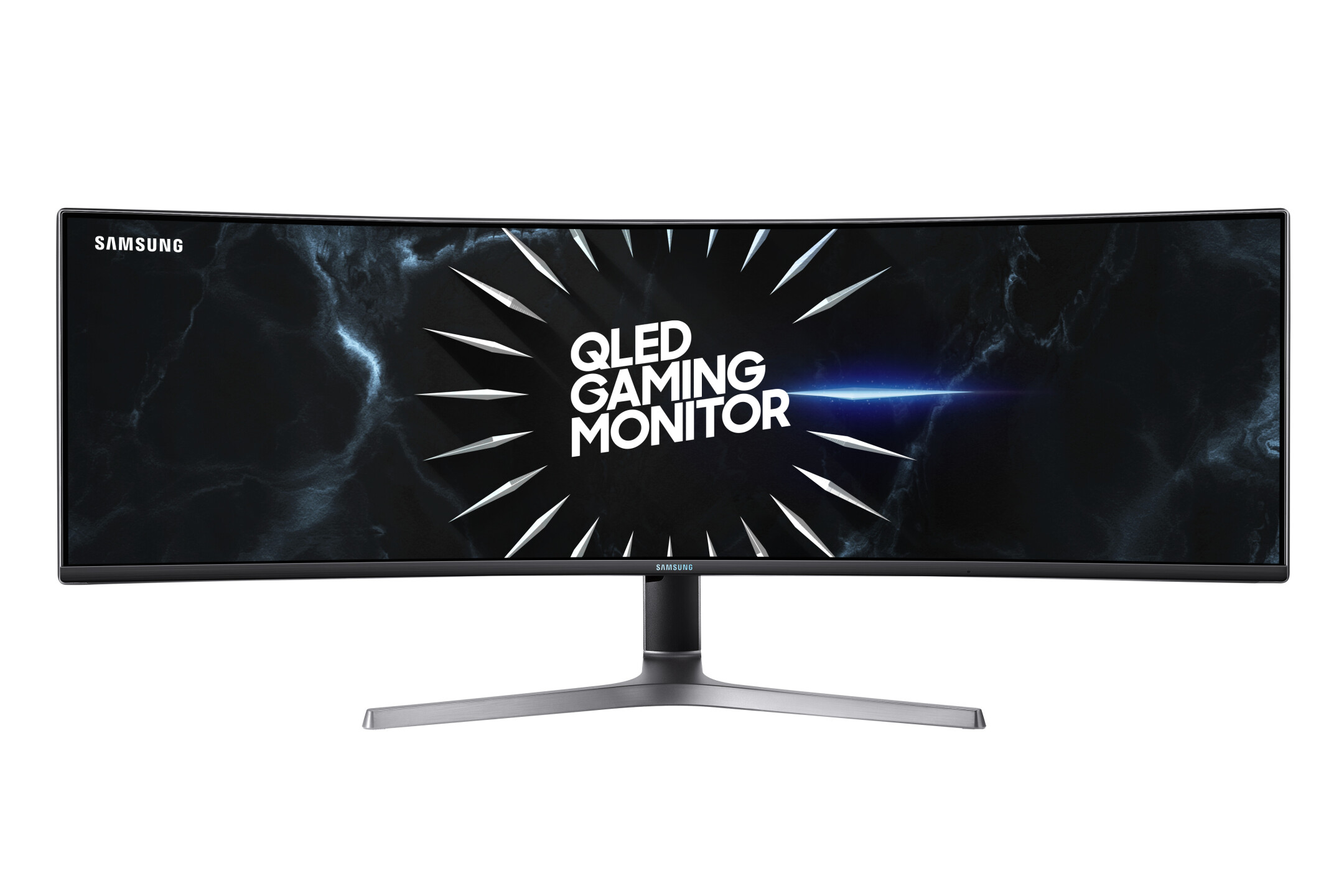
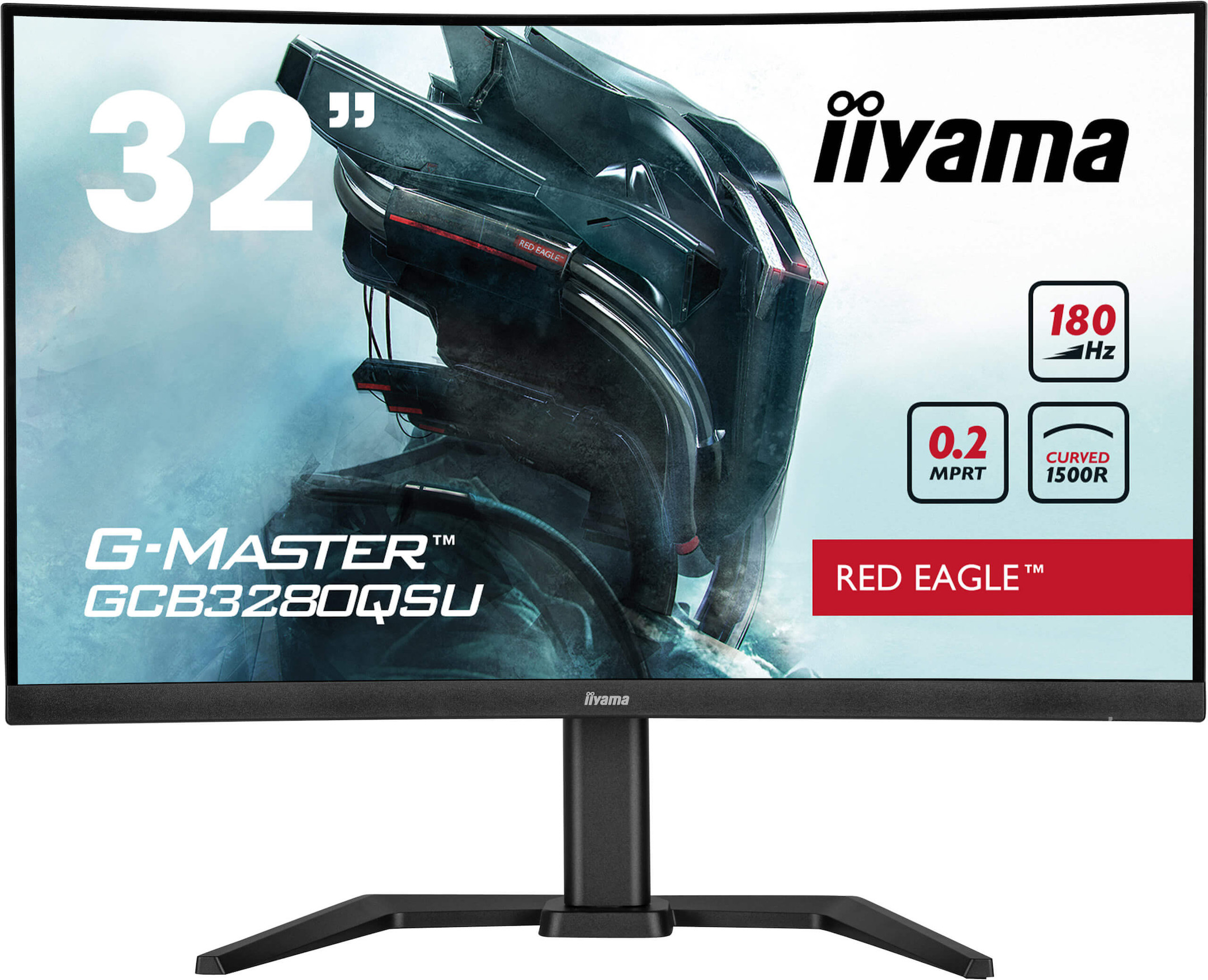
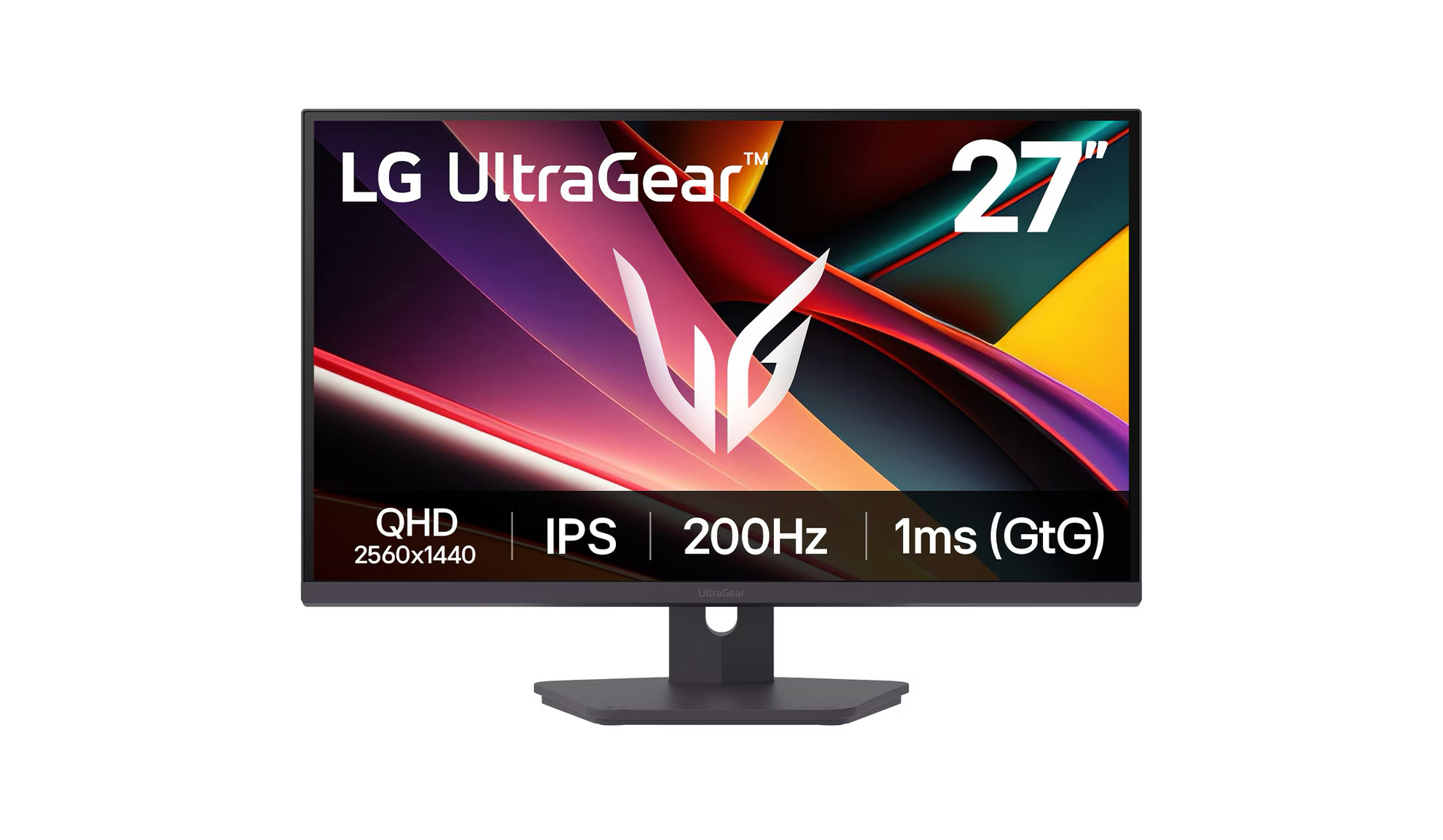
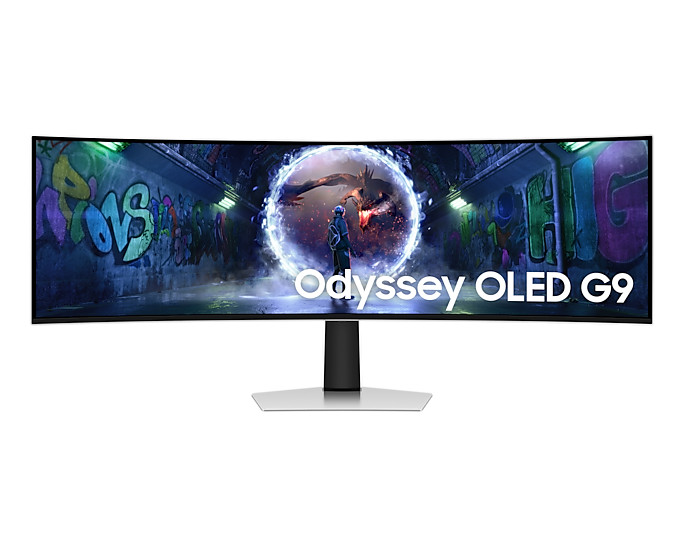
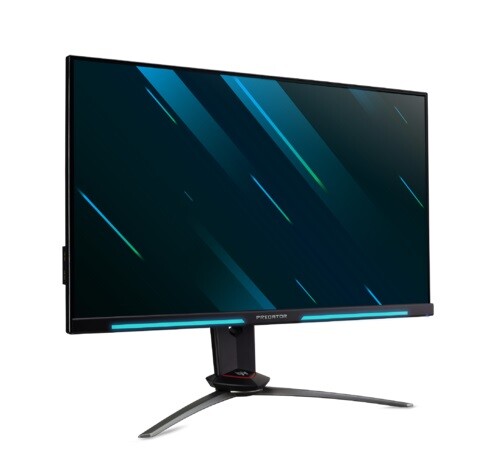
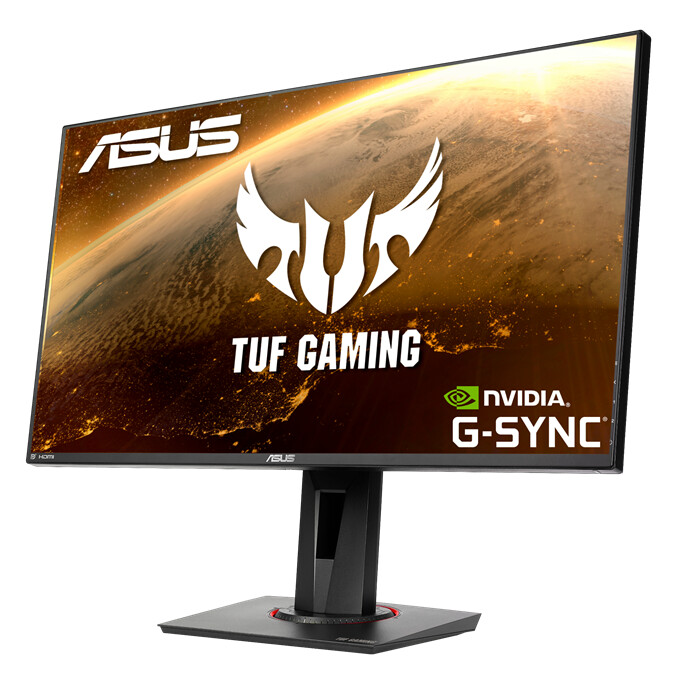
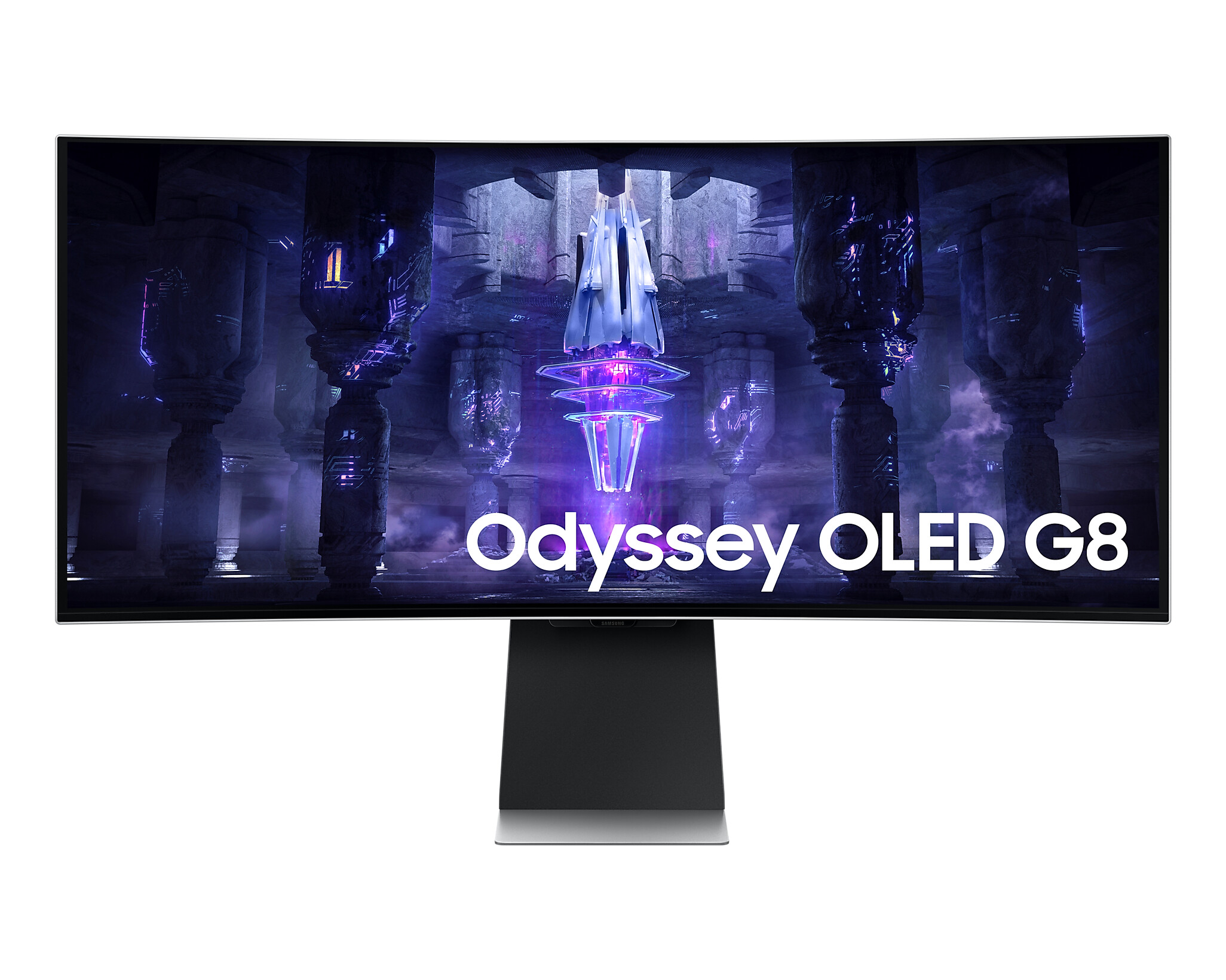
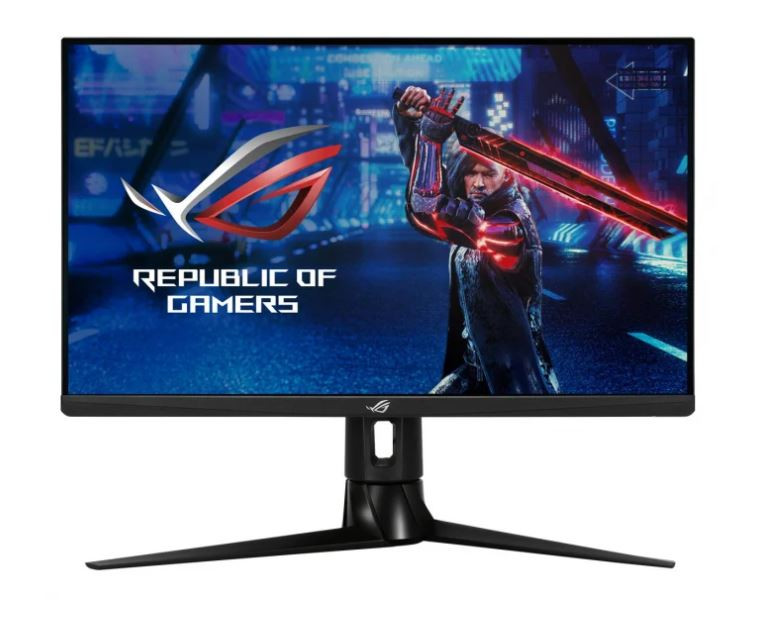
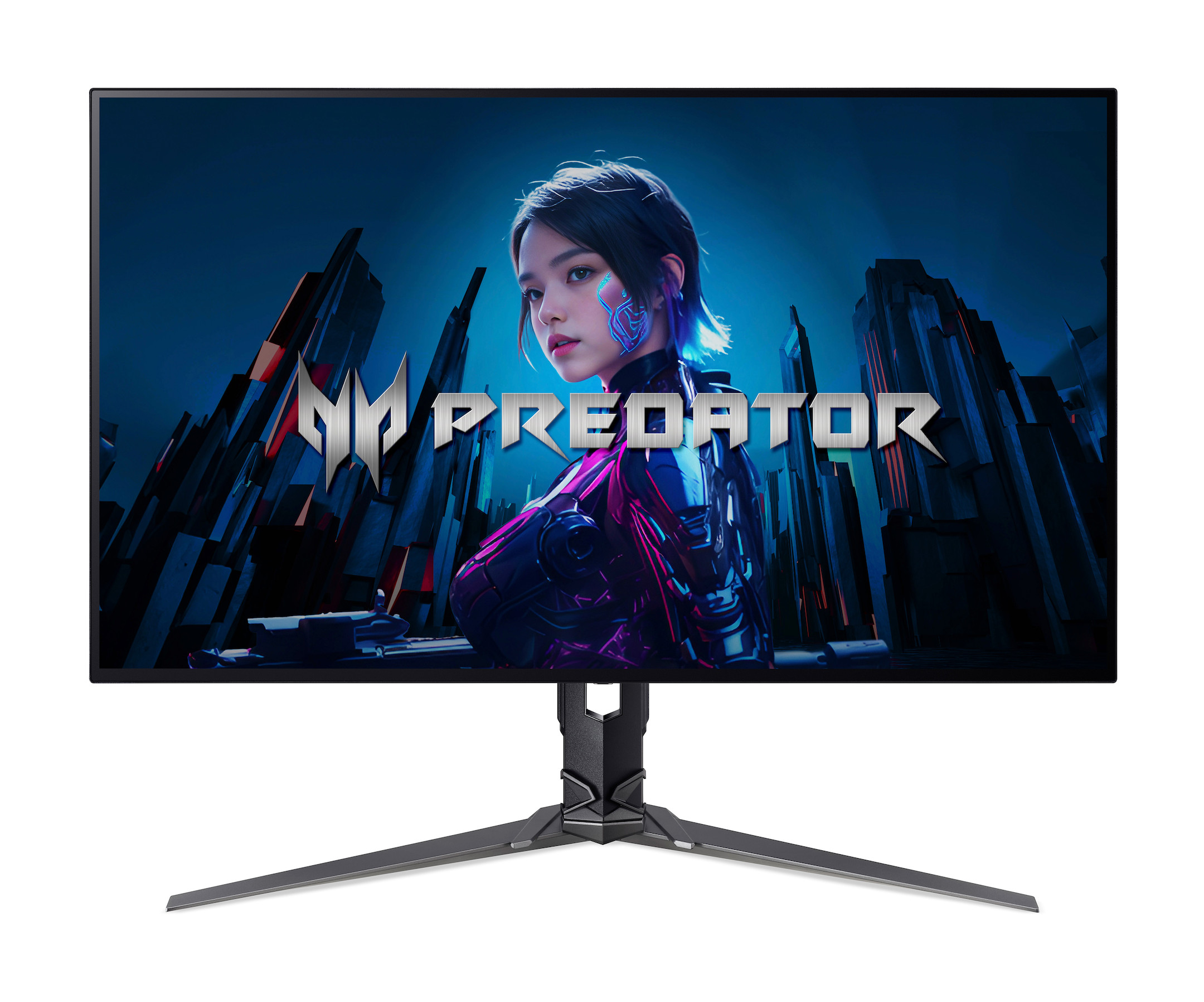
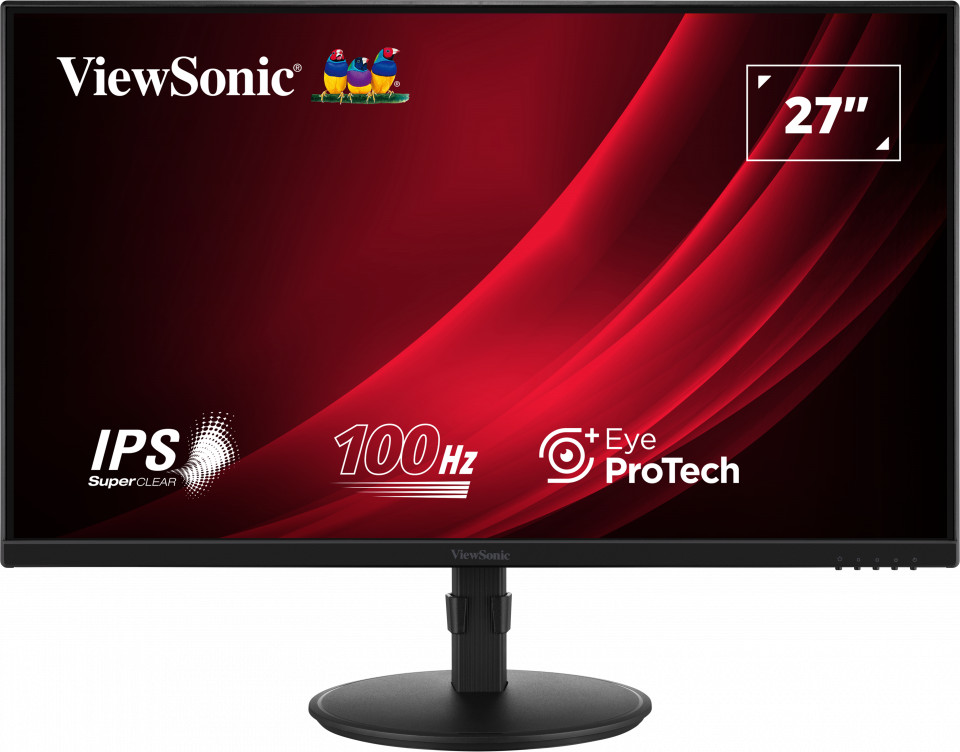
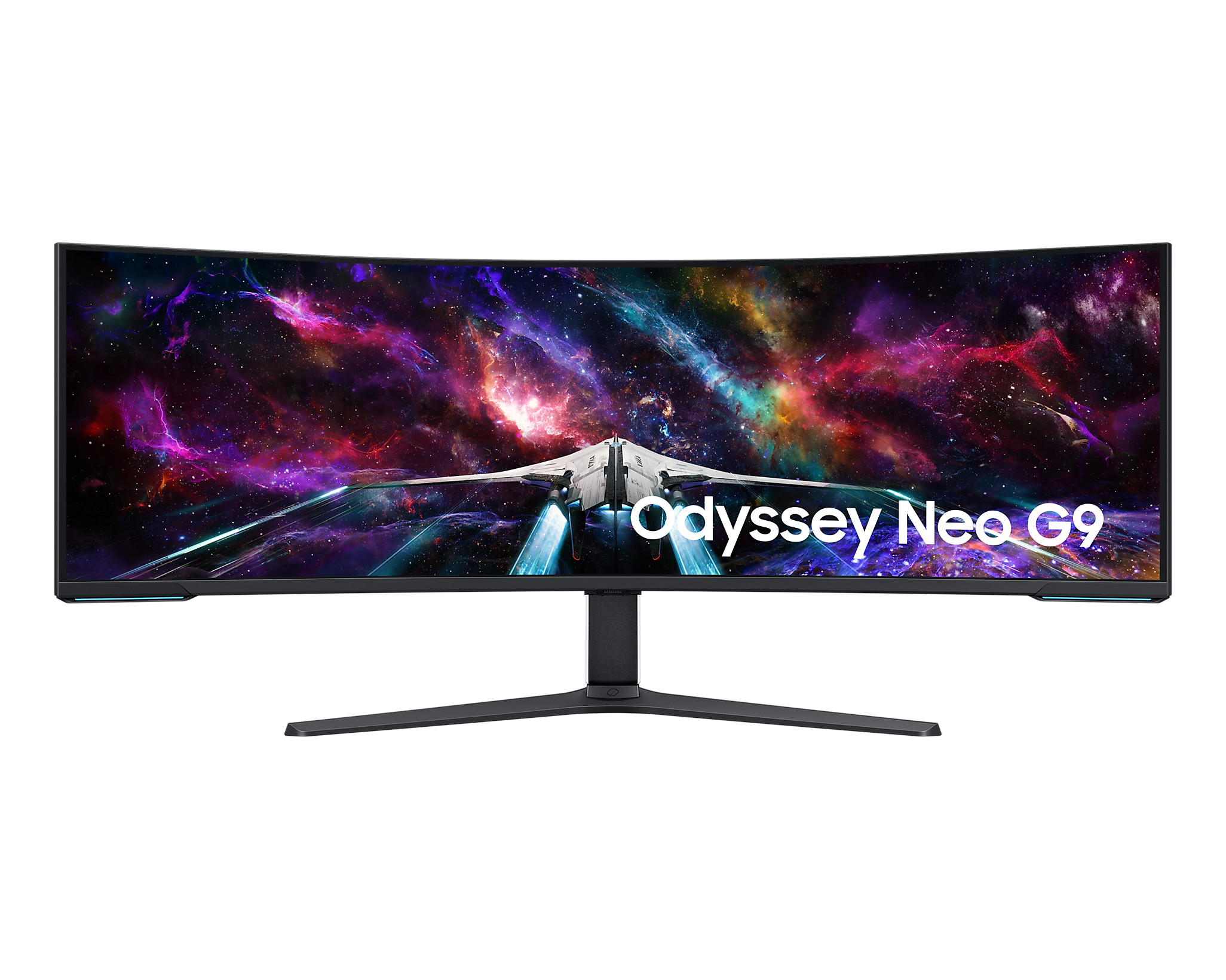
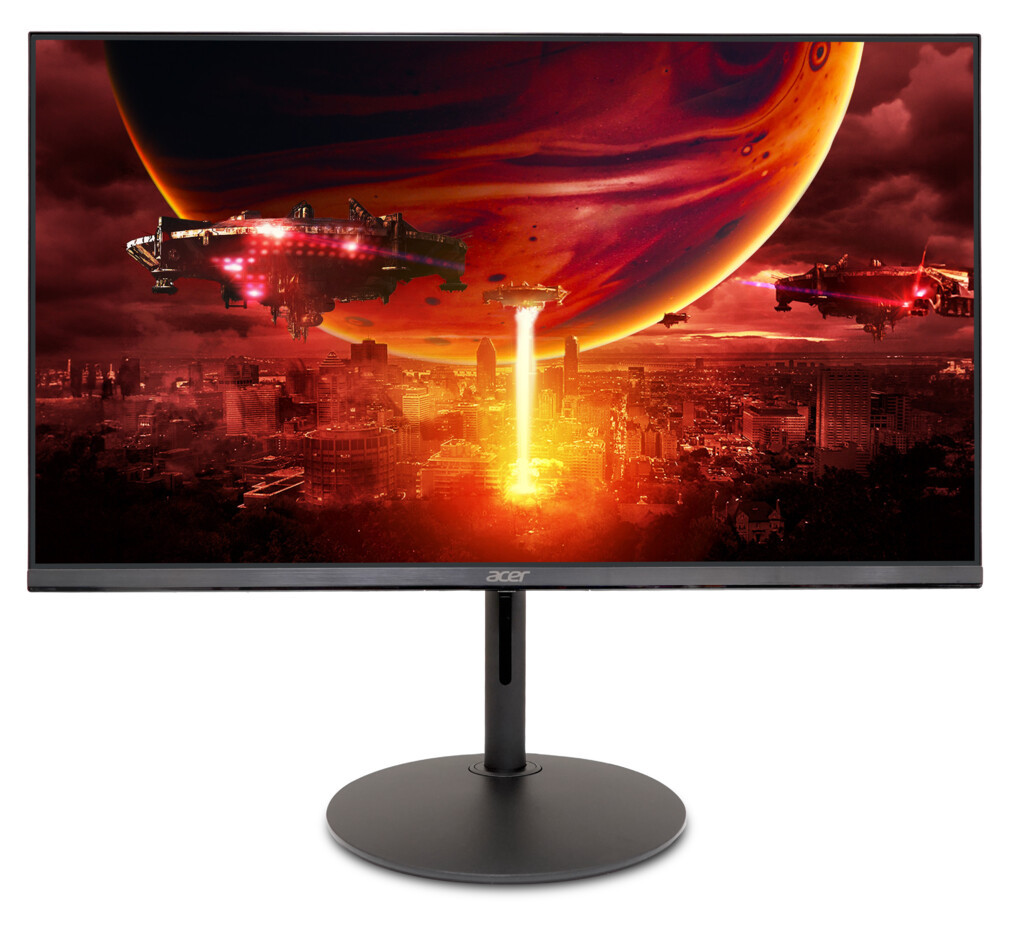
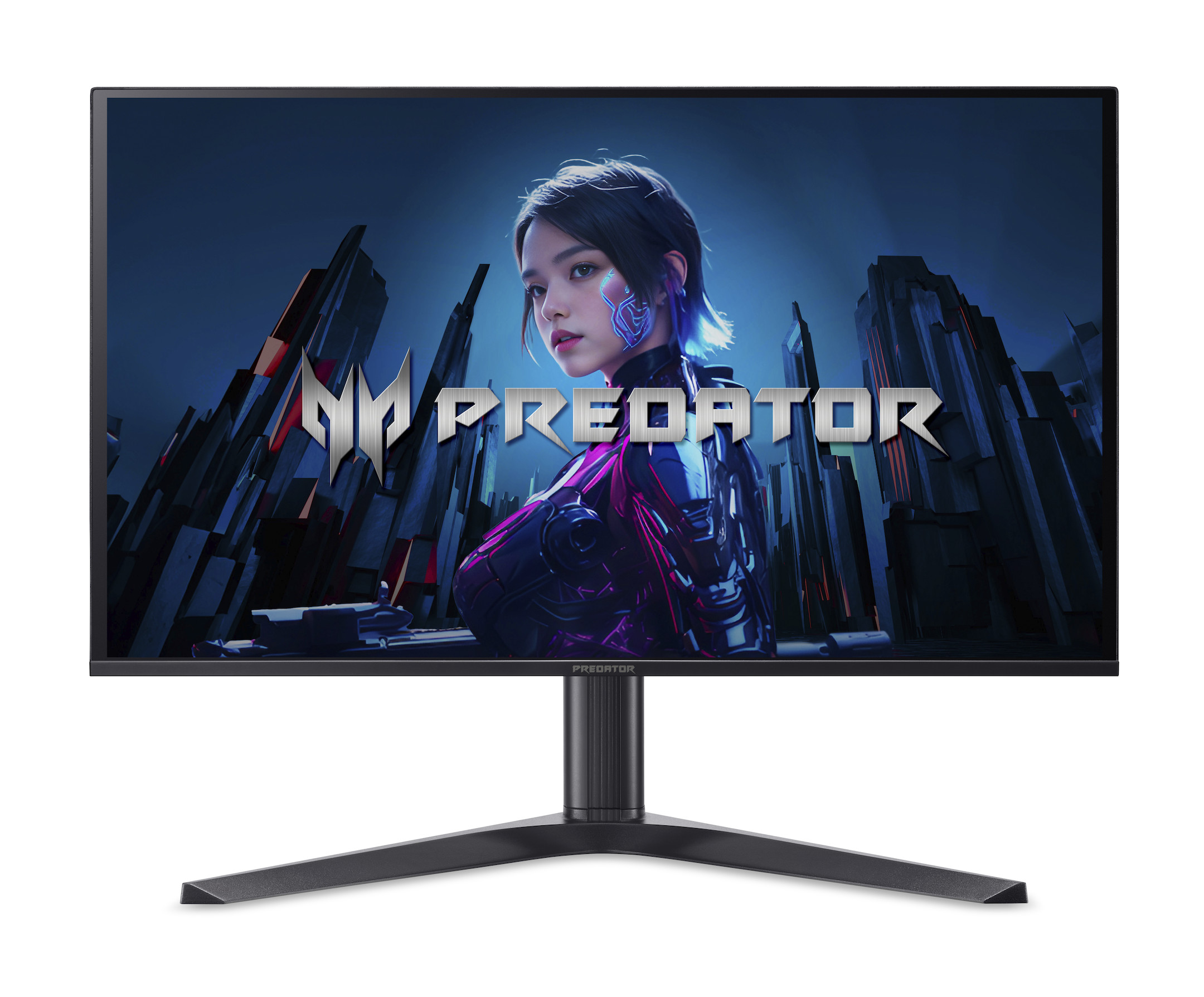
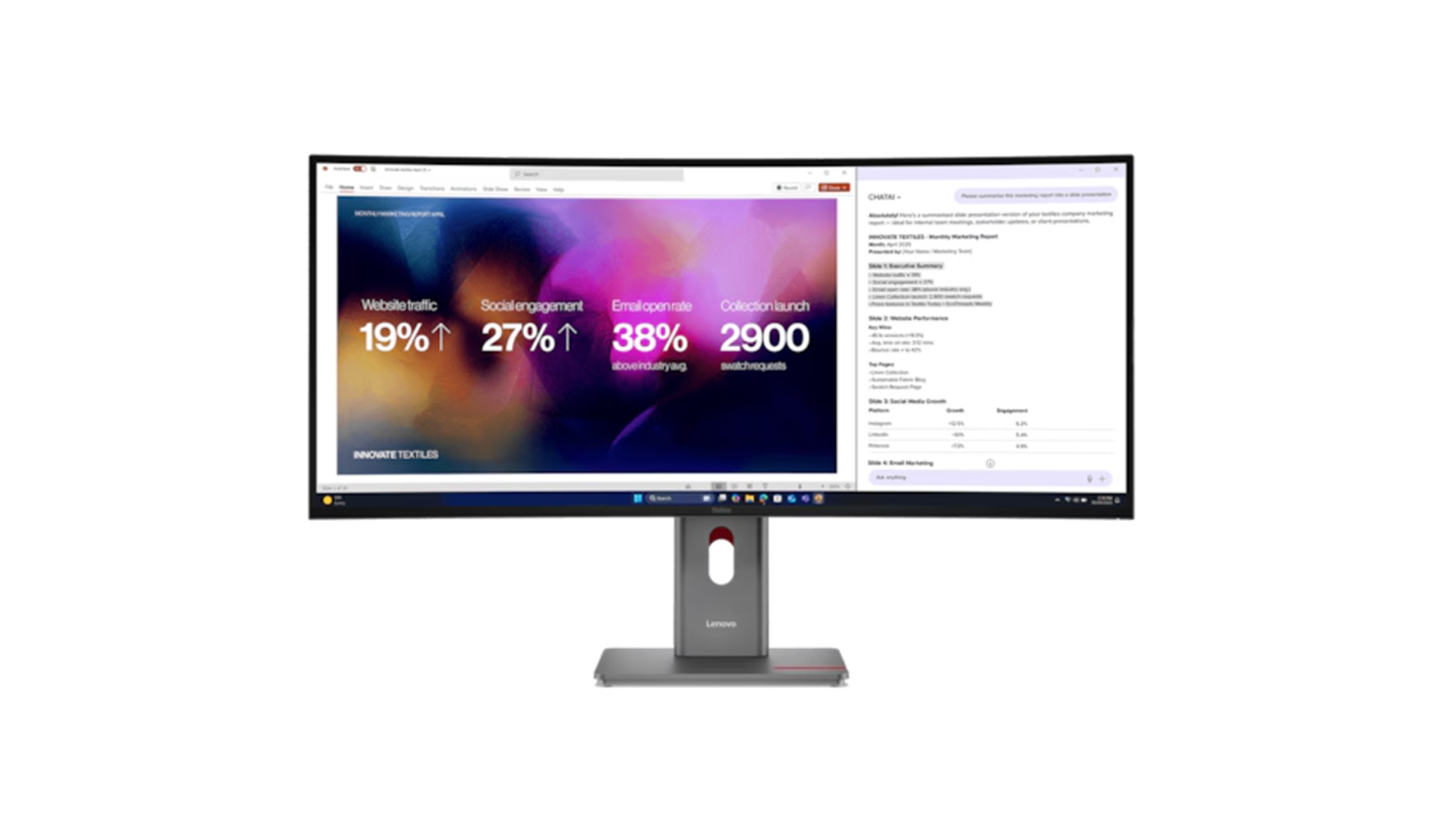
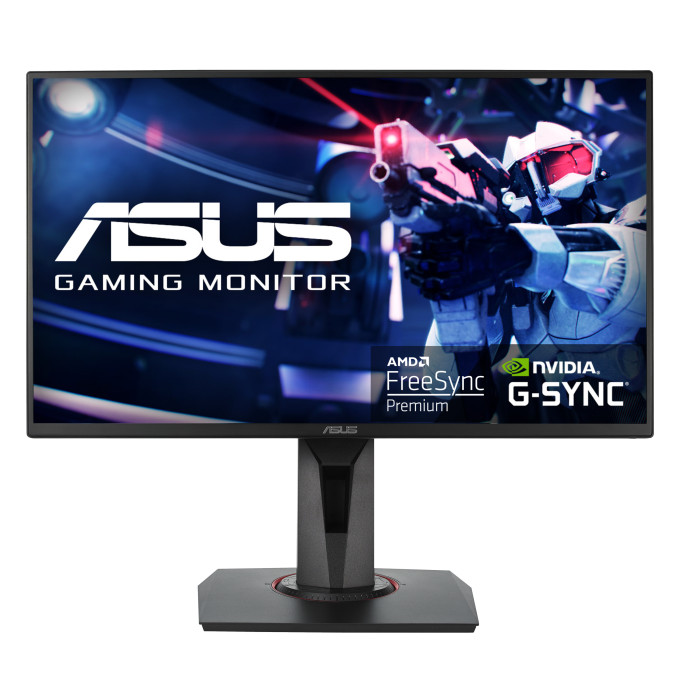
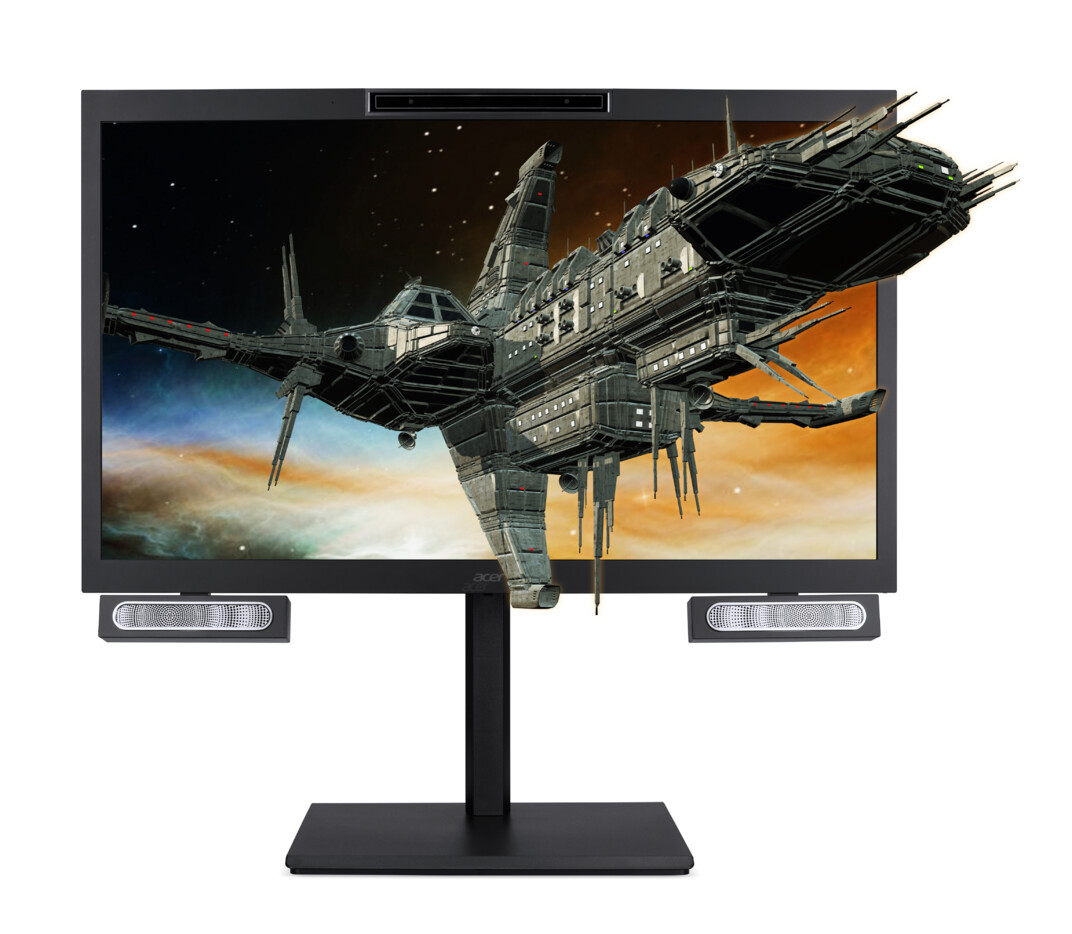
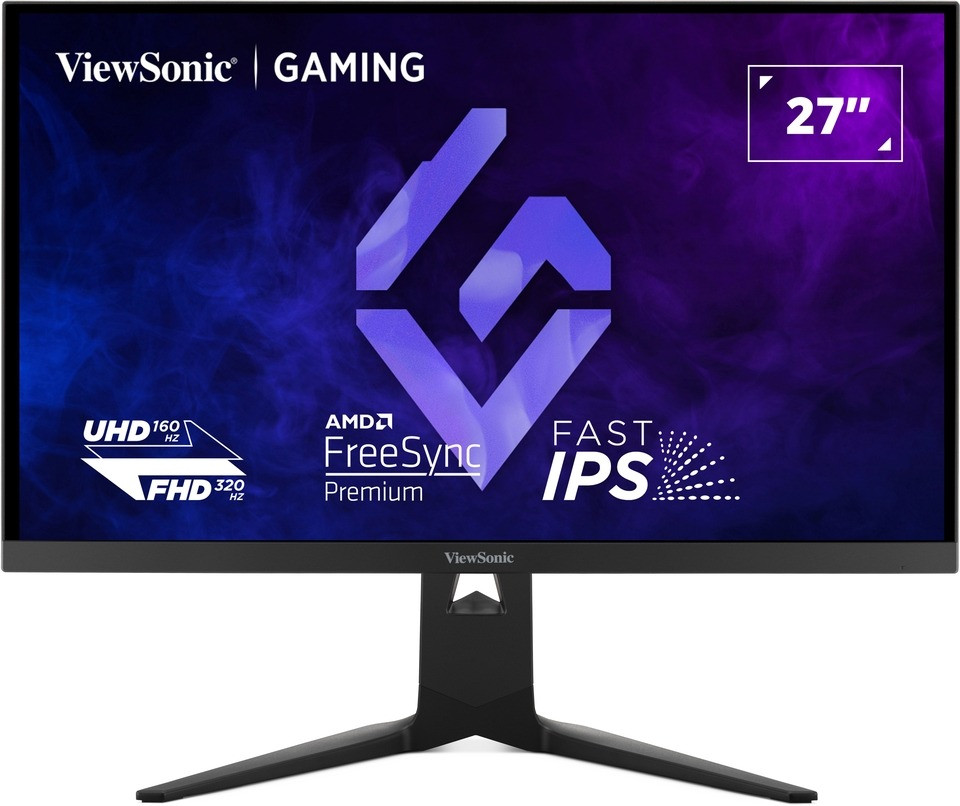
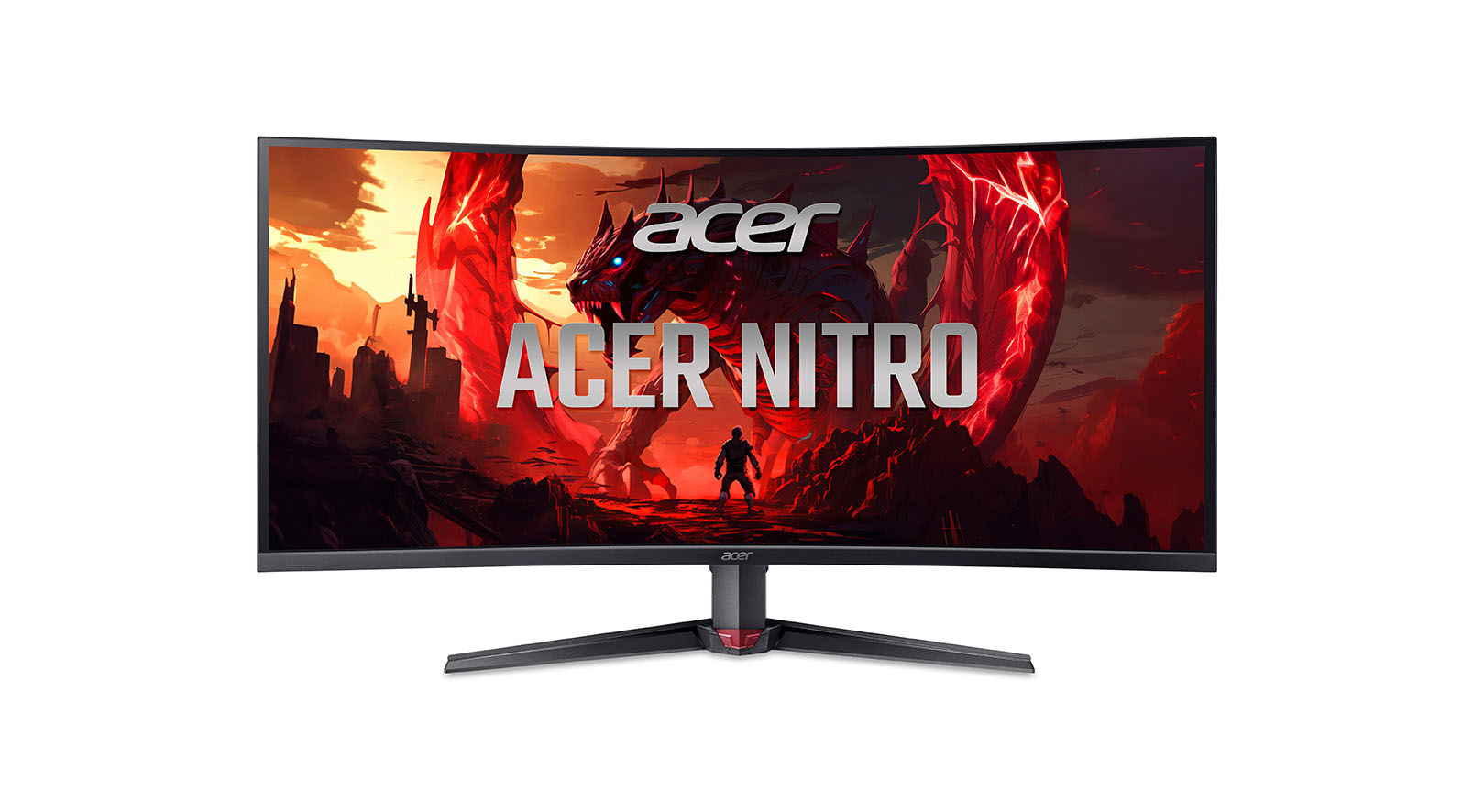
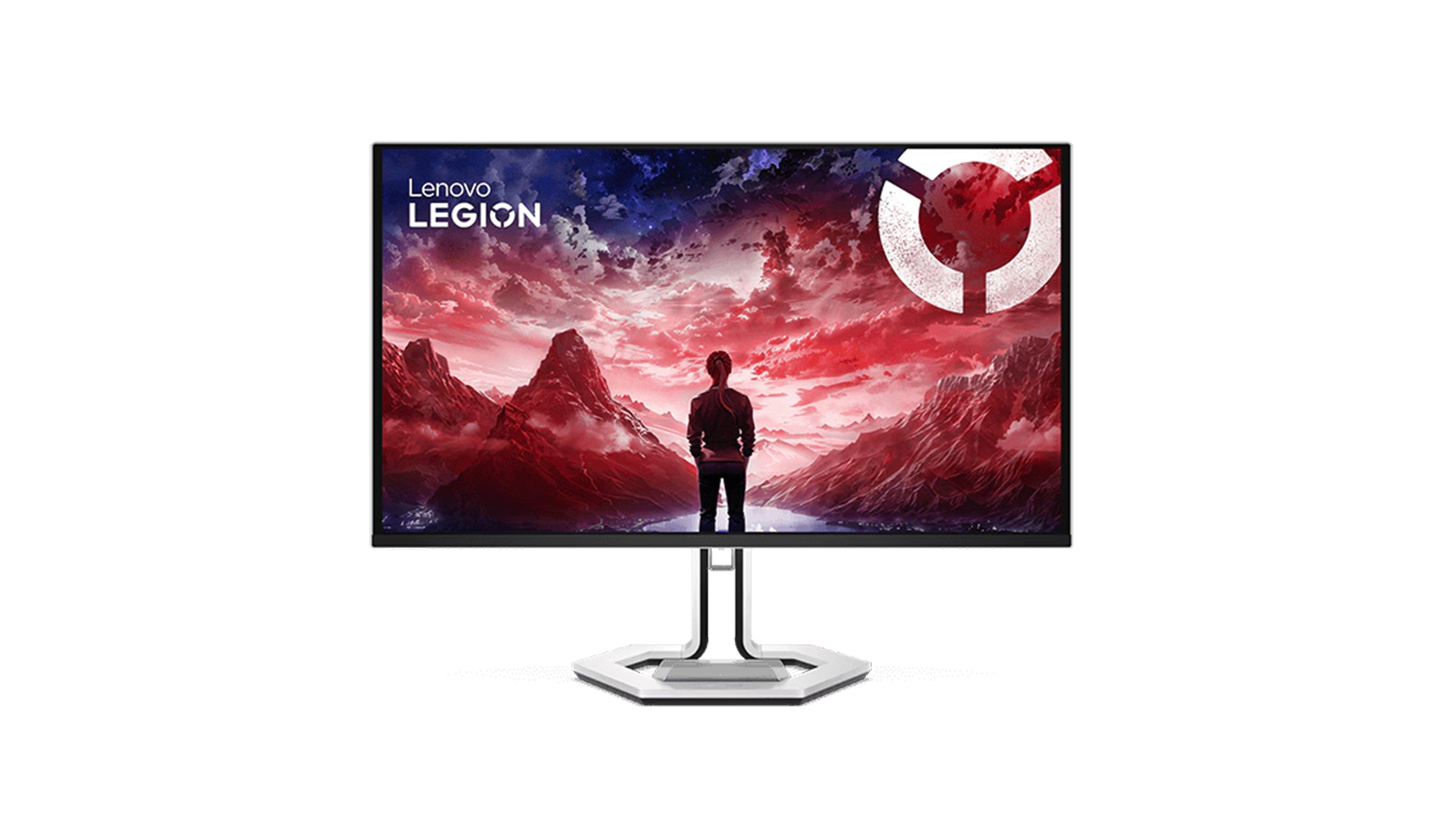
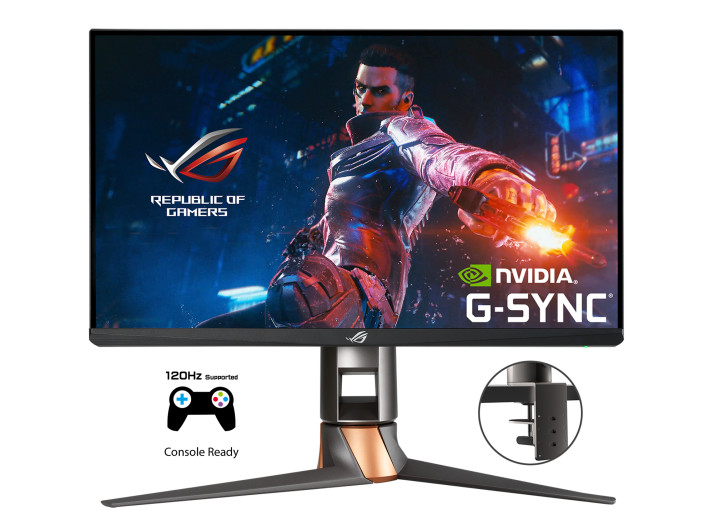
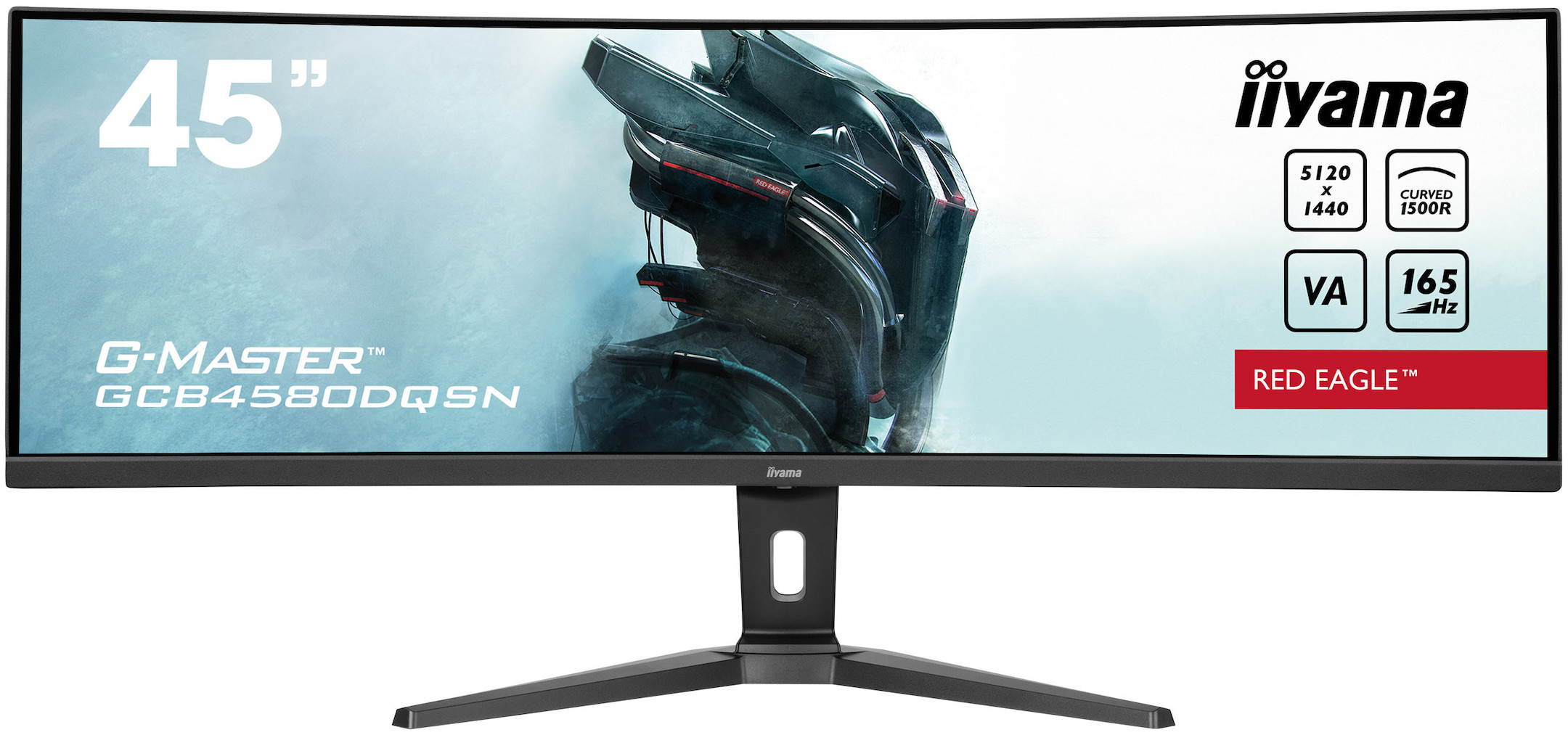
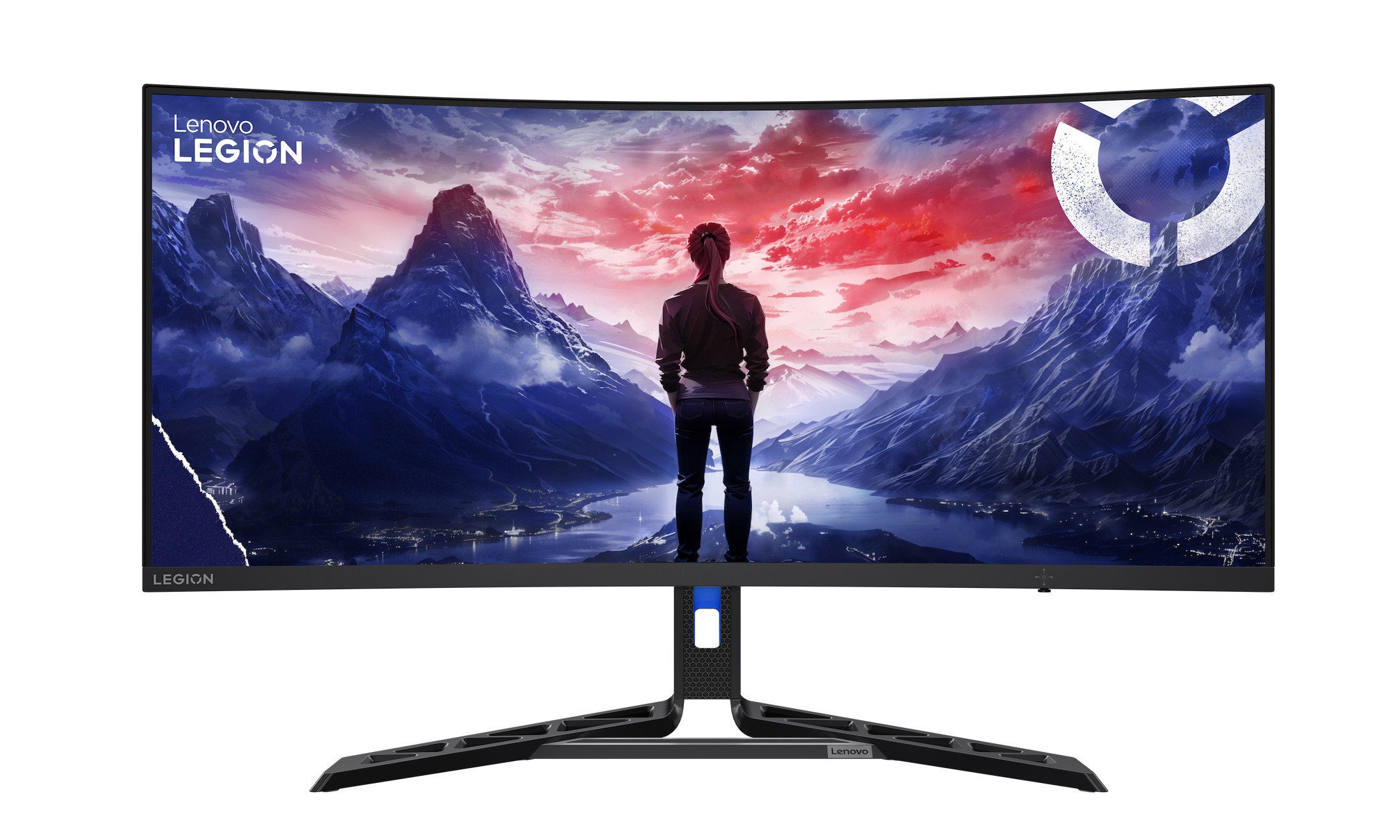
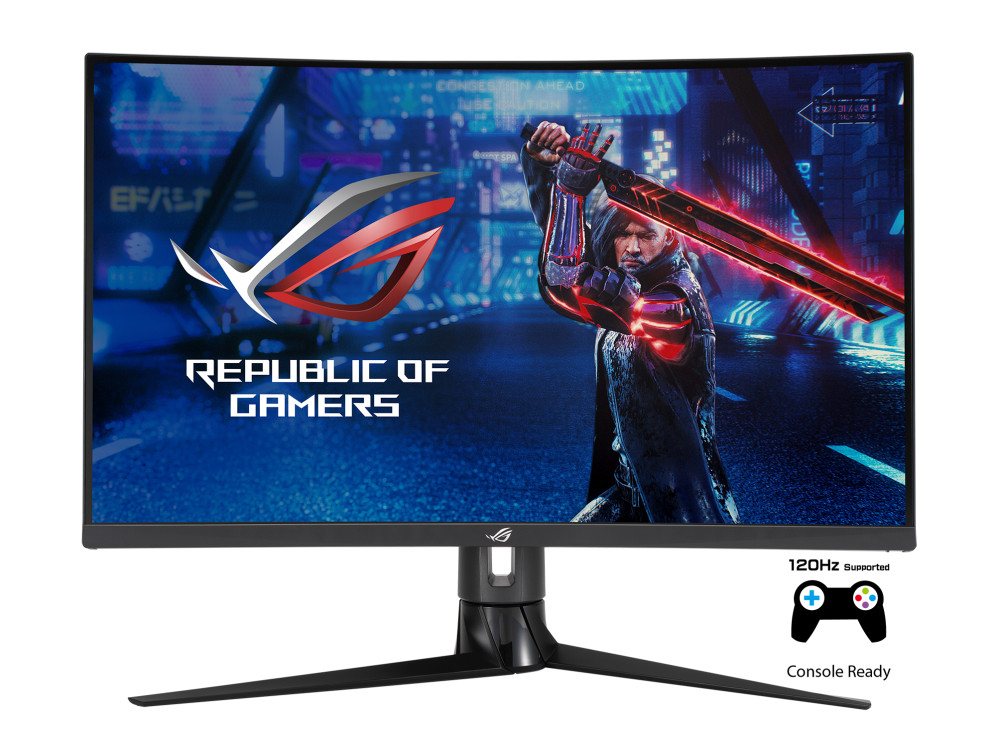
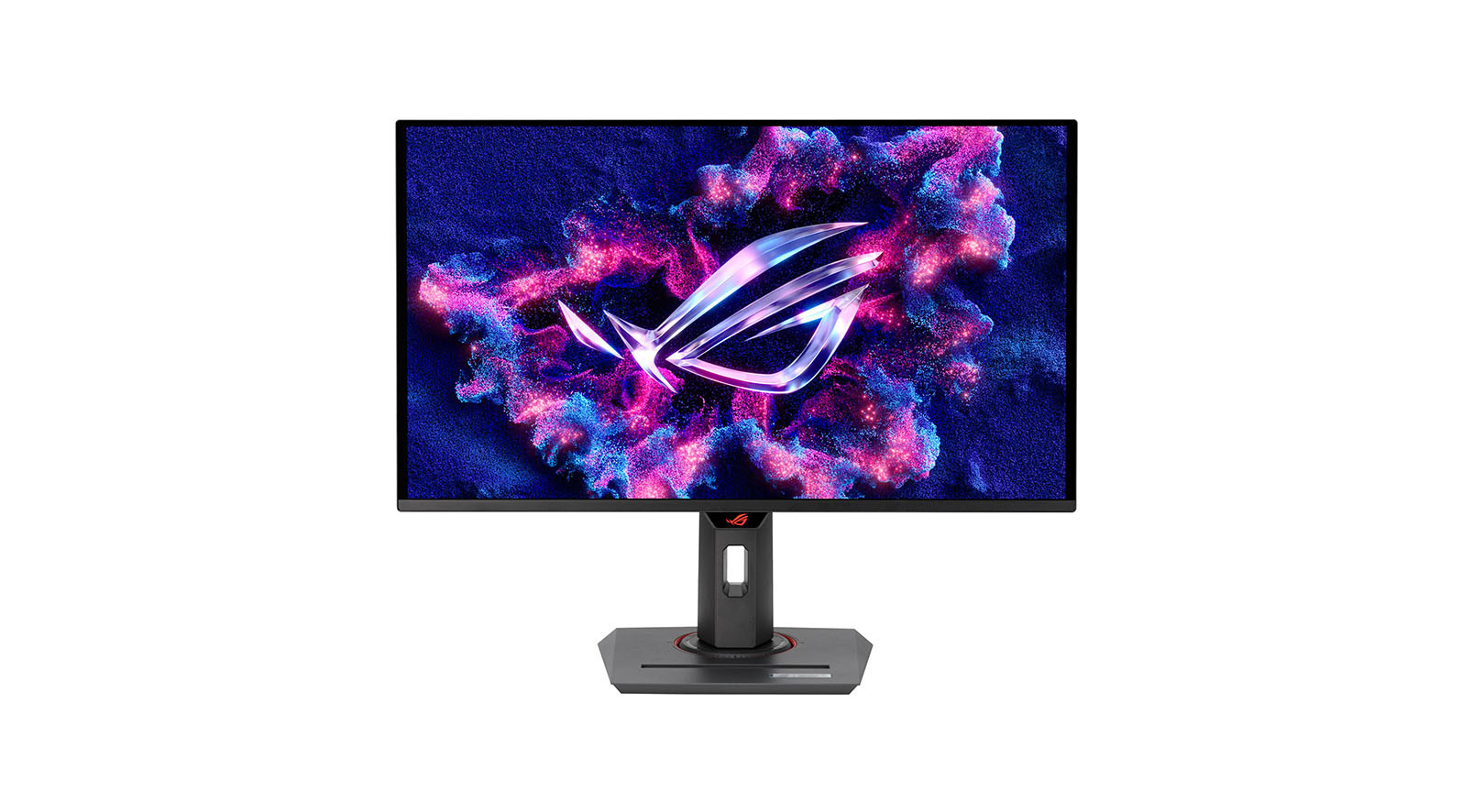
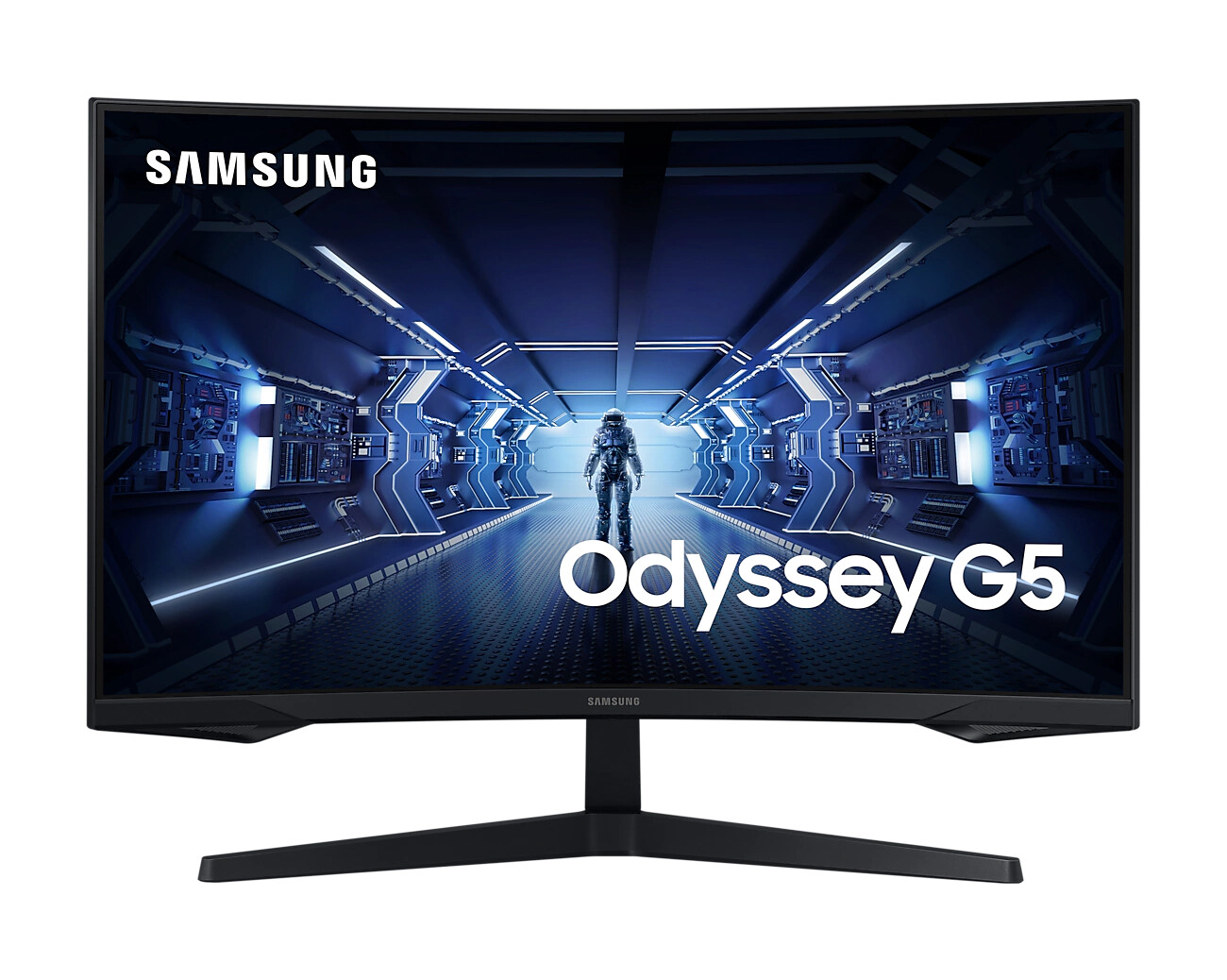
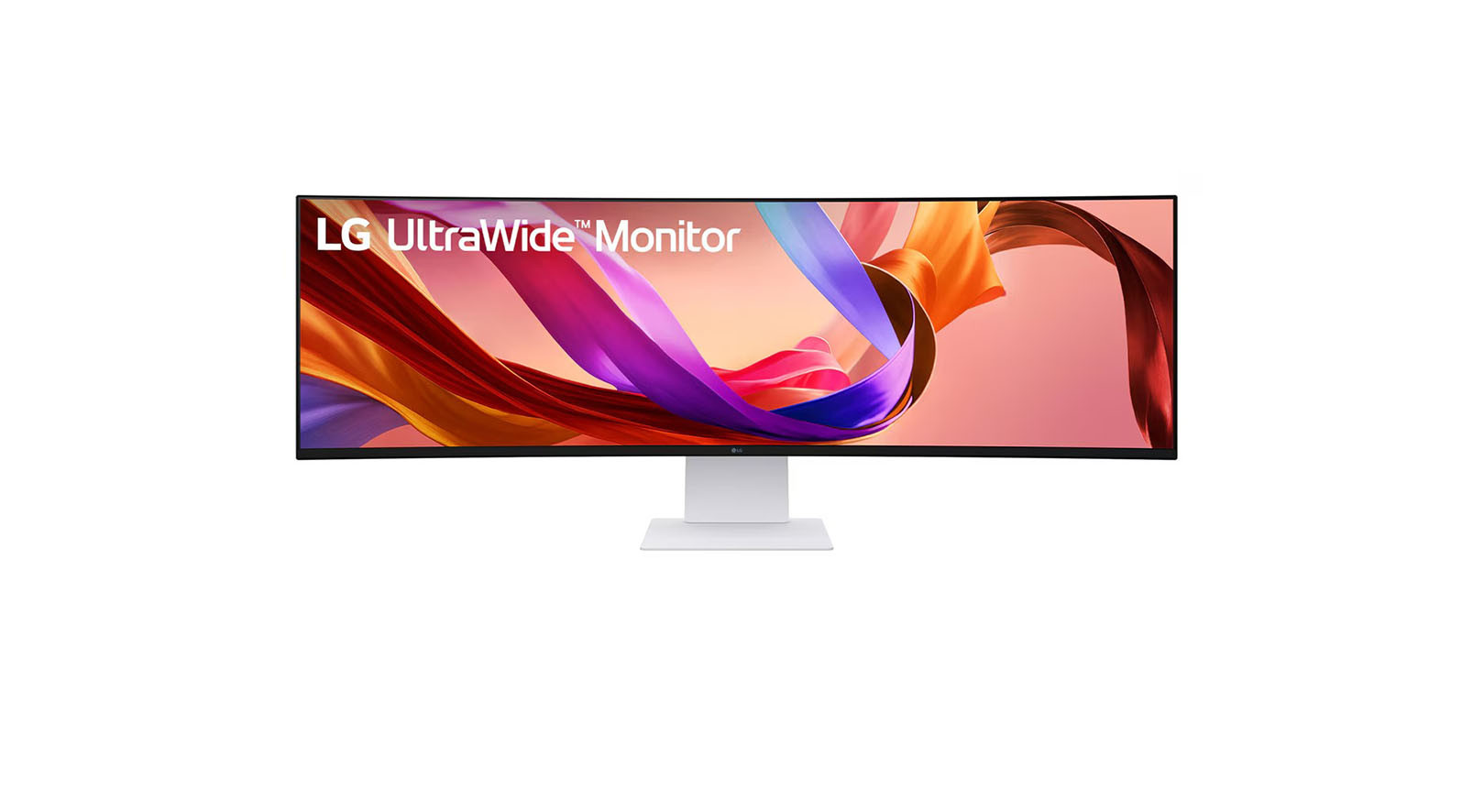
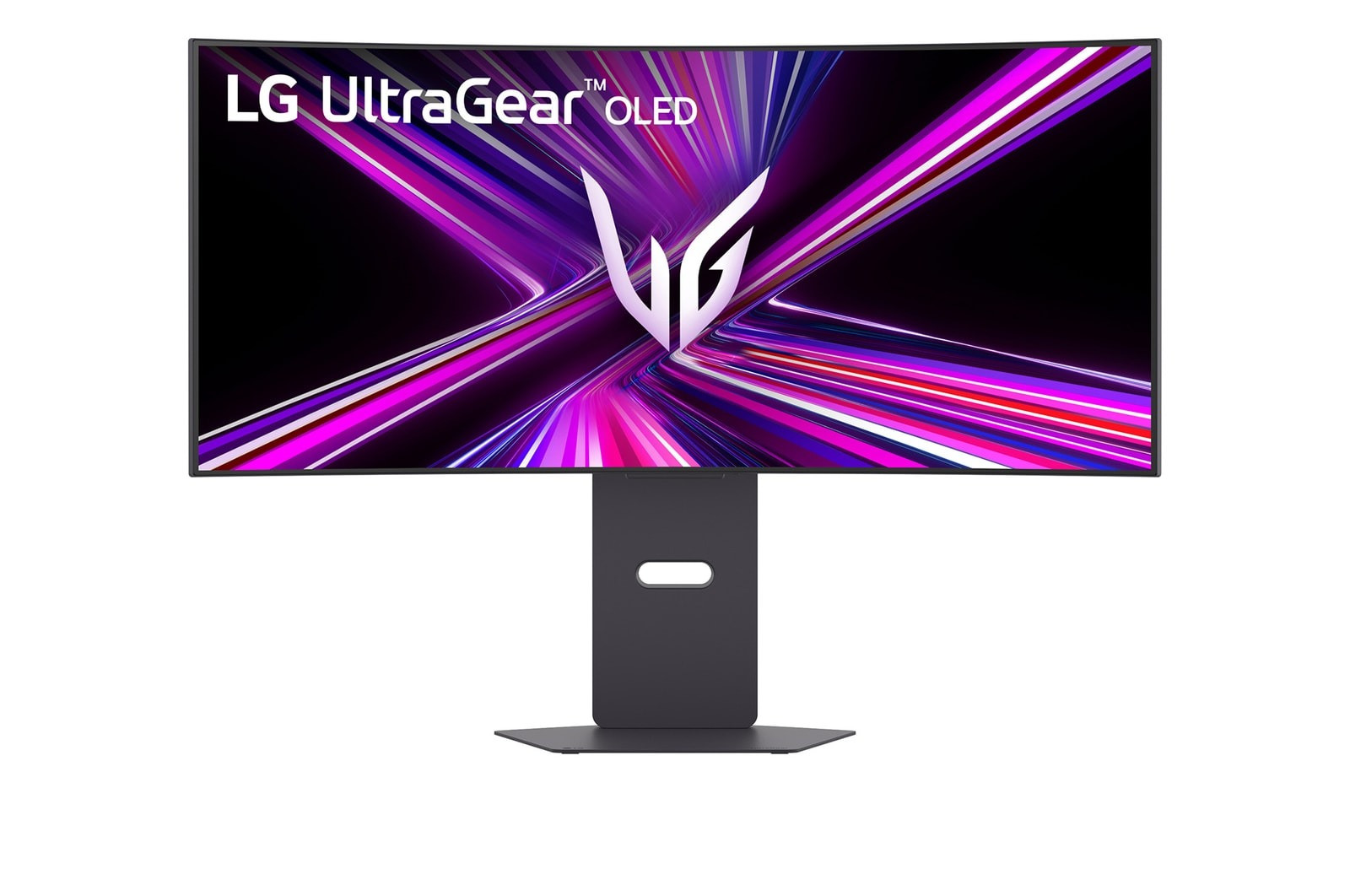
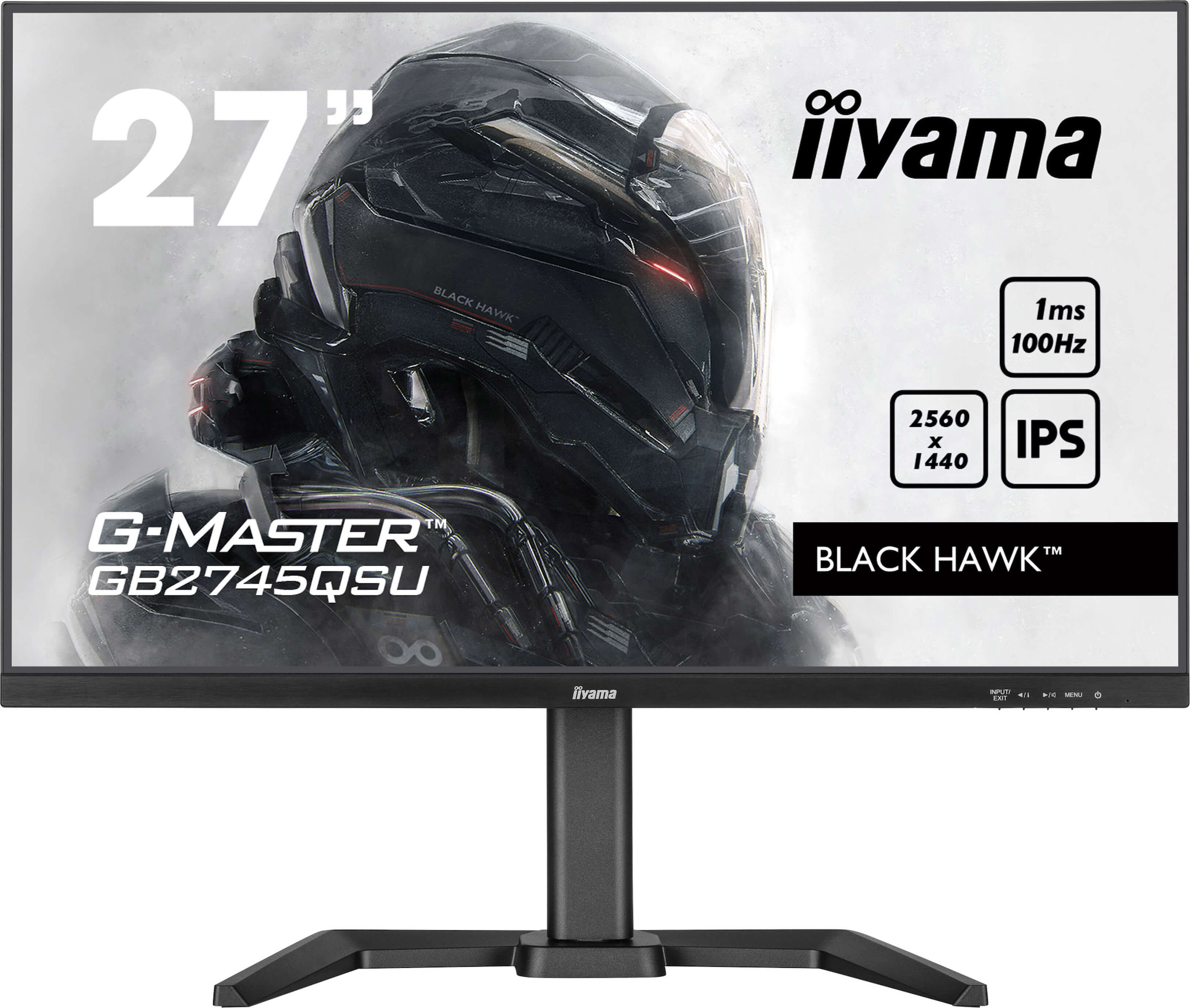
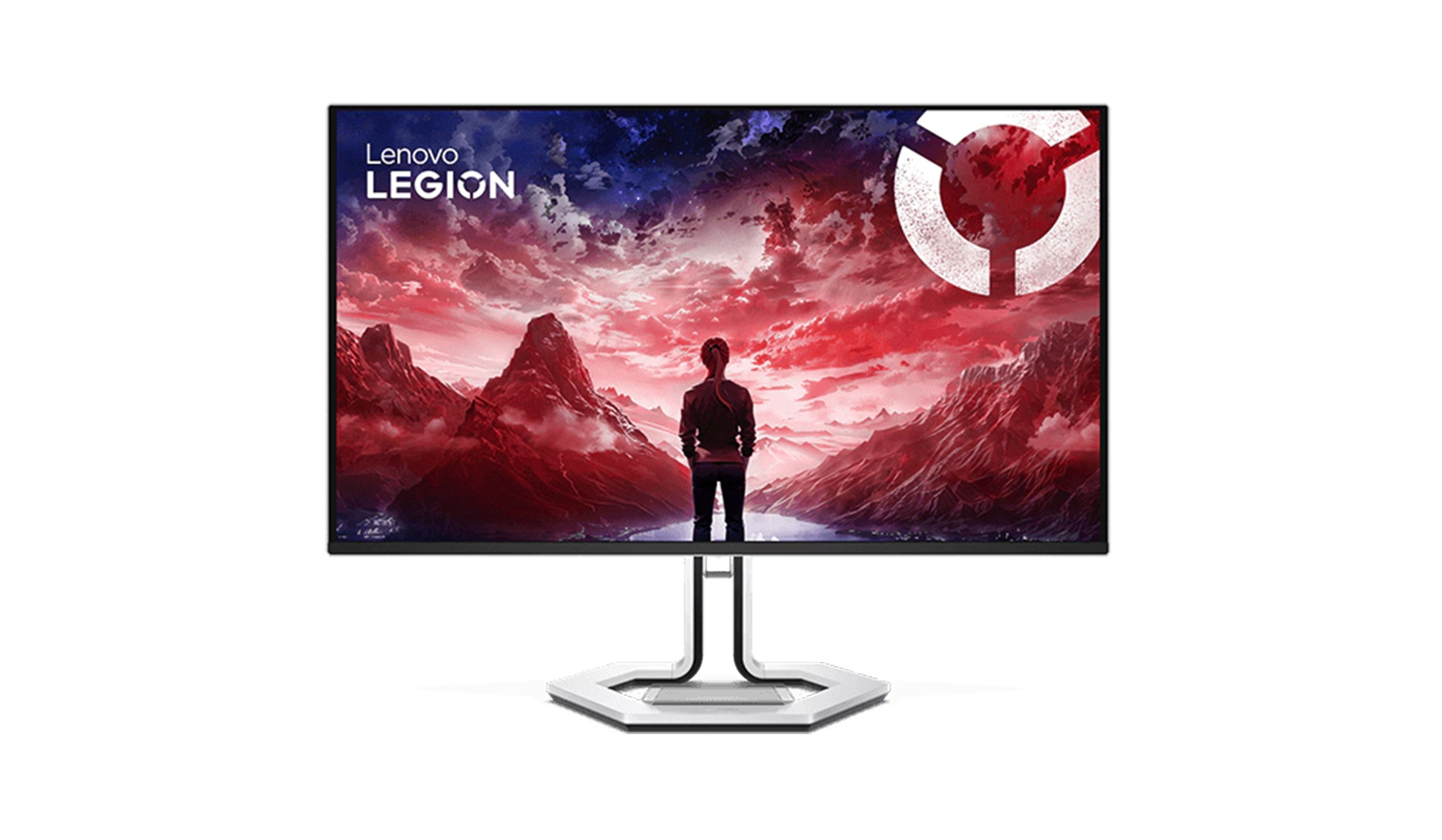
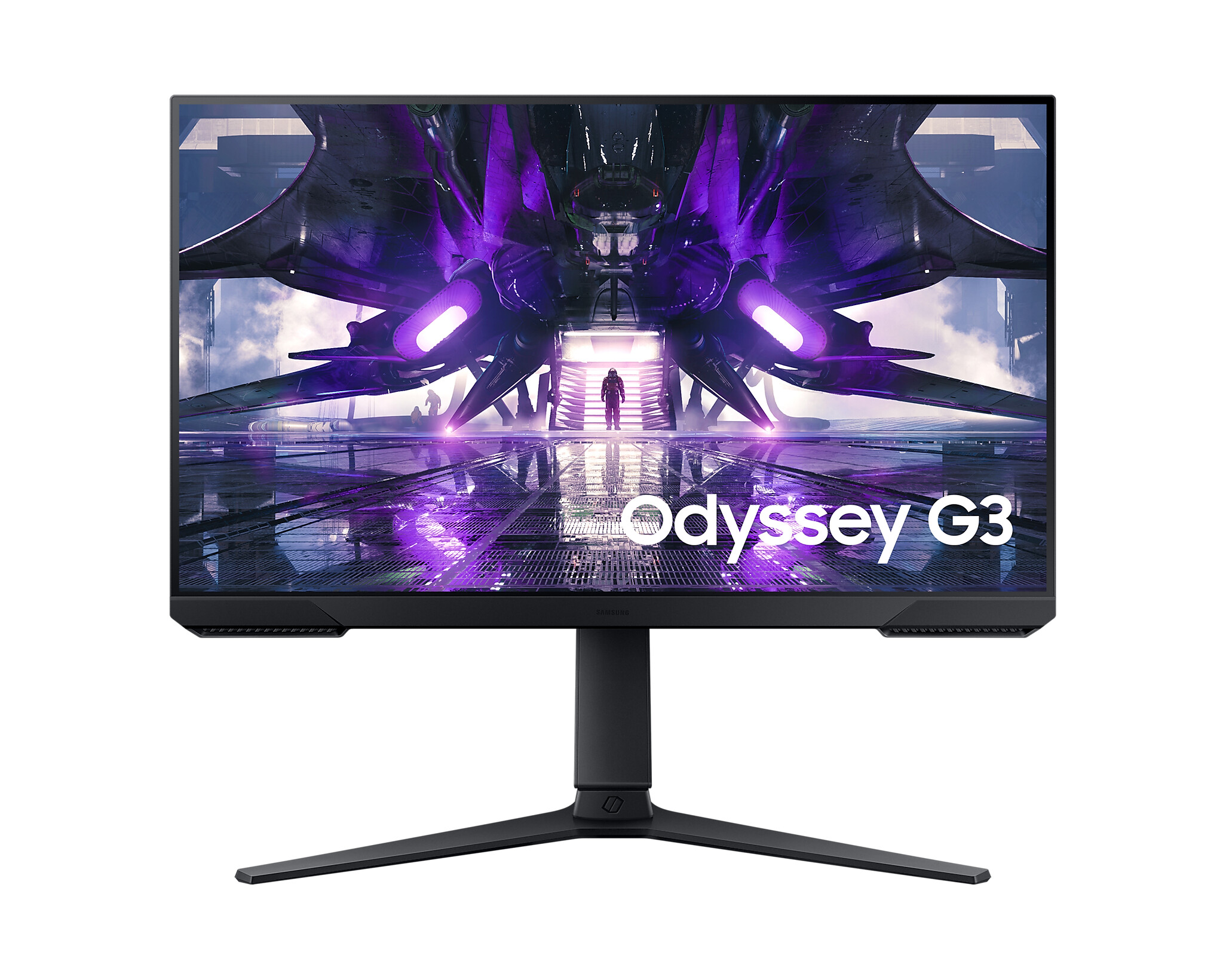
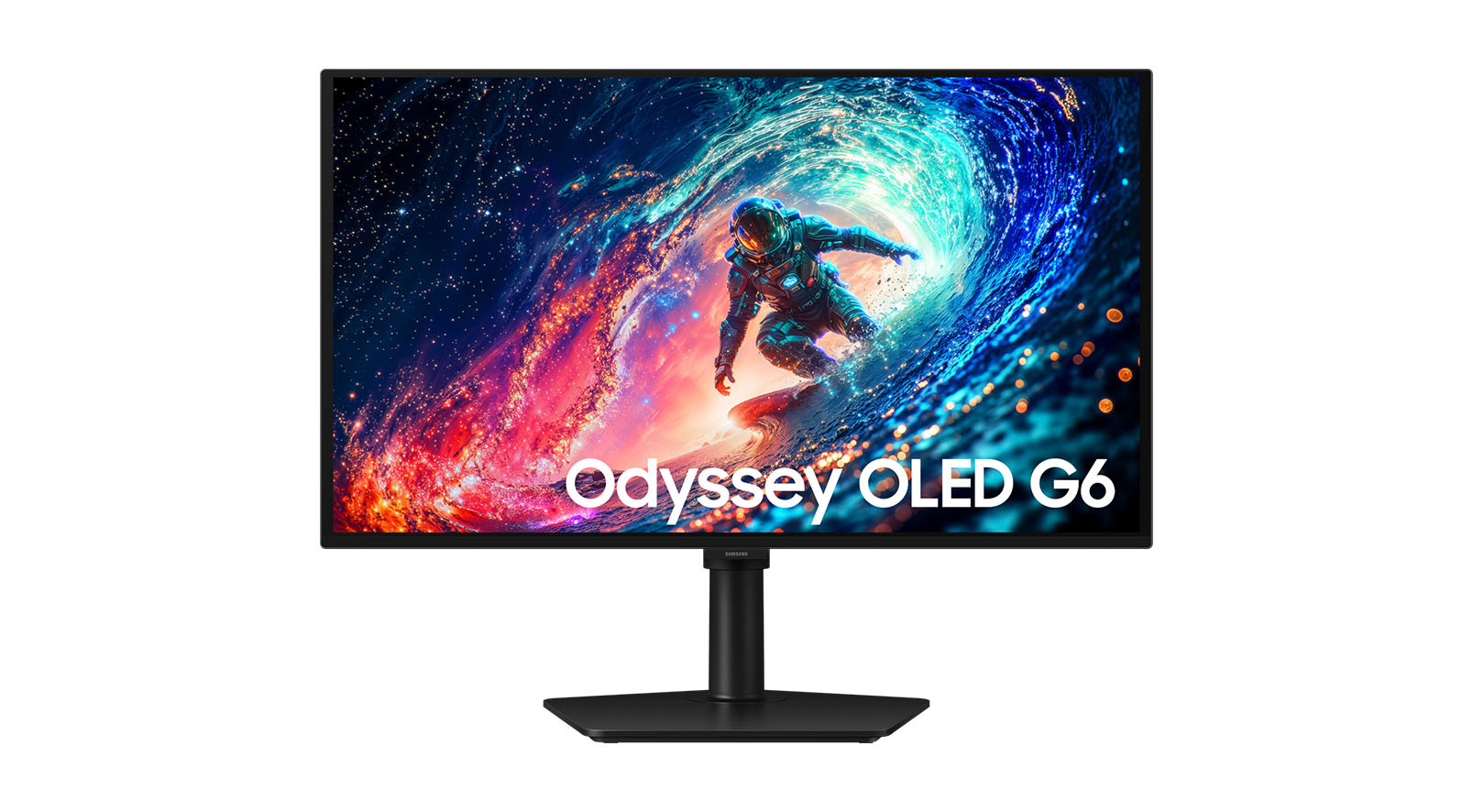
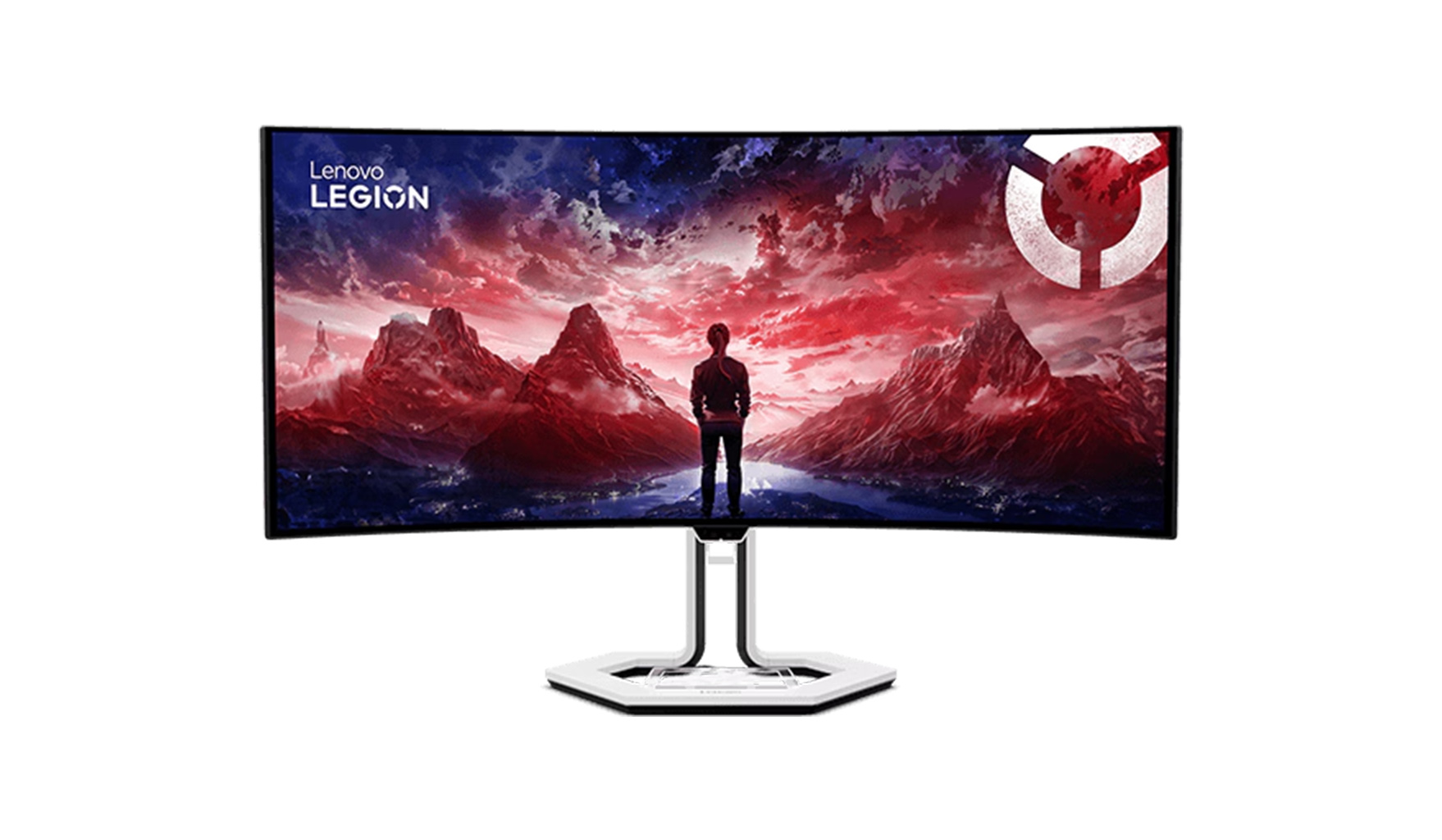
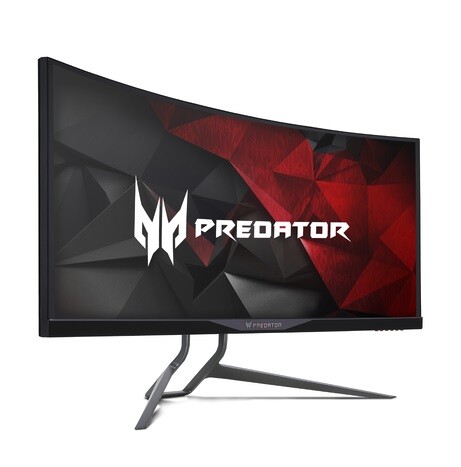
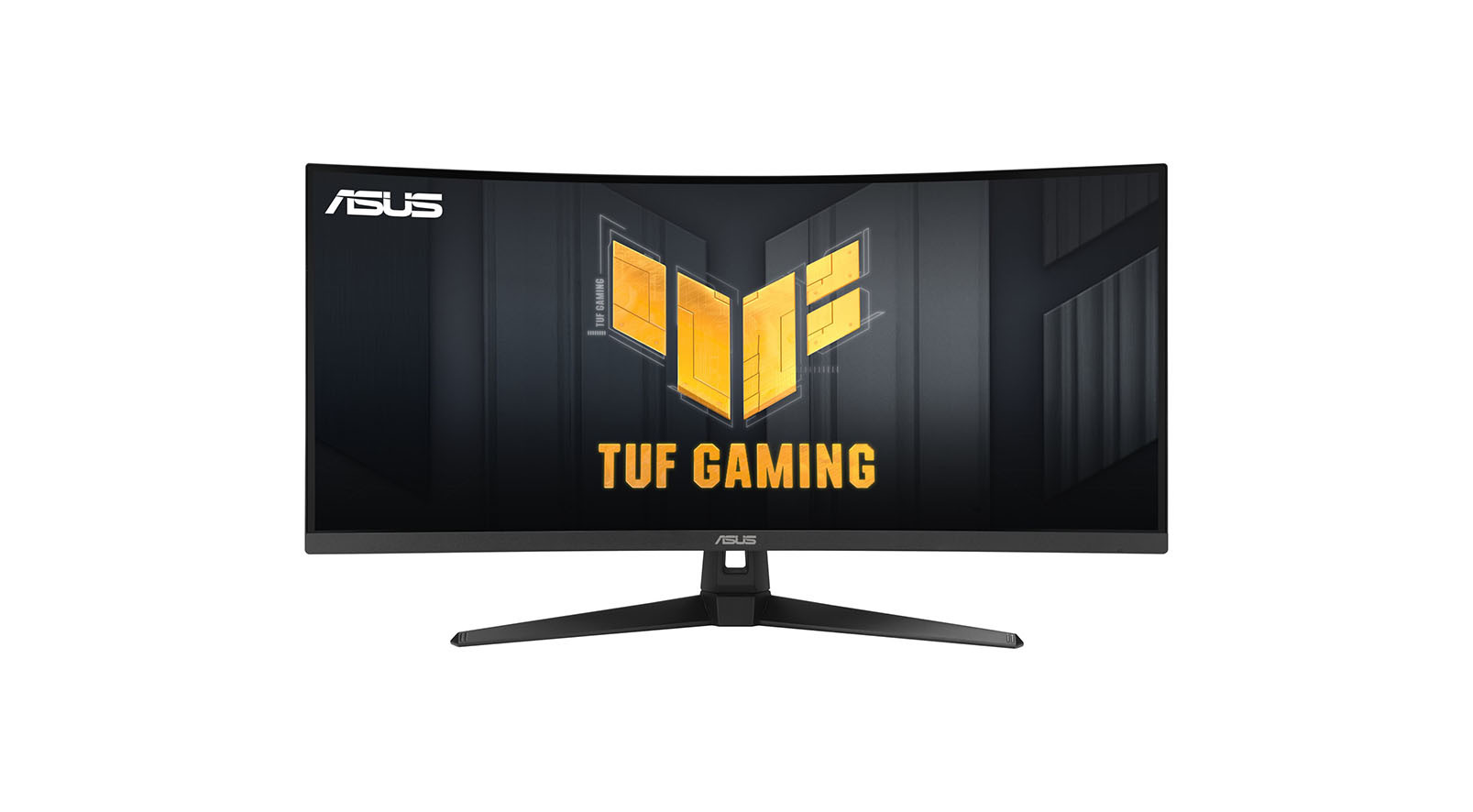
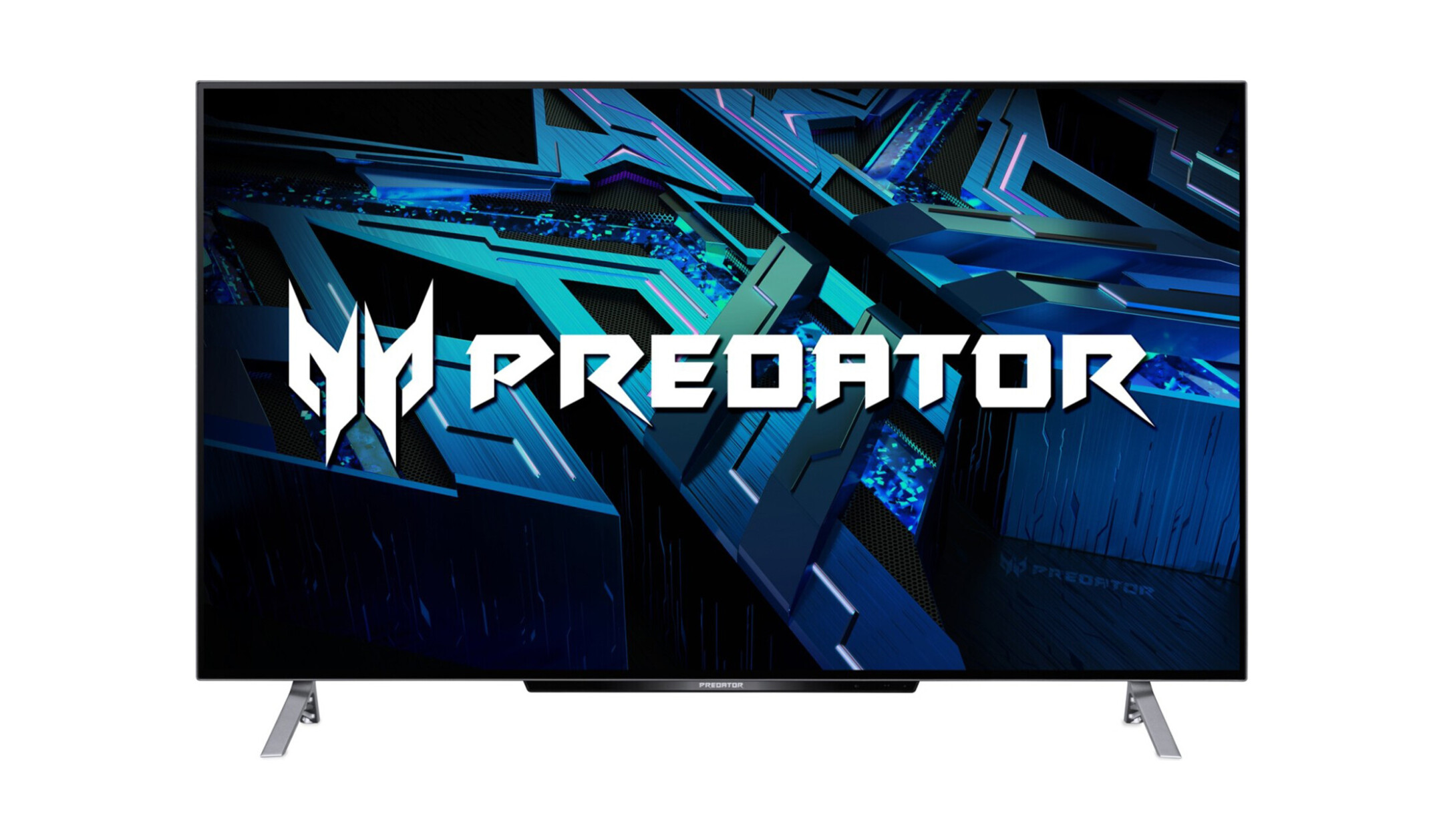
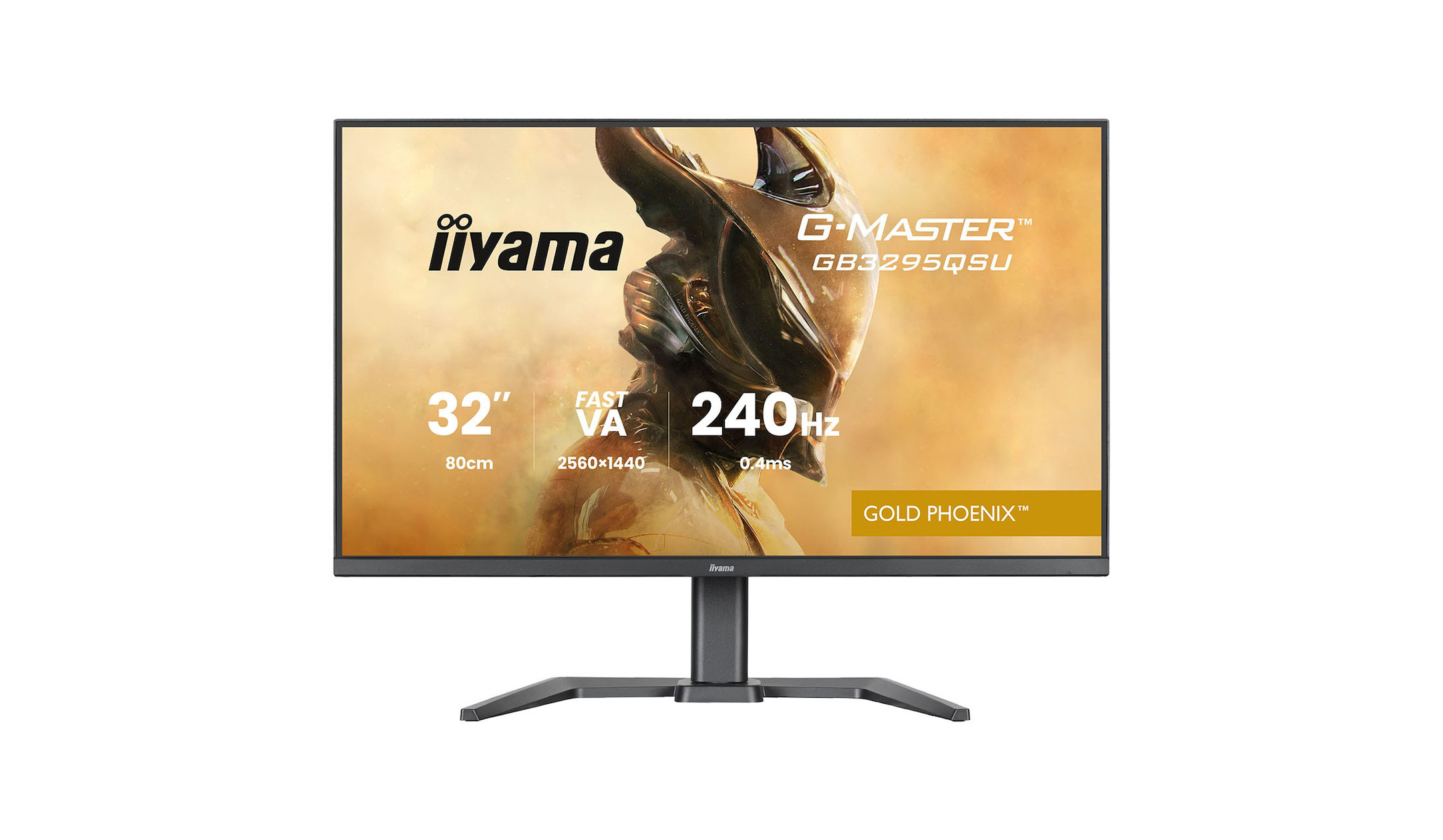
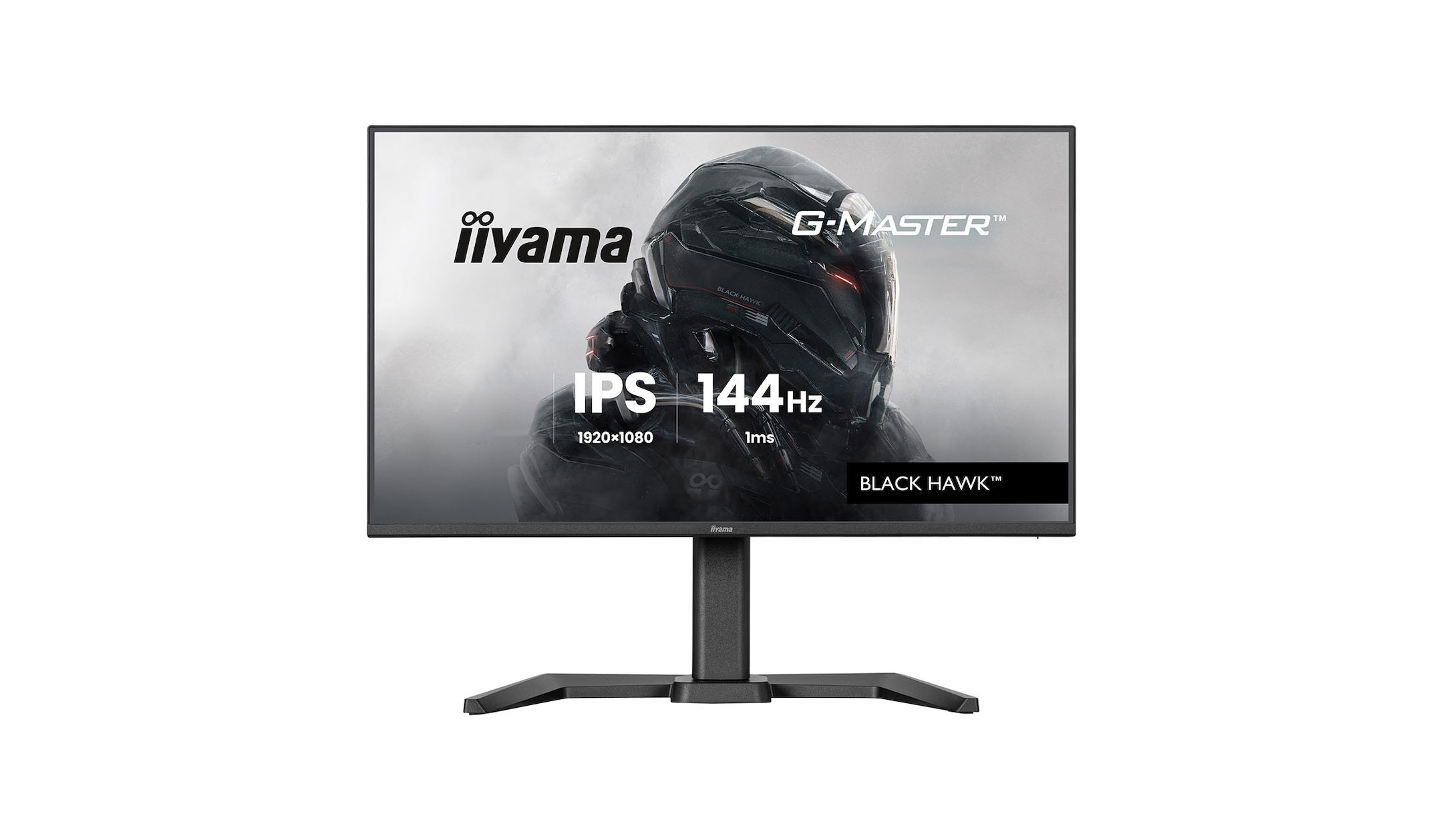
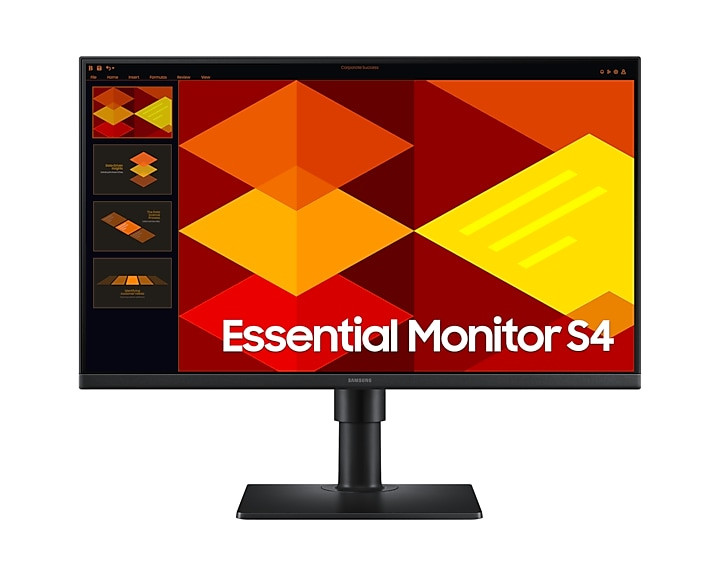
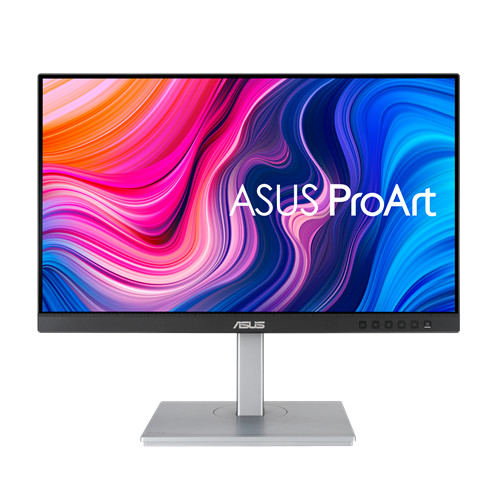
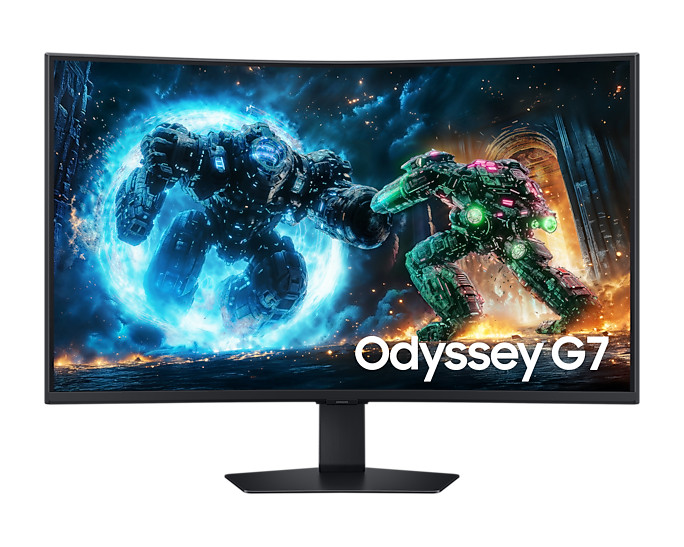
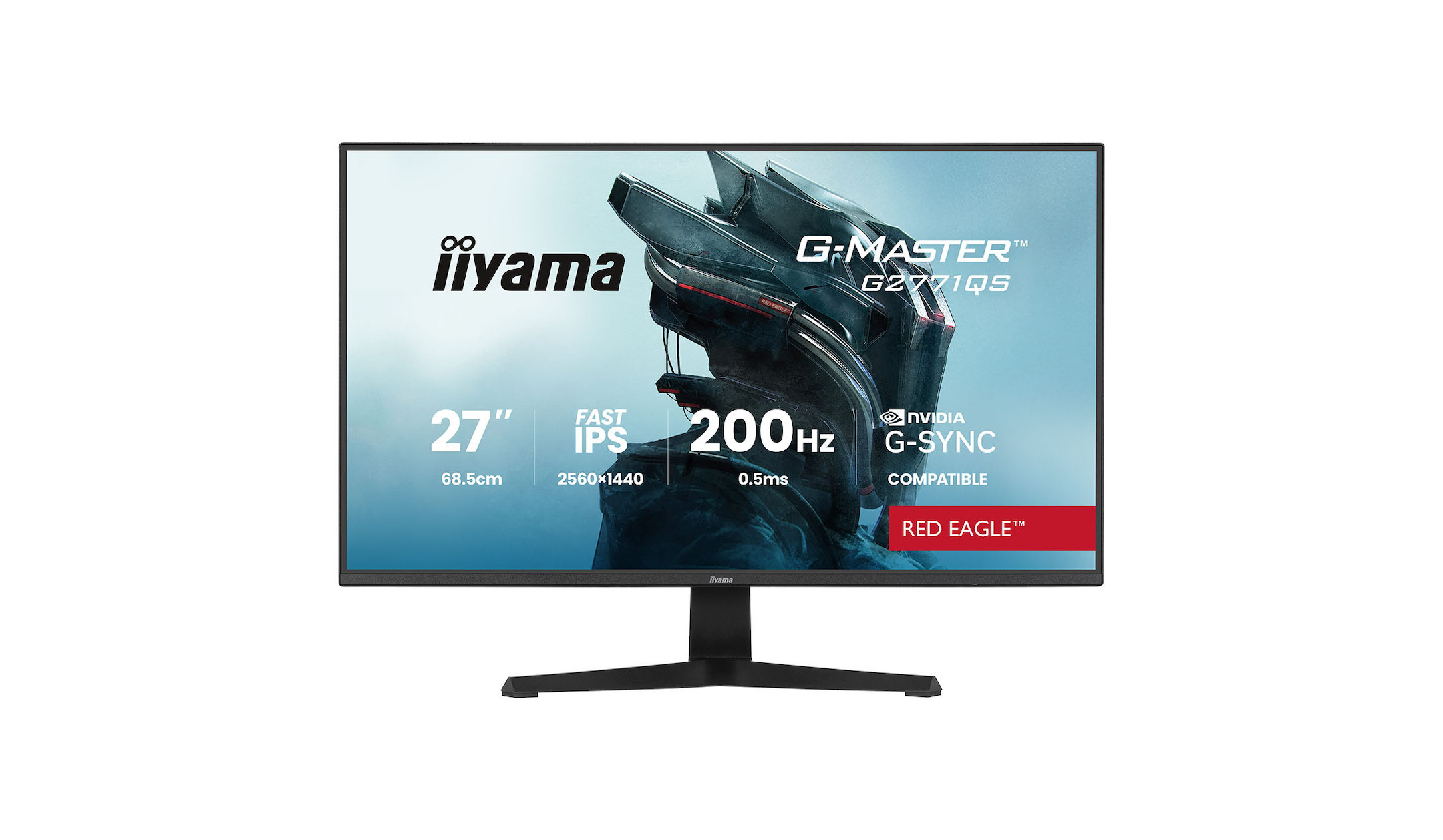
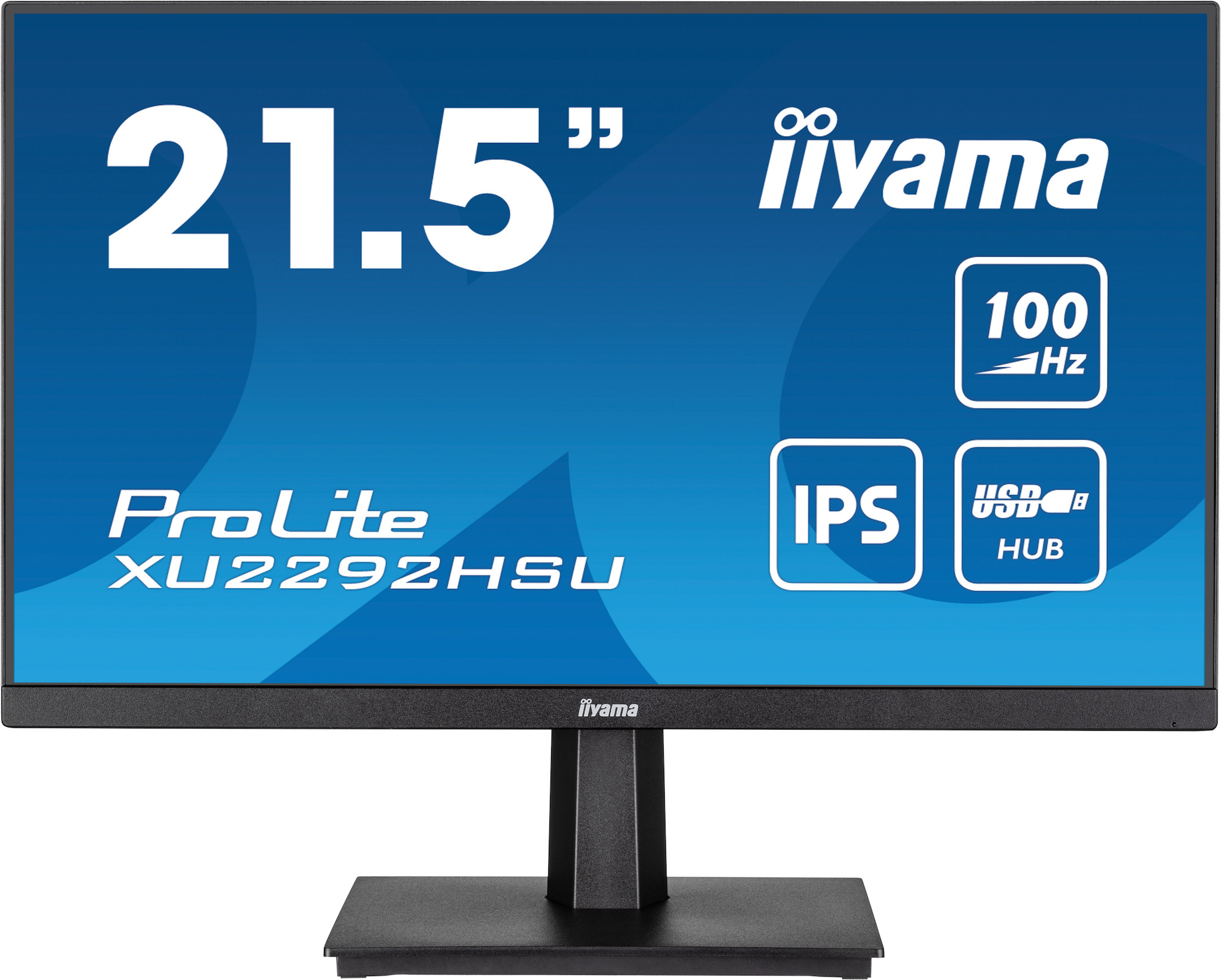
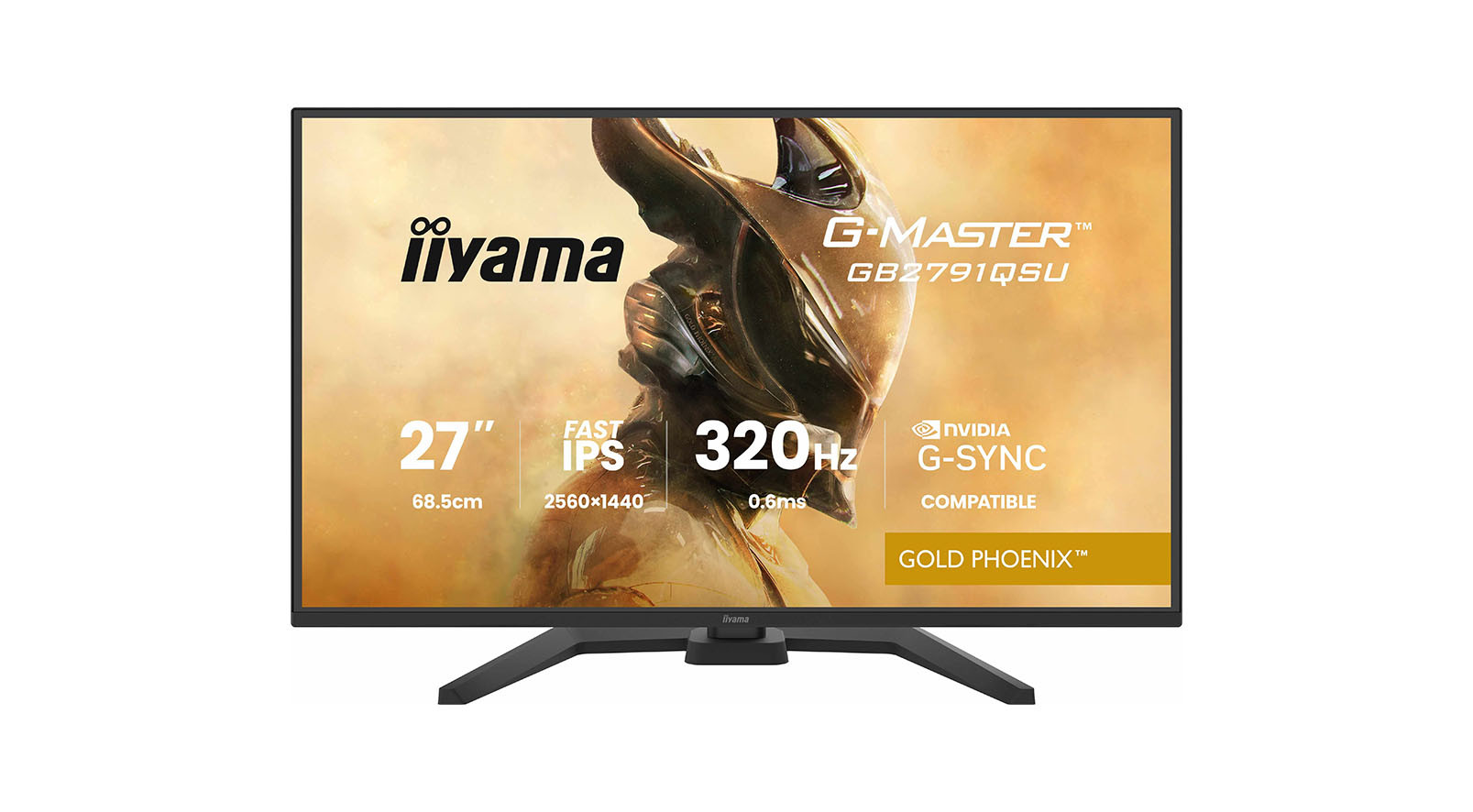
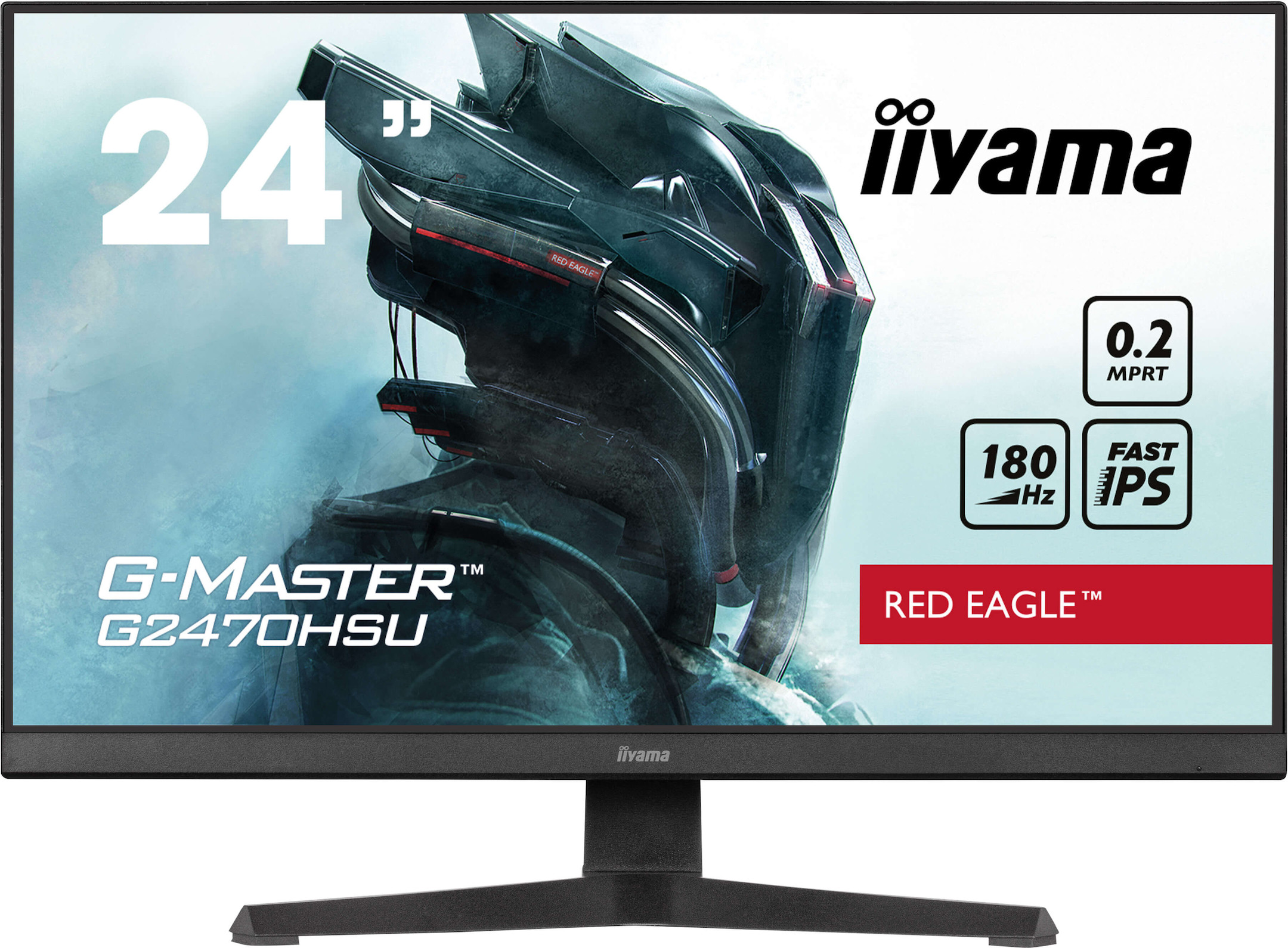
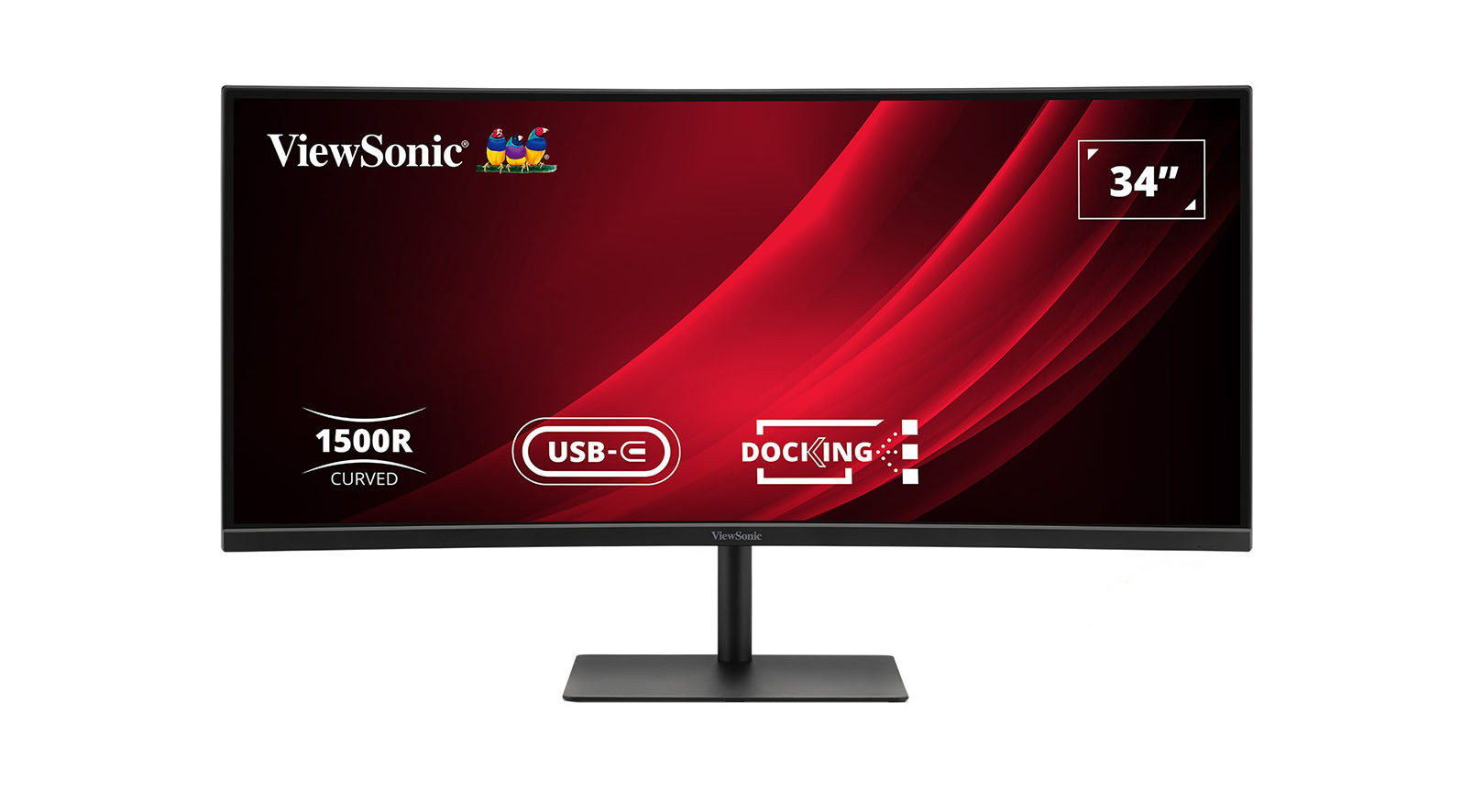
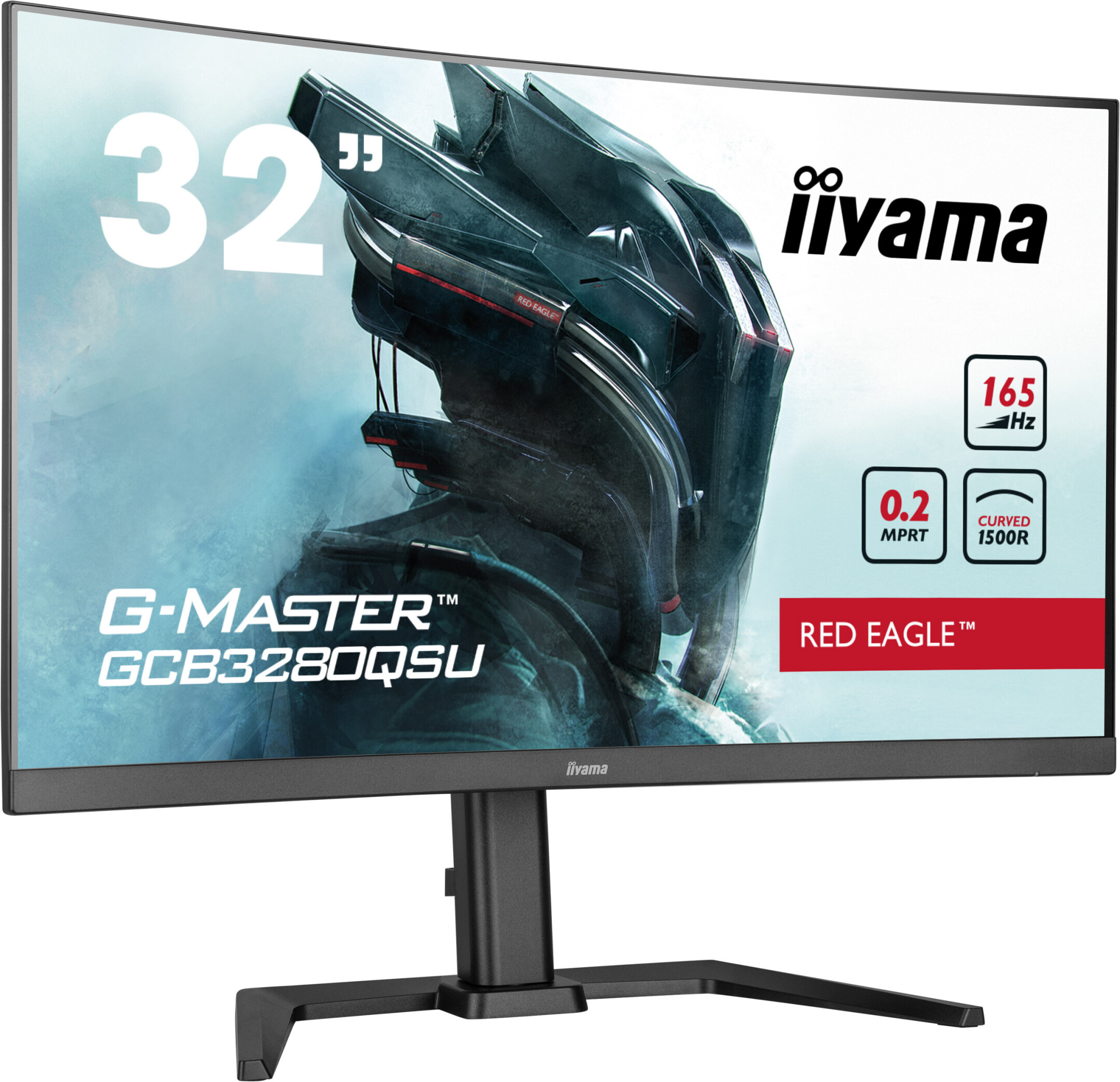
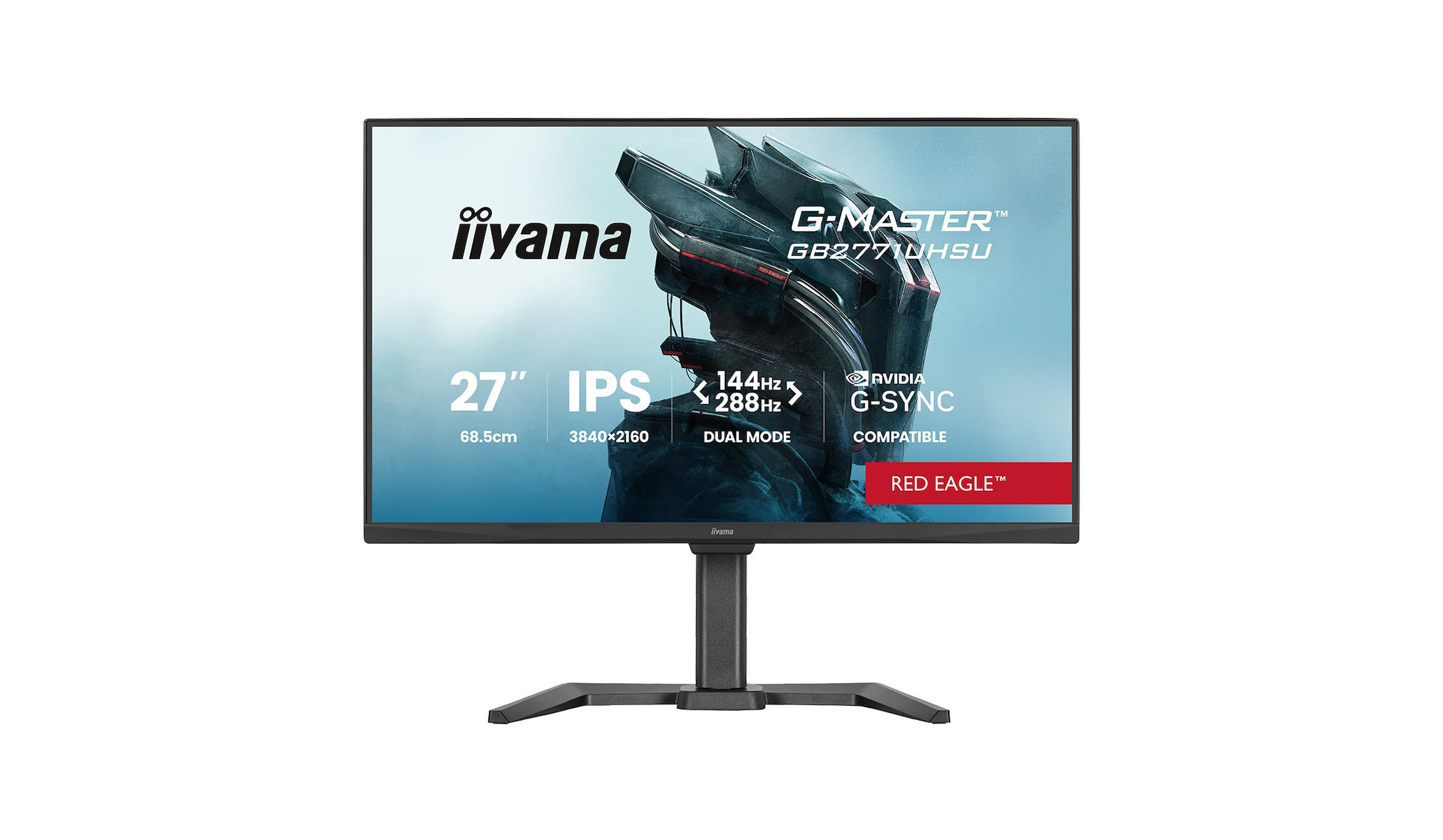
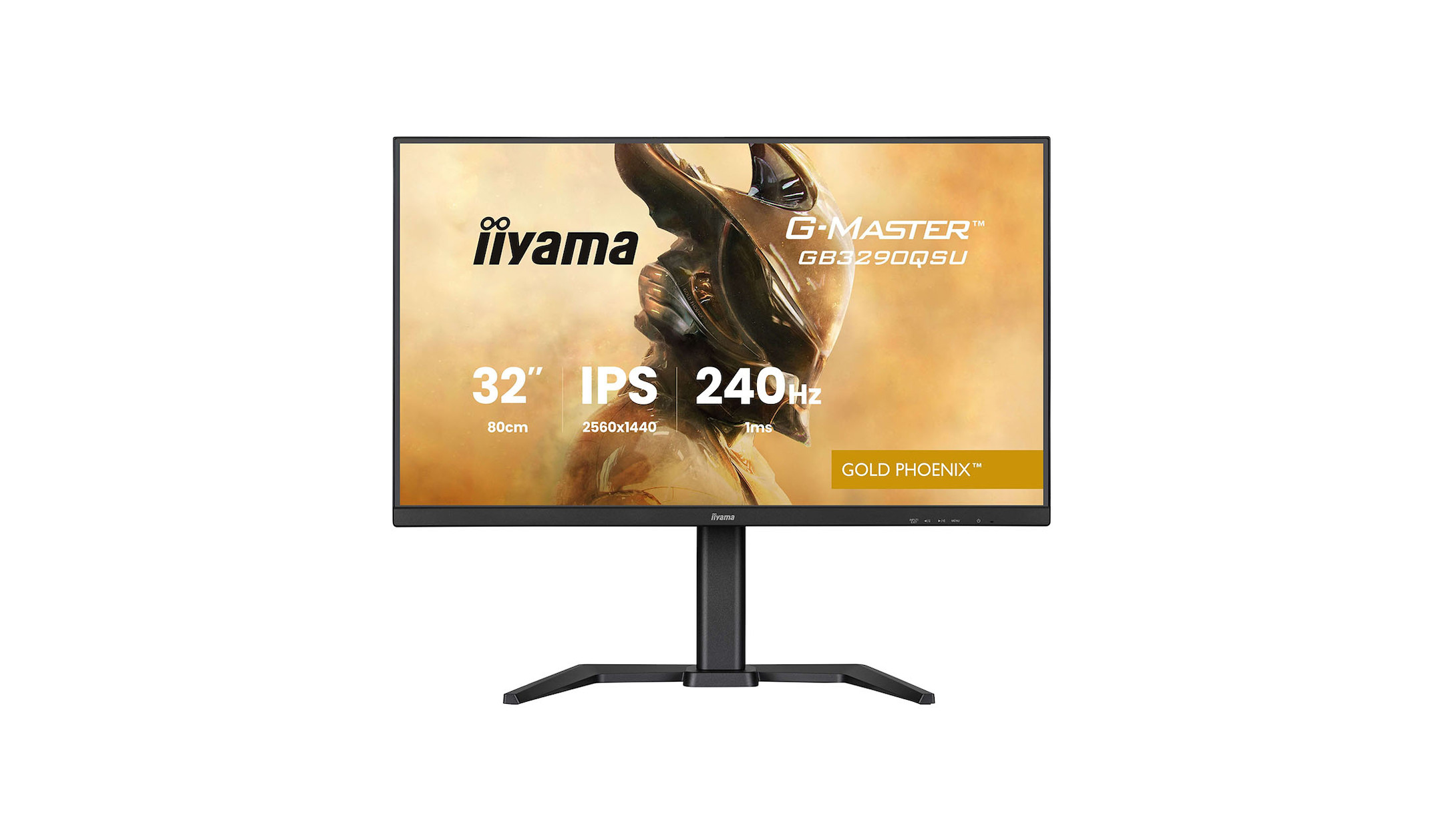
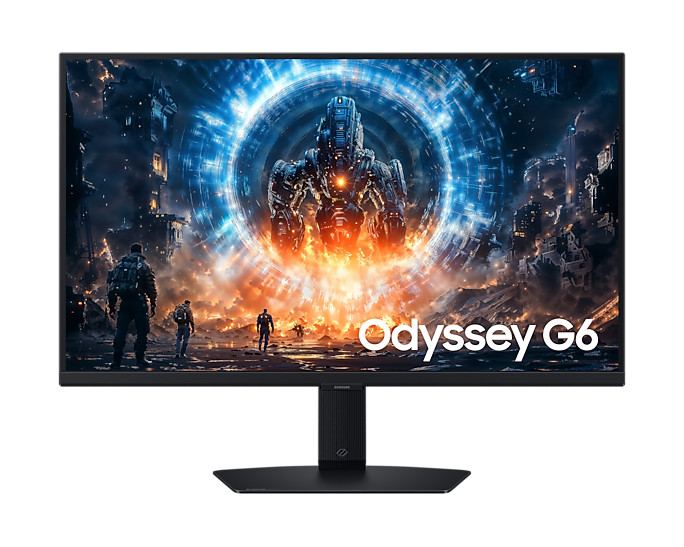
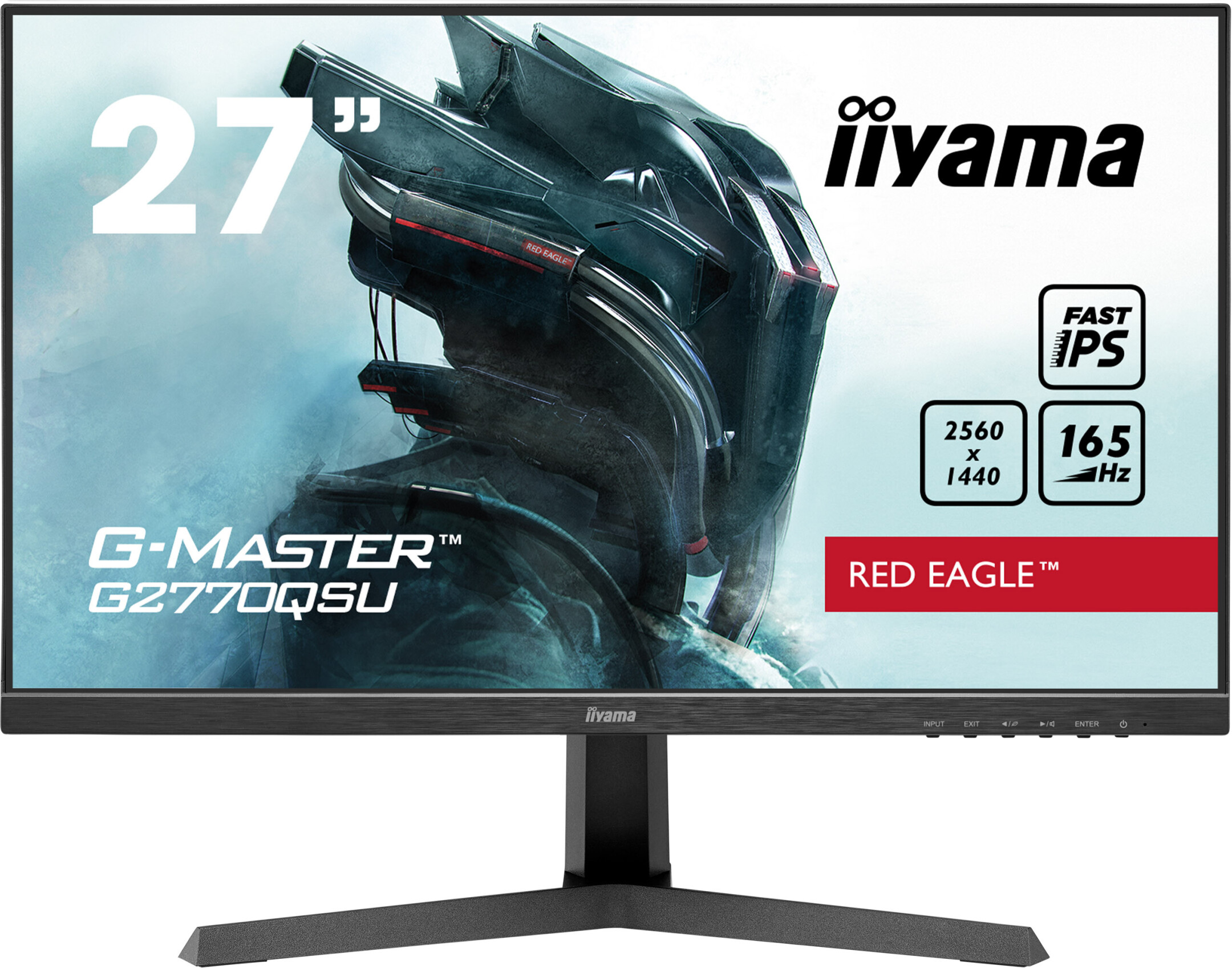
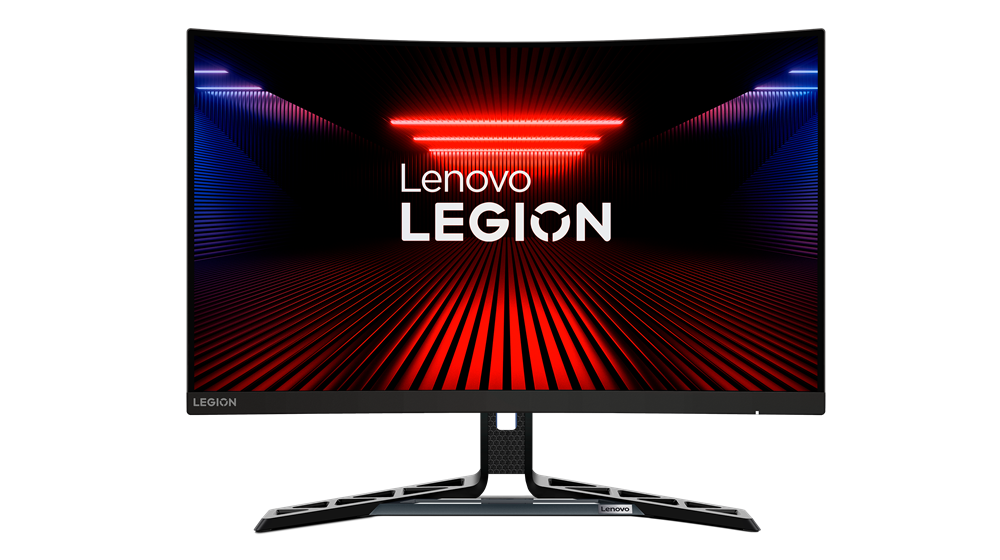
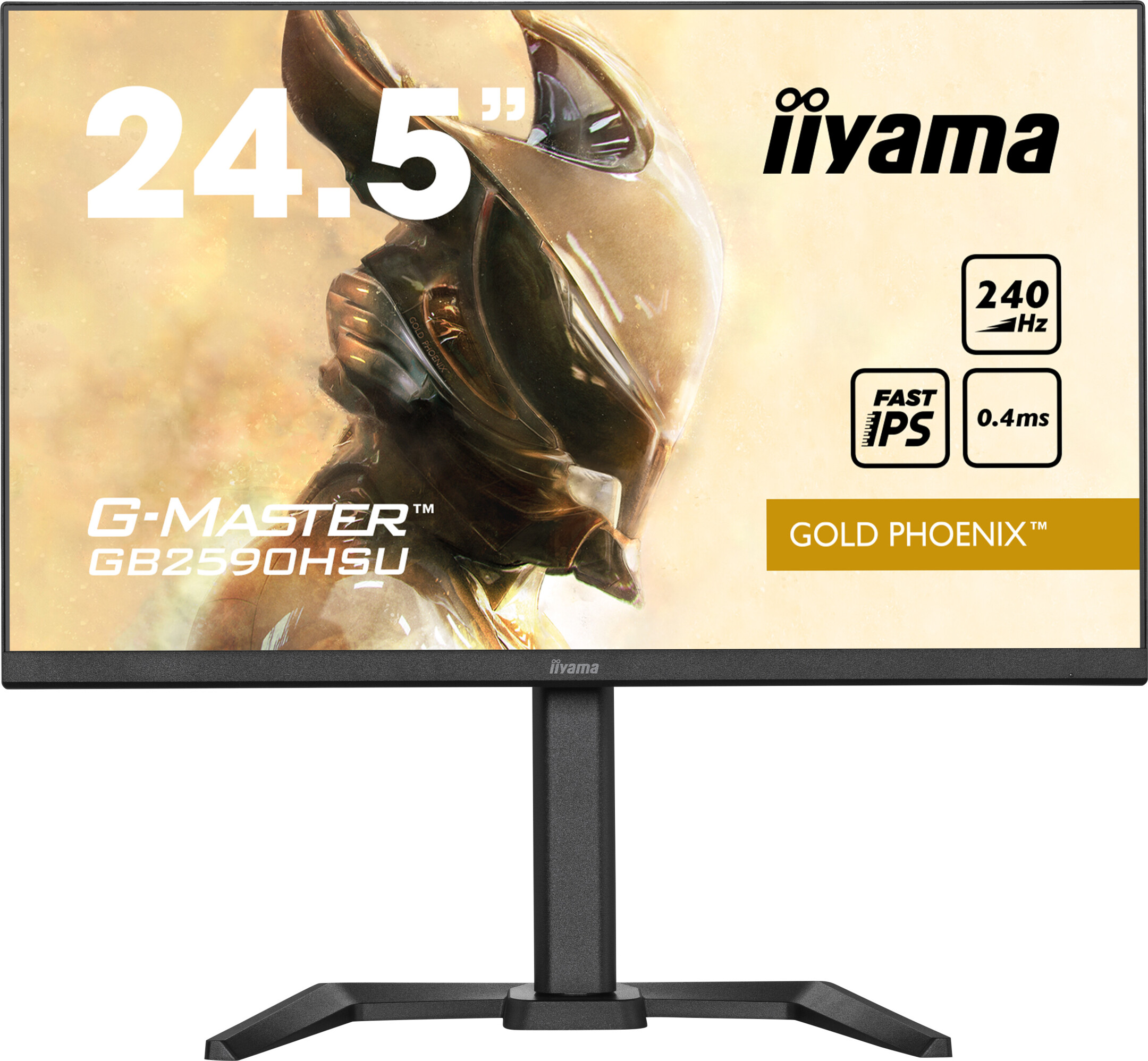
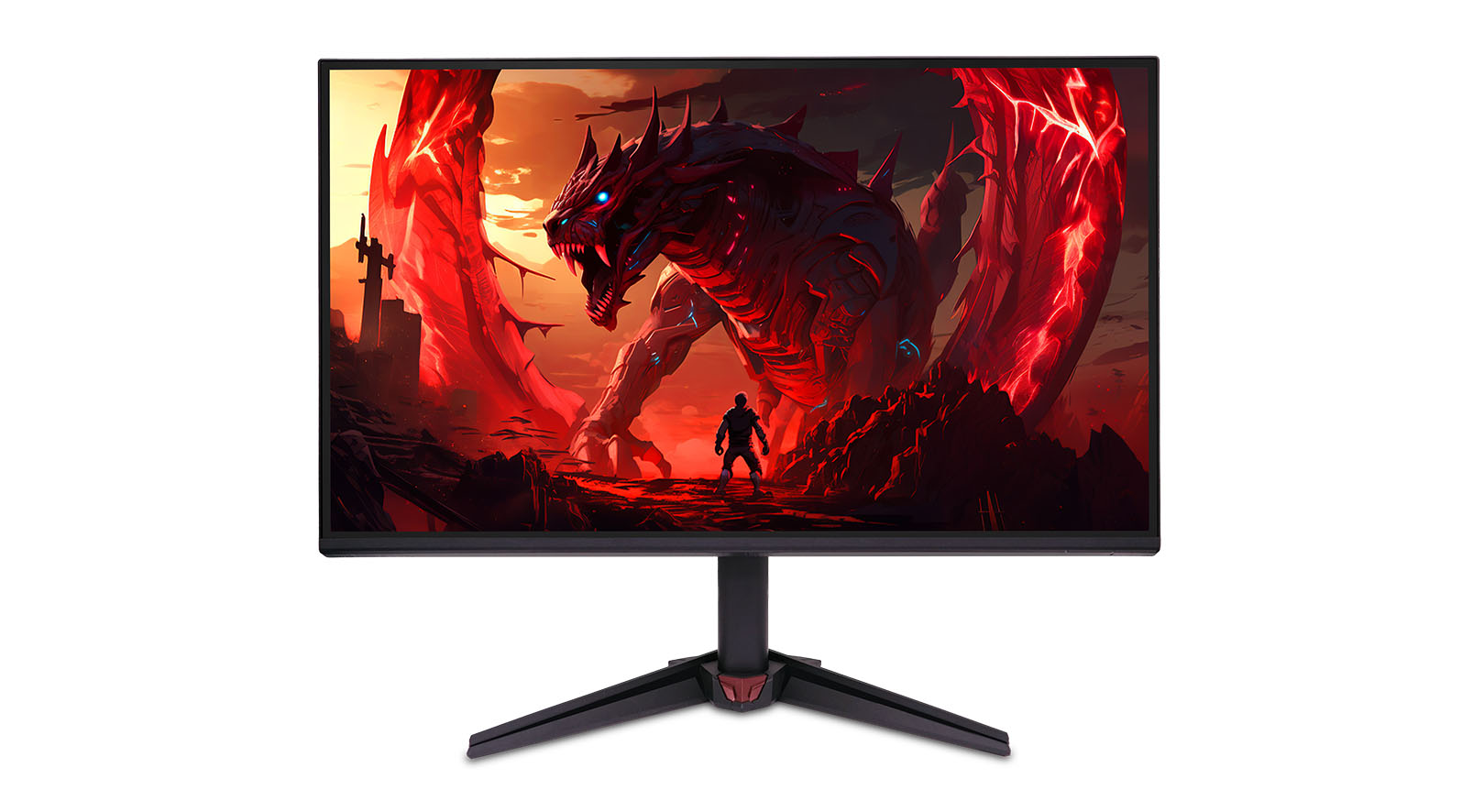
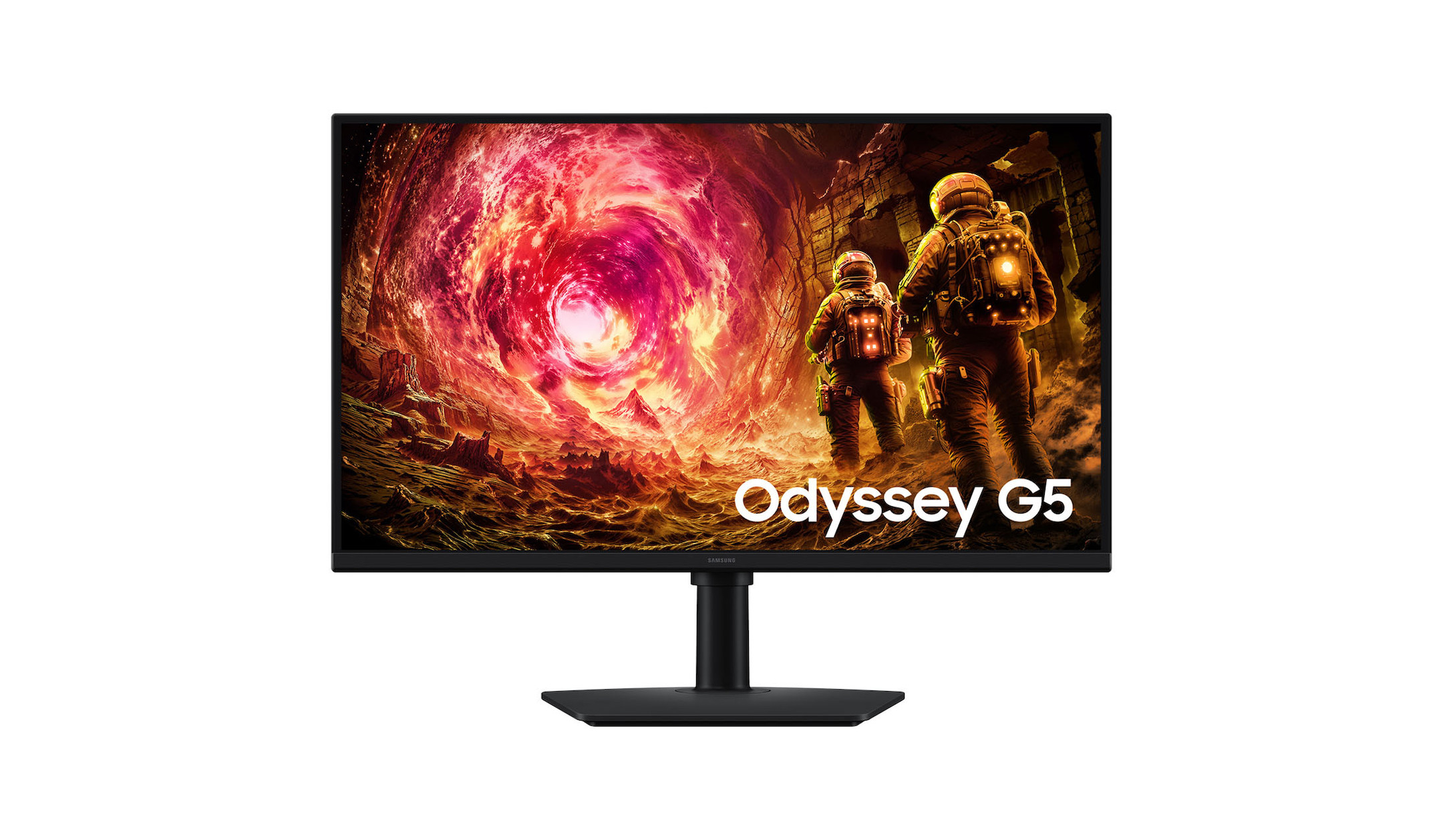
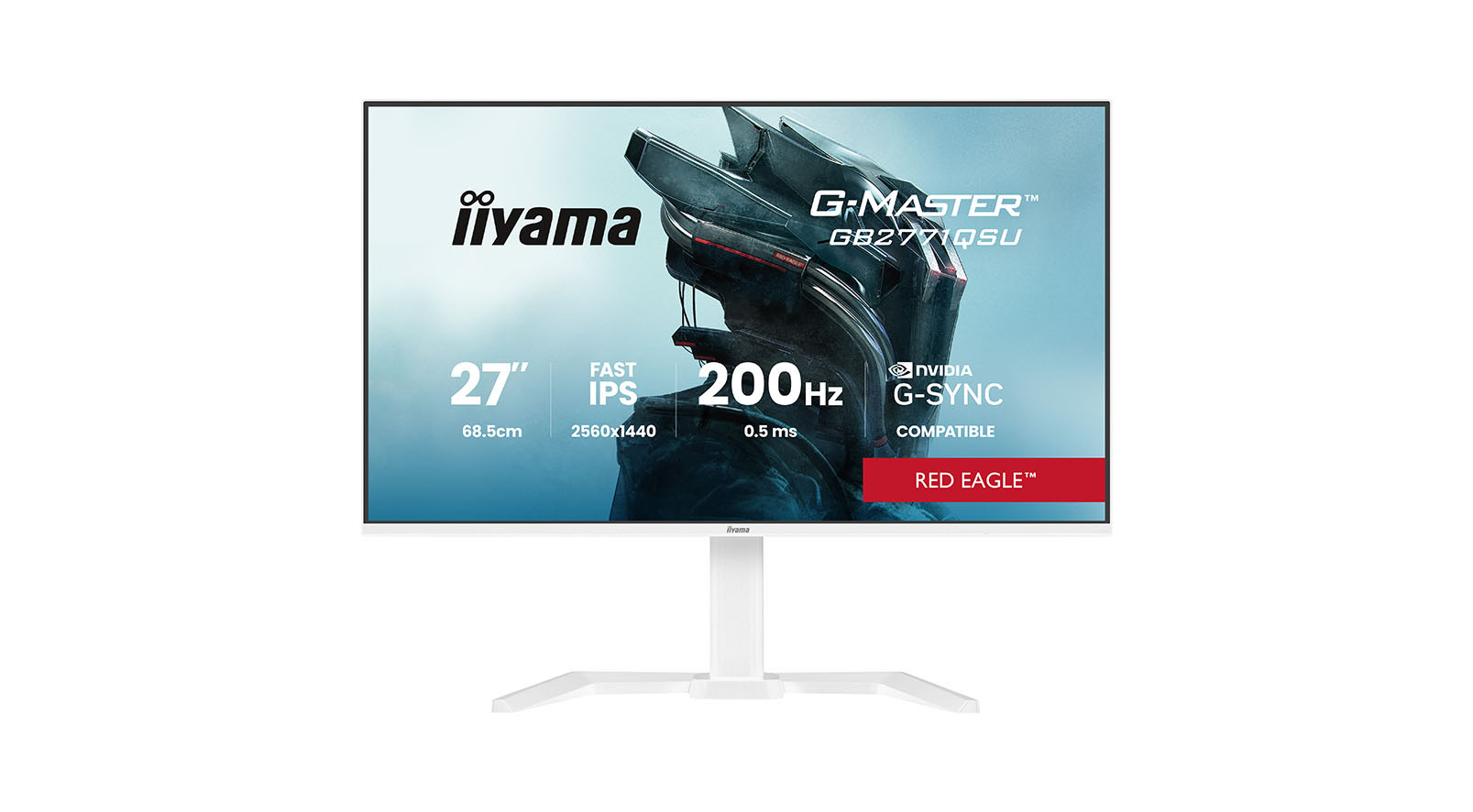
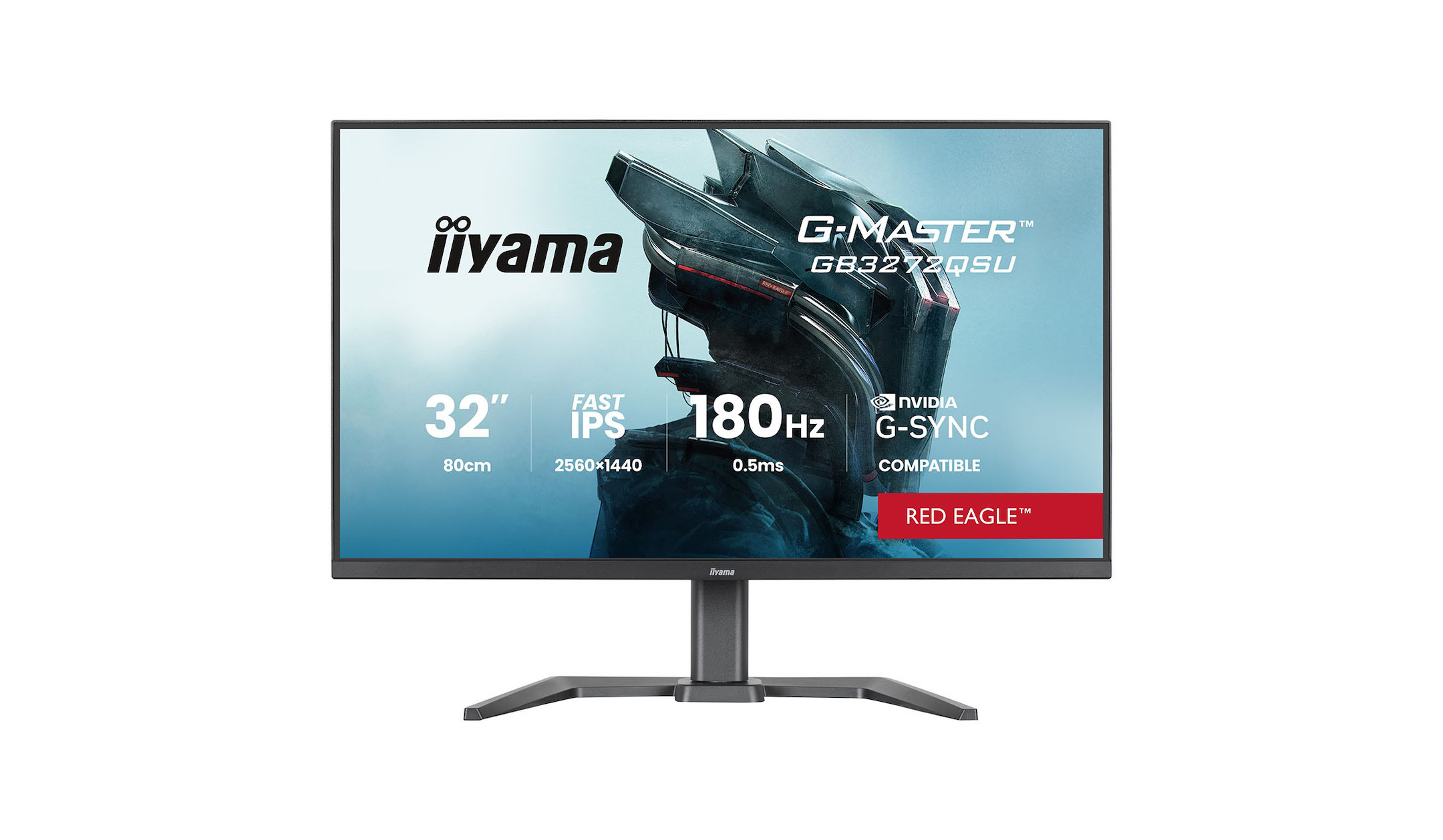
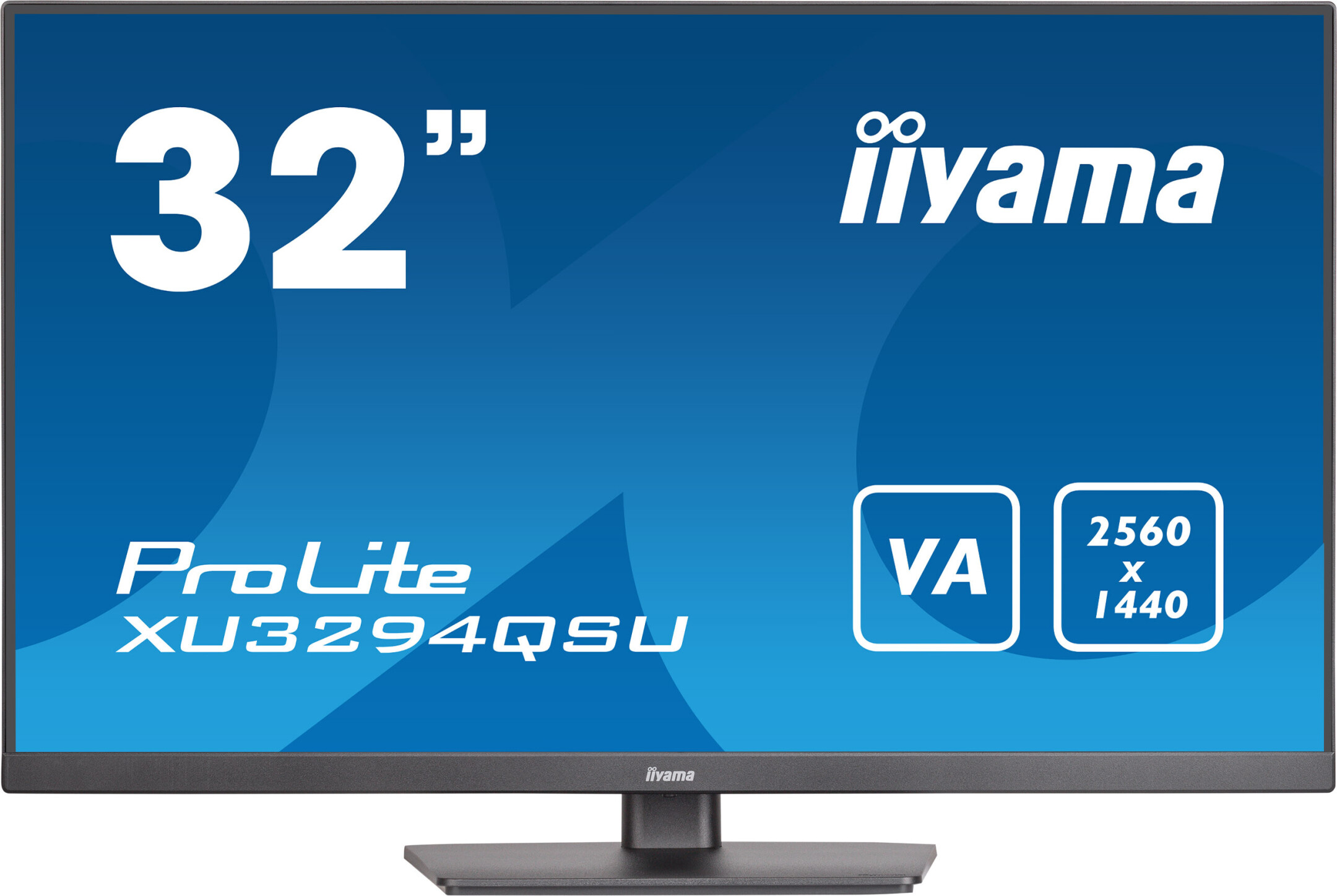
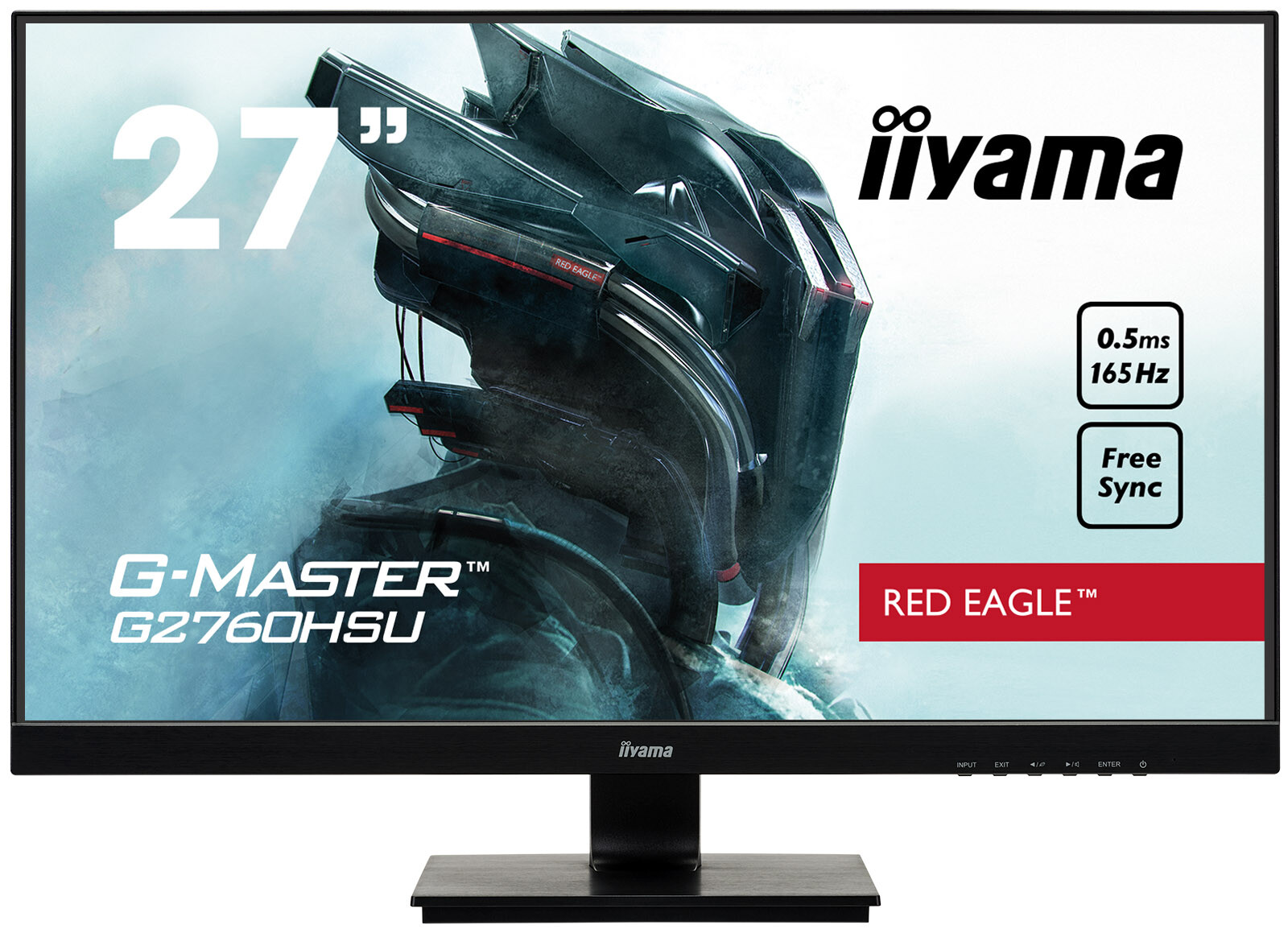
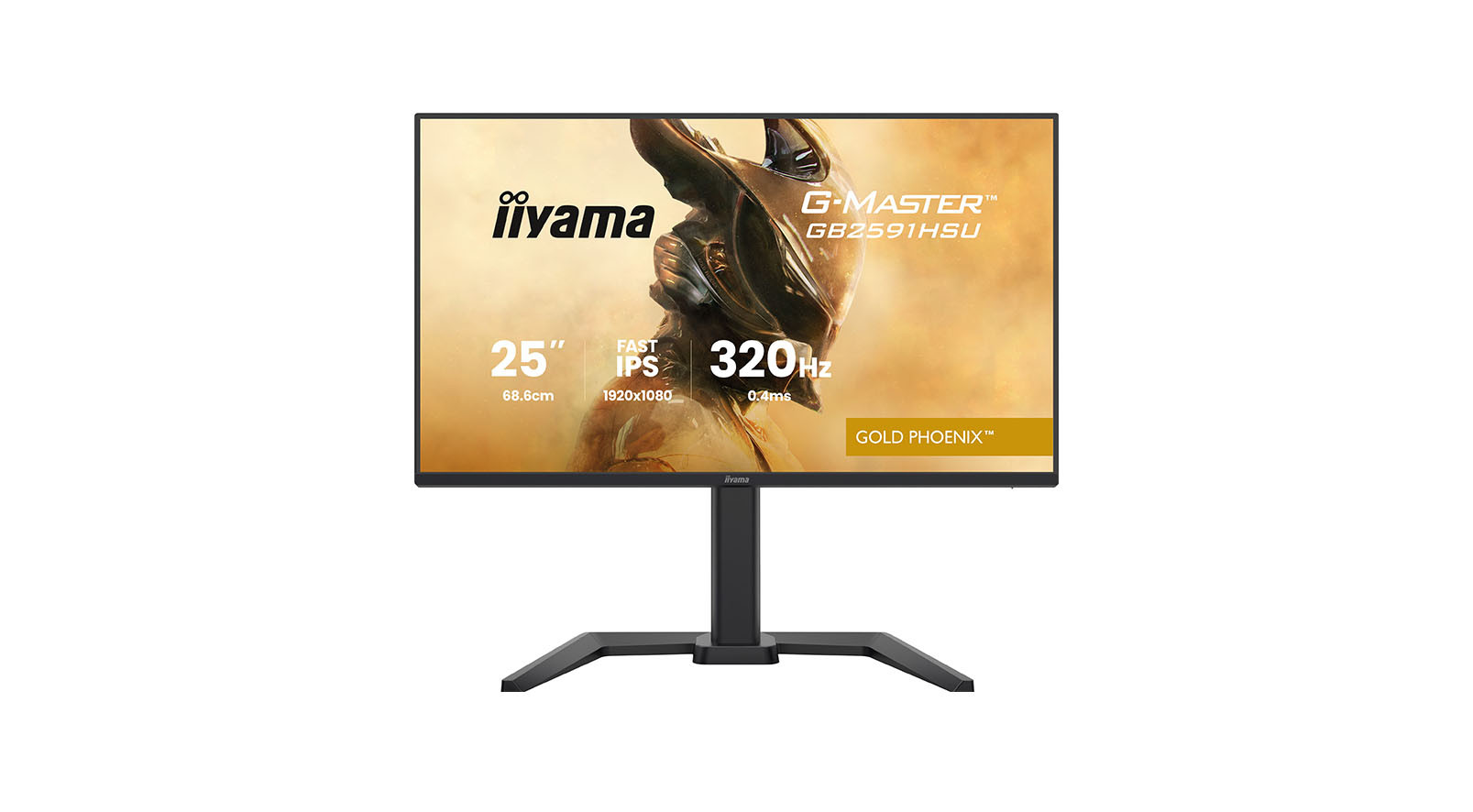
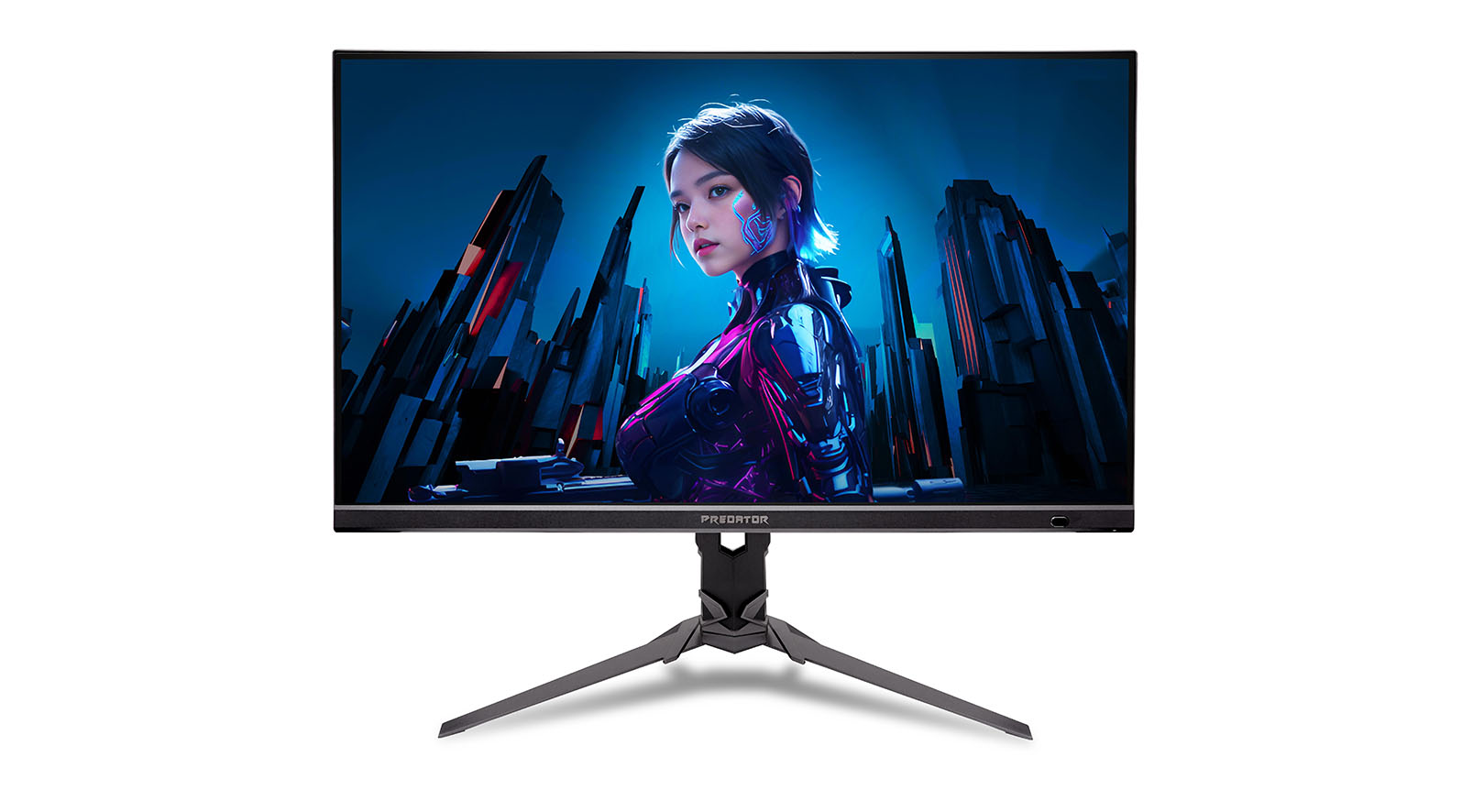
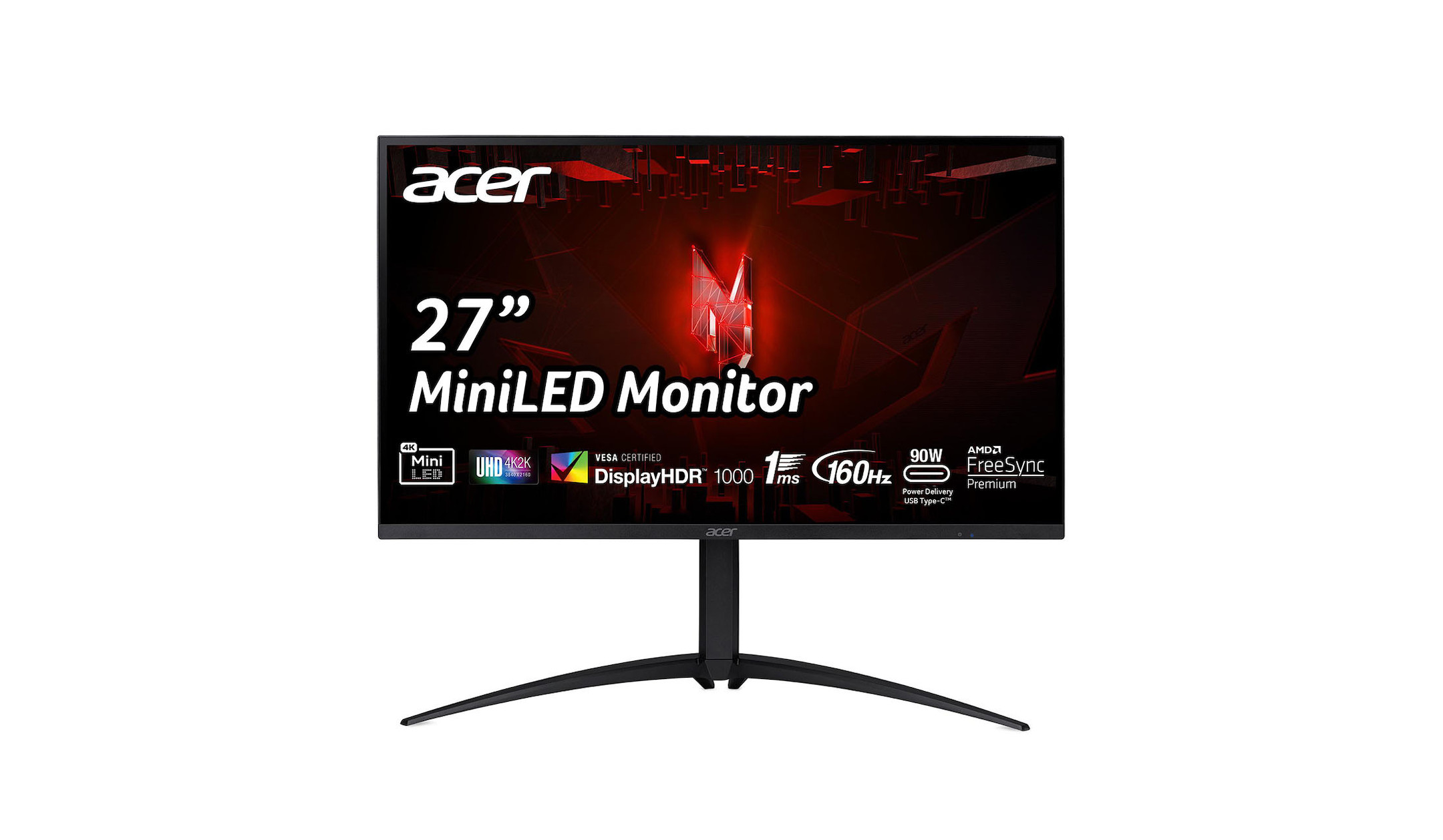
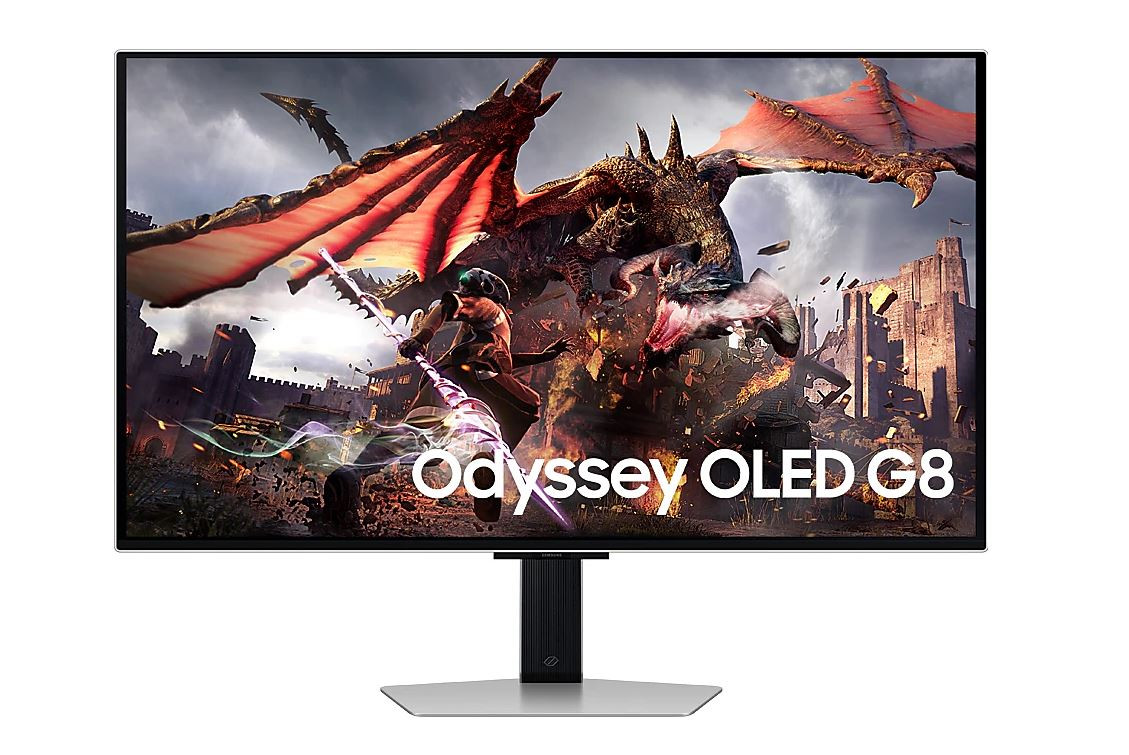
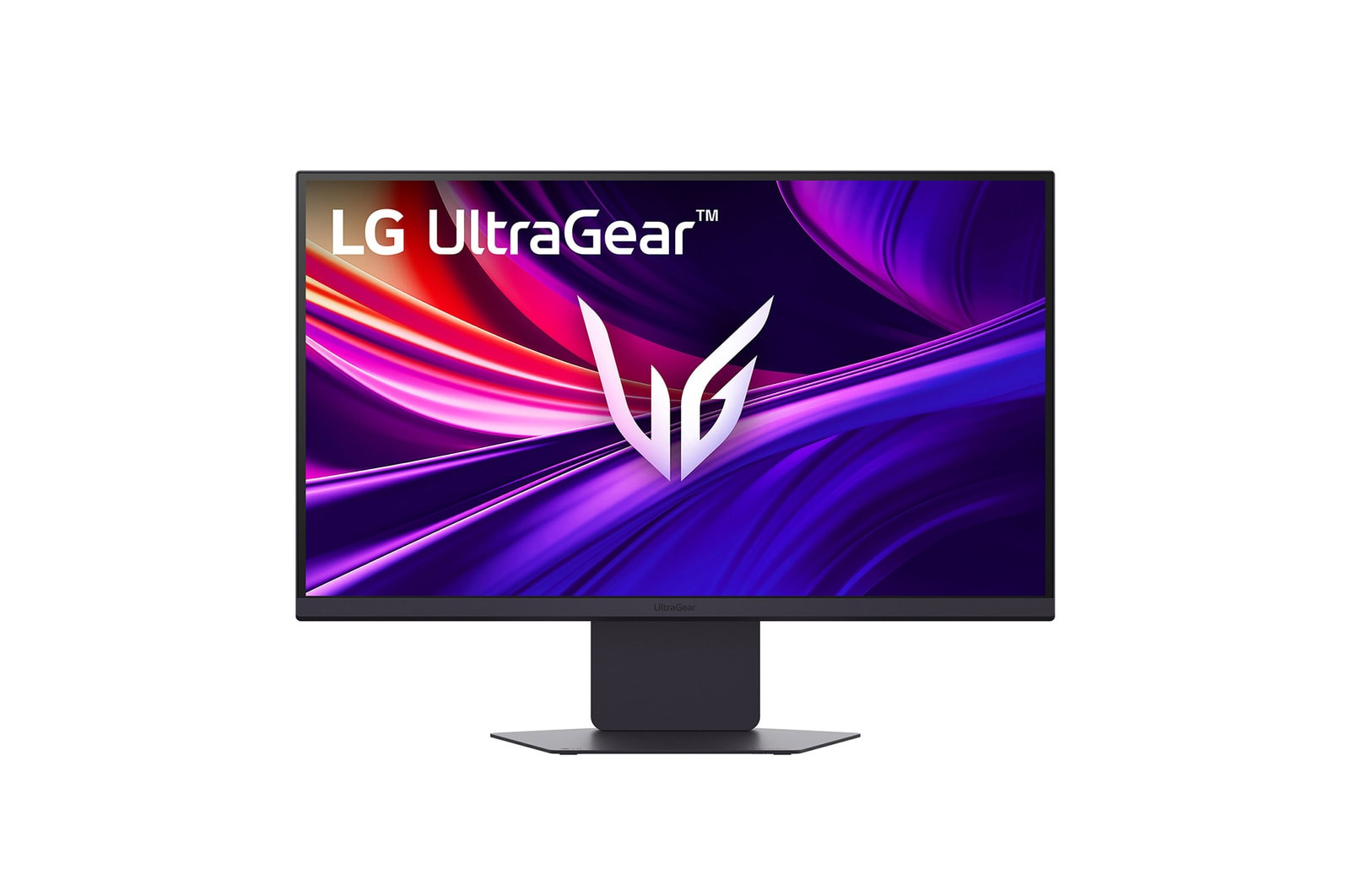
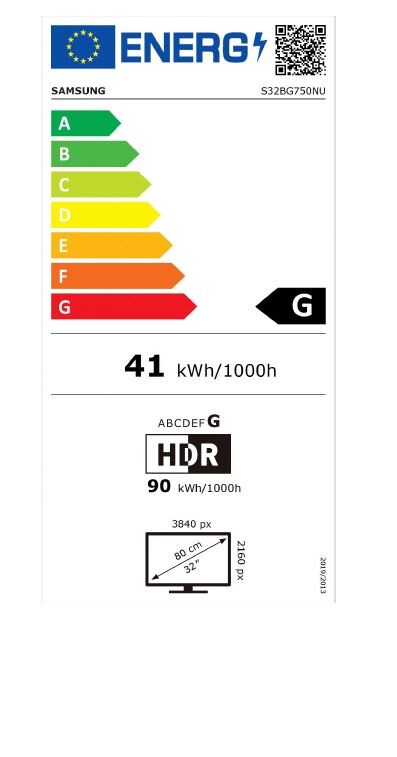
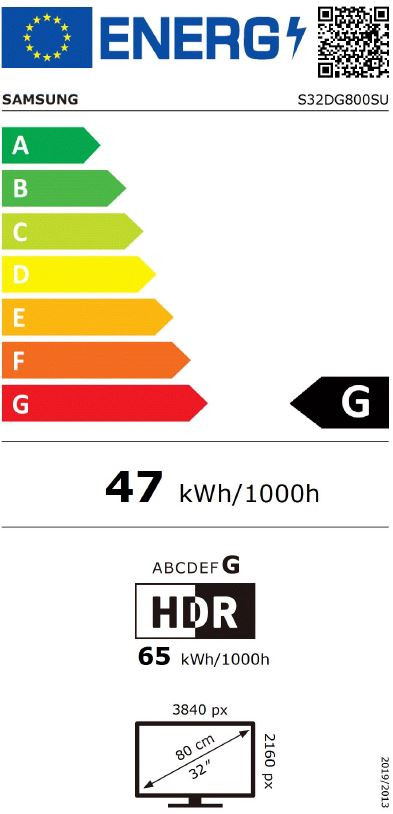
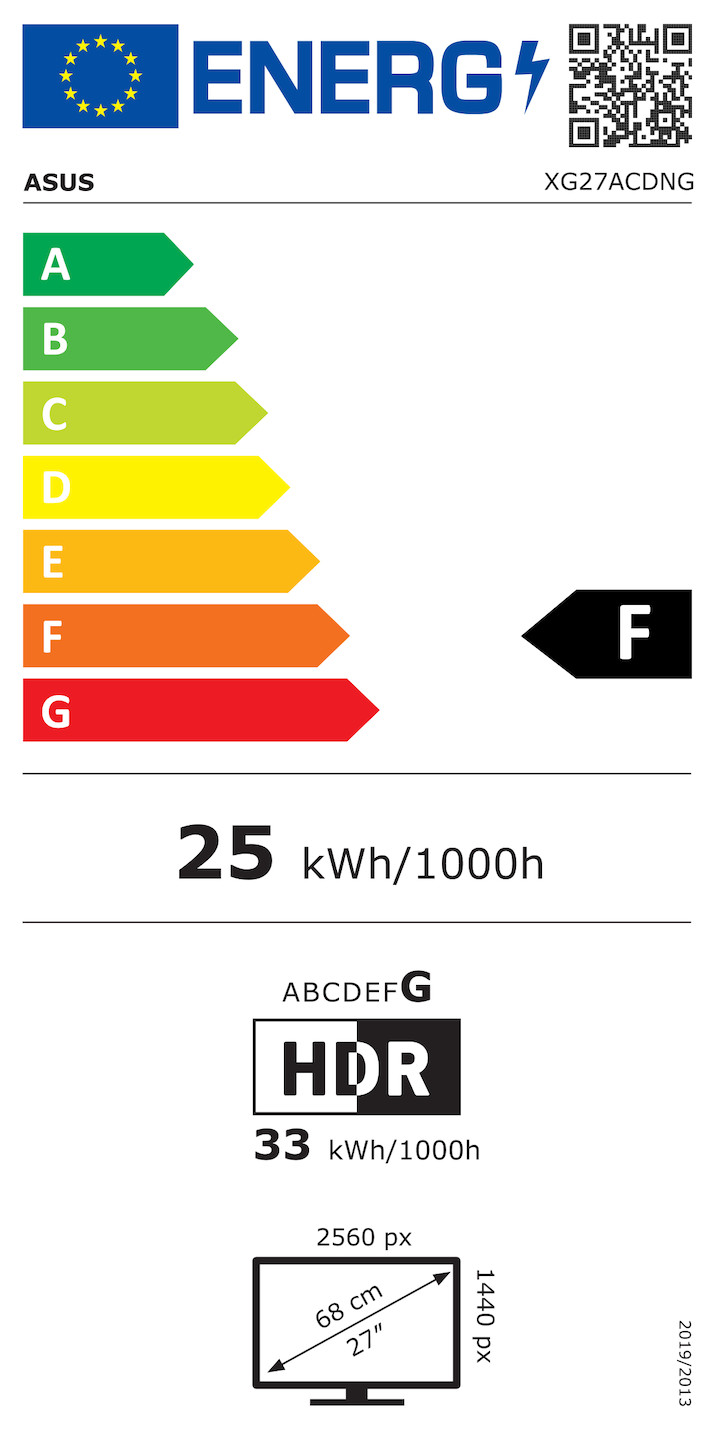
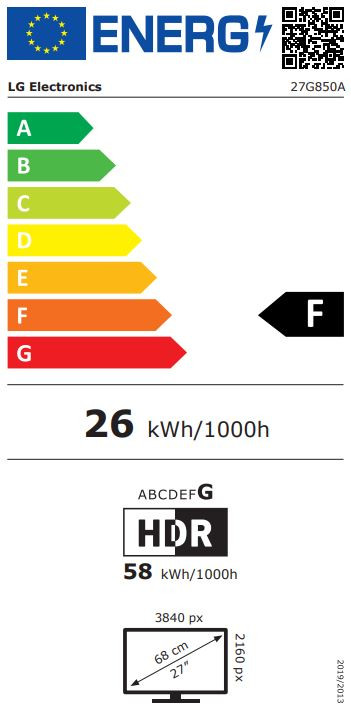
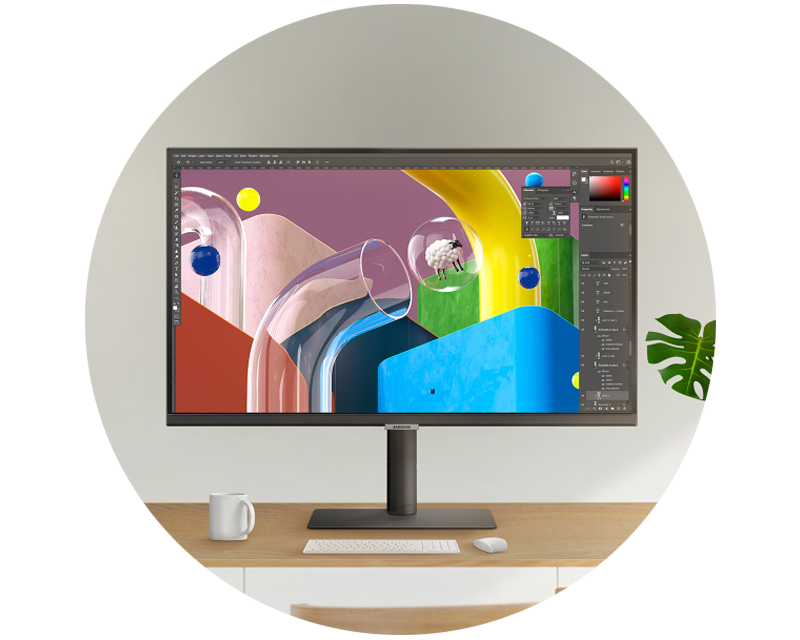
Gaming monitors take your gaming experience to the next level! Smooth motion, fast response times and detailed visuals ensure you’re immersed even deeper in the action. Whether it’s fast-paced multiplayer matches, thrilling open-world adventures or action-packed racing games: with the right monitor, you’ll be perfectly equipped for every gaming session. Discover gaming monitors with fast response times, brilliant picture quality and technologies such as AMD FreeSync. From classic monitors to high-performance OLED and curved models, you’ll find the perfect monitor for your setup here. Find out more about gaming monitors here. Do you have any further questions about buying a monitor? Our experts are here to help!

Gaming monitors:
Experience gaming in a whole new dimension!

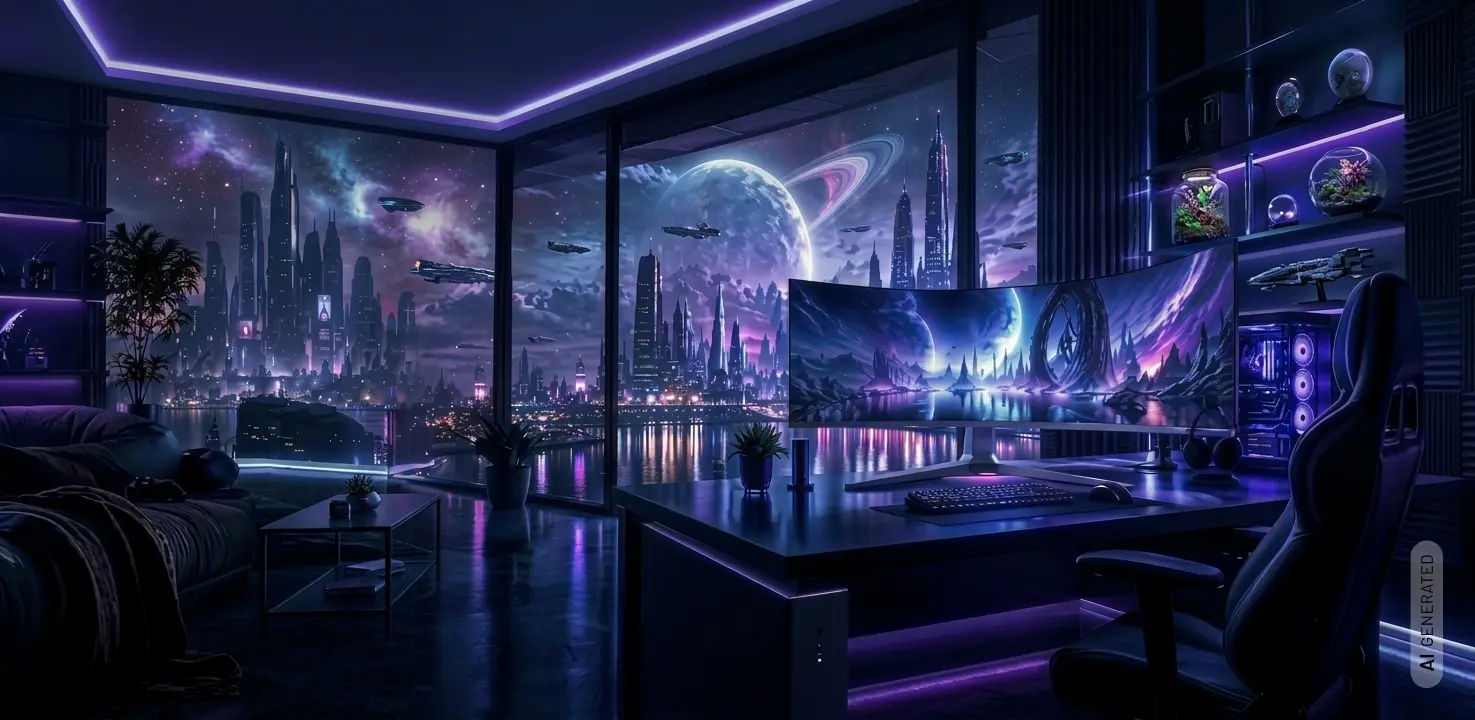
Gaming setup with a curved monitor in a futuristic, neon-lit room

Gaming monitors:
Experience gaming in a whole new dimension!

Content

What makes a good gaming monitor? The key features explained

A good gaming monitor is characterised by the perfect interplay of various technical features. Refresh rate, response time, resolution, panel technology, Adaptive Sync, HDR and contrast all have a significant influence on how smoothly, in detail and immersively games are displayed. In our buying guide, we explain the key technical terms and show you what really matters when choosing a gaming monitor.

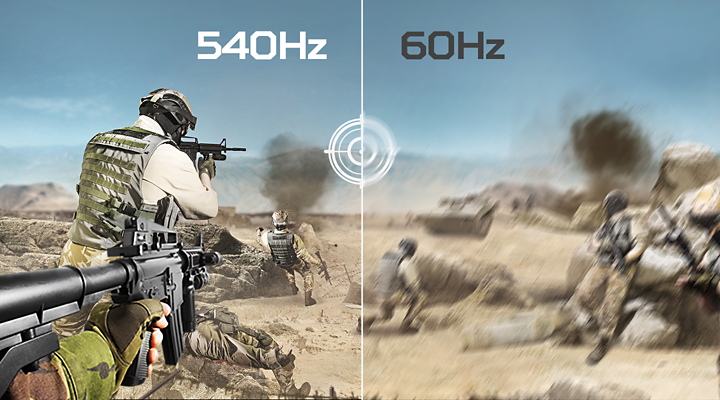
Comparison of a shooter scene at 540 Hz and 60 Hz

High refresh rate – smoother gameplay, faster reactions

With a high refresh rate of 144 Hz, 165 Hz, 240 Hz or more, significantly more frames per second are displayed than on traditional 60-Hz monitors. This makes movements appear much smoother and clearer – particularly in fast-paced racing games or competitive titles. This allows you to take in what’s happening on the screen more quickly and react with greater precision.
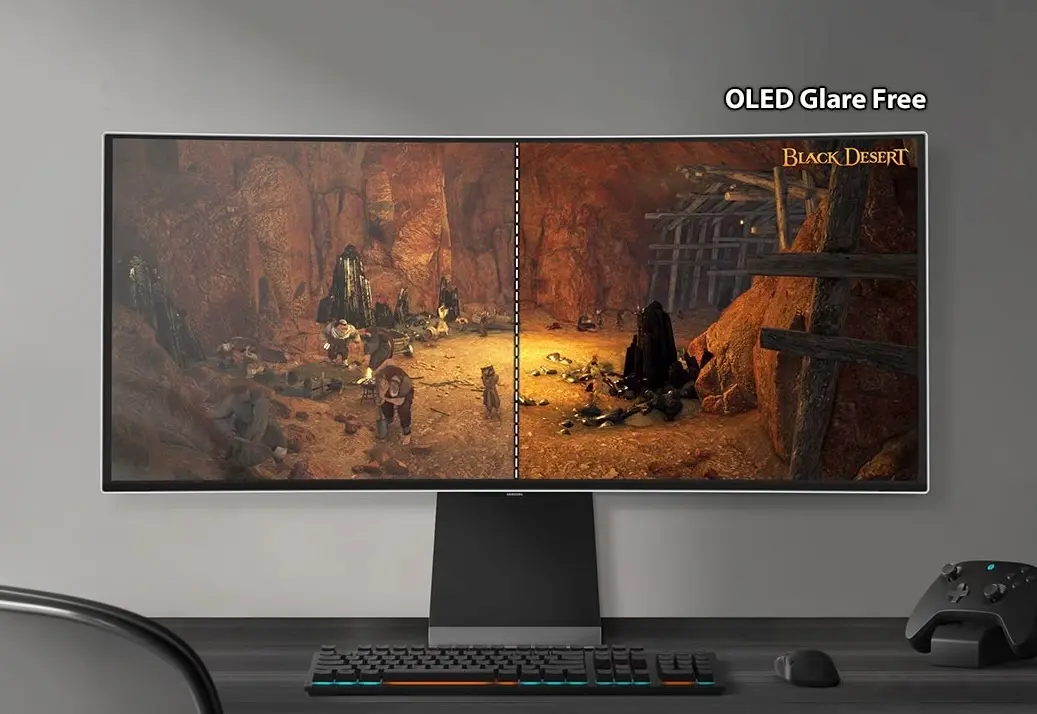
OLED gaming monitor comparison: glossy display and anti-glare OLED panel

OLED – vibrant colours and true black

OLED monitors can switch individual pixels off completely, thereby producing exceptionally deep blacks and very high contrast. At the same time, they impress with brilliant colours and extremely fast response times. This ensures a highly detailed and exceptionally high-contrast gaming experience.
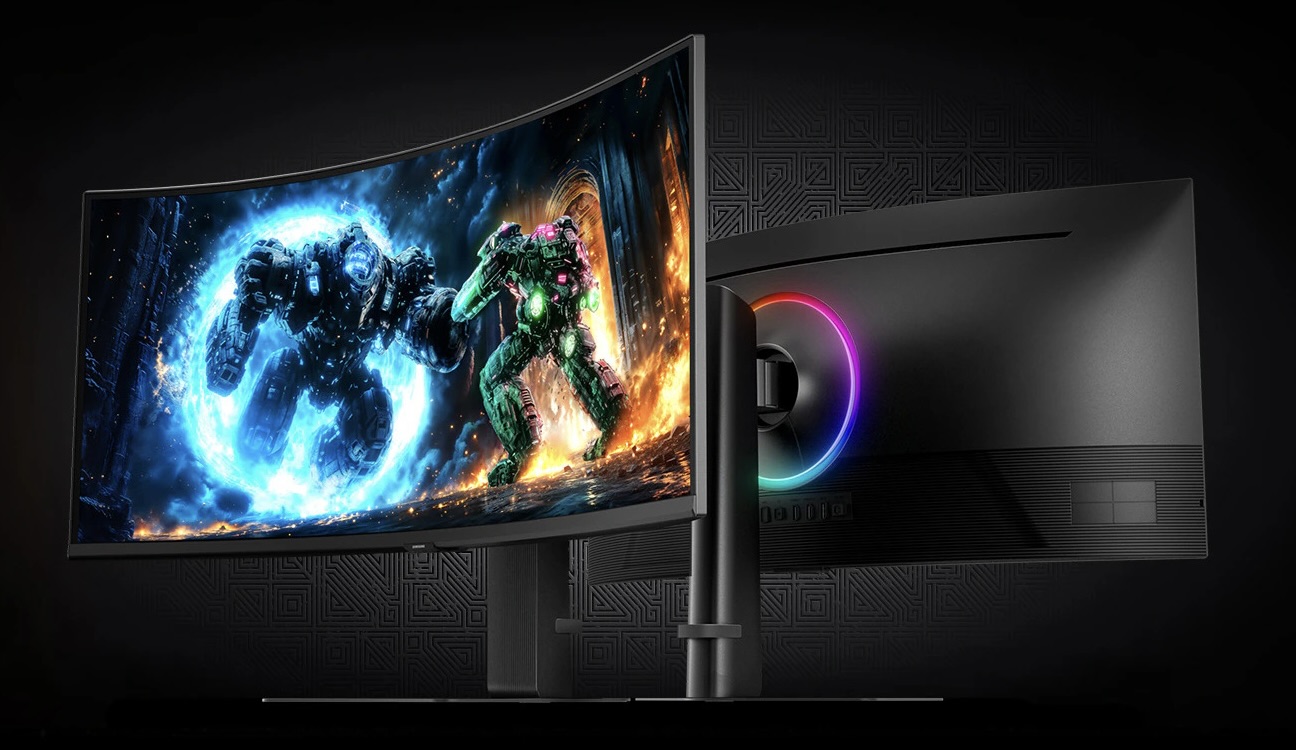
Curved ultrawide monitor showing an action-packed game scene

Curved monitor – right at the heart of the action

A curved monitor has a screen that curves slightly towards the player. With larger screen sizes, this creates a particularly immersive field of view, as the screen is better aligned with your field of vision. With ultrawide monitors in particular, the curvature can help you experience the gameplay more intensely.
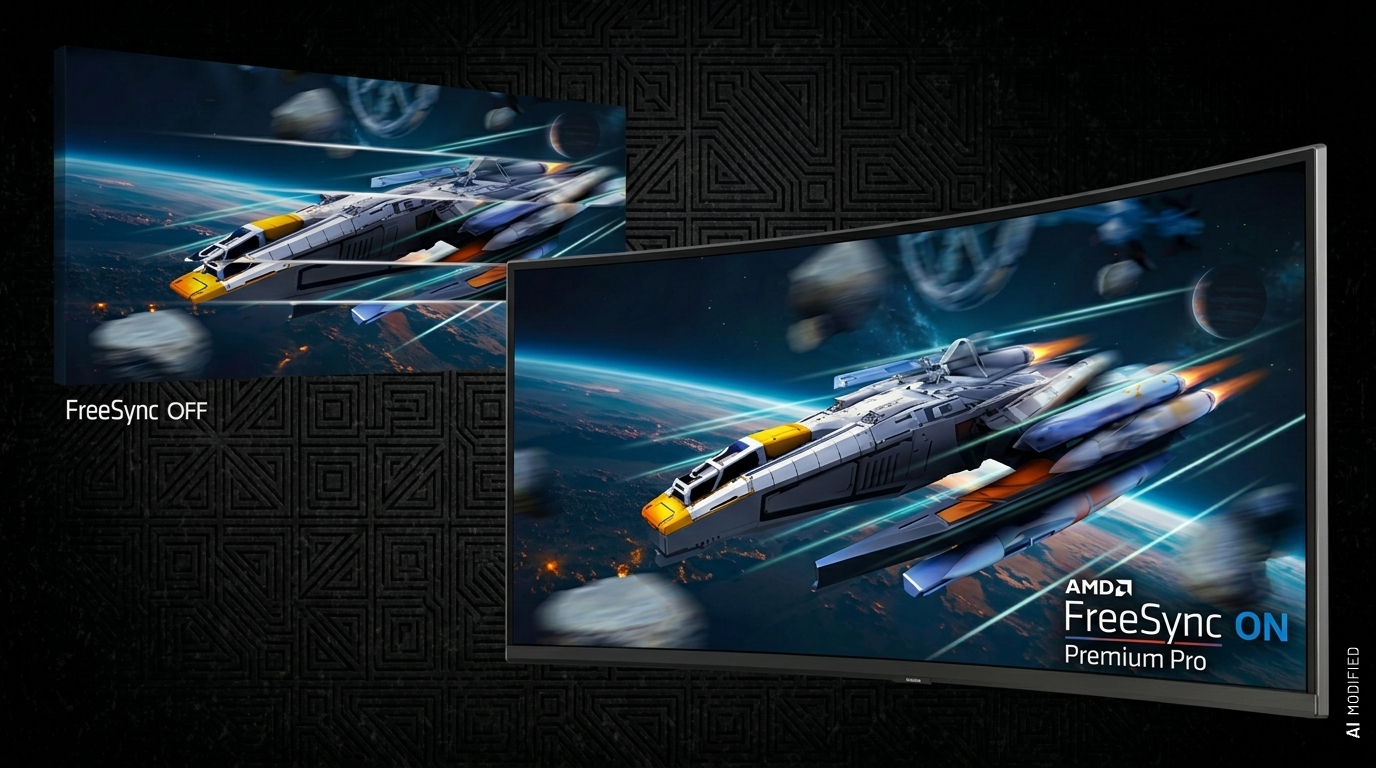
Game scene comparison: FreeSync off and AMD FreeSync Premium Pro on

FreeSync – for a smoother gaming experience

AMD FreeSync synchronises the monitor’s refresh rate with the graphics card’s output. This reduces annoying screen tearing and stuttering. In fast-paced games in particular, FreeSync ensures a smoother display and pleasantly fluid gameplay.

Which monitor is right for you?

Choosing the right gaming monitor depends primarily on the types of games you prefer and how you use your monitor. Whilst a high refresh rate and fast response time are key for fast-paced shooters, a large screen size, high resolution and excellent picture quality are particularly important for racing, simulation or open-world games. The following overview shows you what matters most depending on the type of gaming.

Type of gamingWhat does this mean?What should you look out for?
Competitive gaming / Esports Fast-paced online games such as CS2, Valorant or Fortnite High refresh rate, very short response time, 24–27", FHD/QHD
FPS / Shooters Fast-paced first-person shooters where response time is crucial 144 Hz+, short response time, low input lag
Racing / Simulation Racing games and simulations such as Forza, F1 or Flight Simulator Large screen size, curved, ultrawide, high resolution
Open World / RPG Large, detailed game worlds such as Cyberpunk, GTA or Baldur’s Gate QHD/4K, OLED, HDR, good contrast
Console gaming Gaming on PlayStation 5 or Xbox Series X/S 120 Hz, HDMI 2.1, VRR, 4K where applicable
PC gaming Gaming on a high-performance desktop PC Resolution and refresh rate to match the graphics card, VRR, DisplayPort
Gaming + Office A gaming monitor that is used for both work and home office 27–34", QHD/UWQHD, USB-C, USB hub, ergonomic stand

GTA 6: The right gaming monitor for Vice City

Grand Theft Auto VI is the long-awaited next instalment in Rockstar Games’ world-famous open-world series. It is due to be released on 19 November 2026 – a full 13 years after its popular predecessor, GTA 5. The game’s storyline – which sets new visual standards with photorealistic ray tracing, dynamic physics and an extremely high level of detail – is set in Vice City, a metropolis modelled on Miami in the fictional US state of Leonida, which is based on Florida.

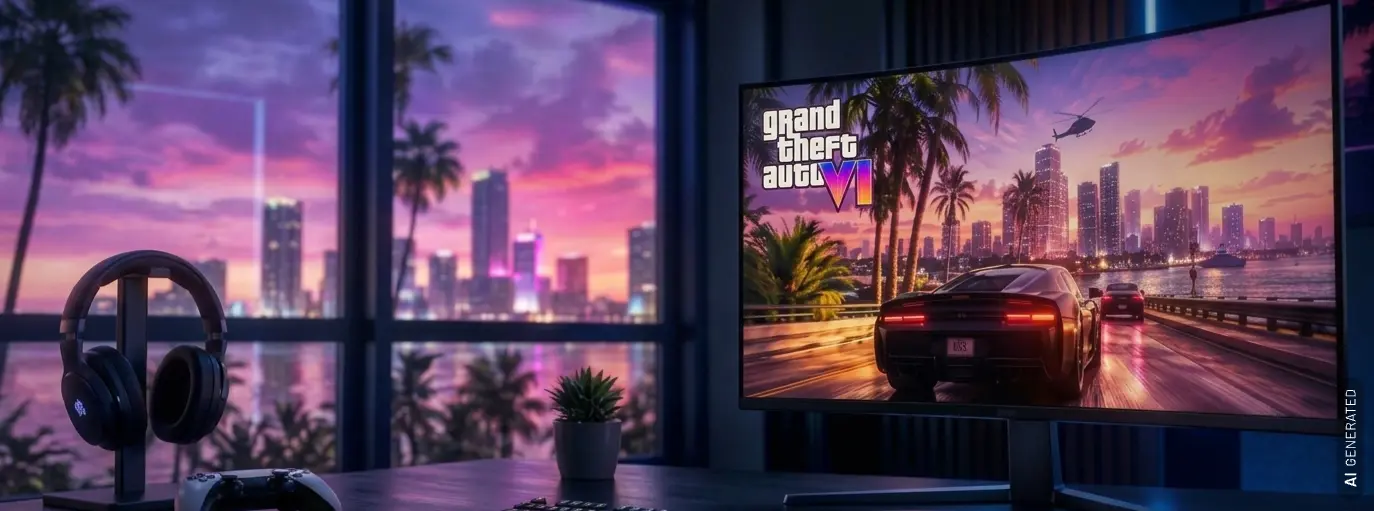
Gaming monitor showing GTA 6 artwork in front of a city skyline at sunset

GTA 6: The right gaming monitor for Vice City

Grand Theft Auto VI is the long-awaited next instalment in Rockstar Games’ world-famous open-world series. It is due to be released on 19 November 2026 – a full 13 years after its popular predecessor, GTA 5. The game’s storyline – which sets new visual standards with photorealistic ray tracing, dynamic physics and an extremely high level of detail – is set in Vice City, a metropolis modelled on Miami in the fictional US state of Leonida, which is based on Florida.

GTA 6 will be available on the PlayStation 5 and the Xbox Series X/S. This means you can immerse yourself in the world of GTA 6 on the standard PS5, the more compact PS5 Slim and the more powerful PS5 Pro. On the Xbox side, both the high-performance Xbox Series X and the more compact Xbox Series S are supported.

To experience the spectacular graphics, vibrant colours and detailed cityscapes in full visual splendour, a modern gaming monitor is the perfect foundation for your gaming setup.

What should a monitor be capable of for GTA 6?

Direct HDMI connection without adapters

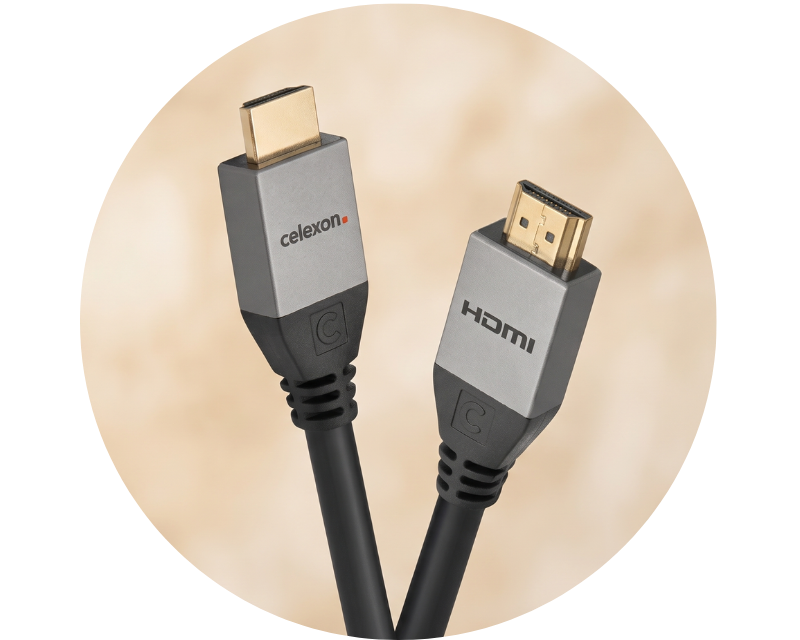
The connection between console and monitor must be made directly with an HDMI cable. Signal converters (for example HDMI to DisplayPort) should be avoided, as they can block important features such as 4K, 120 Hz or HDR.

Refresh rate of at least 120 Hz and low latency

The monitor should support a refresh rate of 120 Hz, as the PS5 and the Xbox Series X|S cannot output higher rates. The monitor should also have an input lag of under 10 ms.

A response time (grey-to-grey) of under 6 ms additionally prevents distracting ghosting during fast camera pans in the game world.

VRR (Variable Refresh Rate) with a suitable operating range

Standards such as HDMI VRR (PS5) or AMD FreeSync (Xbox) synchronise frame rates and thus prevent so-called tearing, meaning torn images. Since GTA 6 is expected to run at 30 FPS, Low Framerate Compensation (LFC) is important. The regular PS5 VRR range only kicks in from 48 Hz and would otherwise not smooth out native judder.

HDMI 2.1 as a mandatory standard

Only an HDMI 2.1 port of the latest generation offers the uncompressed bandwidth needed to transmit 4K signals at 120 Hz, VRR and Auto Low Latency Mode (ALLM) at the same time. Older HDMI versions significantly limit the visual potential of the current console generation.

Resolution to match the display size (WQHD or 4K UHD)

For maximum sharpness, 4K UHD is recommended. From a screen diagonal of 32 inches, this resolution is even essential to avoid an unsightly pixel grid. On 27-inch monitors, WQHD (1440p) is an excellent value-for-money alternative that the consoles scale cleanly.

HDR10 support and a deliberate choice of panel

The HDR10 standard is mandatory for consoles. OLED panels deliver perfect black levels, but in 30 FPS games such as GTA 6 they can produce visible judder (sample-and-hold effect). Anyone sensitive to this judder will benefit from the natural motion smoothing and the sometimes extreme HDR peak brightness of an IPS or Mini-LED panel.

Bigger picture! Even more fun!

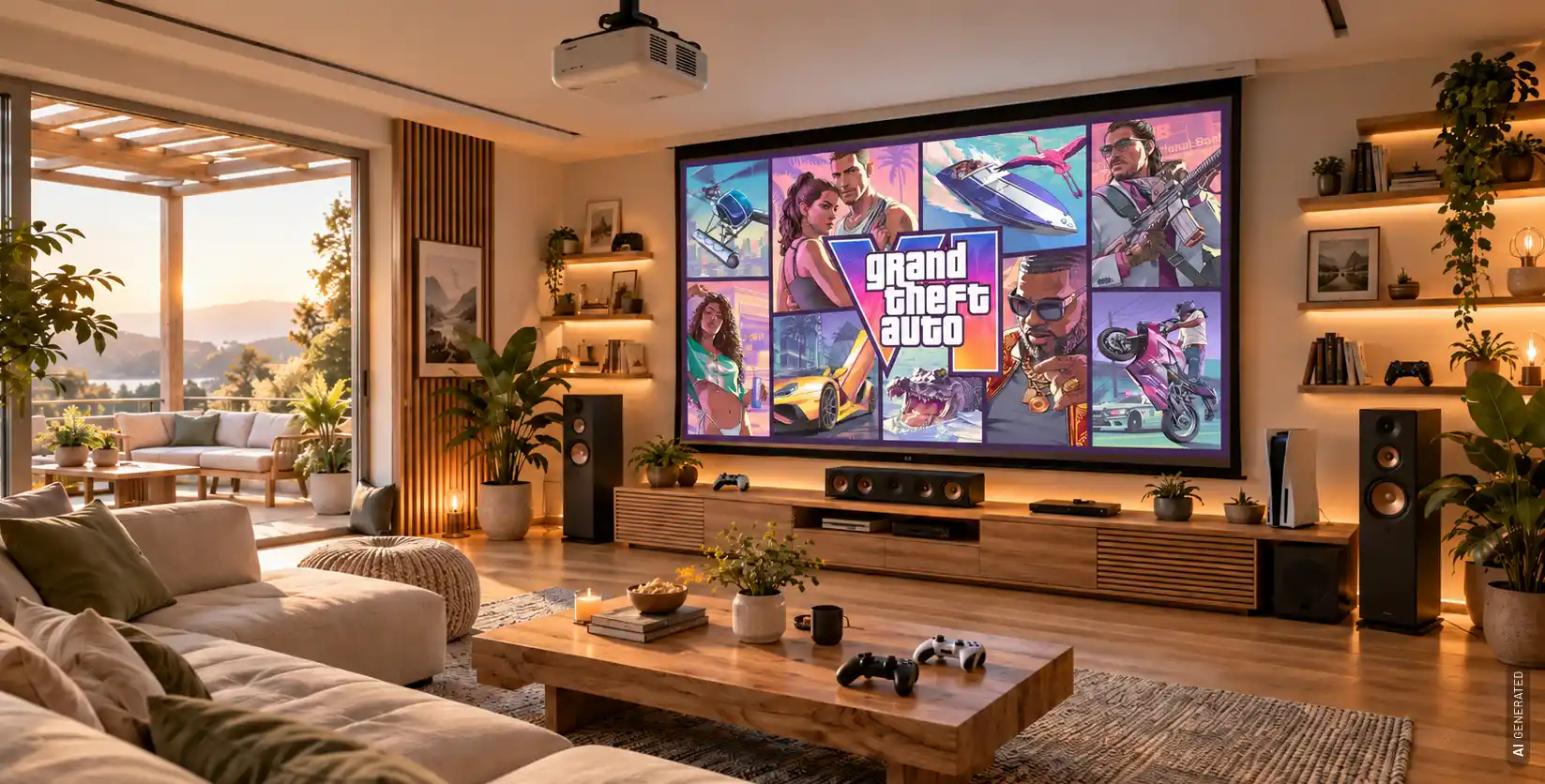
With high-performance gaming projectors and matching projection screens, you can bring the vast landscape of Vice City in GTA 6 straight into your home in large format!

Living room with a gaming projector and a large projection screen

Bigger picture! Even more fun!

With high-performance gaming projectors and matching projection screens, you can bring the vast landscape of Vice City in GTA 6 straight into your home in large format!

Accessories for your perfect gaming setup

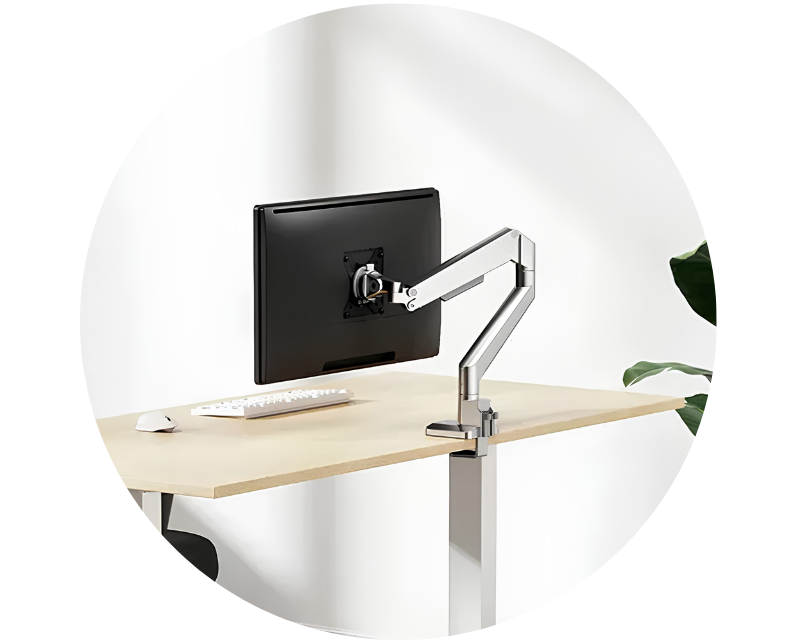
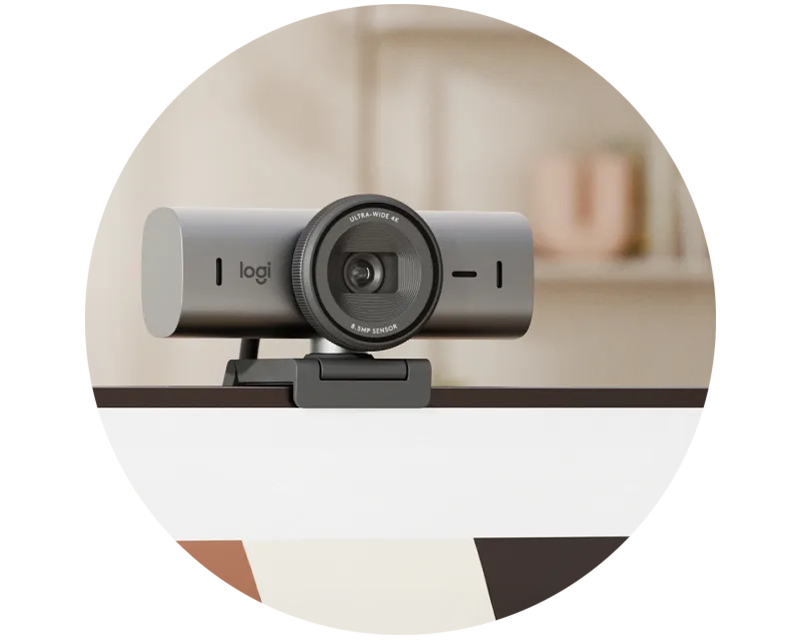
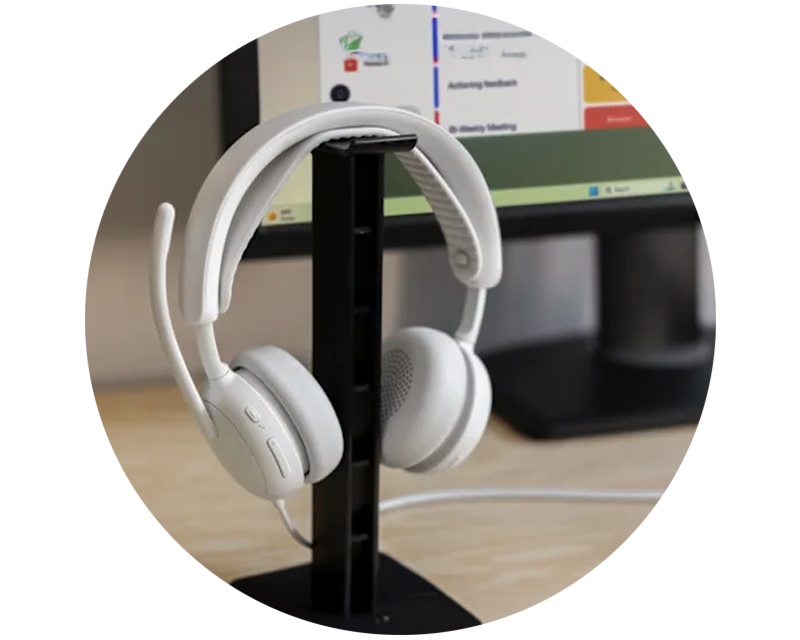
Complete your gaming setup: discover the right accessories for greater comfort, control and performance – from monitor mounts and webcams to cables, headsets and other monitor accessories.

Frequently asked questions about gaming monitors

For gaming, a refresh rate of at least 120 or 144 Hz is recommended, as this makes movement appear significantly smoother than at 60 Hz. For competitive gaming and fast-paced shooters, a refresh rate of 240 Hz or higher may be worth considering.
Full HD is particularly well suited to high frame rates and competitive gaming. QHD offers a good balance between image sharpness and performance and is particularly popular for 27-inch screens. 4K UHD is ideal for exceptionally detailed displays, but requires correspondingly higher graphics performance.
27 inches is a popular size for PC gaming and offers plenty of screen space without taking up too much room on your desk. 24-inch monitors are well suited to competitive gaming, whilst 32-inch and larger ultrawide monitors offer greater immersion and are particularly well suited to racing, simulation and open-world games.
For the PS5, 120 Hz, VRR and a suitable HDMI connection are particularly important. If you want to play in 4K at up to 120 Hz, you should look for a monitor with HDMI 2.1.
G-SYNC, FreeSync and other VRR technologies synchronise the monitor’s refresh rate with the frame rate of the graphics card or console. This helps to reduce tearing and stuttering, resulting in a smoother display.
A curved monitor can provide an immersive gaming experience, particularly with large and ultra-wide displays. Curved monitors can be particularly appealing for racing, simulations and ultra-wide gaming.
Portraits of the key contacts from the visunext consultancy team

Personal expert advice: we’re here to help!

Do you have any questions, or are you unsure which gaming monitor best suits your needs? Our visunext experts are on hand to help you choose the right size, resolution, refresh rate and features. Together, we’ll go through all the details and find exactly the right gaming monitor that’s perfectly tailored to your needs and your setup.
Loading...
Upload in progress, please be patient ...