
launch-monitor-garmin-approach-r50

Home golf simulator guide: visunext buyer’s guide to space, costs & equipment

Build the ultimate home golf simulator – the visunext guide makes space, budget, and tech decisions easy.
launch-monitor-garmin-approach-r50

Home golf simulator guide: visunext buyer’s guide to space, costs & equipment

Build the ultimate home golf simulator – the visunext guide makes space, budget, and tech decisions easy.
Content

What is a golf simulator and what are the reasons to get one?

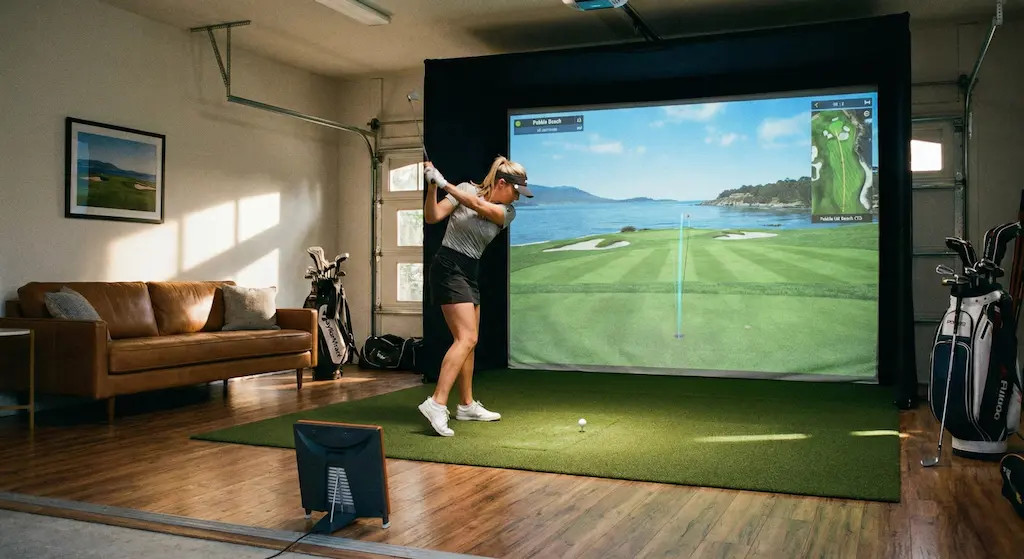
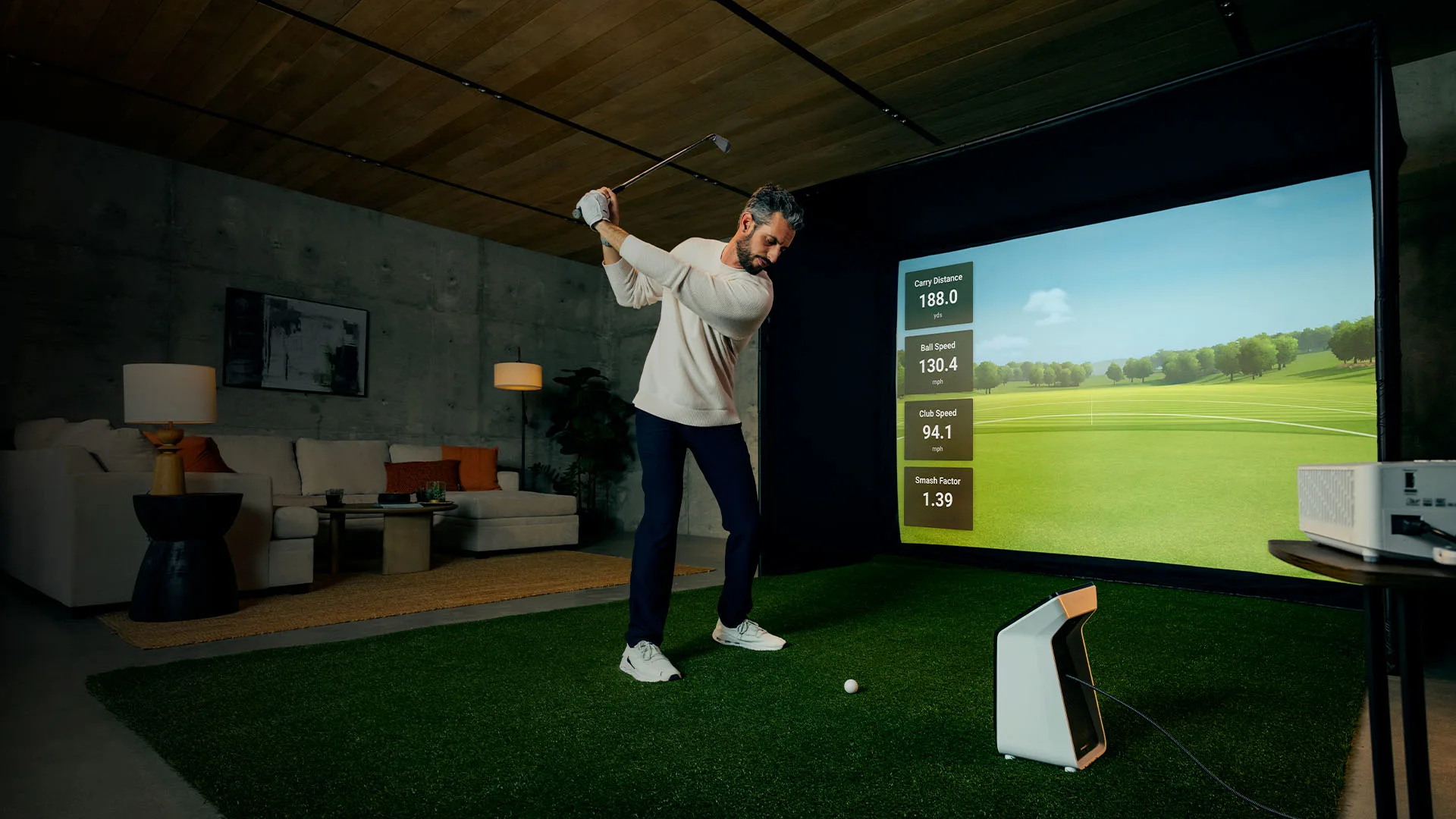
An indoor golf simulator lets you practice and play on digitally replicated golf courses using your own clubs and balls, effectively bringing the course into your home. High-tech sensors and software track your swing and ball flight, while a projector displays a virtual version of each shot on a large screen. 

As home golf simulators continue to grow in popularity, many golfers are discovering the benefits they offer:


How much does a golf simulator cost?

If you are building a DIY golf simulator at home, you can expect to spend a minimum of around £ 4,000 to get all of the parts that you need: 

Entry-Level (£ 4,000 – £ 10,000): 
Includes all essentials like a launch monitor, impact screen, projector, hitting mat, computer and software. 

High-End (£ 12,000 – £ 25,000): 
Features premium components such as 4K projector, full enclosure, high-performance PC, and professional launch monitor and premium softwares.

What do I need for my golf simulator?

There are several components you will need to consider when creating an indoor golf simulator. Here we will take a look at the key components.

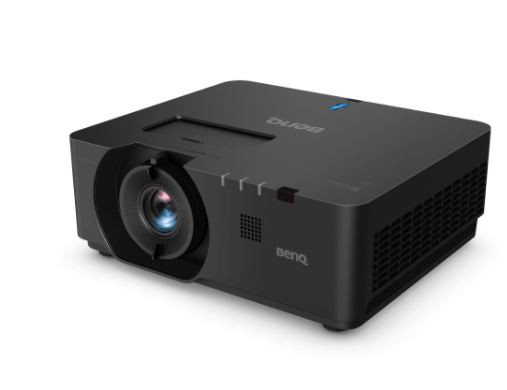
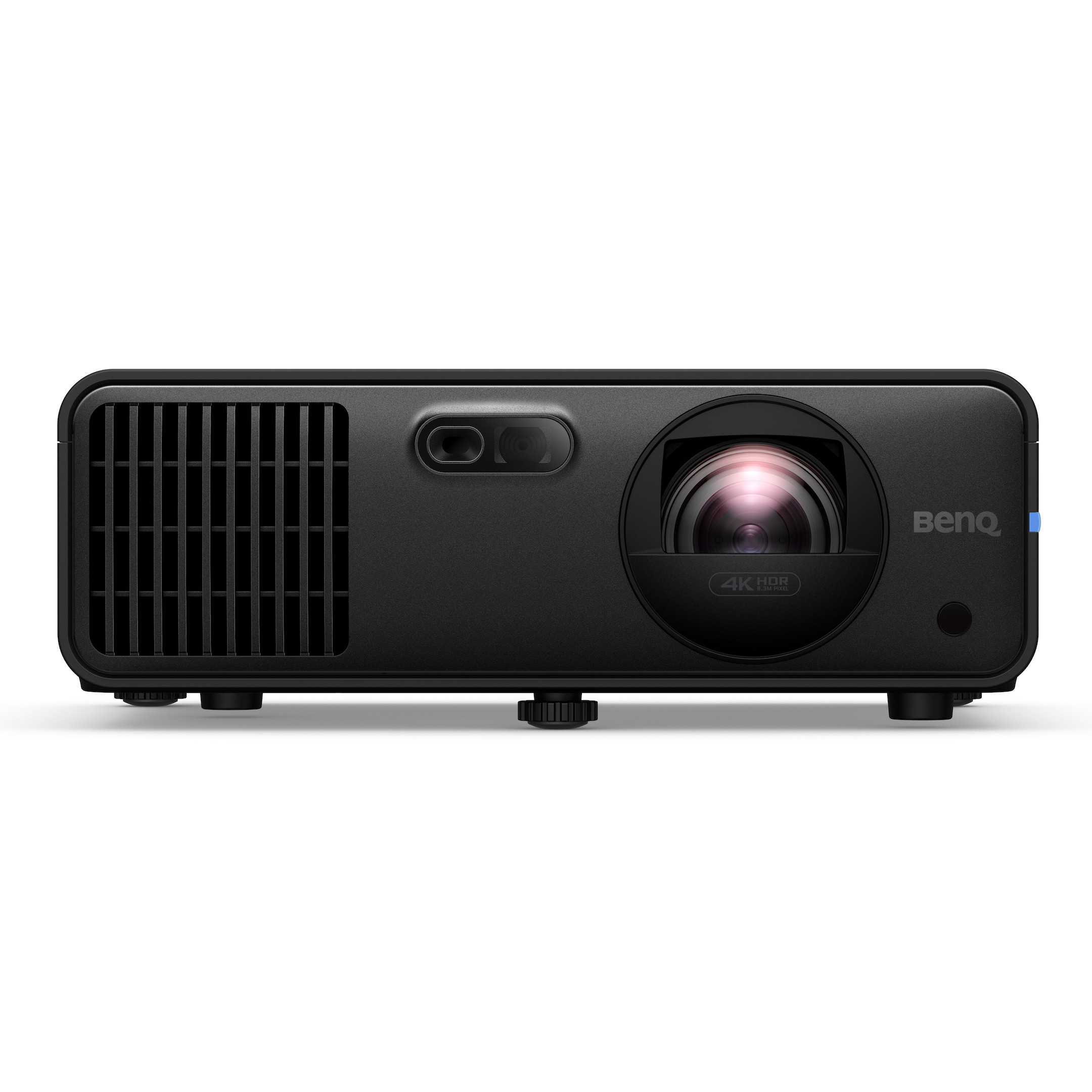
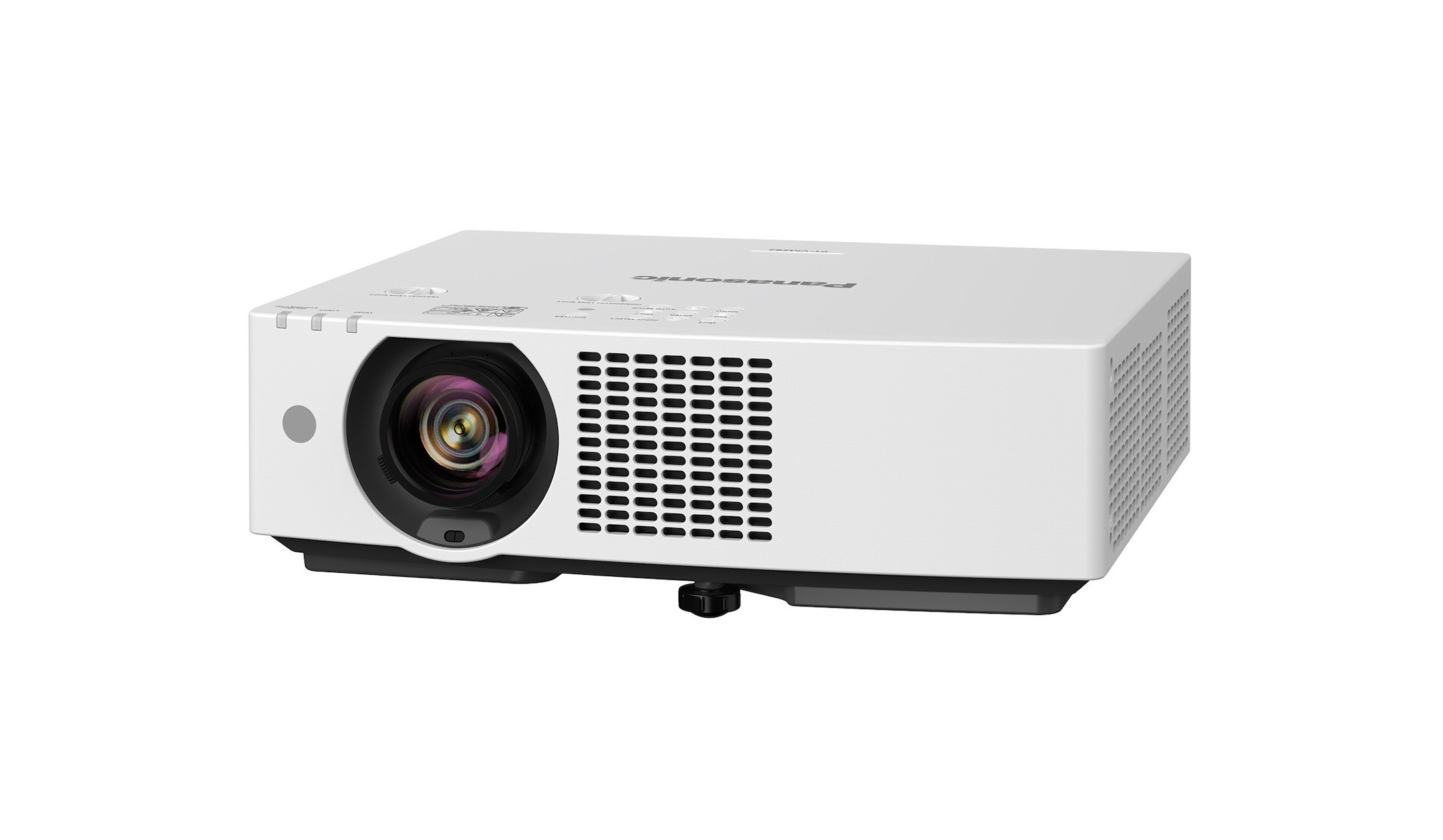
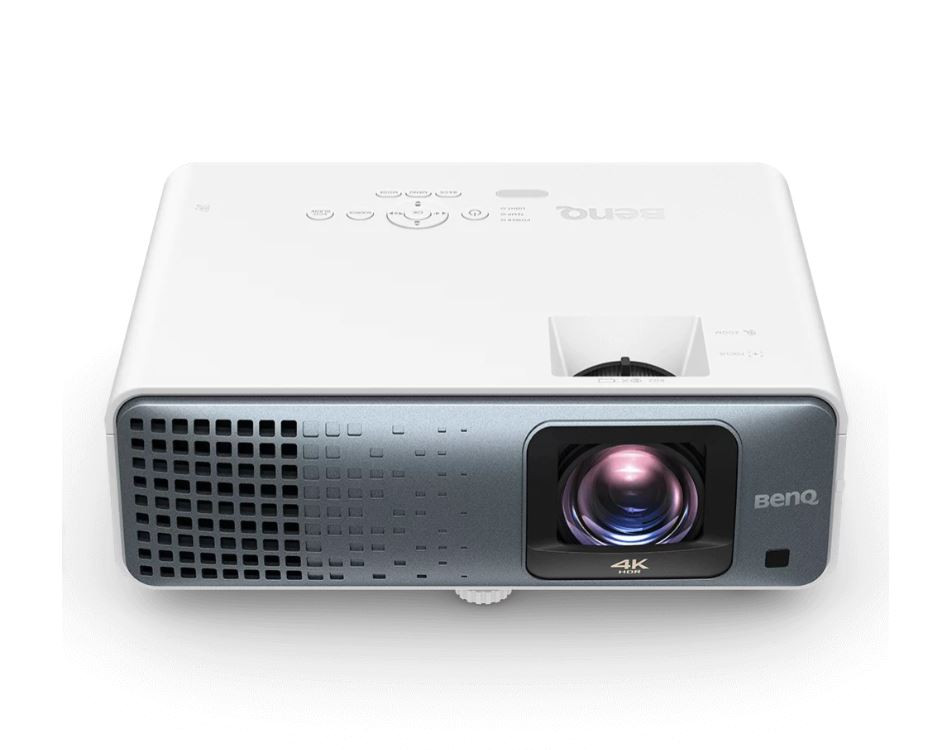
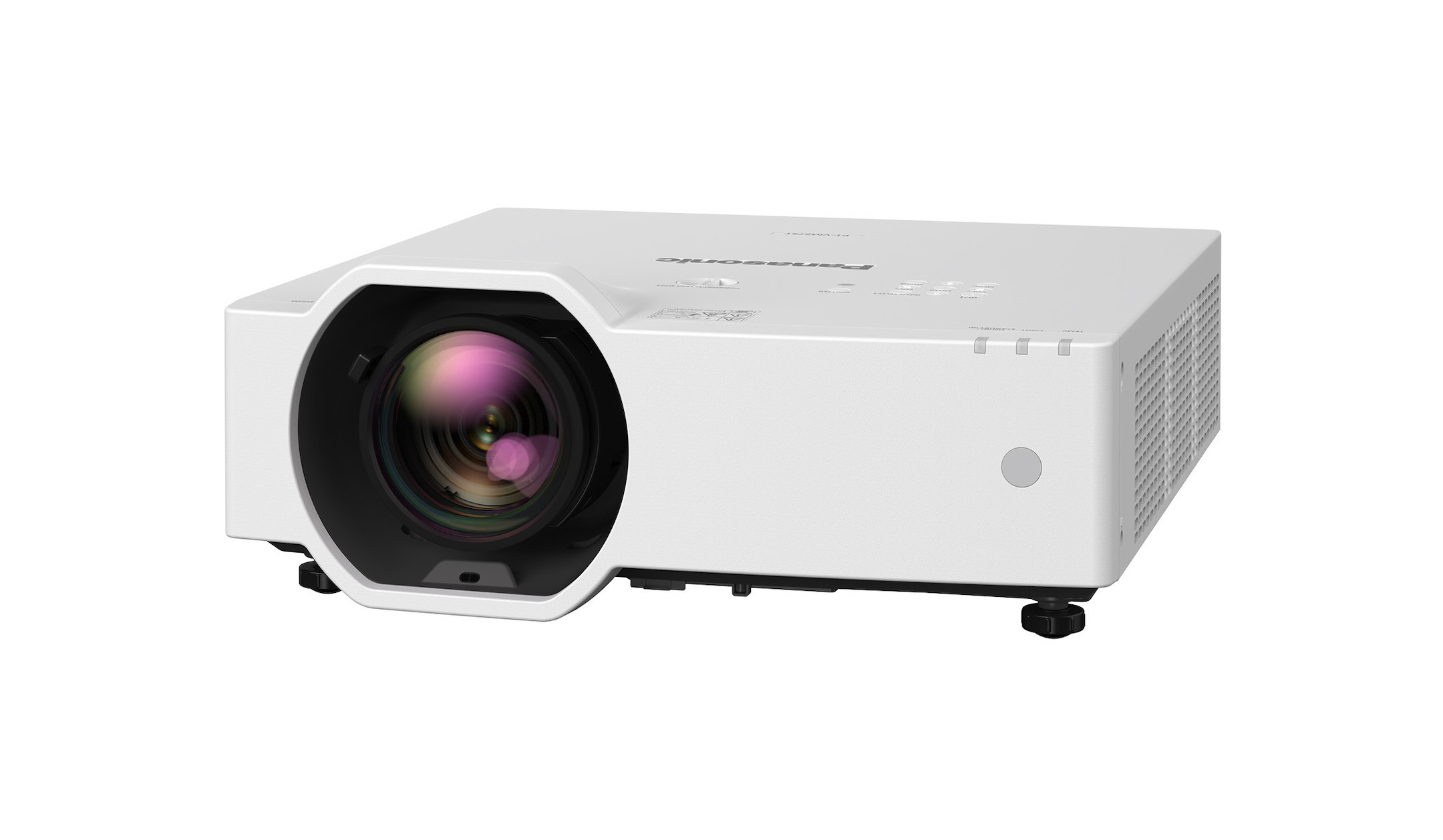
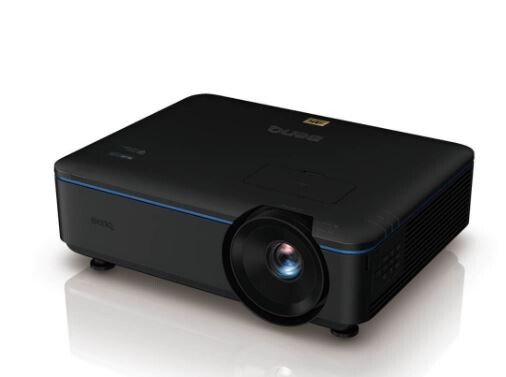
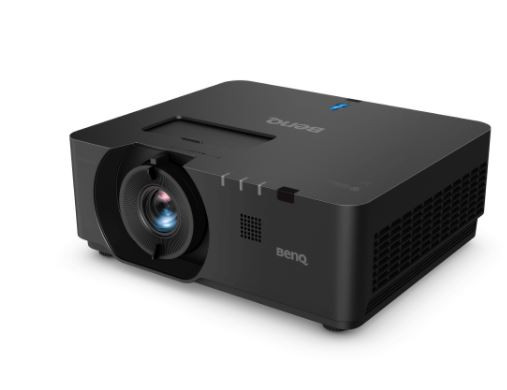
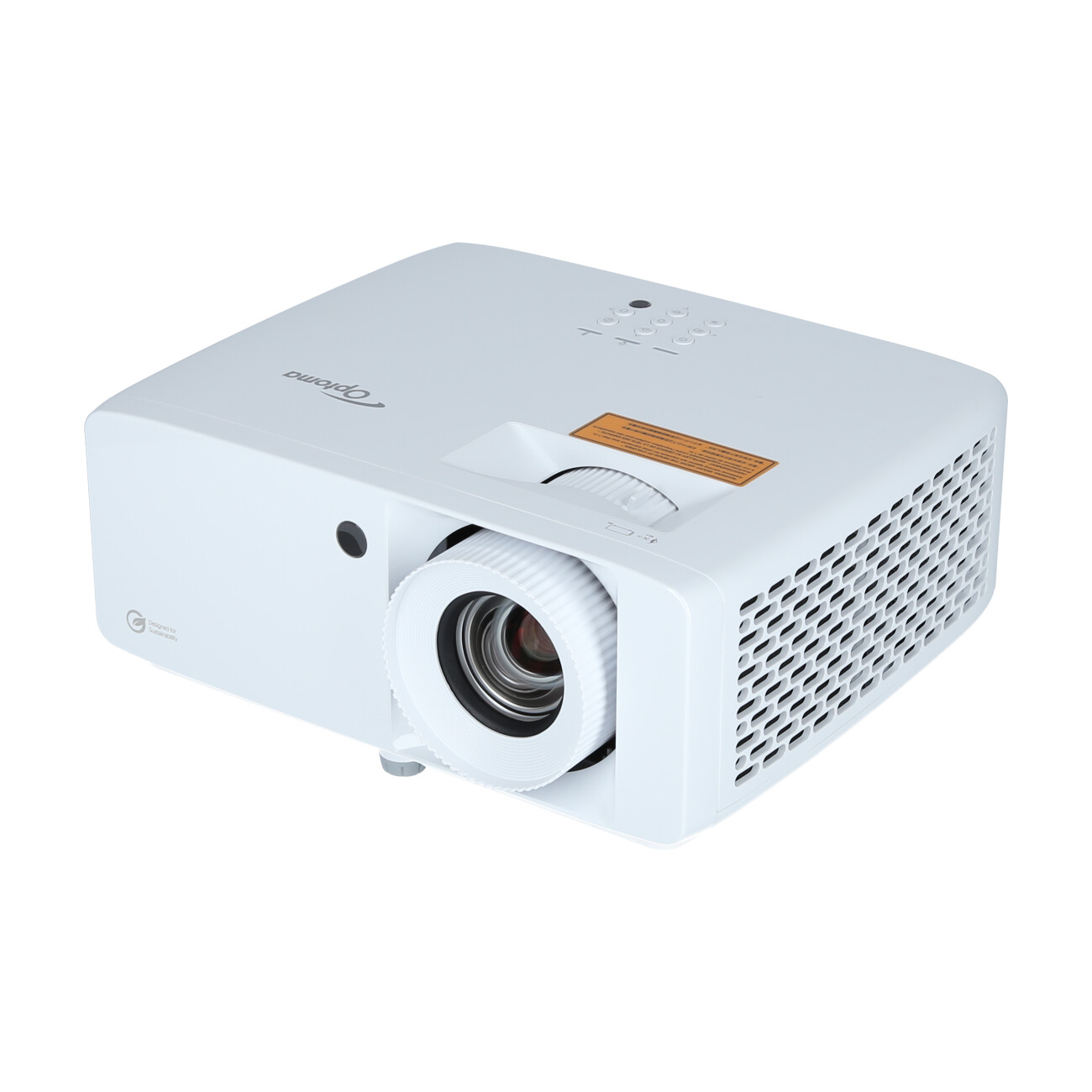
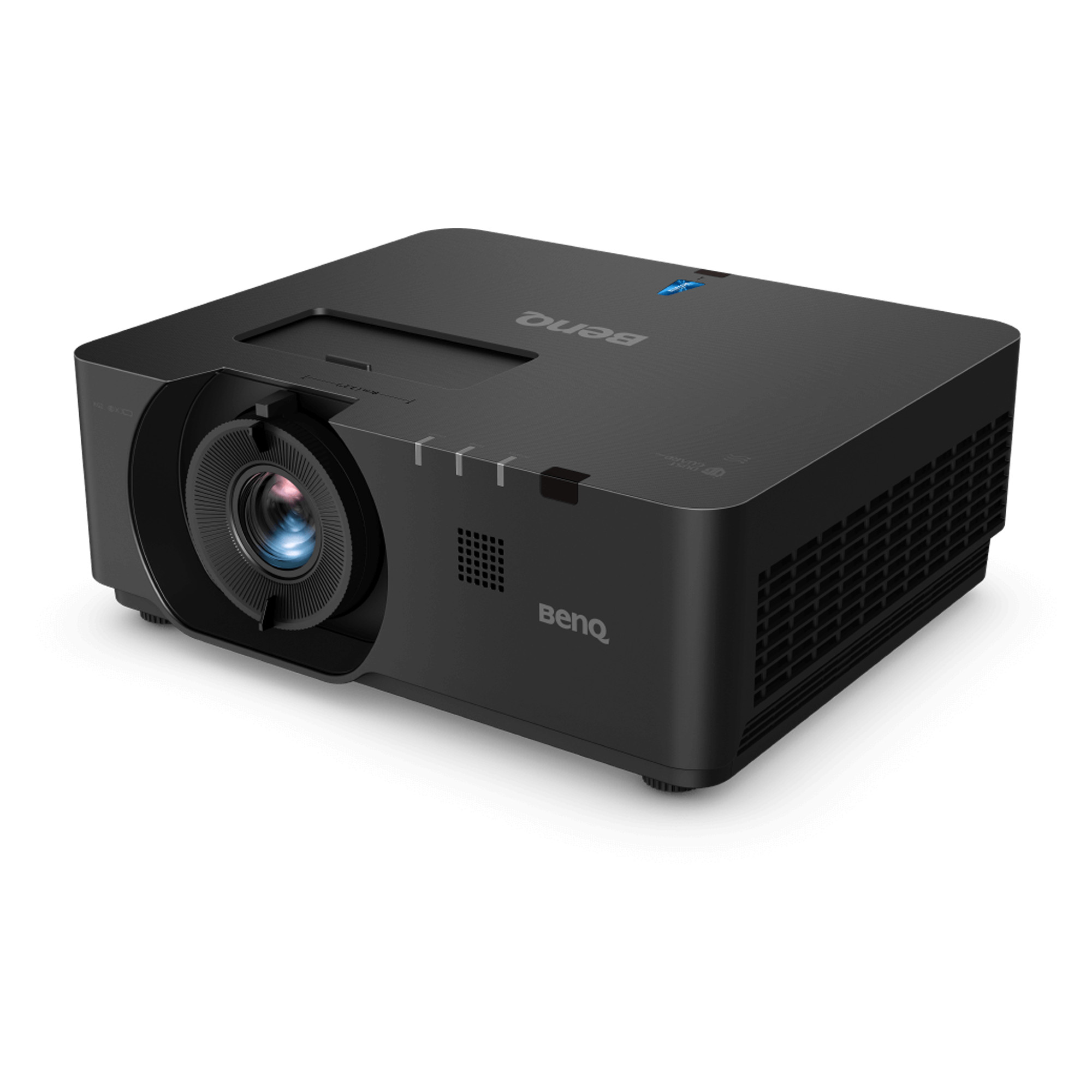
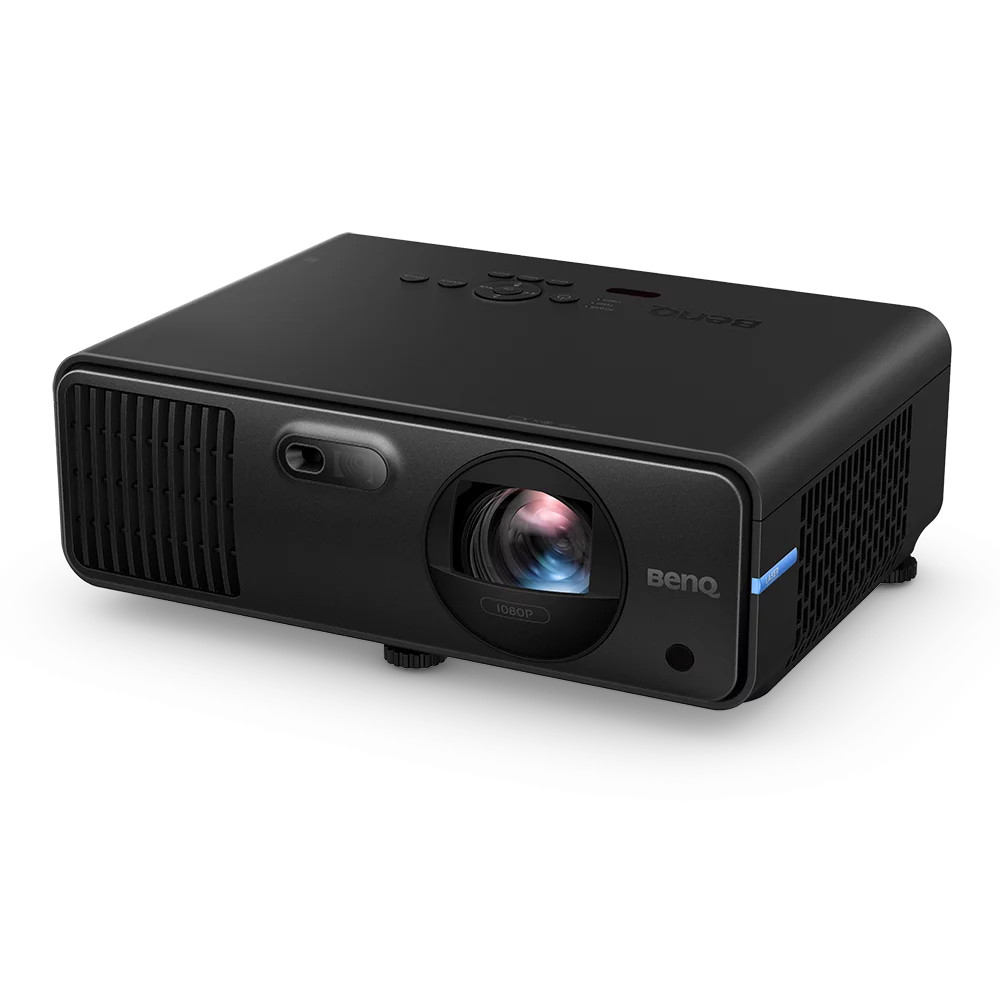
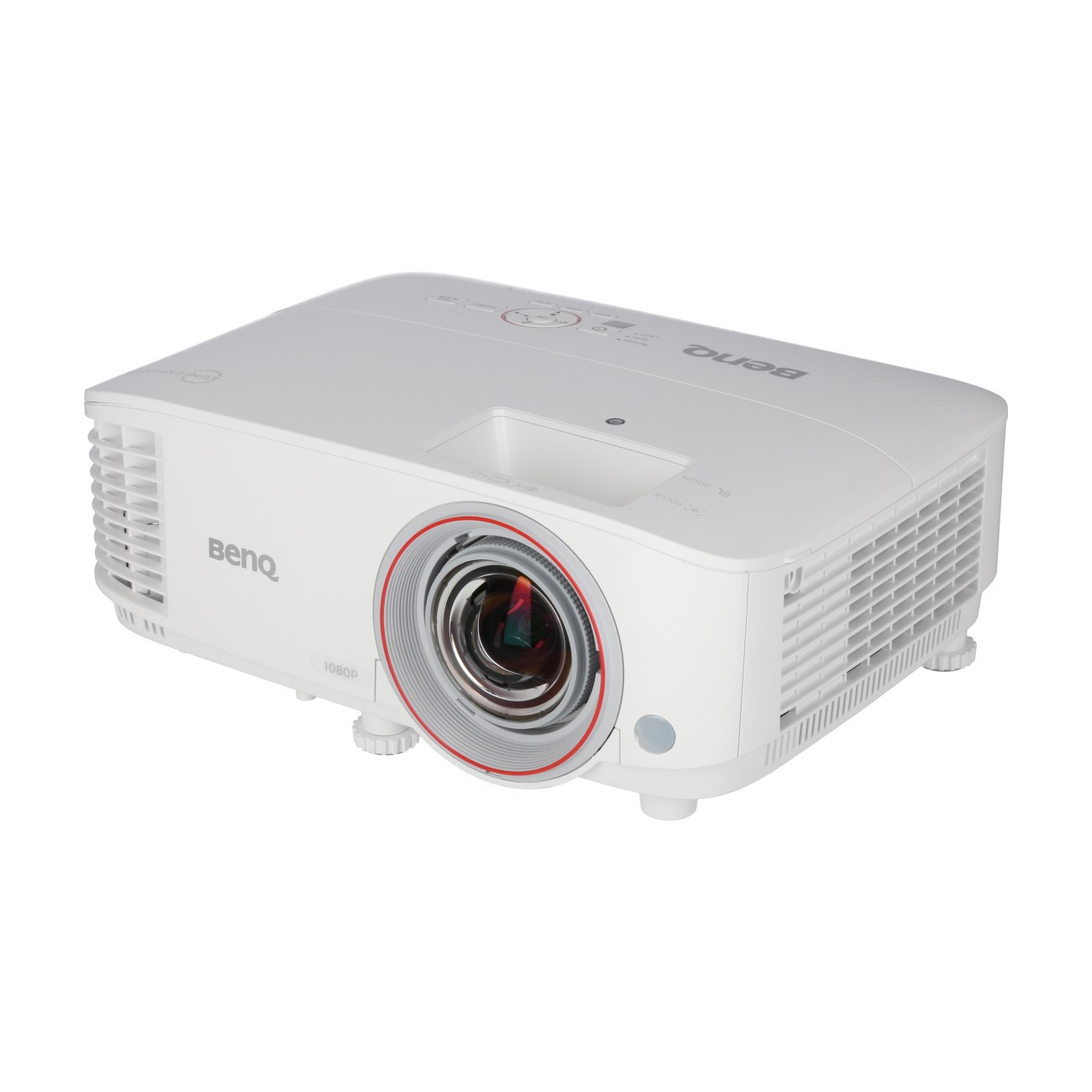
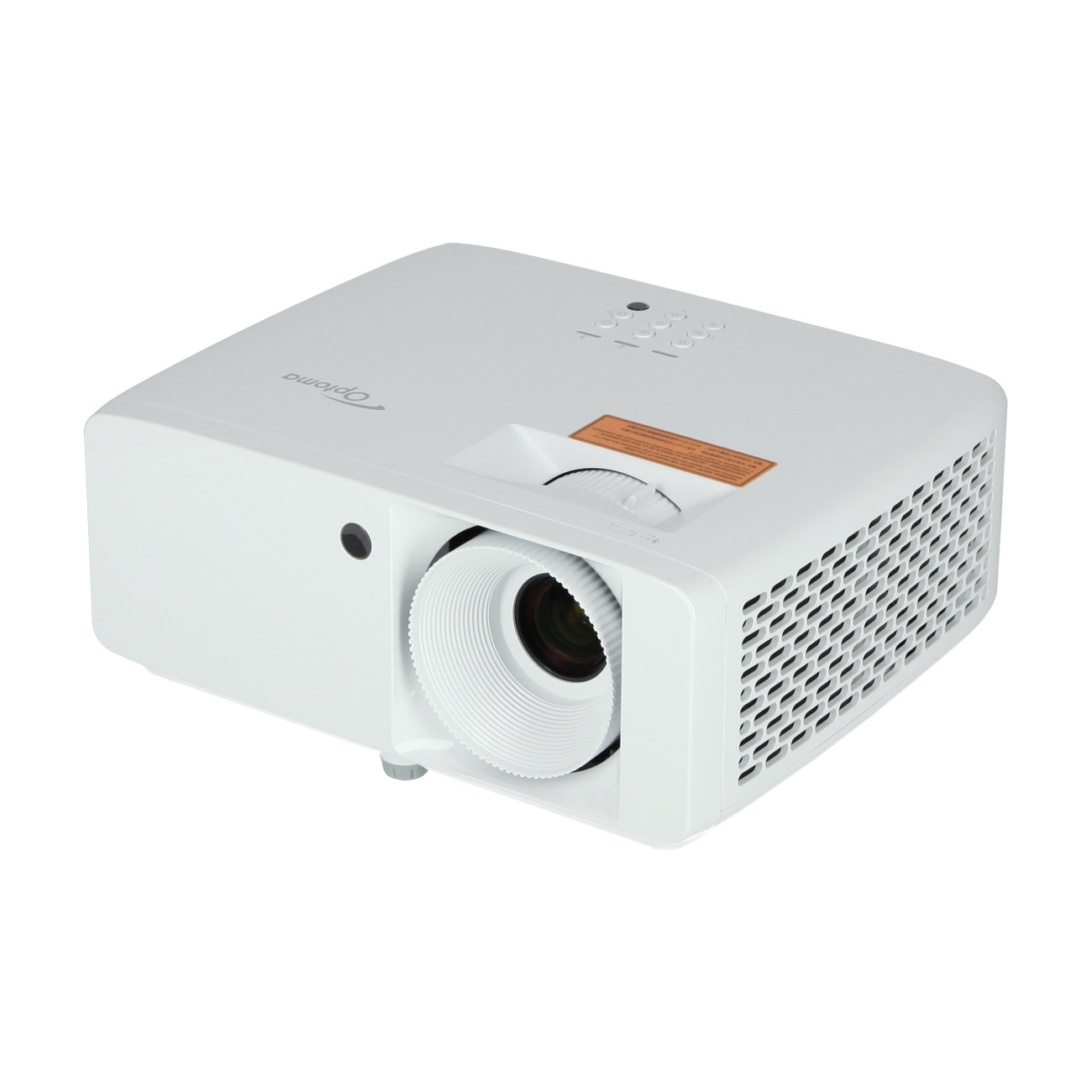
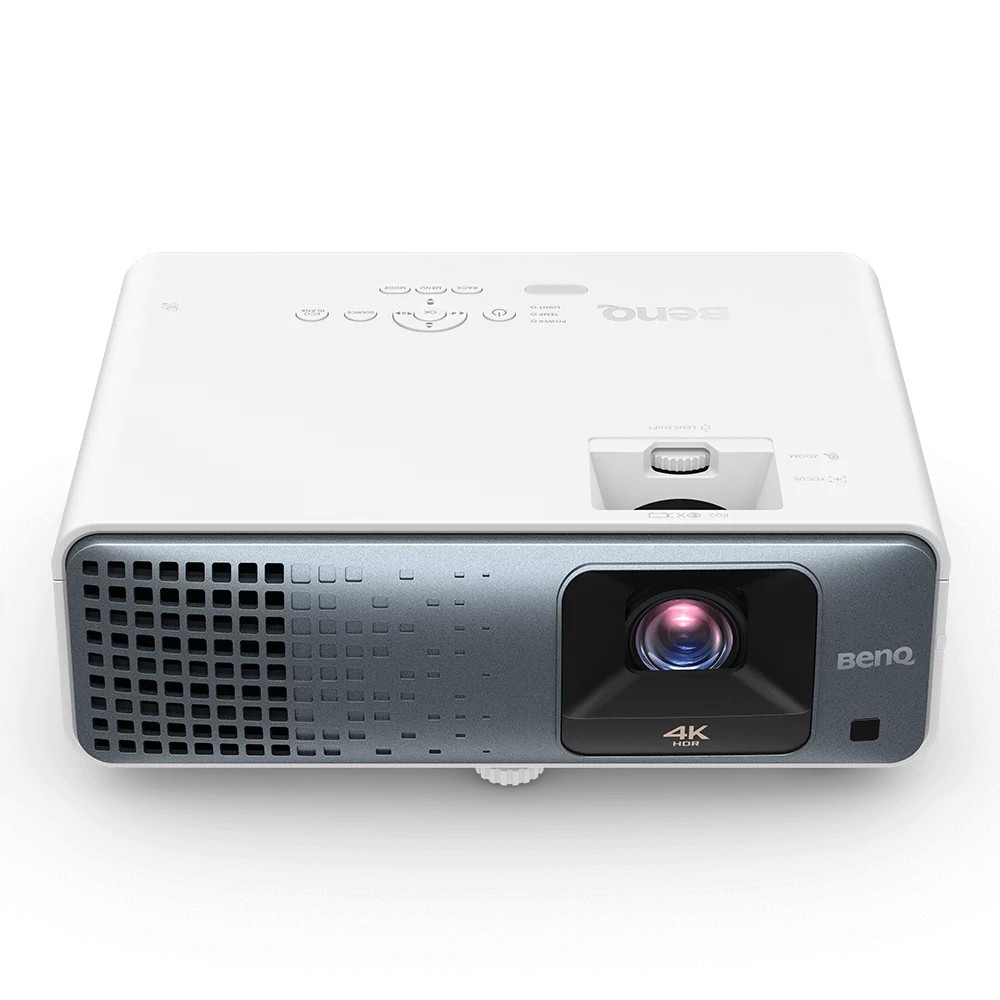
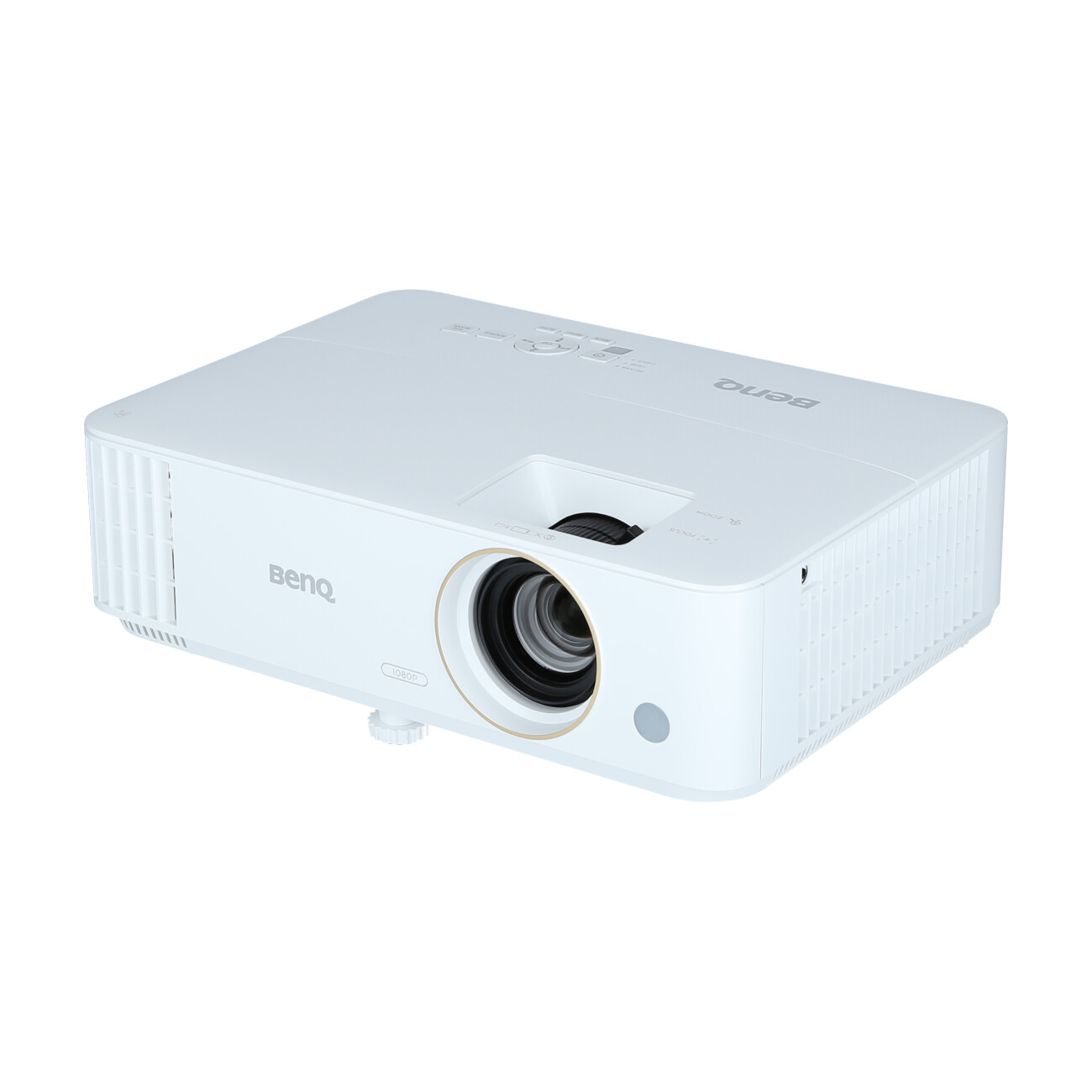
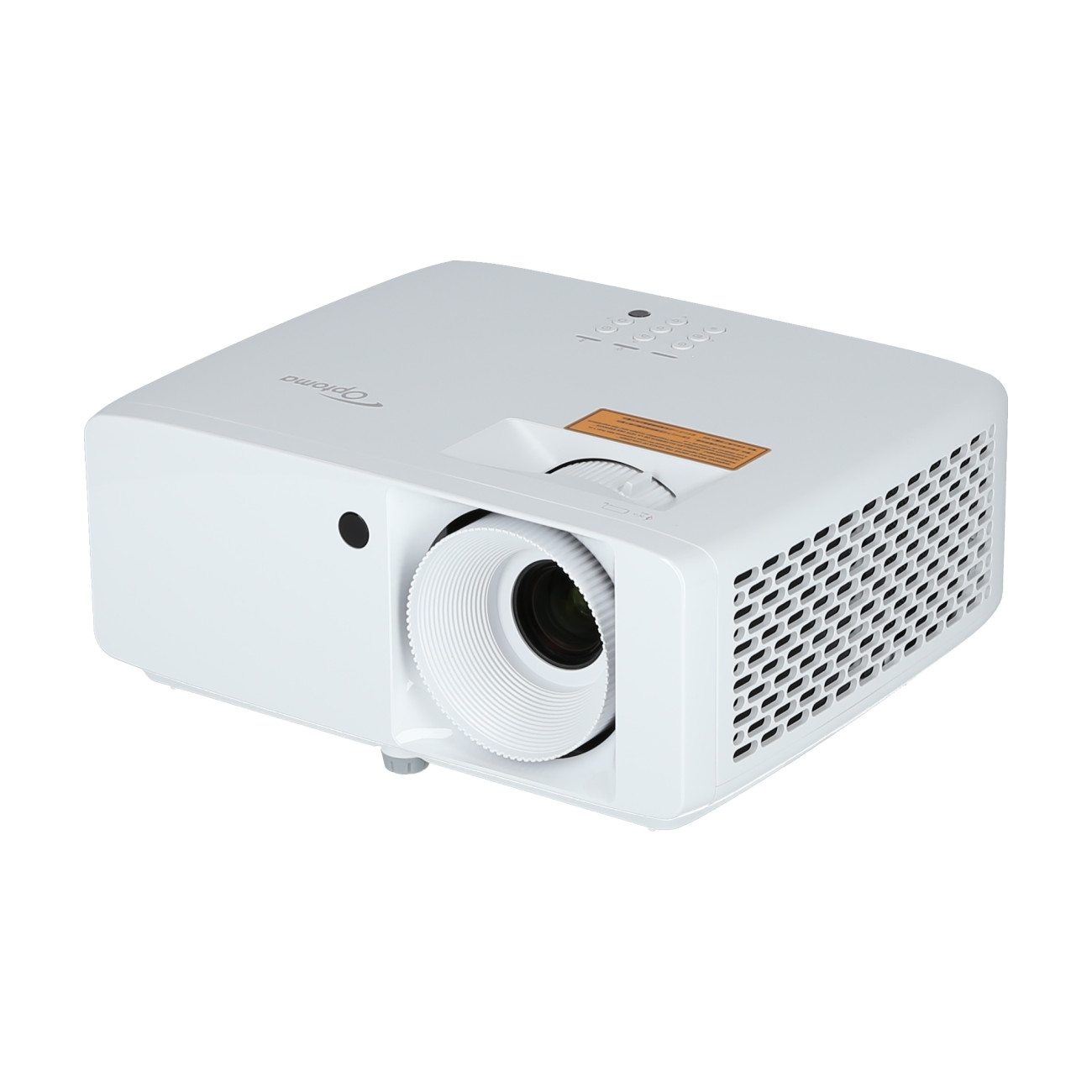
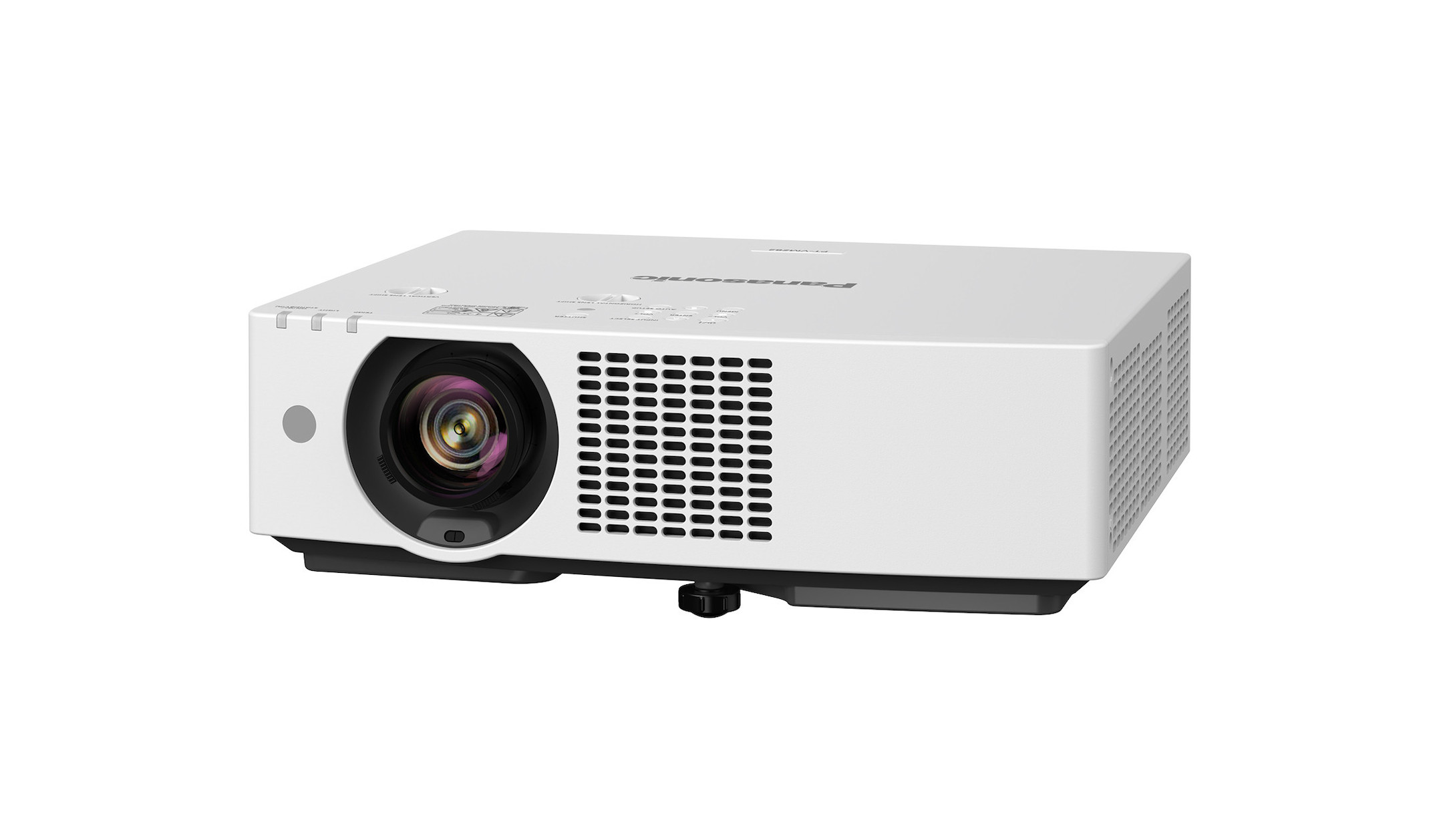
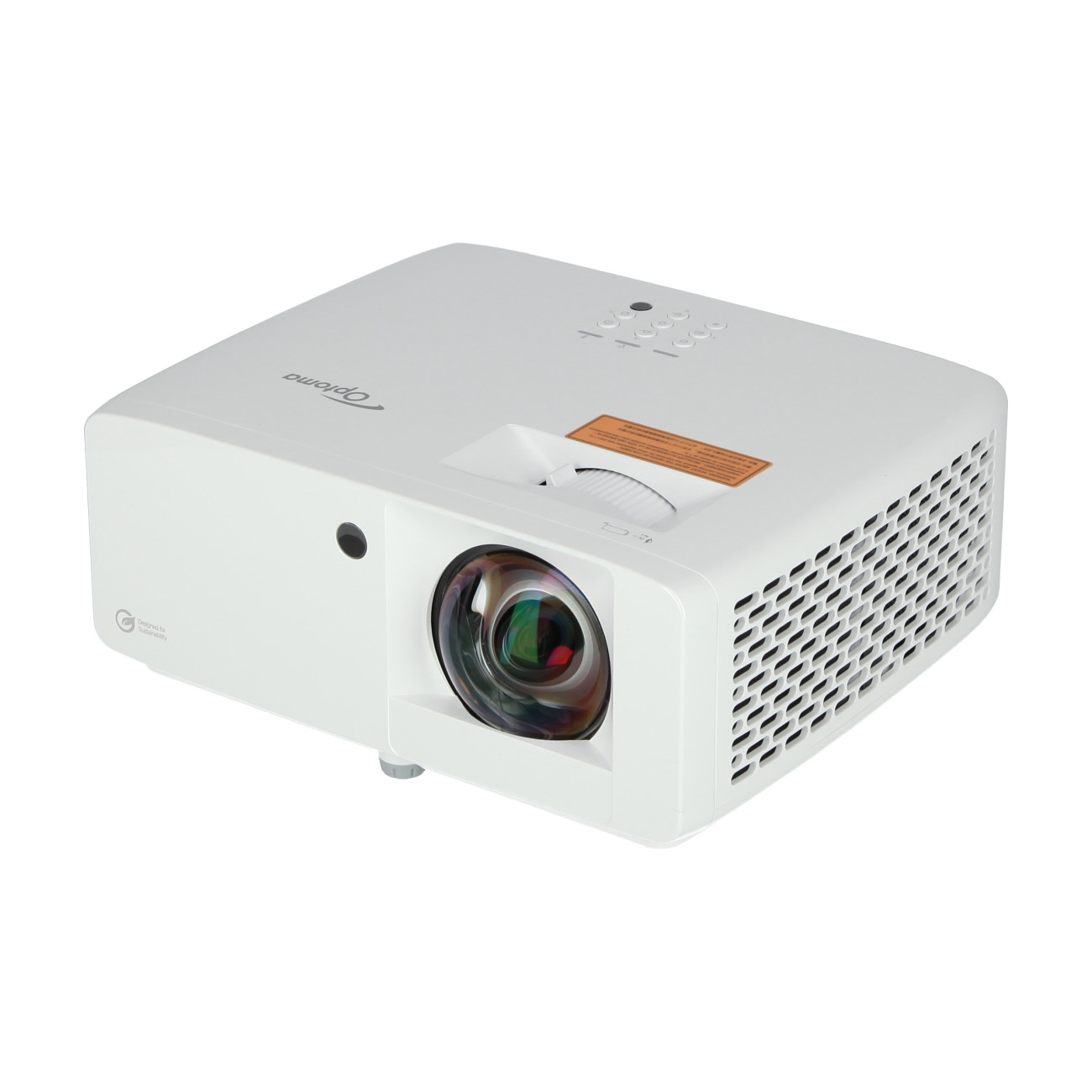
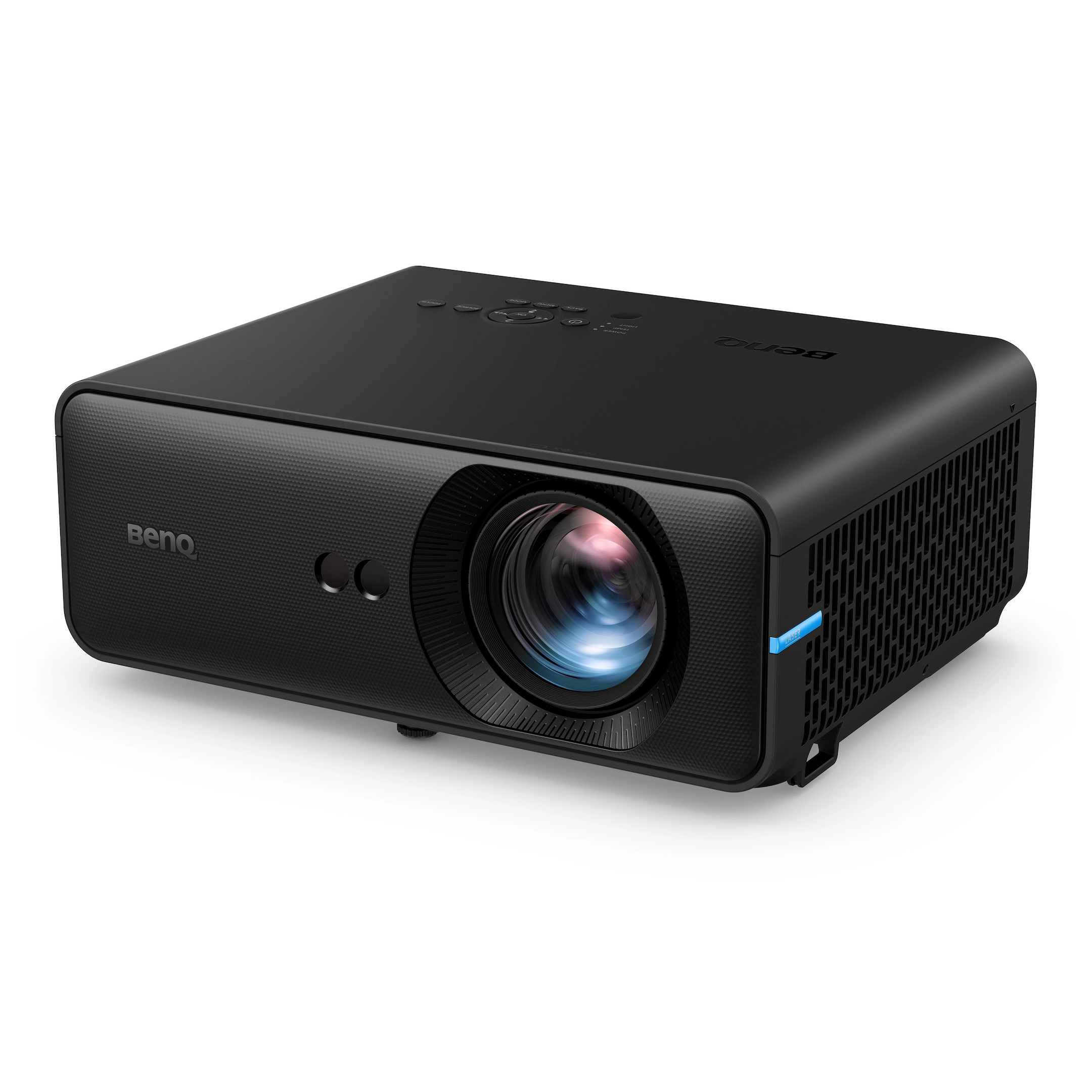
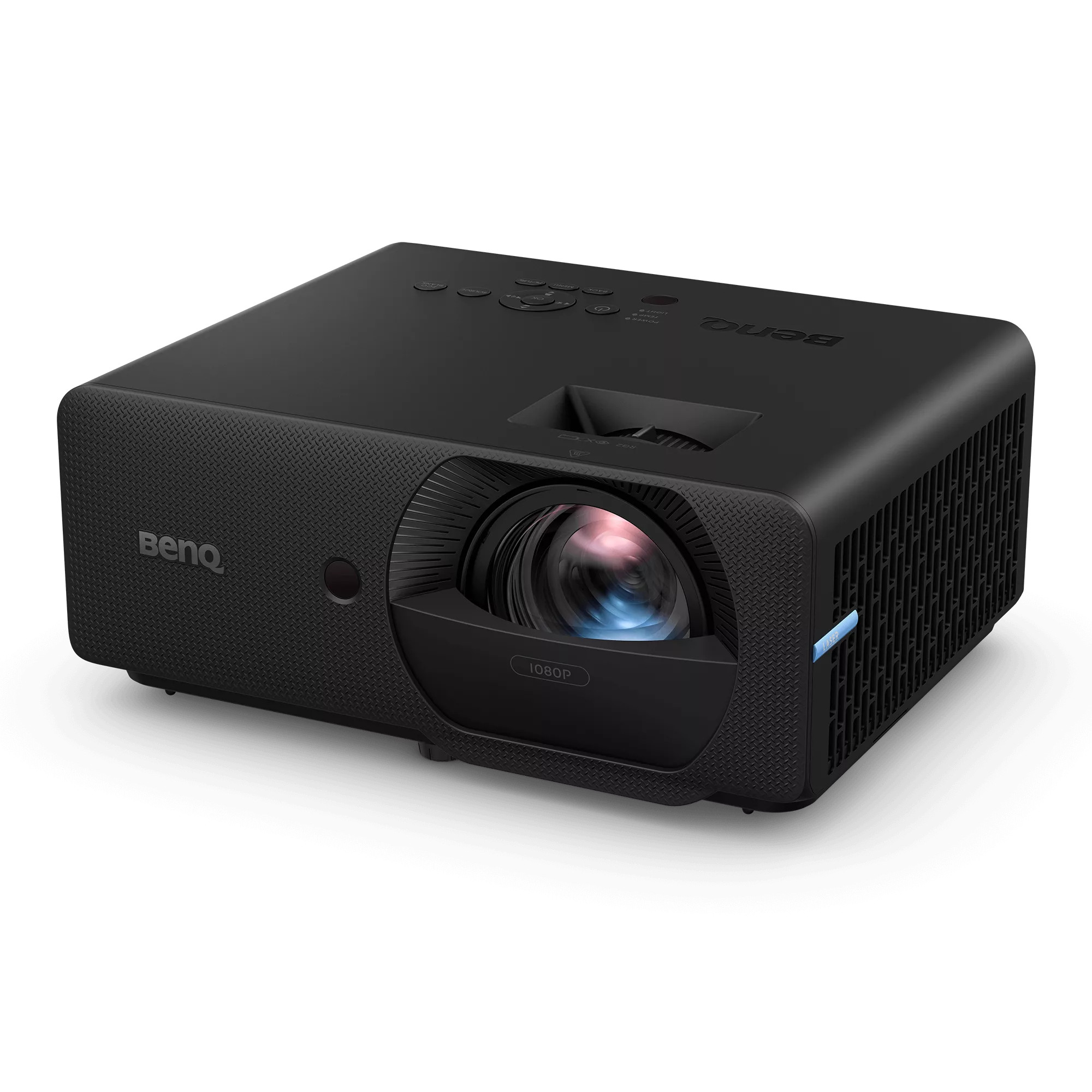
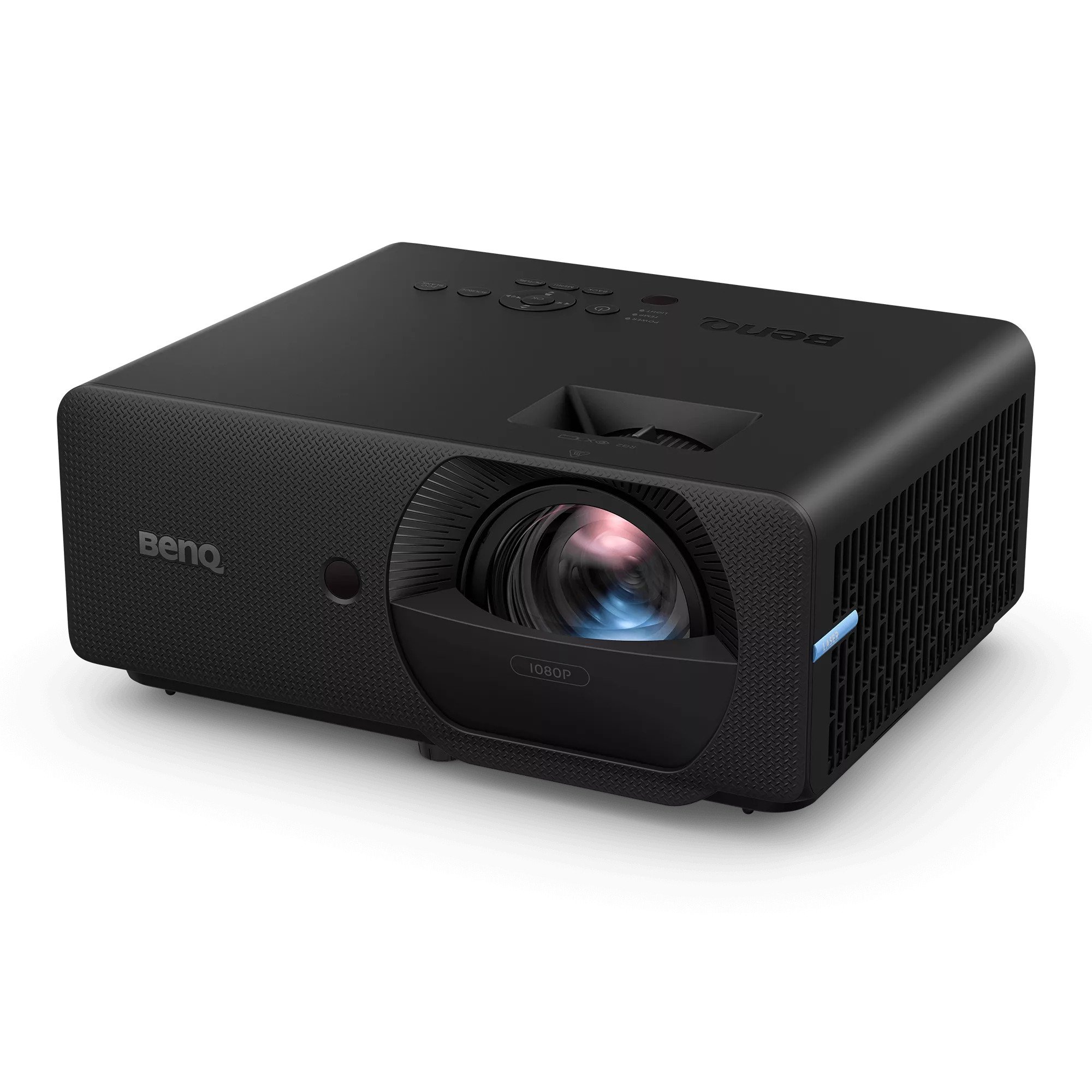
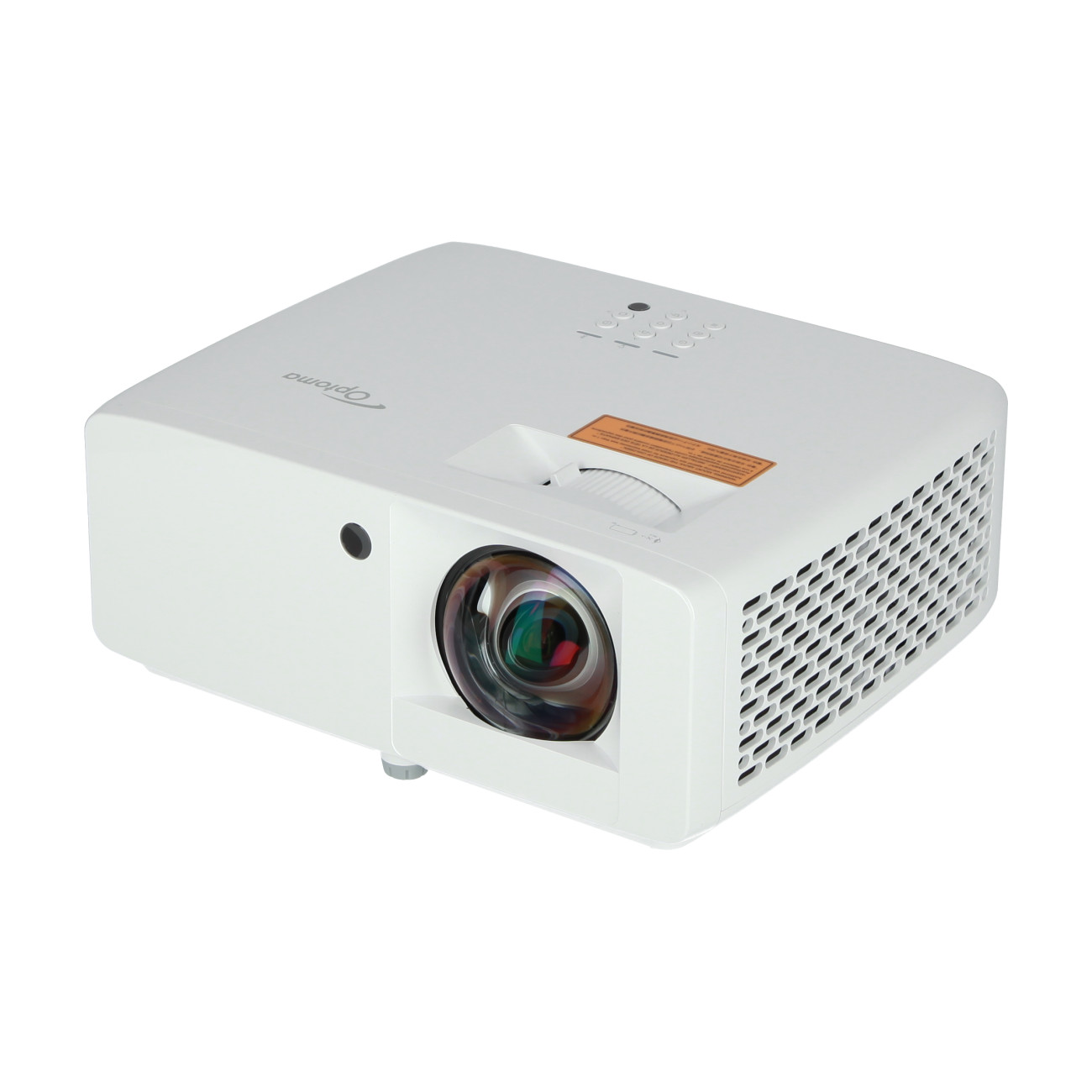
Projectors – How to pick the ideal model for your home golf simulator?

There are a few considerations when looking for the best golf simulator projector for your set up, we’ll look closely at each of them here to give you the best understanding of what is required.

Throw ratio - How far does the projector need to be from the screen on a golf simulator?

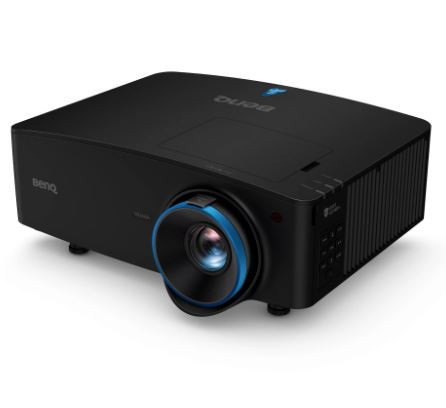
This is hugely important as it will dictate where your projector will be positioned. The projector needs to be safe from stray balls and your club, but also needs to be positioned to reduce any shadows being cast on your image. There are three possible categories here, Ultra short throw, Short throw and Long throw:

Other important features to consider
Find the right projector for your golf simulator now!

Launch Monitors - What are the best launch monitors for home use?

A high quality launch monitor is the brain of the simulator and can make or break the experience. Launch monitors use advanced radar or camera technology to track the ball after it is hit. Data such as ball speed, launch angle, and backspin are recorded to predict where your ball would land on a real golf course. This ensures an immersive simulation.

Choosing the right technology for your space

There are two major technologies used in golf launch monitors and the choice will typically be dictated by your space.

What is the best position for a launch monitor?

The amount of space in your room will likely dictate where you will position your launch monitor, we’ll take a look at what could be best for you below.

The differences in the launch monitor position at a glance

Feature
Behind (radar)
Beside (camera)
Above (camera)
Total room depth16-22’10-12’12-15’
Lightning needsWorks in darkNeeds good lightBulit in LED flash
Right + left hand playEasy (if centred)Difficult (must move)Seamless
PortabilityHighMediumImpossible (Fixed)

Which computer do I need to run my golf simulator?

The computer you require will depend on both the software you want to run and the resolution you want to output with your projector (1080p vs 4K). Because a golf simulator is essentially like a high end video game, you will need something more akin to a gaming PC than your typical office computer.

Here is a typical PC specification for both a 1080p and 4K setup

1080p
4K
GPUNVIDIA RTX 3060 / 4060 or betterNVIDIA RTX 4080 / 4080 Super
CPUIntel Core i5 (13th Gen+) or AMD Ryzen 5 (7000 Series+)Intel Core i7 (14th Gen / Ultra 7) or AMD Ryzen 7 (7800X3D)
RAM16 GB32 GB
Storage512GB – 1TB SSD
(Required for fast course loading)
1TB+ NVMe SSD

(all product and brand names are property of their respective owners, we are not an authorised retailer for PC components)

Having a powerful PC at the core of the system will ensure a smooth, lag-free experience. The higher the spec of the PC, the more chance you have of seeing every blade of grass from your favourite golf course. You should also note that some golf simulator software packages will only work with Intel processors.

How do I choose my golf simulator software?

There are a few things to consider when choosing your golf simulator software.

Frequently asked questions about home golf simulators

A golf simulator combines advanced sensor technology with powerful software to recreate the experience of a real golf course indoors. The process begins with a launch monitor that tracks the impact of the club and the flight of the ball. These sensors capture important metrics such as ball speed, launch angle, and spin rate with a high degree of accuracy.

The captured data is then immediately processed by software that predicts the ball's trajectory and projects the resulting flight onto an impact screen via a projector. This creates an immersive simulation where you can see in real time how your ball lands on the virtual golf course.
Investing in a golf simulator offers the decisive advantage of allowing you to practice all year round, regardless of the weather – either alone or with friends. You secure a long-term platform for the targeted improvement of your handicap through precise real-time data analysis of each individual shot. Find out more here!
  • Height will be the most important consideration for whether you have room to install your golf sim, you will need a minimum of around 9ft to be sure you have the space to swing your driver without hitting the ceiling. The best way to check is to get your clubs out for a few (very slow!) test swings, make sure you have a good few inches of clearance. 
  • Width comes next, if you are building a golf sim designed for single handed play, you will need a minimum of 10ft and you will position the hitting mat off centre. If you want to accommodate for dual handed play (left and right handers) you’ll need 14ft or more and the hitting mat will be central. 
  • Depth is the final consideration and is made up from three parts. You’ll need 8 to 12ft for your ball tracker to work, 7ft behind you to allow for the clearance of your swing and another 2ft behind the screen to absorb the impact. 
So with all of the above in mind, a space of around 9 x 10 x 16ft (H x W x D) will be the absolute minimum required
Without a launch monitor, you are essentially just hitting a ball at a big sheet of fabric. Launch monitors give you precise data and track metrics including ball speed, launch angle, backspin and more with tour level accuracy Launch monitors will allow you to see improvements with every shot. 

These systems give you an immersive simulation and when paired with a golf simulator package, you can access real world golf courses from all over the world.
If budget allows, a ceiling mounted (overhead) system is undoubtedly the best. It allows for totally seamless switching from left to right handed play thanks to the large ‘hitting zone’ it provides with no need for recalibration. However, these will be by far and away the most expensive set up. 

You’ll find a rear mounted radar system considerably more friendly on your budget, however, your room dimensions will become even more critical here as you will need a width of at least 14 feet for a ‘centre strike’ system. You’ll also want to ensure you get a continuous hitting surface, not one with a hitting strip on one side, which will ensure the golfer can stand where they need to.
Yes you can, but the experience will depend on the launch monitor and software you want to use. Running your golf simulator on an iPad can be seen as a more budget friendly solution as it avoids the need for an expensive gaming PC, however there will be trade offs in terms of image quality and choice of software available to you. You will also need to ensure that whichever launch monitor you use is compatible with iPad.

Have you finished your golf simulator?

We would love to hear from you and feature your setup on this page! Maybe your golf sim set up can inspire another golfer to take a swing at their own home set up. 
If you are interested in doing so, please send us the following:
visunext Contact persons

Do you still have questions?

We are also happy to advise you personally - we look forward to your call or email! If you would prefer us to call you back free of charge, simply leave us your contact details now.

Loading...
Upload in progress, please be patient ...